
Our readers keep the lights on and my morning glass full of iced black tea. As an Amazon Associate, I earn from qualifying purchases.
Specs are compiled from manufacturer listings and verified buyer reviews and can change over time — please confirm the key details on the product page before buying.
A 28 TB hard drive holds a lot of room — your entire media library, project archive, or server backup could fit on one. But pick the wrong model, and you waste either your time or your data. You need to know if you want internal speed, external plug-and-play convenience, RAID flexibility, or enterprise-grade 24/7 endurance. Each path leads to a different drive.
I’m Min — the founder and writer behind Gadgets Feed. This guide is built by comparing the manufacturers’ published specifications and the patterns across verified customer reviews, so you get each pick’s real strengths and trade-offs instead of marketing spin.
If you are building out a NAS array (a network-attached storage box that serves files to multiple devices) or backing up a creative workstation, the right 28 tb hard drive depends on balancing speed, redundancy, and how much tinkering you want to do from the start.
Our Picks at a Glance

How To Choose The Best 28 TB Hard Drive
A 28 TB drive is a serious storage investment. Get the right one by thinking about how you connect it, if you need data redundancy built in, and how much noise and heat the drive will add to your workspace.
Internal SATA vs External USB
Internal drives connect directly to your motherboard via SATA 6Gb/s (a standard interface that transfers data at up to 6 gigabits per second) and sit inside your PC or NAS (network-attached storage) enclosure. External drives arrive in their own chassis, plug into a USB port, and can move between computers. An internal drive is usually faster for large file transfers. An external drive offers instant portability and often includes backup software from the start.
RAID Configuration: Speed vs Safety
Some pre-built external drives ship configured as RAID 0 (a setup that stripes data across two internal drives for speed and full capacity). That gives you maximum speed and full 28TB capacity, but no redundancy — if one physical drive fails, you lose everything. Reconfiguring to RAID 1 (mirroring, which copies data onto two drives) reduces usable capacity from 28TB to 14TB but gives you a live backup inside the same enclosure.
Enterprise vs Desktop Build
Enterprise-class drives are engineered for 24/7 operation in server racks, with higher workload ratings and longer mean time between failures (MTBF, a statistical estimate of hours before failure). They run hotter and can be noisier. Desktop-oriented external drives prioritize quiet operation and simpler setup over continuous-duty endurance.
Quick Comparison
| Model | Best For | Interface | Cache | Form Factor | Amazon |
|---|---|---|---|---|---|
| Western Digital 28TB My Book Duo (B07Y3PMCGY) | Desktop RAID backup | USB 3.2 Gen 1 | — | 3.5-inch external | Amazon |
| WD 28TB My Book Duo (B07YD3TT74) | Plug-and-play RAID storage | USB 3.1 | — | 3.5-inch external | Amazon |
| Seagate Expansion 28TB (STKP28000400) | Simple external backup | USB 3.2 | — | 3.5-inch external | Amazon |
In‑Depth Reviews
1. Seagate Exos M 28TB Enterprise Internal Hard Drive HDD (ST28000NM003K)
This drive is built specifically for multi-bay NAS arrays where vibration can hurt performance — it has RV sensors (small motion sensors that detect physical vibration) to keep the read/write heads stable.
The Exos M 28TB uses CMR (Conventional Magnetic Recording, which writes tracks side by side without overlapping) instead of SMR (shingled recording, which overlaps tracks for more density but slows rewrites). CMR is important for RAID (a Redundant Array of Independent Disks) arrays because rewrite workloads stay predictable. With a 7200 RPM spindle speed and 512 MB cache, the drive delivers fast sustained transfers, making it a solid choice for enterprise environments.
Built for arrays: The RV sensors and TLER (time-limited error recovery, which stops the drive from endlessly retrying a bad read) make this the drive to pick if you are filling every bay in a 4-bay, 8-bay, or larger NAS. Missing those features in a general-purpose drive can cause timeouts in RAID rebuilds.
A note on setup: This is an internal SATA drive with no enclosure, so you will need a compatible NAS or PC bay and some familiarity with drive initialization.
Best pick if: You run a network-attached storage array and want a drive engineered specifically for 24/7 multi-bay operation with data recovery included.
skip it if: You just need external USB storage for a single computer — you would pay for NAS features you will never use.
2. Western Digital 28 TB My Book Duo Desktop RAID USB 3.1 External Hard Drive (B07Y3PMCGY)
This external drive ships in RAID 0, so you get the full 28TB capacity and maximum speed right away — but no data redundancy until you reconfigure.
The My Book Duo arrives in RAID 0 mode (striping data across two internal physical drives for speed). If you prefer data safety over speed, you can reconfigure it to RAID 1 (mirroring, which cuts usable capacity to 14TB but keeps a live copy) or JBOD (Independent disks, where each drive works on its own). The aluminum enclosure feels dense on a desk, and the 2x USB 3.2 Gen 1 Type-A hub ports on the back let you plug in a keyboard or card reader without reaching for your computer.
WD includes 256-bit AES hardware encryption (a standard encryption method that scrambles data using a 256-bit key) and password protection, which activates as soon as you set a password. The encryption runs on the hardware level, so it does not slow your transfer speeds. The drive ships with both USB-C to USB-C and USB-C to USB-A cables, covering modern laptops and older desktops from the start. Customers note transfer speeds are fast enough for large video files. The hub ports feel genuinely useful for a clean desk setup.
One honest trade-off: the default RAID 0 offers no data redundancy — if one physical drive inside the enclosure fails, you lose everything until you reconfigure to RAID 1. The included software lets you manage WD Backup, WD Security, and WD Drive Utilities for ongoing maintenance.
Why it leads the list
- Pre-configured RAID 0 gives you full 28TB capacity immediately
- Built-in hardware encryption protects data without slowing transfers
- USB hub ports add desk convenience — unlike the Seagate Expansion, which offers no hub
The real-world catch
- RAID 0 has no fault tolerance — one drive failure means total data loss until you switch to mirrored RAID 1
- The drive is powered by an AC adapter, so it is not fully portable without a wall outlet
For the buyer who wants it all: This is the most complete external 28TB package — you get RAID flexibility, hardware encryption, a USB hub, and both cable types, all in one aluminum chassis.
If you need redundancy immediately: Factor in time to set up RAID 1 before loading data, or accept the speed benefit of RAID 0.
3. Seagate Expansion 28TB External Hard Drive HDD – USB 3.0, with Rescue Data Recovery Services (STKP28000400)
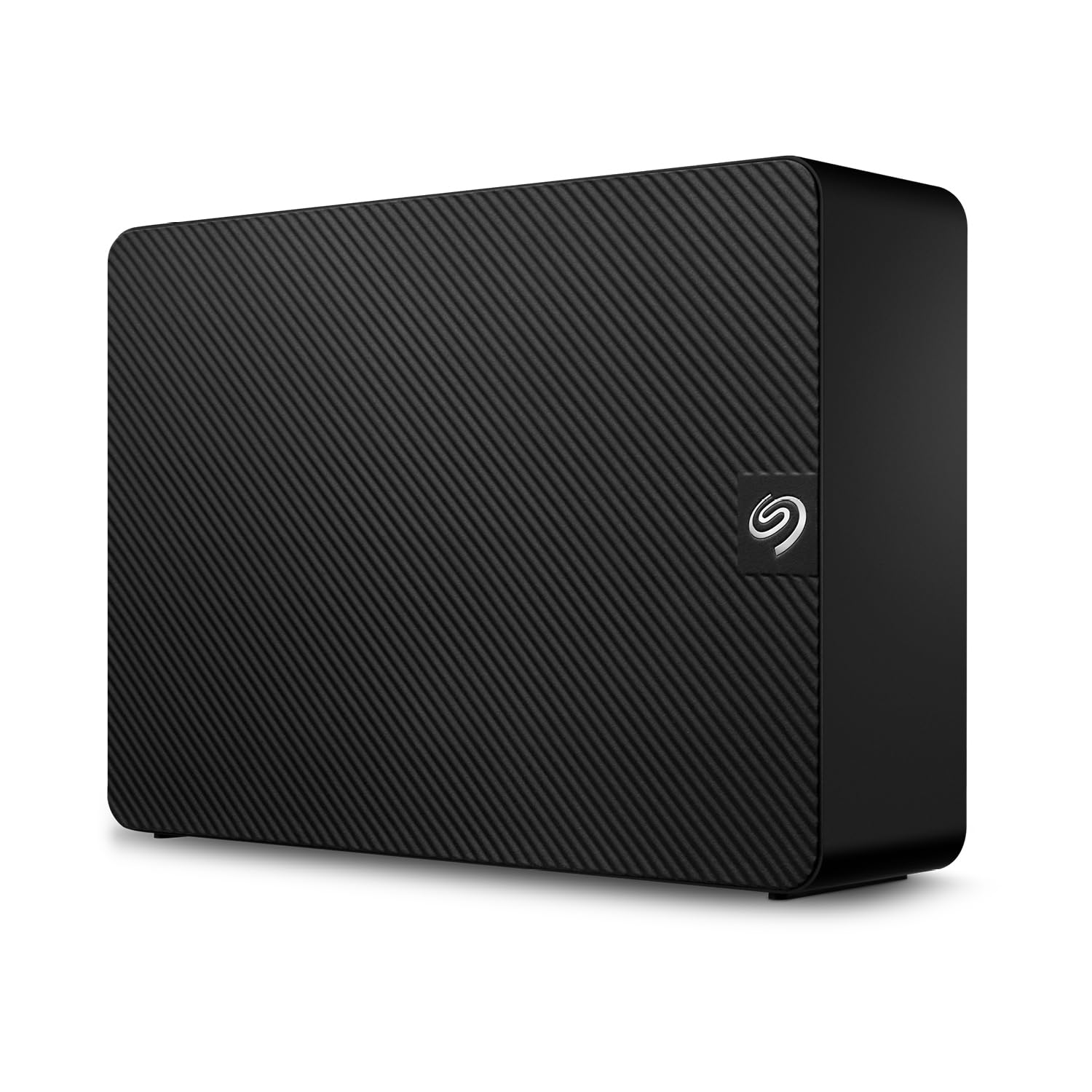
This drive has no software, no RAID controller, and no encryption settings — just plug in the AC adapter, connect USB, and start dragging files.
The Seagate Expansion line is built for the buyer who wants immediate simplicity. It supports USB 3.2 for fast transfers (backward compatible with USB 3.0 and USB 2.0). There is no configuration — just drag and drop. It automatically recognizes both Windows and Mac computers, though reformatting is required if you want to use it as a Time Machine backup on macOS.
Seagate includes its Rescue Data Recovery Services with the drive, which is a practical inclusion for a 28TB drive that will likely become the single repository for years of files. The external enclosure is a standard desktop form factor powered by an AC adapter. Buyers overall rate it well across 7,722 ratings.
One thing to understand: this is a single-volume external drive. You cannot split it into RAID configurations or independent partitions without additional software. That is a different trade-off from the WD My Book Duo, which offers RAID flexibility inside the same category. If simplicity matters, this drive delivers.
What stands out: The inclusion of Rescue Data Recovery Services adds a layer of data protection that most budget external drives skip entirely.
The one weakness: No RAID means no redundancy — a single drive failure loses everything, and there is no way to mirror the data within this enclosure.
Reach for this if: You want the easiest possible 28TB external drive — plug in the AC adapter, connect USB, and start saving files with no setup steps.
Look elsewhere if: You need RAID configurability, hardware encryption, or the ability to split the storage into multiple independent volumes.
4. WD 28TB My Book Duo Desktop RAID External Hard Drive HDD, USB 3.1 (WDBFBE0280JBK-NESN)

Another My Book Duo, but this one ships formatted as NTFS for Windows — so Mac users will need to reformat before using it as a Time Machine backup.
This second WD My Book Duo variant uses the same USB 3.1 interface and 28TB capacity as the B07Y3PMCGY. It comes configured as RAID 0 for speed, but you can reconfigure it to RAID 1 for mirroring. The enclosure includes two USB 3.0 hub ports on the back, turning the drive into a mini desktop dock.
WD includes 256-bit AES hardware encryption and password protection, which keeps your data secure even if the drive is physically removed. The bundled software covers WD Backup, WD Security, and WD Drive Utilities. The listed data transfer rate is 360 Megabytes Per Second. The enclosure is aluminum or steel, so it feels hefty on a desk. Buyers should note the drive requires reformatting for use with Time Machine on macOS. The 3.9-star rating with 115 reviews suggests it performs adequately but does not surprise.
What it does well: The combination of RAID 0 speed, USB 3.1 connectivity, and built-in hardware encryption makes it a capable backup hub for a Windows-centric creative workflow.
The honest trade-off: NTFS formatting means Mac users face extra setup steps, and the RAID 0 default offers no data protection until you reconfigure.
Best for: Windows desktop users who want a pre-configured RAID 0 drive with hardware encryption and a dedicated USB hub on the desk.
Not ideal for: macOS users looking for Time Machine compatibility from the start, or anyone who prioritizes silent operation.
Understanding the Specs
Cache Memory
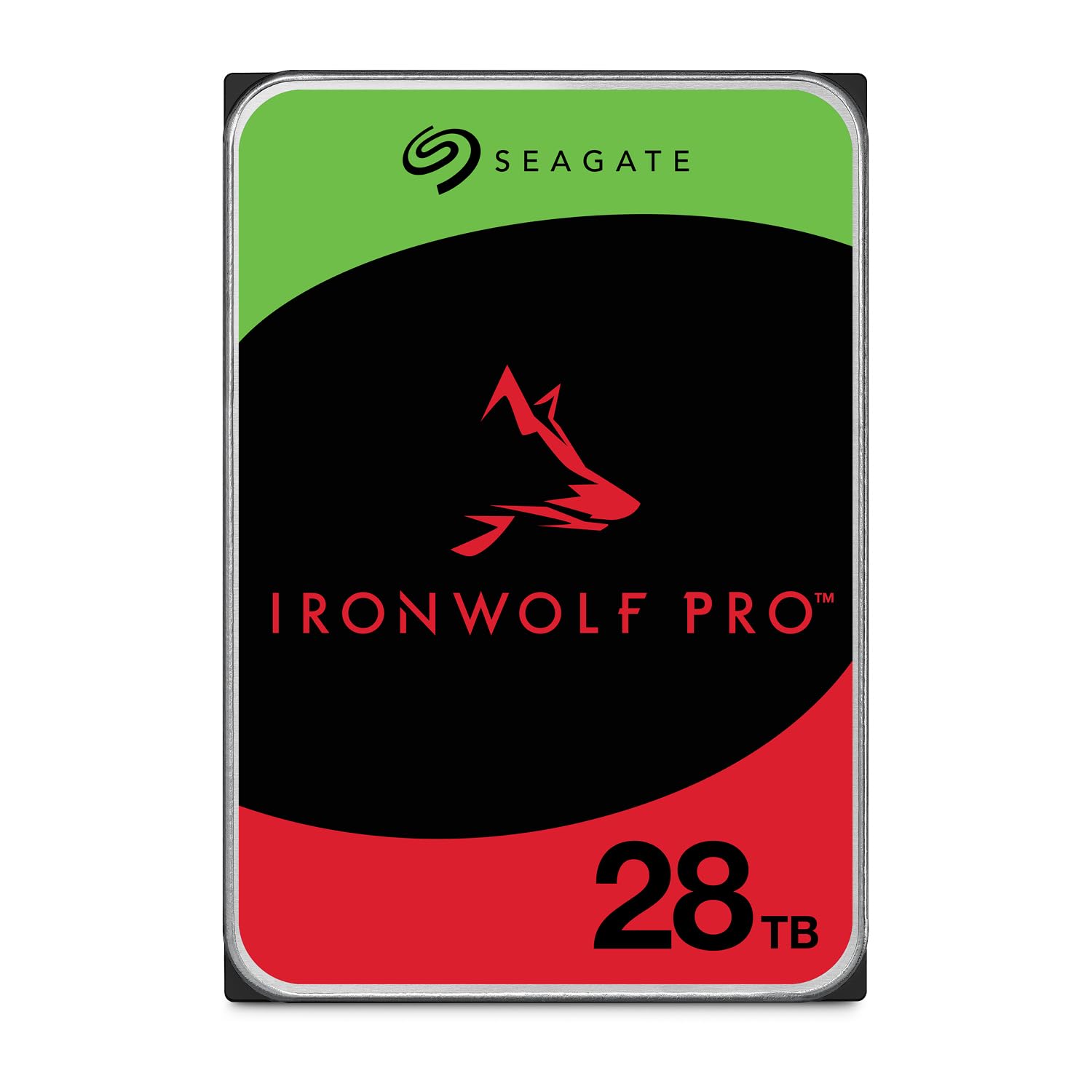
The cache is a small pool of fast memory on the drive that buffers data between the computer and the spinning platters. A larger cache, such as 512 MB found on enterprise drives like the Seagate Exos M and IronWolf Pro, helps smooth out burst writes and keeps transfer speeds consistent during heavy workloads. Some external drives list a cache figure of 28, which simply refers to the total capacity of the drive, not a dedicated cache buffer — so when you see 512 MB, you are getting a real performance advantage in sustained file transfers.
CMR vs SMR Recording
CMR (Conventional Magnetic Recording) writes data tracks side by side without overlapping, making it predictable and reliable for RAID arrays where drives constantly write and rewrite data. SMR (Shingled Magnetic Recording) overlaps tracks like roof tiles to boost density, but it can slow down dramatically during rewrite-heavy operations. Every enterprise-grade drive on this list uses CMR, which is why they handle NAS and server workloads without performance hiccups.
RAID 0 vs RAID 1
RAID 0 splits data across two or more physical drives for speed — you get the full combined capacity, but if one drive fails, you lose everything with no recovery path. RAID 1 mirrors identical data onto two drives, so one drive can fail while the other continues to serve data, but usable capacity is cut in half. Pre-built external drives like the My Book Duo ship in RAID 0, but you can reconfigure them to RAID 1 if data safety matters more than speed.
MTBF and Workload Rating
MTBF (Mean Time Between Failures) estimates how many hours a drive should run before it fails statistically. A rating like 2.5 million hours suggests high reliability under proper cooling and power conditions. Workload rating — for example 550TB per year on the IronWolf Pro — tells you how much data you can safely write to the drive annually without exceeding its design limits. Enterprise drives have far higher workload ratings than desktop-class drives, making them suitable for 24/7 server duty.
FAQ
Will any 28TB hard drive work in my existing NAS enclosure?
Can I use an internal 28TB drive externally with a USB adapter?
How long does a 28TB hard drive typically last?
Should I choose RAID 0 or RAID 1 for a 28TB external drive?
What is the difference between a Seagate Exos and an IronWolf Pro drive?
Can I use a renewed enterprise drive for home backup?
Does hardware encryption slow down file transfers?
What does Rescue Data Recovery Services actually cover?
Final Thoughts: The Verdict
For the majority of shoppers, the 28 tb hard drive winner is the Western Digital 28 TB My Book Duo because it combines RAID flexibility, hardware encryption, and a built-in USB hub in a solid aluminum enclosure — a complete desktop storage solution. If you want NAS-tune performance for a multi-bay array, grab the Seagate IronWolf Pro 28TB. And for a budget-friendly entry into 28TB internal storage, the renewed Seagate Exos 28TB delivers enterprise specs at the lowest cost.
How We Picked
We do not accept paid placement. Every pick is matched to a real buyer and a real use-case; we do not hands-on test units.
Sources & Methodology
Specifications: manufacturer listings and product documentation. Review insights: verified customer reviews, as of July 2026. Pricing: not shown on this page (it changes often); check the current price via the retailer link.
As an Amazon Associate, Gadgets Feed earns from qualifying purchases. This does not affect which products we feature.