
Stepping up from full HD to a 1440p—or QHD—panel transforms every pixel on your screen into a denser, sharper canvas. Whether you’re editing raw photos, chasing frags in a competitive shooter, or building a dual-monitor productivity fortress, a 27-inch 2K monitor hits the sweet spot between crisp image clarity and manageable desktop real estate without the scaling headaches of 4K.
I’m Min — the co-founder and writer behind Gadgets Feed. My buying guides are built on hundreds of hours dissecting panel technology, connectivity standards, and real-world performance metrics to help you match the right monitor to your specific workflow or gaming rig.
After analyzing refresh rates, color gamut coverage, and ergonomic adjustability across dozens of models, I’ve built this definitive breakdown of the best 2k resolution monitor options currently dominating the market.
How To Choose The Best 2K Resolution Monitor
Selecting the right QHD monitor requires balancing panel technology against your primary workloads. A monitor that excels for color-critical design work may not deliver the motion fluidity a competitive gamer demands. Understanding a few core specifications will help you avoid costly mismatches.
Panel Technology: IPS, OLED, and QD-OLED
The panel type determines the monitor’s color accuracy, contrast ratio, and response time. IPS panels are the standard for productivity and general gaming, offering wide viewing angles and consistent color reproduction. OLED and QD-OLED panels deliver true blacks and infinite contrast ratios, making them ideal for HDR content and dark-room gaming, though they come at a premium and require burn-in precautions.
Refresh Rate and Response Time
Refresh rate, measured in Hertz (Hz), dictates how many times per second the image updates. A 60Hz panel is fine for office work, but a 144Hz or higher panel provides visibly smoother motion for gaming. Response time (measured in milliseconds GtG) affects ghosting and motion blur; look for 1ms or lower for fast-paced titles. Adaptive Sync technologies like AMD FreeSync or NVIDIA G-Sync prevent screen tearing by synchronizing the monitor’s refresh rate with your GPU’s output.
Connectivity and Ergonomics
Modern QHD monitors should include DisplayPort 1.4 or HDMI 2.1 to handle higher refresh rates at full resolution. USB-C with Power Delivery is a game-changer for laptop users, as it transmits video, data, and charging current over a single cable. A fully adjustable stand (height, tilt, swivel, and pivot) reduces neck strain and is a feature that future-proofs your setup better than a fixed base.
Quick Comparison
On smaller screens, swipe sideways to see the full table.
| Model | Category | Best For | Key Spec | Amazon |
|---|---|---|---|---|
| ASUS TUF Gaming VG27AQM5A | Premium Gaming | High-FPS Competitive Play | 300Hz / 0.3ms GtG / Fast IPS | Amazon |
| Samsung Odyssey OLED G5 | OLED Premium | HDR Gaming & Media | 180Hz / 0.03ms GtG / QD-OLED | Amazon |
| MSI MAG 271QP QD-OLED X28 | Elite OLED | Enthusiast Gaming & Creators | 280Hz / 0.03ms GtG / QD-OLED / HDMI 2.1 | Amazon |
| LG 27G610A-B UltraGear | Mid-Range Gaming | High-Refresh Gaming & Productivity | 200Hz / 1ms GtG / IPS / HDR400 | Amazon |
| Samsung Odyssey G5 G53F | Budget Gaming | Entry-Level QHD Gaming | 200Hz / 1ms MPRT / IPS / FreeSync Premium | Amazon |
| Dell 27 Plus S2725DC | Productivity Hub | Mixed Office & Entertainment | 144Hz / 1ms MPRT / USB-C 65W / 2x3W Speakers | Amazon |
| ASUS ProArt PA278CV | Creator Grade | Color-Accurate Design & Photo Editing | 75Hz / ΔE < 2 / 100% sRGB / USB-C 65W | Amazon |
| ViewSonic VG2748A-2K | Smart Office | Ergonomic Office & Productivity | 100Hz / IPS / Smart Sensors / USB-C | Amazon |
| Dell UltraSharp U2725QE | Ultra-Premium | Professional Workstation & Mac Use | 4K / 120Hz / Thunderbolt 4 / IPS Black | Amazon |
In‑Depth Reviews
1. ASUS TUF Gaming 27” 1440P Monitor (VG27AQM5A)

The ASUS TUF Gaming VG27AQM5A sits at the top of this list because it strikes an exceptional balance between elite-level performance and a price that undercuts most 240Hz+ competitors. Its 300Hz native refresh rate paired with a lightning-fast 0.3ms GtG response time on a Fast IPS panel makes it a phenomenal choice for competitive shooters who need every frame advantage.
Beyond raw speed, the 95% DCI-P3 coverage and DisplayWidget Center software allow for granular color tuning without diving into clunky OSD menus. The inclusion of Extreme Low Motion Blur Sync (ELMB Sync) lets you combine backlight strobing with variable refresh rate, virtually eliminating ghosting and tearing simultaneously. It also comes with built-in speakers, a rare feature among high-Hz gaming monitors.
One consideration is its static contrast ratio of 1300:1, which, while respectable for IPS, won’t match the deep blacks of an OLED panel. Users who prioritize inky shadows over sheer motion clarity may prefer a different panel technology. For the vast majority of gamers and mixed-use users, however, this monitor delivers the highest performance-to-dollar ratio on the market.
Why it’s great
- 300Hz Fast IPS with 0.3ms response for buttery-smooth motion
- ELMB Sync combines variable refresh with backlight strobing
- 95% DCI-P3 color gamut for vivid visuals
- DisplayWidget Center for easy settings control
Good to know
- Static contrast ratio limits black depth
- Brightness may feel constrained for bright-room HDR
2. MSI MAG 271QP QD-OLED X28
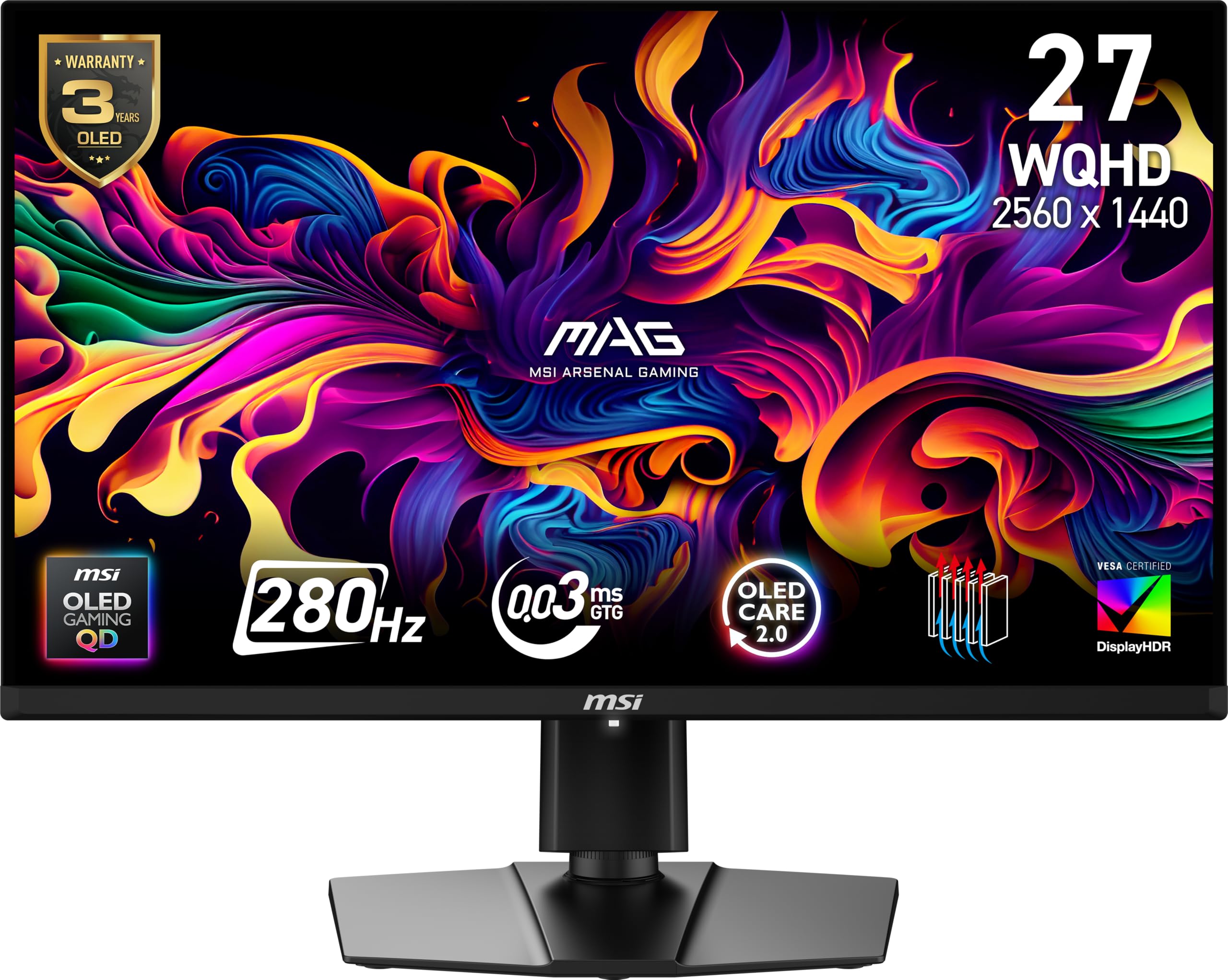
The MSI MAG 271QP QD-OLED X28 is the definitive choice for enthusiasts who refuse to compromise on image quality. Its Quantum Dot OLED panel delivers a native contrast ratio of 1,500,000:1, producing blacks so deep they disappear into the bezel, while the 10-bit color depth covers 99% of the DCI-P3 spectrum with a Delta E ≤2 right out of the box.
At 280Hz with a 0.03ms GtG response time, motion clarity is virtually perfect, backed by a VESA ClearMR 15000 rating that indicates zero perceptible blur. The inclusion of two HDMI 2.1 ports allows full-bandwidth 1440p at 280Hz from consoles like the PlayStation 5 or Xbox Series X, a feature that sets it apart from DisplayPort-only OLEDs. MSI’s OLED Care 2.0 uses a graphene heatsink and pixel shift to minimize burn-in risk, addressing the main hesitation buyers have with OLED monitors.
The trade-offs are its brightness ceiling—around 400 nits typical, which is adequate but not class-leading for HDR highlights—and a slight learning curve for the OSD joystick. If you want the best possible picture quality for both gaming and media consumption at 27 inches, this is the monitor to beat.
Why it’s great
- True blacks with 1,500,000:1 native contrast ratio
- 280Hz + 0.03ms response for elite motion clarity
- Dual HDMI 2.1 ports for full-bandwidth console gaming
- OLED Care 2.0 with graphene heatsink for burn-in prevention
Good to know
- Peak brightness is modest for HDR highlights
- OSD controls are less intuitive than some competitors
3. Samsung 27” Odyssey OLED G5 (G50SF)

Samsung’s Odyssey OLED G5 brings the magic of QD-OLED to a more accessible price point without sacrificing the core advantages of self-emissive pixels. Its 180Hz refresh rate and 0.03ms GtG response time offer the same instantaneous pixel response as far more expensive OLEDs, and the Pantone Validated screen reproduces over 2,100 colors with impressive accuracy.
The Glare Free coating is a standout feature for this class, dramatically reducing reflections without introducing the graininess that plagues some matte IPS panels. HDR10 support provides brighter highlights and nuanced shadow detail, making single-player cinematic titles look genuinely stunning. Samsung’s OLED Safeguard actively manages heat with a Thermal Modulation System to protect against burn-in during extended sessions.
Where it cuts corners is connectivity—it includes only one HDMI 2.0 port and one DisplayPort, limiting your ability to run both a console and a PC at full refresh rate. The stand also offers only tilt adjustment, so a VESA arm is highly recommended for ergonomic setups. If you can live with these compromises, this is the cheapest way to get genuine OLED contrast into your setup.
Why it’s great
- QD-OLED contrast and color at an entry-level price
- Pantone Validated for accurate color reproduction
- Glare Free coating improves usability in lit rooms
- OLED Safeguard with Thermal Modulation System
Good to know
- Limited to one HDMI 2.0 and one DisplayPort
- Stand only offers tilt; VESA mount recommended
4. LG 27G610A-B UltraGear QHD
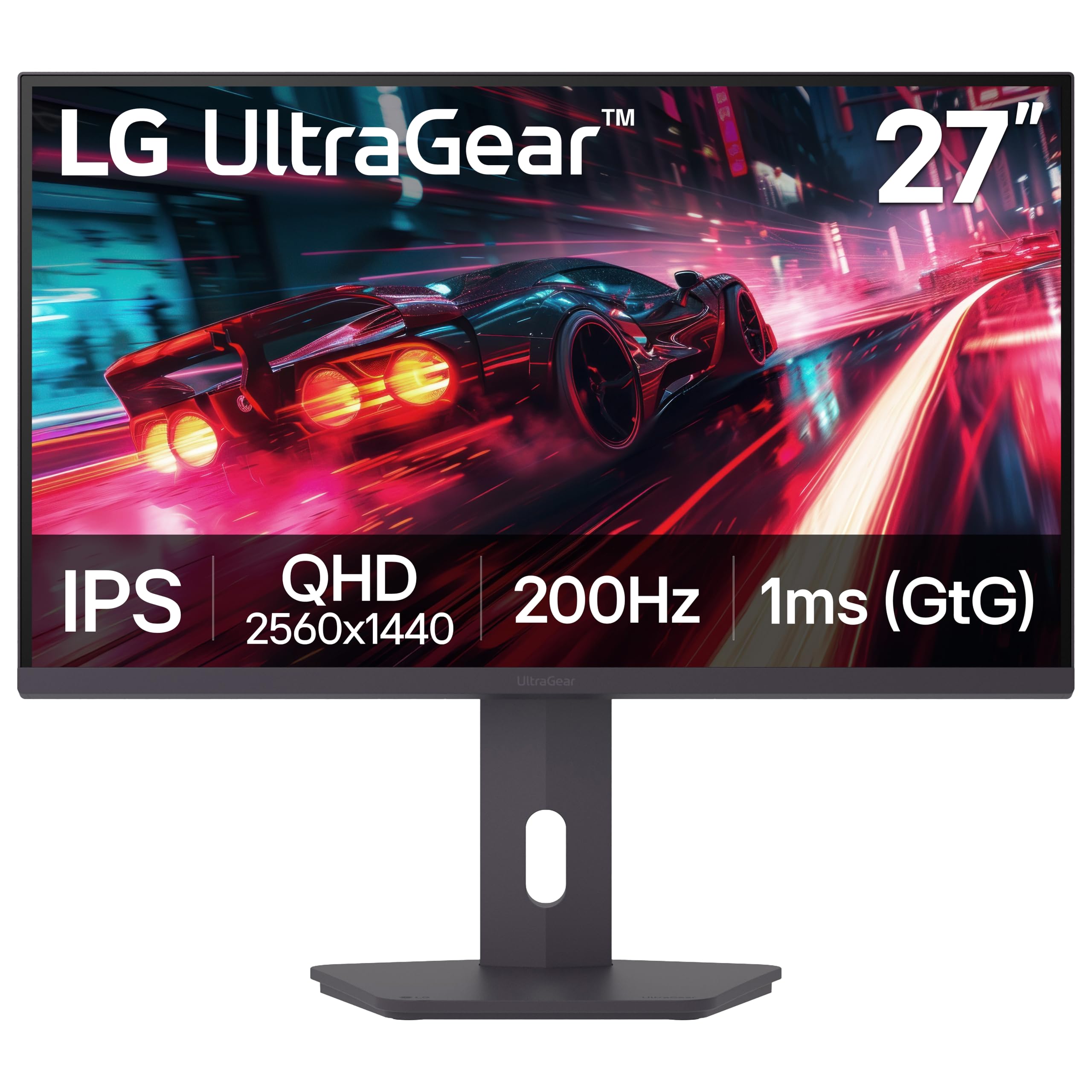
The LG 27G610A-B UltraGear is a fantastic mid-range option that brings a 200Hz native refresh rate and VESA DisplayHDR 400 certification to the QHD IPS space. The 1ms GtG response time ensures minimal ghosting, while the 99% sRGB coverage delivers punchy, accurate colors straight out of the box. It’s a well-rounded performer for both fast-paced gaming and everyday productivity.
The fully adjustable stand is a major advantage, allowing height, tilt, swivel, and pivot adjustments for a personalized viewing angle. LG’s Dynamic Action Sync feature reduces input lag, and the Black Stabilizer brightens shadowed areas to help spot hidden enemies. The Switch app also lets you split the screen into up to six sections for multitasking without third-party software.
The HDR performance is serviceable but not transformative—400 nits peak brightness is enough for highlights, but the 1000:1 static contrast limits the dynamic range expected from proper HDR. The built-in speakers are also very weak and best ignored. For gamers wanting a high-refresh IPS with full ergonomics at a reasonable outlay, this is an excellent pick.
Why it’s great
- 200Hz IPS with 1ms response for smooth gameplay
- Fully adjustable stand (height, tilt, swivel, pivot)
- DisplayHDR 400 for improved brightness
- Dynamic Action Sync reduces input lag
Good to know
- HDR performance is limited by 1000:1 contrast ratio
- Built-in speakers are poor quality
5. Dell 27 Plus QHD USB-C Monitor S2725DC
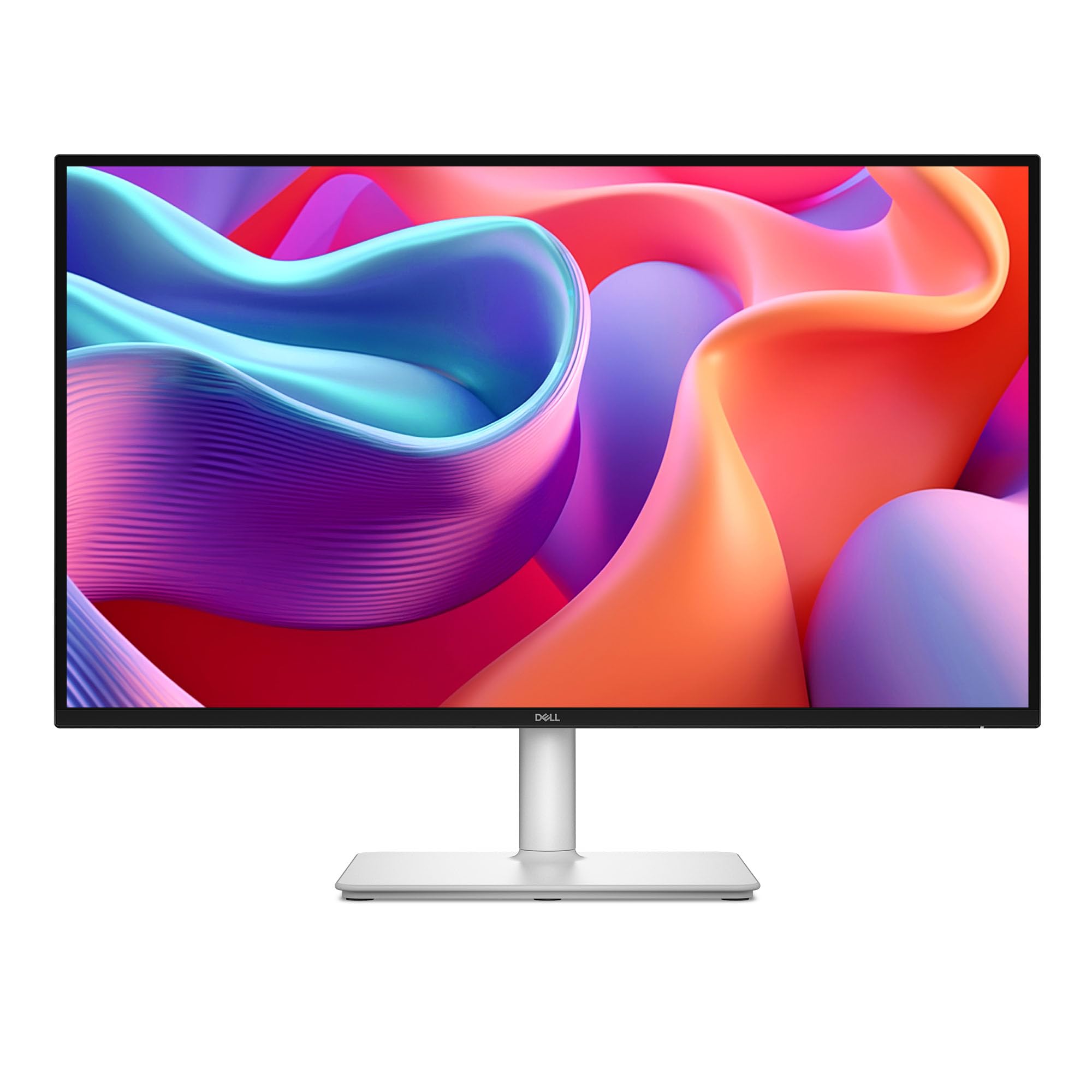
The Dell S2725DC is the ultimate productivity monitor that doesn’t force you to sacrifice gaming fluidity. Its 144Hz refresh rate and 1ms MPRT make scrolling through documents and light gaming feel smooth, while the single USB-C port with 65W Power Delivery eliminates cable clutter by charging your laptop and transmitting video simultaneously.
The 1500:1 contrast ratio is notably higher than the typical 1000:1 found on IPS panels, giving text and images more depth. The integrated dual 3W speakers are genuinely usable for video calls and background media—a rare inclusion for monitors in this tier. The 4-star TÜV-certified anti-blue light system reduces eye strain without the yellow tint that plagues many competitors.
The biggest catch is the 144Hz refresh rate, which is great for general use but not the highest option if you are a hardcore competitive gamer. The stand, while fully adjustable (height, tilt, pivot, swivel), feels slightly less premium than the LG UltraGear’s. For a hybrid work/gaming desk, this Dell offers the cleanest single-cable solution available.
Why it’s great
- USB-C 65W PD for single-cable laptop connection
- 1500:1 contrast ratio for deeper blacks
- Integrated dual 3W speakers are usable
- Fully ergonomic stand with height, tilt, pivot, swivel
Good to know
- 144Hz is sufficient but not class-leading for esports
- Stand build quality is adequate, not premium
6. ASUS ProArt Display 27” PA278CV

The ASUS ProArt PA278CV is built for color-critical work, validated by Calman certification with a Delta E of less than 2. It covers 100% of the sRGB and 100% of the Rec. 709 color spaces, making it a reliable tool for photo editing, video production, and graphic design. The 27-inch QHD IPS panel delivers sharp, uniform brightness at 350 cd/m².
Connectivity is a highlight for creators. The USB-C port delivers 65W Power Delivery, and the DisplayPort daisy-chaining feature allows you to connect up to four displays from a single output for a seamless multi-monitor workflow. The 75Hz Adaptive-Sync support ensures tear-free scrolling and video playback, while the ergonomic stand includes a 90-degree pivot for vertical coding or document editing.
The 75Hz refresh rate is perfectly adequate for creative work and casual gaming but will feel limiting for players accustomed to 144Hz+. The contrast ratio is also standard IPS fare, so HDR content won’t have the pop seen on OLED panels. If color accuracy and single-cable USB-C simplicity are your priorities, this is the standout choice.
Why it’s great
- Calman verified Delta E < 2 for professional color accuracy
- USB-C 65W PD and DisplayPort daisy-chain support
- 100% sRGB and Rec. 709 coverage
- Full ergonomic stand with 90-degree pivot
Good to know
- 75Hz refresh rate is not for competitive gaming
- Standard IPS contrast limits HDR depth
7. ViewSonic VG2748A-2K
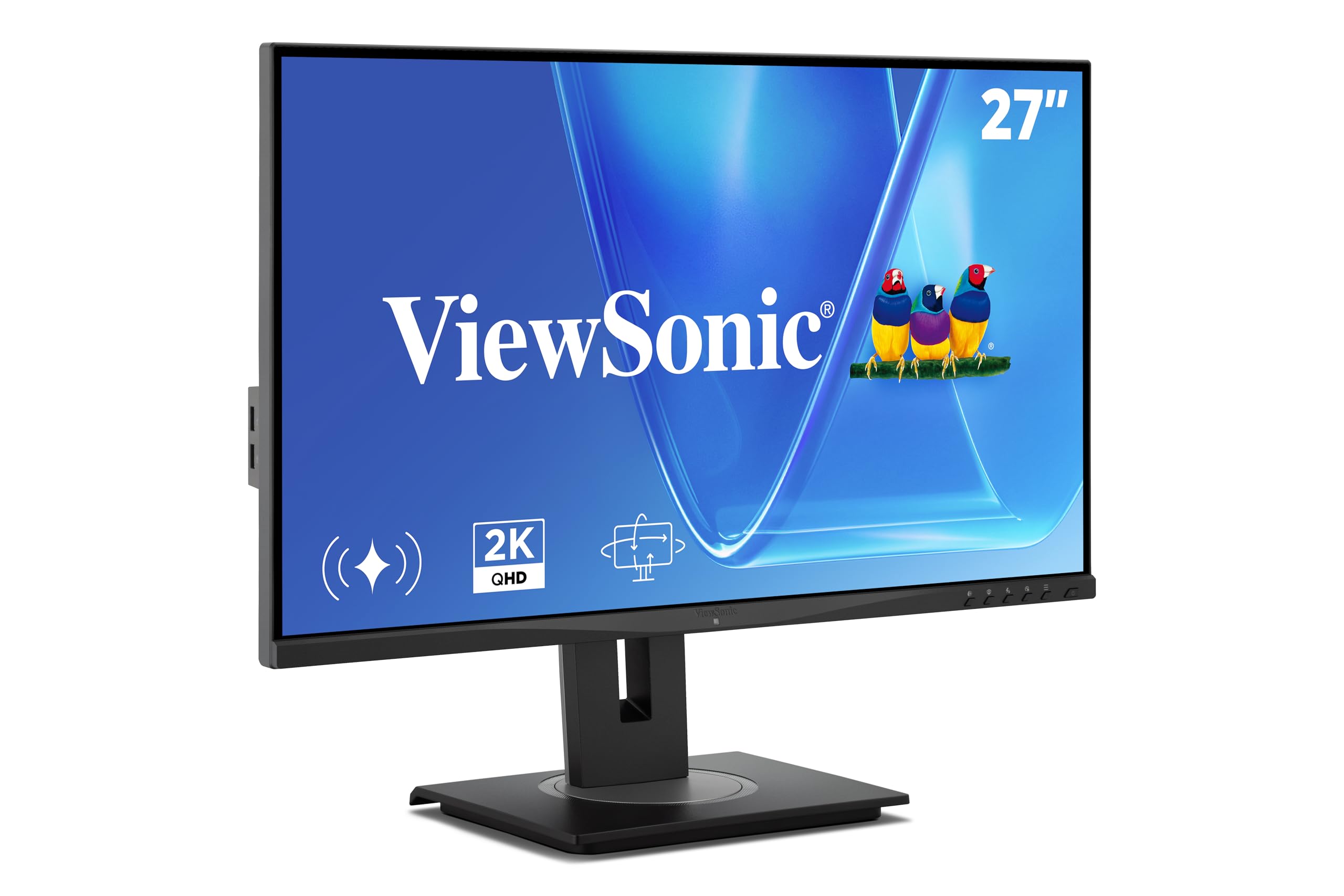
The ViewSonic VG2748A-2K differentiates itself through intelligent sensing technology that goes beyond standard office monitors. It features seven smart modes including automatic brightness adjustment via an ambient light sensor, privacy alerts that warn you when someone is looking over your shoulder, posture checks, and break reminders—features that directly improve workplace wellness and security.
Beyond the smart features, it’s a solid 27-inch IPS QHD panel with a 100Hz refresh rate, which is a nice step up from the typical 60Hz office display. The connectivity suite is generous, including HDMI, DisplayPort, mini DP, USB-C, and a USB hub, making it compatible with a wide range of laptops and desktops. The quick-release stand includes a carrying handle for easy repositioning between desks.
Its 100Hz refresh rate isn’t designed for high-end gaming, and the 1300:1 contrast ratio is average for IPS. The smart sensors, while useful, add a layer of software complexity that some users may find unnecessary. For a dedicated home office or corporate environment where eye health and privacy are priorities, this monitor is a thoughtful choice.
Why it’s great
- Smart sensors for auto brightness, privacy alerts, and posture checks
- 100Hz refresh rate for smoother office scrolling
- Extensive connectivity with USB-C, DisplayPort, and USB hub
- Quick-release stand with carrying handle
Good to know
- 100Hz is fine for office use, not for gaming
- Smart features add software complexity
8. Samsung 27” Odyssey G5 G53F

The Samsung Odyssey G5 G53F is the most affordable entry point into high-refresh QHD gaming without cutting corners on panel technology. Its 200Hz IPS panel with 1ms MPRT and AMD FreeSync Premium delivers a noticeably smooth gaming experience that belies its price. The 300 cd/m² brightness and 1000:1 contrast ratio are competent for well-lit rooms.
Gaming-specific features like Black Equalizer bring out details in dark scenes, and Virtual Aim Point tightens your reticle accuracy in first-person shooters. The Auto Source Switch+ function, which instantly detects and switches to a newly connected device, is a rare convenience in this price bracket. The 178-degree viewing angle typical of IPS ensures colors remain consistent even when viewed from the side.
The stand is the most obvious cost-saving measure, offering only tilt adjustment, and the cable management loop is fragile based on user feedback. The lack of USB connectivity also means you cannot use it as a hub. For gamers on a strict budget who want 1440p at 200Hz, this is the best value proposition available.
Why it’s great
- 200Hz IPS with 1ms MPRT at a budget-friendly price
- AMD FreeSync Premium for tear-free gaming
- Black Equalizer and Virtual Aim Point for FPS advantage
- Auto Source Switch+ for seamless input switching
Good to know
- Stand only offers tilt adjustment; no height/pivot
- No USB ports or built-in speakers
9. Dell UltraSharp U2725QE 27 Inch 4K

The Dell UltraSharp U2725QE occupies a unique position in this roundup. While it is technically a 4K UHD monitor (3840×2160), it’s included here because it represents the ultimate upgrade path for anyone considering QHD. The IPS Black technology delivers a 2000:1 contrast ratio—double that of standard IPS—resulting in significantly deeper blacks and more vibrant colors without the burn-in concerns of OLED.
The Thunderbolt 4 connectivity is the star here, delivering up to 140W of power delivery over a single cable alongside video and data, with daisy-chain support for two additional 4K monitors. This makes it the definitive choice for MacBook Pro users and professionals who require a clean, powerful docking solution. The factory calibration to Delta E less than 1.5 ensures color accuracy out of the box.
The 4K resolution means you will need to sit close or use scaling to get the most out of it, and its 120Hz refresh rate, while excellent for productivity and casual gaming, is outclassed by dedicated gaming monitors. For the professional who demands the best possible image quality, connectivity, and ergonomics in one package, this is the investment to make.
Why it’s great
- IPS Black panel for 2000:1 contrast and deep blacks
- Thunderbolt 4 with up to 140W Power Delivery
- Factory calibrated to Delta E < 1.5
- Full ergonomic stand with height, tilt, swivel, pivot
Good to know
- 4K resolution requires scaling for some users
- 120Hz is good but not for competitive esports
FAQ
Is 1440p the same as 2K resolution?
Do I need a 300Hz monitor for casual gaming?
Should I buy an IPS or OLED 2K monitor?
Final Thoughts: The Verdict
For most users, the best 2k resolution monitor winner is the ASUS TUF Gaming VG27AQM5A because it delivers a 300Hz Fast IPS panel and 0.3ms response time at a price that undercuts nearly all OLED alternatives. If you want true black levels and infinite contrast for HDR gaming and media consumption, grab the MSI MAG 271QP QD-OLED X28 for its superior image quality and HDMI 2.1 ports. And for a productivity-focused desk with single-cable laptop charging, nothing beats the Dell 27 Plus S2725DC.