
The 2.5-inch SATA III SSD refuses to die, and for good reason. While NVMe drives grab headlines with astronomical sequential numbers, the humble 2TB 2.5-inch drive remains the single most cost-effective performance transplant for millions of aging laptops, desktops, and game consoles that lack M.2 slots. The upgrade path is simple: swap one cable, clone your data, and watch a five-year-old machine boot in seconds instead of minutes. The question isn’t whether to buy one — it’s which controller, NAND type, and endurance rating justify your specific workload.
I’m Min — the co-founder and writer behind Gadgets Feed. I’ve spent hundreds of hours dissecting SATA SSD benchmarks, cross-referencing user endurance reports, and comparing real-world transfer rates against manufacturer claims to find the drives that actually deliver on their TBW ratings and sequential promises in this specific 2.5-inch form factor and 2TB capacity tier.
Whether you’re reviving an old ThinkPad, expanding your PS4 Pro’s library, or building a budget-friendly media server, this guide breaks down the best 2TB 2.5-inch SATA SSDs available right now based on raw performance, NAND architecture, and long-term reliability data.
How To Choose The Best 2TB 2.5 Inch SSD
Selecting the right SATA SSD means looking past the generic “up to 550 MB/s” sticker. For a 2TB drive, the flash memory type, controller quality, and cache strategy determine whether the drive feels snappy on day one and still reliable three years later. Here are the three factors that separate a smart buy from a regretful one.
NAND Type: TLC vs. QLC Endurance
The memory cells inside the SSD dictate how many terabytes you can write before the drive wears out. TLC (Triple-Level Cell) NAND stores three bits per cell and typically offers 600 TBW to 1,200 TBW for a 2TB drive — sufficient for everyday OS use and gaming. QLC (Quad-Level Cell) NAND packs four bits per cell, lowering cost but dropping endurance to around 400 TBW or less. For a boot drive or frequent video editing, prioritize TLC. For a media storage or game library drive where writes are infrequent, QLC is acceptable.
DRAM Cache vs. DRAM-Less Architecture
A dedicated DRAM chip on the SSD acts as a traffic cop, mapping file locations directly so the drive doesn’t have to search through the NAND itself. DRAM-equipped drives maintain consistent random read/write speeds under heavy multitasking. DRAM-less drives (like many budget 2TB SATA SSDs) rely on Host Memory Buffer (HMB) or SLC caching — fine for light workloads but prone to stuttering when copying large files or running multiple applications simultaneously.
Sequential vs. Random Performance
All SATA III drives top out around 550/520 MB/s sequential read/write — that’s the physical limit of the interface. What differentiates drives is 4K random IOPS (input/output operations per second), which governs how snappy your OS feels during booting, launching apps, and loading game levels. A cheap DRAM-less QLC drive may hit 80K IOPS on reads, while a premium TLC drive with DRAM can push past 95K IOPS — a noticeable difference in real-world responsiveness.
Quick Comparison
On smaller screens, swipe sideways to see the full table.
| Model | Category | Best For | Key Spec | Amazon |
|---|---|---|---|---|
| Samsung 870 EVO | Premium | OS boot drive & heavy workloads | 560/530 MB/s, TLC V-NAND, 32GB DRAM | Amazon |
| Western Digital Blue SA510 | Premium | General upgrade & mainstream reliability | 560/520 MB/s, 3D TLC NAND | Amazon |
| Crucial BX500 | Mid-Range | Budget builds & secondary storage | 540 MB/s read, DRAM-less, Micron 3D NAND | Amazon |
| PNY CS900 | Mid-Range | PS4 upgrade & light server use | 550/530 MB/s, 3D NAND | Amazon |
| TEAMGROUP T-Force Vulcan Z | Mid-Range | Gaming libraries & console expansion | 550/470 MB/s, QLC with SLC cache | Amazon |
| SanDisk SSD Plus | Mid-Range | Older laptop resurrection | 545/450 MB/s, DRAM-less, shock-resistant | Amazon |
| KingSpec OneBoom | Budget | PS4 and basic OS upgrades | 550/520 MB/s, 3D NAND | Amazon |
| Vansuny SATA III | Budget | Entry-level PC speed-up | 500/450 MB/s, 3D NAND flash | Amazon |
| RONGSHU RS550 | Budget | Cost-sensitive HDD replacements | 550/500 MB/s, TLC 3D NAND | Amazon |
In‑Depth Reviews
1. Samsung 870 EVO 2TB

The Samsung 870 EVO is the gold standard for 2.5-inch SATA SSDs, pushing the interface to its theoretical ceiling with 560 MB/s sequential reads and 530 MB/s writes. Its 32GB low-power DDR4 cache is the largest in this roundup, meaning sustained write operations — like moving a 100GB game folder — stay consistent without the drop-off seen on DRAM-less drives. The 2TB version carries a 1,200 TBW endurance rating using Samsung’s 3-bit MLC V-NAND, which is effectively TLC with superior wear-leveling algorithms.
Real-world performance is where Samsung earns its premium reputation. Boot times on an older Intel i7 system dropped from 45 seconds with an HDD to 12 seconds. Samsung Magician software adds thermal monitoring and drive optimization that makes firmware updates painless. Users report zero failures even after two years of continuous operation in file servers and homelab RAID arrays, with drives running 15°C cooler than competing QLC alternatives.
The only real trade-off is the price premium. For a 2TB drive, you’re paying significantly more per gigabyte than budget-oriented rivals. However, if this drive will serve as your primary OS and application volume for the next five years, the endurance and DRAM-cached consistency justify the investment — especially for professionals handling 4K video proxies or large databases.
Why it’s great
- Industry-leading 1,200 TBW endurance for heavy write workloads
- 32GB DRAM cache eliminates write stuttering in multitasking
- Samsung Magician software offers easy firmware updates and health monitoring
Good to know
- Premium price per gigabyte compared to QLC alternatives
- SATA interface limits speed regardless of internal controller quality
2. Western Digital Blue SA510 2TB

The WD Blue SA510 delivers 560 MB/s reads and 520 MB/s writes, matching the Samsung 870 EVO on sequential performance. Where it differentiates itself is in its nCache 3.0 technology, which uses a multi-tier SLC cache to maintain burst write speeds even after the primary SLC buffer fills. For typical consumer workloads — booting Windows, launching Excel, browsing the web — the difference is imperceptible from the 870 EVO.
WD’s strong suit is compatibility. The SA510 has been rigorously tested across a wide range of BIOS configurations and chipset revisions, making it the safest drop-in replacement for users who don’t want to research whether their 2016 Dell or HP will play nice with a lesser-known OEM drive. The 3-year warranty is shorter than Samsung’s 5-year, but WD’s US-based technical support is responsive and helpful.
The one documented caveat involves firmware. Several users reported initial instability with Windows — random hangs and slow writes — that were completely resolved after updating the firmware via the WD Dashboard software. If you buy this drive, make firmware updates your first step after installation. Also note that the included Acronis True Image for WD cloning utility had spotty results; many users found Macrium Reflect Free to be more reliable for cloning.
Why it’s great
- Excellent compatibility across older and newer motherboard chipsets
- nCache 3.0 maintains burst writes for snappy everyday use
- WD Dashboard firmware updates resolved most early-adopter issues
Good to know
- Shorter 3-year warranty versus Samsung’s 5-year plan
- Firmware update required out of box for optimal stability
3. Crucial BX500 2TB

Crucial’s BX500 lineup is the budget champion for a reason. Using Micron’s own 3D NAND — the same company that manufactures the raw flash — the BX500 achieves 540 MB/s sequential reads, slightly below the TLC leaders but enough to make any HDD-driven system feel dramatically faster. The 2TB variant is geared toward users who need bulk storage for games, media files, or as a secondary scratch drive rather than a primary OS volume.
The BX500 is DRAM-less, which means it uses Host Memory Buffer technology to borrow system RAM for its flash translation layer. This works fine for light workloads — web browsing, Office applications, media playback — but users report performance drops during sustained large-file transfers beyond 30GB. CrystalDiskMark benchmarks show it hitting around 520 MB/s reads and 450 MB/s writes in ideal conditions, with 4K random reads around 75K IOPS.
For the price-conscious buyer who just wants to resurrect an old laptop for a family member, the BX500 delivers the most dramatic speed improvement per dollar. Its 3-year warranty and included Acronis True Image for Crucial cloning software simplify the migration process. Just don’t expect it to handle heavy video editing or database workloads — that’s where the MX500 or 870 EVO becomes necessary.
Why it’s great
- Best price-per-gigabyte ratio from a major brand
- Includes free Acronis cloning software for easy HDD migration
- Micron-manufactured 3D NAND ensures reliable flash quality
Good to know
- DRAM-less design leads to write slowdowns in sustained transfers
- Lower endurance compared to TLC-based premium drives
4. PNY CS900 2TB

The PNY CS900 has been a consistent mid-range choice for years, offering 550 MB/s reads and 530 MB/s writes — essentially saturating the SATA III interface. PNY uses 3D NAND flash and an SLC write cache that keeps typical desktop workloads feeling snappy. The 2TB model is particularly popular for PS4 Pro upgrades, where the drive’s compatibility and space provide tangible load time reductions in games like God of War and Red Dead Redemption 2.
What stands out about the CS900 is its reliable, predictable behavior. Users running it as a secondary drive in both Windows and macOS environments report zero compatibility hiccups. The drive runs cool — no active cooling needed — and its power consumption is low enough to improve laptop battery life by 30-45 minutes compared to a 5400 RPM HDD. PNY also offers 24/7 US-based technical support, which is rare at this price tier.
The CS900 does lack a dedicated DRAM cache, so it relies on SLC write buffering. This means after writing about 30GB continuously, the drive’s write speed drops from around 500 MB/s to roughly 250 MB/s until the cache refreshes. For most users — who rarely copy multigigabyte files continuously — this won’t be noticeable. But if you’re regularly working with large 4K video files, a DRAM-equipped drive is worth the extra investment.
Why it’s great
- Consistent SATA III saturation for everyday read speeds
- Runs cool and quiet, ideal for laptop battery preservation
- Reliable PS4 Pro upgrade with verified compatibility
Good to know
- No DRAM cache causes write throttling after ~30GB continuous transfer
- Shorter 3-year warranty than Samsung’s 5-year coverage
5. TEAMGROUP T-Force Vulcan Z 2TB

The T-Force Vulcan Z from TEAMGROUP uses QLC NAND with an SLC cache that dynamically allocates fast-write areas for burst performance. Advertised speeds of 550 MB/s reads and 470 MB/s writes are in line with the SATA ceiling, though some users have reported real-world sequential writes closer to 400 MB/s after the SLC buffer fills. For gaming workloads where reads dominate, this performance difference is negligible — level load times are where it matters, and in those scenarios, the Vulcan Z delivers sub-15-second loads on a PS4 Pro.
Compatibility is a strong point. TEAMGROUP explicitly lists support for Xbox Series S/X and PlayStation 5 as expansion drives (via USB enclosure), confirming the drive works flawlessly with modern console ecosystems. The 2TB capacity means you can store 40-50 modern games without juggling installs. User reports from 2023 show the drive still running strong after three years in continuous use, though those early adopters paid significantly less before the 2024 price spikes.
The QLC endurance penalty is real. With roughly 400 TBW for the 2TB model, this drive is best suited for read-heavy applications — game libraries, media archives, and secondary storage. Using it as an OS boot drive with frequent writes would accelerate wear faster than a TLC alternative. Also note that some users reported not achieving the full advertised write speeds in their specific motherboard configurations, so benchmark expectations should be tempered.
Why it’s great
- Excellent game load times rivaling premium TLC drives
- Console-compatible with PS5, Xbox Series X/S (via USB enclosure)
- Low cost per gigabyte for large game libraries
Good to know
- QLC endurance (~400 TBW) limits write-heavy OS usage
- Real-world write speeds can be 15-20% below advertised peak
6. SanDisk SSD Plus 2TB

SanDisk brings its NAND manufacturing pedigree to the SSD Plus, a DRAM-less 2.5-inch drive rated at 545 MB/s reads and 450 MB/s writes. The aluminum enclosure provides better heat dissipation than the plastic shells on budget competitors, which helps maintain consistent performance during extended gaming sessions. SanDisk rates the drive for 1500G shock resistance — a meaningful spec if you’re installing it in a laptop that travels frequently.
The SSD Plus has proven especially popular for resurrecting Windows 7 and Windows 10 laptops from the early 2010s. Users report boot times dropping from over 2 minutes with an HDD to under 30 seconds, and near-instant application launches. The 7mm height fits all standard 2.5-inch bays, and SanDisk includes a data migration software offer (usually Acronis) to simplify the cloning process from your old drive.
The major weakness is write performance consistency. Like other DRAM-less designs, the SSD Plus relies on SLC caching and HMB, meaning sustained writes beyond 20GB will slow to mechanical drive levels. Additionally, some users noted the SanDisk Dashboard software can be buggy with firmware updates when the drive is connected via a USB-to-SATA adapter, requiring direct internal SATA connection for reliable firmware flashes.
Why it’s great
- Aluminum chassis offers better passive cooling than plastic-shell drives
- 1500G shock resistance protects data in dropped laptops
- Proven compatibility with legacy Windows 7 and early Windows 10 systems
Good to know
- Write speeds drop significantly in sustained transfers over 20GB
- Dashboard firmware updates unreliable via USB-to-SATA adapter
7. KingSpec OneBoom 2TB
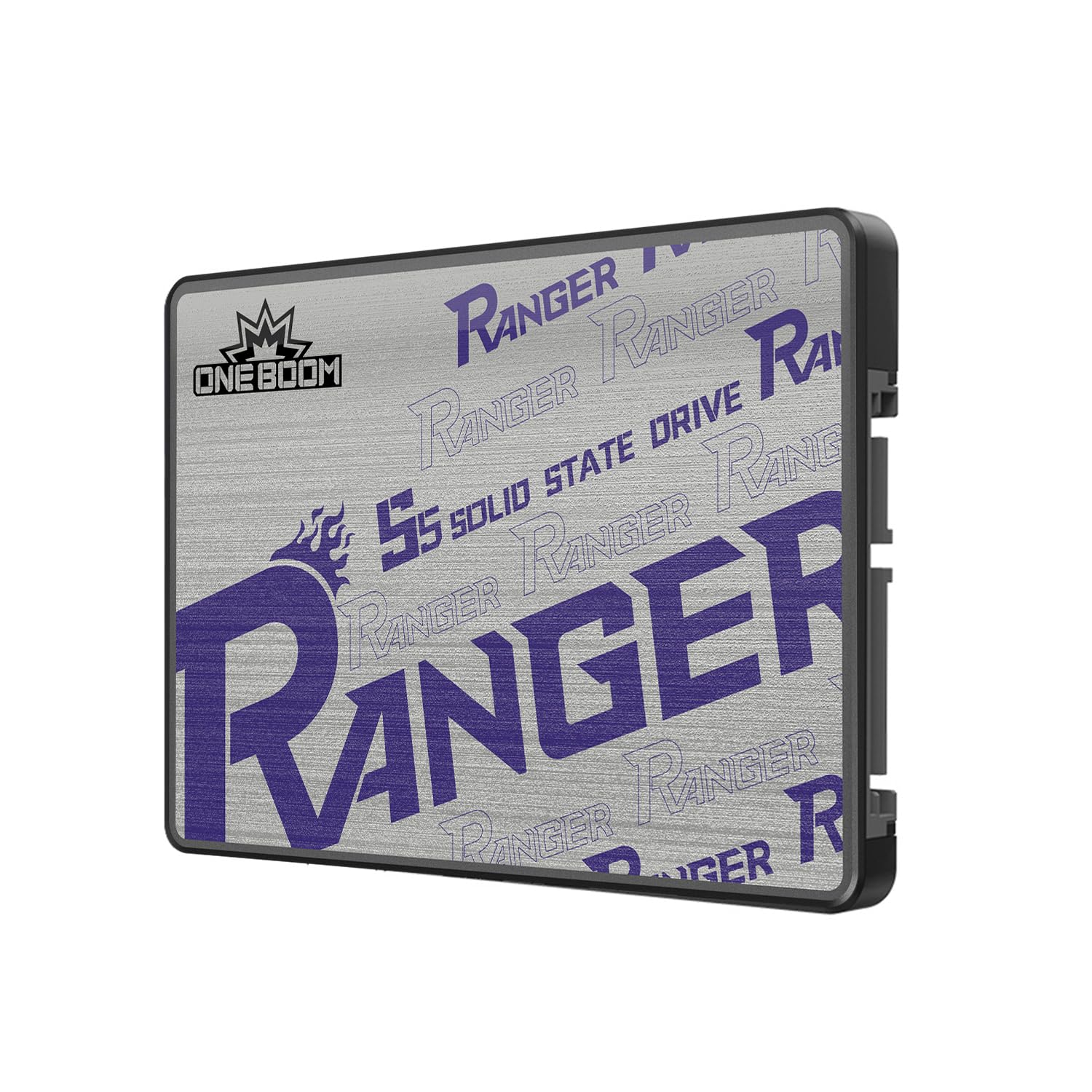
KingSpec’s OneBoom series punches above its price point with advertised speeds of 550 MB/s reads and 520 MB/s writes — numbers that rival premium drives at nearly half the cost. The 3D NAND flash provides solid basic endurance, and the drive’s 3-year warranty offers a safety net for budget-conscious buyers. Real-world testing from PS4 Pro users confirms sub-20-second load times on heavy titles like The Last of Us Part II.
The drive’s standout feature is its exceptionally low power draw, consuming up to 70% less energy than a traditional HDD. This translates to tangible battery life improvements in laptops — roughly 20-30 minutes extra on a typical 45Wh battery during mixed workloads. The plastic enclosure is lightweight (less than 40g) and the drive runs completely silent with no moving parts.
Where KingSpec falls short is long-term reliability data. As a relatively newer contender in the SATA SSD space compared to Samsung or WD, there are fewer multi-year user reports. Some users have noted that the 4TB variant — not the 2TB — showed impressive value, but the consistency of NAND quality across units remains unproven over 5+ year spans. For a secondary game drive or a budget PC rebuild, it’s a solid gamble.
Why it’s great
- 70% lower power consumption extends laptop battery life
- PS4 Pro upgrade delivers sub-20-second game loads
- Aggressive pricing for advertised 550 MB/s performance
Good to know
- Long-term reliability data is limited compared to established brands
- Plastic enclosure may run warmer than aluminum alternatives under sustained writes
8. Vansuny SATA III 2TB

The Vansuny SATA III 2TB SSD is a straightforward entry-level drive rated at 500 MB/s reads and 450 MB/s writes — slightly below the SATA III ceiling but still a massive leap over any mechanical hard drive. It uses advanced 3D NAND flash and an ABS plastic casing that keeps costs low. For the absolute tightest budgets, this drive offers the most dramatic HDD-to-SSD upgrade experience at the lowest possible entry point.
User reports confirm reliable performance in older systems. The drive runs cool and quiet, and its lower sequential ceiling is rarely noticeable in real-world use — boot times and application launches are the areas where it shines, not synthetic benchmarks.
The Vansuny lacks the brand recognition and extensive compatibility testing of Samsung or Crucial, which means there’s a slightly higher chance of encountering edge-case incompatibilities with specific motherboard BIOS versions. Additionally, the lack of a dedicated DRAM cache means performance during simultaneous read/write operations — like running a system backup while gaming — can feel sluggish. It’s best used as a dedicated game library or media storage drive rather than an OS boot volume.
Why it’s great
- Extremely low cost for a 2TB capacity point
- Year-plus user reports show reliable performance in secondary builds
- Simple plug-and-play installation in standard 2.5-inch bays
Good to know
- Advertised at only 500 MB/s, missing the SATA III bandwidth ceiling
- No DRAM cache leads to multitasking slowdowns
9. RONGSHU RS550 2TB
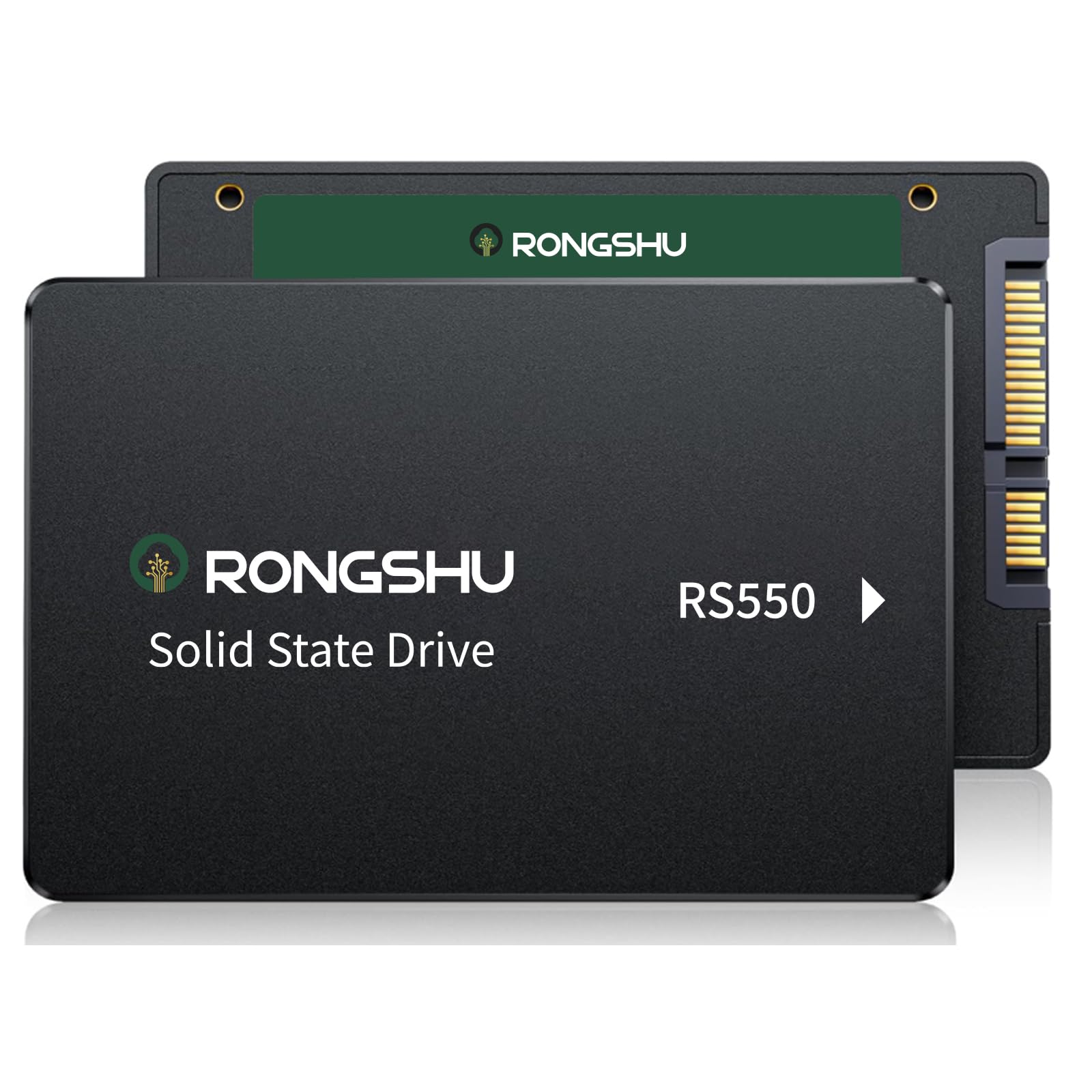
The RONGSHU RS550 uses TLC 3D NAND — a rare find at budget pricing — and advertises 550 MB/s reads and 500 MB/s writes with 80K/55K IOPS for 4K random performance. This spec sheet is genuinely impressive for the price, matching or exceeding many mid-range drives on the market. The use of TLC over QLC means better endurance, though the manufacturer doesn’t publish a specific TBW rating.
Real-world testimonials are overwhelmingly positive. Users who cloned dying HDDs report that the drive fixed “100% disk usage” issues on old HP laptops, with disk usage dropping from 100% to 3-5% after migration. The drive is a straightforward swap, though RONGSHU explicitly notes it does not include a SATA cable in the box — buyers must supply their own. The 3-year warranty matches the industry standard for budget-tier products.
The primary risk with RONGSHU is brand maturity. There are fewer long-term reliability studies compared to Western Digital or Crucial, and the company’s customer support responsiveness is less documented. The RS550 is also DRAM-less, meaning it relies on SLC caching and HMB. For the price, the TLC NAND makes it a compelling choice for a secondary drive or a budget build where every dollar counts.
Why it’s great
- TLC NAND provides better endurance than QLC budget competitors
- Advertised random IOPS (80K/55K) rival mid-range drives
- Resolved Windows 100% disk usage issues on HDD-era laptops
Good to know
- No SATA cable included — must purchase separately
- Limited long-term reliability data from a newer brand
FAQ
Can I use a 2TB 2.5-inch SATA SSD in a PlayStation 5?
How do I clone my existing HDD to a new 2TB SATA SSD?
What is the real-world speed difference between SATA SSD and NVMe for gaming?
Are DRAM-less 2TB SATA SSDs reliable for daily use?
Does the 7mm thickness of a 2.5-inch SSD fit all laptops?
Final Thoughts: The Verdict
For most users, the best 2TB 2.5-inch SATA SSD is the Samsung 870 EVO because its 32GB DRAM cache, 1,200 TBW endurance, and consistent saturating speeds make it the only drive that never leaves you wondering if a cheaper option would have been enough. If you want the best price-to-performance ratio for everyday computing, grab the Crucial BX500. And for the tightest budget where every dollar matters, the RONGSHU RS550 offers TLC NAND at an unbeatable price point.