
Adding a triple monitor setup to your laptop usually means chaining yourself to a desk, wrestling with a tangle of cables, and hoping the flimsy add-on screens don’t stress your lid’s hinges into an early grave. The right 3 screen monitor for laptop does away with all of that—delivering a true mobile workstation that folds into your bag.
I’m Min — the co-founder and writer behind Gadgets Feed. I’ve spent weeks reading through hundreds of verified buyer reports and cross-referencing spec sheets on IPS panels, USB-C power delivery, brightness levels, and hinge designs to separate the real productivity boosters from the wobbly disappointments.
After analyzing over 200 technical specifications, user complaints, and real-world durability tests, this guide covers only the best options. If you need a reliable 3 screen monitor for laptop, these are the models that plug in easily and actually stay put.
How To Choose The Best 3 Screen Monitor For Laptop
Not every triple-screen extender works with every laptop. Compatibility with your specific USB-C standard, the weight of the unit, and how it attaches to your machine are the three factors that determine whether you get a stable command center or a frustrating paperweight.
Check Your Laptop’s USB-C Capabilities First
The single most common frustration in verified reviews is buying an extender only to find your laptop doesn’t support video over USB-C. You need a port that supports Thunderbolt 3/4 or USB 3.1 with DisplayPort Alt Mode. If you own an M1/M2/M3 MacBook, most of these units require a DisplayLink adapter—they cannot drive two external screens natively from a single port.
Screen Size and Resolution Trade-offs
Most extenders use 14-inch or 15.6-inch panels at 1920×1080 resolution. That’s the sweet spot for readability without taxing the laptop’s GPU. Premium models often stick to this resolution because it keeps the unit thin and light—don’t expect 4K here unless you’re ready to carry extra weight and a power brick.
Attachment Method: Clips vs. Independent Stands
Clip-on extenders hang directly from your laptop’s lid. They are often lighter and more portable, but they transfer weight to your hinge. Free-standing designs—usually an aluminum kickstand or base—separate the screens from your laptop entirely. They add a couple of pounds and take up more desk space, but they protect your screen hinge from long-term stress.
Quick Comparison
On smaller screens, swipe sideways to see the full table.
| Model | Category | Best For | Key Spec | Amazon |
|---|---|---|---|---|
| Xebec Tri-Screen 3 | Premium | Road warriors & high-stakes work | 3.6 lbs / 60W pass-through charging | Amazon |
| KYY Quad Monitor (B0G2BDJ91J) | Premium | Auto-rotation & integrated stand | 400 nits brightness / 4-screen | Amazon |
| Blackview DCM6 | Premium | Ultra-light travel & eye comfort | 2 lbs / TÜV SÜD low blue light | Amazon |
| Redalf (B0D2NLR35N) | Mid-Range | Detachable screens & 235° rotation | 2.1 lbs per side / detachable | Amazon |
| ZUMWALT P7 | Mid-Range | Aluminum housing & 15.6″ panels | 4 lbs / 280 nits / 178° viewing | Amazon |
| Rizpak (B0G7BKXRNV) | Mid-Range | Single-cable simplicity | 4 lbs / driver required once | Amazon |
| KYY X90E | Mid-Range | Windows-only plug-and-play | 4.85 lbs / 210° rotation per screen | Amazon |
| Vixtan 14″ | Budget | Lightest entry-level triple | 3.0 lbs / 100% sRGB | Amazon |
In‑Depth Reviews
1. Xebec Tri-Screen 3
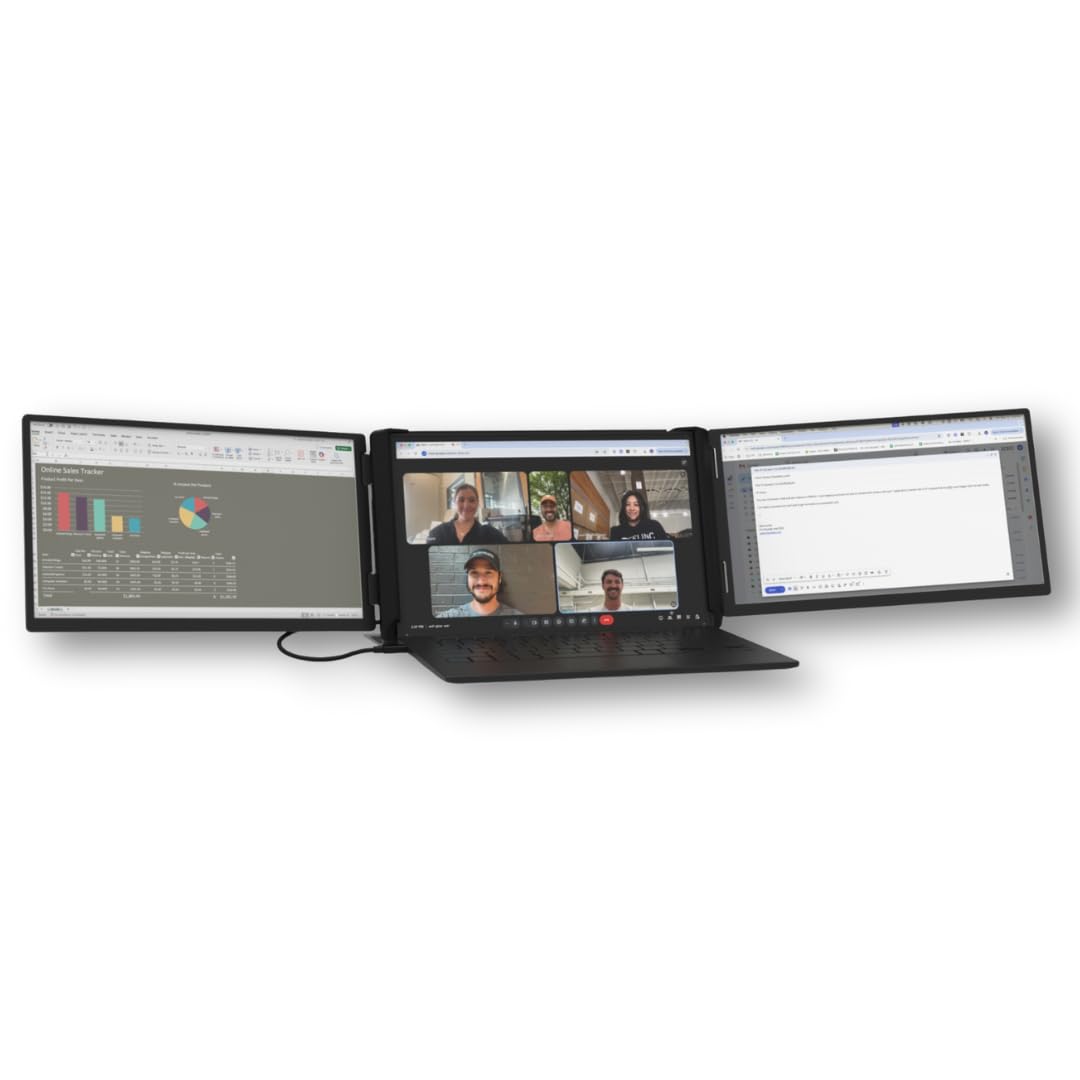
The Xebec Tri-Screen 3 is the model that other portable extenders are measured against. It uses a patented tension-fit clamp instead of magnets or clips, which means it holds firmly onto laptops from 13 to 18 inches without wobbling or putting leverage stress on your lid. The two 13.3-inch 1080p side panels deliver crisp text and accurate color at up to 300 nits, and the entire unit weighs just 3.6 pounds including the protective travel case.
Connectivity is streamlined to a single embedded USB-C cable that also delivers 60W of pass-through charging to your laptop—no power brick required for the screens. For PC users with a USB-C port supporting DisplayPort Alt Mode or Thunderbolt, it is true plug-and-play. Mac users will need the specific “For Mac” variant and the free DisplayLink driver, but once set up, both screens function with zero latency for office apps and financial models.
Verified buyers consistently note the superior build quality compared to budget alternatives—the aluminum chassis feels dense and durable, and the kickstand stays rigid during typing. The main trade-off is screen size: at 13.3 inches, the side panels are smaller than the 15.6-inch panels found on many competitors. If you prioritize compact portability and premium materials over maximum screen real estate, this is the pick.
Why it’s great
- Patented tension-fit clamp eliminates hinge stress and wobble
- 60W pass-through charging keeps the desk clutter-free
- Premium aluminum chassis designed for daily travel
Good to know
- 13.3-inch side panels are smaller than the 15.6-inch competition
- Mac users need the “For Mac” variant and a DisplayLink driver
2. KYY Quad Monitor (B0G2BDJ91J)
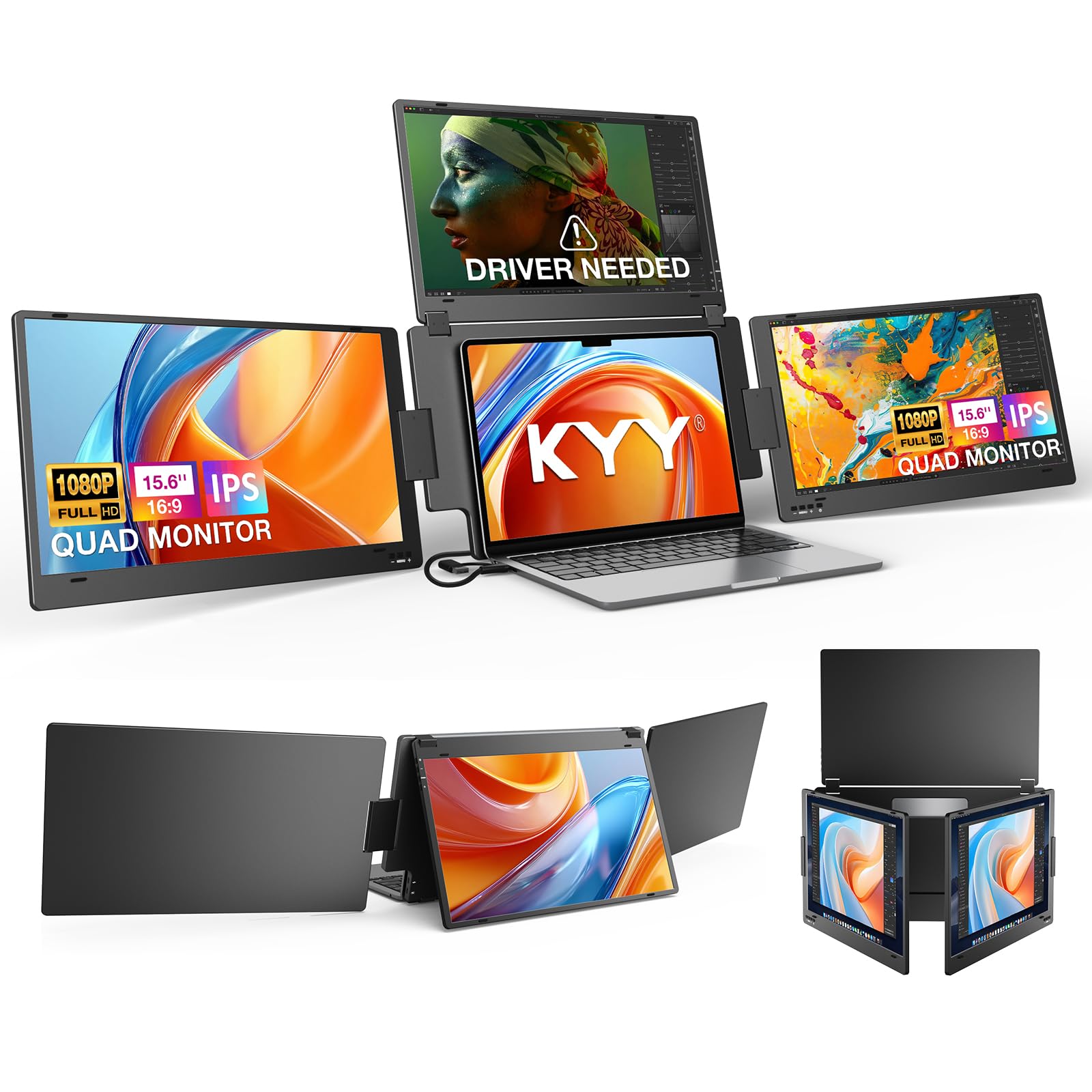
The KYY Quad Monitor pushes the concept further by offering a top screen in addition to the two side panels, effectively giving you four displays from a single unit. The top panel auto-rotates when folded backward—no manual configuration needed—and each side panel rotates up to 360 degrees, making it easy to share content with clients or colleagues. The brightness hits a strong 400 nits, which is 100 nits above the typical 300-nit standard, making this far more usable in bright coffee shops or near windows.
Unlike clip-on designs, the KYY uses an integrated aluminum alloy stand that supports modern 12- to 17.3-inch laptops. This completely sidesteps hinge stress because the screens rest on their own base. Connectivity is via a single USB-C cable for all four screens, though most users will need to install the included driver for macOS, Windows, or Linux (Ubuntu only). The 1200:1 contrast ratio and 85% NTSC color gamut deliver solid image quality for spreadsheet work and data dashboards.
Verified reviews highlight the excellent packaging and customer service as key advantages—when one unit had a backlight issue, the replacement shipped in days. The drawbacks are the missing protective case (the unit doesn’t fit standard office bags easily) and the lack of height adjustment, which some users solved with a DIY riser. If you need maximum brightness and a dedicated top display for trading or coding, this is the strongest option.
Why it’s great
- 400-nit brightness outperforms almost all competitors
- Auto-rotation top screen eliminates manual setup
- Independent stand protects the laptop hinge
Good to know
- No height adjustment built in
- No protective case included for travel
3. Blackview DCM6
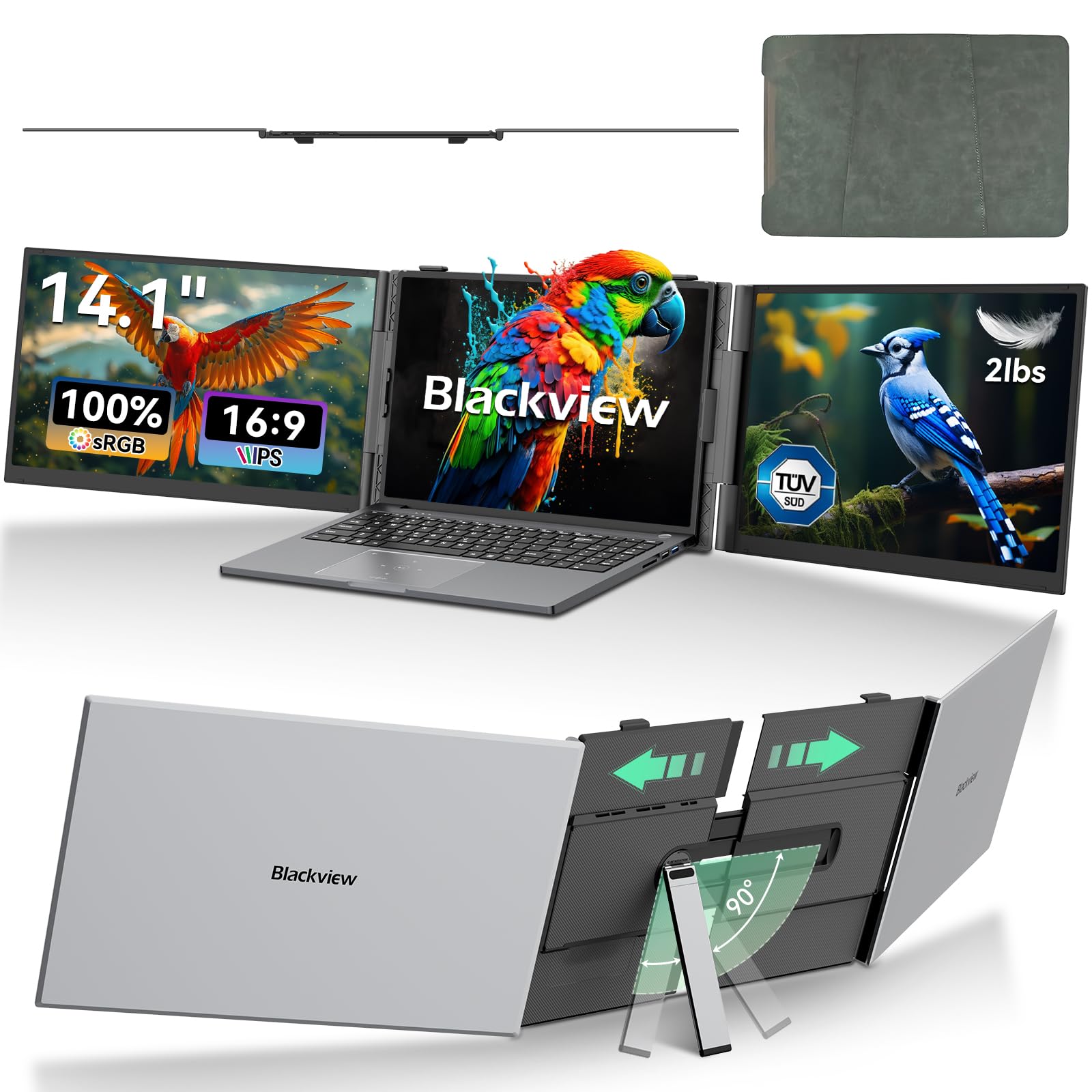
The Blackview DCM6 redefines portability for a 3 screen monitor for laptop. At just 2 pounds and 0.17 inches thick per screen, it is roughly half the weight of most 15.6-inch triple extenders. This makes it a legitimate candidate for digital nomads who pack light—it slips into a laptop sleeve without adding noticeable bulk. Despite the slim profile, the 14.1-inch Full HD IPS panels deliver 300 nits brightness and 100% sRGB color gamut, which is adequate for document work, email, and light photo referencing.
One standout feature is the TÜV SÜD certification for hardware-level low blue light. This matters if you spend eight-plus hours staring at three screens—it reduces eye fatigue better than software-based filters. The unit connects via two USB-C cables (or one plus an HDMI cable for older laptops), and it comes with a protective case, a full cable kit, and a dedicated H5-T cable for compatibility with M-series MacBooks. Blackview backs it with a 24-month warranty, which is double the industry standard.
Buyers report that the DCM6 locks onto laptops securely without a kickstand, which saves desk space but does mean the screens are attached to the lid. The 14-inch panels are smaller than the 15.6-inch format many people expect, so if absolute screen area is your priority, look at the larger options. For anyone who flies weekly and needs a triple-screen setup that barely registers in a bag, the DCM6 is the clear choice.
Why it’s great
- Ultra-light 2-pound design for effortless travel
- TÜV SÜD certified low blue light reduces eye strain
- 24-month warranty is double the norm
Good to know
- 14-inch screens are smaller than 15.6-inch competitors
- Clip-on design adds weight to the laptop hinge
4. Redalf (B0D2NLR35N)
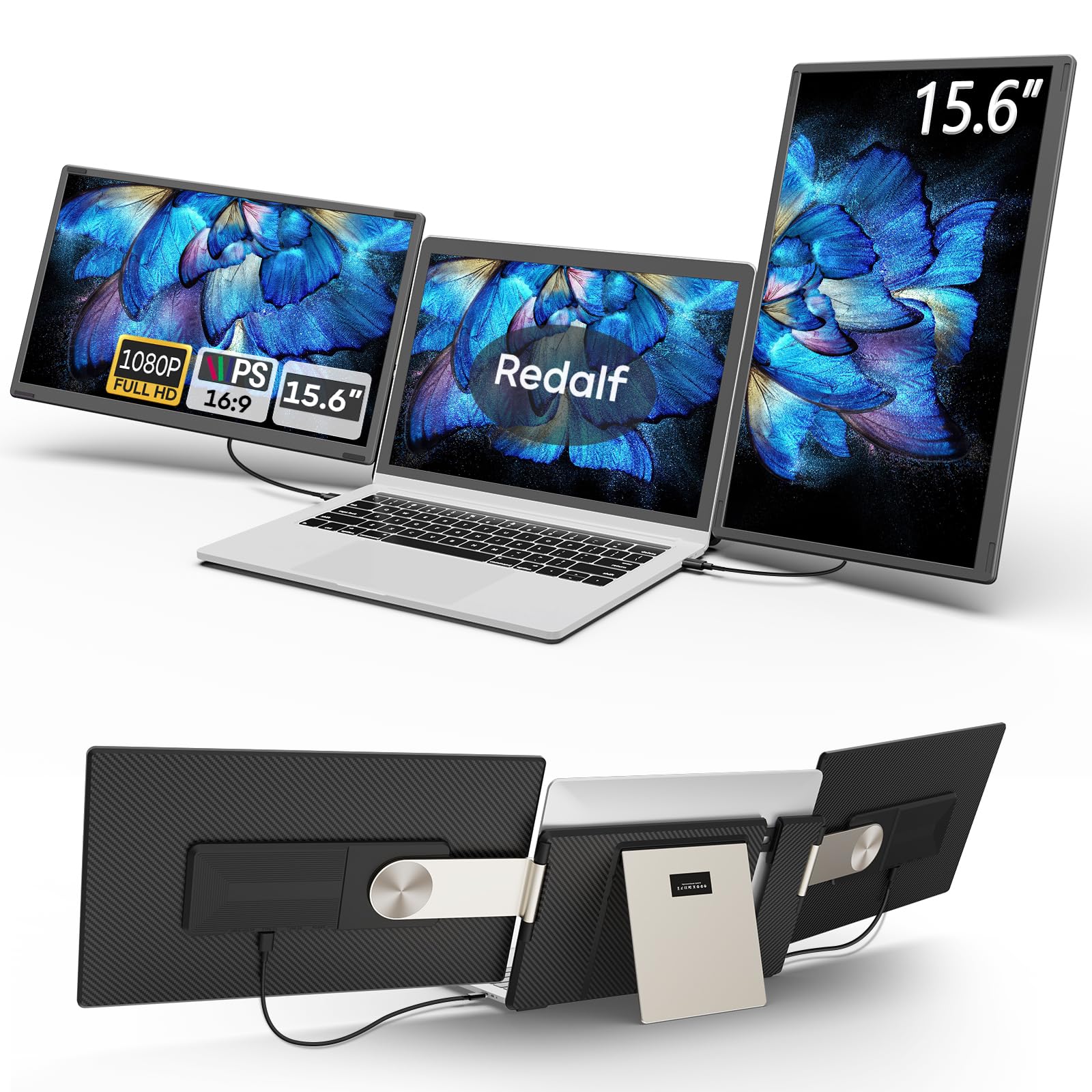
The Redalf extender takes flexibility seriously with a detachable design that lets each 15.6-inch 1080p IPS screen operate independently. Each side panel weighs just 2.1 pounds, so you can remove one and carry only what you need for a specific trip. The upgraded stand supports 235 degrees of horizontal rotation and 90 degrees of vertical rotation, enabling landscape, portrait, and stacked folding configurations that few competitors match.
Image quality is solid with 300 nits brightness, a 1200:1 contrast ratio, and a 120% color gamut—above average for this price tier. The built-in speakers are present but, as is typical for portable monitors, they are thin and quiet. Connectivity covers all the bases: USB-C, USB-A, and HDMI, with plug-and-play operation on Windows and Android Dex. Mac compatibility is more limited—the unit supports M1 Pro/Max and M2 Pro/Max and M3 Pro/Max chips but explicitly does not work with base M1/M2/M3 models.
Verified buyers praise the sturdy metal build and the carrying case that fits everything neatly. The primary complaint is that the speakers are too weak for meaningful use, and one reviewer noted that the vertical monitor angle can dip slightly when adjusted to portrait mode. If you want a triple screen that can also function as two separate monitors for sharing presentations or gaming, this is the most versatile design available.
Why it’s great
- Detachable screens function as independent monitors
- 235° rotation enables portrait and stacked layouts
- Superior 120% color gamut for vibrant visuals
Good to know
- Not compatible with base M1/M2/M3 MacBooks
- Built-in speakers are weak and quiet
5. ZUMWALT P7
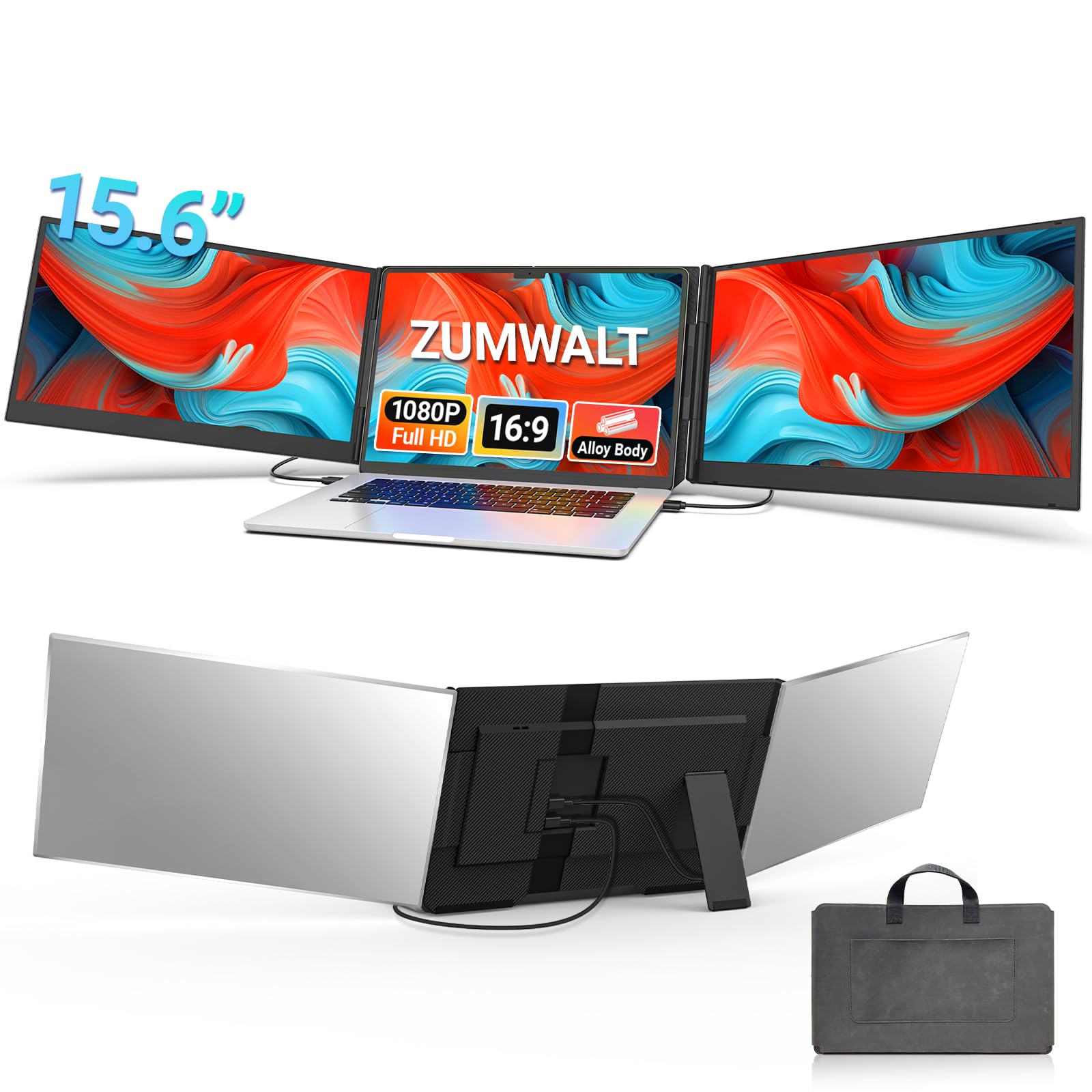
The ZUMWALT P7 is built for professionals who want large 15.6-inch displays without the distraction of cable clutter. The two side panels connect via just two USB-C cables, which is the cleanest setup in this category. The aluminum alloy shell gives it a premium feel that resists impacts better than the plastic-bodied units, and at 4 pounds, it is manageable for a full-size triple extender.
The 1080p IPS panels deliver 280 nits brightness and a 178-degree viewing angle, which is adequate for indoor use but noticeably dimmer than the 300-400 nit competition when used near a bright window. The kickstand-style design means the screens sit independently of the laptop, removing hinge stress entirely. It supports laptops from 13 to 17.3 inches and comes with a leather carrying bag, an HDMI cable, and a power adapter for situations where the USB-C ports don’t supply enough power.
Buyers report that setup is genuinely plug-and-play on Windows and newer Macs—no driver installation required for most configurations. The main limitation is the 280-nit brightness, which several reviewers flagged as borderline for sunny cafes. If you primarily work indoors or in controlled lighting and prioritize a clean, stable 15.6-inch triple screen over maximum brightness, the P7 delivers excellent value.
Why it’s great
- Aluminum alloy construction adds durability and style
- Independent stand protects the laptop hinge
- Two-cable setup keeps the desk clean
Good to know
- 280 nits brightness is dimmer than the competition
- M1/M2/M3 MacBooks require an additional H5-T cable and driver
6. Rizpak (B0G7BKXRNV)
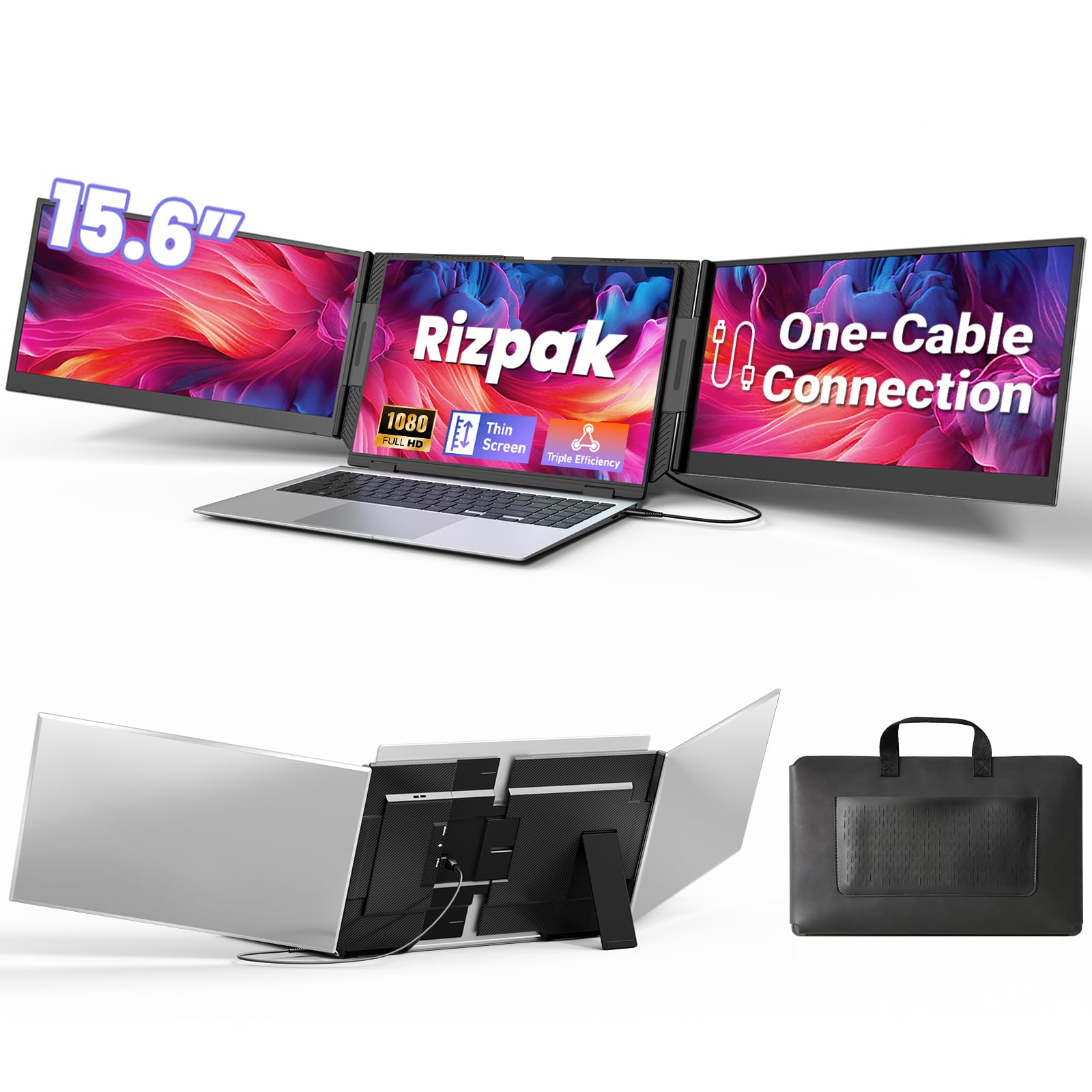
The Rizpak P7 Pro focuses on the simplest possible connection: one USB-C or USB-A cable drives both side panels after a one-time driver installation. This is a significant convenience for users whose laptops lack a full-featured USB-C port—the included USB-A cable ensures compatibility even with older machines. The two 15.6-inch 1080p IPS displays cover 100% sRGB, delivering accurate color for presentation graphics and design reviews.
At 4 pounds, it is slightly heavier than the Vixtan and Blackview options, but it compensates with a reinforced metal stand that completely avoids clipping onto the laptop. This free-standing aluminum alloy design provides exceptional stability on desks and lap desks, and the 180-degree foldable screens make it easy to protect private content when not in use. The package includes a power adapter, a USB flash drive with the driver, and a carrying bag.
Verified buyers consistently mention the fast setup—most had both screens running within two minutes—and the solid build quality. The main negative is that the built-in speakers are tinny, and some users needed to lower the resolution to 1080p to eliminate lag on older laptops. If you need a triple-screen setup that works reliably via a single USB-A cable and stays stable on any surface, the Rizpak is a strong mid-range contender.
Why it’s great
- Single cable via USB-C or USB-A reduces clutter
- Free-standing metal stand eliminates hinge stress
- 100% sRGB color gamut for accurate visuals
Good to know
- Requires a one-time driver installation
- Speakers are weak and quiet
7. KYY X90E
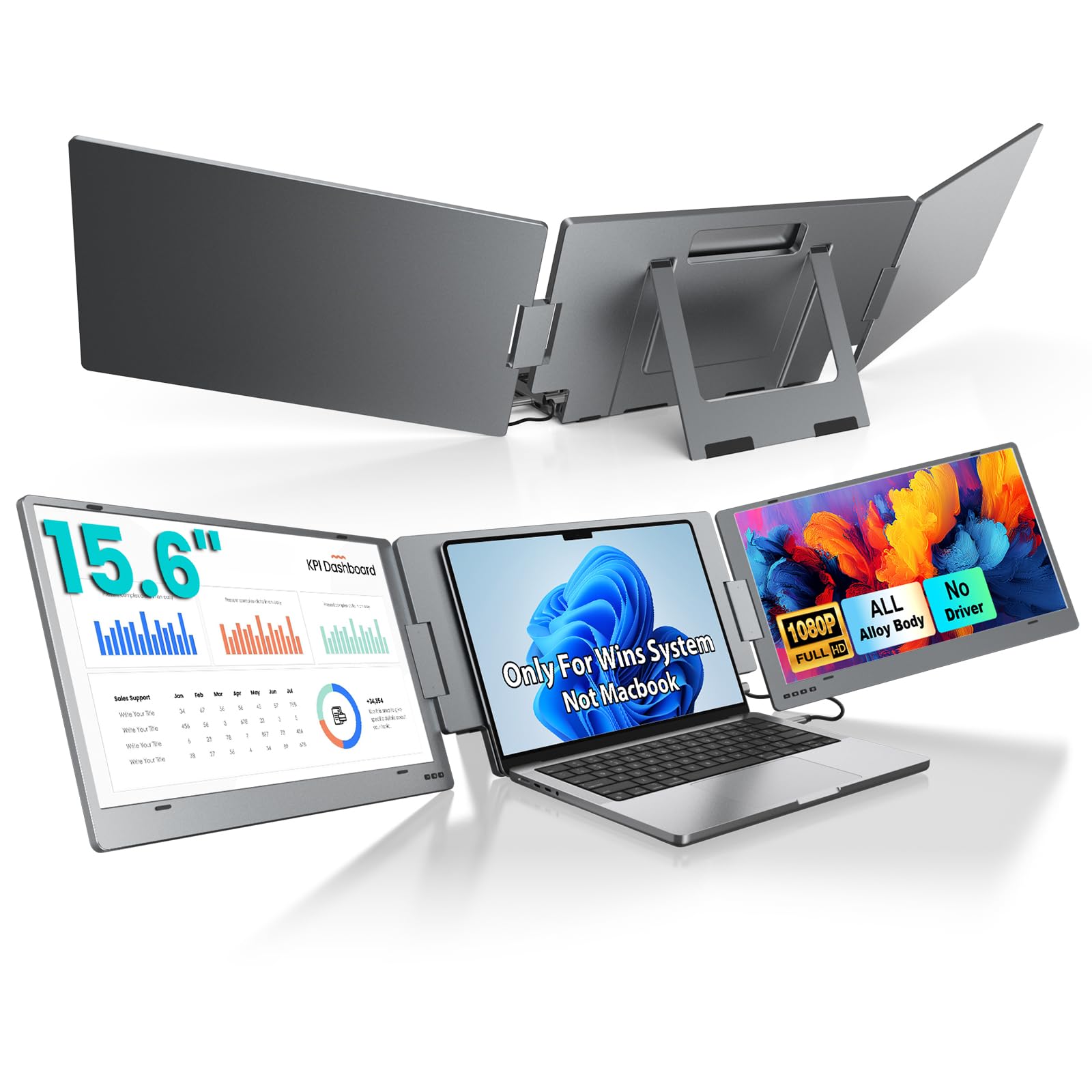
The KYY X90E is a dedicated Windows-only triple extender that emphasizes simplicity and independent screen control. Each of the two 15.6-inch IPS panels can be turned on or off individually, and each rotates 210 degrees for easy screen sharing with colleagues. A single USB-C cable handles both video and power if your laptop supports Thunderbolt 3/4 or USB 3.1 with DP Alt Mode. No drivers are required—just plug in and the two side panels appear as separate displays.
The 1080p resolution, 300-nit brightness, and 85% NTSC color gamut produce clear, vibrant visuals for productivity work. The blue light protection technology is a welcome addition for long sessions. The built-in kickstand is sturdy and adjustable up to 90 degrees, though at 4.85 pounds, this is the heaviest unit on the list—not ideal for ultra-light travel. The rubber mat on the stand prevents slipping, and the independent power switches on each screen are a practical touch that no other model in this guide offers.
Verified buyers appreciate the crisp text and the wide rotation range, which makes collaboration much easier. The main limitation is the Windows-only compatibility—Mac, Chrome, and Linux users are locked out entirely. If you are a Windows user who wants a rock-solid plug-and-play experience with screen-level control and don’t mind the extra pound or two, the X90E is a smart buy.
Why it’s great
- Each side screen can be turned off independently
- 210° rotation makes sharing effortless
- True plug-and-play—no drivers needed
Good to know
- Windows only—no Mac, Chrome, or Linux support
- 4.85 pounds is on the heavier side
8. Vixtan 14″
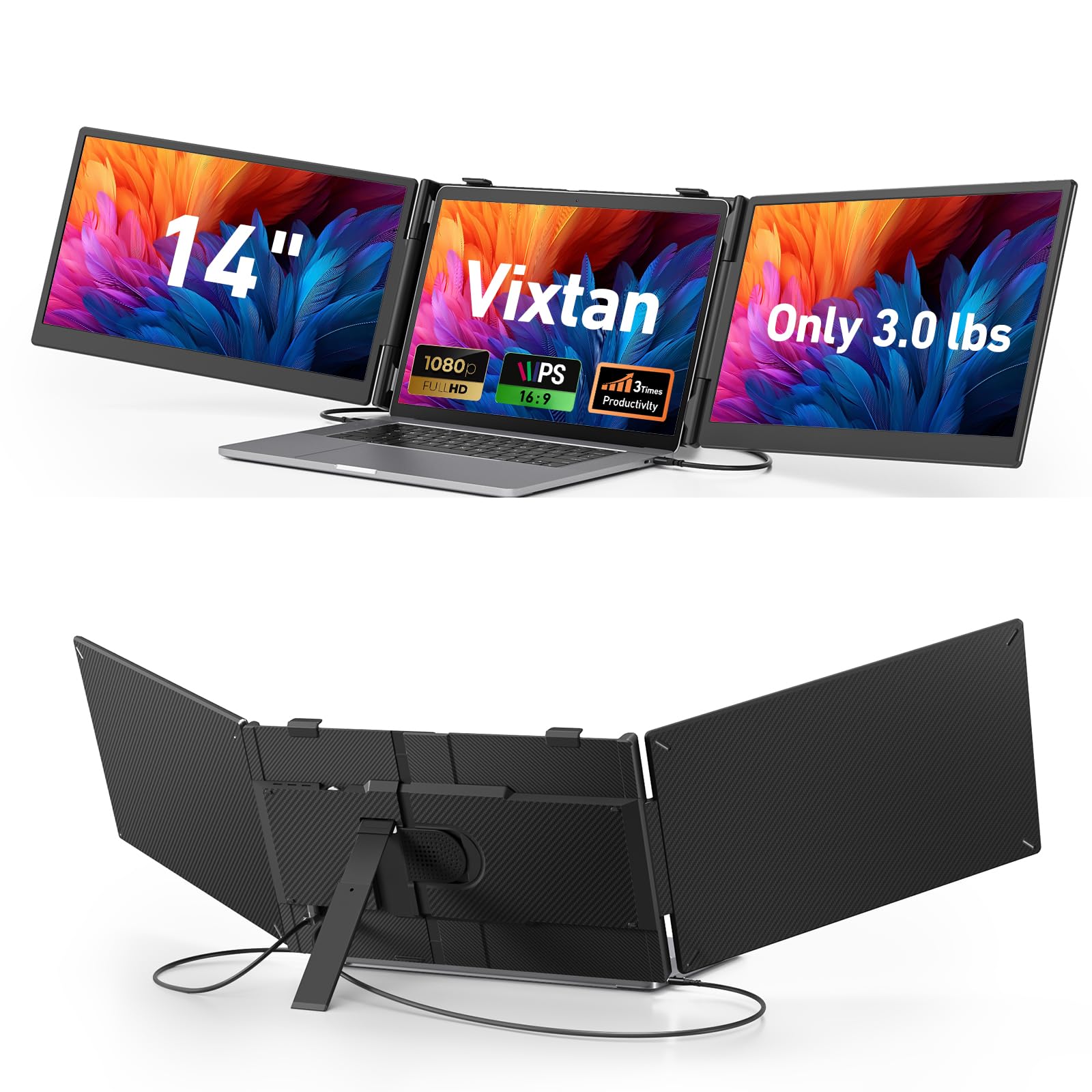
The Vixtan 14-inch triple extender is designed for buyers who want the lightest possible entry into a triple-screen setup without breaking the bank. At just 3.0 pounds and 0.3 inches thick, it is one of the most portable units available, making it a natural fit for students and remote workers who move between libraries, coffee shops, and home offices. The 14-inch 1080p IPS panels offer 300 nits brightness and 100% sRGB color accuracy, which is excellent for this price tier.
The reinforced plastic stand includes multi-level height adjustment and 180-degree horizontal rotation, fitting laptops from 13 to 17.3 inches. It is designed for zero wobble, with reinforced springs and non-slip pads that hold the laptop securely. The plug-and-play connectivity works via USB-C or the included HDMI cable across Windows, macOS, ChromeOS, Android, and Linux. However, M1/M2/M3 MacBooks require a DisplayLink adapter for dual-screen functionality—a common limitation across the category.
Verified reviews are overwhelmingly positive, with most users impressed by the easy setup and bright displays. The most frequent critique is that 300 nits is still not bright enough for very sunny environments, and the 14-inch panels are significantly smaller than the 15.6-inch standard. If you prioritize a lightweight, affordable triple screen for indoor mobile work and can accept smaller panels, the Vixtan is the strongest budget pick.
Why it’s great
- Only 3.0 pounds—great for frequent travel
- 100% sRGB color gamut at an entry-level price
- Universal compatibility across major operating systems
Good to know
- 14-inch panels are smaller than the 15.6-inch standard
- 300 nits is dim for direct sunlight
FAQ
Can a triple screen extender damage my laptop’s hinge?
Does a triple screen extender work with an M1 or M2 MacBook Air?
Why do some extenders require a driver while others are plug-and-play?
What is the real difference between 14-inch and 15.6-inch side panels?
Final Thoughts: The Verdict
For most users, the 3 screen monitor for laptop winner is the Xebec Tri-Screen 3 because it combines a patented hinge-safe clamp, 60W pass-through charging, and premium aluminum build quality that survives daily travel. If you need the brightest possible display for a bright environment, grab the KYY Quad Monitor with its 400-nit panels and auto-rotating top screen. And for a budget-friendly unit that weighs just 3 pounds and works across Windows, Mac, and Chrome, nothing beats the Vixtan 14-inch triple extender.