
Our readers keep the lights on and my morning glass full of iced black tea. As an Amazon Associate, I earn from qualifying purchases.
Specs are compiled from manufacturer listings and verified buyer reviews and can change over time — please confirm the key details on the product page before buying.
If you’re hunting for a 300 DPI thermal printer, the real question isn’t just “will it print?” — it’s whether your barcodes scan reliably on the first pass. That resolution separates unreadable smudges from crisp, scannable labels that keep shipping moving. This guide breaks down the best options across desktop workhorses and portable printers, focusing on the specs that actually matter.
I’m Min — the founder and writer behind Gadgets Feed. This guide is built by comparing the manufacturers’ published specifications and the patterns across verified customer reviews, so you get each pick’s real strengths and trade-offs instead of marketing spin.
Whether you ship from home or run a busy storefront, finding the right 300 dpi thermal printer means balancing speed, connectivity, and running costs for your specific workload.
Our Picks at a Glance


How To Choose The Best 300 DPI Thermal Printer
Not all 300 DPI thermal printers are built for the same job. Match the machine to your daily tasks—a portable travel printer differs from a high-volume desktop shipping labeller.
Decide Between Direct Thermal and Thermal Transfer
Direct thermal printers use heat to darken special paper, requiring no ink or toner at all. Thermal transfer printers use a ribbon to melt ink onto the label, which creates prints that are more resistant to heat and scratching. If your labels face sun, heat, or heavy handling, a transfer printer is the sturdier route.
Speed and Volume Matter for Your Workflow
Look at how many labels you plan to print in a day. Desktop models rated at 90 or 93 labels per minute are built for high-volume shipping days, while a portable printer with a 2600mAh battery is designed for occasional prints on the go. Match print speed to your volume to avoid bottlenecks and wasted capacity.
Check Connectivity and Compatibility
Your workspace setup dictates which connections you need. A USB-C cable works for most modern computers, while Bluetooth lets you print directly from your phone or tablet. For shared office use, an Ethernet port allows multiple users on the same network to access the printer. Make sure the printer supports your operating system — whether that’s Windows, macOS, or even ChromeOS.
Quick Comparison
| Model | Best For | Print Speed | Connectivity | Media Size | Amazon |
|---|---|---|---|---|---|
| MUNBYN 941BP★ Best Overall | Small Business Shipping | 180 mm/s | Bluetooth, USB-C | 1.57″ – 4.3″ | Amazon |
| Phomemo M832DTravel Pick | Travel & Portable Use | 6 ppm | Bluetooth, USB-C | 8.5″ x 11″, A4 | Amazon |
| Phomemo D530ProWireless Value | Shared Office Printing | 150 mm/s | Ethernet, Bluetooth, USB | 1″ – 4.6″ | Amazon |
| Brother QL-800 | Versatile Office Labels | 93 labels/min | USB | DK Rolls up to 3 ft | Amazon |
| CamScanner P1 Pro | Document Printing On-the-Go | 4 ppm | Bluetooth, USB-C | 8.5″ x 11″ | Amazon |
| DYMO LabelWriter 550 | Simple Address Labels | 90 labels/min | USB, LAN | DYMO Branded Only | Amazon |
| POS-X EVO-PT3 | Retail Receipts | 60 ppm | USB, Serial, Ethernet | 80mm | Amazon |
| Brother TD-4550DNWB | Durable High-Volume Labels | 6 ips | USB 2.0, Ethernet, Serial | Multi-size | Amazon |
| ZEBRA ZD421 | Industrial-Grade Durability | 4 ips | USB, Ethernet, BTLE5 | 4.25″ x 6″ | Amazon |
In‑Depth Reviews
1. MUNBYN Bluetooth Thermal Label Printer 941BP
Our pick — over 4★ from 500+ verified ratings; the strongest balance of quality and price.
A wireless workhorse that makes crisp 4×6 shipping labels a tap away.
For small business owners drowning in shipping tasks, this MUNBYN is the crowd favorite — and the reason is clear. It prints at a crisp 300 DPI resolution, which keeps barcodes scannable and text sharp, so your packages don’t come back for unreadable labels. You’re not just getting clarity; you’re getting speed, with the thermal engine pushing out prints at 180 mm/s, which works out to over 5000 labels a day without jamming.
The genius of this pick is how it simplifies your setup. Bluetooth handles your iPhone and Android, while a Type-C cable covers Windows and Mac connections. It earns its keep by handling label widths from 1.57″ to 4.3″. — handling label widths from 1.57″ to 4.3″ (40-104mm), so it adapts from tiny product tags to full-size 4×6 shipping labels. Since it’s print-only with no ink, you’re cutting out cartridge costs entirely, and the auto-return feature boost every label so nothing goes to waste.
You get professional-looking labels right from the start — that’s what owners praise most. Long-time thermal printer users say it best: “5th thermal printer, 1st Munbyn,” noting this 300 DPI (dots per inch, a measure of print sharpness) unit beats their old 203 DPI models with better hardware and software at a fraction of the cost of commercial brands. The build is compact enough for a desk, and the green design adds a bit of personality to your workspace.
What Owners Love
- Clean, professional 300 DPI prints that scan reliably
- Fast 180 mm/s speed handles high daily volume
- Works with Amazon, Shopify, Etsy, and USPS platforms
- No ink or toner means lower running costs
The Trade-Offs
- The mobile app navigation takes some getting used to
- Works best with specific label sizes rather than every roll
The Verdict: Reach for this if you need a reliable, high-speed shipping label printer that plays nicely with all your sales channels.
Who Should Skip It: If you only print a few labels a week and never from your phone, a simpler USB-only model might save you money.
2. Phomemo M832D Touchscreen Portable Printer
A full-page printer that shrinks down to backpack size without sacrificing quality.
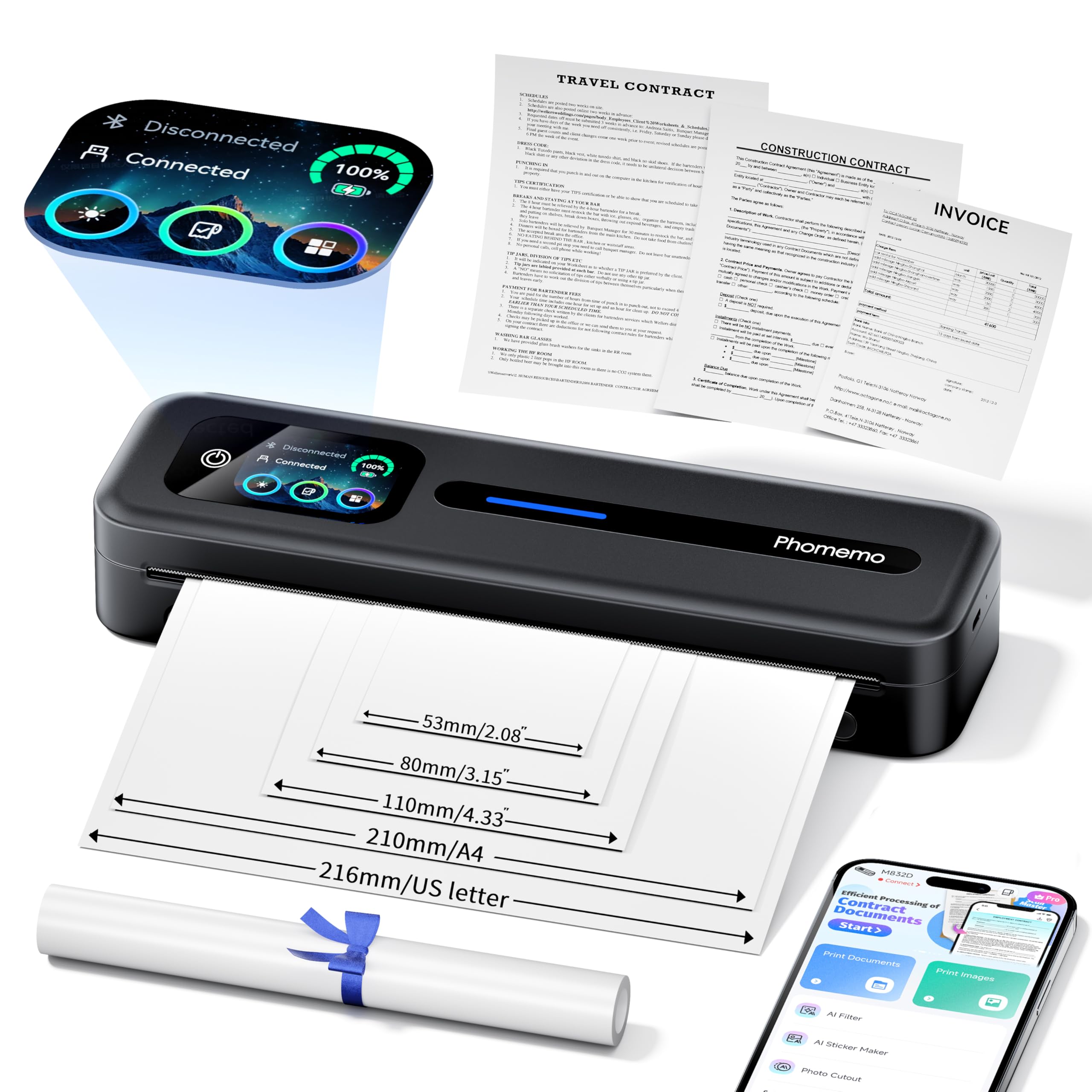
This Phomemo breaks the mold of tiny label-only portables. It’s a 300 DPI thermal printer that handles full US Letter (8.5″ x 11″) and A4 paper, making it a genuine document printer for road warriors. The 1.5 lb weight means it slips into a briefcase without a second thought, yet it still manages a built-in 2600mAh battery that delivers up to 200 pages of continuous printing.
The standout feature is the smart digital display, which shows battery and connection status and even identifies paper placement. It’s genuinely user-friendly — owners note the brightness of the color LCD and how it simplifies checking battery before a print job. It supports multiple paper widths (2.08″, 3.15″, 4.33″, plus full letter size), so you can switch from printing class notes on a roll to printing contracts on letter paper.
Owners single out the 300 DPI clarity as a highlight, with sharp text, QR codes, and photos. The trade-off emerges in reliability — reports surface of units stopping after roughly 5 prints, so treat it as a secondary travel device rather than a 24/7 office workhorse. It connects via Bluetooth to phones and tablets, with USB-C reserved for laptops, which keeps the mobile workflow clean.
Best for Travel: A featherweight inkless printer that brings full-page capability to your backpack, with a touchscreen that takes the guesswork out of setup.
Handle With Care: If you need a relentless daily printer for hundreds of labels, the intermittent reliability reports should steer you toward a desktop model.
3. Phomemo D530Pro Ethernet Thermal Label Printer
A shared-office label printer with an integrated paper bin to declutter your desk.
For a busy shipping desk, the D530Pro stands out with its built-in paper slot that holds up to 500 pieces of 4×6 label paper — no separate roll holder cluttering your workspace. It prints at 300 DPI clarity with speeds up to 150mm/s, averaging 72 labels per minute. The paper-saving return function helps you squeeze every last bit of value from each roll.
The connectivity is its a neat extra: high-speed Bluetooth for phones within 10 meters, plus Ethernet and USB-C for reliable desktop connections. It’s compatible with Windows, macOS, Linux, and ChromeOS, alongside Android and iOS. Owners highlight the fast printing and easy setup, noting that the included USB-C adapter makes installation a breeze.
What you’re getting is excellent 300 DPI print quality at a mid-range price point, making it a popular choice among eBay sellers and home office users. The label width flexibility ranges from 1″ to 4.6″, handling shipping labels, circular labels, and special shapes. The trade-off is that connectivity gets mixed reviews — a few buyers report dropped connections mid-job — so a wired Ethernet connection is the reliable route for heavy printing.
Clean Desk Champion: The integrated 500-label bin sets this apart, keeping your workspace tidy while delivering fast, crisp prints.
The Catch: Keep it wired if you’re running long print batches, since wireless hiccups have been reported by some owners.
4. Brother QL-800 High-Speed Professional Printer

A lightning-fast label genius that adds red accents to your branding.
For high-volume shipping and folder organization, the Brother QL-800 is the office classic for a reason. It prints at 93 labels per minute with crisp 300 DPI (dots per inch) resolution, so you can churn through a stack of labels without waiting. Its hallmark feature is dual-color printing — using Brother Genuine DK label rolls, you can print in black and red to make shipping labels or sale tags pop.
What separates this from the competition is the Plug & Label technology. It integrates directly with Microsoft Word, Excel, and Outlook, letting you print address labels without opening a separate software suite. The built-in auto-cutter gives you precise, clean edges every time, while compatibility with continuous-length DK tapes up to 3 feet long opens up custom banner possibilities.
Owners consistently praise the speed and crisp output for business UPC labels, noting it handles hundreds of labels without skipping a beat. The trade-off is the software — the P-Touch editor has flaws, including margin settings that prevent full-label printing, and some users report a frustrating “Black/Red on white paper” error that support couldn’t resolve. It’s a great printer whose proprietary software holds it back.
Why It Wins Fans
- Blazing 93 labels per minute speed
- Unique black and red printing for standout labels
- Auto-cutter for precise, clean finishing
- Plug & Label works with Word, Excel, and Outlook
Points to Ponder
- P-Touch editor software has frustrating quirks
- Requires Brother Genuine DK label rolls
Best For: Offices that want fast, professional labels with branding flair, directly from their existing Office apps.
Think Twice If: You rely on Mac systems — compatibility reports are mixed, and the software can be finicky for advanced layouts.
5. CamScanner P1 Pro Portable Inkless Printer
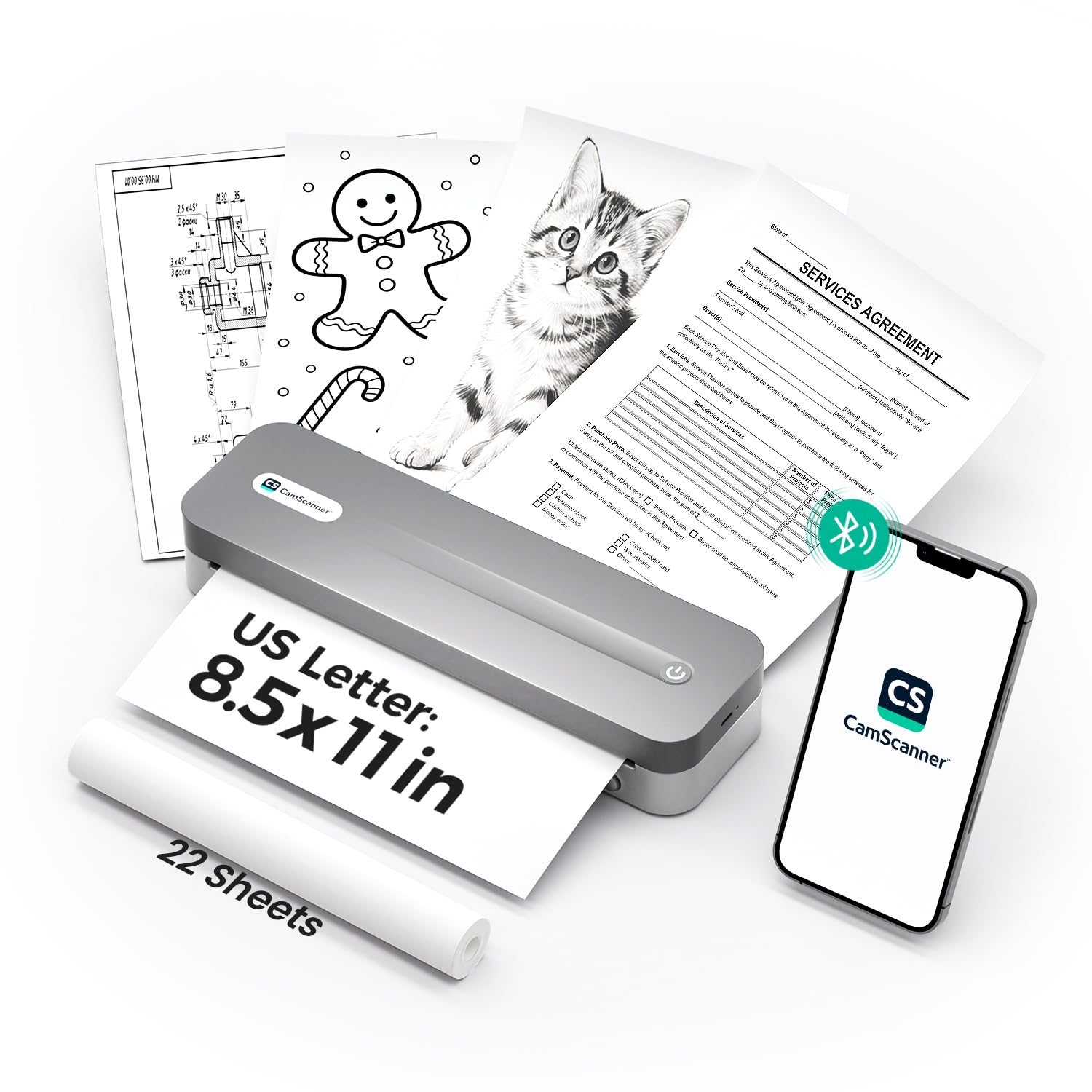
A document-focused portable that turns your scanned files into crisp prints.
Field agents and remote workers will find a true ally in the P1 Pro. It’s a 300 DPI thermal printer that handles full US Letter size (8.5″ x 11″) documents, which puts it miles ahead of label-only portables. Unlike the Phomemo M832D above, this one leans heavily into document workflow with native CamScanner integration and 7 tune filters for contracts, receipts, and tax forms — each designed to boost clarity and contrast.
The 2600mAh battery delivers up to 200 pages per charge, and a unique feature lets it keep printing while charging as long as the battery is above 10%. Weighing just 1.61 lbs, it’s built for a professional on the move. Owners confirm it’s “the perfect printer to take on the go,” praising how well it fits into a business travel routine. It’s a breeze to set up with an included paper roll ready to go.
If you already use the CamScanner app, this printer pairs smoothly with it — batch printing documents with a single tap saves real minutes. The catch is connectivity: several owners mention Bluetooth disconnecting mid-print, which forced one to return the unit. If you need rock-solid wireless, this might frustrate you; if you’re patient with pairing, the document quality is a standout.
Document Dynamo: Brings professional 300 DPI printing to your bag with native CamScanner integration for contracts and forms.
Stability Warning: Bluetooth disconnections have been reported mid-job, so keep the USB-C cable handy for critical prints.
6. DYMO LabelWriter 550 Turbo

A turbo-speed label maker with a smart eye for the rolls you load.
DYMO’s LabelWriter 550 Turbo is the address-label specialist. It prints up to 90 labels per minute with 300 DPI clarity, making quick work of mailing lists and shipping labels. The unique Automatic Label Recognition tells you exactly which label size, type, and color is loaded, and how many remain — so you never run out mid-job.
For a shared office, the optional LAN network connectivity is a major draw, letting multiple users access the machine from their own desks. It’s a direct thermal printer, so you’re eliminating ink and toner costs entirely. The setup is refreshingly simple thanks to DYMO Connect for Desktop software, which auto-detects the loaded labels and formats your print job instantly.
Owners emphasize a significant catch: this printer is designed for DYMO-branded labels only. The 550 model uses embedded technology that blocks third-party label rolls, forcing you into a more expensive proprietary supply chain. If you want the freedom to buy generic labels, this is the wrong pick. But for a low-maintenance, “it just works” experience with official rolls, the speed and simplicity are tough to top.
Plug-and-Play Speed: Auto-recognition makes label printing easy, and LAN support is perfect for multi-user desks.
Brand Lock-in: The requirement for proprietary DYMO labels is the dealbreaker for cost-conscious users — generic rolls simply won’t work.
7. POS-X EVO-PT3 Evo Green Thermal Receipt Printer
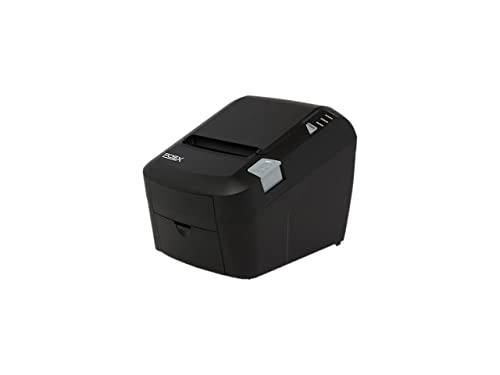
A tank-like receipt printer built for the dust and moisture of a busy shop floor.
When your point-of-sale system can’t go down, the POS-X EVO-PT3 is the workhorse you want behind the counter. This is a purpose-built 300 DPI (dots per inch) thermal receipt printer with an auto-cutter, handling the steady stream of receipts a retail environment demands. The 6.2-pound weight and sturdy construction signal its commercial intent — it’s not a delicate desk toy.
Owners in demanding environments report it’s genuinely tough: “Printer is tougher than a tank” is the collective verdict from workshops where dust and moisture don’t faze it, with some units running daily for over two years. The connectivity is flexible with USB, Serial, and Ethernet interfaces, so it integrates into almost any existing POS system, including tablets with a USB or Ethernet adapter.
The trade-off for this durability is longevity consistency. While some installations run for years, there are reports of units failing within a year, and one owner noted it was the second they’d gone through in two years. It’s a solid workhorse, but not indestructible. The 80mm media size is standard for receipts, and the auto-cutter keeps lines moving during busy shifts.
Built For The Front Line: If you need a reliable receipt printer that shrugs off a harsh retail environment, this is a proven survivor.
Not Bulletproof: While many units last for years, a minority have failed within 12 months — plan for a spare if you’re running 24/7.
8. Brother TD-4550DNWB Thermal Desktop Label Printer

A speedy pro-grade label maker that keeps your workflow wireless and uncluttered.
Stepping up to the premium tier, the Brother TD-4550DNWB brings serious speed and flexibility. It prints at 6 inches per second with 300 DPI resolution, ensuring small fonts and mini barcodes come out clean and crisp. The drop-in, spindle-less design makes media replacement a snap, and it’s built to scale from hundreds to thousands of labels.
This model shines with its range of integration options. Owners confirm it works over Wi-Fi easily, pairs with MacBooks without fuss, and supports AirPrint for iOS devices — a rare combo for commercial label printers. The non-proprietary label support is another major plus, accepting any thermal labels rather than locking you into a single brand. One owner called it “reliable like a pricier Zebra ZD621” after setup.
The flip side is that initial setup has a steep learning curve, requiring precise PC calibration. There are isolated reports of wireless Android printing failing and a frustrating “receiving error” on longer batches, plus a costly print head replacement if it fails. It’s a department-grade tool that rewards patience in setup with dependable, high-quality output.
Speed Meets Flexibility: Fast 6 ips printing with Wi-Fi and AirPrint support makes this a nimble, wireless choice for busy workflows.
Setup Sacrifice: Expect a steeper learning curve and precise calibration before it runs perfectly — this isn’t a 5-minute unboxing job.
9. ZEBRA ZD421 Thermal Transfer Desktop Printer
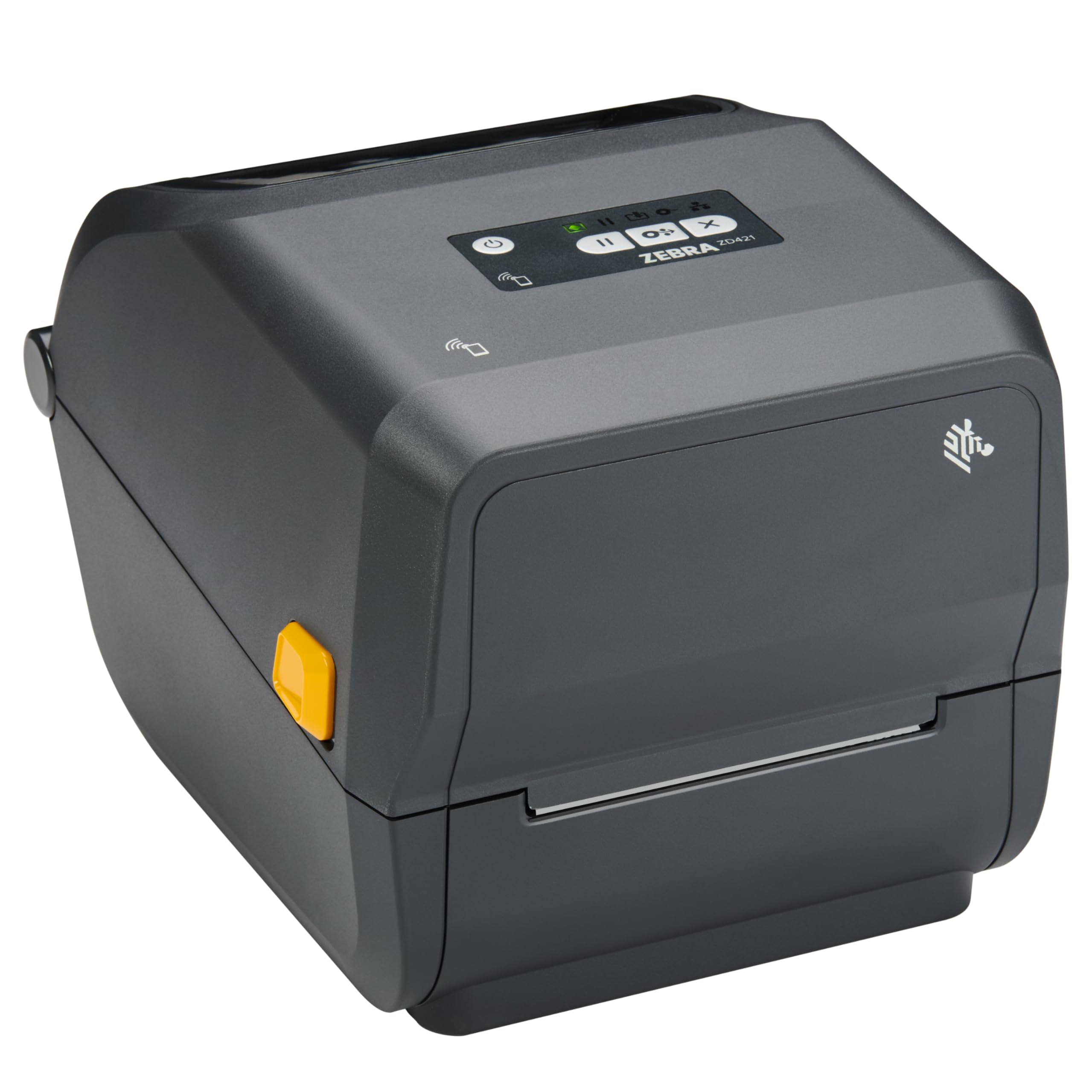
A durable, high-resolution transfer printer for labels that face harsh conditions.
Zebra is the gold standard in industrial labeling, and the ZD421 delivers on that reputation. It’s a 300 DPI thermal transfer printer that prints at up to 4 inches per second, ensuring even the smallest barcodes and detailed logos scan flawlessly. The thermal transfer technology uses a ribbon to create labels that resist heat, scratching, and sun exposure — ideal for tough supply chain environments.
The full-width movable media sensor is the standout engineering feature, letting you print on virtually any media type — from standard 4×6 shipping labels to return tags and asset tracking labels. Connectivity is versatile with wired Ethernet for shared network access, USB for direct connection, and Bluetooth Low Energy (BTLE5) for quick mobile setup. It accommodates high-capacity 984 ft. ribbon rolls to minimize downtime during busy shipping hours.
Customers note it “works great” with no issues from the start, and the 300 DPI output is superb for critical barcodes. The trade-off is the premium price point and the potential for warranty complications — some users warn that warranty support can be difficult for certain sellers. It’s a heavy-duty investment for businesses that need dependable, durable label output above all else.
Built To Last: For harsh environments where labels must survive, the thermal transfer durability (which uses heat to fuse ink onto the label, resisting smudges and scratches) and movable sensor flexibility are class-leading.
Premium Investment: This is the most expensive pick — worth it for industrial needs, but overkill for casual home shipping.
Understanding the Specs
Print Resolution: 300 DPI vs 203 DPI
Resolution measures dots per inch — how many tiny dots the printer uses to form each inch of your label. A 300 DPI printer packs over twice the detail of a standard 203 DPI model, which means smaller fonts stay readable and intricate barcodes scan cleanly on the first pass. If your labels carry fine print, logos, or complex barcodes, 300 DPI is a worthwhile upgrade.
Print Speed and Volume
Speed is measured in mm/s for shipping printers (like 150 or 180 mm/s) or labels/pages per minute for others. Match this to your workload: a seller printing 5000 labels a day needs a fast 180 mm/s unit, while a portable with a 2600mAh battery printing 200 pages per charge suits occasional travel use. Choosing speed that matches your volume prevents bottlenecks.
Direct Thermal vs Thermal Transfer
These are the two heating technologies. Direct thermal uses heat on special paper — no ink or ribbon required, making it cheaper and simpler. Thermal transfer uses a ribbon to melt ink onto the label, creating prints that resist heat, scratching, and sunlight. For labels that face rough handling, choose thermal transfer that uses a ribbon.
Connectivity and Media Flexibility
Look at how you’ll connect and what you’ll print. Bluetooth allows printing from your phone via an app; USB-C or standard USB works with most desktops; Ethernet enables shared network access. Media size ranges from 1.57″ label rolls to full 8.5″ x 11″ letter paper. Some printers lock you into proprietary rolls, while others accept any thermal label.
FAQ
Is 300 DPI worth it over 203 DPI for shipping labels?
Can I use generic labels with my 300 DPI thermal printer?
What is the difference between direct thermal and thermal transfer printing?
How fast do these 300 DPI thermal printers print?
Does a 300 DPI thermal printer need ink?
Can I print from my phone to a 300 DPI thermal printer?
What label sizes can a 300 DPI thermal printer handle?
How long does a thermal print last?
Is a thermal transfer printer better than a direct thermal printer?
What does an auto-cutter do on a thermal printer?
Final Thoughts: The Verdict
For the majority of shoppers, the 300 dpi thermal printer winner is the MUNBYN 941BP because it delivers a strong balance of print quality, speed, and platform compatibility at a sensible price point for small businesses. If you want full-page document printing on the go, grab the Phomemo M832D. And for harsh industrial environments where labels must survive, the ZEBRA ZD421 is the one to reach for.
How We Picked
We do not accept paid placement. Every pick is matched to a real buyer and a real use-case; we do not hands-on test units.
Sources & Methodology
Specifications: manufacturer listings and product documentation. Review insights: verified customer reviews, as of August 2026. Pricing: not shown on this page (it changes often); check the current price via the retailer link.
As an Amazon Associate, Gadgets Feed earns from qualifying purchases. This does not affect which products we feature.