
Our readers keep the lights on and my morning glass full of iced black tea. As an Amazon Associate, I earn from qualifying purchases.
Specs are compiled from manufacturer listings and verified buyer reviews and can change over time — please confirm the key details on the product page before buying.
Forget the marketing maze — the real battle in a 32-inch 120Hz monitor is balancing resolution, refresh rate, and panel type against your actual hardware and budget. A 4K screen at 120Hz is stunning on a high-end GPU or next-gen console, but a 1440p panel at 165Hz or 180Hz often delivers a smoother, more practical experience for competitive gaming on mid-range graphics cards.
I’m Min — the founder and writer behind Gadgets Feed. This guide is built by comparing the manufacturers’ published specifications and the patterns across verified customer reviews, so you get each pick’s real strengths and trade-offs instead of marketing spin.
We break down the specs that actually matter, from panel types and color accuracy to essential features like variable refresh rate. Here is the honest, no-jargon breakdown of the 32 inch 120hz monitor landscape to help you choose with confidence.
Our Picks at a Glance
How To Choose The Best 32 Inch 120Hz Monitor
Picking the right 32-inch screen is about matching the panel’s abilities to what you actually do with it, not just hunting for the highest number on the box.
Resolution: The Clarity vs. Performance Trade-off
This is the biggest fork in the road. A 4K (3840 x 2160) panel gives you incredible detail for movies and work, but it is tough for your graphics card to run at 120Hz or higher in demanding games. A QHD (2560 x 1440) panel is easier to drive, making it the balance for smooth, high-refresh-rate gaming.
Panel Technology: IPS, VA, or OLED
Your choice here affects colors, viewing angles, and contrast. IPS panels are known for vibrant colors and wide viewing angles, great for work and vibrant gaming. VA panels offer deeper blacks and higher contrast, which is brilliant for dark scenes and movies, but they can have slightly narrower viewing angles. OLED panels offer a perfect contrast ratio with inky blacks and instant response times, but they are the premium-priced and require burn-in care.
Refresh Rate and Adaptive Sync
The refresh rate (120Hz, 144Hz, 165Hz, etc.) is how many times the screen updates per second—higher numbers mean smoother motion. This is amplified by adaptive sync technologies like FreeSync or G-Sync, which match the monitor’s refresh rate to your graphics card’s frame output to eliminate screen tearing and stuttering.
Quick Comparison
| Model | Best For | Resolution | Refresh Rate | Panel Type | Amazon |
|---|---|---|---|---|---|
| KTC H32P22P★ Best Overall | Sharp 4K Productivity | 4K (3840 x 2160) | 165Hz | Fast IPS | Amazon |
| Gawfolk GFTY889Curved Value Pick | rich Curved Gaming | 4K (3840 x 2160) | 120Hz | VA | Amazon |
| ETiansu 32″ CurvedConsole Ready | Console 4K 120Hz Play | 4K (3840 x 2160) | 160Hz | VA | Amazon |
| ASUS TUF VG32WQ3B | Competitive FPS Play | QHD (2560 x 1440) | 180Hz | Curved VA | Amazon |
| LG 32G600A-B | Fluid QHD Action | QHD (2560 x 1440) | 180Hz | Curved VA | Amazon |
| Dell S3225QS | All-Day Work & 4K Movies | 4K (3840 x 2160) | 120Hz | VA | Amazon |
| Samsung Odyssey G50D | Versatile Flat-Screen Gaming | QHD (2560 x 1440) | 180Hz | Fast IPS | Amazon |
| Dell S32 Series | Professional Color Work | 4K (3840 x 2160) | 120Hz | VA | Amazon |
| ASUS ROG XG32UCWG | Elite HDR & Console Gaming | 4K (3840 x 2160) | 165Hz | Glossy WOLED | Amazon |
| MSI MAG 321CUP | Premium Curved OLED HDR | 4K (3840 x 2160) | 165Hz | QD-OLED | Amazon |
| LG 32GX850A-B | High-Speed OLED Dual-Mode | 4K (3840 x 2160) | 165Hz / 330Hz | Glossy OLED | Amazon |
In‑Depth Reviews
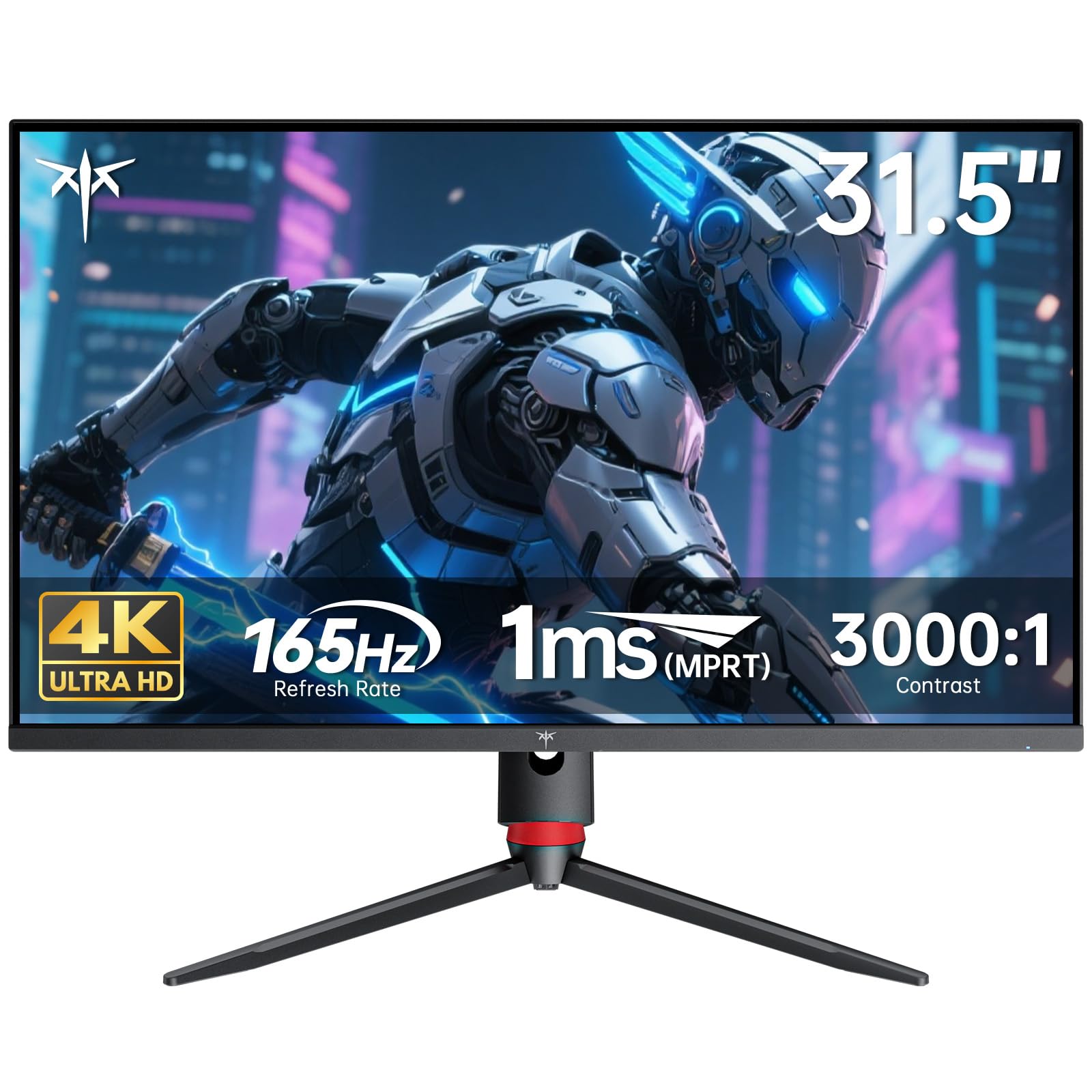
1. KTC 32 Inch 4K Gaming Monitor
Our pick — over 4.5★ from 2,500+ verified ratings; the strongest balance of quality and price.
The 4K all-rounder that juggles razor-sharp work and buttery-smooth play.
This KTC offers a stunning 3840×2160 4K UHD resolution on a Fast IPS panel, making it a top contender for anyone who splits their time between demanding games and serious productivity. The 165Hz refresh rate ensures every match feels fluid, and the 1ms response time keeps fast-moving targets crisp without smearing. It also covers an impressive 121% sRGB color gamut with a 3000:1 contrast ratio, so colors look rich, vibrant, and accurate right from the start.
Connectivity is a major plus if you juggle multiple devices. With HDMI 2.1 and DP 1.4 ports, you can easily hook up next-gen consoles and PCs without needing adapters, and the 100mm x 100mm wall mount support gives you flexibility in tight spaces. The adaptive sync technology (supporting both FreeSync and G-Sync) works to minimize screen tearing, so you stay in the action without visual stutter on many graphics cards.
Buyers are quick to note that while the monitor is capable of hitting 165Hz, its most reliable, flawless performance comes at 120Hz — some users report artifacts at 160Hz and flickers at 144Hz during gaming, but describe it as flawless at 120Hz. The adjustable stand is sturdy with no wobble, and the portrait-mode-worthy design makes it a favorite for dual-monitor coding workflows, where the sharp text and wide IPS viewing angles are praised highly.
Pixel-packed workhorse: It delivers 4K clarity and a wide 121% sRGB color gamut, a combination tough to top at this level.
The honest catch: Treat the advertised 165Hz with caution — the crowd consensus is that it is best run at 120Hz for a flawless, flicker-free experience.
Reach for this if: you want a single screen that excels at both 4K productivity and smooth gaming while staying affordable.
Look elsewhere if: you are a hardcore esports player who absolutely needs a guaranteed, artifact-free 144Hz+ experience.
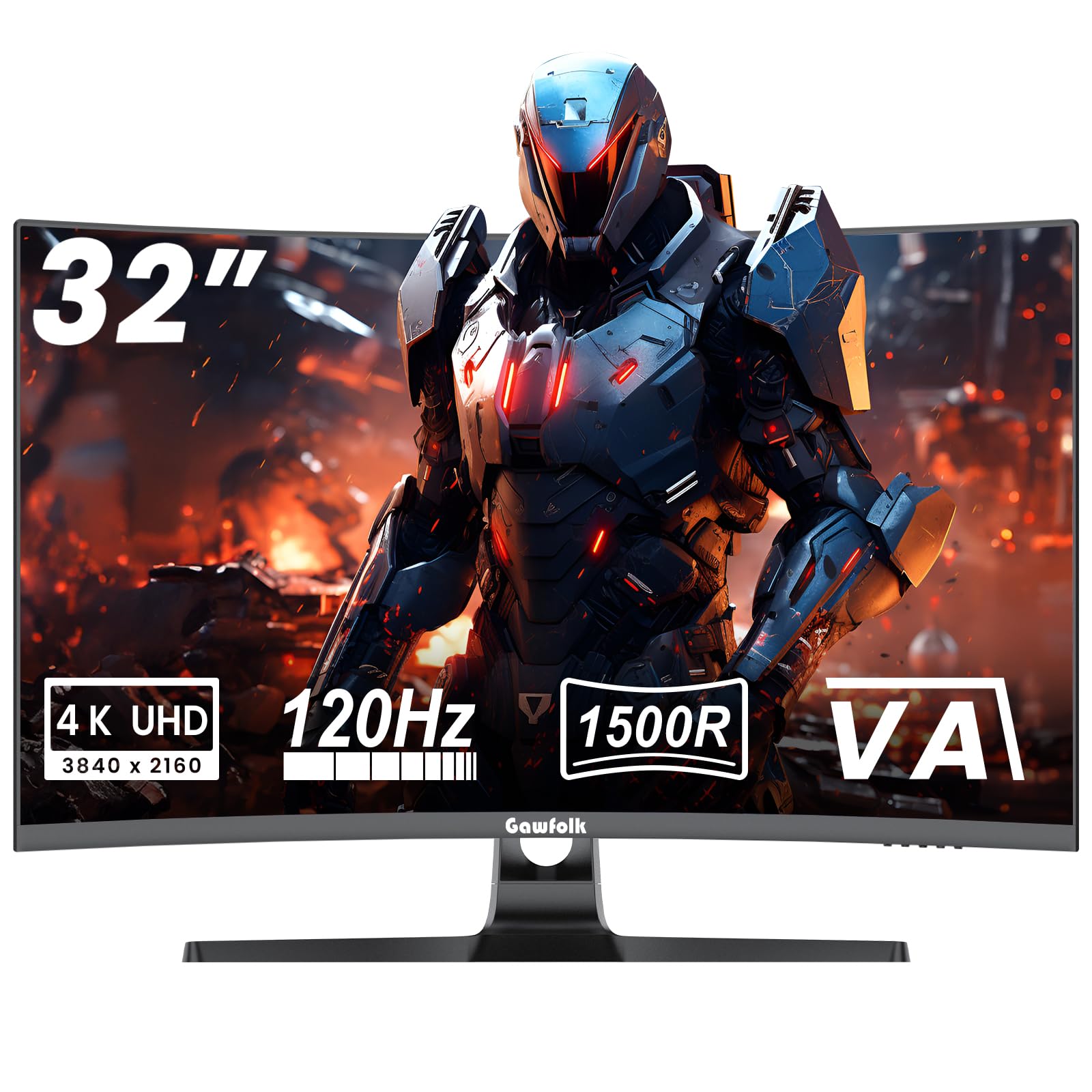
2. Gawfolk 4K Curved Monitor 32 Inch
This curved 4K panel bends around your vision for deep immersion.
The Gawfolk is the perfect middle-ground for gamers and movie lovers who want that wraparound feel. Its 1500R curvature is designed to match your natural field of view, pulling you into the action without edge distortion, and making it a great choice for home theater viewing. It delivers native 4K (3840×2160) sharpness at 120Hz, so you avoid the scaling headaches that sometimes come with other high-refresh 4K panels.
The high-performance VA panel here is where it shines for dark scenes. With a 3000:1 typical contrast ratio, it provides much deeper blacks and better dark-scene layering than typical IPS panels, which is a real benefit for horror games or cinematic movies. It also covers 85% NTSC1931 wide gamut and is factory-calibrated to a 6500K default color temperature, so the colors look fairly authentic from the start.
Owners are mostly happy, noting the “good monitor” works as advertised and that it holds up well over time. The build quality feels solid, and the VESA 100x100mm mount support means you can move it onto a monitor arm easily. It’s a great choice for gaming and doubles just fine for work and everyday use, offering a huge screen space for multitasking.
rich Visuals
- Deep 1500R curve adds immersion.
- 3000:1 contrast for rich blacks.
- Native 4K 120Hz without scaling fuss.
Panel Quirks
- Some units arrive with a flimsy attachment feel.
- Picture can occasionally look slightly blurry.
Grab this for: rich, curved 4K gaming on a budget that still offers deep VA contrast.
Think twice if: you need the absolute fastest response times or have a bright room where the curve might cause reflections.
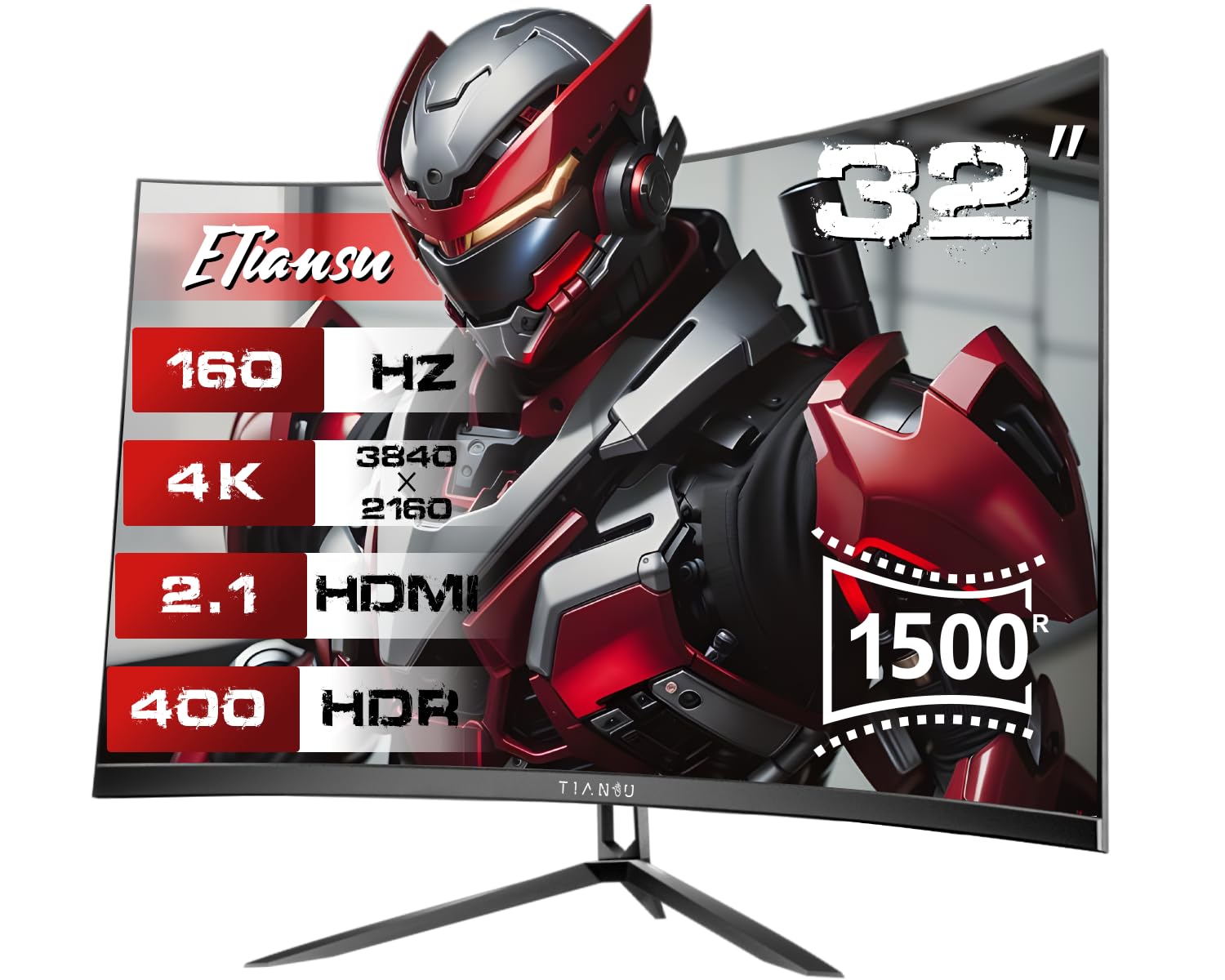
3. 32″ 4K Curved Gaming Monitor, 160Hz
Built to open up the full 4K 120Hz signal of your PlayStation 5 or Xbox Series X.
This ETiansu monitor is a console player’s dream, solving the frustrating problem of being locked at 60Hz. It features dual HDMI 2.1 ports with VRR (Variable Refresh Rate), meaning next-gen consoles can output the full 4K 120Hz signal they are designed for, with no workarounds or downgraded settings. Just plug in, switch to performance mode, and enjoy every frame as intended.
For those intense gaming sessions, it’s got the specs to back it up. The 160Hz refresh rate and 1ms GTG response time keep fast-moving targets crisp, while AMD FreeSync Premium Pro syncs every frame to your GPU to eliminate stutter and tearing. The 1500R curvature and HDR400 support also help render shadows and explosions with more depth than a flat panel can manage, pulling you into the game world.
The included dual 5W stereo speakers are a nice bonus for desk setups, freeing you from wearing a headset constantly. Note that while the color quality gets rave reviews as “vibrant,” the screen quality and long-term reliability receive mixed feedback across the broader owner pool — some report flawless units, while a few have experienced random shutdowns or wish for better speakers, so external audio is a safer bet.
Console Nirvana
- Dual HDMI 2.1 open up 4K 120Hz on consoles.
- FreeSync Premium Pro syncs frames flawlessly.
- Built-in speakers save desk space.
Sound & Software
- Onboard speakers are weak and low-volume.
- HDR can look a little washed out when enabled.
Perfect for: console gamers who want a low-maintenance path to 4K 120Hz gaming.
Best to skip if: you prioritize long-term reliability assurance or need a bright, vivid HDR experience from the start.
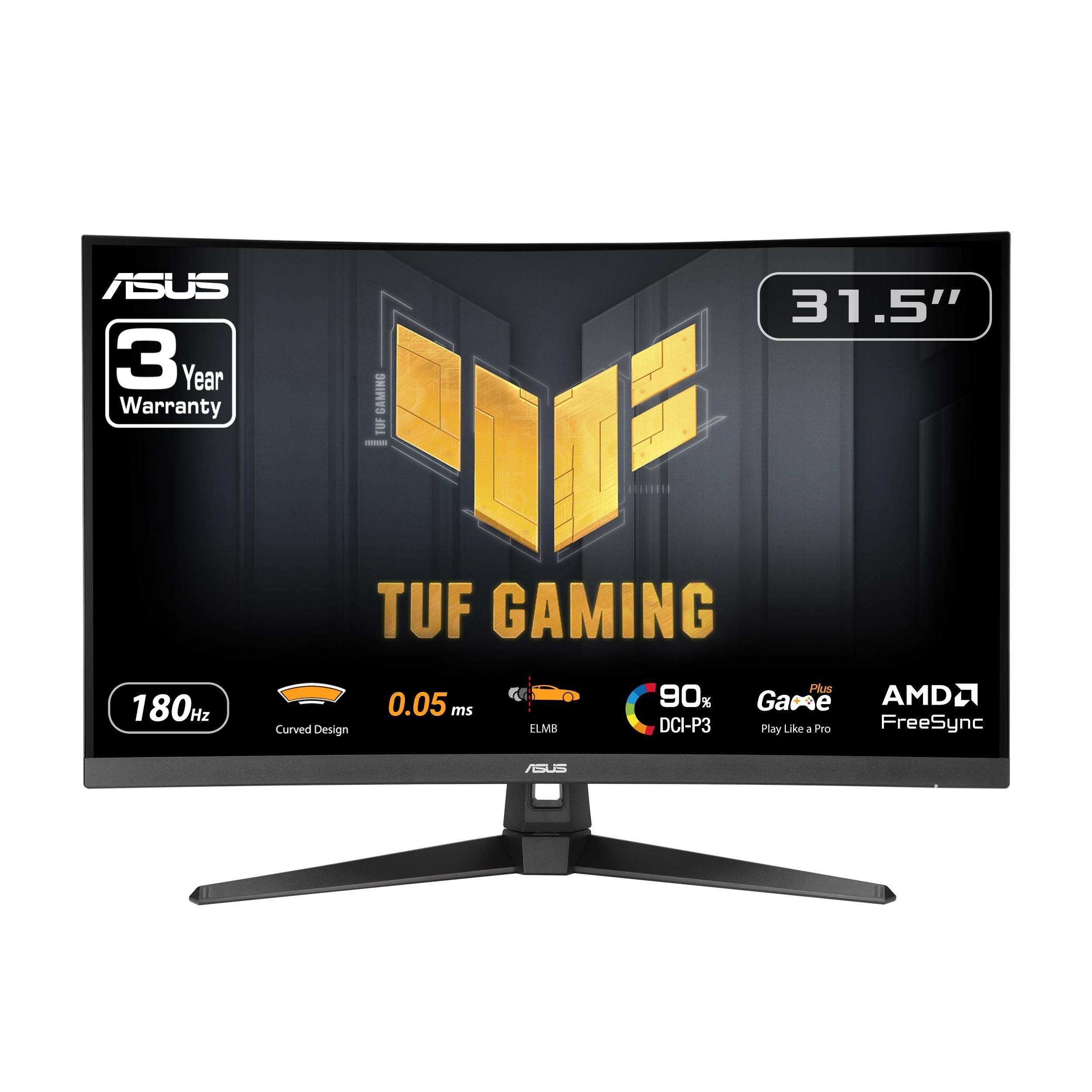
4. ASUS TUF Gaming VG32WQ3B
The 180Hz QHD specialist that is much better than the LG 1440p it replaces.
This ASUS TUF monitor is built for the fast lane, prioritizing raw speed for competitive gaming. With a 180Hz refresh rate and an ultra-fast 0.5ms (GTG) response time, it delivers some of the smoothest and clearest motion available, ensuring you don’t miss a frame during frantic firefights. The 31.5-inch QHD (2560 x 1440) resolution strikes a great balance—it is far sharper than 1080p but easier for your graphics card to run at high frame rates than 4K.
ASUS packs in some serious gaming tech to keep the image clean. Extreme Low Motion Blur (ELMB) technology works to further reduce ghosting, while Shadow Boost brightens dark scenes so you can spot enemies hiding in shadows without blowing out the bright areas. FreeSync enables variable refresh rate by default, ensuring a tear-free experience if you have an AMD graphics card.
Owners are impressed with the overall quality, using terms like “solid,” “massive,” and “great colors.” The build feels sturdy, and the internal power supply is a thoughtful touch that reduces cable clutter. The 90% DCI-P3 color coverage makes games look vibrant, and the 1500R curve adds to the immersion, with one owner declaring it much better than their previous LG 1440p 165Hz monitor.
Speed demon: The 0.5ms response time and 180Hz refresh rate put it ahead of most rivals in motion clarity.
The trade-off: It’s not 4K, so pure pixel density is lower than some other picks on this list.
Best suited for: competitive players who demand the highest frame rates and clearest motion on a QHD panel.
Not ideal for: professionals needing 4K pixel density for photo or video editing.
5. LG UltraGear 32G600A-B
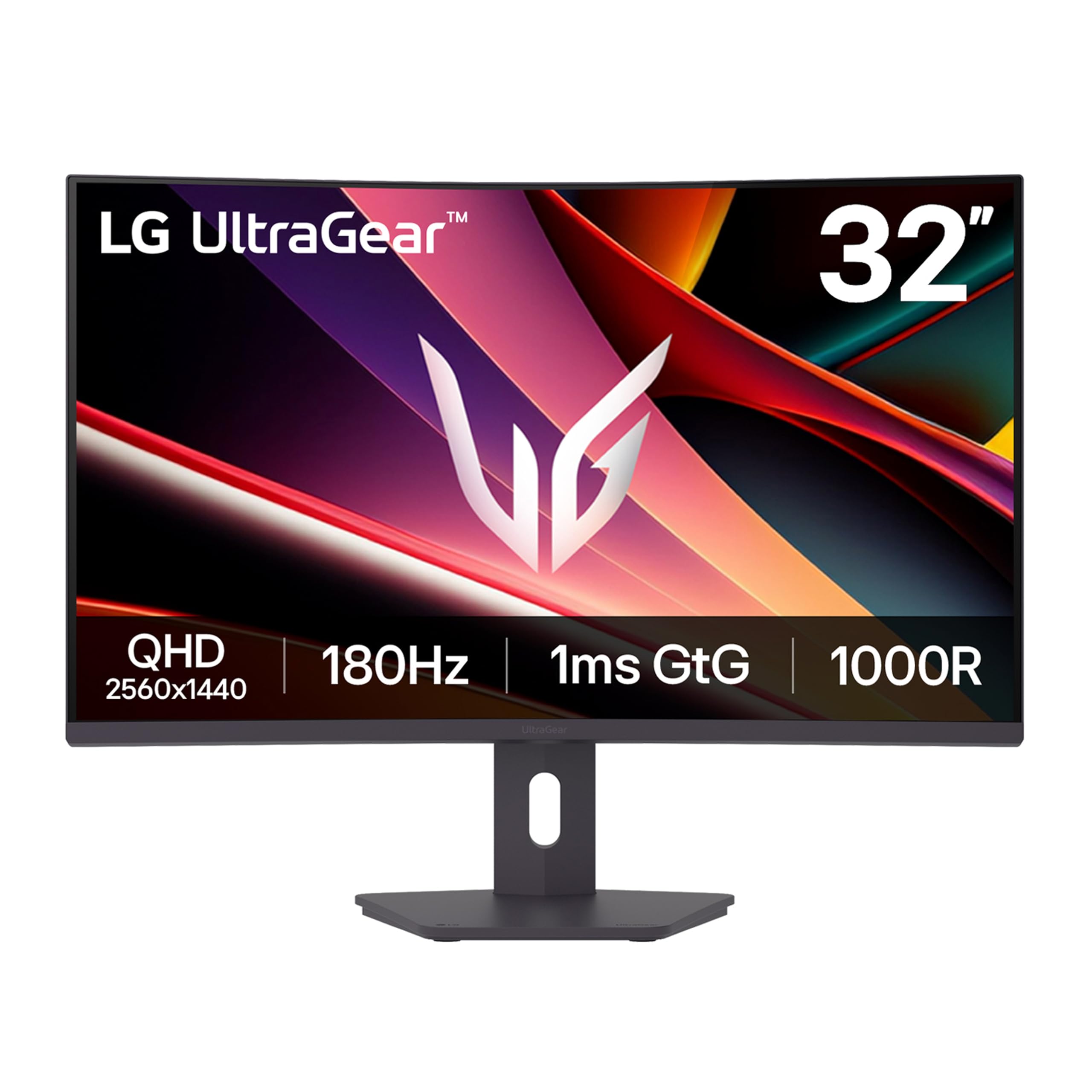
A deeply curved QHD display that balances work and play with precision.
This LG UltraGear stands out with its aggressive 1000R curvature, which is the deepest curve you will find on a monitor this size. It’s designed to wrap around your field of view, pulling you into the game and expanding your peripheral vision for a truly rich experience. The 32-inch QHD (2560×1440) resolution ensures plenty of screen space for multitasking and streaming, without demanding 4K-level power from your PC.
Performance-wise, it delivers a fast 180Hz refresh rate and a 1ms (GTG) response time, keeping fast-paced action crisp and fluid. AMD FreeSync support eliminates screen tearing and stuttering, and HDR10 with up to 99% sRGB coverage ensures colors stay vivid and rich, whether you are gaming, streaming, or creating content. The adjustable stand allows for height, tilt, and swivel adjustments to find your ideal setup.
The “quality control” is the most-praised aspect here, with buyers finding the monitor arrives in good shape and with excellent picture quality, making it a great value for the money. It also includes handy gaming features like Black Stabilizer to brighten dark scenes and Dynamic Action Sync to minimize input lag for faster reactions, giving you a competitive edge in shooters and racing games.
rich and smooth: The 1000R curve is the most encompassing here, and the 180Hz refresh keeps it fluid.
Worth noting: A few owners reported the screen size was not exactly as advertised, so be aware of measurement rounding.
Choose this for: maximum immersion with the deepest curve and a feature-rich gaming toolkit.
Look past it if: you prefer a flat panel or need the absolute sharpest 4K text for heavy office work.
6. Dell S3225QS 32″ 4K Monitor

A 4K comfort king that keeps your eyes fresh from 9 a.m. to midnight.
Dell’s S3225QS is the ultimate everyday companion for people who live on their screens. The standout feature is ComfortView Plus, which is built to reduce harmful blue light emissions to ≤35% without washing out colors, making it ideal for long workdays, creative sessions, or late-night gaming binges. It pairs a sharp 3840×2160 4K VA panel with a smooth 120Hz refresh rate, delivering a stunningly detailed and fluid image for both spreadsheets and AAA titles.
Color accuracy is a major priority here. The VA panel covers 99% sRGB and 95% DCI-P3, ensuring true-to-life colors for creative work, and the 1500:1 contrast ratio offers strong depth and detail in darker scenes. Dell has also re-engineered the built-in speakers for this model, promising greater output power and a deeper frequency response than the previous generation for more spacious and detailed sound.
Buyers consistently rate the image quality as the standout feature, describing deep contrast, customizable colors, and a screen that’s “excellent” for work and play. The 32-inch size is ideal even at a close viewing distance of about 2 feet, and the stable stand with adjustments makes it easy to find a comfortable position. While some wish for better out-of-the-box color calibration, the visual experience is often described as “stellar.”
Comfort & Clarity
- ComfortView Plus reduces blue light without dulling colors.
- 95% DCI-P3 coverage for rich, true-to-life shades.
- Re-engineered speakers for better sound.
Performance Notes
- An occasional random blackout has been reported.
- VA panel viewing angles are narrower than IPS.
Pick this for: all-day comfort, 4K clarity, and versatile performance across work and entertainment.
Consider another if: you’re a fast-paced FPS purist needing a higher refresh rate than 120Hz.
7. SAMSUNG 32-Inch Odyssey G50D

The flat-panel favorite with a Fast IPS screen that wins on quality.
If you don’t want a curve, this Samsung Odyssey G50D is the flat-screen champion. It combines a QHD (2560 x 1440) resolution with a Fast IPS panel, delivering pin-sharp images with wide 178° viewing angles so colors stay clear and accurate from almost any position. The 180Hz refresh rate and a 1ms (GtG) response time provide ultra-smooth, responsive gameplay that gives you an edge in competitive titles.
Samsung has equipped it with both AMD FreeSync and G-Sync compatibility, ensuring a stutter-free experience whether you have an NVIDIA or AMD graphics card. The VESA DisplayHDR 400 certification adds more contrast with deeper blacks and brighter whites, helping you spot enemies hiding in shadows. For long gaming sessions, Eye Saver Mode minimizes blue light and reduces screen flicker to help keep your eyes relaxed.
Buyers consistently praise this as a “solid gaming display” with sharp QHD resolution and excellent picture quality, working smoothly with laptops. The thing everyone raves about is the overall quality and build, often calling it the best non-curved 32″ screen for its price point. The adjustable stand offers height, tilt, and swivel, and the thin bezel makes it perfect for multi-monitor setups.
Quality & Speed
- Sharp QHD resolution on a Fast IPS panel.
- Dual FreeSync & G-Sync compatibility.
- Highly adjustable stand with a thin bezel.
QC & Ports
- Some units arrive with dead pixels—inspect before setup.
- Only one HDMI port on the rear panel.
Reach for this if: you want a premium flat-screen gaming monitor with proven quality and multi-GPU compatibility.
skip it if: you need multiple HDMI inputs for several consoles at once.
8. Dell S32 Series 32″ 4K Monitor
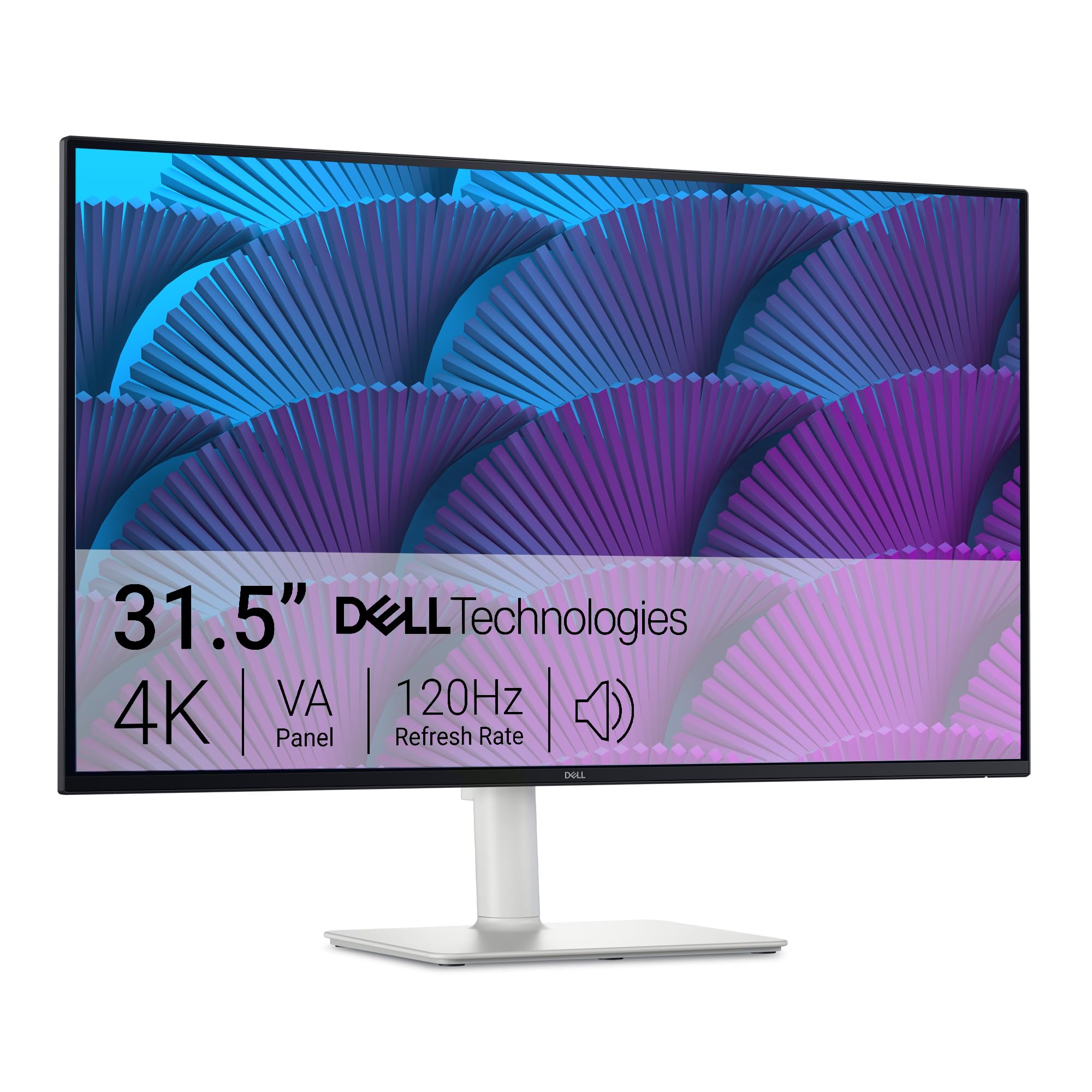
An elegant ash-white 4K display that brings true color to your desk.
The Dell S32 Series is the premium sibling to the S3225QS, sharing the same stunning 4K VA panel and 120Hz refresh rate but adding a refined aesthetic and professional-grade features. Its ultra-thin bezel and ash-white finish improve any workspace, making it a centerpiece for minimalist desks or dual-screen setups that value form as much as function. It pairs that beauty with an ultra-fast 0.03ms response time for buttery-smooth visuals.
Color performance is outstanding, making it a great value for creative professionals. The VA panel delivers 99% sRGB and 95% DCI-P3 color coverage, and the 1500:1 contrast ratio brings exceptional depth, shadow detail, and cinematic color accuracy to every scene. Like its sibling, it features improved ComfortView Plus to reduce blue light to ≤35% without sacrificing color vibrancy, making it ideal for long work hours and late-night gaming.
Buyers find the display quality and image quality to be the top reasons to buy, with a crisp Full HD resolution and high clarity being go-to points of praise. While some review points reference older Dell models, the consensus here is that it’s a reliable, versatile monitor suited for both office and home use. The enhanced 2x5W speakers deliver richer, fuller sound for video calls, movies, and gameplay.
Design-forward and color-accurate: The 95% DCI-P3 coverage and minimalist white design make it a standout for content creation.
The caveat: The premium look comes at a premium price point compared to function-first alternatives.
Ideal for: design-conscious professionals who want top-tier color accuracy and a clean, modern workspace.
Not the pick for: gamers seeking maximum refresh rates above 120Hz.
9. ASUS ROG XG32UCWG 32 Inch 4K 165Hz OLED
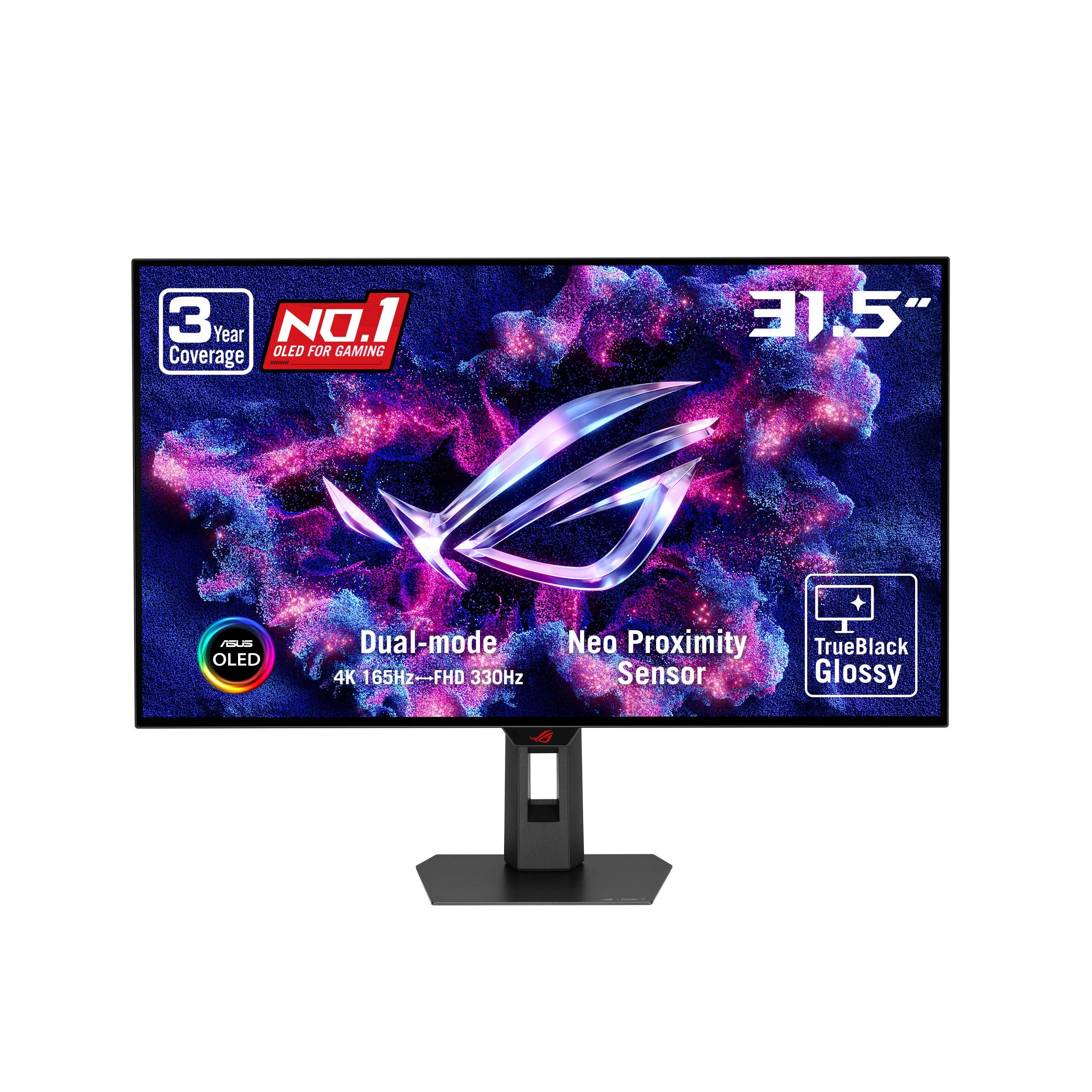
A glossy OLED that makes every other screen in the room look dull.
This ROG Strix monitor is the jump-to-OLED moment for many enthusiasts. It uses a brand-new TrueBlack Glossy WOLED panel with a zero-haze surface, providing exceptionally sharp imagery and the perfect black levels that only self-emissive OLED displays can achieve. With a 1,500,000:1 contrast ratio, you get infinite depth in dark scenes, making HDR content look breathtakingly real. It also offers 99% DCI-P3 gamut, true 10-bit color, and a Delta E < 2 for professional-grade color accuracy.
It is not just about beauty; it’s incredibly fast and flexible. The dual-mode display allows you to run at 4K at 165Hz for graphically rich, story-driven games, or switch to FHD at 330Hz for hyper-competitive esports titles where every millisecond counts. The 0.03ms response time is nearly instantaneous, eliminating ghosting entirely, and it is G-Sync Compatible for a stutter-free experience on NVIDIA GPUs.
Owners are blown away by the color and contrast, describing it as one of the best OLED monitors around, with many stating it “outperforms prior QD-OLED” panels with more vibrant colors and no purple tint. The ASUS OLED Care Pro with a Neo Proximity Sensor is a smart feature that detects when you step away and switches to a black screen to reduce burn-in risk, giving you confidence. A 3-year warranty with burn-in coverage sweetens the deal.
Panel Perfection
- Perfect black levels with a 1500000:1 contrast.
- Dual-mode for both 4K and esports play.
- Burn-in protection with a 3-year warranty.
Glossy Trade-offs
- The glossy screen is delicate and highly reflective.
- Text can show fringing due to the pixel layout.
Best for: enthusiasts who demand the pinnacle of HDR, contrast, and speed in a single premium package.
Consider alternatives if: you game in a very bright room or prefer a matte screen to avoid reflections.
10. MSI MAG 321CUP QD-OLED

A curved QD-OLED that brings cinematic color to your gaming battlestation.
MSI’s MAG 321CUP is a masterclass in bringing premium OLED tech to a more approachable price. It combines a 32-inch 4K UHD (3840×2160) Quantum Dot OLED panel with a subtle 1700R curvature, offering unrivalled dark levels and a 1.07 billion color… display with 10-bit color depth. The VESA DisplayHDR True Black 400 certification and 1,500,000:1 native contrast ratio ensure you see every detail in the darkest game scenes, while up to 1000 nits peak brightness makes HDR highlights pop.
It doesn’t sacrifice speed for looks. The 165Hz refresh rate plus a 0.03ms (GtG) response time gives you a supreme motion clarity rating, ensuring fast-paced games remain crisp. The elite graphene heatsink keeps the panel cool without a fan, and MSI’s Gaming Intelligence (GI) software features OLED Care 2.0 to help prevent burn-in. It’s also G-Sync Compatible for smooth tear-free gameplay on NVIDIA cards.
Reviewers are unanimous in praising “the picture,” calling it the nicest picture they have ever seen, with colors so vibrant and full that games look better than ever. The 4K clarity and stellar brightness are a massive step up from VA or IPS panels. The connectivity is also future-proof, featuring DisplayPort 1.4a, HDMI 2.1 with 48Gbps bandwidth, and USB-C with 15W Power Delivery for laptops.
Cinematic wonder: The 10-bit QD-OLED panel and 1500000:1 contrast recreate games and movies with class-leading depth.
The only gripe: The software and firmware can be finicky, with OSD controls that take some getting used to.
Perfect for: gamers who want a curved, cinematic OLED experience with excellent value.
Not for: those who dislike curved screens or need guaranteed long-term reliability without OLED care routines.
11. LG 32GX850A-B 32″ UltraGear OLED
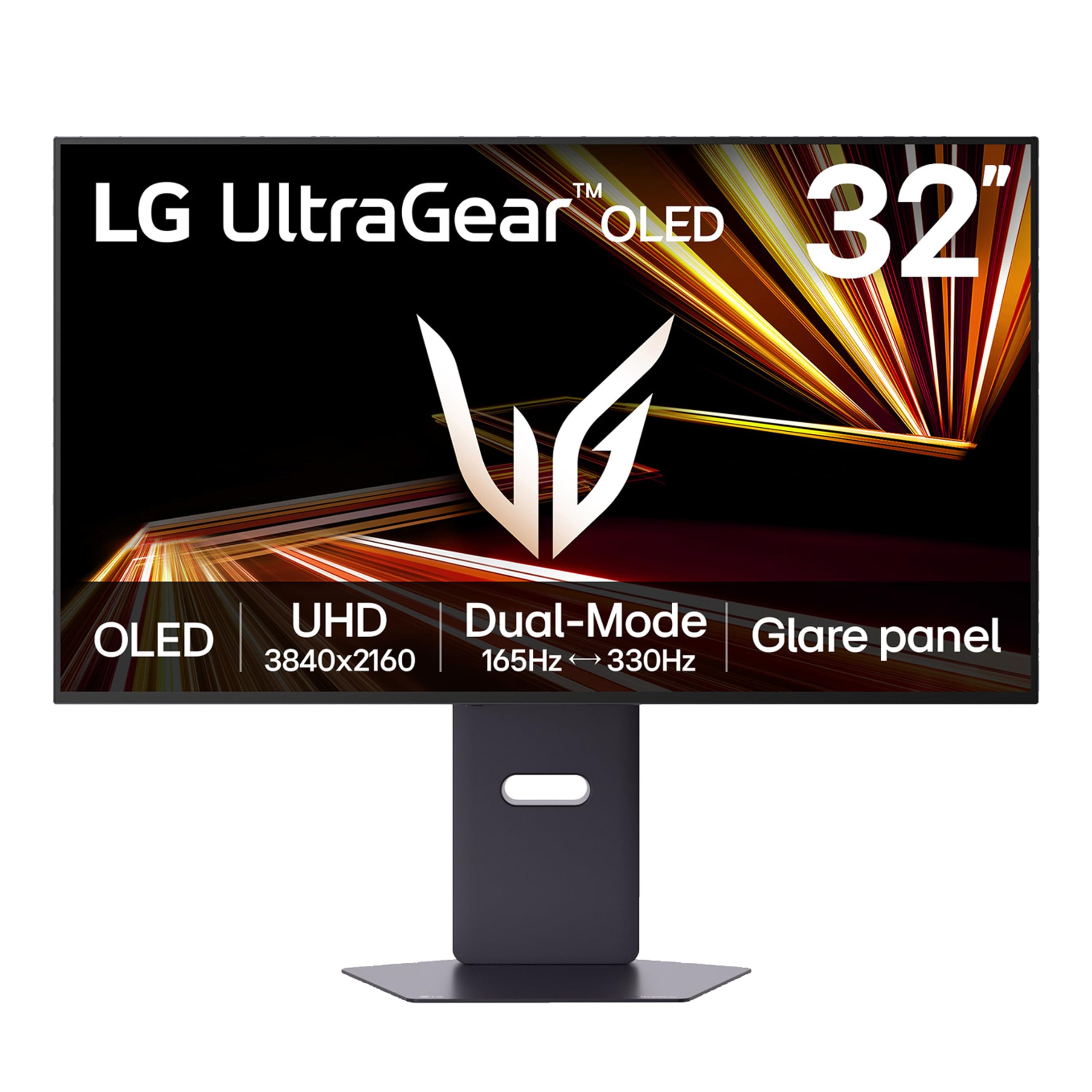
The dual-mode speedster that shifts from 4K glory to 330Hz esports fury.
The LG UltraGear 32GX850A-B is the ultimate flex for gamers who want it all. It’s a 32-inch 4K UHD (3840 x 2160) glossy OLED display with a brilliant picture, but the magic is in the dual-mode. A simple hotkey switches you from gorgeous 4K at 165Hz to tune Full HD at a blistering 330Hz, giving you the best of both worlds for story-driven epics and fast-paced competitive shooters.
It gets incredibly bright for an OLED, too. Thanks to Micro Lens Array+ technology, it offers a typical brightness of 275 nits, making it brighter than previous UltraGear OLED displays and improving viewing angles. The VESA DisplayHDR True Black 400 certification and a 1.5M:1 contrast ratio deliver impeccable color and image detail, and the 0.03ms response time leaves no room for lag or ghosting.
Owners call it one of the best 4K displays around, praising the “fantastic resolution” and “brilliant visuals,” with one noting the sharp white text against inky black contrast. It’s also fully featured with NVIDIA G-SYNC and AMD FreeSync Premium Pro. The clean, professional design (without “silly gamer aesthetic elements”) is a hit for those who want a serious screen for both work and play.
Versatile Speed
- Dual-mode from 4K 165Hz to FHD 330Hz.
- UL-certified for anti-glare, flicker-free, low blue light.
- Full height, tilt, swivel, and pivot stand.
Glossy Reality
- Noticeable glare if you game in a room with natural light.
- Text clarity can be slightly lower than on IPS panels.
Go with this if: you want one monitor that flawlessly handles both 4K cinematic gaming and 330Hz esports.
Look elsewhere if: your room has lots of uncontrolled light, as the glossy screen is prone to reflections.
Understanding the Specs
Refresh Rate & Response Time
Refresh rate (measured in Hz) is how many times your screen draws a new image each second. A 120Hz screen refreshes 120 times per second, doubling the smoothness of a 60Hz display. Response time (measured in ms) is how fast a pixel can change color, and a lower number (like 1ms) prevents fast-moving objects from leaving a “ghost” trail behind them.
Color Gamut & Contrast Ratio
Color gamut percentages (like 95% DCI-P3 or 99% sRGB) tell you how much of a standard color space the screen can show, with higher numbers meaning more vivid and accurate colors for content creation. Contrast ratio (like 3000:1) defines the difference between the brightest white and deepest black the screen can display, so a higher ratio produces more detail and depth in dark scenes.
FAQ
Is a 120Hz refresh rate on a 32-inch monitor worth it?
Which is better for a 32-inch monitor, 4K or QHD resolution?
What does FreeSync do on a gaming monitor?
What does FreeSync do on a gaming monitor?
Is the curved screen worth it on a 32-inch monitor?
Will a 4K 120Hz monitor work with my PlayStation 5?
What is the difference between IPS and VA panels?
Do I need a HDMI 2.1 cable for 4K 120Hz?
How long does an OLED gaming monitor last?
Is a 32-inch monitor too big for a desk?
What is ghosting in gaming monitors and how do I avoid it?
Final Thoughts: The Verdict
Across the board, the winner is the 32 inch 120hz monitor from KTC because it nails the balance—the 4K clarity and 165Hz speed covers the full spectrum of games and work, at a price that undercuts most rivals. If you prioritize rich, deepest-possible contrast for movies and dark games, grab the MSI MAG 321CUP QD-OLED. And for the esports purist who demands flawless speed on a QHD panel, the ASUS TUF VG32WQ3B is the one to reach for.
How We Picked
We do not accept paid placement. Every pick is matched to a real buyer and a real use-case; we do not hands-on test units.
Sources & Methodology
Specifications: manufacturer listings and product documentation. Review insights: verified customer reviews, as of August 2026. Pricing: not shown on this page (it changes often); check the current price via the retailer link.
As an Amazon Associate, Gadgets Feed earns from qualifying purchases. This does not affect which products we feature.