
A 32-inch curved monitor isn’t just a bigger screen — it’s a fundamental shift in how your peripheral vision engages with your workspace or game world. The subtle arc wraps the display edges toward you, reducing the eye-travel distance between the center and the corners of the panel, which cuts down on head turning and neck strain over long sessions. This specific screen size at the 1500R or 1000R curvature point delivers the most natural field-of-view match for a single-user desk setup, making it the sweet spot for both competitive gaming and productivity multitasking.
I’m Min — the co-founder and writer behind Gadgets Feed. My analysis here is grounded in cross-referencing hundreds of technical spec sheets, panel-type performance data, and real-world user feedback across multiple price tiers to isolate the true performance outliers in the 32-inch curved monitor market.
Whether you need blistering 240Hz motion clarity, true HDR from a QD-OLED panel, or a budget-friendly 1440p workhorse with solid color accuracy, this guide breaks down the top contenders to help you find the best 32 inch curved monitor for your specific setup and budget.
How To Choose The Best 32 Inch Curved Monitor
Selecting a 32-inch curved monitor requires navigating a maze of panel types, refresh rate tiers, and resolution choices. Focusing on a few key specifications will narrow your options to the models that genuinely match your use case.
Resolution: Pixel Density and GPU Load
At 32 inches, 1440p (2560 x 1440) offers a pixel density of roughly 92 PPI — sharp enough for gaming and general use without demanding a high-end graphics card to hit high frame rates. 4K (3840 x 2160) bumps the PPI to about 138, delivering noticeably crisper text and finer image details, but it requires a significantly more powerful GPU to drive games at native resolution. Your choice hinges on whether you prioritize frame rate fluidity or absolute image clarity.
Panel Technology: VA vs. Mini-LED vs. QD-OLED
VA panels dominate the mid-range curved monitor space due to their high native contrast ratio (3000:1 typical), which produces deep blacks and strong perceived depth. Mini-LED takes VA further by adding multiple local dimming zones, boosting HDR peak brightness and contrast control. QD-OLED panels deliver the ultimate image quality with infinite contrast, per-pixel lighting, and vibrant color volume, but come at a premium cost and require burn-in mitigation awareness.
Curvature: 1500R vs. 1000R
The curvature number refers to the radius in millimeters of the circle the screen would form. A 1500R curve is a gentler arc suitable for standard desk viewing distances of 24-30 inches. The more aggressive 1000R curve found on monitors like the Samsung Odyssey Neo G8 wraps more tightly around your field of view, creating a higher sense of immersion but requiring a closer sitting distance to feel natural. For mixed-use productivity and gaming at arm’s length, 1500R is the safer bet.
Quick Comparison
On smaller screens, swipe sideways to see the full table.
| Model | Category | Best For | Key Spec | Amazon |
|---|---|---|---|---|
| ASUS ROG Swift PG32UCDP | Premium | Dual-Mode 4K/FHD | WOLED, 0.03ms GTG | Amazon |
| MSI MPG 321URX QD-OLED | Premium | 4K HDR Clarity | QD-OLED, True Black 400 | Amazon |
| Samsung Odyssey Neo G8 (G85NB) | Premium | High Brightness HDR | Mini-LED, HDR2000 | Amazon |
| CRUA 32″ 4K 240Hz | Mid-Range | 4K Gaming Value | 240Hz, HDMI 2.1 | Amazon |
| LG 34G630A-B UltraGear | Mid-Range | Competitive 240Hz Gaming | UWQHD, 240Hz 1ms | Amazon |
| Dell S3425DW | Mid-Range | Productivity & Media | UWQHD, USB-C 65W | Amazon |
| LG 34WR55QK-B | Mid-Range | UltraWide Multitasking | UWQHD, USB-C 65W | Amazon |
| ViewSonic VX3228C-2K | Budget | Budget 1440p Gaming | 180Hz, 1ms MPRT | Amazon |
| KOORUI 32″ QHD 170Hz | Budget | Entry-Level 1440p | 170Hz, 1ms MPRT | Amazon |
In‑Depth Reviews
1. ASUS ROG Swift 32” 4K OLED Gaming Monitor (PG32UCDP)

The PG32UCDP sits at the apex of gaming monitor versatility with its WOLED panel that can switch between 4K at 240Hz and FHD at 480Hz, giving you the resolution for immersive titles and the raw speed for competitive shooters from a single panel. The custom heatsink design manages thermal load effectively, reducing the risk of image retention during extended HDR gaming sessions, while the 0.03ms GTG response time eliminates any perceptible motion blur. ROG’s exclusive Anti-flicker technology stabilizes luminance during variable refresh rate fluctuations, an issue that plagues many OLED monitors on the market.
Color accuracy is exceptional straight out of the box, covering 99% of DCI-P3 with true 10-bit depth, making this monitor equally capable for color-critical content creation work alongside gaming. The USB-C port delivering 90W of power delivery simplifies a laptop-based setup into a single-cable solution, keeping the desk clean. The three-year warranty with burn-in coverage provides essential peace of mind for an OLED investment at this price point.
Where some competitors cut corners on connectivity or include mediocre speakers, the PG32UCDP focuses purely on display quality with a generous selection of ports including HDMI 2.1, DisplayPort 1.4, and USB-C. The on-screen menu, while dense with features like the new AI Assistant for crosshair and sniper assists, can be slow to navigate, and the lack of a built-in KVM is a minor oversight for a flagship model.
Why it’s great
- Dual 4K 240Hz / FHD 480Hz mode is genuinely unique and useful
- WOLED panel delivers infinite contrast with bright, vibrant HDR
- USB-C 90W PD and comprehensive 3-year burn-in warranty
Good to know
- Non-native resolutions like 1080p can appear slightly soft
- Stand is functional but proprietary, limiting aftermarket VESA replacement options
2. MSI MPG 321URX QD-OLED

The MPG 321URX leverages a 31.5-inch QD-OLED panel that combines quantum dot color volume with OLED’s perfect black levels, resulting in an image that feels dimensional and hyper-realistic in HDR content. Its 240Hz refresh rate paired with a 0.03ms GTG response time means motion clarity is simply unmatched — there is no ghosting, no smearing, and no visible pixel transition lag even in the most frantic scenes. The 10-bit panel covers 99% DCI-P3 with a factory delta E of ≤2, making it a legitimate tool for photo and video editing work.
MSI’s OLED Care 2.0 suite includes pixel shift, panel refresh, and taskbar detection features that actively work to prevent burn-in, which is a critical consideration for any OLED monitor used for productivity with static UI elements. The KVM functionality with PiP/PbP support is surprisingly robust for a gaming-focused monitor, letting you control two connected devices with a single keyboard and mouse setup. The 4-way adjustable stand offers height, swivel, pivot, and tilt adjustments, providing flexible ergonomic positioning.
The HDMI 2.1 ports are full bandwidth, supporting 4K at 240Hz with DSC on current-gen consoles and GPUs. A common user-reported quirk involves Mac dual-monitor setups requiring DSC to be disabled to maintain stable operation — a workaround that limits the second monitor to 120Hz. The bundled cable selection is adequate, but the stand’s base is quite large, which may be an issue for smaller desks.
Why it’s great
- Stunning HDR performance with deep blacks and vibrant color volume
- Full KVM support with built-in PiP/PbP for multi-device workflows
- Comprehensive burn-in mitigation software and 3-year warranty
Good to know
- Large stand base consumes significant desk real estate
- Mac dual-monitor users may need to disable DSC for stability
3. Samsung 32″ Odyssey Neo G8 (G85NB)

The Neo G8 remains a standout contender thanks to its 1000R curvature — the tightest arc in this roundup — which wraps the screen aggressively around your peripheral vision for a genuinely immersive effect that makes 16:9 content feel expansive. Its Quantum Mini-LED backlight with 1,196 local dimming zones enables a staggering 2,000-nit peak brightness and a 1,000,000:1 contrast ratio, delivering HDR highlights that punch far beyond what standard VA or OLED panels can achieve in sustained luminance. The matte screen coating effectively kills reflections from ambient room lighting, keeping the display readable and contrast-rich in bright environments.
At 4K 240Hz, the Neo G8 offers the same peak specification as the premium OLED competitors, but with significantly higher sustained brightness, making it a better choice for rooms with uncontrolled lighting or for HDR content that demands specular highlight intensity. The 1ms GTG response time is competitive, though VA pixel transition times are slightly slower than OLED in the darkest transitions. AMD FreeSync Premium Pro certification ensures smooth, tear-free VRR performance with compatible GPUs.
A persistent point of feedback from users is the “scan line” artifact that some units exhibit at 240Hz refresh rate — running the monitor at 120Hz eliminates this issue for affected buyers. The on-screen menu buttons are located underneath the bottom bezel, making adjustments a tactile guessing game. The included VESA mount adapter requires separate screws not included in the box, a small but frustrating omission.
Why it’s great
- Class-leading 2,000-nit peak brightness for stunning HDR highlights
- Aggressive 1000R curvature for deep immersion
- Effective matte anti-glare coating for bright room use
Good to know
- Possible scan line artifacts at 240Hz on some units
- Menu joystick placement under bezel is unintuitive
4. CRUA 32″ Curved Gaming Monitor (4K 240Hz)

The CRUA manages to pack a 4K UHD 240Hz panel into an aggressively priced package that undercuts most competitors by hundreds of dollars, making high-refresh-rate 4K gaming accessible to a wider audience. The VA panel delivers its native 3000:1 contrast ratio, producing solid black levels that look punchier than typical IPS panels, while the 120% sRGB coverage provides vibrant color saturation out of the box. Its 1500R curvature hits a comfortable middle ground for both productivity and gaming at standard desk distances.
Connectivity includes HDMI 2.1 and DisplayPort 1.4, enabling full 4K 240Hz support with DSC on compatible GPUs and consoles. The inclusion of built-in speakers — a rare feature at this price point — is functional for casual use and desktop audio out, though they lack bass and volume headroom. The white chassis with RGB back lighting gives the monitor a distinct, modern aesthetic that stands out in a sea of black gaming peripherals.
The build quality reflects its budget positioning — the stand offers tilt adjustment only, with no height or swivel capability, and the on-screen menu system can feel confusing without a dedicated remote. Several user reports note that the built-in speakers may arrive non-functional, requiring external speakers or a headset as a workaround. The VESA mount uses a 75x75mm pattern, which is less common than the standard 100x100mm.
Why it’s great
- Unmatched price-to-spec ratio for 4K 240Hz gaming
- HDMI 2.1 support ensures console compatibility
- Distinctive white design with RGB accents
Good to know
- Stand lacks height adjustment and is limited to tilt
- Built-in speakers may be unreliable or non-functional
5. LG 34G630A-B 34-Inch Ultragear (240Hz)

The 34G630A-B breaks from the 16:9 norm with its 21:9 UltraWide 3440×1440 panel, offering a wider horizontal canvas that is a genuine advantage for both immersive gaming and productivity tasks like timeline-based video editing or managing multiple windows side-by-side. The 240Hz refresh rate is exceptionally high for an UWQHD panel, and combined with the 1ms GTG response time, it delivers fluidity that competitive players will immediately notice in fast-paced shooters and racing titles. The VA panel with FreeSync Premium provides a smooth, tear-free experience across a wide VRR range.
VESA DisplayHDR 400 certification means the monitor can hit 400 nits peak brightness, offering a noticeable improvement in highlight detail over standard SDR, though it does not match the dynamic range of the Mini-LED or OLED competitors. The 95% DCI-P3 coverage ensures colors are saturated and accurate enough for enthusiastic content consumption. Built-in speakers are functional for system audio and casual viewing, providing clear dialogue at moderate volume levels.
The stand provides height, tilt, and swivel adjustments, which is generous for a monitor at this spec level and allows for fine-tuned ergonomic positioning. The USB-C port supports 15W power delivery, which is sufficient for charging peripherals but not enough to power a laptop. The sheer width of the 21:9 panel requires a deeper desk to maintain an optimal viewing distance from the 1500R curve.
Why it’s great
- 240Hz refresh rate on UWQHD is rare and genuinely smooth
- Ergonomic stand with height, tilt, and swivel adjustment
- Solid 95% DCI-P3 coverage with FreeSync Premium
Good to know
- 21:9 UltraWide requires deeper desk setup
- USB-C limited to 15W PD, not suitable for laptop charging
6. Dell 34 Plus USB-C Curved Monitor (S3425DW)

The S3425DW is engineered as a productivity first monitor that does not neglect casual gaming, featuring a 34-inch 21:9 VA panel with a 120Hz refresh rate and 0.03ms response time that makes desktop navigation feel fluid and responsive. Its VA panel delivers a 3000:1 contrast ratio, producing deep blacks that make reading text and viewing spreadsheets less eye-straining over long work days. The 95% DCI-P3 and 99% sRGB color coverage is factory-calibrated for reasonable accuracy out of the box, sufficient for graphic design and photo editing tasks.
The standout feature here is the USB-C port with 65W power delivery, allowing a single cable to transmit video, data, and charge a compatible laptop — a massive convenience for a clean, clutter-free desk. The integrated speakers were redesigned for this generation, offering deeper frequency response and higher output than typical monitor speakers, making them genuinely usable for conference calls and background media without external speakers. ComfortView Plus reduces blue light emissions to 35% without washing out color, unlike aggressive software-based blue light filters.
Connectivity is limited to HDMI and USB-C, with no DisplayPort input, which may be an issue for some GPU setups that prefer native DP connections. The VESA mount is recessed approximately a quarter-inch into the chassis, requiring a full bracket mount rather than a flat plate, which complicates simple monitor arm installations. The 120Hz cap means it falls short of the 144Hz+ threshold that some gamers consider the minimum for competitive play.
Why it’s great
- USB-C 65W PD for single-cable laptop setup
- Improved integrated speakers with better frequency response
- ComfortView Plus reduces blue light without color shift
Good to know
- Limited to HDMI and USB-C inputs — no DisplayPort
- VESA mount recessed design complicates arm installation
7. LG 34WR55QK-B 34-Inch UltraWide

The 34WR55QK-B is a pragmatic choice for professionals and multi-taskers who prioritize screen real estate over raw refresh rate, offering a 34-inch 21:9 3440×1440 VA panel at a comfortable 100Hz refresh rate that handles desktop smoothness and casual gaming without demanding a high-end GPU. The 3000:1 contrast ratio is excellent for reading and document work, and the 99% sRGB coverage ensures color consistency for business applications and content creation. The three-sided virtually borderless design makes multi-monitor setups look clean and modern.
OnScreen Control software allows you to split the screen into customizable zones and adjust monitor settings with mouse clicks rather than navigating the physical on-screen menu. The Picture-by-Picture mode supports two input sources simultaneously — useful for running a PC and laptop side by side on a single display. USB-C with 65W power delivery simplifies the connection to modern laptops, making this monitor a strong candidate for a home office hub.
The 5ms GTG response time is adequate for productivity but will show noticeable ghosting in fast-paced gaming — this is not a monitor for competitive FPS players. The VA panel’s viewing angles are typical for the technology, with some gamma shift visible when viewed off-axis. The stand provides height and tilt adjustment but lacks swivel, and there are no built-in speakers.
Why it’s great
- USB-C 65W PD and PiP/PbP for excellent multi-device workflow
- Near borderless design ideal for multi-monitor setups
- OnScreen Control software for easy window management
Good to know
- 100Hz refresh rate and 5ms response time limit gaming potential
- No built-in speakers
8. ViewSonic VX3228C-2K 32 Inch 1440p Curved Gaming Monitor
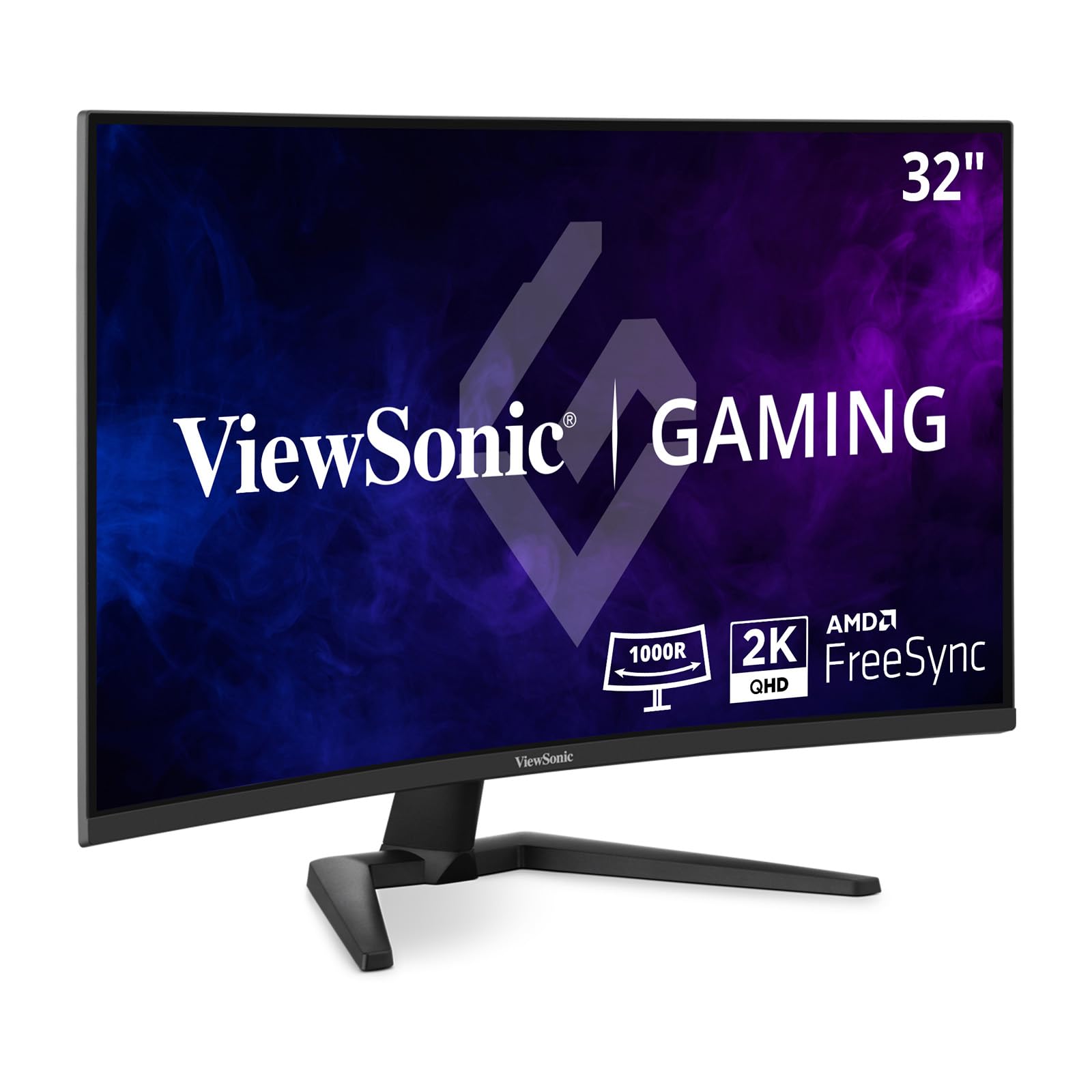
The VX3228C-2K delivers a compelling 1440p gaming experience at a budget-friendly entry point, pairing a 32-inch VA panel with a 180Hz refresh rate and 1ms MPRT response time that provides smooth, competitive-level motion clarity. The 2560×1440 resolution hits the sweet spot for this screen size, offering good sharpness without the GPU overhead required by 4K, making it an excellent match for mid-range graphics cards. AMD FreeSync support eliminates screen tearing across the VRR window for a stutter-free gaming experience.
HDR10 support gives a slight boost to contrast and color in compatible content, though the 300-nit brightness and lack of local dimming mean the HDR effect is subtle rather than transformative. The 3000:1 native contrast ratio of the VA panel ensures blacks look deep and inky in dark room conditions, superior to equivalently priced IPS panels. The thin bezel design helps the monitor blend into multi-monitor setups without visual distraction.
The stand offers tilt adjustment only, and the input selection is limited to HDMI and DisplayPort with no USB hub or USB-C connectivity. Several customer reports mention inconsistent quality control, with some units developing lines or total failure within the first year of use, making a warranty extension a wise consideration. The on-screen menu uses physical buttons rather than a joystick, which can be less intuitive for navigation.
Why it’s great
- 180Hz refresh rate for smooth, responsive gaming
- VA panel delivers strong 3000:1 contrast for deep blacks
- 1440p resolution balances sharpness with GPU load
Good to know
- Stand is basic with tilt-only adjustment
- Reported quality control issues on some units
9. KOORUI 32 Inch Curved Gaming Monitor (QHD 170Hz)
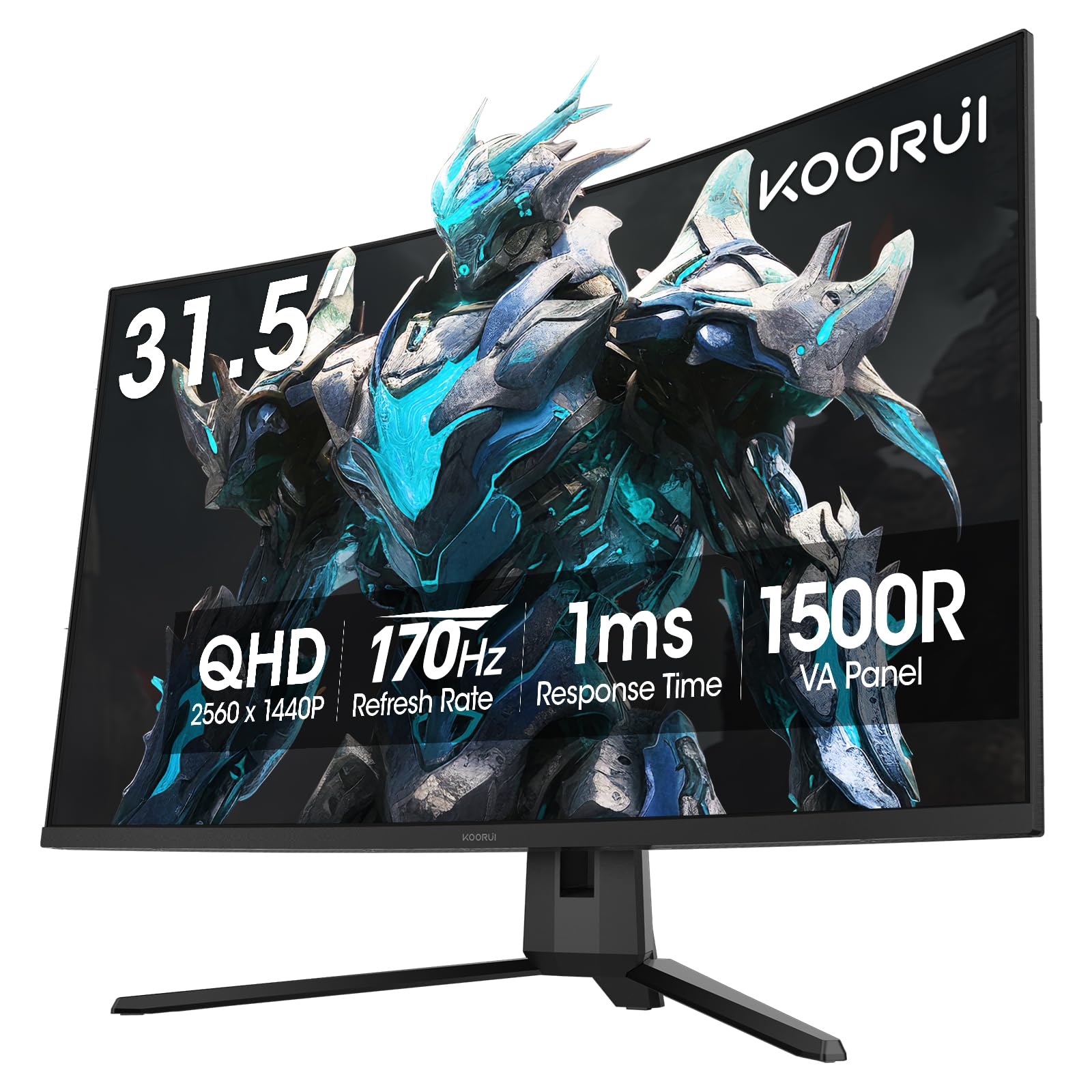
The KOORUI 32-inch QHD monitor is the entry-level gateway to the curved 1440p experience, offering a 1500R VA panel with a 170Hz refresh rate and 1ms MPRT response time that delivers genuinely smooth gameplay for the price. The 2560×1440 resolution provides a noticeable step up in sharpness and screen real estate over 1080p, making it a strong upgrade for budget-conscious gamers moving from smaller, lower-resolution displays. Adaptive Sync with both FreeSync and G-Sync compatibility ensures tear-free performance regardless of your GPU brand.
Color performance is respectable with 90% DCI-P3 coverage and HDR10 support, producing vibrant hues in games and media that surpass typical office monitors. The 3000:1 VA contrast ratio ensures black scenes have depth and shadow detail is visible rather than crushed. The ergonomic stand includes tilt adjustment and 100x100mm VESA compatibility provides flexibility for monitor arm mounting, which is a welcome inclusion at this price level.
The monitor lacks built-in speakers, requiring external audio solutions for game sound. Some users report that the on-screen menu control button can feel imprecise, making adjustments more tedious than necessary. While construction feels solid for the price, the stand is limited to tilt adjustment only, with no height or swivel capability. The 170Hz refresh rate is slightly non-standard, but the difference from 165Hz or 180Hz is negligible in real-world use.
Why it’s great
- Best entry-level price for a 32-inch 1440p curved monitor
- 170Hz refresh rate with both FreeSync and G-Sync compatibility
- VESA 100x100mm mount support for flexible setup
Good to know
- No built-in speakers
- Stand limited to tilt adjustment, OSD button can be fiddly
FAQ
Is a 32-inch curved monitor better than a flat screen for productivity?
What GPU do I need to drive a 4K 240Hz 32-inch curved monitor?
Final Thoughts: The Verdict
For most users, the best 32 inch curved monitor winner is the ASUS ROG Swift PG32UCDP because its WOLED dual-mode technology offers unmatched versatility between 4K high-resolution gaming and FHD ultra-high-speed competitive play, wrapped in a package with excellent HDR and a comprehensive burn-in warranty. If you want the absolute best HDR brightness for a bright room environment, grab the Samsung Odyssey Neo G8. And for the budget-conscious gamer seeking a solid 1440p curved experience, nothing beats the KOORUI 32-inch QHD for its price-to-performance ratio.