
Our readers keep the lights on and my morning glass full of iced black tea. As an Amazon Associate, I earn from qualifying purchases.
Specs are compiled from manufacturer listings and verified buyer reviews and can change over time — please confirm the key details on the product page before buying.
Finding a great 32-inch monitor used to mean choosing between blurry text and washed-out colors. Today IPS panels solve that, but the real challenge is picking the right refresh rate and resolution for your specific work and play. This guide cuts through the spec noise to show you which models actually deliver on their promises, with a clear note that some picks are sold as 31.5-inch screens—the nearest size that serves the same purpose.
I’m Min — the founder and writer behind Gadgets Feed. This guide is built by comparing the manufacturers’ published specifications and the patterns across verified customer reviews, so you get each pick’s real strengths and trade-offs instead of marketing spin.
Whether you are gaming, editing photos, or powering a home office, the right 32 inch ips monitor balances resolution, speed, and color accuracy to match your daily routine without breaking your budget.
Our Picks at a Glance

How To Choose The Best 32 Inch IPS Monitor
You need to pick a resolution that matches your graphics card and your work. QHD (2560×1440) keeps text sharp without forcing you to buy a top-tier graphics card, while 4K (3840×2160) packs four times the pixels for photo editing and rich media. Next, look at the refresh rate—how many times the screen redraws per second—because that separates a fluid gaming experience from a budget office panel.
Match the refresh rate to your machine
If you play competitive shooters, a 120Hz or higher refresh rate means enemies appear smoothly instead of as a series of stutters. If you mostly browse, edit documents, or watch videos, a 75Hz or 100Hz panel is perfectly fine and often more affordable. Your computer’s graphics card must be able to output those extra frames, or the monitor’s speed is wasted.
Look for the connection that simplifies your desk
USB-C with power delivery is the hidden gem of modern monitors. It lets a single cable carry video, data, and laptop charging, so you can dock a MacBook or ultrabook with one plug. HDMI and DisplayPort remain the universal fallbacks, and having at least two inputs makes switching between a PC and a console easy.
Quick Comparison
| Model | Best For | Resolution | Refresh Rate | Brightness | Amazon |
|---|---|---|---|---|---|
| Z-Edge UG32★ Best Overall | Competitive Gaming | 2560 x 1440 | 200Hz | 300 cd | Amazon |
| ViewSonic VS3225-2KOffice Favorite | Office Productivity | 2560 x 1440 | 75Hz | 250 cd | Amazon |
| KTC H32D6Budget Champion | Budget Gaming | 2560 x 1440 | 120Hz | 350 cd | Amazon |
| Samsung Odyssey G50F | Console & PC Play | 2560 x 1440 | 180Hz | 300 cd | Amazon |
| LG 32U631A-B | Creative Work | 2560 x 1440 | 100Hz | 250 cd | Amazon |
| Samsung Odyssey G50D | High-Refresh Gaming | 2560 x 1440 | 180Hz | 350 cd | Amazon |
| LG 32UP83A-W | MacBook Docking | 3840 x 2160 | 60Hz | 350 cd | Amazon |
| BenQ PD3205U | Color-Critical Design | 3840 x 2160 | 60Hz | 350 cd | Amazon |
| ASUS ProArt PA329CRV | Professional Photo Editing | 3840 x 2160 | 60Hz | — | Amazon |
| ASUS ROG XG32UCG | FPS & 4K Hybrid | 3840 x 2160 | 160Hz | 1199 lm | Amazon |
| Dell U3225QE | Thunderbolt Hub Workflows | 3840 x 2160 | 120Hz | 600 cd | Amazon |
In-Depth Reviews
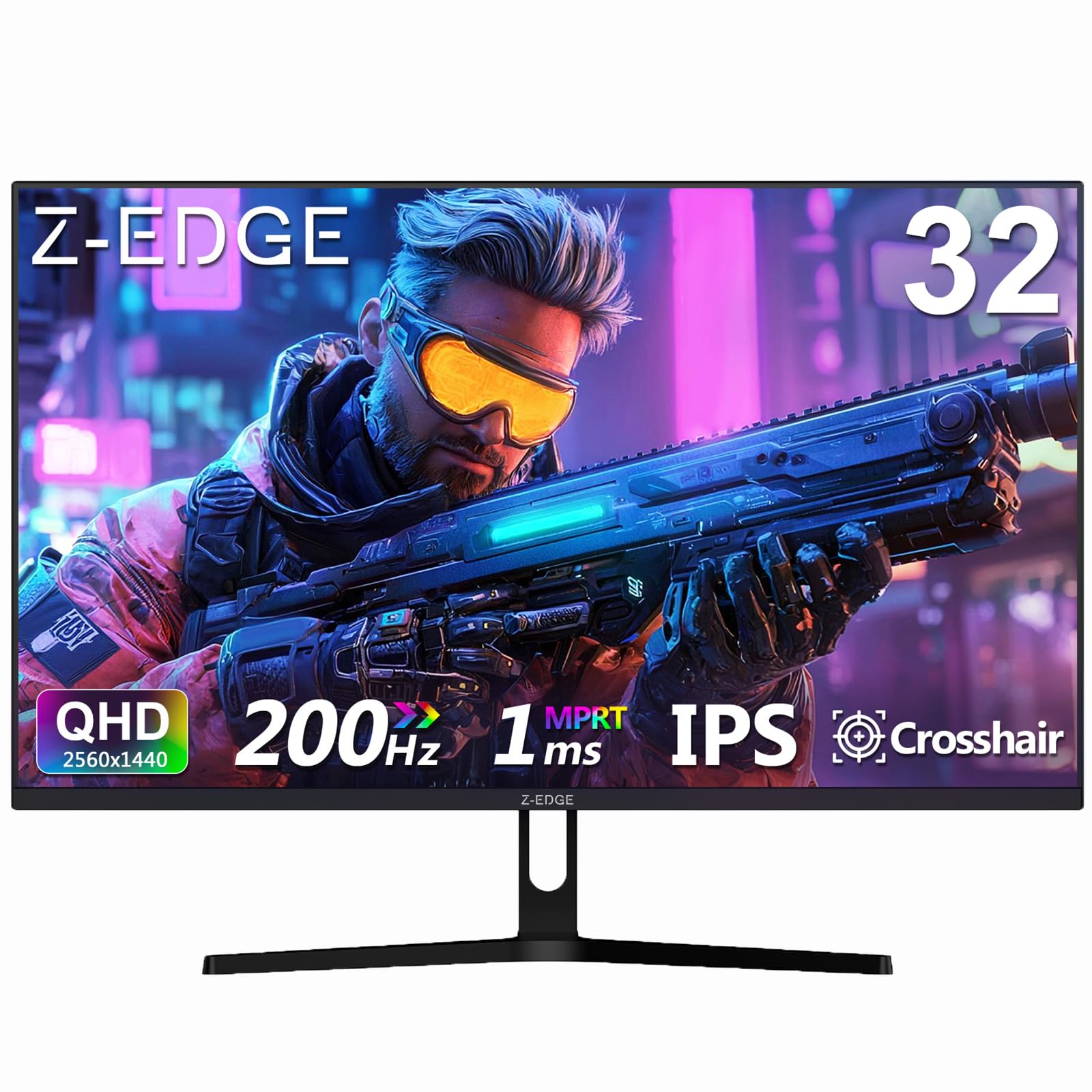
1. Z-Edge 32 inch IPS Gaming Monitor (UG32)
Our pick — over 4.5★ from 600+ verified ratings; the strongest balance of quality and price.
A 200Hz QHD panel that outpaces budget gaming monitors in fluidity and response.
This monitor’s headline is its 200Hz refresh rate over DisplayPort—a spec that makes fast action scenes look fluid and responsive. It uses a 1ms response time to reduce the ghosting trails behind moving objects, so your aim stays true in shooters.
At QHD 2560×1440 resolution, the 32-inch screen delivers crisp detail, and the 1200:1 contrast ratio helps dark scenes retain depth. The 178° IPS viewing angle means colors stay accurate even when you lean off to the side. The frameless three-sided design keeps the focus on the content, and the 100x100mm VESA mount lets you attach it to an arm or wall.
Owners consistently praise the build quality and value, calling it a bargain for the visuals and brightness it delivers. The trade-off is the included DisplayPort cable, which buyers report can fail to show a picture on boot—an aftermarket cable fixes it—and the stand is flimsy enough that it tips easily. Also, while the HDR handling is subtle and pleasant, expect some variability with dead pixels at eye level, though the quality consensus is strongly positive.
What Wins You Over
- Blistering 200Hz refresh for competitive edge
- FreeSync Premium keeps motion tear-free
- Dual HDMI and dual DP for multi-device setups
What to Handle
- Stock cable may need replacing for signal
- Stand is wobbly—plan for a mount
The gamer’s choice: If you live in fast-paced titles and want a huge canvas, this is the one to beat.
Plan around: Budget for a VESA arm and a quality cable to avoid the setup hiccups.
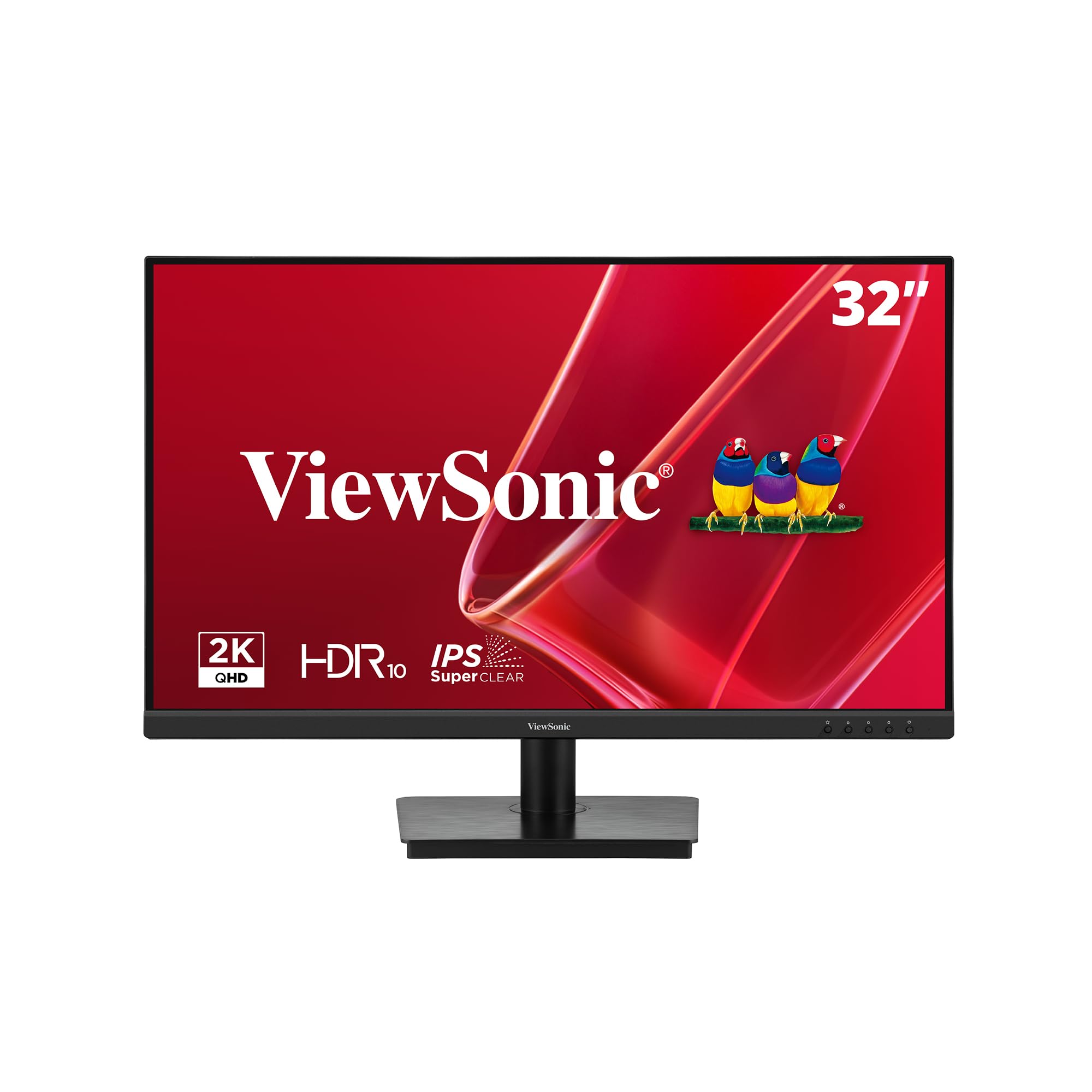
2. ViewSonic VS3225-2K 32 Inch QHD IPS Monitor
A QHD office panel with a 1200:1 contrast ratio that sets up in minutes for dual-screen desks.
Sharp text and easy setup are what this ViewSonic does best, making it a favorite for office tasks. The QHD 2560×1440 resolution keeps spreadsheets and documents readable, and the 75Hz refresh rate is smooth enough for everyday scrolling and light video.
The 1200:1 contrast ratio here beats the 1000:1 found on many rivals, so blacks look deeper for a more balanced image. Flicker-Free technology and a Blue Light Filter help reduce eye strain during eight-hour work sessions. The frameless edge-to-edge design lets you line up two screens side by side with a minimal bezel gap, and the anti-glare coating keeps bright office windows from ruining your view.
Owners mention these are excellent for the office: “Completely plug and play dual monitors, very easy to use.” The consensus is that it handles daytime light well and is easy on the eyes. The recurring thorn is the joystick control on the back, which owners find awkward and fiddly, and the stand is wobbly and doesn’t rotate. Some units arrived showing only 1080p until a driver was installed, but the image quality after that is praised as bright and crisp.
Why it stands out: At a 1200:1 contrast ratio, it offers richer blacks than typical office IPS panels, making it a step up for media consumption too.
The honest catch: If you need a rotating stand or frequent menu tweaks, the limited ergonomics and joystick will test your patience.
3. KTC 32 Inch 2K Monitor (H32D6)
A 350 cd white QHD panel that overclocks from 100Hz to 120Hz for budget gaming.
This KTC monitor starts at a smooth 100Hz and can be overclocked to 120Hz, giving you fluid motion at a budget-friendly price. The QHD 2560×1440 IPS panel delivers vibrant visuals from wide angles, and the 350 cd brightness is on the brighter end for this class—17% more than some rivals at 300 cd—so it holds up well in lit rooms.
Color work gets a boost from the 109% sRGB color gamut and a Delta E of under 2, which means the colors you see are very close to the true values before editing. Low blue light and flicker-free tech ease eye strain, while the -5° to 20° tilt lets you angle the screen to your eyeline. Connectivity covers one DP 1.4 and two HDMI 2.0 ports, all capable of hitting the max 120Hz.
The panel’s brightness is its standout feature for the cost, making it a strong value pick. However, the reliability record here is shaky—multiple customers note stuck pixels appearing after just two days, and some units have developed flickering or blank screens within months. This is a “you get what you pay for” gamble on longevity.
Reach for this if: You want 120Hz and high brightness without spending premium money, and you are willing to test your unit carefully.
Look elsewhere if: You need a monitor you can trust for years—the failure reports make it a riskier long-term bet.
4. Samsung 32” Odyssey G5 (G50F) QHD Gaming Monitor

A 180Hz QHD panel with a height-adjustable stand that keeps long gaming sessions comfortable.
The standout feature here is the height-adjustable Ergonomic Stand, which pivots, tilts, and swivels so you can find the perfect viewing angle without books under the monitor. On the spec sheet, it delivers a 180Hz refresh rate with a 1ms response time (GtG), ensuring ultra-smooth gameplay with minimal blur.
The Fast IPS panel spans a 178° viewing angle, and G-Sync compatibility syncs the GPU and panel to reduce screen tearing. HDR10 provides brighter highlights and nuanced shadows, while the Black Equalizer lifts visibility in the darkest corners of games. Auto Source Switch+ swaps between connected devices automatically, and the QHD 2560×1440 resolution offers a big step in clarity over 1080p.
Buyers rave that the quality “looks so much clearer and with much better color quality than my 1080p monitor” and that the 180Hz refresh is awesome. The trade-offs are limited—just one HDMI and one DisplayPort port—and a few owners note an over-contrasted black-and-white display or dead pixels. It is also note some buyers find the rear controls awkward to reach.
The comfort play: The adjustable stand alone justifies the pick for anyone who spends hours gaming or working.
One limit: With only two inputs, you cannot keep multiple consoles and a PC all wired in at once.
5. LG 32U631A-B 32-Inch Desktop PC Screen
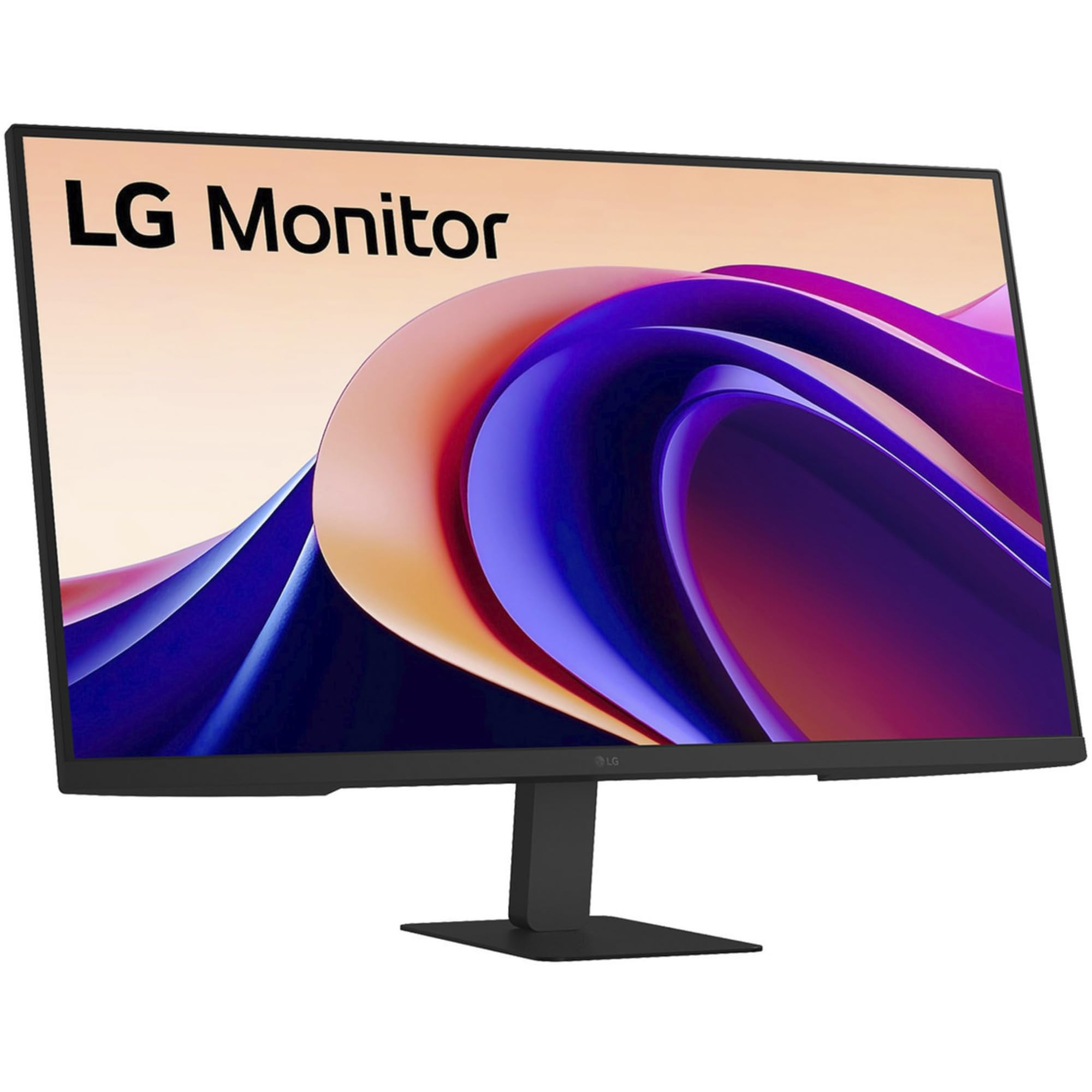
A 99% sRGB QHD panel with a 100Hz refresh rate for smooth, color-accurate creative work.
This LG is built for accuracy, hitting 99% sRGB color coverage so what you see is what you get in photo edits. The QHD 2560×1440 resolution is sharper than 1080p, and the 100Hz refresh rate makes for a more responsive feel than standard 60Hz office displays.
The USB-C port handles display and data, and its 15W power delivery can trickle-charge a small laptop or phone. Read Mode adjusts color temperature and brightness for comfortable reading sessions, and Flicker Safe reduces invisible screen flicker. At 250 cd brightness it is not the brightest option, but it suits indoor work, and a sturdy stand with a simple 3-screw mount makes setup easy.
Owners praise it as excellent value for creative work, noting it is “ideal for Photoshop illustration and series” thanks to the large screen reducing zooming. The catch is there are no speakers, so you need wired or Bluetooth audio, and one buyer had a poor seller experience with missing bolts despite the monitor itself being fine.
Grab this for: Budget-friendly color work and a smooth 100Hz desktop experience.
skip it if: You want built-in sound or need to charge a power-hungry laptop over USB-C.
6. SAMSUNG 32-Inch Odyssey G50D Series QHD Fast IPS Monitor

A 180Hz QHD panel with DisplayHDR 400 that suits both competitive and casual gaming.
This Samsung delivers a 180Hz refresh rate and a 1ms response time, making fast scenes feel incredibly fluid. It also carries VESA DisplayHDR 400 certification, which means deeper blacks and brighter whites so you can spot enemies hiding in shadows.
The QHD resolution packs 1.7x the pixel density of Full HD, giving you pin-sharp detail across the 32-inch screen. AMD Radeon FreeSync keeps your monitor and graphics card in sync to reduce image tearing, and G-Sync compatibility broadens its appeal to more GPUs. Eye Saver Mode minimizes blue light, and the stand swivels, tilts, and adjusts in height.
Owners call it “a fantastic monitor” with great value, praising the vibrant Fast IPS colors and smooth 180Hz gameplay. The most-discussed positives are the display quality and refresh rate. Where it stumbles is quality control—some reviewers point out dead pixel zones, and the single HDMI port is annoying with multiple devices. The adjustability and brightness also draw mixed feedback, with some finding them just okay.
Performance Wins
- 180Hz with 1ms for responsive competitive play
- DisplayHDR 400 brings out shadow detail
- Fully adjustable stand for ergonomic comfort
Check Before Buying
- Single HDMI port limits multi-console setups
- Dead pixel risk means inspect the panel early
Choose this for: A high-refresh gaming monitor with HDR depth and a comfortable stand.
Be prepared for: A possible quality-control draw—inspect your panel immediately upon arrival.
7. LG 32UP83A-W 32-inch 4K UHD Monitor

A 4K panel with 60W USB-C power delivery that docks a MacBook with one cable.
The defining feature is the USB Type-C port with up to 60W power delivery, which lets a single cable carry 4K video, data, and laptop charging. That means you can dock a MacBook and use it with the lid closed, keeping your desk clean. The UHD 3840×2160 resolution is razor sharp at this size.
HDR10 support is backed by a DCI-P3 95% color gamut, delivering vibrant colors and dynamic contrast for video and games. AMD FreeSync reduces screen tearing, and Dynamic Action Sync minimizes input lag for responsive play. The ergonomic stand adjusts for height, tilt, and pivot, while OnScreen Control software lets you tweak settings with a mouse.
Buyers call it the best mid-tier large 4K monitor, praising the incredible IPS display and the 60W power delivery. It is a favorite for photography work thanks to its simple menu and recalibration options. The recurring gripes are the weak built-in speakers and the HDR mode’s green tint in productivity tasks—it is fine for HDR content only. It also lacks auto input detection, so manual switching is required.
The one-cable life: 60W USB-C power delivery makes this the cleanest way to run a MacBook setup.
Know the limits: Expect tinny audio and an HDR mode that is better for media than desktop work.
8. BenQ PD3205U Mac-Ready Monitor 32” 4K UHD

A 4K panel with 99% sRGB and Rec.709 coverage, factory-calibrated for color-critical work.
This BenQ is built for professionals who need color they can trust. It covers 99% of both sRGB and Rec.709 color spaces, and it is Calman Verified and Pantone Validated, with a Delta E of 3 or less meaning colors are extremely close to true values. It ships with a factory calibration report so you know what you are getting.
The 31.5-inch 4K UHD IPS display is sharp, and the USB-C port delivers up to 90W of power while carrying display and data. A KVM Switch lets you control two computers with one keyboard and mouse, and the Hotkey Puck G2 gives you physical buttons for quick settings changes. The stand offers tilt, swivel, pivot, and height adjustments for long work sessions.
Owners describe it as “a professional’s dream,” praising the uniform brightness and sharp text, and it works flawlessly with Mac Mini setups. It is notably cheaper than the Apple Studio Display while delivering comparable clarity for hobbyists. The weak point is the speakers—buyers call them tinny—and it is not the brightest panel around. One owner noted no portrait rotation on the standard stand.
The Pro Toolkit
- 99% sRGB and Rec.709 with DeltaE ≤3
- 90W USB-C powers and docks a laptop
- KVM switch controls two computers
The Trade-Offs
- Built-in speakers are weak
- Brightness is adequate, not blinding
Pick this for: Video and photo work where color accuracy and uniform screens matter more than speakers.
Pass on it if: You need loud audio or a rotating portrait stand built in.
9. ASUS ProArt PA329CRV 32 Inch 4K DCI-P3 Monitor

The factory-calibrated display that makes photo grading feel easy.
Serious photo editors will appreciate the factory calibration, which achieves a Delta E of under 2—meaning colors are practically indistinguishable from their true values. The 98% DCI-P3 coverage delivers the wide color gamut that video and photo professionals rely on, and it is Calman Verified.
The 31.5-inch 4K display is paired with a USB-C port offering a hefty 96W power delivery, so it can charge even large laptops. DisplayPort over USB-C with MST support allows daisy-chaining to a second monitor, and the HDMI and USB hub round out the connections. It is also VESA DisplayHDR400 certified for deeper contrast, and the ergonomic stand offers full tilt, swivel, pivot, and height adjustments.
Shoppers say “wow, just wow” reactions to the color accuracy, praising the per-color-space adjustments and its smooth work with Windows 11 and Mac systems. The integrated speakers are the weak link—”even basic speakers outperform them.” More concerning, some buyers report dead pixel smudges on certain units, and the sRGB mode locks brightness at a low 80 cd/m². A 5-year warranty (3 years plus a 2-year extension with registration) backs the investment.
Best for: Color-critical photo editing where Delta E < 2 accuracy is non-negotiable.
Watch out for: The speakers are useless, and quality control on dead pixels is inconsistent—inspect on arrival.
10. ASUS ROG XG32UCG 32 Inch 4K 60Hz USB-C G-SYNC Gaming Monitor

The shape-shifter that switches from 4K cinema to 320Hz esports in a snap.
This is the most flexible gaming panel here thanks to its Dual Mode technology. You get 4K at 160Hz for rich single-player games, then flip to FHD (1080p) at 320Hz for competitive shooters where every millisecond counts. The 0.3ms response time is among the fastest available, virtually eliminating motion blur.
The Fast IPS panel covers 95% DCI-P3 for rich colors, and it is G-Sync Compatible with ELMB Sync to eliminate ghosting and tearing simultaneously. USB-C with DP Alt mode provides a clutter-free connection, and the DisplayWidget Center software lets you manage settings with a mouse. The 3-year warranty includes Advanced Replacement service.
Owners upgrading from 1080p call the 4K picture “awesome,” with colors that pop near-OLED levels, and they love the ability to scale to 320Hz. It is praised as a perfect all-around monitor for gaming, work, and streaming, and buyers mention it works well docked with a Steam Deck. The trade-off is the price tag, and one reviewer noted the brightness spec listing is unusual—it is specified in lumens rather than the standard cd/m²—so expect a bright, punchy panel.
The flexibility win: No other monitor here lets you run 4K at high refresh and then hit 320Hz for esports.
The cost: This dual-mode capability commands a premium that casual players will not need.
11. Dell U3225QE 31.5-Inch 16:9 Black LED HDR Monitor
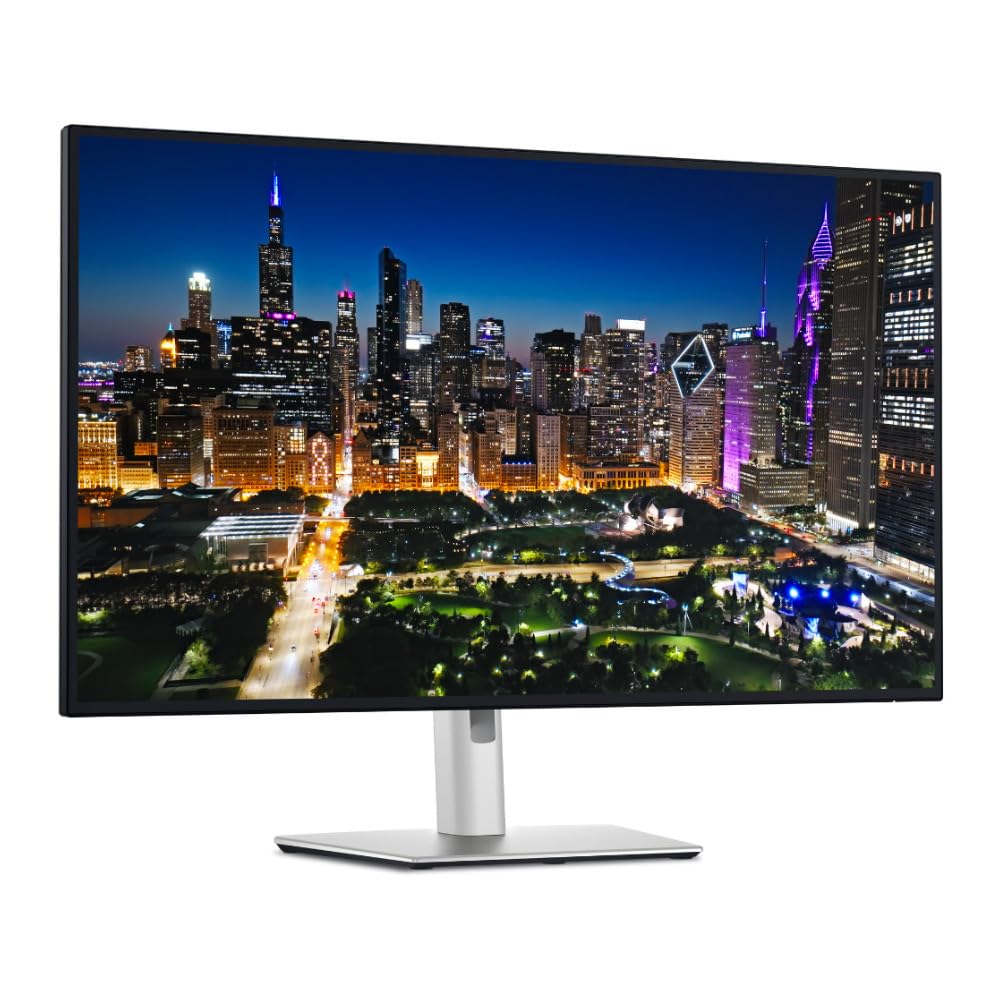
The command center that replaces a dock with a single Thunderbolt cable.
The reason to buy this Dell is the integrated Thunderbolt hub, which turns the monitor into a docking station. It can deliver 140W of power to a laptop while running peripherals, tidying up your entire workspace. The 31.5-inch IPS display runs at 4K UHD and a smooth 120Hz, a rarity for a productivity-focused panel.
Brightness is excellent at 600 cd, and the 3000:1 contrast ratio delivers deep blacks that make text and graphics pop. The KVM functionality lets you control multiple computers with one set of peripherals, and the included cables cover DisplayPort, Thunderbolt 4, and USB-A to USB-C. The sturdy adjustable stand supports the large screen.
Owners praise it for programming and photo editing, calling the colors vibrant and accurate, and they love the one-cable Thunderbolt convenience. It is a heavy monitor though, and some find it pricey. The biggest caveat is Mac compatibility: owners mention needing a firmware update via a Windows PC and a third-party app to hit 120Hz on macOS, so it is not fully Mac-friendly from the start.
The Hub Advantage
- 140W Thunderbolt charges and docks laptops
- 120Hz at 4K for smooth desktop motion
- 3000:1 contrast for deep, rich blacks
Setup Friction
- Requires firmware update for some features
- Mac users need extra software for 120Hz
Choose this when: You want a premium hub that cleans up a desk full of cables and powers a workstation.
Hesitate if: You are a Mac-only user who does not want a Windows PC handy for firmware updates.
Understanding the Specs
Refresh Rate (Hz)
This is how many times your screen redraws the image each second. A 60Hz monitor updates 60 times per second, which is fine for office work but can look choppy in fast games. Jumping to 120Hz or higher makes motion feel dramatically smoother, so your cursor and games respond like you are in the action rather than watching it. Higher is better for gaming, but your graphics card must be powerful enough to feed it those extra frames.
Color Gamut & Accuracy
Color gamut describes the range of colors a monitor can show. sRGB is the baseline standard, while DCI-P3 is a wider space used in video production. Look for 99% sRGB or higher for general work, and 95%+ DCI-P3 for creative tasks. Delta E measures color accuracy—a score under 2 means colors are so precise that the human eye cannot detect the difference from the true value.
FAQ
Is a 32-inch QHD monitor better than a 32-inch 4K monitor?
Will a 180Hz monitor work with a PS5 or Xbox?
What does USB-C power delivery do for a laptop?
Is a 75Hz monitor okay for gaming?
What is the difference between G-Sync and FreeSync?
How important is the contrast ratio on an IPS monitor?
Can I mount my 32-inch monitor on a wall or arm?
Why does my text look blurry on a 32-inch 4K monitor?
Final Thoughts: The Verdict
Across the board, the 32 inch ips monitor winner is the Z-Edge UG32 because a 200Hz refresh rate at this price is class-leading for gaming value. If you want an adjustable stand and console-friendly performance, grab the Samsung Odyssey G50F. And for a MacBook user who wants a clean desk, the LG 32UP83A-W with its 60W USB-C is the one to reach for.
How We Picked
We do not accept paid placement. Every pick is matched to a real buyer and a real use-case; we do not hands-on test units.
Sources & Methodology
Specifications: manufacturer listings and product documentation. Review insights: verified customer reviews, as of August 2026. Pricing: not shown on this page (it changes often); check the current price via the retailer link.
As an Amazon Associate, Gadgets Feed earns from qualifying purchases. This does not affect which products we feature.