
Our readers keep the lights on and my morning glass full of iced black tea. As an Amazon Associate, I earn from qualifying purchases.
Specs are compiled from manufacturer listings and verified buyer reviews and can change over time — please confirm the key details on the product page before buying.
If your aim feels like it moves through syrup and your crosshair trails behind fast-strafing enemies, the screen is usually the bottleneck, not your hands. A 320Hz monitor redraws the action 320 times every second — more than five times faster than a standard 60Hz office panel — so the motion you see lines up with the moment you fire. This guide walks through ten monitors that all hit that exact 320Hz ceiling, explains what each panel type and resolution actually does for your gameplay, and points out where a cheaper panel quietly gives back some of that speed.
I’m Min — the founder and writer behind Gadgets Feed. This guide is built by comparing the manufacturers’ published specifications and the patterns across verified customer reviews, so you get each pick’s real strengths and trade-offs instead of marketing spin.
The options below run from budget-friendly 1440p workhorses to premium 4K dual-mode screens, and each pick fits a different desk and budget. Here is the plain-English breakdown of every 320hz monitor worth your desk space right now.
Our Picks at a Glance

How To Choose The Best 320Hz Monitor
A 320Hz refresh rate (the number of times the screen redraws every second) is the headline, but it is not the whole story. Two monitors can both read 320Hz and feel completely different in a firefight, because panel type, response time, and the port you plug into decide whether those extra frames actually reach your eyes cleanly. Work through the four factors below before you buy.
Panel type sets the trade-off
For most buyers, a Fast IPS panel (a screen type that switches pixels quickly to cut blur) is the balance — it keeps motion clear and lets you sit off to the side without the picture washing out. Mini-LED backlighting (hundreds of small lights behind the screen that dim in zones) pushes black levels and contrast closer to OLED without the burn-in risk. If you want both crisp 4K detail for work and pure 1080p speed for ranked play, a dual-mode panel lets you toggle between the two instead of owning two screens.
Response time and VRR stop the smear
Response time (how fast a pixel changes color, measured in milliseconds) is what keeps fast motion from trailing into a ghost. Look for 1ms GtG (gray-to-gray) or better. Pair that with Adaptive Sync or G-Sync Compatible — both match the monitor’s refresh to your graphics card’s frame rate so you don’t get tearing when frames arrive unevenly.
Resolution and cable matter as much as the number
A 320Hz panel needs a wide data pipe. On many of these monitors, HDMI is capped at a lower refresh than DisplayPort, so the included DP cable is the one that actually reaches the full rate. If you want the sharpest text for work, 4K at its native resolution is the pick; if pure competitive speed matters more, 1440p at 320Hz gives you a lighter lift for your GPU.
Quick Comparison
| Model | Best For | Panel | Resolution | Refresh Rate | Amazon |
|---|---|---|---|---|---|
| KTC 27 Inch 4K Gaming Monitor H27P6★ Best Overall | Dual-mode 4K work and 1080p speed | Fast IPS | 3840 x 2160 | 160Hz / 320Hz | Amazon |
| KOORUI 27 Inch 320Hz 1440pBest Value | Budget 1440p competitive play | IPS | 2560 x 1440 | 320Hz | Amazon |
| Acer Nitro XV275U F3Mini-LED Pick | Mini-LED contrast on a mid budget | Mini-LED IPS | 2560 x 1440 | 320Hz | Amazon |
| MSI MAG 274QRFW X32 | White-setup 1440p speed | Rapid IPS | 2560 x 1440 | 320Hz | Amazon |
| Pixio PX27U Prime Neo | Dual-mode 4K/320Hz value | Fast IPS | 3840 x 2160 | 160Hz / 320Hz | Amazon |
| AOC Q27G4SLM/WS | HDR1000 Mini-LED on a mid budget | Mini-LED IPS | 2560 x 1440 | 320Hz | Amazon |
| AOC U32G4 | Large 4K desktop with speed mode | 4K UHD IPS | 3840 x 2160 | 160Hz / 320Hz | Amazon |
| INNOCN GA27T1M | Dimming-zone Mini-LED value | Mini-LED IPS | 2560 x 1440 | 320Hz | Amazon |
| ASUS ROG XG27UCG | USB-C dual-mode 4K for creators | Fast IPS | 3840 x 2160 | 160Hz / 320Hz | Amazon |
| ASUS ROG XG32UCG | Big-screen 4K dual-mode flagship | Fast IPS | 3840 x 2160 | 160Hz / 320Hz | Amazon |
In‑Depth Reviews
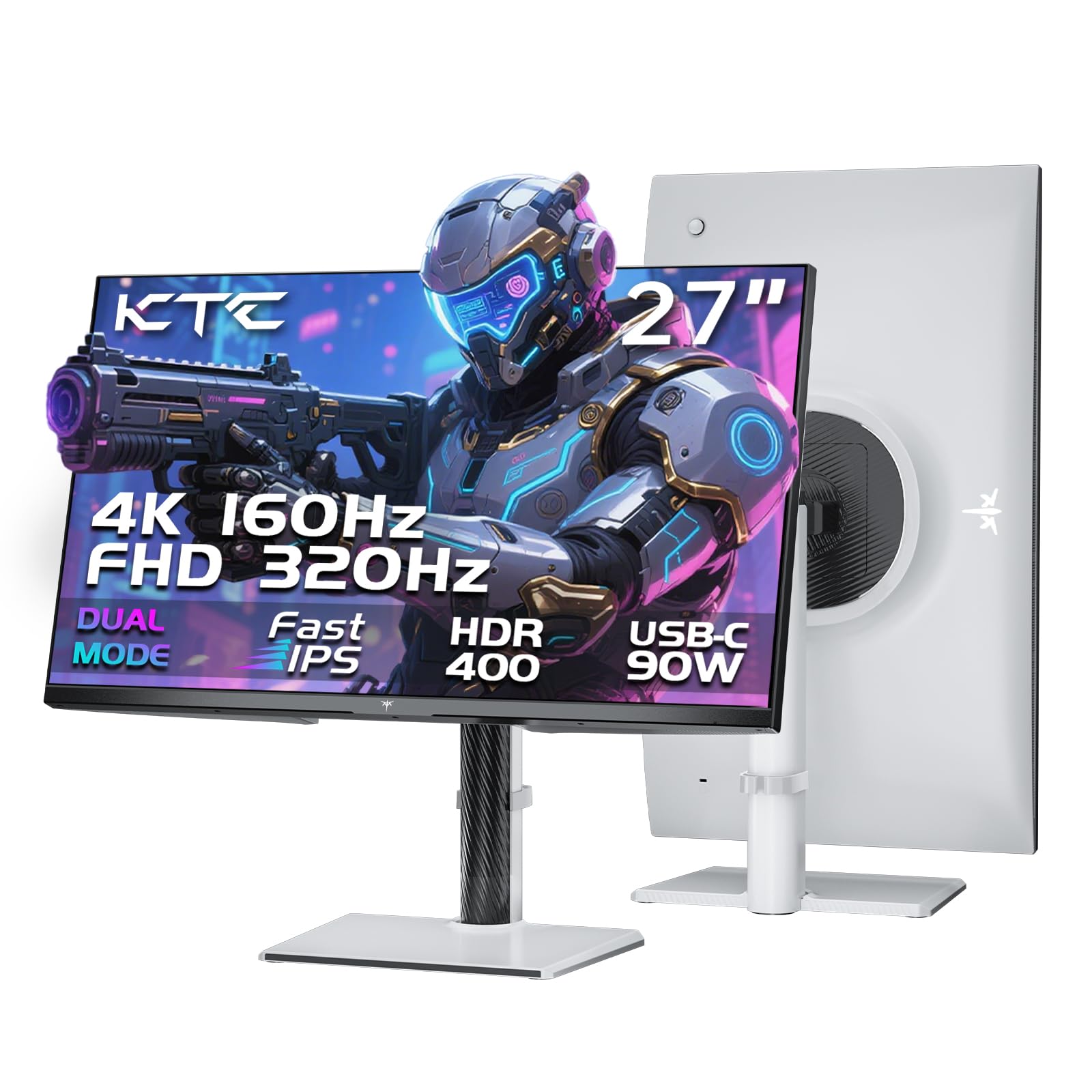
1. KTC 27 Inch 4K Gaming Monitor, Dual Mode UHD 160Hz & FHD 320Hz, H27P6
Our pick — 4.5★ from 900+ verified ratings; the strongest balance of quality and price.
One screen that does double duty — crisp 4K for work, 320Hz for the ranked grind.
The KTC H27P6 is a dual-mode 27-inch panel, meaning you flip a setting to run it at 4K 160Hz (3840 x 2160) for sharp detail, or drop to 1080p at the full 320Hz for pure competitive speed. That one toggle means you don’t have to choose between a work monitor and a gaming monitor — the same panel handles both. Its 125 color gamut figure beats the KOORUI’s 99, and its 3840 x 2160 pixel count beats the KOORUI’s 2560 x 1440, so on sheer resolution and color reach this is the wider, richer screen of the two.
The Fast IPS panel is factory-calibrated with ΔE<2 (a color-accuracy measure where lower is better) for 97% DCI-P3 and 99% sRGB coverage, so photos and game art land close to how they were made. HDR400 lifts shadows and adds punch to highlights. Ports are generous: two HDMI 2.1, one DP 1.4, three USB 3.0, and a 90W Type-C that charges your laptop over the same cable that carries the picture. The stand handles height (±130mm), pivot (±90°), swivel (±45°), and tilt, and there’s 100x100mm VESA mounting if you’d rather arm-mount it.
The honest catch sits on the port side. As buyers report, “400Hz via DP, HDMI capped at 240Hz,” which means the full speed only arrives over DisplayPort — plug into HDMI and you leave frames on the table. Competitive shooters will feel that limit immediately. The OSD menu also splits opinion; it’s navigable but clunky without the manual in hand, and there’s no companion desktop software to configure it from Windows. Picture quality from the start is decent and improves a lot after a five-minute round of tweaks.
What the dual-mode panel gives you
- Full 320Hz at 1080p, or 4K 160Hz when you want detail — one screen, two modes
- 90W USB-C carries video and laptop charging in a single cable
- 125 color gamut with 97% DCI-P3 and factory ΔE<2 calibration
- Height, pivot, swivel, tilt, and VESA mounting for a comfortable setup
Where it asks you to compromise
- HDMI tops out below DisplayPort, so the DP cable is the one that reaches full speed
- No desktop control software and a menu that needs the manual nearby
- Picture quality needs a short tuning pass to look its best
Reach for this if: you want a single 27-inch screen that is sharp for work at 4K and fast for FPS at 320Hz, and you’re willing to use the DisplayPort cable.
Look elsewhere if: you plan to run everything over HDMI, since you’ll never touch the top refresh rate that way.
2. KOORUI 27 Inch 320Hz 1440p Gaming Monitor, Fast IPS, 1ms, HDR400
The 1440p panel that made 320Hz affordable without feeling like a compromise.
Here’s the spec that carries this monitor: a native 320Hz refresh at 2560 x 1440 on a Fast IPS panel with a 1ms response time. That’s the resolution most competitive players actually want — sharper than 1080p for spotting distant targets, but far easier on your graphics card than pushing 4K frames. For the money asked, this is the rare screen that hits the 320Hz target without asking you to also buy a new GPU to feed it.
Coverage sits at 98% DCI-P3 with HDR400 support for deeper blacks and more dynamic range, so games and streaming both look richer than a plain SDR panel. The stand is fully ergonomic — height, swivel, tilt, and pivot — and this one uses 75x75mm VESA mounting, which is worth knowing because it’s a smaller pattern than the 100x100mm on some rivals. An added 3.5mm audio-out jack lets you run a headset or speakers straight off the monitor. Owners mention two years of use with no dead pixels, no flicker, and no ghosting, running natively over DisplayPort on a 4070Ti.
One recurring gripe is cosmetic rather than functional: on some units the slim bezel leaves a small visible gap between the bezel edge and where the image actually starts, which stands out most in a multi-monitor row. A few buyers also mention the refresh-rate button sitting close to the joystick, easy to nudge by accident. Neither undercuts the panel itself — it’s a sharp, accurate screen at a price that made a lot of people try 320Hz for the first time.
The value math: 98% DCI-P3 color and a 1ms Fast IPS response at 1440p, backed by a two-year track record of no ghosting or dead pixels, is a lot of screen for the tier.
Sizing the catch: the bezel gap is the most-mentioned nit, and it’s a multi-monitor-aesthetic issue, not a gaming one — a single-screen buyer will rarely notice it.
Best for: first-time 320Hz buyers who want genuine 1440p speed without stretching the budget.
Think twice if: you plan a multi-monitor wall and want perfectly flush bezels.
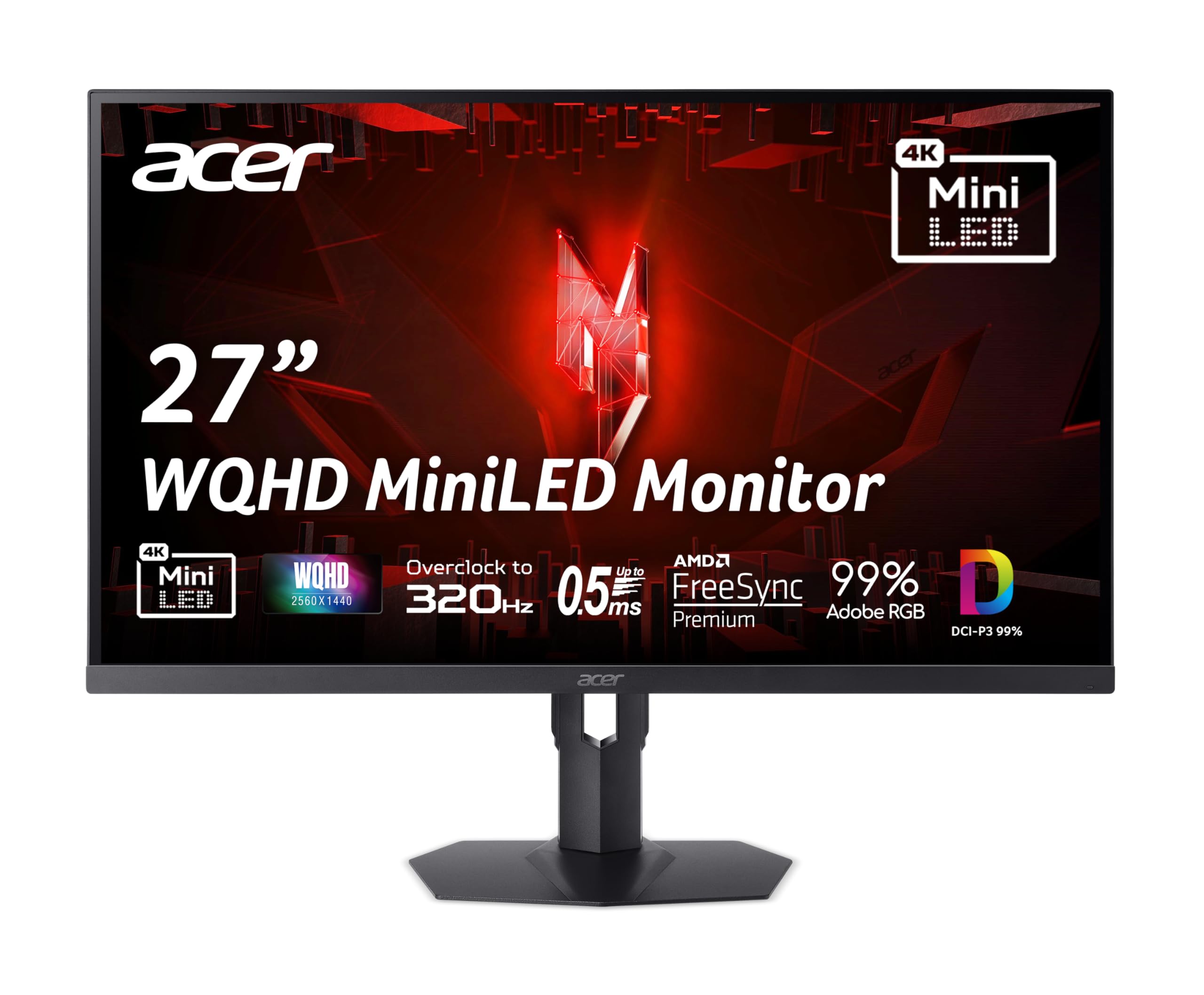
3. Acer Nitro 27in QHD 2560×1440 IPS MiniLED 320Hz Gaming Monitor XV275U F3
Mini-LED depth on a 320Hz panel, with a firmware wrinkle you should know about.
The Acer XV275U F3 earns its spot on the dimming zones — 1152 local dimming zones (small backlight patches that brighten or dim independently) for contrast levels a plain IPS panel can’t reach. Add a 320Hz refresh at 2560 x 1440, a 0.5ms GTG response time, and AMD FreeSync Premium, and you have a screen that looks a tier above its price on paper. The Acer Nitro line has long been the sleeper pick for buyers who want the panel, not the branding, to carry the price.
On bright content the Mini-LED punches hard, and the fast response keeps FPS action free of smear. FreeSync Premium syncs your frames with the GPU to kill tearing. Build quality and ergonomics are sound — height, pivot, swivel, and tilt all adjust. Buyers consistently flag quality control and color as the panel’s strongest suits, and the joystick OSD is easy to navigate.
The wrinkle is firmware. The recurring complaint across reviews is flickering — not universal, but frequent enough to matter. A handful of owners chase blooming in dark scenes, and HDR color handling has been inconsistent (some report wrong tones in SDR and HDR modes). If a mostly-blackroom gamer can’t tolerate any flicker, this one carries more risk than a plain Fast IPS. For everyone else, the contrast payoff is real, and buyers describe snappy, responsive play with zero lag or smearing.
Why the Mini-LED panel pulls its weight
- 1152 local dimming zones give markedly better blacks than plain IPS
- 320Hz refresh and 0.5ms GTG response keep motion crisp
- AMD FreeSync Premium eliminates tearing
- Full height, pivot, swivel, and tilt on the stand
The trade-offs to weigh up front
- Flickering is the most-flagged issue and varies unit to unit
- HDR color handling can be inconsistent from the start
- Some blooming in dark scenes is par for Mini-LED at this tier
Suits: buyers who want Mini-LED contrast and competitive speed in one screen, and can live with the occasional firmware quirk.
Not the one if: you want zero animation in dark scenes — a standard IPS panel sidesteps the flicker question entirely.
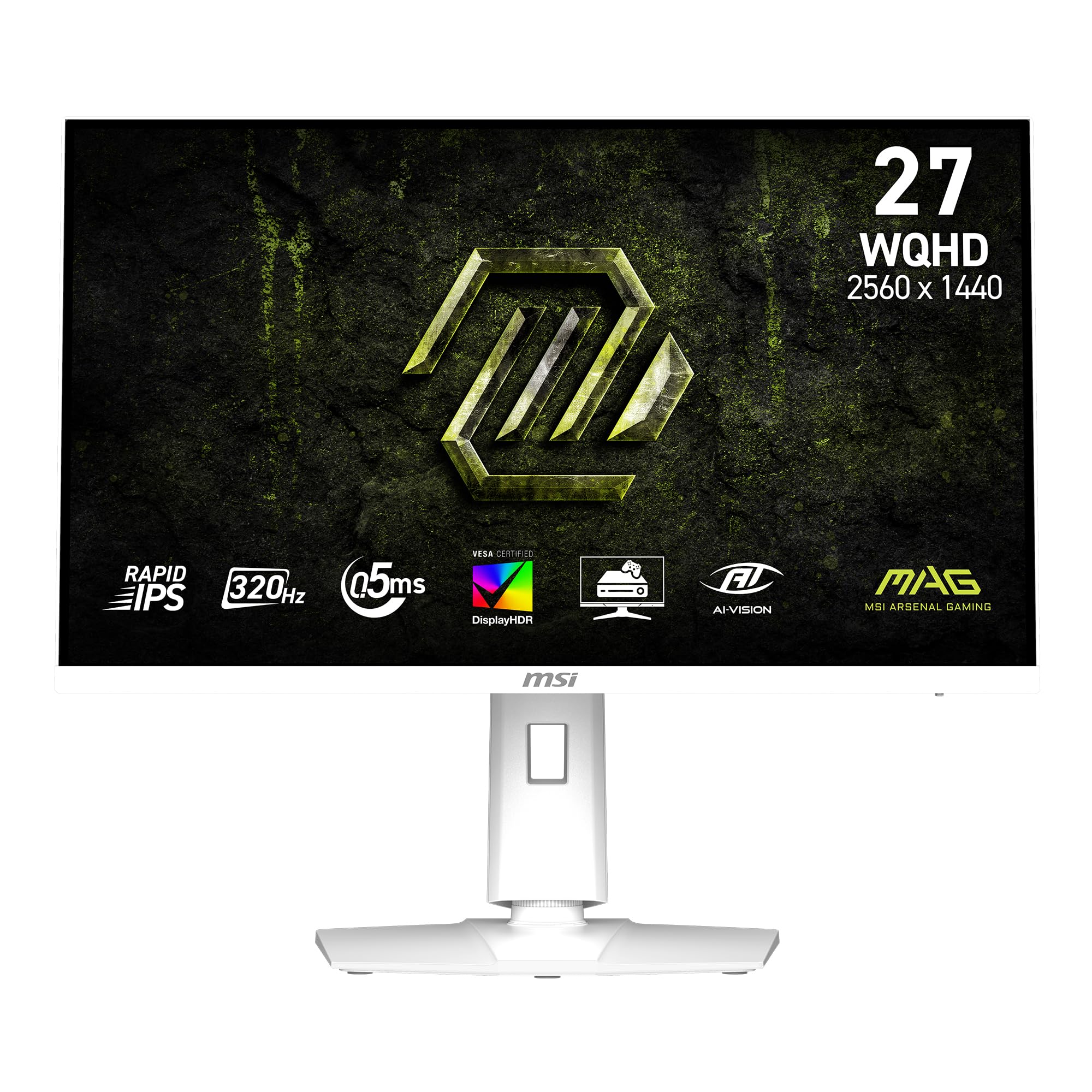
4. msi MAG 274QRFW X32 27-inch 2560 x 1440 (QHD) Gaming Monitor, 320Hz
A clean white 1440p panel that matches the setup and keeps the speed.
If your desk already leans white, the MSI MAG 274QRFW X32 saves you the “white tax” conversation — it’s a genuinely white-finished 27-inch monitor with 320Hz at 2560 x 1440. The Rapid IPS panel keeps colors and brightness tune, and a 0.5ms (GtG) response time (the maker’s minimum figure) keeps fast motion clean. AI Vision technology brightens dark areas and saturates colors, so shadows in a dark corridor don’t swallow the enemy.
Adaptive Sync runs on FreeSync Premium with G-SYNC compatibility, and a Less Blue Light mode trims the blue-violet region of the spectrum for longer sessions. The color gamut sits at 95, and the 320Hz rate is the same headline speed as the rest of this list — so the decision here is as much about look and feel as raw motion. Buyers describe it as a quality all-rounder that plays well with both FPS games and side-monitor duty.
The honest note is that the white finish is what most people are really paying for — the spec sheet is solid but not trying to beat a Mini-LED on contrast. If you want the deepest blacks, that’s the Acer or the INNOCN; this MSI delivers the speed and the aesthetic without the dimming-zone complexity. It’s the pick for a white build that needs 320Hz at 1440p without a repaint.
What it nails: a white shell, 320Hz at 1440p, 0.5ms response, and FreeSync Premium with G-SYNC compatibility — the useful parts are all here.
The reality check: it competes on finish and price, not on Mini-LED contrast, so black-level purists should look up the list.
Pick it if: a white build needs a 1440p 320Hz monitor that matches without a repaint.
Pass if: you’re chasing OLED-level blacks — that’s a different tier of panel.
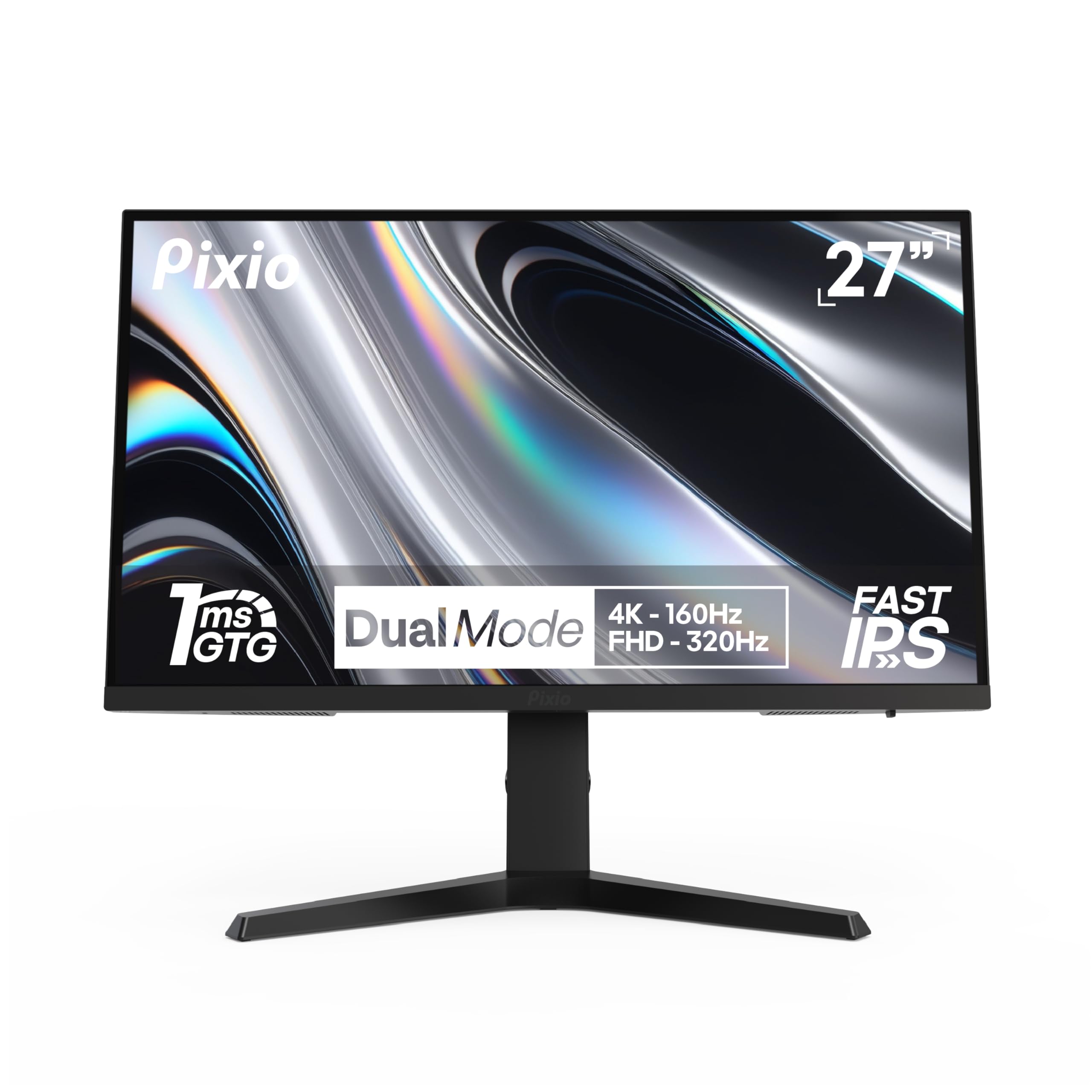
5. Pixio PX27U Prime Neo 27 inch Dual Mode UHD 4K 160Hz/FHD 320Hz Fast IPS
A dual-mode 4K panel with the widest color gamut on this list.
The Pixio PX27U Prime Neo toggles between 4K at 160Hz and 1080p at 320Hz, so editors get the sharp 4K canvas and competitors get the fast mode. Where it stands out is color: a 138.52 gamut figure is the highest cited on this page, which is why creators on a budget keep landing here. A 1ms GTG response keeps the fast mode clean, and Adaptive Sync (FreeSync) locks out tearing.
The stand handles height, tilt, swivel, and pivot for long sessions, and the panel carries 400 cd brightness — bright enough that a room-lit setup won’t fight the screen. DisplayPort 1.4 and HDMI 2.1 both support the full dual-mode range, so you’re not restricted to one port to hit 320Hz. Pixels are uniform and fast, and the PX27U Prime Neo is one of the cheapest ways to get a genuine 4K/320Hz toggle onto a desk.
The trade-off to size fairly: this is durable-goods reliability territory. A meaningful slice of customers note the panel ran well for a year and then faltered, and picture quality splits the long review tail — some love it, some find it soft. That’s a smaller issue than it reads, given how many people own and rate this panel, but anyone buying for a five-year horizon should weigh it. For the dual-mode feature set at this tier, the value is hard to argue with.
Where the value lands
- Full 4K 160Hz and 1080p 320Hz in one panel
- 138.52 gamut — the widest color reach cited on this list
- 400 cd brightness for bright rooms
- DP 1.4 and HDMI 2.1 both carry the dual-mode range
Where to look carefully
- A minority of reviewers point out reliability trouble past the first year
- Picture quality net of mixed feedback in the long review tail
Worth it for: dual-mode flexibility and the widest color gamut here, at a mid-tier outlay.
Think twice if: you need a workhorse panel you’ll run for many years without second-guessing reliability.
6. AOC 27 Inch Gaming Monitor QHD 320Hz Mini-LED HDR1000, White, Q27G4SLM/WS
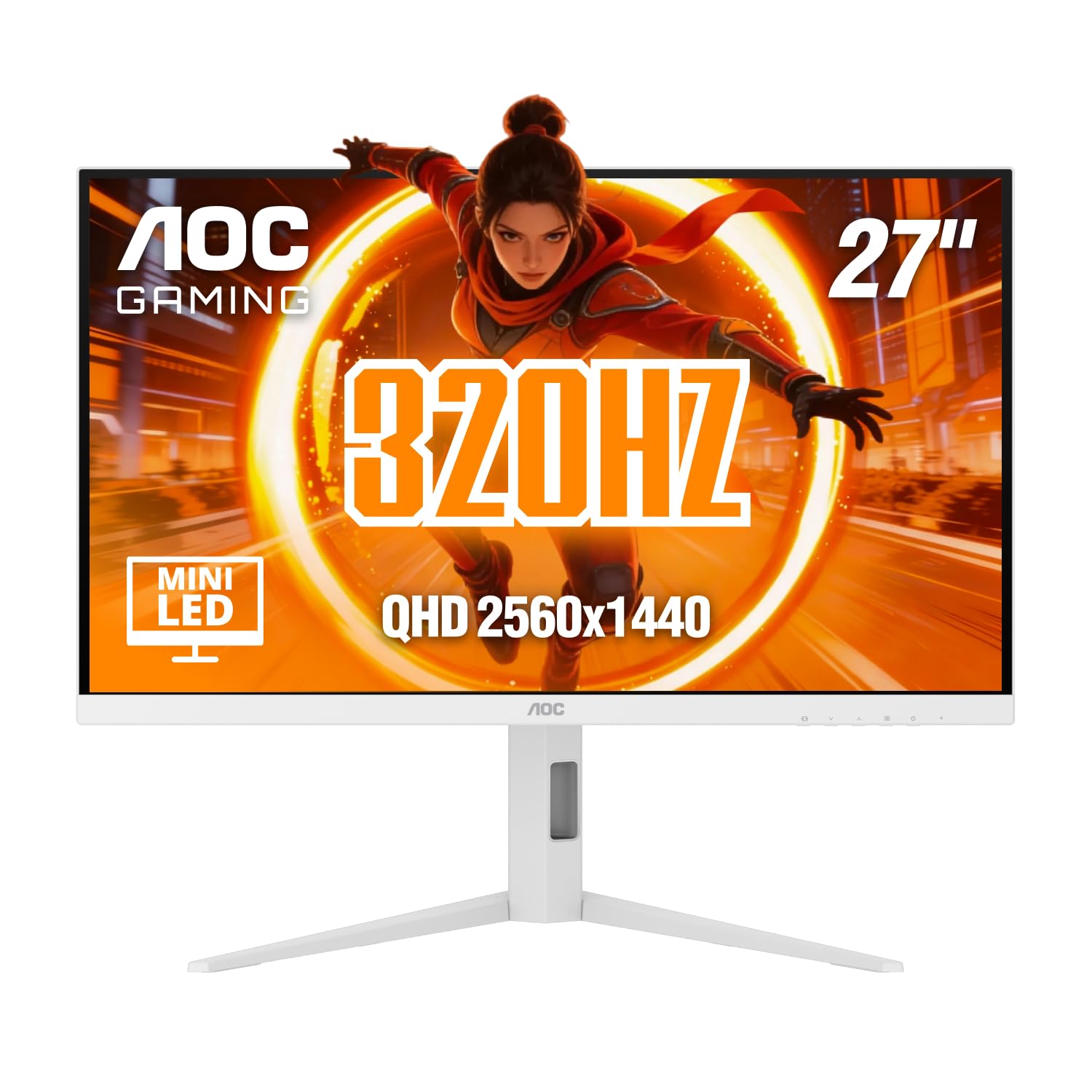
A white Mini-LED with 1152 dimming zones and real HDR1000 punch.
AOC’s Q27G4SLM/WS leans hardest on brightness of any pick here — a DisplayHDR 1000 certification with 700 nits sustained HDR and 1200 nits peak (specs that matter for how hard highlights pop and how deep the lows read). Behind that is a 1152-zone Mini-LED IPS panel at 2560 x 1440, with 320Hz refresh and a 1ms GtG response, so speed and contrast land together. On bright content the local dimming does serious work, and near-zero backlight bleed at maximum dimming shows up repeatedly in owner notes.
Connectivity runs 320Hz over HDMI 2.1 or DisplayPort 1.4, and the white finish plus full height, tilt, swivel, and pivot stand makes it a double pick — one for the aesthetic, one for the ergonomics. Adaptive Sync and Flicker-Free round out the package. It’s the most HDR-forward option in the mid-tier, and the natural rival to the Acer Nitro above on dimming-zone count.
The one honest snag: reaching the full 320Hz on some setups needs a custom resolution utility, and HDMI caps at 300Hz — so DisplayPort is the reliable path once you’re past 240Hz. Also worth noting: several OSD settings lock once HDR is engaged, so tune first, then switch HDR on. Contrast with Mini-LED sits above plain IPS but below VA and OLED — realistic framing for this tier.
Where it wins
- DisplayHDR 1000 with 700 nits sustained and 1200 nits peak
- 1152 dimming zones for strong backlight control
- 1ms GtG and 320Hz across HDMI 2.1 and DisplayPort 1.4
- White finish with full ergonomic adjustment
What to plan around
- Reaching 320Hz may need a custom resolution utility on some PCs; HDMI stops at 300Hz
- Most OSD settings lock while HDR is on
- Contrast trails VA and OLED at this tier
Choose this if: HDR punch and near-zero bleed matter more to you than pure contrast depth, and you’re ready to use the DisplayPort cable.
Skip if: you want deep-black OLED-grade contrast — Mini-LED stops short of that by its nature.
7. AOC 32″ Gaming Monitor 4K IPS Dual Mode 320Hz NVIDIA G-SYNC Compatible U32G4
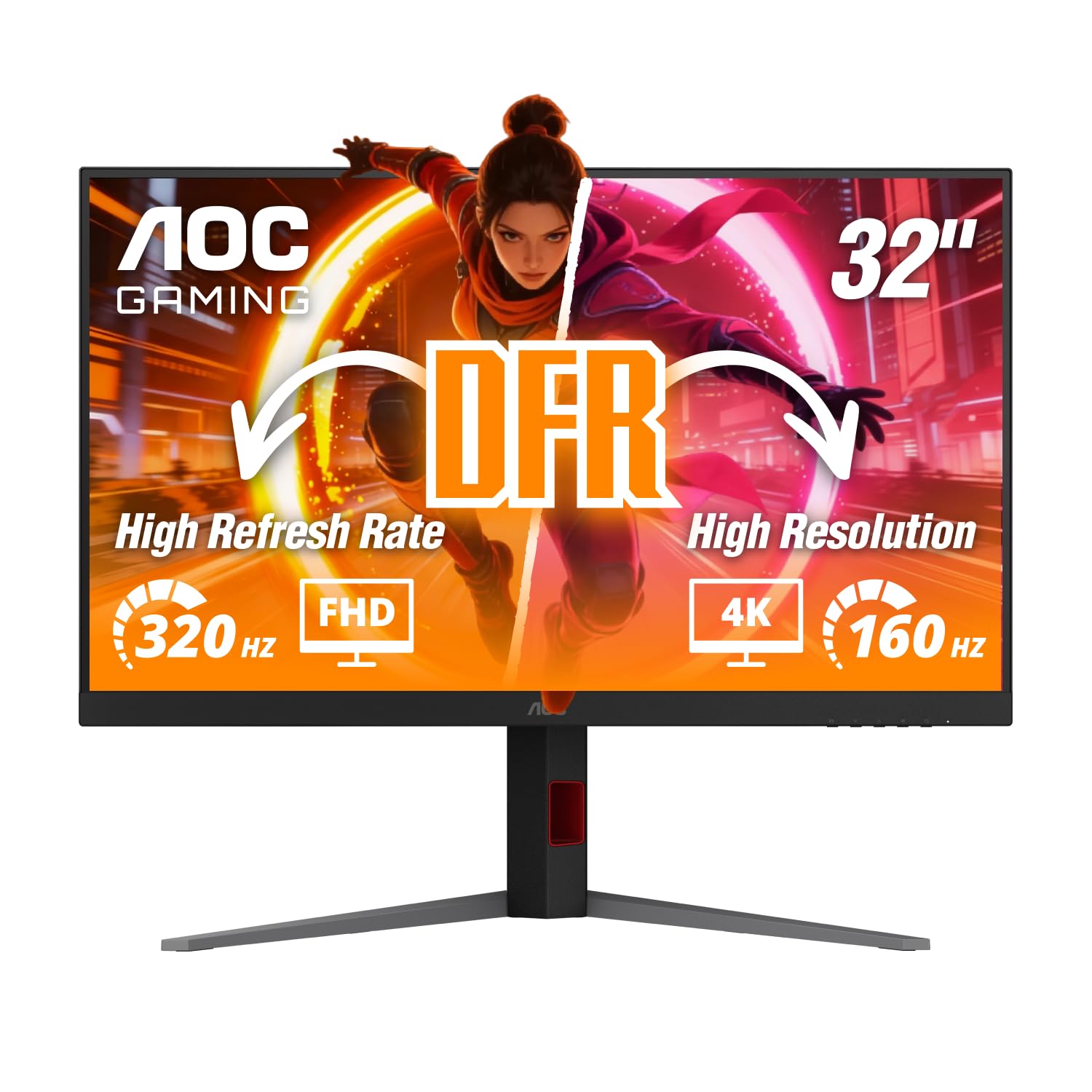
A 31.5-inch 4K dual-mode panel that lands the sharpest picture on this list — with a size trade-off.
The AOC U32G4 runs 3840 x 2160 at 160Hz for detailed work, or FHD at 320Hz when competitive speed leads the day. On the 31.5-inch panel it’s the largest screen here short of the ROG XG32UCG, and the 178° viewing angles mean the picture holds from across a desk. Response time is fast even by this list’s standards — 0.5ms MPRT at UHD and 0.3ms MPRT at FHD — which is why fast motion stays legible at the top rate. G-Sync Compatible and HDR-ready round out the package, alongside DisplayPort 1.4 and HDMI 2.1.
What consistently impresses owners is the picture itself: crisp 4K clarity, vivid accurate colors, minimal flicker, and strong value for the tier. Build on the panel and stand is sound, and the ergonomics handle height (130mm), tilt, swivel, and pivot. It’s the natural step up in size from a 27-inch 4K dual-mode screen, at a price that keeps it firmly mid-tier rather than flagship.
Size matters: 31.5 inches takes up more desk space than it looks, and at 1080p the pixel pitch (the gap between pixels) spreads out — some owners note 1080p text reads poorly on this model, so plan on using 4K for work and letting the FHD mode do gaming duty. The stand itself wobbles slightly, and the menu buttons are clunky. Neither affects the panel, but they’re worth knowing before you commit to the larger footprint.
The case: 31.5 inches, 4K at 160Hz or FHD at 320Hz, 0.5ms / 0.3ms MPRT response, and G-Sync Compatible — a serious dual-mode screen for the mid tier.
Plan for the caveat: at FHD this panel gives up text sharpness, so lean on 4K for documents and 320Hz for play, and budget for a monitor arm if the wobble bothers you.
Go here if: you want a large dual-mode 4K panel with strong color and want the sharpest picture in this roundup.
Look elsewhere if: you do a lot of work at 1080p settings — a smaller panel keeps text crisp at that resolution.
8. INNOCN 27″ 2K 1440P 320Hz Mini LED Gaming Monitor, HDR1000, 1ms, GA27T1M
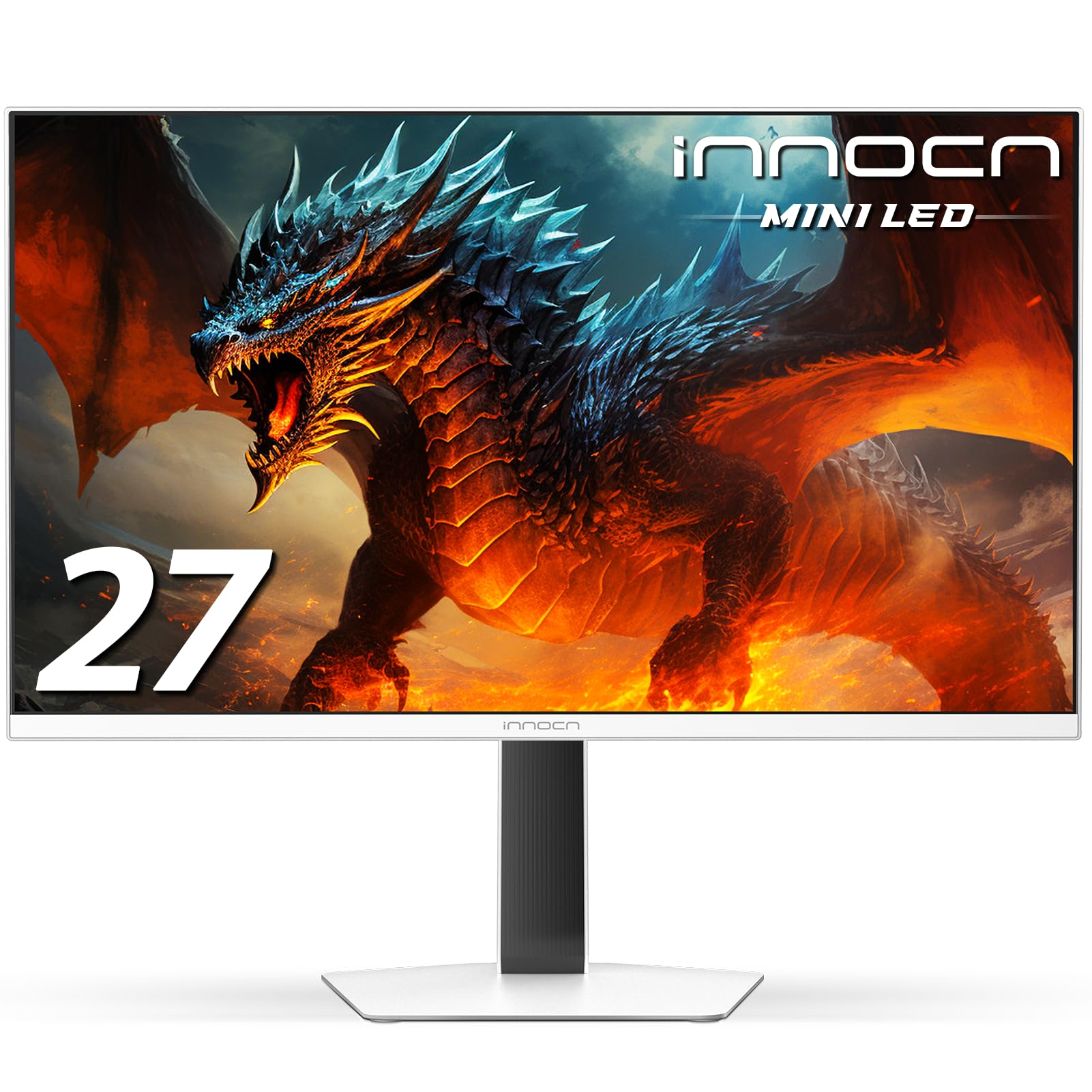
A HDR1000 Mini-LED that burns bright enough to beat OLEDs in daylight.
The INNOCN GA27T1M is a 27-inch 1440p Mini-LED with 1152 dimming zones and a 1000 nits peak brightness figure — plus HDR1000 certification. A 0.5ms GtG response and G-SYNC compatibility keep the speed side honest, and 100% sRGB covers the standard color space for photo and video. In HDR, shoppers say the picture competes with OLED on brightness and punch, with near-OLED black coherence and minimal blooming in dark scenes.
The build is a plus: metal stand, ultra-narrow 3-sided bezels, integrated RGB atmosphere lighting, and 100x100mm VESA mounting. Weight without stand is 11.66 lbs (fine, but you’ll want help lifting the panel into place). HDMI 2.1 and DisplayPort 1.4 handle consoles, laptops, and desktops — including MacBook and Mac Mini. Where HDR1000 Mini-LED earns its keep is bright-scene punch and dynamic range on HDR-capable games; it also holds up on SDR content, which is not always the case for panels that lean this hard on brightness.
Caveats are real but specific. The default resolution from the start is often 60Hz — owners need to set 320Hz manually in Windows. Built-in speakers are cited as weak, and the OSD control layout has drawn criticism. Also, the sustained SDR brightness sits lower than you’d expect given the 1000 nits number, which is a common Mini-LED pattern. For buyers who plan a five-minute tuning session on day one, none of that overshadows the HDR punch.
Why the panel stands out
- 1152 dimming zones with 1000 nits peak brightness
- 0.5ms GtG response time and G-SYNC compatible
- 100% sRGB coverage for color-accurate work
- HDMI 2.1, 2x USB 3.0, and RGB atmosphere lighting
What to expect going in
- Defaults to 60Hz — you must switch 320Hz on manually
- Built-in speakers are weak; plan on headset or speakers
- OSD layout is cumbersome and often criticized
Yes, if: you’re after serious HDR brightness at 1440p with Mini-LED dimming and don’t mind a five-minute setup pass.
No, if: you want plug-and-play with good on-board audio — this one expects you to tune it.
9. ASUS ROG XG27UCG 27 Inch 4K 160Hz USB-C G-SYNC Gaming Monitor

A ROG dual-mode 4K panel with USB-C, built to cut the desk cable clutter.
USB-C with DisplayPort Alt mode is the reason to look at the ASUS ROG XG27UCG: a single cable carries video (and, on most laptops, data and charging) to the 27-inch 4K Fast IPS panel. Like the other dual-mode screens, it toggles between 4K 160Hz for detail and FHD 320Hz for speed, with a 1ms GTG response in the fast mode. ELMB Sync blends extreme low motion blur with variable refresh — a combination that usually forces a choice on cheaper screens. The color reach nails 95% DCI-P3 with ASUS gray-scale tracking for smoother gradients.
DisplayWidget Center lets you tune the monitor from a mouse in Windows instead of picking through joystick menus, which is a genuine quality-of-life upgrade for daily use. G-Sync Compatible and 3-year warranty with advanced replacement round out the package. For creators who want 4K clarity plus a fast mode for occasional competition, USB-C and the software control are the differentiators.
The honest limitation is physical build feel. Several owners note the plastic housing and physical buttons feel cheap for the price tier, and the rear joystick is finicky until you switch to the software. A few report intermittent on/off issues and headaches from extended use, though those are outliers against a strong satisfaction picture. At this price, buyers consistently rank the 4K picture and color quality above the plastic housing and buttons.
What’s genuinely premium: 95% DCI-P3 with gray-scale tracking, ELMB Sync, USB-C DP Alt mode, and DisplayWidget Center controls — the feature set reads pro.
What undercuts it: the physical housing and buttons feel light for the tier; budget for the software app to bypass them.
Reach for this if: you want 4K quality and 320Hz speed in one screen with USB-C and easy software control.
Hold off if: you want a heavy-duty metal build feel — a cheaper tier compromises less on feel, not more.
10. ASUS ROG XG32UCG 32 Inch 4K Dual Mode 320Hz USB-C G-SYNC Gaming Monitor

The big-screen ROG: 32 inches of 4K dual-mode with the fastest response figure here.
This is the flagship of the group. The ASUS ROG XG32UCG is a 32-inch dual-mode 4K panel — 3840 x 2160 at 160Hz, or FHD at 320Hz — with a 0.3ms minimum response time, the sharpest on this list. ELMB Sync pairs low motion blur with variable refresh, and 95% DCI-P3 with gray-scale tracking keeps the color uniform. USB-C with DP Alt mode makes cabling a one-cable job, and ROG gaming AI features add on-screen assist options for anyone who wants them. It carries the highest rating in this roundup: 4.6 stars across 120+ ratings.
Owners consistently put the display quality and picture quality up front: sharp text, excellent SDR calibration, no banding at 10-bit FRC, and a 20-step overdrive with a sensible default. It replaced dual 27-inch setups for several buyers and holds up for movies, gaming, and productivity all at once. This is the pick if you want the largest screen here, the top score here, and the flexible dual-mode workflow — all in one panel.
Being honest about the price tier: at the flagship end, this is where the buyer most expects USB-C, G-Sync Compatible, and a 3-year advanced-replacement warranty — all of which are here. The catch, if there is one, is that 32-inch 4K at this size makes desktop text smaller by default, so plan your Windows scaling before you commit. Owners also flag mixed compatibility with certain setups, and mild IPS glow is present on black screens, both worth knowing up front.
What it earns you: the 4.6-star top score, the fastest 0.3ms minimum response here, USB-C DP Alt, and the biggest panel at 32 inches.
What to plan for: text is small on a 32-inch 4K desktop until you adjust scaling, and mild IPS glow shows on black — a normal trade-off at this tier.
Buy this if: you want the biggest, best-rated, best-connected dual-mode 4K screen in this roundup and are ready for flagship money.
Buy the 27-inch instead if: you sit close to the screen and want readable text without Windows scaling.
Understanding the Specs
Refresh Rate and Refresh Headroom
Refresh rate is how many times per second the panel reddraws the image — 320Hz means 320 redraws per second. The higher the number, the tighter the gap between where your enemy is and where your crosshair says they are. On a fast-moving FPS or racing title, that is the difference between a clean hit and a phantom miss. The trade-off at 320Hz is that the full rate demands a wide data pipe, so DisplayPort is usually the port that open up it — HDMI often tops out lower on the same panel. Match the rate to a monitor with a 1ms or better response time and your frames stay clean instead of smearing.
Panel Type and Dimming Zones
Fast IPS is the compromise most buyers want — quick pixel switching for low blur plus wide viewing angles. Mini-LED backlighting layers hundreds of small dimming zones behind that panel; more zones means finer control over what is bright and what stays black, which is why the 1152-zone screens here pull ahead of plain IPS on contrast. Mini-LED is not OLED — it stops short of perfect black and can show some blooming around bright objects on dark backgrounds. What it avoids is the burn-in risk that comes with OLED panels.
Dual-Mode: One Panel, Two Jobs
A dual-mode monitor lets you switch between a high-detail mode (typically 4K at 160Hz) and a pure-speed mode (usually 1080p at 320Hz) on the same screen. You get the sharp canvas for editing, reading, and photo work, and the fast mode for ranked play, without buying two monitors. The reason the speeds split is bandwidth: 4K needs far more data per frame than 1080p, so the same panel cannot run both at their maximum refresh at once.
Adaptive Sync and Response Time
Adaptive Sync, FreeSync, and G-Sync Compatible all do the same core job — they sync the monitor’s refresh to your graphics card’s frame rate so you don’t see tearing when frames arrive unevenly. Response time is the separate number to watch: it measures how fast a pixel changes color, in milliseconds, and it’s what keeps fast motion from leaving a ghost trail. A 320Hz refresh with a slow response still looks blurry, which is why the panels here all cite 1ms or better.
FAQ
Do I really need 320Hz, or is 240Hz enough for competitive gaming?
Does HDMI reach 320Hz, or do I need DisplayPort?
Is 1440p or 1080p better at 320Hz?
What is the difference between Fast IPS, Mini-LED, and OLED at 320Hz?
Will a 320Hz monitor improve my aim if my PC can’t push 320fps?
Are Mini-LED 320Hz monitors prone to blooming or flickering?
Can I use a 320Hz dual-mode monitor for work as well as gaming?
Do I need a 320Hz monitor to play FPS games, or is 144Hz enough?
What resolution should I pick for a 320Hz gaming monitor on a 27-inch screen?
Does a 320Hz monitor put more strain on my graphics card than a 240Hz one?
Final Thoughts: The Verdict
For most buyers, the 320hz monitor winner is the KTC H27P6 because it does the dual-mode trick better than anything else on this list — 4K 160Hz for work, 1080p 320Hz for ranked play, plus USB-C charging and the highest rating on the page. If you want the Mini-LED contrast route at 1440p with the widest color gamut in this roundup, grab the Pixio PX27U Prime Neo — just go in knowing some owners mention reliability slipping past the first year. And for the largest, best-rated screen here with USB-C and the fastest 0.3ms response, the ASUS ROG XG32UCG is the one to reach for. If budget decides and you still want genuine 320Hz, the KOORUI 27 Inch 320Hz has the highest review count here — 14,000-plus owners against 900 on the KTC — and a two-year track record of no ghosting or dead pixels.
How We Picked
We do not accept paid placement. Every pick is matched to a real buyer and a real use-case; we do not hands-on test units.
Sources & Methodology
Specifications: manufacturer listings and product documentation. Review insights: verified customer reviews, as of September 2026. Pricing: not shown on this page (it changes often); check the current price via the retailer link.
As an Amazon Associate, Gadgets Feed earns from qualifying purchases. This does not affect which products we feature.