
Our readers keep the lights on and my morning glass full of iced black tea. As an Amazon Associate, I earn from qualifying purchases.
Specs are compiled from manufacturer listings and verified buyer reviews and can change over time — please confirm the key details on the product page before buying.
Buying a gaming desktop with 32GB of RAM is the smart move for anyone tired of closing background apps before launching a game. That memory headroom lets you keep Discord, a browser with 20 tabs, and a streaming app open while your game runs at full speed, so you get smooth frames without the juggling act.
I’m Min — the founder and writer behind Gadgets Feed. This guide is built by comparing the manufacturers’ published specifications and the patterns across verified customer reviews, so you get each pick’s real strengths and trade-offs instead of marketing spin.
From the liquid-cooled RTX 5070 Ti flagship to the air-cooled value champ, here are the 32gb ram gaming desktop options that actually earn their place on your desk.
Our Picks at a Glance

How To Choose The Best 32GB RAM Gaming Desktop
Focus on the graphics card first, because it determines your frame rates at 1440p and 4K. A 32GB memory kit is table stakes these days, but the GPU is the engine that renders every frame you see.
The Graphics Card Is King
Look for at least an NVIDIA GeForce RTX 5070 with 12GB of video memory (VRAM) if you want high refresh at 1440p. Step up to an RTX 5070 Ti with 16GB if you plan to play at 4K or dive into VR titles that eat memory.
Memory Speed and Storage
All the picks here ship with 32GB of DDR5 memory, but speed varies from 4800MHz to 6000MHz. Faster memory helps your CPU process data quicker. For storage, a 1TB NVMe SSD is the minimum you want; 2TB gives you breathing room for the biggest game installs.
Cooling and Quiet Operation
Check whether the system uses a 360mm liquid cooler (a large radiator with fans) or a tower air cooler. Liquid cooling usually keeps high-end chips like the Ryzen 7 9800X3D cooler under load, which means less fan noise while you play.
Quick Comparison
| Model | Best For | Graphics Card | CPU | Storage | Amazon |
|---|---|---|---|---|---|
| Skytech O11 Vision★ Best Overall | Ultimate 1440p Power | RTX 5070 Ti 16GB | Ryzen 7 9850X3D | 2TB SSD | Amazon |
| MSI Codex Z2Best Value | Entry 1440p Value | RTX 5060 8GB | Ryzen 7 8700F | 1TB SSD | Amazon |
| ASUS ROG G700Top Performer | Tool-less Upgrades | RTX 5070 12GB | Core Ultra 7 265F | 1TB SSD | Amazon |
| STORMCRAFT Sirius | Creator + Gamer Mix | RTX 5060 Ti 16GB | i7-14700F | 2TB SSD | Amazon |
| iBUYPOWER Element | Budget 1440p Gaming | RTX 5070 12GB | Ryzen 9 7900X | 1TB SSD | Amazon |
| CyberPowerPC GXiVR | i9 + RTX 5070 Combo | RTX 5070 12GB | Core i9-14900KF | 2TB SSD | Amazon |
| Alienware Aurora | Quiet Air Cooling | RTX 5070 12GB | Core Ultra 7 265F | 1TB SSD | Amazon |
| ASUS ROG GM700 | AMD Radeon Power | RX 9070 XT 16GB | Ryzen 7 9800X3D | 2TB SSD | Amazon |
| Lenovo Legion Tower 5i | Quiet 4K Gaming | RTX 5070 Ti 16GB | Core Ultra 7 265F | 1TB SSD | Amazon |
| MSI Aegis R2 | Core Ultra 9 Muscle | RTX 5070 Ti 16GB | Core Ultra 9 285 | 2TB SSD | Amazon |
| Skytech King 95 | Showcase 1440p Rig | RTX 5070 Ti 16GB | Ryzen 7 9800X3D | 1TB SSD | Amazon |
| STORMCRAFT Phantom | Raw 4K Performance | RTX 5080 16GB | Ryzen 7 9800X3D | 2TB SSD | Amazon |
In‑Depth Reviews
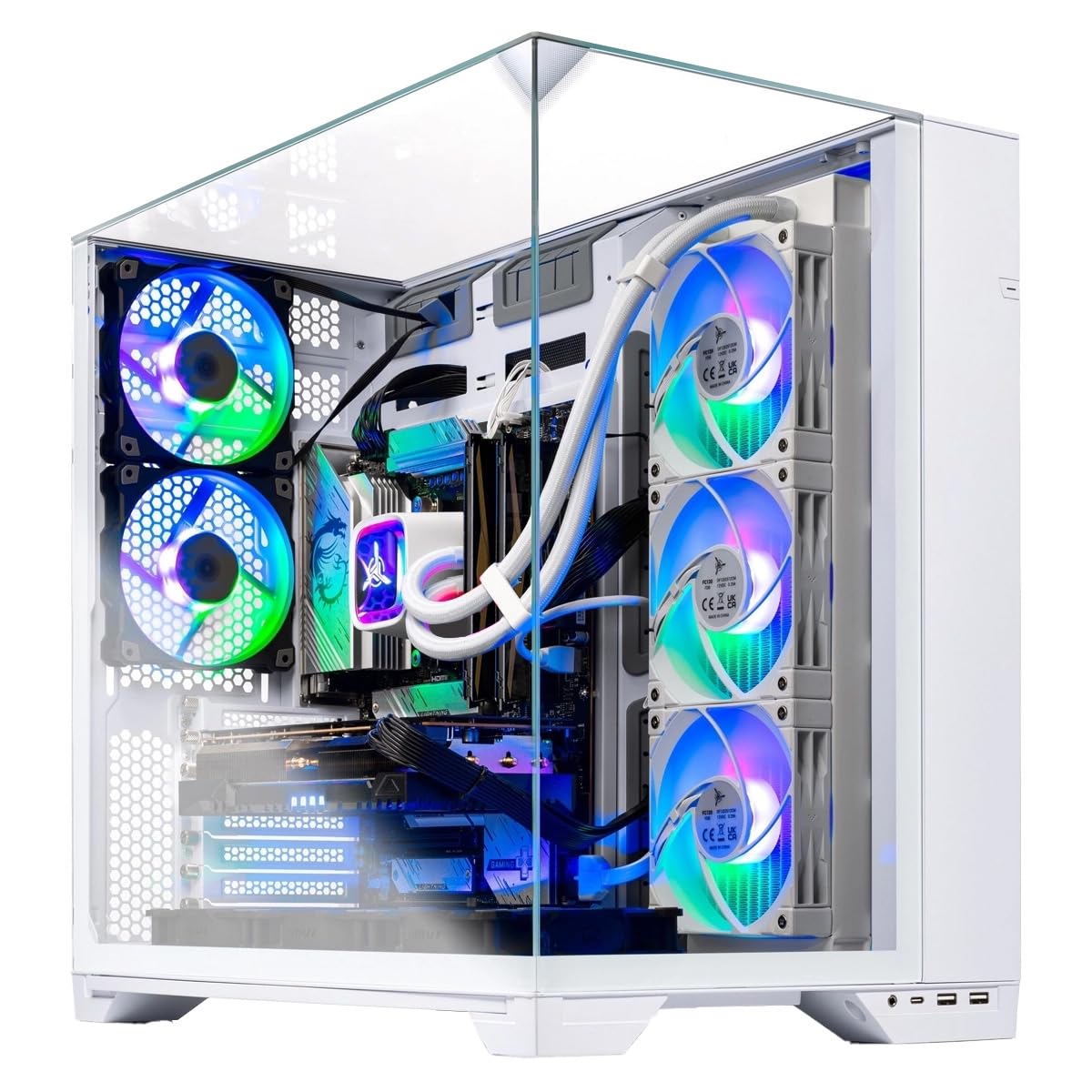
1. Skytech Gaming PC O11 Vision
Our pick — over 4.5★ from 750+ verified ratings; the strongest balance of quality and price.
The liquid-cooled flagship that crushes 1440p and streams without a stutter.
This is the pick for the gamer who wants to max out every setting and still broadcast to friends at the same time. It pairs a Ryzen 7 9850X3D CPU with an RTX 5070 Ti that has 16GB of GDDR7 video memory, so demanding titles at 1440p stay smooth. The 850W GOLD ATX 3 power supply gives you plenty of clean headroom for that high-end hardware.
You get 2TB of Gen4 NVMe SSD storage, which is double the 1TB you find on several rivals like the MSI Codex Z2, so you can install Cyberpunk 2077 and Baldur’s Gate 3 without uninstalling anything else. The 360mm liquid cooler keeps the CPU chill even when you are pushing frame rates for hours. Buyers report max-settings gaming alongside a 1080p/60fps stream at 4000 bitrate with zero lag, ideal for streamers.
Setup is genuinely easy from the start, and it arrives with a free gaming keyboard and mouse so you can start playing immediately. The Lian Li PC-O11 Vision case in white is a head-turner on any desk. The 4.6-star crowd favorite with over 700 owners backs up the performance claims, though a small number of units have had functionality hiccups after about 20 minutes of use.
Where It Shines
- Double the storage of rivals at 2TB for big game libraries
- 16GB GDDR7 VRAM handles 1440p Ultra and streaming
- Liquid cooling keeps it quiet under heavy loads
The Trade-offs
- Premium price puts it out of budget reach
- Some units arrive with functionality issues after boot
The streamer’s pick: If you broadcast or record while gaming, the 16GB VRAM and 2TB SSD make this the one to beat.
Think twice if: You are on a tight budget, because the entry-tier options below deliver solid 1080p gaming for far less.
2. MSI Codex Z2 Gaming Desktop
The entry-level gateway to 1440p gaming with a seriously quiet fan layout.
If you are stepping up from a laptop or an old rig and want a dependable desktop without spending premium money, this MSI is your on-ramp. It runs an AMD Ryzen R7-8700F processor with an RTX 5060 that has 8GB of video memory, which is enough for smooth high-settings play at 1080p and solid 1440p in most titles. Owners mention 165+ FPS on max settings in most titles, a strong result for an entry-level 1440p rig.
The cooling story is a big part of the appeal. Four system fans — three in the front and one in the rear — pull cool air in and push heat out, and owners describe it as having plenty of airflow while running quietly. You control the built-in RGB lighting either with the MSI LED button on the case or through MSI Center software, so you can match your setup’s vibe.
Storage is the one area where it falls short of the bigger rigs: 1TB of m.2 NVMe SSD space fills up fast with modern installs. It also has less video memory than the Skytech’s 16GB — 8GB versus 16GB — which matters if you eventually chase 4K or heavily modded games. For pure value-per-frame at 1080p and 1440p, though, it is hard to look past.
Why It Wins
- 165+ FPS on max settings reported in most games
- Quiet operation with four-fan airflow design
- Upgradeable platform for future parts
Keep In Mind
- Only 1TB of storage for your game library
- 8GB VRAM limits high-end 4K potential
Reach for this if: You want a reliable, quiet 1080p/1440p machine that leaves money on the table for a better monitor.
Look elsewhere if: You already own a 4K display and want to push max details, because the 8GB GPU will struggle.
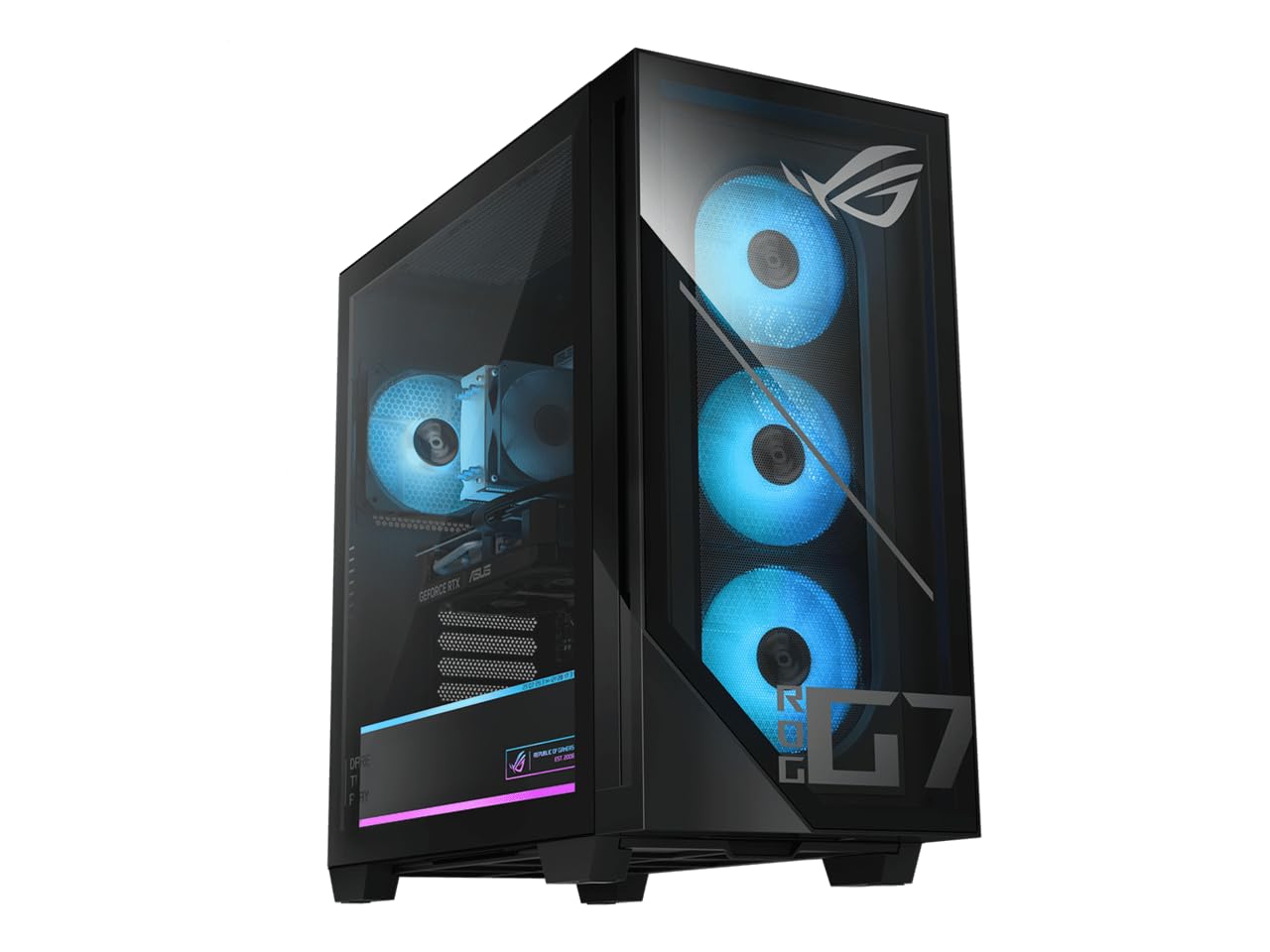
3. ASUS ROG G700 (2025)
A tool-less upgrade dream with a 58L case that shows off every component.
This ASUS ROG is built for the owner who likes to tinker and upgrade over time. The 58L dual-glass chassis opens with tool-less access, so you can swap in a new GPU or extra storage drives without hunting for a screwdriver. Inside, the Intel Core Ultra 7 265F processor and RTX 5070 with 12GB of GDDR7 memory deliver the kind of performance that runs 4K games at 120Hz, exactly what customers note seeing.
Connectivity is a highlight for online play. It packs 2.5Gbps Ethernet and WiFi 6, so your network is rarely the bottleneck in a firefight. Dolby Atmos audio and AI noise cancellation clean up both your sound and your voice chat, which makes it a strong choice for co-op sessions and streaming.
The quad-fan system with dust filters keeps things cool and reliable over long sessions, and buyers describe the fans as barely noticeable. The main caveat is the 1TB PCIe 4.0 SSD, which is on the smaller side for a rig at this tier. You also get an RGB keyboard and mouse in the box, so it is genuinely plug-and-play ready.
What Stands Out
- Tool-less chassis makes upgrades a five-minute job
- 2.5Gbps Ethernet and WiFi 6 for lag-free online play
- Runs 4K games at 120Hz smoothly
The Catch
- 1TB storage fills up quickly with AAA titles
- Premium pricing for the ROG brand
Best for builders: If you plan to add drives or a bigger GPU down the road, the tool-less design pays off every time.
skip it if: You just want to open the box and never open the case again, because you are paying for upgradeability you will not use.
4. STORMCRAFT Sirius Gaming PC

The 16GB VRAM workhorse for gamers who also edit video on the side.
This one earns its place for the hybrid user — someone who plays Warzone but also renders clips in DaVinci Resolve. The RTX 5060 Ti carries 16GB of video memory, which is double the 8GB on the MSI Codex Z2, giving creative apps and texture-heavy games plenty of room. The Intel i7-14700F CPU boosts up to 5.4GHz across 20 cores and 28 threads, so multitasking and encoding do not bog things down.
Storage is generous at 2TB of NVMe Gen4 SSD, matching the Skytech flagship and doubling the 1TB found on several competitors. That means your game library and your footage archive can live on the same fast drive. The 650W Gold Certified Power Supply and 5x ARGB fans keep everything stable and cool, and reviewers point out the fans stay very quiet during long sessions.
Build quality gets the loudest praise, with buyers calling it well put together and easy to set up. The B760 chipset motherboard is a solid foundation, and Wi-Fi 6E plus 2.5GB Ethernet cover your networking needs. The warranty is a standout: 1 year on parts, 3 years on labor, and lifetime technical support from their California assembly team.
Best dual-purpose rig: If you game and create, the 16GB VRAM plus 2TB storage covers both worlds without compromise.
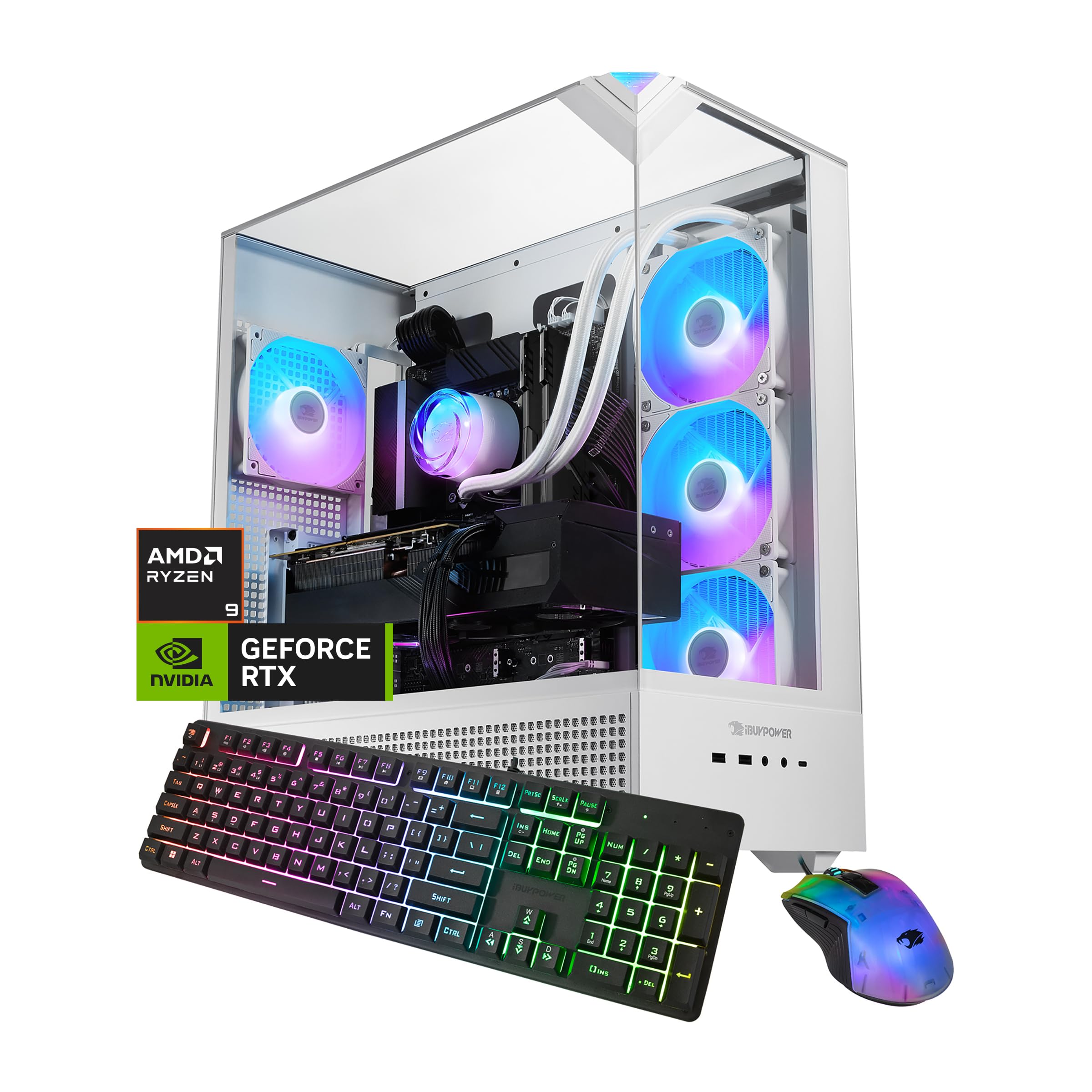
5. iBUYPOWER Element Gaming PC
A Ryzen 9 and RTX 5070 combo that punches way above its price class.
Here is a rare case where the processor outshines the graphics card. The AMD Ryzen 9 7900X boosts to 5.6GHz, and paired with the RTX 5070’s 12GB of GDDR7 memory, it delivers buttery 1440p gaming. The whole thing is water-cooled, which keeps temps in check during long sessions and keeps fan noise down.
The 32GB of DDR5 RGB memory runs at 4800MHz, which is a touch slower than the 5600MHz and 6000MHz kits on pricier picks, but the difference is small in real gaming. You get a clean 1TB NVMe SSD and a tempered glass RGB case with 16-color lighting. It ships with a free iBuyPower keyboard and RGB mouse, and it arrives with zero bloatware installed.
With the largest review base on this list — over 2,600 owners — the consensus is clear: it runs everything smoothly and is very powerful for its price. Performance and value-for-money are the two most-praised aspects by a wide margin. The recurring note is that storage capacity and RAM configuration get mixed feedback, so check the exact config you receive, and treat the included keyboard as a starter unit.
Why It’s Popular
- Ryzen 9 7900X with 5.6GHz boost for heavy multitasking
- Water cooling keeps it quiet and cool
- Backed by thousands of positive owner experiences
Watch Out For
- 4800MHz RAM is slower than higher-tier options
- 1TB storage may need an add-on drive soon
The crowd favorite: With the broadest owner base here, this is the safe pick for budget-minded 1440p gamers.
Not for 4K maxing: The 12GB VRAM and slower RAM hold it back from the top-tier 4K experience.
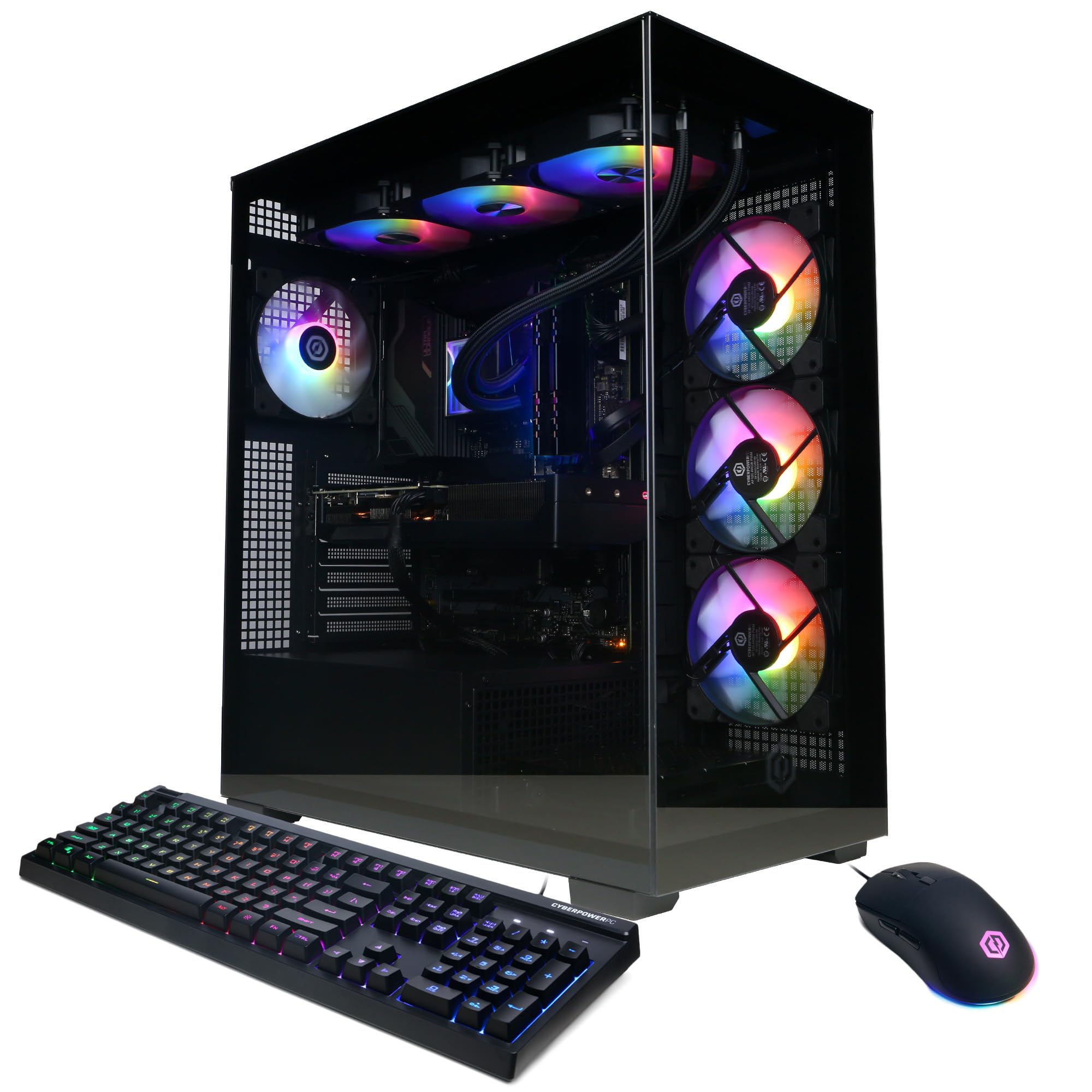
6. CyberPowerPC Gamer Xtreme
A 24-core Intel i9 that chews through gaming and multitasking alike.
For the gamer who also renders video or runs a stream while playing, the Intel Core i9-14900KF’s 24 cores are a serious asset. It is liquid-cooled to keep that hot chip in check, and shoppers say it runs modern games on Ultra settings with fast downloads and good frame rates. The RTX 5070 with 12GB of GDDR7 memory handles 1440p beautifully and dips into 4K territory.
You get room for a large game library with 2TB of PCIe 4.0 NVMe SSD storage (a fast solid-state drive that loads games in seconds). The Z790 chipset motherboard (the main circuit board that connects all parts) lets you upgrade your CPU or RAM later without swapping the board. A 1-year parts and labor warranty plus free lifetime tech support covers you if something fails. The box also includes a keyboard and mouse, custom RGB lighting, and a tempered glass side panel so you can see inside.
Connectivity is well covered with 2 USB-C 3.2 ports, 4 USB-A 3.2, WiFi 5, and Bluetooth 4.2. The one recurring note from owners is noise — some call it super quiet while others mention the fans can get loud under load. If you are sensitive to fan hum during intense gaming, this is the trade-off to weigh against the strong performance-per-dollar.
The multitasker’s pick: If you game, stream, and edit on one machine, the i9’s 24 cores handle it all. Note the fans: noise levels get mixed reviews, so pair it with a headset if you are noise-sensitive.
7. Alienware Aurora Gaming Desktop
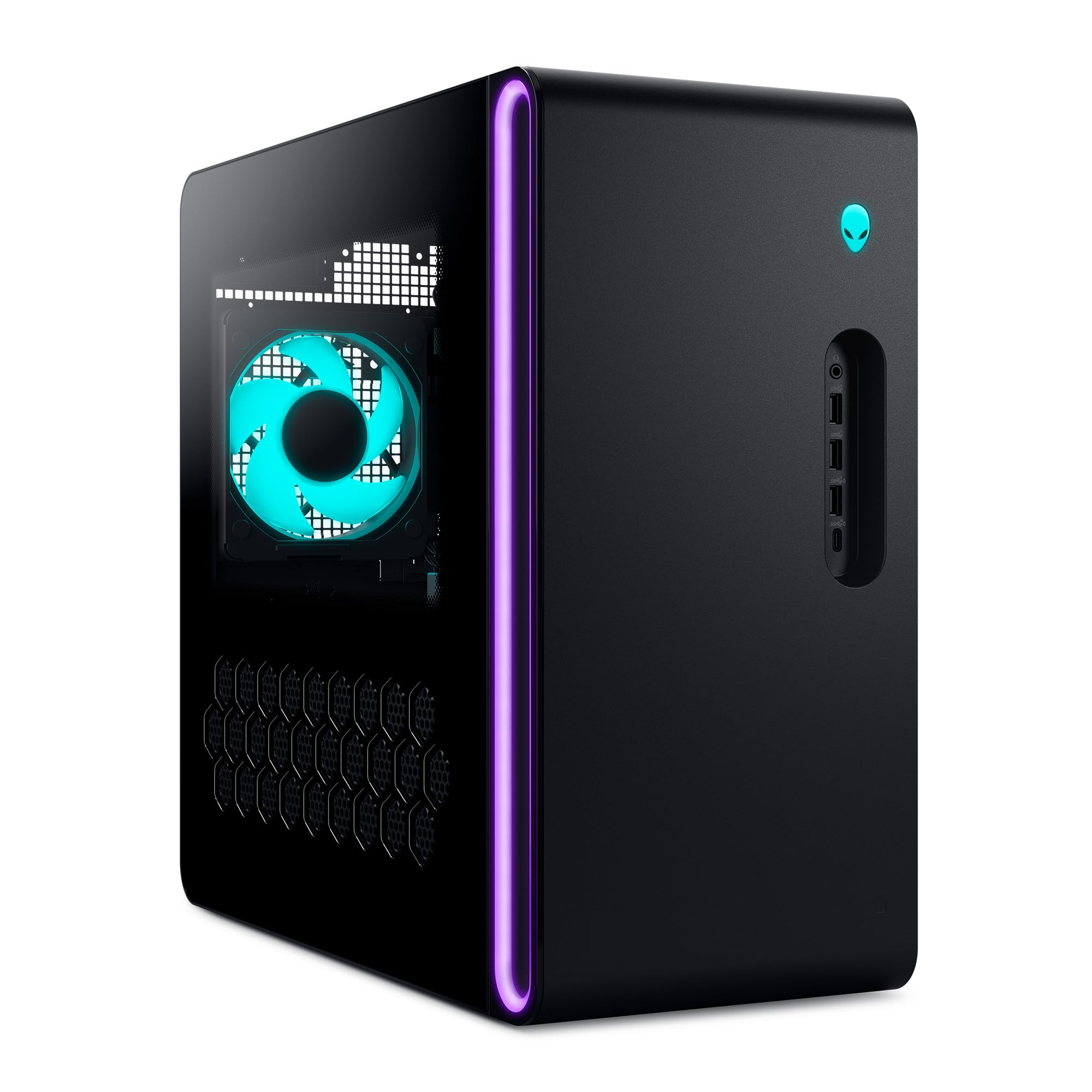
The quiet, cool, whisper-silent desktop that just works.
Alienware’s matte basalt black chassis hides a machine that owners consistently describe as very quiet and cool-running. The Intel Core Ultra 7 265F processor boosts to 5.3GHz, and the RTX 5070 handles modern titles like Escape from Tarkov and Delta Force with ease, per buyers. It is air-cooled, not liquid, yet the thermal design keeps things impressively stable.
Connectivity is genuinely future-proof. It is one of the few desktops here with Wi-Fi 7, plus Killer 2.5Gb Ethernet for wired play, and Bluetooth built in. The customizable AlienFX lighting zones, including the stadium lighting, let you tailor the glow through Alienware Command Center software. Dell backs it with 1 Year Onsite Service, meaning a tech can come to your home if an issue can’t be fixed remotely.
Performance is the top-praised aspect, with quiet operation and cooling close behind. The main caveat is that some buyers report the delivered specs do not always match the listing, and the port configuration gets mixed opinions, so check what you receive. One review notes it works smoothly with Linux Mint if you are a Linux gamer. The 1TB SSD is adequate but not huge.
The Highlights
- Wi-Fi 7 and Killer 2.5Gb Ethernet for top-tier networking
- 1 Year Onsite Service from Dell
- Quiet operation with strong cooling
The Caveats
- Some units arrive with specs that differ from the listing
- 1TB storage is modest at this price
Best for the set-and-forget buyer: If you want a quiet, reliable machine with onsite warranty support, this is the one. Check the box: verify your delivered specs against the listing when it arrives.
8. ASUS ROG GM700 (2025)
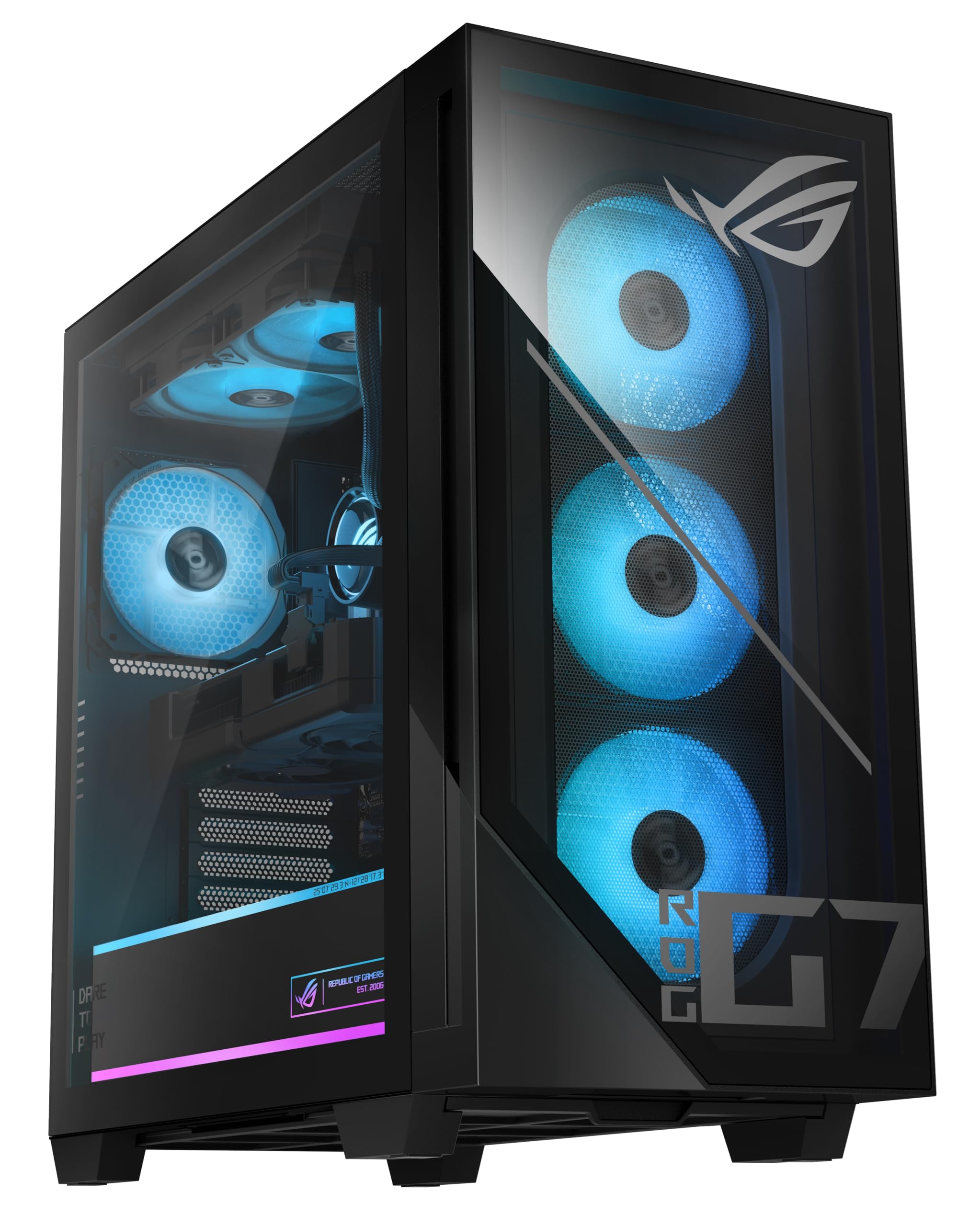
Team Red’s answer to 1440p dominance with a 96MB cache CPU.
This is the pick for AMD fans who want the legendary gaming CPU. The Ryzen 7 9800X3D processor packs a massive 96MB of cache memory, which is the largest on this list and a known secret weapon for frame rates in simulation and strategy games. Paired with the AMD Radeon RX 9070 XT Prime OC’s 16GB of video memory, it delivers max settings at 1440p ultrawide, as owners mention hitting 170fps in demanding titles.
Load times stay near-instant and your library has room to grow with 2TB of PCIe Gen 4.0 SSD (a fast solid-state drive). The 32GB of DDR5 RAM (the latest memory type) lets you multitask, stream, and create content without stutters. It ships with an RGB keyboard and mouse, and the dual-glass ASUS chassis (the case with glass panels on two sides) looks sharp on any desk.
One buyer’s note stands out: the RX 9070 XT is to cheaper than the RTX 5070 Ti and runs games the same, making this a value play for raw performance. The trade-offs are the Asus Prime motherboard, which is not full ATX and limits expansion to 2 SATA ports, and the second M.2 slot sits behind the GPU, requiring removal to access. Setup has a learning curve with no physical manual included.
The AMD enthusiast’s pick: If you want 9800X3D gaming magic with Radeon value, this delivers. Plan your upgrades: the compact motherboard limits how many drives and cards you can add later.
9. Lenovo Legion Tower 5i
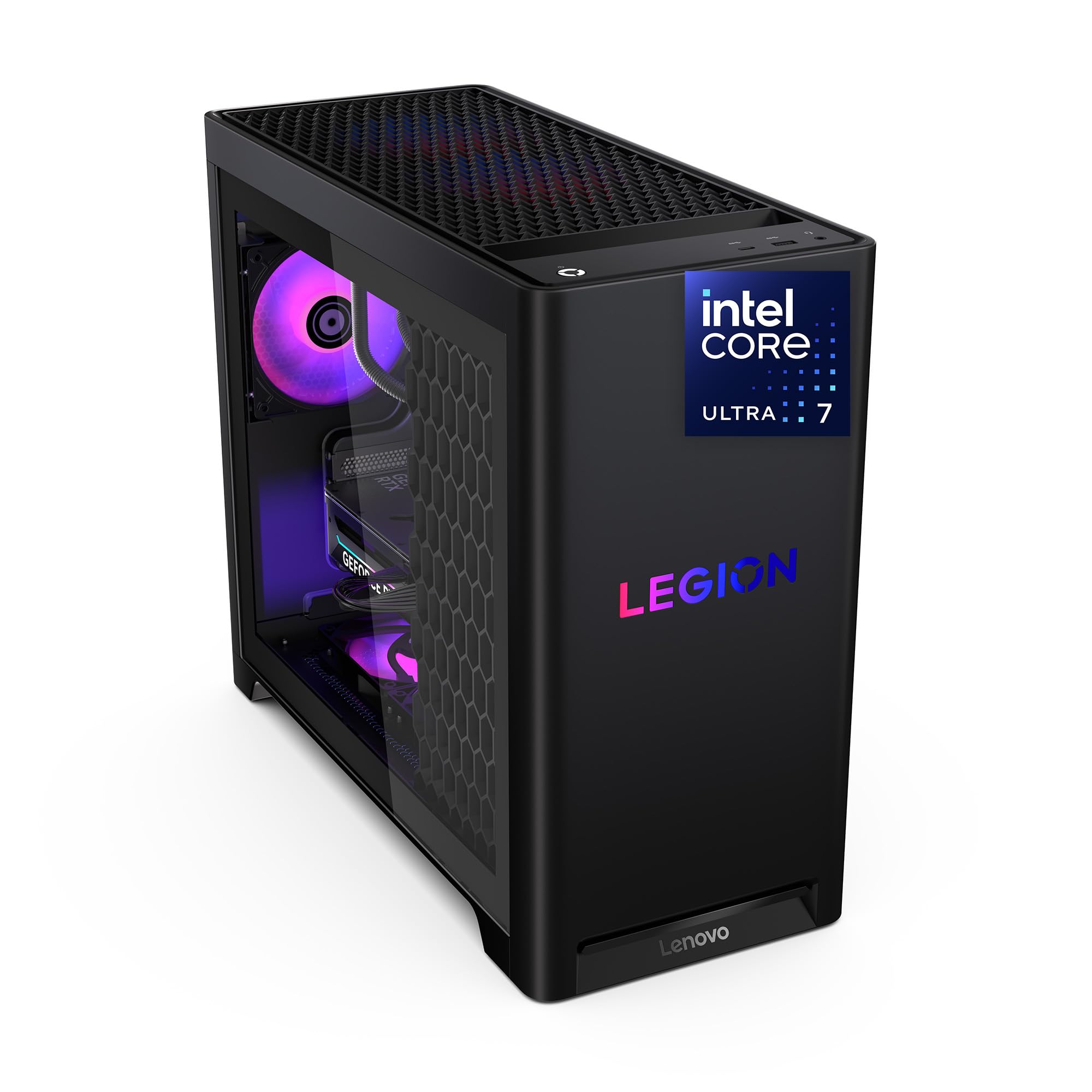
The 4K-capable tower that buyers call unbelievably quiet and cool.
If you want 16GB of VRAM and near-silent operation, this Lenovo is a standout. The RTX 5070 Ti pairs with the Intel Core Ultra 7 265F, and customers note running max-graphics games like a champ with no crashes. The 32GB of 5600MHz DDR5 memory is expandable all the way to 128GB, so this rig has serious legs for future multitasking needs.
Buyers praise the build quality, calling it solid, clean, and reliable over months of use. The transparent, tool-less side panel (no screwdriver needed) makes upgrades easy, and the customizable RGB lighting adds a personal touch. With up to 180W of tune air-cooling, it keeps temps in check — one owner reports the GPU (graphics card) sits in the mid-60s and the CPU (processor) in the high-50s to low-60s during gaming, with fans only getting loud during shader compilation (when the game builds graphics effects).
Connectivity is future-friendly with 2.5G Ethernet and WiFi 6E. It ships with 3 months of PC Game Pass and EA Play, so you have games to play the day it arrives. The 1TB SSD is the one modest spot on the spec sheet. Reviewers point out strong real-world frames: Forza 5 maxed around 180fps, and ~300 with DLSS and frame generation on, which shows the 4K muscle on tap.
The Strengths
- 16GB VRAM handles 4K gaming smoothly
- RAM expandable to 128GB for future-proofing
- Tool-less panel makes upgrades easy
- Unbelievably quiet with strong cooling
The Limits
- 1TB storage is the only weak spot
- Premium pricing for the Lenovo brand
Reach for this if: You want a quiet 4K machine you can upgrade for years. Add a drive early: 1TB fills fast with modern AAA games.
10. MSI Aegis R2 AI Gaming Desktop
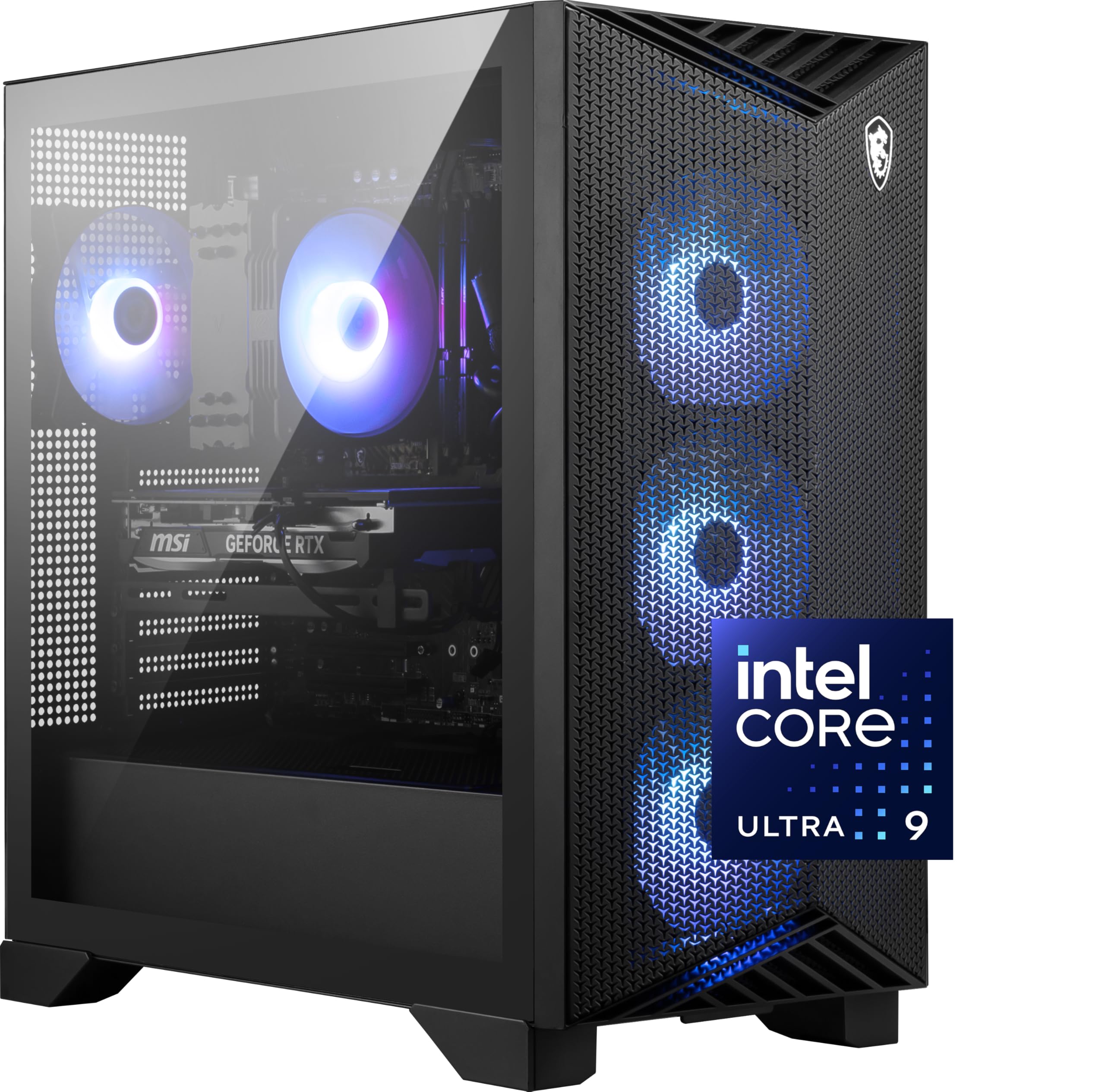
Intel’s top-tier Core Ultra 9 chip with AI accelerators built for the next era.
This MSI is the choice for the buyer who wants Intel’s most powerful mainstream processor. The Core Ultra 9 285 boosts to 5.7GHz — the fastest CPU clock on this list — and includes AI accelerators that prepare you for AI-driven gaming features. Paired with the RTX 5070 Ti’s 16GB of VRAM, it handles everything with ease, according to buyers, who report 100-150 FPS with no latency.
The cooling is air-based with an RGB CPU cooler and four system fans — three front, one rear — and owners call it super quiet despite the fan count. It runs cool even during long gaming sessions, with one owner noting the air cooler maxes at 75°C while staying quiet. The 2TB M.2 NVMe SSD matches the flagship storage tier, so your library has room.
Build quality and cable management get strong praise, with one long-term owner reporting zero issues over 5-6 months. The main complaints are a missing manual, unidentified leftover parts, and no PSU specs printed, so it is not for the novice who wants hand-holding. Buyers also note the price is only a good deal when it drops on sales like Prime Day, so timing matters.
The Intel flagship pick: If you want the fastest CPU here with 16GB of VRAM for 4K, this delivers. Wait for a sale: owners say the value jumps when the price drops.
11. Skytech Gaming King 95
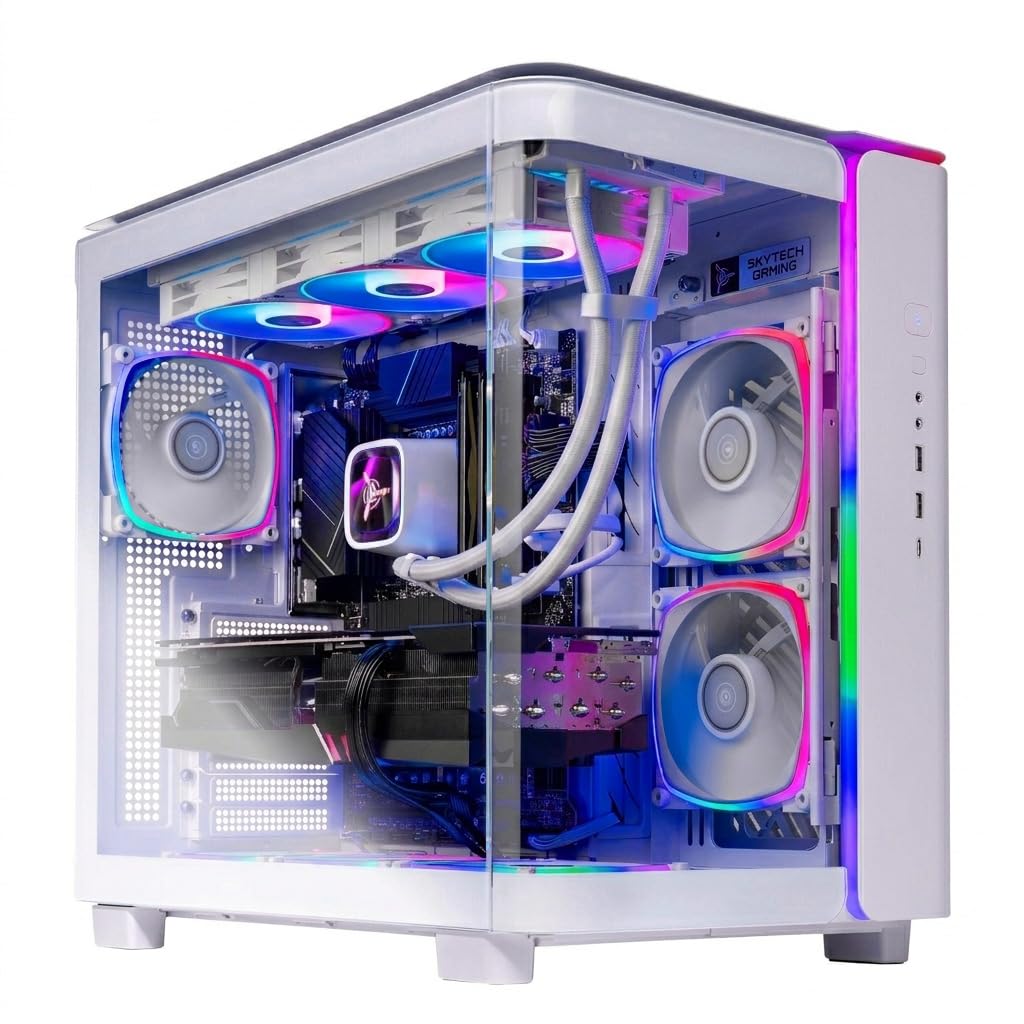
The gorgeous white tower that runs 4K max settings with silent water cooling.
This Skytech pairs the legendary Ryzen 7 9800X3D gaming CPU with the RTX 5070 Ti’s 16GB of VRAM, and shoppers say it runs games at 4K max settings with zero issues. The King 95 case in white is frequently called the best case owners have owned, with clean looks and quality components throughout. It is assembled in the USA with a 1-year parts and labor warranty.
The 360mm liquid cooler with ARGB fans keeps things quiet, and owners praise the silent fans and water cooling even during intensive gaming. It ships with a free gaming keyboard and mouse, plus Windows 11 Home, and the setup is genuinely easy. The 32GB of 5600MHz DDR5 RGB memory with heat spreaders completes a build that earns 10/10 gaming ratings from owners.
Storage is 1TB of Gen4 NVMe SSD (a fast solid-state drive), which is the modest spot on an otherwise high-end spec sheet. The one recurring issue is a misbehaving fan on some units that can spin at full speed until adjusted in BIOS (the built-in settings menu you access at startup). Owners note fans may run at full speed from the start until you tweak the curve. One buyer called it the loudest fans they ever heard before fixing it in BIOS, so be ready to dive into settings on arrival.
What Impresses
- 9800X3D is a top-tier gaming CPU
- 16GB VRAM handles 4K max settings
- Silent water cooling with a gorgeous case
The Quirks
- Fans may run loud until you adjust BIOS settings
- 1TB storage is small for a flagship
- Only one extra HDD slot
The showpiece pick: If you want a stunning white tower with top gaming silicon, this is it. Plan a BIOS visit: set the fan curve on arrival to open up the quiet operation owners describe.
12. STORMCRAFT Phantom RTX 5080
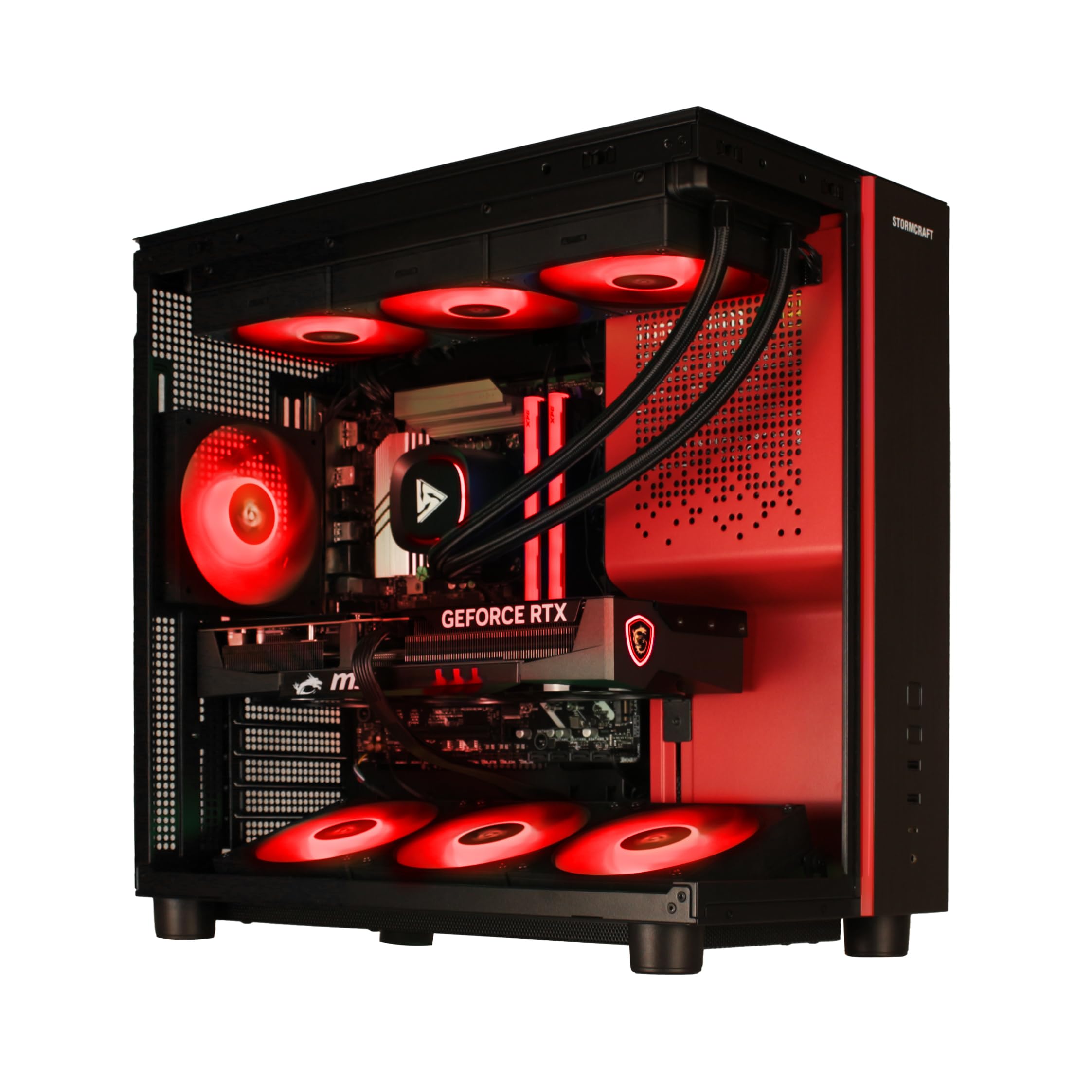
The most powerful GPU here, pushing 4K gaming at 180Hz.
This is the top of the heap for raw graphics power. The RTX 5080 with 16GB of GDDR7 memory is the strongest GPU on this list, and paired with the Ryzen 7 9800X3D, it delivers a genuinely wild 4K experience. Buyers report 4K gaming near 180Hz and 1440p on a 240Hz monitor with smooth frame rates and no issues.
It is built for serious performance. The 32GB of 6000MHz DDR5 RGB memory is the fastest kit here, and the 2TB NVMe Gen4 SSD gives you space for the biggest modern titles. The 360mm AIO liquid cooler plus 7 ARGB fans and an 850W Gold Certified PSU keep this beast cool and stable under load. Owners say it does not overheat and runs clean even for 4K gaming.
The warranty is the best on this list: 2 years on parts, 3 years on labor, and free lifetime technical support, all from their California assembly operation. It ships with an RGB keyboard and mouse, and buyers describe it as well-tune, updated, and ready to play right from the start. It is the investment pick for the gamer who wants maximum 4K headroom today.
The Power
- RTX 5080 delivers 4K gaming at 180Hz
- 6000MHz DDR5 is the fastest memory here
- Longest warranty: 2 years parts, 3 years labor
- 7 ARGB fans plus 360mm liquid cooling
The Cost
- Highest price on the list
- Only 15 owners so far, a small review base
The enthusiast’s pick: If you want the absolute best 4K frames and the strongest warranty, this is it. Only for the serious: the price is steep, and the small owner base means less long-term feedback to learn from.
Understanding the Specs
GPU Memory (VRAM)
This is the video memory on your graphics card, separate from your 32GB system RAM. It stores the textures and 3D data your games render. More VRAM lets you play at higher resolutions with max settings.effects — 8GB is fine for 1080p, 12GB is solid for 1440p, and 16GB gives you 4K headroom. All the RTX 5070 Ti and RTX 5080 picks here carry 16GB, which is why they lead the performance charts.
CPU Cache Memory
Cache is ultra-fast memory built into the processor itself, used to feed the cores data instantly. A bigger cache, like the 96MB on the Ryzen 7 9800X3D, is a known advantage for gaming because it reduces the time the CPU waits for data. That translates directly into higher, more consistent frame rates in CPU-heavy titles.
FAQ
Is 32GB of RAM actually necessary for gaming?
What is the difference between 8GB and 16GB of video memory on a graphics card?
Does the RAM speed like 4800MHz versus 6000MHz matter?
Should I get a liquid cooler or an air cooler for a 32GB gaming desktop?
Is 1TB of SSD storage enough for a gaming PC?
Will these desktops work with a 4K monitor?
What does VR-Ready mean on these gaming desktops?
Can I upgrade the RAM or storage on these prebuilt desktops later?
Why do some buyers complain about fan noise on high-end prebuilts?
Is it better to build my own PC with 32GB of RAM?
Final Thoughts: The Verdict
Across the board, the 32gb ram gaming desktop winner is the Skytech O11 Vision because it balances a 16GB RTX 5070 Ti (a graphics card with 16GB of video memory) with 2TB of storage and liquid cooling, all backed by a massive owner base that praises its performance. If you want the best value for 1080p and 1440p gaming, grab the MSI Codex Z2, which delivers 165+ FPS (frames per second, meaning smooth motion) while staying affordable. And for raw 4K power with the strongest warranty on the list, the STORMCRAFT Phantom RTX 5080 is the one to reach for — especially since the crowd favorite Skytech holds a 4.6-star score across 700+ owners, while the Phantom’s 4.7 stars come from a much smaller group of 15 so far, so you are trusting early-adopter feedback there.
How We Picked
We do not accept paid placement. Every pick is matched to a real buyer and a real use-case; we do not hands-on test units.
Sources & Methodology
Specifications: manufacturer listings and product documentation. Review insights: verified customer reviews, as of August 2026. Pricing: not shown on this page (it changes often); check the current price via the retailer link.
As an Amazon Associate, Gadgets Feed earns from qualifying purchases. This does not affect which products we feature.