
Our readers keep the lights on and my morning glass full of iced black tea. As an Amazon Associate, I earn from qualifying purchases.
Specs are compiled from manufacturer listings and verified buyer reviews and can change over time — please confirm the key details on the product page before buying.
Choosing a 34 inch curved monitor means deciding how you want your desk to feel: wraparound immersion for games, a wide canvas for spreadsheets, or a single clean cable for your laptop. This guide sorts through the specs that actually change your daily experience — refresh rate, panel type, and connectivity — so you can match the screen to the way you work and play.
I’m Min — the founder and writer behind Gadgets Feed. This guide is built by comparing the manufacturers’ published specifications and the patterns across verified customer reviews, so you get each pick’s real strengths and trade-offs instead of marketing spin.
Here is the honest breakdown of the best 34 inch curved monitor options, ranked by what owners actually praise and complain about.
Our Picks at a Glance

How To Choose The Best 34 Inch Curved Monitor
Before you pick, know what each number on the spec sheet means for your eyes and your GPU. A 34 inch ultrawide pushes a lot of pixels (usually 3440×1440), so your computer’s graphics card needs real muscle to run games at high frame rates.
Panel Type: VA vs OLED vs IPS
Most 34 inch curved monitors use a VA panel (Vertical Alignment), which delivers strong contrast and deep blacks at a friendly price — great for dark games and movies. OLED (Organic Light Emitting Diode) panels take this further with per-pixel lighting for truly perfect blacks and instant response, but they cost significantly more and carry a burn-in risk with static images like taskbars. IPS (In-Plane Switching) panels offer the best wide-angle colors but are rarer in this curved size.
Refresh Rate and Adaptive Sync
Refresh rate, measured in Hertz (Hz), tells you how many times the screen updates per second. A 180Hz panel updates 180 times per second, making fast motion look smooth. Paired with a response time in milliseconds (ms) — the speed a pixel changes color — it reduces motion blur and ghosting. Adaptive Sync technology (like AMD FreeSync Premium or NVIDIA G-Sync) matches the screen’s refresh rate to your graphics card’s output to stop screen tearing.
Curve Radius and Connectivity
Before you buy, understand the curve radius number (like 1500R) — it’s the circle radius the screen would form if fully wrapped. A smaller number means a tighter, more rich curve for gaming; a larger number means a gentler bend that keeps straight lines true for spreadsheets. For connectivity, look for HDMI 2.1 or DisplayPort 1.4 to hit high refresh rates, and USB-C with Power Delivery (often 65W or 98W) if you want to charge your laptop and display video through a single cable.
Quick Comparison
| Model | Best For | Panel Type | Refresh Rate | Curve Radius | Amazon |
|---|---|---|---|---|---|
| Alienware AW3425DWM★ Best Overall | Value Gaming | VA LED | 180Hz | 1500R | Amazon |
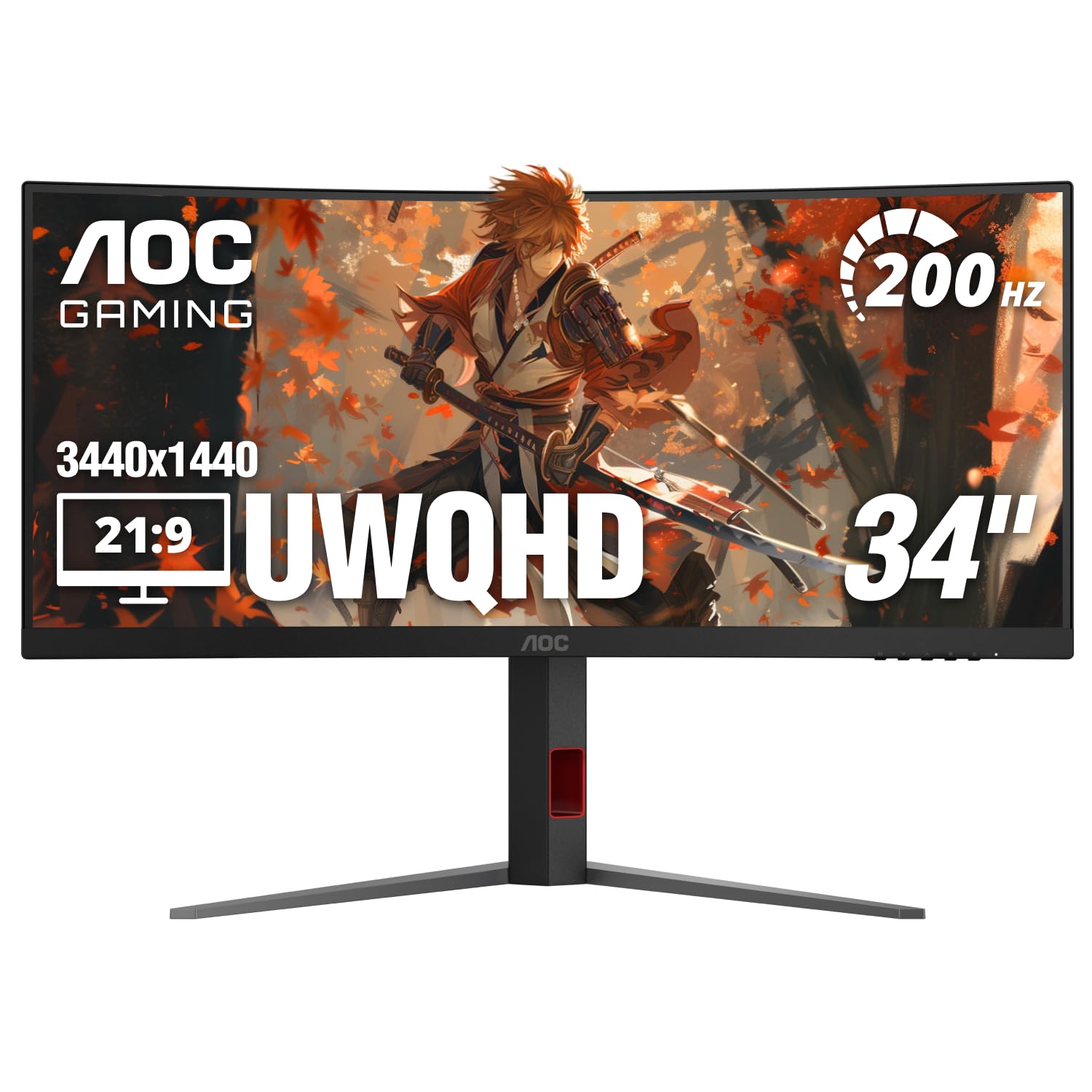
| AOC CU34G4HFastest Response | High-Speed FPS | VA | 200Hz | 1500R | Amazon |
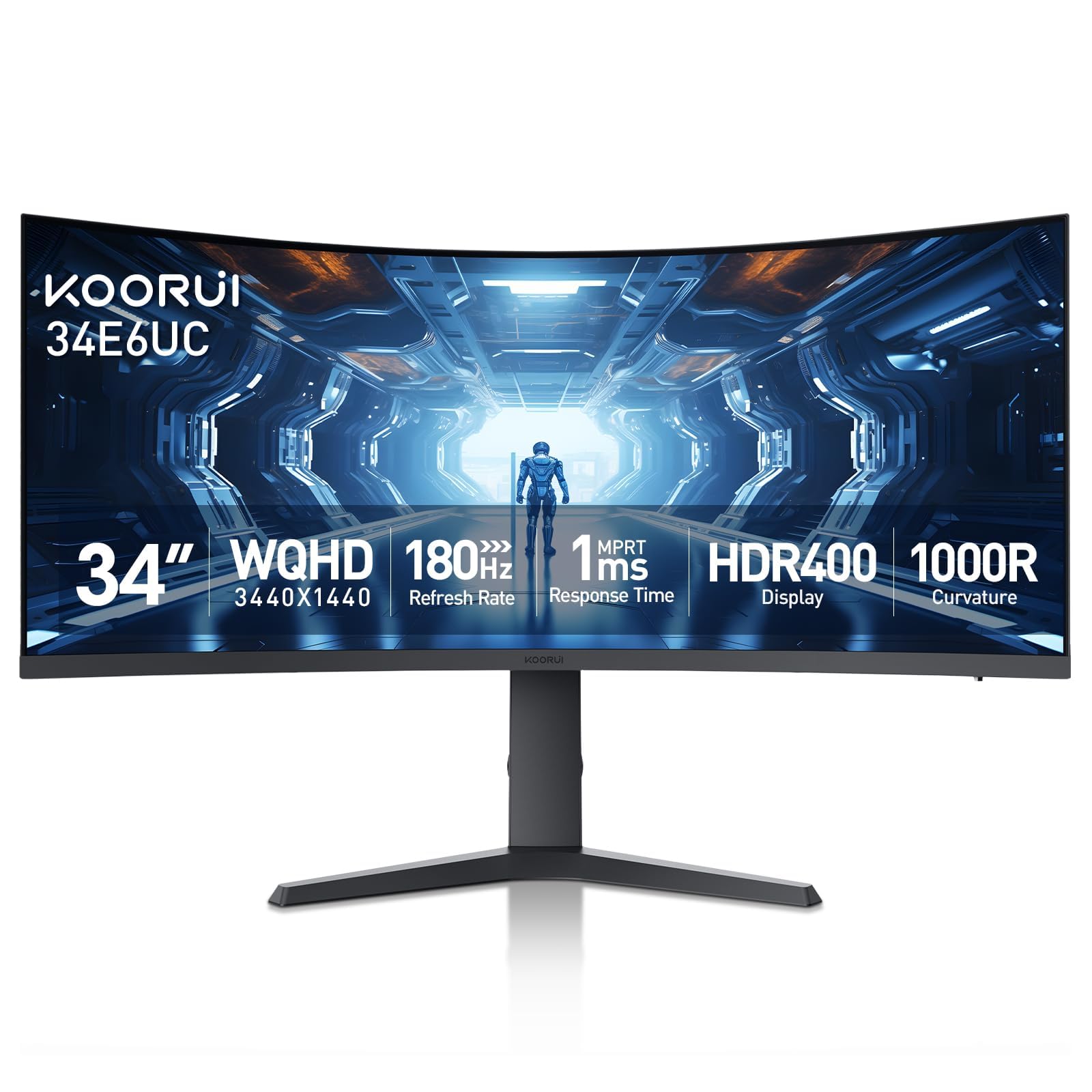
| KOORUI 34E6UCrich Value | rich Value | VA | 180Hz | 1000R | Amazon |
| MSI MAG 346CQ | Office + Gaming | VA | 180Hz | — | Amazon |
| ASUS TUF VG34VQ3B | Console & PC Gaming | LED | 180Hz | 1500R | Amazon |
| Dell S3425DW | MacBook Productivity | VA | 120Hz | — | Amazon |
| LG 34G630A-B | High-Refresh Gaming | VA | 240Hz | — | Amazon |
| MSI Modern MD342CQPW | White Setup & USB-C | VA | 120Hz | 1500R | Amazon |
| Philips 34E1C5600HE | All-in-One Work | VA | 100Hz | 1500R | Amazon |
| LG 34GS95QE OLED | Competitive OLED | OLED | 240Hz | 800R | Amazon |
| Alienware AW3425DW QD-OLED | Top-Tier HDR | QD-OLED | 240Hz | 1800R | Amazon |
In‑Depth Reviews
1. Alienware 34 Curved Gaming Monitor – AW3425DWM
Our pick — over 4.5★ from 600+ verified ratings; the strongest balance of quality and price.
The crowd-pleasing ultrawide that nails the balance of price, immersion, and honest Dell quality.
The most-praised feature here is overall quality — the build feels solid, and the tool-less height-adjustable stand makes setup genuinely painless. Owners pair it with a 3440×1440 resolution and a 1500R curve that wraps the action around you without feeling like a funhouse mirror.
You get smooth motion at 180Hz with a 1ms gray-to-gray response time (the time pixels take to change color, reducing ghosting), and AMD FreeSync Premium and VESA AdaptiveSync keep frames locked to your graphics card’s output. Buyers report it’s an ideal first ultrawide — great for spreadsheets and Excel where the wide format lets you run two full-width documents side by side, and rich enough for open-world games.
The honest trade-offs: it’s a VA panel, so it’s not as lightning-fast as IPS or OLED, and there are no built-in speakers. A few units have arrived with damaged screens, so inspect the packaging carefully.
What wins owners over
- Sharp WQHD resolution with amazing contrast for the price
- Tool-less adjustable stand frees up desk space
- FreeSync Premium with minimal ghosting or tearing
The honest trade-offs
- No built-in speakers, so plan for external audio
- Not as responsive as IPS or OLED panels
- Needs a strong GPU to push 3440×1440 at high frame rates
Reach for it if: you want a reliable, feature-rich first ultrawide that’s great for both work and play.
Look elsewhere if: you absolutely need built-in speakers or plan to wall-mount the thinnest possible panel.
2. AOC 34 Inch Curved Gaming Monitor CU34G4H
The speed demon of the list, with a 200Hz refresh and razor-thin 0.3ms response for competitive play.
For fast-paced PC gaming, this AOC is the one to beat on pure motion clarity. It hits a 200Hz refresh rate through DisplayPort 1.4 (100Hz over HDMI 2.0) with a 0.3ms MPRT response time — a 3.3x faster response than the KOORUI’s 1ms, so fast motion stays sharp with less blur.
The 1500R curved VA panel wraps a 3440×1440 view around you, and Adaptive-Sync plus HDR Ready support keeps things tear-free. Buyers praise the “absolute beast of a monitor” that’s easy to set up, though the recurring note is clear: this is a heavy unit that needs a big desk to hold it.
One catch owners flag: you can’t hit 120Hz over HDMI, so to open up the full 200Hz you’ll need to use the included DisplayPort cable. It’s a minor setup note, not a flaw.
Pure speed machine: the fastest response time on this list, ideal for esports and twitch shooters where every millisecond matters.
Who it’s not for: anyone without deep desk space — this monitor is heavy and wide, so measure before you buy.
3. KOORUI 34 Inch Ultrawide Curved WQHD Gaming Monitor
The tightest curve in the budget tier wraps you in the action with vivid, high-contrast color.
The defining spec here is the 1000R curve — a 50% tighter bend than the AOC’s 1500R, so the edges of the screen physically reach toward you for a more surrounding feel. It’s matched with a 4000:1 contrast ratio that’s a 33% deeper black than the Alienware’s 3,000:1, making dark scenes in games and movies look richer.
Color is a real strength: 125% sRGB coverage and 95% DCI-P3 with 400 nits brightness and HDR 400 support. Buyers confirm it “works perfectly with MacBook Pro M3 at 4K/120Hz,” with 200% scaling giving crisp, large UI elements — a big plus for Apple users.
The stand is ergonomically built with tilt, swivel, and up to 110mm of height adjustment, and it’s VESA compatible (75x75mm). You also get Picture-in-Picture and Picture-by-Picture modes for multitasking. The catch is the 1ms response time, which is slower than the AOC’s 0.3ms — fine for most, but noticeable to competitive purists.
The rich strengths
- Tight 1000R curve that wraps the view around you
- Deep 4000:1 contrast for rich dark scenes
- Works great with MacBook Pro at high refresh
Where it gives ground
- 1ms response is slower than the fastest rivals
- 5-Way Joystick sits close to the refresh button, easy to mispress
Grab it for: rich single-player games and Mac-friendly setups where color and curve matter more than raw speed — if you prioritize competitive esports, skip it.
Skip it for: esports where the 0.3ms response of the AOC gives you a real edge.
4. MSI MAG 346CQ 34-inch Gaming Monitor
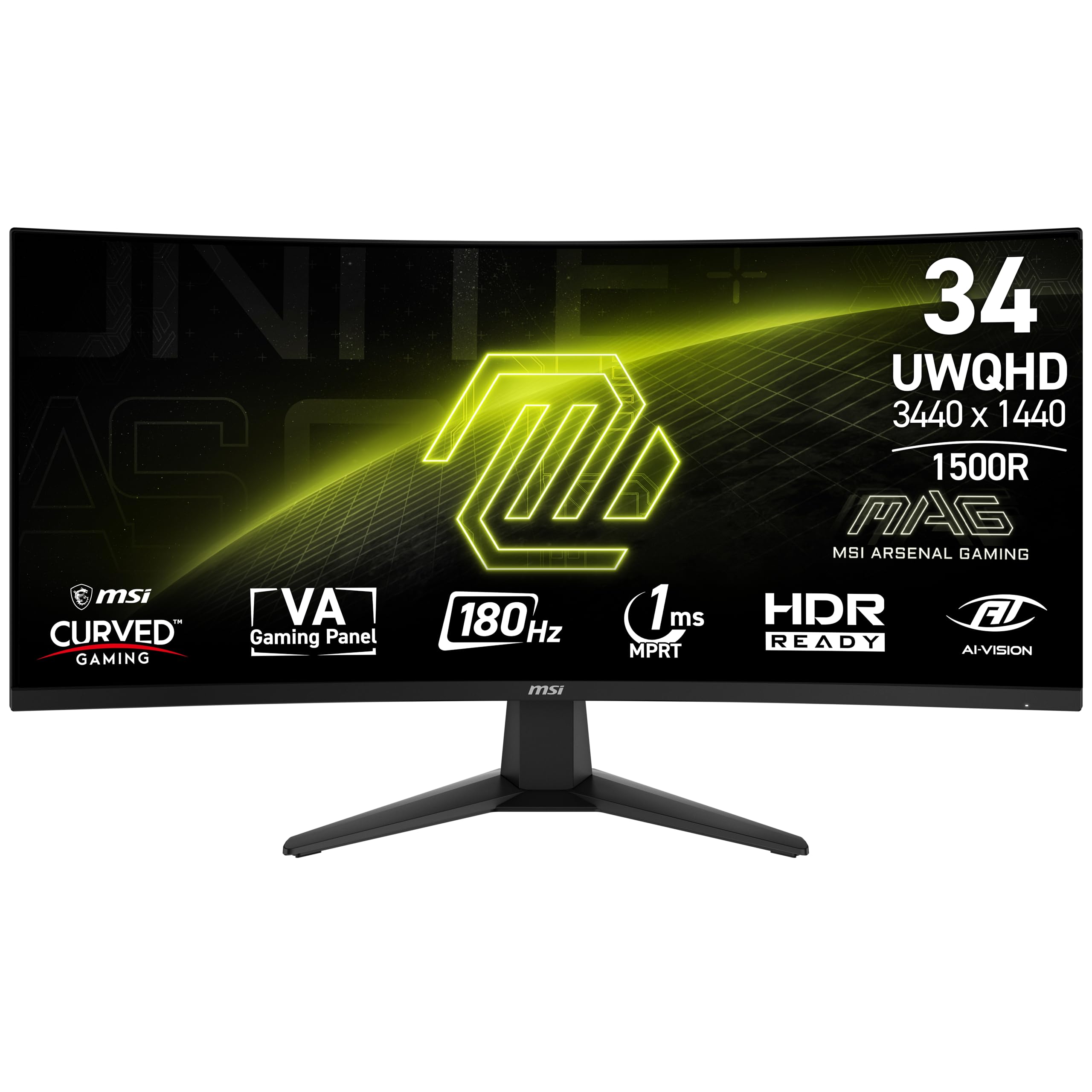
The office-friendly ultrawide that multitasks as hard as it games, with a built-in speaker.
The standout praise for this MSI is how well it handles work. Buyers bought two to place side by side for office setups, noting the 3440×1440 resolution lets you comfortably run multiple screens on each monitor simultaneously — perfect for spreadsheets, emails, and editing tools at once.
On the game side, it offers a 180Hz refresh rate with a 1ms (MPRT) response time on a VA panel, plus AMD FreeSync Premium to stop tearing. The MSI-exclusive AI Vision feature reveals details in dark areas while boosting overall brightness, and a software-based Less Blue Light mode reduces eye strain for long sessions.
It comes bundled with both a DisplayPort cable and an HDMI cable, which owners appreciate. The durability feedback is honest: one long-term owner had a DisplayPort connection fail after six months and was in the process of a warranty return — so keep your receipt handy.
Best for dual-screen work: the resolution and slim bezels make this a favorite for side-by-side office setups.
Think twice if: you want a do-it-all monitor with guaranteed longevity — the occasional port failure is worth noting.
5. ASUS TUF Gaming 34” Ultra-Wide Curved Monitor VG34VQ3B

A gamer’s all-rounder that shines for console play and looks stunning from any angle.
Buyers call this a great match for the Xbox Series X, praising the picture quality, color tones, and “spot on” refresh rate. The 180Hz panel with a 1ms MPRT response time is backed by ASUS Extreme Low Motion Blur (ELMB) Sync, which reduces ghosting during fast motion without sacrificing brightness.
The 3440×1440 1500R curved panel covers 90% DCI-P3 color (a wide color gamut standard) and a 4,000:1 static contrast ratio, so colors look vivid and blacks stay deep — one owner says it looks “visually stunning from any angle.” It’s also notably light — one buyer hangs it on a wall with no issues.
The honest gripes: the stand is tiny and unadjustable, and the built-in speakers are quiet and tinny. Most owners plan for external audio or a monitor arm, which the VESA mount supports. The included DisplayPort cable makes setup a five-minute job.
What stands out
- Great for Xbox and PC with smooth, tear-free FreeSync Premium
- Light enough to wall-mount easily
- Vivid 90% DCI-P3 color from any viewing angle
What to plan for
- Tiny non-adjustable stand — budget for an arm
- Speakers are weak, so external audio is best
Pick this for: console gamers and wall-mounters who want sharp color and a high refresh rate.
Be ready for: replacing the small stand and using your own speakers.
6. Dell 34 Monitor S3425DW

The cleanest laptop dock you’ll own, with a single USB-C cable charging and connecting in one move.
The most-praised feature is display quality, and for MacBook owners this is the standout pick. A single USB-C cable carries video, data, and up to 65W of power delivery to charge your laptop while you work — buyers call the USB-C option “one of the best parts” of the monitor.
The VA panel delivers a 3,000:1 contrast ratio with 99% sRGB and 95% DCI-P3 coverage, and HDR10 support adds depth. Owners using it for CAD and work-from-home note the wide format reduces head and eye movement across windows, and that apps reposition identically when you switch laptop locations.
It includes 2x10W speakers and a 120Hz refresh rate with FreeSync Premium, plus a low 0.03ms response time. The 300 cd/m² brightness is on the modest side, but the anti-glare coating keeps things easy on the eyes during all-day sessions.
One-cable wonder: the 65W USB-C power delivery makes this the cleanest MacBook desk setup here.
Not for: high-brightness HDR enthusiasts — 300 cd/m² is adequate, not dazzling.
7. LG 34G630A-B 34-Inch UltraGear WQHD

The 240Hz speed king that serious FPS players will feel in every flick of the wrist.
At 240Hz, this LG delivers the highest refresh rate on the list — an 11% jump over the Alienware’s 180Hz — and owners mention it’s ideal for competitive FPS where every millisecond counts. The 1ms (GtG) response time keeps motion sharp, and FreeSync Premium locks frames without tearing.
The 3440×1440 VA panel covers up to 95% DCI-P3 color with VESA DisplayHDR 400, giving rich hues and deep dark shadows. Owners using it for music production, video editing, and gaming all praise the extra horizontal space that keeps more tools and timelines visible. Dynamic Action Sync cuts input lag, and Black Stabilizer brightens dark scenes.
The USB Type-C port supports 15W power delivery — enough for data and video, but not for charging a full laptop. Speakers are a known weak point: buyers call the quality “very bad,” so plan on headphones. One owner also noted a single flicker event that a reboot fixed, and others mention the stand’s limited height adjustment.
Speed strengths
- Blazing 240Hz refresh for competitive gaming
- Dynamic Action Sync reduces input lag
- Wide 21:9 canvas great for creative work
Speed trade-offs
- Weak built-in speakers — plan for headphones
- USB-C only delivers 15W, not enough for laptop charging
Choose it for: competitive shooters and creative pros who want the highest possible refresh rate.
Pass on it if: you need a single USB-C cable to charge your laptop — this one won’t.
8. MSI Modern MD342CQPW 34in White

The white beauty that charges your laptop at a laptop-class 98W while it works.
Beyond its clean white look, the headline spec is USB-C with 98W Power Delivery — the most powerful charging on this list, enough to run a power-hungry laptop from a single cable. It also includes a KVM switch, letting you control two connected computers with one keyboard and mouse.
The 1500R curved VA panel at 3440×1440 runs at 120Hz, which customers note is smooth for gaming in titles like Doom Dark Ages. MSI’s EyesErgo technology pairs with Anti-Flicker and Less Blue Light modes to keep long sessions comfortable. The 2000:1 contrast ratio is on the lower end for VA, but color and build quality earn consistent praise.
The main annoyances are minor: the auto-switch between devices is annoying for some and gets disabled for manual control, and the built-in speakers are weak. It’s a monitor-arm-friendly 17.8-pound unit, though one owner notes the arm bracket may not fit the recessed area.
Powerhouse convenience: the 98W USB-C charging plus KVM makes this the ultimate multi-device desk companion.
Skip if: you want the deepest blacks — the 2000:1 contrast lags other VA panels here.
9. Philips 34E1C5600HE UltraWide
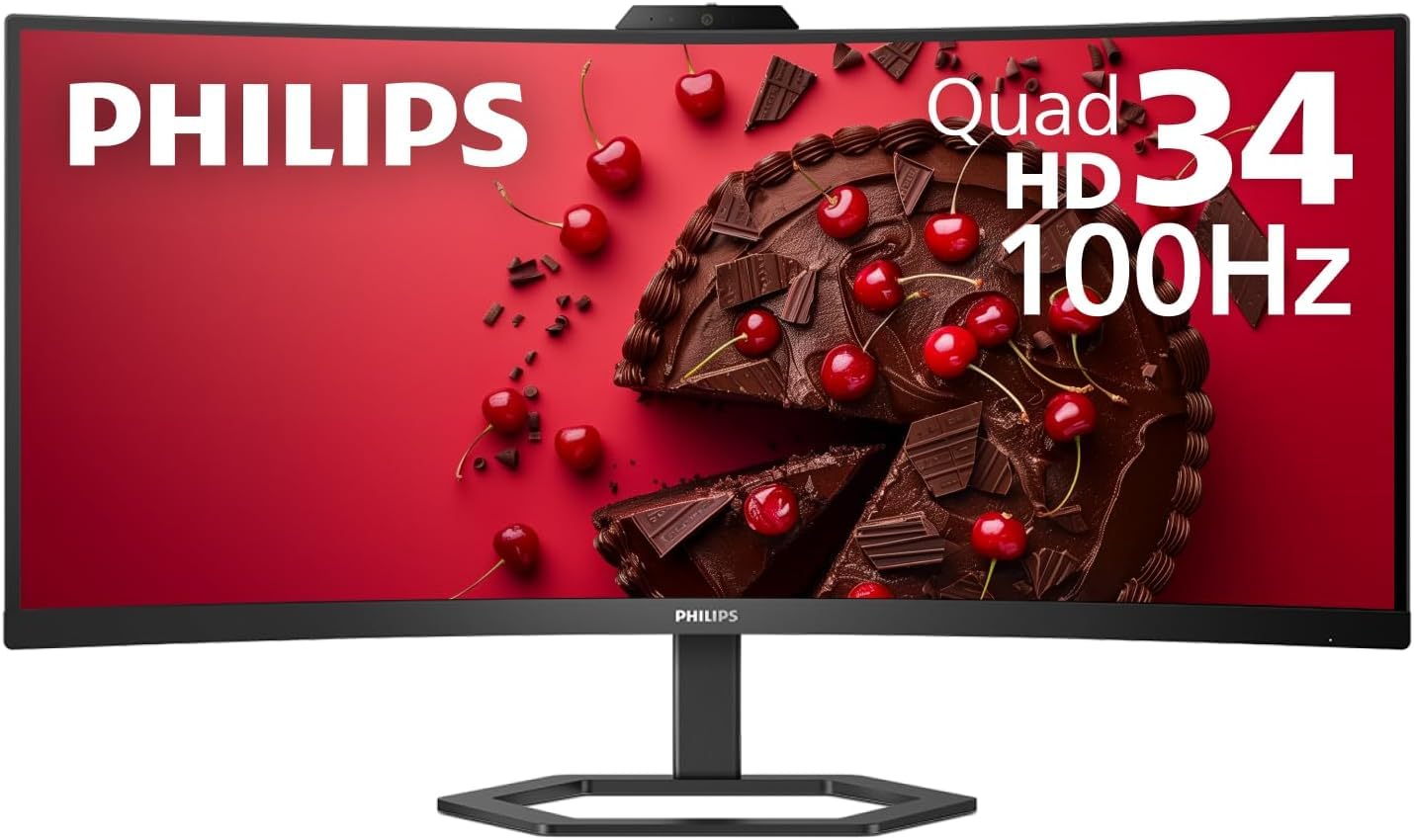
The webcam-and-stereo do-everything desk hub for remote workers who hate extra cables.
This is the most feature-packed work monitor here: a built-in 5MP webcam with Windows Hello face recognition logs you into Windows in under 2 seconds, plus a noise-canceling microphone and stereo speakers. It replaces a whole pile of desk clutter with one USB-C cable delivering up to 65W of power.
The 3440×1440 VA panel uses a 1500R curve with Ultra Wide-Color tech covering 123.24% sRGB and 99.25% NTSC gamut (color space percentages), so colors look true-to-life. Buyers swapped dual 27-inch setups for this single ultrawide and love the theater-format movies and smaller desk footprint. A 4-year advance replacement warranty adds confidence.
The strong caveats: the camera quality gets mixed feedback — some call it grainy with a pink tint, and the speakers are weak for music. Most buyers find the picture itself sharp, but a minority note slight graininess. This is a productivity tool first, not a gaming or HDR pick.
Desk-clearing strengths
- Built-in webcam, mic, and speakers simplify remote work
- USB-C docking with 65W charges your laptop
- 4-year advance replacement warranty
All-in-one compromises
- Camera quality is grainy for serious video calls
- Speakers are low-quality for music
Get it for: remote workers who want a single-cable desk with a webcam and mic built in.
Avoid if: you take important video meetings — you’ll want a separate webcam.
10. LG 34GS95QE UltraGear OLED

The steepest 800R curve in OLED form, with true blacks and a 240Hz stride.
For owners, the moment of truth comes at boot: “the first time my desktop loaded, I thought the monitor was off.” The OLED panel’s 1.5M:1 contrast ratio delivers blacks that are truly black, not gray, and the 240Hz refresh with a 0.03ms response time makes motion feel sharper than any LCD — so fast-paced games look crisp without blur.
The steep 800R curve is the most aggressive on this list — reviewers point out it extends your periphery to feel surrounded by the action, and it genuinely aids FPS aiming. For HDR content, DisplayHDR TrueBlack 400 and HDMI 2.1 support let you run up to 240Hz with vivid highlights that feel like real light.
The trade-offs are real. The curve is so aggressive one owner returned it for a gentler 1800R model for immersion in cinematic games. Burn-in is a consideration with OLED, though shoppers say no issues after 9 months when using the OLED care features. The menu button on the back is awkward to reach, and settings need tweaking from the start.
Competitive OLED king: the steep curve and instant response make this the FPS player’s dream screen.
Think twice if: you play slow cinematic games — the 800R curve can reduce immersion, and burn-in needs mindful use.
11. Alienware 34 QD-OLED AW3425DW

The color-fidelity flagship where QD-OLED’s near-infinite contrast makes every scene pop.
This is the most color-accurate screen on the list. The QD-OLED panel covers 99.3% DCI-P3 with Delta E<2 accuracy and a 1,500,000:1 contrast ratio, earning DisplayHDR TrueBlack 400 certification with up to 1000 nits peak HDR brightness. Buyers describe the upgrade as “on the level of a GPU upgrade” for how different games look.
The 1800R curve is noticeably gentler than the LG’s 800R, which owners say keeps it rich without the distortion — plenty call 34 inches the balance for ultrawide gaming. Adaptive sync spans NVIDIA G-SYNC Compatible, AMD FreeSync Premium Pro, and VESA AdaptiveSync, so it plays nice with any graphics card, whether you run an NVIDIA or AMD GPU.
The reality check: this is a premium investment, and buyers report it “requires some tinkering” — an HDR pixel dimming quirk needs a firmware update, and SDR content benefits from RTX Dynamic Vibrance. Text fringing is minimal on this QD-OLED, and a pixel refresh routine plus included microfiber cloth help manage burn-in concerns. Brightness in sunlit rooms is a known limitation.
Flagship strengths
- 99.3% DCI-P3 color with Delta E<2 accuracy
- Deep blacks with 1000 nits peak HDR brightness
- Works with G-Sync, FreeSync Premium Pro, and AdaptiveSync
Flagship compromises
- Requires firmware tweaks to fix HDR quirks
- Lower brightness in bright rooms
- Premium price and burn-in mindfulness needed
Reach for it if: you want the most accurate, rich OLED experience and don’t mind setup tweaks — but if you prefer plug-and-play, consider a simpler LCD model.
Look elsewhere if: you’re in a bright room or want a zero-effort plug-and-play screen.
Understanding the Specs
Refresh Rate & Response Time
Refresh rate (Hz) is how many times the screen redraws each second. Higher numbers like 180Hz or 240Hz make fast motion look smooth. Response time (ms) is how fast a pixel changes color. A lower number like 0.3ms or 1ms means less blur and ghosting. Together they define how responsive a screen feels in games.
Curve Radius (R-Value)
The curve radius tells you how tightly the screen bends. A 1000R curve is tighter and more wrapping than a 1500R or 1800R curve, which is gentler. Smaller numbers feel more rich for gaming; larger numbers suit productivity where straight lines matter for spreadsheets and documents — so pick based on your primary use.
FAQ
Do I need a powerful GPU to run a 3440×1440 curved monitor?
What is the difference between a 1500R and a 1000R curve?
Can I charge my laptop with a USB-C curved monitor?
Is a VA panel better than a standard IPS for a curved monitor?
What does a 180Hz refresh rate actually feel like?
Is OLED burn-in something I should worry about?
How many windows can I realistically fit on a 34 inch ultrawide?
Can I run a 200Hz monitor over HDMI?
Final Thoughts: The Verdict
For the majority of shoppers, the 34 inch curved monitor winner is the Alienware AW3425DWM because it delivers the most praised build quality, a smooth 180Hz experience, and a 1500R curve at a price that makes it the crowd favorite. If you want the fastest response for competitive gaming, grab the AOC CU34G4H with its 0.3ms speed. And for a premium HDR experience that makes games feel new, the Alienware AW3425DW QD-OLED is the one to reach for.
How We Picked
We do not accept paid placement. Every pick is matched to a real buyer and a real use-case; we do not hands-on test units.
Sources & Methodology
Specifications: manufacturer listings and product documentation. Review insights: verified customer reviews, as of August 2026. Pricing: not shown on this page (it changes often); check the current price via the retailer link.
As an Amazon Associate, Gadgets Feed earns from qualifying purchases. This does not affect which products we feature.