
Moving from a standard IPS or VA panel to a 34-inch OLED ultrawide is not an incremental upgrade. It is a visual reset. The black levels alone—true zero-nit blacks—create a depth of field that makes every game, movie, and even desktop wallpaper feel like a different medium. The challenge is that this category is full of nuanced trade-offs: refresh rates, curve aggressiveness, HDR implementation, and burn-in prevention all vary widely between models. Picking wrong means living with compromises for years.
I’m Min — the co-founder and writer behind Gadgets Feed. I’ve spent hundreds of hours cross-referencing panel technologies, refresh rate behaviors, and real-user longevity reports across the 34-inch OLED landscape to isolate which monitors actually deliver on their premium promises.
Whether you prioritize competitive frame rates or cinematic immersion, this guide will help you identify the best 34 inch oled monitor for your specific setup without overspending on features that don’t matter to your use case.
How To Choose The Best 34 Inch OLED Monitor
Selecting the right ultrawide OLED involves more than just picking the cheapest option. You must evaluate panel technology, curve intensity, refresh rate, and the quality of the anti-burn-in measures. The wrong choice can mean a monitor that feels too curved for productivity, or one that lacks the brightness for vibrant HDR gaming.
Panel Type: QD-OLED vs. WOLED
The two major panel architectures in this category are QD-OLED (Quantum Dot OLED) and WOLED (White OLED). QD-OLED panels typically achieve higher peak brightness and a wider color volume, especially in well-lit rooms. WOLED panels, often used by LG, tend to have a more matte finish that reduces glare, but can look slightly less vibrant in bright conditions. For a 34-inch form factor, QD-OLED is the most common choice among premium models.
Curve Radius: 800R vs. 1800R
The curve radius dictates how much the screen wraps around your field of vision. An 800R curve is aggressive and deeply immersive for gaming, but can distort straight lines for productivity work like spreadsheets or CAD. An 1800R curve is more subtle, offering a gentle immersion that works well for mixed-use scenarios. Test your tolerance before committing to a steep curve.
Refresh Rate and Adaptive Sync
Most 34-inch OLEDs offer either 175Hz or 240Hz. The jump from 175Hz to 240Hz is noticeable in fast-paced competitive shooters, but less critical for single-player story games. Ensure the monitor supports both G-Sync Compatible and FreeSync Premium Pro for console and PC flexibility. HDMI 2.1 is essential for reaching full refresh rates on newer GPUs and consoles.
Quick Comparison
On smaller screens, swipe sideways to see the full table.
| Model | Category | Best For | Key Spec | Amazon |
|---|---|---|---|---|
| AOC Agon PRO AG346UCD | Value | Budget-friendly QD-OLED | 175Hz, QD-OLED | Amazon |
| Philips Evnia 34M2C6500 | Mid-Range | Immersive HDR gaming | 1800R curve, QD-OLED | Amazon |
| LG 34GX90SA-W | Premium | Smart features & 240Hz | 240Hz, 800R curve | Amazon |
| Acer Predator X34 | Premium | Console compatibility | 240Hz, 2x HDMI 2.1 | Amazon |
| LG 34GS95QE | Premium | Deep immersion, 800R curve | 240Hz, 0.03ms | Amazon |
| LG Ultragear 39GX900A-B | Premium | Larger 39-inch screen | 240Hz, 800R curve | Amazon |
| Samsung Odyssey OLED G9 49″ (G91SD) | Super Ultrawide | Productivity & immersion | 144Hz, 32:9 aspect | Amazon |
| Alienware AW3423DW | Premium | Color-critical work | 175Hz, G-Sync Ultimate | Amazon |
| Samsung Odyssey OLED G8 34″ | Premium | Smart monitor & cloud gaming | 175Hz, Glare Free | Amazon |
| ASUS ROG Strix XG34WCDG | Premium | Advanced burn-in protection | 175Hz, OLED Care Pro | Amazon |
| Samsung Odyssey OLED G9 49″ (G95SD) | Flagship | High-refresh super ultrawide | 240Hz, 32:9 OLED | Amazon |
| Samsung Odyssey OLED G9 49″ (G93SD) | Flagship | Max screen real estate | 240Hz, DQHD OLED | Amazon |
In‑Depth Reviews
1. AOC Agon PRO AG346UCD

The AOC Agon PRO AG346UCD delivers a 34-inch QD-OLED panel with a 3440×1440 resolution and a 175Hz refresh rate at a price point that undercuts most competitors by a significant margin. The glossy QD-OLED coating produces vibrant colors and deep blacks that rival monitors costing hundreds more. With a 0.03ms GtG response time and G-Sync Compatible certification, motion clarity is exceptional.
The ergonomic stand offers height, swivel, and tilt adjustments, plus VESA mount compatibility. It includes an HDR400 True Black certification that provides decent dynamic range, though peak brightness is limited compared to premium-tier models. The on-screen display is intuitive and includes useful gaming features like crosshairs and a frame counter.
User feedback highlights the stunning picture quality and smooth 175Hz performance as standout features. The only common complaint is the screen protector, which can leave sticky residue if not removed carefully. For the price, this monitor offers the best balance of OLED performance and affordability in the 34-inch category.
Why it’s great
- Class-leading value for QD-OLED
- Excellent glossy coating for deep blacks
- Full ergonomic stand with VESA support
Good to know
- Screen protector removal can be messy
- HDR brightness limited to 400 nits
2. Philips Evnia 34M2C6500

The Philips Evnia 34M2C6500 uses a QD-OLED panel with a 3440×1440 resolution and a 1800R curvature, offering a more subtle wrap than the aggressive 800R curves found on other models. This makes it a strong candidate for mixed-use scenarios where productivity and gaming coexist. The 175Hz refresh rate and Adaptive Sync support ensure smooth gameplay without tearing.
It features VESA DisplayHDR TrueBlack 400 certification, which means it can produce genuine black levels while maintaining decent highlight brightness. The Ambiglow backlighting adds ambient immersion, though it only illuminates three sides. Connectivity includes HDMI 2.0 and DisplayPort 1.4, which are adequate for the 175Hz refresh rate.
Customer reviews praise the vivid colors and deep blacks, especially for dark-themed games. Some users note the mandatory pixel refresh cycle after 12 hours can be disruptive, and the OSD menu feels somewhat dated. The build quality is solid for a plastic chassis, and the 4-year advance replacement warranty adds peace of mind.
Why it’s great
- Excellent color vibrancy and black levels
- Subtle 1800R curve for productivity
- 4-year advance replacement warranty
Good to know
- Mandatory pixel refresh can be annoying
- OSD menu is clunky and basic
3. LG 34GX90SA-W

The LG 34GX90SA-W pushes the refresh rate envelope to 240Hz on a 34-inch WQHD OLED panel, paired with a steep 800R curve that fully envelops your peripheral vision. The 0.03ms response time eliminates motion blur, making it a beast for competitive gaming. It also integrates webOS, allowing direct access to streaming services and cloud gaming platforms without a PC.
Connectivity is future-proof with HDMI 2.1, DisplayPort 1.4, and USB-C with 65W power delivery. The anti-glare coating reduces reflections, and the OLED Care tools include pixel cleaning and a 2-year limited warranty. The white color scheme stands out from the typical black monitors, adding a sleek aesthetic to any setup.
Reviews consistently highlight the immersive 800R curve and the buttery smooth 240Hz refresh rate. Some users note that text clarity is not perfect due to the OLED subpixel layout, and the aggressive curve may not suit productivity tasks. The built-in speakers are adequate for casual use but won’t replace dedicated audio gear.
Why it’s great
- Excellent 240Hz refresh rate for competitive gaming
- Immersive 800R curve
- webOS for streaming and cloud gaming
Good to know
- Text clarity can be fuzzy due to OLED
- Aggressive curve not ideal for spreadsheets
4. Acer Predator X34

The Acer Predator X34 is a 34-inch OLED gaming monitor with a 240Hz refresh rate, a 0.01ms response time, and an 800R curvature. It features dual HDMI 2.1 ports, making it one of the best options for connecting both a PS5 and Xbox Series X simultaneously at full bandwidth. The AMD FreeSync Premium Pro certification ensures tear-free variable refresh rate performance.
The panel covers 99% DCI-P3 color gamut and supports VESA DisplayHDR True Black 400 with a peak brightness of 1300 nits in HDR mode. It includes a KVM switch and a USB-C port with 90W power delivery, simplifying multi-device setups. The built-in speakers provide 5W per channel, which is better than average for a monitor.
User feedback praises the excellent image quality and the seamless console compatibility. A common annoyance is the hourly image retention prevention pop-up, which can interrupt gameplay if accepted. The matte finish reduces glare effectively, and the build quality is premium. For console gamers, this is the most versatile 34-inch OLED available.
Why it’s great
- Two full-bandwidth HDMI 2.1 ports
- Incredible 0.01ms response time
- USB-C with 90W power delivery and KVM
Good to know
- Hourly burn-in prevention prompt can be intrusive
- Headphone output may have digital noise
5. LG 34GS95QE

The LG 34GS95QE is designed around its dramatic 800R curve, which creates a highly immersive wrap-around effect. The 34-inch WQHD OLED panel features a 240Hz refresh rate and a 0.03ms response time, delivering exceptional motion clarity. It supports both NVIDIA G-Sync Compatible and AMD FreeSync Premium Pro, ensuring smooth gameplay across all graphics cards.
The monitor has a virtually borderless design with an anti-glare coating that minimizes reflections. The stand offers height, tilt, and swivel adjustments. With a 1.5M:1 contrast ratio and DisplayHDR True Black 400 certification, black levels are truly inky, and HDR content looks stunning. The connectivity includes HDMI 2.1 and DisplayPort 1.4.
Customers rave about the perfect black levels, with some saying their desktop looked like the monitor was off when displaying a black screen. The 240Hz OLED motion is described as transformative for gaming. Some users mention that text clarity is not as sharp as IPS, and the burn-in prevention settings must be manually enabled. The build quality is excellent, with a heavy, sturdy stand.
Why it’s great
- True OLED black levels for maximum contrast
- Excellent 240Hz motion clarity
- Solid build with full ergonomic adjustments
Good to know
- Text clarity is subpar for reading
- Burn-in settings need manual activation
6. LG Ultragear 39GX900A-B
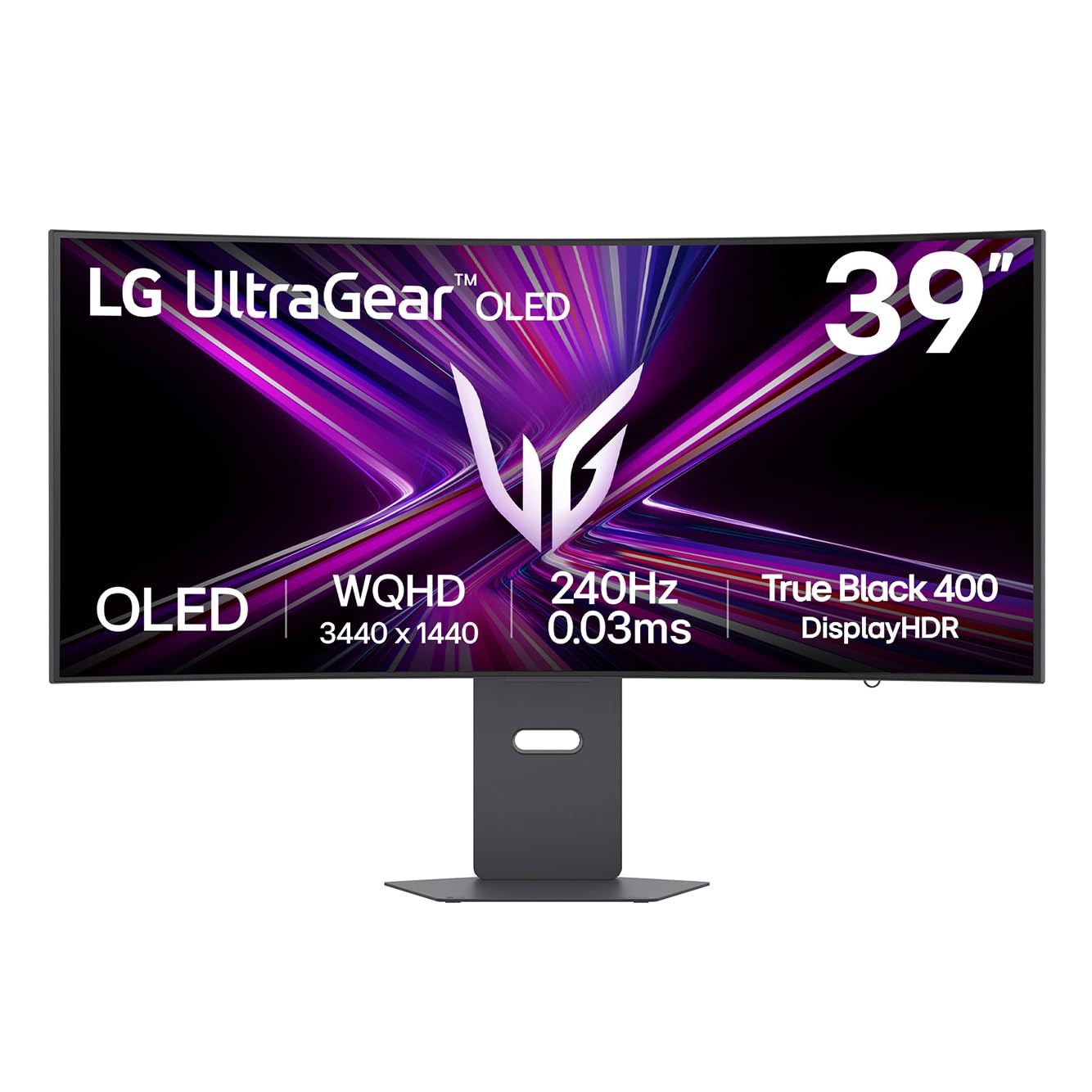
The LG Ultragear 39GX900A-B steps up to a 39-inch WQHD OLED panel while maintaining the same 3440×1440 resolution, resulting in a slightly lower pixel density than 34-inch models. This trade-off delivers a larger field of view without requiring more GPU power. It shares the same 240Hz refresh rate, 0.03ms response time, and 800R curve as its 34-inch sibling.
The monitor supports DisplayHDR True Black 400 with a peak brightness of 1300 nits. It includes HDMI 2.1, DisplayPort 1.4, and USB-C with 65W power delivery. The anti-glare coating is effective, and the RGB backlighting adds aesthetic flair. The 2-year warranty includes OLED panel care tools for burn-in prevention.
Users appreciate the extra screen real estate for immersive gaming and productivity. The internal speakers are surprisingly decent for a monitor. Some users report a blue or green line defect, though this appears to be a quality control issue rather than a widespread problem. The 39-inch size can feel overwhelming on a standard desk.
Why it’s great
- Larger 39-inch size for deeper immersion
- Smooth 240Hz OLED performance
- Decent built-in speakers
Good to know
- Lower pixel density than 34-inch models
- QC issues reported on some units
7. Samsung Odyssey OLED G9 49″ (G91SD)

The Samsung Odyssey OLED G9 G91SD is a 49-inch super ultrawide with a 32:9 aspect ratio and Dual QHD resolution (5120×1440). It uses a QD-OLED panel with a 144Hz refresh rate and 0.03ms response time. This monitor effectively replaces a dual-monitor setup with a single seamless screen, offering massive screen real estate for both gaming and productivity.
It supports G-Sync Compatible and AMD FreeSync Premium Pro for tear-free gaming. The Thermal Modulation System prevents overheating by adjusting brightness based on surface temperature. Burn-in prevention features include Logo Taskbar Detection and a Screen Saver that activates after 10 minutes of inactivity. The ergonomic stand allows height and tilt adjustments.
Customer feedback praises the stunning image quality and the wide screen for immersive gaming. Some users note that the 144Hz refresh rate is lower than other options, and the power cable is short. The picture-in-picture feature is useful for multitasking. The three-year warranty provides good long-term coverage.
Why it’s great
- Massive 49-inch screen for ultimate immersion
- Excellent QD-OLED color and black levels
- Good burn-in prevention features
Good to know
- Limited to 144Hz, not 240Hz
- Power cable is very short
8. Alienware AW3423DW

The Alienware AW3423DW is a 34-inch QD-OLED monitor with a 1800R curve, 3440×1440 resolution, and a 175Hz refresh rate. It features NVIDIA G-Sync Ultimate certification, which includes hardware-based variable refresh rate for the smoothest possible experience. The 0.1ms GtG response time ensures no motion blur, though it’s slower than the 0.03ms panels on newer models.
It includes Creator Mode for color-critical work, allowing selection between DCI-P3 and sRGB color spaces with gamma adjustment. The 1800R curve is gentle enough for productivity tasks. The Lunar Light design with customizable AlienFX lighting is visually striking. The stand offers full ergonomic adjustments and cable management.
Users consistently praise the incredible picture quality and smooth performance. The fan noise from the G-Sync module can be distracting in quiet environments. The pixel refresh prompt every four hours is an OLED quirk. Some users report that HDR 1000 mode can cause black crush, recommending HDR 400 True Black instead. The three-year warranty includes burn-in coverage.
Why it’s great
- G-Sync Ultimate for tear-free gaming
- Creator Mode for accurate color work
- Three-year burn-in warranty
Good to know
- Fan noise from G-Sync module
- No HDMI 2.1, only HDMI 2.0
9. Samsung Odyssey OLED G8 34″

The Samsung Odyssey OLED G8 G85SD is a 34-inch QD-OLED monitor with a 175Hz refresh rate and 0.03ms response time. What sets it apart is its smart monitor functionality, including a built-in remote, Gaming Hub for cloud gaming, and Bluetooth/Wi-Fi connectivity. It can operate independently of a PC, streaming content directly from services like Netflix and Xbox Cloud Gaming.
The Glare Free technology effectively reduces reflections, maintaining black levels even in brightly lit rooms. It includes a Thermal Modulation System and Logo Taskbar Detection for burn-in prevention. The ergonomic stand allows height and tilt adjustments. The silver color scheme gives it a premium, modern look.
Customer reviews highlight the excellent picture quality and the convenience of the smart features. Some users note the need to adjust the default warm color temperature. Black crush is a common OLED issue but can be mitigated through settings. The monitor is praised for its clarity in graphic design work and movie watching.
Why it’s great
- Built-in smart TV and cloud gaming
- Glare Free screen for bright rooms
- Excellent color accuracy
Good to know
- Default color temperature is too warm
- Black crush requires careful calibration
10. ASUS ROG Strix XG34WCDG

The ASUS ROG Strix XG34WCDG is a 34-inch QD-OLED monitor with a 175Hz refresh rate and 0.03ms response time. Its standout feature is the OLED Care Pro system, which includes a Neo Proximity Sensor that detects when the user leaves the desk and automatically switches to a black screen to prevent burn-in. This is the most advanced burn-in prevention system in this category.
The panel covers 99.3% DCI-P3 with true 10-bit color and Delta E < 2 color difference, making it suitable for photo and video editing. The DisplayWidget Center application allows easy adjustment of monitor settings via mouse. It includes G-Sync Compatible support and features ROG Gaming A.I. technology for enhanced gameplay.
Users upgrading from older monitors are impressed by the screen quality and the straightforward OSD. Some report that HDR support clarification could be better, and a few units have color cycling issues. The three-year warranty includes burn-in coverage. For users who prioritize panel longevity, this is the best option.
Why it’s great
- Neo Proximity Sensor for burn-in prevention
- Excellent color accuracy for creative work
- Three-year burn-in warranty
Good to know
- Some units may have color cycling issues
- HDR support could be clearer
11. Samsung Odyssey OLED G9 49″ (G95SD)

The Samsung Odyssey OLED G9 G95SD is a 49-inch super ultrawide with a 240Hz refresh rate, making it one of the fastest large-format OLED monitors available. It features a Dual QHD resolution (5120×1440) with a 32:9 aspect ratio. The 0.03ms response time and AMD FreeSync Premium Pro support ensure ultra-smooth gaming.
The Glare Free technology keeps reflections to a minimum. The Thermal Modulation System manages heat effectively. CoreSync lighting projects on-screen colors onto the wall behind the monitor for enhanced immersion. The Gaming Hub provides instant access to streaming services. The ergonomic stand includes height and tilt adjustments.
Users are blown away by the picture quality and screen size. A significant number of reports mention a non-functional DisplayPort input, which appears to be a systemic defect affecting some units. The HDMI works fine as a workaround. The premium price is justified by the specs, but the QC issues are a concern.
Why it’s great
- 240Hz on a 49-inch super ultrawide
- Immersive QD-OLED picture quality
- Gaming Hub for cloud streaming
Good to know
- DisplayPort input defect on some units
- Intrusive smart TV menus
12. ASUS ROG Strix XG27AQDPG

The ASUS ROG Strix XG27AQDPG is a 27-inch QD-OLED monitor with an unprecedented 500Hz refresh rate. While it is not a 34-inch ultrawide, it is included here as a reference point for those considering OLED performance. The 0.03ms response time and G-Sync compatibility make it the fastest OLED gaming monitor currently available.
It features the same OLED Care Pro with Neo Proximity Sensor for burn-in prevention, and Anti-Flicker OLED 2.0 technology to reduce flicker by 20% compared to previous generations. The VESA DisplayHDR 500 True Black certification ensures excellent HDR performance. The DisplayWidget Center allows easy settings management.
Customer reviews are overwhelmingly positive, praising the smooth 500Hz motion and vibrant colors. The price is high, reflecting the cutting-edge technology. The 27-inch format is ideal for competitive gaming where quick eye movement is required. For users wanting the absolute fastest panel, this is the choice.
Why it’s great
- Unmatched 500Hz refresh rate
- Advanced burn-in prevention
- Excellent HDR 500 True Black
Good to know
- Not a 34-inch ultrawide format
- Very high premium price
13. Samsung Odyssey OLED G9 49″ (G93SD)
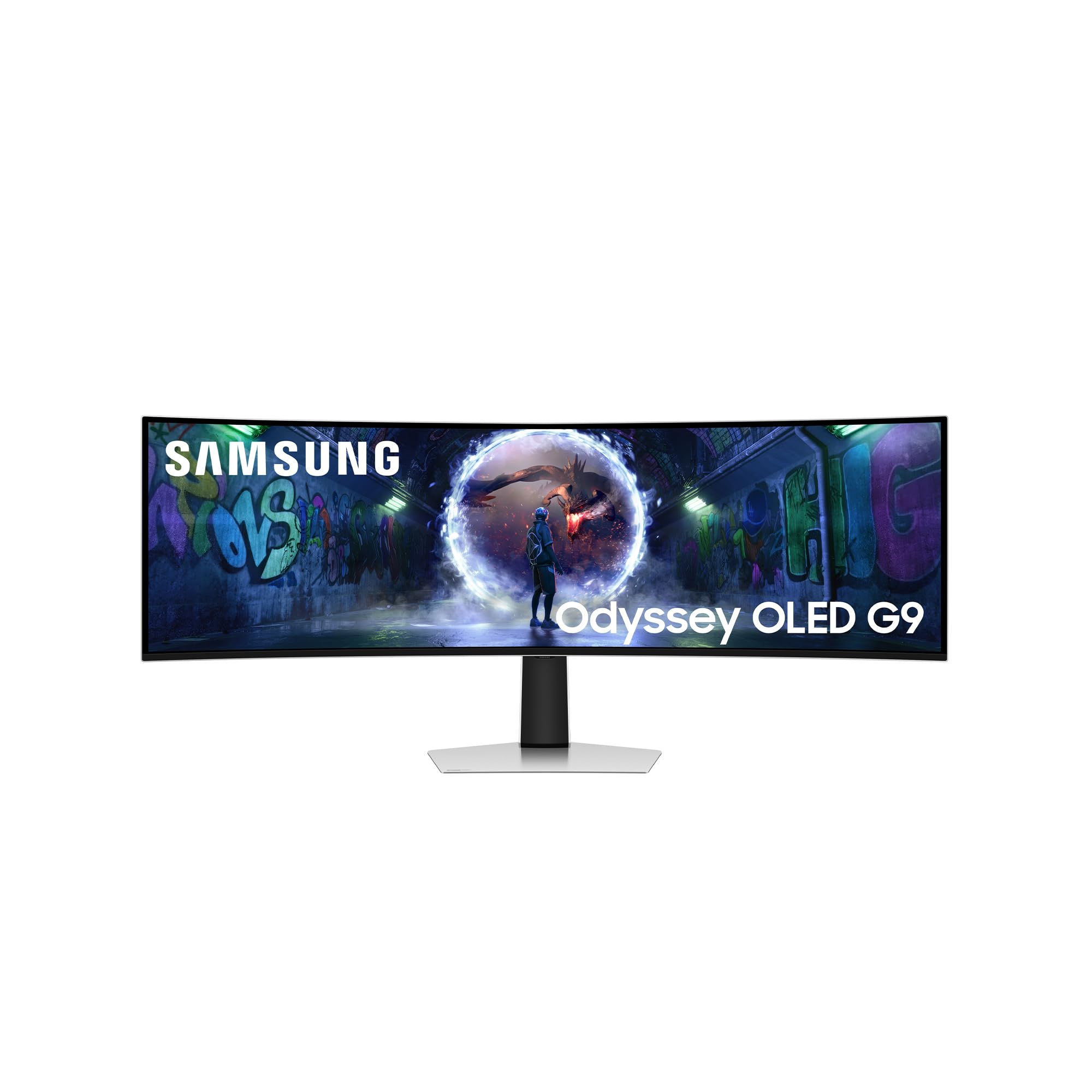
The Samsung Odyssey OLED G9 G93SD is a 49-inch QD-OLED monitor with Dual QHD resolution (5120×1440) and a 240Hz refresh rate. It offers the maximum screen real estate in a single monitor, effectively replacing two 27-inch monitors side-by-side without a bezel gap. The 32:9 aspect ratio and 0.03ms response time make it a powerhouse for both gaming and productivity.
It supports AMD FreeSync Premium Pro and G-Sync Compatibility. The Glare Free panel ensures reflections don’t ruin the experience. The monitor does not include internal speakers or a remote, keeping the focus on the display itself. Connectivity includes HDMI, DisplayPort, and USB-C.
Users praise the incredible immersion and exceptional color quality. The monitor requires careful window management using tools like PowerToys FancyZones to fully utilize the screen space. Some note that the height is short relative to the width, and constant care is needed to avoid burn-in, especially in regions where Samsung’s warranty does not cover it. The matte finish is praised for not degrading image quality.
Why it’s great
- Maximum screen real estate in one monitor
- Excellent refresh rate and response time
- Glare Free QD-OLED panel
Good to know
- No built-in speakers or remote
- Burn-in care required, warranty varies by region
FAQ
Is a 34-inch OLED monitor good for productivity and text work?
What is the difference between QD-OLED and WOLED in 34-inch monitors?
Will a 34-inch OLED monitor work with my RTX 4070 or PS5?
How important is the curve radius on a 34-inch OLED?
What burn-in warranty do these monitors typically offer?
Final Thoughts: The Verdict
For most users, the best 34 inch oled monitor winner is the AOC Agon PRO AG346UCD because it delivers genuine QD-OLED performance with a 175Hz refresh rate at a price that doesn’t require a second mortgage. If you want the fastest 240Hz refresh rate with smart features, grab the LG 34GX90SA-W. And for console gamers needing dual HDMI 2.1 ports and a KVM switch, nothing beats the Acer Predator X34.