
A 360Hz refresh rate isn’t just a number on a box — it’s the threshold where motion clarity shifts from “smooth enough” to “see-every-bullet-tracer” precision. For competitive gamers playing Valorant, Counter-Strike 2, or Apex Legends, that extra fluidity translates directly into tracked targets and faster reaction times. But the panel technology underneath that 360Hz number — whether it’s Fast TN, Fast IPS, or QD-OLED — determines whether you actually see the motion or just a brighter blur.
I’m Min — the co-founder and writer behind Gadgets Feed. I’ve spent hundreds of hours analyzing high-refresh-rate monitor specifications, cross-referencing response time measurements, adaptive sync implementations, and panel degradation data to separate real-world performance from marketing specs.
Whether you need G-SYNC Pulsar strobing for esports or QD-OLED contrast for single-player immersion, this guide breaks down the five monitors that define the best 360 gaming monitor category right now.
How To Choose The Best 360Hz Gaming Monitor
Not all 360Hz monitors are built for the same player. The panel type, adaptive sync tech, and resolution tier completely change the experience. Here’s what actually matters when you’re shopping in this refresh rate bracket.
Panel Type: TN vs IPS vs QD-OLED
Fast TN panels like the BenQ Zowie XL2540X+ deliver the absolute lowest input lag and least overshoot at high refresh rates — pro players still prefer them for motion clarity. Fast IPS panels offer better color and viewing angles but introduce slightly more ghosting at the same refresh rate. QD-OLED panels like the ASUS ROG Strix XG27ACDNG combine 360Hz with perfect black levels and 0.03ms response time, but they require careful burn-in management and are significantly more expensive.
Adaptive Sync and Backlight Strobing
G-SYNC Compatible and FreeSync Premium eliminate screen tearing, but G-SYNC Pulsar (found on the AOC Agon PRO AG276QSG2) adds backlight strobing at full refresh rate — this is the closest you can get to CRT-like motion clarity without sacrificing brightness. Not all 360Hz monitors support strobing; check whether the monitor has a dedicated “ultra low motion blur” or “pulsar” mode before buying.
Resolution: 1080p vs 1440p
At 360Hz, 1080p is easier to drive — your GPU doesn’t need to be a flagship to hit that frame rate in competitive titles. 1440p at 360Hz demands a top-tier graphics card but offers significantly sharper image quality for games where you want both clarity and speed. The Samsung Odyssey G7 G70F solves this with a dual-mode feature that switches between 4K at 180Hz and FHD at 360Hz.
Quick Comparison
On smaller screens, swipe sideways to see the full table.
| Model | Category | Best For | Key Spec | Amazon |
|---|---|---|---|---|
| ASUS ROG Strix XG27ACDNG | QD-OLED Premium | High-FPS immersion with perfect blacks | 360Hz / 0.03ms / QD-OLED | Amazon |
| AOC Agon PRO AG276QSG2 | G-SYNC Pulsar | Esports motion clarity at 1440p | 360Hz / G-SYNC Pulsar | Amazon |
| Samsung Odyssey G7 G70F | Dual Mode IPS | Switchable 4K/360Hz gameplay | 4K 180Hz / FHD 360Hz | Amazon |
| BenQ Zowie XL2540X+ | Esports TN | Pro-level motion clarity at 1080p | 280Hz / Fast TN / 24.1-inch | Amazon |
| Acer Predator X27U W1 | QD-OLED Value | Budget QD-OLED with 240Hz | 240Hz / 0.03ms / QD-OLED | Amazon |
In‑Depth Reviews
1. ASUS ROG Strix 26.5” 1440P QD-OLED Gaming Monitor (XG27ACDNG)

The ASUS ROG Strix XG27ACDNG delivers the holy trinity of competitive gaming monitors: a native 360Hz refresh rate, 0.03ms GtG response time, and QD-OLED panel technology that produces inky blacks and vibrant colors no LCD can match. At 2560×1440, it strikes the optimal balance between pixel density and GPU horsepower — you don’t need an RTX 4090 to hit 360Hz in most esports titles.
ASUS includes a custom heatsink and advanced airflow design to mitigate burn-in, plus OLED Care+ features like pixel cleaning and screen shift that run automatically. The anti-flicker technology helps during refresh rate fluctuations, and the 3-year warranty explicitly covers burn-in — a critical reassurance for anyone worried about OLED longevity at high refresh rates. The DisplayWidget Center software lets you tweak settings without fumbling with OSD buttons.
Color accuracy measures Delta E < 2 with 99% DCI-P3 coverage, making this monitor viable for gaming and creative work alike. The built-in VESA DisplayHDR 400 True Black certification ensures HDR content looks genuinely dark in shadow detail rather than just dim. For a single-monitor setup that does both esports and immersive single-player titles, this is the benchmark.
Why it’s great
- 360Hz QD-OLED combines speed with perfect contrast — no LCD can match the black levels
- 3-year warranty with burn-in coverage removes the biggest OLED anxiety
- Delta E < 2 color accuracy out of the box for content creation on the same monitor
Good to know
- Height adjustment range is limited compared to some IPS competitors
- Pixel cleaning pop-up appears periodically — can be disabled but requires menu navigation
2. AOC Agon PRO AG276QSG2 27” Gaming Monitor
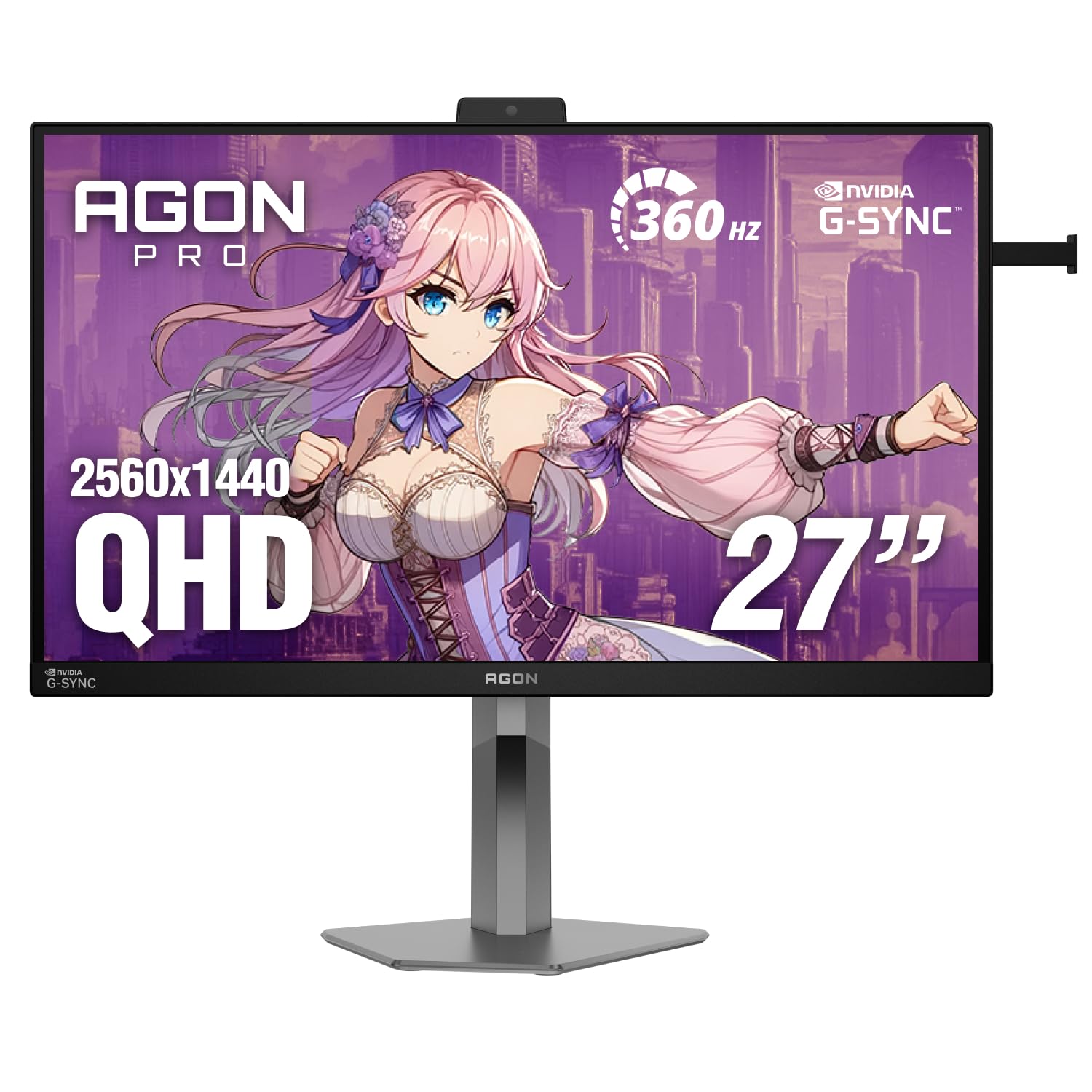
The AOC Agon PRO AG276QSG2 is the only monitor in this lineup with NVIDIA G-SYNC Pulsar — a backlight strobing technology that maintains full 360Hz refresh rate while drastically reducing perceived motion blur. In blind tests among competitive Valorant and CS2 players, this monitor outperformed 540Hz and 600Hz TN panels in motion clarity thanks to Pulsar’s ability to eliminate the double-image effect that plagues standard strobed LCDs.
It uses a 27-inch Fast IPS panel at 2560×1440 with a 1ms GtG response time. The R5 HDR implementation improves brightness and contrast beyond typical HDR400 monitors, though it doesn’t match OLED-level black depth. The ambient adaptive light sensor automatically adjusts brightness to reduce eye strain during long sessions, and the built-in headphone holder keeps your desk organized — small touches that matter when you’re grinding ranked matches.
Connectivity includes DisplayPort, HDMI 2.1 (handy for console cross-play), and a USB hub. The fully adjustable stand offers height, swivel, tilt, and pivot adjustments. After a firmware update, early adopters reported that Pulsar mode cleans up the remaining ghosting to a degree that shifts the competitive advantage decisively in AOC’s favor over pricier TN alternatives.
Why it’s great
- G-SYNC Pulsar delivers CRT-like motion clarity at 360Hz — unmatched for pixel-peeking in esports
- 1440p resolution provides sharp imagery without overloading mid-range GPUs
- Ambient light sensor and headphone holder show thoughtful ergonomic design
Good to know
- IPS glow is still present in dark corners — not an issue during gameplay but noticeable in dark scenes
- Requires a G-SYNC compatible GPU to use Pulsar; AMD users get standard VRR only
3. Samsung 27” Odyssey G7 G70F Gaming Monitor
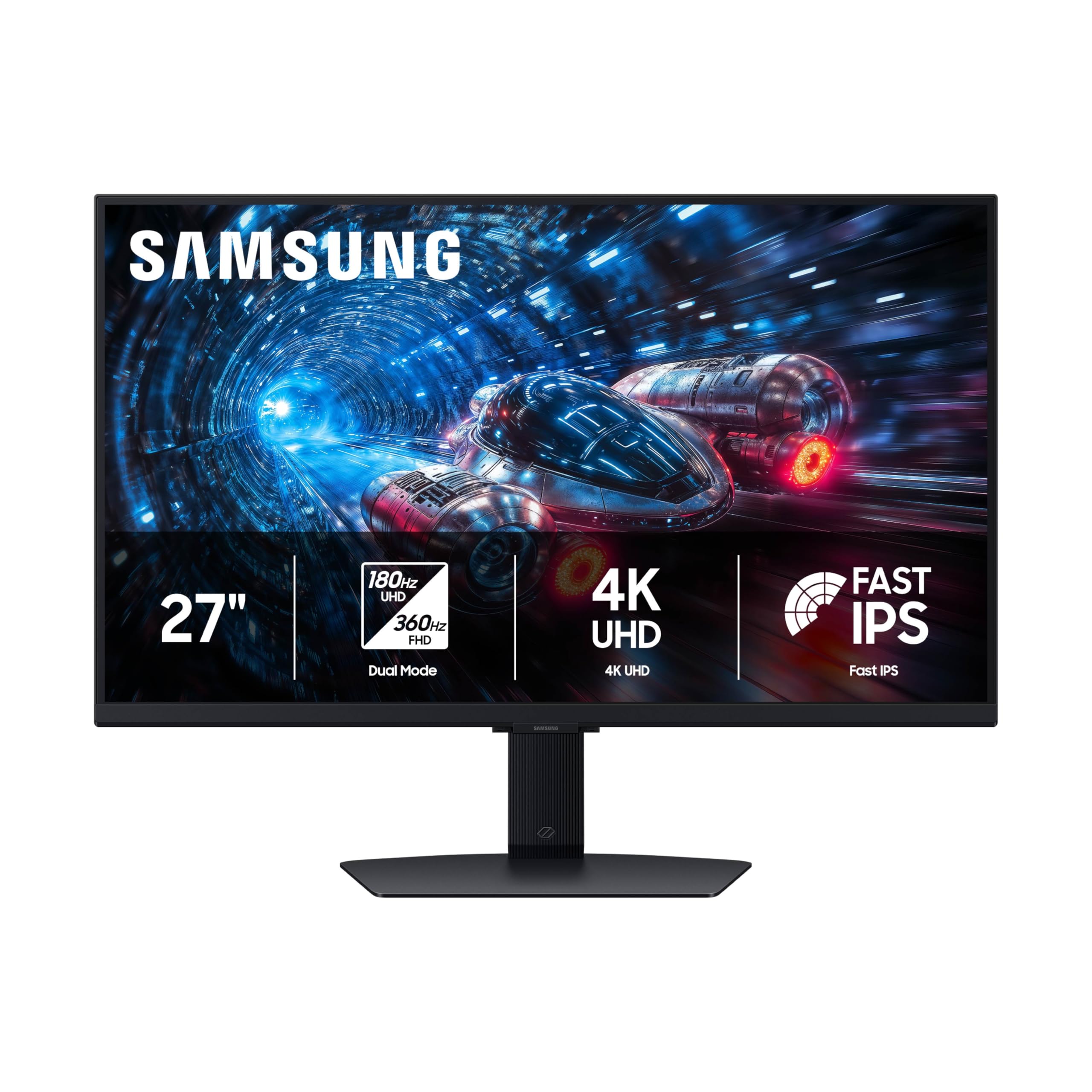
Samsung’s Odyssey G7 G70F solves the resolution/refresh rate dilemma with its unique Dual Mode feature: press a button to switch between 4K at 180Hz and Full HD at the full 360Hz. This lets you enjoy crisp 4K visuals for story-driven games and then drop to FHD for competitive titles where every frame matters — all on the same Fast IPS panel with a 1ms GtG response time.
The 27-inch matte IPS display covers 99% DCI-P3 color gamut with HDR10 support, providing vibrant colors and consistent viewing angles. G-SYNC Compatible and AMD FreeSync Premium both work, so the monitor plays nicely with either GPU ecosystem. The ergonomic stand offers height, tilt, and pivot adjustments, and Auto Source Switch+ automatically detects active devices — useful if you swap between a desktop and a laptop.
One practical downside: the monitor lacks built-in speakers, so you’ll need external audio. The wake-from-sleep cycle is slower than some competitors, taking several seconds to display an image. For the price, however, the Dual Mode flexibility makes this the most adaptive 360Hz monitor for gamers who play across multiple genres and resolutions.
Why it’s great
- Dual Mode lets you toggle between 4K 180Hz and FHD 360Hz instantly — unique in this category
- Both G-SYNC Compatible and FreeSync Premium ensure tear-free gaming on any GPU
- Matte finish eliminates reflections without washing out colors
Good to know
- No built-in speakers — requires external audio for desktop use
- Wake-from-sleep takes noticeably longer than IPS rivals
4. BenQ Zowie XL2540X+ 24.1” Fast TN Gaming Monitor
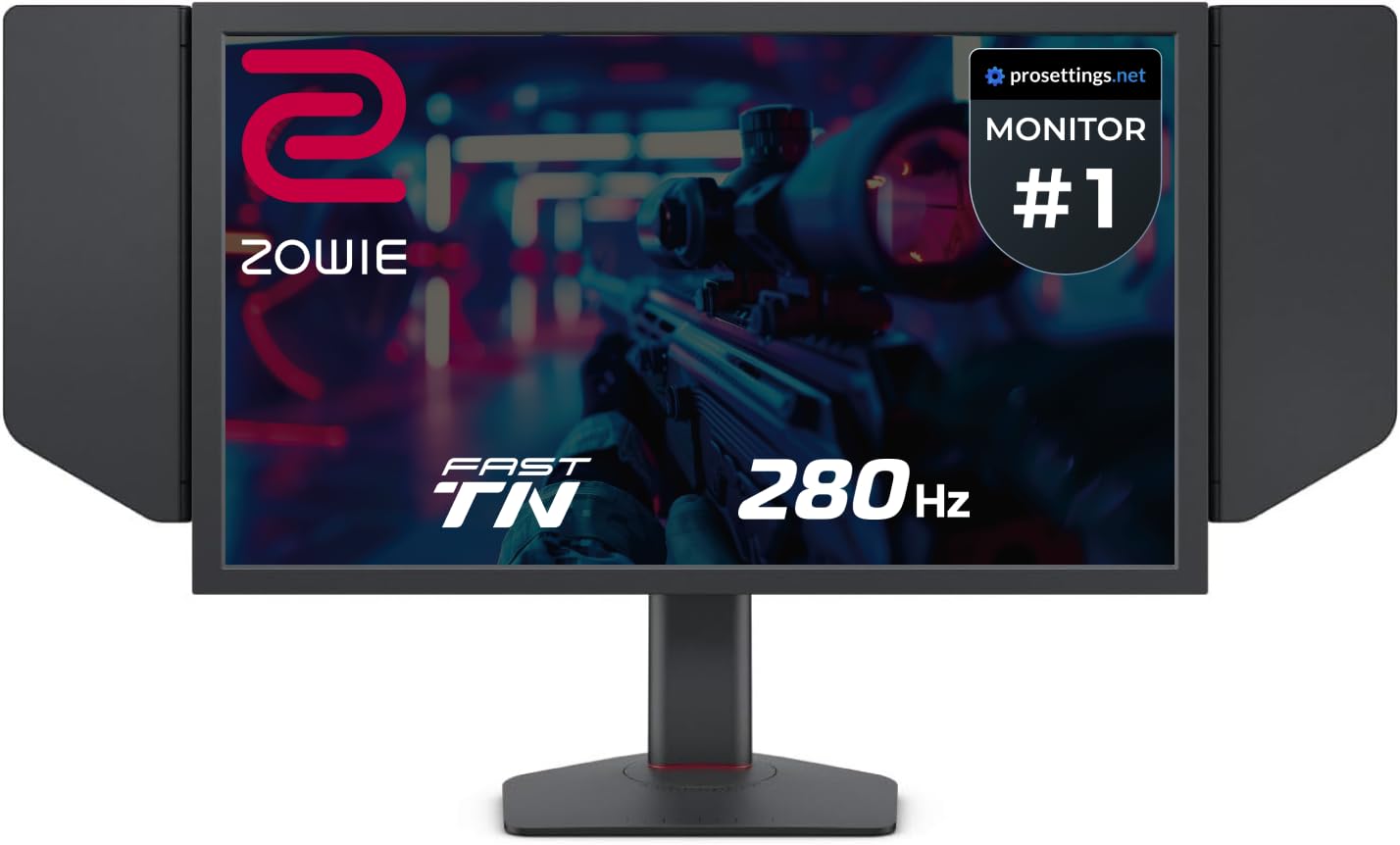
The BenQ Zowie XL2540X+ proves that Fast TN panels are not obsolete — at 280Hz (with DisplayPort), its motion clarity rivals and in some cases exceeds that of 360Hz IPS panels. Zowie’s new Fast TN panel design improves electrical conductivity to reduce overshoot, delivering sharper images during fast camera flicks and tracking shots. For pro Counter-Strike and Valorant players, this is the gold standard for motion definition.
The 24.1-inch 1080p resolution is intentionally compact — it keeps the entire screen in your peripheral vision without needing to move your head. The Auto Game Mode automatically switches color profiles between games, and the included S Switch and shielding hood are practical additions for tournament setups. The height adjustment mechanism uses an industrial-grade bearing design, making it smooth to raise or lower without wobble.
Color reproduction is naturally more muted than IPS or OLED panels — that’s the TN tradeoff. But for competitive play, color accuracy is secondary to the 0ms input lag feel and the elimination of motion blur artifacts. The XL2540X+ also supports FreeSync, and running without DyAc reduces input lag even further for players who prioritize responsiveness above all else.
Why it’s great
- Fast TN panel provides the best motion clarity and lowest overshoot in the entire category
- 24.1-inch size is ideal for competitive FPS where peripheral awareness matters
- Industrial-grade bearing height adjustment feels premium and stays stable
Good to know
- Color saturation and viewing angles are inferior to IPS and OLED panels
- Limited to 1080p — not suitable for productivity or single-player immersion
5. Acer Predator X27U W1 26.5” WQHD QD-OLED Gaming Monitor

The Acer Predator X27U W1 brings QD-OLED technology to a price point that undercuts most OLED gaming monitors by a significant margin. While its 240Hz refresh rate doesn’t match the 360Hz ceiling of the other monitors on this list, the 0.03ms GtG response time and true 10-bit color depth with 99% DCI-P3 coverage deliver visual quality that 360Hz IPS monitors cannot touch.
The 26.5-inch WQHD (2560×1440) display supports both AMD FreeSync Premium and G-SYNC Compatible, so it works seamlessly with either graphics card ecosystem. HDR content looks genuinely impressive thanks to the per-pixel lighting control OLED provides — specular highlights pop against true black backgrounds in a way that LCDs cannot replicate. The ZeroFrame design minimizes bezel distraction, and the stand supports height, tilt, swivel, and pivot adjustments.
Brightness is the main compromise — this panel is dimmer than premium OLED monitors, though still acceptable at 100% brightness in well-lit rooms. The OSD menu is more complex than it needs to be, and some units have reported cracked stands during shipping. For buyers who prioritize image quality over raw refresh rate and want OLED’s contrast without the premium price, this is the play.
Why it’s great
- QD-OLED delivers perfect blacks and rich colors that no LCD can match at this price
- 0.03ms response time eliminates all perceptible ghosting
- Full ergonomic stand with height, tilt, swivel, and pivot adjustments
Good to know
- 240Hz is the ceiling — not a true 360Hz monitor if you need that refresh rate
- Peak brightness is lower than premium OLED monitors
FAQ
Is 360Hz noticeably better than 240Hz in competitive games?
Can an RTX 3060 or RTX 4060 drive a 1440p 360Hz monitor?
Does QD-OLED burn-in happen faster at 360Hz due to higher brightness?
Final Thoughts: The Verdict
For most users, the best 360 gaming monitor is the ASUS ROG Strix XG27ACDNG because it combines native 360Hz speed with QD-OLED image quality and a burn-in warranty that makes the investment safe. If you want the sharpest motion clarity for competitive esports, grab the AOC Agon PRO AG276QSG2 with G-SYNC Pulsar. And for the most versatile setup that handles both 4K immersion and 360Hz competition, nothing beats the Samsung Odyssey G7 G70F with its Dual Mode switching.