
The difference between winning and losing in competitive gaming often comes down to milliseconds. A 360 Hz OLED monitor doesn’t just display fast motion — it erases motion blur at the source, rendering each frame with the instantaneous pixel response only OLED can deliver. The result is a visual experience where enemies don’t teleport, crosshair placement sticks, and the world feels more real than any LCD could ever simulate.
I’m Min — the co-founder and writer behind Gadgets Feed. I’ve spent hundreds of hours combing through spec sheets, real customer reviews, and the latest panel technology to separate the true high-performance OLED displays from the overhyped ones in this guide.
Whether you are a tournament grinder or a dedicated enthusiast, finding the right 360 hz oled monitor means navigating tricky trade-offs between resolution, burn-in protection, and connectivity that most buyers overlook.
How To Choose The Best 360 Hz OLED Monitor
Not all high-refresh monitors are created equal. A 360 Hz IPS panel still suffers from ghosting and motion blur due to slow pixel transitions. OLED eliminates that entirely — each pixel changes color in 0.03 milliseconds. But the panel type, resolution, and connectivity all determine whether that speed translates into real-world advantage. Here is what actually matters.
Resolution vs. Refresh Rate Trade-off
A native 4K OLED cannot run at 360 Hz today due to bandwidth limits. That is why the smartest monitors offer a dual-mode feature: 4K at 240 Hz for single-player immersion, and FHD or QHD at 360+ Hz for competitive play. If you only care about esports, a native QHD 360 Hz or 480 Hz panel delivers the sharpest motion without upscaling artifacts.
Burn-in Protection and Warranty
OLED burn-in from static HUDs or taskbars is the biggest concern for daily drivers. Look for panel care features like pixel shift, logo detection, and proximity sensors that auto-dim when you walk away. A warranty that explicitly covers OLED burn-in — typically three years from brands like ASUS, MSI, and Sony — gives you peace of mind for long-term use.
Connectivity and Bandwidth
To drive 360 Hz at QHD or higher, you need DisplayPort 2.1 (UHBR20) with 80 Gbps bandwidth. HDMI 2.1 caps out at lower refresh rates at 4K. If your GPU lacks DP 2.1, dual-mode monitors that drop resolution to hit high refresh via HDMI 2.1 are a practical workaround.
Quick Comparison
On smaller screens, swipe sideways to see the full table.
| Model | Category | Best For | Key Spec | Amazon |
|---|---|---|---|---|
| Sony INZONE M10S | Mid-Range | Ultra-low latency esports | 480 Hz / 0.03ms GtG / QHD | Amazon |
| ASUS ROG Swift PG32UCDP | Mid-Range | Dual-mode 4K/FHD gaming | 4K@240Hz / FHD@480Hz | Amazon |
| Samsung Odyssey G8 G80HF | Premium | 5K productivity + QHD esports | 5K@180Hz / QHD@360Hz | Amazon |
| ASUS ROG Swift PG27AQWP-W | Premium | Highest refresh esports | QHD@540Hz / HD@720Hz | Amazon |
| MSI MPG 322URX | Mid-Range | 4K gaming with DP 2.1a | 4K@240Hz / DP 2.1a 80Gbps | Amazon |
| ASUS ROG Strix XG27AQDPG | Premium | 500Hz QD-OLED dominance | QHD@500Hz / 0.03ms | Amazon |
| Samsung Odyssey OLED G7 G73SH | Premium | 4K visuals + FHD speed | 4K@165Hz / FHD@330Hz | Amazon |
| ASUS ROG Strix XG27UCDMG | Mid-Range | 4K QD-OLED color accuracy | 4K@240Hz / 99% DCI-P3 | Amazon |
| Samsung Odyssey QD-OLED G8 G81SF | Mid-Range | Glare-free 4K gaming | 4K@240Hz / HDR True Black 400 | Amazon |
| LG 45GX900A-B | Mid-Range | Immersive ultrawide gaming | 3440×1440@240Hz / 800R curve | Amazon |
| INNOCN 49Q1S | Mid-Range | Budget-friendly super ultrawide | 5120×1440@240Hz / 32:9 | Amazon |
| Samsung OLED M9 M90SF | Premium | Smart monitor with streaming | 4K QD-OLED@165Hz / Gaming Hub | Amazon |
| Dell UltraSharp U4025QW | Premium | Professional ultrawide productivity | 5120×2160@120Hz / IPS Black | Amazon |
In‑Depth Reviews
1. Sony INZONE M10S

The Sony INZONE M10S delivers a native 480 Hz refresh rate on a 27-inch QHD OLED panel with a 0.03ms response time, making it one of the fastest monitors available for competitive FPS gaming. Its fan-less passive cooling system uses a custom heatsink to prevent burn-in, backed by a three-year OLED limited warranty that covers burn-in. The low-profile stand, developed with Fnatic esports team, includes a 4mm thin base that frees up desk space for aggressive mouse movements.
Tournament-specific features include a 24.5-inch mode and FPS Pro/Plus contrast enhancements that make enemy silhouettes pop in dark corners. Connectivity is future-proof with DisplayPort 2.1 (UHBR10) and two HDMI 2.1 ports, plus G-Sync compatibility for tear-free gameplay. The 1440p resolution hits a sweet spot — sharp enough for clarity without the GPU strain of 4K at this refresh rate.
Buyer reports consistently praise the motion clarity and color depth, noting that the 480 Hz experience feels “insanely smooth” on OLED. A small number of units have reported pixelation issues, but Amazon’s return policy and Sony’s warranty provide recourse. For pure competitive performance at this price tier, the M10S sets a new benchmark.
Why it’s great
- Native 480Hz at QHD with 0.03ms response
- Fan-less passive heatsink prevents burn-in
- 3-year warranty includes OLED burn-in coverage
Good to know
- Some units have early pixelation issues
- 1440p not 4K for those wanting higher resolution
2. ASUS ROG Swift PG32UCDP

The ASUS ROG Swift PG32UCDP packs a 32-inch WOLED panel with a dual-mode trick: 4K at 240 Hz for single-player immersion, or FHD at 480 Hz for competitive esports. This single monitor handles both scenarios without compromise. The 0.03ms response time eliminates all perceptible ghosting, while ROG-exclusive Anti-flicker technology reduces flicker during refresh-rate fluctuations — a common complaint on earlier OLEDs.
AI Assistant features like dynamic crosshair and sniper mode add software-level advantages, and the DisplayWidget Center lets you tweak OLED Care settings without digging through the tiny on-screen menu. Connectivity is solid with HDMI 2.1, DisplayPort 1.4, and USB-C with 90W power delivery. The three-year warranty includes burn-in coverage, and the matte anti-glare finish handles bright room lighting well.
Users describe the image quality as “opening my eyes for the first time” and praise the flexibility of switching between cinematic 4K and blistering 480 Hz. A few note that non-4K resolutions look slightly soft due to bilinear scaling, but integer scaling modes help mitigate this. For a high-end hybrid monitor, the PG32UCDP delivers extraordinary versatility.
Why it’s great
- True dual-mode: 4K@240Hz or FHD@480Hz
- USB-C with 90W PD for laptop charging
- 3-year burn-in warranty included
Good to know
- Non-native resolutions can appear blurry
- On-screen menu is tiny at 4K
3. Samsung Odyssey G8 G80HF
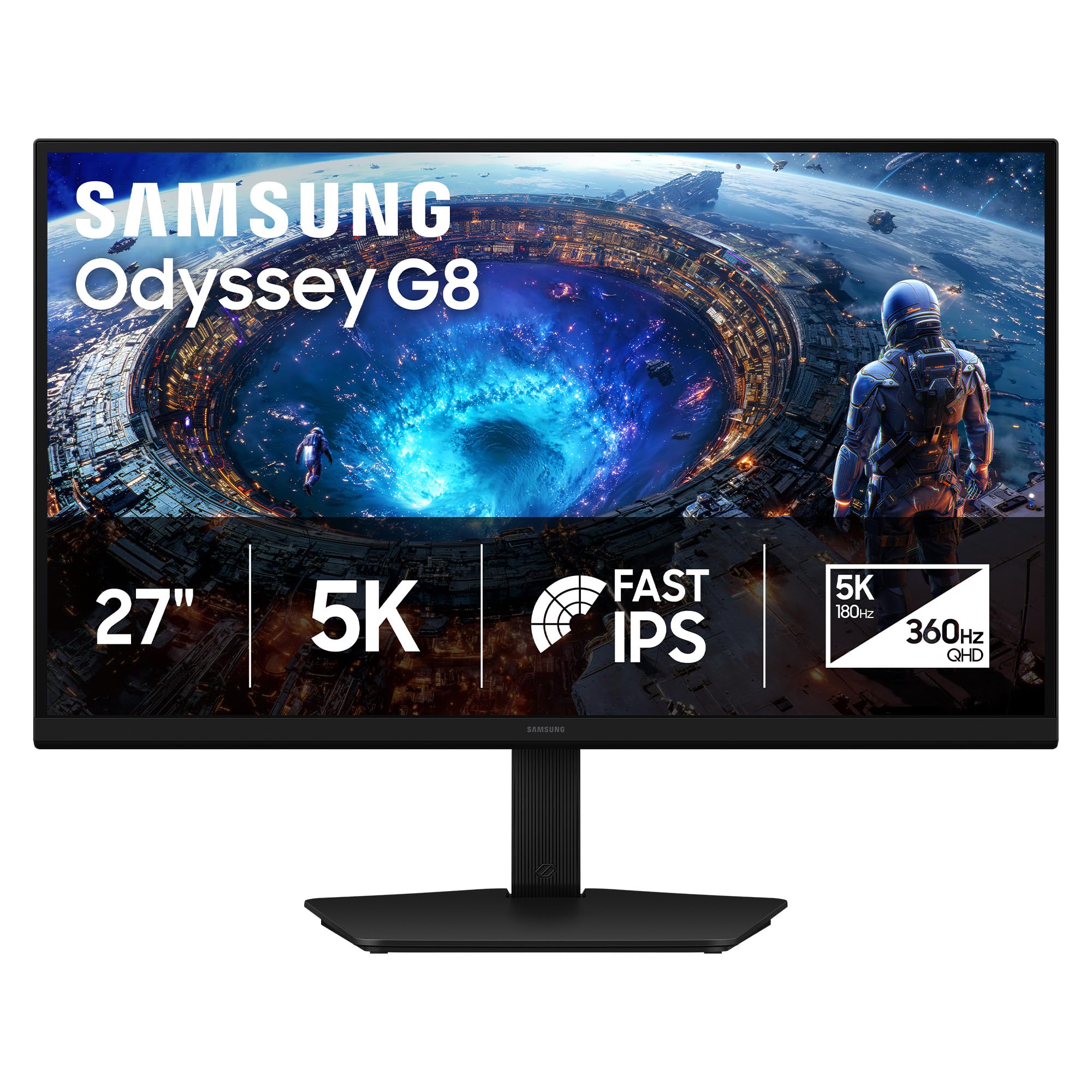
The Samsung Odyssey G8 G80HF is a 27-inch Fast IPS monitor, not OLED, but its dual-mode capability makes it a strong contender for the 360 Hz buyer. It offers 5K resolution (5120 x 2880) at 180 Hz for productivity and media, then switches to QHD at 360 Hz for competitive gaming — all via a hardware button. The 218 PPI pixel density delivers retina-like text clarity unmatched by any current OLED at this size.
Response time is 1ms GtG, and the panel is G-Sync Compatible with FreeSync Premium Pro support. Connectivity includes DisplayPort 2.1 and HDMI 2.1, though the 360 Hz mode requires DP. The ergonomic stand offers full height, tilt, swivel, and pivot adjustments. HDR10+ Gaming support optimizes brightness and contrast dynamically.
Buyers report exceptional text clarity and a “retina-like” experience for productivity, with the 360 Hz QHD mode providing a noticeable improvement in motion smoothness over 240 Hz. The main drawbacks are standard IPS contrast (1000:1), which limits HDR black levels, and a modest 350 nits peak brightness. For hybrid work and play, this remains a top-tier option.
Why it’s great
- 5K@180Hz for stunning productivity clarity
- Hardware-switchable to QHD@360Hz esports mode
- DP 2.1 and full ergonomic stand
Good to know
- IPS panel limits contrast vs OLED
- Peak brightness only 350 nits
4. ASUS ROG Swift PG27AQWP-W

The ASUS ROG Swift PG27AQWP-W pushes refresh rate boundaries with a 26.5-inch WOLED panel capable of QHD at 540 Hz or HD at 720 Hz in dual-mode. It uses ASUS’s new Tandem OLED technology, which boosts peak brightness by 15% and extends OLED lifespan by 60% versus previous-gen WOLEDs. The TrueBlack Glossy surface provides zero haze for exceptionally sharp imagery and deep black levels.
Neo Proximity Sensor detects user presence and auto-dims the screen to prevent burn-in, while DisplayPort 2.1 UHBR20 delivers full 80Gbps bandwidth for uncompressed 540 Hz. VESA DisplayHDR 500 True Black compliance and 99.5% DCI-P3 gamut ensure stunning HDR. The three-year warranty covers burn-in, and the 0.02ms response time is the fastest on this list.
Buyers call it “the best gaming monitor technology can give” and note that 540 Hz provides a significant competitive edge over 240 Hz in fast-paced titles. Some units show grey banding issues, and the glossy screen requires controlled lighting to avoid reflections. For raw speed at QHD, this is the ultimate pick.
Why it’s great
- 540Hz QHD with 0.02ms response time
- DP 2.1 UHBR20 for uncompressed signal
- Tandem OLED with 60% longer lifespan
Good to know
- Glossy screen reflects ambient light
- Some reports of grey banding
5. MSI MPG 322URX

The MSI MPG 322URX brings 3rd-gen QD-OLED technology to a 32-inch 4K panel with 240 Hz refresh rate and 0.03ms response time. It features DisplayPort 2.1a (UHBR20) offering a full 80Gbps bandwidth for native, lossless 4K at 240 Hz — a rarity at this price point. QD Premium Color ensures Delta E ≤ 2 accuracy, making it suitable for creative work alongside gaming.
VESA DisplayHDR True Black 400 delivers deep blacks and vibrant highlights, while the 99% DCI-P3 gamut covers the full spectrum. The monitor includes HDMI 2.1, USB-C, and a USB hub for flexible connectivity. MSI’s OLED Care 2.0 provides pixel shift and panel refresh tools, supported by a three-year warranty that covers burn-in.
Buyers praise the “inky blacks and cinematic contrast” and note that DP 2.1a enables full-bandwidth 4K at 240 Hz without chroma subsampling. A few units arrived with minor cosmetic damage, but MSI’s support is generally responsive. For the price, this is the most feature-complete 4K OLED for high-refresh gaming.
Why it’s great
- Native 4K@240Hz via DP 2.1a UHBR20
- 3rd-gen QD-OLED with Delta E ≤ 2
- 3-year burn-in warranty
Good to know
- Some units arrived with scratches or dents
- Requires high-end GPU for 4K@240Hz
6. ASUS ROG Strix XG27AQDPG

The ASUS ROG Strix XG27AQDPG is a 27-inch QHD QD-OLED monitor that reaches 500 Hz refresh rate with a 0.03ms response time — the highest refresh rate available in a QD-OLED panel. This is a pure esports weapon designed for professionals who need every possible frame advantage. The Anti-Flicker OLED 2.0 technology reduces flicker by 20% compared to previous-gen panels.
ASUS OLED Care Pro includes a Neo Proximity Sensor that auto-dims the screen when you step away, reducing burn-in risk. VESA DisplayHDR 500 True Black compliance and 99% DCI-P3 gamut ensure the image quality matches the speed. DisplayPort 2.1 and HDMI 2.1 provide the bandwidth needed to drive 500 Hz at QHD.
Users report “superb smoothness” in FPS games and vibrant colors that surpass previous-gen OLEDs. The monitor is expensive but buyers consider it “preiswert” (worth the price) for competitive advantage. No major quality complaints have surfaced, though the premium price limits its appeal to serious esports enthusiasts.
Why it’s great
- 500Hz QD-OLED, fastest available
- Neo Proximity Sensor for burn-in prevention
- Anti-Flicker 2.0 reduces eye strain
Good to know
- Very expensive, for esports only
- QHD not 4K for general use
7. Samsung Odyssey OLED G7 G73SH
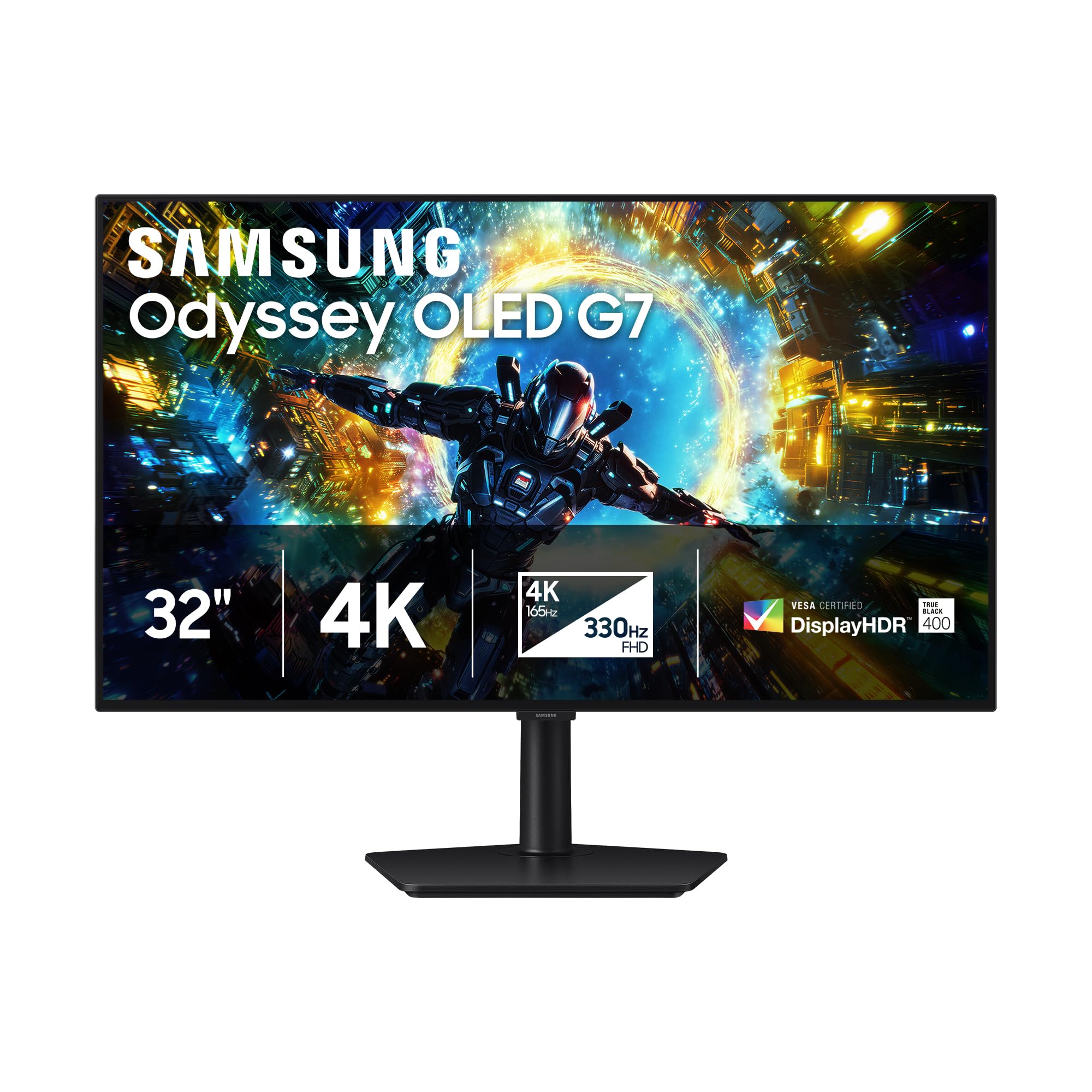
The Samsung Odyssey OLED G7 G73SH is a 32-inch 4K OLED monitor with dual-mode capability: 4K at 165 Hz for cinematic gaming and FHD at 330 Hz for competitive speed. The glossy OLED panel provides deep blacks and vivid colors with Pantone validation for color-accurate work. VESA DisplayHDR True Black 400 ensures excellent HDR contrast.
HDR10+ Gaming optimizes brightness dynamically, and the monitor is G-Sync Compatible with FreeSync Premium Pro support. The ergonomic stand offers height, tilt, swivel, and pivot adjustments. Connectivity is limited to one DisplayPort 1.4 and one HDMI 2.1, with no USB-C — a notable omission for a premium monitor.
Buyers rave about the “true blacks and vivid Pantone-validated colors” and find the dual-mode useful for switching between immersive 4K gaming and competitive shooters. Some note that 165 Hz at 4K feels limiting versus 240 Hz options, but the FHD 330 Hz mode provides fluid motion for esports. The glossy screen requires controlled lighting but delivers unmatched image pop.
Why it’s great
- Glossy OLED with Pantone validation
- Dual-mode: 4K@165Hz and FHD@330Hz
- HDR10+ Gaming dynamic optimization
Good to know
- No USB-C port or USB hub
- 165Hz 4K mode lower than some competitors
8. ASUS ROG Strix XG27UCDMG

The ASUS ROG Strix XG27UCDMG is a 26.5-inch 4K QD-OLED monitor with 240 Hz refresh rate and 0.03ms response time, using 4th-gen QD-OLED technology for sharper imagery and longer lifespan. OLED Anti-Flicker 2.0 reduces flicker by 20% versus previous-gen panels, and the Neo Proximity Sensor detects user absence to switch to a black screen and prevent burn-in.
VESA DisplayHDR 400 True Black compliance, 99% DCI-P3 gamut, and Delta E < 2 color accuracy make it excellent for both gaming and content creation. Connectivity includes DisplayPort 1.4, HDMI 2.1, and USB-C with 90W Power Delivery — enough to charge a laptop. The three-year warranty covers burn-in, and DisplayWidget Center allows mouse-based setting adjustments.
Buyers praise the “vibrant colors and amazing clarity” and find it a worthy upgrade from 1440p OLED. The glossy coating requires careful cleaning to avoid spots but delivers stunning image quality. A few note that peak brightness is lower than high-end IPS panels, but in darker rooms the OLED contrast more than compensates.
Why it’s great
- 4K QD-OLED with 4th-gen panel
- USB-C 90W PD for laptop charging
- Neo Proximity Sensor for burn-in prevention
Good to know
- Glossy screen requires careful cleaning
- Lower peak brightness than IPS
9. Samsung Odyssey QD-OLED G8 G81SF

The Samsung Odyssey QD-OLED G8 G81SF is a 32-inch 4K QD-OLED monitor with 240 Hz refresh rate and 0.03ms GtG response time. It features Samsung’s Glare Free technology that makes the screen 54% less glossy than conventional anti-reflection film, ideal for brightly lit rooms. The VESA DisplayHDR True Black 400 compliance ensures deep blacks without light bleed.
A Dynamic Cooling System uses a pulsating heat pipe to diffuse heat five times faster than graphite sheets, reducing burn-in risk. Thermal Modulation and Logo/Taskbar Detection automatically manage brightness on static elements. G-Sync compatible and FreeSync Premium Pro ensure smooth gameplay. CoreSync and CoreLighting+ project on-screen colors into the room for immersive ambiance.
Users praise the “vibrant colors, deep blacks, and crisp text” and find the anti-glare coating excellent for bright environments. A few have reported dead pixels after a couple of months, and warranty paperwork can be confusing. For a premium 4K OLED with excellent anti-glare and burn-in protections, the G8 is a strong choice.
Why it’s great
- Glare Free technology reduces reflections
- Dynamic Cooling System prevents burn-in
- CoreSync ambient lighting immersion
Good to know
- Some reports of dead pixels
- Warranty documentation can be unclear
10. LG 45GX900A-B

The LG 45GX900A-B is a 45-inch WQHD (3440 x 1440) OLED curved gaming monitor with a steep 800R curve and 240 Hz refresh rate at 0.03ms response time. The aggressive curve completely surrounds your periphery, making it ideal for sim racing, flight sims, and immersive single-player games. Peak brightness reaches 1300 nits (APL 1.5%), with up to 98.5% DCI-P3 color coverage.
AMD FreeSync Premium Pro and G-Sync compatibility eliminate screen tearing. Connectivity includes HDMI 2.1, DisplayPort 1.4, and USB-C with 65W power delivery. The two-year limited warranty covers OLED panel care, and tools like pixel cleaning keep the display sharp. The UL-verified Flicker-Free and Low Blue Light certifications reduce eye strain during long sessions.
Buyers call it “massive and beautiful” and find Battlefield 6 at 240 Hz on an RTX 5080 “just sublime.” Some note that WQHD pixel density is lower than 4K alternatives, making text less sharp for productivity. A small number report vertical line issues. For immersive gaming where curve and size matter more than pixel density, this is unmatched.
Why it’s great
- 45″ OLED with 800R extreme curve
- 1300 nits peak brightness
- G-Sync and FreeSync Premium Pro
Good to know
- WQHD resolution lower than 4K for text
- 2-year warranty shorter than competitors
11. INNOCN 49Q1S

The INNOCN 49Q1S is a 49-inch 32:9 super ultrawide OLED monitor with 5120 x 1440 resolution and 240 Hz refresh rate at 0.03ms response time. The 1800R curvature reduces eye fatigue while providing an immersive field of view for racing and flight sims. It offers rich connectivity including USB-C with 90W power delivery, two DisplayPort 1.4 ports, HDMI 2.1, Ethernet, and a USB hub.
PIP/PBP split-screen technology lets you display content from two separate sources simultaneously. HDR 400 and Adaptive-Sync support smooth, vibrant visuals. The built-in speakers are functional for casual use but lack bass. The stand offers height, tilt, and swivel adjustments, and VESA mounting is supported.
Buyers appreciate the “clear, crisp image” and find the 32:9 ratio excellent for gaming and multitasking. A few note that some applications don’t scale well to the 32:9 aspect ratio. For a price-conscious buyer wanting OLED ultrawide with high refresh, the INNOCN delivers solid performance without the premium markup of major brands.
Why it’s great
- 49″ 32:9 OLED at a budget-friendly price
- USB-C 90W PD with RJ45 Ethernet
- PIP/PBP dual-source display
Good to know
- Some apps poorly scaled on 32:9
- Built-in speakers are weak
12. Samsung OLED M9 M90SF
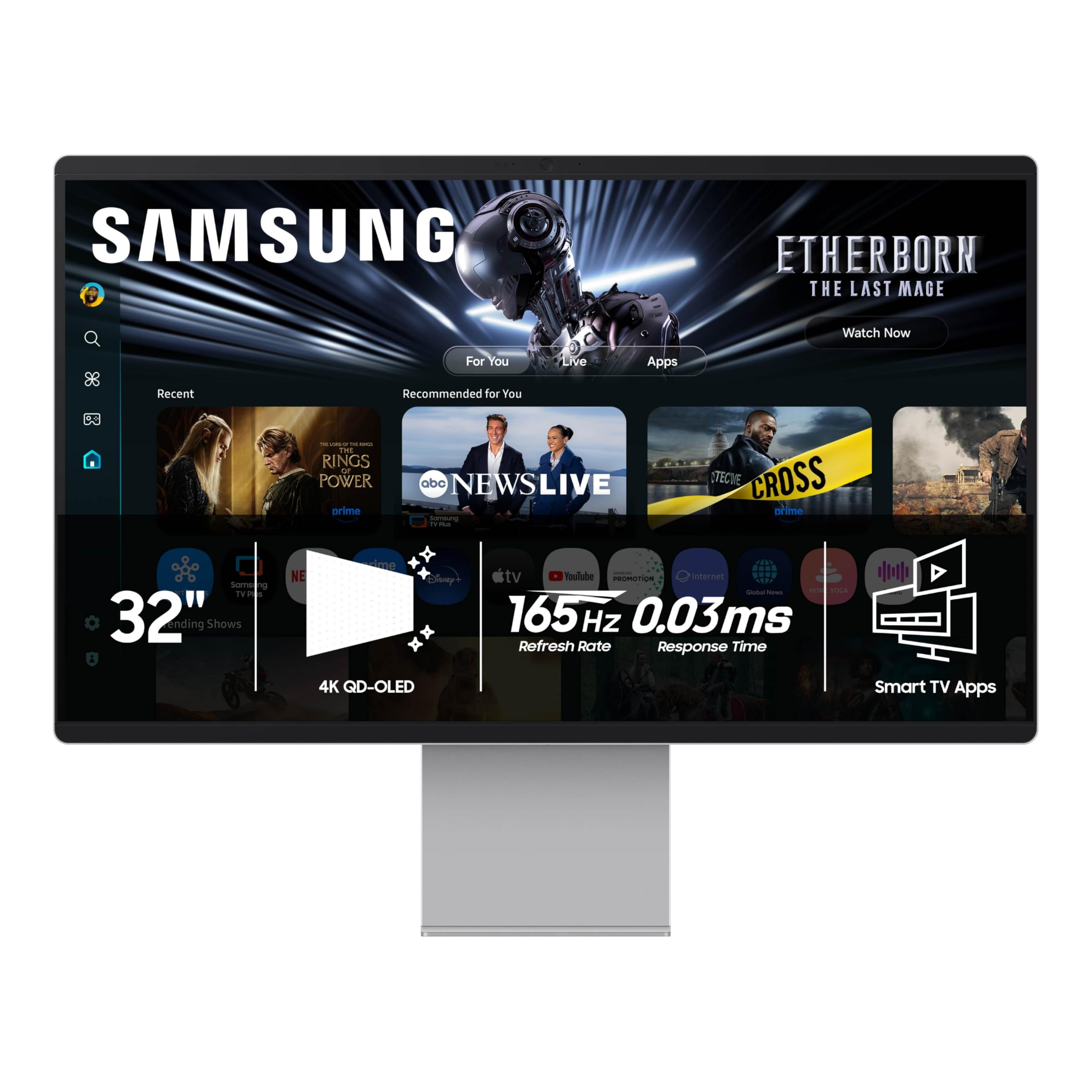
The Samsung OLED M9 M90SF is a 32-inch 4K QD-OLED smart monitor with 165 Hz refresh rate and 0.03ms response time. It integrates Samsung Vision AI, Gaming Hub, and streaming apps directly into the monitor — no PC or console required for casual gaming and content consumption. The Thermal Modulation System and Logo/Taskbar Detection protect against burn-in.
Refresh rate tops out at 165 Hz, which is lower than dedicated gaming monitors but still smooth for most titles. Connectivity includes HDMI 2.1, USB-C, and Wi-Fi/Bluetooth. The remote control and built-in speakers make it a self-contained entertainment hub. Three-year warranty covers the panel.
Buyers love the “most crisp and naturally picture-perfect screen” and appreciate the smart features for streaming. Some find the Samsung TV-like UI clunky and note that 165 Hz feels limiting compared to 240 Hz competitors. For those who want a 4K OLED that doubles as a smart TV, the M9 is a unique proposition, but pure gamers should look elsewhere.
Why it’s great
- Built-in Samsung Gaming Hub and streaming
- QD-OLED 4K with excellent image quality
- Works as standalone entertainment hub
Good to know
- 165Hz refresh rate lower than gaming monitors
- Samsung TV UI can be slow and cluttered
13. Dell UltraSharp U4025QW

The Dell UltraSharp U4025QW is a 40-inch 5K2K (5120 x 2160) ultrawide curved LED monitor with IPS Black technology and 120 Hz refresh rate. It uses an LED panel, not OLED, but its 5ms response time and 600-nit peak brightness make it excellent for professional productivity and media consumption. The 21:9 aspect ratio provides 33% more workspace than a 16:9 32-inch monitor.
Connectivity is the strongest feature: Thunderbolt 4, USB-C, HDMI, DisplayPort, and Ethernet are all built into a convenient hub. The KVM switch allows easy switching between a Mac and PC with a single cable. IPS Black technology delivers a 2000:1 contrast ratio — double typical IPS — for deeper blacks. The ergonomic stand offers full adjustability.
Buyers call it a “game changer for productivity” with stunning clarity and color fidelity, though some find the IPS black levels inferior to OLED. The price is premium, reflecting its professional-grade build and connectivity. For creative professionals who need color accuracy and screen real estate, this is the ultimate non-OLED choice.
Why it’s great
- 40″ 5K2K with Thunderbolt 4 hub
- IPS Black 2000:1 contrast for deep blacks
- 120Hz smooth for productivity and media
Good to know
- IPS contrast still lower than OLED
- Premium price for professional features
FAQ
Can any GPU run a 360 Hz OLED monitor at full speed?
Does OLED burn-in still happen on modern 360 Hz monitors?
Is a 360 Hz OLED worth it over a 240 Hz OLED?
What’s the difference between WOLED and QD-OLED for high-refresh gaming?
Final Thoughts: The Verdict
For most users, the best 360 hz oled monitor winner is the Sony INZONE M10S because it combines native 480 Hz QHD performance with competitive-focused features and a three-year burn-in warranty at a reasonable price. If you want dual-mode flexibility with 4K visuals and 480 Hz speed, grab the ASUS ROG Swift PG32UCDP. And for the absolute fastest experience, nothing beats the ASUS ROG Swift PG27AQWP-W with its 540 Hz QHD panel and Tandem OLED technology.