
The 38-inch ultrawide monitor is the final frontier for a single-screen workstation. It physically replaces two 24-inch 16:9 panels without the bezel gap, offering a panoramic 3840 x 1600 (WQHD+) canvas that is wider than a 34-inch yet taller than a 49-inch super-ultrawide. The real real-estate win is the vertical height: 1600 pixels unlocks an extra 200 rows of code, spreadsheet cells, or video timeline compared to a standard 1440p ultrawide, making these panels the sweet spot for productivity, content creation, and cockpit-style simulations.
I’m Min — the co-founder and writer behind Gadgets Feed. I have spent hundreds of hours analyzing factory spec sheets, cross-referencing panel types (IPS, VA, QD-OLED, W-OLED), and dissecting real-world connectivity and ergonomic parameters to separate the genuine 38-inch flagships from the compromised alternatives.
Whether you are a software developer needing vertical room for code, a gamer chasing immersion without the aggressive curve of a 49-inch, or a creator who needs color-accurate 1600p real estate, this guide isolates the absolute best 38-inch ultrawide monitor options from the current market.
How To Choose The Best 38-Inch Ultrawide Monitor
The 38-inch ultrawide category is a distinct island in the monitor landscape—larger physically and pixel-wise than a 34-inch, but more manageable than a 49-inch super-ultrawide. Your buying decision hinges on three pillars: panel type, connectivity infrastructure, and ergonomic adjustment range. A mismatch on any one of these will degrade the experience.
Panel Technology: IPS vs. VA vs. OLED
In the 38-inch class, IPS dominates for color-critical creative work, offering wide viewing angles and consistent brightness across the massive screen. VA panels deliver superior static contrast (3000:1 typical), making them better for dark-room gaming and movie watching. OLED—now available in premium 34-inch and 39-inch models—provides per-pixel black levels and near-instant response times, but comes with burn-in risk and lower full-screen brightness. For a 38-inch workhorse intended for mixed use, a high-quality IPS or VA panel is often the most practical choice, while OLED is the enthusiast’s pick for after-dark gaming.
Connectivity and the Hub Factor
A 38-inch monitor is a desktop anchor. The best models double as a KVM dock: a single USB-C or Thunderbolt cable should carry video, data, and up to 90W of laptop charging while also providing downstream USB ports and Ethernet. Verify the USB-C alt-mode spec—Thunderbolt 4/5 offers the highest bandwidth for daisy-chaining, while standard USB-C with DP Alt Mode is sufficient for single-PC setups. If you switch between a work laptop and a desktop, a built-in KVM switch with auto-detection is a productivity accelerant that quad-core specs cannot replicate.
Resolution and Pixel Density
The native resolution defines the viewing experience. True 38-inch panels run at 3840 x 1600 (WQHD+), delivering roughly 110 PPI—the sweet spot where text is crisp without needing aggressive OS scaling. Some monitors marketed as “38-inch” may use a standard 3440 x 1440 panel stretched to the same physical size, resulting in noticeably softer text. Always verify the resolution in the technical specifications: if the vertical pixel count is not 1600, it is not a genuine 38-inch ultrawide. Higher-priced models may offer 5120 x 2160 (WUHD), which quadruples the pixel count and requires a powerful GPU to drive at native resolution.
Quick Comparison
On smaller screens, swipe sideways to see the full table.
| Model | Category | Best For | Key Spec | Amazon |
|---|---|---|---|---|
| Dell U3821DW | Premium | Productivity & Hub Use | 3840 x 1600, 60Hz, USB-C 90W | Amazon |
| ViewSonic VP3881A | Premium | Color-Critical Design | 3840 x 1600, IPS, Pantone Validated | Amazon |
| Samsung 40″ ViewFinity S8 | Premium | Highest Resolution Work | 5120 x 2160, 144Hz, Thunderbolt 5 | Amazon |
| Dell U3818DW | Premium | MacBook Single-Cable Setup | 3840 x 1600, USB-C, KVM | Amazon |
| LG 39GX90SA-W | Premium | OLED Gaming & Streaming | 3440 x 1440, 240Hz, OLED | Amazon |
| ASUS ROG Strix XG34WCDG | Premium | Competitive QD-OLED Gaming | 3440 x 1440, 175Hz, QD-OLED | Amazon |
| LG 34WN80C-B | Mid-Range | Office & Home-Office | 3440 x 1440, IPS, USB-C 60W | Amazon |
| Samsung 40″ Odyssey G7 | Mid-Range | High-Resolution Gaming | 5120 x 2160, 180Hz, VA | Amazon |
| Alienware AW3425DW | Mid-Range | Ultrawide QD-OLED Value | 3440 x 1440, 240Hz, QD-OLED | Amazon |
| CRUA 49″ Curved | Budget | Wide 32:9 for Less | 5120 x 1440, 120Hz, VA | Amazon |
| Westinghouse 49″ Curved | Budget | Large 32:9 Productivity | 5120 x 1440, 120Hz, VA | Amazon |
In‑Depth Reviews
1. Dell U3821DW UltraSharp Curved USB-C Hub Monitor

The Dell U3821DW is the reference design for a 38-inch productivity hub. Its native 3840 x 1600 resolution on a 37.5-inch IPS panel delivers 110 PPI—the ideal density for macOS and Windows without scaling artifacts. The 2300R curvature is gentle enough to avoid geometric distortion but sufficient to pull the screen edges into your peripheral vision, reducing neck rotation during long work sessions.
Connectivity is the U3821DW’s defining strength. The USB-C upstream port delivers 90W of power delivery, video, and data over a single cable, while the downstream USB-A ports, RJ-45 Ethernet, and dual 9W speakers eliminate the need for a separate dock. The integrated Auto KVM automatically switches keyboard and mouse control between the USB-C source and a second PC connected via HDMI or DisplayPort, making it a seamless dual-PC command center.
Factory-calibrated 100% sRGB and 95% DCI-P3 coverage ensure color-accurate photo and video editing out of the box. The 60Hz refresh rate is adequate for office work and light gaming, though esports players will want a higher refresh companion. The three-side narrow bezel and platinum silver finish give it a premium desk presence that matches high-end laptops.
Why it’s great
- True 3840 x 1600 resolution with ideal pixel density for productivity
- Single USB-C 90W PD cable acts as a full docking station
- Auto KVM seamlessly switches between two PCs
Good to know
- Limited to 60Hz—not suitable for competitive gaming
- Premium price point reflects the hub and color features
2. ViewSonic VP3881A 38 Inch WQHD+ ColorPro Monitor

The ViewSonic VP3881A is built for color-critical workflows where Delta E accuracy matters more than refresh rate. Factory hardware calibration is verified with an included report, covering 100% sRGB, EBU, SMPTE-C, Rec. 709, and DCI-P3 color spaces. Pantone Validation ensures that the 1.07 billion colors displayed match physical swatch references, a requirement for graphic designers and video colorists.
At 38 inches with a 2300R curvature, the IPS panel maintains wide 178-degree viewing angles—critical for collaborative review sessions where multiple people gather around the screen. The stand offers height, tilt, and swivel adjustment, and the flicker-free backlight with a blue light filter supports all-day editing sessions without eye fatigue. The 300 cd/m² brightness is adequate for a controlled studio environment.
Connectivity includes USB-C with 90W power delivery, HDMI, DisplayPort, and an RJ-45 Ethernet port. The built-in USB hub acts as a basic docking station for a single laptop. While the 60Hz refresh rate makes it unsuitable for gaming, the VP3881A is the most color-accurate 38-inch panel available, outclassing general-purpose monitors in gamut coverage and calibration stability.
Why it’s great
- Factory hardware calibration with Pantone Validation for professional color work
- 100% sRGB and DCI-P3 coverage with Delta E < 2
- USB-C 90W PD with RJ-45 Ethernet for a clean single-cable setup
Good to know
- 60Hz refresh rate limits it to productivity and design
- Brightness is moderate at 300 cd/m²; not suitable for very bright rooms
3. Samsung 40″ ViewFinity S8 S85TH Curved Monitor
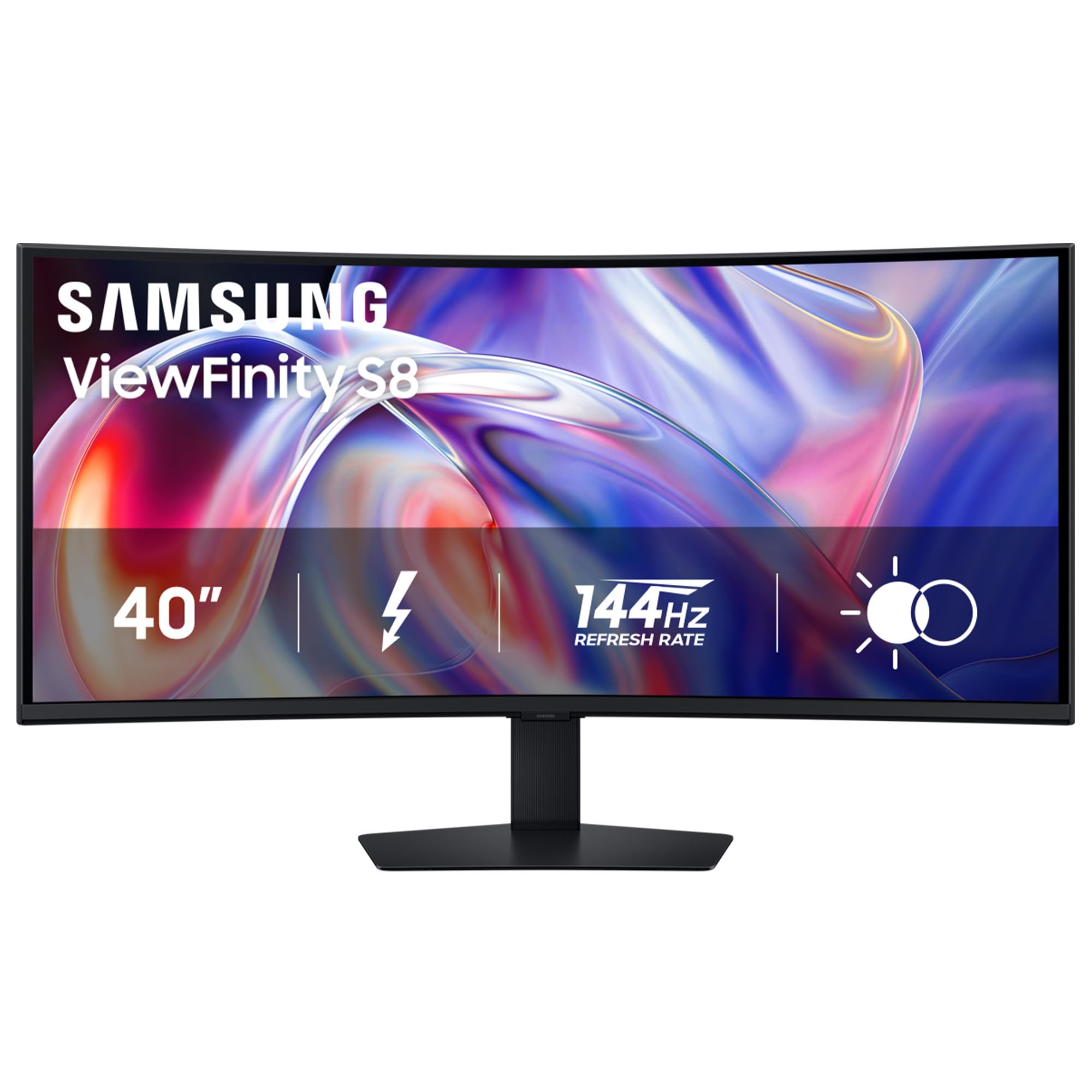
The Samsung ViewFinity S8 S85TH pushes the 38-inch class into true 5K2K territory with a 5120 x 2160 WUHD resolution. This delivers 140 PPI—sharp enough to run native without scaling on macOS and Windows—and provides 33% more horizontal workspace than a standard 3840 x 1600 panel. The 1000R curvature is aggressive, wrapping the field of view in a way that makes the 40-inch diagonal feel more intimate.
Thunderbolt 5 connectivity is the headline feature, delivering up to 140W of charging power alongside 40Gbps data throughput. This makes the S85TH a true single-cable dock for the latest MacBook Pro and high-end Windows laptops. The built-in KVM switch supports Picture-in-Picture and Picture-by-Picture, allowing a KVM-controlled workflow between two source computers simultaneously. The 144Hz refresh rate and AMD FreeSync Premium Pro make it viable for high-resolution gaming, though driving 5K2K at 144Hz requires a flagship GPU.
Color performance is strong for a VA panel, with 99% DCI-P3 coverage and HDR10+ support. HDR peak brightness is rated at 600 cd/m², delivering convincing highlights in supported content. The ergonomic stand provides height, tilt, and swivel adjustment. Photographers should note that the VA panel’s viewing angles and black levels are good but not OLED-level; dynamic brightness settings should be disabled for consistent output.
Why it’s great
- Native 5120 x 2160 resolution for ultra-sharp text and massive workspace
- Thunderbolt 5 with 140W power delivery acts as a premium laptop dock
- 144Hz refresh rate with FreeSync Premium Pro for smooth motion
Good to know
- Demands a powerful GPU to drive native resolution at high frame rates
- VA panel contrast is good but viewing angles are narrower than IPS
4. Dell U3818DW UltraSharp 38-Inch 4K UHD 1600p Monitor

The Dell U3818DW is a slightly older but still capable 38-inch workhorse that pairs exceptionally well with MacBook Pro models. The 3840 x 1600 resolution, when set to the scaled 3840×1620 option via macOS, delivers retina-class text clarity without the heavy GPU load of 5K2K panels. The 2300R curve is identical to the U3821DW, providing a comfortable immersive field for desktop productivity.
USB-C connectivity streams video, data, and up to 65W of laptop charging over a single cable—sufficient for all MacBook Air and most MacBook Pro models. The built-in KVM switch allows keyboard and mouse sharing between the USB-C laptop and a second source via HDMI or DisplayPort. The stand offers height, tilt, and swivel adjustment, with the monitor’s elegant silver-and-black aesthetic that matches the Dell UltraSharp lineup.
Color accuracy is strong with 99% sRGB coverage, and the factory calibration report ensures consistent output. The 60Hz refresh rate is standard for the office-focused UltraSharp line, and the integrated speakers are adequate for video conferencing. For users who prioritize a single-cable MacBook docking experience with a genuine 3840 x 1600 resolution, the U3818DW remains a compelling choice.
Why it’s great
- True 3840 x 1600 resolution ideal for macOS with native HiDPI support
- Single USB-C cable handles video, data, and 65W charging
- Built-in KVM switch for multi-PC workflows
Good to know
- Limited to 60Hz; not designed for gaming
- Older design—lacks Thunderbolt 5 and higher wattage PD of newer models
5. LG 39GX90SA-W 39-inch Ultragear OLED Curved Gaming Monitor

The LG 39GX90SA-W is a 39-inch OLED ultrawide with a dramatic 800R curvature—the steepest curve available in this class. The 3440 x 1440 WQHD resolution on an OLED panel delivers infinite contrast, per-pixel off blacks, and 1300-nit peak brightness for HDR content. The 240Hz refresh rate combined with a 0.03ms response time makes it one of the fastest ultrawide monitors on the market, eliminating motion blur in competitive shooters and racing simulations.
What sets this LG apart is its integration of webOS 24, which provides built-in access to Netflix, Prime Video, Disney+, and cloud gaming services like NVIDIA GeForce NOW and Amazon Luna. This means the monitor can function as a standalone entertainment device without a PC connected. The anti-glare OLED surface minimizes reflections, enhancing the immersive effect of the steep curve.
Connectivity includes HDMI 2.1, DisplayPort, and USB-C with 90W power delivery. The stand offers height, tilt, and swivel adjustment, and the monitor includes a 2-year limited warranty covering the OLED panel. The white chassis gives it a distinct aesthetic that stands out from the black monitor crowd. Burn-in risk exists with any OLED panel, but LG includes pixel cleaning and OLED Care tools to mitigate long-term wear.
Why it’s great
- Infinite contrast and vibrant colors from OLED panel technology
- 800R curve offers the deepest immersion of any ultrawide
- 240Hz refresh rate and 0.03ms response for elite gaming performance
Good to know
- 3440 x 1440 resolution means lower pixel density than 38-inch 3840 x 1600 panels
- OLED burn-in risk requires careful usage habits and panel care
6. ASUS ROG Strix 34” Ultrawide QD-OLED HDR Gaming Monitor (XG34WCDG)

The ASUS ROG Strix XG34WCDG is a 34-inch QD-OLED gaming monitor that pushes refresh rate to 175Hz. The Quantum Dot OLED panel delivers 99.3% DCI-P3 color coverage, a 1,500,000:1 contrast ratio, and VESA DisplayHDR 400 True Black certification, producing black levels that are truly black and highlights that pop. The 0.03ms response time eliminates ghosting in fast-paced esports titles.
ASUS OLED Care Pro is a standout feature: the Neo Proximity Sensor detects when the user steps away and automatically blanks the screen, reducing burn-in risk. The DisplayWidget Center software allows adjustment of OLED Care functions using a mouse, eliminating the need for OSD navigation. The monitor is G-Sync Compatible and supports AMD FreeSync Premium Pro, ensuring tear-free gameplay across both GPU ecosystems.
Connectivity includes HDMI 2.1, DisplayPort 1.4, and a USB hub. The 3-year warranty includes burn-in coverage, offering peace of mind for OLED adopters. The color accuracy is factory-calibrated with Delta E < 2, making it viable for creative work alongside gaming. Text clarity is slightly softer than a traditional IPS panel due to the OLED subpixel structure, but the immersion and color performance are unmatched in this price range.
Why it’s great
- QD-OLED delivers best-in-class color and infinite contrast for gaming
- 175Hz refresh rate with G-Sync and FreeSync compatibility
- OLED Care Pro with proximity sensor and 3-year burn-in coverage
Good to know
- 3440 x 1440 resolution—lower vertical height than true 38-inch 1600p panels
- OLED text clarity is slightly softer than high-ppi IPS panels for productivity work
7. LG 34WN80C-B UltraWide Monitor 34” Curved WQHD IPS
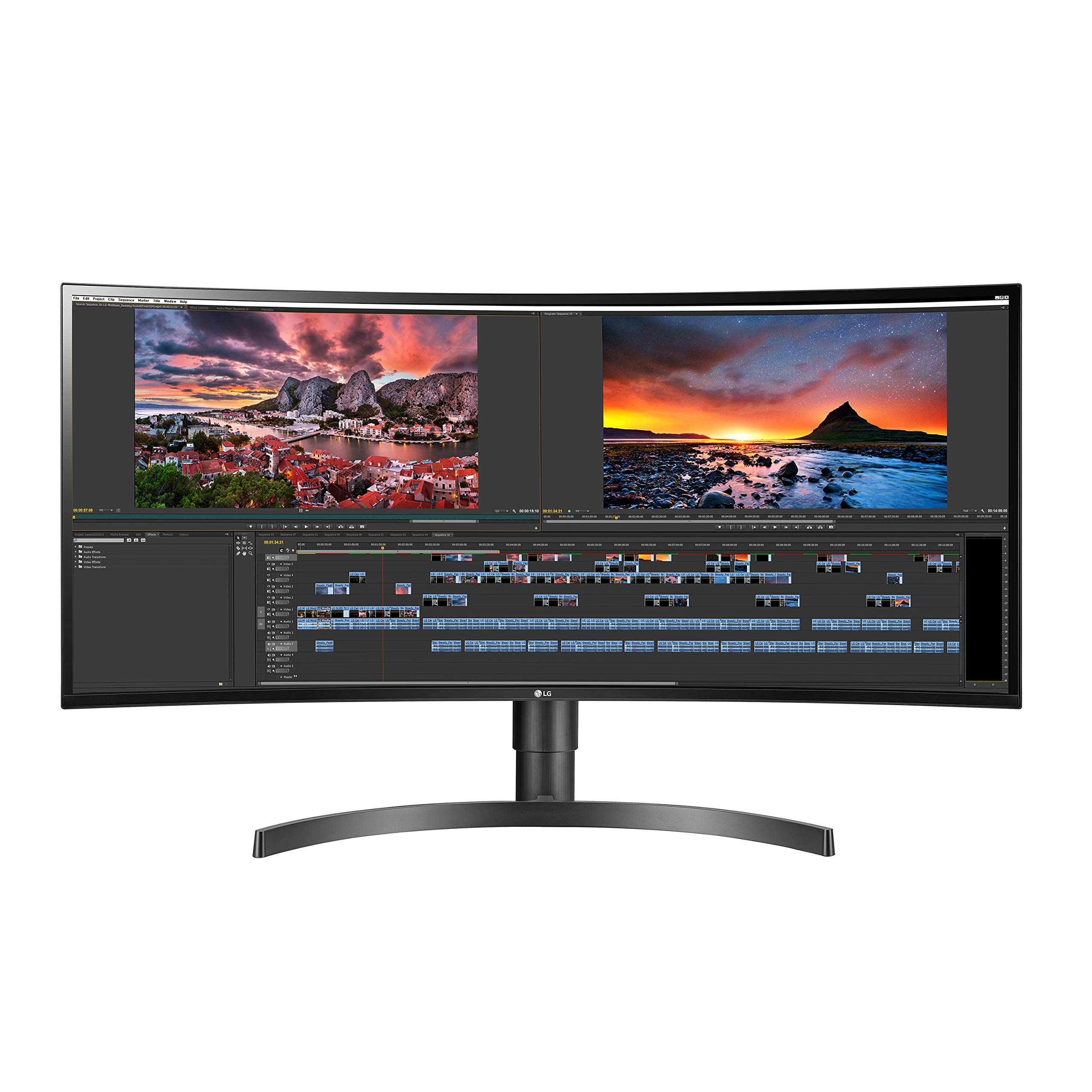
The LG 34WN80C-B is a 34-inch IPS ultrawide that has become a staple for home-office setups. The 3440 x 1440 resolution on a 21:9 curved panel provides a 30% wider workspace than a standard 16:9 QHD monitor, allowing users to stack two browser windows side by side without scrolling. The IPS panel delivers consistent color and viewing angles, with 99% sRGB coverage suitable for general photo editing and design work.
The USB-C port supports 60W power delivery, sufficient for most ultrabooks and smaller laptops. The included On-Screen Control software allows the user to split the screen into customizable zones, a feature that boosts multitasking efficiency for spreadsheet and programming workflows. The tilt and height-adjustable stand supports ergonomic desk setups, and the three-side virtually borderless design modernizes the desktop appearance.
The 60Hz refresh rate and 5ms response time are standard for an office-focused panel. Gaming is limited by the lower refresh rate, but casual titles are playable. The contrast ratio of 700:1 is typical for IPS, meaning blacks appear gray in a dark room. This is an honest, well-built monitor that delivers exactly what it promises: a reliable, color-accurate ultrawide for productivity-focused users.
Why it’s great
- IPS panel with 99% sRGB for accurate color in office and design work
- USB-C with 60W PD for single-cable laptop charging and video
- On-screen control software for easy window splitting and customization
Good to know
- 60Hz refresh rate and 5ms response time limit gaming performance
- Only one USB-C port; HDMI connection may cause scaling issues on some Macs
8. Samsung 40″ Odyssey G7 G75F WUHD Curved Gaming Monitor

The Samsung Odyssey G7 G75F brings 5K2K resolution (5120 x 2160) to the gaming-focused ultrawide space. This 40-inch panel with a 1000R curvature and 21:9 aspect ratio provides a field of view that wraps around the user, making it ideal for racing and flight simulators. The VA panel delivers a 3000:1 native contrast ratio, providing deeper blacks than IPS alternatives and improving immersion in dark scenes.
The 180Hz refresh rate and 1ms GtG response time ensure smooth motion even at this high resolution, though driving 5120 x 2160 at 180Hz requires a top-tier GPU like an RTX 4080 or 4090. AMD FreeSync Premium Pro eliminates screen tearing and stutter in supported titles. VESA DisplayHDR 600 certification means peak brightness reaches 600 cd/m² for HDR highlights, though sustained full-screen brightness is lower.
Color coverage is rated at 99% DCI-P3, making it viable for creative work alongside gaming. The stand offers height, tilt, and swivel adjustment, and the connectivity includes HDMI 2.1 and DisplayPort 1.4. The aggressive curve and high resolution make this monitor a compelling alternative to 4K TVs for desktop gaming, though the VA panel’s viewing angle limitations mean color shifts are visible from extreme side angles.
Why it’s great
- Native 5K2K resolution with 180Hz for high-framerate ultrawide gaming
- VA panel offers 3000:1 contrast for deep blacks and immersive dark scenes
- 1000R curve wraps the view field for racing and simulation titles
Good to know
- Requires a very powerful GPU to drive native resolution at high frame rates
- VA panel viewing angles lead to color shift at extreme side positions
9. Alienware 34 240Hz QD-OLED Curved Gaming Monitor AW3425DW

The Alienware AW3425DW is a 34-inch QD-OLED ultrawide that delivers elite gaming performance at a more accessible price point than premium OLED alternatives. The 3440 x 1440 resolution on a 1800R curve provides a balanced field of view for both gaming and productivity. The QD-OLED panel offers infinite contrast, 99.3% DCI-P3 color coverage, and VESA DisplayHDR TrueBlack 400, producing vivid colors and true blacks.
The 240Hz refresh rate and 0.03ms response time ensure extremely smooth motion, and the monitor supports AMD FreeSync Premium Pro and G-Sync Compatible. Text clarity on QD-OLED panels has historically been a concern, but the AW3425DW uses a newer subpixel layout that improves readability for productivity tasks. The stand offers height, tilt, and swivel adjustment, and the Alienware aesthetic includes customizable RGB lighting on the back panel.
Connectivity includes HDMI 2.1, DisplayPort 1.4, and a USB hub. The build quality is solid, with a premium metal stand base. The 3-year warranty covers the panel against burn-in, which is a significant advantage over some competitors. For users who want the black levels and motion clarity of OLED without paying flagship prices, the AW3425DW is a strong contender.
Why it’s great
- QD-OLED delivers infinite contrast and 99.3% DCI-P3 color at a competitive price
- 240Hz refresh rate with both FreeSync and G-Sync compatibility
- 3-year warranty includes burn-in coverage for peace of mind
Good to know
- 3440 x 1440 resolution—lower vertical space than WQHD+ panels
- Text clarity is improved but still not as sharp as high-ppi IPS monitors
10. CRUA 49″ White Curved Monitor DQHD 5120 x 1440
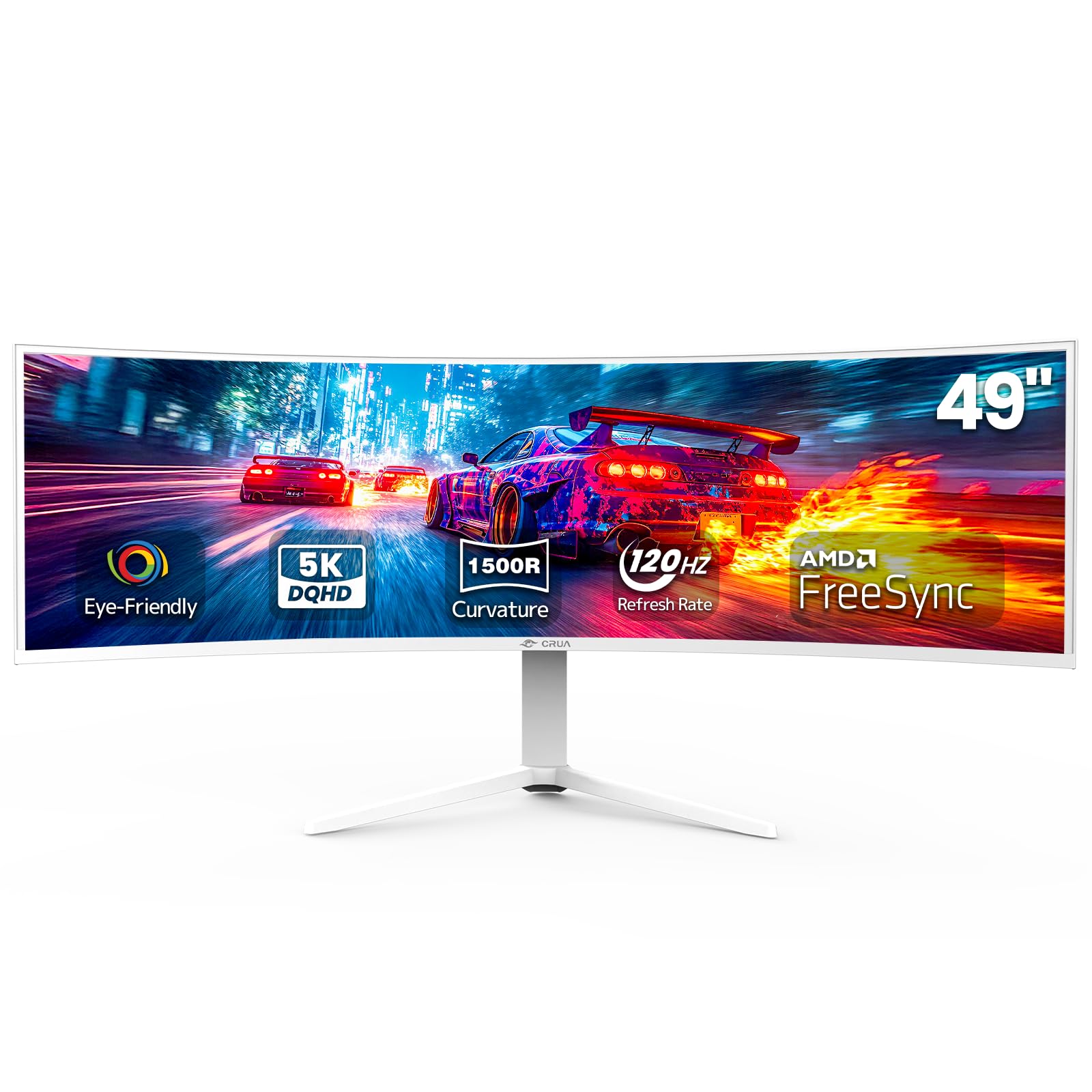
The CRUA 49-inch monitor is a budget-oriented entry into the super-ultrawide space, offering a 5120 x 1440 resolution on a 32:9 panel. This is effectively two 1440p monitors side by side, providing massive horizontal workspace for productivity and immersive field of view for gaming. The 1500R curvature is moderate, reducing geometric distortion while still adding a wraparound effect.
The VA panel delivers a 3000:1 contrast ratio and 120% sRGB color coverage, producing decent color saturation and deeper blacks than entry-level IPS panels. The 120Hz refresh rate and AMD FreeSync support eliminate screen tearing for casual gaming. Setup is straightforward with HDMI 2.1 and DisplayPort 1.4 connectivity, and the height-adjustable stand provides ergonomic flexibility. The white chassis offers a unique aesthetic option for light-themed builds.
At this price point, compromises are expected. The brightness is rated at 330 cd/m², which is adequate for indoor use but not for HDR content. The build quality and on-screen display are simpler than premium competitors. Some reviewers reported coil whine from the power adapter. For budget-conscious users who prioritize screen real estate over absolute image quality, the CRUA delivers the widest view at the lowest cost.
Why it’s great
- Massive 5120 x 1440 resolution for the price—effectively dual 27-inch 1440p monitors
- 120Hz refresh rate and FreeSync for smooth motion in games
- White chassis offers a unique aesthetic option
Good to know
- Build quality and customer support may not match established brands
- No USB-C port; limited to HDMI and DisplayPort connections
11. Westinghouse 49 Inch Curved Gaming Monitor UWDQHD 5120 x 1440
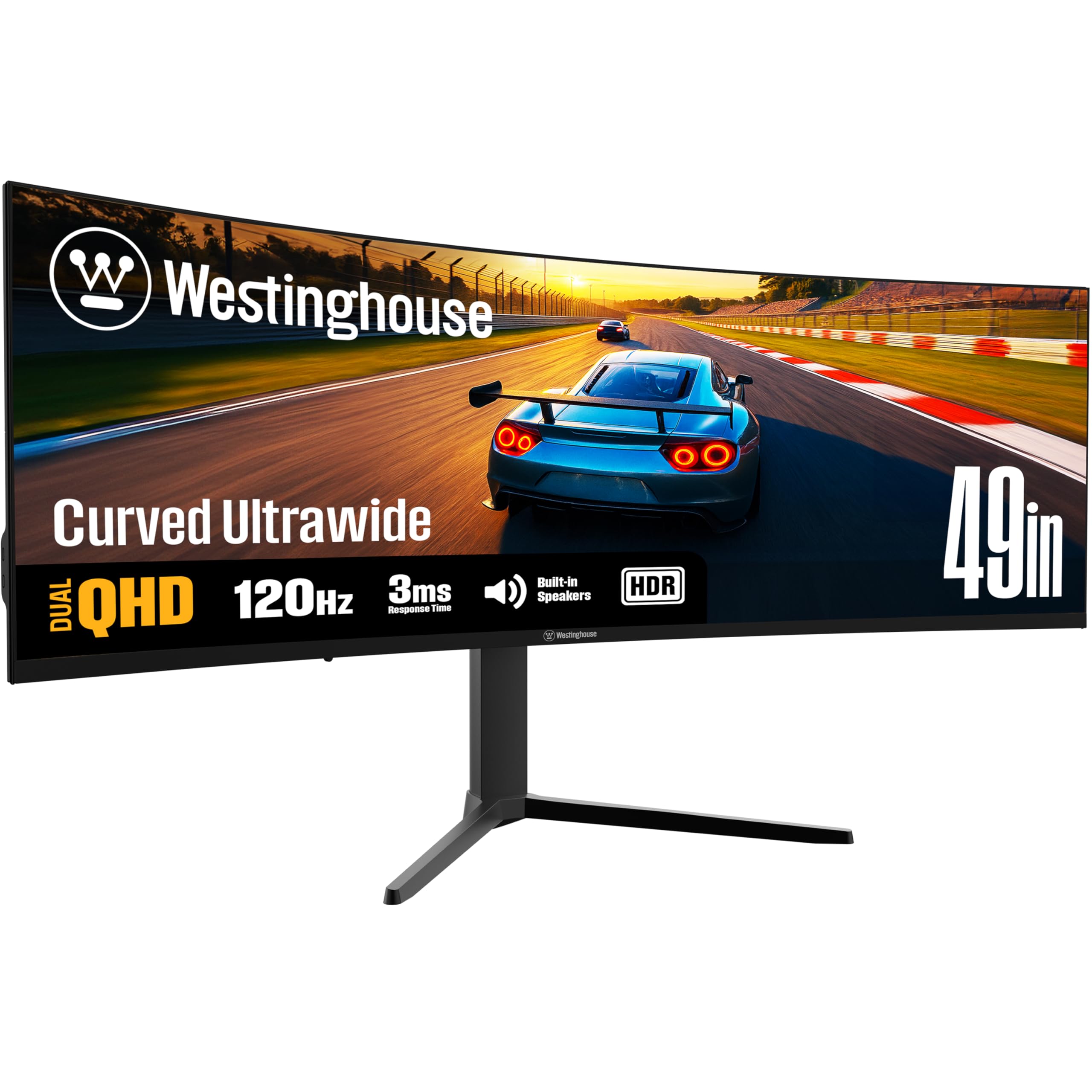
The Westinghouse 49-inch curved monitor is a budget-friendly super-ultrawide that matches the CRUA’s 5120 x 1440 resolution and 120Hz refresh rate. The 32:9 aspect ratio on a 1800R curve provides a wide but less aggressive wraparound feel than tighter curvatures. The VA panel offers a 3000:1 contrast ratio and 124% sRGB coverage, delivering decent color saturation for general use.
A distinguishing feature is the inclusion of built-in 5W speakers, which the CRUA lacks, providing basic audio for conference calls or casual media consumption without needing external speakers. The connectivity suite includes HDMI, DisplayPort, and a USB-C port with 65W power delivery, allowing the monitor to charge a connected laptop. The stand offers height, tilt, and swivel adjustment for ergonomic flexibility.
However, the Westinghouse model is more susceptible to quality control issues than premium monitors, with user reports of flickering, half-screen blackouts, and defective units. The built-in speakers are described as quiet and lacking bass. The warranty and customer support response times are inconsistent. For users who can tolerate potential quality variation and want a 49-inch panel with USB-C charging at the lowest possible cost, this monitor offers that combination, but the risk is higher.
Why it’s great
- 49-inch 5120 x 1440 super-ultrawide at a budget-friendly price point
- USB-C with 65W PD for single-cable laptop connection
- Built-in speakers eliminate the need for external audio for basic use
Good to know
- Quality control can be inconsistent—reports of flickering and screen failures
- Built-in speakers are weak and unsuitable for immersive audio
FAQ
What is the difference between a 38-inch ultrawide and a 49-inch super-ultrawide?
Can a 38-inch ultrawide monitor be wall-mounted?
Is a 38-inch ultrawide monitor good for programming?
Final Thoughts: The Verdict
For most users, the 38-inch ultrawide monitor winner is the Dell U3821DW because it combines a true 3840 x 1600 IPS panel with a built-in KVM hub, single USB-C 90W charging, and enterprise-level color accuracy—making it the ultimate desktop command center for productivity and creative work. If you want the highest pixel density and a 144Hz refresh rate for hybrid gaming and work, grab the Samsung 40″ ViewFinity S8. And for a premium color-accurate design workstation without gaming compromises, nothing beats the ViewSonic VP3881A.