
Our readers keep the lights on and my morning glass full of iced black tea. As an Amazon Associate, I earn from qualifying purchases.
Specs are compiled from manufacturer listings and verified buyer reviews and can change over time — please confirm the key details on the product page before buying.
You want a great picture without a giant screen dominating your room. This guide covers 40-inch and 43-inch models that fit bedrooms, dorms, kitchens, and compact living spaces. We break down picture quality, smart platforms, sound, and gaming features so you can confidently pick the right one for your setup.
I’m Min — the founder and writer behind Gadgets Feed. This guide is built by comparing the manufacturers’ published specifications and the patterns across verified customer reviews, so you get each pick’s real strengths and trade-offs instead of marketing spin.
Here’s a clear, honest look at the best 39-inch smart tv alternatives, ranked by what owners actually say and the tech that matters most for daily viewing.
Our Picks at a Glance
How To Choose The Best 39-Inch Smart TV
Choosing a TV in this size range is less about the exact number of inches and more about finding a model that fits your space and viewing habits perfectly. Whether you settle on a 40-inch model or step up to a 43-inch screen, the key is matching the right features to how you’ll actually use it.
Match the platform to your habits
The operating system (OS) is your daily gateway to content. If you’re deep in the Amazon ecosystem, a Fire TV puts your favorite apps and Alexa front and center. Roku is praised for its simple, user-friendly interface, making it a top choice for many. Google TV offers a unified experience with Google Assistant, while Xumo provides free live channels from the start. Consider which ecosystem you already use most.
Check the picture panel and resolution
At this size, you’ll see 1080p Full HD and 4K UHD options. Full HD (1080p) is perfectly crisp for a compact room, especially from a normal viewing distance. If you want the sharpest image possible and watch a lot of 4K content, a 4K model delivers noticeably more detail. Look for enhancements like QLED for richer colors and HDR for better contrast.
Sound and gaming performance often get overlooked
Built-in speakers are rarely impressive, so look for virtual surround sound features like DTS Virtual:X or Dolby Audio if you aren’t planning to add a soundbar. For gamers, a dedicated Game Mode with low input lag is crucial — ideally around 16ms or less — to keep gameplay responsive and free of frustrating lag.
Quick Comparison
| Model | Best For | Resolution | Smart Platform | Key Feature | Amazon |
|---|---|---|---|---|---|
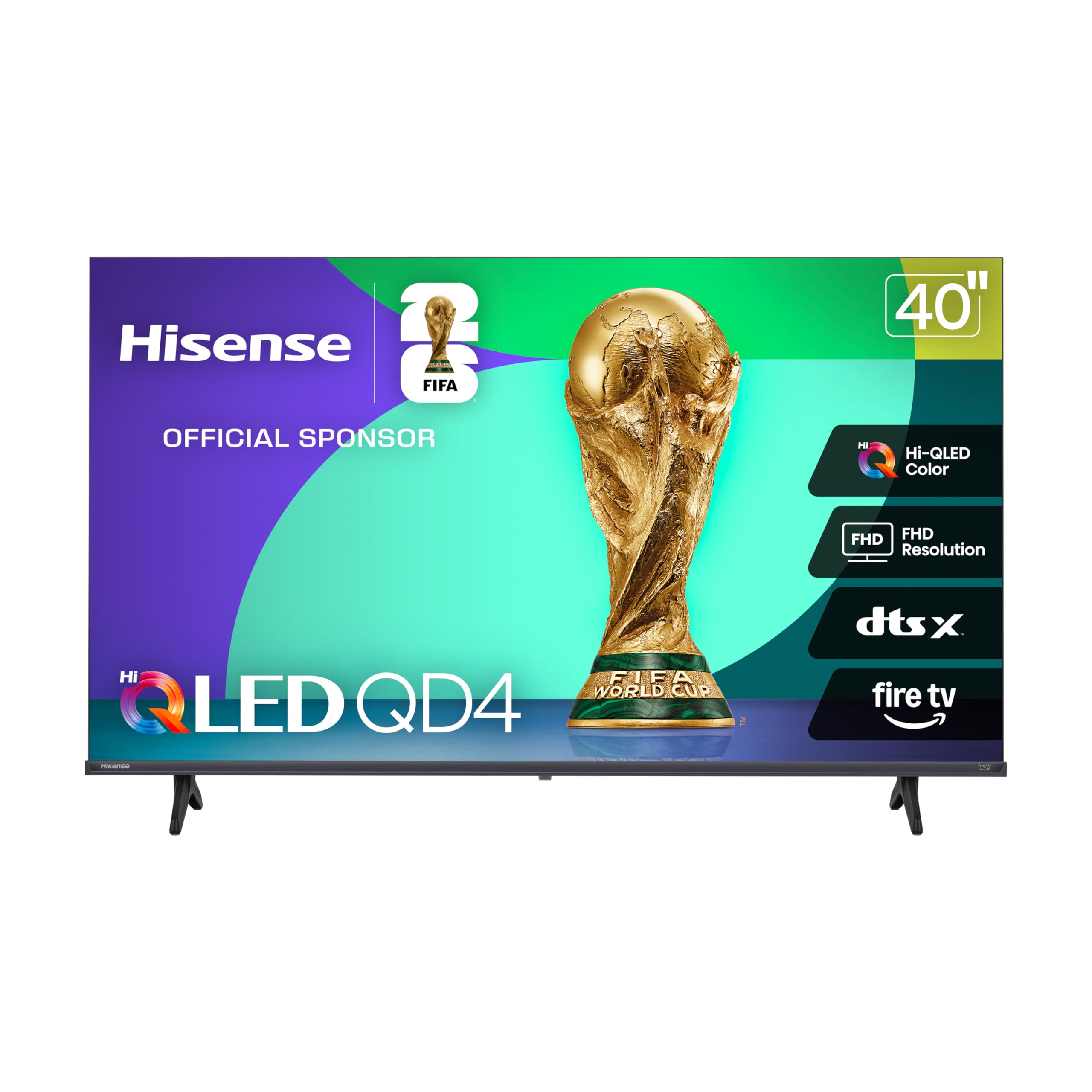
| Hisense QD4 Fire TV★ Best Overall | Alexa lovers & gamers | 1080p QLED | Fire TV | DTS Virtual:X | Amazon |
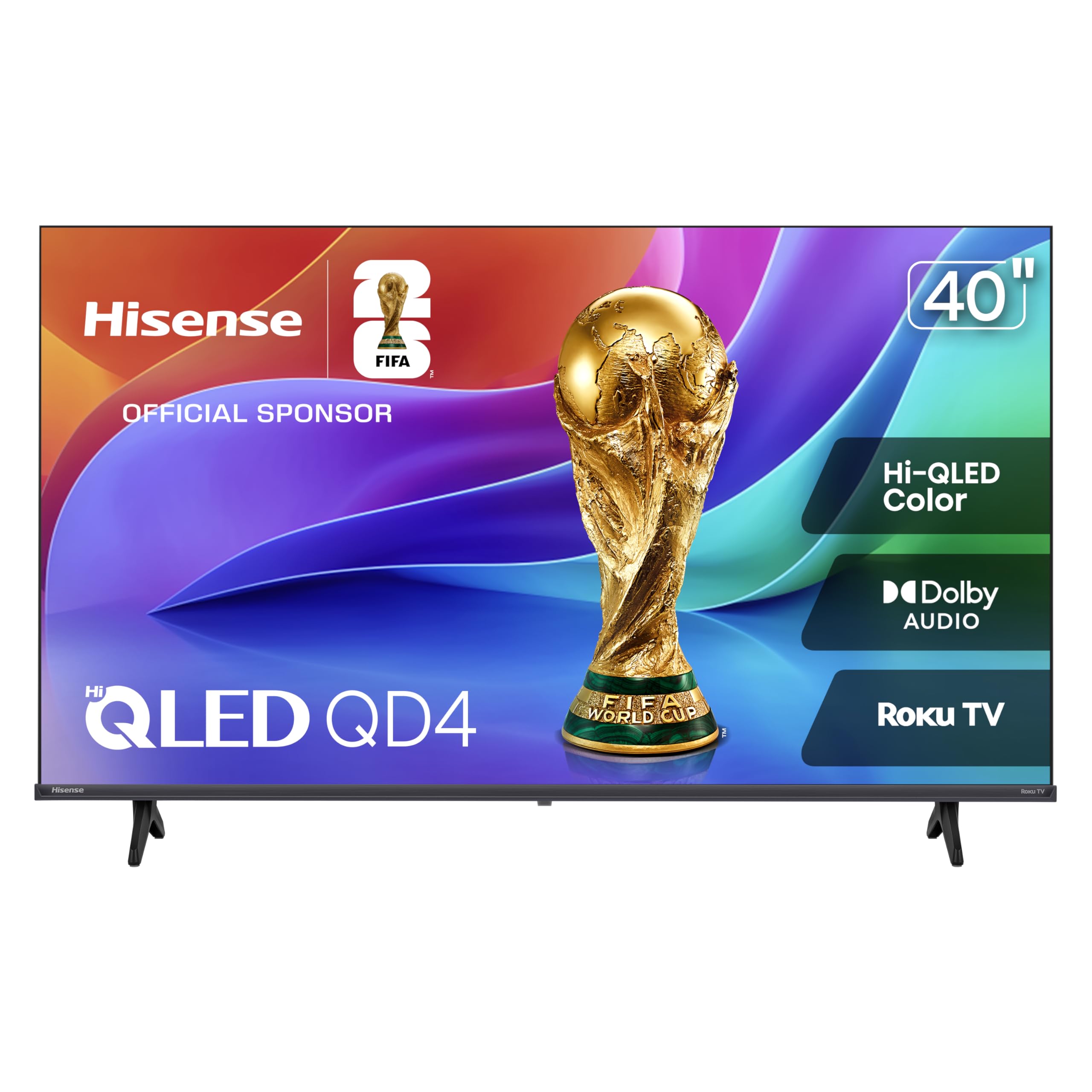
| Hisense QD4SR Roku TVRoku Value Pick | Roku fans on a budget | 1080p QLED | Roku TV | Dolby Audio | Amazon |
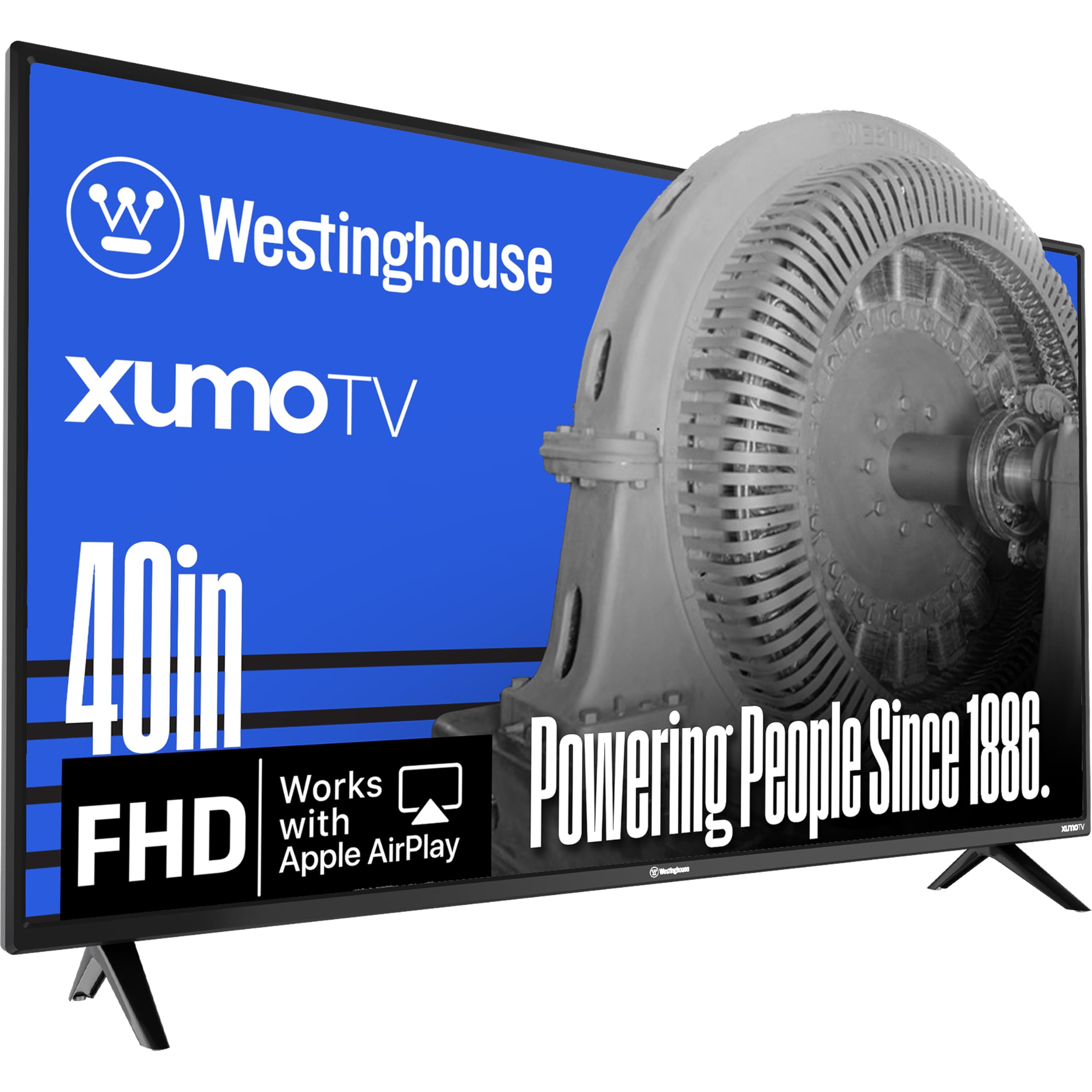
| Westinghouse Xumo TVFree TV Pick | Free live content | 1080p | Xumo TV | Dolby Atmos | Amazon |
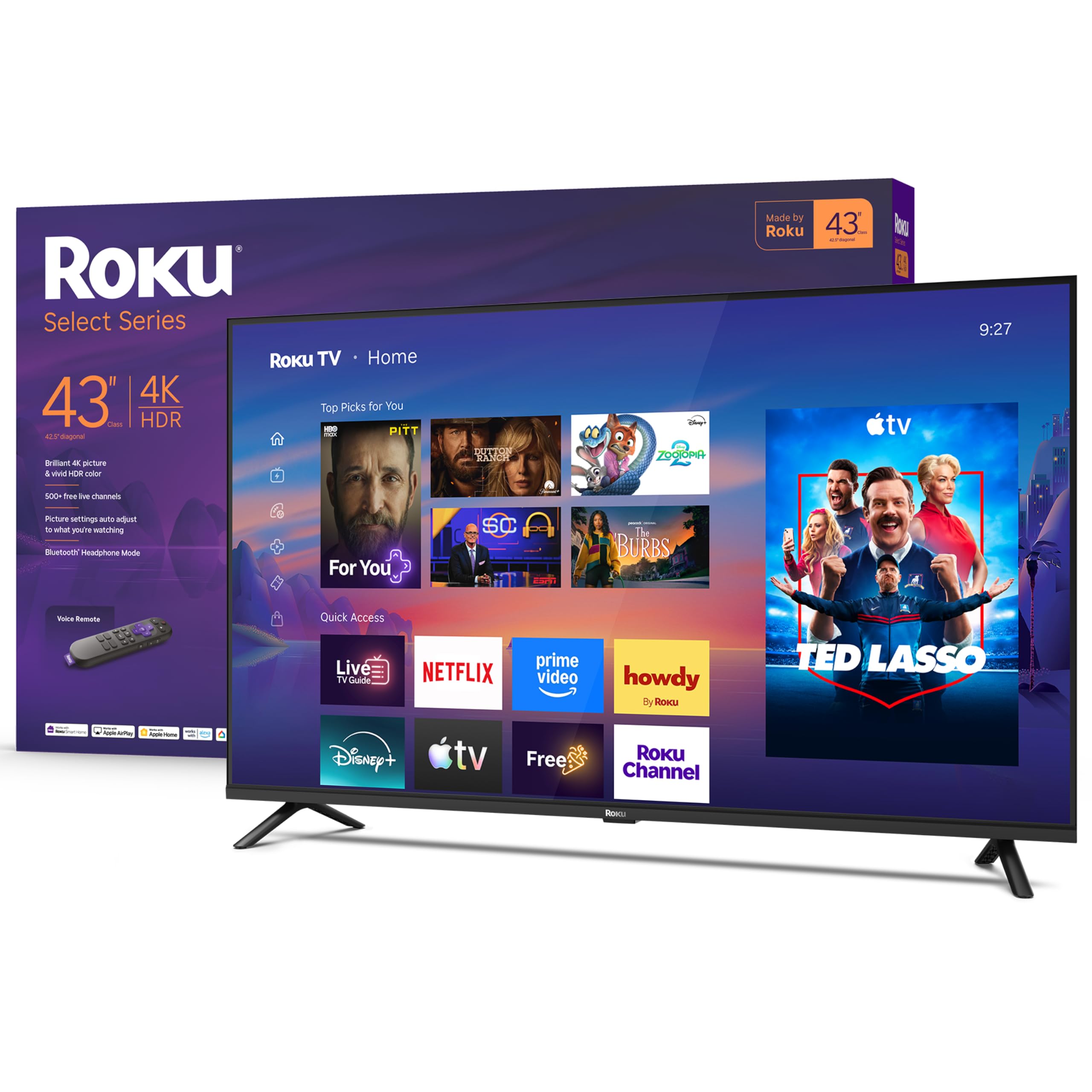
| Roku Select Series 4K | 4K detail & simplicity | 4K UHD | Roku TV | HDR10 | Amazon |
| Westinghouse QLED Roku | Bright room color pop | 1080p QLED | Roku TV | Bluetooth 5.2 | Amazon |
| FPD 40-inch Google TV | Google Assistant users | 1080p | Google TV | Chromecast Built-in | Amazon |
| Samsung Crystal UHD | 4K upscaling & motion | 4K UHD | Samsung Tizen | Crystal Processor | Amazon |
| Amazon Ember 2-Series | Fast Fire TV experience | 1080p | Fire TV | Wi-Fi 6 support | Amazon |
| Sony BRAVIA 2 II | PS5 gamers & cinephiles | 4K HDR | Google TV | 4K Processor X1 | Amazon |
In-Depth Reviews
1. Hisense 40-Inch QD4 Fire TV
Our pick — over 4★ from 400+ verified ratings; the strongest balance of quality and price.
A vivid QLED panel and a 16ms Game Mode make this the top pick for mixed-use rooms.
This Hisense leads our list because it blends rich, vibrant visuals with the convenience of the Fire TV platform, making it a versatile choice for most households. The Hi-QLED Color technology ensures every frame is full of life, and its 1080p Full HD resolution with Full Array LED backlight delivers a sharp, bright picture. Its built-in Alexa lets you find shows, launch apps, and even control smart home devices with your voice.
For gamers, the dedicated Game Mode cuts input lag down to a very responsive 16ms, which buyers report makes a noticeable difference, even with a modern console like an Xbox Series S. The sound, enhanced by DTS Virtual:X, provides clear dialogue and a room-filling feel. Owners consistently describe the setup as surprisingly easy, often comparing the experience to the simplicity of a phone app, and praise the sharp picture and overall quality for a compact space.
The most common compromise mentioned is the audio, with some owners finding it “decent” while others suggest a soundbar for fuller sound. A few note a slight delay when switching between apps. Also, the included voice remote is tiny, with one owner labeling it easily lost, so consider a backup. It’s a fantastic value for a primary bedroom or a dedicated gaming den.
QD4 picture upgrade
- Vibrant Hi-QLED picture quality praised for its vibrant colors
- Blazing-fast 16ms Game Mode for responsive gaming
- Simple setup with built-in Fire TV and Alexa voice control
Fire OS quirks
- Sound quality is a common point of debate, with many suggesting a soundbar
- App switching isn’t always perfectly quick, with minor lag reported
- The petite remote is easy to misplace
all-rounder: This is the best pick if you want a vibrant picture, easy smart features, and good gaming performance in one package.
think twice: You prioritize booming sound from the start, as you will likely want to budget for a separate soundbar.
2. Hisense 40-Inch QD4SR Roku TV
This is the Roku lover’s budget-friendly Hisense with the same vivid QLED panel and a 16ms Game Mode.
If you prefer the clean, grid-based Roku interface, this Hisense model pairs it with America’s #1 streaming platform. The Roku OS is fast, intuitive, and self-upgrading, so the whole family can use it easily. The 1080p Full HD resolution (1920×1080 pixels) with a Full Array LED backlight keeps the picture crisp and bright, and Dolby Audio (a surround-sound format) provides an rich soundstage.
It’s a natural fit for a bedroom, which owners frequently highlight, and one even uses it successfully with Starlink internet. The setup is genuinely quick, and the value is a recurring theme. Owners frequently praise the speaker quality, with one stating it’s surprisingly better than any other mid-priced TV they’ve owned, and another notes the previous Hisense lasted an impressive 14 years, showing a strong track record for reliability. The Roku interface is also noted as faster and cleaner than some competitors, with fewer ads.
The main caveat comes with certain internet setups; there are reports of setup issues on T-Mobile home internet that require workarounds. Like most budget TVs, the built-in speakers are decent but not a replacement for a soundbar. It’s an excellent choice if you want a reliable, easy-to-use TV with great colors and don’t want to pay a premium for the latest 4K tech. It also features a 16ms Game Mode, making it a capable budget option for gamers.
grab this: A straightforward, reliable smart TV with an excellent picture and a user-friendly Roku interface at a great price.
look elsewhere: You rely on T-Mobile home internet, as there are reports of setup connectivity issues that need extra steps.
3. Westinghouse 40-inch Xumo TV
This Westinghouse offers 350+ free channels from the start, with Dolby Atmos and a voice remote.
This 40-inch Westinghouse is the pick for the cord-cutter who loves free content, thanks to the Xumo TV OS. It delivers Full HD 1080p resolution (1920 x 1080) for sharp images and is powered by Xumo, giving you instant access to 350+ free live channels and 70,000+ on-demand movies and shows without any subscriptions. The included voice remote and universal search let you find content across all your apps without endless menu scrolling.
Connectivity is a strong point, with 3 x HDMI (for consoles or streaming sticks), 1 x USB, Composite Video, and Optical Digital Audio inputs for maximum flexibility. It also features Dolby Atmos (a 3D sound format) and Bluetooth for pairing your own speakers or headphones. Owners mention it’s an easy setup with an excellent picture and color, and that it fits a wall mount perfectly. One owner even highlighted the strong Dolby sound as a key selling point.
However, the Xumo operating system is the main trade-off, with some owners finding it less flexible than Roku or Fire TV. The recurring criticism is the preloaded bloatware and a lack of app downloads, and some have experienced freezing during live sports. Also, its remote compatibility has been problematic for some cable users, notably with Cox Cable remotes. It’s a great value if you want a quality display with free built-in content and don’t need the most customizable smart platform.
perfect for: Viewers who want a solid 1080p screen with huge free content library and vibrant Dolby Atmos sound.
not for: Those who want a fully customizable app store or use a Cox Cable remote, as compatibility can be an issue.
4. Roku 43-Inch Select Series 4K
Roku’s simple interface meets sharp 4K detail and HDR10 for a step up in clarity.
For a noticeable jump in sharpness, this Roku Select Series TV brings a 43-inch 4K panel with HDR10 to the table. This allows colors to pop in lifelike clarity and reveals rich details that a 1080p screen can’t. It runs on Roku Smart Picture, which tune the incoming signal and automatically picks the right picture mode for whatever you’re watching. The interface is Roku’s hallmark: simple to navigate, fast, and hard to outgrow.
Owners highlight it as an excellent value, often describing it as a lot of “bang for your buck,” and praise the image and sound quality. The setup is quick, and the included remote is refreshingly uncluttered. Some owners note that it’s a great fit for a bedroom and appreciate the Bluetooth Headphone Mode, which lets you listen to entertainment without waking the house. One owner highlighted its strong performance near Parker, CO, pulling in 40+ over-the-air channels with a small antenna, proving its solid built-in tuner.
This is the pick for those who want the sharpest picture possible in a compact size without dealing with a complex smart system. The trade-off is simply that you’re paying a bit more for that 4K clarity. It’s a well-rounded performer, though some may find they need a soundbar for a fully cinematic experience. For most spaces and room sizes, the detail boost from 4K is a genuine, visible upgrade over a 1080p model.
step up: Sharper 4K detail and vibrant HDR10 color in a simple-to-use Roku package that’s a clear upgrade in clarity.
budget pick: If you’re happy with 1080p, the Hisense QD4SR offers similar ease for a lower cost.
5. Westinghouse 40-Inch QLED Roku TV
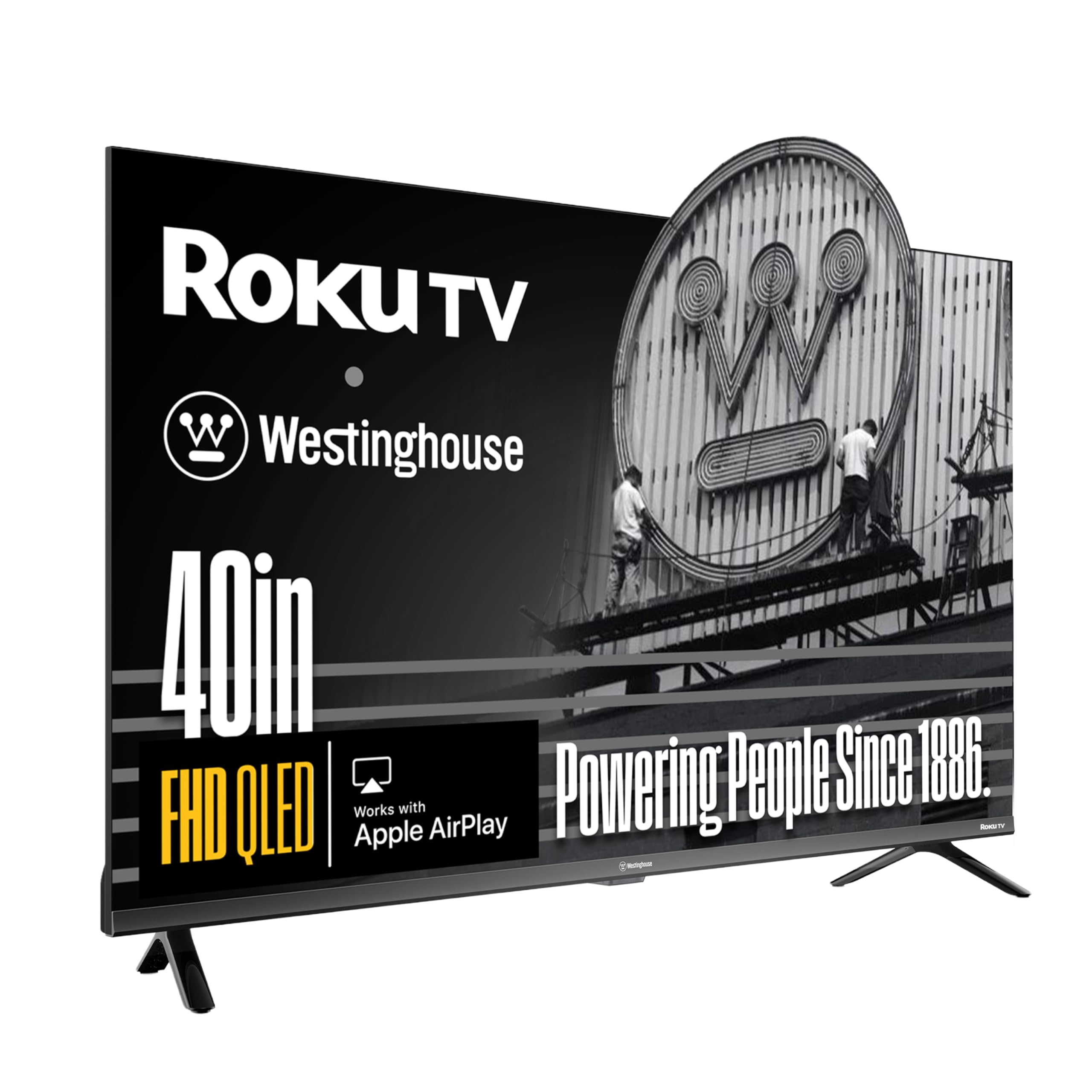
Quantum Dot QLED color and a bezel-less design make this Westinghouse shine in bright rooms.
This 40-inch Westinghouse uses a Quantum Dot QLED display (a layer that boosts color and brightness), delivering richer colors, deeper contrast, and higher brightness than a standard LED TV. That makes it ideal for sun-drenched living rooms or bright kitchens. It runs on the user-friendly Roku TV OS, giving you instant access to 350+ free live channels and thousands of streaming apps. The edgeless, ultra-slim bezel screen extends the picture to the edges for a more rich and modern look.
For audio, it includes Dolby Digital+ and Bluetooth 5.2, which owners say provides a fast, strong connection for wireless headphones, speakers, or soundbars. The setup is frequently praised as easy, and one owner stressed how fast it is to respond to the remote, noting it gets better Wi-Fi range than a previous Vizio and Samsung TV. The vibrant colors and the ability to get surprisingly loud are also positive points that emerge from owner feedback.
The most fitting comparison is to the Hisense QD4SR: this Westinghouse offers a similar QLED punch but adds Bluetooth 5.2 and a slightly higher price. The trade-off is a minor one, with an occasional report of the TV randomly turning on and off, although this seemed to stop in one case. It’s a superb choice if you want a bright, colorful QLED picture and the simplicity of Roku without stepping up to a bigger screen size.
ideal for: Bright rooms where you need a vivid QLED panel that fights glare and delivers vibrant, long-lasting color accuracy.
keep in mind: There are a few reports of random power cycling, so ensure a stable power source and consider the warranty.
6. FPD 40-inch Google TV

This FPD brings Google TV smarts and Chromecast to a 1080p panel at a wallet-friendly price.
For Android and Google users, this 40-inch FPD runs the Google TV platform with Google Assistant built into the remote. It offers Full HD 1080p resolution with HDR10 (a high-dynamic-range format that boosts contrast and color), giving you crisp images and vibrant colors. With Chromecast built-in, you can cast content from your phone, tablet, or computer directly to the screen, making it perfect for sharing photos or videos.
Owners appreciate the good value and quality, describing the picture as great and the TV as user-friendly. The 60Hz refresh rate keeps motion looking smooth for typical TV shows and movies. The setup is straightforward, and mounting it on a wall is easy. It’s a solid all-rounder for a guest room or a secondary living space where you want the full Google TV experience with easy casting and voice control.
The reliability of this set is the main point of debate, as while many report it works well initially, a few owners have had units fail after about three months. The remote control also receives mixed feedback, which could be a consideration for some. It’s a great pick if you value the Google ecosystem and Chromecast, but it’s wise to note the mixed long-term reliability feedback before you commit to this model.
choose this: smooth casting with Chromecast and easy voice control through the Google Assistant on a budget-friendly 1080p screen.
consider risk: While most love it, there are notable reports of reliability issues and mixed remote quality, which is worth weighing.
7. Samsung 43-Inch Crystal UHD
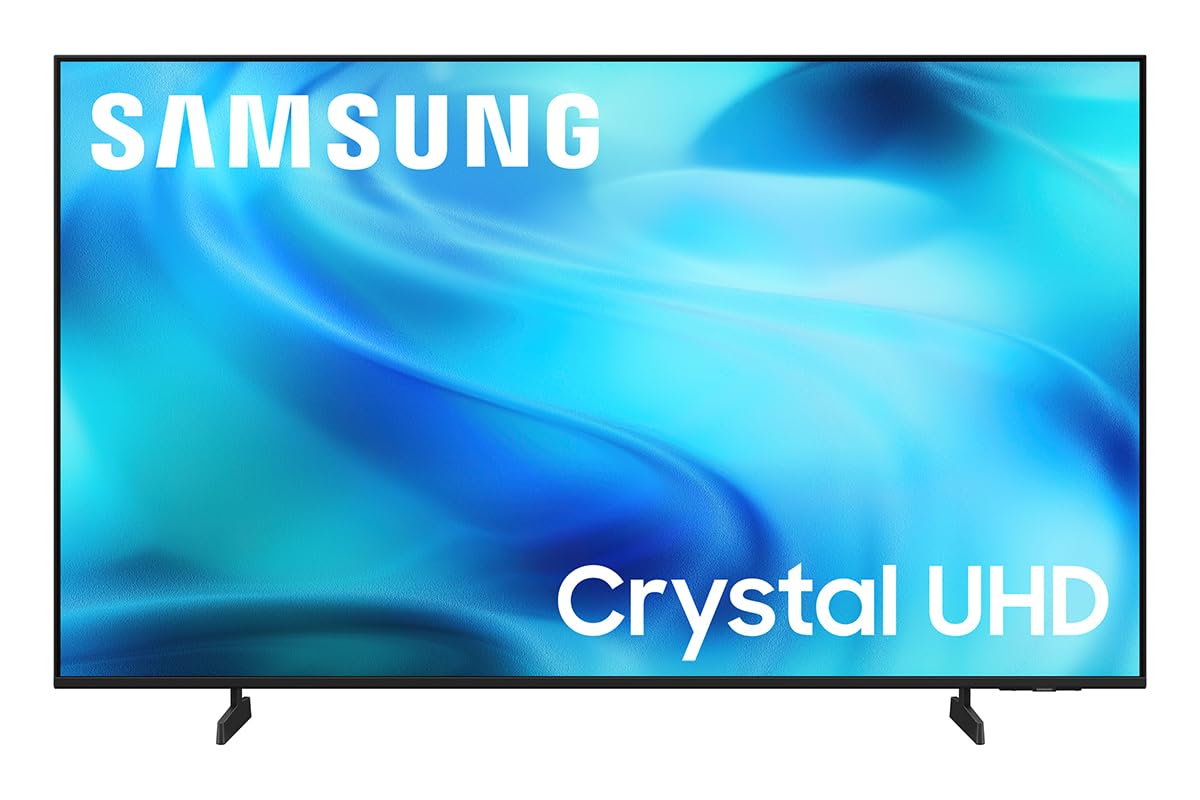
Samsung’s powerful image processing and Color Booster deliver lush, detailed 4K upscaling.
This Samsung Crystal UHD is our premium pick for image processing, utilizing the powerful Crystal Processor to enhance colors and sharpen details for a vibrant 4K experience. Its Color Booster technology supercharges colors from fiery reds to sparkling blues, while 4K Upscaling upgrades lower-resolution content to crisp 4K clarity. For sports and gaming, Motion Xcelerator estimates and adjusts frame transitions in real-time for smooth, clear motion up to 4K 60Hz performance.
The setup is described as easy and quick, and owners rave about the breathtaking picture quality and vibrant colors. It offers 2,700+ free streaming options, including 750+ subscription-free channels on Samsung TV Plus, so there’s always something to watch. It also offers a comprehensive feature set with Bluetooth 5.3, Ethernet, HDMI, USB, and Wi-Fi connectivity. One owner described the sound as surprisingly rich and fairly crisp for music, and another noted the TV is super light and easy to set up.
The main downsides to this premium pick are the remote and some connectivity quirks. The remote receives some harsh criticism, with one owner calling it “horrible,” and there are mixed reports on internet connectivity, with some struggling to connect. While the value is often praised, these interface issues can be a point of frustration. Still, for the sheer quality of the 4K picture and upscaling performance, it’s a compelling choice for those wanting a top-tier screen.
buy it: A stunning 4K picture with top-tier upscaling and color enhancement that brings lower-quality content to life.
be prepared: A less-than-stellar remote control and potential Wi-Fi connectivity frustrations in some setups.
8. Amazon Ember 40″ 2-Series Fire TV

Amazon’s newest processor and Wi-Fi 6 support make for a quick and smooth Fire TV experience.
The Amazon Ember 2-Series is the TV for people who live in the Amazon ecosystem and value speed. It features a new quad-core processor and Wi-Fi 6 support, making apps open and load fast while keeping the picture smooth. It delivers Full HD 1080p, and its Ambient Experience uses custom Omnisense technology with built-in sensors that wake the display to show your artwork when you enter the room. The Alexa Voice Remote Enhanced has preset buttons for your favorite apps, and new Alexa+ features offer smarter, more personalized recommendations.
Owners are impressed with the crisp, sharp picture and bright colors, and many were surprised at how easy the setup is, with one describing the experience as “exceptional value” for both work and family time. It runs all your favorite streaming apps with no issues, and the intuitive Fire TV interface makes navigation simple. One owner notes it performs well with an Xfinity app and security cameras, while another highlights its fast internet connection and great picture and sound for a travel trailer.
The key trade-offs are the speakers and the remote. While the picture is great, the onboard speakers are on the weaker side, especially for a Fire TV that often serves movies. The remote is also described as slightly slow when selecting options, which can be a minor annoyance. This is an excellent pick for an Amazon household that wants a fast, sharp, and easy-to-use TV with the latest Fire TV experience.
get this: You want the fastest, most modern Fire TV experience with Wi-Fi 6 (the latest wireless standard for faster speeds) and smart Alexa+ features for smooth streaming.
expect to: Want a soundbar for a fuller sound experience, as the built-in speakers are a known weak point.
9. Sony BRAVIA 2 II 4K Google TV
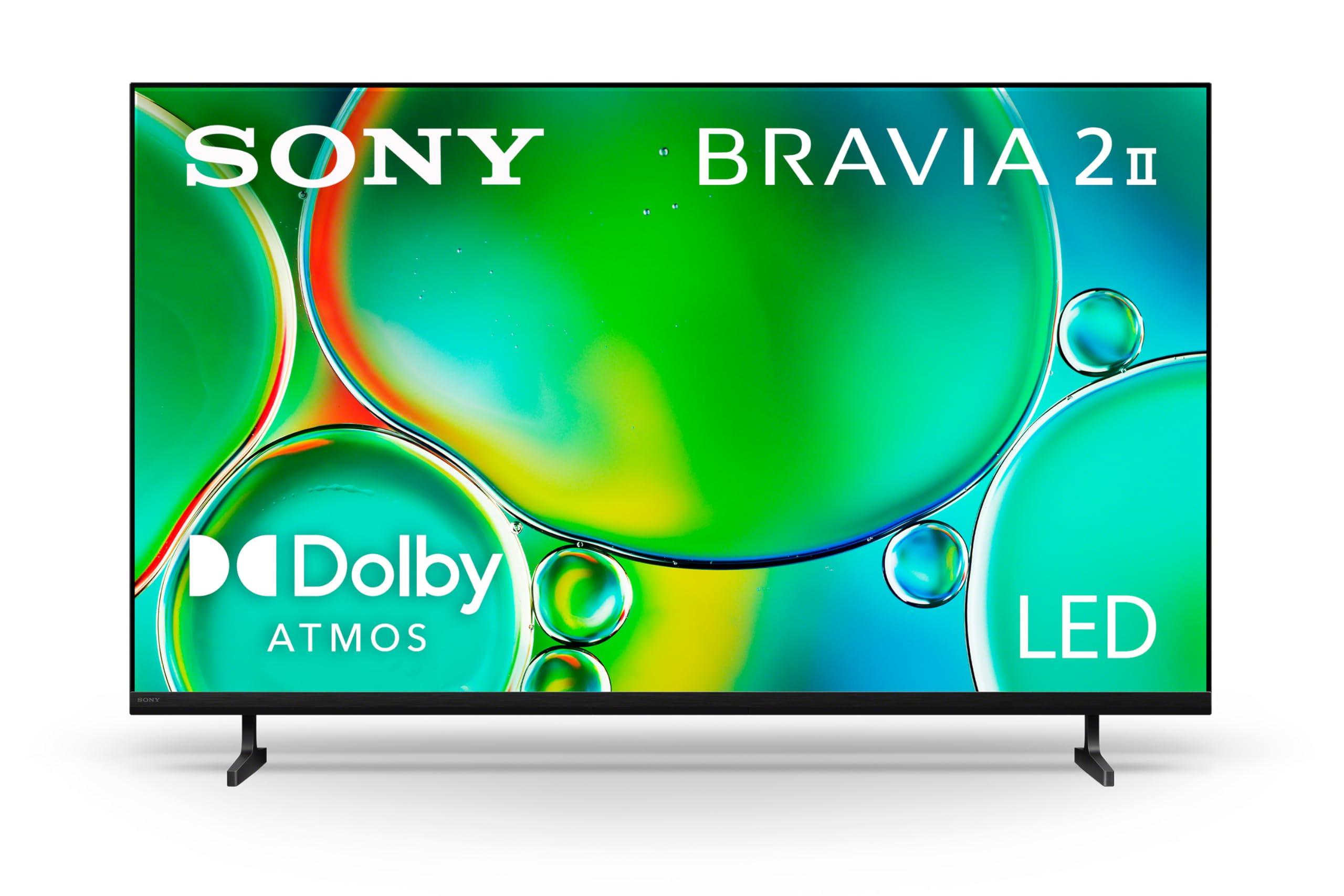
The premium pick with Sony’s renowned processing and exclusive features for an tune PS5 gaming experience.
For the cinephile and gamer who wants the best of both worlds, the Sony BRAVIA 2 II is the premium choice, running on the powerful 4K Processor X1 (a chip that enhances clarity and color) for a lifelike picture full of rich colors and sharp details. It’s loaded with exclusive features for PlayStation 5, including Auto HDR Tone Mapping and Auto Genre Picture Mode, which automatically tune picture quality for gaming and streaming. This makes it a no-brainer if you own a PS5 and want to get the most out of your console.
Beyond gaming, its 4K XR-Reality PRO upscaling brings back lost texture and detail, enhancing all your content to near-4K resolution. Motionflow XR handles fast-moving sports and action movies without blur. The Google TV platform gives you access to all your favorite streaming apps in one place, with support for Apple AirPlay 2 and Google Cast. It also includes the Sony Pictures CORE app with movies included. Owners consistently praise the beautiful picture quality, and one noted that even old black and white movies look cleaner.
The premium price is the most obvious trade-off, aimed squarely at those who value top-tier performance. The setup is easy for some, but one owner candidly noted the TV can be overly smart, requiring a younger friend to help set it up. While most experiences are positive, a few report reliability issues with some units stopping working after 6 months, which is a consideration given the higher investment. This is a statement pick for a main viewing area, not a budget-friendly secondary bedroom option.
worth it: PS5 owners and movie enthusiasts who want a reference-grade 4K picture with intelligent motion handling and premium build quality.
budget-minded: The high cost and occasional reliability reports mean you should verify the warranty and be sure you need this level of performance.
Understanding the Specs
Resolution and HDR
Resolution is the number of pixels on the screen. Full HD (1080p) is crisp and detailed for most content and is perfectly adequate for a smaller screen. 4K UHD has four times the pixels, offering significantly sharper detail, especially if you sit close to the screen. HDR (High Dynamic Range) improves the range of colors and contrast. For HDR to make a big difference, you need a panel that can get bright enough to show off the highlights. Standard LED panels provide a modest HDR effect.
Input Lag and Game Mode
Input lag is the delay between pressing a button on your controller and seeing the action on the screen. A lower number is better for gaming. Look for a dedicated Game Mode, which bypasses extra image processing to minimize this delay. A figure around 16ms or less is excellent, meaning your actions feel immediate and responsive. TV refresh rate is also important, with 60Hz being standard; it’s fine for console gaming, though 120Hz panels are smoother for high-end gaming.
FAQ
Will a 40 or 43-inch TV fit where I planned for a 39-inch?
What’s the difference between the Fire TV and Roku smart platforms?
Is it worth paying more for a QLED or 4K model at this size?
Do I need a soundbar with one of these TVs?
Can I use a soundbar with these TVs?
How well do these TVs perform for gaming?
Can I stream from my phone to any of these televisions?
How long should a smart TV last?
Final Thoughts: The Verdict
If you want one dependable pick, the 39-inch smart tv winner is the Hisense QD4 Fire TV because it combines a vibrant QLED picture with the convenience of Alexa and a 16ms Game Mode, making it a fantastic all-rounder. If you prefer the user-friendly Roku interface and want to save some money, the Hisense QD4SR Roku TV is an excellent alternative with the same great panel. And for a sharp 4K upgrade that’s perfect for PS5 gaming, the Sony BRAVIA 2 II is the premium pick that delivers a stunning picture and exclusive console features.
How We Picked
We do not accept paid placement. Every pick is matched to a real buyer and a real use-case; we do not hands-on test units.
Sources & Methodology
Specifications: manufacturer listings and product documentation. Review insights: verified customer reviews, as of August 2026. Pricing: not shown on this page (it changes often); check the current price via the retailer link.
As an Amazon Associate, Gadgets Feed earns from qualifying purchases. This does not affect which products we feature.