
Our readers keep the lights on and my morning glass full of iced black tea. As an Amazon Associate, I earn from qualifying purchases.
Specs are compiled from manufacturer listings and verified buyer reviews and can change over time — please confirm the key details on the product page before buying.
You want a 3D print that looks as good as the model on your screen, layer by clean layer, without the nozzle jamming or the part snapping mid-project. The real trick is picking the right filament for the job — every material, from everyday PLA (polylactic acid, a biodegradable plastic) to tough ABS (acrylonitrile butadiene styrene, a strong engineering plastic), changes how your print feels, bends, and lasts under sun or stress. This guide sorts through the best 3D filament options by material type, print speed, and real-world toughness, so you know exactly which spool to load next.
I’m Min — the founder and writer behind Gadgets Feed. This guide is built by comparing the manufacturers’ published specifications and the patterns across verified customer reviews, so you get each pick’s real strengths and trade-offs instead of marketing spin.
if you need impact-resistant parts for outdoor gear or fast, colorful prototypes, this breakdown of the best 3d filament choices for detail, speed, and strength will help you dial in your next print.
Our Picks at a Glance

How To Choose The Best 3D Filament
The first decision is the material type. PLA is the easiest to print with, low warp, and no fumes, but it gets soft in a hot car and snaps under impact. PETG gives you better strength and heat resistance while still printing fairly reliably on open-frame printers. ABS is the toughest and most heat-resistant of the common materials, but it needs an enclosed printer to manage warping and you have to vent the fumes outside. Match the material to what your part actually endures — a desk toy is fine in PLA, but a car mount for your phone wants PETG or ABS.
Print Speed and Flow
High-speed filaments like the Creality Hyper PLA are formulated to move through the nozzle at 600 mm/s without underextruding, but they still require a printer that can actually hit those speeds. Standard filament prints fine at normal speeds and is usually cheaper per spool. If you own a fast-core XY machine, high-speed material saves time without sacrificing layer quality.
Diameter Tolerance
The filament diameter is almost always 1.75 mm on modern printers, but the dimensional accuracy of that diameter matters. A specification of plus or minus 0.02 mm means the filament stays close to its stated thickness, so you get consistent extrusion and fewer jams. Tighter tolerance costs a little more but saves frustration on long prints.
Quick Comparison
| Model | Best For | Material | Print Speed | Dimensional Accuracy | Amazon |
|---|---|---|---|---|---|
| FLASHFORGE PETG Burnt Titanium★ Best Overall | Color-shift functional parts | PETG | Standard | ±0.02 mm | Amazon |
| Polymaker PETG BlackHigh-Speed Performer | High-strength PETG at high speed | PETG | Up to 300 mm/s | — | Amazon |
| Creality ABS | Budget ABS for enclosed printers | ABS | Standard | ±0.03 mm | Amazon |
| ELEGOO ABS | Tough, heat-resistant prints | ABS | Standard | — | Amazon |
| YXPOLYER ABS+ Clear Blue | Low-odor ABS for indoor use | ABS+ | Up to 200 mm/s | — | Amazon |
| SUNLU PETG 2-Pack | Best value PETG dual-pack | PETG | Standard | ±0.02 mm | Amazon |
| Creality Hyper PLA Bundle | High-speed multi-color RFID printing | PLA (Hyper) | Up to 600 mm/s | ±0.03 mm | Amazon |
In‑Depth Reviews
1. FLASHFORGE PETG Filament 1.75mm, Chameleon Color Shift Burnt Titanium
Our pick — over 4.5★ from 650+ verified ratings; the strongest balance of quality and price.
A color-shifting PETG that prints like standard PLA but holds up to real outdoor use.
This filament changes color with light and viewing angle, shifting from near-black to deep purple and blue tones, so your prints have a metallic shimmer that standard colored filaments cannot copy. The plus or minus 0.02 mm diameter accuracy (the filament’s thickness stays within 0.02 mm of 1.75 mm) means consistent extrusion across long prints, and buyers report it works well with Bambu Lab A1 on a generic PLA profile with only minimal stringing (thin wisps of plastic) that a hairdryer easily removes.
The material resists temperature better than PLA — one reviewer printed a functional part to repair an outdoor Christmas tree, and it survived ice and snow without cracking. At 1 kg per spool, it is a direct alternative to basic PETG spools while adding the visual depth of a chameleon effect that makes plain black or white filament feel flat by comparison.
Real-world durability: The toughness and flexibility of PETG let you print parts that bend rather than snap, and the color shift hides layer-line shadows in a way that solid colors do not.
Who this picks suits: Anyone who wants a part that looks flashy on the shelf and also survives a freeze — functional art, cosplay props, or outdoor mounts.
Trade-off: The teal base is lighter than the photos suggest; if you want a true charcoal black, this is more of a blue-purple shimmer on a dark teal background.
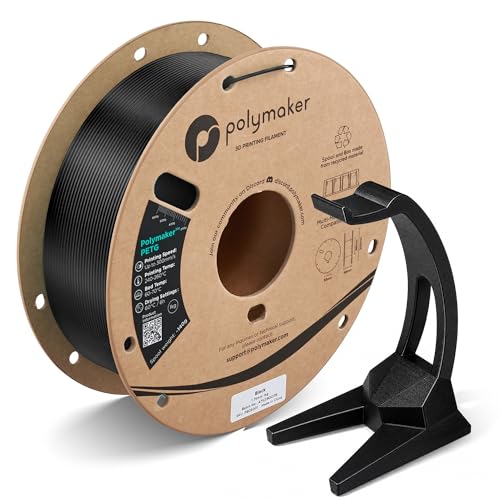
2. Polymaker PETG Black 1.75mm 1kg, High Speed PETG up to 300mm/s
Prints at 300 mm/s with the layer adhesion of a standard PETG — no enclosure needed.
The high-speed formula feeds smoothly through Bambu Lab printers using the PETG HF (high-flow) profile, and owners mention the layer adhesion is good enough for functional brackets and outdoor mounts. The material handles up to 70 °C HDT (heat deflection temperature) without deforming, so parts that sit near a hot motor or inside a car cabin stay true to shape.
Polymaker wind their spools neatly with no tangles, and the recycled cardboard spools are a small waste-saver. One reviewer noted this filament strings less than other PETG they have used, even when left out in humid air, which saves cleanup time on cosmetic prints.
Fast and durable: At up to 300 mm/s, it beats the FLASHFORGE PETG on pure speed while keeping the same toughness, and the glossy black finish gives parts a professional sheen.
Reach for this if: You own a fast-core XY printer and want PETG prints in half the time without losing interlayer strength.
Look elsewhere if: You need a matte finish — the gloss sheen is baked into the formulation and shows fingerprints on dark surfaces.
3. Creality ABS Filament 1.75mm, 3D Printer Filament, No-Tangling, Strong

A reliable ABS that sticks well to the bed and prints consistently at a very low cost.
Creality ABS is the go-to black ABS for many users because it adheres well on PEI (polyetherimide, a common build-plate surface) plates with a little glue, and customers note zero bed adhesion issues on enclosed printers like the K1. The recommended nozzle temperature is between 220°C and 260°C with a bed at 90°C to 110°C, which is standard for ABS, and the dimensional accuracy of plus or minus 0.03 mm keeps extrusion predictable.
The trade-off appears on long parts: reviewers point out some Z warping (curling upward at the edges) and X/Y shrinkage on pieces longer than about 6 inches, so you need to plan for that if your model spans the build plate. Larger spool inner diameter helps feeding stay smooth, and many buyers call this their go-to for the price — it often drops to about on sale.
Cheap and consistent: For simple ABS parts like brackets, enclosures, or jigs, this spool delivers at a fraction of the premium-brand cost.
Best for: Users who already own an enclosed printer and need a cheap, reliable ABS that just works without constant tweaking.
skip it if: Your print regularly spans more than 6 inches — the shrinkage will mess with tolerances and you may prefer a low-warp ABS+ formulation.
4. ELEGOO ABS Filament 1.75mm Black 1.15KG, Heat Resistant, High Toughness
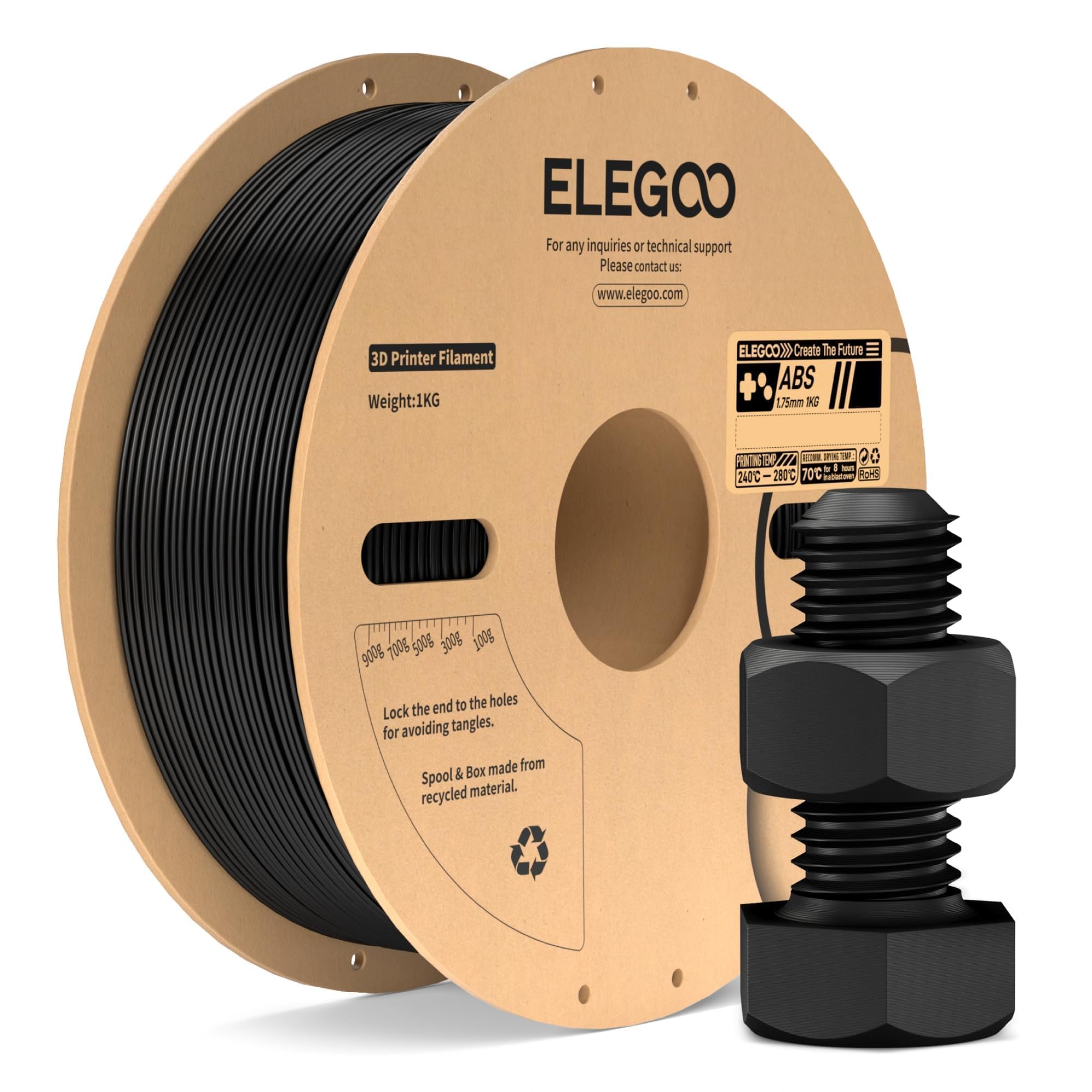
An ABS that takes the heat and the hits without warping — ideal for rugged outdoor gear.
ELEGOO ABS withstands temperatures up to 85°C and resists water, so parts like drone mounts, protective cases, and industrial tool prototypes survive conditions where PLA would soften and PETG would creep. Shoppers say the blue version prints with a solid, non-plasticky feel and excellent bed adhesion — one buyer mentioned it holds tight without corners lifting on a properly heated bed.
The spool comes vacuum-sealed, and the manufacturer recommends drying it before use if the seal has broken. The material requires an enclosed printer and proper ventilation because ABS emits strong VOCs (volatile organic compounds) — that is not optional. At 1.15 kg per spool, you get a little more filament than the standard 1 kg rolls.
High impact resistance: This ABS beats the Creality ABS on heat tolerance by 15°C (85°C vs 70°C reality), so it holds up better near a hot motor or under summer sun.
Ideal for: Functional parts that take a beating — rugged drone frames, automotive clips, tool handles that see thermal cycles.
One real caution: The manufacturer requires an enclosed printer; running this on an open-frame machine will likely cause warping and release fumes you should not breathe.
5. YXPOLYER ABS Filament Low Odor ABS+ 3D Printing Transparent Blue 1.75mm 1kg
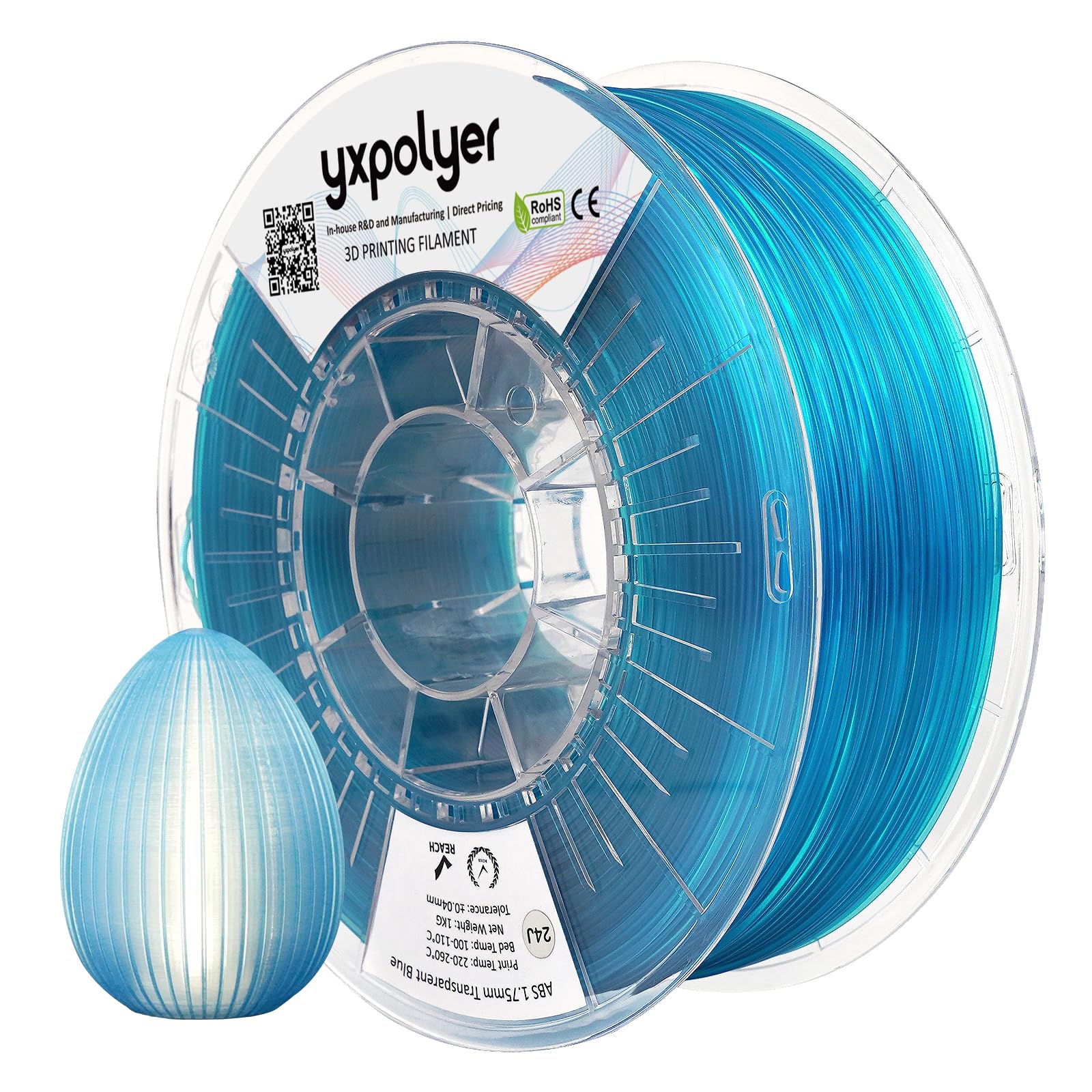
A low-odor ABS that prints at standard PLA temperatures, making it beginner-friendly.
The ABS+ (a modified ABS formula) prints at temperatures as low as 220°C and supports speeds up to 200 mm/s, which is far easier than standard ABS. The claim of low odor is meaningful because normal ABS vents a strong, chemical plastic smell — the brand says this one is tolerable enough for a home office or classroom without venting to the outdoors. The clear blue color is transparent, which gives prints a glassy look that works for enclosures, light pipes, or display models.
The filament is engineered for low warpage and works with Bambu AMS (Automatic Material System) for multi-color projects. Supports peel away cleanly by hand if you set the interface gap correctly, which saves post-processing time. No customer reviews were provided for the specific color, but the design specs point to a reliable ABS+ with reduced shrinkage compared to the Creality ABS above.
Beginner ABS: Lower print temperature and less warping remove the two biggest headaches of ABS printing, so you can try the material in a regular room.
Best for: Makers who have only ever printed PLA and want to step up to ABS without buying an enclosure right away.
Trade-off: A transparent filament shows every layer line and infill pattern, so you need to tune retraction and use thin layers for a clear finish.
6. SUNLU PETG Filament 2KG, High Strength PETG 1.75mm, 2 Pack Black+White
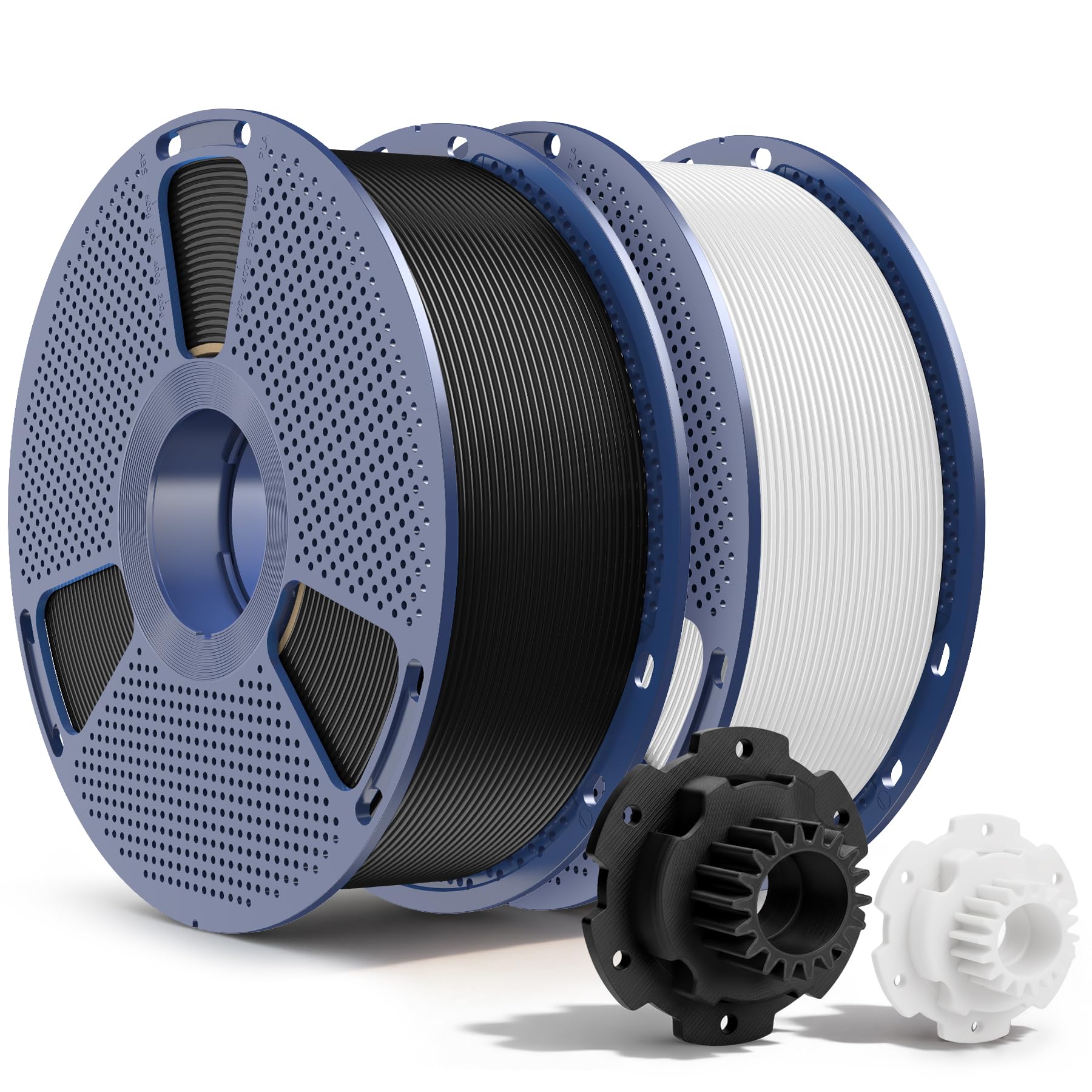
Two full kilograms of reliable PETG that prints flawlessly on Bambu machines from the start.
You get a black spool and a white spool in one box, which covers the two most common colors for functional parts and prototypes. The dimensional accuracy is plus or minus 0.02 mm, and buyers consistently say the filament prints smoothly on Bambu P1S with standard PETG settings — no clogging, no stringing, and excellent bed adhesion. One reviewer made bag clips that survived a fridge and freezer without cracking.
SUNLU dries each spool for 24 hours before vacuum-sealing, and the automated winding keeps the filament tangle-free. At a 2 kg total weight, the per-spool cost is lower than buying singles, making this a smart bulk buy for makers who burn through black and white material fast. The finish has the typical PETG gloss, which gives prints a clean, polished look.
Two-for-one value: At 2 kg total, this pack gives you more PETG per dollar than buying individual 1 kg spools of the Polymaker or FLASHFORGE options.
Reach for this if: You print a lot of functional parts in black and white and want a single order that lasts twice as long.
One limitation: You only get two colors, so if you need a specific shade or a color-shift effect, the FLASHFORGE single spool is the better choice despite being pricier per kg.
7. Creality PLA Filament 1.75mm Bundle 4Kg, Hyper RFID 4-Pack (Black, White, Red, Blue)
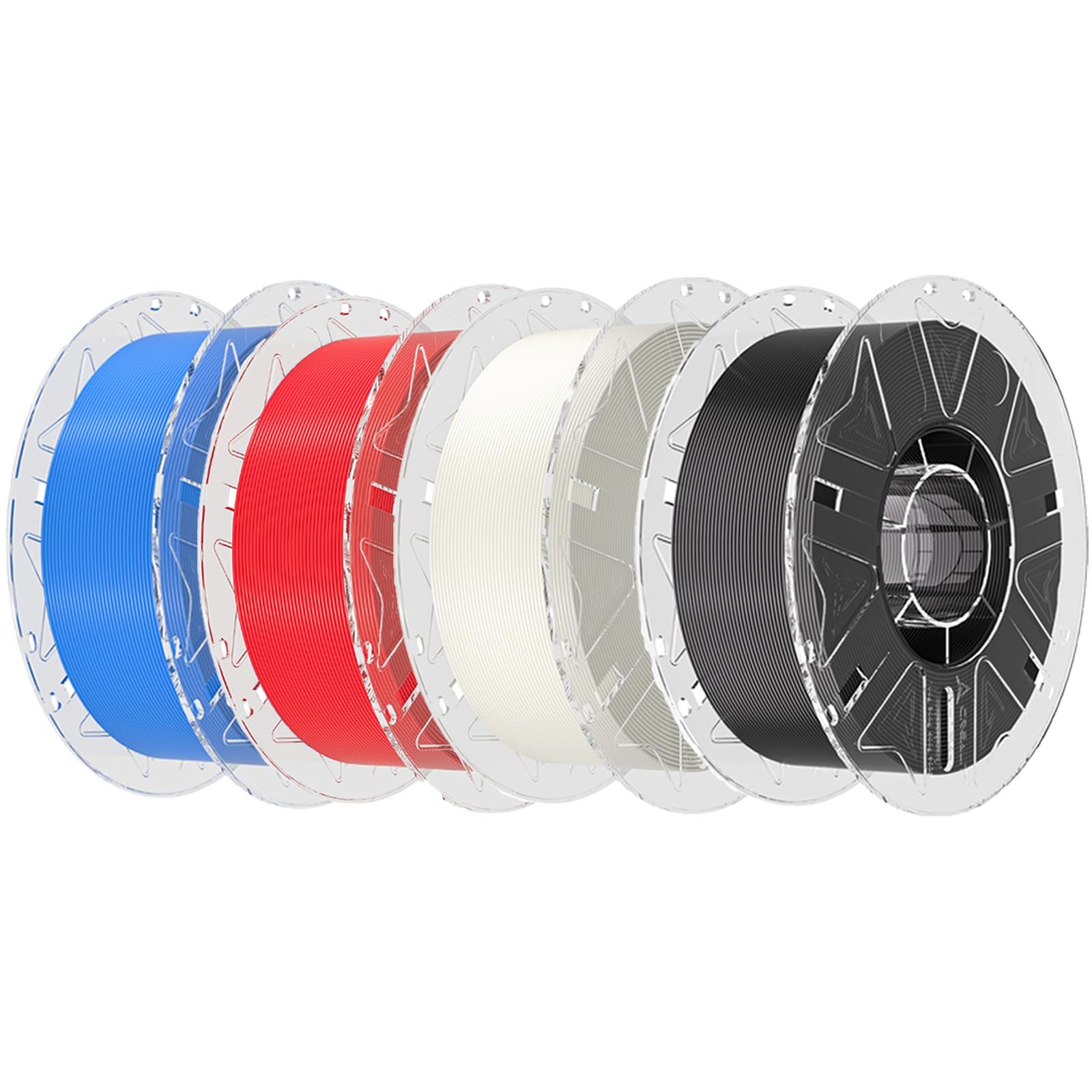
Four kilograms of high-speed PLA with RFID tags that auto-configure your Creality printer.
Each spool has an RFID (radio-frequency identification) chip that the Creality CFS (Creality Filament System) reads automatically, loading the correct print profile for the K2 Plus or Hi Combo printers. That means you drop the spool in, hit print, and the machine sets temperature and speed without manual tweaking. The hyper PLA prints at up to 600 mm/s without losing detail — buyers report it behaves consistently at 300 mm/s with no clogs or jams.
The bundle covers the four basic colors, 142 total ounces of filament. Reviews note the RFID detection is super convenient for multi-color swaps, and the PLA sticks to the bed well with virtually zero stringing. Like most PLA, it is not suited for outdoor heat or mechanical stress, but for fast prototyping, desk toys, and decorative parts, this bundle is tough to top on speed and convenience.
Plug-and-play high speed: At 600 mm/s, this is the fastest filament in the lineup, and the RFID auto-configuration removes any guesswork for Creality CFS owners.
Best for: Creality K2 Plus owners who want a complete multi-color setup that requires zero profile searching.
Look elsewhere if: You do not own a Creality CFS printer — the RFID feature is wasted on other machines, and standard PLA is cheaper per kg for the same print quality.
Understanding the Specs
Dimensional Accuracy
This is the tolerance of the filament diameter, usually expressed as plus or minus a number in millimeters (like ±0.02 mm). A tighter tolerance means the filament stays close to the stated 1.75 mm thickness, so the extruder gear pushes a consistent volume of plastic every second. Inconsistent filament causes under-extrusion (gaps in the print) or over-extrusion (blobs and layer lines). Look for plus or minus 0.03 mm or better for reliable results.
Print Speed Rating
Some filaments are labeled “High Speed” and list a top speed — 300 mm/s or 600 mm/s. The formulation has a lower melt viscosity so the nozzle can push more plastic per second without the extruder skipping. Standard filaments still print fine at normal speeds (60-100 mm/s) but will fail if you push them past their flow limit. Only buy high-speed filament if your printer can actually move that fast; otherwise you pay extra for no benefit.
FAQ
Can I print PETG on an open-frame printer without an enclosure?
What temperature do I need for ABS filament?
Is low-odor ABS safe to print indoors?
Does RFID filament work with non-Creality printers?
What does dimensional accuracy ±0.02 mm mean for my prints?
How long does a 1 kg spool of filament last?
Can I use high-speed filament on a slow printer?
What is the difference between PLA and PETG for outdoor parts?
Does PETG need drying before printing?
Why does my ABS print smell so strong?
Final Thoughts: The Verdict
If you want one dependable pick, the best 3d filament winner is the FLASHFORGE PETG Burnt Titanium because it combines stunning color-shift aesthetics with the toughness and temperature resistance that PLA cannot match, and it prints reliably at 1.75 mm with plus or minus 0.02 mm accuracy. If you want the fastest PLA for multi-color Creality setups, grab the Creality Hyper PLA Bundle. And for pure value in functional PETG, the standout is the SUNLU PETG 2-Pack for getting two spools at a low per-kg cost.
How We Picked
We do not accept paid placement. Every pick is matched to a real buyer and a real use-case; we do not hands-on test units.
Sources & Methodology
Specifications: manufacturer listings and product documentation. Review insights: verified customer reviews, as of July 2026. Pricing: not shown on this page (it changes often); check the current price via the retailer link.
As an Amazon Associate, Gadgets Feed earns from qualifying purchases. This does not affect which products we feature.