
Our readers keep the lights on and my morning glass full of iced black tea. As an Amazon Associate, I earn from qualifying purchases.
Specs are compiled from manufacturer listings and verified buyer reviews and can change over time — please confirm the key details on the product page before buying.
A small-business 3D printer must be fast, reliable, and versatile enough for production-grade materials. It needs to be fast enough to keep up with orders, reliable enough to run overnight, and versatile enough to handle the materials your customers actually want. A printer that jams mid-run or requires daily bed re-leveling costs you time and materials.
I’m Min — the founder and writer behind Gadgets Feed. This guide is built by comparing the manufacturers’ published specifications and the patterns across verified customer reviews, so you get each pick’s real strengths and trade-offs instead of marketing spin.
This article breaks down the top contenders by speed, build volume, multi-color capability, and real-world reliability to help you find the best 3d printer for small business that fits your workflow and budget.
Our Picks at a Glance

How To Choose The Best 3D Printer For Small Business
A small business printer is a tool you rely on daily.
Speed and Throughput
Your printer’s top speed is measured in millimeters per second (mm/s). A machine running at 600 mm/s versus a 300 mm/s printer. But raw speed is useless without good acceleration (measured in mm/s²) and a stable CoreXY frame that keeps quality high at those speeds.
Build Volume
Build volume is the largest object you can print in one piece, shown in width by depth by height (e.g., 256x256x256 mm). A bigger volume lets you make larger prototypes, print multiple parts in a single batch, or handle bigger customer requests without splitting a model.
Material Compatibility and Enclosure
An enclosed printer with a heated chamber (measured in °C) lets you print advanced filaments like ABS, PC, or nylon without warping. An open-frame machine limits you mostly to PLA. For functional or engineering-grade parts, choose a printer with a 300°C+ nozzle and a draft-free, temperature-stable enclosure.
Quick Comparison
| Model | Best For | Speed | Build Volume | Weight | Amazon |
|---|---|---|---|---|---|
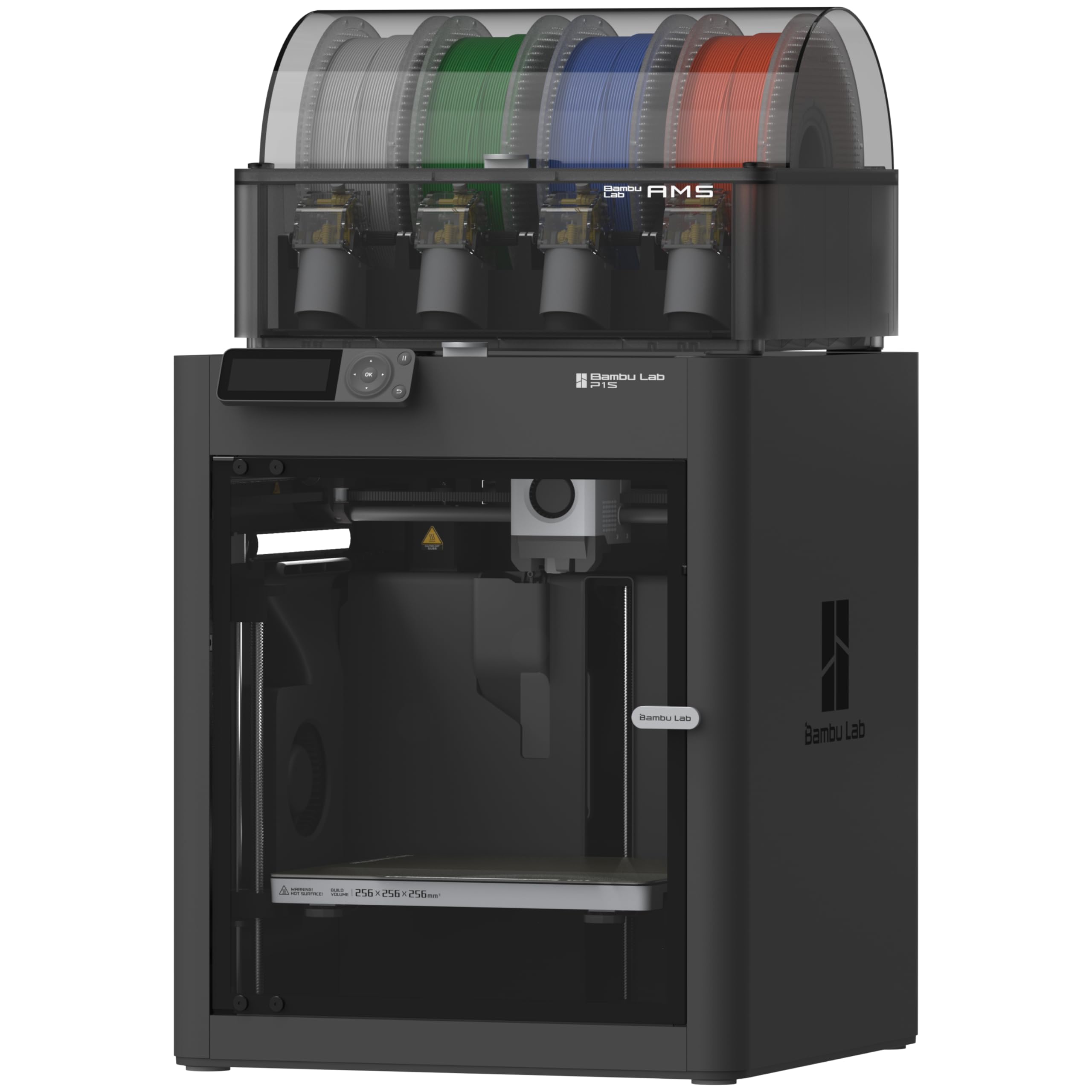
| Bambu Lab P1S Combo★ Best Overall | Reliable multi-color production | 500 mm/s | 256 x 256 x 256 mm | 47.5 lb | Amazon |
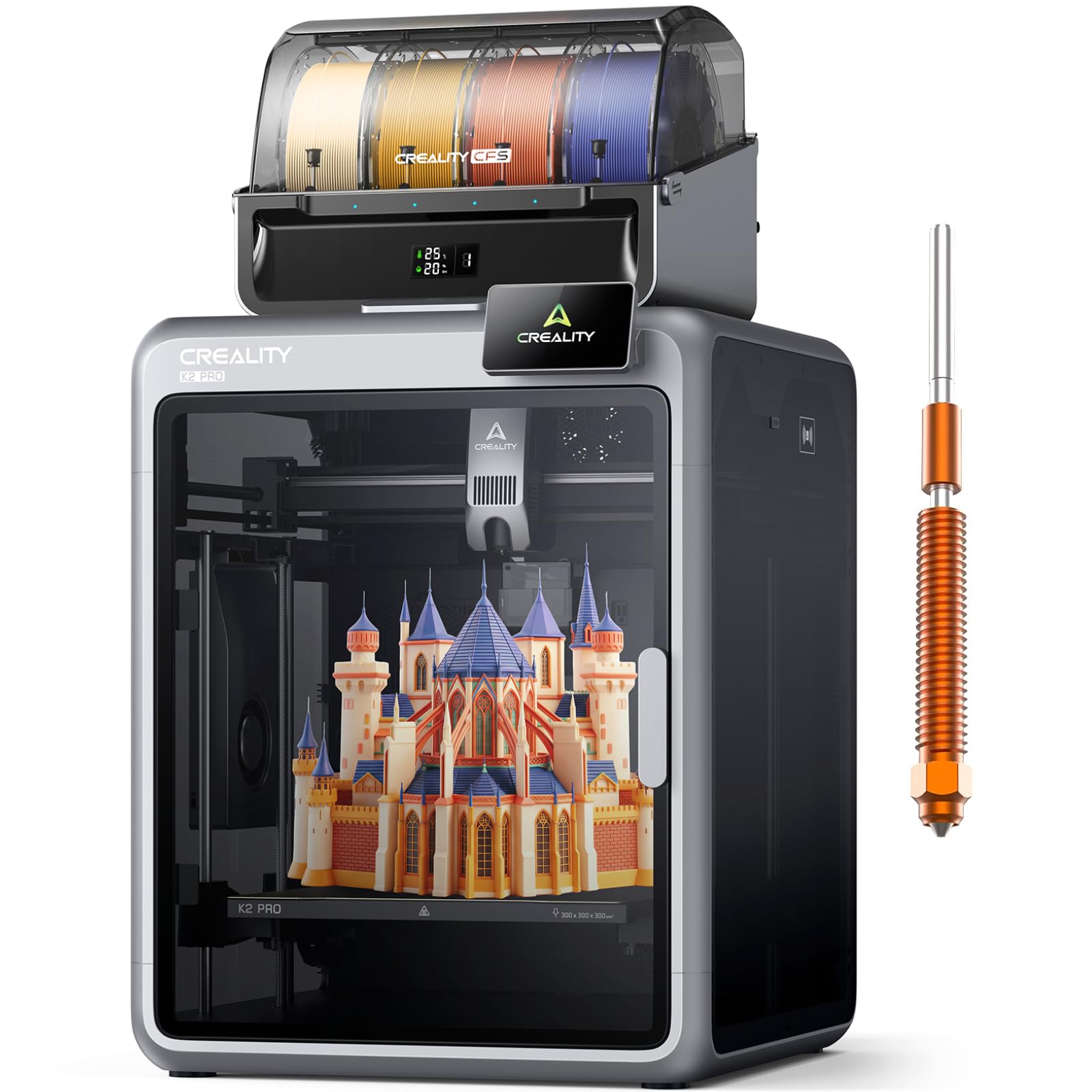
| Creality K2 Pro ComboPro Volume | Large batch and engineering materials | 600 mm/s | 300 x 300 x 300 mm | 61.6 lb | Amazon |
| QIDI PLUS4High-Temp Specialist | Exotic high-temp filaments | 600 mm/s | 305 x 305 x 280 mm | 59.4 lb | Amazon |
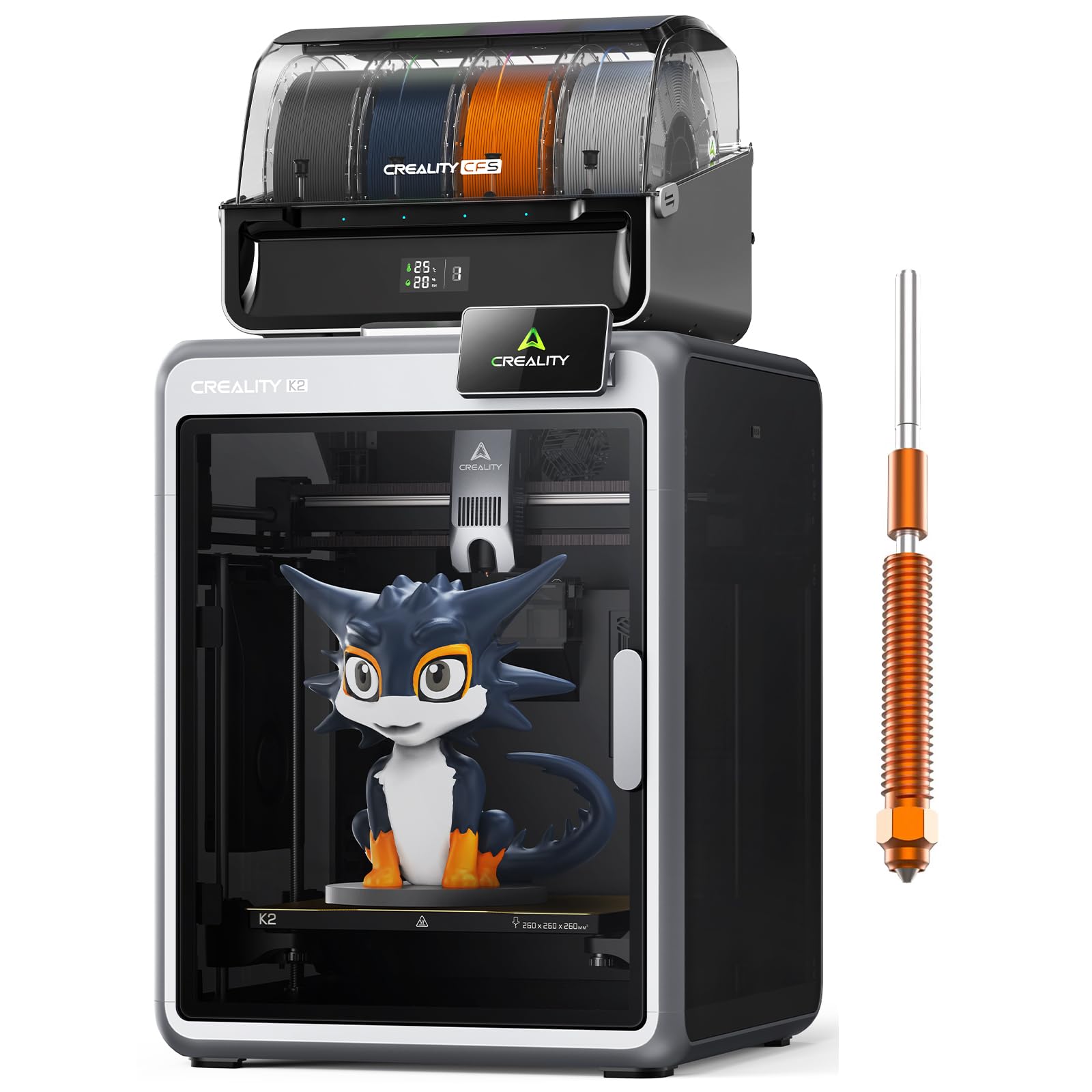
| Creality K2 Combo | Entry-level multi-color value | 600 mm/s | 260 x 260 x 260 mm | 65.9 lb | Amazon |
| Anycubic Kobra S1 Combo | Out-of-box ease with filament drying | 600 mm/s | 240 x 240 x 250 mm | 54.9 lb | Amazon |
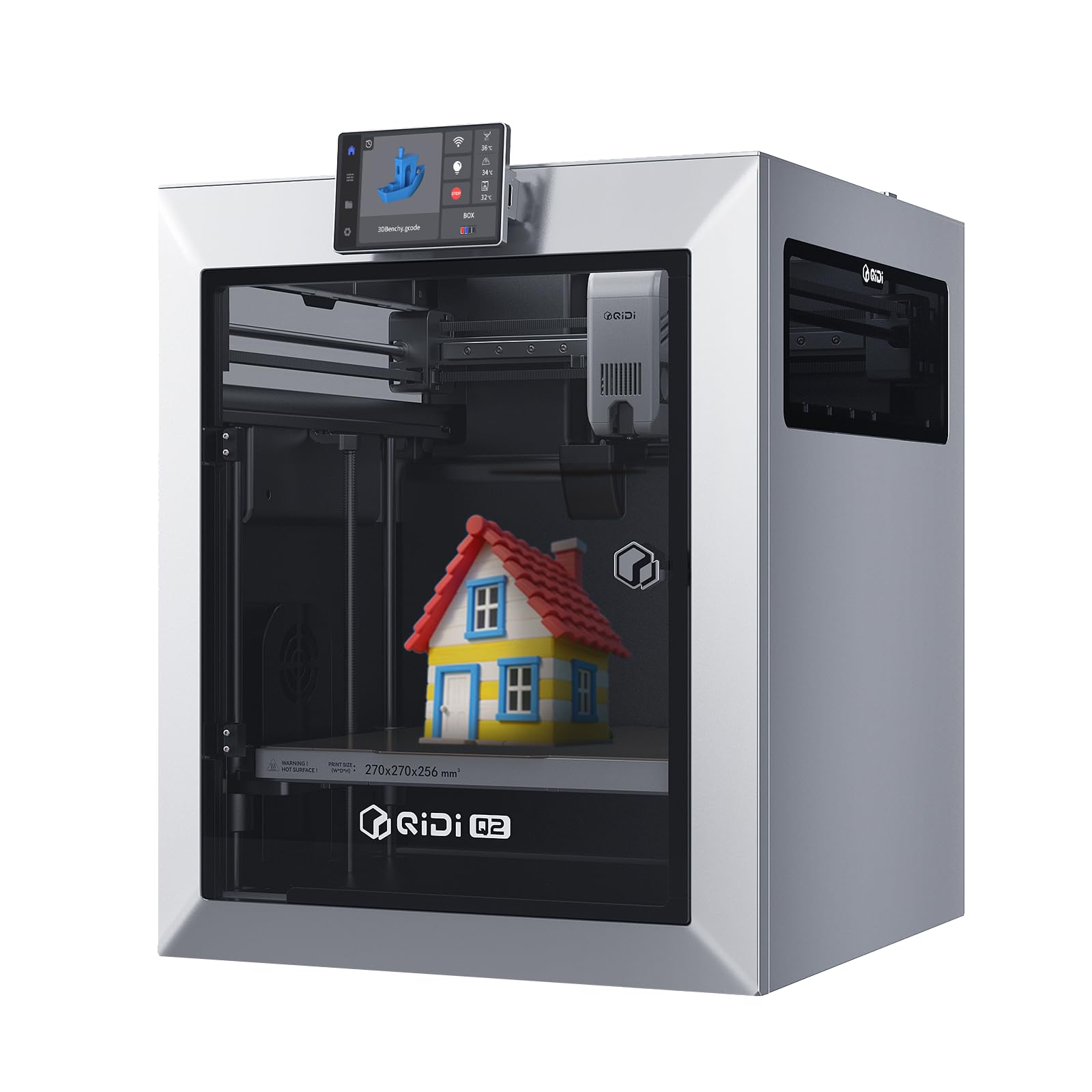
| QIDI Q2 | Heated chamber balance and precision | 600 mm/s | 270 x 270 x 256 mm | 39.8 lb | Amazon |
| ELEGOO Centauri Carbon | Budget carbon-fiber ready printing | 500 mm/s | 256 x 256 x 256 mm | 38.5 lb | Amazon |
| FLASHFORGE AD5X | High-speed multi-color on a budget | 600 mm/s | 220 x 220 x 220 mm | 24.2 lb | Amazon |
| FLASHFORGE Adventurer 5M Pro | Beginner-friendly, fast workhorse | 600 mm/s | 220 x 220 x 220 mm | 32.1 lb | Amazon |
| FLASHFORGE AD5M Pro | Silent printing and quick-swap hotend | 600 mm/s | 220 x 220 x 220 mm | 33 lb | Amazon |
| Original Prusa MK4S | Ultimate reliability and open-source | — | 250 x 210 x 220 mm | 15.4 lb | Amazon |
In‑Depth Reviews
1. Bambu Lab P1S Combo
Our pick — over 4★ from 550+ verified ratings; the strongest balance of quality and price.
This enclosed CoreXY printer handles 16 colors and runs quietly.
This machine gives you a 256x256x256 mm build volume and a top speed of 500 mm/s with 20,000 mm/s² acceleration. That pace lets you push out functional prototypes and short production runs without babysitting the machine. The AMS (Automatic Material System) supports up to 16 colors or multi-material prints, so you can switch between PLA, PETG, TPU, and ABS without manual filament swaps. Buyers report excellent print quality with a 95% success rate, praising the premium build and how quiet it runs even during long jobs.
Set up takes about 15 minutes, and auto bed leveling handles the first layer calibration for you. The enclosed design stabilizes temperatures for advanced materials like ASA and PC, though the manufacturer advises against carbon or glass fiber reinforced filaments. At 47.5 pounds it is a heavy, rigid frame that absorbs vibration well, though some users note the software interface can feel clunky compared to competitors.
Production-multiplying workhorse: The AMS system, fast auto-leveling, and quiet 500 mm/s speed make this the top pick for any small business running multiple materials or colors. The main trade-off is its weight — at 47.5 lb, you’ll want a sturdy table and an extra pair of hands to move it.
Reach for this if: your shop needs reliable, near-silent multi-color output and you want to print from PLA through ASA without tinkering.
Look elsewhere if: you must print carbon-fiber reinforced filaments or want a machine that is easy to reposition — the P1S is heavy at 47.5 lb and doesn’t support abrasive materials.
2. Creality K2 Pro Combo
The largest build volume on the list, purpose-built for batch production.
At 300x300x300 mm, the K2 Pro Combo offers the biggest single-print volume in this lineup, so you can make large prototypes or run multiples of a small part in one go. It hits 600 mm/s with 20,000 mm/s² acceleration and comes with a CFS (Creality Filament System) that supports up to 16 colors. The active chamber heating holds a steady 60°C, which cuts down warping on materials like ASA and PPA-CF. Dual AI cameras monitor the print bed and nozzle in real time — one camera watches for spaghetti failures while the other auto-tunes flow rate.
Owners mention it prints fast and the app is simple enough for kids to use. But a common frustration is the software side: multicolor printing with the CFS can be confusing, with cryptic error messages and half-baked OrcaSlicer integration. The printer itself is solid at 61.6 pounds with a quick-swap hotend, but be prepared for a learning curve on the firmware and slicer settings. One owner noted that tweaking bed temperature by just one degree (e.g., PETG from 57°C to 56°C) made the difference between good and perfect adhesion.
Batch production edge
- Largest build volume at 300 x 300 x 300 mm — print big or batch multiple parts.
- Active chamber heating to 60°C for warp-free engineering materials.
- Dual AI cameras for flow tuning and failure detection.
Software friction
- CFS multicolor setup has cryptic errors and spotty documentation.
- Half-baked OrcaSlicer integration with settings that reset.
- Heavy 61.6 lb frame makes repositioning difficult.
Grab this for: large-format production runs and team environments where batch size matters more than plug-and-play simplicity.
skip it if: your crew needs a truly beginner-friendly multicolor experience — the software quirks will cost you time upfront.
3. QIDI PLUS4
A high-temp beast that melts PPS-CF without breaking a sweat.
The PLUS4 heats its chamber to 65°C using a 400W active heating system, which keeps large ABS or nylon parts from cracking. Its 370°C all-metal hotend handles PPS-CF, PPA-CF, and other exotic filaments that most printers cannot touch. The machine runs at 600 mm/s and has a 12x12x11 inch build volume, so you can produce sizable engineering-grade components in one pass. Buyers who have run it for 6 months report reliability across 20-30 rolls of PLA, ABS, and CF Nylon, calling it a solid open-source alternative to the Bambu ecosystem.
That said, quality control has been a sore spot. Some units arrive with factory-jammed hotends or bed leveling sensors that give inconsistent readings. The firmware lacks a true power-loss resume (it crushes the print on restart), and the OTA update has been known to hang at 33%. If you are comfortable with some initial troubleshooting, the output quality rivals far more expensive machines. One reviewer summed it up: it beats a Bambu X1C on print quality, heated chamber, and user privacy — but it demands patience on setup.
Material mastery
- 370°C hotend and 65°C heated chamber open up PPS-CF and PPA-CF.
- Large 12x12x11 inch build volume for batch or big parts.
- Open-source Klipper firmware gives full control.
Setup hurdles
- QC issues like jammed hotends and inconsistent bed leveling from the start.
- Firmware lacks a clean power-loss resume function.
- Heavy 59.4 lb frame with a reported 126°C X/Y driver temp under load.
Perfect for: shops that print engineering-grade composites daily and need high-temp capability without the Bambu ecosystem lock-in.
Not for: buyers who want a truly plug-and-play experience — expect a firmware tune-up and possible return/exchange before it purrs.
4. Creality K2 Combo
Multi-color printing at a price that undercuts the competition by a wide margin.
The K2 Combo brings a 260x260x260 mm build volume and 600 mm/s print speed, paired with one CFS unit that handles four spools (expandable to 16 colors with additional units). It is 95% pre-assembled, so you can be printing within an hour of opening the box. Smart auto leveling only probes the area where your model sits, cutting down calibration time. Customers note it is very quiet in silent mode, thanks to the step-servo motors that adjust torque dynamically, and that the Creality app makes remote monitoring simple enough for a kid to handle.
The catch is consistency. Some users report defective power cords, clogged extruders, and adhesion issues that the AI spaghetti detector fails to catch. The CFS feeder slot has glitched on some units, and there is no 5GHz Wi-Fi support — you will need a flash drive for firmware updates. That said, the print quality when everything works is impressive, and it is tough to top this feature set for the price. Make sure to shop around; several buyers found it for significantly less directly from Creality.
Value-first multi-color: The K2 Combo delivers a 260 x 260 x 260 mm build volume and CFS multicolor at a price that beats the Bambu P1S by a noticeable margin, but QC issues and a hit-or-miss AI camera mean you may spend the savings on troubleshooting.
Best for: budget-conscious small businesses that want multi-color capability and are comfortable handling occasional hardware teething issues.
pass on it if: you need a 100% reliable overnight printer and cannot afford mid-print failures from a finicky CFS slot or adhesion problem.
5. Anycubic Kobra S1 Combo

Built-in filament drying removes the number one cause of failed prints.
Moisture in filament leads to bubbles, clogs, and weak layer adhesion. The Kobra S1C tackles this with active drying built right into the ACE Pro unit, which keeps spools dry even during multi-day runs. It runs at 600 mm/s on a CoreXY frame, with one-click auto-leveling and vibration compensation that makes the first layer a set-and-forget experience. You can connect two ACE Pro units for up to 8-color printing, though the manufacturer notes the ACE Pro and ACE 2 Pro cannot be combined.
Setup is straightforward, and reviewers point out the enclosed design stabilizes temperature well for ABS, while the print quality delivers smooth surfaces and sharp details. A few customers ran into a show-stopper: the ACE Pro locked filaments from the start and would not extrude or retract, and the manual gave no warning about routing all four filaments simultaneously. If you get a good unit, it is a great value. If you hit the filament lock issue, web support was reportedly unhelpful. The 54.9-pound weight gives it a solid feel, but you will want a dedicated workstation.
Dry-filament advantage
- ACE Pro actively dries filament during printing, preventing moisture-related failures.
- 600 mm/s speed with full auto calibration for easy first prints.
- Enclosed chamber stabilizes temperature for materials like ABS.
Filament lock risk
- ACE Pro has a known issue where filaments lock and won’t retract.
- Manual does not warn about simultaneous routing — a one-star waiting to happen.
- At 54.9 lb, not a printer you move around the shop.
Reach for this if: you live in a humid climate or run long prints where wet filament is a constant headache — the active drying is a genuine productivity win.
Look elsewhere if: you cannot risk the ACE Pro locking up on day one, or you want a machine with mature, bug-free multicolor software.
6. QIDI Q2
The nozzle itself becomes the leveling sensor for class-leading first-layer accuracy.
Most printers use a separate probe for bed leveling. The Q2 uses its own nozzle as the sensor, which means the measurement matches exactly where the filament will lay down — no offset errors. It reaches 600 mm/s and holds a 65°C chamber temperature, making ABS prints warp-free without a brim. The 270x270x256 mm build volume is ample for mid-size prototypes. Shoppers say it is quieter than the Q1 Pro and handles PLA, PETG, PETG-CF, and ABS flawlessly right from the start. Setup takes under 20 minutes, and the responsive touch screen is a welcome upgrade.
But the AI spaghetti detection false-triggers often, and the firmware has a half-baked feel with mixed English and Mandarin UI elements in some menus. A few users needed a riser for the glass top to stop the PTFE tube from scraping, and the QIDI Box for multi-color is not recommended due to negative early reviews. The triple filtration system (G3 pre-filter, H12 HEPA, and activated carbon) does a good job cutting fumes, so you can place it near a desk without the smell of PLA worrying you.
First-layer specialist: the nozzle-as-sensor leveling and 65°C heated chamber deliver professional-grade accuracy and warp control for engineering materials, but the half-baked firmware and over-eager AI camera suggest QIDI rushed this model to market.
Best for: businesses that print mostly PETG and ABS and want reliable warp control without needing a separate enclosure — the built-in 65°C chamber is a real plus.
Not for: anyone who relies on AI failure detection or needs a fully polished UI — expect some software quirks and false alarms.
7. ELEGOO Centauri Carbon
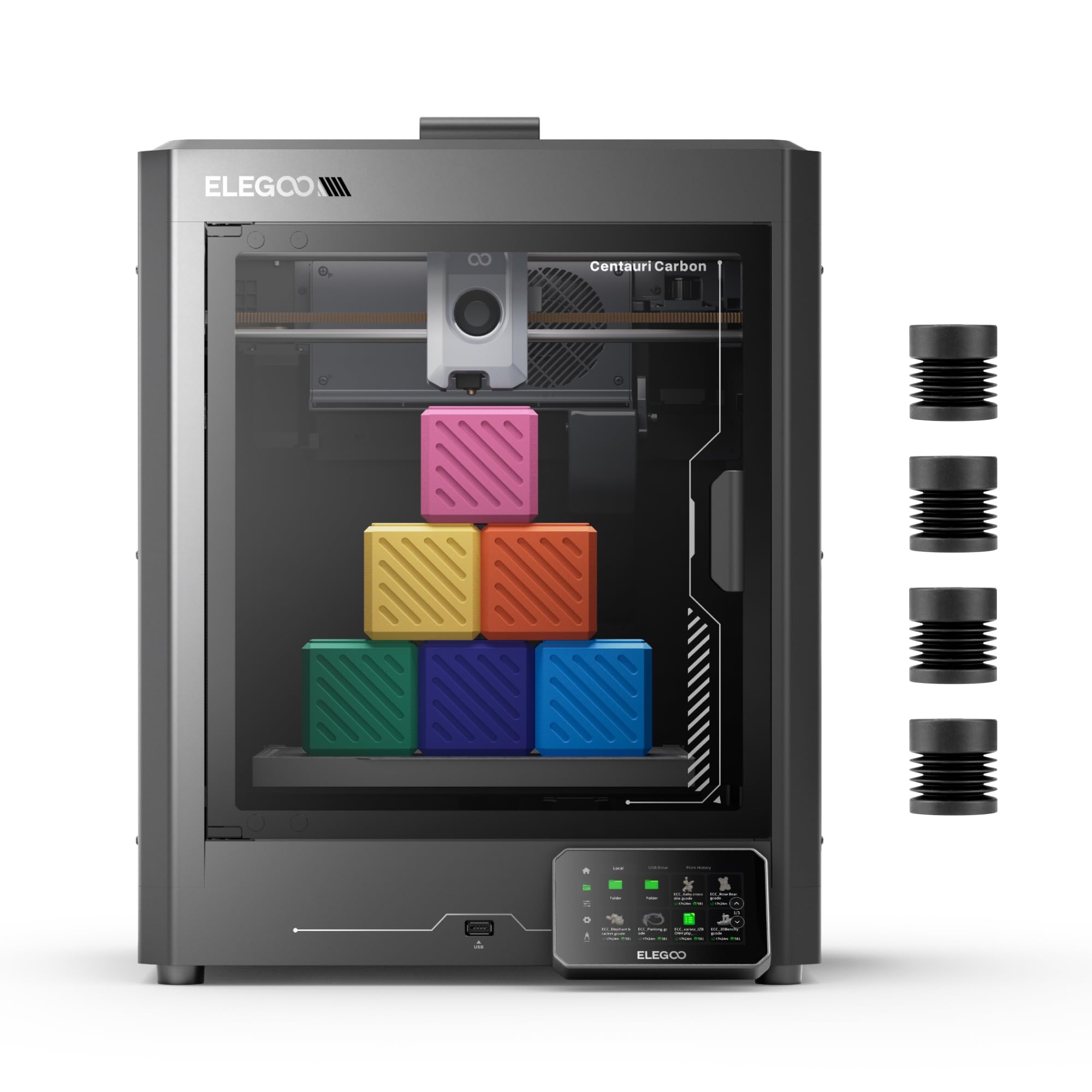
A pre-calibrated, carbon-fiber-capable machine that prints in 18 minutes flat.
The Centauri Carbon arrives fully assembled and pre-calibrated. You unbox it, load filament, and are printing in about 30 minutes. It features a 256x256x256 mm build volume, 500 mm/s speeds, and a 320°C brass-hardened steel nozzle that can handle carbon-fiber-reinforced filaments. The die-cast aluminum frame minimizes vibration at high speeds, and the dual-sided build plate has a PLA-specific sticky side that needs very low bed temps. Buyers have printed a benchy in 18 minutes with quality better than older machines.
Not every unit is perfect. One reviewer noted that the first machine died after 6 days with a hotend communication error, and the replacement had a poorly designed cable connector that made reassembly difficult. The slicer (ElegooSlicer) crashed on complex STL files with an old laptop, and the printer shakes heavily during fast moves — you will want it on a sturdy surface. On the plus side, the built-in chamber camera with dual LED lights lets you monitor prints remotely via WiFi, and after the initial swap, the replacement ran for 300-400 hours without issues.
Fast start
- Ready to print in 30 minutes with auto-leveling and pre-calibration.
- 320°C nozzle handles carbon-fiber composites and advanced filaments.
- Built-in camera with time-lapse and remote monitoring over WiFi.
Hit-or-miss QC
- Reports of hotend comm errors and cable connector defects within a week.
- Heavy shaking during fast moves may affect print quality on flimsy tables.
- Slicer can choke on complex STL files with older hardware.
Perfect for: a small shop that wants to dip into carbon-fiber printing without a big investment — the 320°C hotend and large 256 mm³ volume are unbeatable at this tier.
Not for: risk-averse buyers who need a machine that works perfectly on day one with zero chance of a return — the QC lottery is real here.
8. FLASHFORGE AD5X
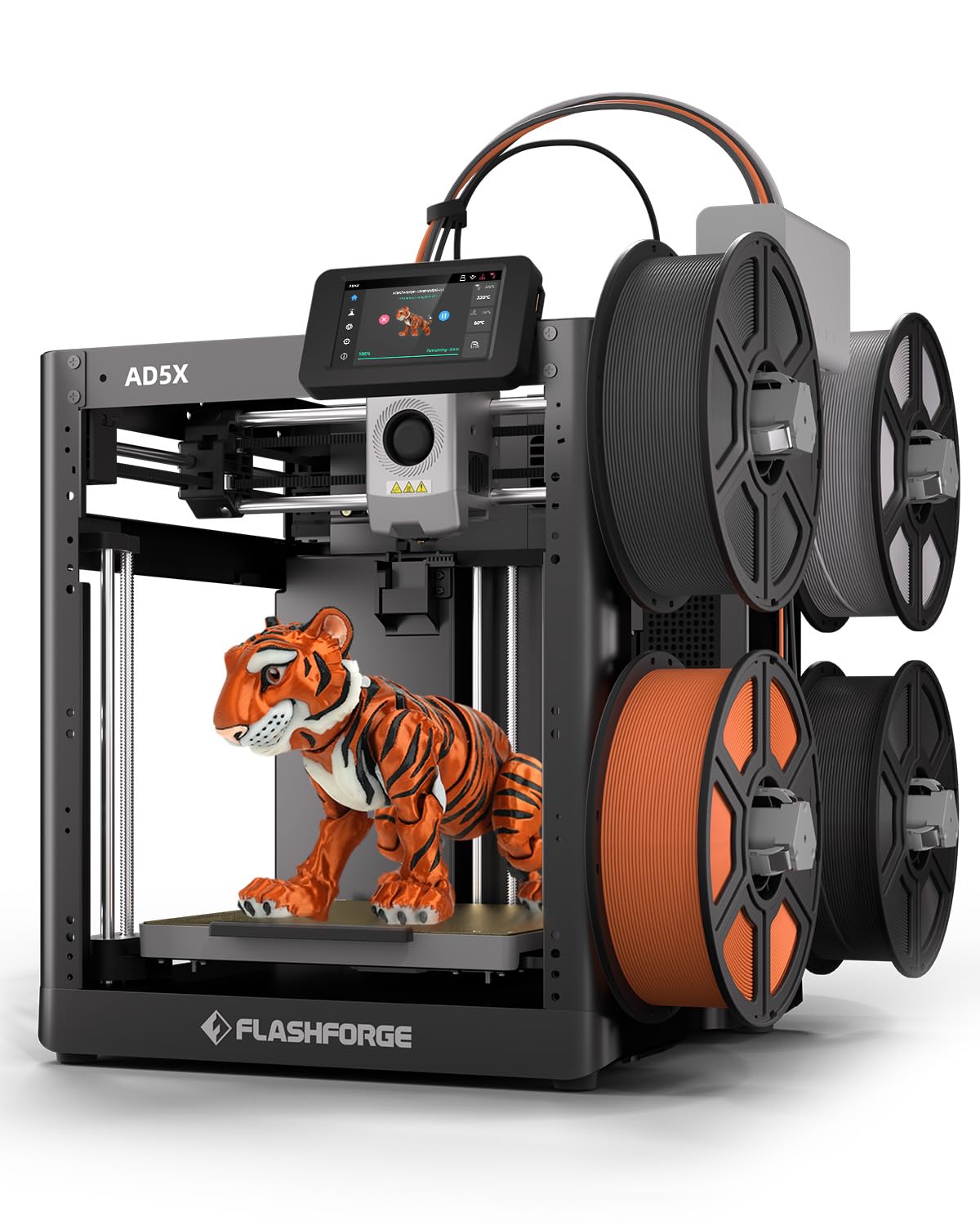
A budget multi-color printer that runs at true 600 mm/s with auto-leveling.
The AD5X delivers 600 mm/s top speed with 20,000 mm/s² acceleration in a smaller 220x220x220 mm build volume. Its IFS (Independent Filament System) handles four colors automatically, and the 1-click auto leveling removes a big headache for new users. The 300°C direct-drive extruder comes with a pre-installed 0.4mm nozzle, but you can swap to 0.25mm for fine detail or 0.8mm for fast, chunky parts. Buyers rave about the phenomenal first layers and overall print quality, with one customer saying the AD5X has been amazing after a month of use and produces multicolor prints automatically.
The main sore spot is the 4-in-1 filament connector. Some users report jams where the filament gets stuck in the connector, and even the manufacturer’s support video shows an agent struggling to pull it free without deforming the PTFE tube. The stock software stack is also weak — their fork of OrcaSlicer has issues, though you can use the standard version and manually set IFS colors. At 24.2 pounds it is comparatively light, so it shakes a bit more than heavier printers, but the bed adhesion is described as awesome.
Affordable multi-color speed: The AD5X gives you 600 mm/s and four-color IFS at a price that undercuts every other multi-color option on the list, but the finicky 4-in-1 connector and rough software means you trade ease-of-use for that low entry cost.
Grab this if: your primary need is fast multicolor printing on a tight budget and you’re comfortable troubleshooting the filament connector and slicer quirks.
it’s not for you if: your production depends on flawless overnight prints — the jamming risk at the 4-in-1 joint is too high for unattended operation.
9. FLASHFORGE Adventurer 5M Pro

The nozzle hits 200°C in 35 seconds — you spend time printing, not waiting.
The Adventurer 5M Pro is built for speed and simplicity. With a 600 mm/s top speed and 20,000 mm/s² acceleration, it churns out parts fast. The nozzle heats from cold to 200°C in 35 seconds, so you can start a new job almost instantly. The CoreXY all-metal structure keeps things stable at high speeds, and pressure-sensing auto leveling reads the platform height at multiple points to nail the first layer. You can swap between 0.25mm, 0.4mm, 0.6mm, and 0.8mm nozzles to balance speed against detail. Buyers call it beginner-friendly, with one user saying it has been one of the best technology purchases they’ve made, sparking countless new projects.
Reliability is the weakest link here. Some units suffer from repeated Z-axis failures where the print bed tries to drive below its physical limit during homing, causing a grinding noise. Other users report excellent performance after a one-time hardware swap via customer support. The dual circulation system reduces dust, and the Flash Maker app lets you monitor remotely with a built-in camera. At 32.1 pounds it is manageable for a desk, but the 220x220x220 mm build volume is on the small side — you will not fit large prototypes in one piece.
Speed-focused workflow
- 35-second nozzle heat-up to 200°C reduces downtime between jobs.
- Pressure-sensing auto leveling ensures consistent first layers.
- Interchangeable nozzles (0.25-0.8mm) for detail or speed.
Hardware risk
- Some units develop Z-axis grinding during homing — requires replacement.
- Small 220 x 220 x 220 mm build volume limits large single-part printing.
- Software install can be tricky; some users report initial setup issues.
Best for: a shop that prints many small, quick-turnaround parts in PLA or PETG and values fast heat-up and easy nozzle swaps over build volume.
Look elsewhere if: you need a larger build envelope or cannot gamble on the Z-axis homing issue affecting your machine.
10. FLASHFORGE AD5M Pro
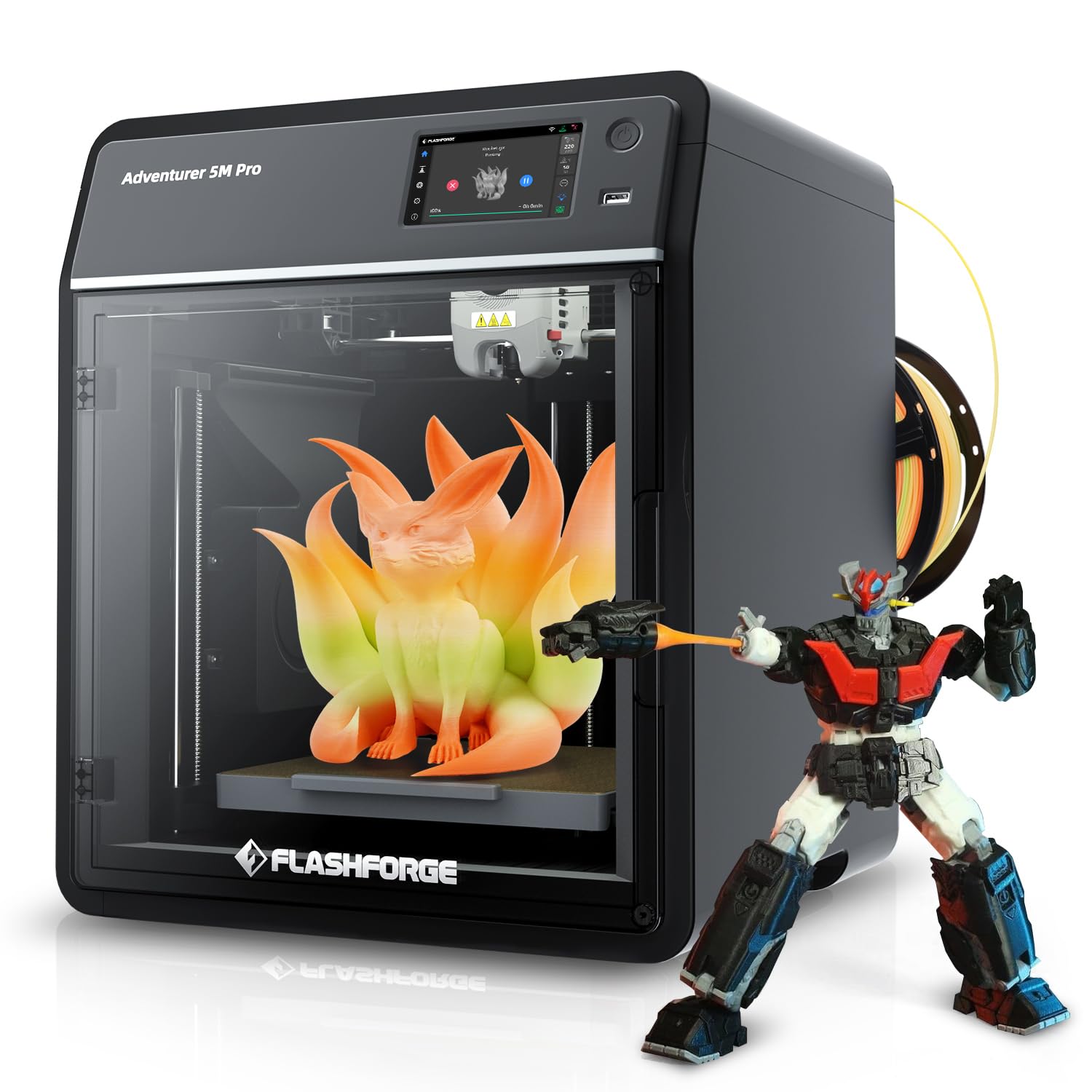
An upgraded version of the Adventurer 5M Pro that focuses on silent, reliable operation.
The AD5M Pro is very similar to the Adventurer 5M Pro but adds a focus on quiet operation — it targets a noise level of 50dB, quiet enough for a small office. It has the same CoreXY structure, 600 mm/s speed, and 220x220x220 mm build volume, but comes with a quick-swap hotend that makes nozzle changes faster. Buyers upgrading from an Adventurer 4 report the AD5M Pro is a huge leap: setup is flawless, prints stick every time, and the quality is outstanding. One buyer mentioned it printed a block perfectly in about 25 minutes from unboxing.
But the extruder design has drawn complaints. One buyer had filament feed fail after a week on a defective unit, and the replacement suffered from persistent WiFi disconnects and stringy prints that stopped feeding mid-print — with no clog. The software stack is similar to other Flashforge models: the Orca-Flashforge update often fails, so you are better using the older Flash Print slicer. The included 250g PLA spool is a nice starter, but the small build volume means you will outgrow it if your parts get larger.
Quiet upgrade: The AD5M Pro shaves noise down to 50dB and the quick-swap hotend is a genuine time saver, but the extruder reliability lottery and limited 220 x 220 x 220 mm volume hold it back from being a true small-business workhorse.
Perfect for: a quiet office or shared workspace where the 50dB noise level is a must and you mainly print small PLA parts.
Not for: a busy production floor where you need guaranteed extruder reliability and larger part capacity.
11. Original Prusa MK4S
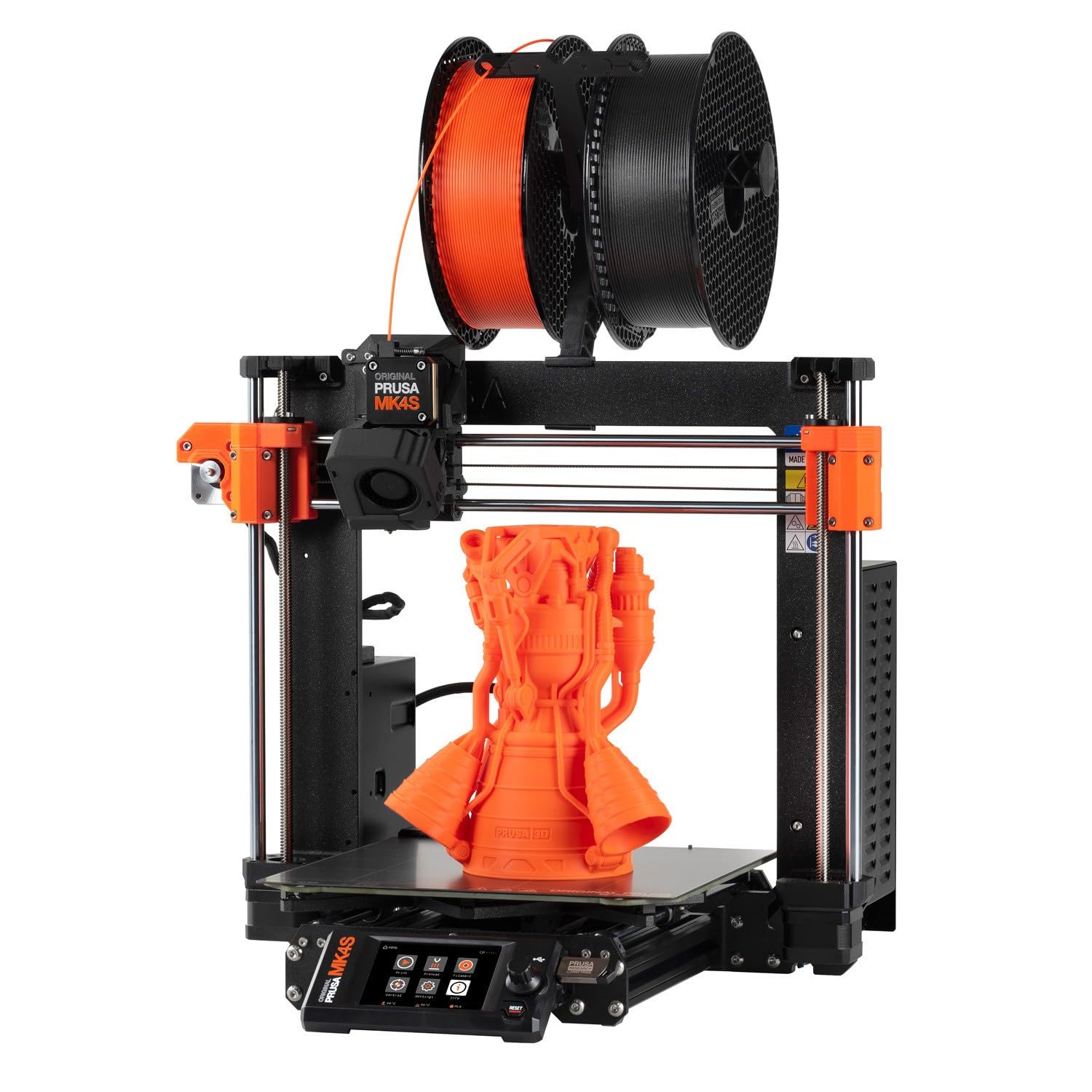
The gold standard for reliability, now with input shaping for higher speeds.
The MK4S adds input shaping (motion compensation that reduces ringing) to Prusa’s legendary reliability. The build volume is 9.84 x 8.3 x 8.6 inches — smaller than most CoreXY machines on this list, but every millimeter is backed by years of proven engineering. It ships fully assembled, ready to print from the start, and includes a 1 kg spool of Prusament PLA Galaxy Black. Buyers upgraded from an Anycubic Kobra Max and report that a complex 12-hour print with heavy overhangs needed zero supports — the surface quality was stunningly smooth compared to the 8/10 they were used to.
The trade-off is speed and price. Prusa does not advertise a top mm/s figure because they prioritize reliability over raw speed; the MK4S is fast for a Prusa but slower than a 600mm/s CoreXY machine. It costs significantly more and the open-source, upgradeable design means you pay for the ecosystem and support, not just the hardware. The self-check routine is noisy, and one buyer received a “New Kit” that was partially assembled incorrectly with missing fasteners. But Prusa’s lifetime technical support and decades of community firmware updates mean this printer will still be running strong when cheaper machines have been replaced twice.
Long-haul investment: The MK4S trades top speed and max build volume for class-leading long-term reliability, open-source upgradability, and professional support — if your small business counts on consistent output over flashy features, this is the safest bet on the list.
Reach for this if: you want a printer that will run for years with community firmware updates and the ability to repair or upgrade every part, backed by lifetime technical support.
Look elsewhere if: you need 600mm/s speed or a large build volume for your production volume — the MK4S prioritizes consistency over pace.
Understanding the Specs
CoreXY vs Bedslinger
The CoreXY structure uses a belt system that moves the print head — not the bed — along both X and Y axes. This makes the print head lighter and faster, hitting speeds of 500-600 mm/s without shaking the print loose. A bedslinger (like the Prusa MK4S) moves the bed back and forth on one axis, which limits speed but simplifies the design. For a small business printing production parts, CoreXY is the way to go for speed and quality at high speeds.
Heated Chamber
A heated chamber (measured in °C) warms the air inside the printer enclosure. This prevents materials like ABS, nylon, and polycarbonate from cooling unevenly during printing, which causes corners to lift (warping) or layers to separate. A printer that reaches 60-65°C can handle engineering-grade filaments reliably. Printers without a heated chamber are mostly limited to PLA and PETG for warp-free prints.
FAQ
What is the most important spec for a small business 3D printer?
What is auto bed leveling and why is it important?
Can I print carbon fiber filament on a standard 3D printer?
What is the difference between an enclosure and a heated chamber?
How does multi-color printing work on these printers?
What build volume do I need for small business production?
How often do I need to maintain a 3D printer used daily for business?
Can I use standard filament brands or do I need branded filament?
What is the warranty and support like for these business printers?
How loud are these printers in a small office environment?
Final Thoughts: The Verdict
For most small businesses, the best 3d printer for small business is the Bambu Lab P1S Combo because it combines reliable 500 mm/s CoreXY speed, a 256x256x256 mm build volume, and a proven 16-color AMS system that buyers report delivers a 95% success rate. If you need a larger build volume and active chamber heating for engineering materials, the Creality K2 Pro Combo is the volume king with a 300 mm³ build space and 60°C chamber. And for budget-conscious multi-color printing, the FLASHFORGE AD5X offers 600 mm/s speed and four-color IFS at a price that undercuts all others.
How We Picked
We do not accept paid placement. Every pick is matched to a real buyer and a real use-case; we do not hands-on test units.
Sources & Methodology
Specifications: manufacturer listings and product documentation. Review insights: verified customer reviews, as of July 2026. Pricing: not shown on this page (it changes often); check the current price via the retailer link.
As an Amazon Associate, Gadgets Feed earns from qualifying purchases. This does not affect which products we feature.