
Our readers keep the lights on and my morning glass full of iced black tea. As an Amazon Associate, I earn from qualifying purchases.
Specs are compiled from manufacturer listings and verified buyer reviews and can change over time — please confirm the key details on the product page before buying.
You stop deleting old photos to make room when you move to a 4TB hard drive — it holds entire backup libraries, game installs, and video archives in one place. The real question isn’t if you need the space; it’s whether you pick a drive built for constant 24/7 recording, one tuned for quiet desktop use, or a speedier solid-state option. Each type has a different job, and picking the wrong one means wasted money or an avoidable failure down the road.
I’m Min — the founder and writer behind Gadgets Feed. This guide is built by comparing the manufacturers’ published specifications and the patterns across verified customer reviews, so you get each pick’s real strengths and trade-offs instead of marketing spin.
Expanding a desktop, a NAS box, or a security camera system? The 4 terabyte hard drive you choose needs to match how hard you’ll actually push it. That decision depends on speed, cache size, and whether the drive is rated for round-the-clock operation.
Our Picks at a Glance


How To Choose The Best 4 Terabyte Hard Drive
Start with the job, not the brand. A drive that lives inside a security DVR recording cameras all day faces totally different stress than one storing your music library in a desktop. Match the drive’s design to your workload and you’ll get years of quiet service.
Match the RPM to the task
Spin speed sets the baseline for how fast data moves. A 5400 RPM drive runs cooler and quieter, which suits media storage and backups. A 7200 RPM drive moves data noticeably faster — good for gaming libraries and heavy file transfers, but it runs warmer and can be noisier.
Look at the cache, not just the capacity
Cache is a small amount of fast memory on the drive that holds frequently used data. A larger cache, like 256MB versus 64MB, helps repeated access feel snappier even when the platter speed is the same. It matters most for everyday desktop use where the same files get opened again and again.
Surveillance drives are built differently
A camera system writes data constantly, all day, every day. Drives built for that have features tuned for continuous, write-heavy streams. Using a standard desktop drive in a DVR can wear it out fast, while a surveillance drive in a regular PC works fine but costs a little more.
Quick Comparison
| Model | Best For | Speed | Cache | Rating | Amazon |
|---|---|---|---|---|---|
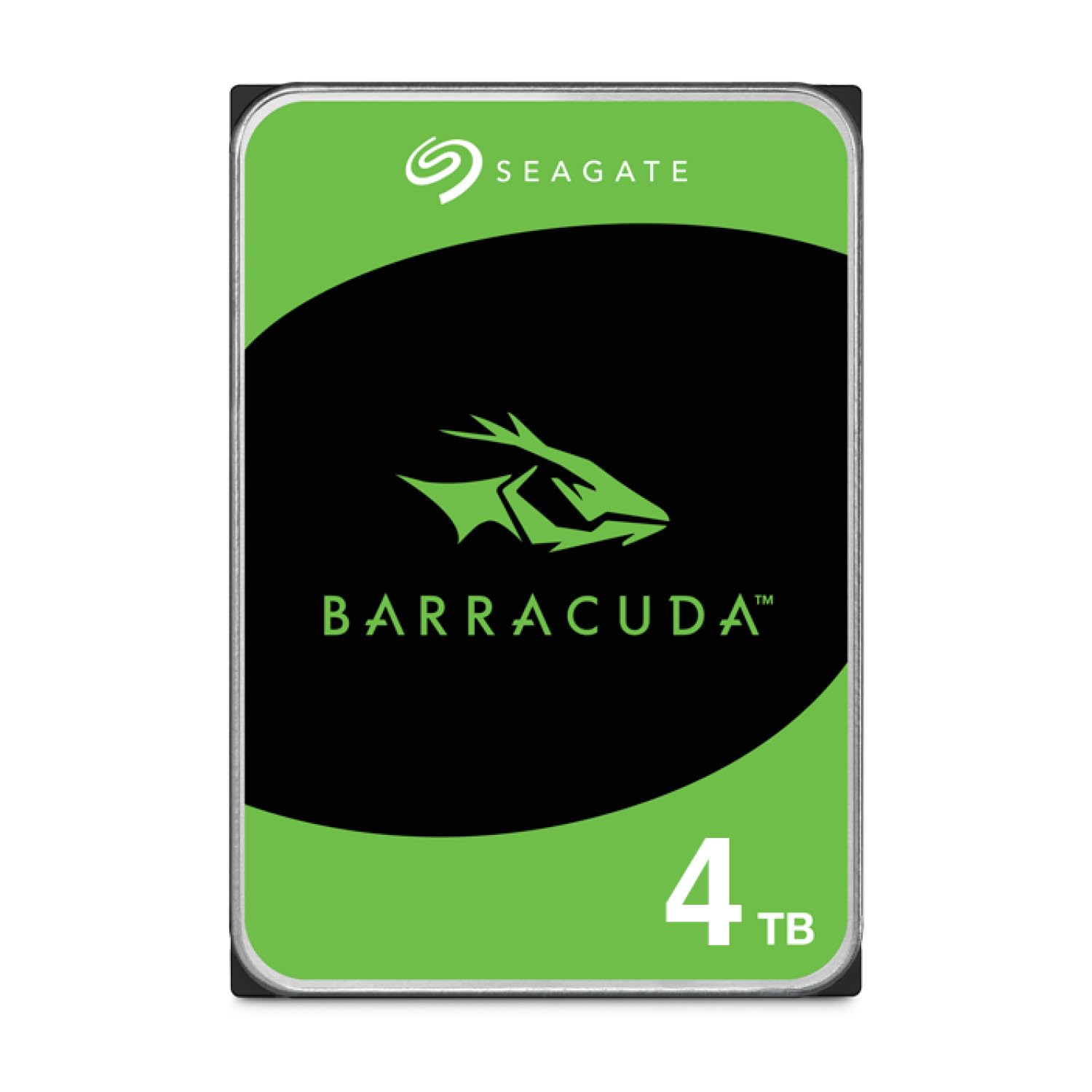
| Seagate BarraCuda 4TB★ Best Overall | Everyday desktop storage | 5400 RPM | 256 MB | 4.7/5 | Amazon |
| HGST Ultrastar 7K4000Server Grade | Reliable NAS & server pools | 7200 RPM | 64 MB | 4.4/5 | Amazon |
| MaxDigitalData 4TB SurveillanceSurveillance Pick | CCTV DVR recording | 7200 RPM | 64 MB | 4.4/5 | Amazon |
| WL 4TB Surveillance DVR | Budget camera systems | 5400 RPM | 64 MB | 4.3/5 | Amazon |
| MDD 4TB Desktop Drive | Versatile multi-device builds | 7200 RPM | 64 MB | 3.8/5 | Amazon |
| White Label 4TB Enterprise | RAID and NAS arrays | 7200 RPM | 64 MB | 4.2/5 | Amazon |
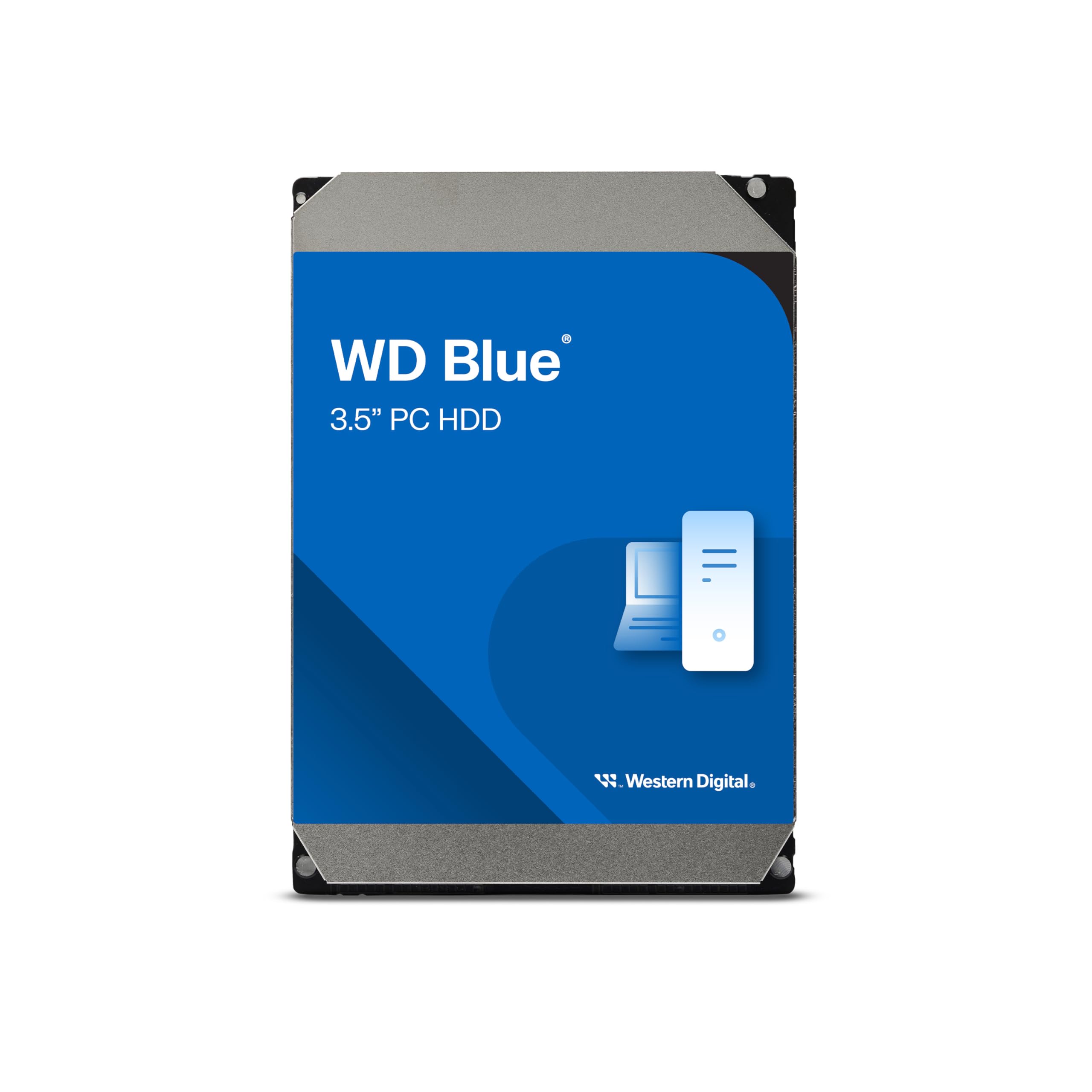
| WD Blue 4TB | Quiet desktop upgrades | 5400 RPM | 128 MB | 4.6/5 | Amazon |
| WD Purple 4TB | Professional surveillance | — | 256 MB | 4.5/5 | Amazon |
| fanxiang S101 4TB SSD | Speed-focused upgrades | SSD | SLC Cache | 4.5/5 | Amazon |
In‑Depth Reviews
1. Seagate BarraCuda 4TB
Our pick — over 4.5★ from 105,000+ verified ratings; the strongest balance of quality and price.
The do-everything desktop drive with a giant cache that keeps everyday tasks feeling quick.
For most home and office builds, this is the drive to beat. It holds 4TB at a 5400 RPM spin speed, which means it runs cooler and quieter than faster-spinning models — exactly what you want for a drive sitting inside your PC case. The standout is the 256MB cache, which is four times the size of the 64MB cache on many rivals; that larger cache is why opening the same files and programs again feels snappier. Seagate rates it for 190 MB/s sustained transfers, so a few gigabytes of video move in under a minute.
Owners use it for everything from media libraries to a UGREEN NAS, and the pattern in the reviews is consistent: install is genuinely simple, no software downloads needed, and it runs quietly. The honest trade-off is speed — at 5400 RPM it’s slower than a 7200 RPM drive like the HGST below, and it’s not the drive to run your operating system off. Reviewers recommend pairing it with an SSD for the OS and using this purely for storage, which is the smart way to buy it.
As buyers report: “Seagate drives last 7-10 years,” though they stress the importance of backups, monitoring health with CrystalDiskInfo, cleaning dust, and ensuring airflow. It’s a solid, proven choice that’s also backed by 20 years of BarraCuda innovation and a data recovery service. The crowd favorite here — 4.7 stars across 100,000+ owners — tells you this is the safe bet.
What wins people over
- Large 256MB cache keeps repeated tasks feeling fast
- Quiet operation at 5400 RPM
- Easy install, no extra software required
The trade-offs to know
- Not fast enough to run your OS — pair with an SSD
- Some owners find it noisy during heavy use
Reach for this if: you want one dependable 4TB drive for games, photos, and video on a desktop or basic NAS.
Look elsewhere if: you need 7200 RPM speed for constant heavy file transfers or a drive rated for 24/7 surveillance.
2. HGST Ultrastar 7K4000
The enterprise workhorse built to spin non-stop in RAID arrays and servers without blinking.
This is a 7200 RPM drive with a 64MB cache, and it’s engineered for the punishing world of always-on servers. It was the first 4TB 7200 RPM drive with a 2.0 million-hour MTBF rating. — that’s the mean time between failures, a reliability figure far above consumer drives. Hitachi’s Rotational Vibration Safeguard (RVS) sensors keep it stable in multi-drive arrays., which keeps the drive stable in multi-drive RAID arrays where vibration from neighboring drives can cause errors. That’s why it’s a favorite for home NAS builds and ZFS pools.
The real-world evidence is striking: owners mention “seven drives running non-stop 1+ year, no issues,” and others note ~300-350 MB/s speeds over a SAS HBA connection. It runs through a 1 Gbps link without breaking a sweat. At 7200 RPM it’s roughly a third faster than the 5400 RPM Seagate BarraCuda above — a real advantage when you’re rebuilding a RAID array or transferring large media files. The catch is it runs hot and needs proper ventilation; a quiet home setup isn’t its natural habitat.
Noise gets mixed reviews — some find it quiet, others notice it in a silent room. This renewed unit works great in a desktop USB3 dock or Linux SATA, but owners note USB3 enclosure issues are usually the adapter’s fault, not the drive’s. If you’re building a multi-drive storage box that must stay up, this is the one your data wants.
Built for the long haul
- 2.0 million hours MTBF reliability spec
- RVS sensor keeps it stable in RAID arrays
- Fast 7200 RPM with ~300-350 MB/s real-world speeds
What to watch
- Runs hot — needs good airflow
- Can be audible in a silent room
Best for: NAS builders and homelab owners who need drives that survive 24/7 duty in an array.
Not for: anyone who wants a whisper-quiet desktop drive — this one prioritizes endurance over silence.
3. MaxDigitalData 4TB Surveillance
A camera-system specialist rated for non-stop recording, with enough room for weeks of footage.
If you’re upgrading a security DVR, this drive is built specifically for the job. It’s a 3.5-inch surveillance drive spinning at 7200 RPM with a 64MB cache, and it’s designed for 24/7 operation — The maker estimates it stores about 112 days of 720P footage at 30 FPS.. That’s the kind of number that matters when you’re trying to figure out how long your camera system can keep history before overwriting. It’s tune for video streams, which means it handles the constant write load of CCTV recording without the wear a desktop drive would suffer.
Owners have used it to replace failed drives in Reolink switches and other DVR systems, and the pattern is that install is flawless and video access is faster than the old drive. One buyer notes they lost a previous unit to a UPS failure — a reminder that no drive survives a bad power supply, so pair this with a decent surge protector or UPS. The 2-year warranty is solid for the category.
The one thing to know: a couple of customers note the drive is noisy initially, with some grinding sounds in the first two weeks before it quiets down. That’s unnerving, but it’s not a pattern of failure — more a break-in period. If you want a drive that just records cameras all day without complaint, this is a strong, budget-conscious choice.
Made for cameras
- Designed for 24/7 surveillance operation
- ~112 days of 720P recording at 30FPS
- Faster video access than standard drives
Keep in mind
- Can be noisy during the first weeks
- No mounting screws included
Grab it if: you need a dependable 4TB drive for a security DVR or camera switch.
Think twice if: you want a silent desktop storage drive — this is tuned for recording, not quiet.
4. WL 4TB Surveillance DVR

A quiet, low-power 4TB camera drive that stretches your dollar without stretching your nerves.
This is the budget-friendly route to 4TB of surveillance storage. It runs at a quieter 5400 RPM with a 64MB cache, which keeps power draw low and noise to almost nothing — two things owners consistently mention. It’s a 3.5-inch drive meant for any security CCTV DVR, and it ships sealed in a bag with the claim of zero bad sectors and zero power-on hours. That’s appealing if you want a fresh drive, not a refurb.
Reviewers have run it for years — one pair of units has been going since 2022 without issues, and another used it for 2.5 years as a backup drive even after developing some bad sectors. Value for money is the top praise, and it’s easy to see why: for a camera system that just needs to write footage around the clock, this delivers. It also works fine as a NAS backup drive via a USB enclosure.
The honest caveat is reliability gets mixed feedback, and a few reviewers point out data loss issues — so this isn’t the drive to trust with irreplaceable family photos. The description also isn’t perfectly accurate, so read the specs carefully. For a DVR where footage is temporary anyway, it’s a smart, low-cost pick.
Easy on the wallet and ears
- Very quiet at 5400 RPM
- Excellent value for money
- Sealed with zero power-on hours
Be aware
- Mixed reliability reports and some data loss cases
- Product description isn’t fully accurate
Best for: camera systems where you want cheap, quiet storage and footage isn’t precious.
skip it if: you’re storing irreplaceable data — reliability is too mixed for that job.
5. MDD 4TB Desktop Drive

A fast 7200 RPM 4TB drive that claims to work in everything from a PC to a NAS.
This one advertises maximum flexibility: 4TB, 64MB cache, and a 7200 RPM spin speed with a SATA 6.0Gb/s interface. The maker says it works for desktop PCs, Macs, RAID systems, NAS network storage, CCTV DVRs, and surveillance systems. At 7200 RPM it’s a third faster than the 5400 RPM Seagate BarraCuda above, so large transfers and game loads should feel quicker. It comes as a bare drive only — no screws, cables, or accessories — and the manual reminds you to format it in your system before it shows up.
Owners who got it working are happy, calling it “very good value for money” and noting it works perfectly. The 3-year warranty is a point in its favor. But there’s an important compatibility catch: one buyer found it didn’t work in any of their security DVRs — a Samsung, a Tsecure, and a new Annke — despite claims it works in “almost any.” That’s a red flag if your sole purpose is a specific DVR brand.
It’s a solid choice for a desktop PC or a NAS where you control the setup. For a DVR, you’re gambling on compatibility, so check your system’s supported drive list first. The value is real when it works, but verify before you buy.
Versatile performer
- Fast 7200 RPM speed
- 3-year warranty
- Great value for desktop and NAS use
Know the limits
- Compatibility with some DVR brands is hit or miss
- Bare drive — no cables or screws included
Reach for this if: you’re building or upgrading a desktop or NAS and want a fast, affordable 4TB drive.
Look elsewhere if: you need guaranteed DVR compatibility — not all camera systems accept this drive.
6. White Label 4TB Enterprise

A nearline enterprise drive with dual processors built to shake off vibration in big arrays.
This is the drive for serious storage builders. It’s a 7200 RPM, 64MB cache 3.5-inch enterprise drive delivering 6 Gb/s transfer rates with sustained sequential speeds of 171 MB/s. The headline spec is a field-tested 1.2 million hour MTBF (mean time between failures) — that’s the reliability number that tells you it’s engineered for 24×7 operation at up to 100% duty cycle. It has a dual processor for twice the processing power and enhanced RAFF vibration protection technology that corrects linear and rotational vibration in real time, so it stays stable in dense RAID and NAS boxes.
Owners running it in Synology NAS and RAID 5 arrays report clean initializations with no bad sectors or SMART errors. The pattern is strong: “installed in my NAS and RAID 5 initialized and installed with no bad sectors or smart errors.” Value for money is what wins people over, and the performance follows close behind. It also handles vibration-heavy environments better than consumer drives, which is exactly why it’s a favorite for homelab server builds.
The honest concern is reliability is split — some report failures within weeks, which is why it’s a mixed bag. One buyer received a dead drive in a plain brown envelope with no protection, which is a shipping horror story rather than a product flaw. This is an entry-level enterprise drive that shines in arrays, but the value-tier label means you should test it immediately on arrival. Noise also gets mixed reviews, with some noticing head vibration sounds.
Array workhorse
- 1.2 million hour MTBF rating
- 171 MB/s sustained sequential speed
- Dual processor plus RAFF vibration protection
Proceed with care
- Reliability reports are mixed — test on arrival
- Some units arrive poorly packaged
Best for: homelab and NAS builders who need vibration-resistant drives in a multi-bay array.
Not for: anyone wanting guaranteed reliability without testing — treat this as a value gamble.
7. Western Digital WD Blue 4TB
The reliable everyday desktop drive that runs cool and quiet while Windows stays calm.
WD Blue is the name people trust for everyday computing, and this 4TB version delivers exactly that. It spins at 5400 RPM with a 128MB cache — a middle ground between the 64MB budget drives and the 256MB Seagate above — and moves data at up to 180 MB/s. NoTouch Ramp Load Technology parks the head off the platter at startup to reduce wear. It bundles free Acronis True Image WD Edition for one-click cloning., so migrating your old drive is a one-click job instead of a stressful weekend project.
Reliability is what owners praise most here, with thousands of buyers reporting years of trouble-free use — one reviewer notes theirs is “still working after a few years,” and others mention replacing three aging drives with this one. It runs cool and quiet, which makes it a favorite for desktops, media storage, backups, and even an Xbox mod project. The 2-year limited warranty adds confidence.
The catch is compatibility gets mixed feedback — it works flawlessly with Western Digital systems, but some shoppers say their computers don’t recognize it at first. That’s usually a BIOS or driver issue rather than a dead drive, but it’s worth knowing. For a dependable desktop upgrade that won’t demand attention, this is the pick.
Set and forget
- Rock-solid reliability praised by thousands of owners
- Runs cool and quiet at 5400 RPM
- Free Acronis cloning software included
Small hiccups
- Some systems don’t recognize it without BIOS tweaks
- Slower than 7200 RPM drives for big transfers
Grab it if: you want a quiet, dependable desktop drive that just works for years without drama.
Think twice if: your PC has known compatibility quirks or you need maximum transfer speed.
8. Western Digital WD Purple 4TB

The professional surveillance drive with AllFrame tech that keeps multi-camera recordings smooth.
This is the premium pick for serious camera systems. WD Purple is engineered specifically for mainstream surveillance, AllFrame technology tune it for write-heavy, low-bitrate, multi-stream surveillance workloads. — exactly what a multi-camera DVR throws at it. It’s a 3.5-inch drive with a 256MB cache and It’s rated for up to 180 TB of writes per year., meaning it’s rated to transfer a huge amount of footage annually. For 4TB and above, it supports up to 16 bays and uses tarnish-resistant components for harsher environments.
Buyers report it handles four 4K recordings simultaneously without dropping frames, which is the kind of real-world proof that matters for a security setup. It’s been a reliable 24/7 DVR drive for 5-6 years in some systems with good SMART health. The install is genuinely easy — one buyer swapped it into a NightOwl DVR themselves and saved the cost of a whole new system. Quality is what owners praise most, and the data recovery service adds a safety net.
The trade-off is durability gets mixed feedback: some report it lasting up to 25,000 hours of constant use, while others saw failures after 18 months. One owner reports a buzzing sound 42 days in, though the SMART info still read “Normal” — a reminder that even quality drives can have early failures, which is why you keep backups. For a professional-grade camera system, this is the drive to trust.
Built for cameras
- AllFrame tech handles multi-camera 4K streams
- Supports up to 16 bays in surveillance systems
- 180 TB/year workload rating
The honest catch
- Durability is mixed — some fail after 18 months
- Premium price for the surveillance label
Best for: professional security installs and multi-camera DVRs that need reliable 24/7 recording.
Not for: casual desktop storage — you’re paying for surveillance features you won’t use.
9. fanxiang S101 4TB SSD

The no-moving-parts 4TB that turns an old laptop into a machine that boots in seconds.
This isn’t a mechanical drive at all — it’s a solid-state drive (SSD) with no spinning platters, and that changes everything about how it feels. It’s a 2.5-inch SATA III drive with read speeds up to 500MB/s, and the maker says it boots up at least 50% faster than an HDD. Owners mention boot times dropping from 2:45 to 1:05, and an old PC that “feels brand new.” It uses 3D NAND with SLC Cache technology, plus support for garbage collection, advanced wear-leveling, TRIM, and S.M.A.R.T — the features that keep an SSD fast and stable over time. It’s also shockproof, so a dropped laptop won’t kill your data.
Install is a 30-minute job including cloning your old drive, and it runs cool and quiet since there are no moving parts. Owners use it to back up iPads on a Mac, store camera hub footage, and revive legacy PCs. Quality is what everyone praises most, and the value is strong. The 3-year after-sales service with lifetime technical support is a nice safety net.
That’s the trade-off of high-capacity SSDs: speed now, with a small chance of early failure. If you want the speed and can afford it, this is the upgrade. If you need cheap bulk storage, a mechanical drive is still the smarter buy.
The speed rush
- 500MB/s reads — boot times under 10 seconds
- Shockproof, runs cool and silent
- Easy 30-minute install and clone
Know the cost
- Much pricier than a mechanical 4TB drive
- Some units fail within 6-12 months
Reach for this if: you want to revive an old laptop or PC and hate waiting for boots and file transfers.
Look elsewhere if: you need maximum storage per dollar — mechanical drives still win that game.
Understanding the Specs
RPM and What It Does For You
RPM stands for revolutions per minute — how fast the platters inside spin. A 5400 RPM drive runs cooler and quieter, which suits media libraries and backups. A 7200 RPM drive moves data faster, which helps with game loads and large transfers, but it runs warmer and can be noisier. Match the speed to your workload and you’ll get the best balance of performance and comfort.
Cache Size and Why It Matters
Cache is a small amount of fast memory on the drive that holds frequently accessed data. A larger cache, like 256MB versus 64MB, means the drive can answer repeat requests without spinning up the platters again. For everyday desktop use where you open the same programs and files repeatedly, a bigger cache makes the drive feel noticeably snappier.
Surveillance vs Desktop Drives
Surveillance drives are built to write data constantly, all day, every day, without wearing out. They’re tune for video streams and often rated for higher annual workloads. Desktop drives assume bursts of activity with idle time in between. Putting a desktop drive in a 24/7 DVR can shorten its life, while surveillance drives work fine in desktops but cost a bit more.
MTBF and Reliability Ratings
MTBF stands for mean time between failures — a reliability estimate that tells you how long a drive is expected to run before failing. Enterprise drives often carry ratings like 1.2 million or 2.0 million hours, which reflects their design for constant operation. Consumer drives don’t usually publish this number as prominently. A higher MTBF is a good sign for always-on systems like NAS boxes and servers.
FAQ
Is a 5400 RPM drive fast enough for everyday use?
Can I use a surveillance drive in a regular desktop PC?
What’s the difference between 64MB and 256MB cache?
Will a 4TB drive work with my older computer?
How long does a 4TB hard drive typically last?
Is a 4TB SSD worth the extra money over a mechanical drive?
What does MTBF mean and why should I care?
Can I mix different drive brands in a RAID or NAS setup?
Why does my new 4TB drive show less than 4TB of space?
Which is better for a gaming PC — a 7200 RPM drive or an SSD?
Final Thoughts: The Verdict
For most people, the 4 terabyte hard drive winner is the Seagate BarraCuda because the 256MB cache makes everyday tasks feel fast while the 5400 RPM spin keeps it quiet and cool. If you’re building a serious NAS or server, the HGST Ultrastar is the endurance pick with a 2.0 million hour MTBF rating. And for a security camera system, the WD Purple is the one that handles multi-camera 4K streams without dropping a frame.
How We Picked
We do not accept paid placement. Every pick is matched to a real buyer and a real use-case; we do not hands-on test units.
Sources & Methodology
Specifications: manufacturer listings and product documentation. Review insights: verified customer reviews, as of August 2026. Pricing: not shown on this page (it changes often); check the current price via the retailer link.
As an Amazon Associate, Gadgets Feed earns from qualifying purchases. This does not affect which products we feature.