
Our readers keep the lights on and my morning glass full of iced black tea. As an Amazon Associate, I earn from qualifying purchases.
The jump to a 40-inch 4K monitor isn’t just about more pixels — it’s about restructuring your entire digital workflow on a canvas wide enough to replace two or three smaller screens. At this size, pixel density matters just as much as raw resolution, because stretched-out 1080p panels look grainy while true 4K (3840 x 2160) or WUHD (5120 x 2160) delivers crisp text and fine detail. The real challenge is finding a panel that balances screen real estate with ergonomic sanity — enough curve to keep edges in your peripheral vision, a stand that doesn’t eat your whole desk, and connectivity that handles high-bandwidth video without daisy-chain headaches.
I’m Min — the co-founder and writer behind Gadgets Feed. This buying guide is the result of dozens of hours comparing refresh rates, color gamut coverage, USB-C power delivery specs, and real-world panel uniformity data across every major 40-inch 4K monitor available today.
Whether you’re a creative who needs color-accurate Ultrawide canvas or a productivity power user replacing a multi-monitor array, this guide cuts through the marketing to help you find the best 40 inch 4k monitor for your specific setup.
How To Choose The Best 40 Inch 4K Monitor
A 40-inch monitor is a major investment — physically, financially, and ergonomically. The wrong choice leaves you hunched over a poorly curved panel or squinting at blurry text. Here’s what separates the right panel from the wrong one.
Resolution vs. Screen Real Estate
Not all 4K is equal at 40 inches. A standard 3840×2160 panel delivers about 110 pixels per inch — acceptable but not retina-sharp for spreadsheet work. True 5K2K (5120×2160) pushes PPI above 140, matching the sharpness of a 27-inch 4K display. If text legibility matters, aim for the higher-resolution panel.
Connectivity That Doesn’t Bottleneck
At this size, a single USB-C cable that carries video, data, and 90W+ power delivery is a game-changer. Thunderbolt 4 (up to 40Gbps) or DisplayPort 2.1 ensures you’re not stuck at lower refresh rates. Verify the monitor supports the full bandwidth — many cheap panels cap USB-C at 10Gbps.
Curvature and Viewing Distance
At 40 inches, a flat panel forces your eyes to travel noticeably wider angles, leading to fatigue. A 2500R or 1500R curve wraps the display around your natural field of view. Match the curve intensity to your typical sitting distance — tighter curves (1500R) work better at arm’s length, while 2500R suits deeper desks.
Quick Comparison
On smaller screens, swipe sideways to see the full table.
| Model | Category | Best For | Key Spec | Amazon |
|---|---|---|---|---|
| LG 40WP95C-W | Premium | Mac creative workflow | 5120×2160 Nano IPS | $1,599.99Amazon |
| Dell U4025QW | Premium | Professional color work | 5K2K IPS Black | Amazon |
| Samsung 40” Odyssey G7 | Premium | Immersive ultrawide gaming | 5120×2160 VA 1000R | $664.99$999.99Amazon |
| Deco Gear 40 Curved | Mid-Range | Budget 5K2K ultrawide | 5120×2160 Nano IPS | $699.99Amazon |
| LG 37G800A-B | Mid-Range | Competitive 4K gaming | 3840×2160 VA 165Hz | $549.99$799.99Limited time dealAmazon |
| Samsung 43” M7 | Mid-Range | Smart TV + monitor combo | 3840×2160 VA HDR10 | $399.99Amazon |
| Dell U4320Q | Mid-Range | Office productivity grid | 3840×2160 IPS | $990.50Amazon |
| INNOCN 49” WFHD | Budget | Wide-screen multitasking | 3840×1080 VA 144Hz | $699.99$749.99PrimeAmazon |
| CRUA 49” DQHD | Budget | Budget 5120×1440 gaming | 5120×1440 VA 120Hz | $559.99$599.99Amazon |
| INNOCN 27” QD-OLED | Premium | High-refresh QD-OLED gaming | 3840×2160 OLED 240Hz | $799.49$926.24PrimeAmazon |
| ASUS ROG Swift PG32UCDMR | Premium | Top-tier QD-OLED display | 3840×2160 QD-OLED 240Hz | $899.99$1,299.99Amazon |
In‑Depth Reviews
1. LG 40WP95C-W 40” UltraWide Curved WUHD

The LG 40WP95C-W hits the sweet spot for creative professionals who need both resolution and color fidelity. Its 5120×2160 Nano IPS panel delivers 98% DCI-P3 coverage with HDR10 support, rendering photos and video timelines with excellent saturation and minimal banding. The Thunderbolt 4 port provides 96W of power delivery — enough to charge a 16-inch MacBook Pro at full speed while piping video and data through a single cable.
The 2500R curve is subtle enough for spreadsheet work but wraps the edges of a 21:9 canvas naturally into your peripheral vision. Built-in speakers produce richer bass than most monitor audio, and the three-side borderless design minimizes visual clutter. The 72Hz cap is the main trade-off — this monitor prioritizes pixel density over refresh rate, making it a productivity-first tool rather than a gaming panel.
Mac compatibility is excellent: text stays razor-sharp at native resolution without the scaling headaches common on lower-PPI ultrawides. The stand offers height, tilt, and swivel adjustments, though the included cables could be longer for a desk setup with a centralized hub. For video editors, photographers, or anyone who lives in a multi-window workspace, the 40WP95C-W earns its premium status through sheer screen fidelity.
Why it’s great
- Thunderbolt 4 with 96W PD charges a pro laptop at full speed
- Nano IPS panel covers 98% DCI-P3 for accurate color grading
Good to know
- 72Hz refresh rate limits gaming potential
- Glossy screen coating reflects overhead lights in bright rooms
2. Dell UltraSharp U4025QW 40” 5K2K WUHD Curved

The Dell U4025QW represents the pinnacle of what a productivity monitor can be at this size. Its IPS Black panel technology pushes contrast to 2000:1 — double standard IPS — giving you deeper blacks without the viewing-angle compromises of VA panels. The native 5120×2160 resolution at 120Hz creates a canvas where full-page layouts, video timelines, and code editors coexist without scaling compromises.
Dell’s built-in KVM switch supports two computers simultaneously, and the Thunderbolt 4 upstream delivers 140W charging — currently the highest power delivery in any 40-inch panel. The 2500R curvature keeps the far edges readable without distortion, and the anti-glare coating actually works well in brightly lit offices. You also get an RJ45 Ethernet port, which is rare at this size and eliminates dongles for wired networking.
Out of the box, color accuracy is excellent (Delta E < 2), and Dell Display Manager software makes window snapping effortless across this massive canvas. The main drawbacks are weight — it requires a sturdy desk or a premium monitor arm — and the price, which lands firmly in pro-level territory. If your daily work involves color-critical tasks or constant multitasking across multiple applications, the U4025QW justifies its cost through sheer screen quality and connection versatility.
Why it’s great
- IPS Black delivers 2000:1 contrast — best-in-class for IPS
- Thunderbolt 4 with 140W PD charges even large workstation laptops
Good to know
- Heavy build requires a sturdy desk or premium arm
- No remote control for OSD adjustments
3. Samsung 40” Odyssey G7 G75F WUHD Curved

The Samsung Odyssey G7 G75F is the gaming-focused sibling in the 40-inch segment, pairing a native 5120×2160 WUHD resolution with a 180Hz refresh rate and 1ms GtG response time. The VA panel with 1000R curvature — Samsung’s tightest curve — wraps the display aggressively around your field of view, pulling you into racing sims and open-world titles with genuine immersion.
VESA DisplayHDR 600 certification means highlights in neon-lit cityscapes and explosion effects maintain punch without crushing shadows. The 3000:1 native contrast ratio gives VA panels their characteristic deep blacks, though viewing angles are narrower than IPS — you’ll need to sit centered to avoid contrast shift. AMD FreeSync Premium Pro keeps frame pacing smooth even during GPU-choked scenes.
The stand is the biggest compromise: the base is wide and lacks the premium feel of competing models, though height, tilt, and swivel adjustments are present. Samsung’s OSD menu is straightforward, but color out of the box leans cool — expect to spend time calibrating if accuracy matters. For a gamer who wants competitive refresh rates without sacrificing screen real estate, the G7 is the strongest dedicated gaming panel at this size.
Why it’s great
- 180Hz plus 1ms response time for smooth competitive gameplay
- 1000R curve creates deep, immersive peripheral wrap-around
Good to know
- VA panel has narrower viewing angles than IPS alternatives
- Stand feels underwhelming for a premium-priced monitor
4. ASUS ROG Swift PG32UCDMR 32” 4K QD-OLED
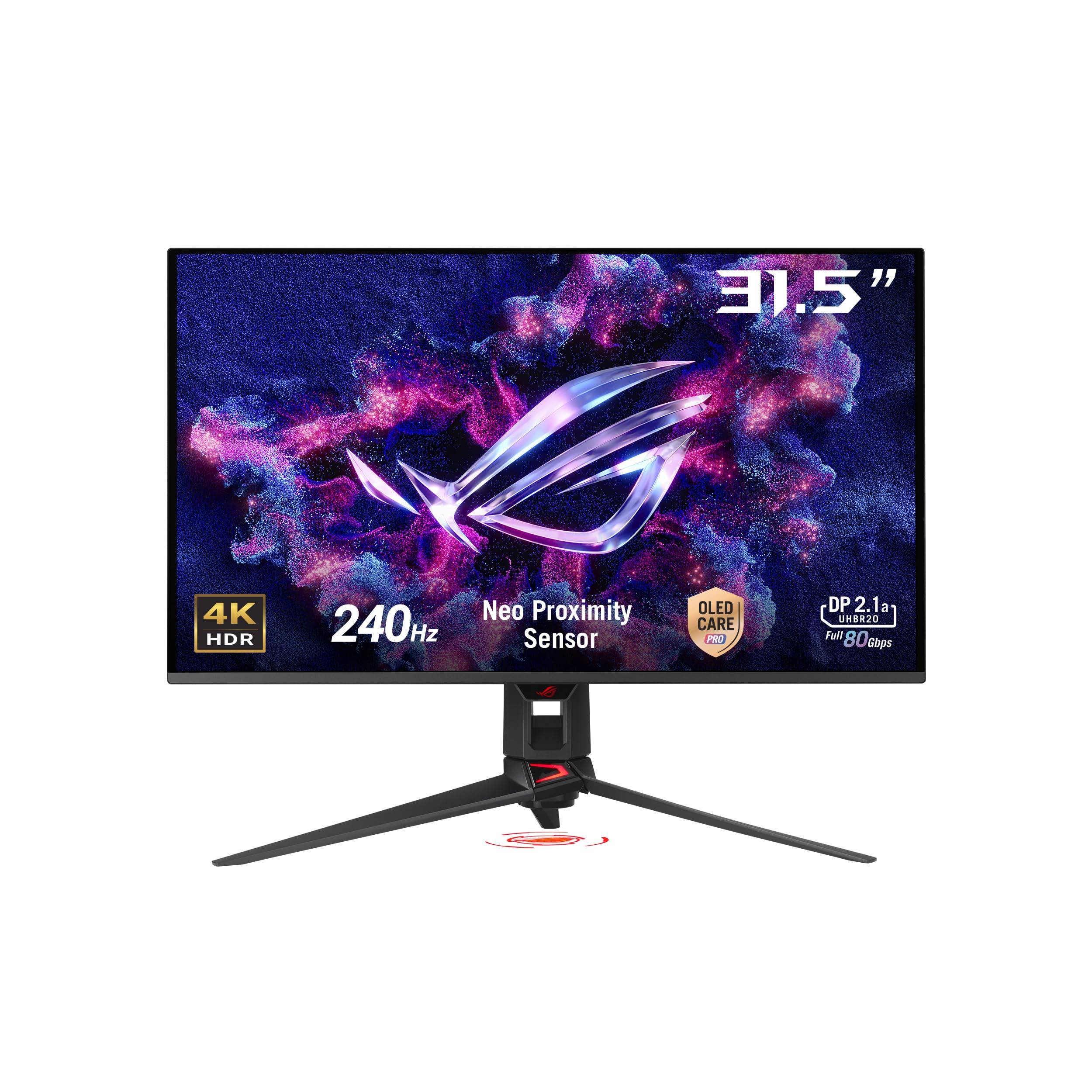
The ASUS ROG Swift PG32UCDMR delivers the highest visual fidelity currently available in a 32-inch form factor that fits the 40-inch category adjacent. Its QD-OLED panel achieves a 1,500,000:1 contrast ratio with true black — every pixel turns off independently for infinite contrast in dark scenes. The 240Hz refresh rate and 0.03ms GtG response time make motion blur virtually nonexistent, even in fast-paced shooters.
DisplayPort 2.1 (with included DP80 cable) provides the full 80Gbps bandwidth needed to drive 4K at 240Hz without Display Stream Compression artifacts. The OLED Care Pro system includes a proximity sensor that blanks the screen when you step away, mitigating burn-in risk. Color accuracy is exceptional at Delta E < 2 with 99% DCI-P3 coverage, making it viable for HDR video editing alongside gaming.
The included stand is substantial — it takes up significant desk space — and the 32-inch diagonal feels smaller than the 40+ inch panels listed above. For users who insist on OLED blacks and burn-in protection, this is the safest high-refresh choice. Just be aware that the physical footprint is smaller; you’re buying pixel quality over pure screen real estate.
Why it’s great
- QD-OLED delivers infinite contrast and true black levels
- DisplayPort 2.1 provides full 80Gbps bandwidth for 4K 240Hz
Good to know
- 32-inch size is smaller than typical 40-inch productivity panels
- Stand has a large footprint that reduces usable desk space
5. Deco Gear 40 Curved 5K2K Nano IPS Monitor
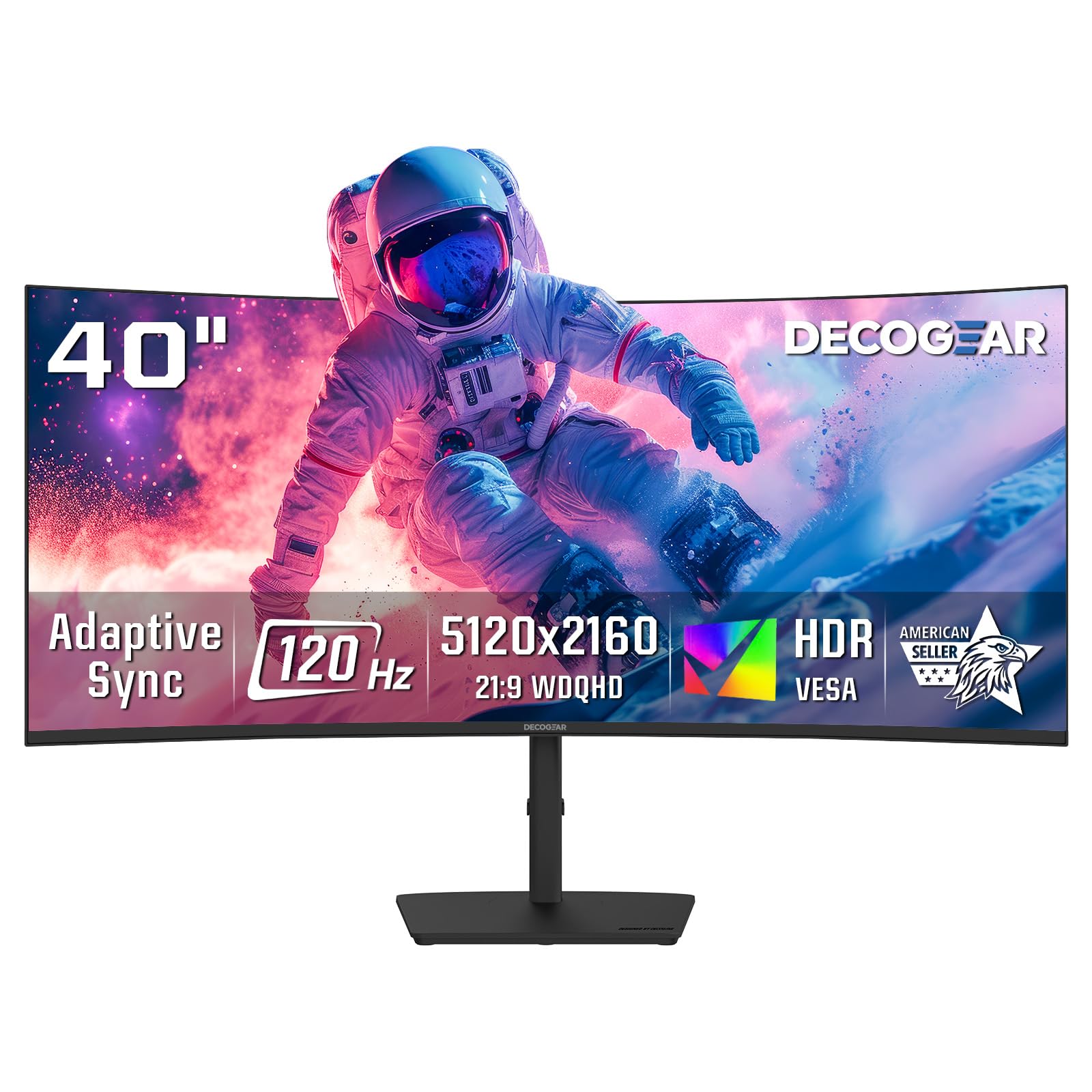
The Deco Gear 40 Curved is the budget gatekeeper for 5K2K resolution: you get the full 5120×2160 canvas with a Nano IPS panel that covers 99% DCI-P3, but you sacrifice brightness (250 cd/m²) and HDR punch compared to LG and Dell options. The 120Hz refresh rate with Adaptive Sync is adequate for casual gaming and smooth desktop scrolling without the premium of higher-end competitors.
USB-C with 65W power delivery is enough to charge a typical ultrabook, though it falls short for larger laptops that need 90W+. The 2500R curvature matches the LG 40WP95C-W, and the stand offers tilt and swivel without height adjustment — a noticeable omission at this price point. Built-in speakers are present but lack low-end frequency response.
The biggest compromise is OSD ergonomics: single-button navigation is clunky, and color presets out of the box require manual tweaking. However, if your priority is maximizing horizontal workspace per dollar, the Deco Gear delivers a genuine 5K2K canvas at roughly half the price of the LG or Dell. Just plan to add an external monitor arm and a separate calibration tool.
Why it’s great
- True 5120×2160 Nano IPS at a fraction of LG/Dell pricing
- 120Hz refresh rate works well for desktop smoothness
Good to know
- 250 cd/m² brightness is low for HDR content
- Stand lacks height adjustment; OSD controls feel basic
6. LG 37G800A-B 37” Ultragear 4K Curved

The LG 37G800A-B bridges the gap between productivity and high-refresh gaming by offering a 165Hz VA panel with 1ms GtG response at native 3840×2160 resolution. DisplayHDR 600 certification pushes peak brightness to levels where explosions and specular highlights gain real visual impact, while the 4000:1 contrast ratio (typical) delivers deeper blacks than standard VA panels.
Connectivity is a strong point: dual HDMI 2.1 ports handle full 4K 120Hz from PS5 or Xbox Series X, and USB-C delivers 65W PD — enough for most gaming laptops. The 37-inch diagonal is slightly smaller than the rest of this list, but the curved panel with an adjustable stand that supports height, tilt, and swivel makes it easy to dial in ergonomics.
The built-in speakers are serviceable for system sounds but will be replaced by any dedicated headset. The 37-inch size may leave desktop users wanting more horizontal space for multi-window workflows. For the gamer who wants 4K sharpness with competitive refresh rates at a comfortable screen size, this LG packs impressive value per inch.
Why it’s great
- 165Hz VA panel balances high refresh with good contrast
- Dual HDMI 2.1 support for full-bandwidth console gaming
Good to know
- 37-inch diagonal is smaller than true 40-inch monitors
- USB-C PD is limited to 65W for larger laptops
7. Samsung 43” M7 M70D Series 4K Smart Monitor

The Samsung M7 M70D is a 43-inch 4K monitor that doubles as a smart TV — streaming OTT content from Netflix, Prime Video, and YouTube runs natively through Tizen OS without needing an external box. The SolarCell Remote eliminates disposable batteries, and the built-in Samsung Gaming Hub streams cloud games directly to the display without a PC or console.
USB-C connectivity supports video, data, and up to 65W charging over a single cable, and the multi-device control feature lets you drag files between the monitor, a Galaxy Tab, and a phone with one mouse and keyboard. The VA panel achieves a 5000:1 contrast ratio, giving it superior black depth compared to budget IPS panels. The remote control makes input switching effortless, but the glossy screen finish can produce glare in brightly lit rooms.
The smart interface can feel intrusive if you only want a monitor — the home screen pushes streaming content, and some users reported incompatibility with certain PC hardware. The 60Hz refresh rate is strictly for productivity and streaming; competitive gamers will want higher refresh elsewhere. As a dual-role device for a guest room, home office, or casual use, the M7 offers rare versatility at a competitive price point.
Why it’s great
- Built-in Tizen OS streams content without an external box
- SolarCell Remote and Gaming Hub add genuine smart features
Good to know
- 60Hz refresh rate is unsuitable for competitive gaming
- Glossy screen causes reflections in bright offices
8. Dell U4320Q 43 Inch 4K UltraSharp IPS

The Dell U4320Q is a proven workhorse for power users who need to replace multiple monitors with a single panel. Its 42.5-inch 4K IPS display with USB-C delivering 90W power delivery supports a clean one-cable setup for most business laptops. The IPS panel provides wide viewing angles and consistent color across the entire 16:9 canvas, crucial for collaborative reviews or code reviews.
Dell Display Manager enables granular window snapping into four 1080p quadrants, effectively giving you a 2×2 grid without third-party software. The included stand is stable but heavy — at over 25 pounds, this monitor demands either a thick desk surface or a dedicated arm rated for large panels. The 60Hz refresh rate and 5ms response time are fine for office work but not for gaming or fast-paced video editing.
Pixel density at 3840×2160 across 43 inches sits at approximately 103 PPI — lower than the Dell U4025QW’s 5K2K panel, so text won’t look as razor-sharp. Some users reported BGR subpixel layout causing slight fuzziness on Windows machines that expect RGB. For pure multi-tasking without needing color-critical accuracy, the U4320Q delivers massive screen real estate at a mid-range price.
Why it’s great
- USB-C with 90W PD powers a full workstation over one cable
- Dell Display Manager creates precise 4-quadrant window layouts
Good to know
- 60Hz refresh rate limits it to productivity-only use
- BGR subpixel layout can cause text fuzziness on Windows
9. INNOCN 49″ Curved WFHD Monitor
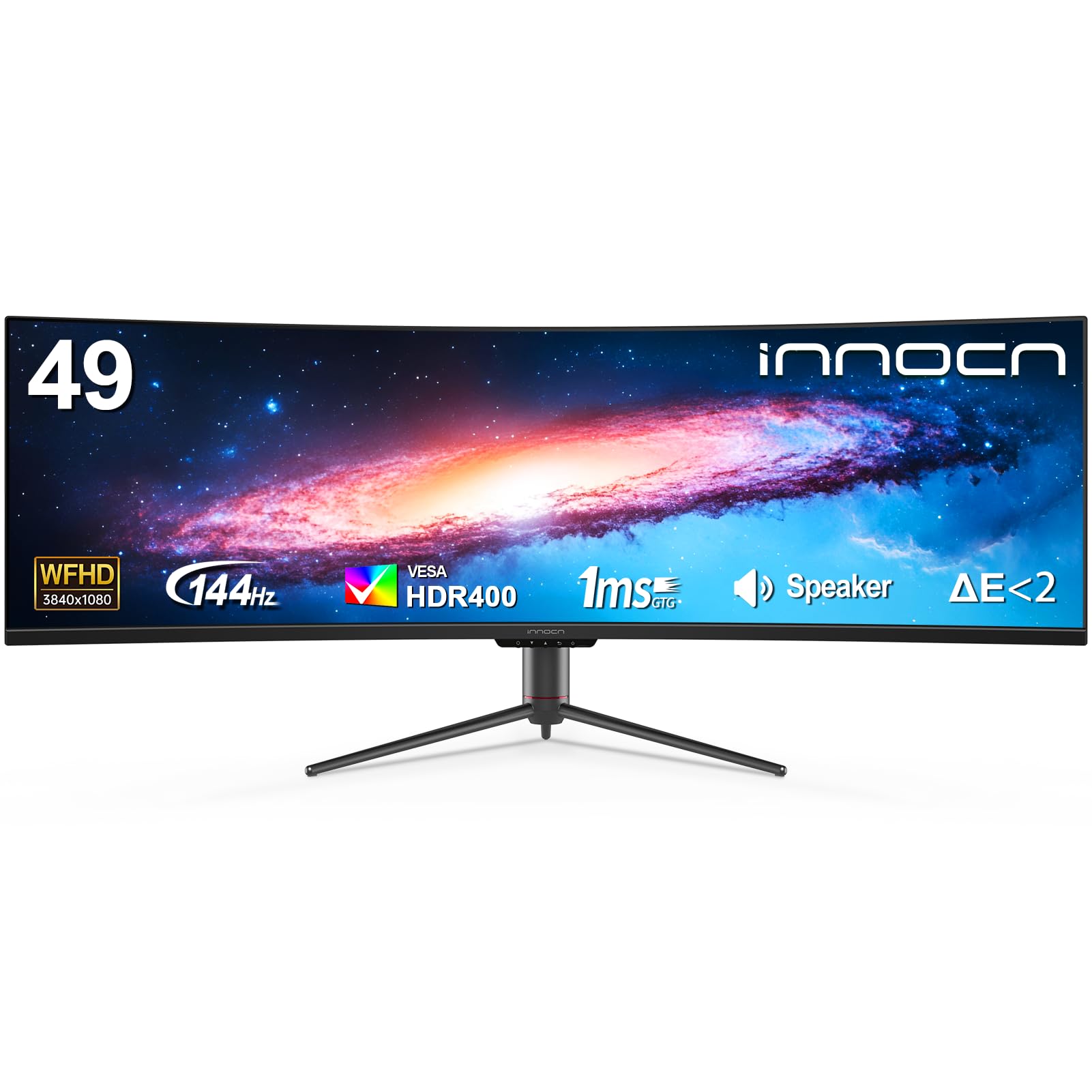
The INNOCN 49” Curved WFHD is a budget-driven 32:9 super-ultrawide that uses a vertical resolution of 1080p across 49 inches. At this size, the 3840×1080 panel yields a very low pixel density — individual pixels are visible if you sit at a normal desk distance, and text lacks the crispness of true 4K panels. However, for users who prioritize sheer horizontal width over sharpness, it effectively replaces two 1080p monitors side by side.
The 144Hz refresh rate with Adaptive Sync (FreeSync Premium/G-Sync Compatible) makes it surprisingly responsive for first-person shooters and driving sims where peripheral immersion matters more than text readability. The 1800R curve wraps the massive 49-inch display around your field of view without excessive distortion. USB-C supports video and audio over a single cable, though power delivery wattage is not specified — likely insufficient for charging larger laptops.
The VA panel delivers a decent 3000:1 contrast ratio, making dark game scenes look richer than budget IPS alternatives. The stand is stable and offers height adjustment, which is rare at this price. This is a specialty product: amazing for sim racing or trading desk setups, but disappointing as a primary monitor for text-heavy professional work.
Why it’s great
- 144Hz plus Adaptive Sync supports smooth sim racing gaming
- 32:9 aspect ratio replaces dual monitors without a bezel gap
Good to know
- 1080p vertical resolution produces visible pixel grain at 49 inches
- Unsuitable for text-heavy productivity like coding or writing
10. CRUA 49″ White Curved DQHD Monitor
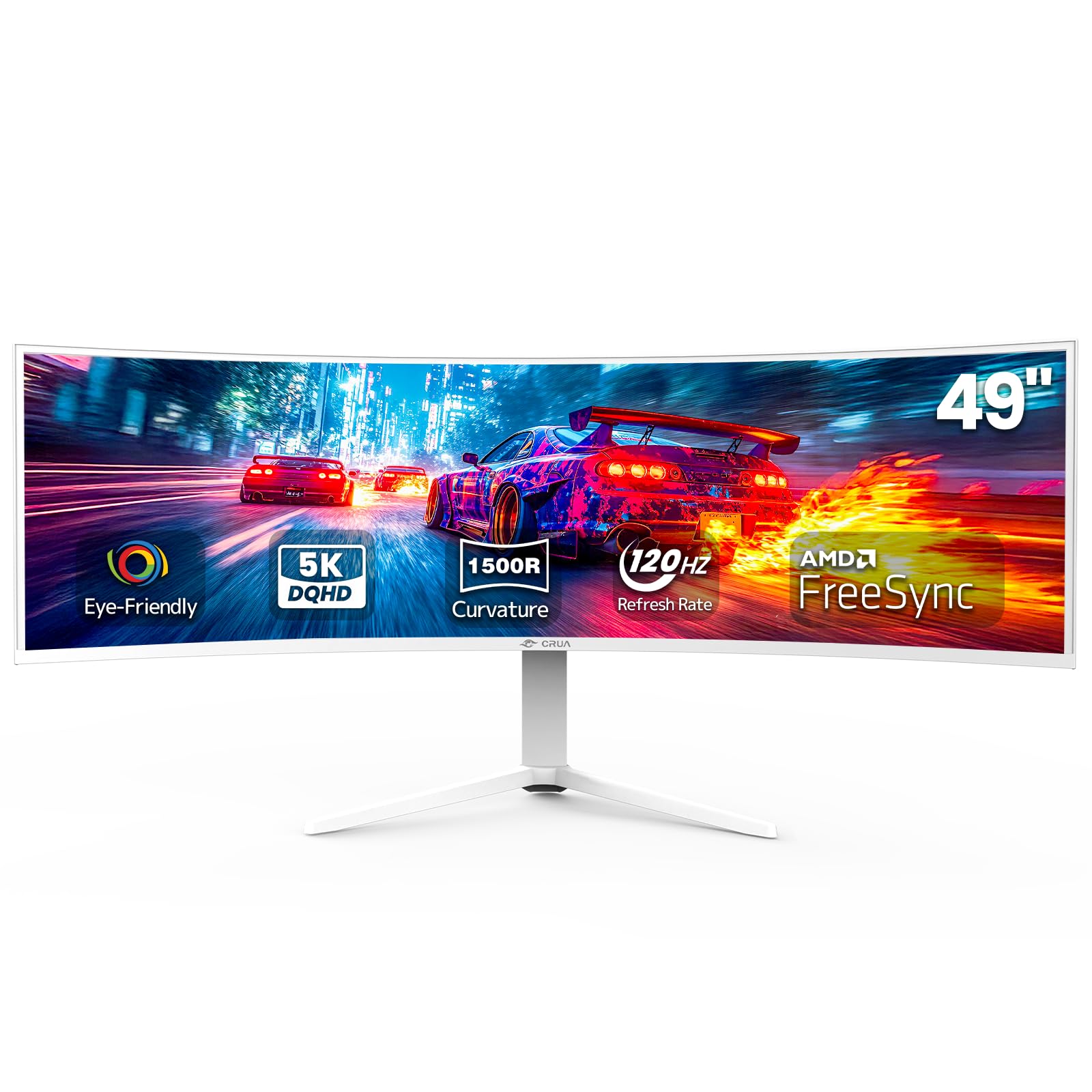
The CRUA 49” DQHD monitor brings genuine 5120×1440 resolution — double-QHD horizontal — to the budget 32:9 segment, delivering noticeably sharper text than the INNOCN 49” WFHD. The 120Hz refresh rate with AMD FreeSync smooths out gameplay and desktop animations, and the 120% sRGB color coverage provides decent color saturation for content consumption and light editing.
The 1500R curvature strikes a solid middle ground between aggressive wrap-around and office-friendly gentle curve. Height adjustment is included on the stand, and HDMI 2.1 plus DisplayPort 1.4 inputs support modern gaming consoles and PCs at full resolution. Eye-care features effectively reduce blue light and eliminate PWM flicker, making it comfortable for extended sessions.
Build quality feedback is mixed: some units report a high-pitched whine from the power adapter or poor anti-glare coating that washes out colors. The monitor lacks built-in speakers, so you must budget for external audio. For users who want true 5120×1440 at the lowest possible entry point, the CRUA delivers the resolution where INNOCN falls short, but with inconsistent quality control.
Why it’s great
- Native 5120×1440 provides much higher pixel density than 1080p ultrawides
- Height-adjustable stand and eye-care features at a budget price
Good to know
- Quality control concerns — some units arrive with power adapter noise
- No built-in speakers require separate audio hardware
11. INNOCN 27” QD-OLED GA27W1Q 4K Gaming Monitor

The INNOCN GA27W1Q packs QD-OLED panel technology — the same underlying tech as premium ASUS and LG OLED monitors — at a significantly lower price. With a 3840×2160 resolution, 240Hz refresh rate, and 0.03ms response time, it delivers the instant pixel response and infinite contrast that OLED is famous for. The 99% DCI-P3 color coverage ensures rich, accurate colors across HDR content.
Connectivity includes dual DisplayPort and dual HDMI inputs, plus USB-C, providing flexibility for multi-platform setups. The stand offers height, tilt, and swivel adjustments, though some users note the build quality feels less refined than premium competitors — with an external power brick and short cables that minimize desk clutter but feel cheap. The included speakers are weak, best ignored in favor of a headset.
The biggest trade-off at this price point is the lack of advanced OLED burn-in mitigation features found in ASUS’s OLED Care Pro or LG’s panel protection. INNOCN includes basic pixel cleaning, but the proximity sensor and automatic screen blanking are absent. For gamers on a tighter budget who refuse to compromise on OLED contrast and response speed, the GA27W1Q offers flagship panel performance at a mid-range price.
Why it’s great
- Genuine QD-OLED with 1,500,000:1 contrast at a budget-friendly price
- 240Hz plus 0.03ms response for elite competitive clarity
Good to know
- No proximity sensor or advanced burn-in prevention software
- External power brick and short cables feel less premium
FAQ
Is 3840×2160 (4K UHD) sharp enough on a 40-inch monitor?
Does a 40-inch 4K monitor need a curved panel?
What is the minimum USB-C wattage I should look for in a 40-inch monitor?
Final Thoughts: The Verdict
For most users, the best 40 inch 4k monitor winner is the LG 40WP95C-W because it combines a genuine 5K2K Nano IPS panel with Thunderbolt 4 and 96W power delivery in a package that prioritizes color accuracy and pixel density. If you need deeper blacks and higher contrast alongside this canvas, the Dell U4025QW delivers IPS Black technology with 140W charging. And for immersive ultrawide gaming at high refresh rates, nothing beats the Samsung Odyssey G7 G75F.
Product prices and availability are accurate as of the date/time indicated and are subject to change. Any price and availability information displayed on Amazon at the time of purchase will apply to the purchase of this product. As an Amazon Associate I earn from qualifying purchases.
CERTAIN CONTENT THAT APPEARS ON THIS SITE COMES FROM AMAZON. THIS CONTENT IS PROVIDED "AS IS" AND IS SUBJECT TO CHANGE OR REMOVAL AT ANY TIME.
Amazon and the Amazon logo are trademarks of Amazon.com, Inc. or its affiliates.