
Finding a true 40-inch gaming monitor means balancing a huge screen with the high refresh rates and low response times that competitive and immersive gaming demand. The wrong pick leaves you with motion blur or a panel that’s too slow for fast-paced titles, while the right one wraps your peripheral vision in fluid, sharp detail.
I’m Min — the co-founder and writer behind Gadgets Feed. I’ve spent countless hours analyzing the technical specifications, panel technologies, and feature sets across the current 40-inch gaming monitor market to bring you this deep-dive comparison.
This guide cuts through the noise to help you identify the best 40 inch gaming monitor for your specific setup, whether you prioritize blazing fast refresh rates, stunning 5K2K resolution, or premium connectivity like Thunderbolt 5.
How To Choose The Best 40 Inch Gaming Monitor
A 40-inch gaming monitor is a significant investment in your rig. Your choice comes down to three major factors: resolution and the GPU power needed to drive it, the refresh rate and response time for competitive play, and the panel technology that determines image quality and color accuracy.
Resolution vs. GPU Power: The Real Bottleneck
These monitors come in two primary resolutions: standard 4K UHD (3840 x 2160) and the much sharper 5K2K WUHD (5120 x 2160). While 5K2K provides a stunning, ultra-wide workspace with incredible pixel density, it demands a top-tier graphics card to hit high frame rates in modern games. A 4K UHD panel is significantly easier for your GPU to drive, making it a more practical choice for high-refresh-rate gaming without sacrificing visual clarity.
Refresh Rate and Response Time
For a monitor this size, a 120Hz refresh rate is the baseline for smooth motion, but premium models push to 144Hz, 165Hz, and even 180Hz. Pair this with a 1ms response time (GtG or MPRT) to eliminate ghosting in fast-paced shooters and racing sims. Remember that achieving 180 FPS at 5K2K requires a seriously powerful GPU, so choose a refresh rate your hardware can realistically support.
Panel Type: VA vs. IPS
This choice defines your viewing experience. VA panels offer superior native contrast ratios (3000:1 to 4000:1), delivering deep blacks that are ideal for dark, atmospheric games and HDR content. IPS panels provide wider viewing angles and more accurate, consistent color, which is critical for creative work like video editing alongside gaming. Newer Nano IPS Black technology aims to bridge the gap by boosting IPS contrast to 2000:1.
Quick Comparison
On smaller screens, swipe sideways to see the full table.
| Model | Category | Best For | Key Spec | Amazon |
|---|---|---|---|---|
| LG 40U990A-W | Premium IPS | Creative pros & gamers | Thunderbolt 5 | Nano IPS Black | Amazon |
| Samsung ViewFinity S8 S85TH | Productivity Power | Mac/PC multitasking | Thunderbolt 5 + KVM Switch | Amazon |
| Samsung Odyssey G7 G75F | High-Refresh VA | High-FPS competitive gaming | 180Hz | 1ms GtG | 1000R curve | Amazon |
| LG 37G800A-B | Best Value 4K | 4K gaming at high FPS | 165Hz | 1ms GtG | USB-C 65W PD | Amazon |
| Z-Edge UG40 | Budget 5K2K | Entry-level 5K2K immersion | 5120×2160 | 120Hz | IPS panel | Amazon |
In‑Depth Reviews
1. LG 40U990A-W 40-inch Ultrafine evo
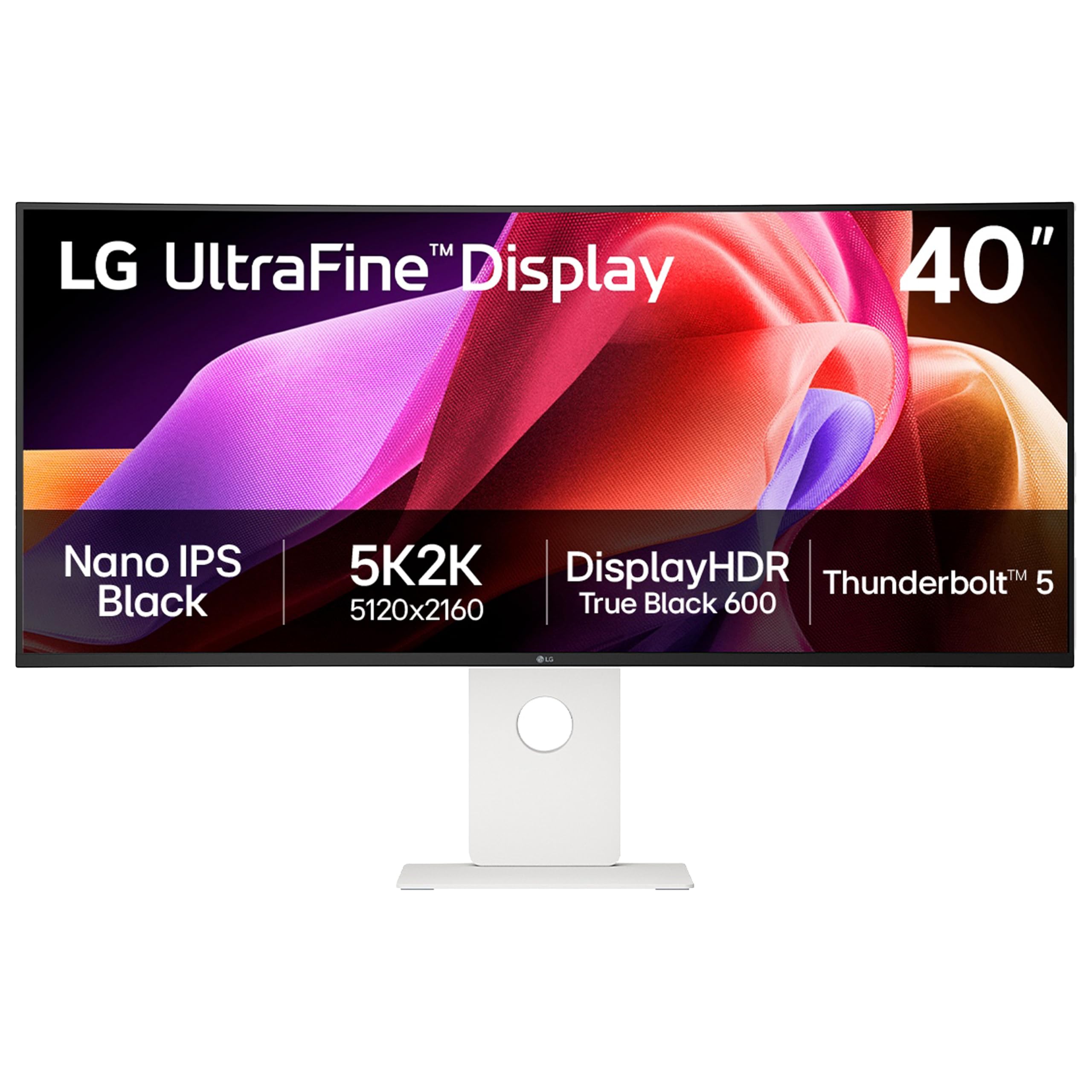
The LG 40U990A-W is the definitive all-rounder, marrying a stunning 5K2K (5120×2160) Nano IPS Black panel with future-proof connectivity like Thunderbolt 5. Its 2000:1 contrast ratio is exceptional for an IPS display, delivering deep blacks and vivid highlights that satisfy both color-critical creative work and immersive gaming. The 120Hz refresh rate and FreeSync Premium ensure fluid motion, while the 450 cd/m² brightness with DisplayHDR 600 certification makes HDR content pop.
The integrated Thunderbolt 5 port is a game-changer, offering 96W power delivery to your laptop and data transfer speeds that handle massive video files or game installations with ease. The 2500R curve wraps the expansive 21:9 screen around your field of view without distorting straight lines, making it equally adept for editing timelines or racing games. Dual speakers with Rich Bass technology provide clear audio that saves desk space.
Build quality feels premium, with a sturdy stand offering tilt, height, and swivel adjustments. The wide port selection, including HDMI 2.1 and DisplayPort 2.1, ensures compatibility with the latest consoles and GPUs. This monitor doesn’t compromise on any front, making it the top recommendation for those who need a single display to handle everything.
Why it’s great
- Nano IPS Black panel delivers 2000:1 contrast with wide viewing angles.
- Thunderbolt 5 with 96W charging simplifies a clean, single-cable setup.
- 5K2K resolution offers massive screen real estate and sharp text.
Good to know
- Premium pricing puts it out of range for budget-focused buyers.
- Some users report wake-from-sleep issues with certain Mac configurations.
2. Samsung ViewFinity S8 S85TH
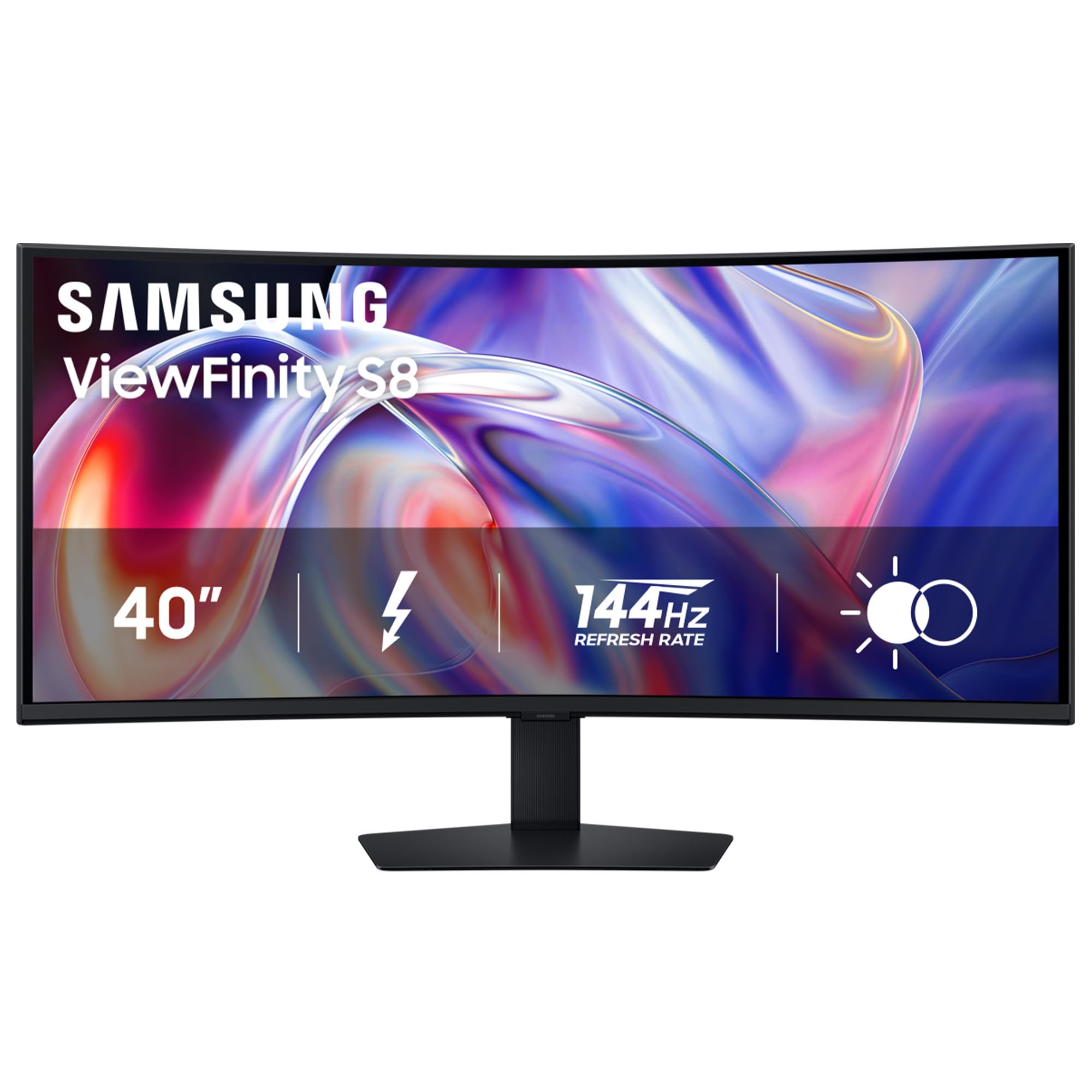
The Samsung ViewFinity S8 S85TH is engineered for the power user who lives in multiple applications across two systems. Its 5K2K WUHD resolution on a 40-inch 1000R curved VA panel is incredibly immersive, and the built-in KVM switch lets you control two connected PCs with a single keyboard and mouse. This is a massive efficiency boost for creative professionals who juggle a work laptop and a personal desktop.
Thunderbolt 5 connectivity with up to 140W charging is a standout feature, outpacing many competitors. The 144Hz refresh rate and AMD FreeSync Premium ensure smooth scrolling and tear-free gameplay, though the VA panel’s 3000:1 contrast ratio truly excels in dark scenes. HDR10+ support further enhances the visual experience, though it requires some adjustment out of the box to tame dynamic brightness settings.
Ergonomics are excellent with a full-featured stand offering tilt, swivel, and height adjustment. The 21:9 aspect ratio is perfect for side-by-side productivity, and the built-in LAN port allows for a stable wired internet connection via the monitor. While it’s priced at a premium, the combination of Thunderbolt 5, KVM functionality, and high contrast make it a unique and powerful hub for a demanding workflow.
Why it’s great
- Built-in KVM lets you seamlessly switch between two computers.
- Thunderbolt 5 with 140W charging is class-leading for laptop power delivery.
- VA panel provides excellent native contrast for deep blacks.
Good to know
- Connectivity quirks have been reported with specific MacBook Pro models.
- Out-of-box HDR and brightness settings often need manual calibration.
3. Samsung Odyssey G7 G75F

The Samsung Odyssey G7 G75F is built for pure gaming velocity. Its 180Hz refresh rate and 1ms GtG response time are the highest specs in this roundup, demanding a powerful GPU to truly exploit them, especially at its native 5K2K WUHD resolution. The aggressive 1000R curve matches the human eye’s field of view, creating an intensely immersive cocoon for racing, flight sims, and first-person shooters.
The VA panel delivers a strong 3000:1 contrast ratio, making dark scenes in games like “Cyberpunk 2077” look rich and detailed. VESA DisplayHDR 600 certification provides the brightness headroom to make highlights stand out. The 21:9 aspect ratio gives a competitive advantage in many games by widening your peripheral vision, and FreeSync Premium Pro ensures a tear-free experience.
The stand is functional but its base is a bit bulky. Color accuracy out of the box is good but many users report needing slight adjustments to get the best picture. This monitor is a specialist’s tool—it prioritizes raw gaming performance and immersion above all else, making it the ideal choice for the dedicated gamer who has the hardware to match its capabilities.
Why it’s great
- 180Hz refresh rate offers the smoothest motion available.
- 1ms GtG response eliminates virtually all ghosting in fast action.
- 1000R curve provides the deepest immersion for gaming.
Good to know
- Aggressive curve is not ideal for color-critical productivity work.
- High resolution and refresh rate require a very powerful GPU.
4. LG 37G800A-B 37-Inch Ultragear
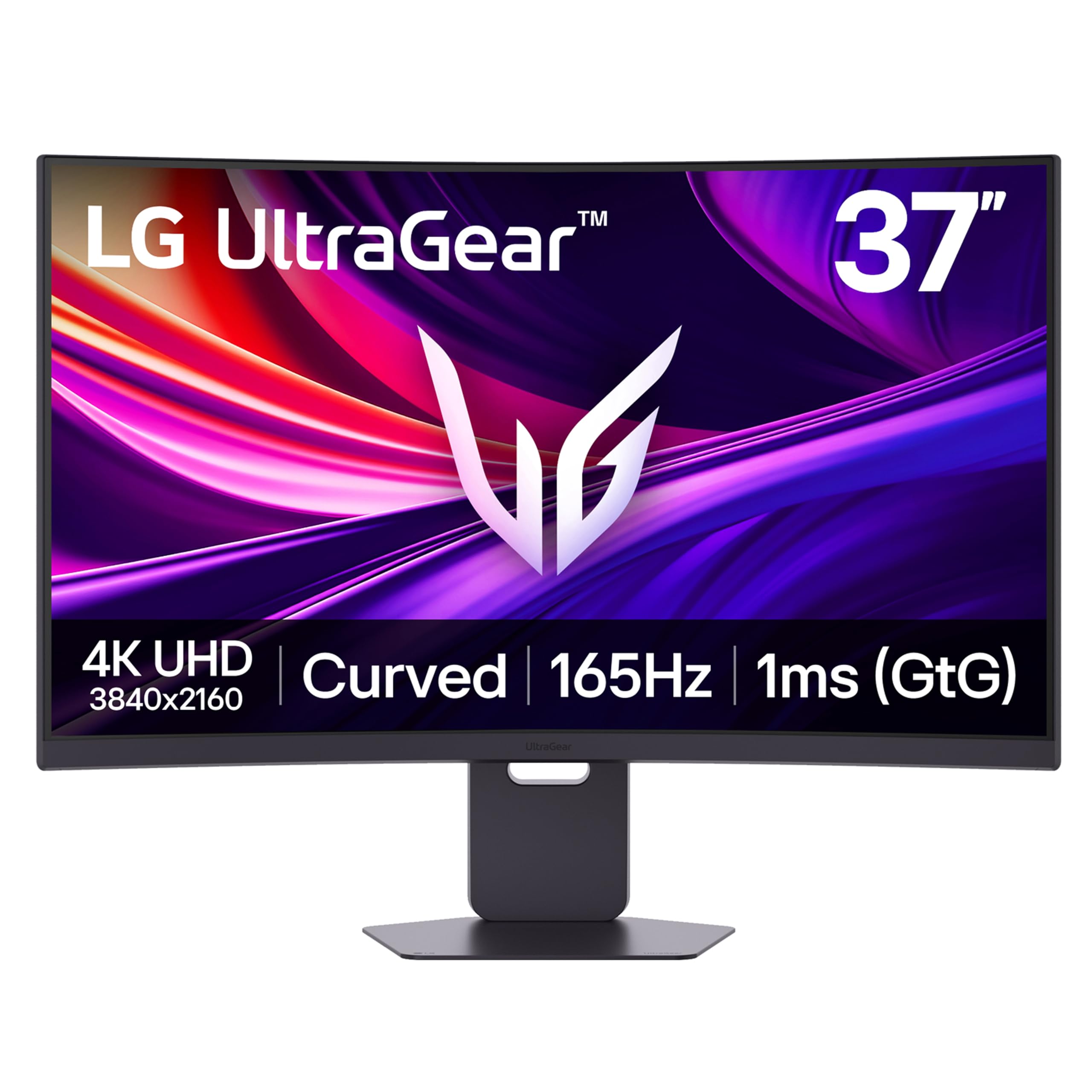
The LG 37G800A-B strikes a brilliant balance between performance and price. It uses a more practical 37-inch 4K UHD (3840×2160) VA panel with a 165Hz refresh rate and 1ms GtG response time, making it far easier for a mid-range to high-end GPU to drive at high frame rates than a 5K2K panel. This combination delivers exceptional smoothness and clarity without requiring a flagship graphics card.
The VA panel shines with a 4000:1 contrast ratio, the highest in this group, and VESA DisplayHDR 600 support that makes HDR games look punchy and vibrant. Connectivity is robust with dual HDMI 2.1 ports, DisplayPort 1.4, and a USB-C port that provides 65W of power delivery. The built-in RGB lighting and adjustable stand (tilt, height, swivel) add to the premium feel without the premium price tag.
This monitor is a smart choice for gamers who want a large, high-refresh-rate display for competitive play and immersive single-player titles. The slightly smaller 37-inch size might be a better fit for shallower desks than a full 40-inch panel, and the lower resolution requirement means more frames per second in every game you play. It’s an excellent value proposition.
Why it’s great
- 165Hz at native 4K is achievable with a wider range of GPUs.
- 4000:1 native contrast ratio delivers fantastic black levels.
- USB-C with 65W PD adds convenience for laptop users.
Good to know
- Some users report the USB-C port does not deliver power as advertised.
- On-screen menu controls are described as unintuitive.
5. Z-Edge UG40 Ultrawide
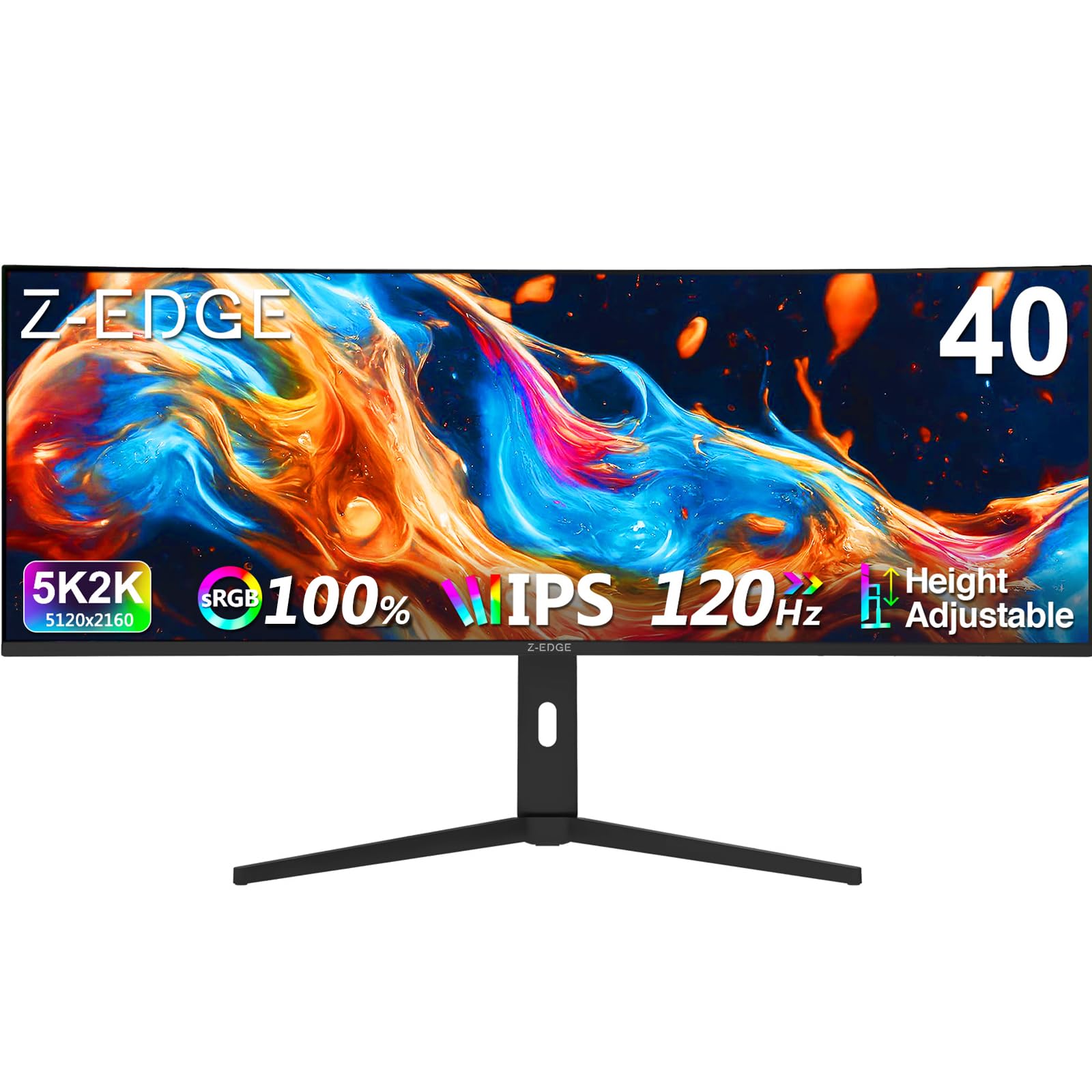
The Z-Edge UG40 is the entry point for those who want the expansive 5K2K resolution without spending a premium. This 40-inch IPS panel offers a 5120×2160 resolution at a 120Hz refresh rate with a 1ms MPRT response time. It provides a massive, clear desktop for productivity and smooth-enough motion for most gamers, making 5K2K accessible to a wider audience.
Its IPS panel ensures wide 178-degree viewing angles and consistent color reproduction, which is great for collaborative work or watching media. Features like Picture-in-Picture (PIP) and Picture-by-Picture (PBP) are rare at this price point, allowing you to view two sources simultaneously on the screen. Built-in speakers and an ergonomic stand with height, tilt, and swivel adjustments round out the package.
There are trade-offs to meet its budget-friendly price. The 300 cd/m² brightness is lower than premium models, and the 2000:1 contrast ratio, while decent for IPS, can’t match VA panels. The physical buttons on the back are less convenient than a joystick. However, for the sheer screen real estate and resolution per dollar, the Z-Edge UG40 is a compelling option.
Why it’s great
- 5K2K IPS resolution at a significantly lower cost than rivals.
- PIP/PBP mode adds multitasking flexibility for multiple devices.
- Ergonomic stand with full adjustability is included.
Good to know
- Lower 300 cd/m² brightness limits HDR performance.
- Menus and power button are awkwardly placed on the back.
FAQ
Is a 40-inch monitor too big for competitive gaming?
What GPU do I need for 5K2K gaming at 120Hz+?
What is the difference between FreeSync and G-Sync?
Can I use a 40-inch gaming monitor for professional photo editing?
Final Thoughts: The Verdict
For most users, the best 40 inch gaming monitor winner is the LG 40U990A-W because it uniquely combines professional-grade color accuracy with high-refresh gaming and Thunderbolt 5 connectivity. If you want the highest possible refresh rate and pure gaming immersion, grab the Samsung Odyssey G7 G75F. And for the best value that doesn’t compromise on smooth 4K gaming, nothing beats the LG 37G800A-B.