
A 40-inch screen sits in a sweet spot — large enough for immersive single-player campaigns but compact enough to fit a standard desk or bedroom setup without overwhelming the space. The problem is that most TVs in this size class ship with 60Hz panels that introduce noticeable motion blur during fast-paced matches, making it harder to track target movement and land precision shots.
I’m Min — the co-founder and writer behind Gadgets Feed. I’ve spent countless hours analyzing panel specifications, input lag measurements, HDMI 2.1 compatibility, and variable refresh rate support to find the screens that actually deliver smooth gaming performance at this specific size.
After filtering through dozens of models, I’ve identified the best options that balance refresh rate, image quality, and responsiveness to help you choose the right 40 inch tv for gaming.
How To Choose The Best 40 Inch TV For Gaming
Choosing a gaming TV in this size range requires looking past resolution and brand name. The real performance indicators are native refresh rate, HDMI version support, and how well the panel handles motion in dark scenes. Here’s what matters most.
Native Refresh Rate vs Motion Rate
Manufacturers often advertise “Motion Rate 120” or “Effective Refresh Rate” on panels that are physically limited to 60Hz. These marketing terms use backlight scanning to simulate smoother motion but do not reduce input lag or accept a 120Hz signal from a console or PC. For actual high-refresh gaming, you need a panel that explicitly states 120Hz native refresh rate in its specifications. Anything less leaves you at 60fps max.
HDMI 2.1 and VRR
HDMI 2.1 is the gateway to 4K at 120Hz on modern consoles like the PS5 and Xbox Series X. Even if a TV supports 120Hz, it needs HDMI 2.1 bandwidth to push that resolution and frame rate simultaneously. Variable Refresh Rate (VRR) syncs the display’s refresh rate to the console’s frame output, eliminating screen tearing without adding input lag. Without VRR, you’ll see stutter during frame rate drops.
Panel Type and Response Time
VA panels offer deeper blacks and higher contrast ratios, making dark game environments look richer, but they suffer from slower pixel response times that can cause ghosting in fast motion. IPS panels deliver faster response times and wider viewing angles but struggle with black levels. For competitive gaming, a fast IPS or high-quality VA with a 1ms response rating is the ideal compromise.
Quick Comparison
On smaller screens, swipe sideways to see the full table.
| Model | Category | Best For | Key Spec | Amazon |
|---|---|---|---|---|
| Samsung Odyssey G7 G75F | Premium Gaming Monitor | Competitive PC and Console | 180Hz, 1ms GtG, FreeSync Premium Pro | Amazon |
| Sony BRAVIA 3 II (K-43XR30M2) | Premium TV | PS5 Gaming and Movie Hybrid | 4K 120Hz, HDMI 2.1, VRR, ALLM | Amazon |
| Samsung QLED Q7F (43Q7F) | Mid-Range TV | Bright Room Gaming and Streaming | Quantum HDR, Gaming Hub, 60Hz | Amazon |
| Sony BRAVIA 2 II (K-43S20M2) | Mid-Range TV | PS5 Exclusive Features | 4K Processor X1, Motionflow XR, 60Hz | Amazon |
| Z-Edge UG40 5K Monitor | Ultrawide Monitor | PC Gaming and Multitasking | 5120×2160, 120Hz, 1ms, IPS | Amazon |
| Westinghouse 43″ 4K Xumo TV | Budget UHD TV | 4K HDR Casual Gaming | Dolby Vision, HDR10, 60Hz | Amazon |
| Amazon Fire TV Omni QLED 43″ | Budget QLED TV | Alexa Smart Home Integration | 4K QLED, Dolby Vision IQ, 60Hz | Amazon |
| TuTu 40″ FHD TV | Budget Dumb TV | Ad-Free PC Monitor Use | 1080p, 60Hz, 5ms, No Smart OS | Amazon |
| Hisense 40A4KV | Entry-Level TV | Budget Smart TV Viewing | 1366×768, Motion Rate 120, 60Hz | Amazon |
In‑Depth Reviews
1. Samsung Odyssey G7 G75F

The Samsung Odyssey G7 G75F delivers the highest native refresh rate in this lineup at 180Hz, paired with a 1ms GtG response time that eliminates ghosting during fast strafing and flick shots. Its 40-inch 1000R curved VA panel wraps around your peripheral vision at a 21:9 ultrawide 5120×2160 resolution, giving you extra horizontal real estate for battlefield awareness without needing a multi-monitor setup.
VESA DisplayHDR 600 certification ensures bright highlights and deep blacks in dark game environments, while AMD FreeSync Premium Pro keeps frame pacing smooth even when your GPU drops below 60fps. The 350 cd/m² brightness is adequate for most indoor lighting conditions, though HDR peak highlights won’t match OLED levels. Color accuracy out of the box benefits from a quick calibration, but the 99% color gamut coverage provides vivid saturation across the DCI-P3 spectrum.
Connectivity includes HDMI 2.1 and DisplayPort 1.4, supporting the full 5120×2160 resolution at 180Hz without chroma subsampling. The height-adjustable stand with swivel and tilt gives you ergonomic flexibility for long sessions. For competitive gamers who want the fastest possible response at this screen size, the Odyssey G7 is the definitive choice.
Why it’s great
- 180Hz refresh rate with 1ms GtG response
- DisplayHDR 600 with deep black levels
- Ultrawide 5K2K resolution provides immersive field of view
Good to know
- VA panel has slower pixel response than IPS in dark transitions
- Requires significant GPU power to drive 5120×2160 at high frame rates
- Stand base occupies a large footprint on smaller desks
2. Sony BRAVIA 3 II (K-43XR30M2)

The Sony BRAVIA 3 II is the only 43-inch TV in this roundup with a native 120Hz panel and full HDMI 2.1 support including VRR and ALLM, making it the top console gaming pick. The XR Processor uses AI scene recognition to optimize color, contrast, and clarity frame-by-frame, so fast motion in games like Call of Duty or Spider-Man stays sharp without motion blur artifacts.
PS5 owners get exclusive Auto HDR Tone Mapping and Auto Genre Picture Mode, which automatically switches the TV to game mode when a controller is detected and optimizes HDR brightness per scene. The XR Triluminos Pro color engine reproduces over a billion shades, and the X-Balanced Speakers deliver deeper bass than typical TV drivers, reducing the need for a separate soundbar in smaller rooms.
Google TV with Gemini integration provides natural language search across streaming apps, and the Sony Pictures CORE app includes five movie credits and 12 months of streaming access. The flush surface design with an almost invisible bezel keeps the focus on the picture during gameplay. For console gamers who want a dedicated TV with console-specific features, this is the premium option.
Why it’s great
- Native 120Hz panel with HDMI 2.1 VRR and ALLM
- Exclusive PS5 Auto HDR Tone Mapping
- XR Processor delivers excellent motion handling
Good to know
- Narrow viewing angles compared to IPS panels
- Google TV interface can stutter on live TV channels
- Reflections are noticeable in brightly lit rooms
3. Samsung QLED Q7F (43Q7F)

The Samsung QLED Q7F uses Quantum Dot technology to produce over a billion colors that maintain saturation even in bright rooms, making it a strong choice for gaming setups near windows or with ambient lighting. The Q4 AI Gen1 Processor upscales 1080p console output to near-4K resolution, adding texture and detail to older games or streaming content from cloud gaming services.
Samsung Gaming Hub provides instant access to Xbox Cloud Gaming, NVIDIA GeForce NOW, and Amazon Luna without needing a connected console or PC. The 60Hz panel is a limitation for competitive play, but the dynamic tone mapping of HDR10+ enhances contrast in dark scenes, revealing enemies hiding in shadows without crushing black details. The Samsung Knox security platform protects your network from phishing attempts when using the TV’s built-in apps.
Object Tracking Sound Lite uses virtual surround processing to match audio direction with on-screen movement, adding spatial awareness for footsteps and approaching vehicles. The slim bezel design and solar-powered remote reduce cable clutter. For casual gamers who prioritize color accuracy and bright-room performance over maximum frame rates, this QLED delivers premium image quality.
Why it’s great
- Quantum Dot color remains vibrant in bright rooms
- Gaming Hub supports cloud streaming without a console
- AI 4K upscaling improves older game visuals
Good to know
- Panel is limited to 60Hz native refresh rate
- Built-in speakers sound thin and lack bass
- Remote control is unresponsive with excessive button presses
4. Sony BRAVIA 2 II (K-43S20M2)

The Sony BRAVIA 2 II brings the 4K Processor X1 to the 43-inch category, delivering lifelike upscaling and natural color reproduction that makes 1080p games look sharper than their native resolution. Exclusive PS5 features include Auto HDR Tone Mapping and Auto Genre Picture Mode, which optimize picture settings automatically when the console detects a game or streaming app.
Motionflow XR technology reduces blur in fast-moving sports and action games, though the panel is capped at 60Hz, so it cannot accept a 120Hz signal from a console or PC. The Game Menu puts all gaming picture settings, including motion interpolation and black level adjustments, in one place for quick access during play. Google TV with Apple AirPlay 2 and Google Cast support provides flexible casting from mobile devices.
The Eco Dashboard centralizes energy efficiency settings, and the included SONY PICTURES CORE app gives access to movie credits. Build quality is solid, with an Ethernet port for wired network stability and HDMI eARC for connecting a soundbar without audio sync issues. For PS5 owners who want Sony’s color science and processing at a mid-range price point, this is the sensible upgrade from a budget TV.
Why it’s great
- Excellent 4K upscaling from lower resolution game content
- Auto HDR Tone Mapping for PS5
- Wired Ethernet port for stable network performance
Good to know
- Panel is limited to 60Hz without VRR
- Remote is thin and small for larger hands
- Some users report WiFi connectivity drops
5. Z-Edge UG40 5K Monitor
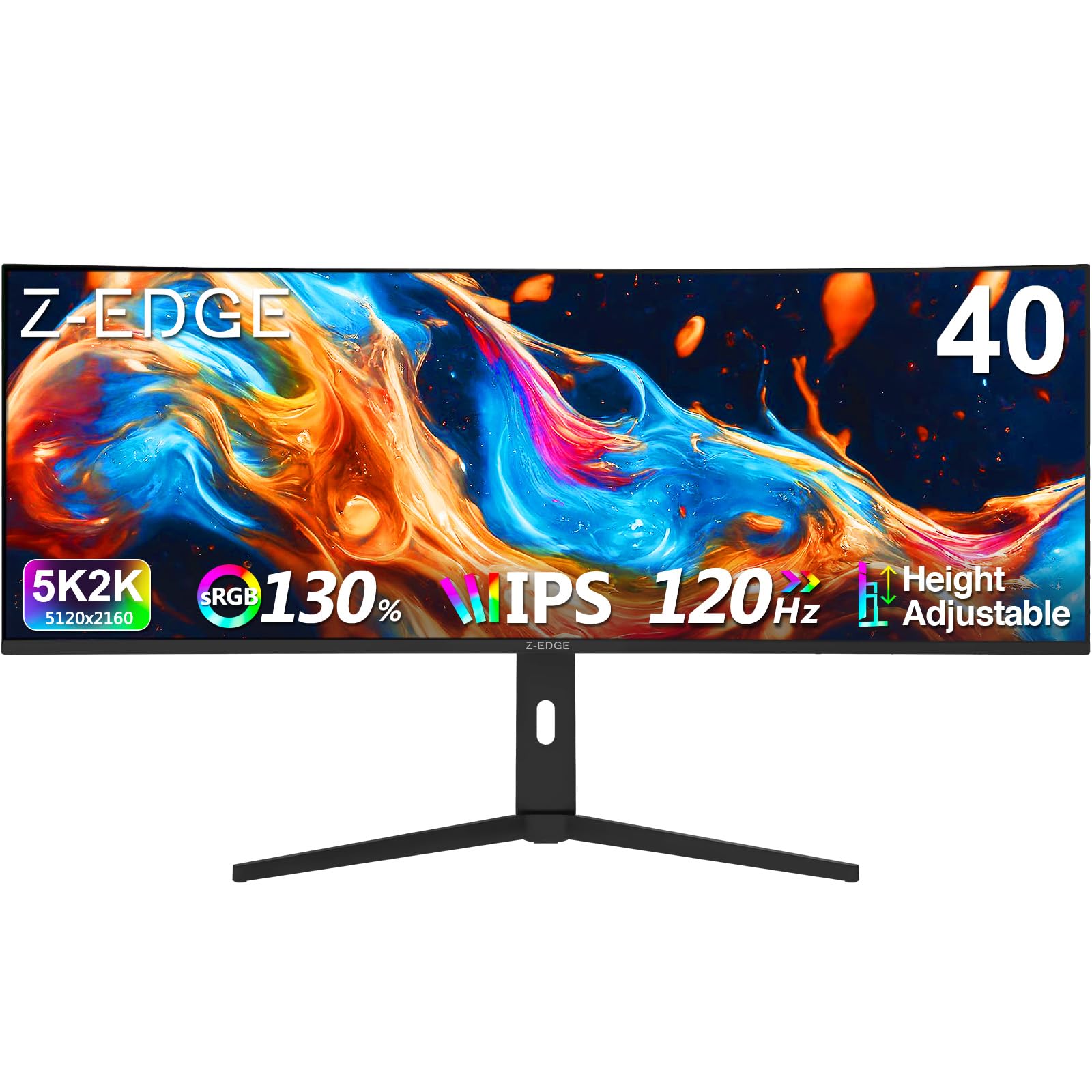
The Z-Edge UG40 bridges the gap between a TV and a monitor with its 40-inch 5K2K ultrawide IPS panel at 5120×2160 resolution, offering significantly more pixel density than standard 4K TVs. The 120Hz refresh rate via HDMI 2.1 and DisplayPort 1.4 delivers smooth frame pacing for PC gaming, and the 1ms MPRT response time minimizes motion blur in shooters and racing games.
The IPS panel provides 178-degree viewing angles with consistent color and brightness, making it suitable for multi-person viewing during co-op games or local multiplayer sessions. The 2000:1 contrast ratio is higher than typical IPS panels, resulting in deeper blacks and better shadow detail than most monitors in this price tier. Picture-in-Picture and Picture-by-Picture modes let you display inputs from two devices simultaneously, useful for keeping a stream or Discord chat visible during gameplay.
Built-in dual speakers handle casual audio, though a dedicated headset or external speakers will provide better sound for competitive play. The ergonomic stand supports height adjustment, tilt, and swivel for comfortable positioning over long sessions. For PC gamers who want ultrawide immersion at a high resolution without jumping to 49-inch super ultrawides, this is a space-efficient alternative.
Why it’s great
- 5120×2160 resolution provides sharp image detail
- 120Hz IPS panel with 1ms MPRT response
- PIP/PBP modes for multi-source productivity
Good to know
- Stand is difficult to install and wobbles slightly
- UI turns off when no video input is detected
- Built-in speakers lack volume and clarity for gaming
6. Westinghouse 43″ 4K Xumo TV
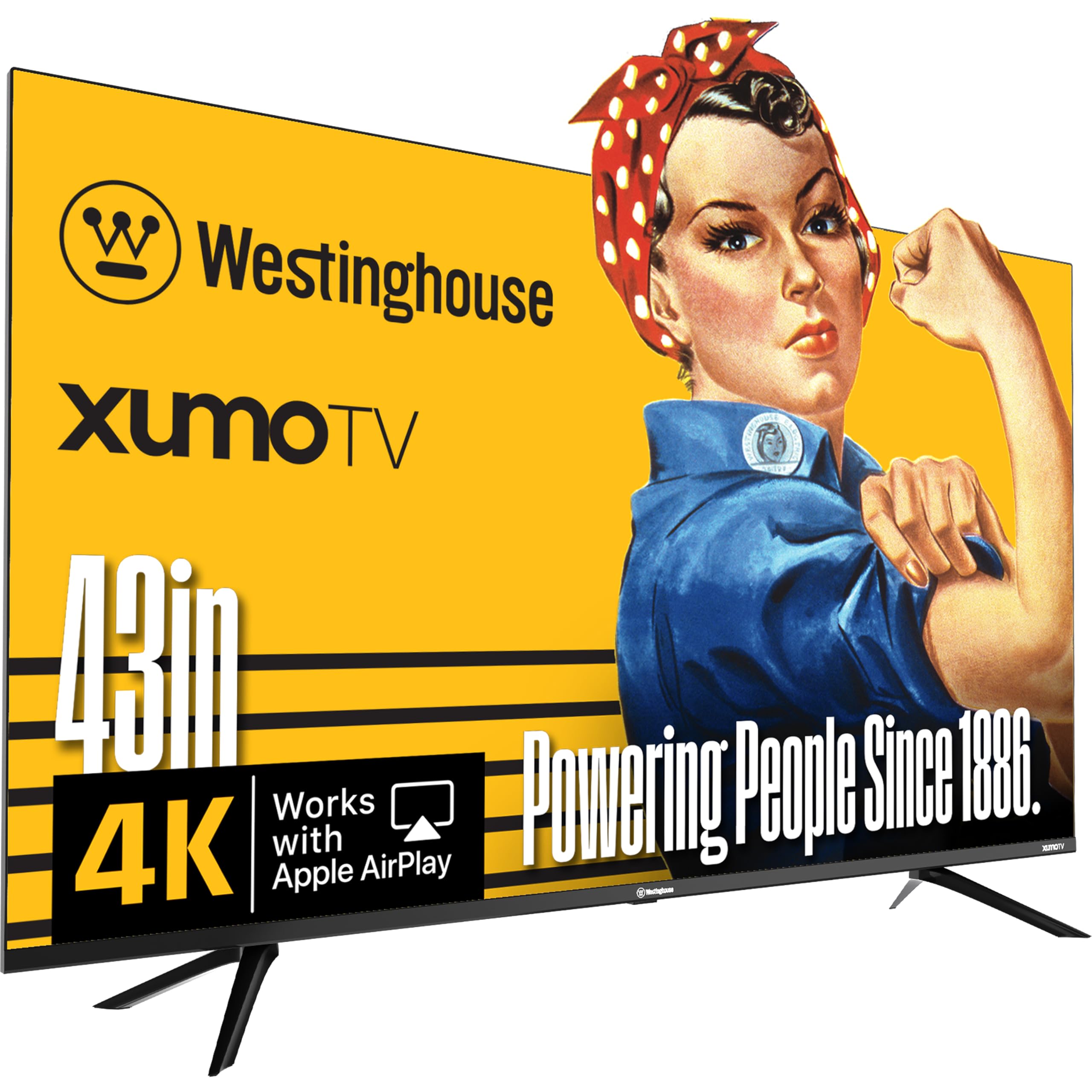
The Westinghouse 43-inch 4K Xumo TV delivers Dolby Vision and HDR10 support at a price point that undercuts most competing smart TVs with similar HDR compatibility. The 1200:1 contrast ratio on this VA panel helps preserve shadow detail in dark game environments, and the Dolby Audio processing provides clear dialogue without distortion at moderate volume levels.
The Xumo smart platform offers over 350 free live channels and 70,000 on-demand movies and shows, reducing the need for a separate streaming subscription. Built-in Bluetooth 5.1 lets you connect wireless headphones for late-night gaming sessions without disturbing others, and Apple AirPlay enables screen mirroring from iOS devices. The three HDMI inputs support up to 4K60, and the 16:9 aspect ratio maintains compatibility with all console and PC resolutions.
The edgeless bezel design gives the screen a modern appearance that belies its budget price. Setup is straightforward, with the Xumo OS updating quickly out of the box. For budget-conscious gamers who want 4K HDR support for cinematic single-player titles and aren’t chasing high frame rates, the Westinghouse provides strong value.
Why it’s great
- Dolby Vision and HDR10 support at an entry-level price
- Bluetooth 5.1 for wireless headphone connectivity
- 350+ free live channels with Xumo platform
Good to know
- Xumo OS may slow down over time with use
- No voice skip function on the remote
- Not all advertised remote features work as described
7. Amazon Fire TV Omni QLED 43″

The Amazon Fire TV Omni QLED 43-inch combines a Quantum Dot display with Dolby Vision IQ, which uses a built-in light sensor to adjust HDR brightness based on room lighting. This ensures that dark game scenes remain visible in bright rooms without washing out shadow detail, and that bright HDR highlights don’t clip in low-light environments.
Hands-free Alexa integration with built-in microphones lets you launch games, adjust volume, and switch inputs without touching the remote. The Fire TV Ambient Experience turns the screen into a digital art canvas when idle. The 60Hz panel supports basic gaming without VRR, so frame rate drops will produce noticeable tearing. Four HDMI inputs provide plenty of room for multiple consoles and a soundbar.
Wi-Fi 6 support ensures smooth streaming of cloud-based games from services like Luna and Xbox Cloud Gaming. The simple setup process guides you through connecting Echo speakers for a multi-room audio system. For gamers already invested in the Alexa ecosystem who want a QLED display with automatic brightness calibration, this Fire TV integrates seamlessly into a smart home setup.
Why it’s great
- Dolby Vision IQ adapts HDR to room lighting
- Hands-free Alexa with built-in microphones
- Wi-Fi 6 for smooth cloud gaming streaming
Good to know
- 60Hz panel with no VRR support
- Interface can feel laggy and requires occasional restart
- Built-in speakers sound dull and lack bass
8. TuTu 40″ FHD TV
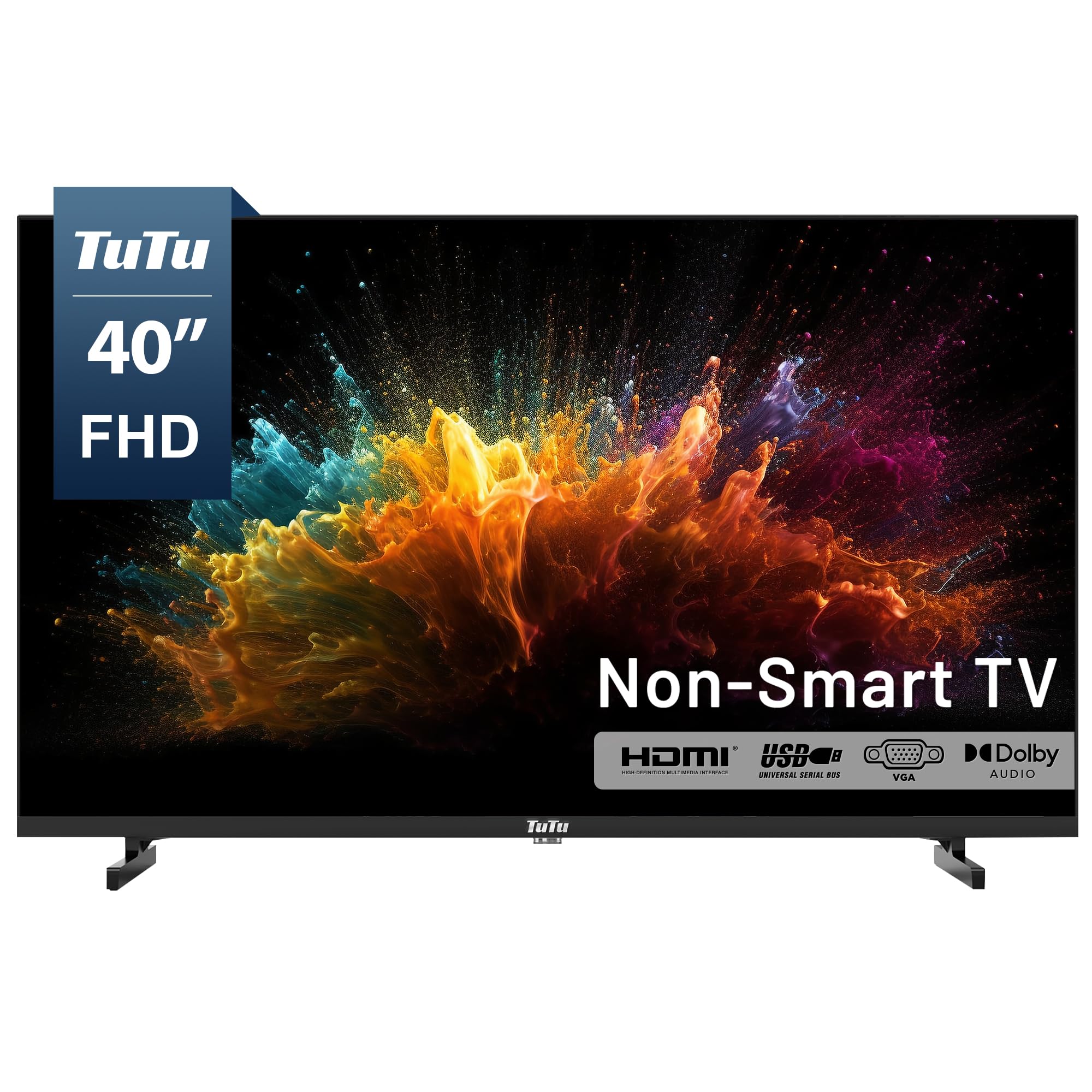
The TuTu 40-inch FHD TV strips away all smart TV bloatware, providing a pure 1080p display that works as a dedicated monitor for PC gaming or as a simple input screen for consoles. Without a smart OS, there are no forced ads, no data tracking, and no background processes that consume bandwidth or processing power. The display turns on and defaults to the last used HDMI input within about five seconds.
The 60Hz refresh rate with a measured 5ms response time is adequate for casual PC and console gaming at 1080p, and the integrated Dolby Audio processing provides clear dialogue without requiring external speakers. The ATSC tuner lets you access free over-the-air HD channels without a subscription, making it functional as a backup TV for local broadcasts. Three HDMI inputs and one USB port provide enough connectivity for a gaming console, PC, and streaming stick.
Build quality is straightforward with a plastic chassis and basic remote control that cycles through inputs without a direct input button. The VESA mount compatibility allows for flexible wall or arm mounting. For gamers who want a no-fuss, ad-free display and prefer to use their own streaming device, the TuTu offers a purposeful alternative to overly complicated smart TVs.
Why it’s great
- No smart OS means zero ads and faster startup
- VESA mountable for flexible placement
- ATSC tuner for free over-the-air channels
Good to know
- 1080p resolution lacks detail compared to 4K panels
- Sound is tinny and benefits from external speakers
- Legs attach poorly and feel flimsy
9. Hisense 40A4KV

The Hisense 40A4KV is a professionally refurbished HD Ready TV with a 1366×768 pixel resolution and a 60Hz native panel. The Motion Rate 120 feature uses backlight scanning to reduce perceived blur in fast scenes, but this does not affect input lag or allow the display to accept a 120Hz signal from a console or PC. The VIDAA operating system provides built-in access to Netflix, Prime Video, and Tubi without requiring an external streaming stick.
DTS TruSurround audio processing widens the soundstage for a more immersive experience in single-player titles, and the slim bezel design minimizes distraction around the screen. The 16:9 aspect ratio and multiple HDMI inputs support standard console connections. At this price tier, the resolution cap at 1366×768 is a notable limitation for competitive gaming, as fine details at a distance become less sharp than on a 1080p or 4K panel.
As a refurbished unit, the condition and longevity may vary between units, though Grade A certification ensures minimal cosmetic wear. For a secondary bedroom or guest room setup where 1080p or 4K gaming isn’t required, the Hisense provides a functional smart TV experience at the lowest entry point.
Why it’s great
- Smart VIDAA OS with built-in streaming apps
- Motion Rate 120 reduces perceived blur in fast scenes
- Slim bezel design looks modern on a budget
Good to know
- 1366×768 resolution limits fine detail in games
- Only 60Hz native refresh rate with no VRR
- Refurbished condition may have cosmetic wear
FAQ
Can I use a 40-inch TV as a PC gaming monitor?
What is the difference between Motion Rate 120 and a native 120Hz panel?
Does a 40-inch TV support VRR for consoles?
Final Thoughts: The Verdict
For most users, the 40 inch tv for gaming winner is the Samsung Odyssey G7 G75F because it delivers the highest native refresh rate and fastest response time in the lineup, giving competitive gamers a genuine advantage. If you want PS5-specific features with a native 120Hz panel, grab the Sony BRAVIA 3 II. And for bright-room casual gaming with excellent color saturation, nothing beats the Samsung QLED Q7F.