
Our readers keep the lights on and my morning glass full of iced black tea. As an Amazon Associate, I earn from qualifying purchases.
Specs are compiled from manufacturer listings and verified buyer reviews and can change over time — please confirm the key details on the product page before buying.
Shopping for a 40-inch TV means choosing between two very different worlds: crisp, future-proof 4K or wallet-friendly Full HD. This guide cuts through the spec-sheet noise to help you decide which resolution and smart platform actually fits your room, your viewing habits, and your budget, with honest trade-offs for each pick.
I’m Min — the founder and writer behind Gadgets Feed. This guide is built by comparing the manufacturers’ published specifications and the patterns across verified customer reviews, so you get each pick’s real strengths and trade-offs instead of marketing spin.
Below, we break down the strongest 40-inch class smart TVs by price tier and use case, weighing picture quality against smart features to find your ideal match. 40in smart tv buyers get a clear verdict on which models deliver real value for bedrooms, offices, and gaming setups.
Our Picks at a Glance
How To Choose The Best 40In Smart TV
Before you buy, the biggest question isn’t the brand — it’s the resolution. A 40-inch 4K TV packs four times the pixels of a Full HD (1080p) model, which means sharper text and more detail, but only if you sit close enough to notice. For most bedrooms and kitchens where you sit 6 to 8 feet away, Full HD often looks fantastic and saves money, while 4K makes sense for living rooms or desks where you sit closer to the screen.
Match the Smart Platform to Your Life
The operating system is the remote control for your content. Roku is famous for its simple, grid-based interface and thousands of free channels. Google TV shines if you live inside the YouTube and Android ecosystem. Fire TV is the obvious choice if you’re already buying Prime Video subscriptions and want Alexa voice control built right in. Pick the one that feels least like a learning curve for the person who uses it most.
Check the Ports and Connectivity
Count your devices before you count pixels. If you’ll plug in a soundbar, a game console, and a streaming stick, you need enough HDMI ports. Look for at least two HDMI inputs, and check for Bluetooth if you want to connect wireless headphones for late-night viewing. A TV with Wi-Fi 5 is fine for streaming, but Wi-Fi 6 can keep up with faster internet plans and busier networks.
Quick Comparison
| Model | Best For | Resolution | Smart Platform | Gaming Features | Amazon |
|---|---|---|---|---|---|
| LG 43UA7700P★ Best Overall | Overall Value & Picture Processing | 4K UHD | webOS | FreeSync, VRR | Amazon |
| Hisense 40QD4SRBudget Champion | Budget Roku Experience | 1080p FHD | Roku | Game Mode (16ms) | Amazon |
| Roku Select SeriesEasiest to Use | Simplified 4K Streaming | 4K HDR | Roku | Auto Game Mode | Amazon |
| FPD CG40-P3 | Budget-Friendly Google TV | 1080p FHD | Google TV | — | Amazon |
| Samsung U8000H | Reliable 4K Brand Name | 4K UHD | Samsung Tizen | Motion Xcelerator | Amazon |
| Amazon Ember 2-Series | Fire TV Ecosystem & Speed | 1080p FHD | Fire TV | Cloud Gaming (Luna) | Amazon |
| Hisense 40QD4QF | Vibrant Color & Alexa | 1080p FHD | Fire TV | Game Mode (16ms) | Amazon |
| Sony BRAVIA 2 II | PS5 Integration & Upscaling | 4K HDR | Google TV | PS5 Exclusive Features | Amazon |
| Samsung QN70H | Premium Mini LED Picture | 4K UHD | Samsung Tizen | Game Mode | Amazon |
In‑Depth Reviews
1. LG 43UA7700P
Our pick — over 4★ from 600+ verified ratings; the strongest balance of quality and price.
The all-rounder that makes lower-quality streams look sharp, not soft.
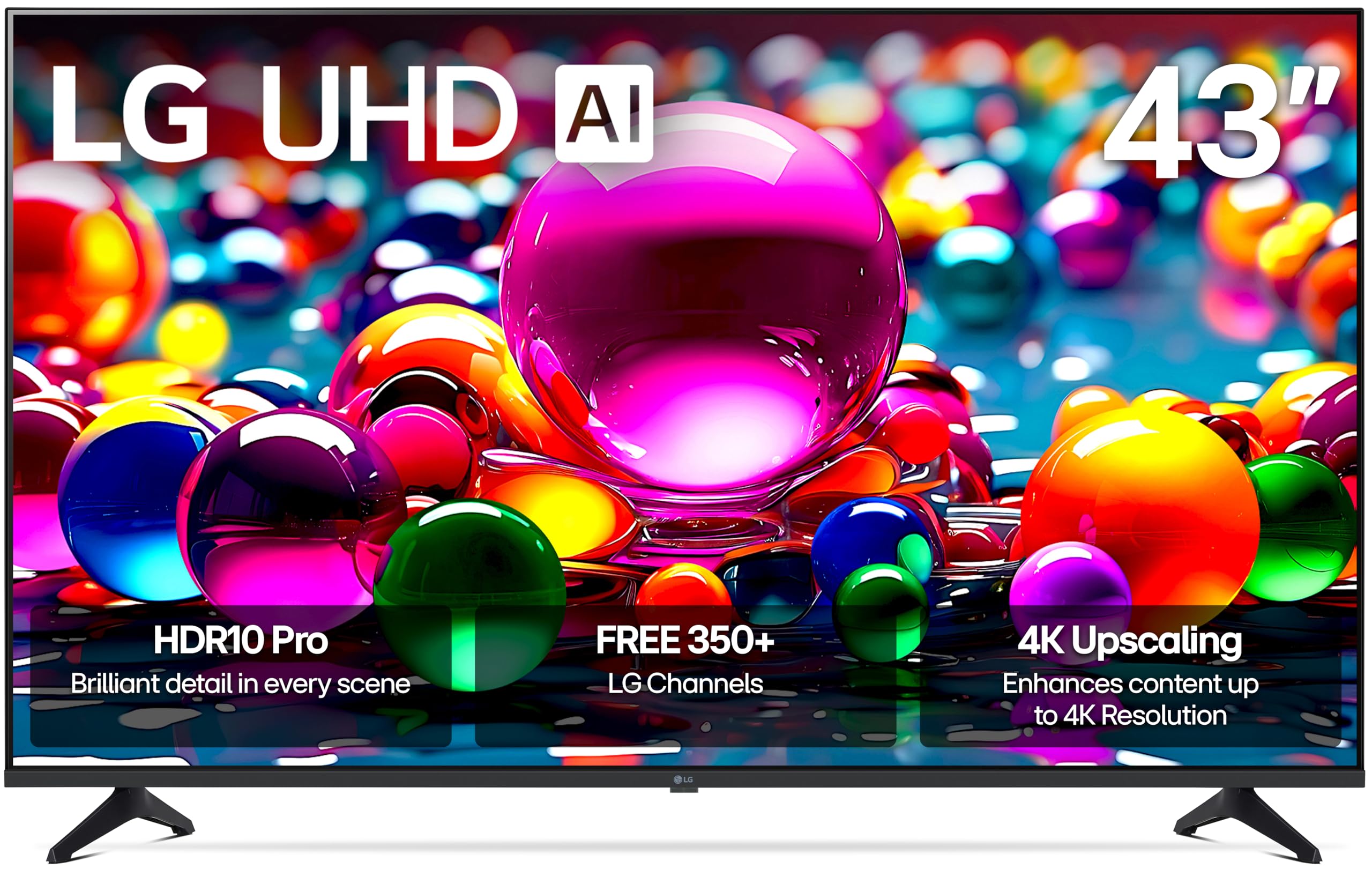
The LG 43UA7700P wins for its balanced blend of 4K upscaling, gaming features, and webOS reliability at a competitive price. Its Alpha 7 AI Processor Gen8 actively upscales content to 4K and applies Dynamic Tone Mapping, so even old cable channels and YouTube videos benefit from enhanced brightness and refined detail. The image quality consistently earns the most praise from owners, who also love the vibrant colors straight from the start.
Beyond the picture, the webOS platform connects you to over 350 free channels through LG Channels, plus all your mainstream apps. For gamers, it’s loaded: FreeSync, VRR, and four HDMI 2.0 ports, along with a dedicated Game Optimizer menu. It supports Apple AirPlay 2 and Google Cast, so you can throw content from your phone or tablet onto the screen with a tap. Buyers report it holding up great after 7 months of use.
The catch is the remote control, which draws consistent criticism for lacking a mute button and feeling unintuitive. Also, the VESA mount pattern is 200×300, not the common 200×200, so check your wall mount’s compatibility before you drill.
Why It Wins
- Powerful 4K upscaling from the AI processor sharpens all content
- Excellent gaming support with FreeSync and VRR
- Four HDMI 2.0 ports for multiple devices
- Built-in support for Apple AirPlay 2 and Google Cast
Watch Out For
- Remote control lacks a mute button and gets mixed feedback
- VESA mount pattern is 200×300, not the standard 200×200
Ideal For: Anyone who wants a do-everything 4K TV that handles gaming, streaming, and older content without compromise.
Think Twice If: A simple, comfortable remote is a priority — this one lets the side down.
2. Hisense 40QD4SR
A reliable Full HD workhorse with the friendliest smart interface around.
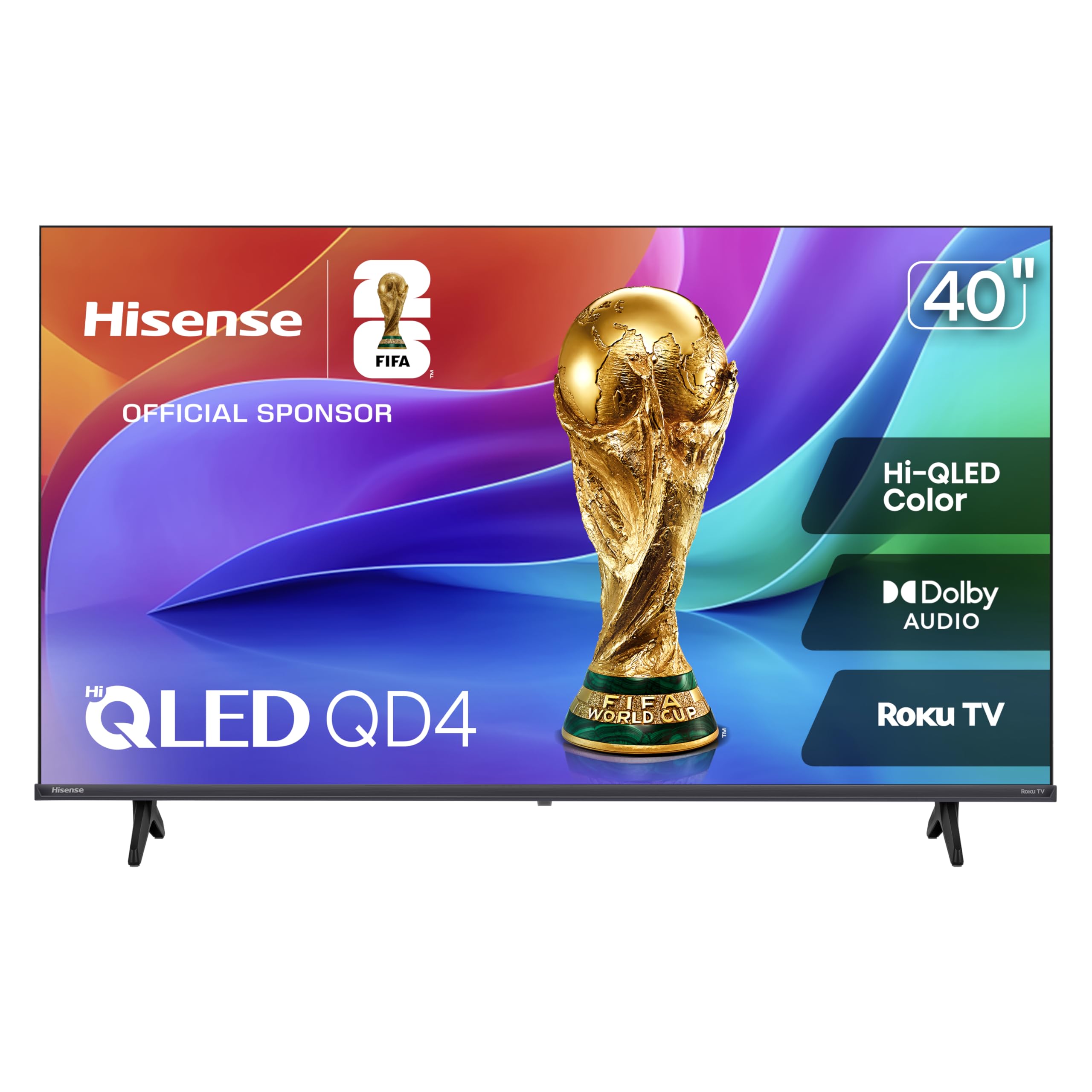
You don’t need 4K to get a great picture at 40 inches, and the Hisense QD4SR shows why. Its Hi-QLED technology (a color-enhancing layer that boosts brightness and vibrancy) makes every shade look true-to-life, from soft pastels to bold tones, with surprising punch for a Full HD (1920×1080) panel. Owners mention the crisp picture and speaker quality are the standout features, often outperforming other mid-range TVs they’ve owned.
The Roku OS stands out for its fast, ad-light interface that owners find simpler than Fire TV. You get access to over 5,000 free movies and shows, and the interface organizes everything into an easy grid. Setup is a breeze, and one reviewer noted their previous Hisense lasted 14 years, pointing to strong long-term reliability. The slim bezel design keeps it looking modern on any stand.
Sound quality gets mixed feedback in reviews, and a few owners hit a snag setting it up on T-Mobile Wi-Fi specifically. It’s a niche issue, but worth knowing if you use that particular ISP.
Best Value Pick: If you want a dependable, easy-to-use TV for a bedroom or casual viewing and don’t need 4K, this is the one to beat.
The Sticking Point: Some buyers wish the sound had more depth — a soundbar will improve it.
3. Roku Select Series
4K sharpness without the smart-TV learning curve shoppers dread.
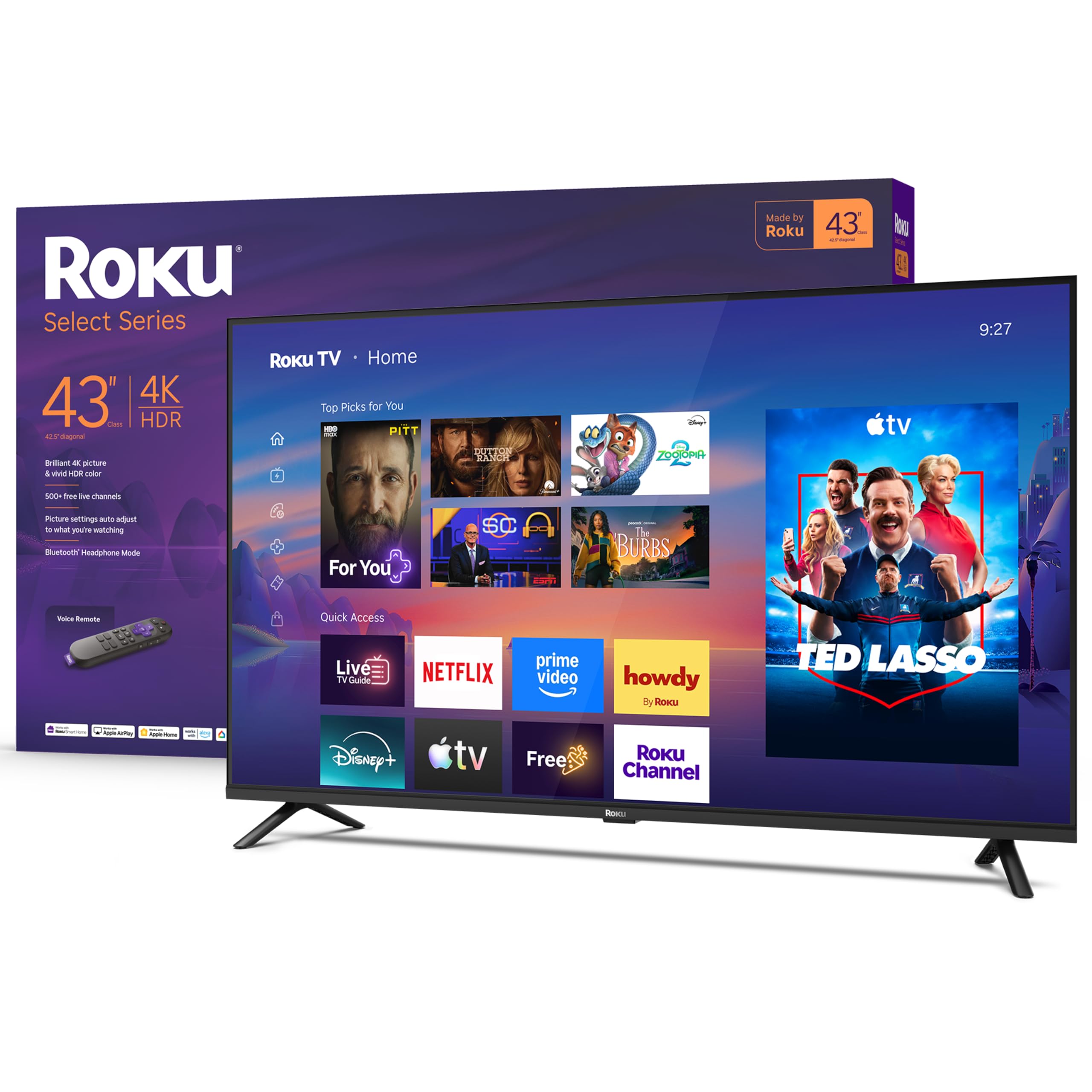
The Roku Select Series nails the balance between modern picture quality and dead-simple operation. You get a sharp 4K panel with HDR10 for lifelike color, plus Roku Smart Picture, which cleans up incoming signals and picks the right picture mode automatically. The result is a great picture that owners consistently rate as excellent value, with crisp detail and vibrant colors right from the start.
Where this TV truly shines is simplicity. Setup takes minutes, the home screen is uncluttered, and the remote is stripped down to essentials. Owners love the “no-nonsense” nature of it, and it supports voice control through Roku Voice, Siri, Alexa, or Google Assistant, plus Apple AirPlay for sharing from your iPhone. Bluetooth Headphone Mode is a standout for late-night viewing without waking the house.
It’s not the most feature-packed panel — there’s no VRR (variable refresh rate, which reduces screen tearing during fast-paced games) for serious gaming — but for streaming movies and TV, it hits a balance. One practical caveat: an occasional owner notes the stand feet require a Philips screwdriver, so keep one nearby during setup.
The Simple-Choice: Buy this if you want 4K quality but want to spend zero time learning a complicated interface.
skip it if: You’re a competitive gamer needing variable refresh rate support.
4. FPD 40-inch Google TV

A pocket-friendly Google TV with a contrast ratio that punches above its class.
The FPD CG40-P3 brings the Google TV experience to a budget price point, making it a compelling option for a spare room or dorm. It pairs a Full HD 1080p panel with a strong 5000:1 contrast ratio, which delivers deeper blacks and more defined edges than you typically see at this level. Owners describe the screen as nice and clear, with good value and solid sound quality being frequent highlights.
Google Assistant is built into the voice remote, giving you hands-free search, and Chromecast is built-in, so you can wirelessly beam content from your phone to the TV in seconds. It comes with two HDMI 1.4 ports, two USB 2.0 ports, and an optical-out for connecting a soundbar, plus Bluetooth 5 and Wi-Fi 5 for connectivity.
Reliability is a concern, with some owners reporting failures after three months, though many others report no issues. Connectivity also gets mixed marks, with a few noting the Ethernet port can interfere with Wi-Fi setup. It’s a solid budget option, but it carries more risk than the established brands.
Perfect For: Budget-focused buyers who want Google TV’s interface and voice control on a shoestring.
Consider This: Because some customers note reliability issues, opting for a longer warranty or return window can give you extra protection.
5. Samsung U8000H

A dependable big-name 4K TV with motion handling that keeps sports smooth.
The Samsung U8000H offers dependable 4K performance with Motion Xcelerator for smooth sports and gaming. Its Crystal Processor enhances colors and sharpens details, and the 4K upscaling technology upgrades lower-quality sources to crisp 4K clarity, which buyers describe as breathtaking and razor-sharp. It’s a picture that makes movies, games, and sports look vivid, with Color Booster making every hue pop.
For sports and gaming fans, Motion Xcelerator is the defining feature. It estimates and adjusts frame transitions in real time for up to 4K 60Hz performance, so fast-moving plays stay clear and smooth. On the smart side, Samsung TV Plus gives you access to 2,700+ free streaming options, including 750+ subscription-free channels, so there’s always something to watch without a cable bill.
The remote control is the weakest link, drawing consistent criticism for being difficult to use, and sound quality gets mixed feedback. Setup, however, is straightforward, with owners noting you can bypass the Samsung account entirely during installation.
What Stands Out
- Motion Xcelerator keeps sports and games smooth at 4K 60Hz
- Bluetooth 5.3 for reliable wireless headphone connection
- Free access to 750+ channels with Samsung TV Plus
The Trade-Offs
- Remote control is widely criticized as difficult to operate
- Connectivity and stability are occasionally called out as mixed
Choose This For: A reliable living-room 4K TV where motion clarity for sports and gaming matters.
Be Aware: You might want a universal remote or streaming stick for a better daily experience.
6. Amazon Ember 2-Series

The Fire TV that loads apps instantly, thanks to Wi-Fi 6 and a new quad-core processor.
The Amazon Ember 2-Series prioritizes speed with a quad-core processor and Wi-Fi 6 for instant app loading. It’s the first thing owners notice — apps open and load fast, and the picture stays smooth, all powered by a new quad-core processor and Wi-Fi 6 support. This is the newest Fire TV experience, with a modern design that gets you to your entertainment quickly and offers personalized recommendations from Alexa+.
It’s a Full HD 1080p panel, which means it’s not trying to be a 4K powerhouse, but owners praise the crisp, sharp display and bright colors. It’s a perfect fit for a media cabinet or travel trailer, and the interface is intuitive, with one long-term owner noting it runs the Xfinity app and shows security cameras without a problem. The Alexa Voice Remote Enhanced gives you preset buttons for quick access to your favorite apps.
There are two key trade-offs. Sound quality is mixed, with some owners finding the onboard speakers weak. And the Ambient Experience, which turns the TV into a photo frame, stops working after 5 minutes with no setting to prevent it, making it a feature many call useless.
Why Choose This: If you’re deep in the Amazon ecosystem and want the fastest, smoothest Fire TV experience at 40 inches.
Consider This: The weak speakers and limited Ambient Experience might push you toward an external soundbar.
7. Hisense 40QD4QF
Quantum-dot color that makes a 1080p screen look richer than its resolution suggests.
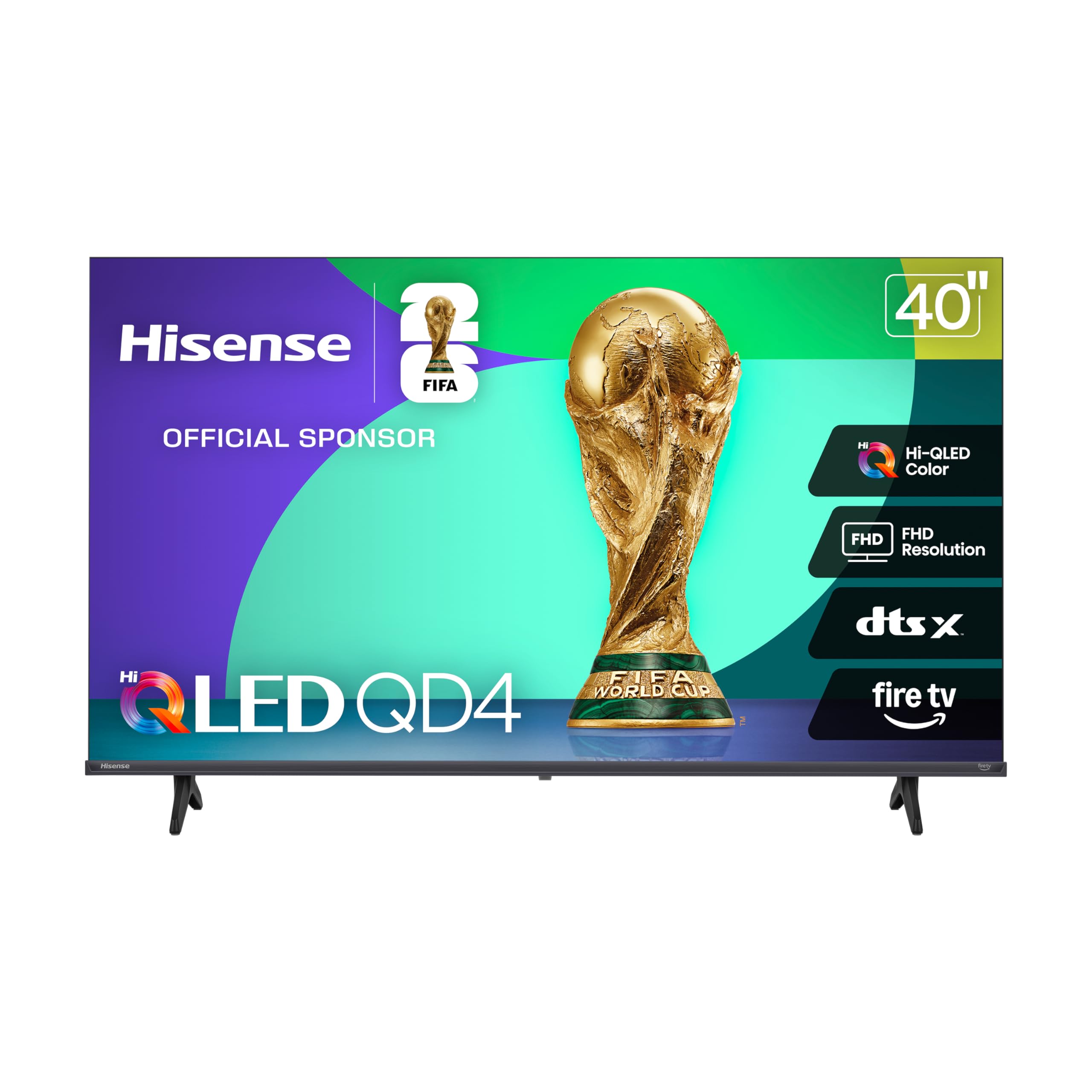
The Hisense QD4 uses Quantum Dot technology to deliver a visual treat that owners say looks better than a recent 4K TV they compared it against. Every shade, from soft pastels to bold tones, stands out in stunning clarity, and the Full HD panel is bright and crisp. It’s a fantastic choice for a small living space, with one owner highlighting it as a big upgrade from a 32-inch TV on a power boat.
This model comes with Fire TV built-in, meaning Alexa is at your command via the voice remote. Owners appreciate the easy setup, noting they connected it to an existing Firestick account to keep all their settings and subscriptions. For gamers, Game Mode cuts the delay down to 16ms, so you can react in real time without frustrating lag.
The sound, enhanced by DTS Virtual:X, gets mixed reviews — some find it decent, others poor. App-switching lag is a noted quirk, and the small remote is easy to lose, with one owner buying a backup. It’s a great value pick for bedrooms and dorms where color matters more than raw resolution.
Pick This For: A compact space where you want vibrant, lifelike colors and the convenience of Alexa built-in.
Note: If you demand booming audio, a soundbar is a worthwhile add-on.
8. Sony BRAVIA 2 II

Sony’s processing magic brings near-4K life to everything, old or new.
The Sony BRAVIA 2 II appeals to purists with its 4K Processor X1 and XR-Reality PRO upscaling for lifelike detail. The 4K Processor X1 delivers a lifelike picture full of rich colors and sharp details, and the 4K XR-Reality PRO upscaling brings back lost texture and detail in all your content. Owners consistently praise the beautiful picture quality, with one noting that even old black and white movies look cleaner.
This TV is a gamer’s dream if you own a PlayStation 5. It features exclusive BRAVIA modes like Auto HDR Tone Mapping and Auto Genre Picture Mode that tune picture quality automatically, plus a Game Menu that puts all your settings in one place. Intelligent Motionflow XR keeps fast-moving sports and action blur-free, and you get Apple AirPlay 2 and Google Cast for easy streaming.
The biggest risk here is reliability. While many reviewers point out it as a remarkable purchase, a notable chunk note units stopping working after about 6 months, with one describing constant freezing. Setup is fast — most have it running in under 10 minutes — but the smart interface is complex enough that one owner needed a younger friend to help configure it.
Why Go Premium
- Exclusive PS5 features for tune gaming picture
- Superb upscaling with 4K XR-Reality PRO
- Near-4K clarity across all content types
Heads Up
- Mixed reliability reports with some units failing after 6 months
- Interface can be complex for some users to set up
Choose This For: PS5 owners and movie fans who want reference-grade processing and color accuracy.
Think Twice If: Long-term reliability is your absolute priority — consider a longer protection plan.
9. Samsung QN70H
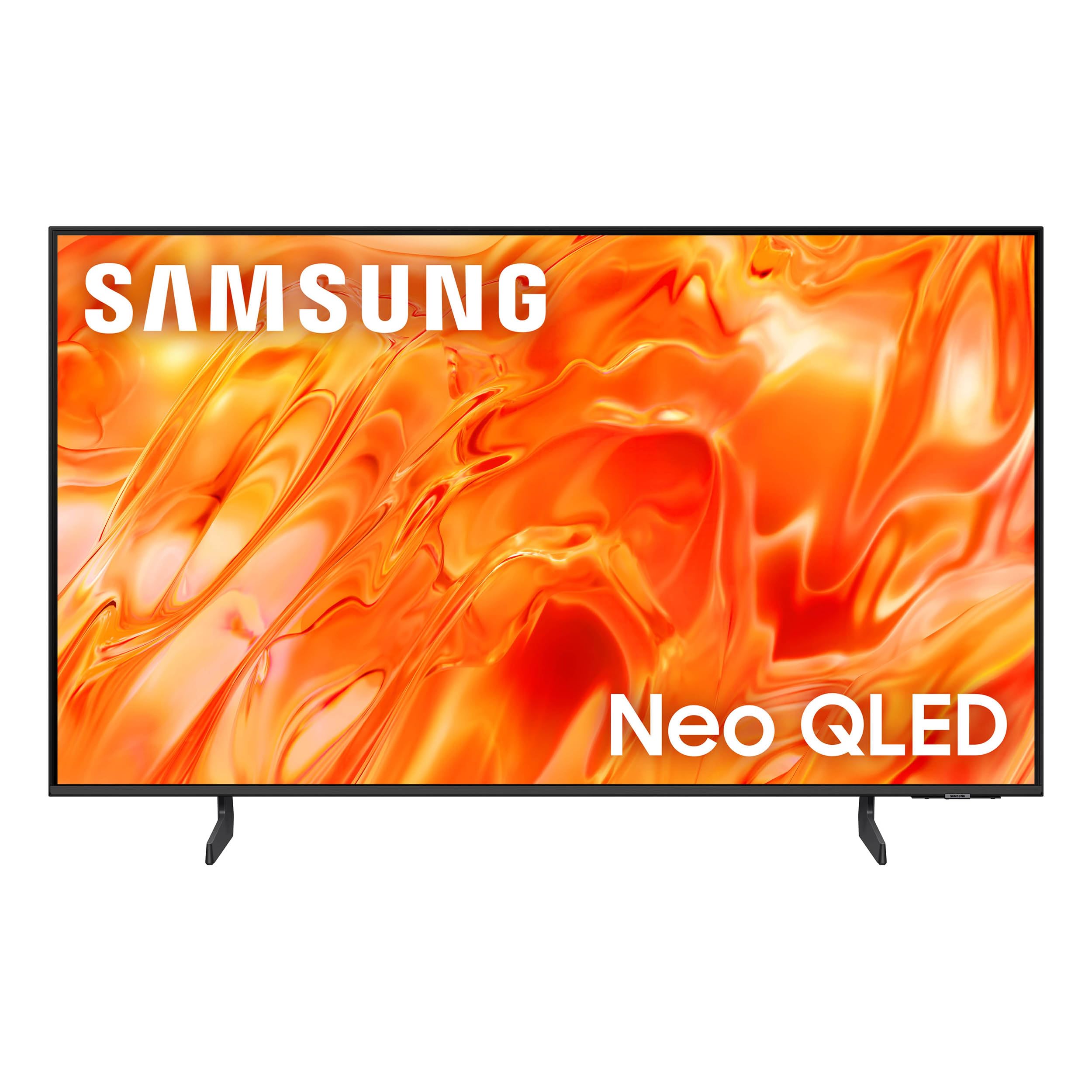
The brightest, most contrast-rich 40-inch picture you can buy right now.
The Samsung QN70H leads with Quantum Mini LED technology for deeper blacks and brighter highlights. It’s a 4K QLED panel with 100% Color Volume with Quantum Dot, meaning it can display billions of shades at any brightness level. Owners describe the screen quality as excellent and crisp, with incredible sound to match.
The NQ4 AI Processor is the brain, upscaling any source to stunning 4K and using AI to enhance color and audio based on what you’re watching. Color Booster Pro transforms hues in real-time for dynamic visuals. Its NQ4 AI Processor upscales content to 4K and enhances color, while the interface responds quickly.
It’s not perfect. The remote control is a point of contention — some love the lightning-fast response, while others find the round directional pad too small and awkward for adult hands. The smart TV home page is also crowded, which can be tricky for less tech-savvy users, and a lamp glare can require repositioning. It weighs 18.5 pounds, so plan for a sturdy stand or mount.
The Premium Pick: For buyers who simply want the best possible 40-inch picture quality and are willing to pay for it.
Consider This: The remote’s ergonomics may frustrate some users — a universal remote is a simple fix.
Understanding the Specs
4K UHD vs Full HD (1080p)
Resolution determines how many pixels make up the picture. 4K UHD has about four times the pixels of Full HD, which means sharper text and finer detail. At a 40-inch size, the difference is visible if you sit within about 5 to 6 feet of the screen. If you sit further back, 1080p often looks just as good and costs less, so measure your viewing distance before deciding.
Smart Platforms: Roku, Google TV, Fire TV
Your TV’s OS controls how you find and watch content. Roku is the most straightforward, with a simple grid layout ideal for all ages. Google TV excels at personalized recommendations across all your apps. Fire TV is deeply integrated with Amazon services and Alexa voice control. Choose the one that matches the services you already use most.
HDR (High Dynamic Range)
HDR, like HDR10, makes the picture look more like real life by expanding the range between the brightest whites and darkest blacks. It enhances colors for a more vibrant and dramatic picture. When a TV supports HDR, it can display a wider range of color and contrast, so movies shot in HDR look noticeably better than on a standard panel.
Gaming Features: Game Mode, VRR, and Refresh Rate
For console gaming, look for Game Mode, which reduces input lag so your controller actions appear on screen faster. VRR (Variable Refresh Rate) reduces screen tearing during fast gameplay. Many 40-inch TVs have a 60Hz refresh rate, which is fine for most consoles and casual gaming.
FAQ
Is a 4K TV worth it at 40 inches?
What is the difference between Roku, Google TV, and Fire TV?
Will a 40-inch TV fit on my existing wall mount?
What does Game Mode do on a smart TV?
How many HDMI ports do I really need on a 40-inch TV?
Can I watch free TV channels on a smart TV without cable?
Which 40-inch TV is best for a PS5 or Xbox?
Is screen durability a concern with budget smart TVs?
Final Thoughts: The Verdict
For the majority of shoppers, the 40in smart tv winner is the LG 43UA7700P because it combines powerful 4K upscaling, strong gaming features, and a reliable webOS platform into one package. If you want the simplest experience with a free-channel bonanza, grab the Hisense 40QD4SR. And for the absolute best picture quality with premium Mini LED contrast, the Samsung QN70H is the one to reach for.
How We Picked
We do not accept paid placement. Every pick is matched to a real buyer and a real use-case; we do not hands-on test units.
Sources & Methodology
Specifications: manufacturer listings and product documentation. Review insights: verified customer reviews, as of August 2026. Pricing: not shown on this page (it changes often); check the current price via the retailer link.
As an Amazon Associate, Gadgets Feed earns from qualifying purchases. This does not affect which products we feature.