
Our readers keep the lights on and my morning glass full of iced black tea. As an Amazon Associate, I earn from qualifying purchases.
Specs are compiled from manufacturer listings and verified buyer reviews and can change over time — please confirm the key details on the product page before buying.
You bought a new laptop, and the charger that ships inside the box is the third thing you will lose or the first thing that breaks. The real challenge is getting the exact wattage your machine demands without paying brand-name markup or risking a cheap knockoff that could damage the port. This guide covers seven chargers that deliver 45W or 65W, each selected for a specific buyer type.
I’m Min — the founder and writer behind Gadgets Feed. This guide is built by comparing the manufacturers’ published specifications and the patterns across verified customer reviews, so you get each pick’s real strengths and trade-offs instead of marketing spin.
if you need a USB-C travel companion, a proprietary tip for an older HP or Dell, or a reliable spare for your Surface Pro, the right 45w 65w laptop charger matches your connector, delivers stable current, and lasts.
Our Picks at a Glance
How To Choose The Best 45W 65W Laptop Charger
The first rule: wattage matters, but the connector matters more. A 65W charger that does not plug into your laptop is useless, and a plug that fits but delivers the wrong voltage can damage the motherboard. Check these three things before you buy.
Match the Connector, Not Just the Brand
HP laptops often use a 4.5mm x 3.0mm blue-tip barrel, Dell Inspiron models use a 4.5mm barrel, and newer Dell Latitude machines use USB-C. Microsoft Surface Pro models use a proprietary Surface Connect magnetic port. Look at your original adapter’s tip shape and compare it to the “Connector Type” spec — if the shape does not match, the charger will not seat correctly.
Wattage: When 65W Can Replace 45W
A 65W charger is safe to use on a laptop that originally came with a 45W adapter, because the laptop only draws the power it needs. The reverse — plugging a 45W charger into a machine that expects 65W — may cause slow charging or the “not charging” warning under heavy use. If you want one charger for multiple devices, go with the higher wattage.
Extra Ports and Cable Length
Some chargers include a USB-A port so you can charge a phone at the same time. A longer cable (around 5.9 ft) gives you more freedom to sit away from the wall outlet. If you travel frequently, size and weight matter as much as power output.
Quick Comparison
| Model | Best For | Wattage | Connector Type | Amperage | Amazon |
|---|---|---|---|---|---|
| SZGUDULO 45W 19.5V 2.31A HP Charger★ Best Overall | Budget-friendly HP | 45W | Proprietary Blue Tip | 2.31 Amps | Amazon |
| HP Original 65W Smart AC AdapterOEM Standard | OEM reliability | 65W | Proprietary 4.5mm | Amazon | |
| Charger Compatible with HP Laptop 65W 45W Smart Blue Tip | HP replacement | 65W (also 45W) | 4.5 x 3.0mm Blue tip | 3.33 Amps | Amazon |
| Lenovo USB-C 65W Wall Charger | USB-C universal | 65W | USB Type C | 3 Amps | Amazon |
| Dell Inspiron 65W 4.5mm tip | Dell Inspiron spare | 65W | Proprietary 4.5mm | 3.33 Amps | Amazon |
| 65W 44W Charger for Microsoft Surface Pro | Surface Pro multi-device | 65W | Surface Connect | 4 Amps | Amazon |
| Dell 65W USB-C Latitude Charger | Latitude USB-C charging | 65W | USB Type C | 1.7 Amps | Amazon |
In‑Depth Reviews
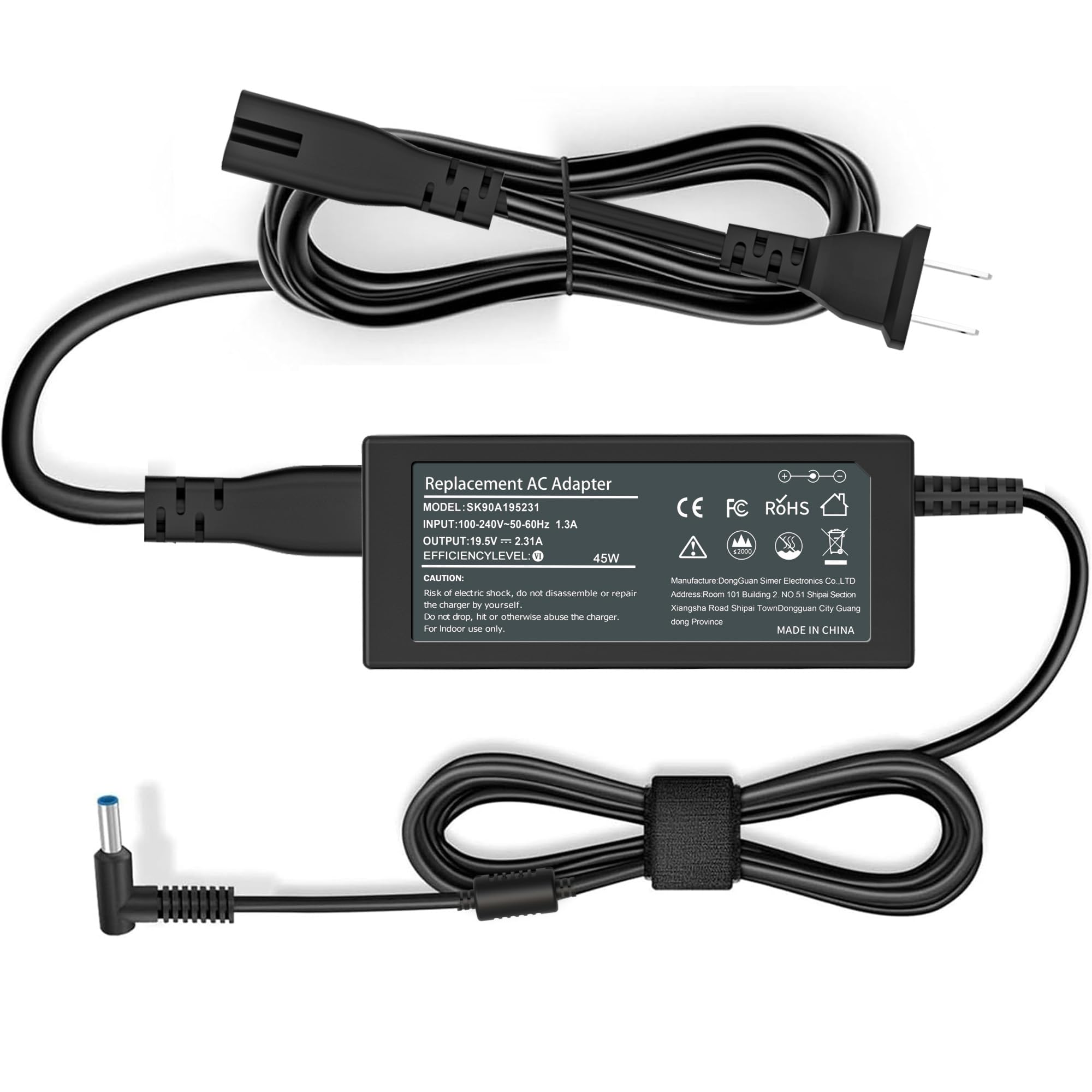
1. SZGUDULO 45W 19.5V 2.31A Charger Compatible with HP Laptop
Our pick — 4.5★ from 600+ verified ratings; the strongest balance of quality and price.
The budget-friendly 45W blue-tip that buyers report charges as fast as the original.
This is the most affordable HP-compatible charger on the list, and it sticks to the 45W output that many Pavilion, Stream, and Notebook models originally shipped with. The current rating is 2.31 Amps, versus the Surface charger’s 4 Amps — but still within spec for HP’s 45W devices. Owners mention it “charges quickly, provides a stable connection, and performs just as well as the original charger.” It uses the standard 4.5mm x 3.0mm blue-tip connector. The SZGUDULO brand lists compatibility with a huge range of model numbers, including the HP Stream x360, Pavilion x360, and ProBook series.
One customer observed that the charger works with both Mac and Windows laptops, and that the cord is a good length. The unit comes with an AC power cord in standard packaging. The main limitation is the 45W ceiling — if you later switch to a larger HP laptop that demands 65W, this charger will not keep up. Unlike the 65W third-party HP charger (product 2 on this list), this one cannot serve double duty, so it is strictly a 45W spare.
Straight 45W: At 2.31 Amps and a blue tip, this is the right match for HP laptops that never needed more than 45W — and buyers confirm it holds a stable connection.
Smart buy if: You need a cheap, reliable 45W backup for a compatible HP laptop and do not need 65W power.
Pass if: Your laptop demands 65W — this charger will top out too early to keep it running under load.
2. HP Original 65W Smart AC Power Adapter
The genuine HP brick that solves cursor jitter and sleep-mode-only charging.
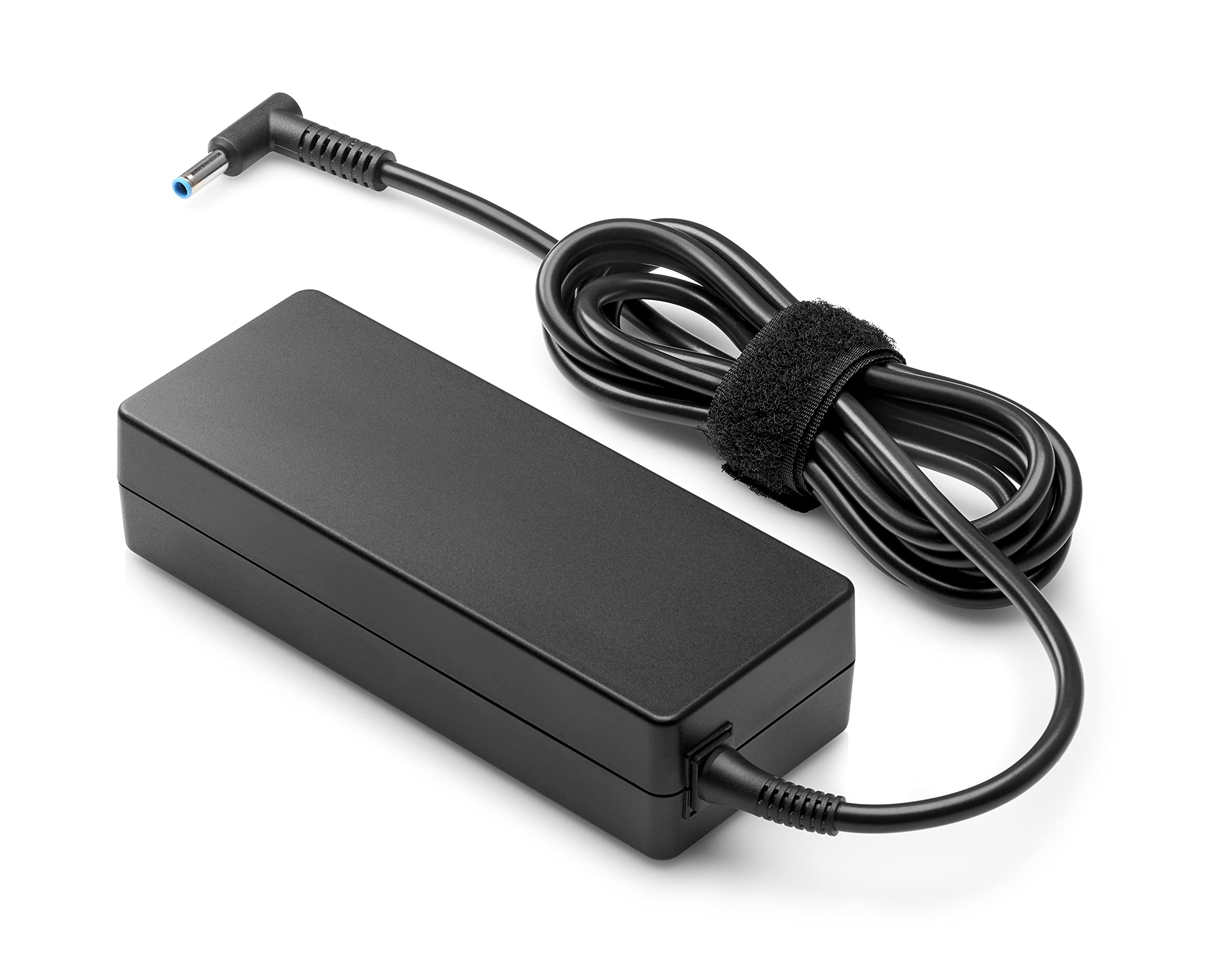
If you have tried a third-party charger and noticed the trackpad acting erratic or the laptop refusing to charge unless it is asleep, this is the fix. This is an official HP adapter with a standard 4.5mm connector, rated at 65W. The cable uses a right-angle plug that bends away from the port, which reduces stress on the connector over time — meaning fewer “loose connection” headaches a year from now. Buyers report that it “works perfectly” for HP Envy laptops, and one reviewer noted that it eliminated the odd behavior that off-brand chargers caused.
Reviewers also point out that even though this is a 65W unit, it works without issue on a laptop that originally expects 45W — the machine simply draws what it needs. The attached loop fastener helps keep the cable neat when you pack it, and the packaging is reinforced so the adapter arrives without dents.
OEM Perks
- Official HP adapter, arrives in original sealed box
- Right-angle 4.5mm connector reduces cord stress
- Buyers confirm it fixes erratic charging from aftermarket bricks
The Catch
- Only works with older HP laptops using the proprietary barrel — not USB-C
Bottom line: The pick if you want zero compatibility guesswork for a compatible HP EliteBook or ProBook with the standard 4.5mm port.
Look elsewhere if: Your HP laptop has a USB-C port — this adapter will not plug into it.
3. Charger Compatible with HP Laptop Computer 65W 45W Smart Blue Tip 4.5mm
A single brick that covers 65W and 45W HP laptops with the blue-tip connector.
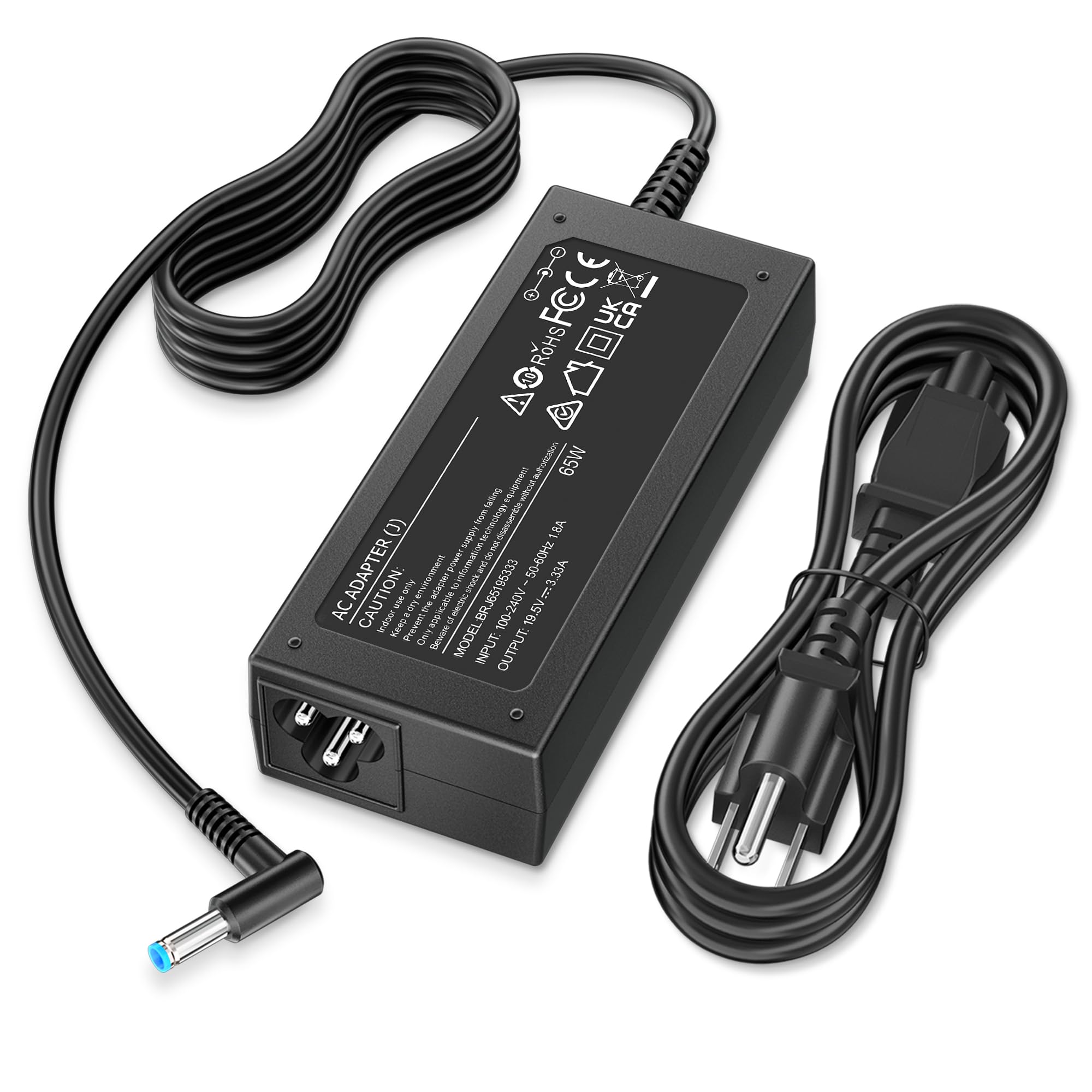
The defining spec here is the 3.33 Amps current at 19.5V, and it is backward-compatible with the older 2.31A (45W) standard — so you can use it on a Pavilion x360 that came with a 45W brick or a ZBook that needs the full 65W. The connector is the classic 4.5mm x 3.0mm blue tip, which fits EliteBook, ProBook, Envy, and Stream models from several generations. Unlike the genuine HP adapter above, this is a third-party replacement, but it carries a safety certification from a U.S. testing lab and includes built-in protection against overcurrent, overvoltage, and overheating.
Owners mention it is a “great product” that fits “perfectly” and holds the connection without the power cutting in and out. The brand QXA includes a 12-month return or exchange policy, plus lifetime product support. The main trade-off is the same as with any non-OEM adapter: it does not carry the HP logo, and some users may feel more comfortable with the official part for warranty reasons.
Double-duty: Works on both 65W and 45W HP laptops using the standard blue tip, same connector, same cable, one price.
Ideal for: Anyone with an HP laptop using the 4.5mm blue-tip barrel who wants a single spare to handle both wattages.
Trade-off: It is not an official HP part, so brand purists may still want the genuine article above.
4. Lenovo USB-C 65W Wall Charger
A slim, light universal brick that charges laptops and phones over one USB-C cable.
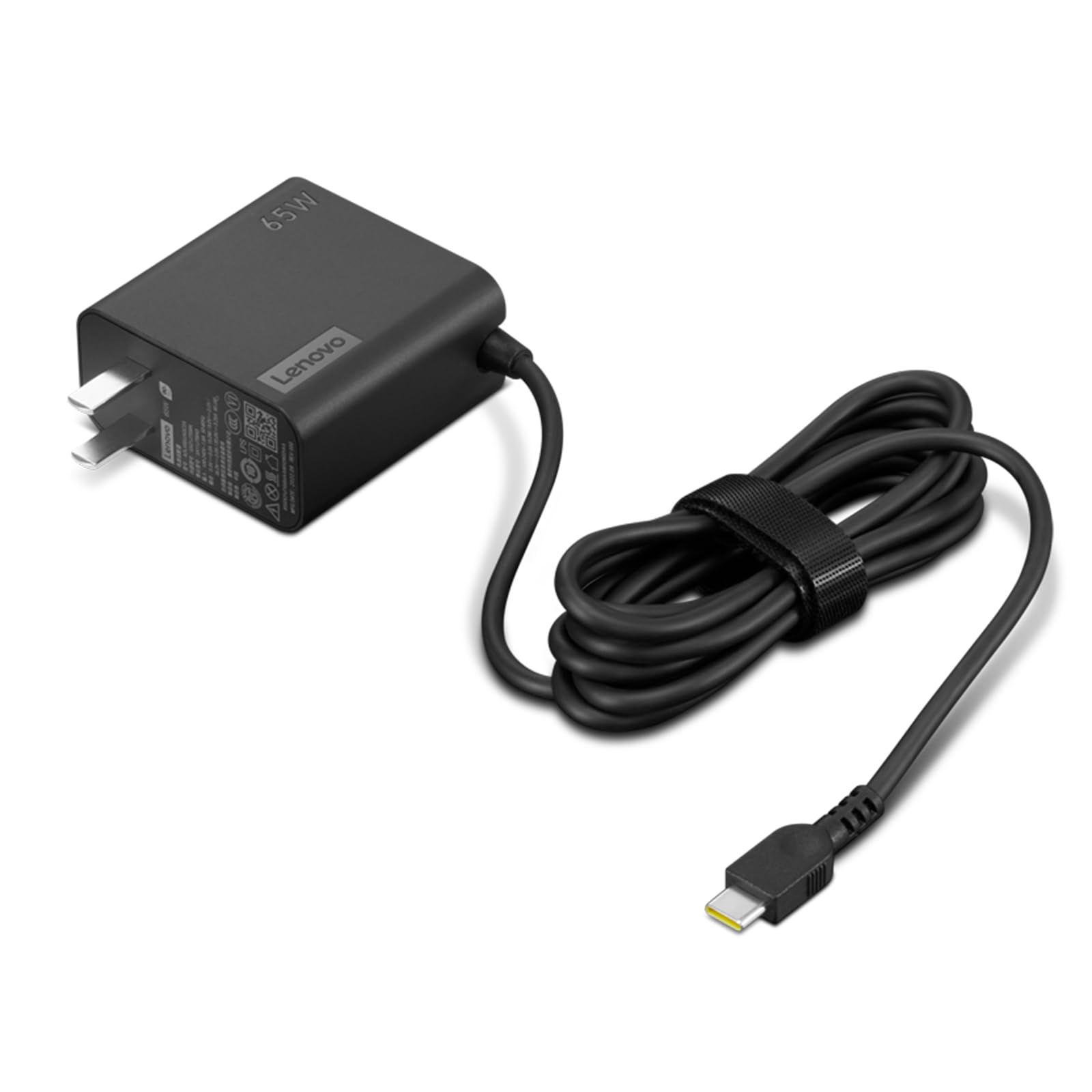
The standout feature is the 5.9-foot (1.7m) cable — noticeably longer than the short cords that come with many OEM chargers — so you can plug into a distant wall outlet and still sit comfortably on a couch or bed. This is a PD 3.0 (Power Delivery 3.0) charger, which means it negotiates the fastest safe charging speed with any USB-C device, topping out at 65W for a laptop or stepping down to lower power for phones and tablets. Customers note it is “light weight, easy to carry” and that it is “better than the charger my laptop originally came with.”
Compared to the proprietary-tip chargers on this list, the Lenovo USB-C brick is brand-agnostic: it works with any laptop, tablet, or phone that charges over USB-C, not just Lenovo machines. The enclosure is slim and rectangular, and it comes with a user manual. The catch is that it does not include a second port for simultaneous charging of a second device — if you need to charge a phone and a laptop from one wall plug, you would need a multi-port GaN charger instead.
Why It Travels Well
- 5.9-foot cable reaches outlets in awkward spots
- PD 3.0 works with any USB-C device, from phones to laptops
- Rated 4.8 / 5 from 86 reviewers, the highest score on this list
Single Output
- No USB-A port — you need a separate charger for a second device
Grab this if: You want one charger for all your USB-C gear and value a longer cord over multi-device charging.
skip it if: Your laptop uses a proprietary barrel connector — USB-C is the only output here.
5. Dell Inspiron Laptop Charger Genuine 65W 4.5mm tip

The official Dell 65W replacement for Inspiron 3000, 5000, and 7000 series laptops.
This is a genuine OEM Dell charger, not a third-party substitute. It pushes 3.33 Amps through a 4.5mm barrel connector, and it is specifically designed to work with Inspiron 13, 14, and 15 models across the 3000, 5000, and 7000 families. The “About This Item” section lists it as a 120V AC input adapter, and it includes short-circuit protection. Reviewers point out it is a “perfect replacement charger for my Dell Inspiron” that “fits perfectly, charges just as fast as the original, and appears to be well made.”
One buyer mentioned they had previously used an off-brand charger that caused an error message on the laptop — the message specifically said an official Dell charger was needed. This adapter eliminates that warning. It uses the Type B 3-pin North American plug. Compared to the Dell USB-C charger for Latitude models (product 5 on this list), this one uses a dedicated barrel tip and will not work with USB-C-only machines.
OEM confidence: The “Genuine Dell” label stops the laptop’s “unauthorized charger” warning and ensures the barrel fits snugly in the port.
For you if: Your Dell Inspiron uses a 4.5mm barrel connector and the laptop is finicky about third-party chargers.
Not for: Newer Dell models with USB-C charging only — this barrel will not fit them.
6. 65W 44W Charger Compatible with Microsoft Surface Pro 9 8 7+ 7 6 5 4 3 X

A Surface charger with a bonus USB-A port that charges your phone alongside the tablet.
The extra USB-A port is the reason this pick stands out. It delivers 5V at 1A, so you can plug a phone into the charger while the Surface Pro charges, without needing a second wall outlet. The main output hits 15V at 4A for a total of 65W — enough to charge a Surface Pro 9 at full speed, and backward-compatible with the older 44W, 39W, 36W, and 24W Surface adapters. It works with Surface Pro models from the 3 all the way to the 9, plus the Surface Laptop and Surface Go lines.
This is the only charger on the list that supports the Surface Pro’s proprietary magnetic connector. The current rating is 4 Amps — that is the highest amperage on this list, which reflects the Surface’s unique 15V power delivery (most others run at 19.5V). Keep in mind the same review that flagged the failure also noted the “USB port never charged devices,” so the secondary port may be inconsistent across units.
Dual-Device Trick
- Integrated USB-A port lets you charge a phone and a Surface from one outlet
- Fits Surface Pro 3 through 9 plus Laptop and Go generations
- Fast-charge capable with the full 65W output
Hit or Miss
- One owner reported the charger died within a month and the USB port never worked
Best for: Surface Pro owners who want one charger for both the tablet and a phone on a desk or nightstand.
Watch out for: Inconsistent USB port performance — treat the bonus port as a convenience, not a guarantee.
7. Dell 65W USB-C Laptop Charger, Latitude 5400 5410 5420 5430 5440 5450

Genuine Dell USB-C charging for Latitude users who want plug-and-play stability.
This is a genuine OEM Dell USB-C adapter, not a generic replacement. It outputs 65W via USB-C, and it also supports lower PD profiles: 45W at 10V, 27W at 9V, and 15W at 5V — so it charges phones and tablets by negotiating the correct voltage. Despite being a genuine Dell part, the current rating is 1.7 Amps, which is the lowest on this list for a 65W charger. Shoppers say it “charges Dell Latitude laptops quickly and reliably; solid build quality; stable power delivery; no overheating.” One reviewer also noted it “fix the problem of battery not charging when plugged in.” The included 3-foot power cord is on the shorter side.
One buyer with a Latitude 5430 reported the plug fit loosely and the charger failed to maintain a charge, describing it as a “possibly defective unit.” That seems to be an outlier — the rest of the reviews are positive — but it is worth checking the fit on first connection. Compared to the Dell Inspiron charger above (which uses a barrel tip), this one uses USB-C, so it works with newer Dell Latitude machines that lack the barrel port.
OEM consistency: The genuine Dell badge means the laptop sees an approved adapter, avoiding the “unauthorized charger” warnings that some Latitude models throw.
Reach for this if: Your Dell Latitude 5400-5450 series uses USB-C and you want the official part.
Consider the risk: A small number of buyers received a unit with a loose USB-C connection — test the fit right away.
Understanding the Specs
Wattage (45W vs 65W)
Wattage tells you how much power the charger can deliver at once. A 45W charger is enough for smaller laptops like the HP Stream or a Surface Go — it keeps the battery topped up during light web browsing. A 65W charger is better for larger machines like a Dell Inspiron 15 or a ZBook, because it can keep the battery charging even when the laptop is running demanding software. Using a higher-wattage charger on a lower-wattage laptop is safe — the laptop only pulls what it needs. Using a lower-wattage charger on a high-power laptop will charge slowly or not at all when the machine is under load.
Connector Types
The most common connectors in this category are the 4.5mm barrel (used by Dell Inspiron and many HP models), the 4.5mm x 3.0mm blue-tip barrel (HP’s standard for EliteBook, ProBook, Pavilion, and Stream), the USB-C port (used by modern Dell Latitude and Lenovo machines), and the Surface Connect magnetic port (used by Microsoft Surface Pro and Surface Laptop). Each one is physically incompatible with the others — you cannot plug a blue-tip barrel into a USB-C port, and a Surface Connect charger will not attach to a Dell barrel. Always check the “Connector Type” spec against the shape of your original adapter.
FAQ
Can I use a 65W charger on a laptop that originally came with a 45W charger?
Can I use a 45W charger on a laptop that needs 65W?
How do I know if my HP laptop uses a blue-tip connector?
Will any USB-C charger work with my Dell Latitude laptop?
What is the difference between a Surface Connect charger and a USB-C charger for a Surface Pro?
How long does a third-party laptop charger typically last?
Can I charge my phone with my laptop charger?
What does the amperage (Amps) number mean on a charger?
What is the risk of buying a cheap laptop charger?
Are the included power cords all the same?
Final Thoughts: The Verdict
For the majority of shoppers, the 45w 65w laptop charger winner is the HP Original 65W Smart AC Adapter because it combines genuine OEM build quality, a right-angle connector that reduces cord stress, and the reliable charging that eliminates the weird trackpad and sleep-mode problems that third-party bricks often cause. If you want a universal charger that works across brands and gives you a long 5.9-foot cable, grab the Lenovo USB-C 65W Wall Charger. And for Surface Pro owners who also want to charge a phone from the same plug, the 65W Charger Compatible with Microsoft Surface Pro 9 8 7+ is the only pick on this list that adds a USB-A port.
How We Picked
We do not accept paid placement. Every pick is matched to a real buyer and a real use-case; we do not hands-on test units.
Sources & Methodology
Specifications: manufacturer listings and product documentation. Review insights: verified customer reviews, as of July 2026. Pricing: not shown on this page (it changes often); check the current price via the retailer link.
As an Amazon Associate, Gadgets Feed earns from qualifying purchases. This does not affect which products we feature.