
Our readers keep the lights on and my morning glass full of iced black tea. As an Amazon Associate, I earn from qualifying purchases.
Specs are compiled from manufacturer listings and verified buyer reviews and can change over time — please confirm the key details on the product page before buying.
If you are tired of the bezel gap between two monitors, a single 48-inch (or the nearest 49-inch) curved screen gives you one smooth, rich workspace. This guide cuts through the spec overload to show you which models actually handle your work and gaming without the frustration.
I’m Min — the founder and writer behind Gadgets Feed. This guide is built by comparing the manufacturers’ published specifications and the patterns across verified customer reviews, so you get each pick’s real strengths and trade-offs instead of marketing spin.
We analyzed the top contenders for the 48 inch curved monitor category, looking at split-screen productivity, color accuracy for creative work, and gaming performance at various refresh rates, to help you find the right ultra-wide fit for your desk and your budget.
Our Picks at a Glance

How To Choose The Best 48 Inch Curved Monitor
Buying a massive curved monitor is a big decision, both physically and financially. The specs sheets can look very similar, so focusing on the right details will save you from a costly regret. Here is exactly what to look for.
Resolution: The 5120×1440 Standard
On a screen this wide, 1080p looks fuzzy and 4K (3840×2160) can be too tall. the balance is Dual QHD, or DQHD (5120×1440 pixels). This is essentially two 27-inch QHD monitors glued together with no bezel. It gives you crisp text and plenty of horizontal space for multi-window workflows, while being far easier for your graphics card to drive than a full 4K panel.
Refresh Rate: 120Hz vs. 165Hz vs. 240Hz
This number dictates how many times the image updates per second. For office work, 60Hz is fine, but 120Hz makes scrolling and cursor movement feel buttery smooth. For gaming, 120Hz is the new baseline for a fluid experience. 165Hz and 240Hz offer even smoother motion for competitive esports, but you will need a very powerful GPU to hit those frame rates at 5120×1440 resolution. The crowd-favorite Amzfast monitor, for example, excels at a stable 120Hz.
Panel Type: VA, QD-OLED, or OLED
Most affordable 49-inch monitors use VA (Vertical Alignment) panels. They offer deep blacks (3000:1 contrast ratio is common) and good colors at a reasonable price. However, the viewing angles can wash out at the edges of such a wide screen. QD-OLED (Quantum Dot Organic Light Emitting Diode) and OLED panels, like those from INNOCN and Samsung, offer perfect blacks, blazing-fast response times (0.03ms), and incredible color vibrancy, but they come at a premium and have potential burn-in risks over many years of static desktop use.
Connectivity & Ergonomics: The Quality of Life Features
A USB-C port with 65W or 90W power delivery can turn your monitor into a single-cable docking station for your laptop. A built-in KVM switch lets you control two different computers (like a work PC and a personal laptop) with one keyboard and mouse. Do not overlook the stand either — a good height-adjustable, tilt, and swivel stand is essential for comfort on a screen this large.
Quick Comparison
| Model | Best For | Resolution | Refresh Rate | Panel Type | Amazon |
|---|---|---|---|---|---|
| Amzfast 49″★ Best Overall | Best Overall Value | 5120×1440 | 120Hz | VA | Amazon |
| Raywego 49″Top Performer | Best Color Gamut | 5120×1440 | 165Hz | VA | Amazon |
| Deco Gear 49″Best Value | Best for USB-C Docking | 5120×1440 | 120Hz | VA | Amazon |
| Gawfolk 49″ | Best Budget Gaming | 5120×1440 | 120Hz | VA | Amazon |
| CRUA 49″ | Best High-Refresh Budget Pick | 5120×1440 | 165Hz | VA | Amazon |
| Acer Nitro 49″ | Tightest 1000R Curve | 5120×1440 | 120Hz | VA | Amazon |
| Westinghouse 49″ | Office Productivity & USB-C | 5120×1440 | 120Hz | VA | Amazon |
| KTC 49″ | Premium 180Hz Gaming | 5120×1440 | 180Hz | VA | Amazon |
| INNOCN 49Q1R | Entry-Level QD-OLED | 5120×1440 | 144Hz | QD-OLED | Amazon |
| INNOCN 49Q1S | Speed & Color Fanatic | 5120×1440 | 240Hz | QD-OLED | Amazon |
| Samsung Odyssey G9 | The Ultimate Premium Choice | 5120×1440 | 240Hz | VA | Amazon |
In‑Depth Reviews
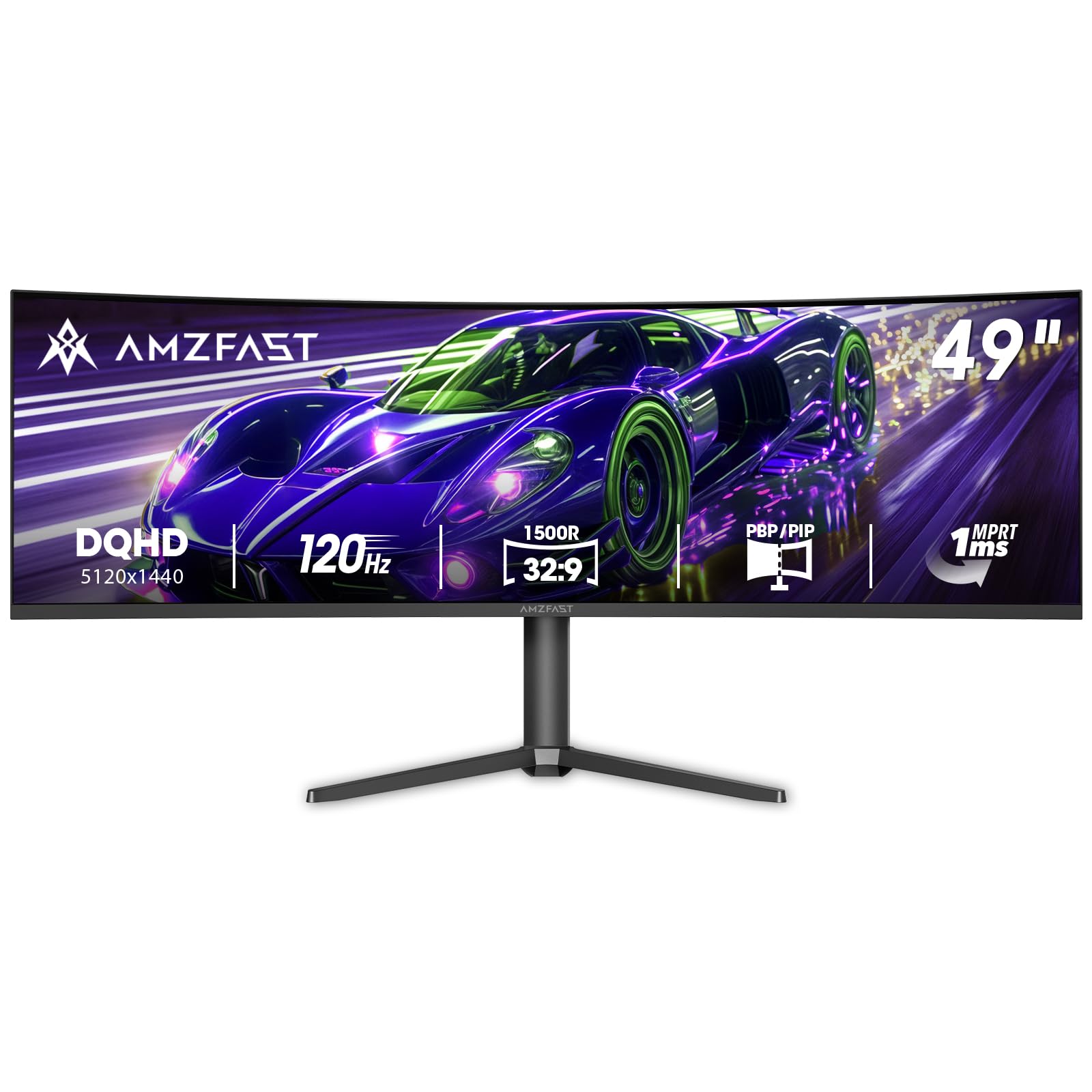
1. Amzfast 49 Inch Curved Monitor 120Hz DQHD
Our pick — over 4.5★ from 1,500+ verified ratings; the strongest balance of quality and price.
The crowd favorite that nails the balance of price, specs, and real-world performance.
This is the monitor hundreds of buyers are calling a fantastic value. The DQHD (5120×1440) resolution on a 1500R curved VA panel gives you the workspace of two 27-inch monitors without the bezel in the middle. The 120Hz refresh rate is perfectly smooth for gaming and daily use. It hits a solid 350 cd/m² brightness, and the 120% sRGB color gamut coverage ensures colors are vibrant right from the start.
The biggest win here is the sheer volume of happy owners. It is a top-rated pick with over a thousand ratings. The main advice from the community is to stick to 120Hz for the smoothest experience. The built-in speakers are described as “pretty good,” and the headphone holder is a nice touch. The stand offers height, tilt, and swivel adjustment (L20°, R20°) — a luxury you don’t always get at this level.
Fast 120Hz immersion
- Smooth 120Hz refresh rate with adaptive sync (FreeSync and G-Sync compatible).
- Excellent build and picture quality for the price point, with bright and adjustable lighting.
- Fully ergonomic stand with height, tilt, and swivel adjustments (L20°,R20°).
Limited refresh rate
- Buyers report the 165Hz overdrive setting can cause ghosting; best results are at the native 120Hz.
- HDR is good, but as owners note, it is not on par with premium OLED panels.
Grab for cinematic gaming: you want the most reliable, well-reviewed entry into a 49-inch ultrawide without overpaying for features you might not use.
Skip if you need 165Hz+: you absolutely need a 165Hz+ native refresh rate or the perfect blacks of an OLED panel.
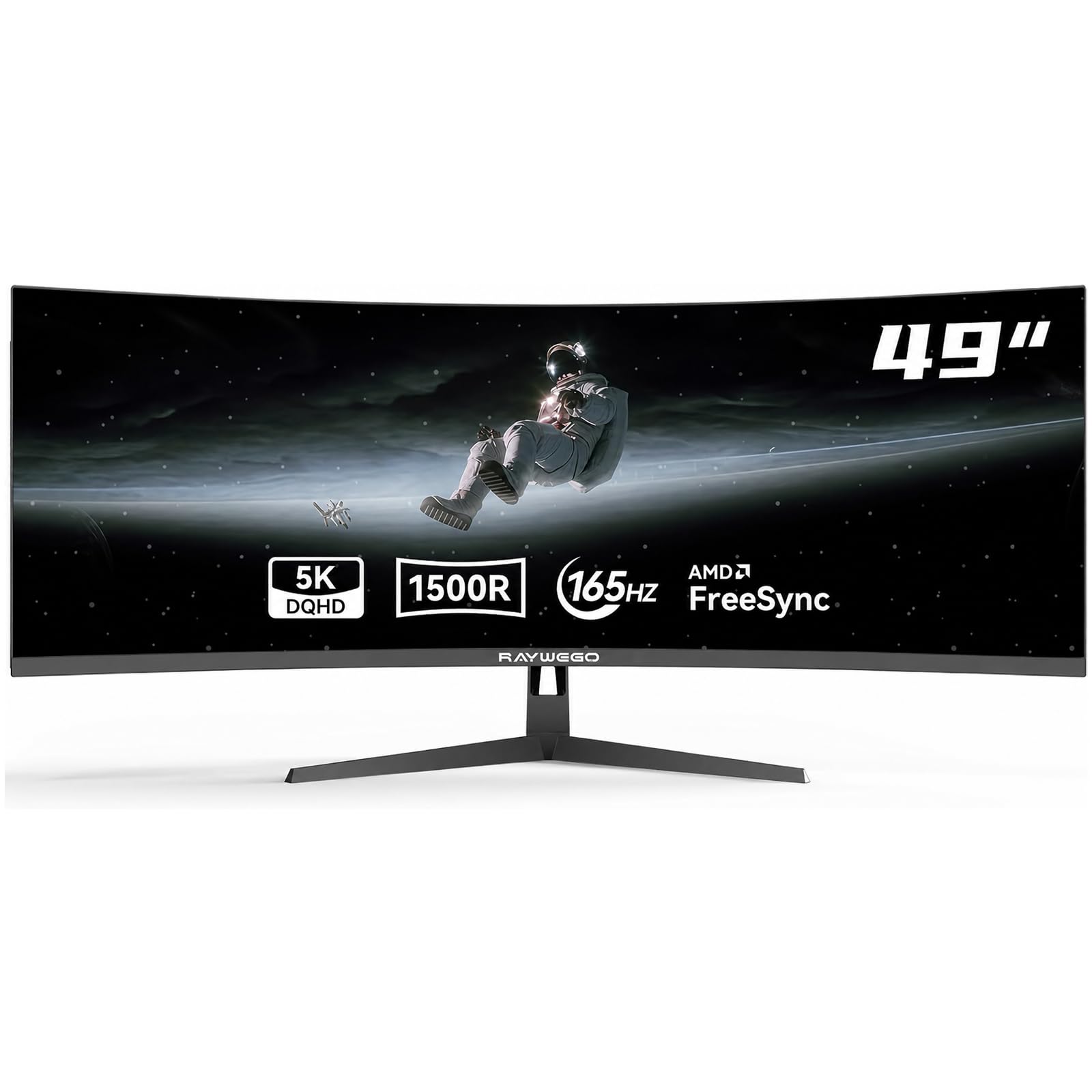
2. Raywego 49 Inch Curved Ultrawide Gaming Monitor, DQHD 165Hz
A 165Hz speedster that brings the most colorful VA panel in this roundup.
If you want faster motion than 120Hz, this Raywego is a strong contender. It offers a 165Hz refresh rate and a 1ms response time, making it ideal for racing and FPS games. The big story here is the 127% sRGB color gamut and 400-nit brightness. Compared to the Deco Gear’s 100% sRGB, this gives you a noticeable boost in color vibrancy, a 27% better color coverage. The contrast ratio is also a deep 3000:1.
This monitor provides the equivalent of dual 27-inch QHD screens without the center bezel, and its PIP/PBP modes let you view content from two sources. The 3000:1 contrast ratio helps bring out details in dark game scenes. Buyers who use it for home office work report that the large, crisp display helps reduce eye strain. The color range is also praised for being accurate, making it suitable for photo editing and content creation alongside gaming.
High refresh gaming: This is a fantastic choice if you prioritize a higher refresh rate and richer colors than the baseline 100% sRGB panels. It is a straight upgrade in motion clarity and color vibrancy.
For the competitive gamer: who wants the smoothest motion (165Hz) alongside the widest color coverage (127% sRGB) in this price tier.
Skip if you want premium: you need connectivity like a built-in KVM or USB-C power delivery, which this model lacks.
3. Deco Gear 49 Inch Curved Monitor, 5K2K Ultrawide WDQHD
The productivity hub that turns your ultrawide into a single-cable docking station.
Deco Gear focuses on a clean, modern desktop. The standout feature is the USB-C port that delivers 65W of power delivery. This lets you connect a single cable to your laptop to charge it, transfer video, and connect peripherals. It also includes a built-in KVM switch, so you can control your work PC and personal laptop with one keyboard and mouse instantly. The 250 cd/m² brightness is the lowest on this list, but for an office environment, it is sufficient.
Buyers love the massive 5120×1440 resolution and how it replaces a dual-monitor setup to reduce neck strain. The image quality is described as great for the price, with good colors for productivity tasks. The main complaint is about reliability; some users report units failing, often attributed to the USB-C port. It is an excellent value proposition on paper, but the risk of a defective unit is a legitimate concern raised by many reviewers.
For desk minimalists: who needs to switch between a work laptop and a personal PC with a single USB-C cable and a clean KVM setup.
Skip if you game fast: reliability is your top concern; a notable number of buyers had units fail, particularly related to the USB-C connection.
4. Gawfolk 49 Inch Curved Gaming Monitor 120hz
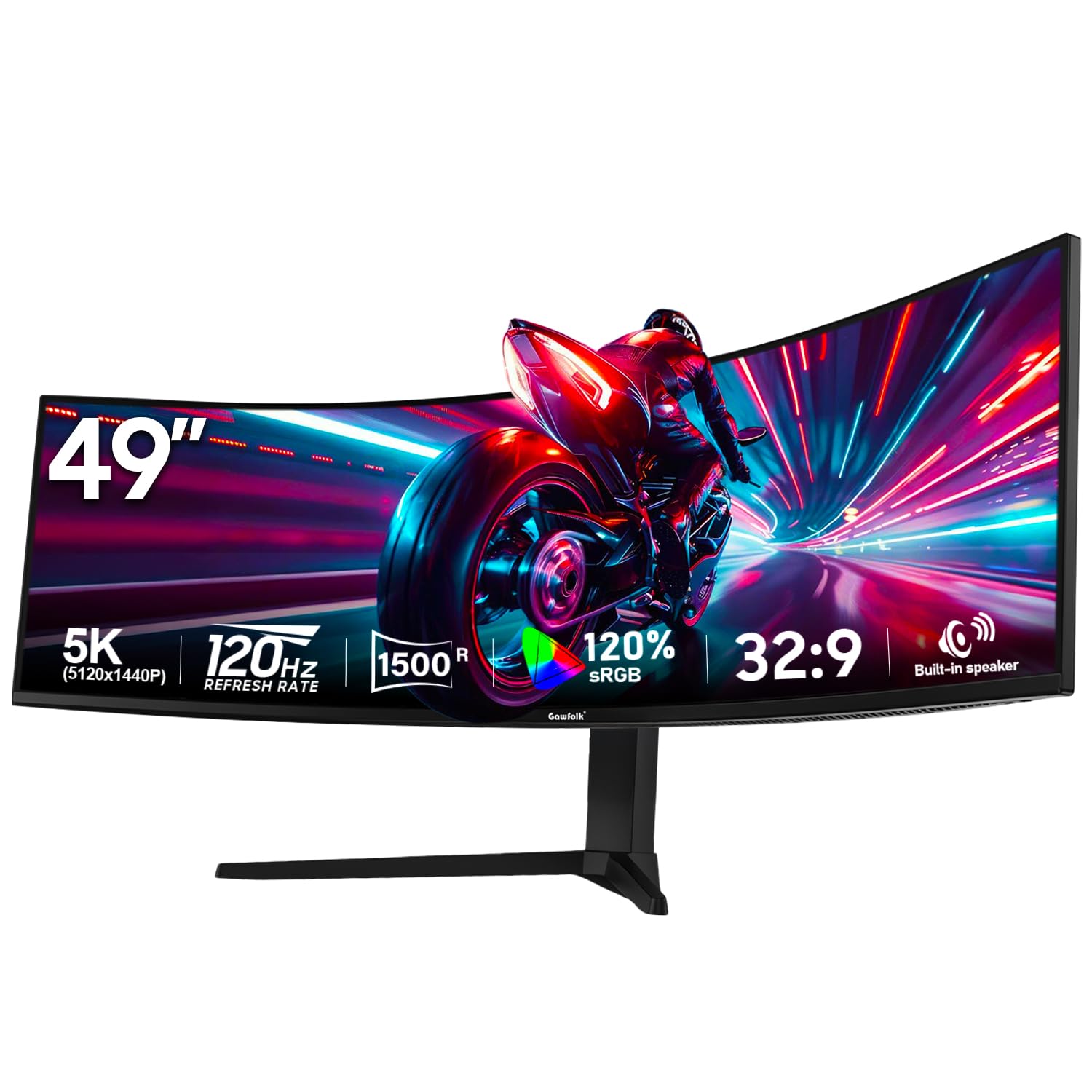
A wallet-friendly ultrawide that punches hard with HDMI 2.1 and true HDR10 support.
The Gawfolk brings a feature set that usually costs more. It offers dual HDMI 2.1 ports, which is a big deal for console gamers who want to push 120Hz at high resolutions. The 1500R curvature and 32:9 aspect ratio create wide immersion for racing and flight sims. It supports a true HDR10 signal, and while the 330 cd/m² brightness won’t blow you away, it offers a 3000:1 contrast ratio for decent blacks. The 85% NTSC color gamut is adequate for general use.
For pure productivity, this screen is a winner. Buyers love the picture quality and find the text sharp and the colors vibrant. It handles coding and multi-window tasks with ease. The main negatives are its tilt adjustment, which is described as stiff and not very useful, and some mixed feedback on the overall build quality. The built-in speakers are a bonus for casual use.
For casual use: a budget-friendly, feature-rich monitor that includes HDMI 2.1 for next-gen consoles and solid image quality for work.
Skip for serious gaming: the ergonomic stand, which lacks smooth tilt and feels cheaply built compared to higher-end models.
5. CRUA 49″ DQHD 165Hz Ultrawide Curved Gaming Monitor
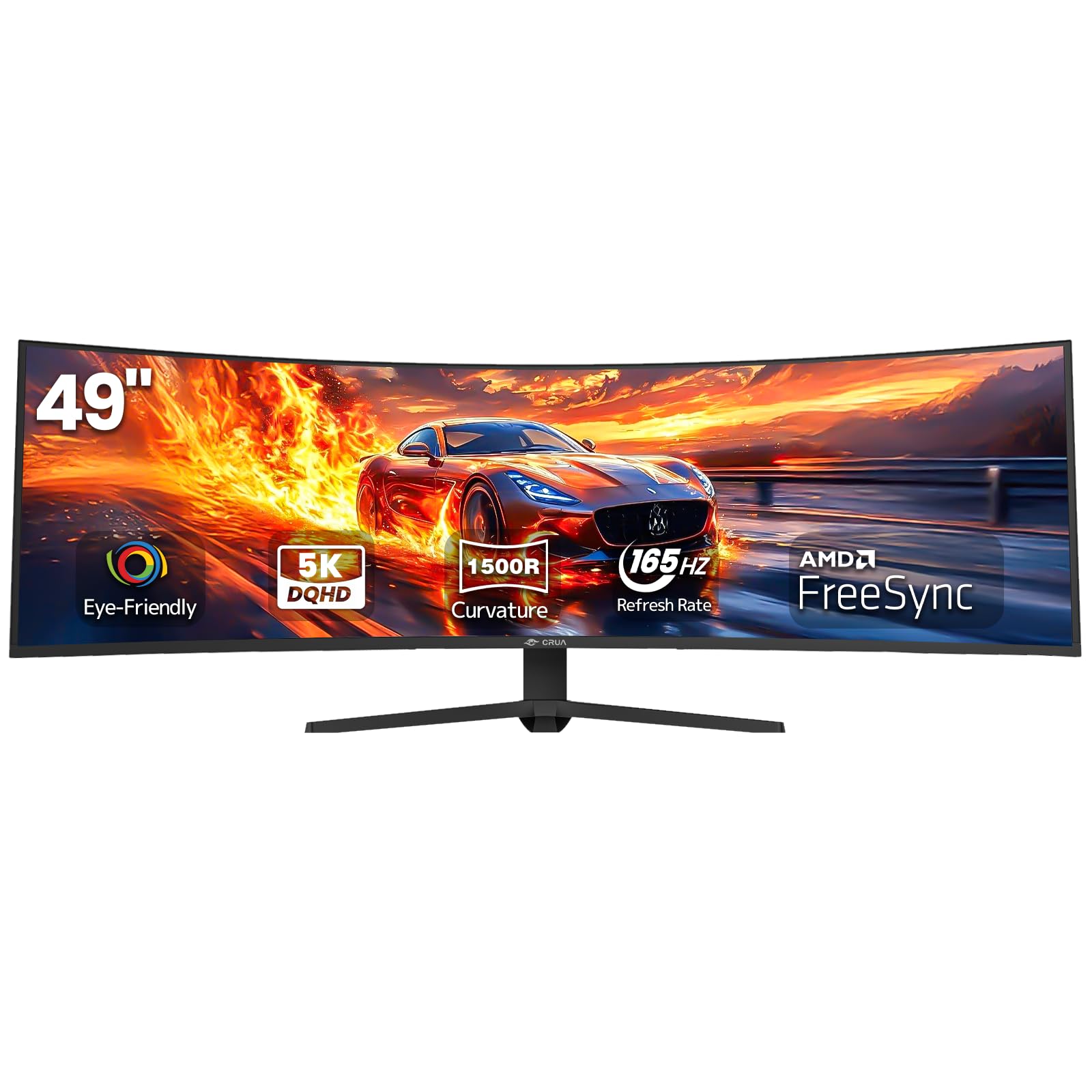
A high-refresh budget monster that offers 165Hz on a DQHD panel while staying affordable.
This CRUA is one of the cheapest ways to get a 165Hz refresh rate on a 5120×1440 panel. It features a 1500R curve, a VA panel with a 3000:1 contrast ratio, and 120% sRGB color coverage. It also includes an HDMI 2.1 port, making it a good match for the latest gaming consoles. It is a lightweight monitor, which makes mounting it on an arm much easier. It does not have built-in speakers, but it does have a 3.5mm audio jack.
With a large number of reviews, buyers are very happy with the value for money. The graphics look great and match the advertised specs. It is an excellent choice for 3D modeling thanks to the large workspace. A common minor complaint is a brief 5-second black screen when switching between some full-screen games. Also, the height-adjustable stand is not available on all units; this is something to verify before buying.
For budget gamers: who wants a high refresh rate (165Hz) for competitive play without the premium price tag.
Skip if you want HDR: that your unit includes the advertised height-adjustable stand, as some versions do not have it.
6. Acer Nitro 49” Gaming Monitor
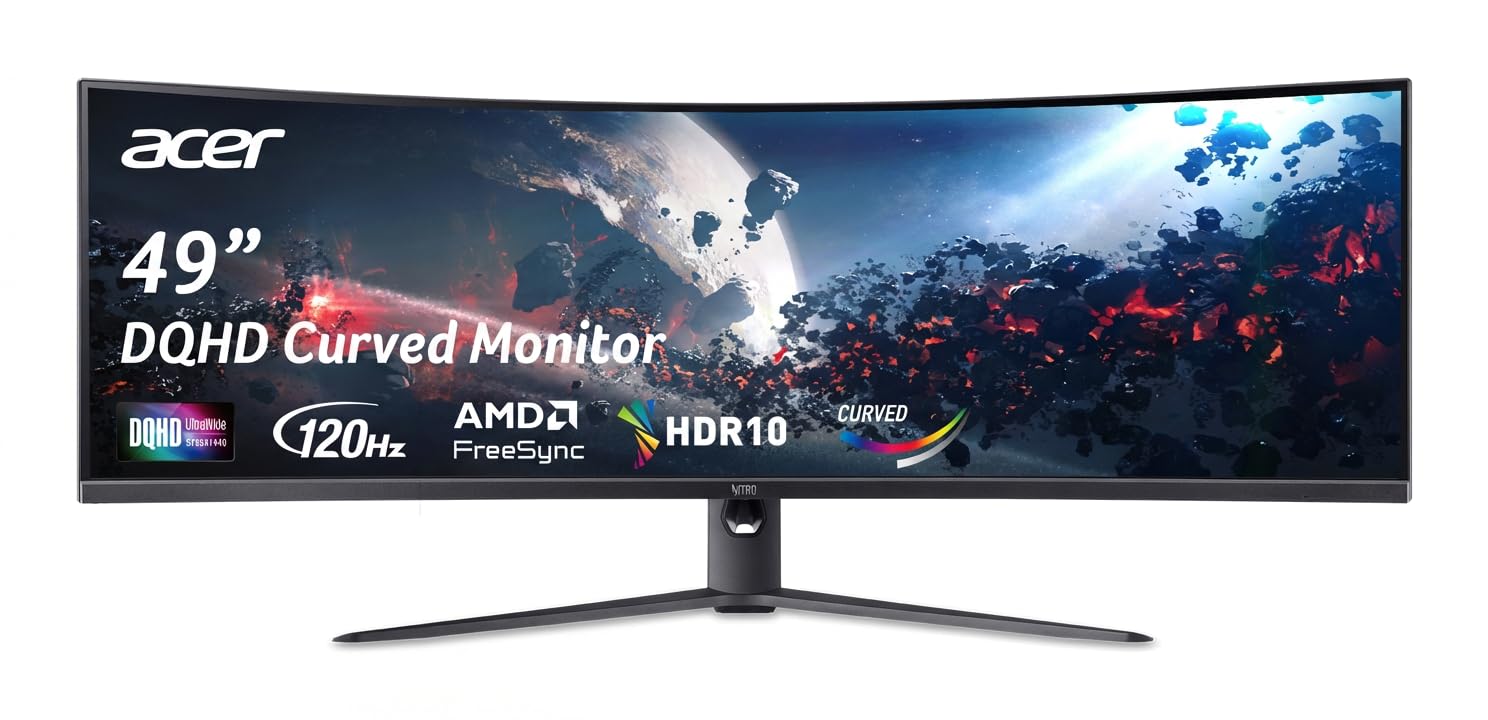
The Acer brings the tightest 1000R curve for the deepest immersion on this list.
Unlike most monitors here that use a 1500R curve, the Acer Nitro wraps the screen around you with a 1000R curvature. This matches the natural curve of the human eye, reducing eye strain and making you feel more “in” the game. It offers a DQHD 5120×1440 resolution with a 120Hz refresh rate and a 3ms response time. It supports AMD FreeSync for tear-free gaming. The contrast ratio is listed at a massive 100,000,000:1 (dynamic), ensuring deep blacks on its VA panel.
Buyers who got a good unit say the curvature, picture, and resolution are superior to some Samsung models at a lower cost. However, this monitor has the lowest rating on our list due to significant reliability concerns. The most prominent complaint is that the connectivity is “finnicky,” and the PBP feature has been reported to malfunction within days for some users. The OSD (on-screen display) software also has issues.
For trusted brand: the intense immersion of a 1000R curvature, which is hard to find at this price point.
Skip for higher refresh: the reliability data is poor, with numerous reports of software glitches and failing features shortly after purchase.
7. Westinghouse 49 Inch Curved Gaming Monitor
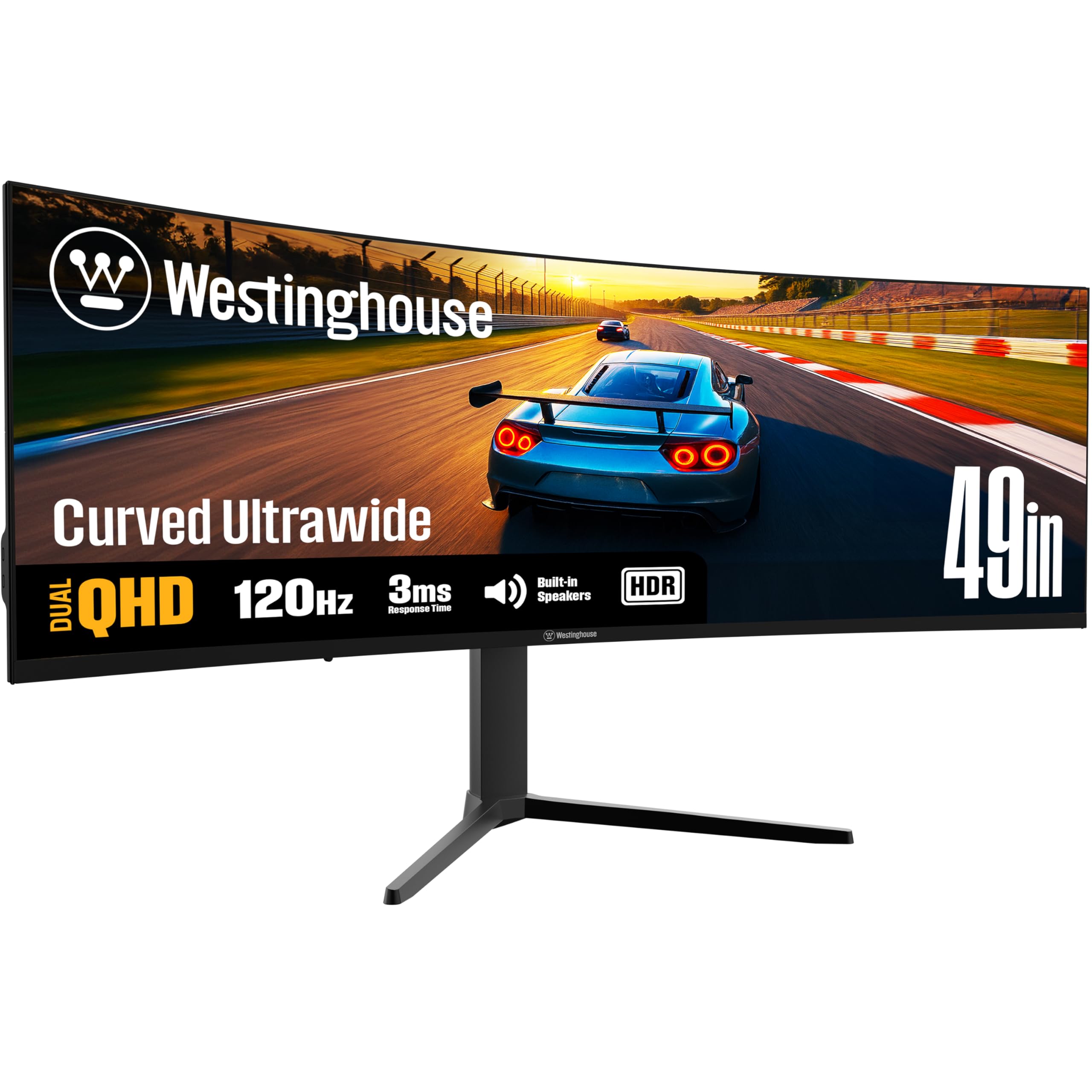
A productivity-focused ultrawide with a wide 124% sRGB gamut and standard USB-C docking.
The Westinghouse is built for long work sessions. It has a 124% sRGB color gamut, which is above average, and a 3000:1 contrast ratio. The key productivity feature is the USB-C port with 65W power delivery, allowing you to charge a laptop and connect peripherals with one cable. The ergonomic stand allows for height, tilt, and swivel adjustments. It has a 120Hz refresh rate and AMD FreeSync, so it is more than capable for casual gaming. The 1800R curve is a bit more relaxed than the 1500R standard.
Buyers who use it for work find the large screen makes multi-tasking easy and the picture quality is clear and sharp. The main issue is reliability; a few owners mention screens failing with dead lines appearing within weeks. Another user noted the built-in speakers are “useless” and recommended using headphones or external speakers. The monitor also requires a specific high-wattage power adapter (24V/8A/192W) to run properly, even though the included one may be insufficient.
For productivity: who wants a massive screen for multitasking and the convenience of a single USB-C cable for their laptop.
Skip for gaming: the potential for a defective unit and the need to verify the correct power adapter to avoid stability issues.
8. KTC Ultrawide 49 In Curved Gaming Monitor, 180Hz
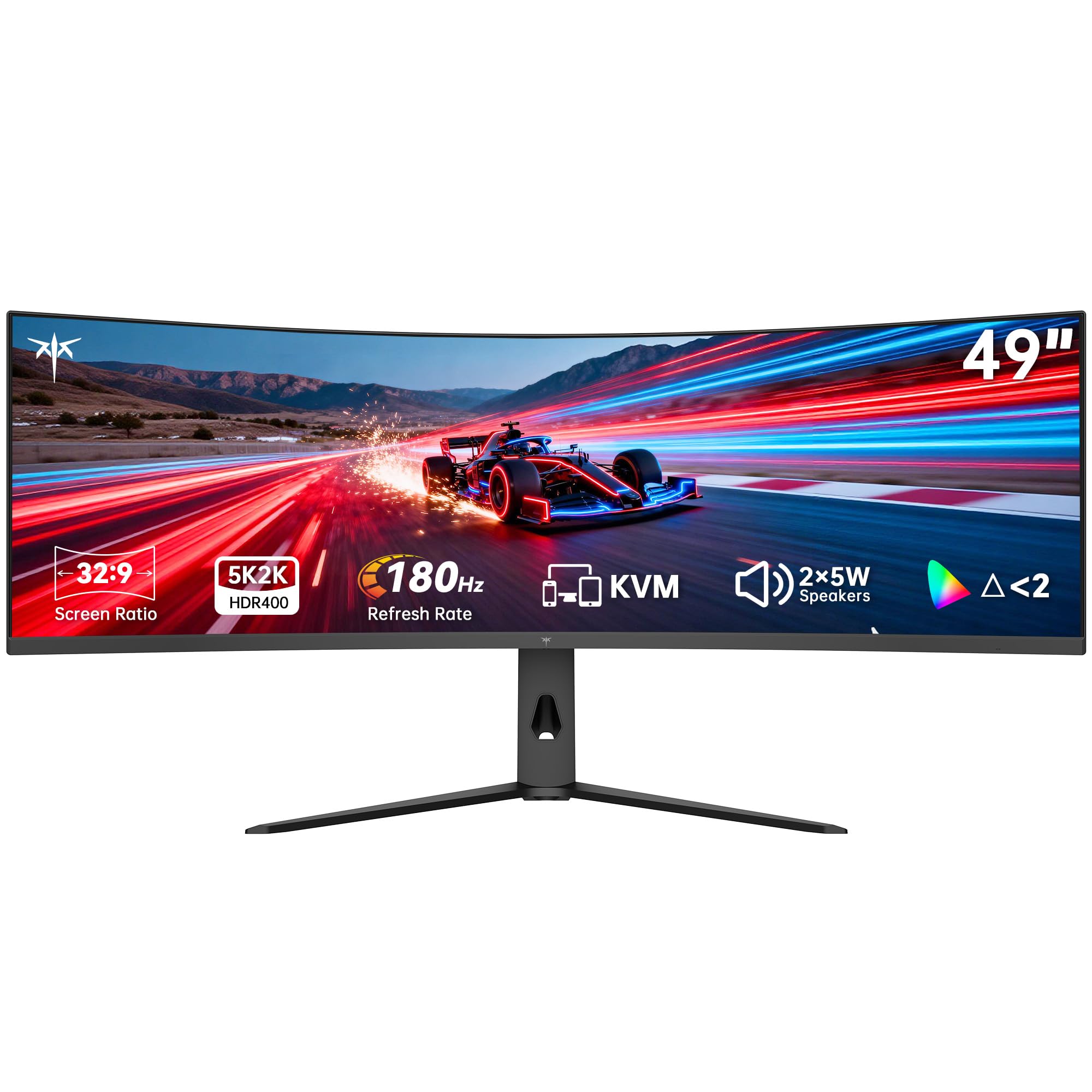
A premium 180Hz gaming leader with a 128% sRGB gamut and full-featured KVM.
The KTC is a well-rounded premium monitor that ticks almost every box. It boasts a 180Hz refresh rate (so motion stays smooth in fast games), a wide 128% sRGB color gamut (for vibrant, accurate colors), and a 400 cd/m² brightness rating (bright enough for most rooms). It is HDR 400 certified, which is a step above basic HDR compliance. It also includes a built-in KVM switch (lets you control two computers with one keyboard and mouse) and dual 5-watt speakers, which are more powerful than the typical 2W or 3W speakers found on other monitors. The 1000R curvature wraps around your field of view, making it deeply rich.
Buyers describe this as “amazing value for the price.” The QHD resolution is sharp, and the high refresh rate is smooth for gaming on PC and Xbox. The colors are good from the start, and the setup is easy. The most common complaint is a slow wake-up time, taking 12-15 seconds to turn on. Some also note the stand feels a bit wobbly for a monitor this size and weight.
For high-refresh budget: a near-complete package — high refresh rate, wide color gamut, built-in KVM, and HDR 400 certification for a competitive price.
Skip for warranty: the 12-15 second wake-up time is a recurring point of mild frustration for owners.
9. INNOCN 49″ QD-OLED 5K2K 144Hz Ultrawide Curved Monitor

The gateway to QD-OLED’s perfect blacks and 0.03ms speed without the highest price.
The INNOCN 49Q1R is the most affordable way to get a QD-OLED panel at this size. This technology means infinite contrast ratios, true blacks, and vibrant colors. The 0.03ms response time is instantaneous. It is a 144Hz monitor and includes a USB-C port with a powerful 90W power delivery, so it can easily charge a large laptop. It also has a built-in KVM, making it a powerhouse for content creators who also game.
Most buyers are blown away by the display quality, calling it “better than their previous Dell monitors.” The colors are described as amazing, and the anti-glare coating works well. The single USB-C cable acts as a full dock for a laptop. The primary concern, reflected in reviews, is reliability. Several users report the screen failing after a few months, and the built-in speakers are considered very poor. The pixel shift for burn-in prevention can also be slightly noticeable for some.
For visual purists: who wants the stunning color and contrast of a QD-OLED for gaming and creative work, and needs a 90W USB-C port for a laptop.
Skip if budget tight: a notable number of units have failed within months, making the purchase a bit of a gamble on reliability.
10. INNOCN 49″ 5K2K 240Hz QD-OLED Curved Gaming Monitor

A blistering 240Hz QD-OLED for the speed junkie who refuses to compromise on image quality.
This is the upgrade from the 49Q1R for those who demand the absolute smoothest motion. The 240Hz refresh rate is a massive leap for competitive gaming, and combined with the QD-OLED panel’s 0.03ms response time, motion clarity is flawless. It features a 1,000,000:1 contrast ratio and HDR 400 support. It also offers a USB-C port with 90W power delivery and a full suite of ports including DP 1.4 and HDMI 2.1.
Buyers are consistently amazed by the image quality, calling it “beautiful, bright, and vivid.” The resolution and refresh rate are described as a “must-have for gaming.” However, the build quality receives mixed feedback, with some finding it feels flimsy and plasticky. A significant and recurring concern is reliability, with multiple reports of the monitor failing after just three months of use. The stand is also known to wobble when typing.
For uncompromising gamers: who wants the pinnacle of speed (240Hz) and image quality (QD-OLED) in a single ultrawide package.
Skip if you worry about burn-i: this monitor has the most common reports of long-term reliability failure on this list, alongside a cheap-feeling plastic build.
11. Samsung 49” Odyssey G9 Series DQHD 1000R Curved Gaming Monitor

The iconic king of ultrawides, setting the standard with a blinding 1000-nit HDR experience.
The Samsung Odyssey G9 is the benchmark. It is a premium flagship with a 240Hz refresh rate, a 1ms response time, and a 1000R curve. The standout feature is its VESA DisplayHDR 1000 certification. This means it can hit 1000 nits of peak brightness, delivering a level of contrast and pop in HDR content that budget monitors cannot touch. It uses a VA panel with Samsung’s superior quantum dot layer to achieve 92% color gamut and a 1,000,000:1 contrast ratio.
This monitor is the crowd favorite for a reason. Owners describe it as “unreal for gaming” and say it “blows away” other monitors. The brightness and image quality for a VA panel are considered amazing. It includes CoreSync lighting which projects on-screen colors around the monitor to enhance immersion. The biggest downside, as noted by many reviews, is durability. A substantial number of customers note the monitor failing after 6 to 9 months, often with a loud pop, and Samsung’s warranty support is described as unhelpful.
For premium experience: a truly awe-inspiring HDR gaming experience with a 240Hz refresh rate and the brightest panel on this list (1000 nits peak brightness).
Skip if on budget: is its reputation for failing after several months, leaving owners with a very expensive paperweight and little support.
Understanding the Specs
DQHD (5120×1440) Resolution
This is the native resolution of nearly every 49-inch monitor. It is essentially two 27-inch 1440p monitors side-by-side. This resolution is the balance because it gives you immense horizontal screen space without the extreme pixel density of a 4K monitor, which would require a very powerful (and expensive) graphics card to drive in games.
Curvature (1500R vs 1000R)
The “R” stands for radius in millimeters. A 1500R curve means if you put 1,500 of these monitors in a circle, they would form a perfect ring. A 1000R curve is tighter, wrapping more aggressively around your field of view. The 1000R is considered the most rich and ergonomic for your eyes, as it matches the natural shape of human vision, but it can distort straight lines for some productivity tasks like CAD design.
HDR (High Dynamic Range)
HDR standards grade a monitor’s ability to show bright highlights and dark shadows in the same image. Basic “HDR” support on cheap monitors adds little value. VESA DisplayHDR 400 is a baseline that requires 400 cd/m² brightness. DisplayHDR 1000, found on the Samsung Odyssey G9, requires 1000 nits peak brightness and delivers a truly stunning, high-contrast image that makes games and movies look incredible.
KVM Switch & USB-C Power Delivery
A built-in KVM switch lets you control two computers with a single set of a keyboard and mouse. This is a killer feature for a productivity setup. USB-C Power Delivery (PD) allows the monitor to charge your laptop. 65W is enough for most ultrabooks, while 90W can power larger, more powerful laptops like a 16-inch MacBook Pro. Together, they create a clean, one-cable docking solution for your entire desk.
FAQ
Will a 49 inch curved monitor fit on my desk?
Is a VA panel good enough for gaming on a 49 inch monitor?
What does the 1500R curvature mean in real use?
Can my graphics card run a 5120×1440 monitor at 120Hz?
How long do curved monitors usually last?
What is the difference between a KVM switch and PIP/PBP?
Is a 240Hz refresh rate worth it on a 49 inch monitor?
Do I need a monitor arm for a 49 inch monitor?
Final Thoughts: The Verdict
For the majority of shoppers, the 48 inch curved monitor winner is the Amzfast 49″ because it delivers the best balance of price, 120Hz performance, and a fully ergonomic stand, backed by a massive number of happy reviews. If you want the most vibrant colors for gaming, grab the Raywego 49″ with its 165Hz refresh and 127% sRGB coverage. And for the ultimate HDR experience and the highest frame rates, the Samsung Odyssey G9 is the benchmark to reach for, despite its reliability concerns.
How We Picked
We do not accept paid placement. Every pick is matched to a real buyer and a real use-case; we do not hands-on test units.
Sources & Methodology
Specifications: manufacturer listings and product documentation. Review insights: verified customer reviews, as of July 2026. Pricing: not shown on this page (it changes often); check the current price via the retailer link.
As an Amazon Associate, Gadgets Feed earns from qualifying purchases. This does not affect which products we feature.