
The switch to a 49-inch OLED monitor is less about size and more about a fundamental shift in how you see motion, light, and black levels. After months spent within the massive 32:9 canvas of these ultra-wides, the lack of backlight bleed and the per-pixel luminance control of OLED panels make traditional IPS and VA screens feel dated. The sheer width replaces a multi-monitor setup without the bezel gap, creating a single, fluid field of view that reshapes everything from spreadsheets to racing sims.
I’m Min — the co-founder and writer behind Gadgets Feed. For this guide, I scrutinized the technical specifications and market data across thirteen distinct models, focusing on how each panel handles the unique demands of a 5120×1440 resolution at refresh rates above 140 Hz.
Whether you need absolute color accuracy for creative workflows or the lowest input lag for competitive gaming, the right choice hinges on specific panel tech and feature sets. This analysis of the best 49 inch oled monitor options breaks down each contender with real-world, category-specific detail.
How To Choose The Best 49 Inch OLED Monitor
Selecting a 49-inch OLED monitor involves more than just picking the biggest screen. You must balance refresh rate, panel generation, connectivity, and ergonomics to match your specific hardware and workspace. The wrong choice can lead to text clarity issues, insufficient GPU power, or an awkward desk fit.
Panel Type: QD-OLED vs. WOLED
Most 49-inch OLED monitors use either QD-OLED (Quantum Dot OLED) or WOLED (White OLED) technology. QD-OLED panels, seen in models like the MSI MPG 491CQPX, offer higher peak brightness and wider color volume, especially in well-lit rooms. WOLED panels, like those in the LG UltraGear line, often deliver superior black levels in dark environments and can have better text rendering due to their sub-pixel layout. The choice depends on your ambient lighting and whether you prioritize HDR brightness (QD-OLED) or perfect black uniformity (WOLED).
Refresh Rate and Response Time
These monitors range from a standard 144Hz (Philips Evnia 49M2C8900L) to a blazing 240Hz (Deco Gear 49″). A 144Hz display is perfectly adequate for immersive single-player titles and productivity work, offering a smooth experience with lower GPU demands. The 240Hz panels are a clear advantage in fast-paced competitive shooters, where every millisecond of reduced latency contributes to target tracking. The 0.03ms GtG response time is standard across all OLEDs, eliminating ghosting entirely regardless of the refresh rate chosen.
Connectivity and KVM Support
A 49-inch monitor thrives as a hub for multiple devices. Look for USB-C with at least 90W Power Delivery to charge a laptop with a single cable. HDMI 2.1 (full 48 Gbps) is essential for 240Hz operation from modern consoles and graphics cards. A built-in KVM switch lets you control a gaming PC and a work laptop with one keyboard and mouse via picture-by-picture mode. The Dell UltraSharp U4025QW and the Deco Gear 49″ offer particularly robust KVM implementations.
Quick Comparison
On smaller screens, swipe sideways to see the full table.
| Model | Category | Best For | Key Spec | Amazon |
|---|---|---|---|---|
| Deco Gear 49″ QD-OLED | Mid-Range | Best Overall Value | 240Hz / 0.03ms / 90W PD | Amazon |
| MSI MPG 491CQPX | Mid-Range | Premium Gaming & KVM | 240Hz / QD-OLED / HDMI 2.1 | Amazon |
| Samsung Odyssey G9 G91F | Mid-Range | Productivity & 1000R Curve | 144Hz / DisplayHDR 600 | Amazon |
| INNOCN 49Q1S | Mid-Range | Built-in Speakers & Ports | 240Hz / 90W PD / RJ45 | Amazon |
| Dell UltraSharp U4924DW | Premium | Professional Color Work | IPS Black / 2,000:1 Contrast | Amazon |
| LG 45GS95QE Ultragear | Premium | Steep 800R Immersion | 240Hz / MLA+ / 0.03ms | Amazon |
| LG 49WQ95C-W | Premium | Nano IPS Color Accuracy | 144Hz / DCI-P3 98% / 90W | Amazon |
| Philips M2N8900/00 | Premium | 4K 240Hz & Ambiglow | 3840×2160 / 240Hz / 34″ | Amazon |
| ASUS ROG Swift PG32UCDP | Premium | 4K 240Hz / 1080p 480Hz Mode | 31.5″ 4K OLED / 0.03ms | Amazon |
| Dell UltraSharp U4025QW | Premium | Productivity & 5K2K | 5120×2160 / 120Hz / 600 nits | Amazon |
| Philips Evnia 49M2C8900L | Premium | Immersive Sim Gaming | 144Hz / QD-OLED / DTS Sound | Amazon |
| GIGABYTE AORUS CO49DQ | Premium | High-End Gaming | 144Hz / OLED / 1500000:1 | Amazon |
| Samsung Odyssey G9 OLED | Premium | Smart Features & Top Quality | 240Hz / 1,000,000:1 / Smart TV | Amazon |
In‑Depth Reviews
1. Deco Gear 49″ QD-OLED 240Hz Curved Ultrawide Gaming Monitor
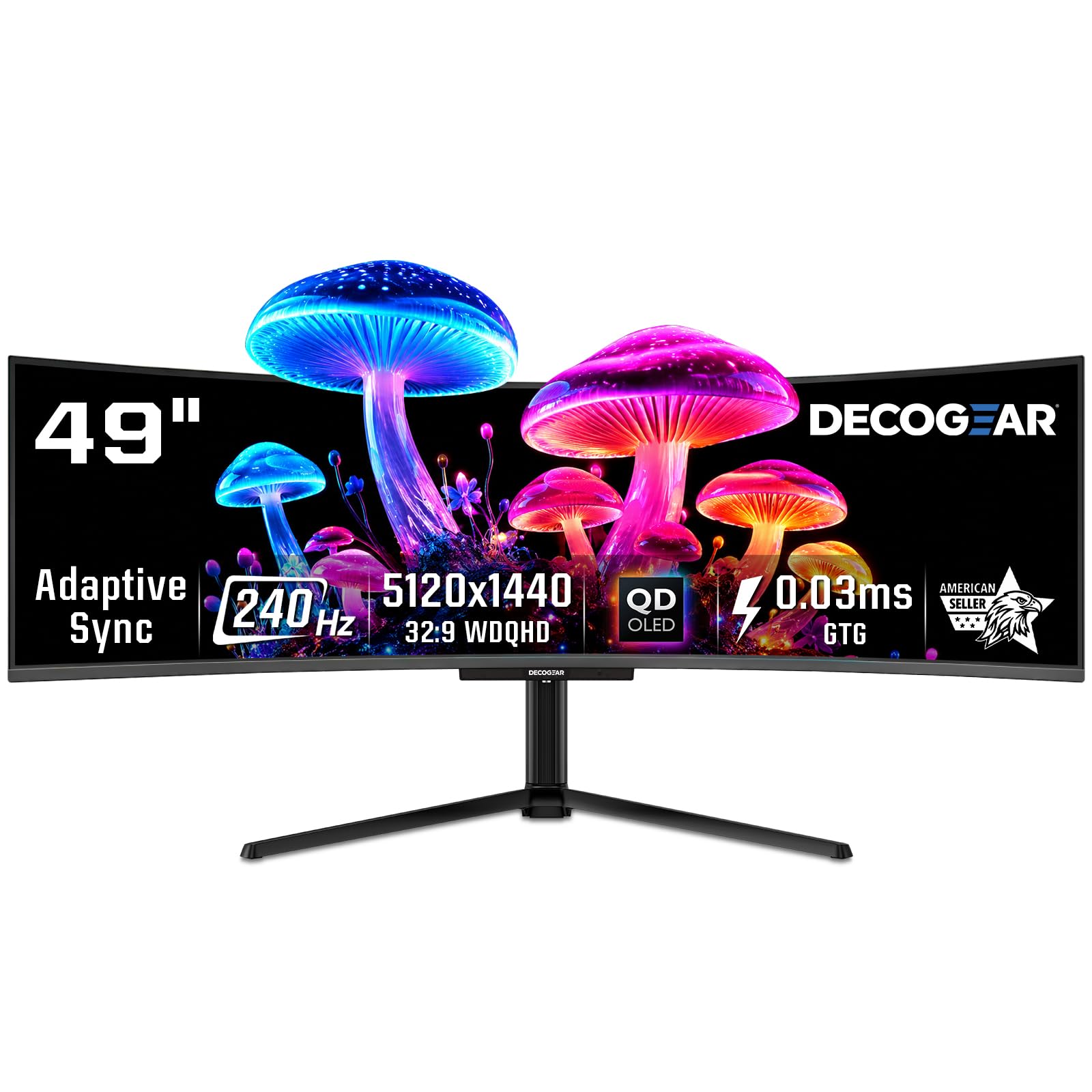
The Deco Gear 49″ delivers the full 32:9 DQHD experience at 240Hz with a QD-OLED panel that produces vibrant colors and deep, inky blacks. The 0.03ms response time ensures motion clarity is immaculate, making fast-paced shooters and racing sims look fluid and sharp. The 1800R curvature wraps the 49-inch display around your field of view without distorting straight lines for productivity work.
Connectivity is a standout feature here, with a USB-C port that provides 90W power delivery, allowing you to charge a laptop and drive the display through a single cable. The inclusion of HDMI 2.1 support ensures full bandwidth for high-refresh-rate gaming on consoles, and the built-in KVM switch means you can toggle between a work PC and a gaming rig using the same peripherals. The adaptive sync, compatible with FreeSync, keeps tearing at bay.
Users praise its instant immersion and color volume, with many noting it effectively replaces a dual-monitor setup. Some have flagged the need for a capable GPU to drive the 5120×1440 resolution at high frame rates, and the 250 cd/m² typical brightness is adequate for dim rooms but might struggle in very bright environments. The included anti-burn-in protection program is a welcome feature for long-term ownership.
Why it’s great
- Full 240Hz QD-OLED with 0.03ms response at a competitive entry point.
- USB-C with 90W PD and built-in KVM for seamless multi-device workflow.
- True 32:9 aspect ratio with excellent anti-burn-in protection features.
Good to know
- 250 nits brightness may feel dim in brightly lit rooms.
- Requires a powerful GPU to fully utilize 240Hz at native resolution.
2. MSI MPG 491CQPX QD-OLED 49-inch Gaming Monitor

The MSI MPG 491CQPX leverages a next-gen QD-OLED panel to deliver a 240Hz refresh rate and a 0.03ms GtG response time while maintaining VESA DisplayHDR True Black 400 certification. This means you get high dynamic range with deep shadow detail and minimal blooming. The 32:9 aspect ratio and 5120×1440 resolution make it a fantastic canvas for both competitive gaming and content consumption.
A key differentiator is MSI’s OLED Care 2.0 suite, which actively reduces the risk of burn-in through pixel shifting, logo dimming, and periodic panel refresh cycles. The monitor also supports a full HDMI 2.1 port with 48 Gbps bandwidth, making it ideal for PlayStation 5 or Xbox Series X at full resolution. The built-in KVM switch allows you to control multiple devices with a single mouse and keyboard, a genuine productivity enhancer.
Reviewers consistently highlight the flawless image quality and the silent, fanless operation. The 3-year burn-in warranty offers significant peace of mind for a premium investment. The monitor requires a deep desk — at nearly 4 feet wide, you will need to measure your space carefully. The stand is stable and height-adjustable, but the overall weight requires a sturdy surface.
Why it’s great
- VESA DisplayHDR True Black 400 with excellent peak brightness for HDR content.
- Full HDMI 2.1 bandwidth and G-Sync Compatible for tear-free console and PC gaming.
- Industry-leading OLED Care 2.0 and 3-year burn-in warranty for long-term reliability.
Good to know
- Massive footprint requires significant desk depth for comfortable viewing.
- Pixel cleaning occurs roughly every 16 hours, which can interrupt workflow.
3. Samsung Odyssey G9 (G91F) DQHD 49-inch Curved Gaming Monitor

The Samsung Odyssey G9 G91F is a 49-inch VA panel that provides a 1000R curvature, designed to match the natural curve of the human eye for a deeply immersive field of view. While not an OLED, its 1,000,000:1 dynamic contrast ratio and DisplayHDR 600 certification deliver strong black levels and bright highlights, making it a strong contender for both productivity and cinematic gaming. The 144Hz refresh rate and 1ms response time reduce motion blur effectively.
For productivity, this monitor replaces three standard monitors with no bezel gaps. The aggressive 1000R curve helps reduce neck and shoulder strain by keeping all parts of the screen at a consistent focal distance. Auto Source Switch+ is a practical feature that detects when you turn on a connected device and automatically switches the input, which streamlines a multi-PC or console setup. The aluminum silver finish gives it a premium aesthetic.
User feedback emphasizes its suitability for office work, particularly for managing wide spreadsheets and CAD applications. The lack of built-in speakers is a notable omission at this price point, and some users find the 1000R curve too aggressive for color-critical design work where straight lines must remain straight. It includes FreeSync Premium Pro for tear-free gaming, but is not a standard OLED display.
Why it’s great
- 1000R curve matches the human eye, providing unmatched peripheral immersion.
- DisplayHDR 600 delivers high brightness and strong contrast out of the box.
- Auto Source Switch+ simplifies multi-device workflows without manual input switching.
Good to know
- VA panel, not OLED, so pixel response is slower (1ms vs 0.03ms).
- No built-in speakers; you will need external audio.
4. INNOCN 49Q1S OLED Curved Gaming Monitor

The INNOCN 49Q1S offers a true 49-inch OLED panel at a 240Hz refresh rate with 5120×1440 resolution, packed with a wide array of ports that make it a genuine desktop hub. Connectivity includes two DisplayPort 1.4 inputs, a USB-C port with 90W power delivery, a full HDMI 2.1 port, a USB hub with Type-A and Type-B ports, an RJ45 Ethernet jack, and a 3.5mm audio out, providing everything you need to connect a modern work-from-home setup and a gaming console.
The 1800R curvature reduces eye fatigue during long sessions by keeping the display edges at a natural viewing angle. The HDR 400 certification and 1,000,000:1 contrast ratio produce deep blacks and vivid color, while the 0.03ms response time ensures zero perceptible ghosting. The built-in speakers are a practical addition for casual use, eliminating the need for external speakers for system sounds or video calls.
Customers praise the crisp image and smooth gaming experience, but caution that some older applications do not scale well to the 32:9 aspect ratio. The glossy screen finish can cause reflections in bright rooms, and there are isolated reports of units failing after a few months, underscoring the importance of a good return policy. The height-adjustable stand is functional but the monitor is heavy, so a monitor arm is recommended.
Why it’s great
- Extensive port selection including USB-C 90W, RJ45, and HDMI 2.1.
- True 240Hz OLED with 0.03ms response for fluid motion.
- Built-in speakers provide functional audio without additional hardware.
Good to know
- Glossy screen coating causes significant reflections in bright conditions.
- Some legacy software may not display correctly in 32:9 mode.
5. Dell UltraSharp U4924DW 49-inch Curved Monitor
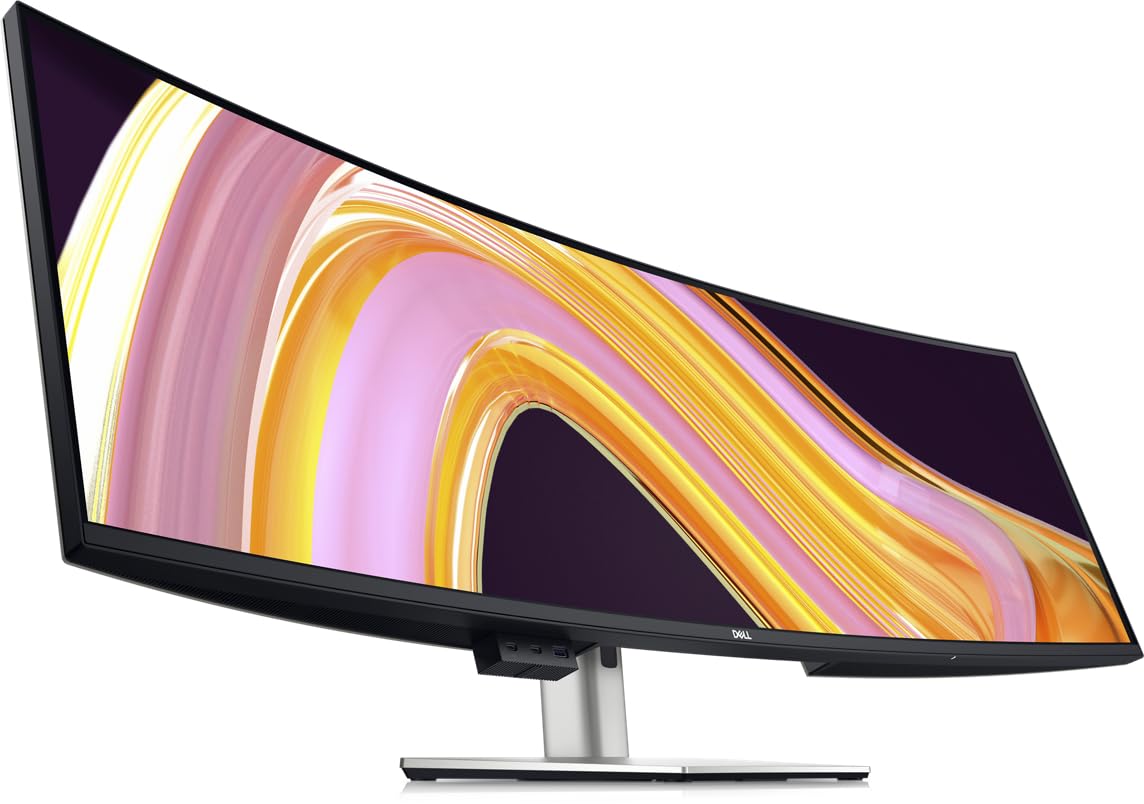
The Dell UltraSharp U4924DW is a 49-inch IPS Black monitor that offers a higher contrast ratio than traditional IPS panels without the burn-in concerns of OLED, making it a reliable workhorse for professionals. Its 2,000:1 contrast ratio delivers deeper blacks than standard IPS, while the 5ms response time and 60Hz refresh rate are designed for productivity, not competitive gaming. The 5120×1440 resolution provides a massive dual QHD canvas.
Connectivity includes a USB-C upstream with 90W power delivery, an RJ45 port for wired networking, and multiple HDMI and DisplayPort inputs. The built-in KVM supports picture-by-picture mode, allowing you to control a work PC and a personal laptop seamlessly. The drop-down USB ports on the bottom of the bezel are a smart design touch for easy access to peripherals. The 3800R curve is gentle, helping to reduce glare while keeping the screen feeling almost flat.
Users love the build quality and color accuracy, noting it is excellent for blueprint viewing and spreadsheet management. However, the 3800R curve is too subtle for some, who find the edges of the screen difficult to see without turning their head. There are reports of USB-C ports failing after extended use, and Dell’s warranty response has been inconsistent according to user feedback, making a protection plan worth considering.
Why it’s great
- IPS Black technology offers 2,000:1 contrast, better than standard IPS for dark rooms.
- USB-C with 90W PD and RJ45 Ethernet port for a true single-cable laptop dock.
- Dell’s premium build quality and 3-year warranty provide long-term reliability.
Good to know
- Only 60Hz refresh rate; not suitable for high-refresh-rate gaming.
- Very subtle 3800R curve does not wrap around the user’s vision effectively.
6. LG 45GS95QE Ultragear OLED Curved Gaming Monitor
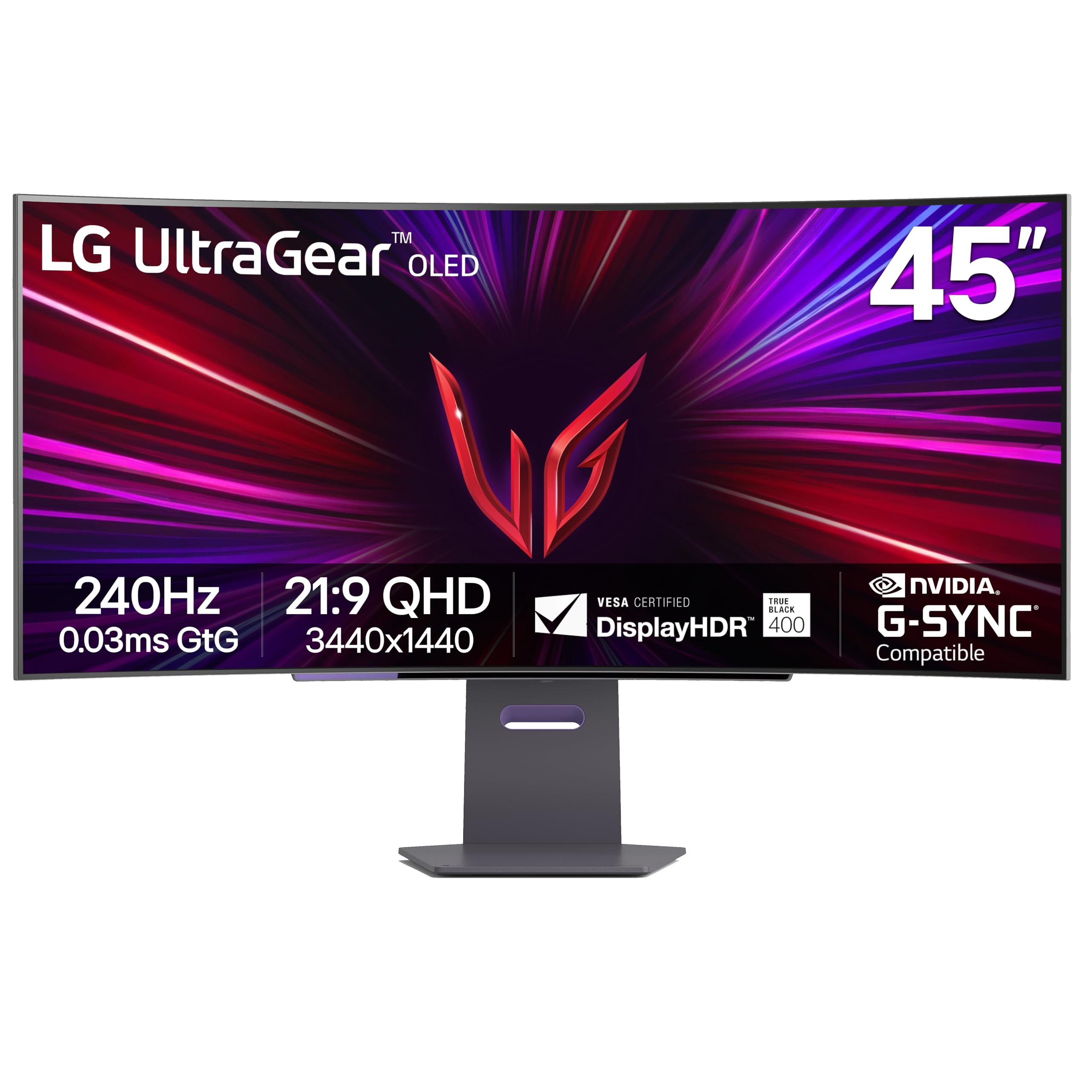
The LG 45GS95QE takes a different approach with a 45-inch, 21:9 OLED display that uses a steep 800R curvature. This is the most aggressive curve in the group, designed to completely envelop your peripheral vision for racing and flight simulators. It is 12% larger in screen area than a 49-inch 32:9 display at the same width, offering more vertical space. The 3440×1440 resolution makes it easier to drive at high frame rates than the DQHD panels.
It features Micro Lens Array (MLA+) technology, which pushes the typical brightness to 275 nits, higher than standard OLED panels. The 240Hz refresh rate and 0.03ms response time are matched with both NVIDIA G-Sync and AMD FreeSync Premium Pro for buttery-smooth, tear-free motion. The anti-glare with low reflection coating effectively cuts down on distracting light sources in the room, enhancing the depth of the blacks.
Users switching from other ultrawides highlight the superior immersion of the 800R curve. The text clarity is generally fine for gaming, though some note it appears slightly less sharp than a 4K display due to the pixel density. The lack of a remote is a minor annoyance for everyday adjustments, and there are isolated reports of vertical banding on defective units. The speakers are passable for system audio but lack bass for critical listening.
Why it’s great
- 800R curve provides the most immersive, wrap-around visual experience in the list.
- MLA+ technology increases OLED brightness to 275 nits for better HDR highlights.
- Lower resolution (3440×1440) is easier to drive at high FPS on mid-range GPUs.
Good to know
- 21:9 aspect ratio has less horizontal space than 32:9 for productivity.
- Pixel density is lower than 32-inch 4K panels, noticeable on small text.
7. LG 49WQ95C-W 49-inch Nano IPS Monitor

The LG 49WQ95C-W is a 49-inch Nano IPS display that prioritizes wide color gamut and consistent brightness over the perfect blacks of OLED. With DCI-P3 98% coverage and VESA DisplayHDR 400, it delivers vibrant, accurate colors straight from the factory, making it a solid choice for photo and video editors who need consistent color across the entire panel. The 5120×1440 resolution and 32:9 ratio provides a large canvas for timelines and toolbars.
It is certified as both G-Sync Compatible and FreeSync Premium Pro, keeping motion smooth at 144Hz. The USB-C port delivers 90W power delivery, and the built-in KVM supports picture-by-picture and picture-in-picture modes, letting you view two different inputs simultaneously. The white chassis gives it a distinctive, modern look that fits well in both a home office and a studio environment.
Users praise the sharp image and the improved color vibrancy over standard VA panels. The 3800R curve is a point of contention — some find it insufficient for a panel of this width, leading to dark corners at the edges when viewed straight on. The USB-C sleep behavior has been reported as finicky by some, and the warranty claims process has been flagged as difficult by a small number of users.
Why it’s great
- Nano IPS panel with DCI-P3 98% delivers excellent out-of-box color accuracy.
- Dual certification with G-Sync Compatible and FreeSync Premium Pro.
- USB-C with 90W PD and PBP/PIP for multi-device productivity.
Good to know
- Not an OLED; lacks the infinite contrast and deep blacks of OLED panels.
- 3800R curve is too gentle to eliminate dark corners at the screen edges.
8. Philips M2N8900/00 34-inch OLED Monitor
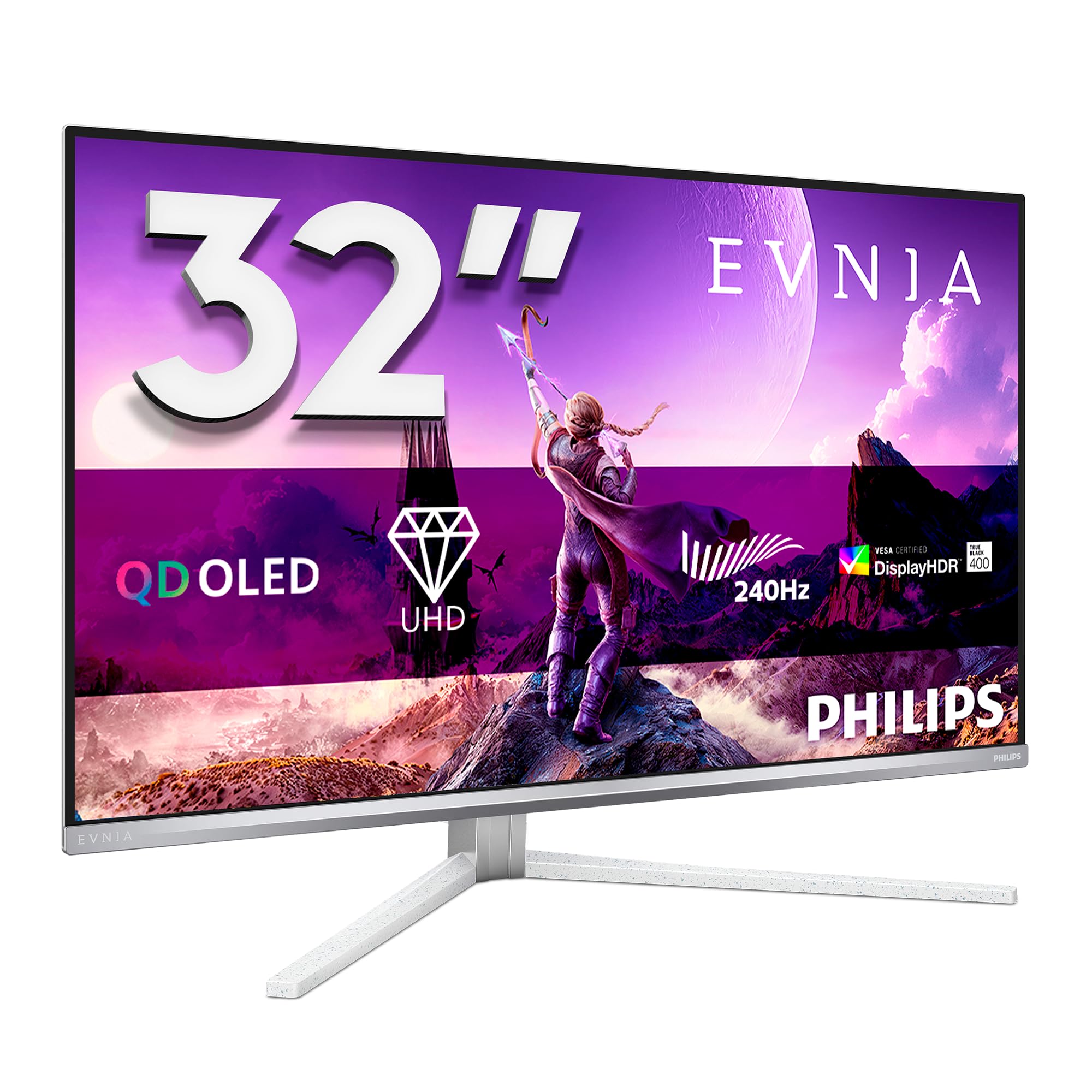
The Philips M2N8900/00 is a 34-inch OLED monitor with a 3840×2160 resolution, offering a higher pixel density than the 49-inch ultrawides at a 16:9 aspect ratio. It runs at a native 240Hz with 0.03ms response time, and uses the latest WOLED panel technology. The DisplayHDR TrueBlack 400 certification ensures deep, uniform blacks and specular highlights in HDR content, making it an extraordinary screen for both gaming and high-detail creative work.
A unique feature is Ambiglow, which projects an ambient glow of light onto the wall behind the monitor, matching the on-screen content. This lowers eye strain and creates an immersive atmosphere. The monitor includes LowBlue mode and flicker-free operation for comfortable long sessions. The True 10-bit panel reproduces smooth color gradients without visible banding.
Users report fantastic SDR and HDR performance, praising the glossy coating for producing deep blacks and the high peak brightness for HDR highlights. The build quality is good, though the bottom frame with the logo can feel slightly wobbly. The monitor supports KVM and USB-C connectivity, and the companion OSD app allows firmware updates and granular image control.
Why it’s great
- True 4K OLED at 240Hz with 0.03ms response for incredibly sharp motion.
- Ambiglow technology adds a new sensory layer to the gaming experience.
- DisplayHDR TrueBlack 400 provides excellent HDR with deep shadow detail.
Good to know
- 34-inch screen is smaller than other monitors in this roundup.
- Standard 16:9 aspect ratio lacks the multitasking width of a 32:9 ultrawide.
9. ASUS ROG Swift PG32UCDP 32-inch OLED Monitor

The ASUS ROG Swift PG32UCDP is a 31.5-inch WOLED display that pushes the boundaries with a native 4K 240Hz mode and a unique switchable 1080p 480Hz mode. This makes it the ultimate monitor for players who want both high-fidelity single-player visuals and the lowest possible latency for competitive esports titles. The 0.03ms response time is standard, but the 480Hz mode provides a level of fluidity that 240Hz screens cannot match.
The panel uses a WOLED structure with a micro-texture anti-glare coating that is highly effective in bright rooms. It includes HDMI 2.1, DP 2.1, and USB-C connectivity. The automatic burn-in protection and pixel cleaning systems run in the background without user intervention. The build quality is premium, with a sturdy stand and ROG aesthetic touches. The sensor-based auto-off feature helps extend panel life.
Reviewers describe it as the best monitor they have ever used, noting the inky blacks and vibrant colors. However, some users have reported a black screen issue after a few months of use, potentially related to firmware. The monitor lacks competent built-in speakers and offers no easy way to mount external speakers without a desk clamp. It requires a powerful GPU to drive 4K at 240Hz in modern titles.
Why it’s great
- Dual-mode operation: 4K 240Hz for immersion and 1080p 480Hz for esports.
- WOLED panel with excellent anti-glare matte coating for bright environments.
- Premium build quality with DP 2.1 and full HDMI 2.1 connectivity.
Good to know
- Reports of firmware-related black screen issues on a small number of units.
- Lacks good built-in speakers and requires USB-C for Mac compatibility.
10. Dell UltraSharp U4025QW 40-inch 5K2K Monitor

The Dell UltraSharp U4025QW is a 40-inch, 21:9 ultrawide monitor with a 5K2K resolution (5120×2160), offering substantially more vertical pixels than the 1440p of standard 49-inch screens. This extra vertical space, combined with a 120Hz refresh rate, makes it the definitive productivity monitor for professionals who work with long documents, code, or video timelines. The IPS Black panel provides a 2,000:1 contrast ratio for deeper blacks than standard IPS.
The 600 nits typical brightness is the highest in this roundup, ensuring great performance even in very bright office environments. It includes a Thunderbolt 4 port for high-speed data and up to 140W charging, along with an RJ45 port. The built-in KVM and picture-by-picture modes work seamlessly for multi-device workflows. The 2500R curve is subtle, reducing reflections without distorting the image for color-critical work.
Users describe the image quality as transformative for long work sessions. The native 5K2K resolution renders text with incredible sharpness, comparable to a Retina display. The high price is the primary barrier, and some feel the build quality does not fully justify the premium, noting a somewhat plasticky feel. The lack of a remote control and the mediocre contrast in real-world HDR scenes are minor disappointments.
Why it’s great
- 5K2K resolution provides exceptional text clarity and vertical screen space.
- 600 nits brightness and Thunderbolt 4 connectivity for a true professional hub.
- IPS Black technology offers better contrast than standard IPS for productivity.
Good to know
- Very high price; position it as a long-term productivity investment.
- Only 120Hz refresh rate, not targeting competitive gaming.
11. Philips Evnia 49M2C8900L 49-inch DQHD OLED Monitor
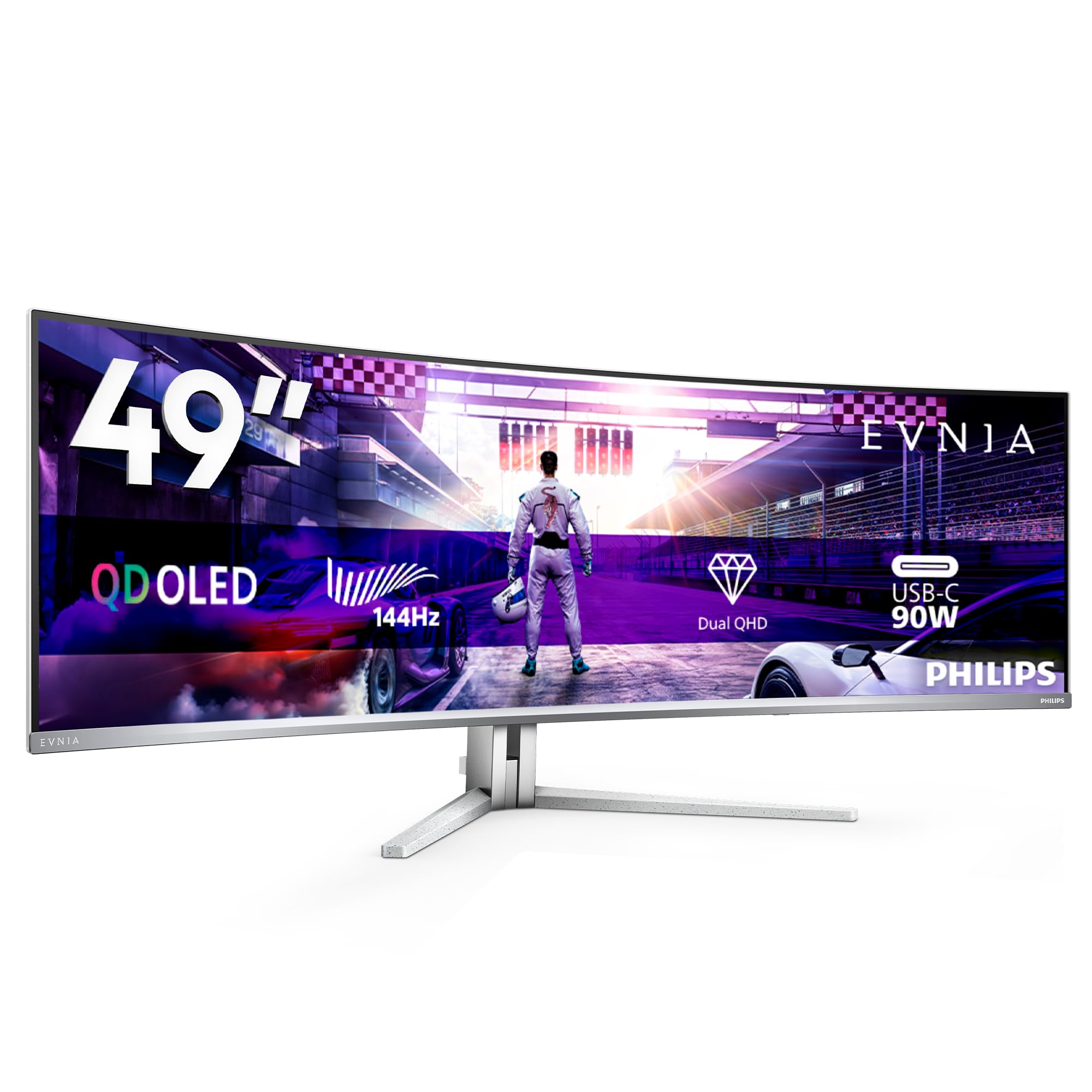
The Philips Evnia 49M2C8900L is a 49-inch QD-OLED display that strikes a balance between immersive design and strong audio. The 5120×1440 panel runs at 144Hz with 0.03ms GtG, and the 1800R curvature helps reduce the strain of tracking across the wide screen. It features DTS Sound technology with four 7.5-watt speakers, which deliver fuller, richer sound than most monitor speakers, complete with improved dialogue clarity and bass.
FreeSync Premium Pro ensures HDR gaming without distortions or slow inputs. The Ambiglow system projects light onto the wall behind the monitor, matching the colors on screen to deepen immersion without needing a full ambient light setup. The USB-C port delivers 90W power, and the built-in KVM supports picture-by-picture, allowing a true dual-PC workflow. The DisplayHDR TrueBlack 400 certification ensures the QD-OLED panel delivers accurate HDR.
Users highlight the incredible image quality and the effective anti-glare coating. The pixel refresh cycle is required every 16 hours of use, and the frequent notifications can be disruptive if not manually scheduled. The Ambiglow is noted as less impactful than on Philips TVs but still adds a nice ambiance. The monitor’s size requires a deep desk, but the included stand is robust and height-adjustable.
Why it’s great
- Four 7.5W speakers with DTS Sound provide powerful audio without external speakers.
- QD-OLED panel with DisplayHDR TrueBlack 400 for excellent HDR performance.
- Ambiglow creates an immersive wall-matched ambient lighting effect.
Good to know
- 144Hz refresh rate, not 240Hz, which is a consideration for competitive gamers.
- Pixel refresh notification every 16 hours can interrupt workflow if not managed.
12. GIGABYTE AORUS CO49DQ OLED Curved Monitor

The GIGABYTE AORUS CO49DQ is a 49-inch OLED monitor built with a 21:9 aspect ratio and a 5120×1440 resolution, running at 144Hz. It targets the premium gaming segment with its OLED panel, which provides a 1,500,000:1 dynamic contrast ratio and a 250 nits typical brightness. The 0.03ms response time ensures that motion from fast-paced shooters remains completely free of ghosting. It supports FreeSync Premium Pro for tear-free, low-latency gameplay.
GIGABYTE includes the OSD Sidekick software and Gigabyte Control Center, enabling full image tuning and peripheral management from the desktop. The panel offers strong color reproduction, and users report that it measures over 960 nits in HDR peak brightness scenarios with the ALM setting engaged. The build is solid, and the ultrawide screen is ideal for simulation games that support the 32:9 format natively.
Users praise the picture quality and the software integration, noting it works flawlessly for both work and play. Some report a minor flickering issue on black backgrounds with white text in Windows, which is a common OLED text rendering artifact. The stand has a lower height profile than some users expect, requiring a monitor arm for optimal ergonomic positioning. There are no major reports of burn-in after several months of use.
Why it’s great
- Excellent measured HDR peak brightness reaching over 960 nits in testing.
- FreeSync Premium Pro and 0.03ms response for tear-free, fast gaming.
- Deep integration with Gigabyte Control Center software for easy settings management.
Good to know
- 21:9 aspect ratio, not full 32:9, providing less horizontal workspace.
- Occasional flickering on dark backgrounds with white text in Windows.
13. Samsung Odyssey G9 OLED 49-inch Curved 240Hz Gaming Screen
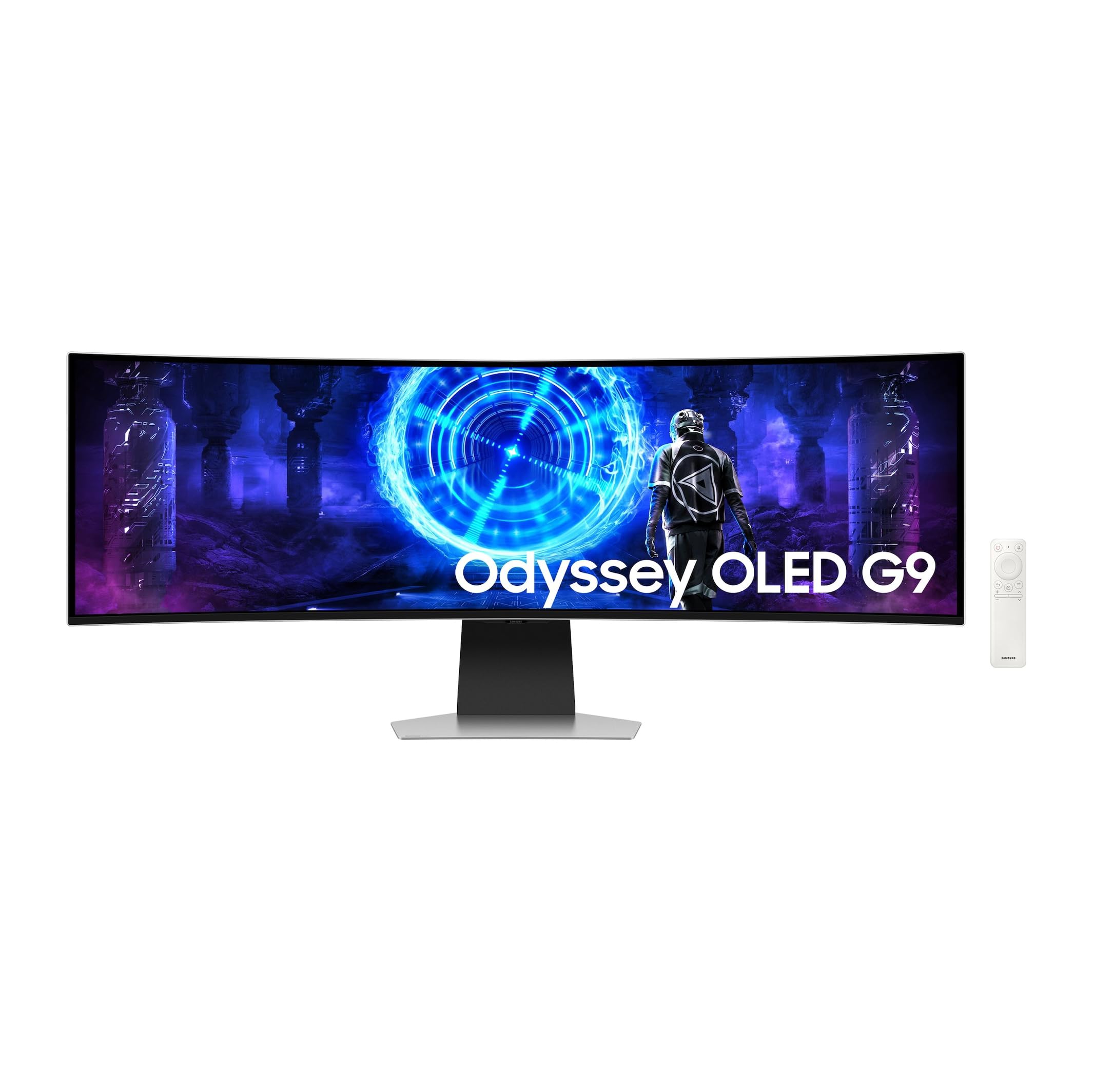
The Samsung Odyssey G9 OLED is a 49-inch monitor that combines a 240Hz refresh rate with a built-in Smart TV platform. This allows direct access to Netflix, YouTube, and other streaming services without a connected PC, making it a hybrid device for both work and media consumption. The QD-OLED panel delivers a 1,000,000:1 contrast ratio and a typical brightness of 450 nits, which is higher than many competitors, providing punchy HDR highlights.
The monitor includes G-Sync Compatibility for tear-free gaming, and the 5120×1440 resolution at 240Hz provides a massive, fluid canvas. The build is notably thinner and lighter than previous generations, with an external power supply. It supports HDMI 2.1, DisplayPort, and USB-C with power delivery. The SmartThings app allows remote management and firmware updates. The remote control is a useful addition for navigating the smart TV interface.
Users are impressed by the image quality and the convenience of the smart features. The picture quality across both SDR and HDR content is superb, with deep blacks and excellent color. For Apple users, a specific DisplayPort to USB-C cable is required to get full 5K resolution from a Mac mini, as HDMI is limited. The monitor is expensive, but its combination of smart TV functionality and premium gaming performance is unique in the 49-inch space.
Why it’s great
- Integrated Smart TV OS with direct streaming apps removes the need for a separate media device.
- 450 nits brightness is high for an OLED, boosting HDR vibrancy.
- Thinner and lighter than previous G9 models; includes a remote and SmartThings support.
Good to know
- Full 5K resolution on Mac mini requires a specific DisplayPort to USB-C cable.
- Premium price positions it as a top-tier hybrid purchase.
FAQ
Can a 49-inch OLED monitor replace two separate 27-inch monitors?
How does text clarity compare between a 49-inch DQHD OLED and a standard 4K monitor?
What GPU do I need to run a 49-inch 240Hz OLED monitor at full performance?
Final Thoughts: The Verdict
For most users, the best 49 inch oled monitor winner is the Deco Gear 49″ QD-OLED because it delivers the full 240Hz DQHD QD-OLED experience with a built-in KVM and 90W USB-C at a surprisingly accessible entry point. If you want absolute peace of mind and the best burn-in warranty, grab the MSI MPG 491CQPX. And for a productivity powerhouse that prioritizes text clarity and vertical space over raw gaming speed, nothing beats the Dell UltraSharp U4025QW.