
A 27-inch 4K monitor at 144Hz or faster is the sweet spot for PC gaming right now. You get the pixel density for razor-sharp, immersive visuals in deep single-player worlds, and enough speed for competitive multiplayer titles.
I’m Min — the co-founder and writer behind Gadgets Feed. I’ve spent hundreds of hours analyzing market data, poring over technical spec sheets, and cross-referencing real user feedback to isolate the panels that actually deliver on their promises for this specific form factor.
This guide distills everything into a clear, actionable list, ranking the best panels across IPS, Mini-LED, and QD-OLED tiers. Here, you’ll find the definitive, expert-curated selection of the best 4k 27 inch gaming monitor on the market right now.
How To Choose The Best 4K 27 Inch Gaming Monitor
The race for the perfect gaming monitor comes down to balancing resolution, refresh rate, and panel technology. A 4K 27″ display delivers a sharp 163 PPI, which is fantastic for image quality but requires a powerful GPU to drive. Your choice will depend on your budget and whether you prioritize raw speed or visual fidelity.
Panel Type: IPS vs. Mini-LED vs. QD-OLED
Fast IPS panels are the workhorses of the category, offering good color accuracy and wide viewing angles at a reasonable price. Mini-LED takes this a step further with many local dimming zones for better HDR and contrast. QD-OLED is the premium tier, delivering perfect blacks, infinite contrast, and vibrant colors, but it comes at a higher cost and requires burn-in awareness.
Refresh Rate and Adaptive Sync
For a 4K 27″ monitor, 144Hz is the baseline for smooth gameplay. The premium models now push to 240Hz, which is increasingly viable for high-end GPUs. You want VRR (Variable Refresh Rate) — either AMD FreeSync Premium or Nvidia G-Sync Compatible — to eliminate screen tearing and stuttering without adding input lag.
Connectivity: The HDMI 2.1 Factor
To run 4K at 144Hz or higher, you need a connection with enough bandwidth. HDMI 2.1 is essential for PlayStation 5 and Xbox Series X to hit 4K 120Hz. On PC, DisplayPort 1.4 with DSC (Display Stream Compression) can do it, but the latest monitors now carry DisplayPort 2.1a for uncompressed high-bandwidth signals.
Quick Comparison
On smaller screens, swipe sideways to see the full table.
| Model | Category | Best For | Key Spec | Amazon |
|---|---|---|---|---|
| MSI MPG 272URX | QD-OLED | Best Overall 4K Gaming | 240Hz / 0.03ms GtG | Amazon |
| ASUS ROG Swift PG27UCDM | QD-OLED | Premium QD-OLED Experience | 240Hz / DP 2.1a | Amazon |
| ASUS ROG Strix XG27UCG | Fast IPS | Versatile Dual Mode | 4K 160Hz / FHD 320Hz | Amazon |
| LG UltraGear 27G810A-B | IPS | Strong IPS Alternative | 4K 180Hz / FHD 360Hz | Amazon |
| GIGABYTE M27UP | IPS | Feature-Rich Value | 4K 160Hz / FHD 320Hz | Amazon |
| DOUGH Spectrum One | IPS | Color-Accurate Productivity | 144Hz / Delta E 0.6 | Amazon |
| Samsung Odyssey G7 | IPS | Smart TV & Gaming Hybrid | 144Hz / Built-in Speakers | Amazon |
| Samsung ViewFinity S8 | IPS | Professional Work & Play | 60Hz / HDR10 | Amazon |
| InnoView Dual Mode | IPS | Flexible Portable Setup | 4K 120Hz / FHD 288Hz | Amazon |
| AOC Q27GAZD | QD-OLED | Budget OLED Entry Point | 240Hz / 0.03ms GtG | Amazon |
| KTC M27T6S | Mini-LED | High Brightness HDR | 200Hz / HDR 1000 | Amazon |
In‑Depth Reviews
1. MSI MPG 272URX QD-OLED

The MSI MPG 272URX delivers a knockout combination of a 4K QD-OLED panel with a 240Hz refresh rate and a 0.03ms GtG response time. Its 166 PPI density ensures incredibly sharp text and images, while the 1500000:1 native contrast ratio produces true blacks that make IPS panels look washed out. The EL Gen 3 technology improves efficiency, and the graphene heatsink provides fanless and reliable long-term performance.
Connectivity is truly future-proof, with a DisplayPort 2.1a port that can handle uncompressed 4K at 240Hz, alongside HDMI 2.1 and a USB-C port with 98W Power Delivery for a single-cable laptop setup. The included KVM function makes it easy to switch between a gaming rig and a work machine without extra hardware. Users consistently report vibrant, accurate colors (99% DCI-P3) and a premium build quality.
Some early reports mention a potential for bubbles forming under the screen protector, though this is covered under MSI’s warranty. The OLED Care 2.0 software offers excellent burn-in prevention features. For the price, this monitor offers the best mix of gaming performance, image quality, and professional-grade connectivity in the 4K 27″ category.
Why it’s great
- Infinite contrast ratio with true blacks
- 240Hz refresh rate with near-instant response
- DisplayPort 2.1a for full-bandwidth 4K
- USB-C with 98W Power Delivery
Good to know
- High price point
- Potential for burn-in without proper OLED care
- Some reports of screen protector bubbles
2. ASUS ROG Swift PG27UCDM

The ASUS ROG Swift PG27UCDM is the flagship of the 27-inch 4K gaming monitor world. It utilizes the latest 4th-gen QD-OLED panel, which offers a longer lifespan and improved text clarity over older generations. The 240Hz refresh rate and 0.03ms response time are matched by a custom heatsink for passive cooling, and the Neo Proximity Sensor automatically dims the screen when you step away to prevent burn-in.
Its DisplayPort 2.1a UHBR20 port provides a massive 80Gbps of bandwidth, allowing for uncompressed 4K at 240Hz with full 10-bit color and no DSC artifacts. The monitor also supports Dolby Vision, which provides a noticeable boost in brightness and color volume during HDR gaming. The build quality is exceptional, with a fully ergonomic stand that includes a 1/4-inch tripod socket for a camera or streaming mic.
The triangular QD-OLED subpixel layout can still cause some text fringing in Windows for non-gaming applications, but this is less pronounced than on older models. The on-screen display menu can feel unintuitive, and there are no built-in speakers. For the absolute best motion clarity, HDR pop, and longevity features in a 27-inch 4K monitor, the PG27UCDM is the ultimate choice.
Why it’s great
- Dolby Vision and HDR 400 True Black
- 4th-gen QD-OLED with better text clarity
- Neo Proximity Sensor for burn-in protection
- Full 80Gbps DisplayPort 2.1a
Good to know
- Highest price in the category
- Potential text fringing in Windows
- No built-in speakers
- Menu navigation is complex
3. ASUS ROG Strix XG27UCG

The ASUS ROG Strix XG27UCG is a powerful Fast IPS monitor that introduces a very flexible Dual Mode feature. At the push of a button, you can switch from 4K at 160Hz for immersive single-player games to FHD at 320Hz for competitive esports. The 1ms GTG response time keeps motion clear, and the Extreme Low Motion Blur Sync (ELMB SYNC) can be used simultaneously with VRR to eliminate both ghosting and tearing.
It covers a solid 95% of the DCI-P3 color gamut, making it suitable for photo and video editing alongside gaming. The stand is a heavy-duty design with full tilt, swivel, and height adjustments. Users consistently praise the sharp 4K picture, excellent build quality, and the convenience of the built-in KVM and DisplayWidget Center for adjusting settings with a mouse.
The main compromise is that to hit 160Hz at 4K, you must use DisplayPort with DSC. The HDMI port is limited to 120Hz at 4K on most GPUs. While not an OLED, the Fast IPS panel offers excellent response times and zero burn-in risk. It is a fantastic all-rounder for someone who needs a single monitor for work, AAA gaming, and competitive titles.
Why it’s great
- Dual Mode: 4K 160Hz & FHD 320Hz
- ELMB SYNC works with G-Sync
- Excellent build and ergonomic stand
- Great for both work and competitive gaming
Good to know
- HDMI limited to 4K 120Hz
- Needs DSC for 4K 160Hz
- IPS contrast ratio is average
4. LG UltraGear 27G810A-B

The LG 27G810A-B is a direct and compelling competitor to the ASUS Dual Mode monitors. It uses a sharp 27-inch 4K IPS panel that can hit 180Hz in UHD mode or an incredible 360Hz in FHD mode. This speed is backed by a 1ms GtG response time and support for both AMD FreeSync Premium and Nvidia G-Sync Compatible for a completely tear-free experience.
LG’s IPS panel offers 95% DCI-P3 coverage and a VESA DisplayHDR 400 certification, which provides a noticeable step up in vibrancy and detail compared to standard monitors. The built-in Dynamic Action Sync and Black Stabilizer features are tuned for low-lag performance and visibility in dark game scenes. The ergonomic stand supports height, tilt, swivel, and pivot, allowing for a truly flexible setup.
The most commonly reported issue is a noticeable fan noise inside the monitor, which can be distracting in a very quiet room. The 360Hz FHD mode is surprisingly smooth, making it a strong choice for players who switch between story-heavy 4K titles and competitive FPS games. It’s a fantastic IPS alternative to an OLED, especially for those worried about burn-in.
Why it’s great
- Highest refresh rate in Dual Mode category
- IPS panel avoids burn-in risk
- Good color accuracy out of the box
- Full ergonomic stand
Good to know
- Internal fan can be audible
- IPS contrast ratio is limited
- Not as vibrant as QD-OLED
5. GIGABYTE M27UP
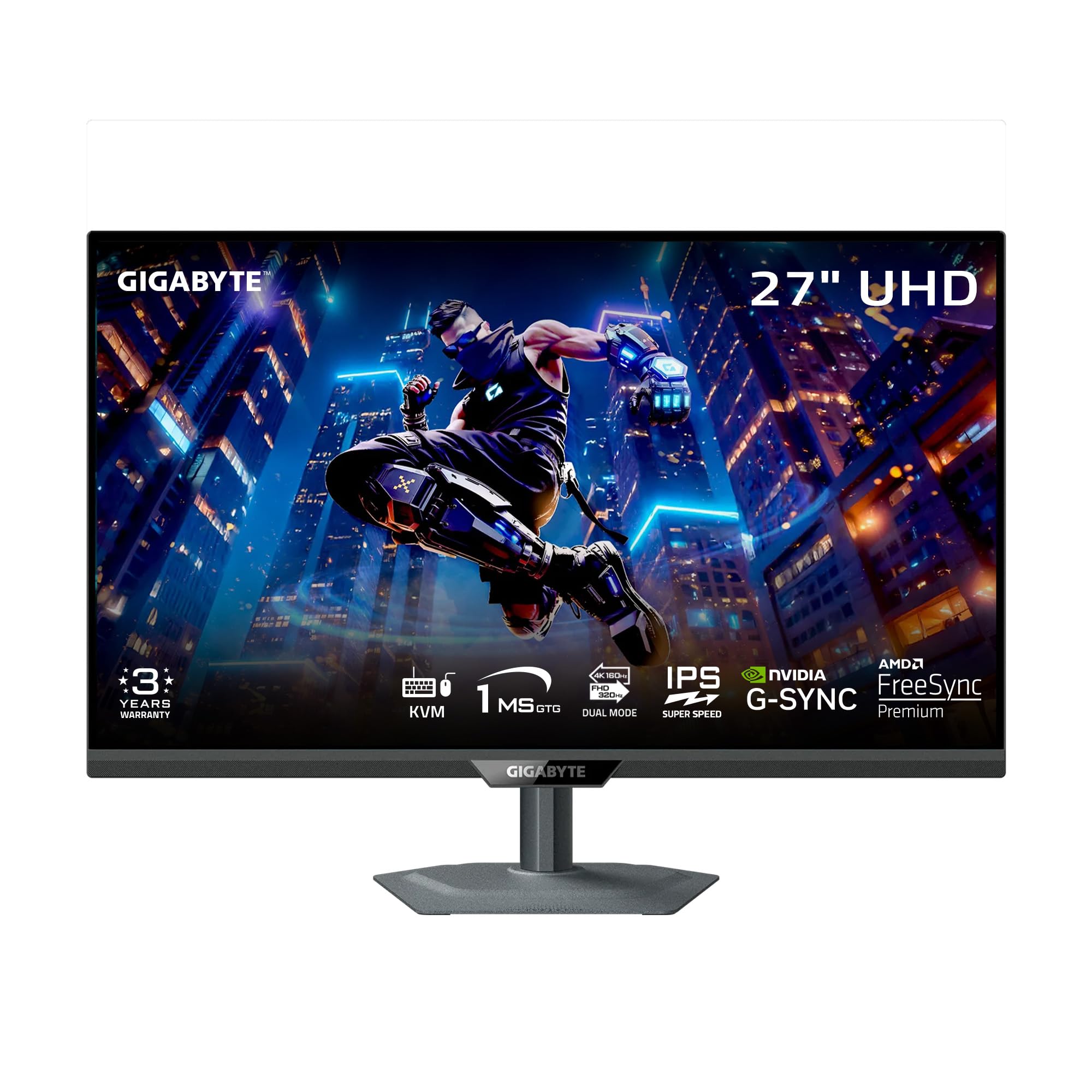
The GIGABYTE M27UP is a feature-rich midsize monitor that punches well above its price point. Its “SuperSpeed IPS” panel offers a Dual Mode, allowing you to switch between a sharp 4K at 160Hz and an incredibly fast FHD at 320Hz. The 1ms GTG response time ensures smooth motion across both modes. With VESA DisplayHDR 400, it provides a decent HDR experience for the category.
What sets the M27UP apart is its integrated KVM switch, which is a rare and highly useful feature at this level. It allows you to control two completely different computers (e.g., a work PC and a gaming Mac) with a single keyboard and mouse, without needing extra hardware. The stand is also a standout, offering a full range of ergonomic adjustments (height, tilt, swivel, pivot) and a sturdy metal construction.
One potential drawback is the IPS glow that can be noticeable in the corners, especially in dark room scenes. The built-in speakers are present but not particularly powerful. However, for a user on a budget who needs a single monitor that can effectively serve as a productive workstation and a high-speed gaming display, the M27UP is an unbeatable value.
Why it’s great
- Built-in KVM switch for dual PC setup
- Excellent Dual Mode (160Hz/320Hz)
- Sturdy, full-featured metal stand
- Very competitive price for feature set
Good to know
- Noticeable IPS glow in dark scenes
- Mediocre built-in speakers
- No cable management hole
6. DOUGH Spectrum One

The DOUGH (formerly Eve) Spectrum One is a monitor designed with creators in mind, offering an IPS panel that is factory calibrated to a Delta E average of 0.6, covering 98% of DCI-P3. This results in stunningly accurate colors right out of the box. A key differentiator is its glossy screen finish, which provides noticeably more vibrant and crisp visuals than the matte panels found on most gaming monitors, though it is highly reflective in bright rooms.
Its connectivity is a major strength, featuring two HDMI 2.1 ports, DisplayPort 1.4, and a USB-C port that delivers a full 100W of power to a connected laptop. This allows for a true single-cable setup for MacBook users. It also supports both AMD FreeSync Premium Pro and Nvidia G-Sync, making it a versatile option for gaming on PC and PS5/Xbox Series X.
User feedback suggests the build quality of the official stand doesn’t match the premium feel of the monitor itself, and some users report a slow wake-from-sleep time. The 144Hz refresh rate is not the fastest in this list, but for someone who prioritizes color-accurate creation work alongside smooth 4K gaming, the Spectrum One is a uniquely capable hybrid.
Why it’s great
- Factory calibrated color accuracy (Delta E < 1)
- Glossy panel for vibrant, sharp visuals
- 100W USB-C Power Delivery
- Dual HDMI 2.1 for consoles
Good to know
- Glossy screen is very reflective
- Official stand is expensive and basic
- Occasional slow wake from sleep
- Brand support history is mixed
7. Samsung Odyssey G7 (S32BG70)
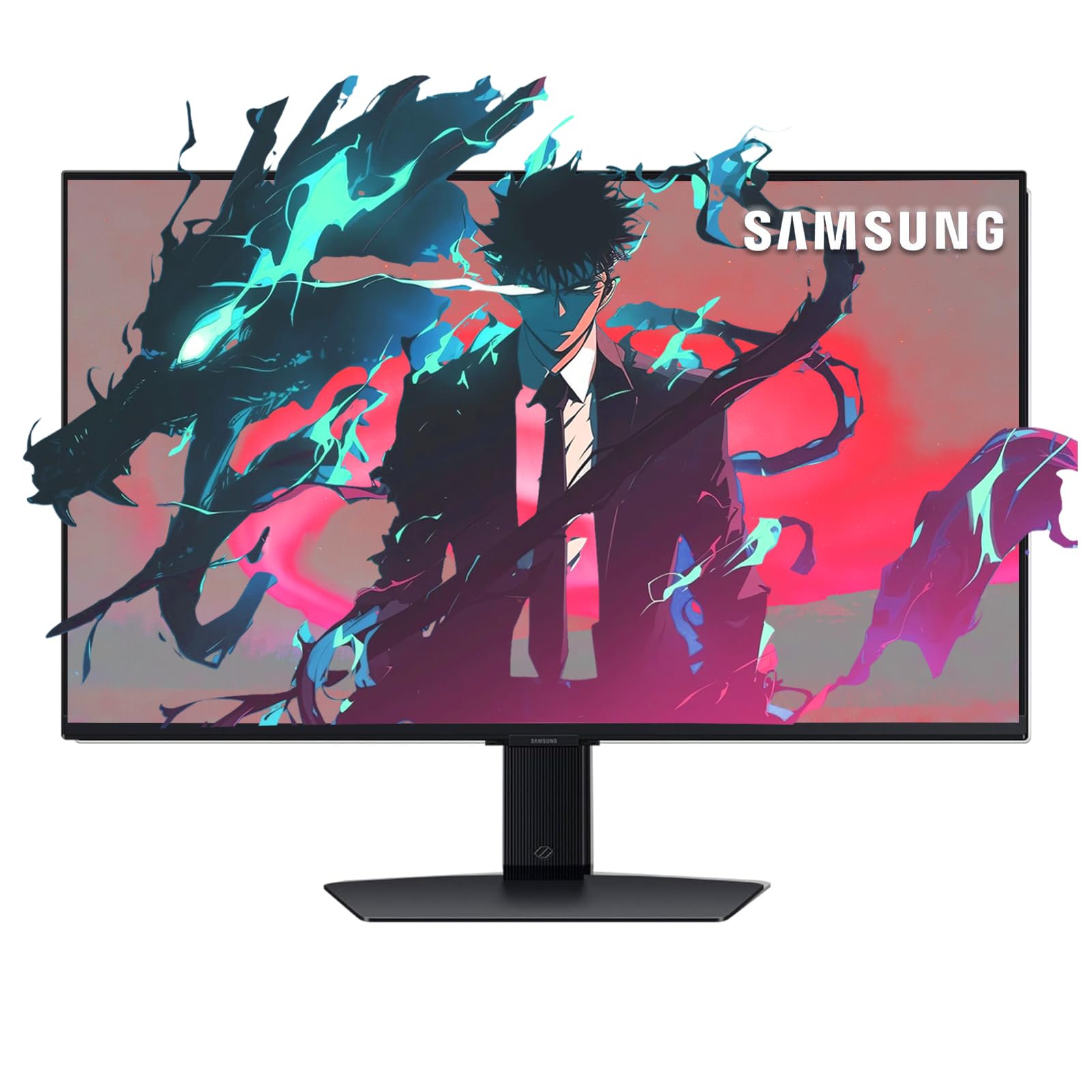
The Samsung Odyssey G7 (27-inch 4K) is a unique hybrid that combines a solid gaming monitor with a fully functional Smart TV. It uses a 4K 144Hz IPS panel with a 1ms response time and supports both AMD FreeSync Premium and Nvidia G-Sync. The Samsung Gaming Hub gives you instant access to cloud streaming services like Xbox Game Pass and Nvidia GeForce NOW without needing a PC — you just need a controller.
It includes built-in speakers and comes with a remote control, making it a true all-in-one entertainment center for a bedroom or dorm setup. The HDR 400 support is adequate, and the ergonomic stand allows for full height, tilt, and swivel adjustments. Users consistently praise the sturdy build and the clarity of the display for both gaming and streaming content.
The HDR performance is not the best in class, and the brightness could be higher for a more impactful experience. The interface can feel a little sluggish compared to a dedicated PC. However, if you want one screen that can serve as a gaming monitor, a workstation, and a streaming TV in one package, the Odyssey G7 is a very clever solution.
Why it’s great
- Built-in Smart TV and Gaming Hub
- Comes with remote control and speakers
- 144Hz with VRR support
- Fully ergonomic stand
Good to know
- HDR brightness is only average
- Smart interface can be slow
- Not the fastest refresh rate in category
8. Samsung ViewFinity S8 (S80D)

The Samsung ViewFinity S8 is a 4K productivity powerhouse. It is designed for professionals who need a high-resolution, color-accurate display for design, coding, or data analysis. The 27-inch 4K panel at 163 PPI makes text incredibly sharp and readable. HDR10 support provides a boost to dynamic range, and the matte anti-glare coating is excellent for bright office environments.
Its “Easy Setup Stand” can be assembled without any tools and offers a full range of ergonomic adjustments, including a 90-degree pivot for portrait mode. Connectivity is robust, with HDMI, DisplayPort, and a USB hub that allows you to connect peripherals directly to the monitor. The built-in Eye Saver Mode and Flicker-Free technology make it easy on the eyes during long work sessions.
The ViewFinity S8 is limited to a 60Hz refresh rate, so it is not suitable for fast-paced gaming. It also lacks built-in speakers and a USB-C port with power delivery. For a pure gaming monitor, look elsewhere. But for top-tier visual clarity and ergonomic comfort in a professional workspace, this is one of the best 27-inch 4K monitors you can buy.
Why it’s great
- Excellent 4K clarity for productivity
- Tool-less, fully ergonomic stand
- Anti-glare matte screen
- Good color accuracy for work
Good to know
- Limited to 60Hz — not for gaming
- No built-in speakers
- No USB-C power delivery
- Menu buttons are on the back
9. InnoView 27” Dual Mode Portable Monitor
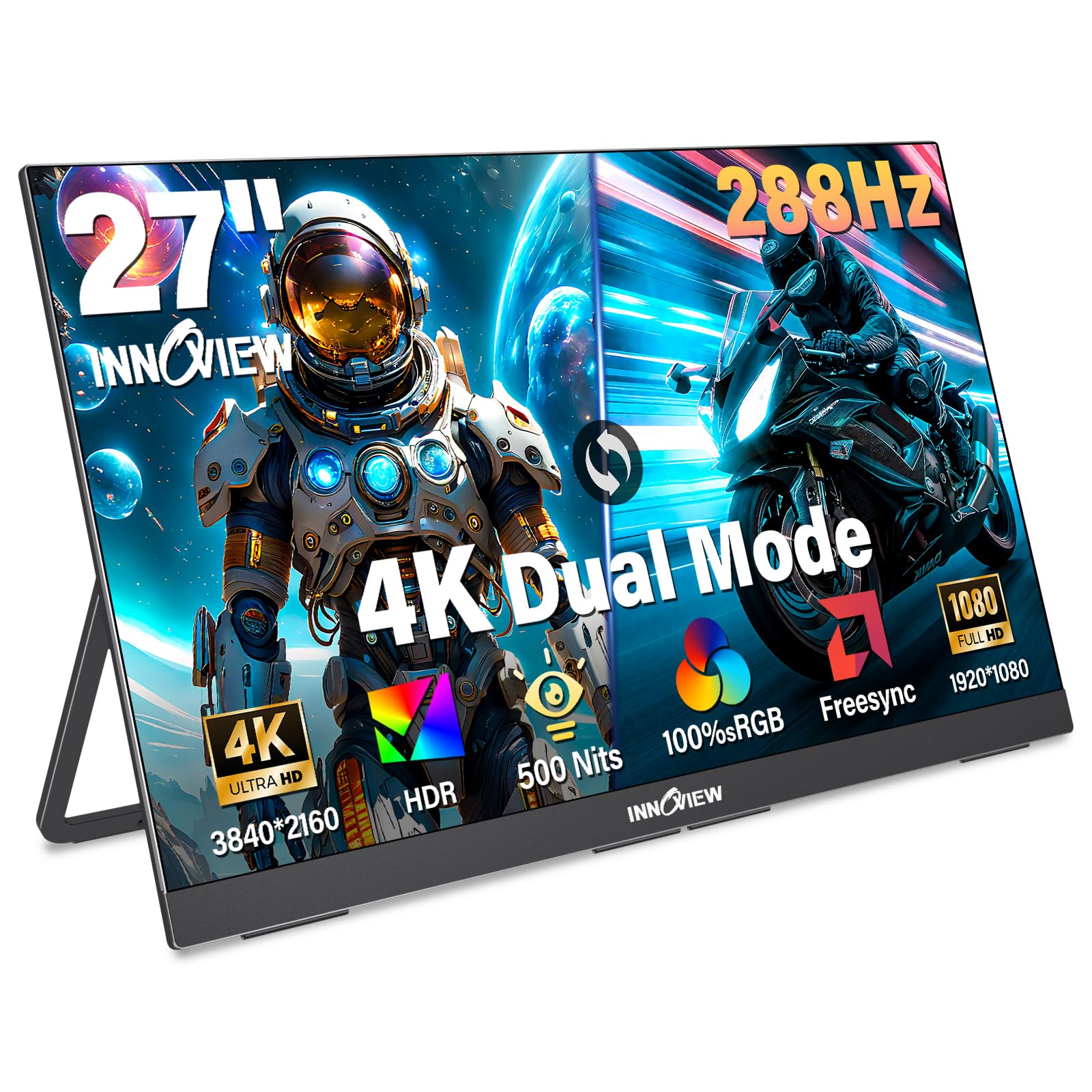
The InnoView 27” Dual Mode is a unique entry that markets itself as a portable monitor, though its 9.5 lb weight makes it best suited for moving between rooms in a home rather than daily commuting. It features a 4K IPS panel that can switch between 4K at 120Hz for high-fidelity gaming and FHD at 288Hz for ultra-smooth competitive play. The 500-nit peak brightness is a strong point for this price tier.
Connectivity is simple and effective: two full-function USB-C ports and one HDMI port allow for true plug-and-play compatibility with laptops, PCs, and consoles like the PS5 and Nintendo Switch. The built-in adjustable kickstand is a clever addition, and the monitor supports VESA mounting. It also has built-in dual speakers, which is a practical feature for a multi-purpose screen.
While the flexibility is great, its thick metal chassis is heavier than a standard monitor, making it less portable than the name implies. Some units have also been reported to develop issues after several months of use, though customer support has been responsive with replacements. It is a solid secondary monitor for someone who needs a 4K display with dual-mode flexibility in multiple locations around the house.
Why it’s great
- Dual Mode 4K 120Hz / FHD 288Hz
- 500 nits brightness for better HDR
- Built-in adjustable kickstand
- Full USB-C and HDMI compatibility
Good to know
- Heavy for a “portable” monitor (9.5 lbs)
- Some reports of long-term reliability issues
- Not ideal for frequent travel
10. AOC Q27GAZD QD-OLED

The AOC Q27GAZD is an incredible value proposition that brings QD-OLED technology to an entry-level price point. This 27-inch panel uses a Quantum Dot OLED layer, offering a 240Hz refresh rate and an astonishing 0.03ms GtG response time. The 1,500,000:1 contrast ratio ensures deep inky blacks and vibrant colors, and it is HDR400 True Black certified for convincing HDR content.
It covers 147.6% of the sRGB and 110.2% of the DCI-P3 color gamut, providing a level of color saturation you simply cannot get from an IPS panel. It is also G-Sync Compatible, ensuring a tear-free experience. This is a pure gaming monitor that prioritizes image quality and speed over build and features.
The biggest compromise is the stand, which is a basic tilt-only model that feels cheap compared to the rest of the monitor. It also lacks HDMI 2.1, which means it is limited to 165Hz over HDMI and needs DisplayPort for the full 240Hz. For someone on a budget who wants to experience the transformative image quality of QD-OLED, the AOC Q27GAZD is the most affordable entry point available.
Why it’s great
- Entry-level price for QD-OLED
- 240Hz and 0.03ms response time
- Excellent color vibrancy
- Infinite contrast ratio
Good to know
- Cheap, tilt-only stand
- No HDMI 2.1 (limited to 165Hz over HDMI)
- Brightness may be limited in very bright rooms
11. KTC M27T6S Mini-LED
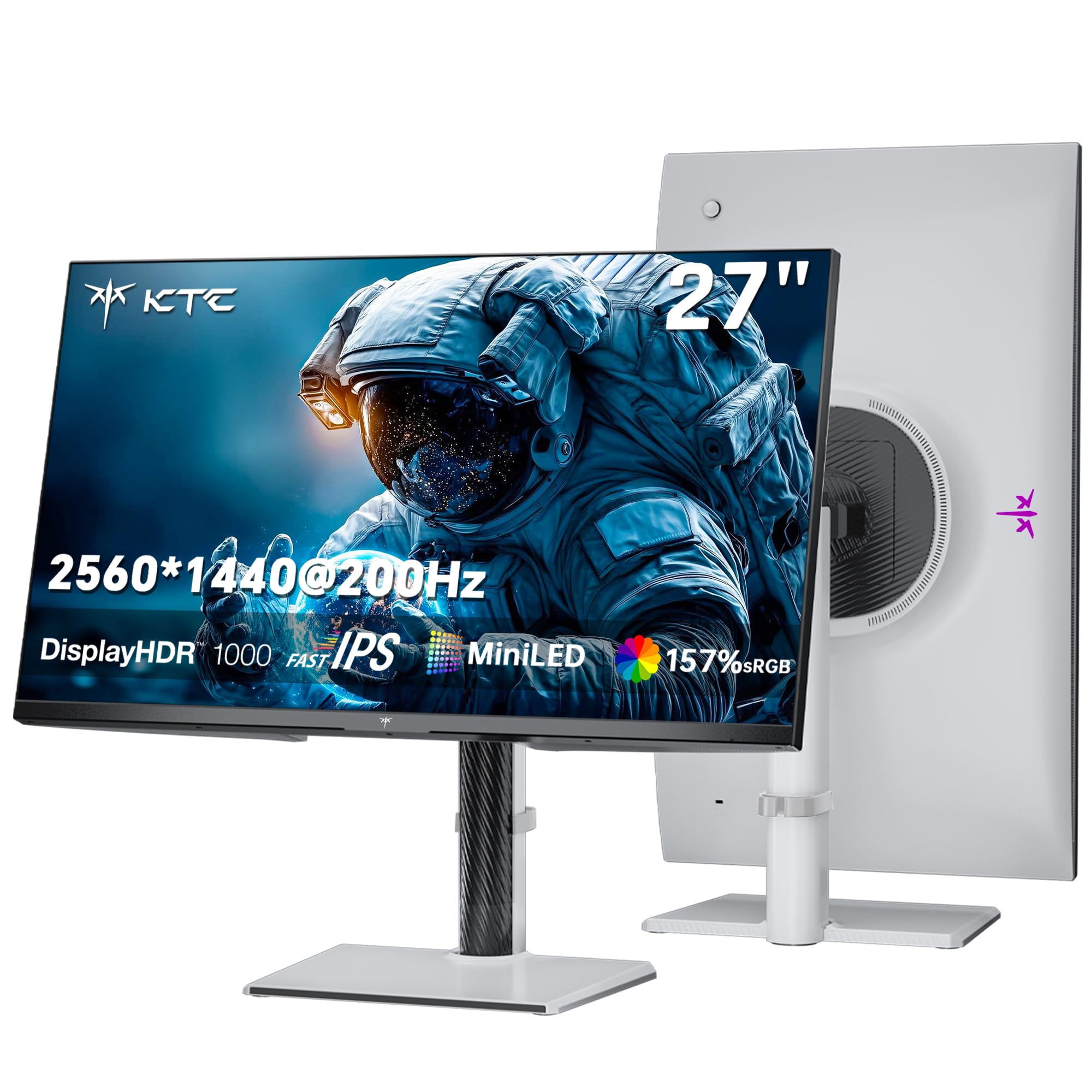
The KTC M27T6S is a 1440p monitor that offers a unique Mini-LED experience with a 200Hz (210Hz overclock) refresh rate and a massive 1152-zone local dimming array. This allows it to achieve a peak brightness of 1000 nits with HDR 1000 certification. This makes it a phenomenal choice for HDR gaming, as it can produce bright, punchy specular highlights that far exceed the capabilities of standard IPS or entry-level OLED monitors.
The Fast IPS panel ensures a 1ms MPRT response time, which keeps motion blur at bay. It covers 157% sRGB color gamut area and supports 1.07 billion colors, making the image very vivid. The ergonomic stand is fully featured, offering height, tilt, swivel, and pivot adjustments, plus VESA mount compatibility. It is compatible with both AMD FreeSync and G-Sync.
The main drawback is that it only has a 2560×1440 resolution, not 4K. This means it is a direct competitor to a 1440p high-refresh monitor, not the 4K 27″ category. Some users have reported reliability issues and customer support problems with the brand. For someone who prioritizes high brightness and HDR impact over raw pixel count, the KTC M27T6S is an interesting and bright alternative.
Why it’s great
- 1152-zone Mini-LED for superior HDR
- 1000 nits peak brightness
- 200Hz refresh rate for smooth motion
- Full ergonomic stand
Good to know
- 1440p resolution, not 4K
- Mixed reports on reliability and support
- Some software glitches reported
FAQ
Is a 27-inch 4K monitor worth it for gaming?
Is HDMI 2.1 necessary for a 4K 144Hz monitor?
What is the difference between Fast IPS and QD-OLED?
Final Thoughts: The Verdict
For most users, the best 4k 27 inch gaming monitor is the MSI MPG 272URX because it delivers the unmatched image quality of QD-OLED with a 240Hz refresh rate and future-proof DisplayPort 2.1a connectivity at a competitive premium price. If you want the ultimate in gaming performance and HDR with Dolby Vision, grab the ASUS ROG Swift PG27UCDM. And for the best balance of features and value in a traditional IPS panel, nothing beats the GIGABYTE M27UP.