
Our readers keep the lights on and my morning glass full of iced black tea. As an Amazon Associate, I earn from qualifying purchases.
Specs are compiled from manufacturer listings and verified buyer reviews and can change over time — please confirm the key details on the product page before buying.
Every Android TV box promises 4K, but the real battle is won on storage, RAM, and Wi-Fi — not the “4K” sticker on the box. You want a box that boots fast, keeps your apps installed without begging you to delete something, and streams without that spinning buffer wheel. This guide cuts through the spec noise to the models that actually deliver on those three daily realities.
I’m Min — the founder and writer behind Gadgets Feed. This guide is built by comparing the manufacturers’ published specifications and the patterns across verified customer reviews, so you get each pick’s real strengths and trade-offs instead of marketing spin.
The best 4k android tv box isn’t always the priciest, it’s the one with the storage, RAM, and codec support that matches how you actually stream.
Our Picks at a Glance

How To Choose The Best 4K Android TV Box
Picking a streaming box isn’t about finding the one with the most features—it’s about finding the one that won’t frustrate you on a Friday night. You need a device that holds your apps, streams smoothly, and fits the TV you already own. Focus on four things: storage, RAM, codec support, and connectivity.
Storage and RAM: The Real Performance Drivers
Think of RAM as how many apps can stay open in the background, and storage as how many apps you can actually install. A box with 2GB of RAM is the baseline for smooth navigation, but if you hop between heavy apps like Kodi and Netflix, you’ll want every megabyte you can get. Storage is where most budget boxes cheat—if you install a dozen streaming apps plus games, a 16GB box fills up fast. Look for 32GB if you hate managing your app library.
Picture and Sound: Dolby Vision, HDR10+, and Atmos
You want a box that makes your TV look its best, and that starts with High Dynamic Range (HDR, a technology that boosts contrast so bright scenes stay bright and dark scenes keep detail). The two main HDR formats are Dolby Vision and HDR10+, and the best boxes support both, so you’re covered whether your TV uses one or the other. For sound, Dolby Atmos and DTS:X (both surround-sound formats) create an rich audio bubble—worth having if you own a soundbar or receiver that can decode them.
Quick Comparison
| Model | Best For | Storage | RAM | 4K & HDR | Amazon |
|---|---|---|---|---|---|
| Xiaomi TV Box S 3rd Gen★ Best Overall | Overall value & speed | 32GB | 2GB | 4K@60FPS, Dolby Vision | Amazon |
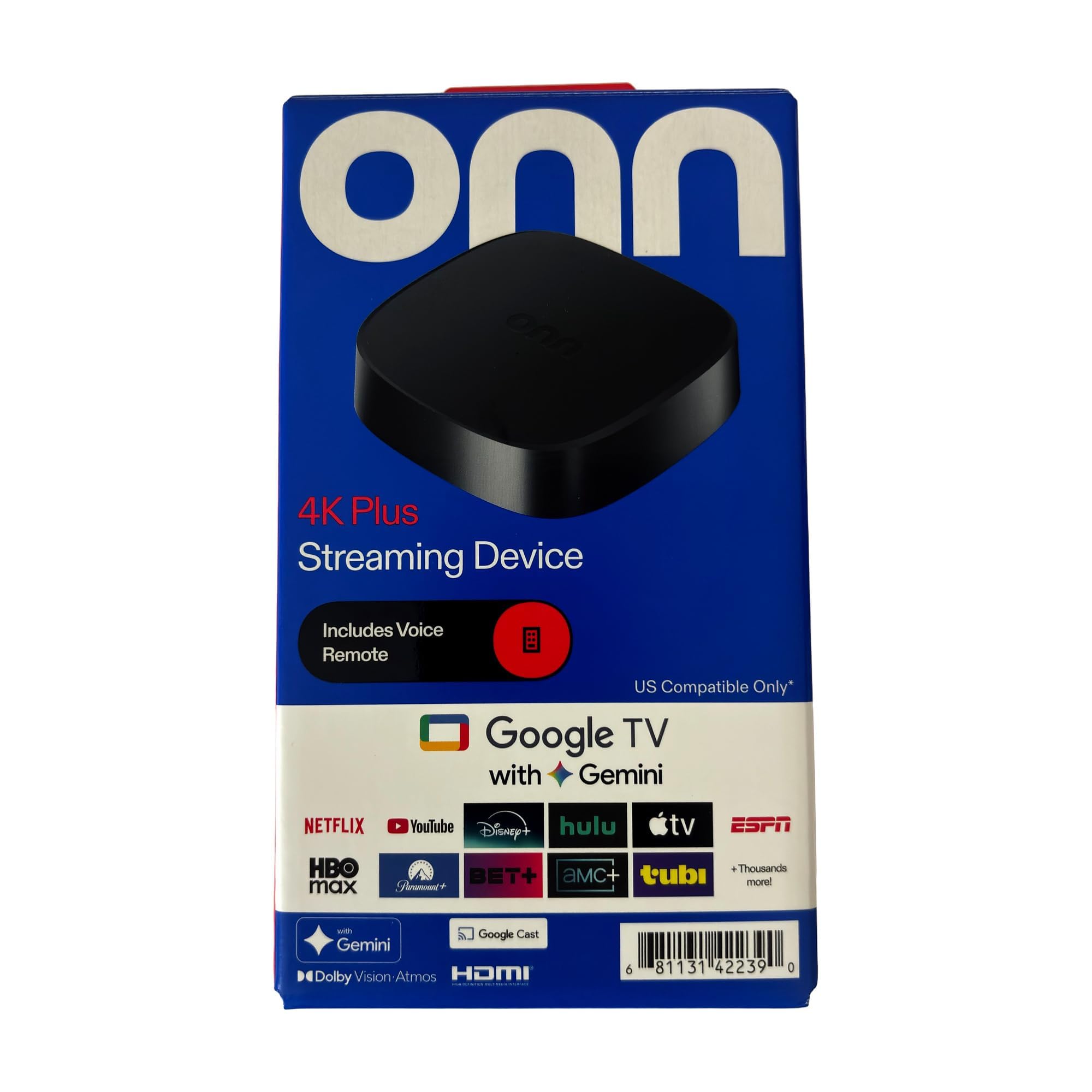
| Onn 4K Plus Streaming DeviceBest Value | Firestick replacement | 16GB | 2GB | 4K UHD, Dolby Vision | Amazon |
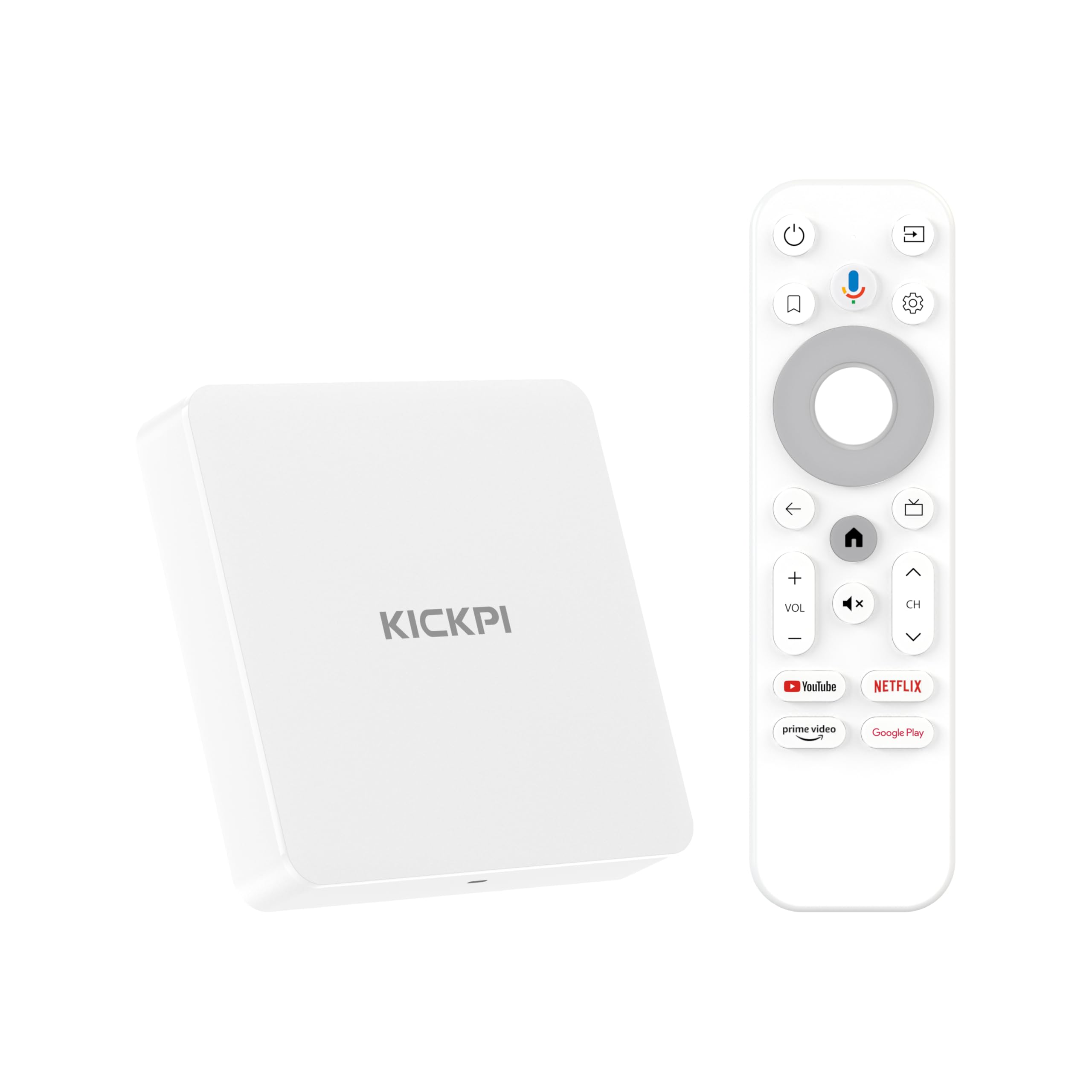
| Sidiwen KP1Compact Pick | Budget friendly & Chromecast | 32GB | 2GB | 4K HDR, Dolby Vision | Amazon |
| IDEALROYAL 2026 Android 14 | Entry-level streaming | 16GB | 2GB | 4K@60fps, HDR10 | Amazon |
| Infomir MAG555 | IPTV & live TV | 16GB | — | 4K UHD @60fps | Amazon |
| BuzzTV E5 | Reliable IPTV services | 32GB | 2GB | 4K UHD Output | Amazon |
| Formuler Z11 Pro | Premium IPTV & networking | 16GB | 2GB | 4K UHD | Amazon |
| RockTek G2 | Gaming & high-end specs | 32GB | 4GB | 4K Dolby Vision, HDR10+ | Amazon |
| Dune HD Pro Vision 4K | Audiophiles & local files | 64GB | 4GB | 4Kp60, VS10 processing | Amazon |
In‑Depth Reviews
1. Xiaomi TV Box S 3rd Gen
Our pick — over 4★ from 4,000+ verified ratings; the strongest balance of quality and price.
The crowd-pleaser that beats the Firestick with double the storage and buttery-smooth playback.
This is the box that solves the two biggest streaming frustrations at once: storage and speed. It packs 32GB of internal storage—that’s double the 16GB on the 2026 Android 14 box—so you can install your whole app library without micromanaging space. The quad-core CPU runs up to 2.5GHz, which translates to menus that open instantly and apps that switch without that annoying pause.
You get a cinematic picture here: 4K resolution at 60 frames per second (FPS, the number of images shown each second), plus Dolby Vision and HDR10+ for richer contrast and color. Audio keeps pace with Dolby Audio and DTS:X surround sound. Buyers report it “runs the apps like hbo max and prime video flawlessly,” and many call it a “great alternative to the Firestick” because it’s not locked down like Amazon’s devices—sideloading apps (installing apps from outside the official store) is easy if that’s your thing.
The voice remote gets mixed reactions: some owners love the Google Assistant integration, while others find the buttons “clicky” and a few swapped it out entirely. The 19.92g weight and compact 3.82″ x 3.82″ x 0.67″ footprint make it easy to hide behind your TV. It also supports Wi-Fi 6 and Bluetooth 5.2, so your connection stays solid even in a crowded household.
What wins people over
- 32GB storage gives you room to install apps without deleting others
- Dolby Vision and HDR10+ support rich, accurate colors
- Wi-Fi 6 and Bluetooth 5.2 keep streaming stable
Small trade-offs
- The remote feels clicky to some, and doesn’t come with batteries
- A few owners mention internet connection hiccups
- The power cord is on the short side for some setups
Grab this if: you want a fast, storage-rich box that open up the full Google TV experience without being locked to one ecosystem.
Think twice if: you’re very particular about remote feel and don’t want to swap in your own.
2. Onn 4K Plus Streaming Device
The Firestick escape hatch that’s snappier, friendlier, and free of Amazon’s app blocks.
If you’re tired of the Firestick blocking apps you want, this is the box owners keep switching to. It’s a “great firestick/fireTV replacement,” with buyers noting it’s snappier for Kodi than any Firestick they’ve owned. The 2GB RAM and 16GB storage keep things moving smoothly, and the dual-band 2.4/5GHz Wi-Fi 6 (802.11ax) support cuts down on buffering.
Owners describe the 4K UHD (Ultra High Definition, meaning 3840×2160 pixels) picture with Dolby Vision as “bright and clear,” and Dolby Atmos support delivers rich sound if your audio setup can handle it. It runs Google TV, which opens up 10,000+ apps and 700,000+ movies and shows, including Netflix, YouTube, and Disney+. The Google Assistant voice remote lets you search by speaking—no more typing with a d-pad (the directional pad on the remote).
One honest caveat: customers note it doesn’t always hit advertised Wi-Fi 6 speeds, and you can’t uninstall the default apps that come pre-loaded. Still, with a 4″ x 2.5″ x 7″ footprint that’s noticeably more compact than some rivals, it’s easy to hide away. Reviewers point out it “works perfectly” and is “better than the Amazon Fire stick” for sideloading apps on an LG TV.
Why it clicks: It’s the rare box that feels faster than its price suggests, with a clean UI and no bloatware pushing you toward Amazon content.
The honest trade-off: You’re capped at 16GB of storage and can’t remove pre-installed apps, so heavy app hoarders may feel the squeeze.
3. Sidiwen KP1 Google Certified TV Box
A certified Android 11 box that nails the essentials—Chromecast, voice search, and 32GB of room.
What wins people over here is compatibility—it’s a Google-certified box, which means it plays nicely with Netflix, Amazon Video, Apple TV+, Disney+, YouTube, and Hulu in 4K HDR. Shoppers say it even plays movie rentals from Amazon Prime and YouTube Movies, which some cheaper boxes struggle with. The built-in Chromecast lets you cast from your phone, tablet, or laptop instantly.
The 2GB RAM is enough for smooth navigation, and the 32GB ROM gives you ample space for apps. A 122-gram build with a 3.78″ x 3.78″ x 0.91″ footprint keeps it tidy. The voice remote with Google Assistant makes searching quick, and buyers report it “works great” and is “real good box nice and fast”—though a few find it “a veces algo lento” (a bit slow) in certain apps.
It runs Android 11.0, which the maker says is upgradeable to Android 12 via internet update. This is a solid middle-ground pick if you want Google certification and generous storage without stepping up to a premium price tag.
What makes it worth it: Google certification means fewer “this app isn’t supported” headaches, and the 32GB storage matches boxes that cost twice as much.
Who should look elsewhere: If you demand lightning-fast response in every app, the 2GB RAM occasionally shows its limits.
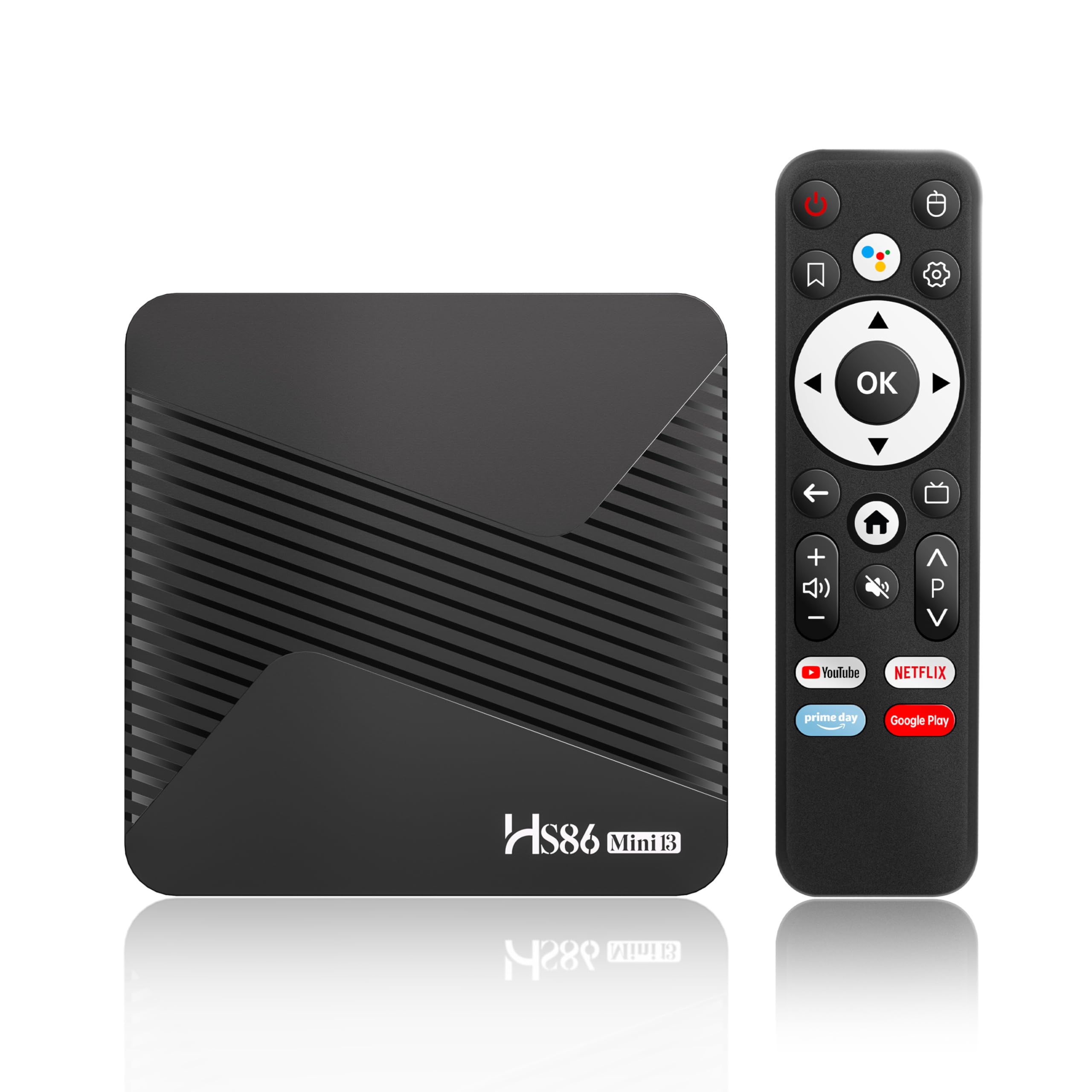
4. IDEALROYAL 2026 Android 14 TV Box
The little powerhouse that says goodbye to Firestick, if you’re willing to gamble on longevity.
For the entry-level price, this box brings a surprising amount of muscle. The RK3528A Quad-Core Cortex-A53 CPU with Mali-450 GPU handles 4K@60fps output through HDMI 2.0b, and it decodes H.264, H.265, and VP9 formats. Owners call it a “little powerhouse” that runs all Android TV apps “including blocked ones” and handles the Play Store without lag. This is the one to buy if you want to break free of Firestick restrictions on a tight budget.
It comes with 2GB RAM and 16GB storage, expandable via microSD up to 64GB—so you can add space if you need it. Dual-band 2.4GHz/5GHz Wi-Fi plus a wired Ethernet port keep your connection stable for uninterrupted 4K playback. Bluetooth 5.4 lets you pair headphones, speakers, and game controllers easily.
Here’s the honest warning: some units have a rocky track record. One owner reported it “stopped working after just over a month” and would no longer boot up, and another had an HDMI cable issue. The people who get a good unit love it—”goodbye forever firetvstick”—but the reliability gamble is real at this price.
The upside: Unbeatable value for the specs—Wi-Fi 6, 4K HDR10, and microSD expansion at a budget price.
The risk: Quality control is inconsistent; some units fail within weeks, so buy with a return-friendly mindset.
5. Infomir MAG555 Streaming Media Player

The box that some owners swear is faster than their Nvidia Shield, built for IPTV die-hards.
This is a niche pick for IPTV enthusiasts. Powered by the Amlogic S905Y4-B chipset and running official Google TV 12, it delivers 4K UHD at 60fps with Dolby Audio support. One owner says it “feels faster than Nvidia Shield and the video is better,” while another calls it “best iptv box so far” for turning a normal TV into a smart TV.
Connectivity is a strong suit: dual-band Wi-Fi with 2×2 MIMO, a dedicated Ethernet port, HDMI 2.1 with HDCP support, and dual USB 2.0 ports for external media storage. The 16GB storage is modest, but USB expansion covers that gap. The voice remote with Google Assistant handles searches and smart home control.
But there’s a significant compatibility catch. The highest-count aspect is compatibility at 24 mentions, and Amazon flags it as mixed—some owners love it, others are frustrated. The recurring gripe involves the Magic Launcher app requiring a yearly subscription after roughly 11 months; without it, the box is “useless for Ministra IPTV,” as one disappointed buyer put it. If you’re not married to IPTV services, a more mainstream box might serve you better.
Who it’s for: IPTV enthusiasts who want Google TV officially licensed and don’t mind a learning curve with the remote and apps.
Look elsewhere if: you rely on Magic Launcher for IPTV—that subscription cost catches owners off guard.
6. BuzzTV E5 Android 11 TV Box

A dependable Android 11 box with 32GB storage that IPTV users recommend to everyone they know.
Reliability is the main draw. Owners call it “top of the line in streaming” and note it arrived sealed and “functioning perfectly.” It’s the box IPTV (Internet Protocol Television, streaming TV over the internet) users recommend to friends—one owner says they’ve referred more than 10 people to it and everyone is “super satisfied.” The 2GB RAM (random access memory, for running apps) and 32GB storage (space for apps and files) give you responsive performance and room for essential apps and media.
The 4K UHD output delivers crisp visuals for movies and TV shows. It runs Android 11, offering a familiar interface with access to a wide range of compatible apps. Connectivity is handled via HDMI output and Wi-Fi support, with a compact 3.94″ x 3.94″ x 0.79″ design that fits neatly in any setup.
The main caveat is that one owner found it “cheap and has no access to Google apps”—though that’s an outlier among mostly positive feedback. Performance and reliability are the two most-mentioned aspects, both positive. If you want a box that just works without fussing over settings, this is a strong candidate.
Its strength: Dependable performance that owners trust enough to recommend to a dozen friends.
Who should skip it: Anyone who wants the full Google Play app ecosystem—double-check that it supports the apps you need.
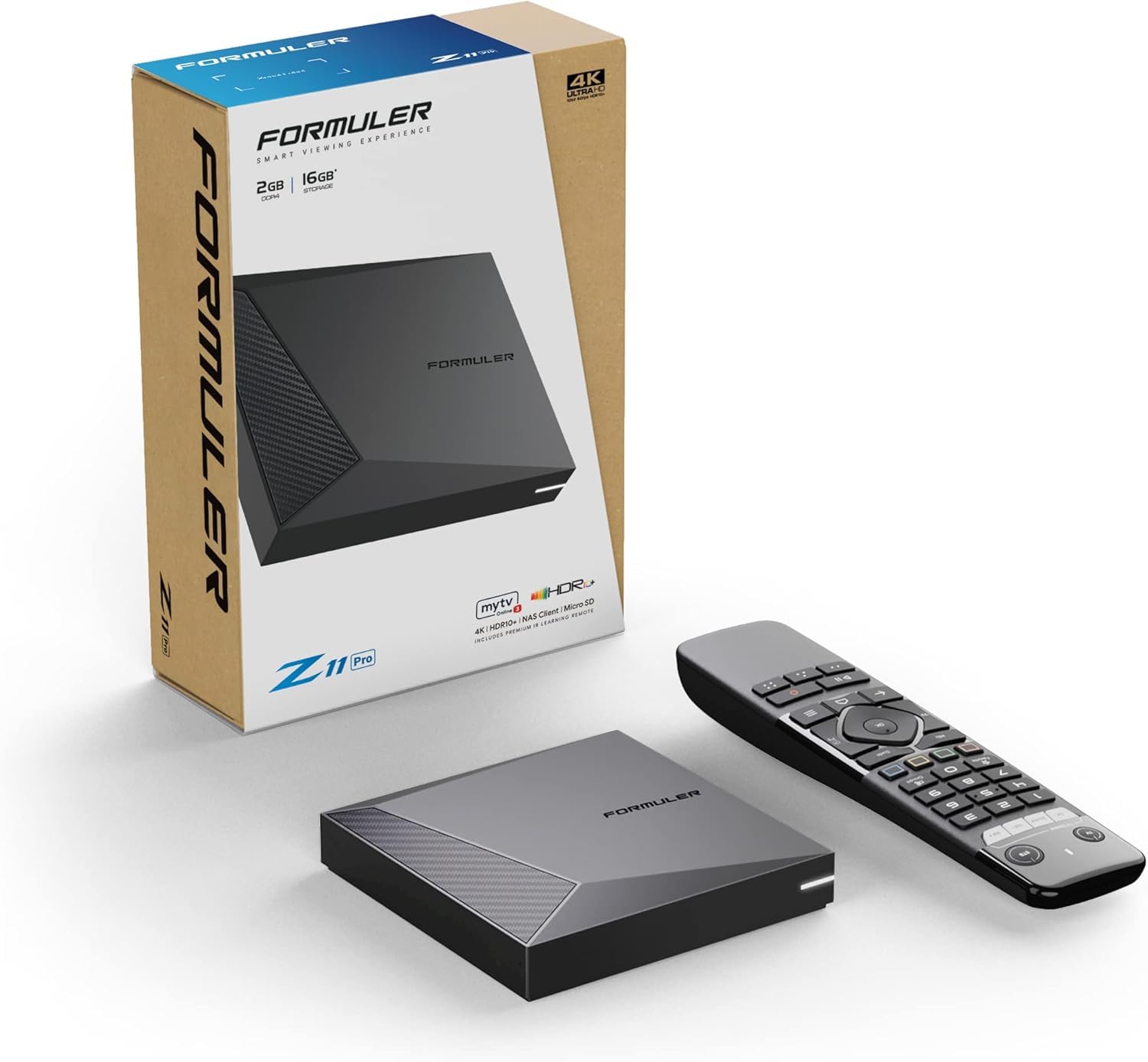
7. Formuler Z11 Pro
Built for power users who need gigabit speeds and thousands of channels, not just Netflix.
This box is for the person who wants serious networking muscle. The Gigabit LAN (1000M) port is the standout feature here—if you’re streaming high-bitrate content or using IPTV with “thousands of channels all over the world,” a wired connection beats Wi-Fi for stability. It also has dual-band 2×2 dual antenna 6th Generation AX wireless (Wi-Fi 6) for when you can’t plug in.
Performance is the most-praised aspect, with owners noting it “runs smoothly” and has a “fast processor.” The 2GB RAM and 16GB storage are modest, but for streaming-focused use, that’s usually enough. The premium IR1 remote control gets positive mentions—one owner loves that there’s “no fan sound, fast processor, and great remote.”
Running Android 11 with 4K output, it handles your streaming apps and IPTV services. The main consideration is that 16GB storage is on the lower side, and this is positioned at a higher price point. If you don’t need gigabit Ethernet or the IPTV-specific features, you’re paying for networking power you might not use.
Best for: IPTV power users who want rock-solid wired networking and a box that won’t stutter under load.
Not ideal for: Budget-focused buyers or those who don’t need gigabit LAN and want more app storage.
8. RockTek G2

The streaming box that doubles as a cloud gaming console, with 4GB RAM to back it up.
If gaming matters to you, this is the box that stands out. It supports NVIDIA GeForce Now cloud gaming, so you can play AAA titles without a console or PC. The 4GB DDR4 RAM is double what most boxes offer, and the 32GB eMMC 5.0 storage gives you room for apps and games. The Amlogic S905X4-K chipset with Mali-G31 MP2 GPU handles it all smoothly.
Picture quality is serious: 4K Dolby Vision, HDR10+, and HLG support, plus Dolby Atmos and DTS-HD audio for a 7.1 surround sound setup. Wi-Fi 6 with up to 450Mbps wireless speeds, or gigabit Ethernet up to 1000Mbps if you’re wired. It also has Bluetooth 5, USB 3.0, and micro-SD expansion—a very complete port selection.
But there are reliability concerns that keep it from being an easy recommendation. While performance is praised, playback issues and mixed remote control feedback show up in owner experiences. One power user called it “great hardware, but horribly buggy software” with Wi-Fi drops and CEC issues. Another noted Dolby Vision resets to OFF after a power-off. It’s a box with top-tier specs that may require patience with software quirks.
Who it’s for: Gamers and tinkerers who want 4GB RAM, cloud gaming, and the full HDR/Atmos suite in one box.
The catch: Software bugs and connectivity gremlins mean you might spend time troubleshooting instead of streaming.
9. Dune HD Pro Vision 4K

The local-file champion that one owner says finally beats their Nvidia Shield Pro.
This is the box for people with large local media libraries (files stored on your own drives). Owners are “blown away by its ability to handle any file format thrown at it,” and one long-time Shield Pro user says this is “the media player that beats my Nvidia Shield Pro for local files.” It supports the AV1 video codec (a compression standard for video), which the maker claims improves video quality by up to 50% without increasing bit rate (the amount of data per second)—and it’s already used by YouTube.
The 4GB RAM and 64GB storage are the biggest in this lineup, and it supports USB hard drives over 20TB. The VS10 video processor engine tune conversion between SDR, HDR, and VS10 content, which is especially helpful for projectors and TVs that lack native HDR support. It decodes all HD audio formats to multichannel PCM up to 7.1 channels, and the entire metal housing acts as a heat sink for noiseless cooling.
Automatic frame rate and resolution switching ensures smooth playback, and the Dune HD mobile app (Dune Control) gives you full control from your phone—it even mirrors the TV menu. The all-metal chassis doubles as a passive heat sink, keeping the unit silent during long playback sessions. If you want the ultimate local playback machine, this is it—though it’s positioned at a premium price.
Why it’s special: class-leading local-file playback, full HD audio passthrough (sending raw audio to your receiver without processing), and 64GB of storage make it a media server’s dream.
Who should pass: Casual streamers who just want Netflix won’t use half of what this box can do.
Understanding the Specs
HDR Formats: Dolby Vision vs HDR10+
High Dynamic Range (HDR) makes the difference between a flat picture and one that pops. Dolby Vision and HDR10+ are the two main formats, and they work differently depending on your TV. Some TVs support both, some support one, and some support neither. A box that handles both formats is the safest bet—it means whichever HDR your TV prefers, you’re covered and you’ll get richer colors and deeper blacks. The Xiaomi and Onn boxes both handle Dolby Vision, while the RockTek G2 adds HDR10+ for extra flexibility.
RAM and Storage: Why They Matter
RAM is your box’s short-term memory—more RAM means apps stay open and switch faster without reloading. Storage is your long-term memory—it’s where your apps and games actually live. A 2GB RAM box handles standard streaming fine, but 4GB matters for gaming or heavy multitasking. Storage is where budget boxes cut corners: a 16GB box fills up after a dozen apps, while 32GB gives you breathing room. The Xiaomi and Sidiwen KP1 both offer 32GB, while the Dune HD goes all the way to 64GB.
FAQ
Will a 4K Android TV box work with my old TV that only has HDMI?
How much storage do I really need in a TV box?
Is Google TV better than Android TV?
Can I use a 4K Android TV box with an IPTV service?
What’s the difference between Wi-Fi 6 and regular Wi-Fi?
Do these boxes work with Netflix in 4K?
Can I sideload apps on these Android TV boxes?
Is Ethernet better than Wi-Fi for 4K streaming?
Final Thoughts: The Verdict
For most buyers, the best 4k android tv box is the Xiaomi TV Box S 3rd Gen because it combines 32GB storage, Wi-Fi 6, and Dolby Vision support at a price that makes it the crowd favorite. If you want to escape the Firestick ecosystem on a budget, grab the Onn 4K Plus. And for local media files and audiophile-grade playback, the Dune HD Pro Vision 4K is the one to reach for.
How We Picked
We do not accept paid placement. Every pick is matched to a real buyer and a real use-case; we do not hands-on test units.
Sources & Methodology
Specifications: manufacturer listings and product documentation. Review insights: verified customer reviews, as of August 2026. Pricing: not shown on this page (it changes often); check the current price via the retailer link.
As an Amazon Associate, Gadgets Feed earns from qualifying purchases. This does not affect which products we feature.