
The jump from streaming to a physical 4K Blu-ray disc is the single most impactful upgrade you can make to a home theater. Streaming services compress video to a fraction of the original bitrate, crushing fine detail and introducing artifacts during fast action. A dedicated player unlocks the full 64–100 GB of data pressed onto a 4K UHD disc, delivering a pristine image with zero buffering and full dynamic range from scene to scene.
I’m Min — the co-founder and writer behind Gadgets Feed. I’ve spent countless hours combing through technical datasheets, cross-referencing Dolby Vision and HDR10+ support across dozens of models, and analyzing real user reports on disc-loading reliability to bring you the most meticulous breakdown of this specific category.
Whether you are chasing perfect black levels on an OLED or future-proofing your collection with a region-free machine, the best 4k blu ray player must excel at three things: flawless playback of triple-layer 100 GB discs, adaptive HDR tone-mapping, and robust upscaling that breathes new life into standard Blu-rays and DVDs.
How To Choose The Best 4K Blu Ray Player
Picking a 4K Blu-ray player goes far beyond simply checking for “4K” on the box. The internal chipset, HDR format support, and physical build quality dictate how well your discs will play, how often you’ll see stuttering on layer transitions, and whether legacy DVDs look like a blurry mess or a surprisingly sharp alternative.
HDR Format Support: Dolby Vision vs. HDR10+ vs. HDR10
Dolby Vision applies scene-by-scene metadata to optimize brightness and color, but it requires a TV that can decode the signal. HDR10+ uses dynamic metadata similar to Dolby Vision but is less common on physical discs. Many budget players only support standard HDR10, which uses a single static metadata curve for the entire film — adequate but less impactful on high-end displays. If your TV supports Dolby Vision, a player that natively passes or auto-detects Dolby Vision is mandatory for the richest image.
The Chipset and Disc Load Reliability
The MediaTek MT8581 chipset powers virtually every high-performing 4K player on the market today. This chip handles the demanding bitrate of 100 GB triple-layer discs and enables features like Dolby Vision decoding and 4K upscaling. Players using older or lower-tier SoCs may freeze or skip during the layer transition on a 100 GB disc, a problem frequently reported on entry-level models. If you plan to buy discs like “The Lord of the Rings” or “Interstellar” at their full 4K bitrate, a player with the MT8581 is non-negotiable.
Region-Free Flexibility for International Discs
Standard 4K UHD discs are region-free (a rare win for consumers), but Blu-ray discs and standard DVDs still carry region codes. A region-free player allows you to play Region B discs from the UK, Region C discs from Asia, or PAL DVDs without buying a separate machine. Note that genuine region-free capability often requires a third-party hardware modification — many “multi-region” players only work with a manual button sequence to toggle zones, and they may not support every legacy DVD region.
Quick Comparison
On smaller screens, swipe sideways to see the full table.
| Model | Category | Best For | Key Spec | Amazon |
|---|---|---|---|---|
| Panasonic DP-UB9000 | Premium | Reference-grade video & audiophile sound | HCX Processor, 7.1ch RCA, XLR | Amazon |
| Panasonic DP-UB824EGK | Premium | Dolby Vision with HDR Optimiser | HDR Optimiser, Dolby Vision, WLAN | Amazon |
| Sony UBP-X700U | Mid-range | Solid 4K at a mid-range price | Dual HDMI, 4K upscaling to 60p | Amazon |
| Krovatar KBU-300 | Mid-range | Versatile universal player with SACD | MT8581, Dolby Atmos, DTS:X | Amazon |
| DpBlue DP-5300 | Mid-range | 4K/3D with twin HDMI outputs | Dolby Vision, BT.2020, Twin HDMI | Amazon |
| Dynastar UBPX700M | Premium | Region-free global disc playback | Blu-ray Zones A/B/C, 4K UHD | Amazon |
| Sony Multi-Region Player | Mid-range | Region-free PAL/NTSC playback | Multi-Region, 1080p Upscaling | Amazon |
| LG BP350 | Budget | Affordable 1080p upscaling player | Built-in Wi-Fi, 1080p Upscaling | Amazon |
| OREI DP-UB9000P-K | Premium | Region-free versio of flagship Panasonic | Zone Free A/B/C, HCX Processor | Amazon |
In‑Depth Reviews
1. Panasonic DP-UB9000 Reference Class 4K Ultra HD Blu-ray Player

The DP-UB9000 sits at the apex of consumer disc playback. Its HCX processor performs real-time HDR tone-mapping that adjusts the dynamic range to your display’s peak brightness — a feature that makes mid-range OLEDs and projectors look significantly punchier. The chassis weighs in at over 18 pounds, largely due to the audiophile-grade 7.1 channel analog outputs and balanced XLR connectors, making it the only player here that genuinely doubles as a high-end CD/SACD transport.
In real-world use, the UB9000 handles 100 GB triple-layer discs without a single stutter during layer transitions. The Dolby Vision playback is automatic in the sense that you can set it to “on” and let the player negotiate with the TV, though you still need to manually toggle it in the menu if your TV doesn’t auto-trigger. The streaming app interface is dated, but the core job — disc playback — is flawless, with a silent disc tray and a responsive remote that’s backlit.
Users consistently report that this player elevates even standard Blu-rays to near-4K quality thanks to the HCX upscaling engine. The only real drawback is the price, which positions it as an endgame purchase. For movie collectors who also demand pristine audio from CDs and SACDs, the UB9000 justifies every penny through build quality and component selection that cheaper players simply cannot match.
Why it’s great
- Reference-class HDR tone mapping for any display
- 7.1 analog and balanced XLR outputs for audiophile setups
- Flawless 100 GB triple-layer disc playback
Good to know
- Streaming UI is sluggish compared to dedicated streamers
- Dolby Vision must be manually toggled on for each viewing session
- Very heavy at 18.6 lb — needs solid shelf space
2. Panasonic DP-UB824EGK
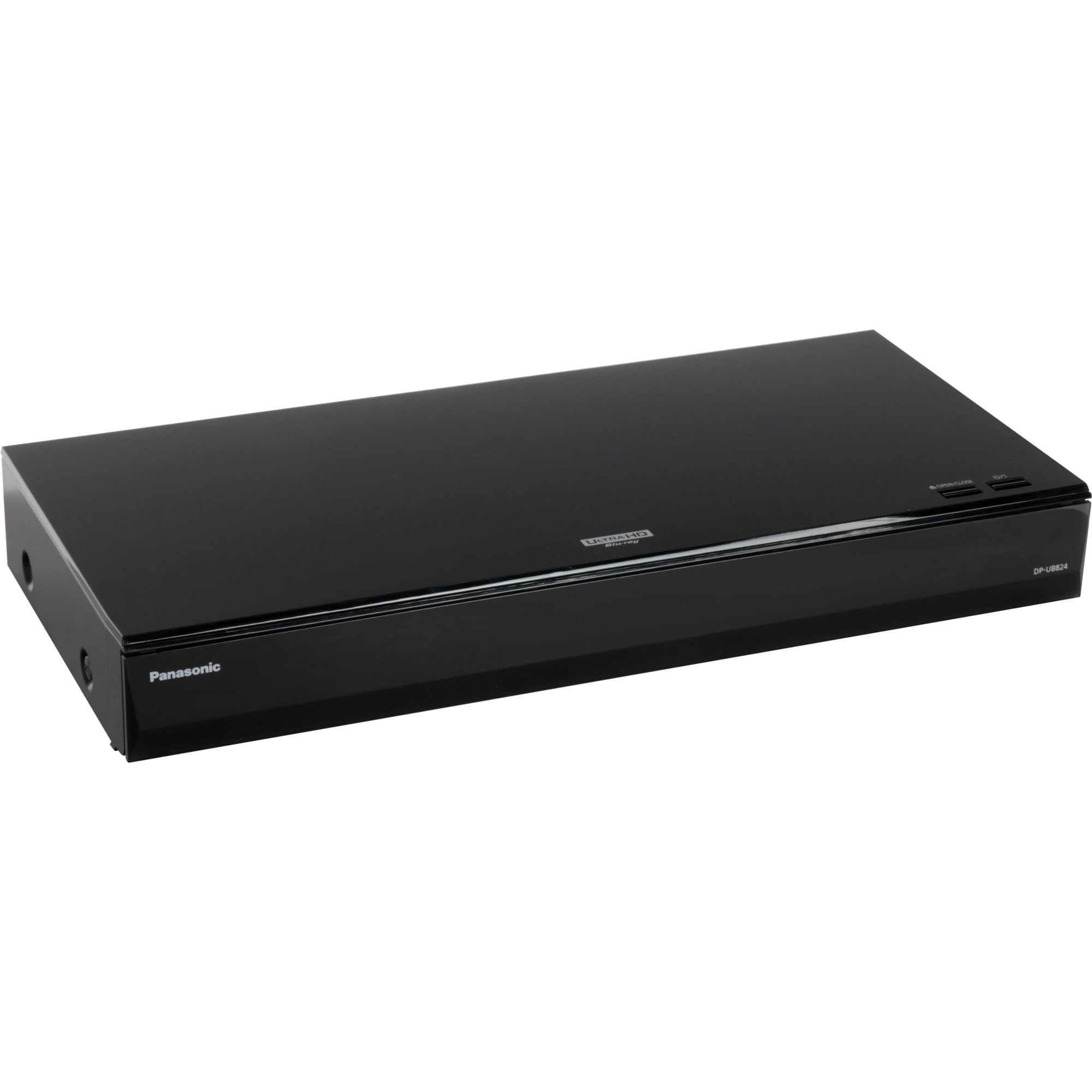
The UB824 is essentially the DP-UB9000’s video processing engine in a smaller, more affordable chassis, minus the audiophile-grade analog outputs. It retains the critical HDR Optimiser feature that Panasonic uses to map HDR10 metadata to your display’s actual luminance capabilities — a huge advantage over players that simply pass through the raw HDR10 signal. This means even on a mid-range HDR TV, the UB824 can deliver deeper blacks and more natural highlights than a Sony or LG competitor at the same price.
It supports both Dolby Vision and HDR10+, giving you full flexibility regardless of which dynamic HDR format your TV prefers. The built-in WLAN and Ethernet allow streaming app access, though the on-board Netflix and Prime apps are slower than using your TV directly. The optical digital output and 7.1 analog outputs are present but less refined than on the UB9000 — most users will rely on HDMI audio.
Users upgrading from the older UB404 specifically praise the Dolby Vision addition and the more stable 100 GB disc handling. A minor quibble is that the remote’s Netflix button sits right where your thumb lands, leading to accidental launches. For a home theater enthusiast who wants Panasonic’s best video processing without the audiophile premium, the UB824 is the smart compromise.
Why it’s great
- HDR Optimiser adjusts tone mapping to your TV’s actual brightness
- Supports both Dolby Vision and HDR10+
- Solid build and stable 100 GB disc playback
Good to know
- Audiophile analog outputs are not as refined as UB9000
- Streaming apps are slower than using a TV’s native OS
- Remote has an awkwardly placed Netflix button
3. Sony UBP-X700U 4K Ultra HD Home Theater Blu-ray DVD Player
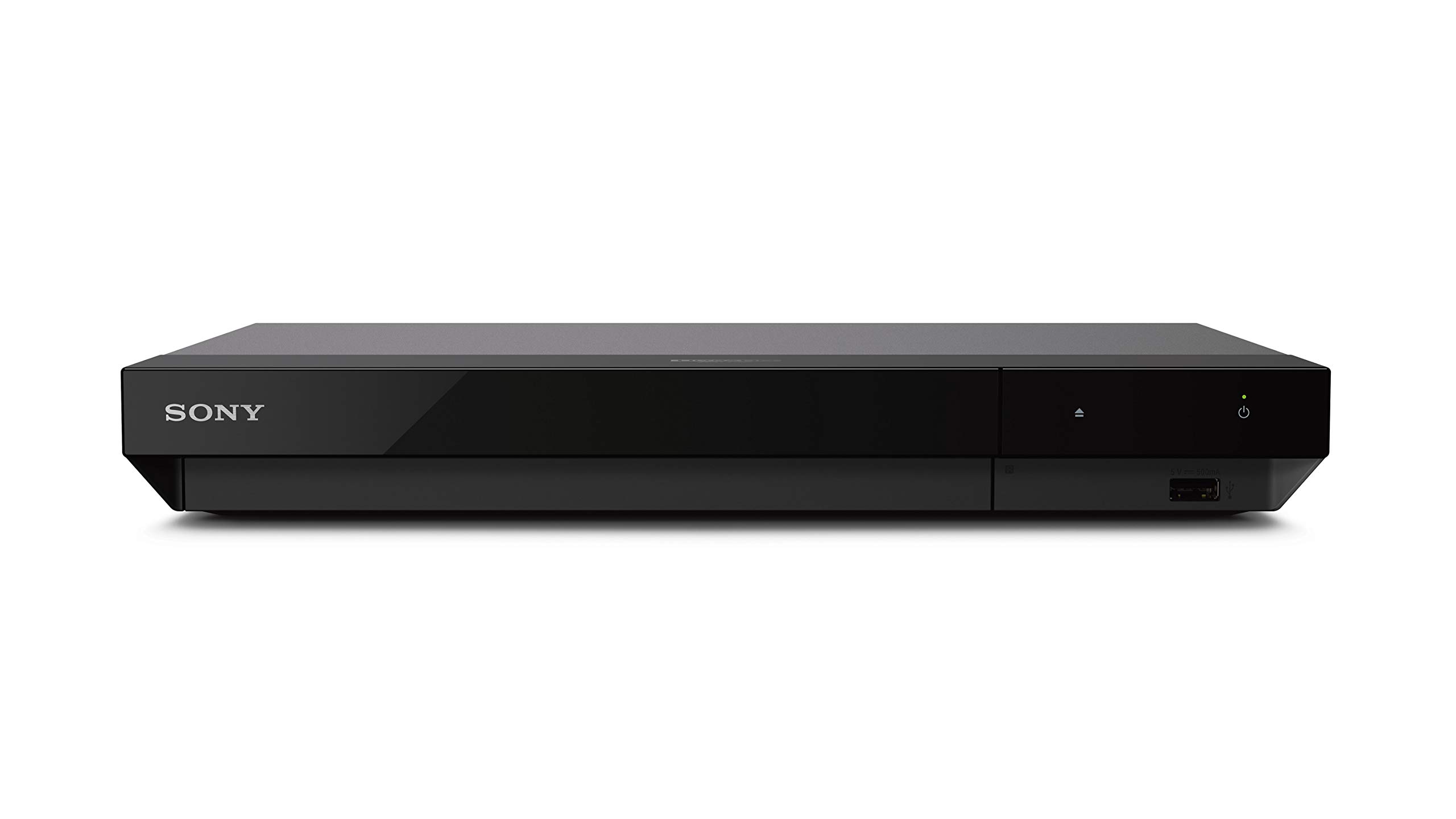
The X700U is the most direct mid-range competitor to the Panasonic UB824, offering a nearly identical feature set at a lower price point. It supports Dolby Vision and HDR10, though it lacks HDR10+ — a minor omission given that very few 4K discs actually ship with HDR10+. The dual HDMI outputs let you send video directly to the TV and audio to a legacy AVR without HDMI 2.1, a handy workaround for older receivers.
Real-world disc playback is reliable on 66 GB discs, but users report occasional stuttering or freezes on 100 GB triple-layer discs like “The Revenant” or “2001: A Space Odyssey.” The player needs a manual menu toggle to switch between Dolby Vision and HDR10 — there is no auto-switching based on disc metadata. The upscaling engine does a respectable job with 1080p Blu-rays, but it struggles with high-bitrate sources, occasionally producing choppy motion in 24p mode.
Where the X700U shines is in its value proposition. It offers Dolby Vision, Hi-Res Audio support, and a compact footprint at roughly half the price of the Panasonic UB824. If you mostly watch standard Blu-rays and newer 4K discs that don’t push the absolute bitrate limits, the X700U will deliver a very satisfying experience. Just be prepared to manually toggle HDR settings between discs.
Why it’s great
- Dual HDMI outputs for audio/video separation
- Affordable entry to Dolby Vision and Hi-Res Audio
- Compact and easy to integrate into existing setups
Good to know
- Occasional 100 GB disc stutter during layer transition
- Manual HDR format switching required per disc
- Upscaling can introduce choppiness on high-bitrate Blu-rays
4. Krovatar 4K UHD Blu-ray Player (KBU-300)
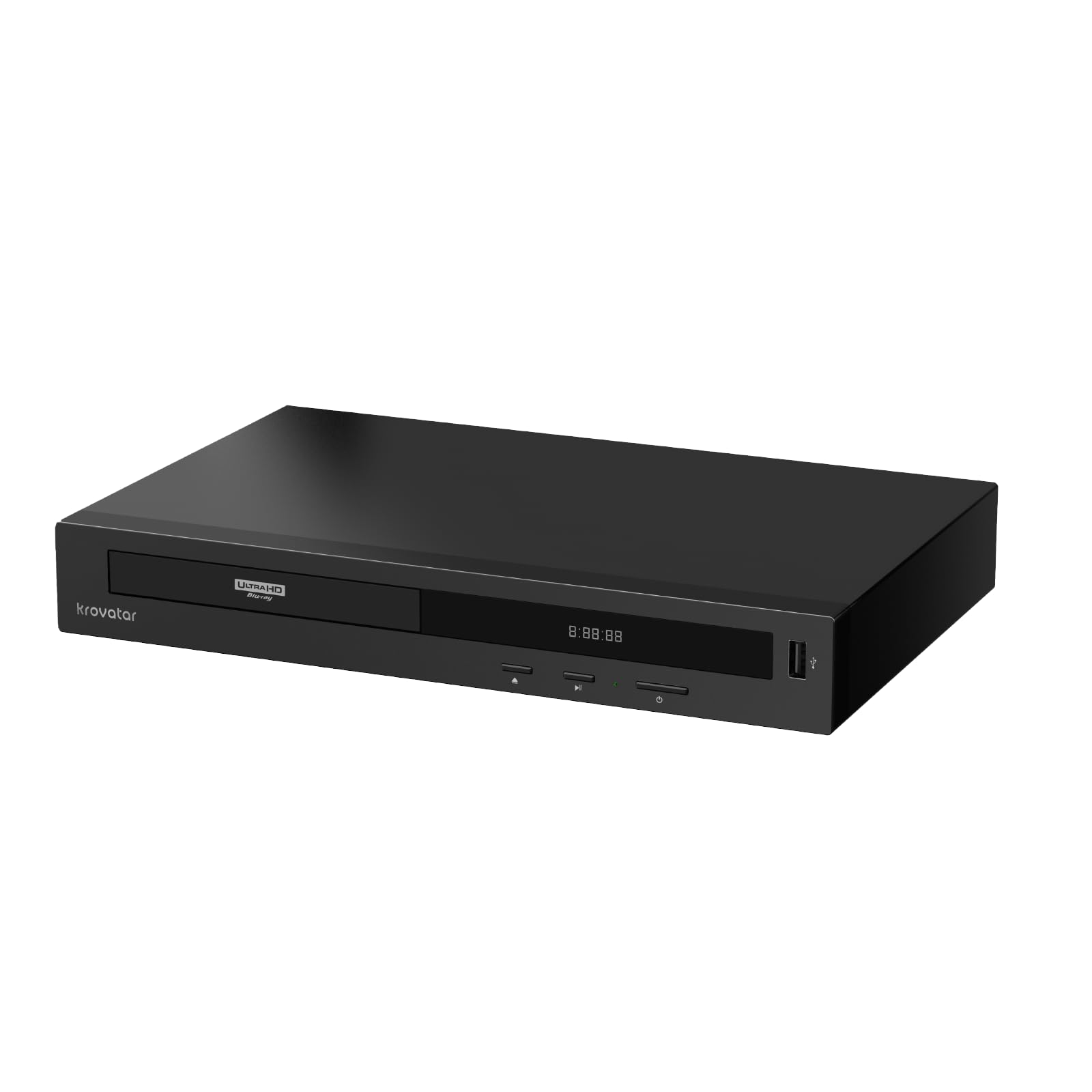
The Krovatar KBU-300 punches well above its price tier by employing the same MediaTek MT8581 chipset found in high-end Panasonic and Oppo players. This means it decodes Dolby Vision, HDR10+, and Dolby Atmos without breaking a sweat, and supports SACD playback for audiophiles who still own physical audio discs. The chassis uses an aluminum alloy body that feels dense and premium, far exceeding the typical plastic construction at this price.
It features dual HDMI outputs (one video-only, one audio-only), which is a rarity at this price point and a genuine advantage for connecting to a non-eARC AVR. The Bluetooth remote is a nice touch — it works through cabinetry and doesn’t require line-of-sight. However, the player lacks automatic HDR format switching; you must manually select Dolby Vision or HDR10+ in the settings, and firmware updates require a USB stick since there is no OTA update capability.
User reports highlight snappy disc loading speeds and silent playback, with the MT8581 chipset handling 100 GB discs without stuttering. The customer support team appears responsive, reportedly sending replacement units quickly when issues arise. The main concern is the longevity of a relatively new brand — the Krovatar is a gamble on long-term firmware support, but for the hardware you get today, it is an exceptional value.
Why it’s great
- MT8581 chipset delivers Panasonic-class playback performance
- Aluminum alloy build with dual HDMI outputs
- Supports SACD and DTS:X for universal disc playback
Good to know
- Manual HDR format switching required
- No OTA firmware updates — USB flash drive required
- Brand longevity is unproven for warranty support
5. DpBlue DP-5300 4K UHD Blu-ray Player
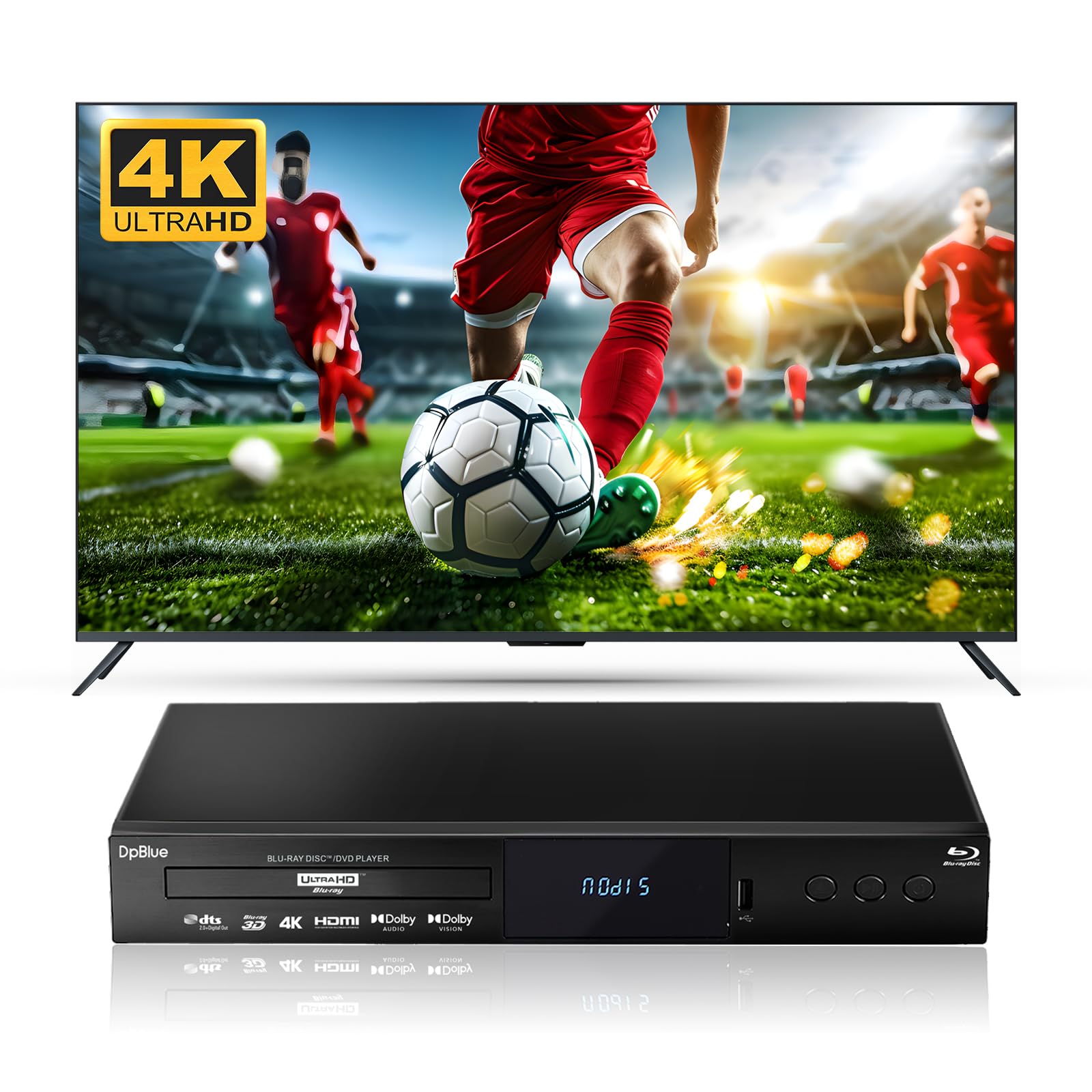
The DP-5300 is a niche but valuable option for anyone with a 3D-capable projector or TV, as it natively supports Blu-ray 3D playback — a feature that has vanished from most modern players. It also outputs Dolby Vision, HDR10, and covers the BT.2020 color gamut, making it competent for 4K HDR viewing. The twin HDMI outputs (HDMI 2.0 for video, HDMI 1.4 for audio only) allow clean separation between your display and audio processor.
Disc compatibility is broad: 4K UHD, Blu-ray, Blu-ray 3D, DVD, CD, and even VCD. However, the player has no Wi-Fi — only Ethernet for BD-Live and firmware updates. There are no built-in streaming apps, so this is strictly a disc spinner. The remote has some confusing labels mixing Chinese and English, and the player forces 4:3 DVDs into 16:9 without a user-selectable aspect ratio override — a problem for anyone watching older television content.
Users report that once set up correctly, the 4K image is sharp and the upscaling on standard DVDs is surprisingly good for the price. One user noted a 4K UHD playback failure that was later corrected by restoring a setting, suggesting the firmware may need occasional nudging. For a dedicated 3D + 4K player that won’t break the bank, the DP-5300 fills a specific but valuable gap.
Why it’s great
- Natively supports Blu-ray 3D playback
- Twin HDMI outputs for clean A/V separation
- Broad disc format support including VCD
Good to know
- No Wi-Fi — Ethernet only for firmware/BD-Live
- Forces 4:3 DVDs into 16:9 without aspect ratio override
- Remote has confusing labels and no total runtime display
6. Dynastar Region Free 4k UHD Blu-ray Player (UBPX700M)
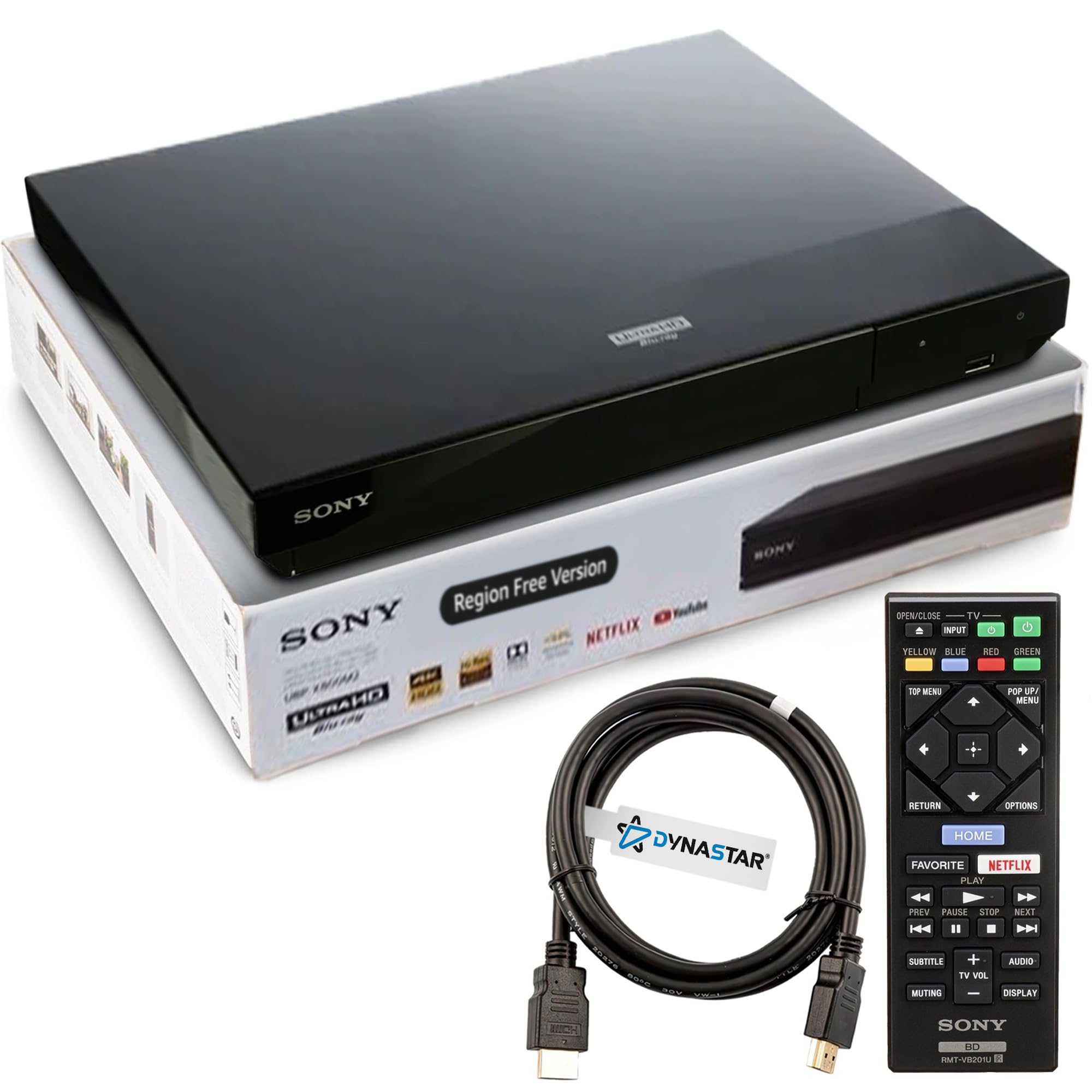
The Dynastar UBPX700M is a Sony UBP-X700M modified by a third-party lab to unlock region-free playback for Blu-ray (Zones A, B, and C) and DVD (Regions 0–8). This is the player for collectors who import discs from the UK, Japan, or other regions without worrying about compatibility. The hardware itself is identical to the standard Sony model, with the same dual HDMI outputs, Dolby Vision support, and 4K upscaling.
To switch regions, you must turn off Quick Start Mode, power off the player, and press a specific color code (Yellow for A, Blue for B, Red for C) before booting. It works reliably once you memorize the sequence, but it is not a seamless “auto-detect” solution. Some users report that DVD playback forces 4:3 content into a stretched 16:9 aspect ratio, which is a limitation of this particular Sony firmware modification.
Owners praise the ability to play region-locked discs without purchasing a second player, and the hardware itself is compact and quiet. The trade-off is that the manufacturer warranty is voided by the modification, though the seller offers their own support. If your disc collection spans multiple regions and you don’t want to manage two separate players, this Sony-based region-free unit is a proven solution that has held up over years of daily use.
Why it’s great
- Plays Blu-ray discs from any region (A, B, C)
- Compact, quiet, and Wi-Fi enabled
- Proven Sony hardware with reliable modification
Good to know
- Manual region switching required via button codes
- Forces 4:3 DVDs into 16:9 aspect ratio
- Original manufacturer warranty is voided
7. Sony Wi-Fi Multi Region Zone Free Blu Ray DVD Player

This Sony multi-region player is designed specifically for international collectors who need PAL and NTSC compatibility without spending on a premium 4K model. It plays Blu-ray discs from any region and upscales standard DVDs to 1080p over HDMI. The built-in Wi-Fi allows access to streaming services like Netflix and YouTube, giving it some smart functionality despite being a fundamentally 1080p-focused device.
Connectivity covers the basics: one HDMI, one USB, one coaxial digital output, and one Ethernet port. The included 6-foot HDMI cable saves a trip to the store. Several user reports confirm it works seamlessly with Region B Blu-rays from the UK and Region 2 DVDs, and the PAL/NTSC conversion is automatic. However, one user reported that some U.S. discs failed to play, prompting a warning that the “multi-region” claim may not cover every DVD variant.
The main limitation is that this is a 1080p player, not a 4K UHD device. If you already own a 4K TV, you will not get the full resolution from your 4K Blu-rays (the player simply downscales them to 1080p). It is best suited for someone with a 1080p projector or an older HDTV who primarily watches imported discs. For pure region-free DVD/Blu-ray playback at an accessible price, it remains a practical choice.
Why it’s great
- True multi-region for Blu-ray and DVD
- PAL/NTSC auto-conversion for international compatibility
- Built-in Wi-Fi for streaming services
Good to know
- 1080p only — no 4K UHD playback
- Some region-locked discs may still fail
- Included HDMI cable may be defective per some user reports
8. LG BP350 Blu-ray & DVD Player
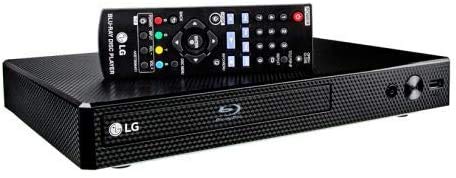
The LG BP350 is a straightforward, no-frills Blu-ray player that focuses on the basics: playing discs and upscaling them to 1080p. It is not a 4K player, but it does handle standard Blu-rays and DVDs with full 1080p output via HDMI. The built-in Wi-Fi allows access to streaming services like Netflix and YouTube, and the compact footprint makes it easy to slip into a secondary room or bedroom setup.
Users comment on the surprisingly good picture quality for the price, with one buyer purchasing two units for both bedrooms. The included HDMI cable is a nice bonus, and the Smart Hi-Fi compatibility lets you stream music from a USB drive to LG Music Flow speakers. That said, the remote feels flimsy, and the fast-forward/rewind speed is noticeably slow — a minor annoyance but worth noting for anyone who skips through scenes regularly.
The BP350 is best positioned as a budget entry for someone who primarily watches DVDs and standard Blu-rays on a 1080p TV and wants streaming access without upgrading to a 4K player. It lacks Dolby Vision, HDR10, and any form of 4K resolution, so it cannot serve as a long-term 4K solution. For a spare room or as a first disc player, it delivers competent performance at the lowest cost.
Why it’s great
- Compact, affordable, and includes HDMI cable
- Built-in Wi-Fi for streaming apps
- Solid 1080p upscaling for standard Blu-rays
Good to know
- 11080p only — no 4K output or HDR support
- Fast-forward/rewind speeds are slow
- Remote feels flimsy; LG phone app works better
9. OREI DP-UB9000P-K Region Free 4K Ultra HD Blu Ray Player

The OREI DP-UB9000P-K is a region-free version of the Panasonic DP-UB9000, modified to play Blu-ray discs from Zones A, B, and C, as well as DVDs from any region 0–8. It retains the same HCX processor, HDR Optimiser, and audiophile-grade audio outputs (7.1 RCA and balanced XLR) as the standard UB9000, making it the ultimate choice for a collector who demands both reference video quality and global disc compatibility.
Real-world performance mirrors the standard UB9000: flawless 100 GB disc handling, excellent HDR tone-mapping, and superb build quality. The modification adds a simple region-switching process — you toggle the zone via a remote button sequence while the player is off. Users confirm that PAL discs play correctly despite the manual suggesting otherwise, and the upscaling of standard DVDs to 4K is impressively clean.
The downsides are the same as the stock UB9000: high price, heavy weight, and the need for a separate streaming device for apps. Additionally, since this is a third-party modification, returns and warranty support are handled by OREI rather than Panasonic, and one user reported a frustrating return experience. For the serious collector who refuses to be limited by region coding, the OREI offers a no-compromise solution that combines the best hardware with universal freedom.
Why it’s great
- Full region-free playback on a flagship Panasonic chassis
- HCX processor with HDR Optimiser for superior video quality
- Reference-grade audio outputs for audiophile setups
Good to know
- No CD metadata display — no artist/song titles
- Streaming app selection is very limited
- Return process may be cumbersome with third-party seller
FAQ
Can a 4K Blu-ray player upscale standard DVDs to true 4K resolution?
Why does my 4K Blu-ray player keep freezing on 100 GB triple-layer discs?
Do all 4K Blu-ray players support Dolby Atmos and DTS:X audio?
Final Thoughts: The Verdict
For most users, the best 4k blu ray player winner is the Panasonic DP-UB9000 because its HCX processor and HDR Optimiser deliver unmatched image quality and flawless 100 GB disc handling. If you want audiophile-grade audio outputs, grab the Krovatar KBU-300 for its MT8581 chipset and SACD support at a much lower cost. And for region-free collectors who refuse to be limited by disc zones, nothing beats the OREI DP-UB9000P-K.