
Our readers keep the lights on and my morning glass full of iced black tea. As an Amazon Associate, I earn from qualifying purchases.
Specs are compiled from manufacturer listings and verified buyer reviews and can change over time — please confirm the key details on the product page before buying.
Stuck with a laptop display that makes spreadsheets blurry and photos look flat? A 4K laptop screen fixes that by giving you four times the pixels of standard Full HD, so text is razor-sharp and colors look true to life. Whether you are packing for a business trip, editing video on the couch, or hooking up a console in a hotel room, this guide sorts the portable panels that genuinely deliver 3840×2160 from those that just print the number on the box.
I’m Min — the founder and writer behind Gadgets Feed. This guide is built by comparing the manufacturers’ published specifications and the patterns across verified customer reviews, so you get each pick’s real strengths and trade-offs instead of marketing spin.
You will learn which specs actually matter for a 4K laptop screen, from brightness to connectivity, and see how the top models stack up against real-world owner feedback.
Our Picks at a Glance
How To Choose The Best 4K Laptop Screen
Before you pick a portable 4K monitor, you need to match it to how you actually work and play. The biggest mistake is grabbing a screen that looks great on paper but won’t connect cleanly to your laptop — or can’t hit its full resolution through the ports you have. Here’s what actually separates a good buy from a frustrating one.
Check Your Laptop’s Video Output
Your laptop needs a port that can push 4K data. A full-function USB-C port that supports DisplayPort Alt Mode is the cleanest option, since a single cable can carry the video signal and power the monitor at the same time. If your machine only has HDMI, make sure the monitor has an HDMI input (some portable panels only offer Mini HDMI, which needs an adapter).
Match Brightness to Your Environment
Brightness is measured in nits, and it decides how usable the screen is outside or near a window. A panel rated around 300-400 nits is fine for a dim office or hotel room. If you plan to work outdoors or in bright daylight, you’ll want something in the 1000+ nits range, which holds its contrast even in direct sunlight.
Look for True 4K, Not Upscaled
Some budget screens advertise 4K but actually run a lower native resolution and stretch the image. A true 4K laptop screen has a native resolution of 3840×2160 (or 3840×2400 on 16:10 panels), meaning the pixels are physically there. Always confirm the “native resolution” in the specs, not just the marketing headline.
Quick Comparison
| Model | Best For | Resolution | Brightness | Weight | Amazon |
|---|---|---|---|---|---|
| Newsoul 15.6″ Touchscreen 4K★ Best Overall | Touch control & multitasking | 3840×2160 | — | 1.8 lbs | Amazon |
| KYY 4K Portable Monitor (15.6″)Also Great | Travel-ready all-rounder | 3840×2160 | 400 nits | 1.5 lbs | Amazon |
| InnoView 15.6″ 4K UHDEditor’s Pick | Photo editing & color work | 3840×2160 | 300 cd | 1.65 lbs | Amazon |
| MAGICRAVEN 16″ 4K | Bigger 16:10 workspace | 3840×2400 | 400 nits | 1.54 lbs | Amazon |
| UPERFECT 16″ 4K 1200 Nits | Outdoor & bright rooms | 3840×2400 | 1200 cd | 1.8 lbs | Amazon |
| KEEPTIME 13.4″ 4K | Ultra-compact travel | 3840×2400 | 400 nits | 1.0 lbs | Amazon |
| KYY K5 15.6″ 4K | Console & laptop gaming | 3840×2160 | 400 nits | 1.5 lbs | Amazon |
| LG 32UP83AK-W 32″ | Desktop productivity | 3840×2160 | 350 cd | — | Amazon |
| Samsung 37″ ViewFinity S8 | Massive multitasking screen | 3840×2160 | 350 cd | — | Amazon |
In‑Depth Reviews
1. Newsoul 15.6″ Touchscreen 4K Portable Monitor
Our pick — over 4.5★ from 150+ verified ratings; the strongest balance of quality and price.
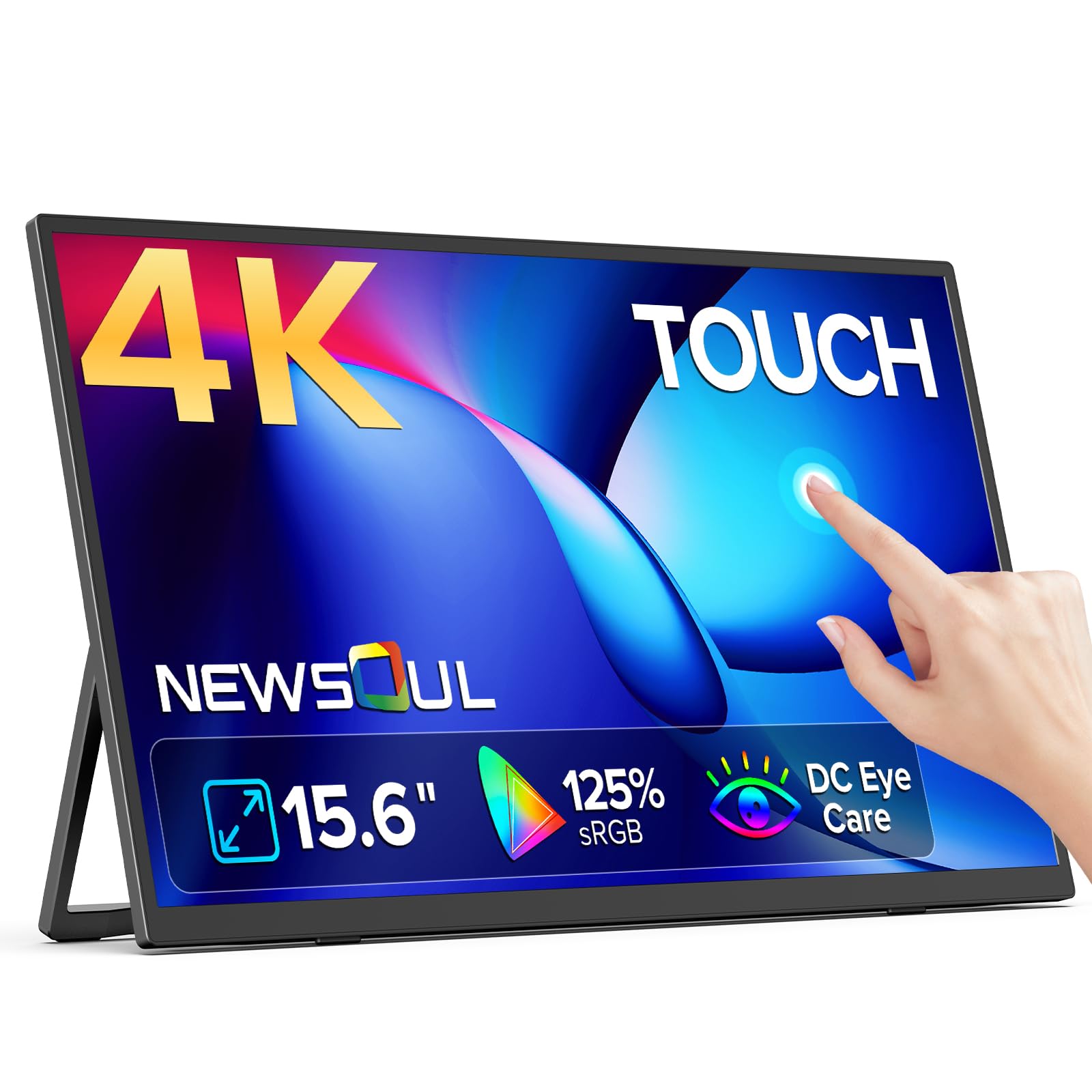
A 15.6-inch 4K touchscreen with 10-point gesture support.
This is the only screen here that brings true touch control to the portable 4K space. The native 3840×2160 IPS panel supports 10-point near-zero-lag touch, so you can zoom into maps, drag windows, and swipe through browser tabs just like a tablet.
Touch compatibility comes with fine print: it works fully with Windows laptops and Android phones, but iPhones and iPads don’t support the touch function at all, and Mac laptops only get single-touch. If you’re a Windows user, though, it’s a productivity boost — plug in a single USB-C cable and you have a second touch display for gestures and quick controls.
It stays travel-friendly at 0.2 inches thin and 1.8 lbs, sliding into a carry-on suitcase, and the dual speakers save you from packing a Bluetooth speaker. Owners praise the easy setup, a “perfect stand angle,” and no lag when gaming from a laptop on the road. The main note: it operates at a 60Hz refresh rate, so high-speed gaming is smooth but not high-refresh.
The hook: 10-point touch on a 4K panel changes how you multitask — it’s a second tablet, not just a second screen.
Check before you buy: touch won’t work with iPhone or iPad, and Mac users get single-touch only.
2. KYY 4K Portable Monitor 15.6″
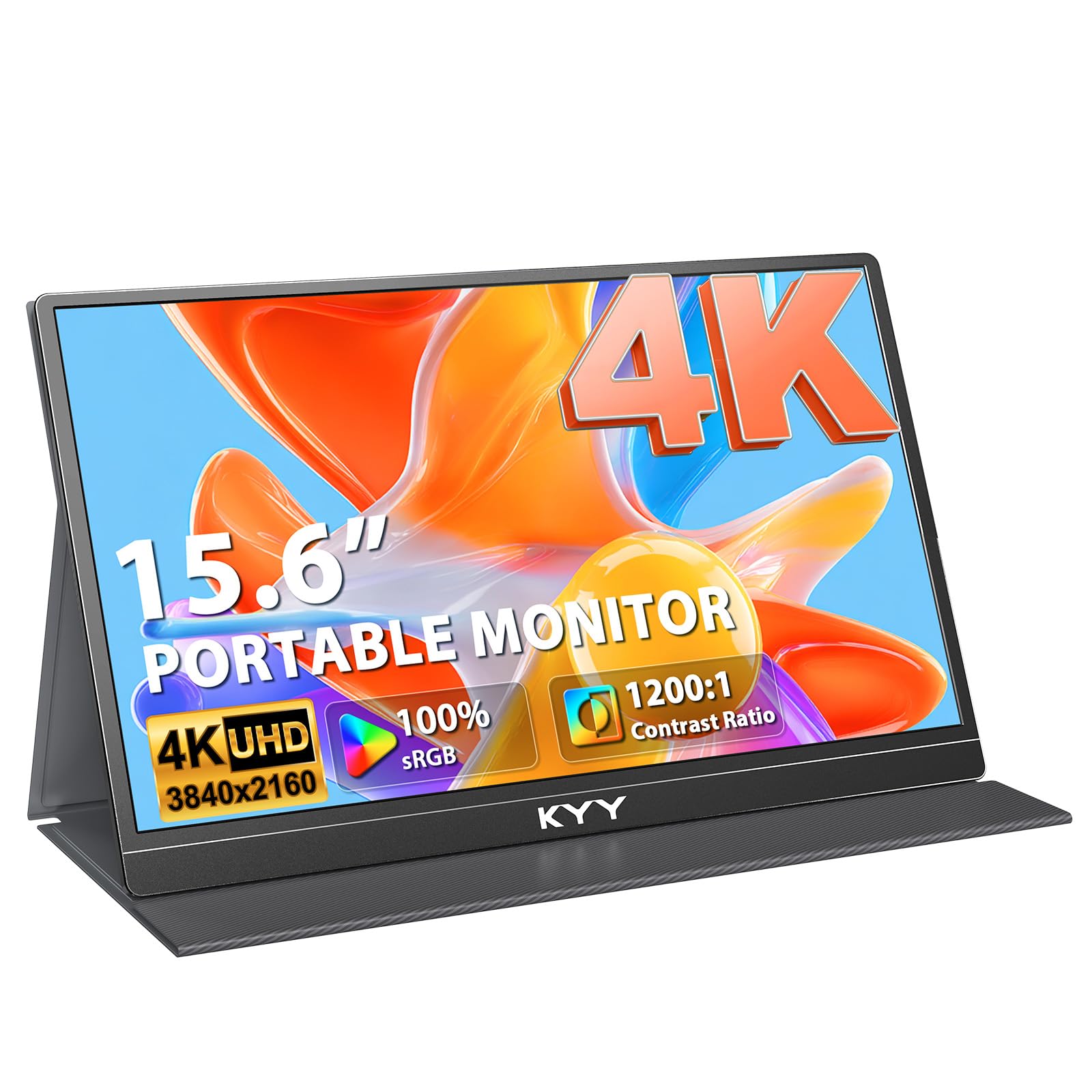
A desk-grade 15.6-inch 4K IPS panel that folds into a backpack.
This is the crowd favorite for a reason — it pairs a genuine 3840×2160 IPS panel with a 400 nits brightness and 100% sRGB color gamut, so your spreadsheet and your photo edits both look clean. The 1200:1 contrast ratio keeps blacks deep, and the 16:9 aspect ratio matches most laptops and consoles perfectly.
Build quality is where it steps ahead of the pack. The shell is recyclable aluminum alloy, which dissipates heat better than plastic and feels sturdy in hand, while the included PU leather magnetic case doubles as a stand. It weighs 1.5 lbs with the cover pushing it to 2.4 lbs, so it slides into a laptop bag without much complaint.
It is also one of the few portables with four 75x75mm VESA holes on the back, letting you mount it to a desk arm in landscape or portrait. IT professionals report years of daily use without a single failure., and the bundled USB-C and mini HDMI cables mean you rarely need to buy anything extra. The recurring note is the built-in stand doesn’t always hold its angle and needs a nudge now and then.
What owners love
- Sharp, vibrant picture that’s reliable for daily work
- Light enough to travel — fits a backpack easily
- Cables and a protective cover stand come in the box
The trade-offs
- Built-in stand can slip out of position and need readjusting
- Speakers are adequate but thin for music or movies
Reach for it if: you want one portable 4K screen that covers work, travel, and light gaming without fuss.
A fair warning: this is not a high-refresh gaming panel — it runs 60Hz, so competitive shooters will feel the limit.
3. InnoView 15.6″ 4K UHD Portable Monitor
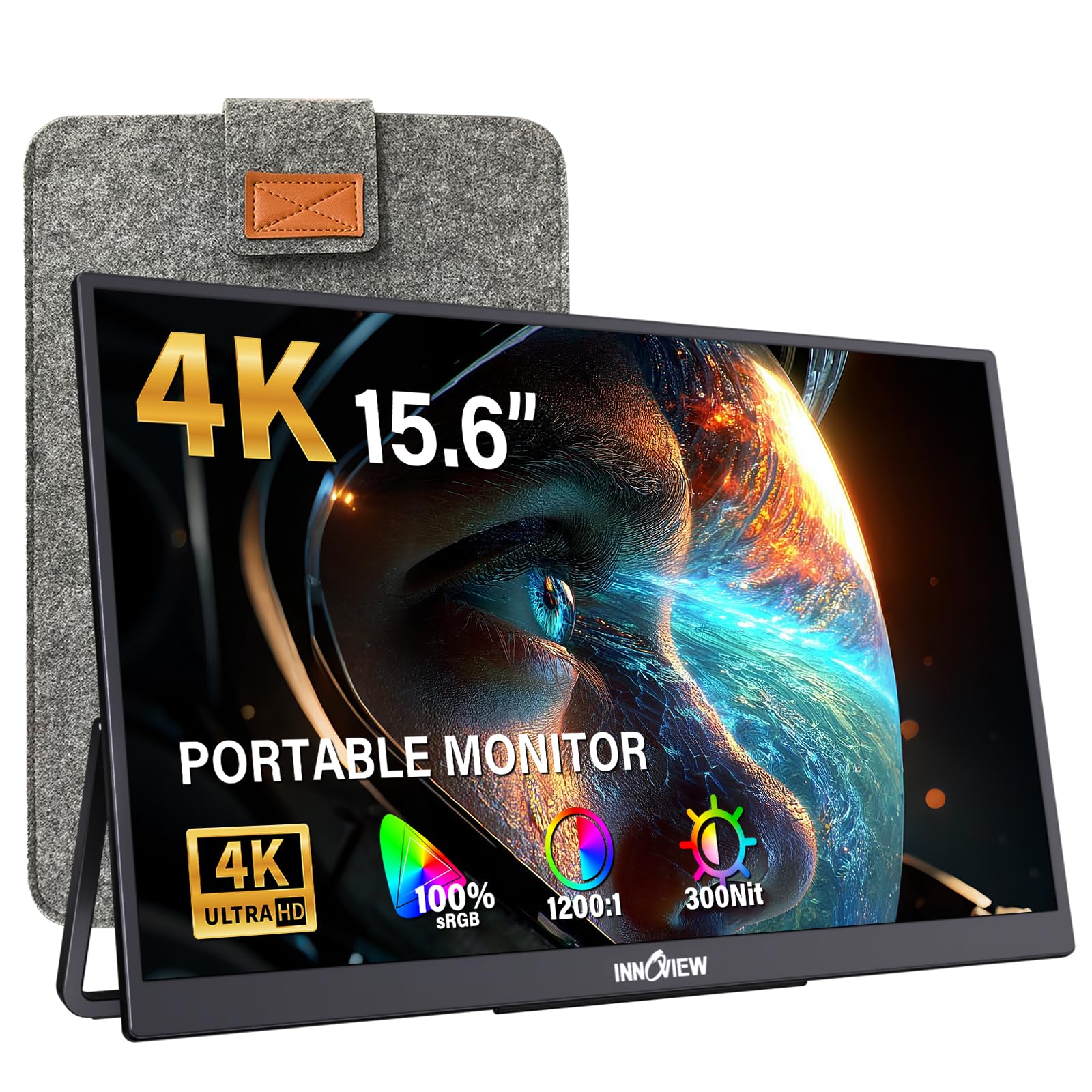
A 15.6-inch 4K panel with 100% sRGB and 1.07 billion colors for accurate photo editing.
If your job lives inside Photoshop or Lightroom, this screen speaks your language. It covers 100% sRGB with 1.07 billion colors and a 1200:1 contrast ratio, so skin tones and gradients hold their accuracy instead of drifting. The 178-degree viewing angle means you can lean back without the image washing out.
Connectivity is generous with two full-function USB-C 3.1 ports, a full HDMI, and a 3.5mm audio jack. A single USB-C cable handles both power and video for a clean, cable-free desk. It ships with a 30W adapter, and the note in the specs is to use it — if your laptop’s port can’t supply enough power, the screen may flicker.
At just 0.25-0.6 inches thin and 1.65 lbs, it’s a no-brainer for a carry-on. The included protective sleeve adds a layer of safety, and the 18-month warranty plus 30-day return policy takes the risk out of the purchase. Owners who game on it note it pairs flawlessly with an Xbox Series X once you adjust the aspect ratio in the menu.
Standout strength: the color accuracy and 1.07 billion colors make it a genuine tool for creative work, not just a second screen.
One honest note: 300 cd brightness is plenty indoors, but it will struggle in direct sunlight.
4. MAGICRAVEN 16″ 4K Portable Monitor

A 16-inch 16:10 4K panel with extra vertical space for documents and code.
Most portable 4K screens are 16:9, but this one runs a 16:10 panel at 3840×2400 — a resolution most laptops can’t even natively output. That extra vertical space is a genuine win for coding, reading long documents, or keeping a video call and a chat window stacked. The 400 nits brightness and 1500:1 contrast ratio keep text crisp and blacks deep.
It stays genuinely portable at 1.54 lbs and 0.39 inches thick, so it’s easy to slip into a bag for the office, airport, or a coffee shop. The smart cover doubles as a stand, and the standard 75x75mm VESA holes let you mount it to a wall or arm for a permanent home setup in landscape or portrait.
You get two USB-C 3.2 ports and an HDMI 2.0, so you can daisy-chain or swap between a laptop and a console. Engineering types have bought this specifically because it’s a 4K panel that undercuts the price of 2K competition — one called it “underrated.” The main weakness reported is the color space, which some owners find decent rather than pro-grade.
Where it shines: the 16:10 4K layout with 400 nits is ideal for dense work like code, design, and finance.
Look elsewhere if: you need factory-calibrated color accuracy — the reviews call the color space just decent, not pro.
5. UPERFECT 16″ 4K 1200 Nits Portable Monitor
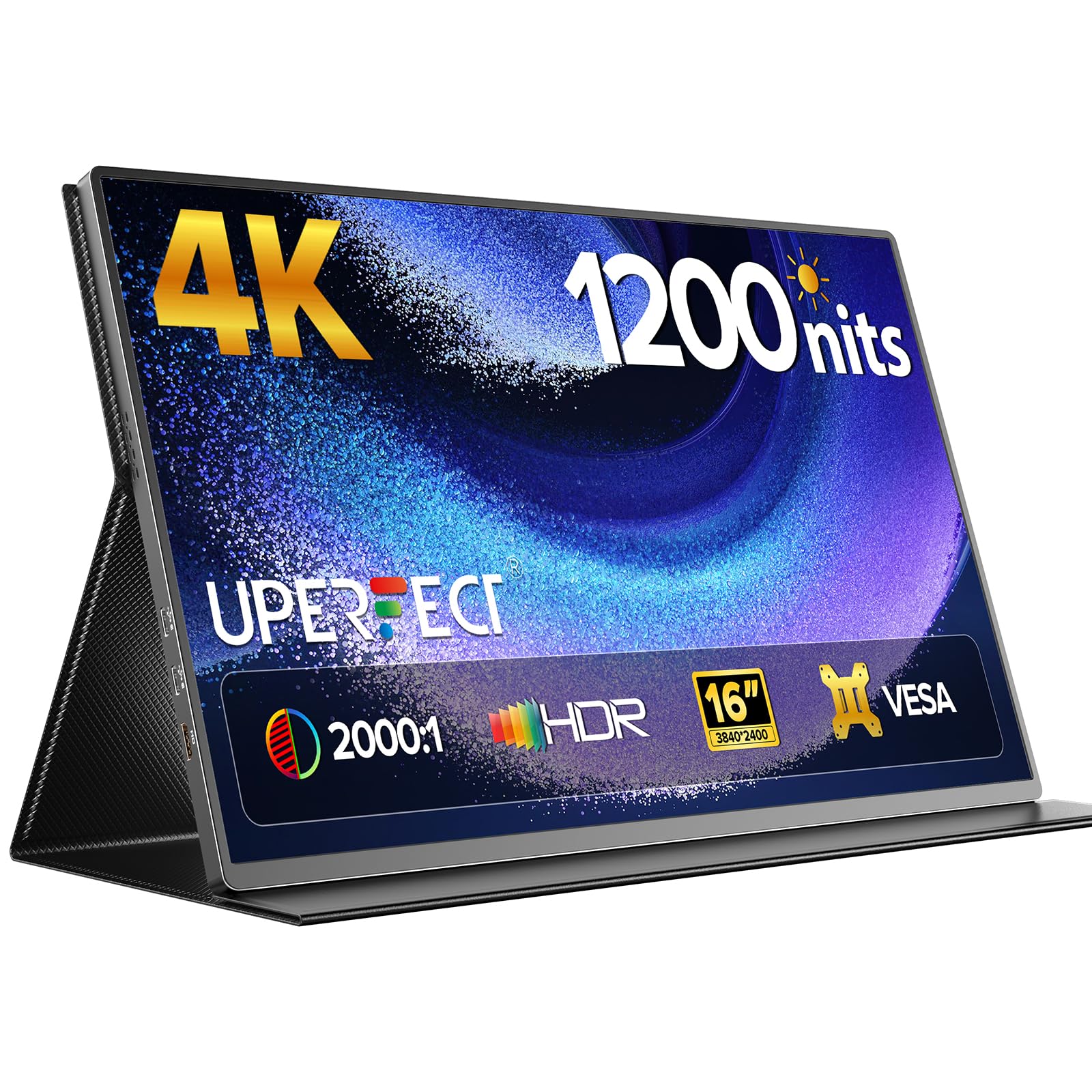
A 1200-nit 4K panel with anti-reflective coating for outdoor visibility.
This is the outlier in the category — a 1200 nits panel with an anti-reflective coating that holds a 2000:1 contrast ratio even outdoors. If you work on location, shoot video in the field, or just sit near a big window, this is the only screen on this list that will stay readable. The peak brightness kicks in when it’s plugged in and showing a white background.
It’s not just bright; it’s colorful. The 3840×2400 UHD panel covers 145% sRGB, which is noticeably richer than the 100% sRGB panels elsewhere, and the aluminum body keeps it feeling premium. It weighs 1.8 pounds and measures 14 x 9 inches, so it’s still travel-friendly despite the extra brightness hardware.
Owners praise the rare full-size HDMI and VESA mount, and the responsive after-sales support that replaced a failed unit quickly. The catch is that HDR performance is inconsistent, speakers lack bass, and the kickstand hides the ports when folded. You’re paying a premium tier price, but for bright environments, nothing else here competes.
The defining spec: 1200 nits with an anti-reflective coating makes this the only true outdoor-usable 4K portable.
Balance it against: HDR can look inconsistent, and the side buttons are fiddly — you’ll want to set brightness once and leave it.
6. KEEPTIME 13.4″ 4K Portable Monitor
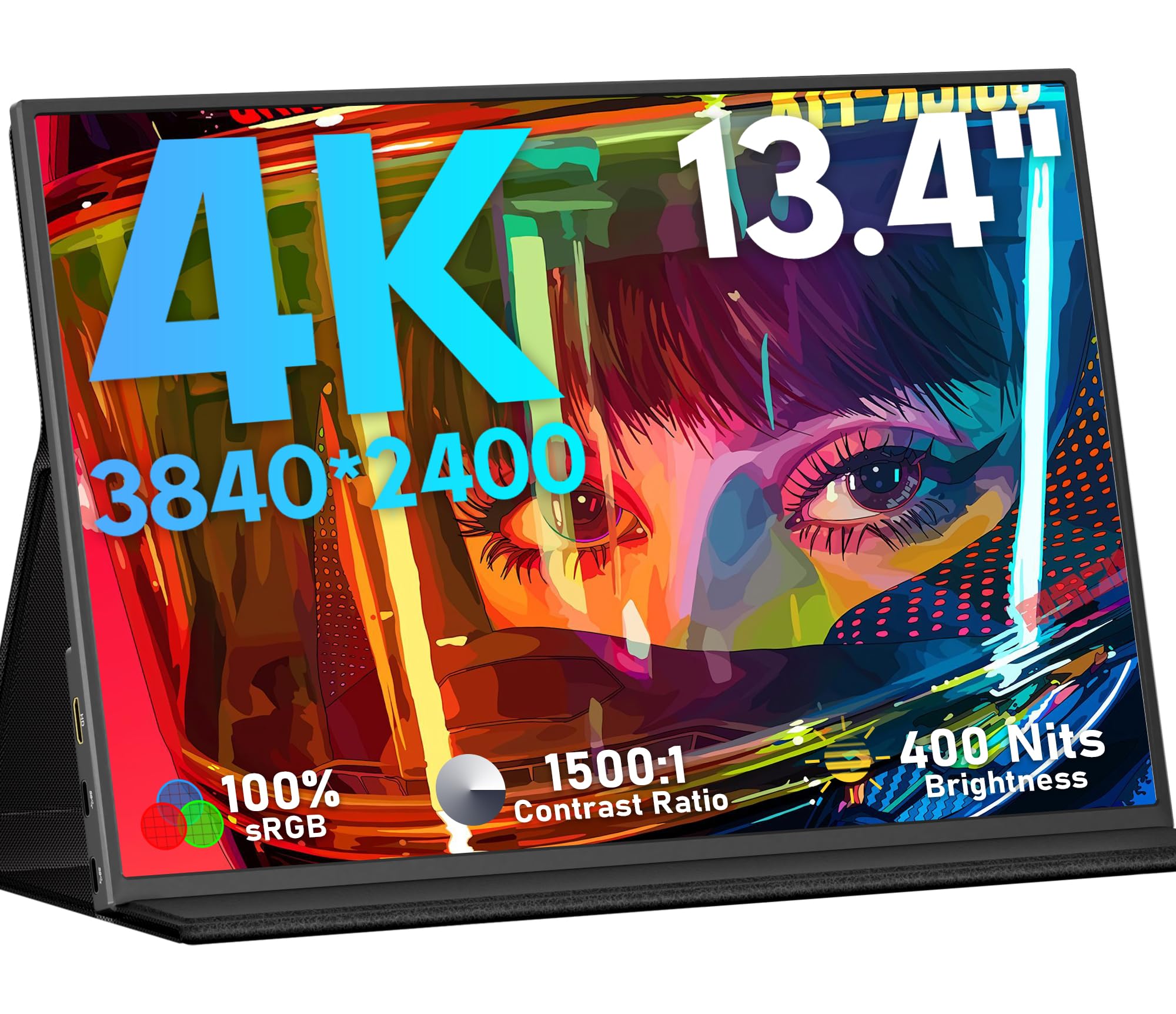
A 1.0-pound 13.4-inch 4K panel that vanishes into a small bag.
At just 1.0 lbs and 0.2 inches thin, this is the lightest panel here — 80% lighter than the Newsoul touchscreen below, which tips the scales at 1.8 lbs. It’s the one you grab when every ounce in your carry-on matters, and the exclusive detachable magnetic stand keeps it stable without adding bulk.
Don’t let the size fool you. It packs a 13.4-inch IPS panel with 3840×2400 resolution, 400 nits brightness, and a 1500:1 contrast ratio. The pixel density is so sharp that owners use it for font and photo editing, and the 16:10 aspect ratio gives you a little extra vertical room versus a standard 16:9.
You get USB-C and Mini HDMI inputs, so it works with laptops, phones, Switch, Xbox, and PS5. It supports HDR, Low Blue Light, and FreeSync for smoother motion. The honest limitations: it lacks USB-C power pass-through, so you can’t charge your laptop through it, and the built-in speakers are weak. Owners who stream note the HDCP 2.2 handshake can fail over time, which would block protected content.
What wins people over
- Outstanding picture quality for the size — crisp and vivid
- Very light and portable with a strong magnetic stand
- Solid value as a travel second display
Know before you buy
- No USB-C power pass-through, so powering and charging your laptop at once is off the table
- HDCP issues can appear over time, which affects streaming services
Pick this if: your priority is the lightest true 4K screen you can carry.
Pass if: you stream a lot of protected video or want to power your laptop through the monitor.
7. KYY K5 15.6″ 4K Portable Monitor
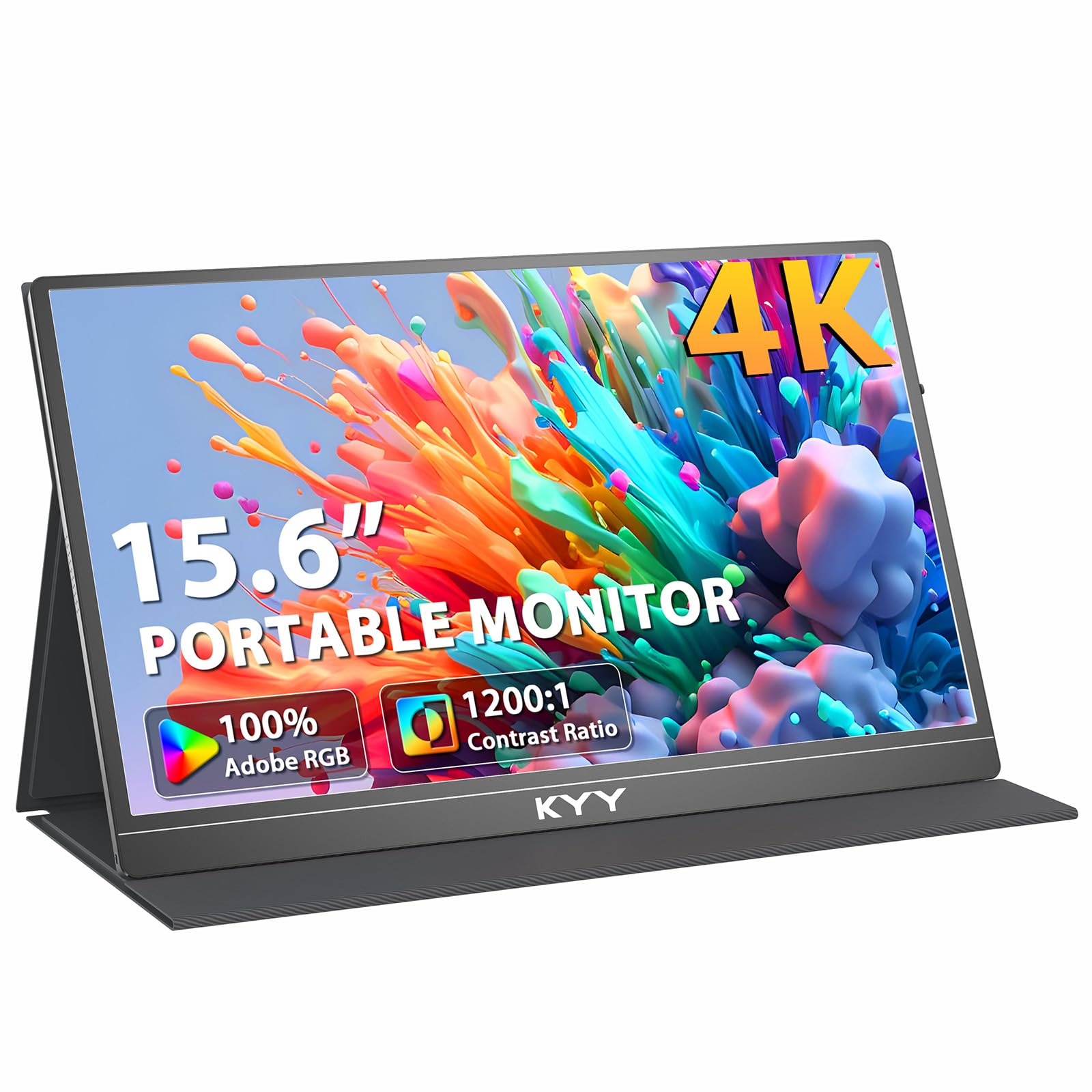
A plug-and-play 4K display that handles laptops and consoles with equal ease.
This one is built on simplicity. The 15.6-inch IPS panel delivers 3840×2160 resolution with a 1200:1 contrast ratio and 400 nits brightness, and the 178-degree viewing angle keeps the picture consistent no matter where you sit. Just over 700g (1.5 lbs), it’s light enough for daily commutes and fits neatly inside a laptop bag.
Dual inputs — HDMI and USB-C — mean it works with laptops, smartphones, tablets, and consoles like PS4, Xbox, and Switch from the start. No drivers, no software; plug in and it’s on. The integrated stereo speakers save you from carrying separate audio gear when you’re watching movies in a hotel room.
Owners who pair it with a Lenovo laptop found it “worked like a charm the first time,” and remote workers rely on it for a clean dual-screen setup on the road. The blue light filter is a nice touch for long sessions. The trade-off is the speakers — they’re fine for casual use but the weakest part of the package, and the magnetic stand magnets are strong enough to hold the panel but need care when adjusting the angle.
Best use case: a no-fuss second screen for travel, with console support and decent built-in audio built in.
One caveat: expect muted, quiet speakers — keep a headphone or external speaker within reach.
8. LG 32UP83AK-W 32″ Ultrafine 4K UHD

A full-size 32-inch 4K desk monitor with a single-cable USB-C dock.
If you spend your whole day at a desk, this is the 4K laptop screen that never moves — and that’s a good thing. The 31.5-inch IPS panel puts over 8 million pixels on screen, with 350 cd brightness and a 1000:1 contrast ratio. The IPS tech keeps brightness consistent from any angle, which is exactly what you want when sharing your screen in a meeting.
The killer feature is the USB-C port that does three jobs at once: it carries the 4K video signal, transfers data, and charges your laptop with up to 60W of power delivery. One cable replaces your power brick and video cable on a MacBook or compatible Windows machine. The ergonomic stand adjusts height, tilt, and pivot, so you can flip it to portrait for coding or long documents.
It also comes with HDR10, Dynamic Action Sync, and Black Stabilizer for gaming, plus built-in speakers that owners say are better than expected. A few note the stand legs curve in a way that makes under-monitor storage awkward. Reliability is a strong point — owners describe it as working “flicker-free” for months as a daily driver.
The edge: 60W USB-C power delivery makes this a one-cable dock that charges your laptop while it displays.
Consider: the stand legs take up desk space, so measure your setup if you like storing things under the monitor.
9. Samsung 37″ ViewFinity S8 4K UHD
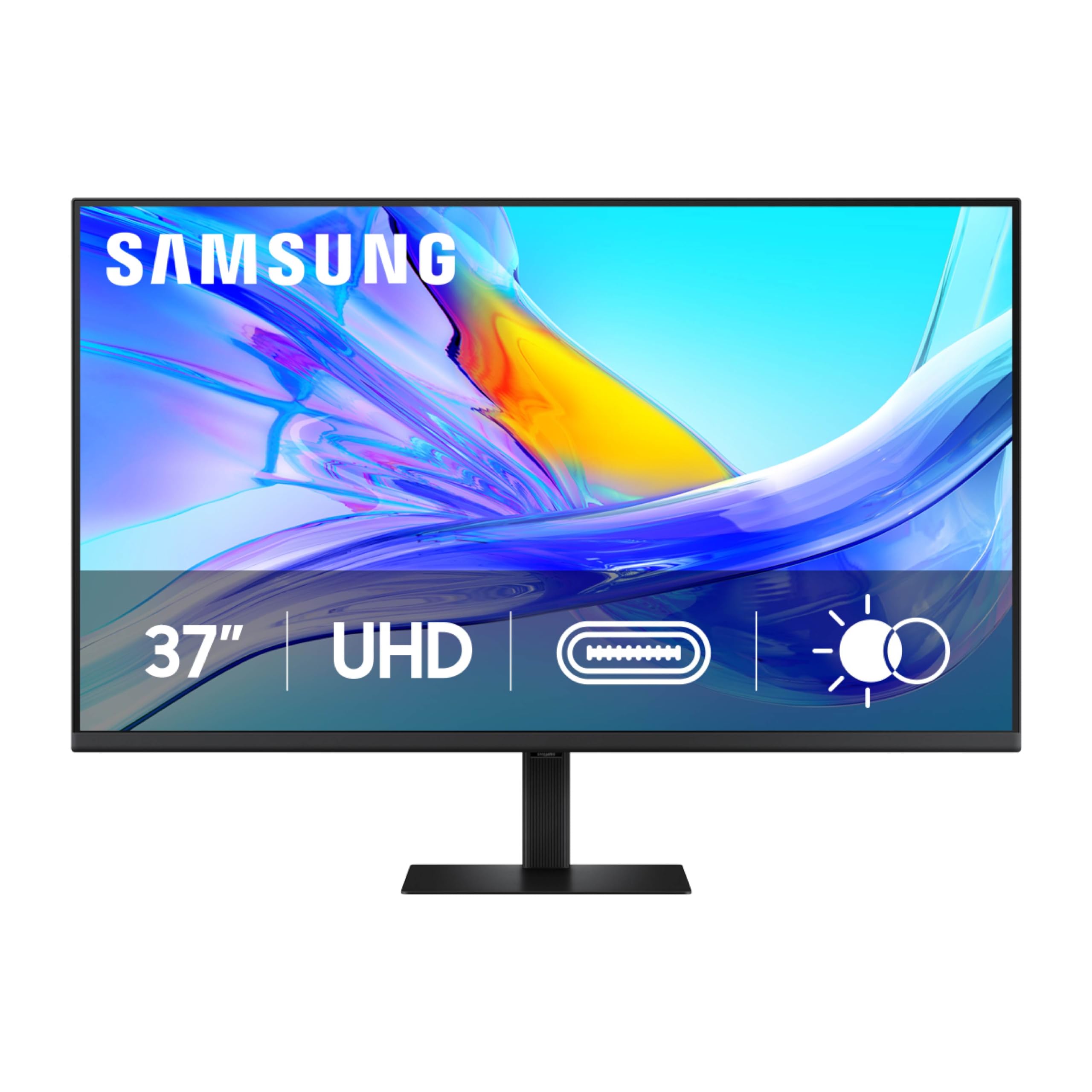
An enormous 37-inch canvas that replaces a dual-monitor setup entirely.
This is the big one — literally. The 4K UHD resolution keeps text sharp even at that size, and the 3000:1 contrast ratio delivers deeper blacks than the 1000:1 panels on most competitors.
The built-in KVM switch is the standout productivity feature. It lets you control two computers from one keyboard and mouse, with split screen, Picture-in-Picture, or Picture-by-Picture modes. That means a work laptop and a personal Mac on one display, with one peripheral set — no switching cables or keyboards.
The USB-C port charges your laptop at up to 90W while carrying the video signal, and the built-in LAN port gives you a wired Ethernet connection for your laptop without a separate dongle. It’s TÜV-certified for eye care, reducing flicker and blue light, with brightness that adjusts automatically. Owners find it works particularly well with macOS, and the simple push-button stand needs no tools to assemble. Note there are no built-in speakers, and the KVM setup benefits from reading the manual carefully.
The standout: 90W USB-C power delivery plus a KVM switch means one cable and one keyboard run two computers.
A fair heads-up: no speakers are built in, so plan for external audio.
Understanding the Specs
Resolution
Native 4K means the panel physically has 3840×2160 pixels (or 3840×2400 on taller 16:10 screens). A screen that “accepts” a 4K signal but runs a lower native resolution has to upscale, which softens text and images. Always check the “native resolution” spec, not the marketing headline.
Brightness
Measured in nits or cd/m², this decides how usable the screen is outside or near a window. 300-400 nits works for offices and hotel rooms. The 1000+ nits range holds contrast in direct sunlight. Peak brightness on some panels only activates when plugged in and showing a white background.
Color Gamut
This is how much of the color spectrum the screen can show. 100% sRGB is the standard for general work. Higher numbers like 125% or 145% sRGB mean richer, more saturated colors — useful for photo editing and creative work where accuracy matters.
Connectivity
A full-function USB-C port carries video and power in one cable. HDMI is the universal fallback for consoles and older laptops. Some portables use Mini HDMI, which needs an adapter for a standard HDMI cable. Check your laptop’s ports before buying to avoid an extra dongle.
FAQ
Will a portable 4K monitor work with my MacBook?
Can I connect a PS5 or Xbox to these monitors?
What does 100% sRGB actually mean for me?
Will the monitor charge my laptop through USB-C?
Is a 4K laptop screen worth it for everyday work?
What’s the difference between a 16:9 and a 16:10 4K screen?
Can I mount a portable monitor to a desk arm?
Why would a monitor flicker or cut out?
Are the built-in speakers good enough for movies?
How do I know if the monitor is showing true 4K?
Final Thoughts: The Verdict
Across the board, the 4k laptop screen winner is the KYY 4K Portable Monitor because it nails the fundamentals — a true 3840×2160 IPS panel, a sturdy aluminum body, and VESA mounting — and it has earned trust from tens of thousands of verified owners.. If you want the brightest screen for outdoor work, the UPERFECT 1200 Nits is the one to reach for. And for a full-size desk setup that charges your laptop with a single cable, the LG 32″ Ultrafine is the strongest desktop play.
How We Picked
We do not accept paid placement. Every pick is matched to a real buyer and a real use-case; we do not hands-on test units.
Sources & Methodology
Specifications: manufacturer listings and product documentation. Review insights: verified customer reviews, as of August 2026. Pricing: not shown on this page (it changes often); check the current price via the retailer link.
As an Amazon Associate, Gadgets Feed earns from qualifying purchases. This does not affect which products we feature.