
Our readers keep the lights on and my morning glass full of iced black tea. As an Amazon Associate, I earn from qualifying purchases.
Specs are compiled from manufacturer listings and verified buyer reviews and can change over time — please confirm the key details on the product page before buying.
If your TV still shows standard definition while you pay for a 4K subscription, the fix is a small box or stick plugged into its HDMI port. The right one turns a 4K set into an HDR player with voice search, while the wrong one stutters on a crowded home Wi-Fi network. This guide sorts nine real options by how they actually behave in a living room, not by what the box promises.
I’m Min — the founder and writer behind Gadgets Feed. This guide is built by comparing the manufacturers’ published specifications and the patterns across verified customer reviews, so you get each pick’s real strengths and trade-offs instead of marketing spin.
You will see which pick handles Dolby Vision and Dolby Atmos, which one earns a wired Ethernet port for rock-solid streaming, and which budget stick gets you into 4K for the least money. My plain-English breakdown of the best 4k streaming device for tv pairs every spec with what it means on your couch.
Our Picks at a Glance

How To Choose The Best 4K Streaming Device For TV
The label on the box says 4K, so what is left to decide? Plenty. Two players can both claim 4K and feel completely different once your router is busy, your soundbar is connected, and your remote keeps vanishing under the sofa.
Match the network to the stream
A 4K stream carries far more data than an HD one, so the wireless link matters as much as the player itself. Wi-Fi 6 (the newer wireless standard, 802.11ax) handles a crowded house better than older Wi-Fi. If your router is a few rooms away, a box with an Ethernet port sidesteps wireless entirely.
Decide how much HDR you need
HDR (high dynamic range) is what deepens blacks and keeps bright scenes from washing out. Dolby Vision and HDR10+ are two premium versions of it, and they only pay off on a TV that supports them. Check your set’s spec sheet before you pay extra for a player that decodes both.
Think about the port, not just the player
A TV stick plugs straight into an HDMI port and hides behind the set, which keeps the shelf clear. A TV box sits out in the open, often with extra USB ports for storage or a keyboard, and usually runs cooler. Look at your TV’s HDMI spacing — a chunky stick can crowd the neighbour port.
Quick Comparison
| Model | Best For | Form Factor | Storage | Network | Amazon |
|---|---|---|---|---|---|
| Roku Express 4K+★ Best Overall | Plug-in-and-forget simplicity | Compact player | — | HDMI, Wi-Fi, USB, IR | Amazon |
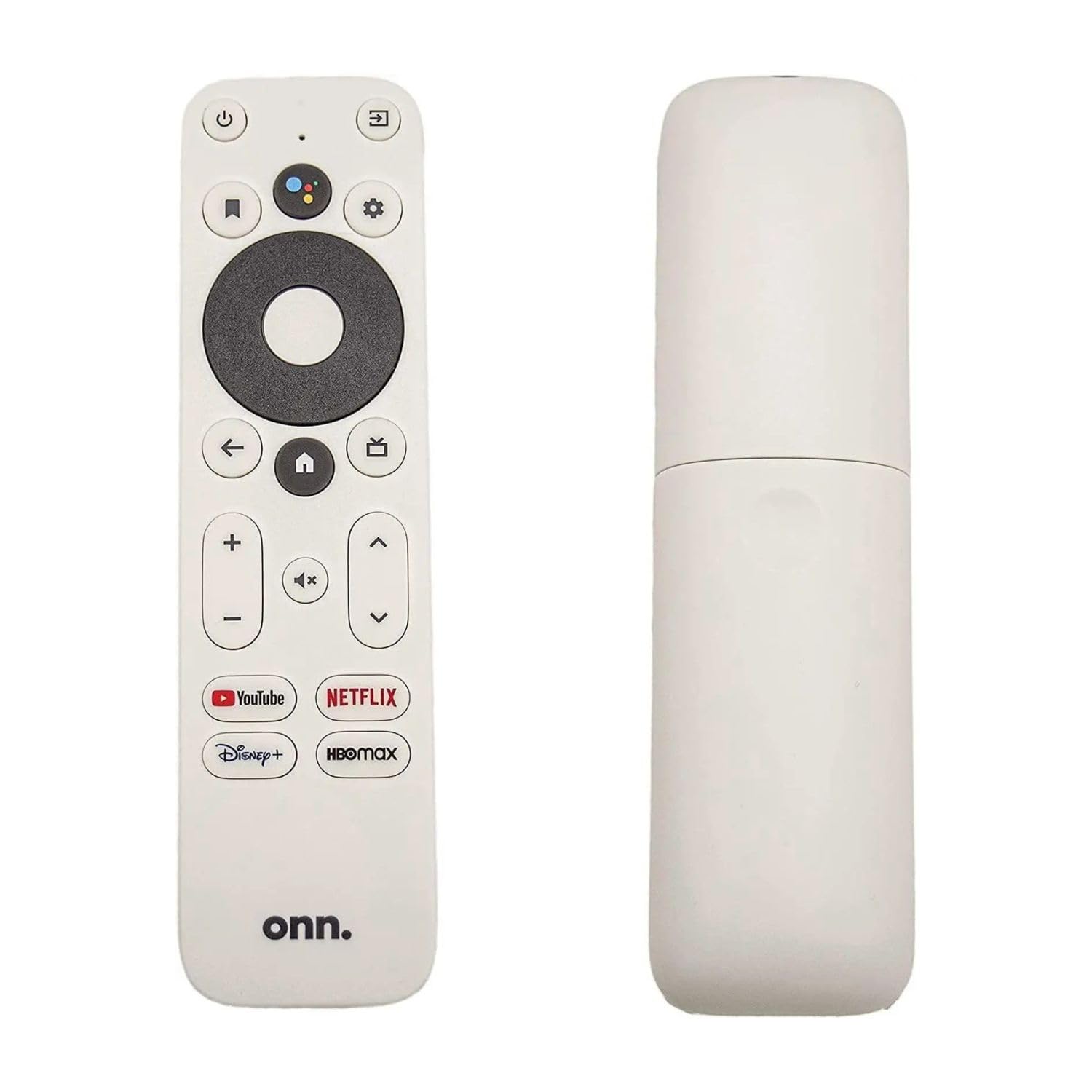
| onn. 4K Streaming Device with Google TVBudget Champion | Cheapest Google TV entry | TV Stick | 8 GB | HDMI, Wi-Fi 6 | Amazon |
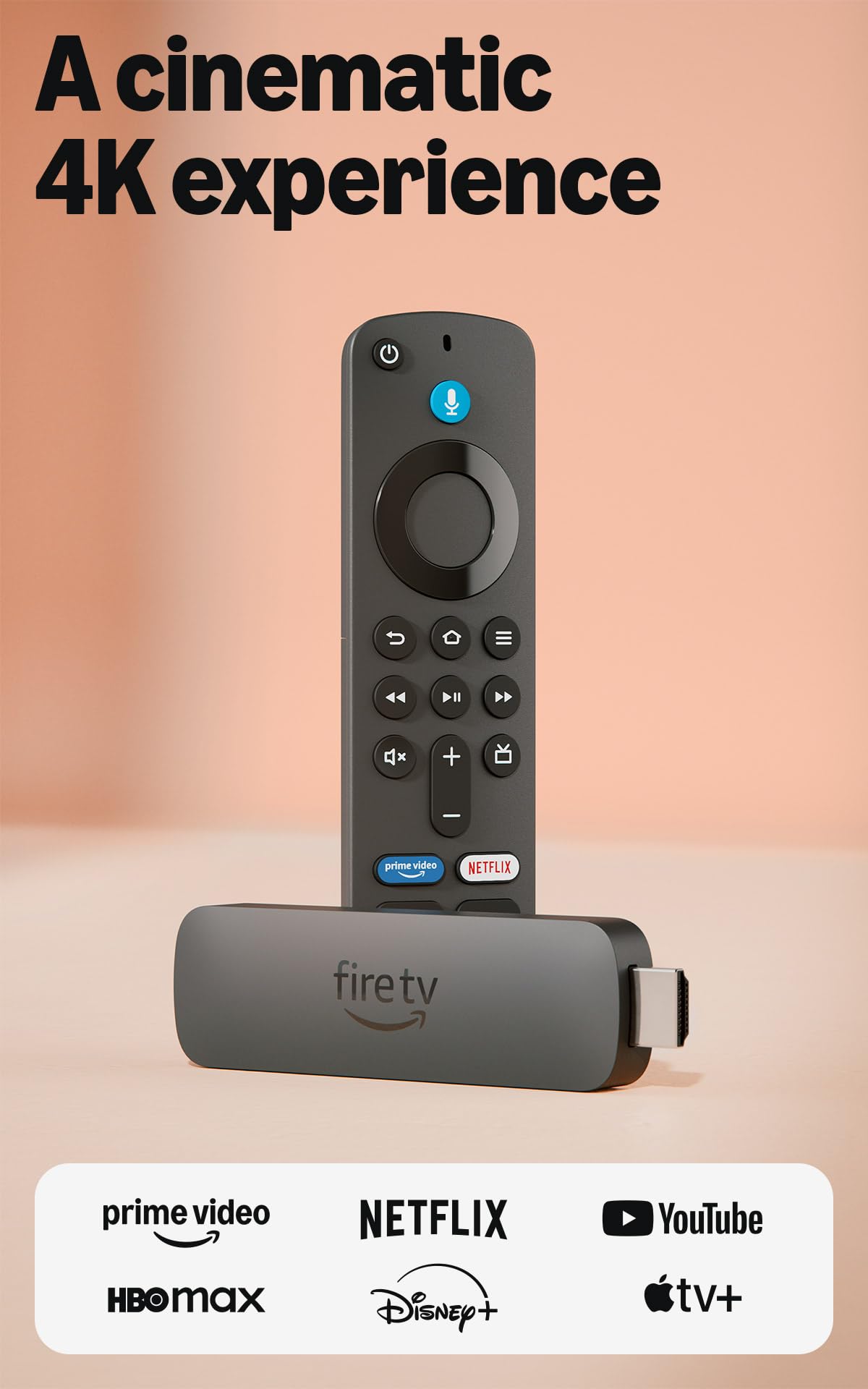
| Amazon Fire TV Stick 4K PlusMost Refined Interface | Alexa households | TV Stick | — | HDMI, Wi-Fi 6 | Amazon |
| Infomir MAG555 | Wired home theaters | Streaming media player | 16 GB | Ethernet, Wi-Fi, Bluetooth, HDMI 2.1 | Amazon |
| XIAOMI TV Stick 4K (2nd Gen) | Hotel and travel streaming | TV Stick | 8 GB | HDMI, Wi-Fi 6, Bluetooth, USB | Amazon |
| Xiaomi TV Box S (3rd Gen) | Storage for big app libraries | TV Box | 32 GB | HDMI, Wi-Fi 6, Bluetooth, USB | Amazon |
| Google Chromecast with Google TV | Casting from your phone | TV Stick | — | HDMI, Wi-Fi, Bluetooth | Amazon |
| Apple TV 4K 32GB (Renewed) | Apple households on a budget | TV Box | 32 GB | Wireless, HDMI | Amazon |
| NVIDIA Shield Android TV Pro | Gaming and local media servers | TV Box | 16 GB | Gigabit Ethernet, dual-band AC Wi-Fi, Bluetooth 5.0 | Amazon |
In‑Depth Reviews
1. Roku Express 4K+ | HD/4K/HDR Streaming Device with Voice Remote
Our pick — 4.5+★ from 500+ verified ratings; the strongest balance of quality and price.
A tiny 3.2-ounce box that turns your set 4K in one plug and never asks for a second thought.
You get a player that weighs just 3.2 ounces and spans 3 inches long by 1.6 inches wide by 0.83 inches high — small enough to sit on a narrow TV stand shelf or hide behind the screen without stealing space. Compared with the Infomir MAG555 at 12.8 ounces, this Roku weighs 3.2 ounces, so it travels between rooms or into a bag without any fuss. Plug it into an HDMI port, join your Wi-Fi, and the setup finishes on its own.
The picture side is built for a 4K TV with HDR support, where HDR (the wider range of brightness and colour) keeps bright skies and dark space scenes from turning into flat patches. Voice search runs through the included Roku remote, and you can also ask Alexa or Google Assistant to launch a channel if one of those speakers already lives in the room. Private listening through the Roku mobile app pipes the TV audio into headphones when the rest of the house wants quiet.
What wins people over is how little work the first ten minutes take — the setup is the thing buyers praise most by a wide margin. Streaming speed and picture quality follow close behind, which is exactly the order you want in a device this simple. The one honest caveat is the wireless link: connectivity draws the most mixed feedback of any part of the package, so if your router sits at the far end of the house, expect to think about a stronger signal or a wired option.
What owners keep praising
- Setup is the top compliment — plug in, connect, done.
- 3.2-ounce body that fits beside or behind almost any set.
- Roku Voice Remote handles search, TV power and volume from one handset.
- Premium HDMI cable comes in the box, so no extra trip to the shop.
Where it can fall short
- Wireless reception is the weakest link on weak or distant signals.
- No Ethernet port, so a rock-solid wired feed is not an option.
Buy this one if: you want a 4K upgrade that installs in minutes and asks nothing more of you.
Think twice if: your TV sits far from the router and only a wired connection has ever kept it steady.
2. onn. 4K Streaming Device with Google TV
The entry ticket to Google TV, Dolby Vision and Wi-Fi 6 without stretching the budget.
For the least money here you get 4K Ultra HD plus Dolby Vision, the premium HDR format that tracks brightness scene by scene so night shots keep their detail. The Google TV layer pulls your films and shows from every app into one screen, which cuts down the mindless scrolling before a movie night. A voice remote with Google Assistant sits in the box, so you can say a title out loud instead of typing it letter by letter.
The network side is genuinely capable for the tier: Wi-Fi 6 over dual-band 2.4GHz and 5GHz (802.11ax) keeps the stream steady when phones and laptops are also online. Inside, 8GB of storage and 2GB of RAM give the interface room to move — and compared with the Infomir MAG555’s 16GB, this carries 8GB, which matters only if you hoard big apps. It plugs in through HDMI, so setup is measured in minutes, not an afternoon.
Quality is what buyers bring up most often, and by a clear distance — the box simply feels better than its price suggests. Setup gets its own steady stream of praise too. The friction point is value: a slice of owners feel the asking money sits high for what arrives, so weigh this against the Fire TV Stick if you are chasing the deepest discount. The nearest rival here, the Xiaomi TV Stick 4K, offers Dolby Atmos and DTS:X audio on top of Dolby Vision, while this onn. keeps to Dolby Vision alone.
The value read: Wi-Fi 6 and Dolby Vision at the bottom of the range is a lot of modern spec for a first 4K player, and the Google TV interface does the sorting for you.
The honest snag: 8GB of storage fills fast with big apps, and the price feels less generous to some buyers than the spec sheet suggests.
Reach for it when: Google TV’s one-screen layout and Dolby Vision matter more to you than saving the last few pounds.
Look elsewhere when: you plan to install a long list of large apps and want the extra room a 32GB box provides.
3. Amazon Fire TV Stick 4K Plus with AI-powered Fire TV Search
If an Alexa speaker already runs your lights, this stick makes the TV part of the same conversation.
This is the pick for anyone already living inside Amazon’s world. Press the voice button and talk naturally to Alexa+ to find a show across apps, dim the lights, or check the weather — the remote reaches into your smart home as easily as it reaches into Netflix. The newest Fire TV layout puts pinned apps and personalised suggestions up front, so you spend less time scrolling and more time watching.
Picture duty is handled by 4K Ultra HD with Dolby Vision, HDR10+, and Dolby Atmos audio, which means compatible sets get deep contrast and a surround-style sound field from one small stick. Wi-Fi 6 support keeps 4K playback smooth even when other devices share the router. Free ad-supported channels like Fire TV Channels, Tubi and Pluto TV add a large catalogue that costs nothing beyond the box.
Functionality is the clearest strength — it is what the crowd talks about more than anything else. Speed and picture quality get their share of credit as well. But the remote is the split opinion: plenty love it, some hit connection trouble with it, and reliability chatter sits on the unhappy side. Treat the remote pairing gently and it usually behaves; if yours misbehaves, a fresh pair of batteries is the first fix.
Stands out for
- Alexa+ voice search that also runs smart-home devices.
- Dolby Vision, HDR10+ and Dolby Atmos on one stick.
- Wi-Fi 6 keeps 4K steady on a busy network.
- Huge free channel line-up alongside paid apps.
Worth knowing
- The remote is the most divisive part, with occasional pairing trouble.
- You are buying into Amazon’s interface, not a neutral one.
Made for: a home where Alexa already answers questions and the TV should join in.
The trade-off: some owners fight with the remote, so budget for a quick re-pair if it drops.
4. Infomir MAG555 4K Streaming Media Player Google TV

A box built for a wired living room, with an Ethernet port that ends buffering debates for good.
The headline is the connection, not the picture. A dedicated Ethernet port plus dual-band Wi-Fi with 2×2 MIMO (two antennas on each end for a stronger link) means you can cable straight into the router and stop worrying about who else is downloading. For high-bitrate 4K that is a real advantage over the wireless-only picks here. HDMI 2.1 with HDCP support and twin USB 2.0 ports give you room for external storage too.
Inside runs the Amlogic S905Y4-B chipset on official Google TV 12, with 16GB of storage versus the onn. stick’s 8GB, which helps if you keep a long app list. The box measures 4.17 inches by 4.17 inches by 0.92 inches and weighs 12.8 ounces, so it sits visibly on a shelf rather than hiding behind the TV. That is 12.8 ounces versus the Roku Express 4K+’s 3.2 ounces, a fair trade for the port count.
Picture quality is the part that draws praise — the display is called vivid and clean. Everything around it is a split story, though. Compatibility draws the most discussion of any topic, and it leans mixed rather than glowing, so check that your apps of choice are available before you commit. Reliability and ease of use divide opinion the same way: some say it beats a Firestick hands down, others find the whole thing fiddly.
Why the port matters: a cabled Ethernet feed is the surest way to kill 4K stutter, and few players at this level include one.
The fair warning: app compatibility is the most debated point about this box, so verify your must-have services run on it first.
Well suited to: a home theater where the router is close enough for a cable and stability beats portability.
Not the pick for: anyone who wants a zero-fuss interface and sticks to apps the Google TV store may not list.
5. XIAOMI TV Stick 4K (2nd Gen)
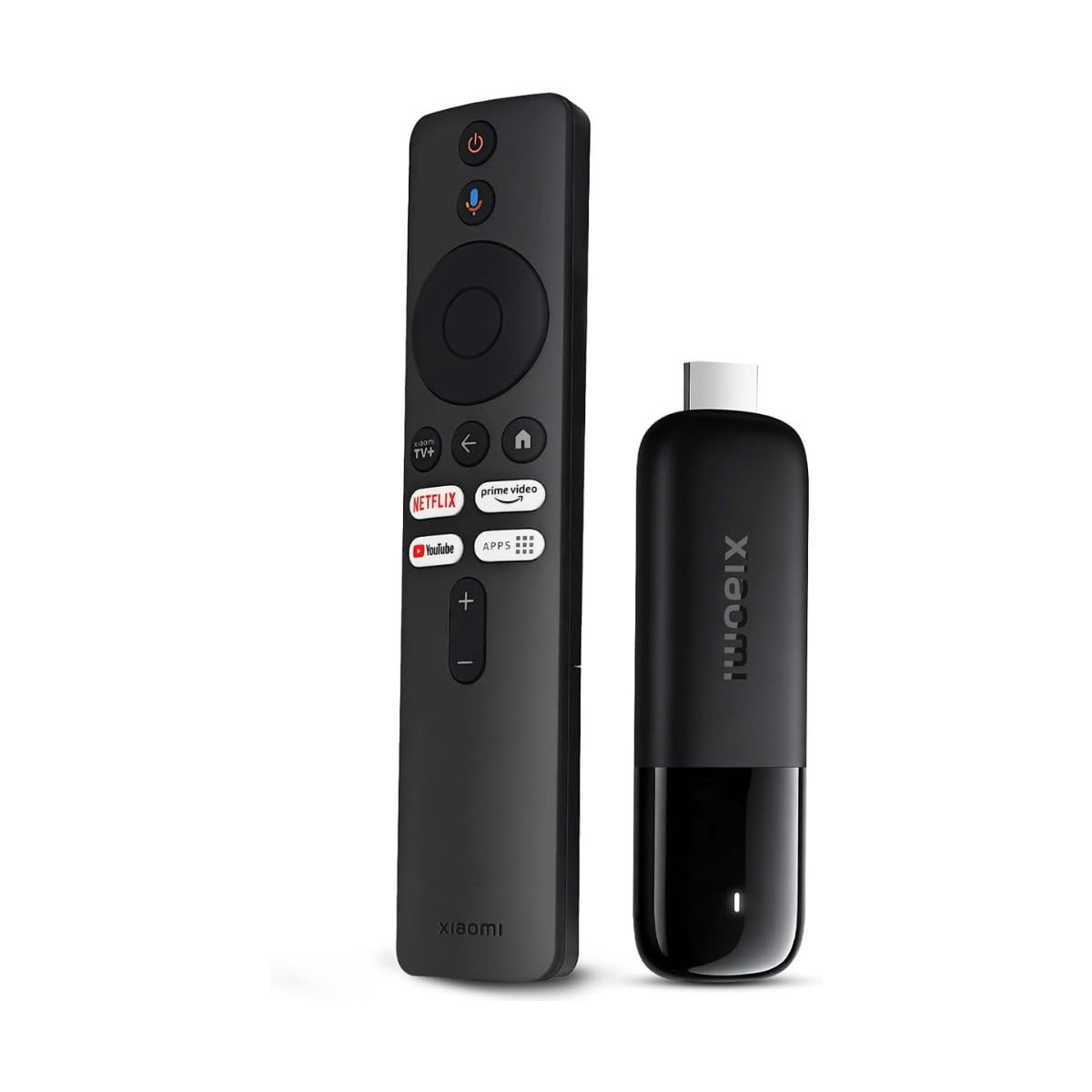
At 28 grams it slips into a laptop bag and turns a hotel TV into your own streaming setup.
Slim enough to carry anywhere, this stick weighs 28 grams and plugs into any HDMI port, which makes it the one to pack for a trip. Your apps and profiles follow you, so a strange hotel TV suddenly feels like home. That portability is the whole point of the design, and it genuinely delivers — a second-gen stick that hides behind the screen with no shelf needed.
The picture is cinema-grade on a compatible set: 4K Ultra HD with Dolby Vision and HDR10+ for contrast, plus Dolby Atmos and DTS:X for surround-style audio. A 6nm, 2.5GHz quad-core CPU does the heavy lifting, and dual-band Wi-Fi 6 keeps playback stable even when the hotel network is crowded. Google TV curates your shows across apps, and the Bluetooth voice remote lets you search or control smart-home devices by speaking.
Free live channels and Google Cast round out the package — you can fling a video from your phone straight to the TV. The included HDMI extender helps when a wall-mounted set has a cramped port. This one beats the onn. stick on audio, adding Dolby Atmos and DTS:X to the Dolby Vision both share, though both sticks carry the same 8GB of storage for apps.
Reasons it earns its place
- 28-gram frame that slides into any bag.
- Dolby Vision, HDR10+, Dolby Atmos and DTS:X all in one.
- 6nm quad-core chip and Wi-Fi 6 for smooth 4K.
- HDMI extender included for tight wall-mount ports.
Keep in mind
- 8GB of storage, so heavy app users may want more room.
- Its slim body means no Ethernet port for a wired feed.
Choose it when: the TV moves with you — hotels, rentals, a second room — and you want full 4K HDR wherever you land.
Skip the travel angle if: yours stays bolted to one stand and you would rather have wired stability.
6. Xiaomi Android Google TV Box S (3rd Gen)
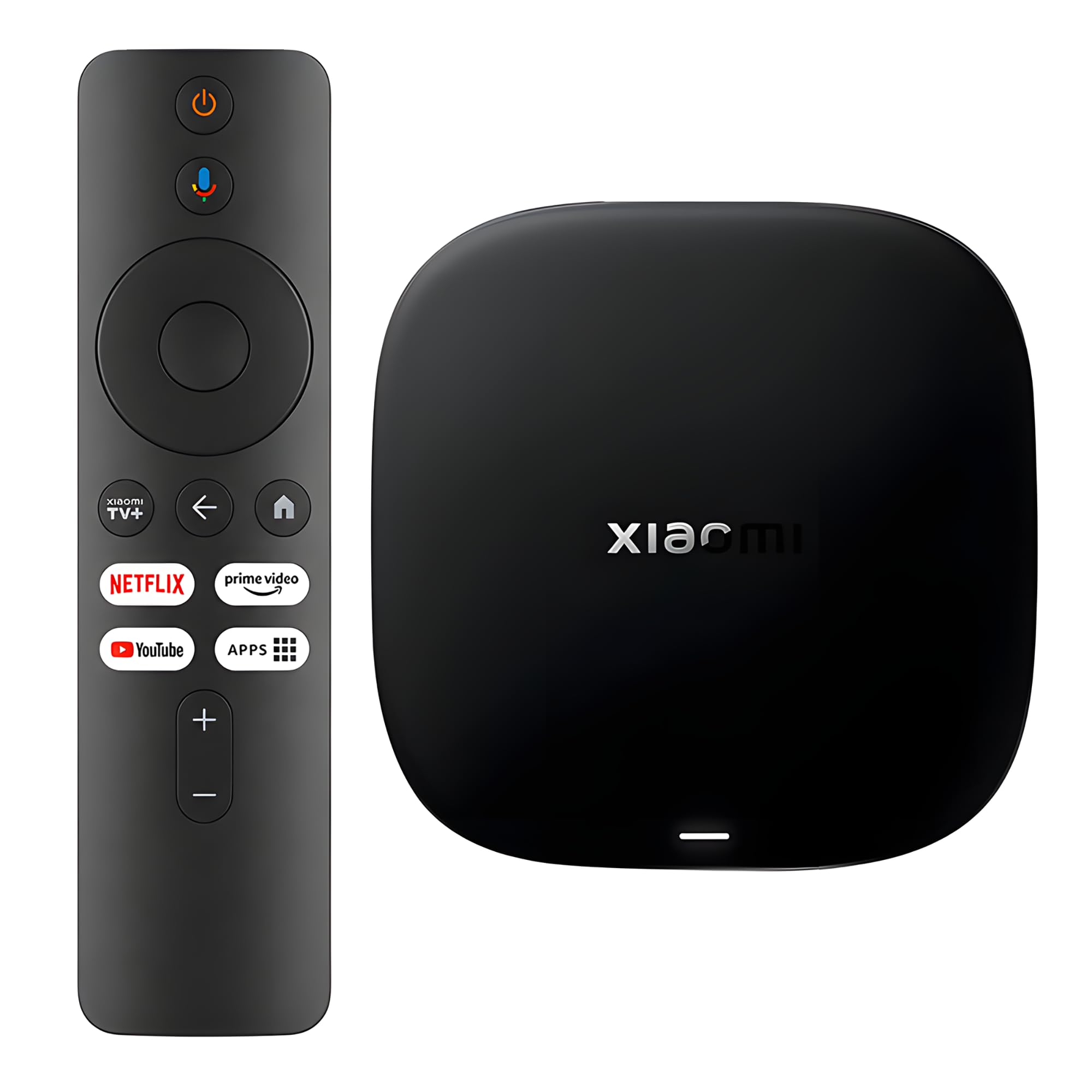
A roomy 32GB box for anyone who installs a serious app library and hates deleting things.
Storage is the reason to pick this one. A 2GB + 32GB setup gives you the most install space in this line-up — versus the 8GB you find on the smaller sticks — so big games and a long app list never force a clean-out. It runs on a 64-bit 6nm platform with a quad-core A55 CPU up to 2.5GHz, which keeps menu movement and app switching fluid.
On the picture front you get 4K UHD with HDR10+ and Dolby Vision for contrast on compatible content, plus Dolby Atmos and DTS:X audio for a proper surround feel. Wi-Fi 6 uses OFDMA and MU-MIMO (two techniques that share the airwaves more efficiently) to hold speed when several devices are online. A 360° Bluetooth remote brings Google Assistant voice search, playback control, and smart-home commands, and Google Cast lets you throw phone content onto the screen.
Quality earns the loudest applause here, with functionality close behind — the box simply works, including with non-smart TVs. The remote is the sore point. Buyers report freezing trouble with it, and that is the single grumble worth knowing before you buy. Speed splits opinion too: some find it quick, others slower than expected. A firmware update and fresh batteries fix most remote freezing.
Room to grow: 32GB is the deepest storage here, ideal if you keep many apps installed at once.
The one friction point: the remote is the most criticised piece, so be ready to troubleshoot its freezing.
Best matched to: households that load up dozens of apps and streaming services on one box.
Less ideal for: someone who wants a trouble-free remote above everything else.
7. Google Chromecast with Google TV

The original casting name, now with a remote and a home screen that gathers your apps.
Flinging a video from your phone to the TV is the trick this one does best. Cast directly from a phone or tablet, or use the Google TV home screen that shows your films and shows from every service in one place, with recommendations built from your subscriptions and viewing. Up to 4K HDR streaming means bright colours and sharp detail on a compatible set, and over 700,000 movies and TV episodes sit across the apps.
The voice side is handy — press the Google Assistant button and search by mood, genre or actor, then adjust volume and switch inputs without leaving the sofa. Installation is straightforward on almost any TV with an HDMI port. The bundle also throws in a pouch and cleaning cloth, a small extra that keeps the stick and screen tidy between uses.
Picture quality is the part owners praise — it is the most complimented thing about the package. Connectivity is the dividing line: some stream happily, others fight with the connection, so a solid router position helps. It carries fewer ports and less storage on paper than the Xiaomi TV Box S, but the casting flow is the reason you choose this one over a bigger box.
Strong points
- easy casting from phone or tablet to the big screen.
- Up to 4K HDR with a unified Google TV home screen.
- Google Assistant voice search by mood, genre or actor.
- Pouch and cleaning cloth included.
Points to weigh
- Wireless connection can be hit or miss on weak signals.
- No wired port, so casting speed leans on Wi-Fi.
Great for: people who already cast from their phone and want that flow on the biggest screen in the house.
Consider a box instead if: your Wi-Fi is patchy and you would rather plug in for a steady feed.
8. Apple TV 4K 32GB (2017, Renewed)

A renewed Apple TV 4K that keeps the Siri Remote and Dolby Vision for Apple-first homes.
For anyone already inside Apple’s ecosystem, this one keeps everything familiar. You get 4K with Dolby Vision and HDR10 for deeper contrast, plus Dolby Digital Plus 7.1 surround sound for a fuller audio field. The A10X Fusion chip keeps menus and app switching quick, and voice search runs through the Siri Remote — say the title and it finds it.
This is the older 2017 model, and it arrives as renewed stock, so the box may not match a brand-new unit. It is a TV box rather than a stick, so it sits out in the open next to the screen rather than hiding behind it.
Performance is the biggest compliment — it is what owners notice most — and the simple interface gets steady praise too. The remote is the weak link: some units ship with a remote that will not pair to the TV, and that is the recurring complaint. Video quality gets split comments as well, with a few reporting lower resolutions on their setup. Confirm the remote pairs on arrival while you can still return it.
Apple-first appeal: Siri voice search, Dolby Vision and HDR10 make it a natural fit if the rest of your devices are Apple.
Check before you commit: it is the 2017 model sold renewed, and the remote pairing is the known weak spot.
Suits you if: you want an Apple TV experience and are comfortable with a renewed older unit.
Pass it by if: you want the newest model or a remote guaranteed to pair from the start.
9. NVIDIA Shield Android TV Pro

The one that treats 4K playback, gaming and a home media server as one job.
If you want the most headroom of anything here, this is it. The NVIDIA Tegra X1+ chip uses AI upscaling to sharpen HD video toward 4K in real time, and Dolby Vision HDR together with Dolby Atmos and Dolby Digital Plus gives the home theater a wide, deep picture and surround-style sound. 3GB of RAM and 16GB of storage keep the interface fast, and two USB 3.0 ports take added storage, keyboards or controllers.
It is built for people who do more than stream. A Plex Media Server is built in, so your film library can live on the box and play around the house. Gigabit Ethernet, dual-band AC Wi-Fi and Bluetooth 5.0 cover the connection side, and the backlit motion-activated remote adds a locator to find it under the cushions. Add a separately sold game controller and Fortnite or GeForce Now runs right on the TV.
Performance is the thing everyone notices — it is praised well beyond any other feature. Picture quality comes second, handling 4K and HDR content cleanly. Stability is the sore spot, with some reporting the device becoming unresponsive on occasion, so keep the firmware current. Watching YouTube TV plays nicely; Hulu+live has drawn compatibility complaints. Confirm the remote pairs on setup while you can still return it.
Why people pay more: the AI upscaling, Dolby Vision, Plex server and USB 3.0 ports make this a small media computer, not just a streamer.
The stability caveat: occasional unresponsiveness and Hulu+live compatibility are the things to keep in mind.
Built for: serious home-theater owners who want a server, some gaming and wired speed in one box.
Overkill if: all you do is watch Netflix and you would rather keep the spend modest.
Understanding the Specs
Wi-Fi 6 (802.11ax)
The newer wireless standard when the router supports it, sharing airtime more efficiently so 4K playback stays steady even when phones and laptops are online. It only helps if your router handles it — otherwise the player falls back to older Wi-Fi. For a crowded home, or a router a few rooms away, a wired Ethernet port beats wireless every time.
Dolby Vision and HDR10+
Two premium HDR formats that let the player adjust brightness scene by scene for more detail in shadows and highlights. They pay off only on a TV that also supports them, so check the set first. A Dolby Vision player still sends standard HDR10 to a set that lacks Dolby Vision support.
RAM and Storage
RAM is the working memory that keeps the interface moving; storage holds your installed apps. More storage is useful if you load up games and large services. A stick with 8GB fills faster than a box with 32GB, which is why some people step up to a box size.
Dolby Atmos and DTS:X
Two surround-sound audio formats that place effects around the room rather than just left to right. They need a compatible soundbar or home-theater setup to be heard fully. A stick that supports both gives more on a modern audio system than one limited to standard stereo.
FAQ
Do I need a 4K TV to use a 4K streaming device?
Will a Fire TV Stick 4K Plus work with a Roku or Google TV household?
Is Wi-Fi 6 really better for 4K streaming than older Wi-Fi?
Do any of these devices need an Ethernet cable?
How much storage do I actually need for streaming apps?
What is the difference between a TV stick and a TV box?
Does Dolby Vision work with every 4K TV?
Can I play my own media files on these players?
Do I need a voice remote, or will a plain one do?
Final Thoughts: The Verdict
For most people, the 4k streaming device for tv winner is the Roku Express 4K+, because it sets up in minutes, weighs just 3.2 ounces, and gets you into 4K HDR with the least fuss of anything here. If your home runs on Alexa and you want Dolby Vision, HDR10+ and Dolby Atmos on a Wi-Fi 6 stick, the Fire TV Stick 4K Plus is the natural next step. And when the router is close enough to cable in, the Infomir MAG555 with its Ethernet port is the pick that ends buffering for good.
How We Picked
We do not accept paid placement. Every pick is matched to a real buyer and a real use-case; we do not hands-on test units.
Sources & Methodology
Specifications: manufacturer listings and product documentation. Review insights: verified customer reviews, as of November 2026. Pricing: not shown on this page (it changes often); check the current price via the retailer link.
As an Amazon Associate, Gadgets Feed earns from qualifying purchases. This does not affect which products we feature.