
Finding a monitor that delivers true 4K resolution while also offering native Thunderbolt connectivity for single-cable video, data, and power delivery to a laptop is a surprisingly narrow search. The market is flooded with 4K displays, but only a select few integrate the high-bandwidth Thunderbolt port required to run a pro workflow with daisy-chaining capability, clean desk setups, and reliable charging for a MacBook or high-end PC.
I’m Min — the co-founder and writer behind Gadgets Feed. I’ve spent hundreds of hours analyzing technical specifications, panel types, color gamut coverage, port configurations, and real-user workflows to separate the monitors that genuinely earn their Thunderbolt badge from those that simply include a USB-C port with DisplayPort Alt Mode.
Whether you are a photographer, video editor, developer, or creative professional, this guide breaks down the critical specs and real-world performance of the top models available so you can confidently choose the best 4k thunderbolt monitor for your specific setup and budget.
How To Choose The Best 4K Thunderbolt Monitor
Choosing a 4K Thunderbolt monitor means balancing resolution (3840×2160) with the quality of the Thunderbolt controller, the panel type, and the power delivery capabilities. Thunderbolt is not just a faster USB-C — it brings a dedicated controller for 40 Gbps bandwidth, native daisy-chain support, and consistent charging. Beginners often assume any USB-C monitor with a 4K panel is enough, but without genuine Thunderbolt, you lose daisy-chaining, cannot drive two 4K monitors from one cable, and may see inconsistent power delivery. Focus on the Thunderbolt generation, the panel’s color gamut coverage for your specific work, and the ergonomic adjustments that keep you productive for long hours.
Thunderbolt Generation and Power Delivery
The difference between Thunderbolt 3 and Thunderbolt 4 in a 4K monitor is subtle but real. Both offer 40 Gbps bandwidth, but Thunderbolt 4 guarantees support for dual 4K displays or a single 5K display, plus mandatory 40 Gbps on all ports and support for PCIe tunneling at 32 Gbps. For most MacBook users, Thunderbolt 3 with 65W to 85W power delivery is sufficient to charge a 13-inch or 14-inch MacBook Pro under moderate load. Thunderbolt 4 raises the minimum power delivery requirement to 100W, which matters for 16-inch MacBook Pros and other high-performance laptops that draw more power under sustained load. If you need to drive a daisy-chain of two 4K monitors from one cable to your laptop, Thunderbolt 4 is more reliable, but a well-implemented Thunderbolt 3 port also works.
Panel Technology and Color Accuracy
Panel choice directly affects your visual experience and the monitor’s suitability for professional color work. Standard IPS panels offer wide viewing angles and decent contrast (1000:1). IPS Black technology, used in premium models like the BenQ PD3225U and Dell UltraSharp U2725QE, doubles the contrast ratio to 2000:1 for deeper blacks and better shadow detail — a meaningful upgrade for photo editing and video grading without moving to OLED. QD-OLED panels, such as the ASUS ProArt PA32UCDM, deliver infinite contrast, true blacks, and 1000 nits peak brightness for HDR content, but they come with a much higher price and potential burn-in considerations. Color gamut coverage should match your workflow: 99-100% sRGB is baseline for web work; 95-99% DCI-P3 matters for video editing and design; 100% Adobe RGB is essential for print photographers. Look for factory calibration reports with Delta E ≤ 2 for professional confidence.
Ergonomics and Port Selection
A professional 4K Thunderbolt monitor should offer full ergonomic adjustments — height adjustment, tilt, swivel, and pivot — because you will spend hours in front of it. A solid stand reduces neck strain and keeps your workflow comfortable. Port selection beyond Thunderbolt is equally important: at least one HDMI 2.0 or 2.1 port for gaming consoles or secondary inputs, DisplayPort for PC desktops, a USB hub with multiple USB-A and USB-C ports for peripherals, and a headphone jack. A built-in KVM switch is a huge productivity upgrade if you work across a laptop and a desktop, letting you control both machines with a single keyboard and mouse. Daisy-chain support via a second Thunderbolt port is the defining feature of a true Thunderbolt monitor — it lets you connect a second 4K monitor to the first without using a separate cable to your computer.
Quick Comparison
On smaller screens, swipe sideways to see the full table.
| Model | Category | Best For | Key Spec | Amazon |
|---|---|---|---|---|
| Dell UltraSharp U2725QE | Mid-Range | Single-cable 4K with 120Hz smoothness | 120Hz refresh rate · Thunderbolt 4 · 140W PD | Amazon |
| BenQ PD3225U | Premium | Mac-centric color grading with IPS Black | 32″ IPS Black · 2000:1 contrast · Thunderbolt 3 | Amazon |
| BenQ PD2725U | Mid-Range | Reliable 27″ Thunderbolt with KVM | 27″ IPS · 95% P3 · Thunderbolt 3 · 65W PD | Amazon |
| ViewSonic VP3276T-4K | Mid-Range | Pantone-validated 32″ color work | 32″ IPS · 100% Adobe RGB · Thunderbolt 4 | Amazon |
| ASUS ProArt PA32UCDM | Premium | Reference-grade HDR & color grading | 31.5″ QD-OLED · 240Hz · ΔE<1 · Thunderbolt 4 | Amazon |
| Dell UltraSharp U4025QW | Premium | Ultra-wide 5K2K productivity | 40″ 5K2K · IPS Black · Thunderbolt 4 | Amazon |
In‑Depth Reviews
1. Dell UltraSharp U2725QE

The Dell UltraSharp U2725QE hits a rare sweet spot: it delivers a 120Hz refresh rate on a 4K IPS Black panel, which is almost unheard of in the productivity monitor space. The 27-inch 3840×2160 screen is factory calibrated to Delta E less than 1.5 with 99% DCI-P3 coverage, making it suitable for color-critical work right out of the box. The Thunderbolt 4 single-cable solution provides a massive 140W of power delivery — enough to charge even a 16-inch MacBook Pro at full load while transmitting video and data simultaneously.
Users consistently praise the smooth scrolling and motion clarity from the 120Hz panel, which also reduces eye strain during long sessions. The built-in ComfortView Plus technology cuts harmful blue light without making the screen look yellow, and the ambient light sensor adjusts brightness automatically. The stand offers height, tilt, swivel, and pivot adjustments, and the port selection is generous: HDMI 2.1, USB-C, USB-A, and Ethernet ports make this a true hub monitor.
One recurring note from Mac users is a compatibility error with macOS, though the majority of reviewers report flawless operation after a simple firmware update or by adjusting the display settings. Overall, the U2725QE offers the best combination of high refresh rate, premium IPS Black contrast, and Thunderbolt 4 charging for the price. The 120Hz upgrade alone makes it a significant step forward from the standard 60Hz productivity monitor.
Why it’s great
- 120Hz refresh rate on a 4K IPS Black panel provides fluid scrolling and reduced motion blur
- Thunderbolt 4 with 140W power delivery charges even large laptops under full load
- Factory calibration with Delta E < 1.5 and 99% DCI-P3 ensures professional color accuracy
Good to know
- Some Mac users may need a firmware update to fix initial compatibility errors
- IP Black contrast of 1000:1, not 2000:1 found on some competitors
2. BenQ PD3225U

The BenQ PD3225U is built specifically for Mac users who need deep contrast and accurate color in a 32-inch form factor. Its 2000:1 IPS Black panel technology delivers blacks that are noticeably deeper than standard IPS, making it a strong choice for photo editing, video color grading, and design work where shadow detail matters. The 4K display covers 98% DCI-P3 and 100% sRGB with Delta E ≤ 2 from the factory, and it is Pantone Validated and Calman Verified for professional workflows.
The Thunderbolt 3 port on this monitor delivers 40 Gbps bandwidth and 85W of power delivery, enough to charge most MacBook Pros while daisy-chaining a second 4K monitor. The included Hotkey Puck G2 and Display Pilot 2 software provide intuitive brightness control, input switching, and desktop partitioning. The stand is crafted with an anodized metal base that offers height, tilt, swivel, and pivot adjustments, and the M-Book color mode matches the color science of Apple displays closely.
Owners in photo and video editing roles consistently report that the PD3225U’s black levels and color uniformity rival much more expensive displays. Some users wish the panel were brighter (at 250 nits typical) for well-lit studios, but the contrast performance more than compensates. The built-in KVM switch is a reliable bonus for anyone who needs to toggle between a MacBook and a PC desktop. For a 32-inch Mac-centric Thunderbolt monitor, this is the most balanced professional option.
Why it’s great
- 2000:1 IPS Black panel delivers deep blacks and excellent shadow detail for color work
- Pantone Validated and Calman Verified with Delta E ≤ 2 for professional color accuracy
- Thunderbolt 3 with 85W PD and daisy-chain support plus built-in KVM for multi-device workflows
Good to know
- Brightness at 250 nits may feel dim in very bright rooms
- Thunderbolt 3, not Thunderbolt 4, limits mandatory power delivery to 85W
3. BenQ PD2725U

The BenQ PD2725U is a 27-inch 4K IPS monitor that provides a reliable Thunderbolt 3 workflow at a more accessible price point. It covers 95% DCI-P3 and 100% sRGB with factory calibration to Delta E ≤ 3, and it is Pantone Validated. The Thunderbolt 3 port delivers 65W of power delivery, which is sufficient for a 13-inch or 14-inch MacBook Pro under moderate use, and the daisy-chain port lets you connect a second 4K monitor without an extra cable to your computer.
This monitor includes a versatile port selection: two USB-C ports, two HDMI 2.0 ports, one DisplayPort, and a built-in KVM switch. The Hotkey Puck G2 provides physical control over input switching and brightness. Buyers report that the setup is straightforward with a MacBook Pro or Mac mini, and the adjustable stand (height, tilt, swivel, pivot) is tool-free. The ICCsync technology automatically syncs color profiles with Display Pilot for consistent color across apps.
Some users have noted that the included Thunderbolt 3 cable is short, and a handful of units arrived with light bleed or panel defects, though this appears to be a manufacturing variance rather than a design flaw. The panel’s brightness at 250 nits is average, but the color accuracy and Thunderbolt reliability make this a strong contender for photographers and designers who want a 27-inch Mac-friendly monitor without overspending. For a no-fuss Thunderbolt 3 monitor with KVM, the PD2725U is a proven workhorse.
Why it’s great
- Thunderbolt 3 with 65W PD and daisy-chain support for multi-monitor setups
- Pantone Validated with 95% P3 and Delta E ≤ 3 for dependable color work
- KVM switch and Hotkey Puck G2 make multi-device workflows seamless
Good to know
- Included Thunderbolt cable is short, requiring a separate purchase for longer runs
- Some units have reported panel defects like light bleed or dead pixels
4. ViewSonic VP3276T-4K
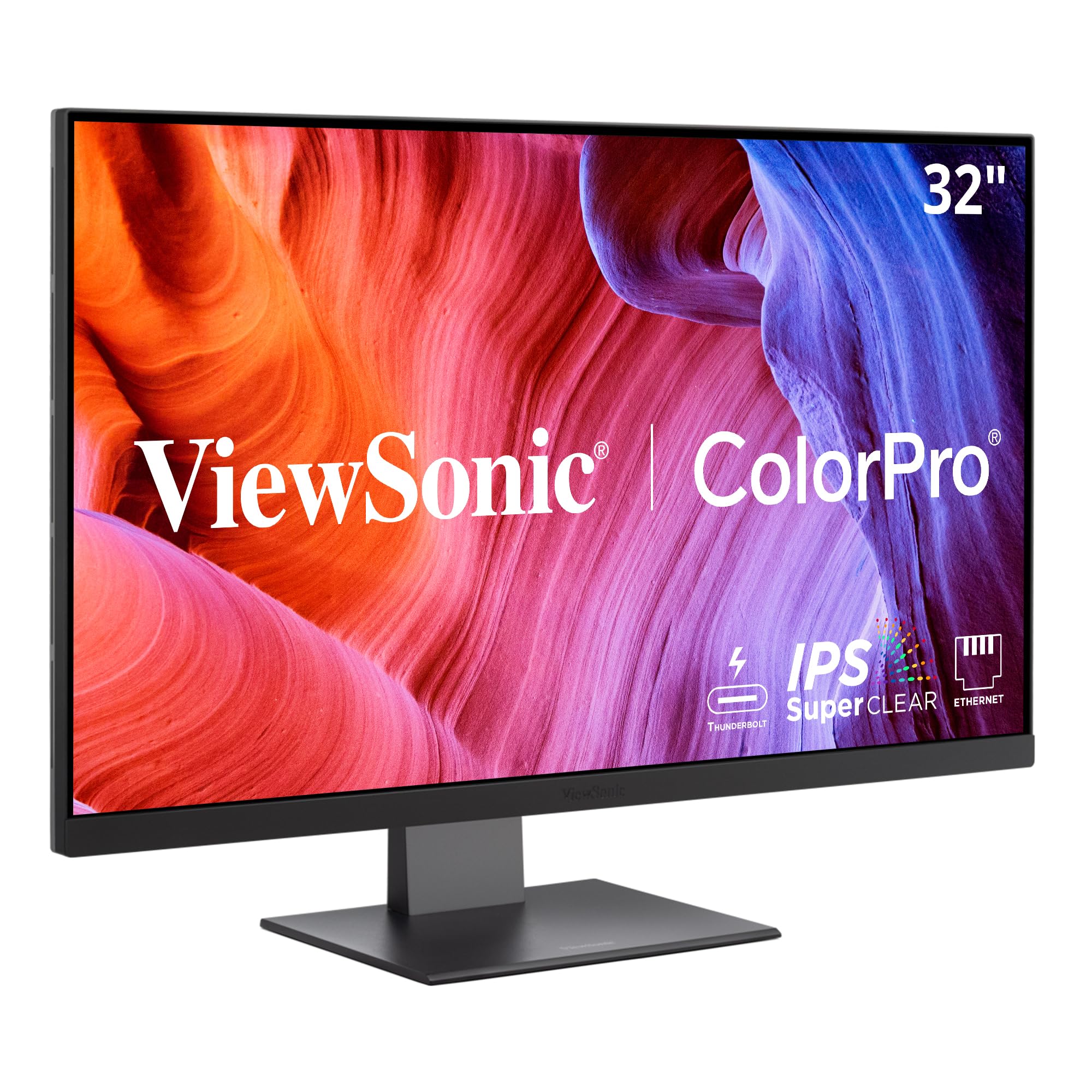
The ViewSonic VP3276T-4K is a 32-inch 4K IPS monitor that targets print photographers and graphic designers with its 100% Adobe RGB coverage and Pantone Validation. It is one of the few monitors in this price tier that covers full Adobe RGB alongside 98% DCI-P3, making it ideal for anyone who needs to proof images for print. The Thunderbolt 4 port provides up to 40 Gbps bandwidth and 100W of power delivery, ensuring consistent charging for a 16-inch MacBook Pro.
The ergonomic stand is excellent, offering height, tilt, swivel, and pivot adjustments. The port selection is robust: Thunderbolt 4, USB-C, DisplayPort, HDMI, and a USB-A hub. The IPS panel delivers good viewing angles and decent contrast, though it does not reach the deep blacks of IPS Black or OLED technology. HDR400 support provides acceptable highlights for HDR content. Users in photography praise the color fidelity and the ability to switch to sRGB mode for web work.
MacOS users should note that 4K scaling on macOS is not native, so text may appear in 1080p upscaled mode by default, which can be adjusted with the Better Display app. The OSD joystick navigation is clunky compared to competitors, and some owners report complexity in switching inputs and adjusting settings. The lack of a dedicated Mac display management software is a notable gap. Still, for print-focused color professionals who need 100% Adobe RGB and Thunderbolt 4, this monitor delivers.
Why it’s great
- 100% Adobe RGB and 98% DCI-P3 coverage with Pantone Validation for print-grade color accuracy
- Thunderbolt 4 with 100W power delivery charges large laptops reliably
- Fully adjustable ergonomic stand for comfortable all-day use
Good to know
- MacOS 4K scaling requires third-party software and setup for optimal text clarity
- On-screen display navigation is clunky and some users find it non-intuitive
5. ASUS ProArt PA32UCDM
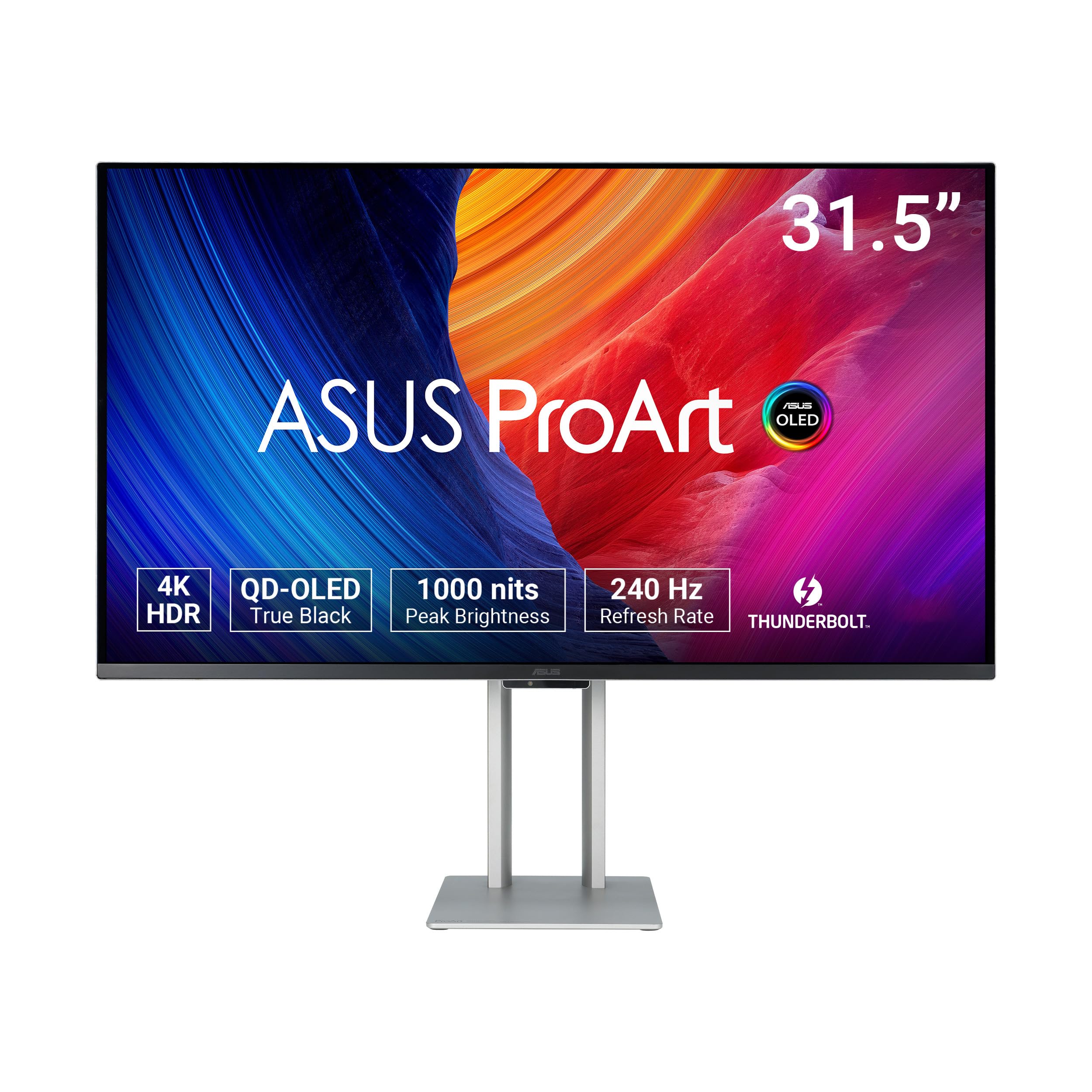
The ASUS ProArt PA32UCDM is a 31.5-inch 4K QD-OLED professional monitor that sets a new standard for HDR color grading and reference work. It delivers 1000 nits peak brightness with VESA DisplayHDR True Black 400, true 10-bit color depth, and 99% DCI-P3 coverage with Delta E less than 1 from the factory. The 240Hz refresh rate and 0.1ms response time make it equally capable for gaming and motion-intensive tasks, though its primary audience remains creative professionals.
Thunderbolt 4 connectivity supports single-cable video, data, and 100W power delivery, and the monitor includes Dolby Vision, HLG, and HDR10 support. The ProArt Hardware Calibration Technology allows color profile write-back directly to the monitor, bypassing the computer’s GPU for consistent color across different devices. The stand is well-built, offering height, tilt, swivel, and pivot adjustments. Owners consistently describe the image quality as reference-grade, with inky blacks, vibrant yet accurate colors, and no visible blooming.
There are some trade-offs: the lack of a DisplayPort input is a notable omission, and some users experience a black-screen “initialization” mode during certain scenarios. Firmware updates via USB-C are required to fix some bugs, which can be a hassle. At the premium end of the market, the PA32UCDM is the best choice for professionals who need HDR reference quality and are willing to pay for it. For pure SDR color work, an IPS Black monitor may offer similar accuracy at a lower price.
Why it’s great
- QD-OLED panel with 1000 nits peak brightness and infinite contrast for reference HDR grading
- 240Hz refresh rate and 0.1ms response time provide buttery smooth motion
- Delta E < 1 factory calibration and ProArt Hardware Calibration for color profile write-back
Good to know
- No DisplayPort input — requires Thunderbolt or HDMI for connectivity
- Some users report black-screen initialization bugs that require a firmware update
6. Dell UltraSharp U4025QW

The Dell UltraSharp U4025QW is a 40-inch curved Thunderbolt hub monitor with an ultra-wide 5120×2160 (5K2K) resolution and a 21:9 aspect ratio. It uses IPS Black technology to achieve a 2000:1 contrast ratio, providing better black levels than standard IPS ultrawides. The Thunderbolt 4 port delivers up to 140W of power delivery and supports daisy-chaining, while the hub includes multiple USB-A, USB-C, HDMI, DisplayPort, and Ethernet ports for a complete docking station experience.
At 40 inches, this monitor provides massive screen real estate for multitasking — you can comfortably arrange three application windows side by side. The 5K2K resolution offers excellent text clarity and eliminates the need for scaling on Windows and works well on macOS with proper font size adjustment. The curved screen (2500R radius) reduces eye movement fatigue during long coding or writing sessions. Owners across software development, financial analysis, and creative production praise the monitor for its productivity benefits and comfortable viewing experience.
The main consideration is size: this monitor is physically large and requires a deep desk (at least 30 inches) to sit comfortably. It is also expensive, placing it firmly in the premium tier. HDMI input may struggle with 5K2K at 120Hz on some systems, so Thunderbolt or DisplayPort is preferred. The contrast and text clarity are unmatched for an ultrawide, making the U4025QW the definitive choice for anyone who spends 8+ hours a day in spreadsheets, code editors, or design tools and wants to eliminate multi-monitor bezels.
Why it’s great
- 40-inch 5K2K ultrawide IPS Black panel with 2000:1 contrast and excellent text clarity
- Thunderbolt 4 hub with 140W power delivery and complete port selection replaces a separate dock
- Curved design reduces eye fatigue during all-day productivity sessions
Good to know
- Requires a very deep desk due to the 40-inch panel width and stand footprint
- HDMI input may not support 5K2K at full refresh rate on all systems
FAQ
Does a Thunderbolt monitor charge my MacBook at full speed?
Can I daisy-chain two 4K monitors from one Thunderbolt cable?
Is a 32-inch 4K Thunderbolt monitor too big for a MacBook Pro setup?
Final Thoughts: The Verdict
For most users, the best 4k thunderbolt monitor winner is the Dell UltraSharp U2725QE because it combines a 120Hz IPS Black panel, Thunderbolt 4 with 140W power delivery, and professional color accuracy (Delta E < 1.5) at a mid-range price point that outperforms most competitors. If you want deeper black levels and a larger 32-inch canvas for Mac-centric color grading, grab the BenQ PD3225U with its 2000:1 IPS Black panel and M-Book color mode. And for reference-grade HDR work with infinite contrast and blazing 240Hz smoothness, nothing beats the ASUS ProArt PA32UCDM.