
Landing a headshot in a competitive shooter or spotting an enemy in a dark corner of a RPG requires a panel that can keep up without introducing ghosting or input lag. A 4K TV For Gaming must balance resolution, refresh rate, and response time in a way a standard living room TV simply does not.
I’m Min — the co-founder and writer behind Gadgets Feed. I’ve spent hundreds of hours combing through technical data sheets, cross-referencing HDMI 2.1 bandwidth limits, panel types, and real-world gaming benchmarks to separate the true gaming-friendly displays from the marketing fluff.
This guide cuts through the noise to help you find the absolute best 4k tv for gaming that delivers fluid motion, vibrant HDR, and the low latency your console or PC demands.
How To Choose The Best 4K TV For Gaming
Choosing a gaming TV is different from picking a living room set. You need to prioritize HDMI 2.1 ports, native refresh rate, and panel response time over sheer screen size or smart TV features. Here are the critical factors to weigh.
Refresh Rate and HDMI 2.1
A native 120Hz refresh rate is the baseline for modern console gaming (PS5 and Xbox Series X), while PC gamers should look for 144Hz panels. Both require HDMI 2.1 bandwidth (48 Gbps) to carry 4K signals at those frame rates without compression. Without HDMI 2.1, you are capped at 60Hz.
Panel Technology: OLED vs. QLED vs. Mini-LED
OLED panels deliver perfect blacks and infinite contrast, making them the go-to for HDR gaming, but they carry a risk of burn-in. Mini-LED and QLED (Quantum Dot LED) sets offer higher peak brightness and no burn-in concerns, though they may exhibit some blooming in high-contrast scenes. Choose OLED for visual purity, Mini-LED for bright rooms and longevity.
Variable Refresh Rate (VRR) and Auto Low Latency Mode (ALLM)
VRR syncs the TV’s refresh rate to the game’s frame rate, eliminating screen tearing without adding input lag. ALLM automatically switches the TV into its lowest-latency picture mode when a game is detected. Both features are standard on HDMI 2.1 sets and drastically improve the gameplay feel.
Quick Comparison
On smaller screens, swipe sideways to see the full table.
| Model | Category | Best For | Key Spec | Amazon |
|---|---|---|---|---|
| Hisense U6SF Pro | Mini-LED | Best Overall Value | Native 144Hz, Anti-Glare | Amazon |
| ASUS ROG Strix XG32UCWG | WOLED | Ultimate PC Monitor | Dual Mode 4K 165Hz / FHD 330Hz | Amazon |
| LG QNED85A | Mini-LED | Console & PC Hybrid | Native 120Hz, VRR 144Hz | Amazon |
| VIZIO Quantum Pro M50QXM-K01 | QLED | Desktop Gaming Setup | Full Array Local Dimming, 1000 nits | Amazon |
| Hisense CanvasTV S7SG | QLED | Living Room Aesthetic | Native 144Hz, Art Mode | Amazon |
In‑Depth Reviews
1. Hisense 55″ U6 Pro Series Mini‑LED ULED 4K UHD (55U6SF Pro)
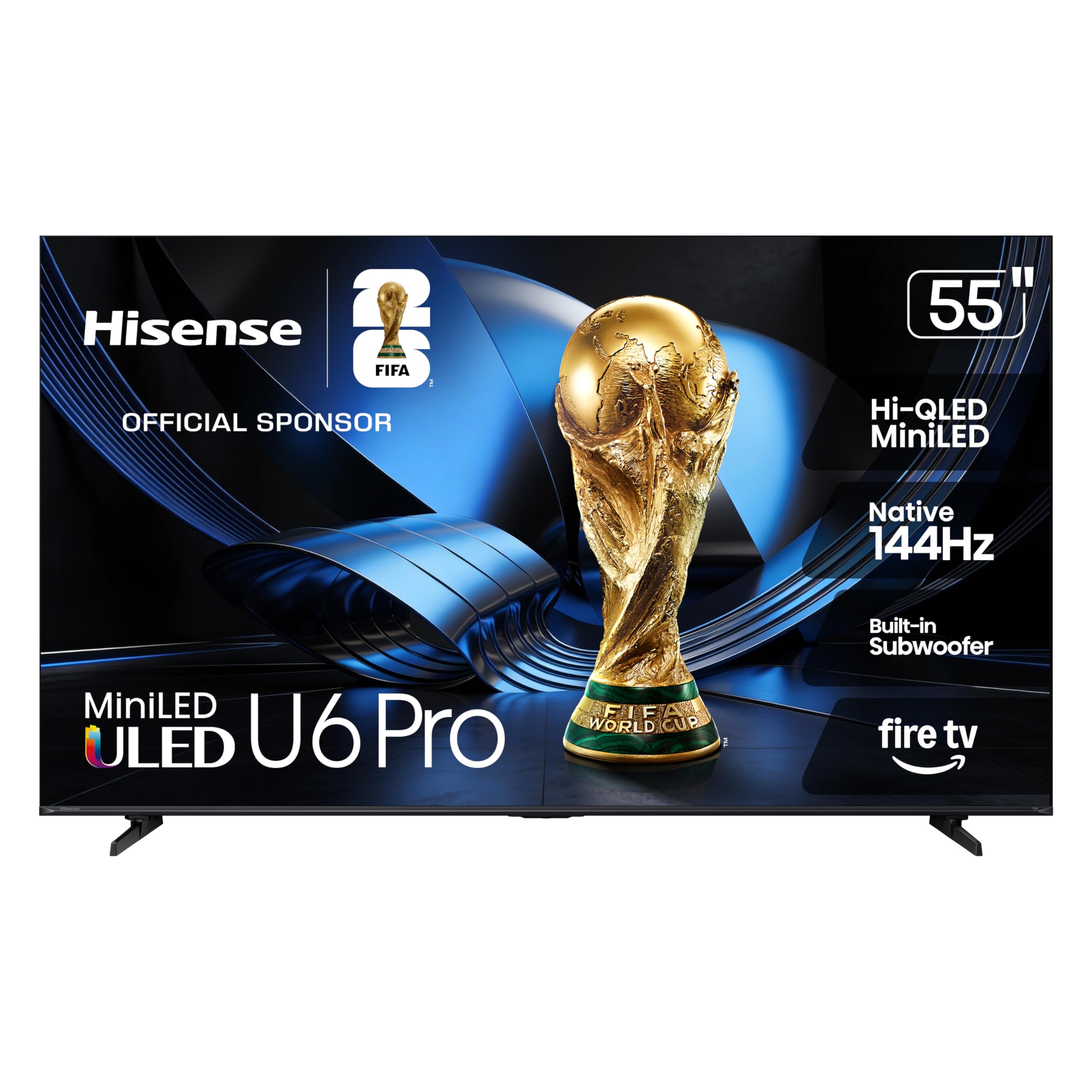
The Hisense U6SF Pro hits a rare sweet spot in the mid-range gaming TV market. Its Mini-LED backlight with hundreds of local dimming zones produces deep blacks and bright highlights that rival much more expensive sets. Combined with a native 144Hz refresh rate and ALLM, this panel eliminates motion blur during fast-paced shooters and racing games without forcing you into a lower resolution.
The Hi-QLED quantum dot layer delivers a wide DCI-P3 color gamut, and Pantone validation ensures skin tones and game environments look natural rather than oversaturated. The anti-reflection coating is a standout feature—gaming in a room with windows or overhead lights produces zero distracting glare, which is a common pain even on glossy OLED panels.
Fire TV OS is snappy for app launching, and the built-in subwoofer adds bass presence that lets you hear explosions and footsteps with more weight than typical TV speakers. For gamers who want premium Mini-LED performance without crossing into premium price territory, this is the pick.
Why it’s great
- Native 144Hz with VRR for tear-free gameplay
- Mini-LED backlight delivers excellent contrast and low blooming
- Anti-glare coating works well in bright rooms
Good to know
- Low-bitrate upscaling (480p-720p) shows artifacts
- Included remote feels cheap compared to competitors
2. ASUS ROG Strix 32″ 4K OLED Gaming Monitor (XG32UCWG)

The ASUS ROG Strix XG32UCWG is a premium WOLED gaming monitor that also functions as an exceptional TV for desktop gaming. Its dual-mode capability lets you run 4K at 165Hz for immersive single-player titles or switch to FHD at 330Hz for ultra-smooth competitive play. The 0.03ms response time eliminates ghosting entirely, making motion clarity practically perfect.
The TrueBlack Glossy panel delivers infinite contrast—pixels turn off completely for true blacks, which creates an unmatched HDR experience in dark games like Alan Wake 2 or Cyberpunk 2077. The Neo Proximity Sensor is a thoughtful burn-in prevention feature: when you step away, the screen dims to black automatically. Plus, the 3-year warranty covers burn-in, removing the usual OLED anxiety.
Connectivity is future-proof with HDMI 2.1 and USB-C with 15W power delivery. The 32-inch size is ideal for a desk setup where a 55-inch TV would be overwhelming. Text clarity at 100% scaling is crisp, so it doubles as a productivity monitor during non-gaming hours.
Why it’s great
- Dual Mode 4K 165Hz / FHD 330Hz for flexibility
- True 0.03ms response time with zero ghosting
- Burn-in coverage included in warranty
Good to know
- OSD menu is small at native resolution
- Does not upscale sub-4K content well
3. LG 55″ QNED evo AI QNED85A Mini LED 4K Smart TV

LG’s QNED85A bridges the gap between QLED and Mini-LED with Precision Dimming that individually controls hundreds of zones for improved black levels and reduced blooming. The native 120Hz panel supports up to 144Hz VRR, which is a rare and welcome feature for PC gamers who want smoother frame pacing even at high frame rates.
The Alpha 8 AI Processor Gen2 analyzes content in real time, enhancing detail and reducing noise in lower-resolution game streams. Filmmaker Mode preserves the director’s intent for cinematic games, while the Game Optimizer dashboard gives you instant access to VRR settings, black stabilizer, and crosshair overlays. The webOS platform is responsive and includes GeForce NOW for cloud streaming.
HDR performance is strong thanks to HDR10 Pro and Dolby Vision IQ, which adjusts brightness based on ambient light. The 55-inch size suits both console gaming on a media console and PC gaming from a couch. For a middle-of-the-line set that does not cut corners on gaming features, this LG delivers.
Why it’s great
- VRR up to 144Hz over HDMI 2.1
- Precision Dimming with Mini-LED for deep black levels
- Game Optimizer provides on-screen gaming controls
Good to know
- Included remote lacks mute and number pad buttons
- Sound resets to internal speakers after external device use
4. Hisense 55″ Hi-QLED S7 CanvasTV (55S7SG)
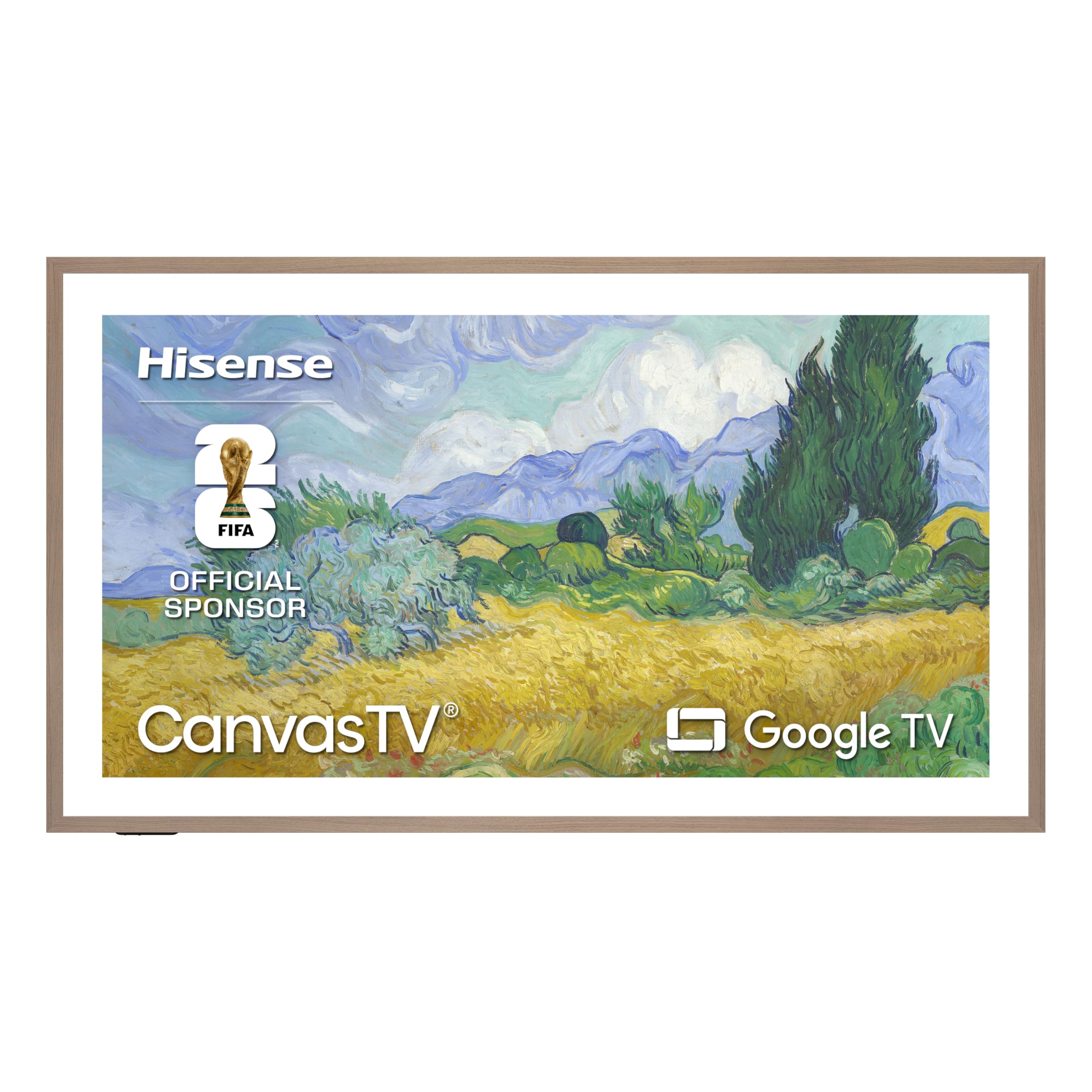
The Hisense CanvasTV proves a gaming TV can double as a piece of home decor. Its Hi-Matte anti-glare display eliminates reflections while maintaining rich 4K Hi-QLED color, making it equally impressive when showcasing art or rendering game HUDs. The native 144Hz refresh rate with AI Smooth Motion keeps fast-paced gameplay fluid.
The included UltraSlim Wall Mount and magnetic teak frame allow the TV to sit flush against the wall like a framed painting. Art Mode displays over 1,000 curated works when you are not gaming, and the AI Ambient Light Sensor adjusts brightness and color temperature to match the room’s lighting. The motion detector automatically wakes the display when you enter the room, which adds a seamless smart-home feel.
Audio is handled by a 2.0.2 channel system with DTS Virtual:X, which creates a wide soundstage with virtual height effects. While not a replacement for a dedicated soundbar, it provides solid immersion for casual gaming sessions. For gamers who want their TV to disappear into the living room aesthetic, this is a uniquely strong option.
Why it’s great
- Art Mode transforms the TV into a painting when idle
- Hi-Matte display eliminates glare without losing color punch
- Native 144Hz smooth for both console and PC gaming
Good to know
- Some units have reported quality control issues (white oval artifacts)
- Side frame pieces not included in all shipments
5. VIZIO 50″ Quantum Pro 4K 120Hz QLED (M50QXM-K01)

The VIZIO M50QXM-K01 is a 120Hz QLED set that brings solid gaming features at a budget-friendly tier. Its Active Full Array backlight with local dimming delivers decent black levels and a peak brightness of 1000 nits, which is enough for a satisfying HDR experience in moderately lit rooms. AMD FreeSync Premium Pro certification ensures tear-free gameplay on Xbox consoles and AMD GPUs.
One of its party pieces is the ability to run 240Hz at 1080p resolution, which competitive PC gamers will appreciate for high-frame-rate shooters. The 50-inch size is compact enough for a desk or a small gaming den, and WiFi 6E support keeps streaming apps responsive even on crowded networks. The VIZIO OS interface is straightforward and includes WatchFree+ with hundreds of free channels.
However, some users report that the local dimming algorithm can over-process HDR content, making it look unnatural—disabling it yields excellent non-HDR performance. The IPS panel handles reflections well and maintains color at wider viewing angles. For a cost-conscious build where every dollar counts, this VIZIO delivers 90% of the gaming experience for a fraction of the price.
Why it’s great
- 240Hz at 1080p for competitive PC gaming
- FreeSync Premium Pro for tear-free console/PC play
- Full array local dimming with 1000 nits peak brightness
Good to know
- Local dimming software can over-process HDR
- Only 60Hz at 4K despite 120Hz marketing claims
FAQ
Is 120Hz enough for gaming or do I need 144Hz?
What is the input lag difference between QLED and OLED gaming TVs?
Final Thoughts: The Verdict
For most users, the 4k tv for gaming winner is the Hisense U6SF Pro because it delivers Mini-LED contrast, a native 144Hz panel, and anti-glare coating at a price that outclasses its competition. If you want uncompromised OLED performance for a desktop setup, grab the ASUS ROG Strix XG32UCWG. And for a living room that also serves as a gallery, nothing beats the Hisense CanvasTV S7SG.