
Our readers keep the lights on and my morning glass full of iced black tea. As an Amazon Associate, I earn from qualifying purchases.
Specs are compiled from manufacturer listings and verified buyer reviews and can change over time — please confirm the key details on the product page before buying.
If your computer is running out of room and getting sluggish, a 4TB 2.5-inch SATA SSD is the single most effective way to give it a second life without buying a whole new machine. The real question isn’t if you need one — it’s which one actually delivers the read and write speeds you’re paying for, and which ones leave you staring at loading screens. This guide cuts through the spec sheets to find the drives that genuinely breathe new speed into an old laptop or desktop.
I’m Min — the founder and writer behind Gadgets Feed. This guide is built by comparing the manufacturers’ published specifications and the patterns across verified customer reviews, so you get each pick’s real strengths and trade-offs instead of marketing spin.
Whether you are upgrading a PS4, reviving a decade-old laptop, or adding mass storage to a desktop, finding the right 4tb 2.5 ssd means balancing raw transfer speed with long-term reliability — and knowing which drives actually live up to their advertised numbers.
Quick Picks
- Samsung 870 EVO 4TB — Top Performer
- SanDisk Ultra 3D 4TB — Long Warranty
- Crucial BX500 4TB — Best Overall
- Fikwot FS810 4TB — TLC Endurance
- TEAMGROUP T-Force Vulcan Z 4TB — Console Ready
- KingSpec OneBoom 4TB — Speed Champion
- fanxiang S101 4TB — Legacy Revival
- SP Silicon Power A55 4TB — Ultra Slim
- Ediloca ES580E 4TB — Budget NAS
How To Choose The Best 4TB 2.5 SSD
Picking a 4TB SATA SSD should be simple, but the specs can be confusing. Here is the plain-English breakdown of what actually matters for your daily use.
Read and Write Speeds — Your Real-World Feel
The most noticeable spec is sequential read speed, which governs how fast the drive finds and opens files. SATA III tops out at around 560MB/s, and every drive in this guide is in that ballpark. Write speed matters when you move large files onto the drive (game installs, video backups), and cheaper drives often cut this number significantly.
NAND Flash Type — TLC vs. QLC
The NAND flash memory inside the drive determines how long it lasts under heavy use. TLC (Triple-Level Cell) flash typically offers better endurance and sustained write performance than QLC (Quad-Level Cell) flash. If you plan to write lots of data daily, or use the drive in a server or video recorder, TLC is the safer bet.
Cache and DRAM — Hidden Performance Helpers
SLC Cache is a trick where the drive uses a small portion of its fast single-level cell memory as a temporary buffer for writes. Drives without a dedicated DRAM cache can slow down noticeably during large file transfers — something buyers of large games should watch for.
Quick Comparison
On smaller screens, swipe sideways to see the full table.
| Model | Best For | Read Speed | Write Speed | NAND Flash | Amazon |
|---|---|---|---|---|---|
| Samsung 870 EVO | Maximum Reliability | 560 MB/s | 530 MB/s | MLC V-NAND | $1,199.99$2,069.99Amazon |
| SanDisk Ultra 3D | Long Warranty | 560 MB/s | 530 MB/s | 3D NAND | $1,538.00Amazon |
| Crucial BX500 | Budget-Friendly Upgrade | 540 MB/s | — | 3D NAND | $379.09Amazon |
| Fikwot FS810 | TLC Endurance | 560 MB/s | — | 3D NAND TLC | $349.99$369.99Amazon |
| TEAMGROUP T-Force Vulcan Z | Console Storage | 550 MB/s | 470 MB/s | 3D NAND QLC | $336.99Amazon |
| KingSpec OneBoom | Price vs. Speed | 550 MB/s | 520 MB/s | 3D NAND | $319.97$344.97Amazon |
| fanxiang S101 | Legacy PC Revival | 500 MB/s | — | 3D NAND | $329.99Amazon |
| SP Silicon Power A55 | Ultrabook Fit | 500 MB/s | — | 3D NAND | $329.97Amazon |
| Ediloca ES580E | Budget NAS/Server | 450 MB/s | 400 MB/s | 3D QLC NAND | $319.99$339.99Amazon |
In‑Depth Reviews
1. Samsung 870 EVO 4TB

The SATA drive that maximizes the interface limit and then stays reliable for years.
If your goal is the most trustworthy 4TB SATA drive you can buy, the Samsung 870 EVO is the benchmark. It pushes the SATA III ceiling to 560MB/s sequential read and 530MB/s sequential write speeds — numbers that the manufacturer claims handle everything from everyday computing to 8K video processing. That read speed is 560MB/s versus the Ediloca ES580E’s 450MB/s, which means large files and game levels load more quickly.
Buyers report that the drive runs about 15°C cooler than older hard drives and consumes 55% to 80% less power, a meaningful difference for a laptop battery. One reviewer noted no failures across multiple Samsung EVO generations after two years of continuous use. The drive also features hardware encryption with AES 256 and TCG/Opal v2.0 support. The trade-off is the price: this is the most expensive drive on the list, but you are paying for a well-earned reputation and that 2,400 TBW endurance rating.
What Makes It Worth It
- Sequential read speed of 560MB/s and write speed of 530MB/s — the SATA limit
- Industry-leading reliability with up to 2,400 TBW endurance rating
- Compatibility-tested for chipsets, motherboards, NAS, and video recording devices
The Real Cost
- Premium price — the most expensive 4TB SATA drive here
- Requires internal install for full Samsung Magician software support
Grab it if: you want the gold standard for reliability and peak SATA performance, especially for a primary drive or server.
Look elsewhere if: your budget is tight and you are using the drive for light storage where cheaper 3D NAND drives will work fine.
2. SanDisk Ultra 3D 4TB

A proven performer with a warranty that outlasts most of your other computer parts.
The SanDisk Ultra 3D offers the same top-tier SATA III speeds as the Samsung — 560MB/s sequential read and 530MB/s sequential write — but sets itself apart with a limited 5-year manufacturer warranty or 600TBW, whichever comes first. That write speed is 530MB/s versus the Ediloca’s 400MB/s write speed, a big advantage when you are moving your game library onto the drive. The NCache 2.0 technology helps keep those speeds snappy during real use.
Reviewers report that it runs cool and silent with very low power draw, and one buyer mentioned it dramatically improved boot time on an old Dell Inspiron from over two minutes to a handful of seconds. The catch? It is still priced at a premium level, though one tier below the Samsung. Some users mention that the bundled Acronis cloning software is not great and recommend using Macrium Reflect Free instead.
Why It Stands Out
- Fast 560/530 MB/s sequential read/write speeds and 5-year / 600TBW warranty
- NCache 2.0 technology for sustained performance during heavy transfers
- Reliable across multiple builds with zero reported failures by several long-term reviewers
What to Watch For
- Premium price tier, though often slightly below the Samsung 870 EVO
- Bundled cloning software is reportedly poor compared to free alternatives
Choose this for: a drive you want to set and forget for five years, especially if you value a longer warranty.
Pass on this if: you are on a strict budget and don’t need the highest possible sustained write speeds.
3. Crucial BX500 4TB

the balance where a trusted brand meets an affordable price for massive storage.
The Crucial BX500 uses Dynamic Write Acceleration — a technology that pulls from a pool of high-speed single-level cell flash memory to boost write speeds — and delivers sequential reads up to 540MB/s. While it is slightly slower on paper than the Samsung and SanDisk, it consistently wins on value. One reviewer revived a 5-year-old laptop using the included Acronis True Image HD cloning software and reported the system booted instantly afterward.
The BX500 is DRAMless, which means write performance can dip during sustained heavy transfers, making it less ideal for a workstation that writes massive files all day. But for upgrading a home laptop, a secondary storage drive, or light gaming, it works great. Crucial backs this with a 3-year limited warranty and thousands of validation hours. The bigger the file, the more you feel the DRAMless trade-off, but for the price, owners mention it is tough to top for general use.
What Works Well
- Blazing-fast 540MB/s sequential read speeds for everyday boot and load times
- Includes free Acronis True Image HD software for easy data migration
- Backed by a reputable brand with a 3-year limited warranty and extensive validation testing
An Honest Caveat
- DRAMless design means slower sustained write performance than the MX500 or Samsung EVO
- Lower endurance than Samsung 860 EVO, best for light to moderate use
Ideal for: the everyday user who wants a massive, reliable upgrade without paying the premium price.
skip it if: you are a power user who frequently writes large video files or runs a 24/7 server.
4. Fikwot FS810 4TB

An affordable drive that uses TLC flash for better longevity than most budget options.
The Fikwot FS810 matches the top-end drives on read speed at 560MB/s and uses original 3D NAND TLC flash memory — the same type found in more expensive drives. The manufacturer says TLC lasts three times longer than QLC flash, and the drive underwent 80 hours of vibration and plug-in/plug-out testing for quality control. It is built to operate reliably between 0 and 60 degrees Celsius.
Customers note it revived two 10-year-old laptops with fast, quiet performance, though one found the included instructions unclear. Still, for a mid-range price, getting TLC NAND and 560MB/s read speeds is a strong value proposition for anyone who writes data regularly and wants a drive that will last.
What Makes It a Good Buy
- Uses original 3D NAND TLC flash, which the manufacturer claims lasts 3x longer than QLC
- Fast read speeds up to 560MB/s, matching premium drives on this spec
- Rigorous 80-hour quality testing for vibration and plug cycles
Potential Drawback
- No dedicated DRAM cache mentioned, so write speeds may drop during sustained transfers
- Some buyers found the installation instructions unclear
Reach for this if: you want TLC endurance at a mid-range price point, especially for a laptop you plan to use daily.
Choose something else if: you need a drive with a DRAM cache for consistent heavy write workloads.
5. TEAMGROUP T-Force Vulcan Z 4TB

A gamer-centric drive with broad console compatibility and a fast SLC cache.
The TEAMGROUP T-Force Vulcan Z advertises read speeds up to 550MB/s and write speeds up to 470MB/s, using SLC Cache technology to give performance a boost. It is listed as compatible with an unusually wide range of video game consoles — everything from the Sony PlayStation 4 to the Nintendo Switch to the SEGA Genesis. This makes it the most versatile pick for anyone juggling multiple retro and modern gaming machines.
One reviewer was disappointed, reporting actual performance at 402MB/s read and 343MB/s write versus the advertised 550MB/s read and 470MB/s write, and noted the drive uses QLC chips. However, other buyers, including one who purchased four drives for 16 TB of total storage, report they have been running strong for nearly three years. The 3D NAND QLC flash is less durable than TLC, but for game storage where reads dominate, most users find it perfectly adequate.
Why It Fits a Gamer
- Advertised 550/470 MB/s sequential read/write speeds with SLC Cache boost
- Compatible with a huge range of consoles — PS4, Xbox, Switch, and retro SEGA/Nintendo systems
- TB-level capacity for low-maintenance game storage, per the manufacturer
What One Buyer Found
- One verified review measured actual performance at 402/343 MB/s, a 20% gap from specs
- Uses QLC NAND, which has lower endurance than TLC for heavy sustained writes
Best suited for: gamers with multiple consoles who need a single large drive that works across different systems.
Consider another drive if: you need consistent peak write speeds for a primary PC or server workload.
6. KingSpec OneBoom 4TB
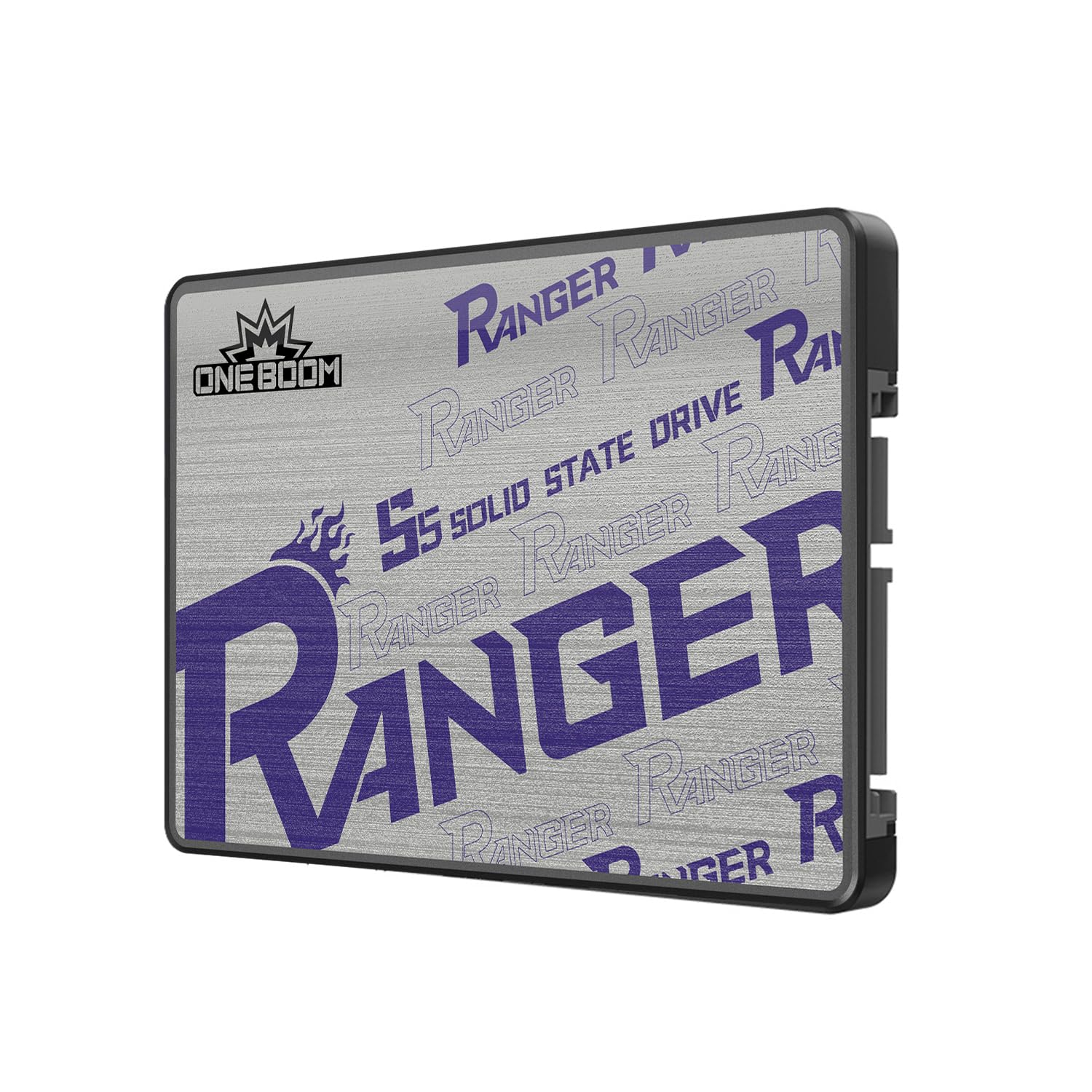
A price-to-speed ratio that beats many pricier drives on write performance.
The KingSpec OneBoom delivers 550MB/s reads and 520MB/s writes versus the Ediloca’s 450MB/s read and 400MB/s write speeds. It uses 3D NAND flash and a SATA III 6Gb/s interface, and the manufacturer claims it uses up to 70% less power than a traditional hard drive and produces almost zero heat. It is also backward compatible with SATA II systems.
Reviewers point out “flawless performance over 6 months; no issues, delays, or improper startups,” and note it is twice as fast as the original hard drive in a PS4, with programs loading instantly. The drive includes a 3-year warranty and a high TBW rating for its class. The plastic enclosure is a minor cost-saving measure, and it lacks some premium features like hardware encryption, but for raw transfer speed at this price, it is tough to beat.
What It Does Well
- Fast 550MB/s read and 520MB/s write speeds versus the Ediloca’s 450MB/s read and 400MB/s write
- Consumes up to 70% less power than an HDD, per the maker, extending laptop battery life
- 3-year warranty and high TBW rating for long-term reliability
A Minor Trade-Off
- Plastic enclosure feels less premium than metal-cased drives
- No hardware encryption or DRAM cache advertised for sustained heavy writes
Great match for: anyone who wants the fastest write speeds at the most accessible price point — ideal for PS4 or older laptop upgrades.
Better options exist for: users who need a professional-grade drive with a metal chassis and full DRAM cache.
7. fanxiang S101 4TB

A no-nonsense drive that makes an old PC feel new at a budget-friendly price.
The fanxiang S101 offers sequential read speeds up to 500MB/s and uses SLC Cache Technology to improve overall performance. The manufacturer says it boots up at least 50% faster than a traditional hard drive. It supports features like garbage collection, advanced wear-leveling, RAID, ECC, TRIM, and S.M.A.R.T — a solid set of technologies that keep data stable and the drive running smoothly over time.
One owner reported the drive used TLC chips, which give better write lifespan than QLC, and made an old coworker’s PC feel new. Another buyer noted the drive lasted only a couple of months before becoming corrupted, but attributed it to an old laptop, not the drive itself. For the price — one of the more budget-friendly options in this guide — you get a 3-year service and lifetime technical support, which adds some confidence.
What You Get
- 500MB/s read speeds with SLC Cache for a noticeable speed boost over HDDs
- Supports garbage collection, wear-leveling, TRIM, and S.M.A.R.T for data integrity
- 3-year after-sales service and lifetime technical support included
Be Aware
- One customer observed corruption after a couple of months (potentially due to an old host laptop)
- Lower read speed than top-tier drives (500 vs 560 MB/s)
Intended for: budget-conscious buyers reviving a very old PC who need reliable 4TB capacity without top-tier speeds.
pass on it if: you need the fastest possible load speeds for demanding games or professional video work.
8. SP Silicon Power A55 4TB

A thin, reliable budget drive that has proven itself over years of continuous use.
The SP Silicon Power A55 is built with 3D NAND flash and its SLC Cache Technology gives it a performance boost. It uses a 7mm slim design (0.28 inches thick), making it suitable for Ultrabooks and ultra-slim notebooks where space is tight. The data transfer rate is 500MB/s, and it comes with a 3-year limited warranty that requires registration on the SP official website for full coverage.
Shoppers say it is a “reliable budget SSD after 1 month+ use,” with one reviewer noting it was still working after three years as a main drive — even with physical damage to the SATA connector that was repaired with tape. Another user with a 20-year PC business background installed it in a customer’s PC and measured a cold boot of about 10 seconds. It is not the fastest drive on the list, but its long-term track record among budget options is impressive.
What Impresses
- Ultra-thin 7mm design fits in the slimmest Ultrabook drive bays
- Proven long-term reliability — one user highlighted 3+ years of continuous use
- SLC Cache Technology for a performance boost over standard budget SSDs
Limitations
- Transfer speed of 500MB/s is lower than top-tier 560MB/s drives
- Warranty registration is required on the SP website, not automatic
A good fit for: anyone with an ultra-slim laptop who wants a reliable, inexpensive 4TB storage upgrade.
Not for you if: maximum transfer speeds are your priority, or you prefer an automatic warranty process.
9. Ediloca ES580E 4TB
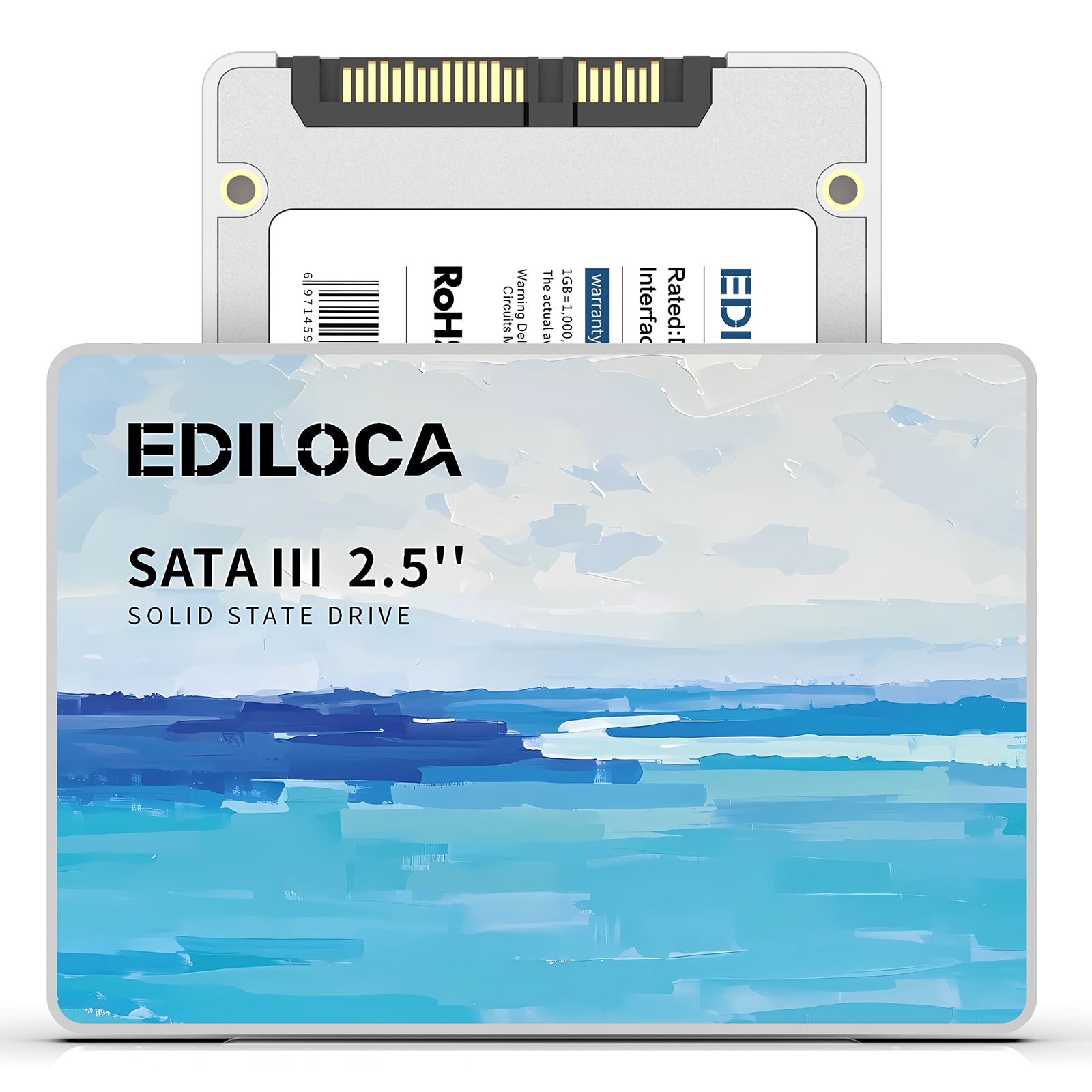
The entry-level 4TB choice that works for light tasks but stumbles on big games.
The Ediloca ES580E reads up to 450MB/s and writes up to 400MB/s, making it the slowest drive in this guide — the KingSpec OneBoom writes at 520MB/s. It uses 3D QLC NAND and the manufacturer claims a 60% faster system boot time compared to a traditional HDD. The drive is shock-resistant up to 1500G/0.5ms and drop-proof from 1.2 meters, with a 3-year limited warranty and 24/7 technical support.
One buyer was blunt: “For large games this is a slow drive.” That matches the spec sheet, as its 400MB/s write speed will make installing modern 100GB+ games noticeably slower than a faster drive. Other reviewers had no problems using it for Windows installation and general software, and it handled laptop upgrades well. If your main use is storing documents, media, or running an OS, it gets the job done at the lowest entry price.
Where It Saves You Money
- Most budget-friendly 4TB SATA SSD option in this guide
- Shock-resistant design rated for 1500G/0.5ms and drop-proof from 1.2m
- 3-year limited warranty with 24/7 technical support included
Where It Falls Short
- Slowest read/write speeds in the guide — 450/400 MB/s versus the KingSpec’s 550/520 MB/s
- One verified buyer warns: “For large games this is a slow drive”
- Uses QLC NAND, which has lower endurance than TLC for sustained writes
Suits you if: you need a massive 4TB drive on a tight budget for an OS, document storage, or a home media server.
Avoid it if: you frequently install or transfer large game files and need a faster write speed.
Understanding the Specs
Sequential Read and Write Speeds
Sequential read speed (measured in MB/s) is the number you see on the box — it determines how fast the drive can pull up a large file, like launching a game level or booting Windows. Write speed matters when you are moving data onto the drive, like installing a new game or copying a video folder. SATA III maxes out around 560MB/s, and the difference between 450MB/s and 550MB/s is instantly noticeable on big file transfers.
3D NAND Flash — TLC vs. QLC
The NAND flash type inside the drive controls how many times you can write data to it before it wears out. TLC (Triple-Level Cell) stores three bits per cell and generally offers better endurance and faster sustained writing than QLC (Quad-Level Cell), which stores four bits per cell. For a drive that will be your main OS and apps, TLC is the safer long-term choice, while QLC is acceptable for bulk media storage where you mostly read data.
FAQ
Will any 4TB 2.5 SATA SSD fit in my laptop or desktop?
Can I use a 4TB 2.5 SSD in a PS4 or PS5?
What is the difference between SATA III and SATA II for these drives?
How long does a 4TB SATA SSD last?
Do I need to format a new 4TB SSD before using it?
Is a 4TB 2.5 SSD good for gaming?
What does DRAMless mean and why does it matter?
Can I clone my existing hard drive to a new 4TB SSD?
Final Thoughts: The Verdict
For most people, the 4tb 2.5 ssd winner is the Crucial BX500 because it offers the best blend of trusted brand reliability, easy cloning software, and everyday speed at a reasonable price. If you want absolute maximum performance and the highest endurance, grab the Samsung 870 EVO. And for the fastest write speed at a mid-range price, the KingSpec OneBoom is a real standout.
How We Picked
We do not accept paid placement, and we did not hands-on test every unit. Instead, we match each pick to a real buyer and use-case by comparing the manufacturers’ published specifications against the patterns in verified customer reviews — so you get each pick’s real strengths and trade-offs instead of marketing copy.
Sources & Methodology
Specifications: manufacturer listings and product documentation. Review insights: verified customer reviews, as of July 2026. Pricing: not shown on this page (it changes often); check the current price via the retailer link.
As an Amazon Associate, Gadgets Feed earns from qualifying purchases. This does not affect which products we feature.
Product prices and availability are accurate as of the date/time indicated and are subject to change. Any price and availability information displayed on Amazon at the time of purchase will apply to the purchase of this product. As an Amazon Associate I earn from qualifying purchases.
CERTAIN CONTENT THAT APPEARS ON THIS SITE COMES FROM AMAZON. THIS CONTENT IS PROVIDED "AS IS" AND IS SUBJECT TO CHANGE OR REMOVAL AT ANY TIME.
Amazon and the Amazon logo are trademarks of Amazon.com, Inc. or its affiliates.