
Our readers keep the lights on and my morning glass full of iced black tea. As an Amazon Associate, I earn from qualifying purchases.
Specs are compiled from manufacturer listings and verified buyer reviews and can change over time — please confirm the key details on the product page before buying.
You want a 4TB M.2 SSD that fills its slot and never slows your machine down, not one that looks fast on the box and stumbles once it heats up. The short answer: a Gen 4 drive (the fourth-generation PCIe standard, which moves data faster than older versions) with a real heatsink or a graphene label, honest read speeds in the 6,000 to 7,450MB/s range (megabytes per second — how fast it pulls data out), and a brand you can get support from will serve you better than any spec-sheet heroics. Below are the eleven drives worth your attention, sorted by what they actually do well.
I’m Min — the founder and writer behind Gadgets Feed. This guide is built by comparing the manufacturers’ published specifications and the patterns across verified customer reviews, so you get each pick’s real strengths and trade-offs instead of marketing spin.
Every drive here carries a genuine 4TB capacity, a PCIe interface sorted out, and a place in a real build. The thing that separates them is how they behave once the cache runs dry and the slot gets warm — the honest test of any 4tb m.2 ssd. Read on and you will know exactly which one fits your board.
Our Picks at a Glance

How To Choose The Best 4TB M.2 SSD
A 4TB drive lives in your machine for years, so the choice deserves more thought than a quick glance at the biggest number on the box. Three things decide whether you end up happy: whether the drive fits your slot, whether it holds its speed under sustained loads, and whether the maker will stand behind it when something goes wrong. Get those right and the rest is details.
Match the interface to what your board actually has
Every drive here fits the same M.2 2280 slot — that is the short stick-shaped format that screws flat onto your motherboard, roughly 80mm long. What differs is the interface beneath it. A PCIe 4.0 drive drops straight into a Gen 4 board, and most also step down cleanly to a Gen 3 board at a lower top speed. A PCIe 5.0 drive like the Crucial T710 only reaches its 14,900 MB/s ceiling in a Gen 5 slot, so check your board’s spec sheet before you chase the fastest number available. If you are installing into a laptop, note that some machines run hot in that slot and a bare drive will thank you for a slim heatsink or a low-power design.
Understand cache and how the drive behaves when the cache runs out
SLC cache is a fast staging area inside the drive that absorbs the start of a big file transfer. Most drives use it to post impressive short-burst numbers. Once that cache fills — moving a huge project folder, or cloning a full drive — the speed settles to a lower sustained rate. This is normal and not a fault. Buyers of a 4TB drive care most about sustained writes because the whole point of the extra space is handling big jobs. A DRAM-less design paired with Host Memory Buffer (HMB) borrows a little of your system RAM as a lookup table, which can trim cost and power use. Check whether the drives you compare use TLC or QLC NAND too: TLC generally holds up better under heavy writing, while QLC tends to be more budget-friendly per byte.
Decide on cooling and clearance before you buy
Heat is the quiet killer of sustained speed. When a drive gets too warm it throttles — it slows itself down to protect the hardware — and you feel it as a lag in a game install or a stalled export. A drive that ships with a heatsink saves you the trouble, but it also takes up vertical room. In a slim laptop or a tightly packed console bay, a bare drive under the factory cover often fits where a thick heatsink will not. In a desktop tower with good airflow, a built-in heatsink gives you longer sprints before the drive slows. Measure the clearance before you commit.
Quick Comparison
| Model | Best For | Read Speed | Write Speed | Capacity | Amazon |
|---|---|---|---|---|---|
| WD Blue SN5100 4TB★ Best Overall | All-round everyday upgrade | Up to 6,900 MB/s | Not specified | 4TB | Amazon |
| TEAMGROUP MP44 4TBBest Value | Graphene-cooled value | Up to 7,000 MB/s | Up to 6,000 MB/s | 4TB | Amazon |
| Crucial P310 4TBBest For Handhelds | Handheld console owners | Up to 7,100 MB/s | Up to 6,000 MB/s | 4TB | Amazon |
| Addlink A93 4TB | PS5 expansion with heatsink | Up to 7,400 MB/s | Up to 6,500 MB/s | 4TB | Amazon |
| Kingston NV3 4TB | Budget-friendly basics | Up to 6,000 MB/s | Up to 5,000 MB/s | 4TB | Amazon |
| MOVE SPEED HB7450 4TB | Maximum PS5 speed | Up to 7,450 MB/s | Up to 6,500 MB/s | 4TB | Amazon |
| Sandisk Optimus 5100 4TB | Creator workloads | Up to 6,900 MB/s | Up to 6,700 MB/s | 4TB | Amazon |
| Crucial T710 4TB | Next-gen Gen 5 speed | Up to 14,900 MB/s | Up to 13,800 MB/s | 4TB | Amazon |
| WD_BLACK SN850X 4TB | Gaming PCs and workstations | Up to 7,300 MB/s | Up to 6,300 MB/s | 4TB | Amazon |
| Samsung 990 PRO 4TB | Heavy gaming and editing | Up to 7,450 MB/s | Up to 6,900 MB/s | 4TB | Amazon |
| Lexar NM790 4TB | Efficient, cool running | Up to 7,400 MB/s | Up to 6,500 MB/s | 4TB | Amazon |
In‑Depth Reviews
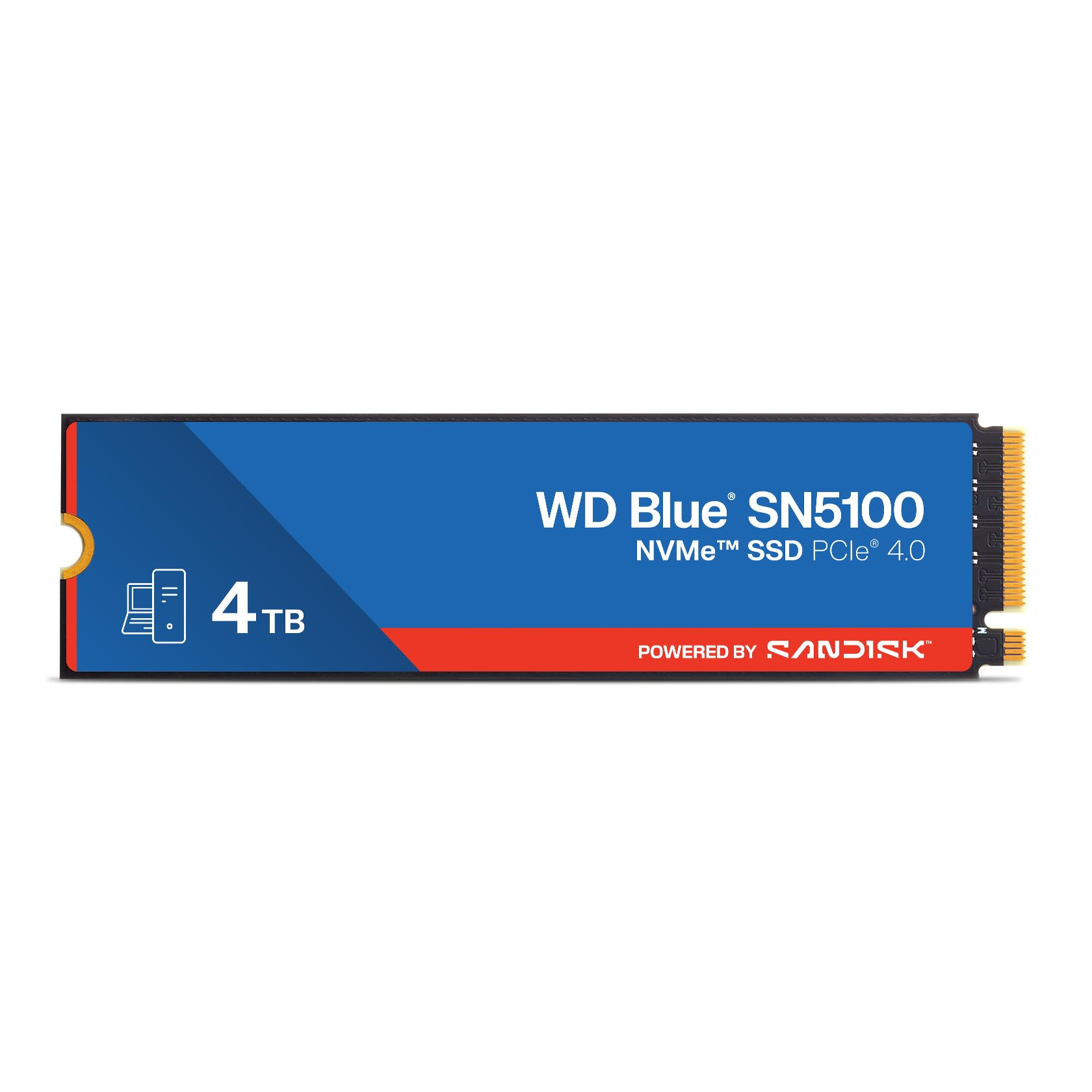
1. WD Blue 4TB SN5100 NVMe SSD
Our pick — 4.5+★ from 950+ verified ratings; the strongest balance of quality and price.
A no-drama 4TB drive that handles everyday laptop and desktop work without fuss.
The SN5100 leads this list because it lands the balance most people actually need: 4TB of storage, a PCIe Gen 4.0 interface (the fourth-generation connection standard) in the standard M.2 2280 shape (22mm wide, 80mm long — the common laptop and desktop size), and read speeds up to 6,900MB/s — fast enough that booting Windows and pulling a big project folder off an external drive both feel instant. It comes from the Sandisk stable with a 5-year limited warranty, which is a sensible comfort level for a drive you will leave bolted in a laptop for years.
what separates it in real use is the Sandisk nCache 4.0 technology, a caching system that keeps large file copies moving faster than a plain drive would. Acronis True Image data migration software (a free tool that copies your old drive’s contents to the new one) is a free download too, so you can move everything across without buying a separate cloning tool.
The honest note is that its 6,900MB/s ceiling sits a step below the 7,400MB/s class drives further down this list. That gap will not show up in everyday booting or game loading, but if you are chasing the absolute fastest sequential writes on a spec sheet, the Addlink A93 and its 7,400MB/s figure beat it.
What wins people over
- 4TB in a standard M.2 2280 slot drops into desktops and laptops alike with no adapter fuss.
- nCache 4.0 keeps big folder copies and system images moving faster than a plain drive.
- 5-year limited warranty and backward compatibility make it a low-drama upgrade.
Where it gives ground
- The 6,900MB/s read ceiling is below the 7,400MB/s drives here.
- No heatsink in the box, so a desktop build should add one if the slot runs hot.
Go for this if: you want one 4TB drive that upgrades a laptop or desktop cleanly and never draws attention to itself.
Hold off if: you need the highest sequential read figure in this lineup for a Gen 4 board.
2. TEAMGROUP MP44 4TB
A graphene label does the heatsink’s job without stealing a millimeter of clearance.
Here is the pick for anyone squeezing 4TB into a tight laptop bay. The MP44 uses a heat-dissipating graphene label rather than a chunky metal heatsink, so it sits flush under a motherboard cover or a thin laptop shell without fighting for space. That label is designed as a supplement to your board’s own heatsink, not a replacement for one.
Speed sits at up to 7,000MB/s read and 6,000MB/s write over PCIe Gen 4×4, with 4TB of capacity — a combination that makes game loads and multitasking feel instant. Performance is what people rave about here, with value for money close behind. It also ships in recyclable packaging and carries TEAMGROUP’s patented monitoring software, which is a nice touch for anyone who likes to watch drive health.
Two things to weigh. Some buyers report the drive running noticeably warmer than expected, while others find it runs cool — the graphene label helps, but a board’s own heatsink is still your insurance. It is also one of the few drives here that lists PS5 compatibility without a heatsink of its own. Some owners mention it running hotter than expected, so give the slot airflow or add a slim heatsink.
What it solves: clearance. If your slot is shallow and a heatsink drive will not fit, the graphene label lets 4TB land flat.
The catch: it leans on your board’s cooling. In a case with no airflow over the slot, add your own heatsink.
Pick it when: a slim laptop or low-clearance slot rules out anything chunky.
Pass if: your build has no airflow across the M.2 slot and you would rather not add cooling yourself.
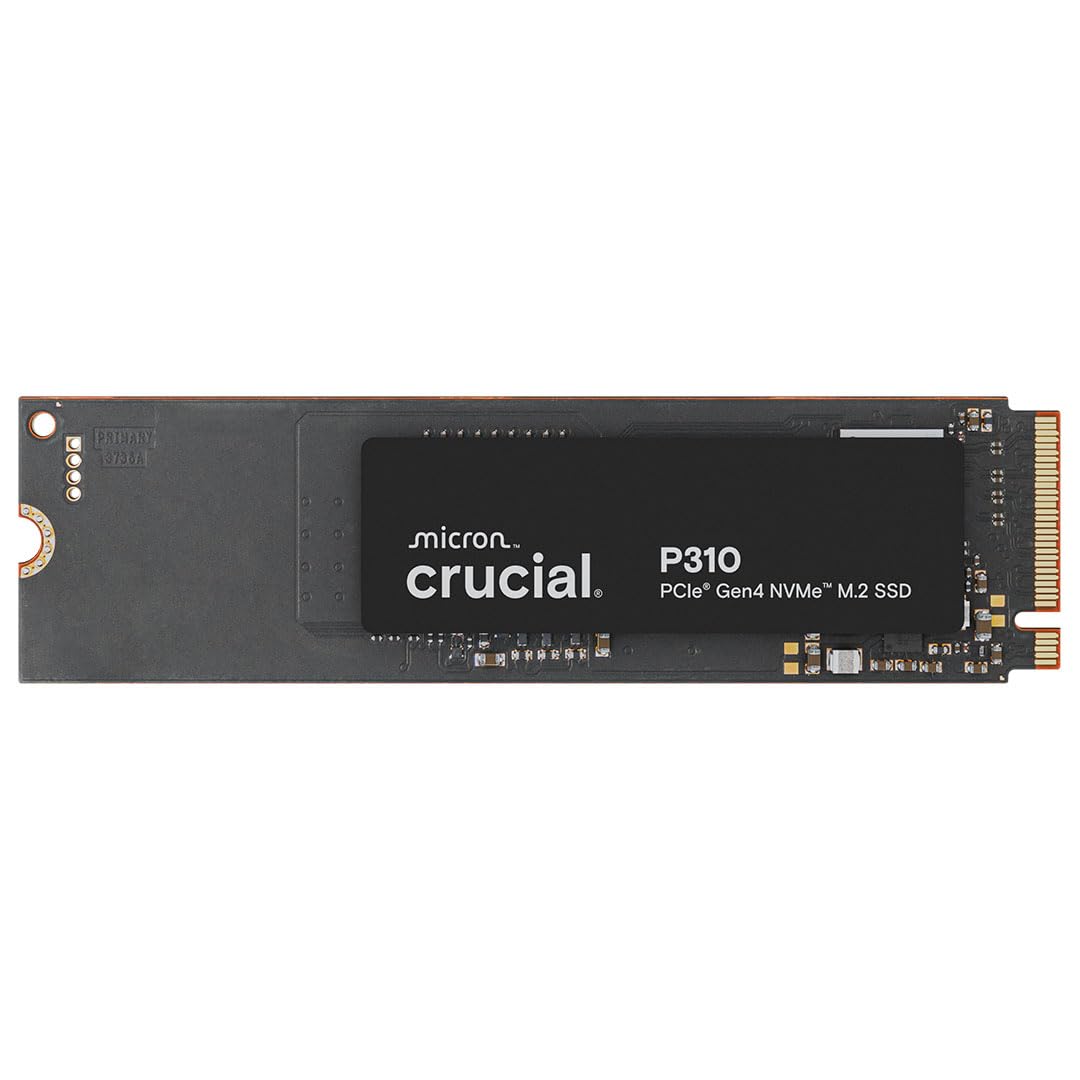
3. Crucial P310 4TB SSD
The drive built for a handheld that has run out of room mid-playthrough.
Owners of a ROG Ally X, a Lenovo Legion Go, or an AYANEO Kun finally get a 4TB option that was designed with them in mind. The P310 lists compatibility with those handhelds alongside laptops and desktops, and it still steps down cleanly to a Gen 3 board if your machine is a couple of generations old. At up to 7,100MB/s read and 6,000MB/s write, game loads and Windows booting both feel snappy.
What stands out in the ownership picture is value, with speed close behind. The drive is built on Micron’s advanced G8 NAND with thermal control, and it comes with Acronis data recovery software in the box — useful if you are cloning a handheld’s library across. The 4TB capacity also means you can keep a whole AAA library resident instead of shuffling installs.
One fair caution: it is a bare drive, so a handheld or a desktop gamer pushing long sessions should keep an eye on slot temperatures. Buyers do note the drive can run warm under sustained load, and a thick third-party heatsink may complicate fitment in a tight handheld shell. The 4TB size plus the Acronis bundle covers most people’s headaches, though.
Why handheld owners gravitate here
- Named compatibility with ROG Ally X, Lenovo Legion Go, and AYANEO Kun handhelds.
- Acronis data recovery software in the box saves buying a cloning tool separately.
- Up to 7,100MB/s read speed over Gen 4 keeps library loads quick.
Small things to plan around
- Bare drive with no heatsink, so tight handheld bays need a careful install.
- Sustained heavy use warms the drive, so keep an eye on thermals in a small shell.
Fits best in a handheld: you want 4TB of library space and Acronis migration in one purchase.
Look elsewhere if: you want a heatsink included from the start for a desktop tower.
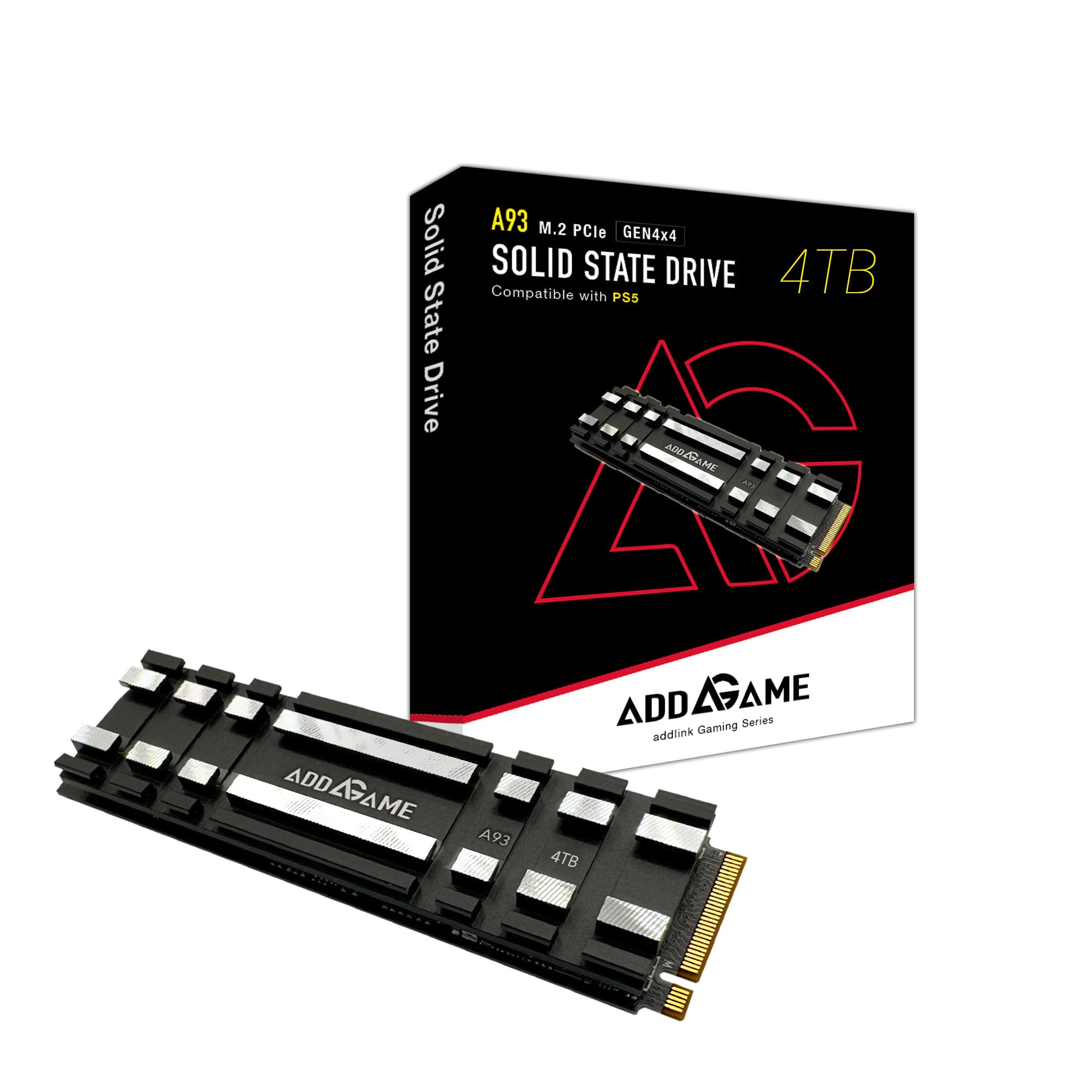
4. Addlink A93 4TB Storage Expansion for PS5 with Heatsink
Ships with its own heatsink so the PS5 bay gets 4TB without a cooling debate.
This is the drive for anyone who bought a PS5, ran out of room, and does not want to think about airflow ever again. The A93 comes pre-fitted with an aluminum heatsink in a crosscutting grid pattern, designed to push heat off the controller and stimulate airflow. It is built from TLC 3D NAND with SLC cache and Host Memory Buffer, and it runs up to 7,400MB/s read and 6,500MB/s write.
Against the Kingston NV3 and its 6,000MB/s ceiling, this Addlink drive holds the higher read figure — no contest on paper, and the extra headroom helps during massive game installs. Installation draws the most praise of any trait, which makes sense given it is a plug-and-play affair suited to people who have never opened a console before. Value and speed sit right behind it.
The one thing to check before you commit: this drive asks for PS5 system software version 21.02-04.00.00 or higher. Most consoles are already there, but some customers note it not working with their PS5, so update your console first and confirm you meet that requirement. Airflow around a console in a tight media cabinet is worth checking too.
The PS5 angle: a heatsink in the box plus a 7,400MB/s read figure means you get expansion without a separate cooling purchase.
Fair warning: install it only after you confirm the console is on software version 21.02-04.00.00 or higher.
Ideal for: PS5 and PS5 Slim owners who want a set-and-gaming expansion drive with cooling already sorted.
Think twice if: your console software is below the required version or you cannot confirm it first.
5. Kingston NV3 4TB

The sensible, no-drama 4TB for anyone who mostly wants space and reliability.
If your priority is a big, dependable drive without paying for speed you will not notice, the NV3 makes a lot of sense. It delivers up to 6,000MB/s read and 5,000MB/s write over Gen 4×4, includes Acronis cloning software, and carries a 5-year limited warranty. For booting, opening apps, and storing a large video and music library, that is plenty.
Quality is the trait owners praise most, and speed comes next. The drive fits desktops, laptops, and PS5 bays, and boot-up on a fresh Windows install feels near-instant. Kingston knows how to build a drive that just works, and the cloning software removes the friction of migrating from an older, smaller SSD.
The trade-off is the spec ceiling: at 6,000MB/s read, the Addlink A93 and its 7,400MB/s figure lead on this drive by a real margin. If you copy huge files daily, that gap will show. For everyday use, though, you would struggle to tell the difference.
Standout strengths
- 4TB at a budget-friendly position, with a 5-year limited warranty and Acronis cloning included.
- Fits desktops, laptops, and PS5 bays without adapters.
- Boot times and app launch speeds feel near-instant for everyday work.
Where it lands last
- 6,000MB/s read is the lowest ceiling among the high-speed drives here.
- 5,000MB/s write means big sustained transfers take longer than on faster drives.
Choose this if: space and a low-fuss install matter more to you than the last MB/s of speed.
Skip if: you routinely move huge files and want every second shaved off the transfer.
6. MOVE SPEED HB7450 4TB

Ties the top speed of any Gen 4 drive here and hands you the screwdriver too.
At 7,450MB/s read, the HB7450 matches the fastest Gen 4 drive on this list — the Samsung 990 PRO’s 7,450MB/s figure. Its write speed is up to 6,500MB/s, and it uses a Maxio MAP1602 controller with 3D NAND flash. For a PS5 install, that means big game downloads and file transfers finish quickly rather than dragging.
The box includes the little extras that make a first-time install easy: a heatsink (a metal block that pulls heat off the drive, not pre-installed), screws, and a screwdriver. A 1mm graphene composite heat pad is built in, and the maker claims it cools the chip by 10 degrees during work or games. Performance is what people talk about most, with value and installation close behind.
One fair caveat: the heatsink arrives loose, so you have to fit it yourself if you want the extra cooling. Some reviewers point out overheating issues in the PS5, while others say it never gets hot — how much air your console bay gets will tell you which camp you land in.
The speed headline: 7,450MB/s read puts it level with the Samsung 990 PRO’s figure, and the included toolkit makes the install painless.
The one task: you will need to mount the loose heatsink yourself if you want to run it cool in a PS5.
Worth it for: gamers who want top Gen 4 speed and do not mind a five-minute heatsink install.
Not for you if: you would rather a drive arrive with the heatsink already bolted down.
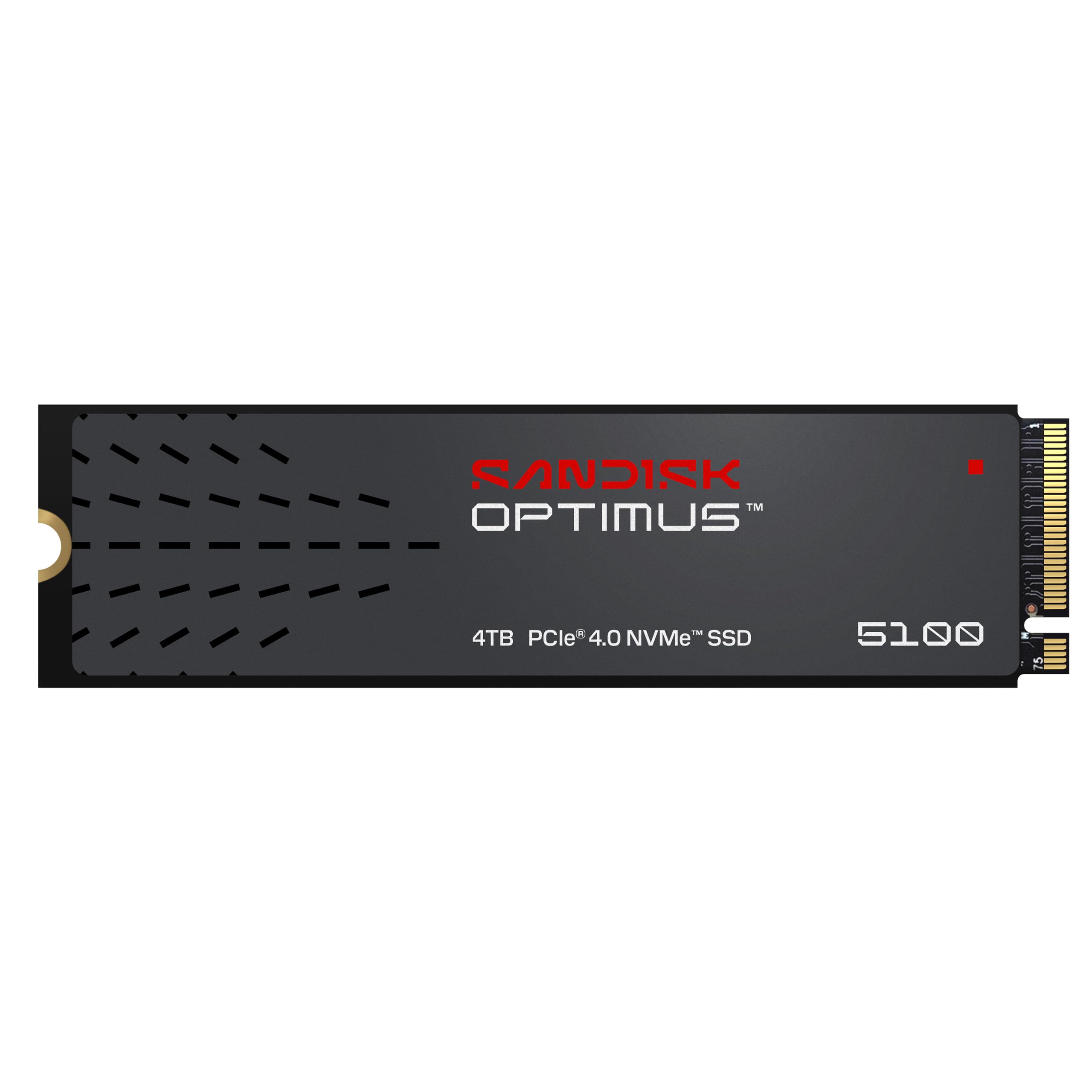
7. Sandisk Optimus 5100 4TB
Built for the person who writes hundreds of gigabytes of footage a week.
The number that defines this drive is endurance. The 4TB model carries a 1,200TBW rating — that is the total amount of data it is designed to write over its working life — which is aimed at video editors and photographers who fill and empty a drive constantly. Read speeds reach up to 7,100MB/s on the smaller models and write speeds up to 6,700MB/s across the 1TB to 4TB range.
It uses Sandisk’s 8th-generation BiCS QLC 3D CBA NAND, chosen for capacity and efficiency rather than raw sprint speed. The power-efficient design means longer battery life in a laptop while you work on the go. There is also the download-only SANDISK Dashboard app, which lets you watch drive health and check for firmware updates — handy for a drive under constant creative load.
The realistic note: QLC NAND is more about capacity and endurance than absolute speed, and reliability is the trait buyers praise most, with quality close behind. It is not the fastest drive for a given file size, but it is among the more durable ones.
Why creators should care: 1,200TBW on the 4TB model is a serious endurance figure for a drive that sees constant large writes.
What to accept: QLC NAND trades a little raw pace for capacity and longevity, so pure speed chasers may prefer a TLC drive.
Built for: video and photo professionals who value a high endurance rating over the biggest sequential number.
Better elsewhere if: your main goal is the fastest read figure on a spec sheet.
8. Crucial T710 PCIe Gen5 4TB

The Gen 5 outlier that laps every Gen 4 drive here on paper.
There is no subtle way to put this: the T710 is in a different class. Its PCIe 5.0 interface pushes read speeds up to 14,900MB/s and write up to 13,800MB/s — against the 7,450MB/s top Gen 4 read figure in this list. If you work in 8K video, move enormous creative assets, or simply want the fastest drive you can fit in a modern board, this is the one that outruns everything else here.
It is built for Intel 13th and 14th Gen and AMD Ryzen 7000 platforms with genuine Gen 5 M.2 slots. The drive uses Micron G9 TLC NAND and comes with a 5-year warranty, plus Acronis True Image and a one-month Adobe Creative Cloud All-Apps subscription. AES-256 hardware encryption with TCG Opal support is there for anyone storing sensitive client files.
Two honest points. First, it ships without a heatsink and expects you to supply a compatible one — a Gen 5 drive under sustained load really wants it. Second, it only reaches that 14,900MB/s figure in a Gen 5 slot; on a Gen 4 board it will step down. Reliability feedback is mixed, with some owners reporting no trouble and others noting failures, so keep your own backups regardless of which drive you buy.
Why the price tag is justified
- 14,900MB/s read is the highest figure in this entire lineup, in a class of its own vs Gen 4.
- AES-256 hardware encryption with TCG Opal keeps sensitive creative files protected.
- Bundled Adobe Creative Cloud and Acronis software adds real value for creators.
Before you commit
- Needs a Gen 5 M.2 slot to reach its full speed; Gen 4 slots will see it step down.
- No heatsink included, so a compatible one is essential for sustained work.
The choice for: creators and hardcore gamers on a Gen 5 board who want the fastest drive in this list.
Overkill if: your board only has Gen 4 slots — the extra speed stays locked away.
9. WD_BLACK SN850X 4TB

The gaming drive that has been the default for serious PC builders for a reason.
For a gaming PC or a workstation, the SN850X delivers up to 7,300MB/s read and 6,300MB/s write, putting load times for the biggest games ridiculously low. It carries the WD_BLACK Dashboard, which lets you monitor drive health and firmware, and it is compatible with the PS5 as well as laptops and motherboards. A proven gaming drive with software support and a long track record.
Performance is the trait owners praise most, and reliability sits right next to it. This is a drive with a long track record, and it shows. Games that once felt sluggish load in a blink, and if you are carrying years of saves and installs, 4TB of room means you stop uninstalling to make space.
The trade-offs are the usual ones for a premium gaming drive. Some shoppers say drives that were not recognised in their machines from the start, so test the install promptly. Thermals and durability also draw mixed notes, so give it airflow in a tight case. Still, for a build centered on gaming performance, this sits comfortably near the top of the pile.
The gaming case: 7,300MB/s read plus WD_BLACK Dashboard control gives you a drive tuned for load speed and monitoring.
The honest caveat: a handful of installs need a re-seat before the board sees the drive, and it runs warm enough to deserve airflow.
Made for: PC gamers and workstation builders who want a proven drive with software support.
Consider the Gen 5 drive instead if: you have already committed to a PCIe 5.0 platform and want the fastest figure available.
10. Samsung SSD 990 PRO 4TB

Near the absolute ceiling of what a Gen 4 slot can deliver, and it shows.
The 990 PRO squeezes out up to 7,450MB/s read and 6,900MB/s write — the highest write figure of any Gen 4 drive here. For heavy gaming, video editing, or data analysis, that is more than enough headroom. Samsung also claims better performance per watt than the 980 PRO, which helps laptop battery life.
Gamers will appreciate how it handles an OS drive plus your favorite titles, and 4TB means you triple your storage without another drive purchase. Performance is the aspect people celebrate most by a wide margin, with speed next. Samsung’s engineering reputation carries weight, and this drive is a solid embodiment of it.
The realistic note is reliability: some buyers report no failures at all, while others mention drives failing after a year. That is a mixed picture worth acknowledging, and it is the same advice you would apply to any SSD — keep backups of anything you cannot rebuild. Thermals also draw mixed feedback, so a board with good airflow keeps it happy.
Why it earns its place
- 7,450MB/s read and 6,900MB/s write — the highest write figure among the Gen 4 drives here.
- Notably better performance per watt than the model it replaces, which helps laptop battery life.
- Compatible with PS5, desktops, and laptops for a straightforward install.
Worth knowing
- Reliability feedback is divided, so back up your data regardless.
- Runs warm under sustained load and prefers a board with good airflow.
Best for: heavy gamers and editors who want the fastest Gen 4 write speed on the list.
Weigh the Gen 5 Crucial instead if: your board supports PCIe 5.0 and you want more headroom than Gen 4 can give.
11. Lexar NM790 4TB with Heatsink

An endurance figure of 3,000TBW and a heatsink already bolted on.
For a drive that will write massive amounts of data, the NM790 stands out with a 3,000TBW rating on the 4TB model — the highest endurance figure in this entire list. Read speeds reach up to 7,400MB/s and write up to 6,500MB/s, with a built-in heatsink designed to keep your rig cool under load. On a pure write-figures-per-day basis, these numbers put it ahead of the WD Blue and Kingston machines.
Lexar lists lower power consumption than DRAM cache-enabled Gen 4 SSDs. That means less heat and longer runtimes in a laptop, and less strain on a laptop’s battery. Host Memory Buffer 3.0 is used to borrow system memory for cache lookup — the trade-off for the DRAM-less design. An upgrade from an older Gen 3 drive feels immediate.
Compatibility is what owners praise most, with speed right behind it — it slots into desktops, laptops, and PS5 bays without argument. The realistic note: it arrives at the top of the price ladder here, which is honest for a 3,000TBW drive with a heatsink. If you want the most durable, efficient Gen 4 drive on this list, that is what you are paying for.
The durability win: 3,000TBW is the highest in this lineup, and a pre-fitted heatsink means no extra cooling purchase.
What to know: it is the priciest drive here, so you are paying for endurance and efficiency rather than outright bang-for-buck.
Right for: heavy writers who want the highest endurance rating on the list with cooling already installed.
Better value elsewhere if: you want big capacity without paying for the longest-lasting drive available.
Understanding the Specs
Read and write speed (MB/s)
The first number on a listing is sequential read speed in megabytes per second — how fast the drive can pull data back in a perfect straight line. It is the figure that makes boot times and game loads feel quick. Write speed is the partner number, and it matters when you save footage or install a game. A 6,000MB/s drive will not feel noticeably slower for daily work, but the 7,400MB/s and above drives shave seconds off big transfers.
Endurance rating (TBW)
TBW stands for terabytes written — the total amount of data the drive is designed to write over its working life. A drive rated at 1,200TBW is built for heavier writing than a drive with no such figure published. For most people, a couple of hundred gigabytes a month never approaches the limit, but for a video editor writing hundreds of gigabytes a week, the endurance rating is the clearest sign of how much punishment a drive is engineered to take.
SLC cache and DRAM-less design
SLC cache is a fast staging area that gives big transfers an initial burst of speed. Once the cache fills, the drive writes directly to its main storage at a lower sustained rate. DRAM-less drives skip a dedicated memory chip and instead use Host Memory Buffer, or HMB, to borrow a slice of your system RAM. That saves cost and power, and in normal use you will rarely notice the difference — but a DRAM-less drive can slow down more noticeably on sustained writes once thecache empties.
Pure DRAM designs hold speed longer on big jobs, which is why the endurance-focused drives in this list lean on TLC NAND where possible.
Form factor and fit (M.2 2280)
M.2 2280 is the stick-shaped drive format, roughly 80mm long, that screws flat onto a motherboard or into a console expansion bay. Every drive on this list uses it, so the slot itself is the same. What changes is height: a drive with a built-in heatsink takes up more vertical space and may not fit under a laptop cover or inside a slim handheld shell. Measure clearance before you buy a heatsink model for a tight machine.
PCIe generation (Gen 4 vs Gen 5)
The PCIe generation is the data highway the drive plugs into, and it caps the top speed. A Gen 4 drive tops out around the 7,000MB/s mark here, while a Gen 5 drive like the Crucial T710 reaches 14,900MB/s. The catch is that a Gen 5 drive only runs at full tilt in a Gen 5 slot. On a Gen 4 board it steps down to Gen 4 speeds, so the extra money buys nothing until you upgrade the platform.
NAND type (TLC vs QLC)
NAND is the flash memory that actually stores your data, and the two common types are TLC and QLC. TLC generally writes faster and holds up better under constant heavy writing, while QLC packs more capacity per chip and tends to be more budget-friendly. Neither is “bad” — it is a trade between speed, endurance, and cost. A creator writing video all day leans TLC; someone storing a games library leans toward whatever gives the most capacity.
FAQ
Will a 4TB M.2 SSD fit in my laptop or desktop?
Do I need a heatsink on a 4TB NVMe drive?
What is the difference between PCIe Gen 4 and Gen 5 for a 4TB drive?
How long will a 4TB SSD last before it wears out?
Can I use a 4TB M.2 SSD in a PlayStation 5?
Is a DRAM-less 4TB SSD slower than one with DRAM?
Do I need to clone my old drive or can I start fresh?
Will a 4TB M.2 NVMe drive work in an older Gen 3 computer?
How much faster is a Gen 5 drive than a Gen 4 drive in real use?
Does a bigger drive run hotter than a smaller one?
Final Thoughts: The Verdict
The safest all-round move is the WD Blue SN5100 4TB. It pairs 4TB of room with a 6,900MB/s read figure, a standard M.2 2280 shape, and a 5-year warranty, so it upgrades almost any laptop or desktop without fuss. If you are building a gaming PC and want speed with software support, reach for the WD_BLACK SN850X 4TB. PS5 owners should grab the Addlink A93 4TB and its pre-fitted heatsink. And if you have already moved to a PCIe 5.0 board, the Crucial T710 4TB is the only drive here that fully uses it.
One honest nudge before you decide: the WD Blue SN5100 has earned its place at the top with a 4.5+ star rating across 900+ ratings, and that kind of long-running feedback is worth more than any single spec line. Whichever drive you pick, match the interface to your board, check clearance for a heatsink, and keep backups of anything you cannot rebuild. Match the interface to your board, check heatsink clearance, and keep backups, and your 4TB drive will serve you for years.
How We Picked
We do not accept paid placement. Every pick is matched to a real buyer and a real use-case; we do not hands-on test units.
Sources & Methodology
Specifications: manufacturer listings and product documentation. Review insights: verified customer reviews, as of November 2026. Pricing: not shown on this page (it changes often); check the current price via the retailer link.
As an Amazon Associate, Gadgets Feed earns from qualifying purchases. This does not affect which products we feature.