
Our readers keep the lights on and my morning glass full of iced black tea. As an Amazon Associate, I earn from qualifying purchases.
Specs are compiled from manufacturer listings and verified buyer reviews and can change over time — please confirm the key details on the product page before buying.
Buying a 50-inch 4K TV used to mean accepting mediocre picture quality or paying a fortune for a premium panel. That trade-off is gone, but the shelf is now crowded with Mini-LED, QLED, and 120Hz+ models at prices that blur the lines between budget and premium. The real question isn’t which one is cheapest — it’s which one delivers the picture and features you’ll actually use, without paying for specs your eyes won’t notice.
I’m Min — the founder and writer behind Gadgets Feed. This guide is built by comparing the manufacturers’ published specifications and the patterns across verified customer reviews, so you get each pick’s real strengths and trade-offs instead of marketing spin.
You don’t need to spend twice as much to get a great picture—a 50 inch budget tv can match pricier panels if you check the backlighting, refresh rate, and streaming system. Here’s how to pick the one that fits your habits.
Our Picks at a Glance

How To Choose The Best 50-Inch Budget TV
Before you sort by price, think about the three things that define your daily experience: what you watch, where the TV sits, and whether gaming matters. A panel that looks stunning for movies can feel sluggish for fast-paced action, and a TV that nails gaming might overwhelm a dim living room.
Backlighting: The Real Picture Quality Driver
On a budget, the backlight technology decides contrast and brightness. Mini-LED uses thousands of tiny lights for precise control, giving you deeper blacks next to bright highlights — the closest thing to an OLED without the cost. QLED boosts color volume, while standard Direct LED spreads light evenly but struggles with true blacks. Your room’s light level matters too; a bright living room benefits from a higher brightness panel more than a bedroom does.
Refresh Rate and Gaming Features
Refresh rate, measured in Hertz (Hz), tells you how many times the screen updates per second. A standard 60Hz panel is fine for movies and cable, but if you game on an Xbox Series X, look for 120Hz or higher to actually see the smoothness your console can output. Auto Low Latency Mode (ALLM) and Variable Refresh Rate (VRR) cut input lag and screen tearing, but check which HDMI ports support these features — sometimes only one or two do.
Smart Platform: Pick Your Ecosystem
The operating system is what you interact with every day. Google TV and Fire TV offer app stores and voice assistants (Google Assistant and Alexa), while Roku is famous for a simple, uncluttered menu that’s easy for anyone to navigate. If you already use a Roku stick or an Amazon Echo, staying in that ecosystem means a smoother, more familiar experience.
Quick Comparison
| Model | Best For | Backlight | Refresh Rate | Smart Platform | Amazon |
|---|---|---|---|---|---|
| TCL QM6K★ Best Overall | Gaming & Movies | Mini-LED | 144Hz | Google TV | Amazon |
| TOSHIBA C350Best Value | Best Value | LED | — | Fire TV | Amazon |
| Roku Select SeriesSimplest to Love | Simple Streaming | Direct LED | 60Hz | Roku | Amazon |
| ONN 50-Inch | Entry-Level & RV | LED | 60Hz | Roku | Amazon |
| Samsung U8000H | Brand & Picture | LED | 60Hz | Tizen | Amazon |
| Westinghouse Roku | Bright Rooms | LED | — | Roku | Amazon |
| TOSHIBA M450 | QLED Color | QLED | 60Hz | Fire TV | Amazon |
| FPD CG50-C3 | Google Cast & HDMI 2.1 | LED | 60Hz | Google TV | Amazon |
| Samsung M70H | Mini-LED Contrast | Mini-LED | 60Hz (120Hz DLG) | Tizen | Amazon |
| Hisense A7N | Google TV Value | Direct LED | 60Hz | Google TV | Amazon |
| Hisense E7 | Premium Value | Mini-LED | 144Hz | Fire TV | Amazon |
In‑Depth Reviews
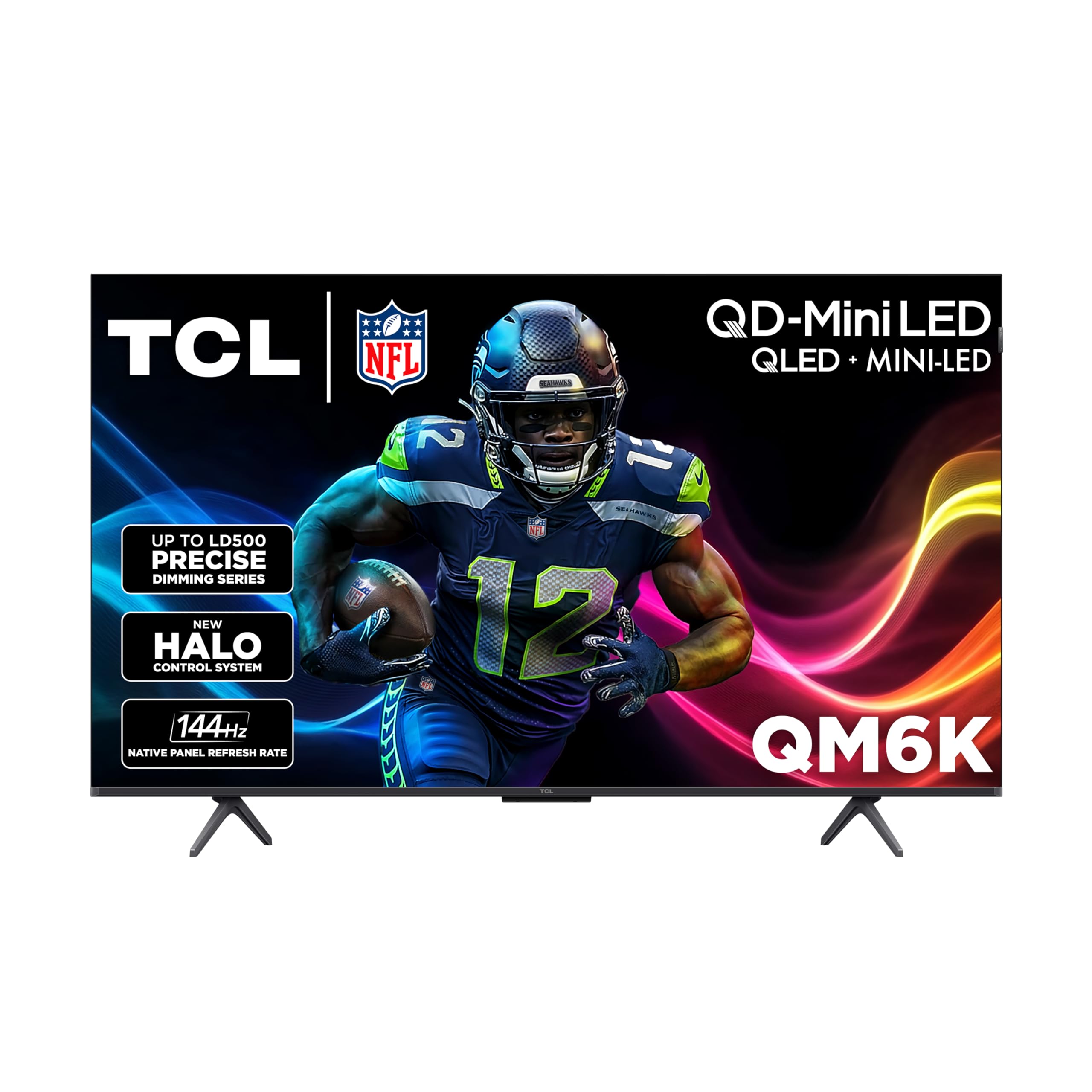
1. TCL 50-Inch QM6K (50QM6K)
Our pick — over 4★ from 1,500+ verified ratings; the strongest balance of quality and price.
The gaming-first Mini-LED that makes next-gen consoles feel genuinely next-gen.
Own an Xbox Series X or PlayStation 5? The TCL QM6K hits a 144Hz refresh rate—while most budget TVs are 60Hz—so your games look smoother and respond faster. Owners call it excellent for 120Hz gaming with a crisp display from the start, and 375 buyers single out picture quality as the standout, praising amazing clarity for the price. The Google TV interface also earns rare compliments for being lag-free and fast.
That deep contrast comes from Mini-LED backlighting—thousands of tiny lights controlled by TCL’s Halo Control System—so you get rich blacks and vivid colors in dark scenes. Owners say the built-in speakers are genuinely impressive, though a soundbar helps in larger rooms. The recurring gripe: streaming apps work inconsistently for some, and you’ll need an HDMI 2.1 cable to open up 120Hz+ gaming on the two ports that support it—the third port stays at 60Hz.
Compared to the Hisense E7 below, the TCL matches its 144Hz gaming ceiling but adds a backlit remote and a snappier menu—owners repeatedly note instant response and smoother streaming than older TCL models. If you want one TV that handles both movies and competitive gaming, this is it.
Why it wins the panel race
- 144Hz refresh rate for fluid, tear-free gameplay on Xbox Series X and PS5
- Mini-LED backlighting delivers contrast that owners call excellent
- Anti-reflective screen that stays crisp in bright rooms
Where it asks a favor
- Only two HDMI ports hit the full 144Hz — the third runs at 60Hz
- You need an HDMI 2.1 cable to open up high-refresh gaming
- Occasional reports of streaming apps acting inconsistently
The pick if: you stream daily and game on a modern console, and you want the brightest, smoothest panel this list offers.
Think twice for: pure TV-on-a-budget use where the extra refresh rate would go untouched.
2. TOSHIBA 50″ C350 Series (50C350)
The value king that pairs Dolby Vision with a voice remote in the cheapest box here.
For the dollars spent, no other 50-inch panel packs this much picture technology. The REGZA Engine ZR upscales Full HD to near-4K, making older cable and YouTube videos look sharper. Owners overwhelmingly praise the crisp picture and easy wall-mount setup, and the screen size gets a special shout-out for placement above fireplaces and in RVs.
It’s a Fire TV at heart, meaning Alexa is built into the voice remote — just press and ask to launch apps or control compatible smart home gear. Buyers report the sound and graphics are very good, and the setup takes minutes. One owner bought a second one immediately as a gift, which says a lot about first impressions. The recurring complaint is volume — it hits 40 and feels quieter than an older TV at 10 — so a soundbar is a smart add-on for loud action scenes.
Owners expect the set to last 10+ years, a strong reliability vote for a budget TV. What you’re trading away versus the TCL QM6K above is the refresh rate — this is a 60Hz panel with no 120Hz gaming mode — so it’s built for streaming and movies, not competitive play. For a bedroom, a guest room, or a cozy living room, it’s the smartest money-on-panel ratio you’ll find.
Where it shines: Dolby Vision HDR combined with Dolby Atmos sound transforms the living room into an entertainment hub — all at an entry-level price point.
The honest trade-off: 60Hz refresh means serious gamers should look higher; the low-volume limitation is worth a soundbar.
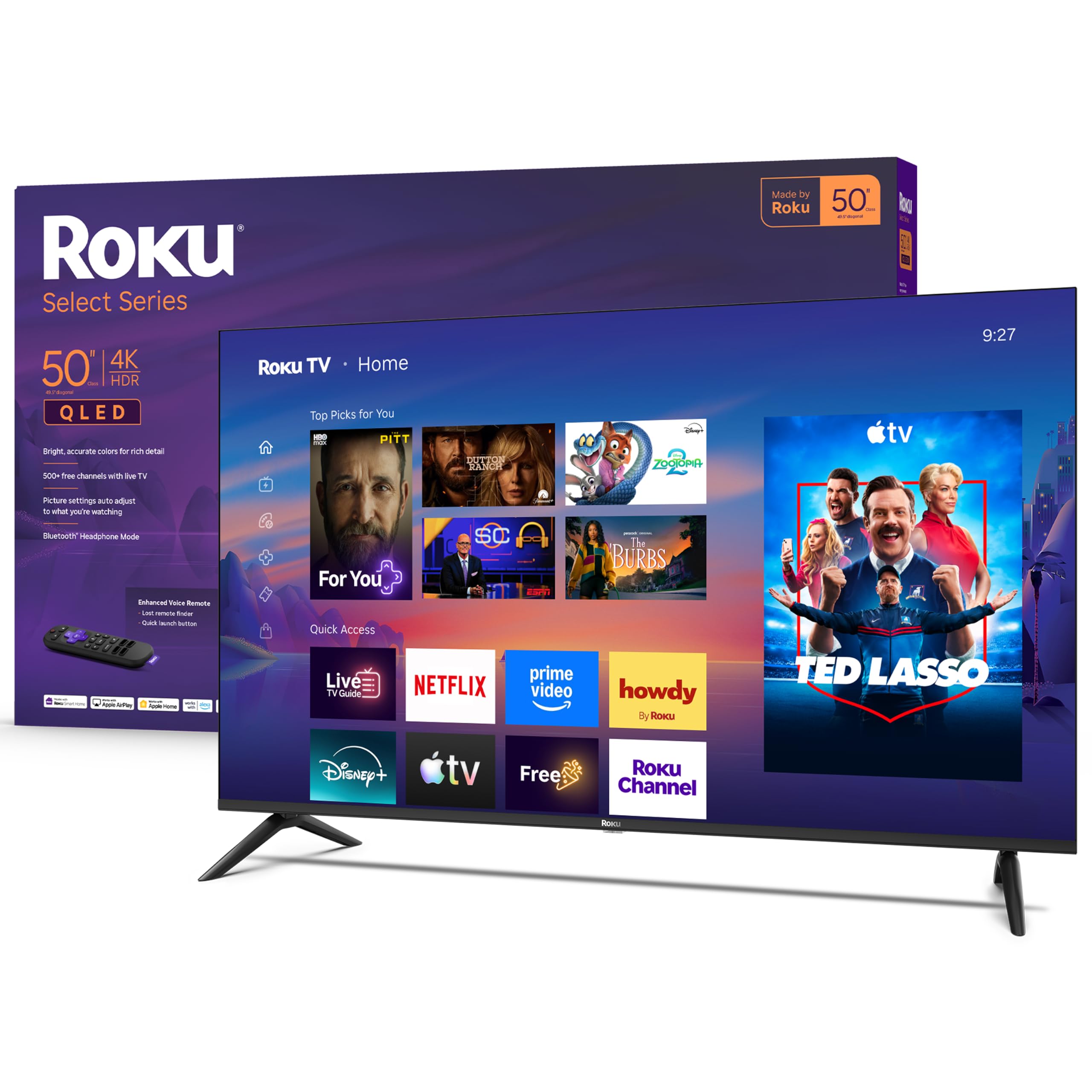
3. Roku 50-Inch Select Series (2026)
A QLED that keeps streaming dead simple, with 350+ free channels built in.
The Roku Select Series wins on its operating system—clean, fast, and intuitive, with zero learning curve. Owners switching from a glitchy Google TV call the built-in Roku a relief, praising plug-and-play setup and a crisp picture. The QLED screen with HDR10 delivers bright, accurate colors, and one owner called the deep blacks and saturated color stunning, saying it “punches above its price.”
For cord-cutters, this set is a goldmine: a huge selection of free live TV, news, sports, and movies is a click away, all through Roku’s own channels. The enhanced voice remote searches across thousands of apps, and if you ever lose it in the couch, the lost remote finder saves the day. Bluetooth Headphone Mode lets you listen without waking the house — a killer feature for night owls.
Owners found the built-in sound good enough to skip a soundbar entirely, and the frameless design makes the screen feel bigger than 50 inches. The one mixed note is connectivity — most find Wi-Fi easy to set up, but a few report connection issues. Unlike the Toshiba above, this runs Roku instead of Fire TV, so choose based on which menu you’d rather live in — Roku’s is the one that makes everything else feel complicated.
Three things owners love
- Simplest setup on the list — one owner had it running in under 10 minutes
- Deep blacks and saturated colors from the QLED panel with HDR10
- Bluetooth headphones let you watch without disturbing anyone
Three things to weigh
- 60Hz refresh — fine for streaming, not for high-refresh gaming
- Occasional Wi-Fi connection complaints
- The new Roku home screen format takes a little getting used to
Reach for this if: you want the least-friction streaming experience and value free live TV over raw gaming performance.
Look elsewhere if: you’re chasing 120Hz+ gaming or already live inside the Amazon Alexa ecosystem.
4. ONN 50-Inch 4K HDR10+ (Renewed)
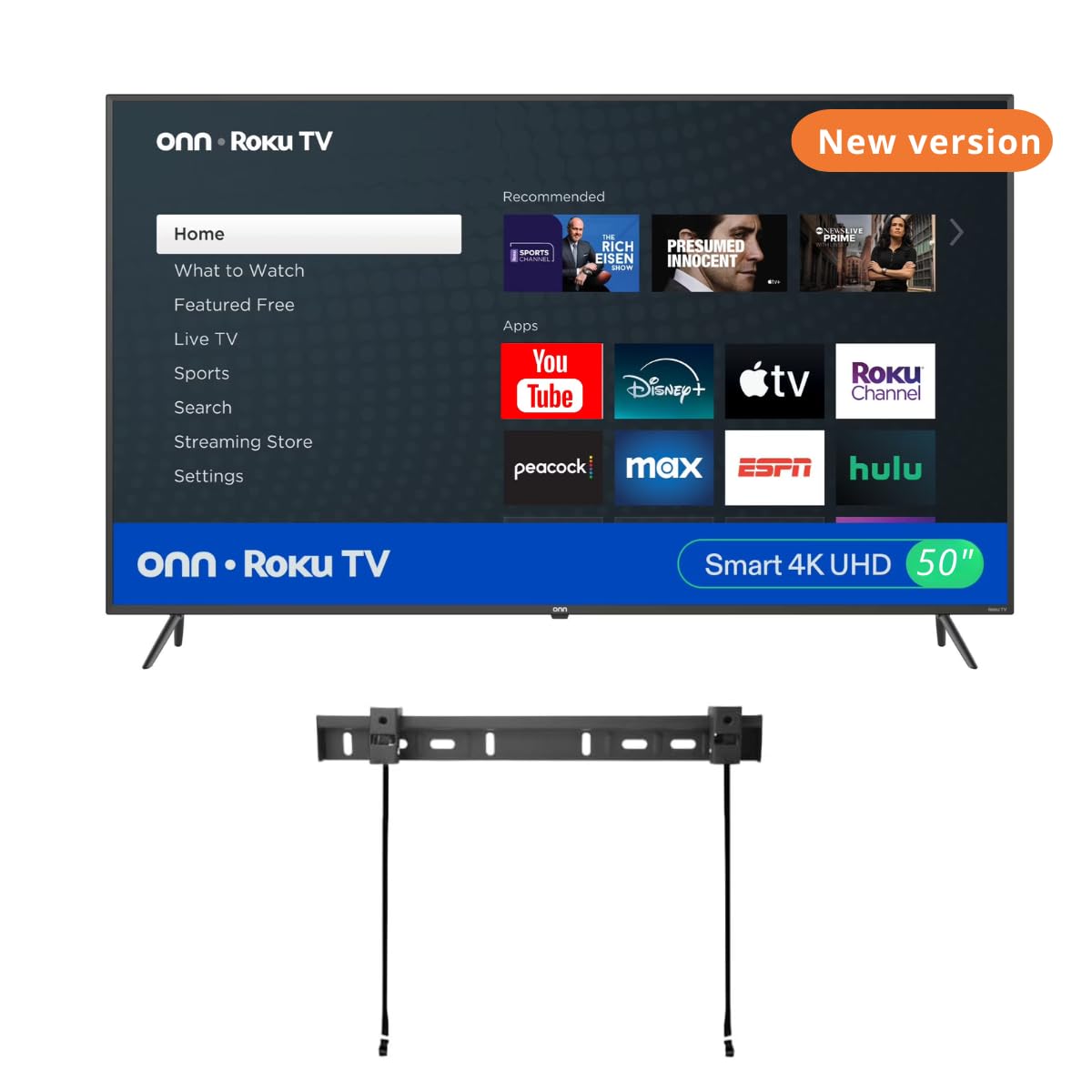
A renewed Roku with a free wall mount that fits RVs and bars on a tight budget.
This is the set that shows how far entry-level TVs have come. It runs the Roku platform with a voice remote, works with Alexa, Google Assistant, and HomeKit, and — uniquely — ships with a wall mount included, right in the box. Owners running it daily for 8-10 hours over months call the sound quality fantastic, even better than a 10-year-old Sony they replaced, which is rare praise for built-in speakers at this tier.
Flexibility is the theme here: 3 HDMI ports, 1 USB, 1 optical, plus composite and coaxial inputs for older gear, making it a natural fit for an RV, a bar, or a rental room. One owner fit it perfectly in a Palomino Puma travel trailer. The Dolby Audio through two built-in 8W speakers keeps dialogue clear, and the Roku interface stays friendly for kids and non-tech users — parents love that the free Roku channels keep little ones entertained.
The honest caveat is a matter of consistency, not overall quality. Because it’s a renewed unit, most arrive great, but a minority of owners mention mismatched TVs, random screws that don’t fit, or a remote without batteries — one of two units failed within 6 months. It’s the definition of “you get what you pay for” in the best and worst sense, so treat this as a value play where saving money is the priority over guaranteed perfection.
What wins people over: the value-for-money equation is untouchable — a free wall mount and Roku simplicity at the lowest possible entry cost.
Who this isn’t for: buyers who want zero risk of refurbishment quirks — the recurring gripe is mounting hardware that doesn’t always match.
5. Samsung 50-Inch U8000H Crystal UHD (2026)
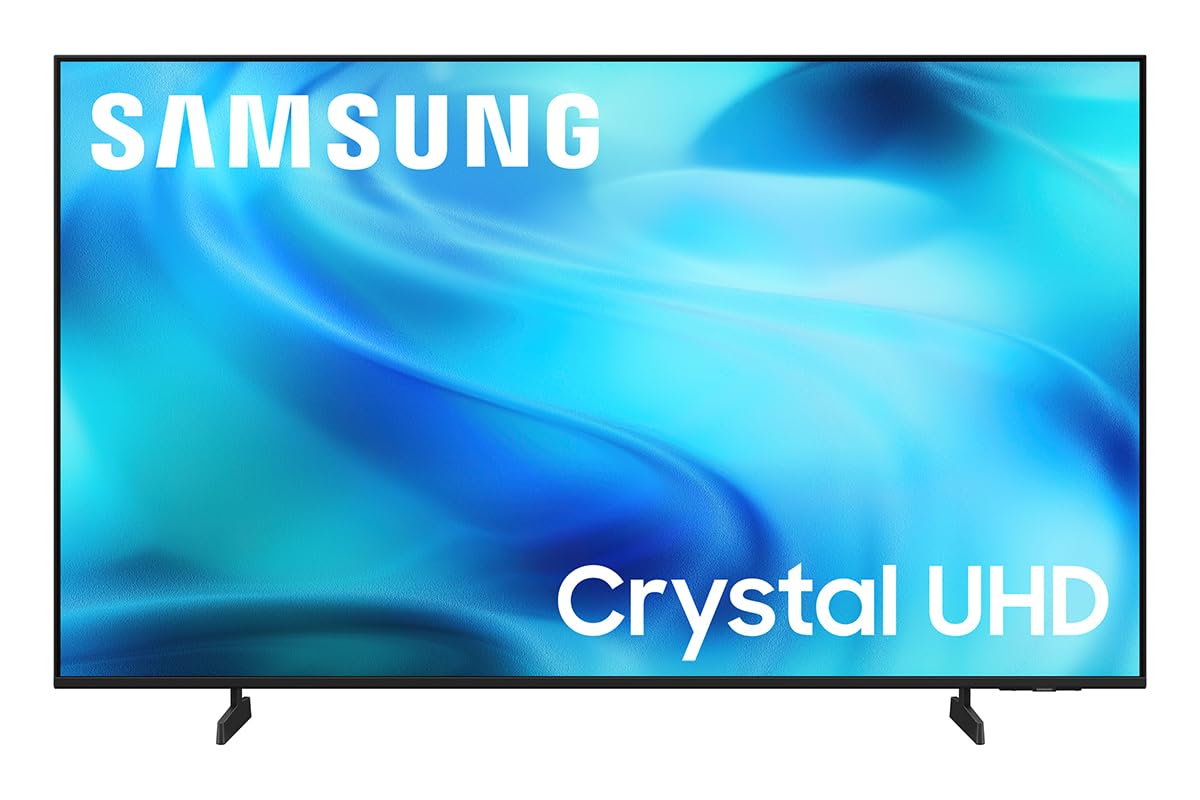
Samsung’s new budget hero upscales older content to crisp 4K with zero account headache.
The Crystal Processor 4K sharpens details and enhances colors, upscaling lower-quality sources to near-crisp 4K. Owners describe the picture as breathtaking with vibrant colors and crisp, bright detail, and they love that you can bypass the Samsung account sign-in entirely during setup, getting to a working TV in under 5 minutes. The Motion Xcelerator keeps sports and games smooth at up to 4K 60Hz performance.
Beyond the panel, Samsung throws in a genuinely deep content library: 2,700+ free streaming options and 750+ subscription-free channels on Samsung TV Plus, covering news, sports, and movies with zero subscription. It’s a sleek, slim-bezel design that modernizes any room, and the built-in speakers impressed owners for movies, sports, and gaming alike.
The catch is the remote — a recurring theme in owner feedback is that the minimalist remote with few buttons and scrolling navigation is frustrating, and sound quality splits opinion between superb and disappointing. One owner returned the TV because it didn’t fit their entertainment center, not because of picture issues. Compared to the Roku Select Series above, this trades a dead-simple menu for Samsung’s richer feature set; choose it if you want brand polish and free content, not if you hate scrolling.
The experience you get
- Crystal Processor 4K upscales everything to crisp, vibrant 4K
- 2,700+ free streaming options with no subscription needed
- Setup in under 5 minutes with Samsung account bypassed
The friction points
- Minimalist remote has few buttons and relies on scrolling
- Sound quality is a coin flip — some love it, some found it lacking
- 60Hz panel — not the pick for high-refresh gaming
It beats the Roku on: free content depth and upscaling smarts; the Roku beats it on remote simplicity.
skip it if: you can’t tolerate a scroll-heavy remote or you want guaranteed soundbar-free audio.
6. Westinghouse 50-Inch Roku TV (2026)
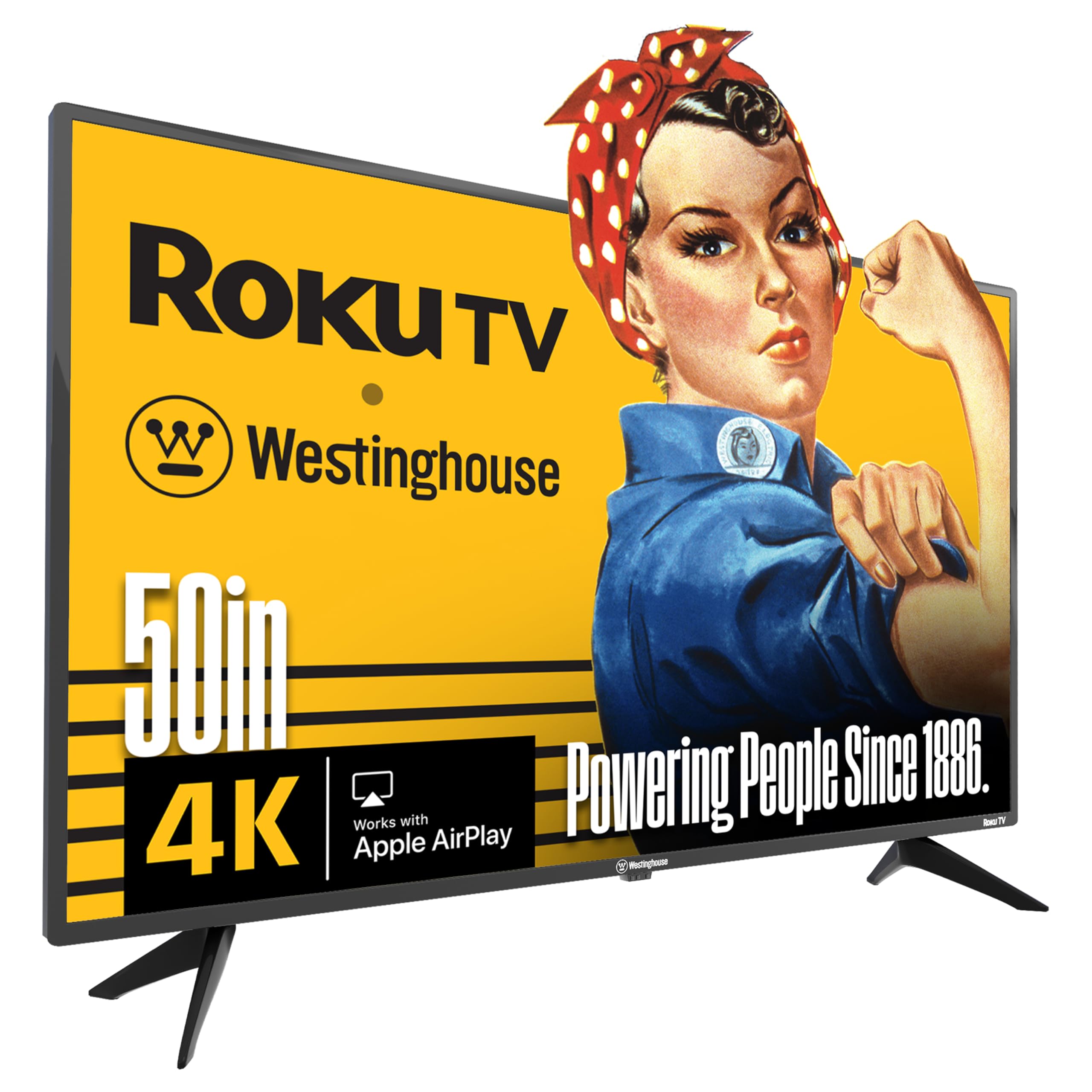
A Roku TV with 4 HDMI ports and AirPlay 2 for the gadget-heavy household.
If your TV stand holds a cable box, game console, streaming stick, and soundbar, the Westinghouse is the only set here with 4 HDMI ports to handle them all. Owners call the picture sharp for HD, UHD, and 4K content, and setup is super easy with a voice remote that “works flawlessly.” The Roku platform also offers 350+ free live TV channels—a win for cord-cutters.
The smart home integration is the standout spec: it works with Apple AirPlay 2, Alexa, Google Assistant, and Apple HomeKit, so you can cast from your iPhone or control it with whatever voice assistant your home already uses. That’s a level of compatibility that exceeds many pricier sets. The basic TV customers note the beauty and value for the price, with one saying they simply “love my TV” after a month of use.
The honest downsides: the remote’s volume control sits on the side—one owner found it awkward versus front-facing buttons—and sound quality gets mixed reviews, so a soundbar is safer. A few reviewers point out screen failure within two years, so treat this as a value pick, not a decade-long investment. It sits between the stripped-down ONN and the pricier TCL above.
What earns its keep: the 4-port input array plus AirPlay 2 and HomeKit compatibility make it the most connectable TV in this budget zone.
The trade-off to weigh: speakers that leave some owners wanting more and a side-mounted volume rocker that’s a minor ergonomic miss.
7. TOSHIBA 50″ M450 Series QLED (50M450)
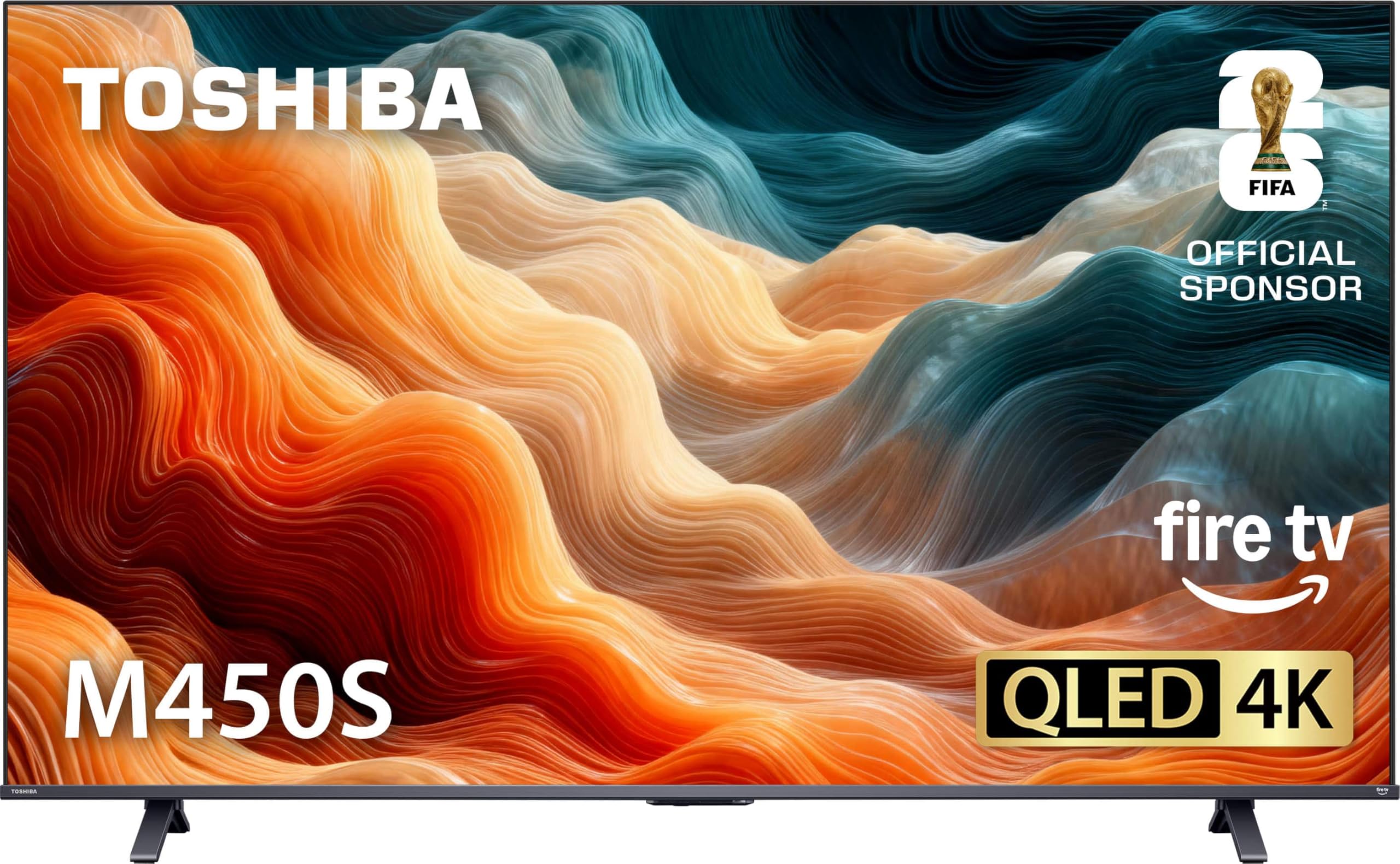
A Japanese-designed QLED whose punchy color hides a secret: tweak the settings and it rivals pricier panels.
The REGZA Engine ZRi Gen3 upscales lower-resolution content to near-4K while reducing noise, and the QLED panel delivers rich, lifelike color. The design was done in Japan with a minimalist, premium look that blends into a modern living space. Shoppers say excellent value on sale, with one calling out the picture quality as near TVs — once you disable the energy-saving mode that defaults everything to a dim, washed-out state.
This is a Fire TV with Alexa built into the voice remote, Dolby Vision and Dolby Atmos for cinematic HDR, and HDR10+ Adaptive that adjusts brightness scene by scene as room light changes. Game Mode supports ALLM and VRR for smoother console play, though the panel itself runs at 60Hz. Setup is easy and the OTA tuner works well for cord-cutters pulling local channels with an antenna.
The honest friction: there’s no analog audio output or headphone jack, and the legs protrude — small things that catch owners off guard. Sound quality is genuinely mixed, with some finding it good and others less impressed. One setup issue flagged was the Fire TV interface feeling sluggish, though that wasn’t universal. If you value rich QLED color over the Mini-LED contrast of the TCL QM6K above, this is a compelling mid-range pick that rewards a few minutes of settings tweaking.
The payoff
- QLED color that owners compare to pricier TVs
- Dolby Vision, Dolby Atmos, and HDR10+ Adaptive in one box
- Designed in Japan with a sleek, minimal look
The fine print
- No analog audio out or headphone jack — a surprise for some
- Sound quality splits opinion; a soundbar is a safer bet
- Default energy-saving mode must be disabled for the best picture
Choose this for: a living room where color richness matters more than gaming speed, and you’re happy to tweak settings.
Pass if: you need a headphone jack, analog audio, or a 120Hz+ gaming panel.
8. FPD 50-Inch Google TV (CG50-C3)
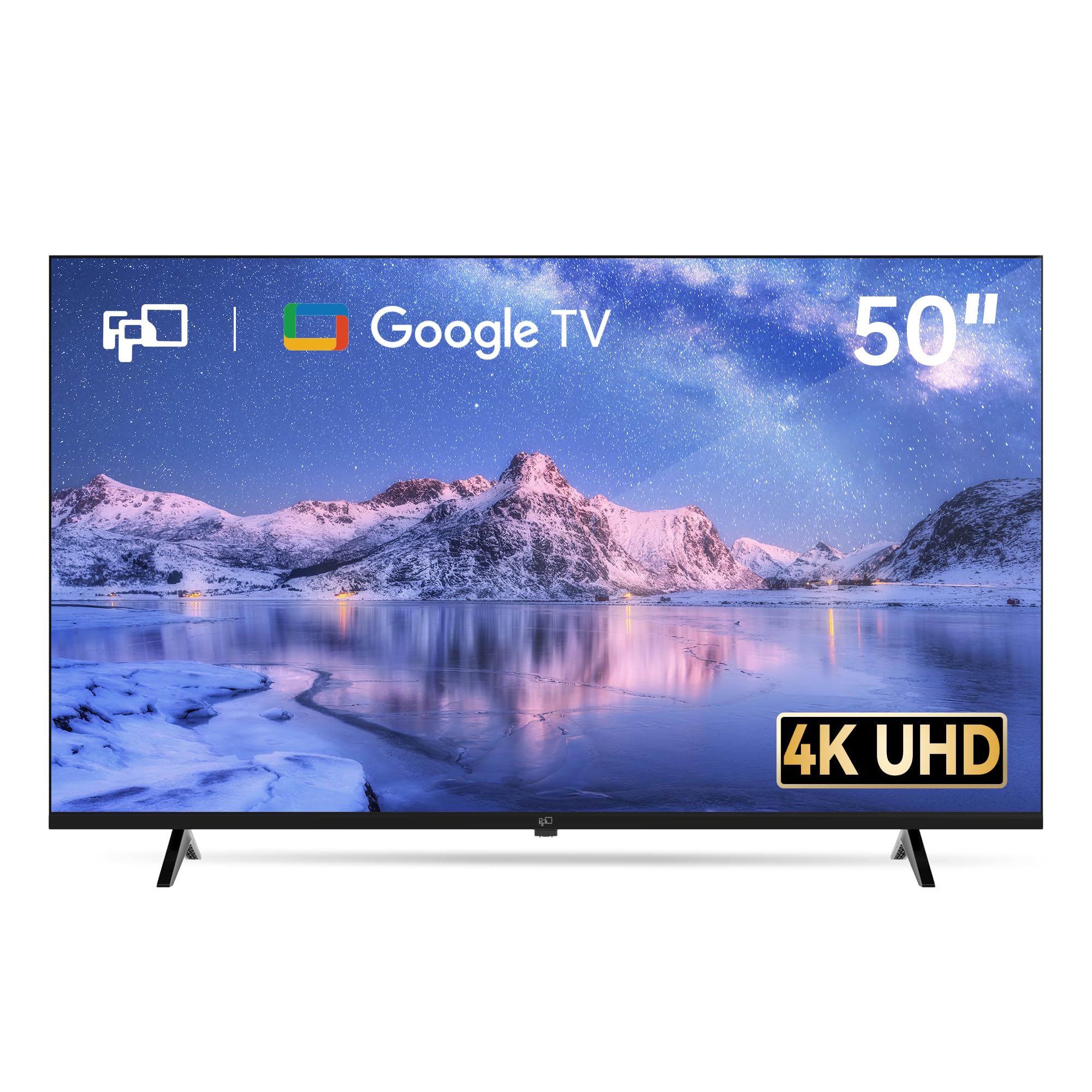
A bedroom-savvy Google TV with 3 HDMI 2.1 ports and built-in Chromecast for casting everything.
This FPD set makes its case with connectivity and software rather than flagship hardware. It runs Google TV, meaning the full Google Play store, Google Cast built-in for beaming your phone or laptop to the big screen, and Google Assistant voice control via the remote. Owners using it as a bedroom TV say you “definitely get more than you pay for,” calling out the intuitive Google TV interface and easy streaming.
The FPD CG50-C3’s 3840 × 2160 UHD resolution with HDR10 and a 60Hz refresh rate handles movies and shows well. Its 3 HDMI 2.1 ports—including one with eARC—make hooking up a soundbar or console easy. MEMC technology cuts motion blur in sports, and ALLM keeps gameplay responsive. One owner loves casting their phone screen for games and connecting it to a computer.
The reality check: this isn’t the highest-quality panel, and the speakers are weak—owners call them a major compromise. Reliability varies, with one unit failing after 5 months and some boxes arriving with a thicker-than-expected back. For the price, it’s smart if you’re in the Google ecosystem, but the TCL QM6K above will outshine it in dark-room contrast and gaming fluidity—you pay less and get a lesser panel with more ports.
Where it delivers: 3 HDMI 2.1 ports with eARC plus Google Cast make it a connection hub for phones, laptops, and consoles.
Set expectations: the panel is solid, not stunning, and the built-in speakers are the weak link — plan for a soundbar or headphones.
9. Samsung 50-Inch M70H Mini LED (2026)
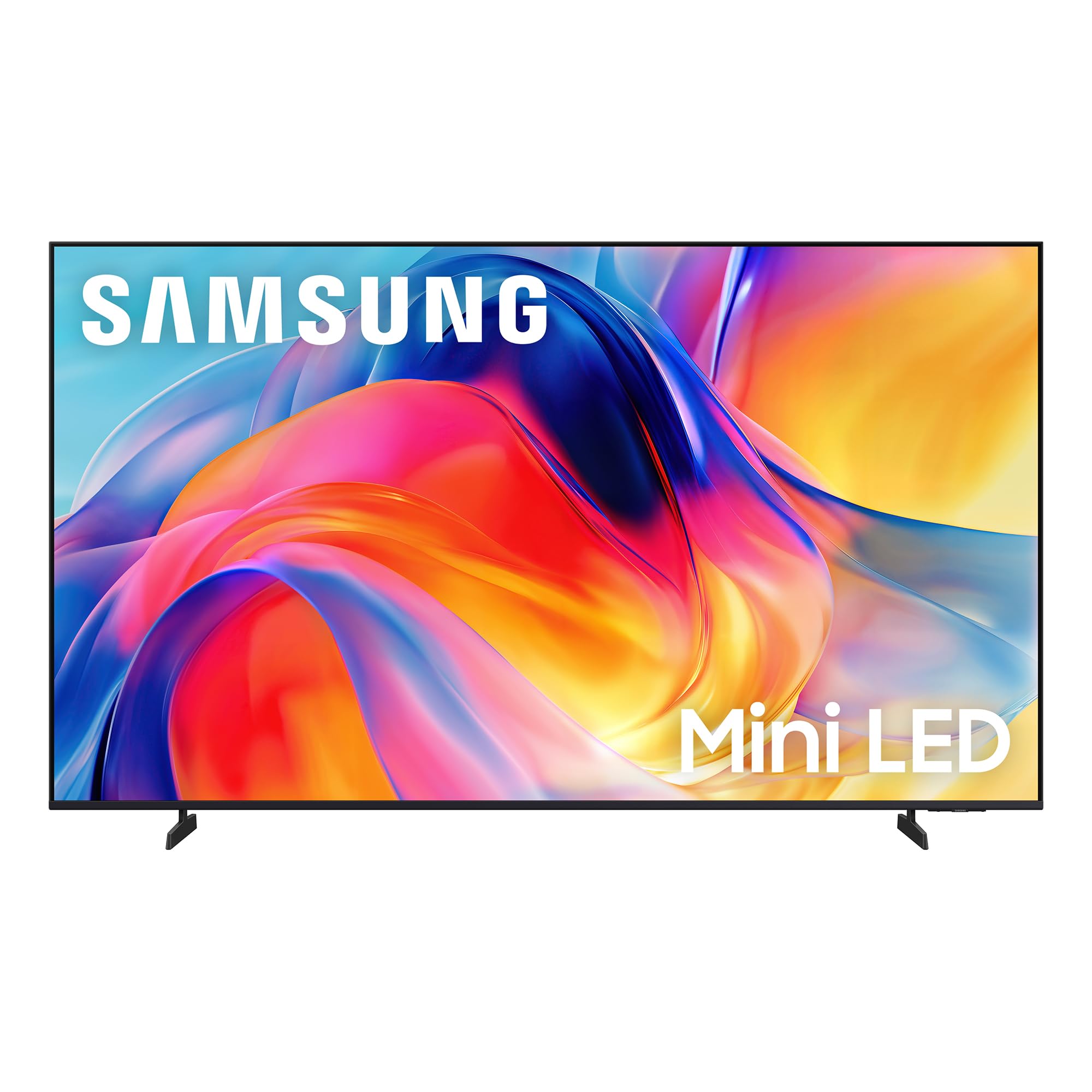
Samsung’s Mini-LED brings one-billion-color depth and DLG 120Hz to a 50-inch frame.
The Samsung M70H showcases Mini-LED backlighting’s contrast and color depth. Its Mini LED Processor 4K and Pure Spectrum Color deliver one billion true-to-life colors, with owners praising crisp pictures, bright colors, and deep blacks. Supreme Mini LED Dimming gives dark scenes depth a standard LED can’t match—one owner highlighted the “quantum mini LED detail in dark scenes.” This is the closest you’ll get to OLED contrast without the OLED price.
Gamers get Motion Xcelerator + DLG 120Hz, which analyzes and tune the refresh rate to keep fast action sharp and fluid, plus a Gaming Hub that centralizes console, cloud, and app gaming in one place. The sound is described as better than expected from built-in speakers. Setup is easy with a Samsung account, and owners who bought two after the first one say the price is amazing for the quality.
The recurring frustration lands squarely on the remote — repeatedly described as the worst part of the experience, with no HDMI switching, no input memory, volume via toggle only, and a tendency to default to high volume. The smart interface also has quirks, like defaulting to Pluto TV. Compared to the TCL QM6K above, this Samsung offers a stronger brand and color depth but a weaker remote and interface — a genuine split based on whether you care more about panel or daily software.
Why you’d pay up
- Mini-LED dimming for deep blacks and bright highlights
- One billion colors via Pure Spectrum Color
- DLG 120Hz plus Gaming Hub for console players
Why you might hesitate
- Remote is the most-praised negative — frustrating to navigate
- Only 3 HDMI ports, with no optical or RCA jacks
- Smart interface quirks like defaulting to Pluto TV
It leads on: picture depth and color volume over the FPD and your standard LED sets — this is a movie-lover’s panel.
Think twice for: anyone who hates scrolling remotes or needs more than 3 HDMI inputs.
10. Hisense A7 Series 50-Inch (50A7N)
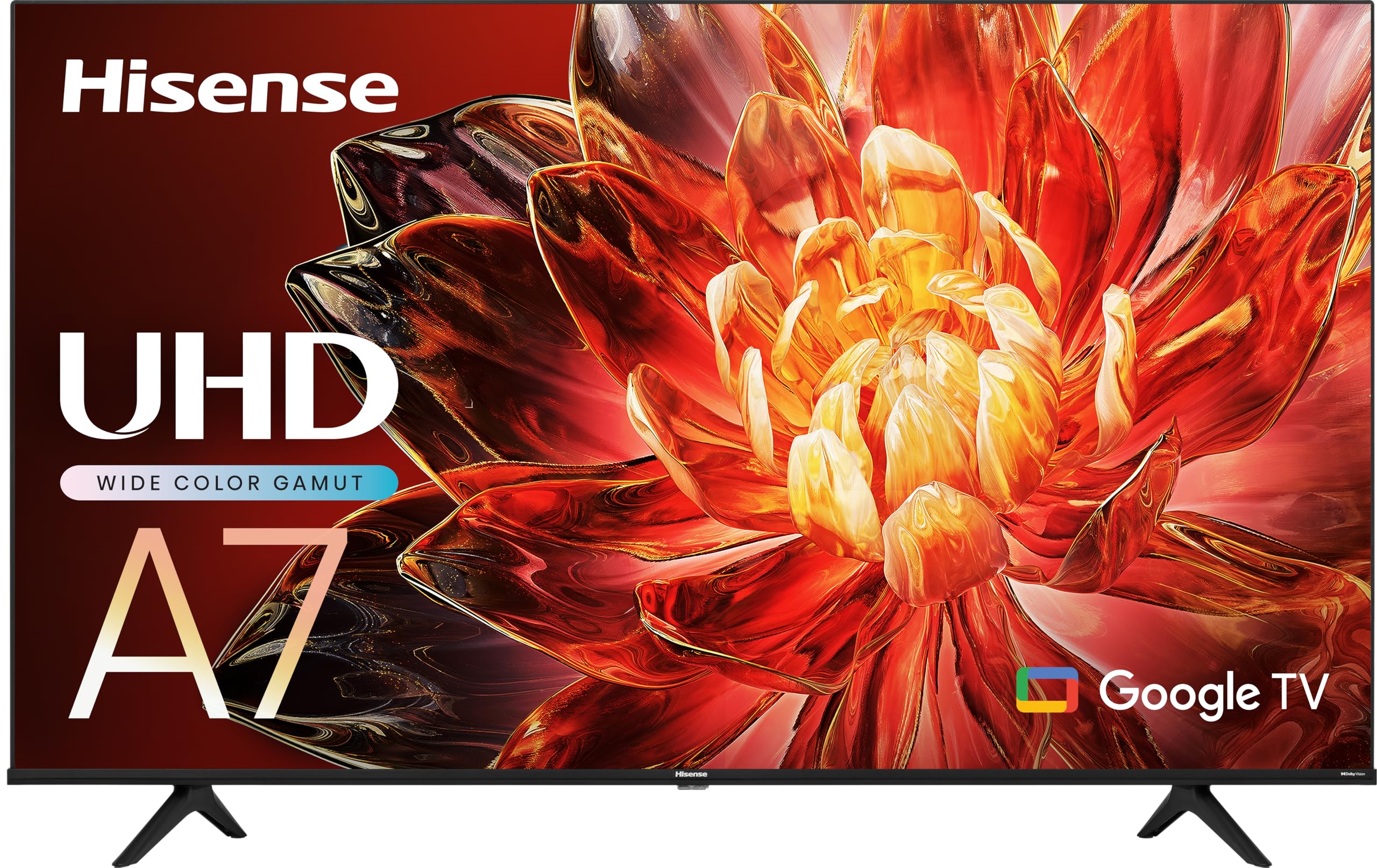
Hisense’s wide-color-gamut Google TV with DTS Virtual:X surround that needs no extra speakers.
The A7N’s DTS Virtual:X simulates rear and height channels, enveloping you in surround sound without extra speakers. Owners call the sound magnificent and clear, and for a budget set that’s a genuine win. The Wide Color Gamut with special phosphor technology expands the color spectrum beyond regular LED TVs, giving hues that are truer and more brilliant.
It runs Google TV with a voice remote, and the 4K AI Upscaler transforms classics, home movies, and broadcast TV into striking 4K quality. Game Mode Plus brings together a 60Hz panel, variable refresh rate, and auto low latency mode for smooth console gaming. Buyers praise the easy setup, calling it perfect for a first apartment and describing the 4K definition and color clarity as sharp, natural, and balanced.
Reliability is split: some buyers report excellent 2-year performance with all ports working, while others say the TV stopped after three months or the Google TV software feels slow and buggy. It’s a gamble, so you’ll hope for the better outcome. Compared to the plain-Jane FPD above, the Hisense justifies the extra cost with better sound and a wider color gamut—making it the more complete Google TV experience.
The standout skill: DTS Virtual:X fills a room with simulated surround sound, letting you skip a soundbar for most content.
The honest gamble: software snappiness and long-term reliability split owner opinion — budget-friendly, but not a sure thing indefinitely.
11. Hisense 50″ E7 Cinema Series (50E7SF)
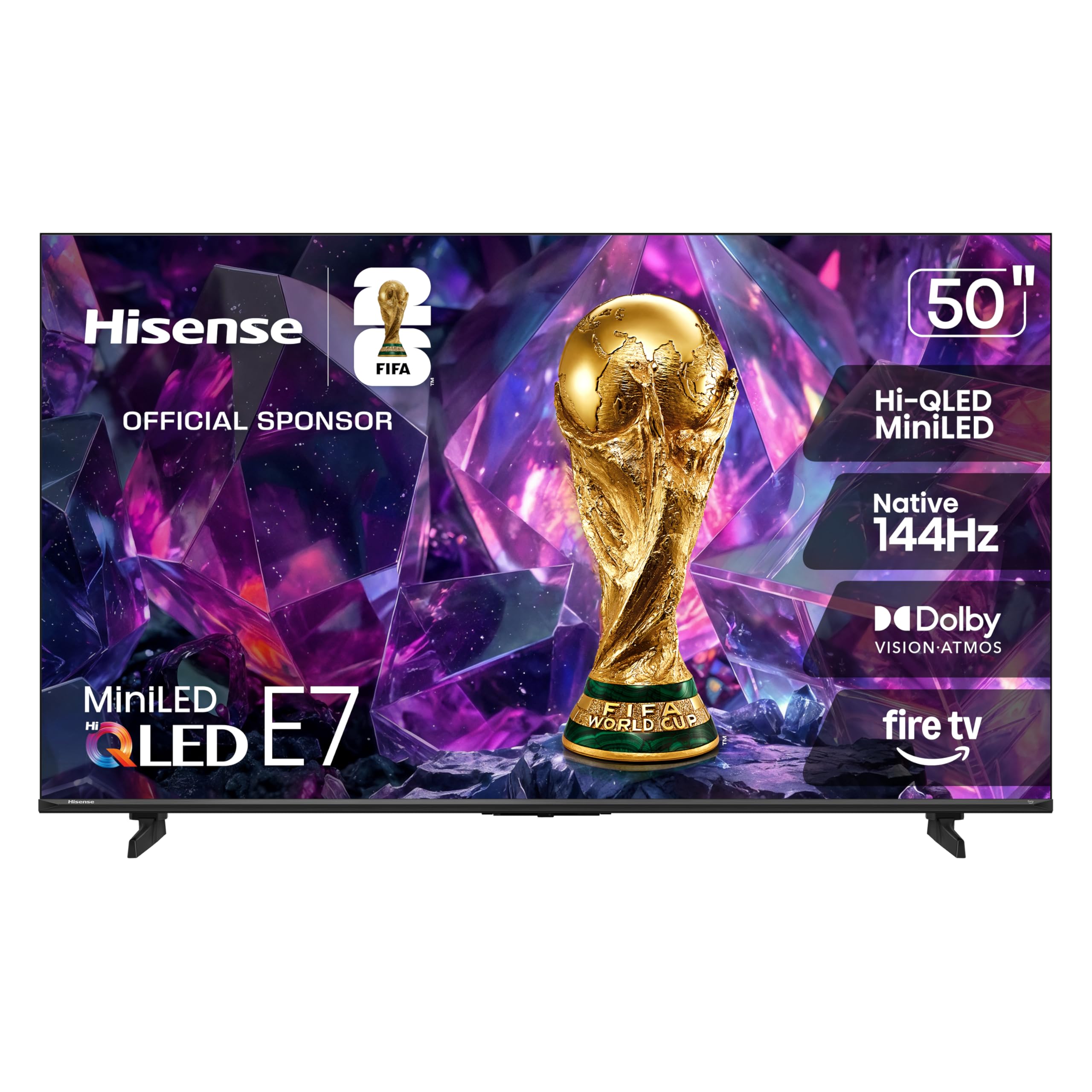
The cinematic Fire TV with native 144Hz and Mini-LED zones for brilliant daytime contrast.
Hisense’s E7 goes toe-to-toe with the TCL QM6K on the one spec gamers care about most: a native 144Hz refresh rate. High refresh performance keeps fast movement fluid and sharp, reducing blur during gameplay and live sports, and owners confirm it works fantastically as a secondary monitor for a Mac and PC. Fire TV OS is described as simple and quick, with excellent value at the price point.
The Hi-QLED Mini-LED backlighting uses thousands of precise light zones to boost contrast, revealing deeper shadows and brighter highlights whether you’re watching movies at night or sports during the day. Dolby Vision IQ and Dolby Atmos deliver cinematic HDR with vivid brightness and room-filling sound, while Filmmaker Mode preserves the original aspect ratio and color. The AI Light Sensor adjusts to your room’s ambient brightness automatically.
What owners rave about most is picture quality — bright colors, deep blacks, and high detail — plus the game-changing Alexa voice remote, which one visually impaired owner calls a huge win for accessibility. The honest risk is quality control: one owner hit severe issues with Wi-Fi drops, remote pairing failure, and black-screen crashes, though that’s in the minority against a wave of 5-star praise. Between this and the TCL QM6K at the top, you’re choosing Fire TV vs. Google TV and two equally strong 144Hz panels — this Hisense just adds Dolby Vision IQ and Filmmaker Mode for the cinephile.
The cinematic toolkit
- Native 144Hz for ultra-fluid gaming and sports
- Hi-QLED Mini-LED zones for deep blacks and bright highlights
- Dolby Vision IQ and Filmmaker Mode for movie purists
The quality-control dice
- A minority report Wi-Fi drops and remote pairing failures
- Slightly smaller than a 55-inch Samsung some owners replaced
- Fire TV interface, not for those who prefer Google TV or Roku
Pick this over the TCL if: Dolby Vision IQ, Filmmaker Mode, and Fire TV are your priorities — it matches the 144Hz gaming ceiling while adding cinematic extras.
Choose the TCL instead if: you prefer Google TV and a backlit remote, and want the most consistent owner satisfaction at the top of the range.
Understanding the Specs That Actually Matter
Refresh Rate (Hz)
This tells you how many times the screen redraws per second. A 60Hz panel is fine for movies, cable, and YouTube. A 120Hz or 144Hz panel like the TCL QM6K or Hisense E7 is a real upgrade if you game on a modern console, because those consoles output high frame rates that a 60Hz screen simply can’t show. Great for sports too — fast action looks smoother and less blurry.
Backlight Technology (Mini-LED vs QLED vs LED)
The backlight is what creates the image you see. Mini-LED uses thousands of tiny lights behind the screen for precise control, which means deep blacks next to bright highlights — the closest a budget TV gets to OLED contrast. QLED boosts the color range to make colors richer. Standard Direct LED is the most basic option, spreading light evenly but struggling with true blacks. Your room’s brightness matters — a bright living room rewards a brighter panel.
Smart Platform (Google TV vs Fire TV vs Roku)
Your TV’s operating system is the menu you live in every day. Google TV and Fire TV offer large app stores and voice assistants (Google Assistant and Alexa). Roku is the simplest, with a clean menu that anyone can navigate without a tutorial. If you already own an Alexa speaker or a Roku stick, staying in that ecosystem keeps things familiar. Which you choose matters more than most buyers expect.
HDR Formats (Dolby Vision and HDR10)
High Dynamic Range (HDR) expands the range between the brightest whites and darkest blacks so you see more detail. Dolby Vision is a premium HDR format that adjusts scene by scene, while HDR10 is the standard found on almost everything. Dolby Atmos is the audio companion — object-based surround sound that fills a room without extra speakers. If you’re a movie lover, look for Dolby Vision support; if you just stream casually, HDR10 is enough.
FAQ
Is a 50-inch TV big enough for a living room?
What refresh rate do I need for gaming on a 50-inch TV?
What’s the difference between Mini-LED, QLED, and regular LED backlights?
Which smart TV platform is easiest to use?
Do I need Dolby Vision and Dolby Atmos on a budget TV?
How many HDMI ports do I actually need on a 50-inch TV?
Is a renewed or refurbished budget TV worth buying?
Will a 50-inch TV fit in an RV or small apartment?
Can I connect a soundbar or external speakers to a budget smart TV?
What’s the difference between Google TV and Fire TV for streaming?
Final Thoughts: The Verdict
For most buyers, the 50 inch budget tv winner is the TCL QM6K—its 144Hz Mini-LED panel, fast Google TV, and top owner satisfaction on picture quality make it the all-rounder for movies and gaming. For the best value per dollar, grab the TOSHIBA C350, which adds Dolby Vision and a voice remote at an entry-level price. And for a simple, family-friendly streamer with free live TV, the Roku Select Series is your pick.
How We Picked
We do not accept paid placement. Every pick is matched to a real buyer and a real use-case; we do not hands-on test units.
Sources & Methodology
Specifications: manufacturer listings and product documentation. Review insights: verified customer reviews, as of August 2026. Pricing: not shown on this page (it changes often); check the current price via the retailer link.
As an Amazon Associate, Gadgets Feed earns from qualifying purchases. This does not affect which products we feature.