
Our readers keep the lights on and my morning glass full of iced black tea. As an Amazon Associate, I earn from qualifying purchases.
Specs are compiled from manufacturer listings and verified buyer reviews and can change over time — please confirm the key details on the product page before buying.
Buying a 50-inch TV is a big decision, and the biggest mistake is getting dazzled by the QLED label alone. The real question is how the panel handles brightness, glare, and motion in your specific living room. This guide focuses on the tech that separates a good picture from a great one—Mini-LED backlighting, high refresh rates, and anti-glare—so you can pick a set that looks fantastic in your room.
I’m Min — the founder and writer behind Gadgets Feed. This guide is built by comparing the manufacturers’ published specifications and the patterns across verified customer reviews, so you get each pick’s real strengths and trade-offs instead of marketing spin.
The best 50 inch qled tv for your home balances vibrant colors, deep contrast, and a smart platform that feels fast every day without breaking your budget.
Our Picks at a Glance

How To Choose The Best 50 Inch QLED TV
Your living room’s lighting is the first filter. If your TV sits opposite a window, an anti-glare panel or a high-brightness Mini-LED set will be far more comfortable to watch during the day than a standard QLED. Next, match the smart platform to the streaming services and smart home devices you already use.
Backlight Technology: Standard QLED vs. Mini-LED
All QLED TVs use a layer of quantum dots to boost color, but where the light comes from matters just as much. Standard QLED uses a single backlight, while Mini-LED uses thousands of tiny lights that can dim in zones. This is the key to deep blacks without washing out bright objects, which is why Mini-LED appears in high-performing models.
Refresh Rate & Gaming Features
If you game on a console or PC, the refresh rate defines smoothness. A 120Hz or 144Hz panel (which refreshes the image that many times per second) makes fast camera pans and competitive shooters look dramatically smoother than a 60Hz set. Look for HDMI 2.1 ports to actually take advantage of that high refresh rate.
Smart Platform & Voice Control
Your TV’s interface is the gateway to everything you watch. Google TV, Fire TV, and Roku each have slightly different strengths, but the most important factor is whether the platform feels responsive to you. Some platforms integrate more deeply with voice assistants like Alexa, a huge convenience if you already use smart speakers.
Quick Comparison
| Model | Best For | Backlight | Refresh Rate | Smart Platform | Amazon |
|---|---|---|---|---|---|
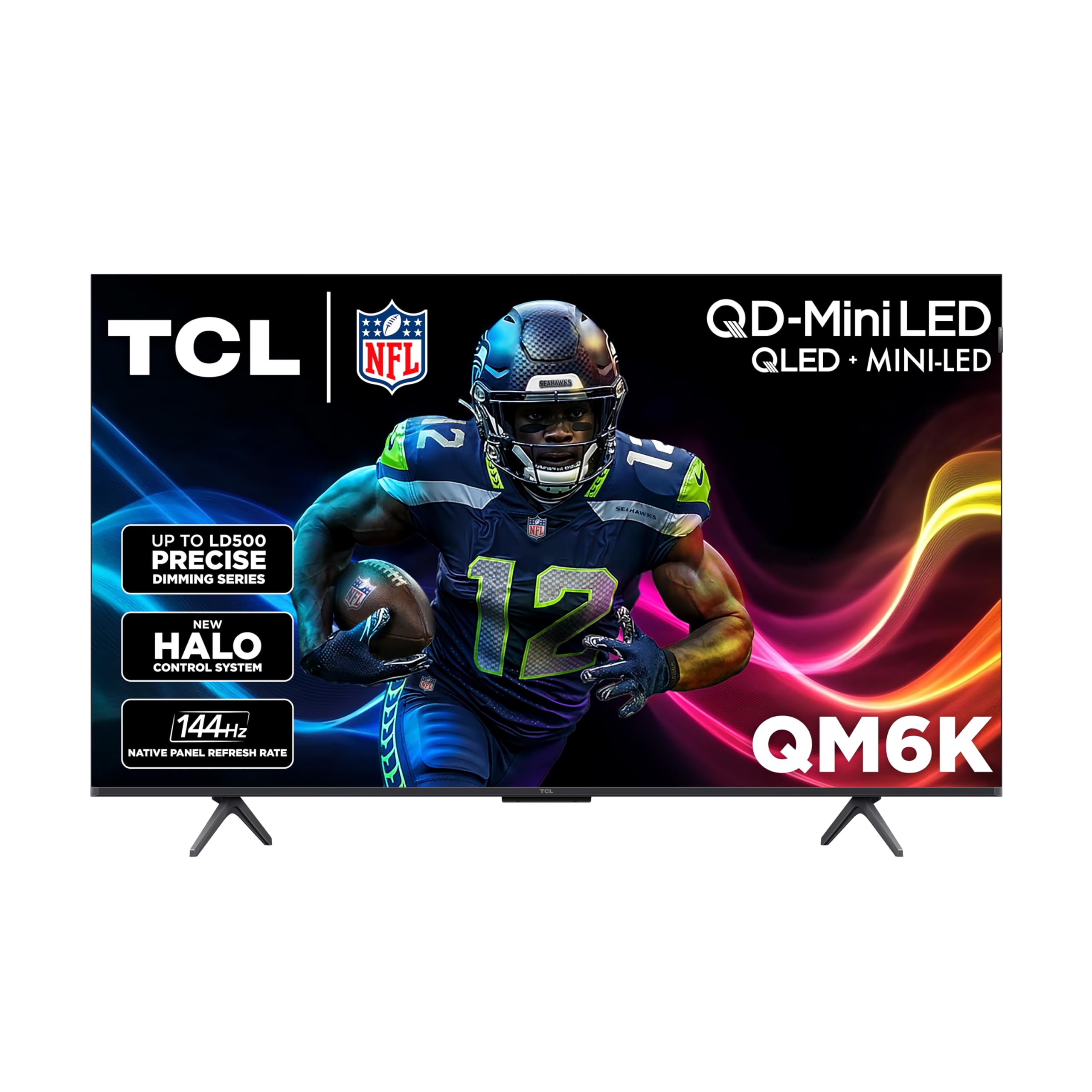
| TCL QM6K★ Best Overall | Overall Value & Brightness | Mini-LED | 144Hz | Google TV | Amazon |
| VIZIO Quantum ProBest Value | Gaming & Calibration | Active Full Array | 120Hz (4K) | VIZIO OS | Amazon |
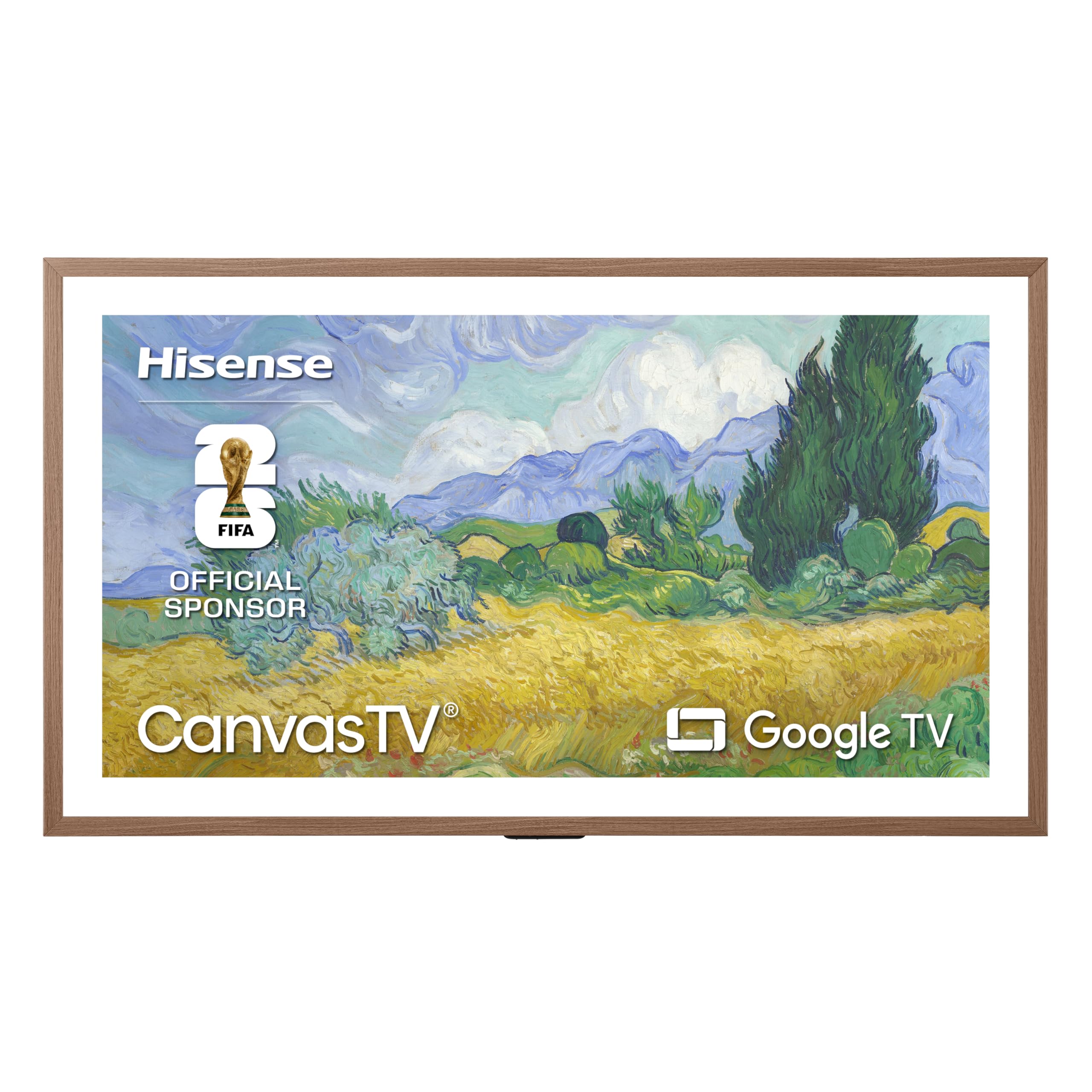
| Hisense CanvasTVDesign Pick | Art Mode & Design | Hi-QLED | 144Hz | Google TV | Amazon |
| Samsung QN70H | Upscaling & AI | Quantum Mini LED | 120Hz | Samsung Tizen | Amazon |
| Hisense E7 | Value & Sports | Mini-LED | 144Hz | Fire TV | Amazon |
| TCL QM64L | Bright Rooms | Mini-LED | 120Hz | Fire TV | Amazon |
| Amazon Ember | Alexa Integration | QLED | 60Hz | Fire TV | Amazon |
| Westinghouse Roku | Simple Streaming | QLED | 60Hz | Roku TV | Amazon |
| Samsung The Frame | Gallery Aesthetics | QLED | 144Hz | Samsung Tizen | Amazon |
In‑Depth Reviews
1. TCL 50-Inch QM6K Series (50QM6K)
Our pick — over 4★ from 1,500+ verified ratings; the strongest balance of quality and price.
The crowd-pleaser that nails bright, crisp HDR without a premium price.
The TCL QM6K leads this list for one simple reason: it delivers the high-end picture experience most people actually want. Its QD-Mini LED backlighting with the TCL Halo Control System gives you precise control over contrast, meaning dark scenes stay deep while bright highlights pop—so you see details in shadows that regular QLEDs wash out. At 144Hz, this is also one of the fastest panels on the list, making it a serious option for gamers connecting an Xbox or PC.
You get a crisp, anti-reflective screen that keeps glare down in bright rooms, according to buyers who call it “amazing anti-reflective screen; crisp display.” The built-in sound impresses most owners, but you may want a soundbar for very large rooms. It runs on Google TV, so Netflix, Prime Video, Disney Plus, Apple TV, and Hulu sit right on the home screen, and multiple owners say the interface runs fast.
One thing to note: some buyers have experienced streaming apps working inconsistently, a common software quirk on many smart TVs. The inclusion of 144Hz on 2 HDMI ports and instant game mode with Dolby Vision makes it a standout for console gaming, where fast response time is critical.
Why Owners Rave
- Picture quality is the most-praised feature, with over 370 buyers singling it out for its clarity and contrast
- 144Hz refresh rate on two HDMI ports offers top-tier gaming smoothness
- Backlit remote and easy setup are appreciated daily touches
Where It Compromises
- Built-in sound is good, but a soundbar is recommended for large rooms
- Streaming apps occasionally work inconsistently, per a number of owners
- Needs an HDMI 2.1 cable for full gaming performance
The Top Pick: This is the best all-rounder—fantastic for mixed use like streaming, sports, and next-gen gaming in a bright living room.
Think Twice If: You want a perfectly flawless smart TV experience with zero software quirks, or you never plan to use a soundbar with it.
2. VIZIO 50-inch Quantum Pro (M50QXM-K01)
A tinkerer’s dream panel that rewards adjustment with spectacular, vibrant color.
The VIZIO Quantum Pro is for the buyer who sees a TV as a device to fine-tune, not just switch on. It’s a 4K QLED with a 120Hz native panel, but its secret weapon is Active Full Array backlighting with up to 1,000 nits of peak brightness. This gives it outstanding HDR punch that makes Dolby Vision content look stunning, and it’s certified with AMD FreeSync Premium Pro for buttery-smooth gaming.
Owners love the picture quality, but only after about an hour of setup—the factory calibration isn’t perfect, yet tweaking it yields a “vibrant, bright QLED” image. Reviewers praise it as a PC monitor, and gamers note the 120Hz native refresh rate (the screen’s maximum update speed) handles the PS5 brilliantly with HDMI 2.1 (the latest connection standard) and VRR (variable refresh rate, which reduces screen tearing). It can even hit 240fps at 1080p for competitive PC gaming.
The honest trade-off here is the software. The VIZIO OS is functional and offers free channels through WatchFree+, but some buyers report connectivity issues with network reliability, and one long-term owner noted their optical output failed after a year. If you are willing to work with the settings and don’t mind a less-polished smart platform, the hardware underneath is outstanding value.
Built for Gamers
- Up to 120fps in 4K for smooth console gaming
- 240Hz @ 1080p mode for high-speed PC esports
- HDR10+ and Dolby Vision support for dynamic contrast
Sacrifices to Know
- Factory calibration is poor; expect to spend time adjusting settings
- Network connectivity is a mixed bag for some owners
- Smart platform is less integrated than rivals
Reach For This If: You love tweaking settings and want peak brightness and gaming features for less money than the premium tier.
Look Elsewhere If: You want a plug-and-play experience with a smooth smart TV interface from the start—this set needs some tweaking to shine.
3. Hisense 50″ CanvasTV (50S7SG)
A gallery-worthy screen that kills glare and turns your wall into a museum.
The Hisense CanvasTV is the pick for anyone who hates the “black rectangle” look of a typical TV. When it’s off, it transforms into art, thanks to a dedicated Art Mode that cycles through over 1,000 complimentary curated works. The included Teak Frame and UltraSlim Wall Mount make it sit flush against the wall like a real framed painting, with a zero-gap design that guests will mistake for art before they realize it’s a TV.
Beyond the aesthetics, the Hi-Matte Display is a genuine performance feature. It’s a 4K Hi-QLED panel with an anti-glare finish that eliminates reflections, so your picture stays rich and clear even with sunlight streaming through a window or a lamp behind the couch. Owners consistently describe the matte finish as effective at reducing glare, and the picture quality is praised as “bright, sharp.” It runs on Google TV with 2.0.2 Multi-Dimensional Sound with DTS Virtual:X.
This set also includes smart conveniences like an AI Ambient Light Sensor that adapts brightness and a Motion Detector that wakes the display when you enter the room. While it’s a premium lifestyle TV, it still packs a strong 144Hz refresh rate and Dolby Vision IQ support, proving it’s more than just a pretty face—it’s a high-performance display too.
The Gallery Experience
- More than 1,000 free artworks and slideshow capability
- Anti-glare matte screen eliminates daytime reflections
- Flush ultra-slim wall mount and magnetic frame included
Lifestyle Trade-offs
- Best experienced wall-mounted to get the full frame effect
- Premium pricing reflects the design, not just raw specs
The Design Choice: Ideal for the buyer who wants their TV to double as home decor in a bright, living space and values a glare-free picture above all.
The One Caveat: Budget for installation if you are not handy, as the flush mount requires precise wall placement to look gallery-perfect.
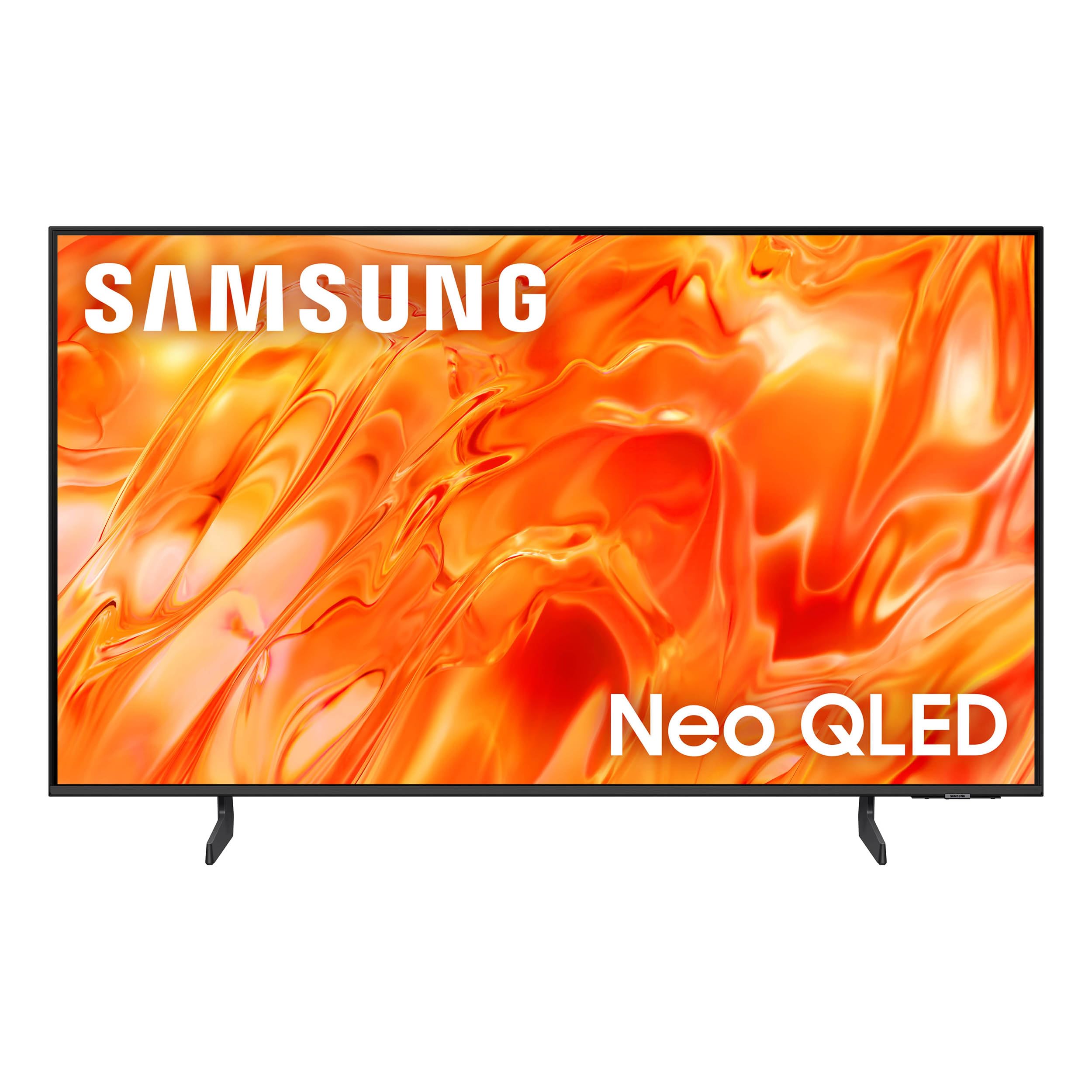
4. Samsung 50-Inch QN70H Series (50Q70H)
Samsung’s AI-driven upscaling makes even old shows look sharply detailed in 4K.
The Samsung QN70H is the pick for viewers who watch a lot of non-4K content—cable TV, old movies, or YouTube videos—and want it all to look its best. Its NQ4 AI Processor is the brains here, using AI to analyze content and upscale lower-resolution sources to near-4K quality. Owners note the picture is “sharp and crisp,” with one buyer admitting they “didn’t realize how bad the old TV was” until seeing this one’s clarity.
The panel uses Quantum Mini LED backlighting for improved contrast, making dark scenes clearer and bright scenes more dazzling. Combined with 100% Color Volume with Quantum Dot, it reproduces billions of shades at any brightness level. It’s also a “very smart TV,” with Vision AI that can automatically connect to other Samsung devices—a feature owners praise but warn to pay attention to during setup.
Sound quality gets positive marks, and it includes Alexa built-in for hands-free control. The main drawbacks are minor: a crowded home page and some glare from direct lamps that might require repositioning. One negative experience involved Samsung’s customer care for a defective unit, but Amazon stepped in to resolve it. For most buyers, this is a premium Samsung experience with excellent picture processing and a solid 4.2-star rating pattern.
Smart Upscaler: The NQ4 AI processor is the standout, boosting lower-quality sources closer to 4K with enhanced color-boosted picture and audio.
Sound Check: Built-in speakers are good, but like many premium sets, a soundbar open up the full audio experience.
5. Hisense 50″ E7 Cinema Series (50E7SF)

A fast native 144Hz panel with AI smarts that keep fast action fluid and sharp.
The Hisense E7 is engineered for motion. Its headline feature is a Native 144Hz Game Mode, which keeps fast-moving content fluid and reduces blur during live sports and competitive gaming. It’s not just about the high number—the AI Smooth Motion with MEMC technology sharpens fast scenes so a soccer ball or a speeding car doesn’t stutter. Sports fans will also appreciate the AI Sports Mode, which automatically adjusts picture and sound to boost crowd audio and clarity.
This Hi-QLED Mini-LED TV (a type of backlight with thousands of tiny LEDs for precise contrast) gives you deep blacks and bright highlights. Owners call the picture “sharp, deep contrast, bright Mini-LED” and say the refresh rate is “fantastic.” It’s one of the rare budget-friendly sets that works great as a secondary PC monitor thanks to its smooth 144Hz via HDMI (the connection that carries high refresh rates).
It supports Dolby Vision IQ and HDR10+ Adaptive for a total HDR solution. Running on Fire TV, the interface is simple and fast, with a remote that includes a big blue button for Alexa. One specific hiccup to note: if you own two Fire TVs near each other, the remotes can control both, an issue for multi-TV households. Otherwise, the build is solid with no major defects reported.
Motion Mastery
- Native 144Hz refresh rate for ultra-smooth sports and gaming
- AI Sports Mode automatically boosts action scenes
- Works well as a high-refresh-rate PC monitor
Household Warnings
- Remote can interfere with a second Fire TV nearby
- Plastic stands feel less premium than the panel itself
Pick This For: The sports fan and casual gamer who wants 144Hz fluidity and aggressive AI picture enhancement at a value price.
skip it if: Your home has multiple Fire TVs in adjacent rooms, or you prefer a less ‘smart’ interface.
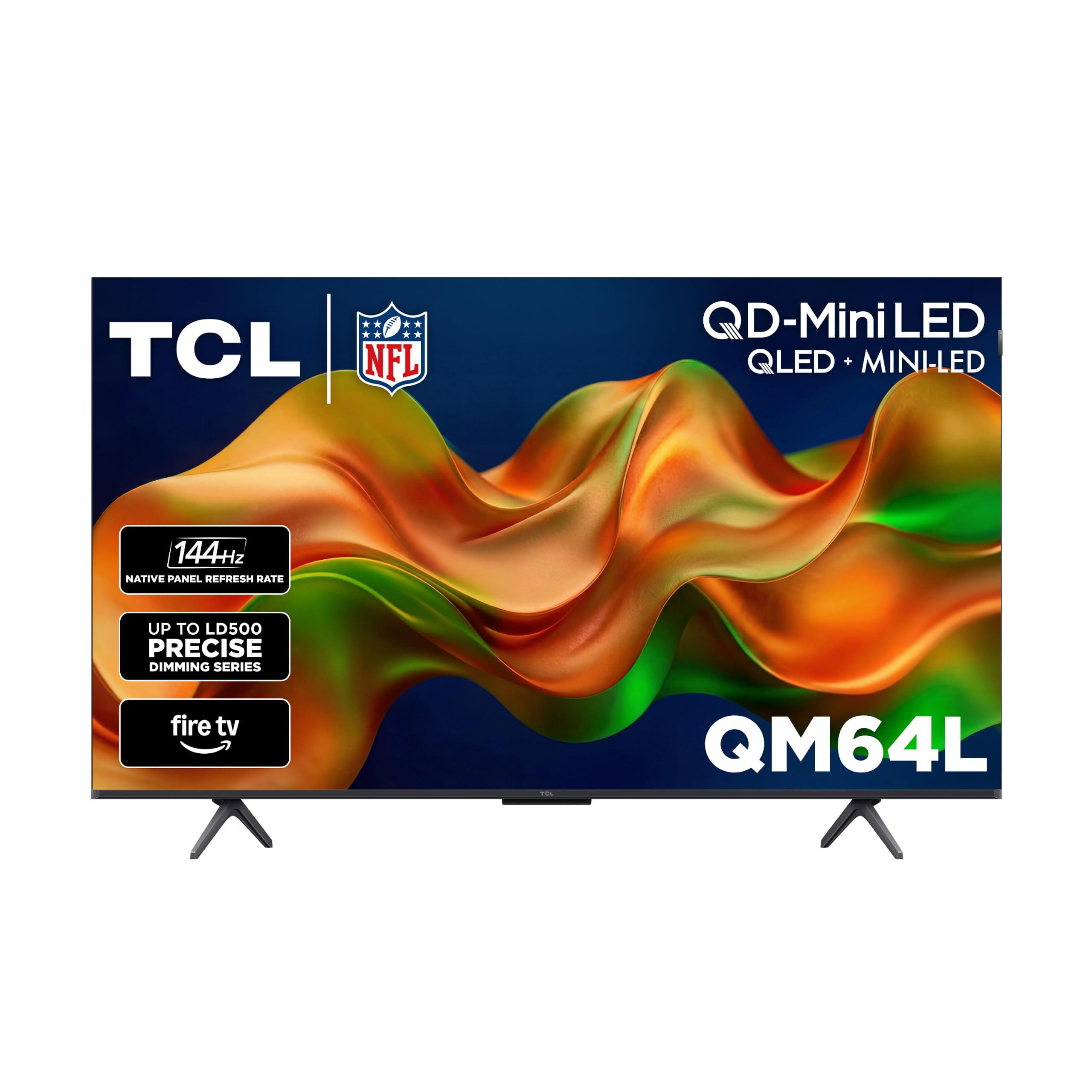
6. TCL 50-Inch QM64L Series (50QM64L)
The Amazon-exclusive TCL that shines bright enough to watch clearly outdoors by the pool.
The TCL QM64L is an Amazon-exclusive version of TCL’s Mini-LED lineup, and its defining trait is High Brightness Pro. This feature provides a great picture in virtually any room lighting environment, which makes it a rare 50-inch set that can handle bright, sun-drenched spaces. One owner even praised it as “bright for outdoor use, next to the pool, under a couple of umbrellas,” proving its mettle in extreme conditions.
Under the hood, it packs QD-Mini LED with the TCL Halo Control System and Local Dimming Pro, which dynamically adapts to on-screen content for deep blacks and great contrast. The Enhanced QLED technology uses more vibrant quantum crystals to reproduce nearly all the DCI-P3 color space, the Hollywood color standard. Owners consistently praise the “fantastic bright, sharp picture” and find the setup simple, often under 30 minutes.
The catch here is the software. While the picture is outstanding, some owners mention the Fire TV interface can be slow and occasionally requires restarts, and a small number experienced the TV shutting down after a couple of minutes. Note that the 120Hz refresh rate listed is slightly lower than the QM6K’s 144Hz, but it’s still excellent for most content. The sound is good enough that a soundbar isn’t necessary except for movies, according to owners.
Sunlight Slayer
- High Brightness Pro excels in very bright rooms or outdoor shade
- Enhanced QLED covers nearly all DCI-P3 color space
- Sharp picture with a wide viewing angle
Smart Snags
- Fire TV interface can feel slow and occasionally needs a restart
- Remote requires precise aiming, and the manual is sparse
Choose This If: Your TV’s spot gets direct sunlight, and picture brightness is your top priority over smart TV polish.
Consider Another If: You rely heavily on a smooth, glitch-free streaming experience and don’t have the patience for software quirks.
7. Amazon Ember 50″ QLED Series

Amazon’s own QLED with a game-changing “no remote needed” hands-free Alexa experience.
The Amazon Ember is the pick for people deeply invested in the Alexa ecosystem. Its defining feature is “No remote needed”—you can ask Alexa to play shows, set timers, and more hands-free, even when the screen is off. The newest Fire TV experience puts personalized recommendations from Alexa+ at the forefront, and its Omnisense technology wakes the display when you enter the room to show artwork or start watching instantly.
Picture quality is a strong point, described as “stunning” by owners with deep contrast and vibrant colors. It’s a 4K QLED with Dolby Vision and HDR10+ Adaptive, so scenes look beautiful in any light. The quad-core processor and Wi-Fi 6 support mean apps “open and load fast,” which addresses a common complaint about older budget smart TVs. One owner even called it a great value against premium brands, praising its vibrant colors and deep blacks.
As a bonus for gamers, it supports Amazon Luna and Xbox Game Pass streaming without a console. However, the trade-off is mixed reliability: while many report no lag, others experience app stalling that requires a reboot, and the Alexa voice control can occasionally trigger on conversation and change channels. The sound is decent, but pairing it with an Amazon Fire soundbar is a popular upgrade path.
Ecosystem Gem: The hands-free Alexa integration and Wi-Fi 6 for fast app loading make this the smoothest option for Amazon households.
Software Caveat: Expect occasional app stalls and the need to reboot; it’s not the most reliable platform.
8. Westinghouse 50″ Roku TV
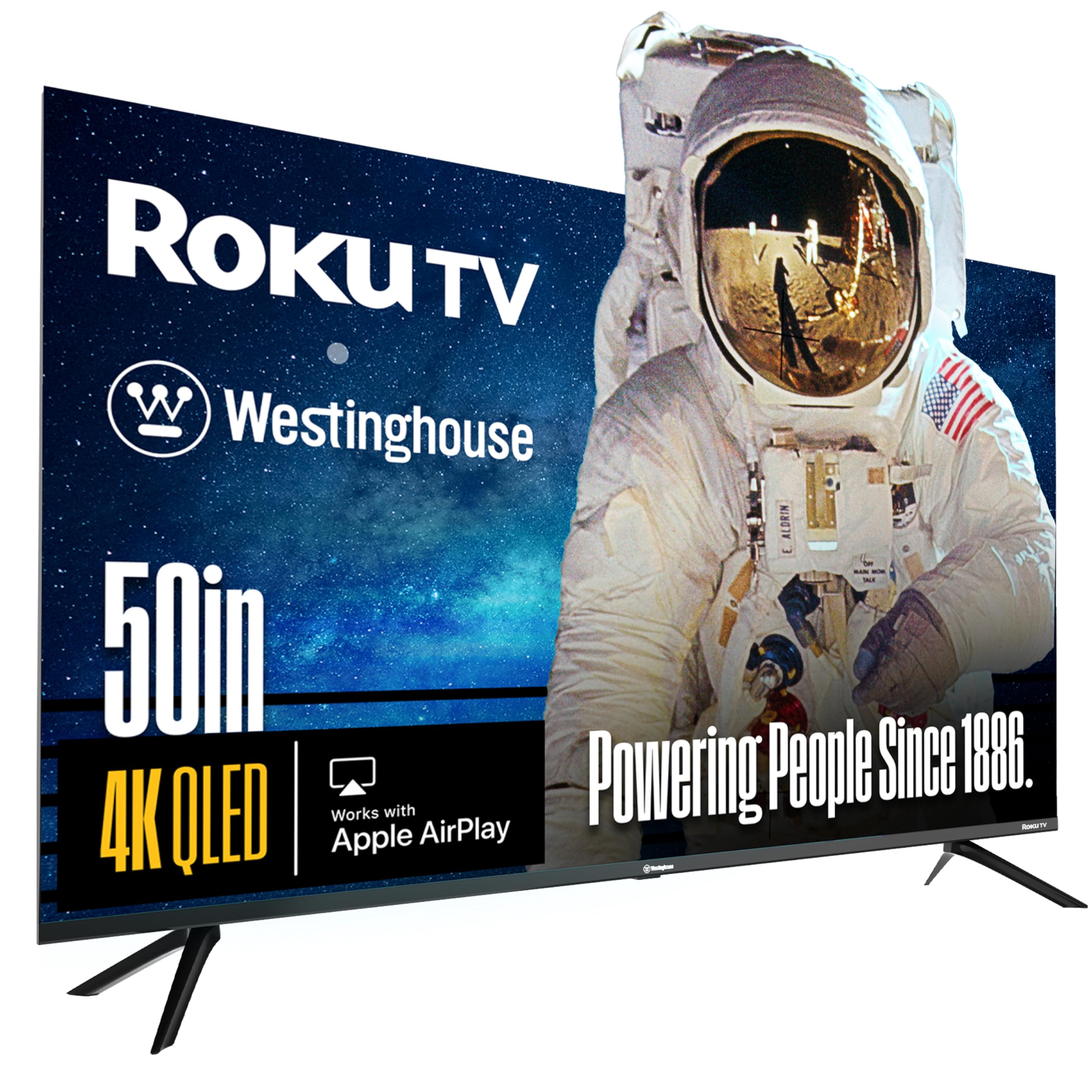
A straightforward, bezel-less Roku TV that gets the essentials right at an entry-level price.
The Westinghouse Roku TV is the answer for buyers who want the simplest possible smart TV experience without sacrificing picture quality. It runs on Roku TV, which is widely considered the most user-friendly platform, giving you access to 350+ free live TV channels and thousands of streaming apps. Owners describe the picture as “crisp” and say it streams smoothly with no app crashes, a reliability point that stands out in this price range.
The 4K UHD QLED panel uses quantum-dot technology for brighter, more vivid colors from wider angles, and it supports both Dolby Vision and HDR10+ for expanded contrast in movies and 4K programs. The “edgeless” bezel-less design makes the picture feel more expansive. The included Roku Voice Remote lets you search with your voice, and it’s compatible with Apple HomeKit, Alexa, and Google Assistant for flexible smart home control.
It’s the entry-level option on this list, so you get a standard 60Hz panel rather than a 120Hz or 144Hz gaming display. That’s fine for casual TV and movie watching, but competitive gamers should look at the higher-tier picks. A couple of owners noted the picture needs proper settings adjustment to look its best, so a quick YouTube tutorial is recommended rather than blind tweaking. For pure streaming simplicity at a budget price, this is a genuinely easy recommendation.
easy Interface
- Roku TV is the most intuitive platform with 350+ free channels
- Smooth streaming with no app crashes reported
- Supports both Dolby Vision and HDR10+
Feature Limits
- Standard 60Hz panel, not suited for competitive gaming
- Needs settings adjustment for the best picture
Best For: The value-focused buyer who primarily streams shows and movies and wants a fuss-free, reliable smart TV experience.
Not For: Gamers who need high refresh rates or anyone who wants a premium, feature-packed HDR experience.
9. Samsung 50-Inch The Frame LS03F

The original art TV, whose virtually glare-free screen makes photos look like real prints.
The Samsung The Frame is the gold standard for the art-TV concept. Its defining feature is the print-like finish: a virtually glare-free screen with a subtle, matte texture that makes art look like a real print hanging in a gallery. When you’re not watching, it transforms into your personal art gallery, accessing a curated collection from the Art Store or displaying your own photos. Owners are thrilled with this, with one noting their family photos were converted by AI to “look like acrylic paintings.”
It’s not just about looks, though. The NQ4 AI Gen2 Processor upscales content to crisp 4K, and the “artful picture quality” brings stunning colors to life. Surprisingly for an art-focused TV, it also brings “elite speeds for VRR gaming at up to 4K 144Hz,” so gamers aren’t left out. It features a slim design that mounts flush to the wall with customizable bezels to match your decor, plus an external hub that connects power and devices with a single wire for a clean install.
The main trade-offs are the premium price and the installation. Owners note the flush wall mount is difficult to install and often requires professional help, and the built-in speakers are weak, making a soundbar a must-have. Also, an Art Store subscription is required for the full art collection. For the design-conscious buyer who wants a TV that doubles as a centerpiece and doesn’t mind a tricky setup, this is the ultimate statement piece.
Museum Worthy: The anti-glare matte screen and print-like texture make art and photos look real, so your TV doubles as a gallery piece.
Install Reality: The flush mount is genuinely hard to install alone, so budget for professional help and a soundbar.
Understanding the Specs
Mini-LED vs. Standard QLED
All QLED TVs use quantum dots for rich color, but the backlight is key. Mini-LED uses thousands of tiny lights that dim in zones, giving you deeper blacks, brighter highlights, and better contrast than a standard QLED panel. This is the main reason you’ll see Mini-LED models priced higher.
Refresh Rate: 60Hz vs. 120Hz vs. 144Hz
The refresh rate tells you how many times the image updates per second. A 60Hz panel is fine for movies, but a 120Hz or 144Hz panel makes fast sports and games look dramatically smoother. If you game or watch hockey, prioritize a model with a high native refresh rate.
HDR Formats: Dolby Vision vs. HDR10+
HDR expands contrast and color. Dolby Vision and HDR10+ are both dynamic formats that adjust brightness scene by scene, whereas standard HDR10 uses fixed settings. Many top TVs support both, so you get the best of both worlds regardless of what you watch.
Anti-Glare & Brightness
A bright room can ruin a good TV. Look for either a high peak brightness (measured in nits) or an anti-glare matte screen finish to reduce reflections. Models with both, like the Hisense CanvasTV, are ideal for sunlit living rooms.
FAQ
Is a QLED TV better than a regular LED TV?
What is the difference between 120Hz and 144Hz on a TV?
Do I need an HDMI 2.1 cable for 4K gaming on a 120Hz TV?
Can a 144Hz TV be used as a computer monitor?
What is the benefit of a matte or anti-glare screen on a TV?
How does Dolby Vision compare to HDR10+?
Is Google TV or Fire TV a better smart platform?
What does “The Frame” TV do when it’s turned off?
Why is Mini-LED more expensive than standard QLED?
Final Thoughts: The Verdict
For most people, the standout is the 50 inch qled tv champion, the TCL QM6K, because it brings 144Hz gaming smoothness and a stunning Mini-LED picture to a mid-range price. If your priority is peak HDR brightness and you love adjusting settings, the VIZIO Quantum Pro delivers incredible value. And for the design-conscious living room, the Hisense CanvasTV or Samsung The Frame turn your TV into decor, but remember the star ratings show the Hisense CanvasTV holds a higher score with nearly 200 owners, making it the more reliable art-TV bet.
How We Picked
We do not accept paid placement. Every pick is matched to a real buyer and a real use-case; we do not hands-on test units.
Sources & Methodology
Specifications: manufacturer listings and product documentation. Review insights: verified customer reviews, as of August 2026. Pricing: not shown on this page (it changes often); check the current price via the retailer link.
As an Amazon Associate, Gadgets Feed earns from qualifying purchases. This does not affect which products we feature.