
Our readers keep the lights on and my morning glass full of iced black tea. As an Amazon Associate, I earn from qualifying purchases.
Specs are compiled from manufacturer listings and verified buyer reviews and can change over time — please confirm the key details on the product page before buying.
You hit “play,” and then you wait. For a long list of games nowadays, that load screen is the real boss battle. The difference between a snappy gaming rig and a sluggish one often depends on one part hiding inside your case: the SSD. This guide cuts through the spec sheet noise to find the 512GB SSDs that actually make your library load faster, your system feel more responsive, and your gaming sessions less interrupted.
I’m Min — the founder and writer behind Gadgets Feed. This guide is built by comparing the manufacturers’ published specifications and the patterns across verified customer reviews, so you get each pick’s real strengths and trade-offs instead of marketing spin.
Whether you are looking for the fastest Gen4 speeds or a reliable budget drop-in replacement, the best 512gb ssd for gaming depends on matching the right interface and endurance to your specific motherboard and game library.
Our Picks at a Glance


How To Choose The Best 512GB SSD For Gaming
Picking the right SSD for your gaming rig isn’t just about buying the cheapest one. You need a drive that matches your motherboard’s slot and your appetite for load times. Here are the three things to get right before you click buy.
Interface: NVMe vs. SATA
The biggest speed split in SSDs is the connection type. A SATA III drive taps out around 500 MB/s, which is still a huge leap over an old hard drive. An NVMe drive, especially one using the M.2 slot, can run at speeds like 2400 MB/s, directly reading data at speeds that make level loads fly by. For modern games, an NVMe drive is the way to go if your motherboard has the slot.
PCIe Generation: Gen3 vs. Gen4
Within the NVMe world, there is another important choice. PCIe Gen3 drives offer read speeds around 2,000 to 3,500 MB/s, while PCIe Gen4 drives can hit over 5,000 MB/s. Gen4 is faster, but you need a compatible CPU and motherboard to use it. Gamers on a newer AM4 or Intel 12th-gen platform can benefit from Gen4. Gen3 is still extremely fast and is a fantastic upgrade for older systems.
Form Factor: M.2 2280 vs. 2230
Most gaming desktops and laptops use the standard M.2 2280 size (80mm long). However, ultraportable devices like the Steam Deck, ASUS ROG Ally, and Microsoft Surface use the much smaller M.2 2230 (30mm long). Always check your device’s manual for the supported form factor before buying. SATA drives use a 2.5-inch form factor, which is fine for older desktop cases.
Quick Comparison
| Model | Best For | Interface | Read Speed | Form Factor | Amazon |
|---|---|---|---|---|---|
| Adata Legend 710★ Best Overall | Best Overall | NVMe PCIe 3.0 | 2400 MB/s | M.2 2280 | Amazon |
| SIX X7400 ProPeak Gen4 Speed | Peak Read Speeds | NVMe PCIe 4.0 | 7100 MB/s | M.2 2280 | Amazon |
| Fikwot FX550Raw Speed Value | Raw Speed Value | NVMe PCIe 3.0 | 3200 MB/s | M.2 2280 | Amazon |
| fanxiang S501Q | Crowd Favorite | NVMe PCIe 3.0 | 3000 MB/s | M.2 2280 | Amazon |
| Ediloca EN680E | Complete Kit | NVMe PCIe 3.0 | 2050 MB/s | M.2 2280 | Amazon |
| SIX X7400 | PS5 Ready | NVMe PCIe 4.0 | 5000 MB/s | M.2 2280 | Amazon |
| TEAMGROUP T-Force G50 | Best Endurance | NVMe PCIe 4.0 | 5000 MB/s | M.2 2280 | Amazon |
| OSCOO ON1000T | Ultraportable Upgrades | NVMe PCIe 4.0 | 5200 MB/s | M.2 2230 | Amazon |
| Vansuny SATA III | Budget SATA | SATA III | 500 MB/s | 2.5-inch | Amazon |
In‑Depth Reviews
1. Adata Legend 710 512GB NVMe M.2 2280
Our pick — over 4.5★ from 450+ verified ratings; the strongest balance of quality and price.
The crowd-pleaser that balances speed, reliability, and a price that doesn’t sting.
This drive’s appeal is simple: it delivers exactly what a gamer needs from a PCIe Gen3 drive without any fuss. With read speeds up to 2400 MB/s and writes up to 1600 MB/s, you get a clear performance lift for game loads and system boots. That is a significant jump over the Vansuny SATA drive’s 500 MB/s read speed, making it over 4 times faster for loading large game files.
The real story here is the reliability. Owners regularly report it “works great” and note “decent speeds, still going strong after 12 months of daily use.” The drive includes a heatsink plate for better thermal control. It is a straightforward, high-quality part that fits both desktops and laptops, as the M.2 2280 form factor is the standard in most modern gaming PCs. The consensus is clear: it is a top-tier drive that outperforms its price point.
The only real trade-off is that it’s not the bleeding-edge Gen4 speed king. If you own a PCIe 4.0 motherboard and want the absolute fastest load times, you’d look to the higher-tier drives below. But for the vast majority of gamers on standard platforms, this is the one to beat.
Why It Wins
- Strong Gen3 speeds for rapid game loading
- Consistently praised for long-term reliability
- Includes a heatsink plate for temperature control
- Excellent value for the performance level
The Limit
- Not a PCIe Gen4 drive, so max speed is capped on newer systems
Best for the mainstream gamer: If you want a dependable, fast NVMe drive that fits most PCs and has a proven track record for daily use.
Think twice if: You have a PCIe 4.0-ready motherboard and demand the highest possible transfer rates from your storage.
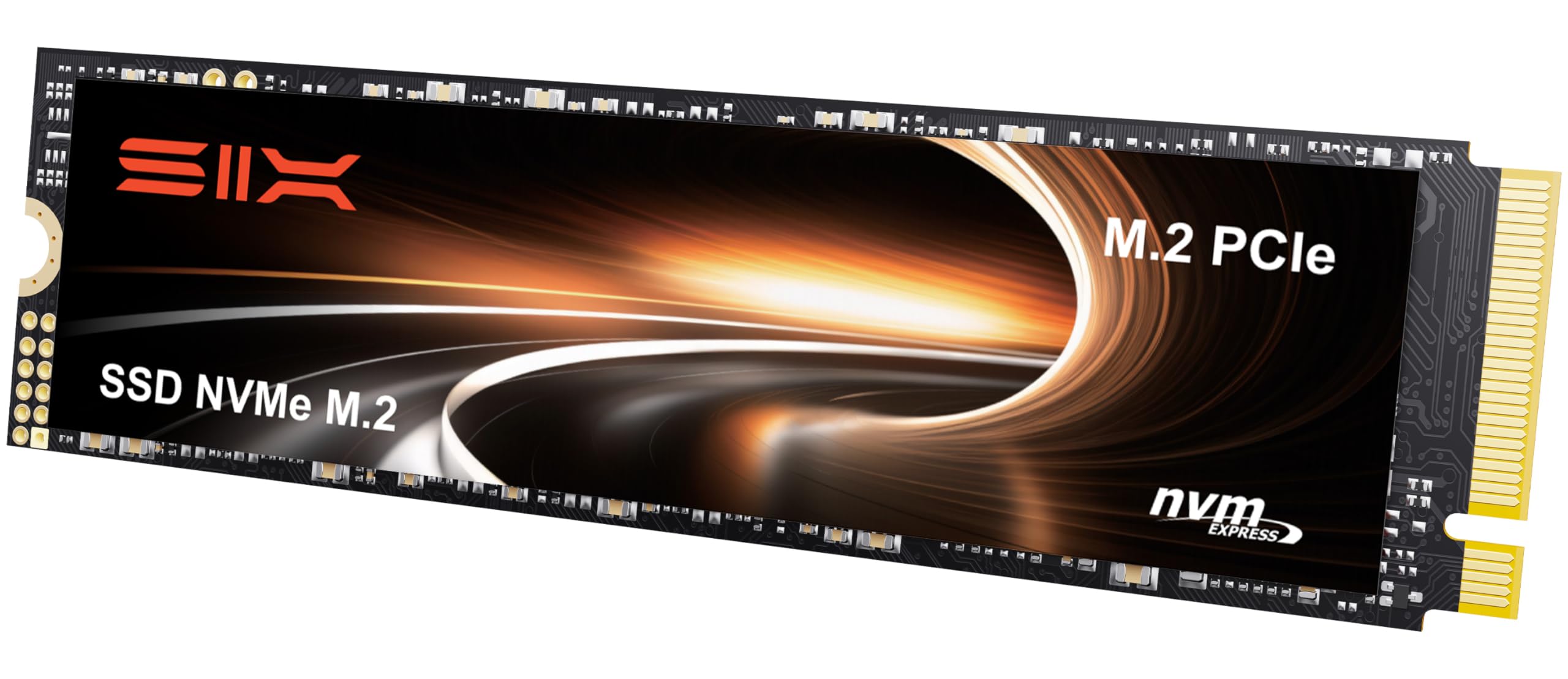
2. SIX X7400 Pro 512GB M.2 2280
The raw speed king that turns your load times into a memory of the past.
If you need the absolute fastest sequential reads for your games, this is the top contender. It uses a PCIe Gen4x4 interface to hit read speeds up to 7100 MB/s, making it one of the quickest 512GB drives available. This horsepower translates to lightning-fast level loads and near-instant texture streaming in compatible games.
On top of sheer speed, the X7400 Pro is built for high-intensity gaming. It sports a 5-year warranty and is compatible with the PS5, making it a viable upgrade for console gamers who want more internal storage. Buyers report it “works great” and that “speeds are as advertised,” noting it is an easy installation. The drive includes mounting screws and a screwdriver, which removes a common frustration.
The catch is that you need a PCIe Gen4-capable motherboard and CPU to open up these speeds. On an older Gen3 system, this drive will still work but will run at slower Gen3 speeds.
Speed demon verdict: This is for the enthusiast who has the hardware to match and wants the fastest load times possible for their games and applications. skip it if your motherboard only supports PCIe Gen3.
Ideal for high-end rigs and PS5: Perfect for a newer desktop or a PS5, where the Gen4 speed is fully utilized. It is not the right pick for a standard Gen3 laptop.
3. Fikwot FX550 512GB NVMe M.2 2280
The Gen3 drive that squeezes every last bit of speed from the standard for a great price.
This SSD is a fantastic value, offering read speeds up to 3200 MB/s. At 3200 MB/s versus 500 MB/s on SATA drives, your games will load dramatically faster than with an older hard drive or SATA SSD. It uses 3D NAND QLC flash and a dynamic SLC cache to keep speeds high during heavy file transfers and game loading.
Owners praise its raw value, describing it as “blazingly fast with good write speed” and a “good value” for its price. It is a straightforward Gen3 drive perfect for anyone looking to upgrade an older system. It is also an interesting play for laptop users because of its low power consumption, which can extend battery life.
The notable point of caution is mixed reports on Windows 11 compatibility. While it works perfectly for many, a few owners had setup issues. If you are a current Windows 11 user, it is wise to ensure your BIOS and system are fully updated before installing.
Why It Stands Out
- Excellent peak read speed of 3200 MB/s for a Gen3 drive
- Great value for the performance tier
- Energy efficient, which helps laptop battery life
- Comes with a 5-year warranty for confidence
Heads Up
- A minority of users have reported setup quirks with Windows 11
Reach for this if: you want the most speed you can get for the money on a PCIe Gen3 motherboard. It beats almost all other budget drives on raw read speed.
Look elsewhere if: you prefer to stick with a brand with a wider customer consensus on compatibility.
4. fanxiang S501Q 512GB NVMe M.2 2280

The proven workhorse that thousands of gamers trust for daily booting and playing.
With a very high 999 total ratings, this is the most-reviewed Gen3 drive on our list, and the feedback is overwhelmingly positive. It reads up to 3000 MB/s and writes up to 1300 MB/s, offering performance and stability that owners describe as reliable for daily use. One owner noted using it for six months as a boot drive on an older Dell, calling it reliable.
The primary positive feedback centers on performance and speed. It includes a graphene heat dissipation sticker and installation screws. The S501Q also has a rated endurance of 160 TBW (TeraBytes Written), which gives you a good idea of its lifespan under heavy write loads.
A specific note of caution: it is not universally compatible with all systems. Some owners mention it is not compatible with Mac Mini systems, so Mac users should confirm compatibility. The 512GB storage is also a fixed amount, so you cannot expand it later.
The numbers game: This is the Gen3 drive with the most owner feedback. If you want the safety of a well-tested and widely-praised SSD, this is the safest bet among the budget-friendly picks.
Best for the cautious buyer: You want a fast, reliable Gen3 drive that many other gamers have already put through its paces.
pass on it if: you use a Mac Mini or need PCIe Gen4 speeds.
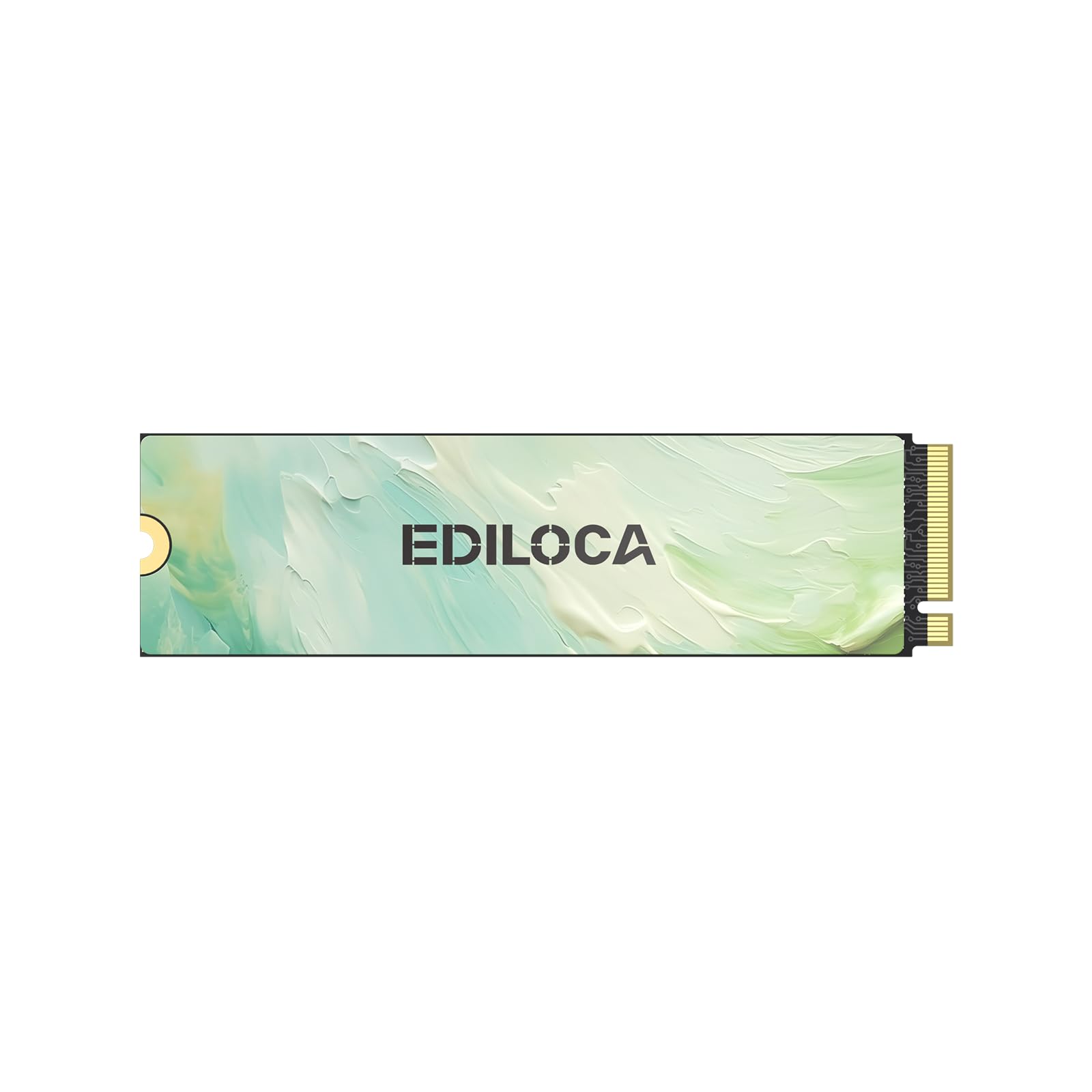
5. Ediloca EN680E 512GB NVMe M.2 2280
The easy-to-install option that comes with everything you need, including the screwdriver.
You get everything you need to install it right from the start — a screwdriver kit, mounting screw, and manual — so you don’t have to hunt for tools. Its read speed is 2050 MB/s (megabytes per second), which is slightly slower than the top pick, but still fast enough to load most games in seconds. It uses a PCIe Gen3x4 interface (the connection standard for the slot on your motherboard) and features a graphene heat dissipation sticker (a thin, heat-spreading layer) to keep temperatures low during long gaming sessions.
Owners appreciate the “good value” and the fact that “installation was easy.” The drive offers a solid 1300 MB/s write speed, making it a capable everyday driver for game storage and OS boot. The consensus is that it is a reliable, fast drive that is good for the price.
The catch is its speed. At 2050 MB/s, it is slower than the Adata Legend 710 (2400 MB/s) and the fanxiang S501Q (3000 MB/s). While still incredibly fast compared to a SATA drive, for the same general price bracket, you can get a faster Gen3 drive if you don’t mind sourcing the screw yourself.
The Convenience Factor
- Includes a screwdriver and mounting screw from the start
- Easy installation with a straightforward physical form factor
- Good value for money and performance feedback
- Graphene sticker for thermal management
The Speed Trade-off
- Read speed is lower than other similarly priced Gen3 options
Ideal for the novice builder: If you hate searching for a tiny screwdriver, this drive arrives ready to drop in. It is a solid all-rounder for a standard gaming PC.
Not for the speed demon: You can get faster sequential read speeds from other drives at a similar price.
6. SIX X7400 512GB M.2 2280

The PS5’s best friend, delivering full Gen4 speed while staying affordable.
Looking to expand your PS5 storage? This drive is purpose-built for it. It uses a PCIe Gen4x4 interface to hit read speeds up to 5000 MB/s, more than enough to match the PS5’s requirements. Owners confirm a “quick PS5 install with cheap heatsink” (the drive includes a heatsink) and that it is “recognized instantly” with load times matching the internal drive.
Beyond consoles, it works great for PC gaming. The performance feedback is very strong, with owners calling it a “Fast Performance and Easy Storage Upgrade.” It also comes with a 5-year warranty and the necessary installation tools like screws and a screwdriver.
The main point is that your system needs a PCIe Gen4 slot. This drive will work in a Gen3 slot but will be capped at slower speeds. This makes it slightly less versatile than the Adata Legend 710 for someone with an older motherboard.
Console-ready verdict: If you own a PS5, this is a no-brainer upgrade. It offers the guaranteed Gen4 performance you need at a reasonable price.
Best for PS5 owners: Ideal for expanding your console’s storage. Also a solid pick for a new PC build that has a Gen4 slot.
Not for budget Gen3 builds: If you only have a Gen3 board, you are paying for speed you cannot use.
7. TEAMGROUP T-Force G50 512GB M.2 2280

The premium pick that uses TLC NAND for better endurance and sustained speeds.
This drive stands out from the pack because it uses 3D TLC NAND rather than cheaper QLC. TLC NAND typically offers better long-term write endurance and more consistent sustained speeds. It hits 5000 MB/s reads and 2500 MB/s writes, making it a balanced and fast Gen4 option. The included ultra-thin graphene heat spreader helps keep it cool under load.
Customers note “very impressive performance” and note it improves overall system responsiveness. TEAMGROUP backs it with a 5-year limited warranty. The SLC caching technology helps it maintain high transfer speeds for day-to-day tasks, making it a strong choice for content creators who also game.
The key trade-off is the price. It is positioned at a premium over the SIX X7400 standard edition. While it offers better raw write speeds (2500 MB/s vs 1300 MB/s), the added cost means you must weigh whether the TLC NAND endurance is worth it for your use case.
Why It Costs More
- 3D TLC NAND for superior durability and steady speeds
- High 5000 MB/s read and 2500 MB/s write speeds
- Ultra-thin graphene heat sink for thermal stability
- Backed by a 5-year warranty
The Premium Tag
- Priced higher than many 512GB Gen4 alternatives
- Performance gains may be marginal for gaming over standard Gen4
Best for the dedicated user: You want the most durable flash memory for heavy write workloads or a long-term investment. It beats the cheaper QLC drives for sustained performance.
Think twice if: You are on a strict budget and only use your PC for casual gaming.
8. OSCOO ON1000T 512GB M.2 2230

The tiny titan built for the Steam Deck, Surface Pro, and other compact devices.
This drive solves a specific problem. Many ultraportable devices use the tiny M.2 2230 form factor, not the standard 2280. The OSCOO ON1000T is one of the few Gen4 drives in this tiny size, offering read speeds up to 5200 MB/s and writes up to 4000 MB/s. It is specifically designed for the Steam Deck, ASUS ROG Ally, and Microsoft Surface.
Feedback from owners is very positive. One user successfully installed it in a Surface Pro 9, stating it “doubled storage” and “works as well as or better than OEM.” Another praised it for use in a mini PC. The drive uses a Graphene Thermal Solution to manage heat in these compact, poorly ventilated spaces. It also supports AES-256 encryption, TRIM, and S.M.A.R.T. monitoring.
The main catch is its price and specific form factor. It is more expensive than a full-size 2280 Gen4 drive. You should only buy this if you specifically need the 2230 size for a compatible device. For a standard tower PC, a standard 2280 drive will be cheaper and easier to manage.
A niche master: This is arguably the best upgrade for your Steam Deck. It offers massive performance in the smallest physical package.
Perfect for the handheld gamer: If you use a Steam Deck or ROG Ally and want to swap the internal drive for more space and speed, this is your pick.
Not for desktop users: Standard desktop PCs use the 2280 form factor and should stick to those drives.
9. Vansuny 512GB SATA III 2.5-Inch SSD

The no-nonsense upgrade for an older PC that just needs a second wind.
This is your fallback option if your computer has no M.2 slot. It is a standard 2.5-inch SATA III SSD that caps out at 500 MB/s reads and 450 MB/s writes. While that is a fraction of the speed of the NVMe drives above, it is still a massive upgrade over an old mechanical hard drive. For a budget laptop or a very old desktop, this is the perfect way to get a snappier boot and faster game loading.
Reviews are extremely positive for what it is. Owners call it a “great budget SSD” and confirm it is “reliable, running for a year in a gaming PC.” It is also noted for being very easy to install. The 2.5-inch form factor is universally compatible with any desktop or older laptop that has a SATA port. The drive uses an ABS casing which is noted for good heat dissipation and being shockproof.
The primary downside is the speed. With a read speed of 500 MB/s, it is significantly slower than even the slowest NVMe drive. Modern games designed for fast storage may have longer load times or texture pop-in. It serves its purpose perfectly as a value-based upgrade, not a performance part.
Why Buy This
- Perfect for systems without an M.2 slot
- Massive speed upgrade from a mechanical hard drive
- Very affordable and easy to install
- Reliable for a year of daily gaming use, as per owners
The Speed Reality
- Read speeds are limited to 500 MB/s, far behind NVMe options
- Not ideal for modern, storage-heavy game titles
Best for the budget revival: If you have an old laptop or PC with a SATA port and want to speed it up for under, this is your solution. It beats a hard drive by a huge margin.
Not for the performance gamer: If you have an M.2 slot, buy any NVMe drive from this list instead. The speed gap is enormous.
Understanding the Specs
Read / Write Speed
These two numbers (measured in MB/s) tell you how fast the drive reads data and writes data. The read speed is more important for gaming as it dictates how quickly your game levels and textures load. A fast NVMe drive hits 3000+ MB/s, while a SATA drive is capped at around 500 MB/s. Higher is better, but your motherboard must support the interface.
TBW (TeraBytes Written)
This is a rating of the drive’s lifespan. It represents the total amount of data that can be written to the drive before the NAND memory likely starts to fail. A higher TBW number indicates a more durable drive. For a 512GB gaming drive, a figure of 150TBW or higher is solid for years of daily use.
FAQ
What is the difference between SATA and NVMe for gaming?
Will a 512GB SSD hold my games?
Can I use a PCIe Gen4 SSD in a Gen3 motherboard?
What is the M.2 2280 form factor?
Do I need a heatsink for my gaming SSD?
What is SLC caching in an SSD?
Is a 500 MB/s SATA SSD enough for gaming?
How do I install an M.2 SSD?
Can I clone my old drive to a new SSD?
What is the difference between QLC and TLC NAND?
Final Thoughts: The Verdict
For most gamers, the best 512gb ssd for gaming is the Adata Legend 710 because it delivers proven reliability and fast Gen3 speeds at an excellent price. If you want the absolute fastest load times and have a Gen4-ready system, the SIX X7400 is a superb value for PS5 or high-end PCs. And if you are upgrading a Steam Deck or Surface, the tiny but mighty OSCOO ON1000T in its 2230 form factor is the perfect match for your portable rig.
How We Picked
We do not accept paid placement. Every pick is matched to a real buyer and a real use-case; we do not hands-on test units.
Sources & Methodology
Specifications: manufacturer listings and product documentation. Review insights: verified customer reviews, as of July 2026. Pricing: not shown on this page (it changes often); check the current price via the retailer link.
As an Amazon Associate, Gadgets Feed earns from qualifying purchases. This does not affect which products we feature.