
A single 55-inch curved monitor can replace a multi-monitor desk setup, wrapping your peripheral vision in a wall of screen real estate. But stepping up to this size bracket means navigating a vastly different spec sheet than smaller displays, where resolution, panel type, and refresh rate become make-or-break decisions for your specific workflow or gaming habits.
I’m Min — the co-founder and writer behind Gadgets Feed. I’ve spent hundreds of hours analyzing the technical specifications, customer feedback, and real-world performance data across dozens of 55-inch and ultra-large curved monitors to separate the genuinely impressive panels from the ones that skimp on the details that matter most at this scale.
Whether you’re upgrading a command center for work or building an immersive gaming rig, this guide breaks down the specs and trade-offs behind the best 55 inch curved monitor options available today.
How To Choose The Best 55 Inch Curved Monitor
Choosing a monitor at this size is less about inches and more about panel technology and pixel density. A 55-inch screen is massive, and how you use it — gaming, productivity, or content creation — dictates the right balance of resolution, color accuracy, and refresh rate.
Panel Technology: VA vs. Mini-LED vs. OLED
VA panels are common at this size and offer good contrast and a lower price point, but they struggle with viewing angles and motion blur. Quantum Mini-LED improves brightness and local dimming, producing deeper blacks and higher peak brightness for HDR content. OLED delivers the best contrast ratio and response times but is more expensive and has potential burn-in concerns for users with static desktop elements.
Resolution and Pixel Density
A standard 1080p resolution on a 55-inch panel looks extremely pixelated. 4K UHD (3840 x 2160) is the bare minimum for acceptable clarity at typical desk viewing distances. Dual UHD (7680 x 2160) or 5K2K (5120 x 2160) resolutions offer exceptional sharpness, making text and fine details crystal clear, but demand significant GPU power to drive smoothly.
Refresh Rate and Response Time
For immersive RPGs and cinematic games, a 120Hz or 144Hz refresh rate provides a significant visual upgrade from standard 60Hz. Competitive gamers targeting high frame rates should look for 165Hz or 240Hz panels. Response times matter: 1ms (GtG) is excellent for reducing ghosting, while OLED panels achieve 0.03ms for near-instantaneous pixel transitions.
Quick Comparison
On smaller screens, swipe sideways to see the full table.
| Model | Category | Best For | Key Spec | Amazon |
|---|---|---|---|---|
| Samsung 55″ Odyssey Ark | Premium | Immersive 4K Gaming | 165Hz / 1ms / Quantum Mini-LED | Amazon |
| Samsung 57″ Odyssey Neo G9 | Premium | Dual 4K Productivity & Gaming | 240Hz / 1ms / 7680 x 2160 | Amazon |
| LG 45GX950A-B Ultragear | Premium | 5K2K OLED & Dual-Mode | 165Hz / 0.03ms / 5120 x 2160 | Amazon |
| INNOCN 49Q1S OLED | Premium | OLED Performance & Usability | 240Hz / 0.03ms / 5120 x 1440 | Amazon |
| INNOCN 49C1G | Mid-Range | Multi-Tasking with PIP/PBP | 144Hz / 3840 x 1080 / USB-C 65W | Amazon |
| Amzfast AMZG49C7U | Mid-Range | Budget DQHD Gaming | 120Hz / 5120 x 1440 / 350 nits | Amazon |
| CRUA 49″ Curved | Mid-Range | DQHD with Height Adjustment | 165Hz / 5120 x 1440 / 120% sRGB | Amazon |
| ZZA 49″ Ultrawide | Mid-Range | Value DQHD for Work & Play | 165Hz / 5120 x 1440 / HDMI 2.1 | Amazon |
| Dell 34 Plus S3425DW | Mid-Range | Productivity & Color Accuracy | 120Hz / 3440 x 1440 / 95% DCI-P3 | Amazon |
| LG 34WR55QK-B | Mid-Range | Reliable UltraWide Workstation | 100Hz / 3440 x 1440 / USB-C 65W | Amazon |
| Deco Gear 49″ Ultrawide | Budget | Budget Dual-Monitor Replacement | 144Hz / 3840 x 1080 / 1800R | Amazon |
In‑Depth Reviews
1. Samsung 55-inch Odyssey Ark 4K UHD 165Hz Curved Quantum Mini LED Gaming Monitor

The Samsung Odyssey Ark is the definitive 55-inch curved monitor, combining a massive 1000R curvature with a Quantum Mini-LED panel that delivers 4K resolution at a 165Hz refresh rate. Its 1,000,000:1 contrast ratio and 600-nit peak brightness produce deep blacks and vivid highlights, making HDR gaming genuinely cinematic. The 1ms response time ensures minimal ghosting during fast-paced action.
The Ark’s Cockpit Mode allows the display to rotate into a portrait orientation, a unique feature for vertical shooters or coding. The integrated 60W 2.2.2 channel sound system with Dolby Atmos eliminates the immediate need for external speakers. Multi View supports up to four simultaneous inputs, letting you game, stream, and browse on one seamless screen.
Weighing 91 pounds, this monitor demands a sturdy desk and a second person for setup. The software interface has drawn criticism for occasional instability, and the absence of a DisplayPort input is a notable limitation for high-refresh-rate PC gaming. For those seeking a premium all-in-one gaming command center, the Ark remains unmatched in its class.
Why it’s great
- Incredible 1000R curvature for total immersion
- Quantum Mini-LED provides excellent HDR performance and contrast
- Built-in 2.2.2 channel speakers with Dolby Atmos
- Multi View supports up to four input sources simultaneously
Good to know
- Extremely heavy, requires a very sturdy desk
- No DisplayPort input, limited connectivity options for PC
- Software and firmware stability can be inconsistent
2. Samsung 57″ Odyssey Neo G9 (G95NC) Series Dual 4K UHD 1000R Curved Gaming Monitor

The Samsung Odyssey Neo G9 57-inch is a technical marvel, offering a Dual UHD resolution of 7680 x 2160 — effectively two 4K monitors side-by-side without a bezel. The 1000R curve wraps this expansive canvas around your vision, while Quantum Mini-LED technology with 2,392 local dimming zones delivers a 1,000,000:1 contrast ratio and VESA DisplayHDR 1000 certification.
At 240Hz with a 1ms response time and DisplayPort 2.1 connectivity, this monitor is built to handle the highest frame rates from modern GPUs. AMD FreeSync Premium Pro ensures tear-free motion, making it ideal for fast sim racing and FPS titles. The 32:9 aspect ratio is also a productivity powerhouse for day trading, video editing, and large spreadsheets.
The Neo G9 requires a deep desk, as its 57-inch width demands significant space. Some users report firmware issues with auto-source switching and sleep wake, and the included DisplayPort cable is too short for tidy cable management. For those with the GPU power and budget, this is the most capable super-ultrawide monitor available.
Why it’s great
- World’s first Dual 4K (7680 x 2160) resolution at 57 inches
- 240Hz refresh rate with DisplayPort 2.1 for uncompressed bandwidth
- 2,392 Mini-LED dimming zones for superb HDR performance
- Replaces a multi-monitor setup with a single seamless display
Good to know
- Demands a very deep desk and significant desk space
- Firmware issues with wake from sleep and auto-source switching
- Requires a top-tier graphics card to drive at full resolution
3. LG 45GX950A-B 45-inch Ultragear 5K2K WUHD (5120 x 2160) OLED Curved Gaming Monitor

The LG 45GX950A-B is the world’s first 5K2K OLED gaming monitor, boasting a resolution of 5120 x 2160 on a massive 45-inch curved screen. The 800R curve is aggressively immersive, and the OLED panel achieves a 1.5M:1 contrast ratio with DisplayHDR True Black 400, delivering perfect blacks and vibrant colors. The 125 PPI ensures sharp, color-fringe-free text for productivity tasks.
Its Dual-Mode feature allows you to toggle between 5K2K at 165Hz and Wide Full HD (2560 x 1080) at 330Hz, giving you the best of both worlds for graphical adventures and competitive shooters. With a 0.03ms response time, NVIDIA G-Sync, and AMD FreeSync Premium Pro compatibility, motion handling is flawless. Connectivity includes DisplayPort 2.1, two HDMI 2.1 ports, and USB-C with 90W power delivery.
The 45-inch diagonal is slightly smaller than a true 55-inch monitor, so it feels less like a TV on your desk. Some users report quirks with the input switching joystick and a sleep-wake issue that requires disabling deep sleep in the settings. For pure OLED image quality and versatility, this monitor sets a new benchmark.
Why it’s great
- 5K2K resolution with 125 PPI for incredibly sharp text and images
- OLED panel delivers perfect blacks and a 1.5M:1 contrast ratio
- Dual-Mode switches between 165Hz and 330Hz for different game types
- 0.03ms response time is the fastest available
Good to know
- 45-inch diagonal is not as large as a true 55-inch monitor
- Some users experience sleep-wake quirks
- HDR flickering on HDMI input reported by some users
4. INNOCN 49″ 49Q1S OLED Curved Gaming Monitor 5120 x 1440p 240Hz

The INNOCN 49Q1S delivers a high-refresh-rate OLED experience at a more accessible price point than many competitors. Its 5120 x 1440 resolution on a 49-inch 32:9 panel offers a massive workspace, while the 240Hz refresh rate and 0.03ms response time make it excellent for competitive gaming. The 1800R curve provides solid immersion without being overwhelmingly steep.
Color performance is strong with 99% sRGB coverage, and the 1,000,000:1 contrast ratio ensures deep blacks characteristic of OLED technology. The USB-C port delivers 90W power delivery, making it a clean one-cable solution for compatible laptops. Its ergonomic stand allows for height, tilt, and swivel adjustments, and PIP/PBP functionality supports multitasking across two inputs.
Build quality concerns have been noted, with some users reporting failures within the first few months, though customer service has been responsive for replacements. The glossy screen finish enhances contrast but may reflect ambient light in bright rooms. For an OLED ultrawide that prioritizes smooth motion and connectivity, the 49Q1S is a compelling option.
Why it’s great
- 240Hz refresh rate with 0.03ms response time for ultra-smooth motion
- OLED panel offers infinite contrast and vibrant colors
- USB-C with 90W power delivery for laptop connectivity
- Height, tilt, and swivel adjustable stand for ergonomic comfort
Good to know
- Glossy screen may cause reflections in bright rooms
- Some users reported reliability issues after a few months
- No built-in speakers; requires external audio solution
5. INNOCN 49″ 49C1G Curved Gaming Monitor 144Hz Ultrawide 32:9 WDFHD 3840 x 1080P

The INNOCN 49C1G is designed for productivity-focused users who want ultrawide real estate without the GPU demands of higher resolutions. Its 3840 x 1080 resolution at 49 inches provides ample width for multiple windows, while the 144Hz refresh rate keeps scrolling and media playback smooth. The VA panel offers a 3000:1 contrast ratio and 400-nit brightness with HDR400 support.
Connectivity is a standout feature: it includes a USB-C port with 65W power delivery, a DisplayPort, an HDMI 2.1 input, and an RJ45 Ethernet port for stable wired network access. The built-in speakers are adequate for casual use, and the ergonomic stand supports height, tilt, and swivel adjustments. PIP/PBP technology allows you to view two separate inputs simultaneously.
The 3840 x 1080 resolution results in a lower pixel density than 1440p ultrawides, so text and fine details appear less sharp at close viewing distances. Some users note that the 1800R curve creates an underwhelming desk presence compared to taller monitors. For office work, data analysis, and casual gaming, this monitor delivers strong value.
Why it’s great
- Excellent connectivity with USB-C 65W power delivery and RJ45
- 144Hz refresh rate provides smooth motion for work and play
- PIP/PBP support allows multi-device workflows
- Height, tilt, and swivel adjustable stand included
Good to know
Good to know
- 3840 x 1080 resolution results in lower pixel density than 1440p options
- Built-in speakers are adequate but not impressive
- Monitor feels shorter on the desk compared to taller 32:9 panels
6. Amzfast 49 Inch Curved Monitor 120Hz DQHD (5120×1440) Ultrawide Gaming Monitor

The Amzfast 49-inch monitor brings genuine Dual QHD resolution (5120×1440) to a mid-range price point, offering a 32:9 aspect ratio with a 1500R curve. The VA panel delivers a 3000:1 contrast ratio and 350 nits of brightness, with 120% sRGB coverage for decent color vibrancy. The 120Hz refresh rate (144Hz achievable via DP 1.4) provides a noticeable upgrade in smoothness over standard 60Hz panels.
Connectivity includes two HDMI 2.0 ports and two DisplayPort 1.4 inputs, allowing multiple devices to be connected. PIP/PBP support is included for multitasking, and the ergonomic stand offers height adjustment (0-110mm), tilt, and swivel rotation. The 1ms MPRT response time, combined with Adaptive Sync compatibility, helps minimize motion blur and screen tearing during gameplay.
The included stand has been criticized for poor build quality, with some users reporting a noticeable rightward tilt. The MPRT motion blur reduction feature can introduce reverse ghosting, so it’s best left disabled for most content. For a budget-conscious buyer seeking true DQHD resolution, the Amzfast is a solid entry point with good picture quality.
Why it’s great
- True Dual QHD (5120×1440) resolution at a mid-range price
- 120Hz/144Hz refresh rate for smooth motion
- Height, tilt, and swivel adjustable stand included
- PIP/PBP supports multi-tasking with multiple devices
Good to know
- Stand build quality is a weak point, with reported tilt issues
- MPRT mode introduces reverse ghosting artifacts
- Only 2 HDMI 2.0 ports; no USB hub included
7. CRUA 49″ Curved Gaming Monitor DQHD (5120 * 1440) 144Hz/165Hz
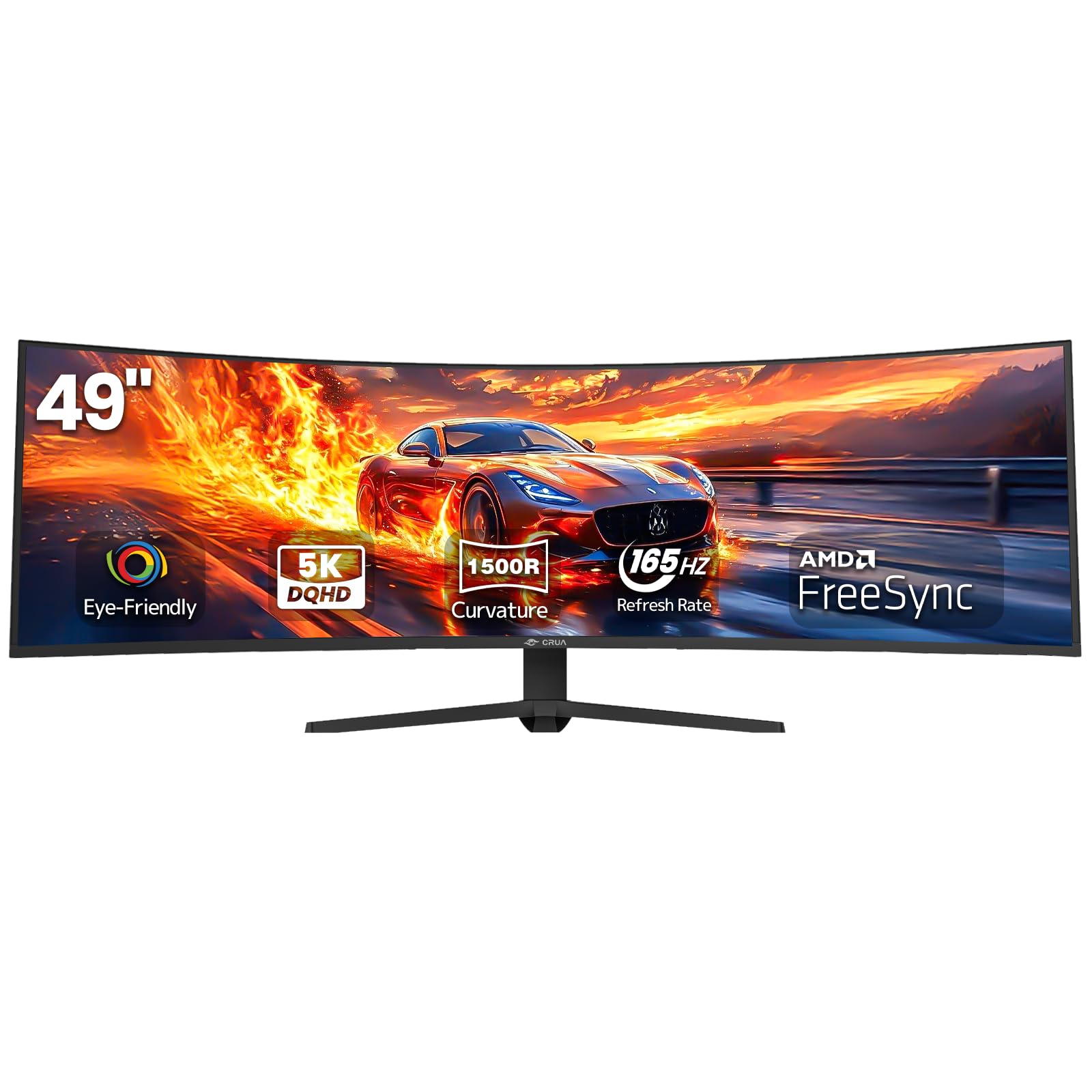
The CRUA 49-inch monitor provides a full DQHD (5120×1440) panel with a 165Hz refresh rate, making it one of the more affordable options to combine high resolution with a high refresh ceiling. The VA panel achieves a 330-nit brightness and 3000:1 contrast ratio, and the 120% sRGB coverage ensures colors are punchy for both gaming and content consumption. The 1500R curvature offers a moderate wrap-around feel.
Input selections include HDMI 2.1 and DisplayPort 1.4, ensuring compatibility with modern graphics cards and consoles. The ergonomic stand provides height, tilt, and swivel adjustments for a comfortable viewing position. The monitor also includes a 3.5mm audio jack for connecting external speakers or headphones, though it has no built-in speakers.
Some users report that the VESA mount uses a non-standard 80mm pattern instead of the common 100mm, complicating arm installation. The height adjustment range is somewhat limited compared to premium models. For a high-resolution ultrawide that balances gaming performance and productivity, the CRUA offers impressive value.
Why it’s great
- DQHD (5120×1440) resolution with a 165Hz refresh rate
- HDMI 2.1 and DisplayPort 1.4 inputs for modern devices
- Height, tilt, and swivel adjustable stand included
- 120% sRGB color gamut for vibrant visuals
Good to know
- VESA mount uses a non-standard 80mm pattern
- No built-in speakers
- Height adjustment range is limited
8. ZZA Ultrawide 49 Inch Curved Monitor 5120×1440P 165Hz
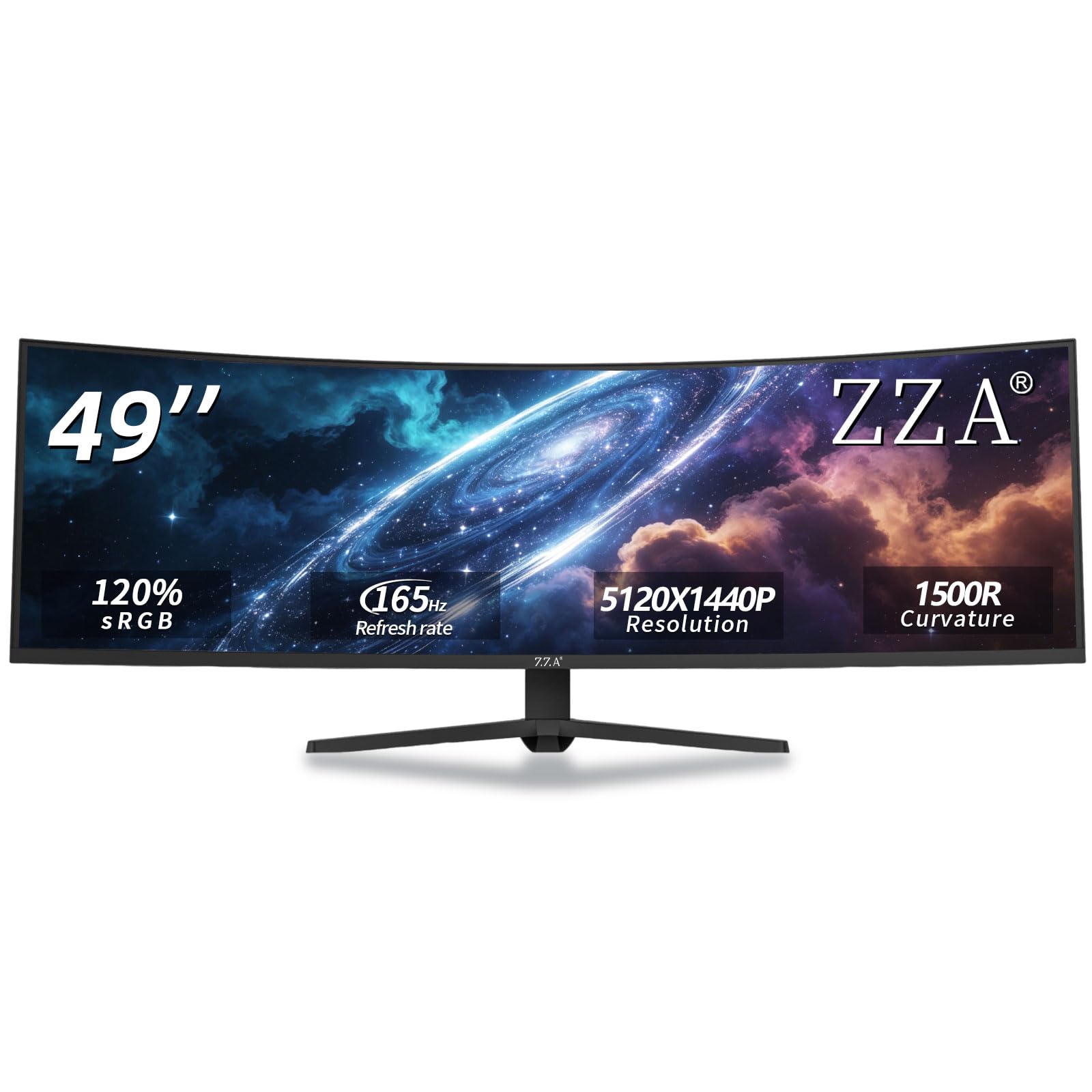
The ZZA 49-inch ultra-wide monitor brings DQHD resolution (5120×1440) as a strong competitor in the mid-range. The VA panel delivers a 3000:1 contrast ratio, 300-nit brightness, and 120% sRGB coverage, producing balanced visuals for gaming and media editing. The 165Hz refresh rate and AMD FreeSync support keep gameplay fluid with reduced screen tearing.
The ergonomic stand offers height, tilt, and swivel adjustments, and the monitor supports VESA wall mounting for flexible desk setups. Connectivity includes HDMI 2.1 and DisplayPort 1.4, ensuring compatibility with the latest GPUs and consoles. The 1500R curve provides a comfortable viewing experience for both work and entertainment.
Some users note that the monitor’s full resolution and refresh rate may require a DisplayPort connection, especially with Mac computers where HDMI can be limited. The monitor lacks built-in speakers, and the power supply uses a wall-wart design that may block neighboring outlets. For a feature-packed DQHD display, the ZZA offers excellent value for both productivity and gaming.
Why it’s great
- DQHD (5120×1440) resolution with a 165Hz refresh rate
- HDMI 2.1 and DisplayPort 1.4 for high-bandwidth connections
- Height, tilt, and swivel adjustable stand
- 120% sRGB color gamut for rich colors
Good to know
- Full resolution may require DisplayPort connection on some systems
- No built-in speakers
- Power supply is a wall-wart that may block other outlets
9. Dell 34 Plus USB-C Curved Monitor – S3425DW

The Dell S3425DW is a productivity-focused 34-inch WQHD (3440×1440) ultrawide that prioritizes color accuracy and ergonomic comfort. The VA panel covers 99% sRGB and 95% DCI-P3, making it suitable for professional creative work. The 120Hz refresh rate (with AMD FreeSync Premium) provides smooth motion for casual gaming, and the 3000:1 contrast ratio ensures solid depth in dark scenes.
The stand offers height, tilt, and swivel adjustments, and the monitor includes a USB-C port with 65W power delivery for a clean, single-cable laptop setup. In addition to USB-C, it has HDMI connectivity, and the built-in speakers have been upgraded for improved sound quality compared to previous Dell models. ComfortView Plus reduces blue light emissions to ≤35% without sacrificing color accuracy.
Connectivity is limited, with no DisplayPort input, which may be a concern for users needing bandwidth for high-refresh-rate PC gaming. The VESA mount requires a specific bracket due to a recessed mounting area. For a professional-grade ultrawide with excellent color performance and a feature-rich stand, the Dell S3425DW is a top contender for productivity users.
Why it’s great
- Excellent color accuracy with 95% DCI-P3 and 99% sRGB coverage
- USB-C with 65W power delivery for a clean workstation setup
- ComfortView Plus reduces blue light without sacrificing color
- Height, tilt, and swivel adjustable stand included
Good to know
- No DisplayPort input; uses HDMI and USB-C only
- VESA mount requires a custom bracket due to recessed design
- Limited port selection compared to some competitors
10. LG 34WR55QK-B 34-inch UltraWide WQHD (3440 x 1440) Curved Computer Monitor

The LG 34WR55QK-B is a reliable 34-inch WQHD (3440×1440) ultrawide designed for professional productivity. The VA panel offers a 3000:1 contrast ratio and 99% sRGB coverage, providing clear, vibrant visuals for office applications and media consumption. The 100Hz refresh rate is a meaningful improvement over 60Hz, making scrolling and window management feel noticeably smoother.
LG’s OnScreen Control utility allows you to split the display into multiple zones and adjust settings with a mouse, boosting multitasking efficiency. Picture-by-Picture support allows you to view two input sources simultaneously. Connectivity is strong with two HDMI ports, a DisplayPort, two USB-A ports, and a USB-C port with 65W power delivery for laptop charging and data.
The ergonomic stand offers height and tilt adjustments, but the monitor lacks built-in speakers, so an external audio setup is required. Some users mention that the picture quality is good but not exceptional for high-end creative work. For a solid, everyday ultrawide with a comprehensive port selection, the LG 34WR55QK-B is a dependable choice.
Why it’s great
- WQHD (3440×1440) resolution with a 3000:1 contrast ratio for clear visuals
- USB-C with 65W power delivery and full port selection
- OnScreen Control utility for easy display customization
- Height and tilt adjustable stand included
Good to know
- No built-in speakers
- Picture quality is good but not exceptional for high-end creative work
- 100Hz refresh rate is lower than gaming-focused alternatives
11. Deco Gear 49″ Curved Ultrawide Gaming Monitor 144Hz DFHD 3840×1080
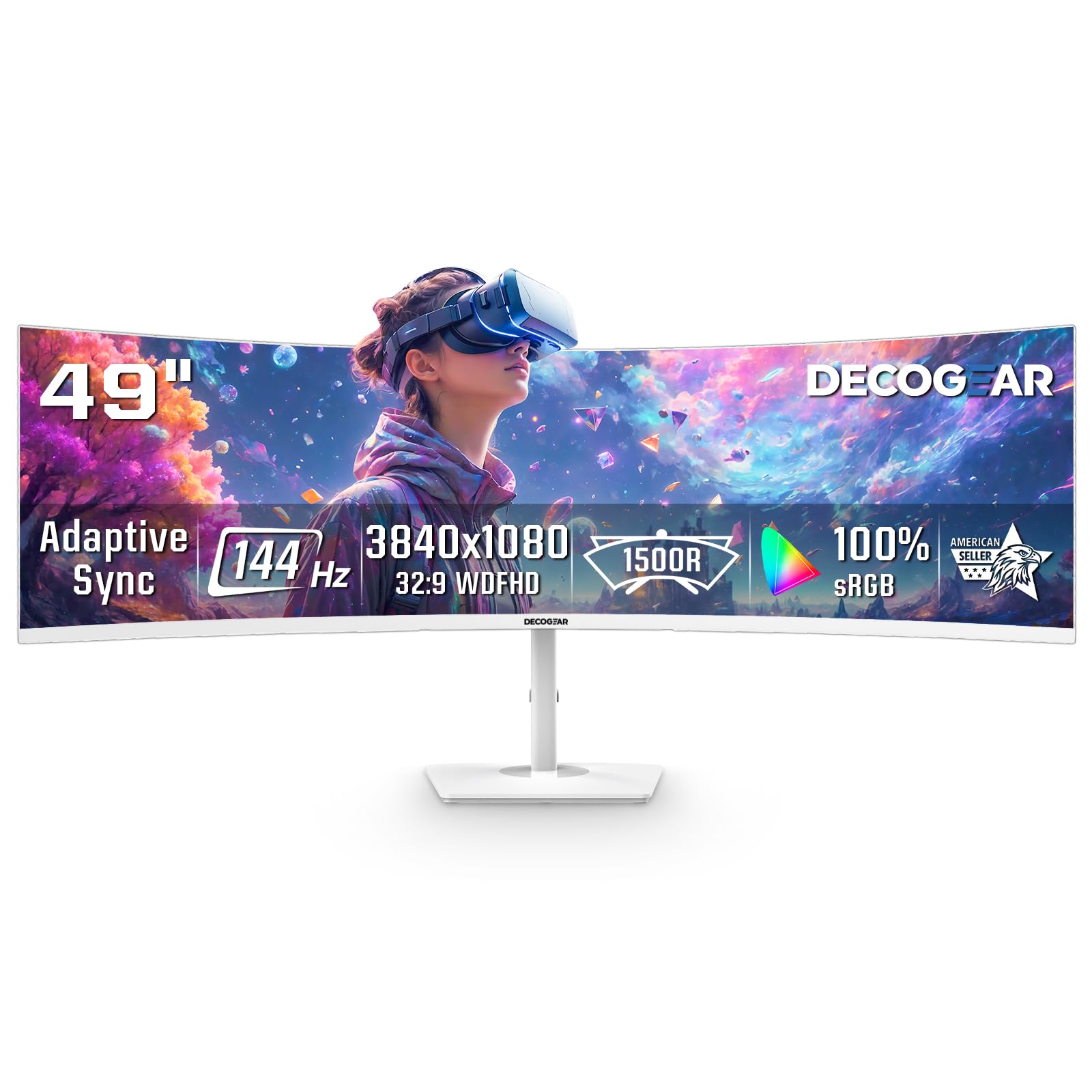
The Deco Gear 49-inch ultrawide is the most budget-friendly entry into the 32:9 curved monitor category. Its 3840×1080 resolution (Dual FHD) provides a wide desktop for multitasking and casual gaming, while the 144Hz refresh rate and 1ms MPRT keep motion reasonably smooth. The VA panel offers a 3000:1 contrast ratio for decent blacks, and the 1800R curve provides a gentle wrap-around effect.
The monitor supports AMD FreeSync and G-Sync compatibility for reduced screen tearing. PIP/PBP functionality allows you to view two inputs simultaneously, which is useful for work scenarios. The unique white finish sets it apart visually, and connectivity includes two HDMI and two DisplayPort inputs. It is designed to be less demanding on your GPU than higher-resolution super-ultrawides, helping mid-range systems maintain stronger frame rates.
The lower pixel density of 3840×1080 at 49 inches means text and fine details are not as sharp as on DQHD panels. Some users report that the power button is prone to snapping off due to cheap plastic construction, and there is no vertical height adjustment on the stand. For a cost-effective dual-monitor replacement, the Deco Gear offers a wide canvas at a very attractive price.
Why it’s great
- Entry-level pricing for a 32:9 ultrawide monitor
- 144Hz refresh rate with 1ms MPRT for casual gaming
- Less GPU-demanding than higher-resolution ultrawides
- PIP/PBP support for multi-tasking
Good to know
- 3840×1080 resolution has noticeably lower pixel density
- Power button is made of cheap plastic and prone to breaking
- No vertical height adjustment on the stand
FAQ
Is a 55-inch monitor too big for a desk?
Can a 55-inch monitor replace a multi-monitor setup?
What graphics card do I need for a 55-inch monitor?
Is OLED or Mini-LED better for a large curved monitor?
Final Thoughts: The Verdict
For most users, the best 55 inch curved monitor winner is the Samsung 55-inch Odyssey Ark because it combines a massive 1000R curved display, vibrant Quantum Mini-LED backlighting, and versatile features like Cockpit Mode and built-in Dolby Atmos speakers for an all-in-one gaming and entertainment hub. If you want the absolute highest resolution and smoothest motion for a multi-screen replacement, grab the Samsung 57″ Odyssey Neo G9. And for pure OLED image quality with the fastest response times, nothing beats the LG 45GX950A-B Ultragear.