
Our readers keep the lights on and my morning glass full of iced black tea. As an Amazon Associate, I earn from qualifying purchases.
Specs are compiled from manufacturer listings and verified buyer reviews and can change over time — please confirm the key details on the product page before buying.
If you want a screen this big for gaming, the real question isn’t 4K or HDR—it’s refresh rate and VRR. You need a panel that refreshes at least 120 times per second and syncs with your console or PC to prevent screen tearing. This guide breaks down the best 55-inch gaming monitors (and TV-class panels that serve the same purpose) by refresh rate, response time, and real-world buyer feedback.
I’m Min — the founder and writer behind Gadgets Feed. This guide is built by comparing the manufacturers’ published specifications and the patterns across verified customer reviews, so you get each pick’s real strengths and trade-offs instead of marketing spin.
Great news: the line between a TV and a monitor has blurred, and the best 55-inch gaming monitor for you depends on whether you prioritize OLED blacks or extreme brightness. The LG C3 tops the list for enthusiasts, but the iFFALCON MiniLED offers a 144Hz panel with VRR at a fraction of the price. This guide covers the spectrum.
Our Picks at a Glance


How To Choose The Best 55 Inch Gaming Monitor
At this screen size, you are almost always choosing between a dedicated monitor and a gaming-oriented TV. Both work, but the right pick depends on your desk setup, your room’s lighting, and whether you play on PC or console.
Refresh Rate and VRR Are the Core
A 60Hz panel simply cannot keep up with fast-paced shooters or racing games. Look for a native 120Hz panel at minimum, and ideally 144Hz or higher. Pair that with Variable Refresh Rate (VRR)—a technology that syncs the screen’s refresh to your graphics card’s frame output—to eliminate screen tearing and stutter. AMD FreeSync Premium Pro and NVIDIA G-Sync are the two common VRR formats to look for.
Panel Type: OLED vs. Mini-LED
OLED panels (like the LG C3) produce perfect blacks because each pixel turns off individually, giving incredible contrast. Mini-LED panels use thousands of tiny backlights with local dimming zones to achieve deep blacks and very high peak brightness (measured in nits) for HDR content. OLED wins on contrast; Mini-LED often wins on raw brightness and resistance to burn-in.
Inputs and Connectivity
For a 4K 120Hz signal, you need HDMI 2.1 ports on both the display and your console or GPU. Four HDMI 2.1 inputs let you connect a PS5, Xbox, PC, and soundbar all at once. Check that the ports actually run at the high refresh rate—some TVs only offer 120Hz on a single port.
Quick Comparison
| Model | Best For | Refresh Rate | Panel Type | VRR Support | Amazon |
|---|---|---|---|---|---|
| LG C3 OLED★ Best Overall | Perfect contrast & console gaming | 120Hz | OLED evo | G-Sync, FreeSync Premium | Amazon |
| iFFALCON 55U85Best Value | Value Mini-LED with 144Hz | 144Hz | Mini-LED | FreeSync Premium Pro | Amazon |
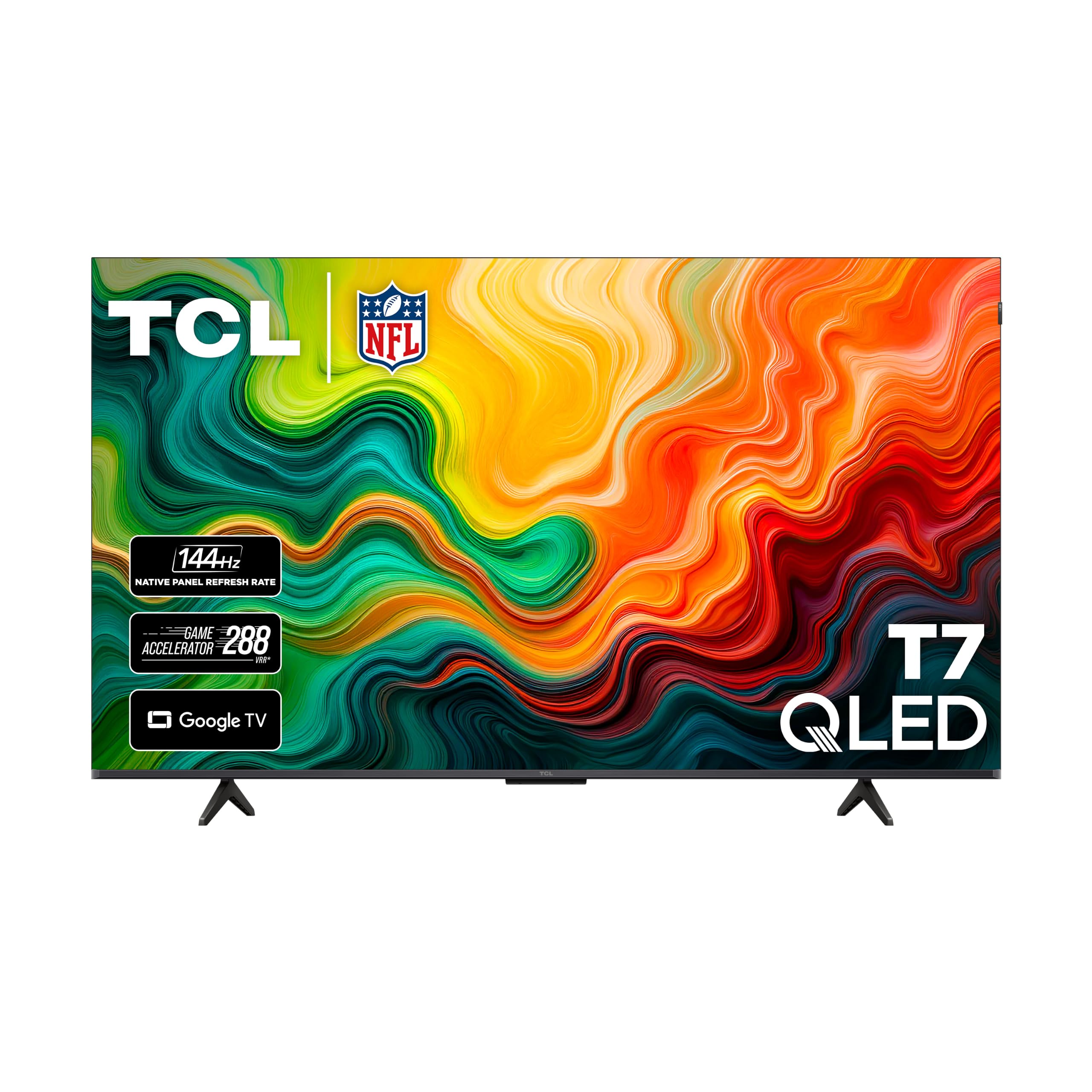
| TCL 55T7Top Performer | Bright QLED with 144Hz gaming | 144Hz | QLED | VRR | Amazon |
| Amazon Fire TV Omni Mini-LED | Smart features & ambient experience | 144Hz | Mini-LED QLED | FreeSync Premium Pro | Amazon |
| TCL Q7 (55Q750G) | Local dimming with 240Hz boost | 120Hz (240Hz VRR) | QLED | AMD FreeSync | Amazon |
| Hisense 55U8QG | Extreme brightness (5000 nits) | 165Hz | Mini-LED QLED | FreeSync Premium Pro | Amazon |
| Sony BRAVIA XR8B OLED | PS5 integration & cinematic picture | 120Hz | OLED | VRR | Amazon |
| Samsung Odyssey Ark | Curved 1000R cockpit immersion | 165Hz | Quantum Mini-LED | FreeSync Premium Pro, G-Sync | Amazon |
In-Depth Reviews
1. LG C3 Series 55-Inch OLED evo
Our pick — 4.5★ from 2,000+ verified ratings; the strongest balance of quality and price.
The OLED king that makes every game look like a cinematic cutscene
If you want the absolute best picture quality for gaming, this is it. The LG C3 uses an OLED evo panel powered by the a9 AI Processor Gen6, which delivers perfect blacks and luminous brightness. The 0.1ms response time is effectively instant, eliminating motion blur., and the native 120Hz refresh rate keeps motion crisp.
For consoles, this is a dream. It supports NVIDIA G-Sync, AMD FreeSync Premium, and VRR, so your PS5 or Xbox won’t show screen tearing. All four HDMI 2.1 inputs run at full bandwidth, meaning you can have a console, PC, and soundbar all connected at 4K 120Hz. Owners say the picture is “bright enough for lit rooms” with no viewing angle drop-off, which is rare for OLED.
The catch is price—this is a premium investment. But owners consistently note it holds up over years, with one buyer expects a 10-year lifespan.. The built-in AI audio is impressive enough that many skip a soundbar entirely. If you want reference-level contrast and don’t mind paying for it, this is the pick.
The Verdict Word: This is the crowd favorite—4.5 stars across over 2,000 owners—because the picture quality genuinely beats everything else here. The thing everyone raves about is the “perfect deep blacks” that make HDR gaming pop like nothing else.
A Note On Use: It’s not a standard monitor; plan to mount it or use the included stand on a deep desk. Also, keep it out of direct sunlight to protect the panel.
Reach for this if: you want the ultimate contrast and color for console or PC gaming and have the budget for a true premium panel.
Look elsewhere if: you need extreme HDR brightness for a very bright room—a Mini-LED like the Hisense will go far brighter.
2. iFFALCON 55″ MiniLED Smart TV
A Mini-LED with 144Hz that undercuts the big brands on price
This is the value king of the list. The iFFALCON delivers a native 144Hz panel with Variable Refresh Rate running up to 240Hz, plus up to 1000 nits of HDR brightness and a 6000:1 contrast ratio. For fast action, the FreeSync Premium Pro certification significantly reduces screen tearing and lowers input lag.
Connectivity is a massive win here. You get four HDMI 2.1 inputs—two run at 4K 144Hz for next-gen consoles and gaming PCs, while two handle 4K 60Hz for streaming boxes. Auto Low Latency Mode (ALLM) switches the TV into game mode instantly, so you don’t have to dig through menus. Buyers report it’s an “excellent value 4K 144Hz MiniLED TV with VRR/G-Sync” and that the quantum dot colors look vivid.
You also get hotel mode and IP control (network-based remote management), features rarely seen at this price. The built-in 50W audio with a 20W woofer and Dolby Atmos provides a full soundstage, so you can skip a soundbar., so you can skip a separate soundbar. For a budget gaming setup, this panel offers exceptional value.
What Impresses Owners
- Bright 1000-nit HDR with local dimming
- Fast, responsive Google TV interface
- Four HDMI 2.1 ports for full connectivity
- Rich sound with built-in subwoofer
The Honest Trade-offs
- Slightly thicker chassis than ultra-thin flagship models
- Some buyers see it as a TCL subsidiary with limited firmware updates
Best for: gamers who want a high refresh rate and modern VRR without the flagship price tag.
Think twice if: you plan to rely on long-term software support—the parent brand (TCL) doesn’t promise regular updates.
3. TCL 55″ T7 4K QLED Google TV
Quantum dot color with a 240Hz variable gaming refresh rate
The TCL T7 is built for speed. It features a 120Hz panel and a 240Hz Variable Gaming Refresh Rate, so fast-paced video games and live sports stay free of motion blur. The QLED Quantum Dot technology covers nearly the entire DCI-P3 color space, delivering rich, vibrant colors that truly pop.
The TCL AIPQ Pro Processor (a dedicated image chip) automatically adjusts color, contrast, and sharpness to enhance 4K HDR (high dynamic range) content. Owners mention their PS5 games “look upgraded by a decade” and highlight the straightforward setup. The Motion Rate 480 with MEMC (motion estimation and motion compensation) frame insertion smooths fast action, so quick camera pans stay clear without blur.
Setup is straightforward, with a slick voice remote that works instantly. Dolby Atmos audio processing adds depth to games and movies. The main caveats are minor: the Google TV menu pushes some unwanted content, and the remote’s backlight can drain batteries—though holding Settings+Back for 3 seconds fixes that.
Editor’s Take: This is a serious gaming panel that delivers the color saturation you expect from quantum dots. The 144Hz support makes it a strong competitor to the iFFALCON, though the TCL’s Direct LED backlight means less precise local dimming than a Mini-LED.
Who it’s for: console gamers who want a responsive, colorful panel with smooth motion and don’t need the deepest black levels.
Who it’s not for: buyers sensitive to a smart interface that can feel slower than a dedicated streaming device—some recommend adding one.
4. Amazon Fire TV Omni Mini-LED

A smart TV that wakes when you enter the room and excels at gaming
This Amazon panel is the smartest TV on the list. The Fire TV Omni Mini-LED uses 512 dimming zones for captivating contrast and up to 1,400 nits of peak brightness. With Dolby Vision IQ and HDR10+ Adaptive, colors look lifelike and detail-rich even in bright scenes.
For gaming, it’s fully certified with 144Hz and AMD FreeSync Premium Pro, providing tear-free visuals and fluid motion. Owners say it works perfectly with Switch 2, PS5, and Xbox Series X. The built-in 2.1 Dolby Atmos audio with a subwoofer delivers dramatic bass that “sounds like a built-in soundbar.”
The standout feature is the “Instantly On” Omnisense technology—built-in sensors wake the display when you enter the room, showing artwork or letting you start watching immediately. Voice control with Alexa+ works hands-free even when the screen is off. The trade-off is the interface: some owners find YouTube TV performance slow, and the Fire TV OS can lag after updates.
Loved For
- Near-OLED blacks with 512 dimming zones
- Exceptional built-in sound with subwoofer
- Hands-free Alexa+ voice control
- 144Hz gaming with FreeSync Premium Pro
Consider This
- Menu responsiveness can degrade over time
- Brightness is praised by some but found lacking by others
Pick this if: you live in the Amazon ecosystem and want a gaming display that doubles as a smart home hub.
skip it if: you need a lightning-fast app switcher for YouTube TV or plan to use it as a primary PC monitor—this one is aimed at console and streaming.
5. TCL 55-Inch Q7 QLED (55Q750G)

A local dimming workhorse that hits 240Hz in VRR
The TCL Q7 is a serious step up from budget QLEDs thanks to Full Array PRO Local Dimming with over 200 zones. Each zone dynamically adapts to on-screen content, producing deep blacks without the image blooming you often see on cheaper panels. Customers note a “~100k:1 contrast ratio” with near-OLED HDR performance.
Game Accelerator 240 boosts this 120Hz native panel to a 240Hz variable refresh rate (VRR) when used with AMD FreeSync, so fast-paced scenes stay smooth and tear-free. The HighBright Pro LED backlight produces bright specular highlights, making explosions and reflections pop for a cinematic feel. It supports Dolby Vision IQ, HDR10+, and HDR10, so it adapts to any HDR source you connect.
Where it falls short is reflection handling—some note the screen can be overly reflective of room lighting. There are also scattered reports of units stopping working within 8 months, though the majority praise its longevity. The out-of-box settings need 15-20 minutes of calibration to really shine, but the payoff is worth it.
The Real World: This is a calibrator’s panel—it outperforms TVs costing far more once you tweak the settings. The contrast and color depth are the things that win people over.
Ideal for: HDR enthusiasts who want local dimming and a high refresh rate without paying OLED money.
Not ideal if: you game in a very bright room with windows—the reflective screen can be a distraction.
6. Hisense 55″ U8 Series ULED Mini-LED
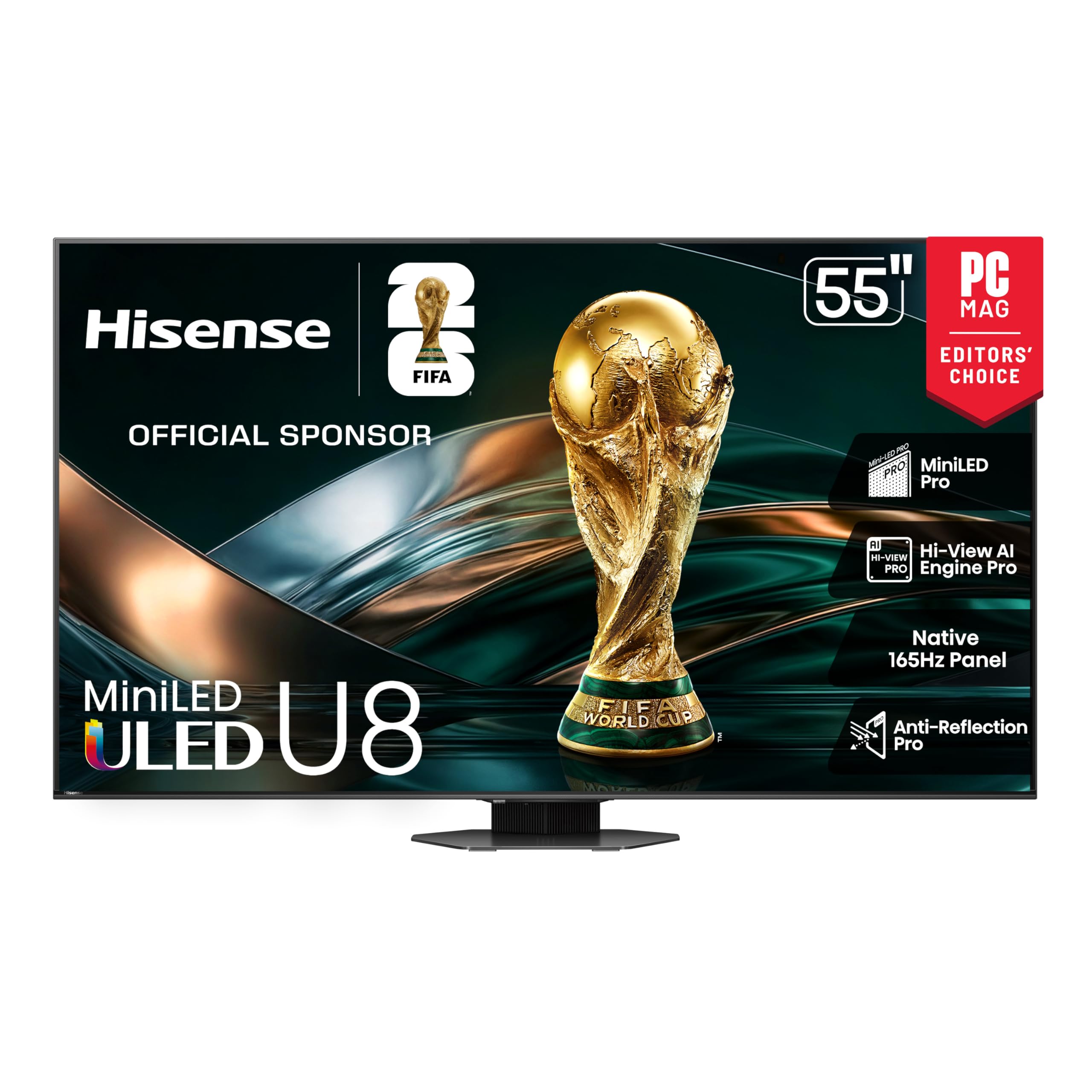
The brightest panel on this list, with a native 165Hz refresh rate
If you game in a sun-drenched room, this is the panel that refuses to wash out. The Hisense U8 hits 5000 nits peak brightness with 5600 local dimming zones for deep blacks and bright highlights., creating deeper shadows and brighter highlights while virtually eliminating halos. The Anti-Reflection Pro coating minimizes glare, keeping the action visible even in direct sunlight.
For competitive gaming, the native 165Hz panel with Game Booster 288 (a Variable Refresh Rate of 48Hz to 165Hz) is lightning fast. AMD FreeSync Premium Pro, Auto Low Latency Mode, and Low Latency MEMC eliminate screen tearing and controller lag. The enhanced Game Bar lets you adjust settings and monitor gameplay data in real time from the remote.
The 4.1.2 Dolby Atmos audio with a built-in subwoofer and two up-firing speakers creates a genuine home theater sound.. The Pantone Validated QLED color renders over a billion shades accurately.. Owners describe it as a “home theater beast” that beats comparable Samsungs for streaming.
The Takeaway: Owners praise the exceptional brightness and “deep blacks near OLED via local dimming.” The thing everyone raves about is how it handles bright rooms without any glare—a rare feat.
Choose this for: the brightest, most vivid HDR experience with a refresh rate that beats most competitive monitors.
Be aware: it’s heavy—you’ll want two people to mount it—and some owners pair it with a soundbar for even bigger sound.
7. Sony 55 Inch BRAVIA XR8B OLED

The ultimate PS5 partner with exclusive auto-tuning features
If you own a PlayStation 5, this Sony OLED is built for you. The BRAVIA XR8B includes exclusive features like Auto HDR Tone Mapping and Auto Genre Picture Mode that tune picture quality for gaming automatically. The XR Processor intelligently enhances every scene in real time, boosting color, contrast, and clarity.
The OLED panel controls over 8 million self-lit pixels for pure black with high brightness. Owners describe it as “the best looking TV I’ve literally ever seen” and praise the “directional voices” from the Acoustic Surface Audio+. It supports Dolby Vision, Atmos, IMAX Enhanced, and DTS:X for a cinematic experience.
The 4K 120Hz refresh rate works on two HDMI ports, and VRR runs great with the right cable. The thin frame and excellent viewing angles mean it looks stunning from any seat. The main downsides: built-in speakers are mediocre (plan on a soundbar), and it’s not for direct sunlight—like any OLED. Reliability has mixed feedback, with some units randomly turning off.
Final Read: The crowd rates this at 4.6 stars—the highest on this list—with owners loving the “incredible deep blacks.” The picture quality is so sharp that one buyer says it feels “futuristic.”
Designed for: PS5 owners who want plug-and-play integration without adjusting menus.
Consider first: if you’re on Xbox or PC, the LG C3 offers more HDMI 2.1 bandwidth at a similar price.
8. Samsung 55″ Odyssey Ark 2nd Gen

A curved behemoth that wraps around your vision like a cockpit
This is the only true monitor on this list, and it’s a statement piece. The Odyssey Ark’s 1000R curvature wraps around your field of vision for maximum immersion, and its 165Hz refresh rate with a 1ms response time makes every movement precise and blur-free. The Quantum Mini-LED backlight with a 1,000,000:1 contrast ratio delivers HDR10+ gaming with stunning depth.
The 4-Input Multi View is a genuine standout—you can connect and see up to 4 different inputs at once, including the new Display Port. Play a console and PC game side-by-side, or focus on your game while keeping a video call on screen. The Cockpit Mode rotates the screen vertically (HAS, tilt, and pivot functionality) for an entirely different perspective.
The 60W 2.2.2 Sound Dome system with 4 corner speakers and 2 woofers delivers 45Hz bass, the lowest of any gaming screen., and the AI Sound Booster creates a 3D soundscape. The catch: setup is famously complex, not plug-and-play. The One Connect Box can be temperamental, and reviewers point out it’s extremely heavy—around 100 lbs—so you’ll absolutely need help.
Huge Wins
- 165Hz with 1ms response for elite precision
- 4-input Multi View with new Display Port
- rich 1000R curvature and Cockpit Mode
- Built-in Sound Dome replaces a soundbar
Honest Limits
- Complex, non-plug-and-play setup
- Heavy and hard to move or mount
- One Connect Box can have reliability quirks
- Extremely expensive for a monitor
Worth it for: the enthusiast who wants the most rich, feature-packed curved panel available and is willing to troubleshoot settings.
Not for: first-time buyers or anyone who wants a simple, straightforward display—this demands patience.
Understanding the Specs
Refresh Rate (Hz)
This is how many times the screen updates per second. A 120Hz panel refreshes twice as fast as a standard 60Hz, which means smoother motion in fast games. For competitive shooters, 144Hz or higher gives a real edge. All the panels here hit at least 120Hz, so you’re getting a genuinely responsive experience.
VRR (Variable Refresh Rate)
VRR syncs the display’s refresh rate to your console or GPU’s frame output. Without it, you get screen tearing—where the image splits horizontally. Look for AMD FreeSync Premium Pro or NVIDIA G-Sync. These formats are proprietary but both achieve the same goal: tear-free, stutter-free gaming.
HDMI 2.1
To send a 4K 120Hz signal, you need HDMI 2.1 ports. Older HDMI 2.0 can only handle 4K at 60Hz and sometimes requires compression. If you have a PS5 or Xbox Series X, HDMI 2.1 is essential. Check how many ports run at the high refresh rate—some TVs only have one or two.
Nits (Brightness)
Nits measure how bright the screen gets. For HDR content, higher is better—1000 nits is solid, while the Hisense U8 hits a staggering 5000 nits. If your room is very bright, a higher nit rating will keep the picture vivid. OLEDs typically max out lower but compensate with perfect blacks.
FAQ
Is a 55-inch TV good as a gaming monitor?
What is the difference between 120Hz and 144Hz?
Does VRR really matter for gaming?
Will my PS5 support 144Hz on these TVs?
How important are local dimming zones?
Should I buy an OLED or a Mini-LED for gaming?
Do I need a soundbar with these TVs?
Can I use a curved monitor for work and gaming?
Final Thoughts: The Verdict
If you want one dependable pick, the 55 inch gaming monitor winner is the LG C3 OLED because it delivers the best picture quality with a 0.1ms response time that nothing else matches. If you want the highest refresh rate and brightness without OLED prices, grab the Hisense U8 for its stunning 165Hz panel. And for the ultimate rich curved experience, the Samsung Odyssey Ark is the one to reach for.
How We Picked
We do not accept paid placement. Every pick is matched to a real buyer and a real use-case; we do not hands-on test units.
Sources & Methodology
Specifications: manufacturer listings and product documentation. Review insights: verified customer reviews, as of August 2026. Pricing: not shown on this page (it changes often); check the current price via the retailer link.
As an Amazon Associate, Gadgets Feed earns from qualifying purchases. This does not affect which products we feature.