
Finding a 55-inch television that fits a tight budget often means navigating a minefield of washed-out colors, sluggish smart interfaces, and motion blur that ruins your favorite action scenes. The good news is that the market now offers options that punch well above their weight, delivering features like QLED panels and Mini-LED backlighting without demanding a premium.
I’m Min — the co-founder and writer behind Gadgets Feed. I’ve spent countless hours dissecting the technical specifications, cross-referencing real-world reviews, and analyzing price-to-performance ratios to separate the hidden gems from the duds in this crowded segment.
This guide will help you navigate the choices and find the best 55 inch tv under $200 by focusing on the specs that actually matter for your viewing setup.
How To Choose The Best 55 Inch TV Under $200
Choosing a television at this price point is an exercise in prioritizing your non-negotiables. You can’t have every premium feature, so you need to decide whether a smoother picture for gaming or a more vibrant panel for HDR movies is more important to your daily use.
Panel Technology: QLED vs. Standard LED
The panel type is the single biggest factor in picture quality. Standard LED backlights are common here, offering decent brightness but limited color volume. QLED panels, on the other hand, use a quantum dot layer to produce a much wider color gamut, resulting in richer reds and greens that make content pop. If vivid colors are your priority, seek out a QLED model.
Smart Platform: Roku vs. Google TV vs. Tizen
Your daily experience is defined by the operating system. Roku is the gold standard for simplicity with its clean interface and responsive app launching. Google TV offers deeper integration with Android devices and powerful voice search. Samsung’s Tizen is solid but can be less intuitive. Buy the OS you find easiest to use, because a slow interface will frustrate you every single day.
Refresh Rate and Motion Handling
For sports and gaming, a standard 60Hz panel handles most content fine, but motion clarity separates entry-level from mid-range models. Look for terms like Motion Rate or MEMC (Motion Estimation, Motion Compensation). These technologies insert extra frames to reduce blur during fast-moving scenes. True 120Hz panels are rare at this price, but motion processing software can still make a tangible difference.
HDR Support: What Matters
HDR compatibility is often listed but inconsistently implemented. Dolby Vision is the most advanced format, but a budget TV may lack the peak brightness to make it shine. HDR10 is the baseline you can expect. Don’t overvalue HDR claims; focus more on the TV’s native contrast ratio and peak brightness, as these specs determine whether the image looks flat or dynamic.
Quick Comparison
On smaller screens, swipe sideways to see the full table.
| Model | Category | Best For | Key Spec | Amazon |
|---|---|---|---|---|
| Roku Plus Series 55″ | QLED Mini-LED | Best Overall Balance | Mini-LED, Dolby Vision | Amazon |
| TCL T7 Series 55″ | QLED | High Refresh Rate Gaming | 120Hz Panel, 144Hz VRR | Amazon |
| iFFALCON 55U85 | Mini-LED | Gaming & Connectivity | 144Hz Panel, 4x HDMI 2.1 | Amazon |
| Samsung 55M70H | Mini-LED | Bright Room & Color | Mini-LED, Pure Spectrum Color | Amazon |
| Samsung 55U8000H | LED | Entry-Level Samsung | Crystal Processor 4K | Amazon |
| TCL Q65 55″ | QLED | Value QLED | QLED, Dolby Vision, Atmos | Amazon |
| Amazon Fire TV 55″ Omni QLED | QLED | Alexa Integration | QLED, Dolby Vision IQ | Amazon |
| Roku Select Series 55″ | QLED | Simple, Reliable Roku OS | QLED, HDR10 | Amazon |
| VIZIO V4K55M | LED | Refurbished Value | Dolby Vision, WiFi 6 | Amazon |
In‑Depth Reviews
1. Roku Plus Series 55″ (Mini-LED)

Topping our list for its exceptional balance of features and value, the Roku Plus Series delivers a genuine Mini-LED backlight that creates deep black levels and bright, targeted highlights. The QLED layer ensures colors are punchy and accurate, covering a wide DCI-P3 color space, making HDR content from Dolby Vision look far more dynamic than anything a standard LED panel can produce.
The Roku operating system remains the gold standard for ease of use. Apps launch quickly, the interface is clutter-free, and the enhanced voice remote with a lost remote finder is a genuinely helpful addition. The inclusion of Dolby Atmos support with a built-in subwoofer gives the audio surprising depth, though a dedicated soundbar will always be superior for critical listening.
While it lacks the ultra-high refresh rates needed for competitive eSports, its 60Hz panel with VRR handles casual gaming and standard content without issues. The absence of a full USB port (only USB-C) is a minor inconvenience for connecting older peripherals. For the vast majority of buyers, this TV delivers the richest feature set per dollar.
Why it’s great
- Mini-LED backlight for excellent contrast
- Dolby Vision and Atmos support
- Smooth and intuitive Roku OS
- Surprisingly good built-in audio
Good to know
- Limited to a 60Hz refresh rate
- No standard USB-A port
- Not ideal for competitive 120Hz gaming
2. iFFALCON 55U85
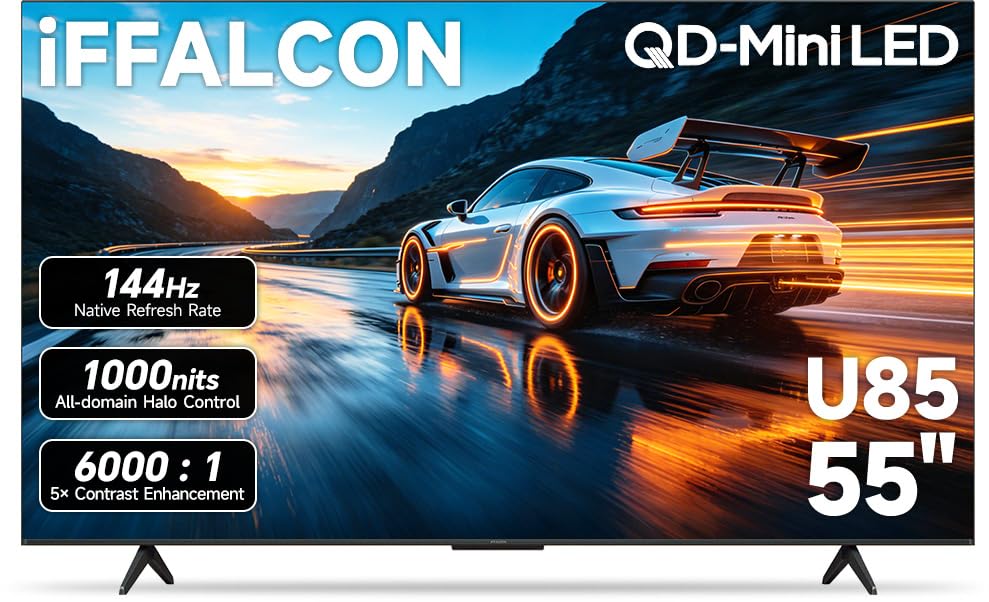
This model redefines what you can expect at this price tier, specifically targeting gamers who demand fluid motion. The native 144Hz panel with Variable Refresh Rate up to 240Hz, combined with FreeSync Premium Pro, virtually eliminates screen tearing and stutter. Input lag is aggressively minimized, making it a legitimate companion for a PS5, Xbox Series X, or a gaming PC capable of high frame rates.
Beyond the raw refresh rate, the iFFALCON 55U85 includes four HDMI 2.1 ports, a feature usually reserved for televisions costing significantly more. This allows you to connect multiple modern consoles and a soundbar simultaneously without sacrificing bandwidth. The 50W 2.1-channel audio system with a dedicated woofer provides room-filling sound that competes with many budget soundbars.
The Mini-LED backlight with a 6000:1 contrast ratio and peak brightness up to 1000 nits ensures HDR content has genuine impact, though the Google TV interface can exhibit occasional lag compared to the snappier Roku OS. It also includes built-in hotel mode for commercial installations, a rare bonus. If high-refresh-rate gaming is your priority, this is the clear champion.
Why it’s great
- Native 144Hz panel with 240Hz VRR
- 4x HDMI 2.1 ports
- Excellent contrast and brightness for gaming
- Powerful built-in 50W audio
Good to know
- Google TV interface can feel slower at times
- Lacks Dolby Vision IQ
- Slightly thicker chassis than competitors
3. TCL T7 Series 55″

TCL’s T7 Series strikes an excellent middle ground for those who want smooth motion for sports and gaming without the full premium of the iFFALCON. It features a native 120Hz panel, which can be overclocked to 144Hz for compatible input signals. The Motion Rate 480 with MEMC frame insertion works effectively to clear up blur during fast-moving scenes, from soccer matches to racing games.
The QLED panel, powered by TCL’s AIPQ Pro processor, delivers vibrant colors and reasonable brightness. It supports Dolby Vision, HDR10+, and HLG, covering all the major HDR formats. The Google TV interface is responsive and offers deep integration with the Google ecosystem, though some users report minor setup quirks when using it as a PC monitor.
Audio performance is solid for built-in speakers, with Dolby Atmos processing creating a sense of spaciousness. The inclusion of an eARC port ensures you can easily connect a soundbar for a future upgrade. For users who watch a lot of 24fps content or sports, the motion handling here is a clear step above entry-level 60Hz models.
Why it’s great
- Native 120Hz panel for smooth motion
- Excellent HDR format support
- Effective MEMC frame insertion
- Good color vibrancy from QLED
Good to know
- Can have minor PC monitor compatibility issues
- Built-in speakers are serviceable, not exceptional
- Wi-Fi 5, not Wi-Fi 6
4. Samsung 55M70H (Mini-LED)

Samsung brings its Mini-LED expertise to a more accessible price point with the M70H Series. The combination of Mini-LED backlighting and Pure Spectrum Color technology delivers over a billion colors with excellent accuracy and punch. Brightness is a standout feature here, making it a strong choice for living rooms with significant ambient light where lower-nit panels would wash out.
The Vision AI Companion processor handles upscaling of 1080p and 720p content effectively, reducing artifacts and improving clarity. The Motion Xcelerator with DLG 120Hz provides smoother motion for sports and gaming, though it is a software enhancement rather than a native 120Hz panel. The Samsung Tizen OS provides access to thousands of free channels via Samsung TV Plus, a nice value-add.
Where this set falters is the remote and interface experience. Several users report frustration with the input switching logic and the lack of a dedicated input button on the remote. The default picture settings often require significant calibration to remove the “soap opera effect.” If you value raw picture quality and brightness and are willing to tweak settings, this is a top contender.
Why it’s great
- Excellent brightness for bright rooms
- Mini-LED panel for deep contrast
- Rich and accurate color reproduction
- Great upscaling of lower-resolution content
Good to know
- Frustrating remote and input switching
- Requires calibration out of the box
- Not a true native 120Hz panel
5. Samsung 55U8000H (Crystal UHD)

As an entry-level offering from a major brand, the Samsung U8000H Series provides a reliable and familiar experience. It uses a standard LED panel with a Crystal Processor 4K that handles upscaling reasonably well, making 1080p content look sharp on the 4K screen. The Color Booster technology does add a slight vibrancy boost, but it cannot match the color volume of a QLED panel.
The Motion Xcelerator helps reduce judder in fast-paced content, but this is a 60Hz panel, so hardcore gamers will want to look elsewhere. The Tizen OS is functional and provides access to Samsung TV Plus’s large library of free content. The setup process is straightforward, though users report the minimalist remote can be difficult for older family members to navigate.
This television is best suited for a secondary room or a first TV for a young family where simplicity and brand reliability are the primary concerns. It lacks the HDR punch and local dimming of higher-tier models, but for casual viewing of news, sitcoms, and streaming, it performs admirably. It won’t blow you away, but it won’t let you down.
Why it’s great
- Trusted Samsung build quality and reliability
- Effective 4K upscaling of HD content
- Access to Samsung TV Plus free content
- Easy setup and simple interface
Good to know
- Standard LED panel lacks color pop
- Minimalist remote is hard to use
- 60Hz panel limits motion handling
6. TCL Q65 55″ (QLED)

TCL’s Q65 Series is a champion of the value segment, offering a true QLED panel at a price that undercuts many competitors. The quantum dot technology delivers a noticeably wider color gamut than standard LED sets, making vibrant scenes in nature documentaries and animated films stand out. The AIPQ Processor manages color and contrast intelligently for most content.
It supports Dolby Vision, HDR10+, and HLG, and the Dolby Atmos audio processing provides decent spatial audio from the built-in speakers. The Google TV platform is responsive and offers a robust app selection. Gamers will appreciate the Auto Game Mode (ALLM), which automatically reduces input lag when a console is detected.
The primary limitation is brightness; this is not a particularly luminous set, so it performs best in rooms where you can control ambient light. The 60Hz panel is fine for casual gaming but lacks the smoothness of higher-refresh-rate models. For the price, the Q65 delivers the most impactful color upgrade for a standard viewing environment.
Why it’s great
- Excellent color vibrancy from QLED panel
- Dolby Vision and HDR10+ support
- Responsive Google TV interface
- Great value for the picture quality
Good to know
- Peak brightness is limited
- 60Hz panel only
- Best used in a dimmer room
7. Amazon Fire TV 55″ Omni QLED

Deeply integrated into the Amazon ecosystem, this Fire TV edition offers a QLED panel with full-array local dimming across 64 zones. This allows for significantly better contrast than non-dimming LED sets, with deeper blacks in dark scenes. Dolby Vision IQ uses a built-in sensor to automatically adjust the picture based on ambient room light, keeping details visible in both bright and dark conditions.
The hands-free Alexa experience is the main draw here. You can control the TV, search for content, and manage smart home devices without the remote. The Fire TV ambient experience turns the blank screen into a canvas for art or photos when idle. It includes four HDMI inputs and supports HDR10+ Adaptive for a comprehensive HDR package.
The Fire OS interface can be divisive; it pushes Prime Video content aggressively and can feel sluggish compared to Roku or Google TV. Some users also report issues with apps not installing correctly or the interface lagging over time. The built-in speakers are adequate but lack bass. This is a great TV if you live in Alexa’s world and are willing to accept the software limitations.
Why it’s great
- Full-array local dimming for good contrast
- Dolby Vision IQ with adaptive brightness
- Seamless Alexa voice control
- Ambient mode for displaying art
Good to know
- Fire OS interface can be slow and ad-heavy
- Occasional software glitches reported
- Built-in speakers lack bass
8. Roku Select Series 55″ (QLED)
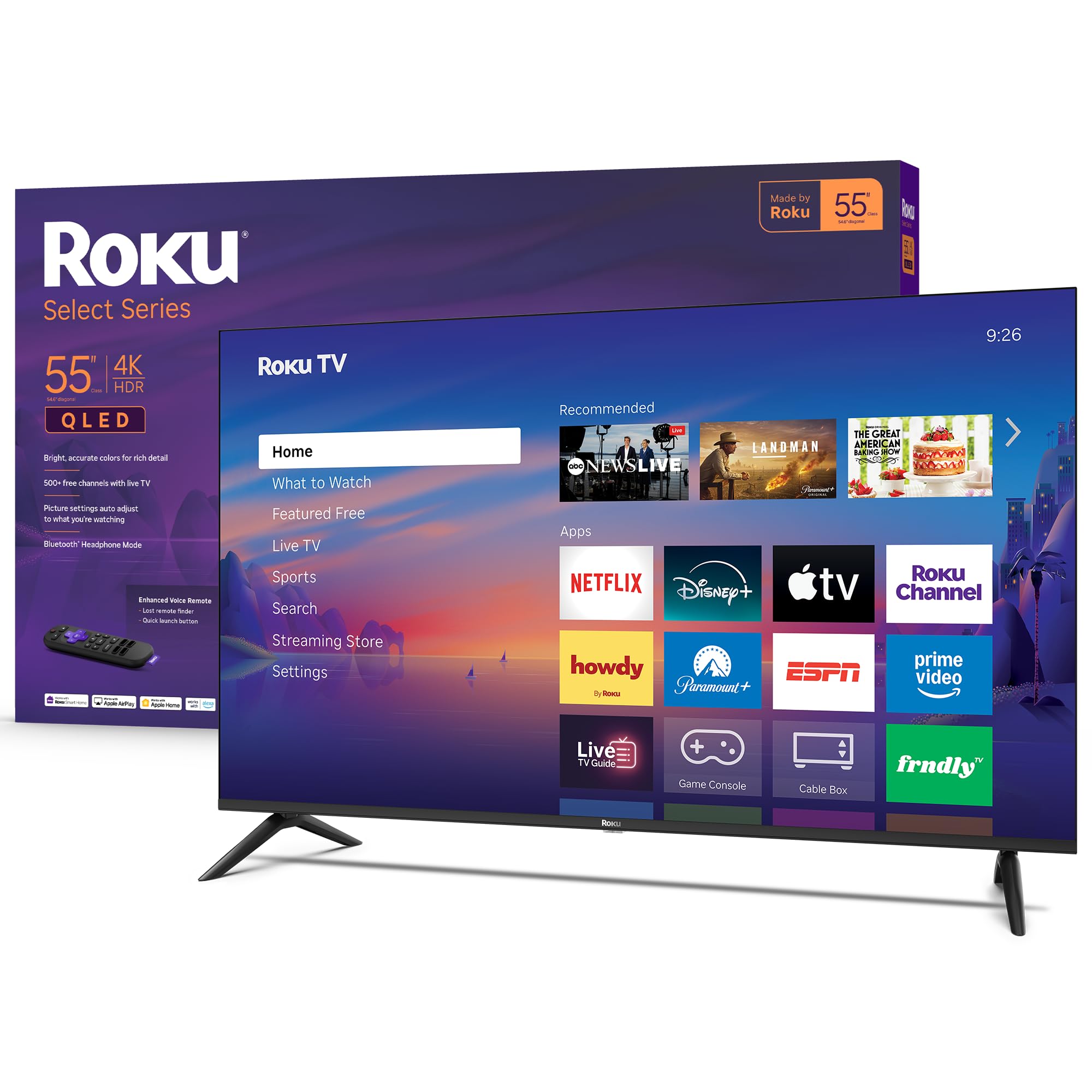
This entry-level Roku model brings the simplicity of the Roku platform to a QLED panel, making it one of the easiest-to-use smart TVs available. The interface is snappy, apps launch quickly, and the home screen is clutter-free. If you have family members who struggle with complex smart TV menus, this is the ideal solution.
Despite its affordable price, the QLED panel provides a noticeable improvement in color saturation compared to a standard LED TV. The picture is crisp and clear, and the Roku Smart Picture feature automatically optimizes settings for different types of content. The voice remote with lost remote finder is a welcome convenience feature.
The trade-offs come in brightness and audio. This is not a bright TV, so it won’t perform well in a sun-drenched living room. The built-in speakers are adequate for dialogue but lack depth for movies and music. The 60Hz panel is standard for this tier. For a stress-free smart TV experience with decent picture quality, this is a fantastic option.
Why it’s great
- Simplest, fastest smart TV OS available
- QLED panel for rich colors
- Great picture processing for the price
- Voice remote with lost remote finder
Good to know
- Low peak brightness
- Sound quality is basic
- 60Hz panel limits gaming
9. VIZIO V4K55M
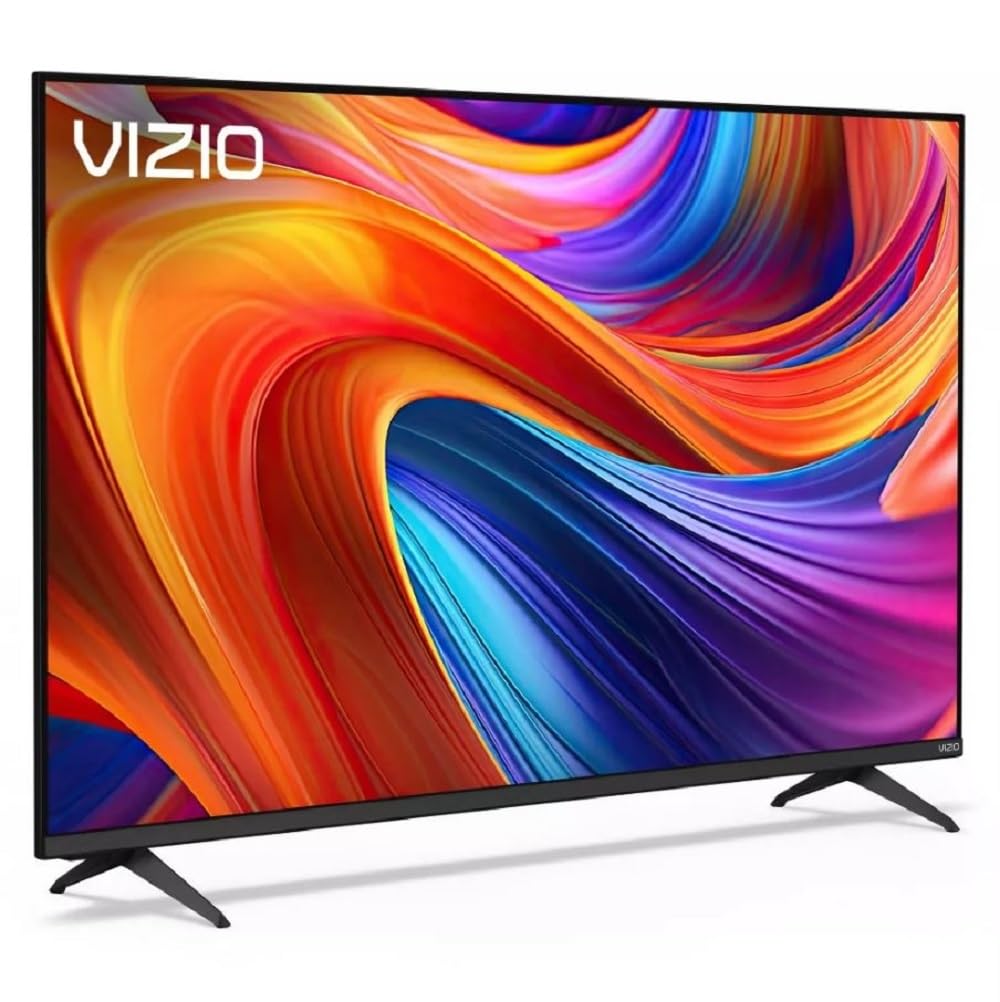
The VIZIO V4K55M offers an interesting proposition: Dolby Vision, HDR10+, and WiFi 6 connectivity at a very accessible price point, often available in a refurbished condition. The inclusion of WiFi 6 is a genuine boon for stable 4K streaming, reducing buffering and improving connection reliability in crowded networks. This is a spec usually reserved for higher-end models.
Audio is a strong point for this VIZIO, with support for DTS:X and Dolby Atmos passthrough to a soundbar. The integrated gaming menu and Auto Low Latency Mode make it a solid choice for console gaming. The smart TV interface provides access to all major streaming apps and includes WatchFree+, a free ad-supported TV service with 275+ channels.
Because this unit is frequently sold as refurbished, buyers should be prepared for potential inconsistencies. Some customers report missing power cords or screws, and the remote can be unfamiliar if you’ve used other brands. The LED panel lacks the color vibrancy of QLED competitors. If you’re comfortable buying refurbished and want the best networking specs, this is a compelling option.
Why it’s great
- WiFi 6 for stable streaming
- Dolby Vision and HDR10+ support
- Good audio features (DTS:X, Atmos)
- Solid gaming performance with ALLM
Good to know
- Often sold refurbished with missing accessories
- Standard LED panel, not QLED
- Interface can be less polished than Roku
FAQ
What is the most important spec for a budget 55-inch TV?
Can I game on a 60Hz 55-inch TV?
Is Dolby Vision worth it on a budget TV?
Should I worry about HDMI 2.1 for a TV at this price?
Is it better to buy refurbished to save money?
Final Thoughts: The Verdict
For most users, the best 55 inch tv under $200 winner is the Roku Plus Series 55″ because its Mini-LED backlight and intuitive Roku OS offer the most complete package for everyday viewing. If you want a high refresh rate for fluid gaming, grab the iFFALCON 55U85. And for the best color vibrancy at a budget-friendly price, nothing beats the TCL Q65 55″.