
Our readers keep the lights on and my morning glass full of iced black tea. As an Amazon Associate, I earn from qualifying purchases.
Specs are compiled from manufacturer listings and verified buyer reviews and can change over time — please confirm the key details on the product page before buying.
Finding a 55-inch TV that looks great without wrecking your budget used to mean choosing between a dim panel and a laggy interface. That trade-off is gone — the current crop of sub-$500 sets packs Mini-LED backlighting, 144Hz gaming panels, and serious HDR punch that was unheard of at this price just a couple of years ago.
I’m Min — the founder and writer behind Gadgets Feed. This guide is built by comparing the manufacturers’ published specifications and the patterns across verified customer reviews, so you get each pick’s real strengths and trade-offs instead of marketing spin.
The best 55 inch tv under $500 balances a bright QLED panel with easy setup, and this list cuts through the noise to find it.
Our Picks at a Glance


How To Choose The Best 55 Inch TV Under $500
Before you compare pixel counts, decide what the TV will do most — sports, movies, gaming, or background brightness in a sunny room. That single answer narrows your options faster than any spec sheet, because the best panel for a dark movie night is different from the best one for a bright living room.
Backlight technology: Mini-LED vs standard LED
The backlight is what sits behind the screen and lights up the pixels. Standard LED TVs light the whole screen evenly, which washes out dark scenes. Mini-LED uses hundreds of tiny LEDs that can dim in zones, so blacks look deeper and bright highlights pop — without the premium OLED price tag. For this budget, Mini-LED is the single biggest picture-quality upgrade you can buy.
Refresh rate: 60Hz, 120Hz, and native 144Hz
Refresh rate is how many times per second the screen updates. A standard 60Hz panel is fine for movies and sitcoms. Gamers and sports fans want more: 120Hz feels noticeably smoother, and a native 144Hz panel eliminates motion blur during fast camera pans. If you plug in a PlayStation or Xbox, a higher refresh rate with VRR (Variable Refresh Rate, which matches the screen to the game’s frame output) stops screen tearing.
HDR formats: Dolby Vision vs HDR10+
HDR (High Dynamic Range) is what makes bright scenes brighter and dark scenes more detailed. Dolby Vision and HDR10+ are the two competing premium formats, and they both adjust the picture scene-by-scene. Most streaming services support one or both, so a TV that handles both formats — sometimes called a “Total HDR solution” — is the safest bet for Netflix, Disney+, and Prime Video.
Quick Comparison
| Model | Best For | Backlight | Refresh Rate | Smart Platform | Amazon |
|---|---|---|---|---|---|
| Roku Plus Series★ Best Overall | Simplest everyday streaming | Mini-LED QLED | — | Roku | Amazon |
| TOSHIBA M450Best Value QLED | Value QLED with Fire TV | QLED | 60Hz | Fire TV | Amazon |
| Samsung U8000Hcrisp Budget | Crystal UHD clarity on a budget | LED | 60Hz | Tizen | Amazon |
| Insignia F70 | Bright HDR in sunlit rooms | Mini-LED QLED | 60Hz | Fire TV | Amazon |
| Samsung M70H | Mini-LED with soccer mode | Mini-LED | 60Hz | Tizen | Amazon |
| Hisense U6 | Gamers on a 144Hz budget | Mini-LED QLED | Native 144Hz | Fire TV | Amazon |
| TCL T7 | Google TV with gaming chops | QLED | 120Hz | Google TV | Amazon |
| Hisense U6 Pro | Glare-free premium movie nights | Mini-LED QLED | Native 144Hz | Fire TV | Amazon |
| TCL QM64L | Cinema color with Onkyo audio | Mini-LED QLED | 144Hz | Fire TV | Amazon |
In-Depth Reviews
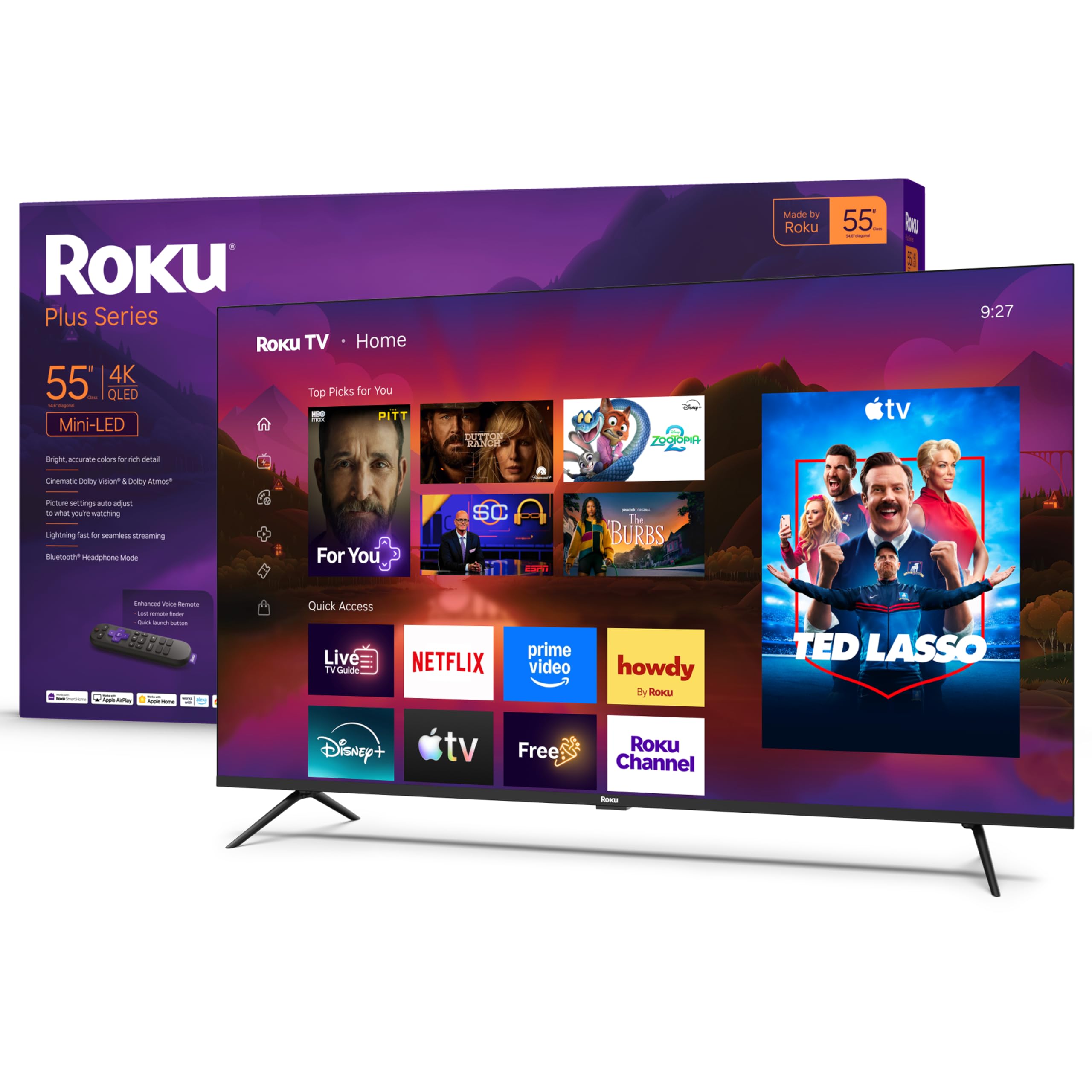
1. Roku 55-Inch Plus Series Smart TV
Our pick — 4.5★ from 650+ verified ratings; the strongest balance of quality and price.
The no-fuss winner that matches pricier big names on picture quality
This is the TV for anyone who wants the bright, rich picture of a premium set without learning a complicated new interface. The Roku Plus Series pairs a 4K QLED Mini-LED screen with Dolby Vision, and the picture quality is the star — owners describe it as bright and sharp, with the kind of contrast that makes HDR content glow. What wins people over, though, is the build quality and the sheer ease of use; the whole setup takes minutes, and the remote is refreshingly uncluttered.
The Roku platform is the quiet hero here. It layers in free live TV, news, and sports straight from the home screen, and the search across apps is fast. You can talk to it with Roku Voice, Siri, Alexa, or Google Assistant, and Apple AirPlay lets you fling videos and photos from an iPhone straight to the screen. For sound, Dolby Atmos plus a built-in subwoofer gives action movies real weight, and a Bluetooth Headphone Mode lets you listen privately without waking the house.
There is a trade-off to know about. The thin LED design means the built-in speakers are decent but not spectacular — the common advice is to add a soundbar if you want cinema-grade audio. And the large VESA mount pattern means you should double-check your wall bracket before committing. Buyers report it holds up over time, with one noting six months in they are still as happy with it as with LGs and Samsungs.
smart pick: you value a gorgeous Mini-LED picture with the least-frustrating interface in the business.
for gamers: a soundbar if you want richer audio — the slim design limits the built-in speakers.
2. TOSHIBA 55″ Class M450 Series QLED
A wallet-friendly QLED that rewards a few minutes of settings tweaks
If you want QLED color and the convenience of Fire TV for less, the TOSHIBA M450 delivers. The REGZA AI Engine ZRi Gen3 powers a 4K QLED panel with Dolby Vision and Dolby Atmos, and owners mention the picture quality is excellent — vibrant color, smooth performance, and a setup that goes quickly. The voice remote with Alexa means you can just press and ask for a show, adjust the volume, or check sports scores.
There is one catch that almost every owner figures out: the factory picture is set to an energy-saving mode that dulls the display. The consistent advice is to change those settings and enable adaptive lighting, and once you do, the QLED really comes alive. The dual clear-direct speakers deliver well-balanced sound, and Game Mode supports ALLM, VRR, and eARC for a smooth console experience.
The honest note for buyers: it skips analog audio outputs and a headphone jack that some listings suggest, so check your sound setup before buying. Fire TV’s interface gets a little sluggish for some, and you may need ethernet for the most stable connection. Still, for the price this is a genuinely strong QLED — one buyer sums up the experience as an excellent picture with really great color, easy to use, with smooth setup.
color seeker: you want QLED color and a Fire TV interface on a tight budget and don’t mind adjusting settings.
for wide rooms: you need analog audio outputs or a headphone jack for older speakers.
3. Samsung 55-Inch Class U8000H Crystal UHD
Samsung’s color science and 2,700+ free channels at an entry price
The crowd favorite here — It’s backed by over 800 customer ratings. — is Samsung’s entry-level Crystal UHD, and the reason is simple: people call the picture breathtaking and say it’s well worth the money. The Crystal Processor upscales lower-resolution content to crisp 4K, and Color Booster makes the palette pop. It supports HDR10+, and Motion Xcelerator keeps sports and games smooth at up to 4K 60Hz.
The standout feature is the free content. Samsung TV Plus offers 2,700+ streaming options, including 750+ free channels. — news, sports, movies, kids’ shows — with nothing to pay. Setup is famously quick, and you can even bypass the mandatory Samsung account during setup. Bluetooth 5.3 is built in, and it connects via Wi-Fi, ethernet, HDMI, and USB.
The two real trade-offs: the Tizen operating system can feel laggy, and sound quality gets mixed feedback — some find it rich and crisp, while others reach for a soundbar. There’s no direct input-switching remote button, which means a few extra clicks when changing sources. For a well-priced TV from a trusted brand, the picture quality and free channel lineup make a strong case.
budget sharp: you want Samsung’s reliable upscaling and a huge free channel library without spending more.
for daylight: the smart OS can lag, and built-in sound is hit or miss for different content.
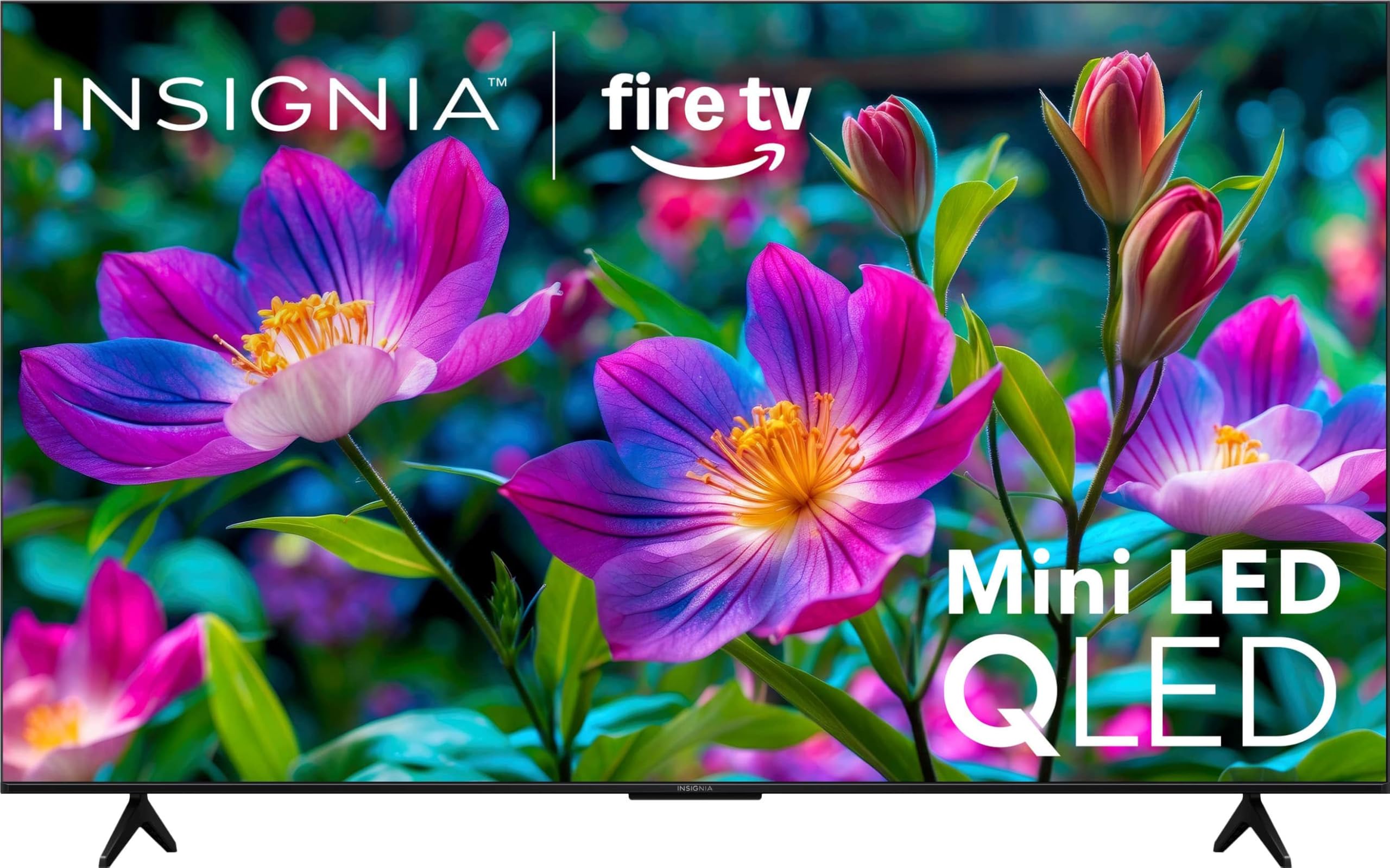
4. Insignia 55″ Class F70 Series 4K QLED Mini-LED
The Mini-LED that stays watchable in a sun-drenched room
Brightness is this TV’s whole personality. The Insignia F70 pushes up to 650 nits of peak brightness — a measure of how bright the screen can get — so HDR content stays vivid even when sunlight hits the panel. It pairs QLED color with Mini-LED backlighting and local dimming, which delivers deeper blacks and brighter highlights that make scenes feel cinematic.
The picture quality earns strong praise, with buyers calling it bright, clear, and vibrant, and one calling it one of the best TVs they’ve ever bought after the image settled in. It also carries 400+ free streaming channels on Fire TV, and Alexa+ is built in for natural-voice control. Dolby Vision and Dolby Atmos are both supported, covering the most popular HDR and audio formats.
The honest downside: the built-in speakers are weak. One buyer describes the sound as terrible even after adjustments, so an external soundbar is effectively required for decent audio. It’s a Fire TV with Wi-Fi connectivity, and an Apple AirPlay-capable device is a nice bonus. If the room is bright and you already own a soundbar, this is a real bargain.
value dimmer: HDR that stays punchy in bright living rooms or kitchens thanks to 650 nits of brightness.
for speed: a soundbar — the built-in speakers are this TV’s clear weak point.
5. Samsung 55-Inch Class M70H Mini LED

Mini-LED precision with a dedicated mode that supercharges the pitch
If you watch a lot of football, the Samsung M70H is built for you. It’s the only TV in this list with a dedicated Soccer Mode that tunes the picture for the sport, and the brand claims it delivers 40% clearer motion for fast action and 30% more vibrant greens for realistic turf. The Mini-LED panel (a backlight technology that boosts contrast) works with the Mini LED Processor 4K to cover one billion true-to-life colors through Pure Color Spectrum, so the pitch looks vivid and lifelike.
Beyond sports, the M70H handles everyday viewing well. Supreme Mini LED Dimming (a feature that adjusts backlight zones for deeper blacks) gives you strong contrast, while Color Booster makes reds and blues pop. The Gaming Hub gathers console, cloud, and app games in one menu, and Motion Xcelerator with DLG 120Hz (a motion-smoothing tech that simulates a 120Hz refresh rate) keeps fast scenes fluid. Customers note a crisp, crisp picture and rich colors, plus easy setup and a value-for-money verdict that comes up again and again.
The recurring notes are modest: the remote is a tad finicky for some, and there are only 3 HDMI ports with no optical or RCA jacks — so older devices like DVD players may need a workaround. It’s also a two-person lift to get the legs on. For a bright, colorful Mini-LED with a built-in sports boost, this is the top pick in this range.
dark room pick: the signature Soccer Mode and Mini-LED color that make live matches and games shine.
for bright: only 3 HDMI ports and no optical or RCA jacks for legacy gear.
6. Hisense 55″ Class U6 Series Mini-LED

The console-ready panel that brings 144Hz smoothness under $500
If you’re a gamer on a budget, the Hisense U6 is the most gaming-focused TV here. Its native 144Hz panel (a refresh rate that updates the image 144 times per second) and Game Mode Pro support AMD FreeSync Premium, which holds a Variable Refresh Rate between 48Hz and 144Hz to reduce screen tearing and lag with a PS5 or Xbox. The Mini-LED backlight hits 1000 nits peak brightness with up to 600 local dimming zones for deep blacks., and owners say this makes blacks pop.
The picture is the headline here. QLED color renders over a billion shades, Dolby Vision IQ and HDR10+ Adaptive cover the major HDR formats, and the built-in subwoofer delivers bass that buyers describe as blowing away Samsung and Sony. The Hi-View AI Engine sharpens whatever you watch, and it runs Fire TV with Alexa built in. One buyer calls it the best sound of any TV they’ve ever owned, ideal even without a soundbar.
Know the specifics before you buy: only 2 of the 4 HDMI ports are 2.1 144Hz-capable, and the headphone jack does not function — a genuine caveat for private listening. In a bright room, glare can be an issue with lights behind the viewer, and you may want to tweak settings to remove motion smoothing. But for pure gaming smoothness at this price, nothing here matches it.
gamer choice: 144Hz Game Mode Pro, FreeSync Premium, and deep bass from the built-in subwoofer.
for sports: the headphone jack doesn’t work, and only 2 of 4 HDMI ports run at the full 144Hz.
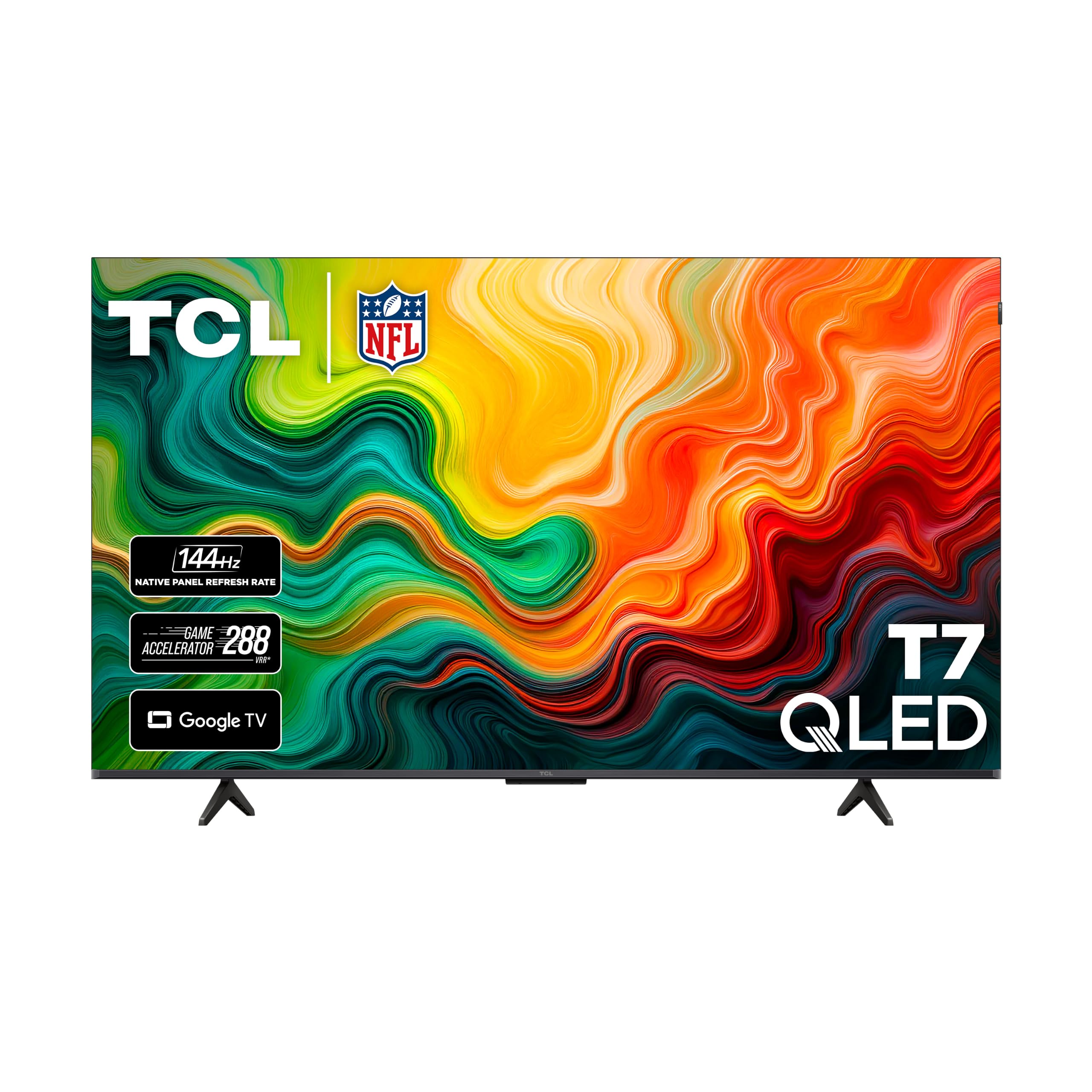
7. TCL 55″ T7 4K QLED Google TV
The cleanest interface in the group, wrapped around a 120Hz QLED panel
If you prefer Google TV’s clean, app-driven interface over Fire TV or Tizen, the TCL T7 is your match. It runs a 120Hz panel with a 240Hz variable gaming refresh rate, so fast movement stays smooth whether you’re streaming sports or plugging in a PS5 Pro. The TCL AIPQ Pro Processor tune color, contrast, and clarity, and QLED quantum-dot tech covers nearly the entire DCI-P3 color space for rich, vibrant tones.
Reviewers point out the picture is dramatically better than older TCLs — brighter, sharper, and more colorful — and PS5 gaming looks visibly upgraded. Google TV brings together your favorite apps with built-in Chromecast, and Apple AirPlay 2 makes it easy to share from Apple devices. There are 4 HDMI inputs including one with eARC, which is generous at this price. Dolby Atmos audio and support for Dolby Vision, HDR10+, and HLG round it out.
The trade-offs are honest ones. Google TV pushes somewhat unwanted content onto the home screen, and the operating system isn’t the fastest — some owners recommend an external streaming stick for the snappiest experience. There’s also slight glare in bright rooms. For the motion clarity and interface, though, this is a genuinely premium-feeling set that shoppers say beats Samsung and LG despite the lower cost.
streamer pick: a 120Hz QLED panel with Google TV, 4 HDMI ports, and noticeably upgraded console gaming.
for audio: the built-in OS isn’t the fastest, and Google TV fills the home screen with suggestions.
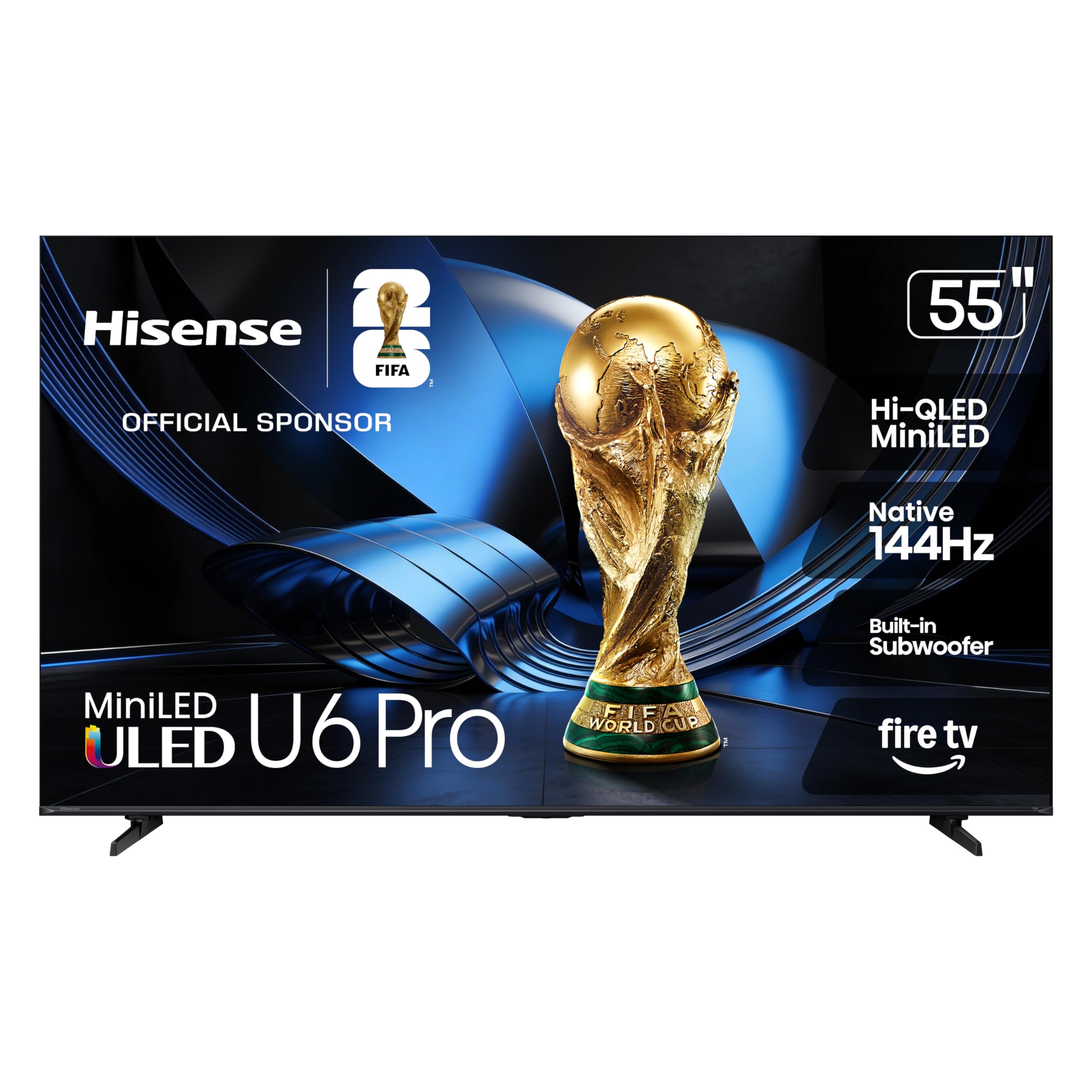
8. Hisense 55″ U6 Pro Series Mini-LED
The anti-glare Mini-LED that brings OLED-like blacks to bright rooms
This is the pick for anyone whose living room gets a lot of daylight. The Hisense U6 Pro has an anti-reflection, glare-free display, so bright rooms don’t wash out the picture — a feature buyers single out again and again. Inside, Hi-QLED Mini-LED backlighting uses hundreds of precise light zones, and the result is contrast so deep that owners describe the blacks as OLED-like, It delivers a 600k:1 contrast ratio and 95% DCI-P3 color coverage..
The specs are strong for the price. The native 144Hz refresh rate keeps fast breaks and high-speed chases crisp, and support for Dolby Vision IQ, HDR10+ Adaptive, HDR10, and HLG (all high-dynamic-range formats that improve brightness and color) means the Total HDR Solution covers every major format. The built-in subwoofer delivers rich bass, and it’s IMAX Enhanced certified for signature picture performance with DTS-powered audio. Buyers call it better than expected, with powerful speakers, minimal lag, and easy setup.
No TV is perfect, and the honest notes here are that upscaling of very low-resolution content (480p-720p) is weak, and the remote feels cheap. A narrow optimal viewing angle means it’s best viewed head-on, and the power and HDMI ports sit on opposite sides, which complicates cable management. For a movie night in a bright room, this is the standout of the group.
detail lover: the glare-free screen and OLED-like blacks that make daytime movie watching a joy.
for minimalists: weak upscaling of very old content and a cheap-feeling remote.
9. TCL 55-Inch QM64L Series Mini LED QLED
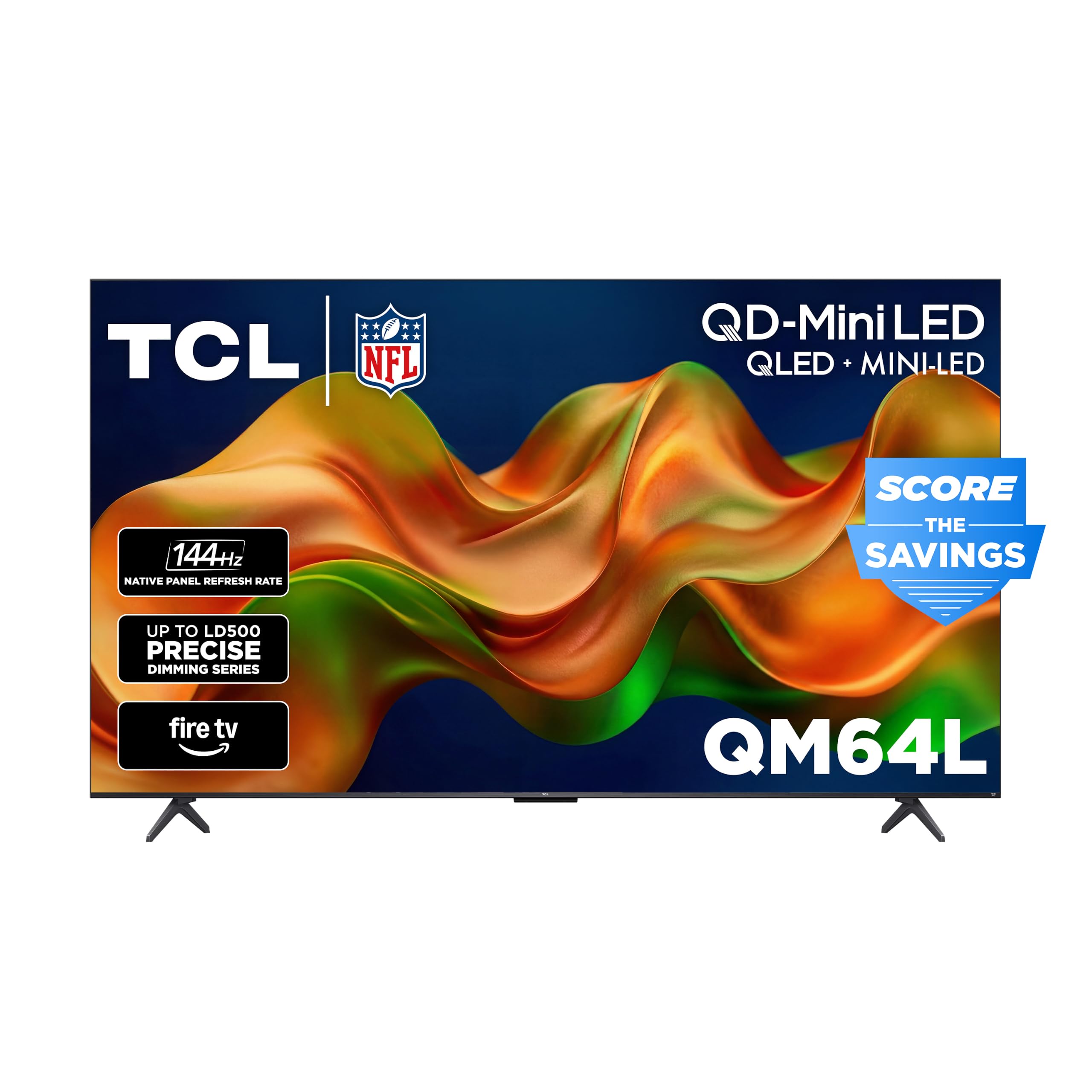
Five hundred dimming zones and an Onkyo sound system in one frame
If audio matters as much as video, the TCL QM64L is the most complete package in this lineup. It’s the only TV here with a built-in Onkyo 2.1 speaker system — 2x10W plus a 20W subwoofer — with Dolby Atmos and DTS:X, which means action movies rumble without needing a soundbar. On the picture side, The Halo Control System manages up to 500 local dimming zones for deep blacks and minimal blooming. for deep blacks, bright highlights, and virtually no blooming.
The numbers are impressive across the board: It offers a native 144Hz refresh rate with Motion Rate 480 and Game Accelerator 240 for smooth gaming., VRR, and ALLM for smooth competitive gaming, plus The HVA panel provides a wide 178-degree viewing angle.. It supports Dolby Vision, HDR10+, HDR10, and HLG, and The QLED panel reproduces 1.07 billion colors for rich, lifelike tones.. It’s also the first TCL TV with Alexa+ built in, bringing natural-conversation control. Buyers report the picture rivals higher-end brands, calling it premium at an affordable price.
There’s a clear caveat, and it’s about the software, not the screen. The built-in Fire TV experience draws real criticism — slow, with unpredictable buttons and occasional buffering — and some owners recommend an external streaming device like Apple TV. An occasional unit shuts down after a pause, which is the reliability risk to know. The picture and sound are excellent; the smart platform is the compromise.
bright HDR: cinema-grade picture with 500 dimming zones and Onkyo audio that skips the soundbar.
for cordcutters: the built-in Fire TV interface is slow and glitchy for some owners.
Understanding the Specs
Mini-LED and Local Dimming Zones
Mini-LED is a backlight made of hundreds of tiny LEDs instead of a few large ones. Local dimming zones let the TV turn off sections of that backlight independently, so a bright object on a dark background doesn’t create a gray halo around it. More zones usually means better contrast and more precise HDR highlights — this is the spec that separates a flat-looking TV from one with real depth.
Native Refresh Rate vs Motion Rate
Native refresh rate is the panel’s actual physical update speed — 60Hz, 120Hz, or 144Hz. Motion Rate is a marketing number that estimates how smooth motion looks using extra processing. A native 144Hz panel is what actually matters for gaming, because that’s the real hardware capability. Don’t let a high Motion Rate number fool you into thinking a 60Hz panel can game at 144Hz.
FAQ
Is a 144Hz native panel worth it for non-gamers?
What is the difference between Dolby Vision and HDR10+?
Will a 55-inch TV fit on my existing wall mount?
Do I need a soundbar for a good 55-inch TV?
Which smart platform is easiest to use: Roku, Fire TV, Google TV, or Tizen?
What is local dimming and why does it improve picture quality?
Can I use my 55-inch TV as a computer monitor?
Why does my new TV’s picture look dull from the start?
Final Thoughts: The Verdict
For most buyers, the 55 inch tv under $500 winner is the Roku Plus Series because it pairs a bright Mini-LED QLED picture with the least-frustrating interface and a built-in subwoofer for sound. If you game hard, grab the Hisense U6 for its native 144Hz panel and FreeSync Premium. And for a bright, sunlit living room, the Hisense U6 Pro is the one to reach for, thanks to its glare-free screen and OLED-like blacks.
How We Picked
We do not accept paid placement. Every pick is matched to a real buyer and a real use-case; we do not hands-on test units.
Sources & Methodology
Specifications: manufacturer listings and product documentation. Review insights: verified customer reviews, as of August 2026. Pricing: not shown on this page (it changes often); check the current price via the retailer link.
As an Amazon Associate, Gadgets Feed earns from qualifying purchases. This does not affect which products we feature.