
Our readers keep the lights on and my morning glass full of iced black tea. As an Amazon Associate, I earn from qualifying purchases.
Specs are compiled from manufacturer listings and verified buyer reviews and can change over time — please confirm the key details on the product page before buying.
A weak 5GHz signal on your desktop or old laptop causes frozen video calls, slow downloads, and laggy gaming. The right USB adapter fixes this by adding fast, reliable 5GHz Wi-Fi to any PC in minutes, often with better range than the built-in card. This guide breaks down the seven best 5GHz WiFi receiver options, focusing on real-world speed, easy setup, and which one fits your specific setup.
I’m Min — the founder and writer behind Gadgets Feed. This guide is built by comparing the manufacturers’ published specifications and the patterns across verified customer reviews, so you get each pick’s real strengths and trade-offs instead of marketing spin.
You’ll see how WiFi 6 and dual-band technology translate into faster, more stable connections, and which adapter offers the best balance of speed, range, and value. We’ve analyzed the specs and owner feedback to find the 5ghz wifi receiver that truly delivers.
Our Picks at a Glance
How To Choose The Best 5GHz WiFi Receiver
To get the right 5GHz WiFi receiver, match the adapter’s specs to your internet plan, router, and how comfortable you are installing software. You don’t need to be a networking expert, but knowing a few key specs stops you from buying something that’s overkill or underperforms.
WiFi Generations: AC, AX, and the New BE
The WiFi standard an adapter supports is the biggest speed factor. Older “AC” adapters (WiFi 5) are still perfectly fine for many connections. Newer “AX” adapters (WiFi 6) offer better efficiency, especially in homes with many connected devices. The brand-new “BE” adapters (WiFi 7) are the fastest but usually require a very fast internet plan and a modern router to see the benefit. Match the adapter’s generation to what your router and internet service can actually provide.
Speed Ratings vs. Real-World Performance
You’ll see numbers like AC1300 or AX1800, which are theoretical maximums. An AX1800 adapter, for example, combines speeds from both its 5GHz and 2.4GHz bands. Real-world speeds are almost always lower, limited by your internet plan and distance from the router. A higher number means a higher ceiling, but it won’t make a slow internet connection faster.
The USB Port Matters More Than You Think
Check the USB port on your computer. A USB 3.0 port (usually blue) is significantly faster than USB 2.0 and is required to hit the maximum speeds on many modern adapters. If you plug a fast adapter into an old USB 2.0 port, you’ll bottleneck the connection and won’t see the speeds advertised.
Quick Comparison
| Model | Best For | Max Speed | WiFi Standard | Interface | Amazon |
|---|---|---|---|---|---|
| BrosTrend AX900★ Best Overall | WiFi + Bluetooth Combo | 900 Mbps | WiFi 6 | USB 2.0 | Amazon |
| Realtek RTL8812BUTop Performer | High-Speed PC Upgrade | 1300 Mbps | WiFi 5 (AC) | USB 3.0 | Amazon |
| UGREEN AX1800 | Modern Windows Desktops | 1775 Mbps | WiFi 6 | USB 3.0 | Amazon |
| StarTech.com AC600 | Plug-and-Play Convenience | 433 Mbps | WiFi 5 (AC) | USB 2.0 | Amazon |
| TP-Link Archer TX21UH | Gamers & Streamers | 1800 Mbps | WiFi 6 | USB 3.0 | Amazon |
| NEWFAST U352 | High-End Performance | 1800 Mbps | WiFi 6 | USB 3.0 | Amazon |
| BrosTrend BE6500 | Future-Proofing (WiFi 7) | 6500 Mbps | WiFi 7 | USB 3.0 | Amazon |
In‑Depth Reviews
1. BrosTrend 2-in-1 USB WiFi Bluetooth Adapter (AX900)
Our pick — over 4★ from 450+ verified ratings; the strongest balance of quality and price.
A tiny dual-function dongle that gives your old PC both fast Wi-Fi and Bluetooth in one plug.
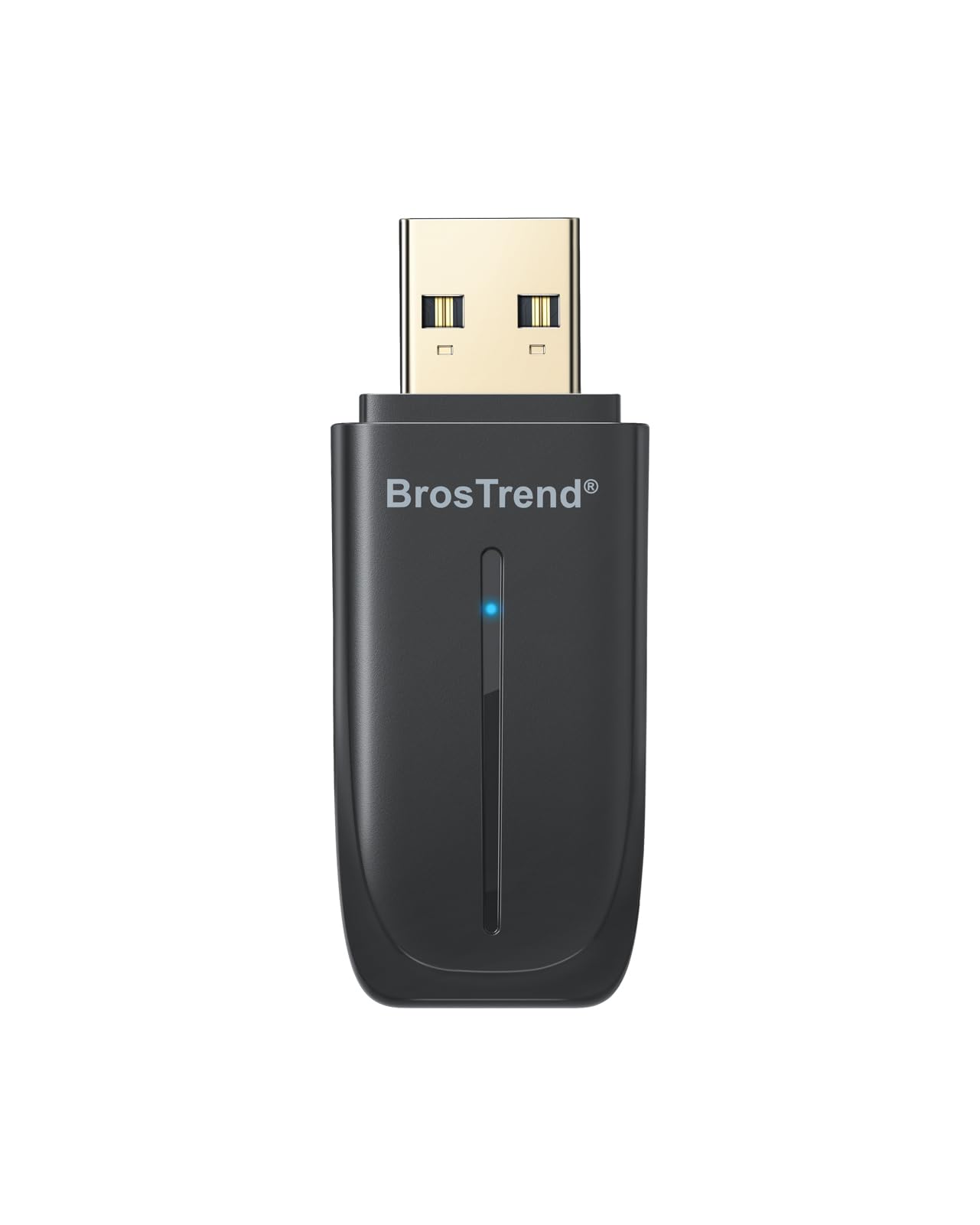
This dual-function dongle is the smartest single upgrade for older PCs, adding both WiFi 6 and Bluetooth 5.4. It’s both a WiFi 6 adapter and a Bluetooth 5.4 receiver, so you can ditch separate dongles and free up a USB port. It delivers speeds up to 600 Mbps on the 5GHz band, which is plenty for smooth streaming and lag-free video calls, and it handles up to 5 Bluetooth devices—headphones, mouse, keyboard—within a stable 32-foot range.
Setup is refreshingly simple for a non-tech user: the driver is pre-loaded, so there’s no CD and no hunting for downloads; you just plug it in and follow the on-screen prompt. It’s note, however, that this works exclusively with Windows 10/11 and does not support Mac or Linux. At just 2.04 inches long and weighing a mere 6.5 g, it’s practically unnoticeable in a laptop or desktop port, and it’s a fraction of the 50 g weight of the UGREEN AX1800.
Buyers report it’s a lifesaver for computers without any Wi-Fi, describing it as a simple “plug it in and install the software that pops up” process. The main trade-off is that it’s not a true plug-and-play device—you will need to run the installer once—but the positive feedback heavily outweighs the minor setup steps. It’s a fantastic value because it replaces two separate purchases.
Two upgrades, one slot: This is the most practical way to add both Wi-Fi and Bluetooth to any Windows PC without internal installation.
Reach for this if: you have an older desktop or laptop that needs both Wi-Fi and Bluetooth and you want a single, simple, low-cost fix.
Look elsewhere if: your computer is a Mac or runs Linux, as this adapter is strictly for Windows systems.
2. Realtek RTL8812BU USB Wireless Adapter (AC1300)
A high-gain antenna adapter that turns a weak-signal desktop into a speed demon.
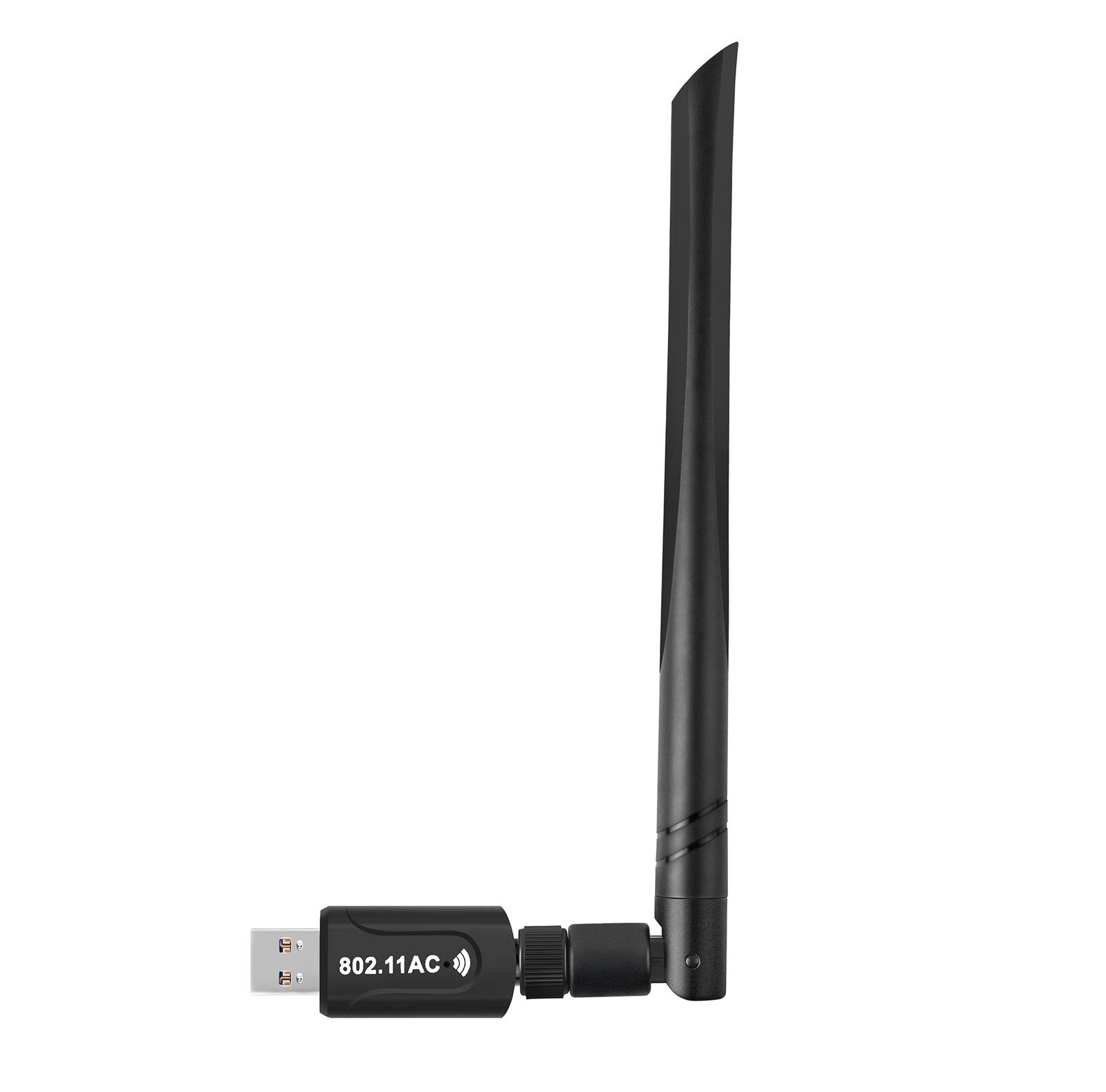
This high-gain antenna adapter is a reliable fix for weak or slow internal desktop Wi-Fi, delivering up to 1300 Mbps. It uses the original Realtek RTL8812BU chipset to deliver up to 1300 Mbps on a dual-band connection, with a dedicated 5 dBi antenna that dramatically improves range and signal stability over small stub adapters. The antenna can be angled, which helps you find the best signal direction without moving your whole computer.
This adapter works with nearly every operating system, so you can use it on Windows 10, 8.1, 8, 7, XP, Vista, Mac, and Linux. On Fedora, users report “plug-and-play” installation with a stable 850Mbps+ connection, meaning you get fast speeds without fiddly setup. The USB 3.0 interface (a newer, faster port standard) avoids the bottleneck of older USB 2.0 ports, so your connection stays quick—a big upgrade over built-in laptop Wi-Fi.
The build includes a USB 3.0 connection and a larger physical footprint (6.7 inches long) than the tiny BrosTrend dongle, but that’s the price of the superior antenna. What wins people over is the improved speed and range—many use it to pull in a 5GHz signal from a router on another floor. It’s a straightforward, high-value upgrade for anyone who wants stronger, faster wireless without fighting with finicky setup.
The range fix: Owners consistently report this adapter pulls in signals and speeds that internal cards and stubby USB dongles simply can’t match.
Best for: desktop users who need a serious range and speed boost and value broad OS compatibility, including Linux.
Who should skip: anyone who needs a discreet, flush-mounted dongle, as the external antenna is bulkier by design.
3. UGREEN AX1800 WiFi Adapter for Desktop PC

Fast WiFi 6 speeds with a rare extra trick: it can broadcast its own hotspot.
This adapter delivers the modern WiFi 6 speeds you’d expect, with a file transfer rate of up to 1775 Mbps—double the 900 Mbps of the BrosTrend AX900. It achieves 1201 Mbps on the 5GHz band and 574 Mbps on 2.4GHz, which is plenty for demanding work and streaming. It’s a great option for a Windows 10/11 desktop that needs a fast, reliable connection without opening the case.
Its standout feature is Dual Mode Flexibility: besides receiving Wi-Fi, you can switch it to AP mode (access point mode) to turn your PC into a mobile hotspot for other devices. It also uses WPA3-SAE encryption (the latest Wi-Fi security standard) for safer browsing, and back ventilation holes keep it cool during long gaming or streaming sessions.
The honest trade-off here is the installation, which can be “tricky” for some. The adapter sometimes appears as a “USB Mass Storage” device before the driver loads, requiring a manual device update in Windows Device Manager. Most users get past this and enjoy smooth, fast speeds, but if you want zero-fuss setup, plug-and-play options exist. Also, note it’s not compatible with MacOS, Linux, or older Windows versions like 7 or XP.
The performance catch: The speed and extra AP-mode feature are excellent, but expect a slightly more involved driver setup than advertised.
Pick this if: you’re on a modern Windows desktop and want a fast, feature-rich WiFi 6 adapter that can also act as a hotspot.
skip it if: you want a true plug-and-play experience or use an older operating system.
4. StarTech.com AC600 Dual Band USB WiFi Adapter

A driver-free nano dongle that gives you fast 5GHz speeds with zero installation hassle.
This driver-free nano dongle is the simplest way to add 5GHz Wi-Fi to any laptop or desktop. This StarTech.com adapter is “driver-free” on many systems, working as soon as you plug it in. Its nano size (just 0.7 inches long) means it protrudes barely from the USB port, so it’s ideal for travel and doesn’t block adjacent ports or get knocked out easily.
Don’t let its tiny footprint fool you—it supports dual-band connections with speeds up to 433 Mbps on the 5GHz band and 150 Mbps on 2.4GHz. That’s enough for typical web browsing, HD streaming, and everyday tasks, and it uses the USB 2.0 interface. For an old laptop with a sluggish internal card, owners mention this is a massive improvement, with one noting speeds of 161/22 Mbps that were “faster than internal card.”
Its main limit is a lower speed ceiling than the WiFi 6 adapters on this list, so it’s not built for 4K streaming or competitive gaming on gigabit internet. Most buyers find it works from the start, but a few report occasional disconnects; the fix is usually disabling the USB power-saving setting in Windows Device Manager. If you want a budget-friendly, no-fuss receiver, this is a strong pick.
easy and Portable
- Genuine plug-and-play, driver-free on many Windows systems
- Ultra-compact nano design is perfect for travel and tight spaces
- Surprisingly good speed and range for its size
Speed Limitations
- 433 Mbps max speed is less than WiFi 6 options
- Uses USB 2.0, which limits its maximum potential throughput
- A few users had to adjust power settings to stop disconnects
Grab this for: a travel-friendly, no-driver-needed upgrade for basic browsing and streaming on an older device.
Think twice if: you have a gigabit internet plan and need maximum speed for gaming or large file transfers.
5. TP-Link Archer TX21UH AX1800 USB WiFi 6 Adapter
A powerful WiFi 6 adapter with a flexible antenna that locks onto signals from across the house.
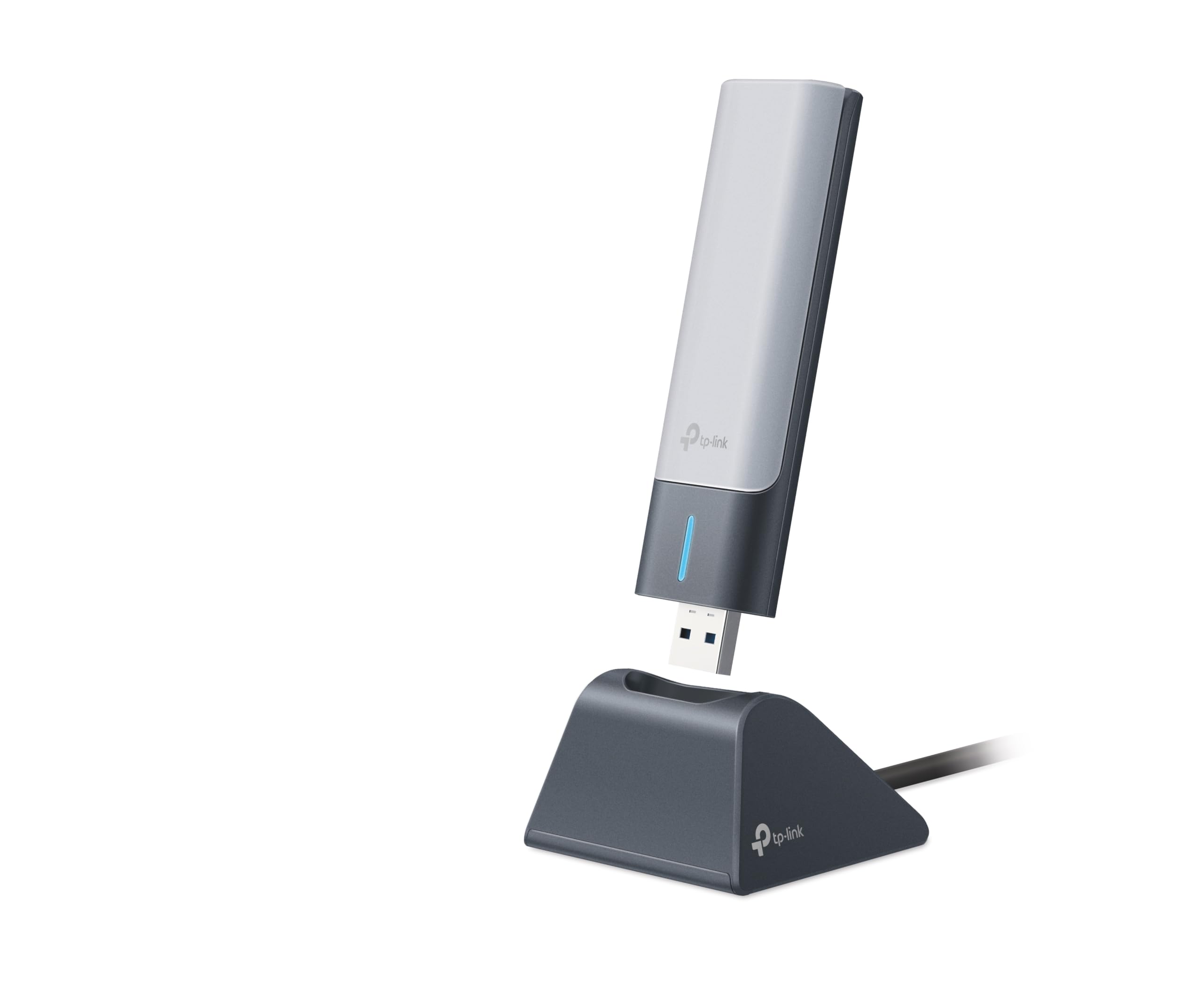
This TP-Link adapter is built for gaming and streaming, offering AX1800 speeds and MU-MIMO for reduced lag. It boasts AX1800 speeds—1201 Mbps on the 5GHz and 574 Mbps on 2.4GHz—and uses MU-MIMO and OFDMA technology to reduce lag when multiple devices are on your network. It supports the latest WPA3 security protocol for safer connections.
Its standout feature is the flexible design. The adapter comes with a 1.2-meter USB 3.0 cable and a cradle, so you can position the high-gain antenna on your desk for optimal signal reception, rather than being stuck behind your PC tower. This placement flexibility is a real advantage; customers note going from a weak signal to “full bars” even in rooms with lots of metal interference.
Overall connectivity is a mixed bag in the feedback. Many get exceptional performance—”850 mbps speed tests” and setup in about 3 minutes—and the speed is the most praised aspect. However, a noticeable group reports frequent disconnections and signal loss on Windows 10, sometimes requiring driver reinstallation. This makes it a high-performance choice if you get a good unit or are on Windows 11, but a bit of a gamble on stability.
The performance gamble: When it works, it’s blazing fast with incredible range, but the disconnection complaints mean it’s not the most reliable choice for everyone.
Best for: desktop gamers and streamers who prioritize raw speed and need the flexibility to place the antenna for the best signal.
Not ideal for: users who want a set-and-forget adapter, as some Windows 10 users have reported instability requiring troubleshooting.
6. NEWFAST USB WiFi 6 Adapter U352 (AX1800)
A sleek WiFi 6 dongle that delivers flawless streaming and lag-free gaming with near-zero setup.
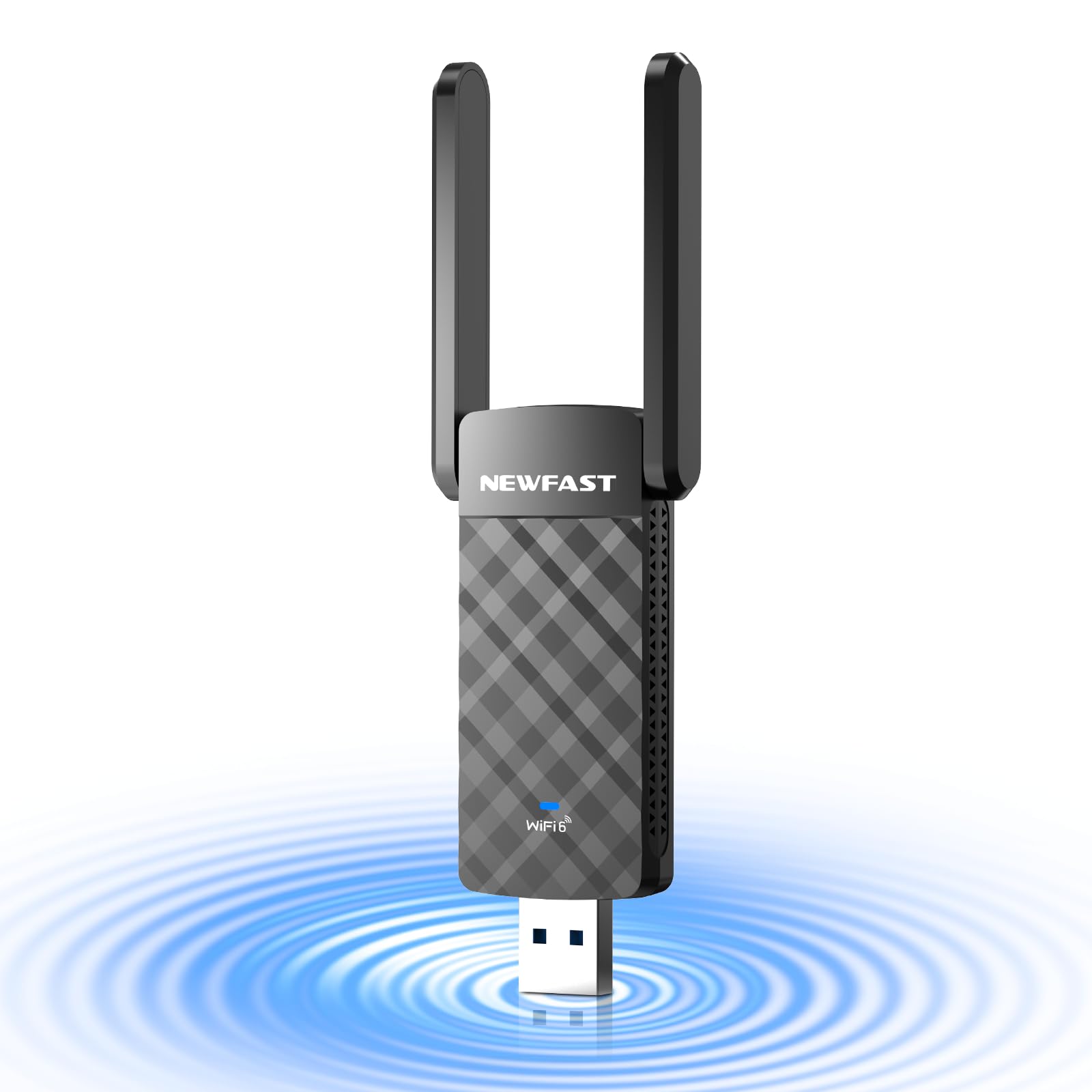
This NEWFAST adapter delivers smooth, easy performance with plug-and-play setup and reliable stability. It matches the top-tier AX1800 spec—1201 Mbps on 5GHz and 574 Mbps on 2.4GHz—and uses MU-MIMO and OFDMA to keep your connection stable even when everyone else in the house is streaming. The adjustable antenna and desktop design are engineered to ensure you get quality reception without moving your PC.
The core strength here is how well it performs in real-world scenarios. Owners describe how it transformed a “spotty internet” on an old desktop into a fast, stable connection that can handle streaming 4K video while downloading large files. The built-in drivers mean it’s genuinely plug-and-play, with automatic device recognition and easy configuration on Windows 11/10.
Unlike the TP-Link, the feedback here is overwhelmingly positive with almost no complaints about disconnections. The trade-off is a slightly higher price point and a lack of support for Linux or Mac—it’s strictly a Windows device. If you want a premium, reliable WiFi 6 upgrade with great range and no technical headaches, this is a top contender.
High-end polish: This adapter offers the performance of the TP-Link with a much better track record for stability and ease of use.
Reach for this if: you want a premium, reliable WiFi 6 adapter that just works, with great range for streaming and gaming on Windows.
Look elsewhere if: you’re on a tight budget or you need an adapter for a Linux or Mac machine.
7. BrosTrend BE6500 USB WiFi 7 Adapter

A blazing-fast WiFi 7 adapter that pushes the limits of what’s possible on a USB stick.
This WiFi 7 adapter is for early adopters with a WiFi 7 router and gigabit internet who want the fastest USB speeds available. It’s a WiFi 7 adapter with tri-band speeds up to 6.5 Gbps, breaking down into a staggering 2882 Mbps on the 6GHz band, 2882 Mbps on 5GHz, and 688 Mbps on 2.4GHz. It uses advanced tech like 4K-QAM and 160 MHz channels to cut through network congestion, making it a monster for competitive gaming and 8K streaming.
To access the new 6GHz band, you must use Windows 11 and have a WiFi 7 router; on Windows 10, it operates on the standard 5GHz and 2.4GHz bands. It’s equipped with dual external antennas and beamforming technology to focus the signal at your router, providing a strong, stable connection even through walls. Reviewers point out it can pull a full 6GHz signal from 75 feet away, matching a 1Gbps ethernet connection.
The speed and range are the headline features, but installation can be a hurdle. The adapter appears as a CD drive, and you may need to disable your computer’s built-in Wi-Fi chip in Device Manager before installing the driver to avoid conflicts. There are also some reports of units failing or connectivity issues, though many others call it “great and economical.” This is a powerful but somewhat niche solution for a high-end setup.
Next-Gen Power
- Incredible tri-band speeds up to 6500 Mbps for the most demanding tasks
- Dual high-gain antennas with beamforming for exceptional range
- Access to the new 6GHz band on Windows 11 for less interference
Not for Everyone
- Requires Windows 11 and a WiFi 7 router to open up its full potential
- Installation can be confusing and requires manual driver steps
- Not compatible with macOS, Linux, or Bluetooth connections
Who it’s for: PC enthusiasts with a WiFi 7 router and a gigabit+ internet plan who want to future-proof their desktop for years.
Consider alternatives if: you’re on a standard connection or a non-Windows OS, as you’ll be paying for capabilities you can’t use.
Understanding the Specs
What “AX1800” or “AC1300” Really Means
These names combine the WiFi standard and the theoretical maximum speed. “AC” means WiFi 5, and “AX” means WiFi 6. The number is the total of the fastest speeds on both the 5GHz and 2.4GHz bands added together. For example, an AX1800 adapter might offer 1201 Mbps on 5GHz and 574 Mbps on 2.4GHz (1201 + 574 ≈ 1800). It’s a marketing number, not what you’ll see in a speed test, but higher is generally better.
MU-MIMO, OFDMA, and Beamforming
These are technologies that make your Wi-Fi more efficient. MU-MIMO lets the adapter talk to multiple devices at once instead of one at a time. OFDMA allows data to be shared between devices in the same stream, which reduces lag. Beamforming focuses the Wi-Fi signal directly at your adapter rather than broadcasting it in all directions. Together, they mean a more stable connection, especially in homes with lots of devices.
USB 2.0 vs. USB 3.0
The USB port is the pipe between the adapter and your computer. USB 3.0 is a much wider pipe than USB 2.0, allowing data to transfer up to 10 times faster. If you buy a fast WiFi 6 adapter but plug it into an old USB 2.0 port, the narrow pipe will bottleneck your speed. For the best performance from any modern adapter, plug it into a blue USB 3.0 port on your computer.
WPA3 Security
This is the latest standard for protecting your Wi-Fi network with a password. It’s significantly harder to crack than the older WPA2 standard. If you’re buying a new adapter, choosing one with WPA3 support helps ensure your connection is as secure as possible, keeping your personal data and passwords safe from nearby eavesdroppers.
FAQ
Will a 5GHz WiFi receiver work with my laptop or desktop computer?
Is a WiFi 6 adapter worth it if I don’t have a WiFi 6 router?
Why is my 5GHz signal weaker than my 2.4GHz signal?
What does “dual-band” and “tri-band” mean for a WiFi adapter?
How do I fix a USB WiFi adapter that keeps disconnecting?
What’s the difference between a “plug-and-play” and a “driver-required” adapter?
Is a high-gain antenna worth it for desktop PC use?
Can I use a USB WiFi adapter to create a mobile hotspot?
Final Thoughts: The Verdict
For most buyers, the 5ghz wifi receiver winner is the BrosTrend AX900 because it delivers solid WiFi 6 speeds and Bluetooth 5.4 in a single, affordable dongle that’s perfect for reviving older Windows PCs. If you want maximum performance and the extra hotspot capability, the UGREEN AX1800 is a great pick. And for the best blend of high speed and exceptional reliability, the NEWFAST U352 is the premium choice that consistently impresses owners.
How We Picked
We do not accept paid placement. Every pick is matched to a real buyer and a real use-case; we do not hands-on test units.
Sources & Methodology
Specifications: manufacturer listings and product documentation. Review insights: verified customer reviews, as of August 2026. Pricing: not shown on this page (it changes often); check the current price via the retailer link.
As an Amazon Associate, Gadgets Feed earns from qualifying purchases. This does not affect which products we feature.