
Our readers keep the lights on and my morning glass full of iced black tea. As an Amazon Associate, I earn from qualifying purchases.
Specs are compiled from manufacturer listings and verified buyer reviews and can change over time — please confirm the key details on the product page before buying.
A 5K monitor isn’t just a resolution bump — it’s the point where tiny text stops looking like smudged pixels and starts looking like print on paper. At 27 inches, 5K (5120 x 2880) packs in so many pixels that your operating system can scale everything to look big and crisp at the same time. This is the panel photographers, video editors, and Mac users are willing to pay real money for, and this guide breaks down which one actually delivers.
I’m Min — the founder and writer behind Gadgets Feed. This guide is built by comparing the manufacturers’ published specifications and the patterns across verified customer reviews, so you get each pick’s real strengths and trade-offs instead of marketing spin.
Most 5K panels are Mac-tuned, so Windows gaming rigs need a different port and refresh-rate setup. Whether you live in Final Cut or Steam, the right 5k screen monitor for your desk is in the ten deep-dive reviews below, matched to what your workflow demands.
Our Picks at a Glance


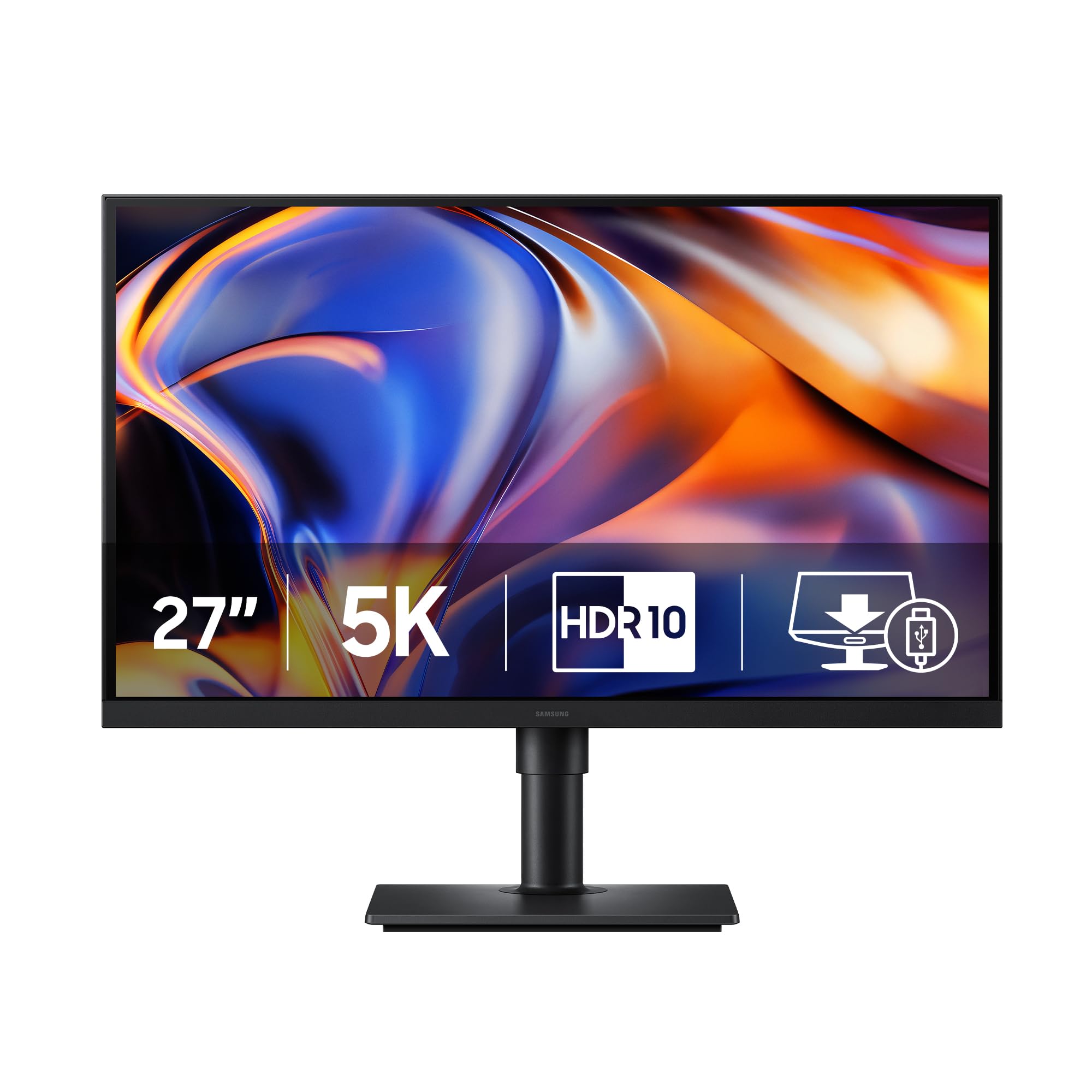
How To Choose The Best 5K Screen Monitor
Before you pick a 5K monitor, check what computer you own. Most 5K panels are tuned for Apple’s scaling, and the ports (Thunderbolt versus DisplayPort) decide whether you get full sharpness. Match the panel to your machine first, then compare color and refresh rate.
Color Gamut and Accuracy
For photo and video work, the percentage of the DCI-P3 color space matters more than raw resolution. A higher P3 rating means you see the rich, saturated colors that modern cameras capture, and a Delta E under 2 means colors hit the target without visible error.
Refresh Rate and Dual Mode
Most 5K panels run at 60Hz, which is plenty for editing but feels sluggish in games. Dual-mode monitors let you drop to a lower resolution (usually QHD) to open up a much higher refresh rate for smooth gaming, then switch back to 5K for work.
Connectivity and Power Delivery
A single USB-C or Thunderbolt cable should carry the video signal and charge your laptop at the same time. Look for power delivery of at least 90W so a MacBook Pro gets fed properly, and check for a KVM switch if you want to control two computers with one keyboard and mouse.
Quick Comparison
| Model | Best For | Resolution | Refresh Rate | Key Connection | Amazon |
|---|---|---|---|---|---|
| KTC 5K 27″★ Best Overall | Budget dual-mode work and play | 5120 x 2880 | 60Hz / 120Hz | USB-C 65W | Amazon |
| ASUS ProArt PA27JCVPro Color | Color-accurate editing | 5120 x 2880 | 60Hz | USB-C 96W | Amazon |
| Samsung ViewFinity S8Dock Master | Mac productivity with a dock | 5120 x 2880 | 60Hz | USB-C 90W | Amazon |
| Samsung Odyssey G8 | Hybrid work and esports | 5120 x 2880 | 180Hz / 360Hz | DisplayPort 2.1 | Amazon |
| ASUS ROG XG27JCG | High-refresh gaming | 5120 x 2880 | 180Hz / 330Hz | HDMI 2.1 | Amazon |
| ViewSonic VP2788-5K | Mac users needing a docking hub | 5120 x 2880 | 60Hz | Thunderbolt 4 100W | Amazon |
| LG UltraGear 27GM950B | Bright HDR gaming | 5120 x 2880 | 165Hz / 330Hz | DisplayPort 2.1 | Amazon |
| BenQ MA270S | Mac-only creative work | 5120 x 2880 | 60Hz | Thunderbolt 4 96W | Amazon |
| BenQ PD2730S | 3D and VFX color work | 5120 x 2880 | 60Hz | Thunderbolt 4 90W | Amazon |
| Apple Studio Display | The complete Mac experience | 5120 x 2880 | 60Hz | Thunderbolt 5 | Amazon |
In‑Depth Reviews
1. KTC 5K Monitor 27 Inch, 5K2K Dual Mode with 65W Type-C Port
Our pick — 4.5★ from 850+ verified ratings; the strongest balance of quality and price.
The dual-mode trailblazer that makes 5K affordable without making you choose between work and play
It solves the 5K-versus-gaming dilemma with dual modes: 5K at 60Hz for editing, 2K at 120Hz for gaming. Flick a setting and it runs at crisp 5K at 60Hz for coloring photos, then switches to 2K at 120Hz for smooth gaming and multitasking — both modes on a 27-inch IPS screen.
Color work gets real attention here with 99% DCI-P3 and 100% sRGB coverage, plus a Delta E under 2 so the shades you pick are the shades you get. Brightness hits 500 cd/m² with HDR400 support, so highlights stay punchy in a bright room. The USB-C port handles 65W power delivery and data for your laptop, alongside a DisplayPort 1.4 and an HDMI 2.0 (that one tops out at 4K).
Owners call it a “5K display, clean image, USB-C DP” — a solid value at this price. The stand lacks height adjustment, so budget for a monitor arm. That omission is why it undercuts pricier rivals.
What Wins It
- Two usable modes: 5K@60Hz and 2K@120Hz
- Factory color coverage: 99% DCI-P3, 100% sRGB
- 500 cd/m² brightness with HDR400
What To Know
- Stand lacks height adjustment
- HDMI 2.0 port is capped at 4K
Reach for it if: you want true 5K clarity and a gaming mode in one budget-friendly panel.
Plan for: a separate monitor arm or riser to get the height you need.
2. ASUS ProArt PA27JCV 27 Inch 5K USB-C Professional Monitor
The colorist’s choice where a 3000:1 contrast ratio and Delta E under 2 rule the grading suite
For color-critical work, this ProArt is the pick. Each unit ships factory-calibrated to a Delta E under 2, and it covers 99% DCI-P3 alongside 100% sRGB — so what you grade in your suite looks right on the client’s screen. Its contrast ratio is a standout 3000:1, which is triple the 1000:1 you get on the Samsung ViewFinity S8, giving deeper blacks for dark scenes.
A single USB-C cable does triple duty here: DisplayPort video, fast data transfers, and 96-watt power delivery to keep a MacBook Pro fed. The built-in auto KVM means one keyboard and mouse can hop between two connected laptops. It also carries 95% Adobe RGB coverage for print-minded workflows, plus a 5-year warranty when you register online.
Owners confirm it works beautifully with a Mac Mini M4 Pro, calling it an “Excellent 5K monitor; improved antiglare, sharp text, vibrant colors.” The honest caveat: color accuracy is the hero everyone raves about, but overall display quality gets mixed feedback, and a few Mac users report fussy wake behavior on laptops. It’s a grading tool first, not a general-purpose display.
Top-shelf accuracy: 3000:1 contrast beats the standard 1000:1 IPS panel, so deep blacks and bright highlights carry real punch.
Fit note: best for a dedicated Mac editing desk — check macOS scaling behavior on your exact laptop model before committing.
3. Samsung 27″ ViewFinity S8 (S80HF) Series High-Resolution Monitor
A productivity workhorse that turns one USB-C cable into a full dock, KVM, and Ethernet hub
It eliminates cable clutter with a single USB-C connection. One USB-C cable carries video plus 90W of laptop charging, and the built-in LAN port adds wired Ethernet so you’re not hunting for a dongle. The built-in KVM switch means you can drive two computers with one keyboard and mouse, and PIP/PBP let you view both sources side by side.
At 27 inches with a 218 PPI pixel density, text and photos look ultra-sharp — owners call it a “Total Productivity Workhouse” and note it replaces a dual-monitor setup. The matte finish cuts glare, and the 16:9 aspect ratio gives you the full 5120 x 2880 workspace. Samsung Display Manager software handles split-screen layouts and calibration from your desktop.
The TÜV-certified Eye Saver Mode cuts blue light and flicker for long sessions. The recurring gripe is the back-mounted joystick that’s awkward to reach, and the KVM menu navigation is clunky. Slight caveat: its 0.99 color gamut and 1000:1 contrast ratio are far below the ASUS ProArt’s 135 gamut and 3000:1 contrast — so pick this for sharpness and hub features, not high-end grading.
Desktop declutterer: 90W USB-C, Ethernet, and KVM turn it into a one-cable dock for a MacBook.
Not for: demanding color work — it trails the ProArt’s gamut and contrast by a wide margin.
4. Samsung 27″ Odyssey G8 (G80HF) Gaming Monitor
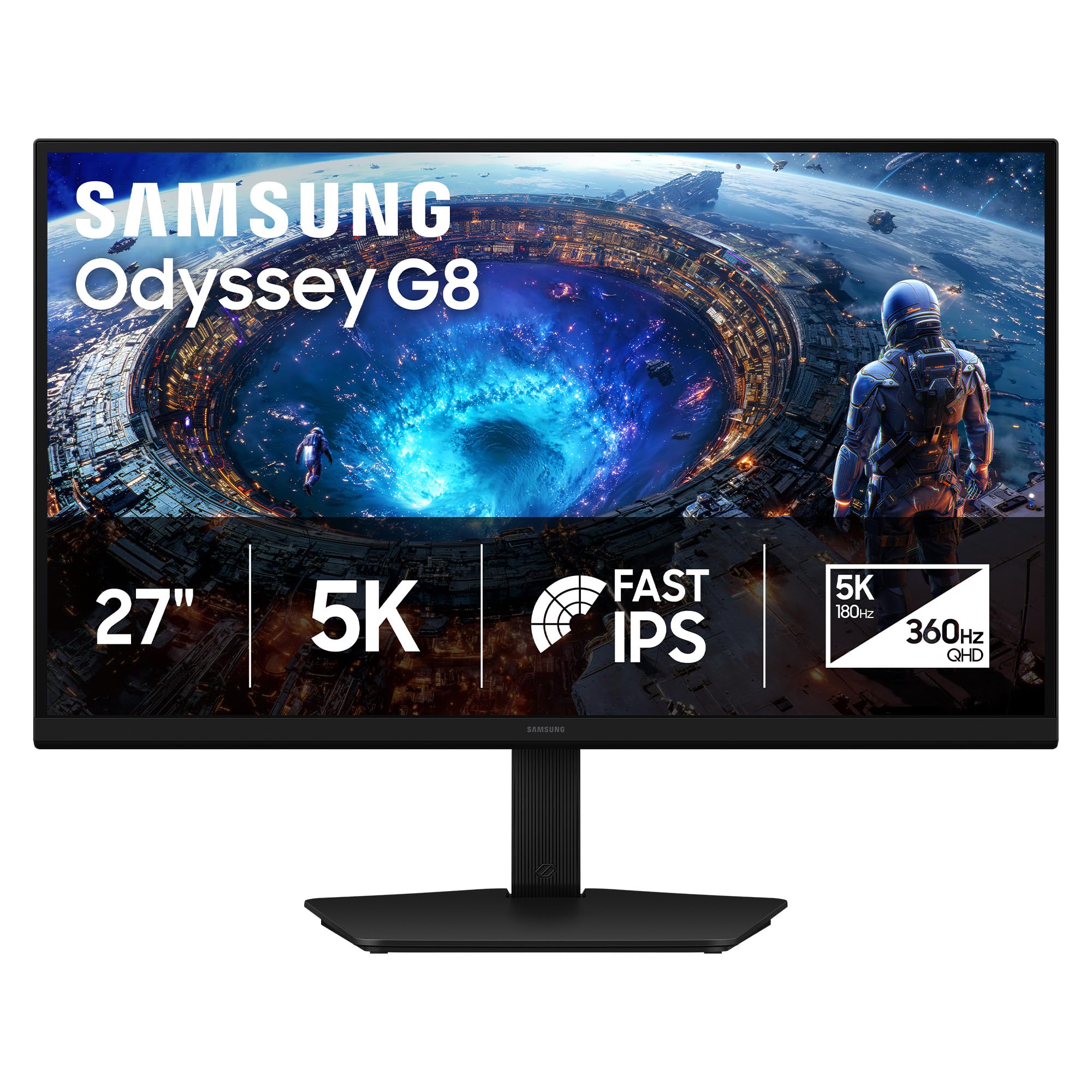
The work-and-esports hybrid that jumps from 5K at 180Hz to QHD at 360Hz with one button
This is the dual-mode king for gamers who also have a day job. At full 5K it runs a buttery 180Hz for detailed work and cinematic games, then a single toggle drops it to QHD at a blistering 360Hz with a 1ms response time for competitive shooters. Integer scaling keeps 1440p looking crisp instead of soft.
The Fast IPS panel with a 178° viewing angle keeps colors vivid across the screen while reducing motion blur. It’s G-Sync compatible and carries AMD FreeSync Premium for tear-free play. Inputs are future-proof: DisplayPort 2.1 and HDMI 2.1, wrapped in a height-adjustable stand that pivots, tilts, and swivels.
Owners say 218 PPI (pixels per inch, a measure of sharpness) makes “text look printed” and call it the “Ultimate Hybrid Work/Esports Monitor.” The honest trade-offs: brightness sits at 350 cd/m² (candela per square meter, a brightness unit), which one owner found low for dark-mode coding next to a 500-nit secondary, and the 1000:1 contrast limits HDR black levels. There’s no USB-C, so laptop users need a DisplayPort or HDMI route. This is a gamer-first panel that happens to do office work brilliantly.
The Highs
- Real dual mode: 5K@180Hz and QHD@360Hz
- 1ms response for esports precision
- DP 2.1 and HDMI 2.1 connections
The Lows
- No USB-C port for laptop charging
- 1000:1 contrast holds back HDR depth
Grab it if: you split your day between productivity and ranked play and want one screen for both.
skip it if: you need USB-C power delivery or color-grade as your main job.
5. ASUS ROG XG27JCG 27 Inch 5K 180Hz HDR G-SYNC USB-C Gaming Monitor

The speed demon that hits 0.3ms response and a 330Hz QHD mode for ultra-competitive play
If you measure gaming monitors in milliseconds, this ROG is your target. Its 0.3ms GTG response time crushes motion blur, and the frame-rate boost drops you from 5K at 180Hz (overclocked) to QHD at 330Hz for twitch shooters. The 97% DCI-P3 gamut plus VESA DisplayHDR 600 bring vibrant color and deep contrast to supported titles.
ASUS packs in ROG Gaming AI tech — Dynamic Shadow Boost, Dynamic Crosshair, and AI Visual — to give you an edge in competitive matches. Connections include DisplayPort 1.4 with DSC, two HDMI 2.1 ports, and a USB-C with 15W power delivery. The 218 PPI density keeps icons and text razor sharp for the work side of things.
It’s G-Sync compatible with Extreme Low Motion Blur Sync (a feature that reduces motion blur) for tear-free frames. The honest read: owners praise the sharp 5120 x 2880 resolution and solid build, but display quality gets mixed feedback — one owner flagged a haze effect from the matte coating, and several mention slow wake times of 10 seconds or more. On a Mac, you’re capped at 165Hz (hertz, refresh cycles per second) even though Windows open up the full 180Hz. This is a niche overkill-gaming display with real quirks.
Competitive edge: 330Hz QHD mode plus AI crosshair features make it a genuine esports weapon.
Know before buying: matte coating haze and slow wake times are real fit notes for picky owners.
6. ViewSonic VP2788-5K 27 Inch 5K Mac Ready Monitor, IPS Designer Display

A Pantone-validated designer panel that daisy-chains two 5K displays over a single Thunderbolt 4 link
This ViewSonic is a Mac-centric designer display with a serious a neat extra: Thunderbolt 4 daisy-chaining. You can run a frameless dual-5K setup where one cable feeds the second monitor, and the same Thunderbolt 4 port delivers up to 100W of power and 40 Gbps data to your laptop.
Color is the headline for creative pros. It’s Pantone Validated, meaning it reproduces Pantone Matching System colors faithfully, with 100% sRGB and 99% DCI-P3 coverage plus HDR400 for contrast. The 2000:1 contrast ratio beats most IPS panels for deeper blacks, and 500 cd/m² brightness keeps things visible in bright rooms. The ergonomic stand tilts, swivels, pivots, and adjusts height for all-day comfort.
The screen quality is what wins people over — owners call the pixel density “astonishing” and say it’s better and far cheaper than the Apple Studio Display. The trade-off: connectivity gets mixed feedback. Some report flawless Thunderbolt behavior, but others had USB devices drop on sleep until they enabled USB/Thunderbolt charging in the settings. It’s a gorgeous panel that rewards a little technical patience during setup.
Daisy-chain hero: one Thunderbolt 4 cable powers, feeds, and chains a second 5K screen.
Setup note: expect to tweak USB/Thunderbolt charging settings to keep hubs and drives stable.
7. LG 27GM950B-B 27-inch UltraGear evo 5K IPS Mini-LED Gaming Monitor
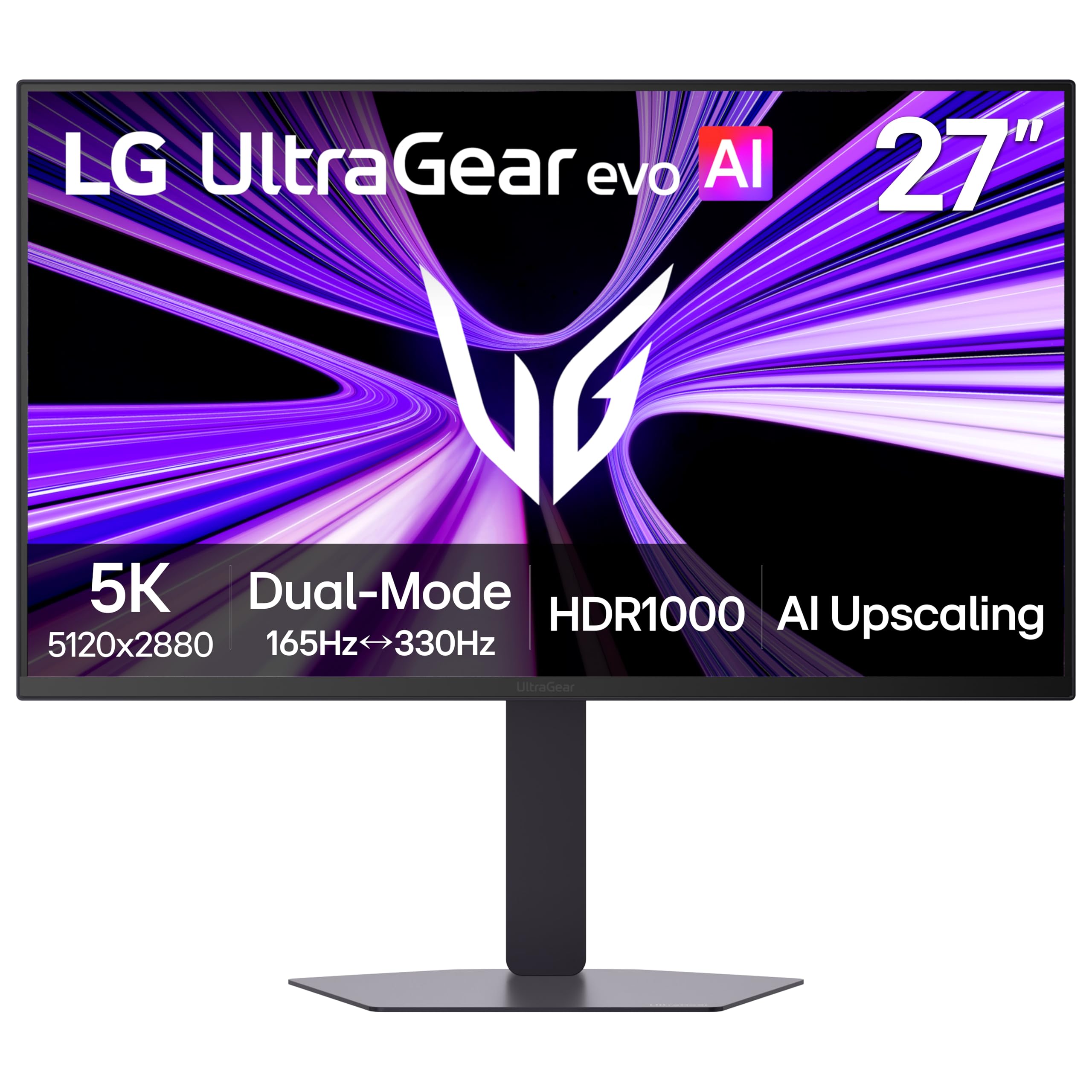
A Mini-LED powerhouse that blasts 1250 nits of peak brightness for explosive HDR gaming
For pure HDR fireworks, nothing here touches the LG’s backlight. Its Hyper Mini LED array packs 9,216 LEDs with 1.5x more local dimming zones, reaching up to 1250 nits peak brightness and VESA DisplayHDR 1000 certification. Explosions and bright environments pop with vivid intensity while shadow detail stays crisp — 99% DCI-P3 coverage keeps the color rich.
Dual mode is on board: 5K at 165Hz for cinematic AAA titles, or QHD at 330Hz for competitive speed, with a 1ms response time. A built-in AI upscaler pushes lower-res content toward 5K so you don’t need a GPU upgrade for sharper visuals. Connections are future-proof: DisplayPort 2.1 (UHBR20), USB-C with 90W power delivery, and HDMI 2.1.
It’s both G-Sync compatible and FreeSync Premium Pro, with 218 PPI keeping in-game text and HUD elements razor sharp. The honest truth: owners are split. Some call it a great dual Mac/PC solution after a firmware update, running 5K at 144Hz over USB-C. Others report a matte coating that shimmers on text, and one owner returned it after a right-side image defect appeared. This is a brilliant, bright gaming panel that demands you read the troubleshooting guide before diving in.
HDR monster: 1250 nits peak and 1.5x local dimming zones make supported games look spectacular.
Buyer caution: mixed reliability reports mean a firmware update and a close return-policy check are wise.
8. BenQ MA270S 27″ 5K Nano Gloss Monitor for Mac Creators
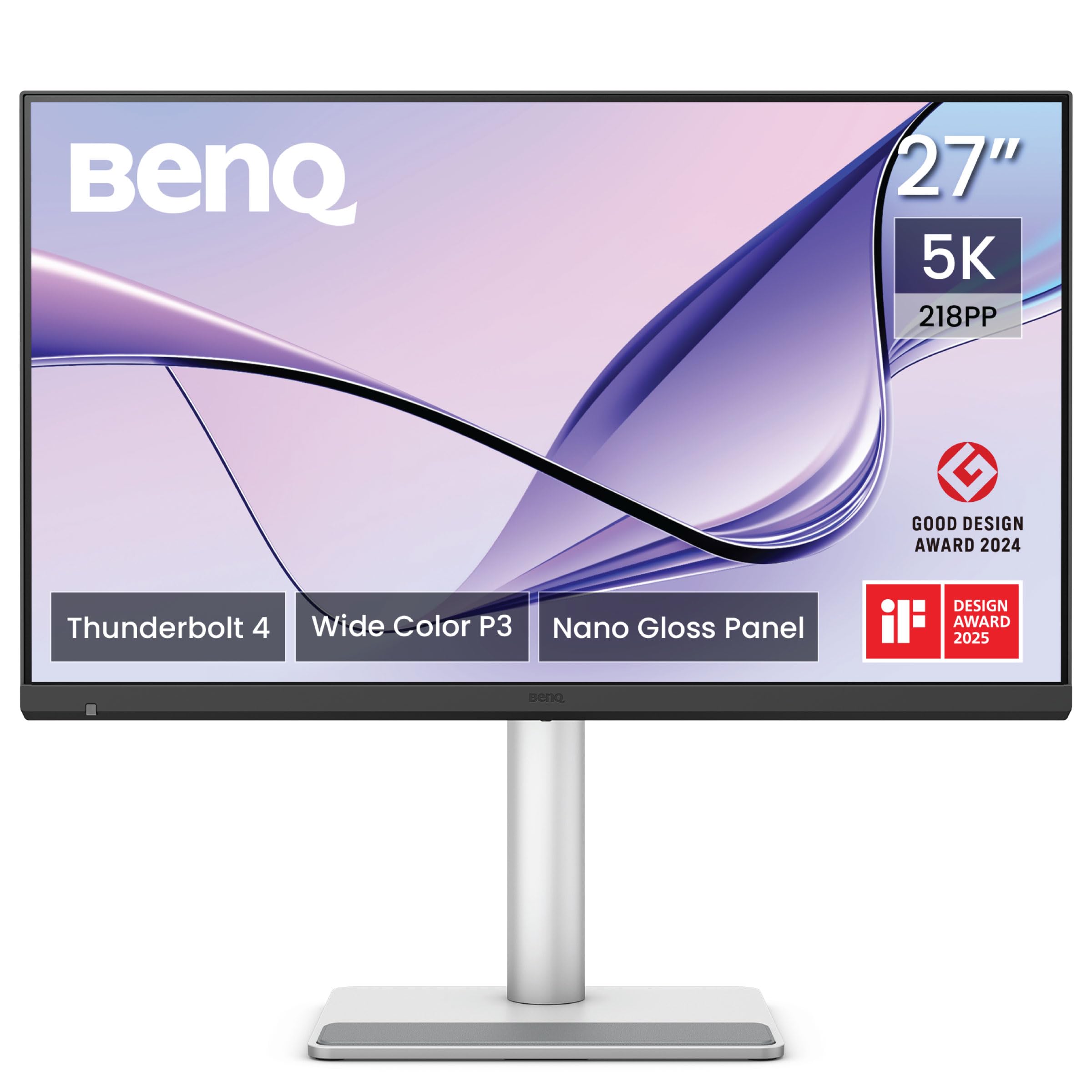
A Mac-only creator panel whose Nano Gloss coating delivers crisp detail with Mac-native colors
Built exclusively for Mac users, the MA270S is tuned so colors stay consistent with your MacBook’s display, and the P3 wide gamut keeps that consistency across your whole creative flow. The Nano Gloss panel is the star: deep blacks, bright highlights, and vibrant contrast that shows your Mac work exactly as intended — without the heavy haze of some matte coatings.
Two Thunderbolt 4 ports deliver the 5K signal, fast data, and up to 96W/15W power delivery, which is enough to charge a MacBook Pro. Daisy-chain a second monitor to extend your workspace, and the Smart KVM feature lets you switch between two Mac systems instantly with one keyboard and mouse. HDMI and USB-C ports add flexibility beyond Thunderbolt.
The stand adjusts height, tilt, swivel, and pivot to follow your posture. Owners call it “essentially the same quality image without the camera or speakers” as the Apple Studio Display, and the dual USB-C is praised for connecting a work MacBook Pro and personal MacBook Air at once. The honest gap: the KVM is the weak link — one owner found it won’t wake idle Macs and requires a manual open up to switch. Buy it for the display, not the KVM.
The Strengths
- Nano Gloss panel: crisp with deep blacks
- Dual Thunderbolt 4 with 96W/15W power delivery
- Full ergonomic stand: height, tilt, swivel, pivot
The Weakness
- Smart KVM is unreliable — idle Macs need manual open up
Choose it if: you’re a Mac-only creator who wants native colors, one-cable charging, and a crisp glossy look.
Look elsewhere if: a flawless KVM is your dealbreaker — this one needs manual nudges.
9. BenQ PD2730S 27″ 5K 218 PPI Mac Monitor for 3D Artists

Built for 3D artists and VFX animators who need 2000:1 contrast and 77.8% more pixels than 4K
This BenQ is engineered for 3D artists, VFX animators, and game designers who live on the accuracy edge. At 5120 x 2880 with 218 PPI, it delivers ultra-sharp detail and smooth gradients, and it packs 77.8% more pixels than a 4K monitor — meaning you see more of your scene without zooming. The 98% P3 gamut and 2000:1 contrast ratio produce deep blacks and vibrant tones for visual storytelling.
Thunderbolt 4 delivers up to 90W of power and 40Gbps transfers, and with certified cables it supports two 5K or one 8K display. The Nano Matte panel is TÜV-certified reflection-free, diffusing ambient light for eye comfort during long design sessions. A built-in KVM switches between two systems with one keyboard and mouse, controlled via a wireless Hotkey Puck.
Owners rave about the display quality, with one measuring an average Delta E of 0.4982 — extremely accurate color from the start. They call it great value and praise the daisy chain, USB, and puck controls. The honest risks: port compatibility gets mixed feedback, and one owner hit a fatal defect with vertical lines after 20 minutes, while another saw a stuck pixel after two weeks. This is a pro tool with strong quality control concerns — check the warranty carefully.
VFX-grade accuracy: measured Delta E near 0.5 with 2000:1 contrast makes it a serious grading panel.
Quality gamble: mixed port-compatibility reports and occasional panel defects mean buy from a lenient return store.
10. Apple Studio Display: Standard Glass, Tilt-Adjustable Stand
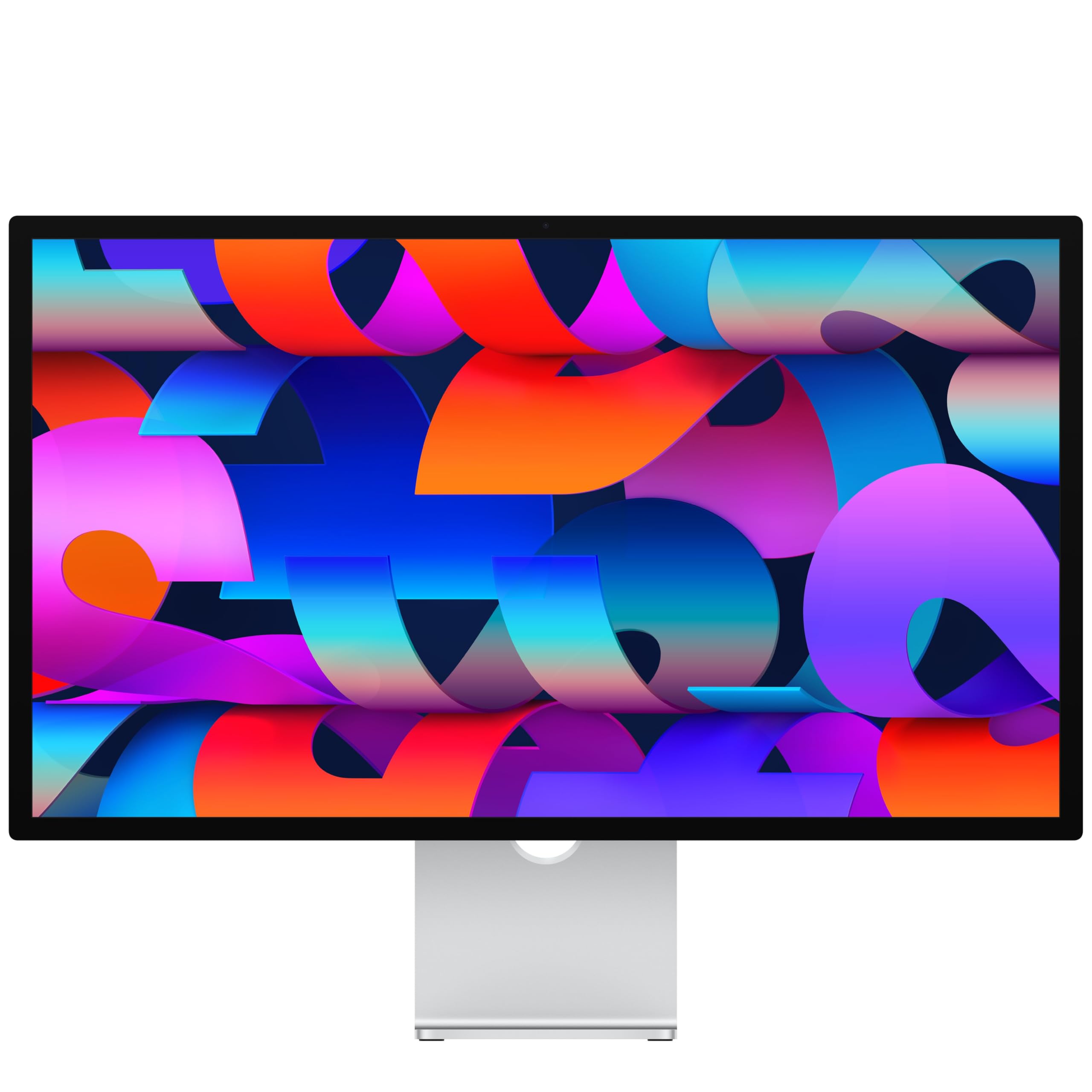
The benchmark 5K Retina display with a 12MP Center Stage camera and studio-class six-speaker audio
Let’s be direct: this is the 5K monitor every other one gets compared to. The 27-inch 5K Retina panel carries 14.7 million pixels, hits 600 nits of brightness, supports 1 billion colors, and covers P3 wide color — so text looks printed and photos glow. It is the crowd favorite for a reason, with a stellar rating across over 900 owners.
It’s not just a screen, it’s a whole desk setup. The 12MP Center Stage camera keeps you framed in video calls and Desk View shows your workspace, while a three-mic array captures clear audio. Six speakers — four force-cancelling woofers and two tweeters — deliver Spatial Audio that genuinely rivals a soundbar. Two Thunderbolt 5 ports daisy-chain up to four displays and fast-charge Mac laptops, plus two USB-C ports for accessories.
Owners describe the display as “crisp” and “incredibly sharp,” noting it integrates smoothly with MacBooks and that the tilt-adjustable stand works perfectly. The recurring theme is that it feels sturdy and premium. The honest pushback: value for money is mixed — some say it’s worth every penny, others call it pricey. If you’re not deep in the Apple ecosystem, the premium here buys camera, speakers, and mics you may not use, making a cheaper panel the smarter call.
The Full Package
- 14.7 million pixels with 600 nits and P3 color
- 12MP Center Stage camera plus Desk View
- Six-speaker Spatial Audio system
- Thunderbolt 5 daisy-chains up to four displays
The Cost
- Premium price — value is a mixed call even for owners
- Camera and speakers are wasted if you use an external setup
Buy it if: you live in the Apple ecosystem and want one flawless, integrated 5K display with great audio.
Think twice if: you’re on Windows or refuse to pay for a camera and speakers you’ll never use.
Understanding the Specs
Pixel Density (PPI)
Pixels per inch tells you how sharp text actually looks. At 27 inches, a 5K (5120 x 2880) panel lands at 218 PPI, which is why small fonts look crisp instead of jagged. This is the spec that makes 5K feel different from 4K — more screens real estate AND sharper text at the same time.
Dual Mode
A dual-mode monitor lets you pick a profile: sharp 5K at a standard refresh rate for work, or a lower resolution like QHD at a much higher refresh rate for gaming. You trade pixels for speed when it matters — like switching from a design app straight into a competitive shooter without changing monitors.
FAQ
What makes 5K different from 4K on a monitor?
Do I need a Thunderbolt port for a 5K monitor to work on a Mac?
Can one 5K monitor charge my laptop at the same time?
Why do some 5K monitors offer a dual-mode QHD setting?
Is a 5K monitor worth it for photo editing?
What does the KVM switch on a 5K monitor do?
What is daisy chaining and why do I want it on a 5K monitor?
Will a 5K monitor game well, or is it just for work?
Final Thoughts: The Verdict
For most buyers, the winner is the 5k screen monitor from Apple — the Studio Display — because it pairs flawless Retina sharpness with a camera, speakers, and Thunderbolt 5 in one smooth Mac setup. If you want dual-mode gaming power with a sharp work mode, grab the Samsung Odyssey G8. And for a budget-friendly 5K entry that still covers 99% DCI-P3 (a wide color gamut standard), the KTC 5K is the one to reach for. With the crowd favorite holding a 4.7-star rating against a much larger pool of owners, the Studio Display’s real-world polish is hard to argue with — just decide whether you’ll actually use the camera and speakers before paying for them.
How We Picked
We do not accept paid placement. Every pick is matched to a real buyer and a real use-case; we do not hands-on test units.
Sources & Methodology
Specifications: manufacturer listings and product documentation. Review insights: verified customer reviews, as of August 2026. Pricing: not shown on this page (it changes often); check the current price via the retailer link.
As an Amazon Associate, Gadgets Feed earns from qualifying purchases. This does not affect which products we feature.