
Moving 5TB of data is no small feat, and the difference between a sluggish external hard drive and a proper solid-state drive is the difference between waiting all afternoon and getting the job done before your next coffee break. The storage market has finally evolved to deliver massive capacities with blistering transfer speeds that can keep up with modern content creation, AAA gaming, and professional workflows.
I’m Min — the co-founder and writer behind Gadgets Feed. I’ve spent countless hours digging through technical datasheets, parsing real-world sequential and random read/write benchmarks, and mapping performance tiers to identify which drives truly deliver on their rated speeds without thermal throttling or reliability concerns.
This analysis breaks down the top contenders so you can confidently choose the best 5tb ssd drive for your specific workflow, budget, and performance expectations.
How To Choose The Best 5TB SSD Drive
Selecting the right 5TB SSD drive involves more than just picking the cheapest option per gigabyte. The interface generation, NAND type, form factor, and intended use case — internal upgrade versus external portable storage — all play decisive roles in whether a drive feels fast or frustrating.
Interface Generation: PCIe Gen 4 vs Gen 5
The interface is the speed pipeline. A PCIe Gen 4 NVMe drive tops out around 7,000–7,500 MB/s, while Gen 5 drives more than double that to around 14,000–15,000 MB/s. However, Gen 5 requires a compatible motherboard with a dedicated M.2 Gen 5 slot and often a beefier heatsink. For external portable SSDs, the bottleneck shifts to the USB interface — USB 3.2 Gen 2×2 delivers up to 2,100 MB/s, while USB 3.2 Gen 1 caps at about 460 MB/s. Pairing a Gen 5 internal drive with a Thunderbolt enclosure yields roughly 3,000–3,400 MB/s due to enclosure overhead.
NAND Flash Type and Endurance
Not all NAND is created equal. TLC (Triple-Level Cell) NAND offers a good balance of speed, endurance, and cost, typically rated for 1,200–2,400 TBW (Total Bytes Written) at the 4TB mark. QLC (Quad-Level Cell) is cheaper per gigabyte but has lower endurance and slower sustained write speeds after the pseudo-SLC cache fills up. For heavy daily writing — 4K video editing, database work, or AI model training — TLC or even higher-grade 3D NAND is essential. Low-intensity use like game storage or media archives is fine with QLC.
Form Factor and Power Requirements
Internal upgrades use the M.2 2280 form factor, which is a small gum-stick-sized card fitting directly onto the motherboard. External portable SSDs come in 2.5-inch enclosures or compact puck-style cases, usually bus-powered via USB-C. Desktop SSDs, like the SanDisk Desk Drive, require an AC power adapter for sustained performance, making them less portable but ideal for permanent desk setups. Always check whether a drive is intended for internal installation, on-the-go use, or stationary desktop storage.
Quick Comparison
On smaller screens, swipe sideways to see the full table.
| Model | Category | Best For | Key Spec | Amazon |
|---|---|---|---|---|
| WD_Black SN8100 4TB | Internal NVMe Gen5 | AI & video editing | 14,900 MB/s read | Amazon |
| Crucial T710 4TB | Internal NVMe Gen5 | Content creation | 14,900 MB/s read | Amazon |
| Kingston NV3 4TB | Internal NVMe Gen4 | Budget Gen4 upgrade | 6,000 MB/s read | Amazon |
| Samsung T5 EVO 4TB | Portable SSD | On-the-go bulk storage | 460 MB/s read | Amazon |
| Crucial X10 6TB | Portable SSD | Rugged travel SSD | 2,100 MB/s read | Amazon |
| WD My Passport 5TB | Portable HDD | Secure backups | 5Gbps USB 3.1 | Amazon |
| Seagate Portable 5TB | Portable HDD | Budget bulk storage | 5,120 Mbps transfer | Amazon |
| WD Elements 5TB | Portable HDD | Plug-and-play archives | 5Gbps USB 3.2 | Amazon |
| SanDisk Desk Drive 8TB | Desktop SSD | Desktop photo libraries | 1,000 MB/s read | Amazon |
In‑Depth Reviews
1. WD_Black SN8100 4TB NVMe SSD

The WD_Black SN8100 represents the bleeding edge of internal NVMe storage, hitting sequential read speeds of 14,900 MB/s and writes up to 14,000 MB/s on the 4TB model. That is over double what the previous Gen 4 flagship SN850X offered, and in real-world testing, users report boot times under 3 seconds and complete elimination of microstutter in demanding game titles. The TLC 3D CBA NAND is rated for up to 4,800 TBW on the 8TB variant, giving heavy workload users years of reliable performance without degradation.
Thermal management is a genuine strong point — despite the blistering speeds, the drive maintains operational temperatures around 82°F under load, outperforming the Samsung 9100 Pro in heat dissipation. The drive requires a PCIe Gen 5 M.2 slot for full performance, but backward compatibility with Gen 4 and Gen 3 motherboards is seamless. Users upgrading from Gen 3 RAID configurations describe the difference as night and day, especially for high-bitrate video editing and AI model loading.
Sandisk Dashboard software provides Windows-based health monitoring and firmware updates, while Acronis True Image for Sandisk simplifies data migration. The 2TB model sits around , delivering competitive price-per-gigabyte versus other Gen 5 options. For professionals and enthusiasts who push storage to its limits daily, this is the definitive high-capacity NVMe drive.
Why it’s great
- Industry-leading 14,900 MB/s sequential read speed
- Excellent thermal performance under sustained load
- Reliable TLC 3D CBA NAND with high endurance rating
Good to know
- Requires PCIe Gen 5 slot for peak speeds
- Premium pricing, especially at 4TB capacity
2. Crucial T710 4TB NVMe SSD

The Crucial T710 is engineered for sustained mixed workloads, delivering up to 14,900 MB/s reads and 13,800 MB/s writes using Micron G9 TLC NAND. Where this drive truly shines is in data-heavy professional pipelines — one tester reported cutting a multi-hour data processing runtime down to roughly 28 minutes, with write phases that no longer stall under load. The sequential throughput of around 9.6 GB/s in real-world conditions puts it ahead of any Gen 4 competitor for database work and 8K+ video projects.
A heatsink is mandatory for sustained performance, and the drive is designed for Intel 13th/14th Gen and AMD Ryzen 7000 series motherboards with M.2 Gen 5 slots. It is backward compatible with Gen 4 and 3, though users note that Windows partition management can be finicky — Linux Mint offers a smoother setup experience. The bundled Acronis True Image cloning software and one-month Adobe Creative Cloud subscription add tangible value for creative professionals.
In Thunderbolt enclosures, the T710 saturates the interface at roughly 3,400 MB/s without thermal throttling, making it an excellent choice for Mac Studio users seeking stable maximum Thunderbolt bandwidth. With AES-256-bit hardware encryption and TCG Opal 2.01 support, sensitive data stays protected. At its price point, it delivers Gen 5 performance without the premium of Samsung or WD flagships.
Why it’s great
- Exceptional sustained write performance for data pipelines
- Great value among Gen 5 drives with TLC NAND
- Includes Adobe CC subscription and cloning software
Good to know
- Requires aftermarket or motherboard heatsink
- Windows setup can be less straightforward than Linux
3. Kingston NV3 4TB NVMe SSD

The Kingston NV3 delivers PCIe Gen 4 speeds up to 6,000 MB/s sequential read at a price point that undercuts most Gen 4 competitors. For users building a secondary game drive or upgrading from a SATA SSD, the jump is enormous — boot times become nearly instant, and application loading feels snappy across the board. The 4TB capacity provides ample room for a large AAA game library plus media and project files.
Performance consistency is solid for the category, though some users report noticeable slowdowns after 5–10 minutes of sustained writes, likely due to the pseudo-SLC cache filling up. For everyday use — file transfers, gaming, and general productivity — this quirk is rarely encountered. The drive runs cool under typical loads and is rated as shock-resistant, adding a layer of durability for desktop builds that see occasional movement.
Setup requires a PCIe Gen 4 or higher M.2 slot, and users should ensure their BIOS is set to Gen 4 for maximum throughput. The standard M.2 2280 form factor fits most modern motherboards and laptops with an available slot. For budget-conscious users who want massive NVMe capacity without stepping up to Gen 5 pricing, the NV3 offers the best price-to-performance ratio in this class.
Why it’s great
- Excellent price-per-gigabyte for Gen 4 NVMe
- High 6,000 MB/s sequential read speed
- Cool and stable operation in typical use
Good to know
- Sustained write performance drops after cache fills
- Best suited as secondary storage, not OS drive
4. Samsung T5 EVO 4TB Portable SSD

The Samsung T5 EVO packs 4TB of solid-state storage into a chassis so small users describe it as a high-capacity thumb drive. Sequential read speeds reach 460 MB/s via USB 3.2 Gen 1, which is roughly four times faster than most portable hard drives and plenty fast for transferring 4K video files, photo libraries, and game backups. The drive measures just a few inches across and weighs practically nothing, slipping easily into a pocket or camera bag.
Drop protection up to 6 feet provides peace of mind for on-the-go use, and the drive stays cool even during extended file transfers of large video projects. Users report consistent performance without thermal throttling, a common pain point with smaller portable SSDs. The Intelligent TurboWrite feature helps optimize large file transfers, though the SATA-level interface speed means it won’t compete with Thunderbolt or USB 3.2 Gen 2×2 drives for raw throughput.
Compatibility spans PC, Mac, gaming consoles, cameras, and smartphones via USB-C, making it one of the most versatile portable drives available at this capacity. Some users experienced occasional disconnects with certain Type-C cables, but a quality replacement resolves the issue. For anyone needing massive portable capacity in the smallest possible package, the T5 EVO is hard to beat.
Why it’s great
- Incredibly compact 4TB portable design
- 6-foot drop protection for travel durability
- Broad cross-platform compatibility
Good to know
- Limited to 460 MB/s via USB 3.2 Gen 1
- Some cable compatibility issues reported
5. Crucial X10 6TB Portable SSD
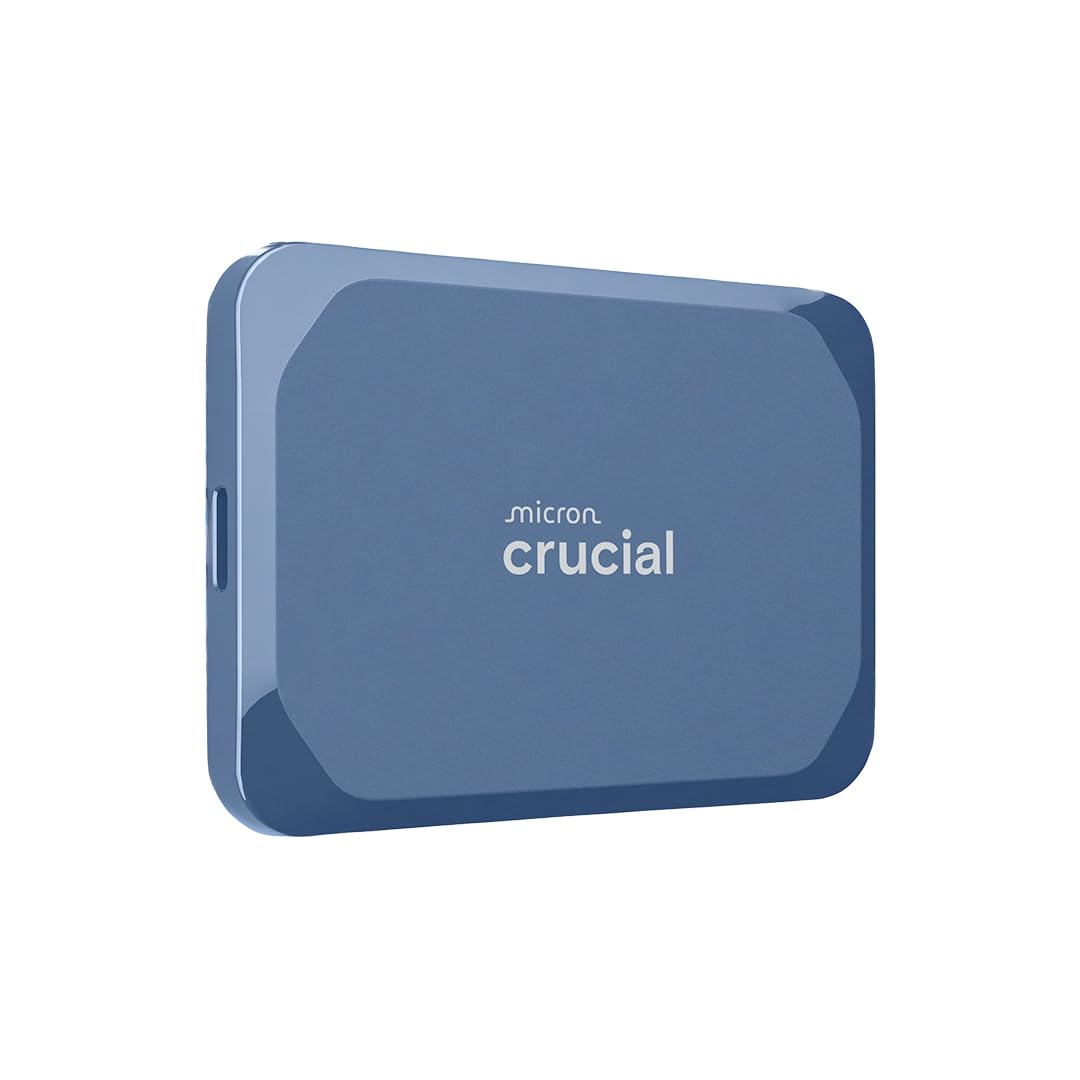
The Crucial X10 brings genuine ruggedness to high-capacity portable SSDs with its IP65 dust and water resistance rating and 3-meter drop tolerance. Read speeds reach up to 2,100 MB/s over USB 3.2 Gen 2×2, and real-world transfers land between 1.4 and 1.8 GB/s — fast enough for on-location ProRes editing in Premiere Pro and After Effects without stuttering. The drive is exceptionally small and thin, fitting into a wallet pocket while holding up to 6TB of data.
Users praise the drive for its silent operation and lack of thermal throttling, even during large sustained writes. The 6TB capacity is ideal for creative professionals who need to carry extensive asset libraries without relying on cloud connectivity. Compatibility covers Windows, Mac, iPad Pro, Chromebooks, Android, Linux, PS4, PS5, and Xbox, making it one of the most platform-flexible external SSDs available.
The X10 requires a USB 3.2 Gen 2×2 port to hit its peak 2,100 MB/s speed — on older USB 3.2 Gen 1 ports, speeds drop to around 1,000 MB/s. The lack of an activity LED is a minor oversight for a drive at this price point. With its exceptional durability, pocketable size, and 6TB capacity, it sets the standard for rugged high-capacity portable storage.
Why it’s great
- IP65 dust/water resistance and 3-meter drop rating
- Ultra-compact 6TB design ideal for travel
- Excellent sustained performance for video editing
Good to know
- Requires USB 3.2 Gen 2×2 for full speed
- No activity LED indicator
6. WD 5TB My Passport Portable Hard Drive

The WD My Passport 5TB is a portable hard drive that prioritizes data security and convenience over speed. It includes hardware encryption for AES-256 password protection and bundled device management software with ransomware defense. The aluminum-and-glass enclosure feels premium and more durable than basic plastic designs, and the compact 2.5-inch form factor slips easily into a laptop bag.
Transfer speeds are typical for a 5,400 RPM portable HDD — adequate for daily backups, media archiving, and file transfers, but substantially slower than any SSD in this guide. The drive comes pre-formatted for Windows, and Mac users will need to reformat via Disk Utility. The included backup software has been a common point of frustration, with some users reporting installation hangs and update failures on Windows 10.
The 3-year limited warranty provides solid peace of mind for a mechanical drive. For offline backups of sensitive documents, photo archives, and secondary file storage where speed is not critical, the My Passport offers capable security features and reliable WD build quality at a budget-friendly price point.
Why it’s great
- Hardware encryption and password protection
- Premium aluminum/glass build quality
- Reliable 5TB capacity for backups
Good to know
- Bundled software has known installation issues
- Much slower than any SSD alternative
7. Seagate Portable 5TB External Hard Drive

The Seagate Portable 5TB is a straightforward, no-frills external HDD that focuses on maximizing capacity per dollar. Plug-and-play simplicity for Windows and drag-and-drop backup for Mac make it accessible for non-technical users. The drive is whisper-quiet during operation and remains cool to the touch, making it suitable for college students and young professionals who need to carry class projects and media libraries.
Being an SMR (Shingled Magnetic Recording) drive, write speeds drop significantly after the first 100GB or so — average speeds can fall to around 25 MB/sec for large sequential writes. This makes it unsuitable for frequent heavy write workloads but perfectly adequate for occasional backups and archival storage. Users should leave the drive plugged in for about 30 minutes after large transfers to allow internal reorganization to complete.
The included 1-year Rescue Service provides data recovery coverage, a meaningful safety net for a mechanical drive. Music producers report it works well for storing plugin and sample libraries with no performance delay during production. For the best 5TB SSD drive experience, this is not it — but for pure capacity at the lowest entry price, the Seagate Portable delivers exactly what it promises.
Why it’s great
- Cost-effective 5TB portable storage
- Very quiet and cool operation
- 1-year Rescue Service data recovery included
Good to know
- SMR technology causes slow sustained write speeds
- Not suitable for heavy daily write workloads
8. WD 5TB Elements Portable Hard Drive

The WD Elements 5TB is the purest expression of plug-and-play external storage — no bundled software, no encryption features, just a reliable 2.5-inch mechanical hard drive that shows up on your computer immediately. USB 3.2 Gen 1 connectivity provides up to 5Gbps interface speed, though real-world throughput is limited by the mechanical drive’s spinning platters. Users consistently report years of trouble-free operation for file archiving and Time Machine backups.
This is an HDD through and through, so transfer speeds are nowhere near SSD territory. It works great for storing finished projects, media collections, and as a cloud buffer, but daily active work on it will feel sluggish. The drive is whisper-quiet and runs slightly warm during extended use. A common user observation is that the included USB cable can fail over time — replacing it with a quality cable solves the issue.
Mac users should note that the drive arrives formatted for Windows; Time Machine on Monterey will automatically reformat it to APFS, which locks the drive for backups only. Creating a separate APFS volume provides more flexibility. With no setup required and proven long-term reliability, the WD Elements 5TB remains the go-to choice for pure archival storage.
Why it’s great
- True plug-and-play with no software bloat
- Proven long-term reliability for archives
- Compact 2.5-inch portable form factor
Good to know
- Standard HDD speeds, not suitable for active work
- Stock USB cable may need replacement over time
9. SanDisk 8TB Desk Drive SSD

The SanDisk Desk Drive is a dedicated desktop external SSD designed for professionals who need massive capacity at their desk. With up to 8TB of solid-state storage and read speeds of 1,000 MB/s via USB-C 3.2 Gen 2, it is roughly four times faster than a typical desktop HDD. The compact footprint sits unobtrusively on a desk, and exFAT formatting out of the box ensures seamless compatibility with both Windows and Mac without reformatting.
Unlike bus-powered portable SSDs, the Desk Drive requires its own AC power adapter, which is a trade-off for sustained performance and large capacity. Lightroom and Photoshop users editing from 100,000+ raw file libraries report noticeably faster thumbnails and smoother editing than with mechanical drives. The included Acronis True Image for Western Digital backup software simplifies automated backups, and the drive works seamlessly with Apple Time Machine.
Some users have reported the drive getting hot enough to cause disconnections and data corruption — it is essential to place it in a well-ventilated area. The need for a power adapter feels dated in an era of bus-powered SSDs, but at 8TB capacity, the power draw justifies the design. For studio-bound creatives who need fast access to a massive media library without touching cloud storage, the Desk Drive delivers unmatched capacity per square inch of desk space.
Why it’s great
- Huge 8TB SSD capacity in a compact desk footprint
- 1,000 MB/s speed for smooth photo/video editing
- ExFAT pre-format for instant cross-platform use
Good to know
- Requires AC power adapter, not bus-powered
- Ventilation needed to avoid overheating issues
FAQ
Can I use a 5TB internal NVMe SSD in an external USB enclosure?
What is the real-world difference between PCIe Gen 4 and Gen 5 for 5TB SSDs?
How do I optimize a 5TB SSD for high-end video editing workflows?
Final Thoughts: The Verdict
For most users, the best 5tb ssd drive winner is the WD_Black SN8100 4TB because its Gen 5 speeds, excellent thermals, and high endurance make it future-proof for any professional or gaming workload. If you want a rugged travel companion with max capacity, grab the Crucial X10 6TB. And for budget-conscious Gen 4 upgrades, nothing beats the Kingston NV3 4TB on price per gigabyte.