
Our readers keep the lights on and my morning glass full of iced black tea. As an Amazon Associate, I earn from qualifying purchases.
Specs are compiled from manufacturer listings and verified buyer reviews and can change over time — please confirm the key details on the product page before buying.
If you are building a home office, picking a second screen for your laptop, or setting up a quiet corner for spreadsheets and streaming, a 60 Hz monitor is the honest workhorse you are actually looking for. The high-refresh-rate hype is for esports, not for the daily grind of documents, video calls, and casual Netflix sessions. This guide cuts through the noise to find the sharpest, most comfortable panels that do exactly one thing well — give you a clear, steady picture for real work, without you paying for features you will never use.
I’m Min — the founder and writer behind Gadgets Feed. This guide is built by comparing the manufacturers’ published specifications and the patterns across verified customer reviews, so you get each pick’s real strengths and trade-offs instead of marketing spin.
if you need room to split two windows side by side or a portable companion for the road, the right 60 hz monitor balances resolution for sharp text with the panel technology that keeps your eyes comfortable across an eight-hour day.
Our Picks at a Glance


How To Choose The Best 60 Hz Monitor
The decision starts with the type of work you do. A 60 Hz panel is built for static or lightly animated content — think typing, reading, coding, spreadsheets, and video streaming. You do not need a high refresh rate for that. What you do need is a resolution that gives you enough screen real estate, a panel that reproduces colors accurately, and a stand that keeps your neck comfortable.
Resolution: 1080p or 4K
A Full HD (1920×1080) monitor is budget-friendly and easier for your computer to drive. If you mainly run one or two apps side by side, a 24-inch to 27-inch 1080p screen is more than enough. A 4K (3840×2160) monitor, however, has 3840×2160 pixels compared to 1920×1080, so it packs more pixels into the same space. Text looks almost print-quality sharp, and you can tile three or more windows without squinting. The catch is that you need a slightly newer computer to run 4K smoothly, and you will want to set the scaling to 125% or 150% so icons and text are not tiny.
Panel Type: IPS vs VA
IPS (In-Plane Switching) panels are the gold standard for office work. They offer wide 178-degree viewing angles (so colors do not shift if you lean back or a coworker glances over), accurate color, and consistent brightness across the screen. VA (Vertical Alignment) panels deliver deeper black levels and higher contrast (think 3000:1 or 4000:1), which makes movies and dark-mode interfaces look richer. The trade-off is that VA screens can lose some detail in dark areas when viewed from an angle and can be slightly slower in pixel response than IPS.
Connectivity and Ergonomics
At a minimum, look for HDMI and DisplayPort inputs. If you plan to use a laptop, a monitor with USB-C that delivers power and video over a single cable is a huge convenience. An adjustable stand that lets you change height, tilt, and pivot is not a luxury — it is the simplest upgrade for preventing neck and eye strain over a long workday. VESA mount compatibility (the 100x100mm standard) gives you the option to use a monitor arm later, which frees up desk space.
Quick Comparison
| Model | Best For | Resolution | Panel Type | Stand Adjustment | Amazon |
|---|---|---|---|---|---|
| Dell P2422H★ Best Overall | Office multitasking with USB hub | 1920×1080 (FHD) | IPS | Height, tilt, pivot | Amazon |
| LG 27UP650K-WColor Pro Pick | Color-accurate creative work | 3840×2160 (4K) | IPS | Height, tilt, pivot | Amazon |
| Gawfolk 32″ 4K | High-contrast media on a budget | 3840×2160 (4K) | VA | Tilt | Amazon |
| ZZA 32″ 4K IPS | Casual gaming and PS5 at 4K | 3840×2160 (4K) | IPS | Tilt | Amazon |
| LG 32UR550K-B | Large-screen office and console mix | 3840×2160 (4K) | VA | Height, tilt, pivot | Amazon |
| Lenovo L15 | Travel and mobile dual-screen | 1920×1080 (FHD) | IPS | Built-in kickstand | Amazon |
| ZZA 32″ 1K FHD | Budget desk monitor for basic work | 1920×1080 (FHD) | IPS | Tilt | Amazon |
In‑Depth Reviews
1. Dell P2422H 24 Inch Full HD Monitor
Our pick — over 4.5★ from 800+ verified ratings; the strongest balance of quality and price.
The office classic that connects everything and asks for nothing.
The Dell P2422H earns the top spot because its 5-port USB 3.0 hub (plug your keyboard, mouse, and webcam into the monitor) and full ergonomic stand — height, tilt, pivot, and swivel — solve the two biggest desk annoyances in one package. Its 24-inch Full HD (1920×1080) IPS panel delivers consistent 178-degree viewing angles and a 99% sRGB color gamut, so colors look natural whether you are sitting dead center or a coworker glances over. Buyers report the picture is soothing to the eyes once the brightness is dialed down, and the 5ms response time keeps text scrolling crisp without ghosting.
That built-in hub means a single USB-B cable back to your PC handles all peripheral data. It saves you reaching behind a tower twice a day. The inclusion of VGA alongside HDMI and DisplayPort means it will connect even to older office laptops without an adapter. The catch, as owners mention, is that the 60 Hz refresh rate makes it a poor choice for fast-paced gaming. Unlike the larger 4K picks in this list, you get a work-first tool with no noisy gamer aesthetic — and the USB hub alone justifies the position for anyone who spends eight hours a day at a desk.
Desk-centric strength: This is a work monitor through and through. The USB hub and full ergonomic stand alone justify the position for anyone who spends eight hours a day at a desk.
Grab it for: A clutter-free office desk where your peripherals plug into the monitor, not the PC.
Look elsewhere if: You want high-refresh gaming or a larger-than-24-inch screen for movie viewing.
2. LG 27UP650K-W 27-inch Ultrafine 4K IPS Monitor
4K clarity with color accuracy that rivals far more expensive screens.
If your day involves photo editing, design work, or simply wanting text so sharp it looks printed, the LG 27UP650K-W is the standout. Its 27-inch 4K UHD (3840×2160) IPS panel covers 95% of the DCI-P3 color space — the wider gamut used in video production and HDR content — and it backs that up with VESA DisplayHDR 400 certification. That combination means brighter highlights and deeper color saturation than standard sRGB screens can manage. Buyers consistently note that the image quality and color reproduction rival Apple displays at a fraction of the cost.
The ergonomic stand here is a genuine daily pleasure — height, tilt, and pivot all adjust with a finger push, and the matte anti-glare coating handles office lighting without reflecting the ceiling fixture back at you. It includes both HDMI and DisplayPort cables in the box, and the 5ms GTG response is more than adequate for casual gaming. The honest limit is that there are no USB ports on the monitor itself, and the 60 Hz refresh combined with FreeSync means it is built for work-first, not competitive esports. For the price, the LG matches a Dell UltraSharp in color performance and outpaces it in contrast and gamut.
Why creatives choose it
- 95% DCI-P3 color and DisplayHDR 400 deliver professional-grade color.
- Fully adjustable stand (height, tilt, pivot) with smooth finger-push mechanics.
- Cables included: no extra cost for HDMI and DisplayPort.
One trade-off
- No built-in USB hub or speakers, so peripherals still connect to your computer.
Best for: Designers, editors, and anyone who values color accuracy and 4K text sharpness at a reasonable cost.
Not ideal if: You need a single-cable USB-C setup or built-in speakers for desk cleanliness.
3. Gawfolk 32 Inch 4K UHD Monitor
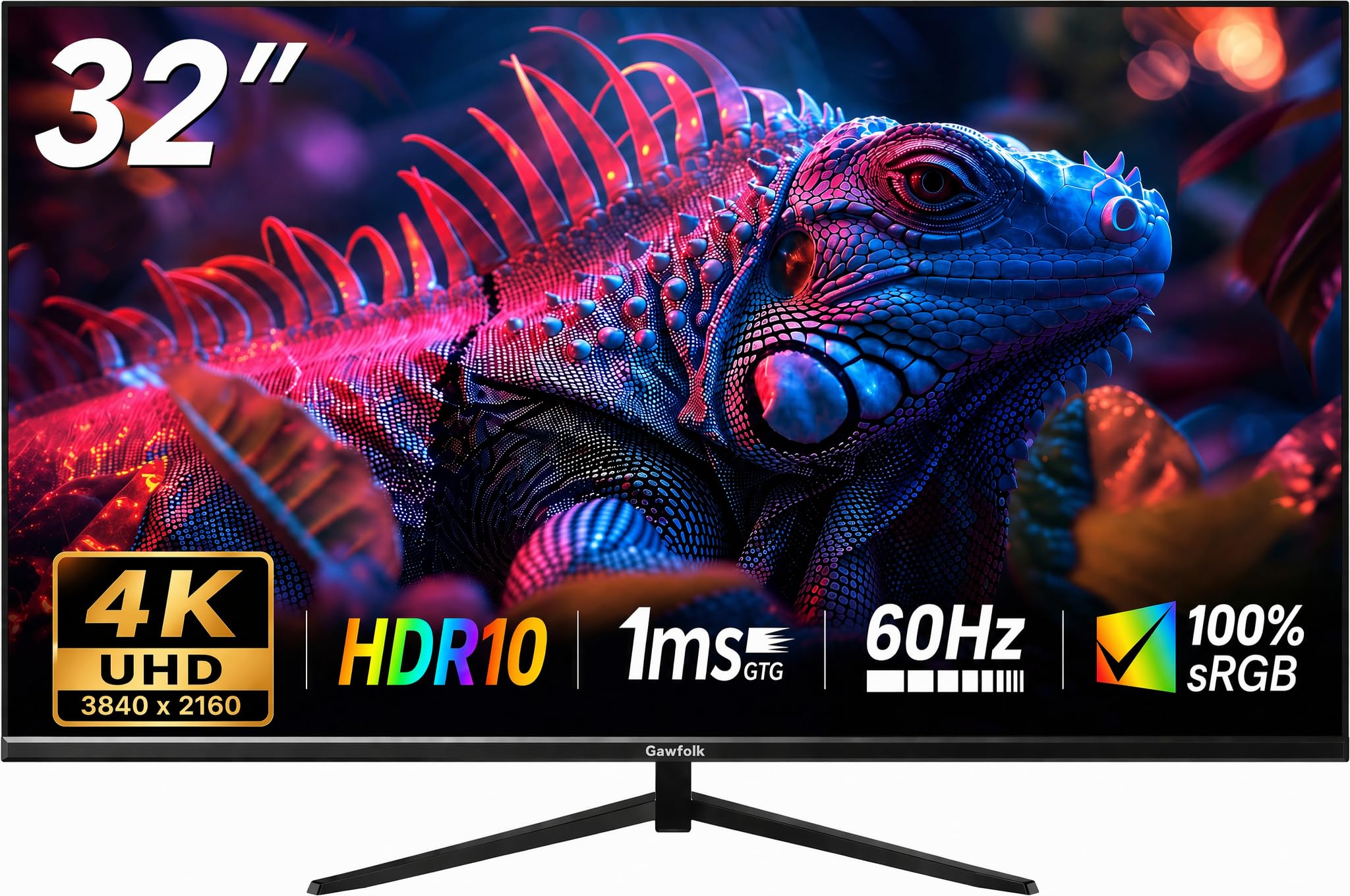
Huge 4K real estate for less than you would expect to pay.
The Gawfolk is the entry ramp into 32-inch 4K territory without the premium price tag. Its VA panel delivers a 4000:1 contrast ratio, which means deep black levels that make movies and dark-mode coding look richer than what a standard IPS panel can produce. The 178-degree viewing angles hold color consistency across the wide screen, and the HDR 10 support adds a visual punch when watching supported video content.
The overwhelmingly common sentiment from owners is that the quality and value for money are tough to top at this size and resolution. The screen has been praised for its smooth appearance and gaming suitability at the 60 Hz refresh. The honest caveat, customers note, is that reliability is a mixed bag — some units arrive with minor defects like dead pixels or malfunctioning buttons, and a small number stop working after a few months. The tilt-only stand is basic, and the built-in speakers are described as weak. For the reader willing to roll the dice for a giant, crisp panel, the upside is a massive workspace that the Dell P2422H simply cannot offer.
The value equation: You get a 32-inch 4K VA screen with high contrast and HDR10 for a low entry price. The gamble is on consistency — check the unit thoroughly when it arrives.
Reach for it if: You want a huge, high-resolution screen for multitasking and media without spending mid-range money.
Think twice if: You need guaranteed reliability or a fully adjustable ergonomic stand from day one.
4. ZZA 32″ 4K UHD IPS Monitor
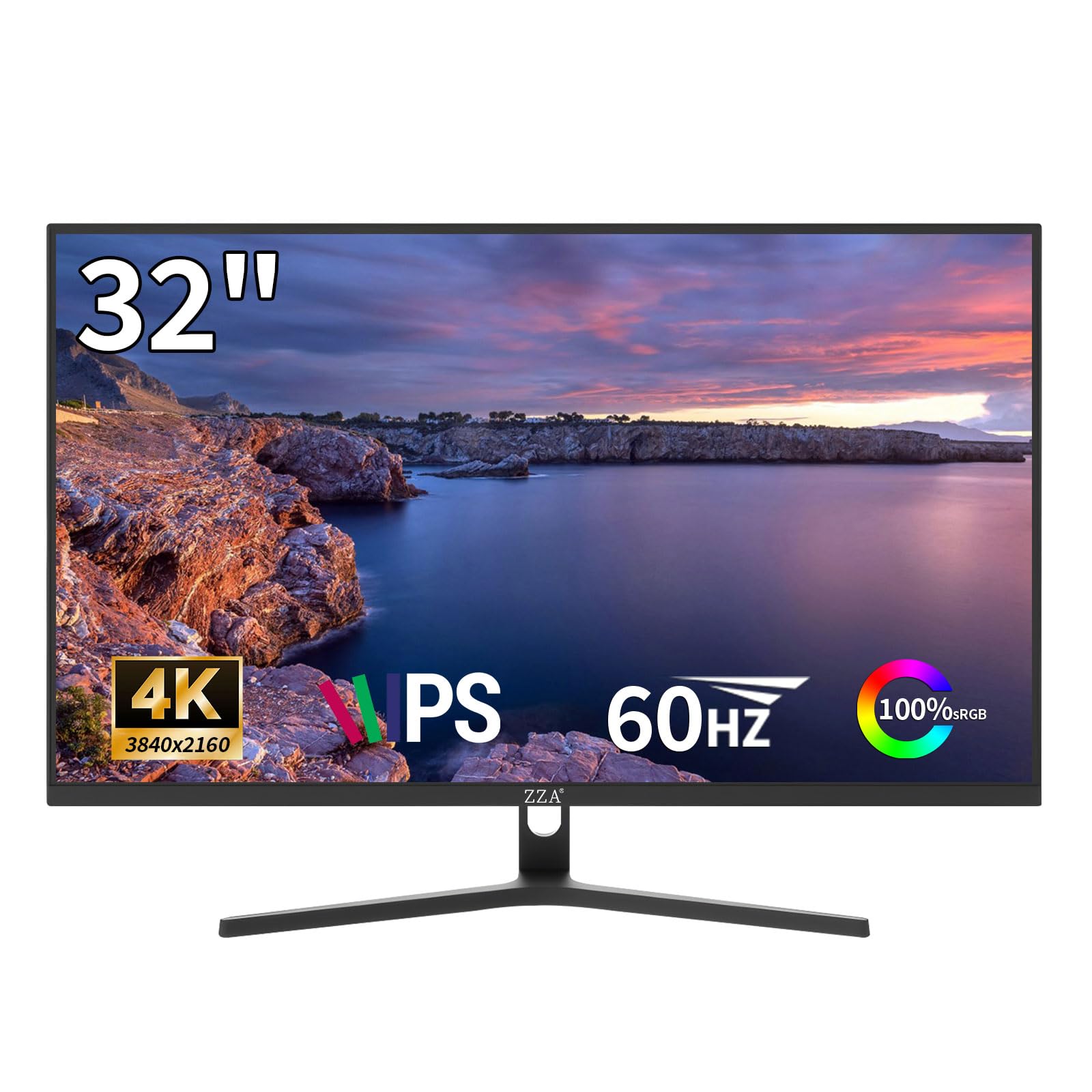
The work-and-play hybrid that targets native 4K on your console.
This ZZA monitor pitches itself directly at the desk warrior who wants one screen for Excel by day and PS5 by night. The 32-inch 4K UHD (3840×2160) IPS panel covers 100% sRGB gamut and includes AMD FreeSync technology, which dynamically syncs the display with your graphics card or console to eliminate screen tearing during games. Buyers confirm that it runs native 4K at 60 Hz on PS5 and Xbox Series X without any hassle — a genuine advantage if you do not want to split your output between a productivity screen and a gaming TV.
The thoughtful details include a TÜV-style low blue light and flicker-free mode that keeps your eyes comfortable across a full workday. Owners note that the screen is impressively thin and the bezels are slim, making it a tidy fit in multi-monitor arrays. The stand is VESA 100x100mm compatible, though the included base only tilts. The one consistent buyer gripe is the lack of USB ports on the monitor, which means your peripherals stay tethered to your laptop. Against the Dell P2422H, you lose the USB hub but you gain four times the resolution and a much larger canvas.
Console-first angle: It is one of the more affordable ways to get a 32-inch IPS 4K panel with FreeSync that is verified to work with the latest consoles from the start.
Reach for it if: You want a single monitor for work-from-home and console gaming at native 4K.
Look elsewhere if: You need a USB hub, a fully adjustable stand, or a curved screen.
5. LG 32UR550K-B 32-inch Ultrafine 4K VA Monitor

A sizeable 4K VA panel with the ergonomic stand that big screens deserve.
The LG 32UR550K-B is the larger sibling to the 27UP650K, trading its IPS panel for a 32-inch VA panel with a 3000:1 contrast ratio and 90% DCI-P3 color coverage. This combination yields excellent black depth for movies and gaming with HDR content, while the color gamut is wide enough for photo editing where deep reds and greens matter. Buyers repeatedly note the picture quality and size work perfectly for home office tasks where the extra 4K space lets you tile documents and browser windows without constant tab-switching.
LG includes a full ergonomic stand — height, tilt, and pivot adjustment — which is a rare find on a 32-inch panel at this tier, and the tool-free assembly is a welcome touch. The addition of built-in speakers is a convenience that the 27UP650K lacks, and the combo of FreeSync and G-Sync compatibility gives PC gamers options. The recurring buyer sentiment is that the display quality is outstanding for the price, though a few units show slight color non-uniformity along the bottom edge. Compared to the cheaper ZZA 4K monitor, the LG trades a bit of raw contrast for a brand-backed adjustable stand and slightly better color coverage.
Why size and ergonomics win
- 32-inch 4K VA panel with 3000:1 contrast and 90% DCI-P3 color.
- Full ergonomic stand (height, tilt, pivot) and built-in speakers.
- FreeSync and G-Sync compatible for both console and PC gaming.
One honest note
- Edge-to-edge color consistency is slightly less uniform than a premium IPS panel; small variance visible on solid white backgrounds.
Grab it for: A large, adjustable 4K screen that handles office work, movies, and console gaming with stability and good color.
skip it if: You need absolute edge-to-edge color uniformity for professional print proofing.
6. Lenovo L15 15.6″ Portable Monitor

A featherlight second screen that slips into your bag and pairs via a single cable.
The Lenovo L15 is built for mobility. At just under two pounds and 15.6 inches diagonally, it fits in most laptop bags alongside your main machine. The Full HD (1920×1080) IPS panel delivers the same 250-nit brightness and 60 Hz refresh you would expect from a full-size monitor, and the two USB-C ports handle both power and video through a single cable — plug it into a MacBook or Surface Pro and it just works. Buyers describe it as a massive productivity upgrade for hotel rooms, co-working spaces, and conference tables.
The built-in height-adjustable kickstand is sturdy and includes rubber feet for grip on a desk, and the flicker-free technology reduces eye strain during long sessions. What wins people over is how easily it extends a laptop screen. The reliability picture is mixed: while most units perform flawlessly, a small number of reviewers point out the monitor stopped connecting after weeks of use, and the included sleeve lacks a closure or a pocket for the cable. For the business traveler who values lightweight portability over absolute durability, the L15 is a compelling buy.
Road warrior reality: The convenience of USB-C plug-and-play in a package this light is tough to top for anyone who sets up a dual-screen workstation in a different hotel room every week.
Best for: Business travelers, remote workers, and ThinkPad owners who need a second screen that goes wherever the laptop goes.
Not ideal if: Long-term durability is your top concern or you need a larger main display for the desk.
7. ZZA 32 Inch 1K FHD IPS Monitor
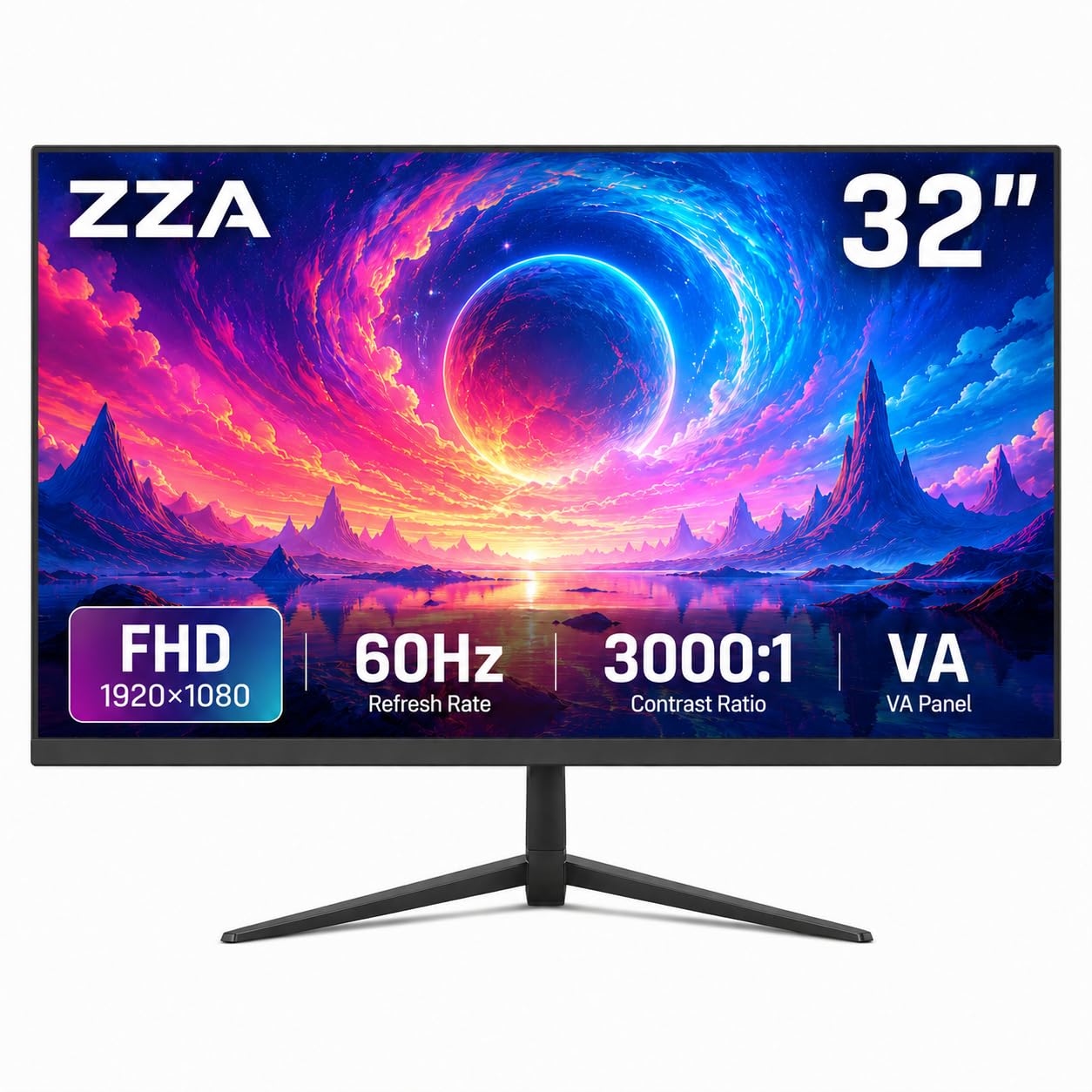
A giant screen for basic work without the high price of 4K.
If you just need a large canvas for documents and web browsing without the computer demands or cost of a 4K panel, this ZZA delivers a 32-inch Full HD display at an entry-level price. The IPS panel provides a wide 178-degree viewing angle and a 3000:1 contrast ratio, and the 60 Hz refresh includes AMD FreeSync for tear-free casual gaming. Buyers find the screen quality and size perfectly adequate for working from home and note how easy the setup is with a docking station.
The three-sided ultra-thin bezel and VESA 100x100mm compatibility make it easy to pair with a monitor arm for a clean multi-monitor desk. The brightness is rated at 250 cd/m², and the 100% sRGB color gamut ensures basic color accuracy for non-critical work. The notable downside shoppers say is audio: the monitor has no built-in speakers, so you will need external ones for sound. A smaller number of owners mention the VESA mount pattern required slight modification to fit standard arms. At this size and price, it trades pixel density for sheer screen area, so text will not be as sharp as a 27-inch 4K panel, but for a budget-friendly secondary monitor, it fills the role well.
Value trade-off: A 32-inch IPS panel at this price is great for basic office work and media. Just remember you need your own speakers, and do not expect the sharp text of 4K.
Reach for it if: Your priority is a large, affordable screen for spreadsheets and web browsing without caring about 4K sharpness.
Look elsewhere if: You need high pixel density for text clarity or built-in speakers.
Understanding the Specs
Refresh Rate (60 Hz)
The refresh rate is how many times per second the screen redraws the image. A 60 Hz monitor updates 60 times every second. That is perfectly smooth for typing, reading, streaming video, and most daily tasks. Anything above 60 Hz (like 120 Hz or 144 Hz) is only useful for fast-paced competitive gaming where every millisecond of motion matters. For office workers and movie watchers, a 60 Hz monitor is the correct, cost-effective choice.
Panel Type (IPS vs VA)
IPS (In-Plane Switching) panels give you the widest viewing angles and most consistent color from edge to edge. They are ideal if you share your screen with a coworker or move around while you work. VA (Vertical Alignment) panels offer superior contrast — deeper blacks and brighter whites — making them better for watching HDR movies and working in dark mode. The trade-off is that VA screens can shift in color when viewed from an angle and can have slightly slower pixel response than IPS.
Resolution (FHD vs 4K)
A Full HD (1920×1080) monitor is light on your computer’s graphics processor and is perfectly fine for a 24-inch panel. Text is readable and the system requirements are low. A 4K (3840×2160) monitor has 3840×2160 pixels, compared to 1920×1080 pixels of a Full HD display. This makes text look crisp and print-like, and it gives you room to place two or three windows side by side without overlap. The downside is that your computer needs a slightly newer graphics chip to drive 4K smoothly, and you will likely want to set the scaling to 125% or 150% so icons are not tiny.
Ergonomic Adjustability
A monitor with height adjustment, tilt, and pivot lets you position the screen at eye level so you are not looking down (which strains your neck) or craning upward. This single feature does more for your long-term comfort than any eye-care filter. VESA mount compatibility (the standard 100x100mm pattern) lets you attach the monitor to a gas arm, freeing up desk space and giving you even more flexibility. If you spend eight hours a day at a desk, do not skip an adjustable stand.
FAQ
Is 60 Hz good enough for office work?
Can I use a 60 Hz 4K monitor for the PS5 or Xbox Series X?
What is the difference between IPS and VA for a 60 Hz monitor?
Can I use a 4K monitor with an older laptop?
What does FreeSync do on a 60 Hz monitor?
Do 60 Hz monitors cause more eye strain than high-refresh monitors?
How important is a USB hub in a monitor?
Is a 32-inch 1080p monitor too big for text clarity?
What does DisplayHDR 400 mean for a 60 Hz monitor?
Which 60 Hz monitor is the best for a dual-screen work setup?
Final Thoughts: The Verdict
For most people, the 60 hz monitor winner is the Dell P2422H because it combines the most practical specs for daily office work — a sharp 1080p IPS panel, a full ergonomic stand, and a built-in USB hub that keeps your desk tidy. If you want 4K sharpness for design work or crisp text, grab the LG 27UP650K-W. And for a large screen on a budget that doubles as a console display, the Gawfolk 32-inch 4K is the one to reach for.
How We Picked
We do not accept paid placement. Every pick is matched to a real buyer and a real use-case; we do not hands-on test units.
Sources & Methodology
Specifications: manufacturer listings and product documentation. Review insights: verified customer reviews, as of July 2026. Pricing: not shown on this page (it changes often); check the current price via the retailer link.
As an Amazon Associate, Gadgets Feed earns from qualifying purchases. This does not affect which products we feature.