
Our readers keep the lights on and my morning glass full of iced black tea. As an Amazon Associate, I earn from qualifying purchases.
Specs are compiled from manufacturer listings and verified buyer reviews and can change over time — please confirm the key details on the product page before buying.
If you want maximum detail on screen rather than the fastest possible motion, a 60Hz monitor is the right call, not a compromise. For single-player titles, RPGs, or console games plus work, the best pick here pairs a 4K UHD (3840 x 2160) panel with a 60Hz refresh rate (the image refreshes 60 times a second). That is plenty smooth for story-driven games and everyday desktop use, and it gives you far more pixel detail than a fast low-resolution panel ever will.
I’m Min — the founder and writer behind Gadgets Feed. This guide is built by comparing the manufacturers’ published specifications and the patterns across verified customer reviews, so you get each pick’s real strengths and trade-offs instead of marketing spin.
Below you will find eight tested-by-owners displays ranked by picture quality, panel type, and everyday usability so you can choose the right screen. This breakdown highlights what genuinely matters when shopping for the best 60hz monitor for gaming.
Our Picks at a Glance

How To Choose The Best 60Hz Monitor For Gaming
Before you buy, you need to match the screen to how you actually play. A 60Hz panel refreshes the picture 60 times per second, which is the standard for 4K consoles and story-driven PC games. If you mostly play fast competitive shooters, you would look for a higher refresh rate instead. For everyone else, the goal is to get the sharpest, most color-accurate picture your budget allows.
Panel type: IPS versus VA versus LED
IPS panels are known for accurate colors and wide viewing angles, so the picture stays consistent when you sit off to the side. VA panels trade a little color consistency for deeper blacks and higher contrast, which makes dark scenes in games look richer. LED simply describes the backlight technology and can sit behind either panel type, so it is not a quality ranking on its own.
Refresh rate and response time
Refresh rate is how many times per second the image updates, and response time is how fast a pixel changes color, measured in milliseconds (ms). A lower ms figure means less smearing behind fast-moving objects. For 60Hz gaming, a 5ms response time is perfectly fine and will not hold you back in single-player titles or on a console.
Adaptive Sync and HDR
Adaptive Sync is an anti-tearing feature that syncs the monitor to your graphics card so the image does not split or stutter. AMD’s version is called FreeSync, and it is the most common on these panels. HDR (High Dynamic Range) expands the range of brightness and color, and DisplayHDR 400 is an entry-level certification that means the screen can hit specific brightness and color targets.
Quick Comparison
| Model | Best For | Resolution | Panel Type | Screen Size | Amazon |
|---|---|---|---|---|---|
| LG 27UP650K-W★ Best Overall | All-around 4K work and play | 3840 x 2160 | IPS | 27-inch | Amazon |
| G-STORY 14″ PortablePremium Pick | Gaming on the move | 3840 x 2160 | IPS | 14-inch | Amazon |
| ZZA 32″ 4K GamingBig-Screen Pick | Big-screen console gaming | 3840 x 2160 | VA | 32-inch | Amazon |
| Z-Edge 27-inch 4K | Budget 4K with lots of ports | 3840 x 2160 | IPS | 27-inch | Amazon |
| Gawfolk 27 Inch 4K | Value 4K multitasking | 3840 x 2160 | IPS | 27-inch | Amazon |
| 32″ 4K UHD IPS Monitor | Work-by-day coding setups | 3840 x 2160 | VA | 32-inch | Amazon |
| 32 Inch 4K UHD Monitor | Vivid color on a wide screen | 3840 x 2160 | IPS | 32-inch | Amazon |
| Viewedge 24 inch 4K | Sharp text on a small desk | 3840 x 2160 | IPS | 24-inch | Amazon |
In‑Depth Reviews
1. LG 27UP650K-W 27-inch Ultrafine 4K UHD IPS Monitor
Our pick — over 4.5★ from 300+ verified ratings; the strongest balance of quality and price.
A 27-inch 4K IPS panel with 95% DCI-P3 color and a height, tilt, and pivot stand.
If you want one screen that handles work, movies, and games without compromise, the LG 27UP650K-W is the one to beat. It is a 27-inch UHD 4K display at 3840 x 2160 resolution with an IPS panel, which means accurate colors and consistent picture quality even when you view it from an angle. The brightness is rated at 400 cd, notably brighter than the Gawfolk’s 292 cd, so highlights in games and bright office lighting both look better here. The color gamut covers up to 95% DCI-P3, a wide color range that keeps tones rich and lifelike, and VESA DisplayHDR 400 certification means it meets specific brightness targets rather than faking it in software.
What wins people over is the overall monitor quality — the single most-praised aspect by a wide margin, with picture quality close behind. Text and fonts come through crisp, which matters if you stare at spreadsheets or code all day. The adjustable stand lets you flex height, tilt, and pivot so you can drop the panel to eye level or flip it vertical for long documents. LG’s Black Stabilizer brightens dark scenes so you can spot what is hiding in the shadows, and Dynamic Action Sync reduces input lag so your controls feel immediate. It also ships with both a DisplayPort and an HDMI cable in the box, so you can connect two computers without buying anything extra — as buyers report, it “auto-detects signal per input” cleanly.
The catch is the response time and refresh rate. At 60Hz with a 5ms response, this is not a competitive esports panel, and the standard version skips USB-C and built-in speakers. For single-player games, consoles, and daily work, none of that matters — and the picture quality and color accuracy more than make up for it. The recurring gripe is a rare unit arriving with a cracked panel from shipping, so check yours on arrival. For the money, this is the safest all-round 4K choice on the list.
What earns the top spot
- 3840 x 2160 4K UHD resolution on a 27-inch IPS panel for sharp text and detailed images.
- 400 cd brightness beats the Gawfolk’s 292 cd for punchier highlights.
- Up to 95% DCI-P3 color gamut plus VESA DisplayHDR 400 certification.
- Height, tilt, and pivot adjustment, plus both HDMI and DisplayPort cables included.
Where it gives ground
- 60Hz and 5ms response is fine for casual play but not for competitive esports.
- No USB-C and no built-in speakers on the standard version.
- A small number of units arrive with shipping damage — inspect on delivery.
Reach for this if: you want one 4K screen that is equally good for work and single-player or console gaming.
Look elsewhere if: you need USB-C power delivery for a laptop or built-in speakers.
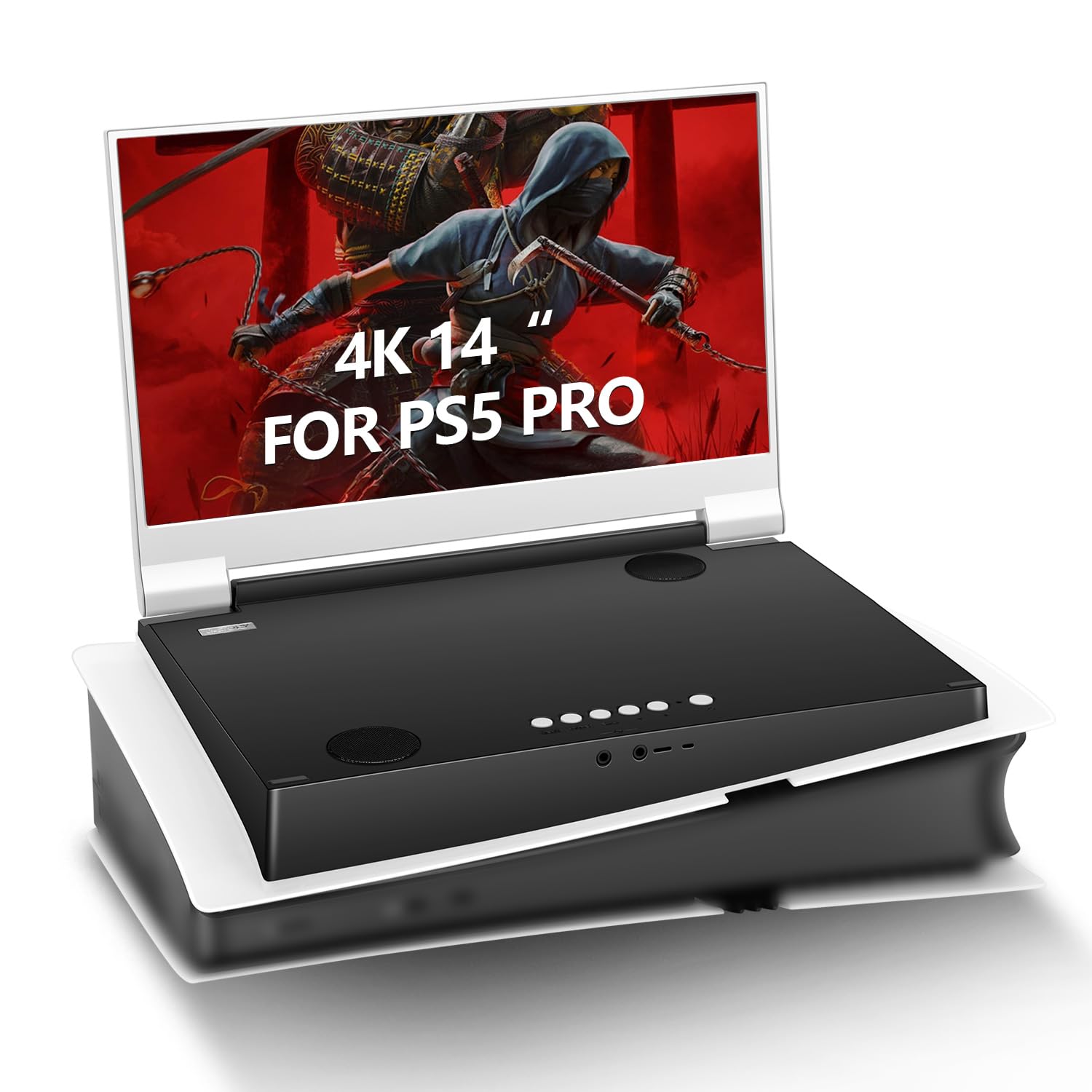
2. G-STORY 14″ IPS 4K 60Hz Portable Gaming Monitor
A 14-inch 4K IPS panel that folds shut, weighs 1.96 kg, and runs on dual HDMI.
If you game away from a desk — in a truck cab, a hotel room, or on a ship — this is the pick built for you. The G-STORY packs a 14-inch 4K (3860×2160) IPS display into a body that closes like a laptop and weighs just 1.96 kg, so it slips into a bag and travels without fuss. It covers 99% sRGB color, which keeps game art accurate, and the 178-degree viewing angle means the picture stays consistent if you are sitting at an angle. It is styled to match the PS5’s look, and both HDMI ports plus a 3.5mm audio jack make it easy to hook up a console.
For a small screen, the gaming features are unusually thoughtful. There is an FPS mode with an on-screen assisted aiming crosshair, an FTS-style mode for fast response, a 1ms response time, and FreeSync with VRR to stop the picture from tearing or ghosting. Dual built-in stereo speakers mean you get sound without carrying a separate speaker. Long-haul truckers and travelers are the audience here — one owner who works six months a year on a ship called it “great for my job,” and the portable, foldable design is exactly why.
The honest caveat is reliability consistency. Quality feedback is strong — the most-praised trait — but some owners mention a few units stopped working or would not power on, and the included power adapter was not always strong enough for some owners. If you already own a spare monitor power supply, that concern disappears. For anyone who needs genuine 4K gaming on the move, there is nothing else quite like it on this list.
The portability win: a 14-inch 4K IPS panel that folds shut and weighs 1.96 kg — you get real 4K detail anywhere, without a desk.
The power trap to know: a few owners found the bundled adapter underpowered and swapped in their own supply, so keep a spare on hand.
Built for the road: travelers, truckers, and anyone who games away from a fixed desk with a PS5 or laptop.
Not the one for: you if you need a large desktop canvas or rock-solid plug-and-play power from the start.
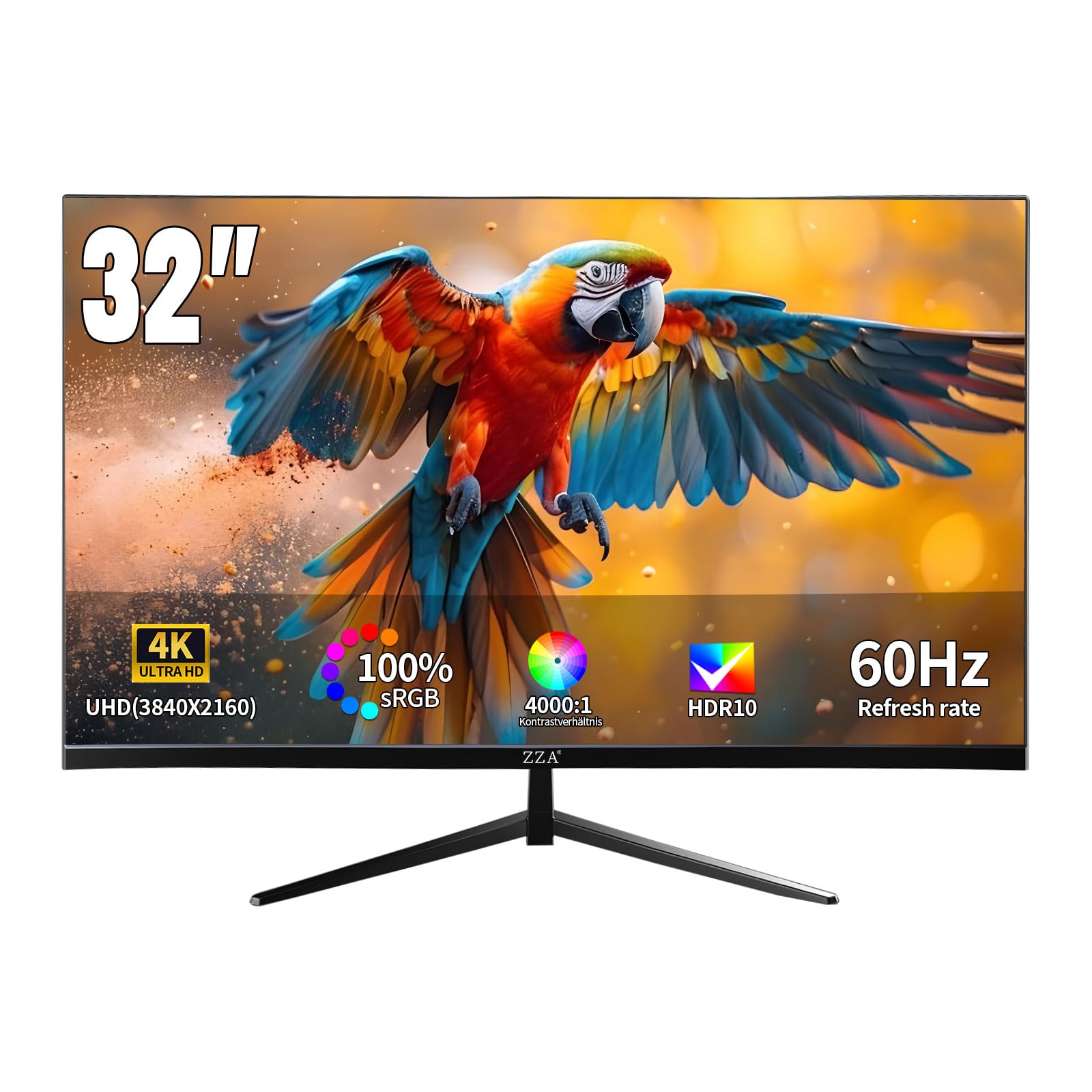
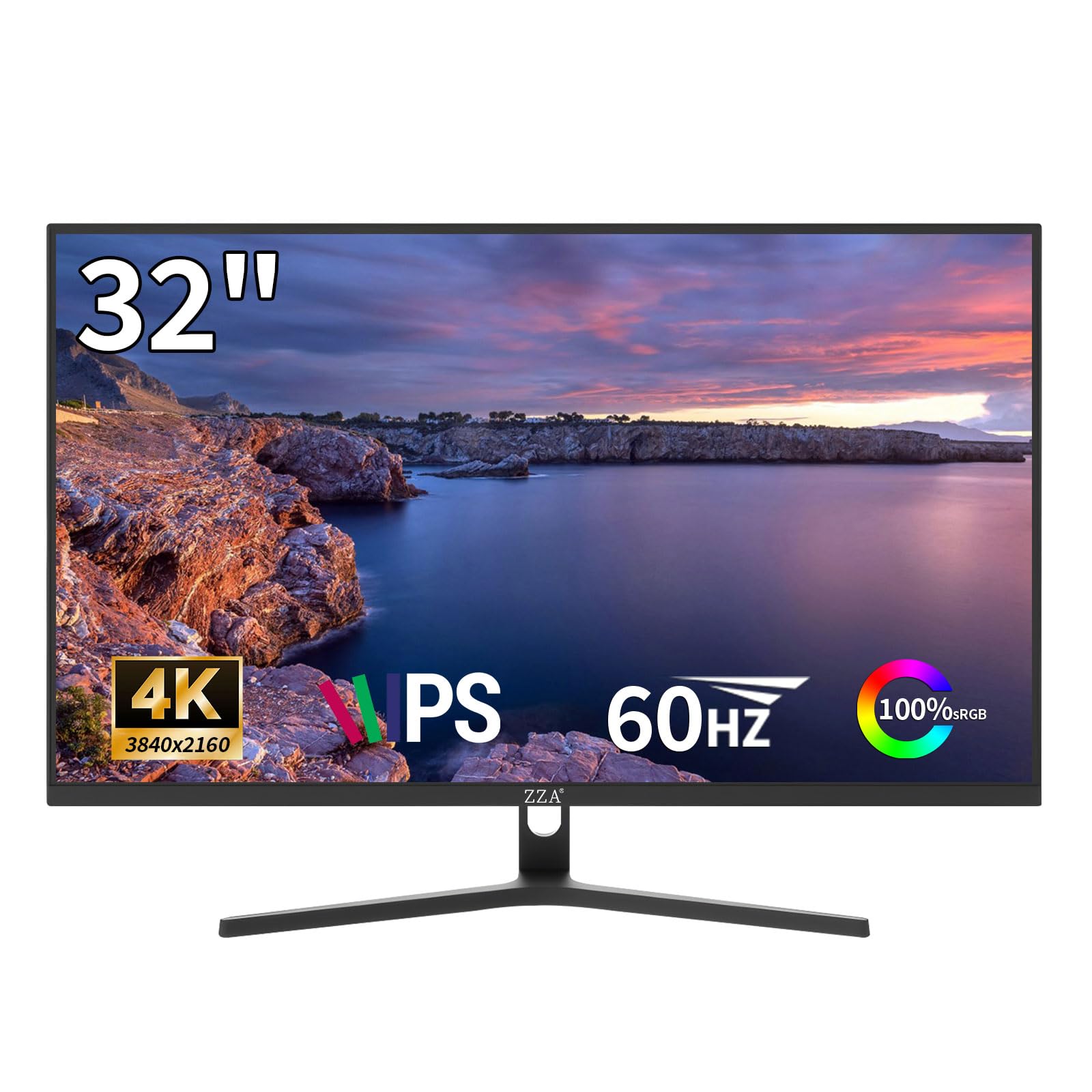
3. ZZA 32″ 4K Gaming Monitor with VA Panel and FreeSync Premium
A 32-inch 4K VA panel with 3000:1 contrast and FreeSync Premium for console play.
If you want one big screen instead of two small ones for console play, start here. The ZZA is a 32-inch panel at 3840 x 2160 resolution with a VA panel (the tech that delivers deep blacks and high contrast — a 3000:1 contrast ratio here), so dark scenes in games look rich rather than washed out. Its 16:9 aspect ratio and borderless three-sided design make it easy to pair side by side, and it supports wall mounting if you want it off the desk. FreeSync Premium (a feature that syncs the monitor to your graphics card to prevent screen tearing) is included, which smooths out frame pacing so cutscenes and single-player titles stay free of tearing, and HDR10 (a format that expands the brightness range) makes highlights pop.
The screen size is the star. It is noted repeatedly as a reason to buy, with many owners using it to replace a two-monitor setup entirely — the huge canvas covers work and play in one. Picture quality is the second-most-appreciated trait, and the 100% sRGB color coverage keeps game art and photos accurate. It is also light on power, drawing from a small 12V transformer plug rather than a chunky three-prong cord, which several owners liked for cable management. One detail worth knowing up front: to hit full 4K at 60Hz over HDMI, you need a properly rated 8K-capable cable, since a standard cable may only push 1440p.
The trade-off is tuning. from the start a few owners found the picture dull or uneven in the backlight, though most were happy once they adjusted the settings — the graphics and color land close to an LG 4K panel once dialed in. The on-screen menu buttons are also fiddly to navigate. If you are willing to spend ten minutes in the settings, the size and value are hard to argue with.
Made for: console and single-player gamers who want one rich 32-inch 4K screen to replace a dual-monitor desk.
Think twice if: you want perfect picture from the start with zero tuning, or you only have a basic HDMI cable lying around.
4. Z-Edge 27-inch 4K Monitor IPS Ultra HD
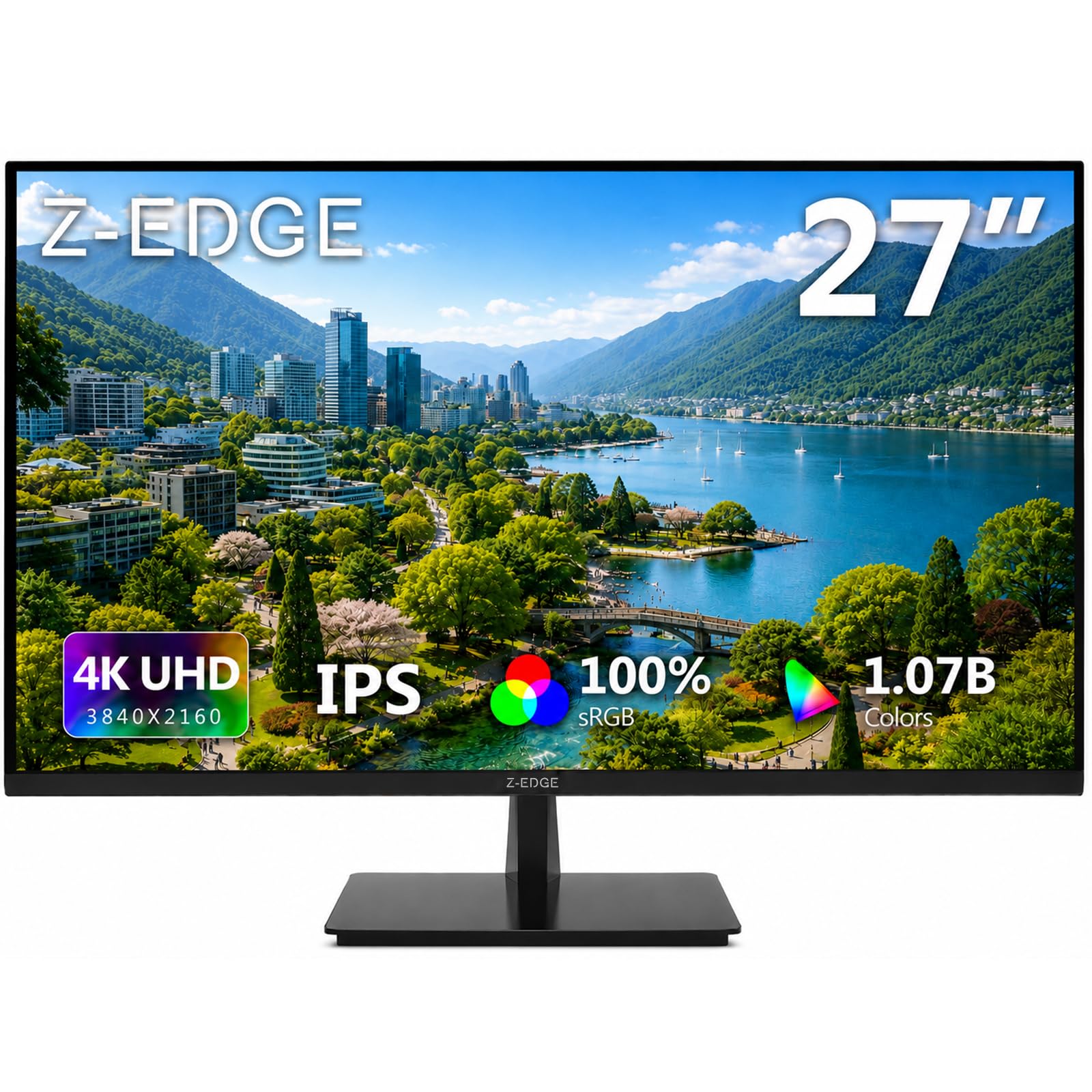
A 27-inch 4K IPS panel with two HDMI and two DisplayPort inputs for a multi-device desk.
The Z-Edge is the affordable 4K that has quietly become a default recommendation. It is a 27-inch IPS panel at 3840 x 2160 resolution, and the IPS tech keeps colors accurate and viewing angles wide — a 178-degree panoramic view, so sharing a screen with someone beside you still looks right. Brightness sits at 300 cd, and it supports FreeSync to cut screen tearing and input lag. Where it stands out is connectivity: two HDMI inputs and two DisplayPort inputs mean you can leave a console and two computers all plugged in at once and just switch between them. At 60Hz over the DP and HDMI ports, it delivers full 4K detail.
What keeps this at the top of the budget pile is that owners rate the quality above their expectations — that is the leading praise by a large margin — with looks and work-suitability close behind. It uses a thin three-sided edge-to-edge design and a slim stand, and it supports 100x100mm VESA mounting for a wall or monitor arm. The low-blue-light feature keeps the panel easy on the eyes for long sessions, which owners mention when they use it for both work and gaming.
Being honest about the mixed signals: some customers note HD content looking soft and a few report uneven reliability over time. That is the trade-off for a budget 4K. One owner lamented that the on-screen controls sit on the back rather than the front, which is worth knowing if you switch sources often. For a first 4K monitor or a value-focused work-and-play panel, it is a strong, well-supported pick.
Why the value is here
- Two HDMI and two DisplayPort inputs — leave everything plugged in.
- 27-inch 3840 x 2160 IPS panel with a 178-degree viewing angle.
- FreeSync support and low blue light for tear-free, comfortable sessions.
What to weigh
- Picture quality feedback is mixed — some find HD content soft.
- On-screen controls sit on the back, not the front.
Ideal for: a first 4K monitor or a budget multi-device desk where you want ports to spare.
Weigh carefully if: you need front-facing controls or flawless HD upscaling.
5. Gawfolk 27 Inch 4K Monitor IPS
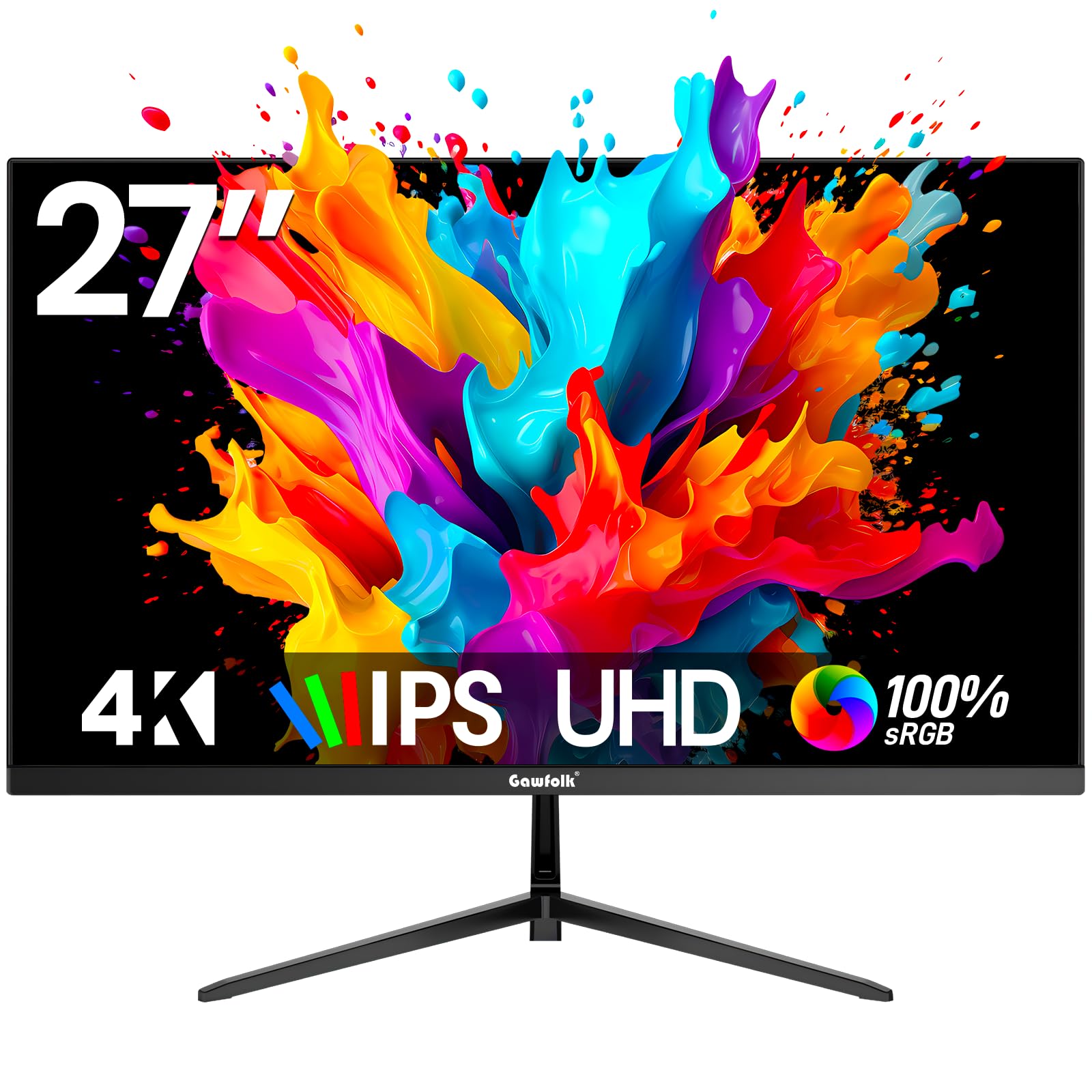
A 27-inch 4K IPS panel with 100% sRGB and four inputs for work and light gaming.
The Gawfolk is the go-to for buyers who want real 4K on a budget and mostly use their screen for a blend of work and light gaming. It is a 27-inch IPS panel at 3840 x 2160 resolution with a wide 178-degree viewing angle and a bezel-less design that keeps the focus on the picture. You get two HDMI 2.0 ports, two DisplayPort 1.4 ports, and an audio-out jack, so a PC, a laptop, and a console can all live on the same desk. Brightness sits at 292 cd, and the flicker-free backlight with low blue light is aimed at keeping your eyes comfortable over long sessions. For color work, it covers 100% sRGB.
Where it lands against the LG above is straightforward: the LG is the brighter, more color-rich panel and holds the higher score, while this one costs noticeably less and offers more ports. It is the pick for a home office that doubles as a gaming corner. The screen size earns steady praise from owners who want plenty of room for windows and game HUDs at once, and both color and gaming suitability get frequent thumbs up — one owner summed it up as great for “both gaming and multitasking.”
On the honest side, the reliability and picture-quality signals are mixed rather than glowing. A subset of owners upgraded away from it later, and some note that it comes unassembled. But the design and setup are easy, and for a value screen it covers the essentials well. If you want maximum detail per dollar and a desk that handles several devices, this is a sensible, low-fuss choice.
The everyday-room win: 3840 x 2160 on a 27-inch IPS panel with a 178-degree view means you can share the screen and still see the picture clearly from the side.
The honesty note: reliability feedback runs mixed, and it arrives unassembled — setup is simple, but know that going in.
Pick this one if: you want entry-level 4K with lots of inputs for a mixed work-and-gaming desk.
Pass if: you need the brightest panel available or the strongest long-term reliability record.
6. ZZA 32″ 4K UHD IPS Monitor for MacBook, Home Office & PS5
A 32-inch 4K panel with 4000:1 contrast, HDMI 2.0, and DisplayPort 1.4 for work and console.
If you work from home and game on a PS5 or Xbox Series X in the same chair, this 32-inch ZZA is built for the double life. The screen is a 32-inch 3840 x 2160 panel with a 4000:1 contrast ratio, which keeps blacks deep and detail visible in shadows. It covers 100% sRGB, so colors stay accurate from the side as well as head-on, and it has a three-sided slim bezel plus a 100x100mm VESA pattern for a monitor arm. The connection set is the practical part: HDMI 2.0 and DisplayPort 1.4 let you leave your laptop on one input and your console on the other, so there is no crawling behind the desk to swap cables. Native 4K at 60Hz with FreeSync suits cutscene-heavy and single-player games where the look matters more than raw speed.
The screen-quality read from owners is the strongest signal here — it is the most-praised trait, with image quality right behind. True black levels without backlight bleed come up again and again, and setup is genuinely plug-and-play: one owner had two of these running at 3840 x 2160 in about fifteen minutes. Programmers and writers like it for the sheer workspace, and it comes with a DisplayPort cable in the box, though not an HDMI one, so plan for that if your console is your main source.
The one place it stumbles is the controls. The buttons are unlabeled with no clear guide, and switching inputs takes some trial and error — a minor annoyance rather than a deal-breaker for a set-and-leave desk. For a big, crisp, color-accurate 32-inch screen that covers work and console gaming, it is a smart match for the price.
Right for you if: your desk is a home office by day and a console setup by night, and you want one big 4K screen for both.
Less ideal if: you expect labeled, intuitive on-screen controls from the start.
7. 32 Inch 4K UHD Monitor with 120% sRGB and AMD FreeSync
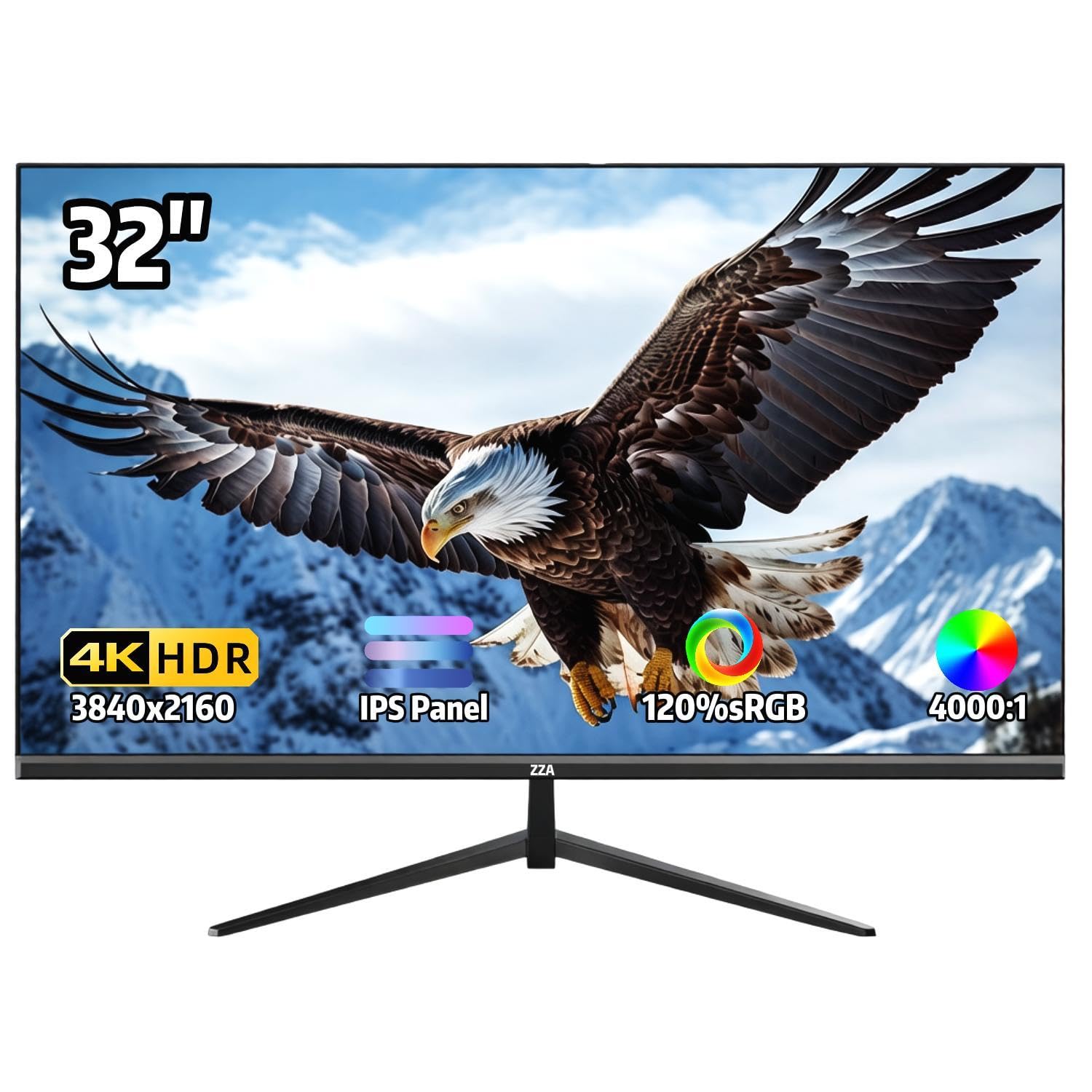
A 32-inch 4K IPS panel with 120% sRGB and a 4000:1 contrast ratio.
If you want color that pops on a big screen, look closely at this one. Color coverage comes in at 120% sRGB (a measure of how much of the standard color range it shows) — the widest on this list, ahead of the Gawfolk’s 100% sRGB — and it displays 1.07 billion colors, so gradients stay smooth and photos and game art look rich. The contrast ratio is listed at 4000:1, which is the deepest figure among these panels and means dark scenes keep their depth. It is a 32-inch IPS panel at 3840 x 2160 with a 178-degree viewing angle, so the color holds up from the side, and it adds AMD FreeSync (a feature that syncs the monitor to your graphics card to prevent tearing) to prevent tearing and stutter during casual gaming and smooth video playback.
The value angle is strong: quality is the leading praise from owners by a clear margin, with value for money right behind it, and the vivid color and brightness get regular mentions. The three-sided ultra-thin bezel keeps the frame out of the way, the stand tilts from -15 to 15 degrees, and 100x100mm VESA mounting allows a wall or arm setup. HDMI, DisplayPort, and a 3.5mm audio jack round out the connectivity. If you want the most saturated color picture on a 32-inch 4K panel, this is the one to weigh against the ZZA above.
The catch to plan for is sound: there are no built-in speakers, so you will need an external speaker to hear anything. A few owners also report flickering issues and find the picture sharpness inconsistent, so it is worth ordering where you can easily return it. For a big, colorful, budget 4K panel, though, the balance still leans strongly in its favor.
The color headline: 120% sRGB and a 4000:1 contrast ratio make this the most vivid picture of the budget 32-inch options.
What you must add: there are no built-in speakers, so budget for an external set if you want sound.
The right call if: vivid color and deep contrast on a big, affordable 4K screen are your priority.
Reconsider if: you need built-in speakers or want zero risk of panel flicker complaints.
8. Viewedge 24 inch 4K 60Hz Computer Monitor

A 24-inch 4K screen that packs razor-sharp text into a small footprint.
On a cramped desk where clarity matters more than screen size, a 24-inch 4K panel is a real advantage. Fitting 3840 x 2160 pixels into a 24-inch IPS screen raises the pixel density, so text renders noticeably sharper than on a roomier lower-resolution display. This Viewedge also offers the broadest port set here: two HDMI inputs, one DisplayPort with a cable included, a USB Type-C port with a cable included, and an audio output. Brightness is rated at 350, and it adds HDR10, flicker-free backlighting, and a blue-light filter for long sessions. FreeSync is on board to keep motion smooth, and it is wall-mountable if you want it off the desk.
The reason buyers gravitate here is value. Value for money is the standout positive, and owners who pair it with a Mac often find text is the big payoff — one noted the 4K text on a 24-inch screen looks markedly clearer than a standard 1080p panel, and prefers the higher pixel density over a larger 27- or 32-inch screen. It has the lightest build of the group and arrives well-packaged, so it is easy to place and set up.
Be aware this is the lowest-rated pick on the list. Pixel quality and reliability feedback run mixed, with a handful of owners reporting dead pixels or an occasional blank screen, and HDR can look washed out. Those are the risks of a small-budget 4K. If you want maximum sharpness in minimum space and can return a bad unit easily, it is a worthwhile contender — just weigh it against the tougher-built options above.
What you get in a small space
- 24-inch 3840 x 2160 IPS panel — very high pixel density for crystal-sharp text.
- Widest connectivity here: two HDMI, DisplayPort, and USB Type-C, with cables included.
- HDR10, flicker-free backlight, blue-light filter, and FreeSync support.
The realistic concerns
- Lowest score of the group, with mixed pixel and reliability feedback.
- HDR can appear washed out, and a few units arrive with dead pixels.
Best for: tight desks and laptop users who prize sharp text over a large canvas.
Skip if: you want the highest reliability confidence or true HDR performance.
Understanding the Specs
Resolution and pixel density
A resolution of 3840 x 2160 — called 4K UHD — gives you far more pixels than a standard HD screen. The smaller the screen, the higher the pixel density, which is why a 24-inch 4K panel can look sharper for text than a 32-inch one at the same resolution.
Contrast ratio and brightness
Contrast ratio describes the difference between the brightest white and the deepest black, so a higher number means richer dark scenes. Brightness, measured in cd or candela per square meter, tells you how much light the panel can put out for daytime use and HDR highlights.
Panel technology
IPS panels favor accurate color and wide viewing angles, ideal for shared desks and color work. VA panels favor deep blacks and high contrast, which suits rich single-player games and dark rooms.
Adaptive Sync and response time
Adaptive Sync, including AMD FreeSync, syncs the screen to your graphics card so the picture does not tear. Response time in ms measures how fast a pixel changes, so a low figure like 5ms keeps fast motion clean.
FAQ
Is a 60Hz monitor good enough for gaming?
Will a 4K 60Hz monitor work with my PS5 or Xbox Series X?
Do I need a special HDMI cable for 4K at 60Hz?
Is IPS or VA better for a 60Hz gaming monitor?
Can a 60Hz 4K monitor be used for work as well as gaming?
How much desk space does a 32-inch 4K monitor need?
Does a 4K monitor with no built-in speakers need extra gear?
What response time do I need for 60Hz gaming?
Can I mount a 60Hz gaming monitor on an arm or wall?
Is a smaller 4K screen sharper than a bigger one?
Final Thoughts: The Verdict
For most people, the winner among these best 60hz monitor for gaming picks is the LG 27UP650K-W, because it pairs true 4K clarity with up to 95% DCI-P3 color (a wide color range for vivid images) and a 400 cd brightness that the cheaper panels cannot match. The fact that it manages that at 27-inches with height, tilt, and pivot adjustment makes it the safest all-round buy. If you want one rich big screen for console play, grab the ZZA 32″ 4K Gaming Monitor with its VA panel and 3000:1 contrast. And for gaming away from a desk, the G-STORY 14″ Portable Monitor is the one to reach for, since nothing else here folds shut and travels with you.
The LG stands out because it does the everyday work of a home office and the sharpness a 4K gamer wants at the same time, without asking you to choose between them. When you are ready, it is the one worth putting at the center of your desk.
How We Picked
We do not accept paid placement. Every pick is matched to a real buyer and a real use-case; we do not hands-on test units.
Sources & Methodology
Specifications: manufacturer listings and product documentation. Review insights: verified customer reviews, as of September 2026. Pricing: not shown on this page (it changes often); check the current price via the retailer link.
As an Amazon Associate, Gadgets Feed earns from qualifying purchases. This does not affect which products we feature.