
Our readers keep the lights on and my morning glass full of iced black tea. As an Amazon Associate, I earn from qualifying purchases.
Specs are compiled from manufacturer listings and verified buyer reviews and can change over time — please confirm the key details on the product page before buying.
If your laptop gasps when you open a dozen browser tabs alongside your editing software or virtual machines, 64GB of RAM is the fix. This guide breaks down the nine best 64GB SODIMM kits (the small sticks that slot inside laptops) and which one matches your machine’s generation and budget.
I’m Min — the founder and writer behind Gadgets Feed. This guide is built by comparing the manufacturers’ published specifications and the patterns across verified customer reviews, so you get each pick’s real strengths and trade-offs instead of marketing spin.
Before buying a 64gb laptop memory kit, you need to check whether your laptop takes DDR4 or DDR5 — the two are physically different shapes and will not fit each other’s slots.
Our Picks at a Glance


How To Choose The Best 64GB Laptop Memory
Upgrading laptop RAM is one of the highest-impact changes you can make, but the market splits cleanly into two generations. Knowing which side you are on is the first and most important filter.
DDR4 or DDR5 First
The most common mistake is buying the wrong generation. DDR4 SODIMM sticks have 260 pins, while DDR5 laptops use 262-pin modules — they will not physically fit in the same slot. If your laptop has a 12th Gen Intel Core or an AMD Ryzen 7000 Series processor, it likely needs DDR5. Older machines almost always want DDR4.
Capacity Versus Speed
If your problem is running out of memory, a 64GB kit will solve it regardless of whether it runs at 2666MHz or 5600MHz. Speed affects how fast data moves once it is in memory; capacity determines how much data you can hold at once. For video editors, developers running VMs, and AI workload hobbyists, the capacity jump from 16GB to 64GB is transformative; the jump from 4800MHz to 5600MHz is barely noticeable.
Check Your Laptop’s Real Maximum
Manufacturers often list a “supported” capacity that is lower than what the machine can actually handle. Buyers report successfully running 64GB in laptops officially capped at 32GB, like the Lenovo Legion 5 Pro and Acer Nitro 17. If you want certainty before ordering, run a system command to query the maximum capacity your chipset supports.
Quick Comparison
| Model | Best For | Generation | Speed | Latency | Amazon |
|---|---|---|---|---|---|
| Crucial 64GB DDR5★ Best Overall | Best Overall / 12th Gen+ | DDR5 | 4800 MHz | CL40 | Amazon |
| Kingston FURY ImpactPremium Pick | Premium DDR5 speed | DDR5 | 5600 MT/s | CL40 | Amazon |
| TEAMGROUP Elite DDR5DDR5 Value Pick | DDR5 value pick | DDR5 | 5600 MHz | CL46 | Amazon |
| Timetec 64GB DDR5 | AI workload DDR5 | DDR5 | 5600 MHz | CL46 | Amazon |
| G.SKILL Ripjaws DDR5 | Overclocking enthusiasts | DDR5 | 5600 MT/s | CL40 | Amazon |
| A-Tech 64GB DDR5 | Reliable DDR5 upgrade | DDR5 | 5600 MHz | CL46 | Amazon |
| TEAMGROUP Elite DDR4 | Best DDR4 value | DDR4 | 3200 MHz | CL22 | Amazon |
| PNY DDR4 Performance | Fast DDR4 kit | DDR4 | 3200 MHz | CL22 | Amazon |
| OWC 64GB DDR4 | Warranty & compatibility | DDR4 | 2666 MHz | CL19 | Amazon |
In‑Depth Reviews
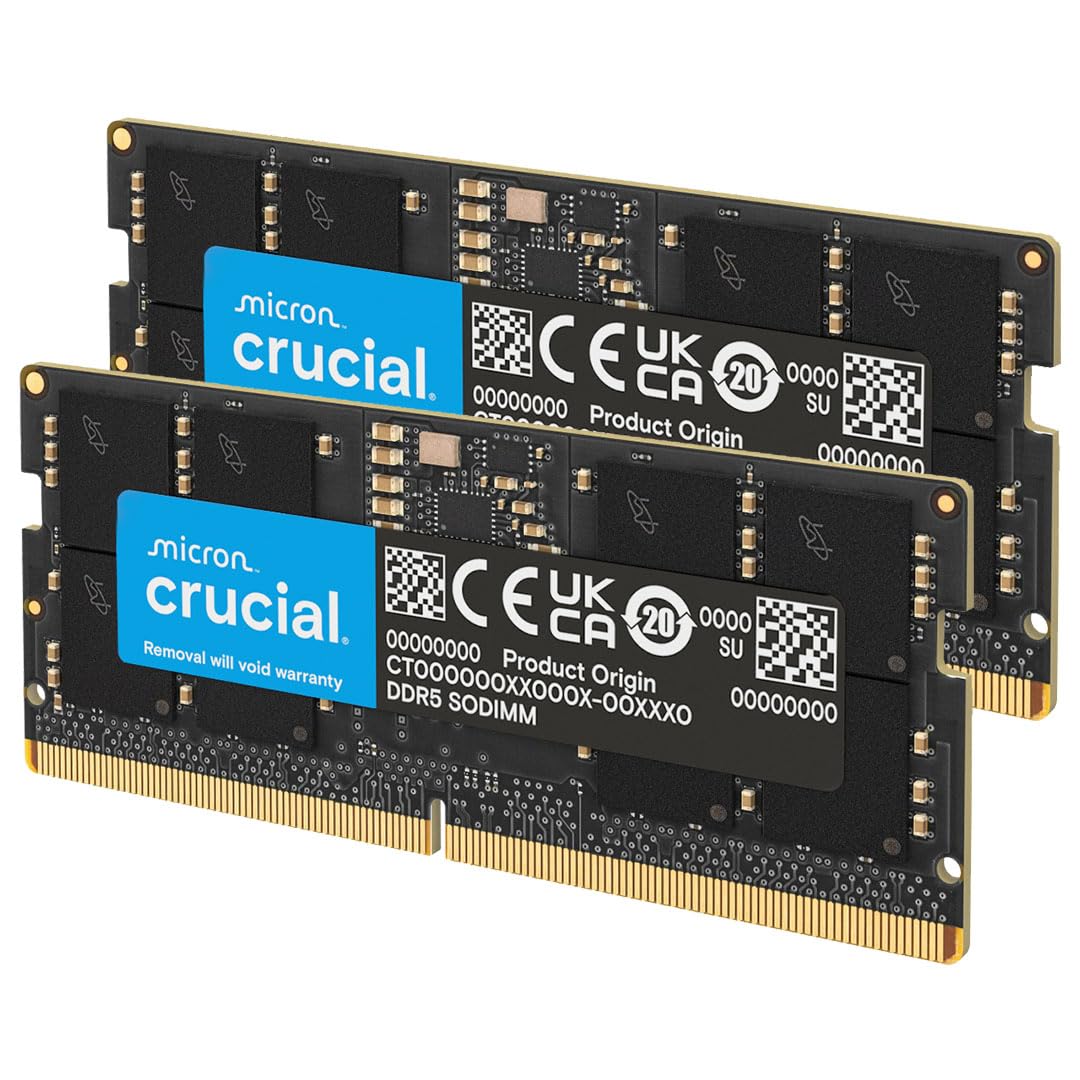
1. Crucial 64GB DDR5 RAM Kit (2x32GB)
Our pick — over 4.5★ from 7,000+ verified ratings; the strongest balance of quality and price.
The plug-and-play favorite whose 4800MHz DDR5 speed turns even a sluggish 16GB machine into a multitasking powerhouse.
You get a full 64GB that your laptop recognizes instantly — no tweaking needed. This kit runs at 4800MHz with a tight CL40 latency (the time it takes to respond to a request), and owners mention it working flawlessly in machines like the MSI Raider GE76 and Lenovo Legion 5 Pro, even when the manufacturer officially lists a lower maximum. Owners describe it as plug-and-play: unscrew the bottom panel, slot the sticks in, and the system sees all 64GB.
Micron’s manufacturing pedigree backs the kit, a key reason owners trust its long-term stability. The 2Rx8 configuration (dual-rank modules on both sticks) helps the memory controller feed data efficiently, and the 1.1V operating voltage keeps power draw low. If you want maximum confidence, this is the kit to buy.
Reliability is the top praised trait, with owners reporting zero crashes even under sustained heavy workloads. As customers note: “Upgraded MSI Raider GE76 from 16GB to 64GB.” The occasional note about slightly slower boot times after install is just the BIOS reconfiguring itself; it settles quickly.
dual-channel capacity
- Reliability is the #1 praised trait, mentioned most often
- 4800MHz speed with tight CL40 timings
- Easy install with widespread 12th Gen+ compatibility
laptop compatibility check
- Boot time is rated mixed — first boot can take a moment
- Requires a DDR5-compatible laptop, so older DDR4 machines are excluded
fastest kit: you want the safest, most-proven DDR5 upgrade for a 12th Gen or newer Intel laptop, with speed and support you can set and forget.
tight fit: your laptop is DDR4 — this 262-pin stick won’t fit a 260-pin slot.
2. Kingston FURY Impact 64GB (2x32GB) DDR5
The performance king that runs at 5600MT/s with Plug N Play overclocking, so your machine gets faster without any BIOS tinkering.
This is the kit for buyers who want every drop of speed from their DDR5 laptop. It runs at 5600MT/s at a CL40 latency and comes with Intel XMP 3.0 certified profiles, meaning it can auto-overclock itself for higher performance. Despite the XMP label, owners confirm it works flawlessly in AMD laptops too, including a Framework laptop that booted in under two minutes.
Owner feedback is overwhelmingly positive. Performance is the most-praised trait by a wide margin, with owners noting it handles games easily and keeps their machine smooth even with lots of applications running. On-Die ECC (built-in error correction) further bolsters stability for demanding tasks.
A note for realistic expectations: some Intel laptops cap 64GB DDR5 at 5200MT/s rather than the full 5600MT/s, which reviewers point out is a chipset limitation, not a fault of the RAM. First boot may also take 45-60 seconds to train the memory.
low-latency gaming
- Performance is the #1 praised trait, mentioned most often
- 5600MT/s with tight CL40 timings
- Plug N Play overclocking works without BIOS settings
price premium
- Some Intel chipsets limit speed to 5200MT/s
- First boot can take up to a minute
gaming pick: you want the fastest, most refined DDR5 kit and are willing to pay a premium to never think about RAM again.
budget build: your laptop only takes DDR4 — this is a 262-pin DDR5 stick.
3. TEAMGROUP Elite SODIMM DDR5 64GB (2x32GB)
The energy-sipping DDR5 kit that runs 5600MHz at just 1.1V, delivering stable power for serious multitaskers without the premium price tag.
If you want DDR5 speed without paying for the flashiest brand, this TEAMGROUP kit delivers. It runs at 5600MHz at CL46 in a 262-pin SODIMM, and the 1.1V working voltage keeps power consumption low while supporting On-Die ECC for system stability. Owners praise the performance and quality in equal measure, calling it a solid choice for affordable yet reliable components.
One owner runs this kit in a Dell 7020 as a VMware host with four VMs running simultaneously without issues. Another dropped it into an MSI Alpha 17 and found the extra memory made the machine run smooth even with lots of applications running.
value choice: a dependable DDR5 upgrade that balances 5600MHz speed with a more approachable price.
overclocking: a single owner hit severe issues on an Acer Nitro 17, reverting to factory RAM — if your laptop is fussy, check compatibility first.
4. Timetec 64GB KIT (2x32GB) DDR5 5600MHz
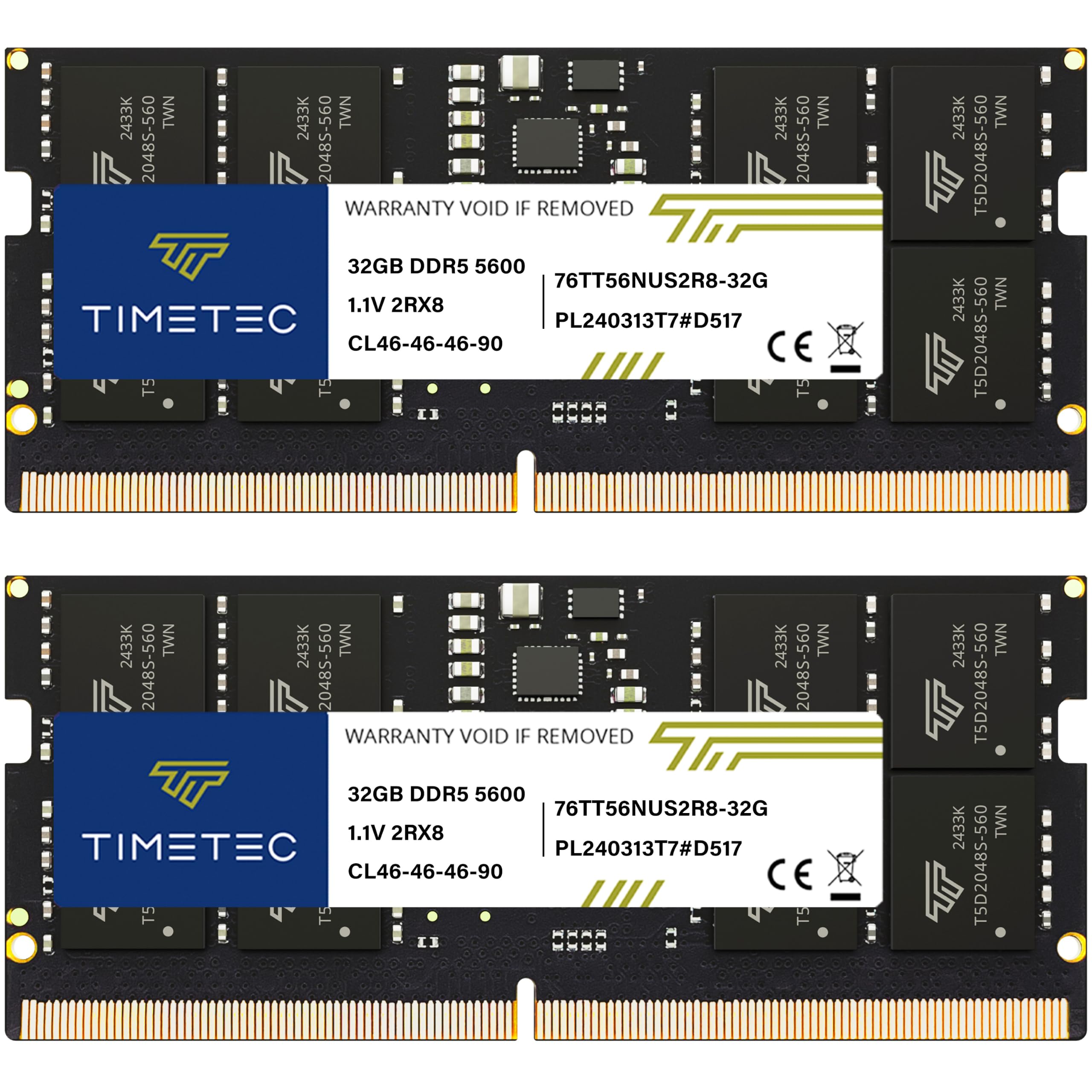
The DDR5 kit that runs AI video tasks all day without a hiccup, thanks to a high-quality onboard power management IC.
This Timetec kit is built for endurance. It runs at 5600MHz on a 262-pin SODIMM, and its key differentiator is a high-quality Power Management IC (PMIC) onboard, which ensures stable power transfers at a low 1.1V. Shoppers say running AI video tasks all day with the machine sitting at around 75-80°C and using 73% of the 64GB pool — a workload that would choke a 16GB machine instantly.
Reliability and value for money are praised equally, which is a rare balance in the DDR5 market. One owner confirmed it worked perfectly in a brand new Lenovo P14s work laptop, showing all memory on first boot. The one caveat is that to reach the full 5600MHz speed, you may need to make some BIOS setting changes, which means it is not strictly drop-in-and-maxed-out.
solid all-rounder: your workflow is sustaining heavy loads like AI video generation or rendering all day, and you want stable power delivery.
enthusiast: you never touch the BIOS — this kit rewards a little configuration to hit its rated speed.
5. G.SKILL Ripjaws DDR5 SO-DIMM 64GB (2x32GB)

The tinkerer’s delight with a tight CL40-40-40-89 timing, ready to overclock past 5600MT/s on supported hardware.
For buyers who enjoy squeezing performance out of their hardware, this G.SKILL kit is the playground. It runs at 5600MT/s at a very tight CL40-40-40-89 timing on 1.10V, and includes both a JEDEC default profile and an Intel XMP 3.0 overclock profile. One owner has it overclocked in a Minisforum 790i X3D running at 6000 with timings of 42-42-42-92 — proof of its headroom.
Speed is the top praised trait, with buyers citing fast performance and broad compatibility. Setups confirmed include the Alienware M18 R2, Acer Nitro 17-41, and Framework 16, along with dozens of G.SKILL kits over the years with zero failures. As buyers report, one owner pushed it to a 15% benchmark improvement in an Acer Nitro over a single factory stick, thanks to dual-channel operation.
overclockers: you enjoy enabling XMP in the BIOS and want a kit with real overclocking headroom.
small chassis: you expect it to hit 5600MT/s with zero BIOS work — it boots at JEDEC default speed until you enable the profile.
6. A-Tech 64GB Kit (2x32GB) DDR5 5600MHz

The dependable 2Rx8 dual-rank kit that slots into a DDR5 laptop and just works, backed by a lifetime warranty.
A-Tech positions itself as the reliability specialist, and this kit delivers exactly that. It runs at 5600MHz on a 262-pin SODIMM in a 2Rx8 dual-rank configuration, which helps the memory controller feed data more efficiently. It also includes On-die ECC for improved data integrity, and the entire kit is covered by a Limited Lifetime Warranty.
Reliability is the top praised trait, with owners confirming flawless operation in a ROG STRIX G 4080 laptop under heavy AI and audio loads. One owner even reports running a 32GB module in an N100 NAS that officially caps at 16GB — the module was recognized perfectly. Speed is honestly a mixed bag, with some reporting advertised speeds and others hitting performance issues depending on the motherboard.
plug-and-play: a straightforward, reliable DDR5 upgrade where stability matters more than extreme speed.
custom rig: speed results vary by system, so do not expect a guaranteed 5600MHz in every laptop.
7. TEAMGROUP Elite DDR4 64GB Kit (2x32GB)

The veteran DDR4 kit that breathes new life into older laptops, running smoothly across virtual machines and rendering work.
For a pre-12th Gen laptop, this is the kit owners flock to. It runs at 3200MHz at 1.2V on a 260-pin SODIMM (the standard laptop memory slot), and it is the highest-rated product in this guide — a crowd favorite for good reason. Performance is the most-praised trait by far, with owners describing it as making an old laptop run better than new.
Owners mention smooth VM operation, smooth DaVinci Resolve clip loading, and six months of stable uptime. Owners appreciate that it is a JEDEC-compliant kit (meeting industry-standard specs), so it works without any XMP or overclocking profile. The honest note: going from 32GB to 64GB rarely boosts gaming frame rates — the win is in multitasking and heavy workloads.
legacy DDR4
- Highest owner satisfaction in this guide
- Performance is the #1 praised trait
- Plug-and-play with no overclocking needed
slower than DDR5
- May downclock to 2933MHz or 2666MHz on some systems
- Gaming gains are minimal — this is a workhorse, not a frame-rate booster
older laptops: you have a DDR4 laptop and want the most-trusted 64GB upgrade for virtual machines, rendering, and heavy multitasking.
new builds: your laptop is DDR5 — the 260-pin form factor will not fit.
8. PNY DDR4 64GB (2x32GB) 3200MHz
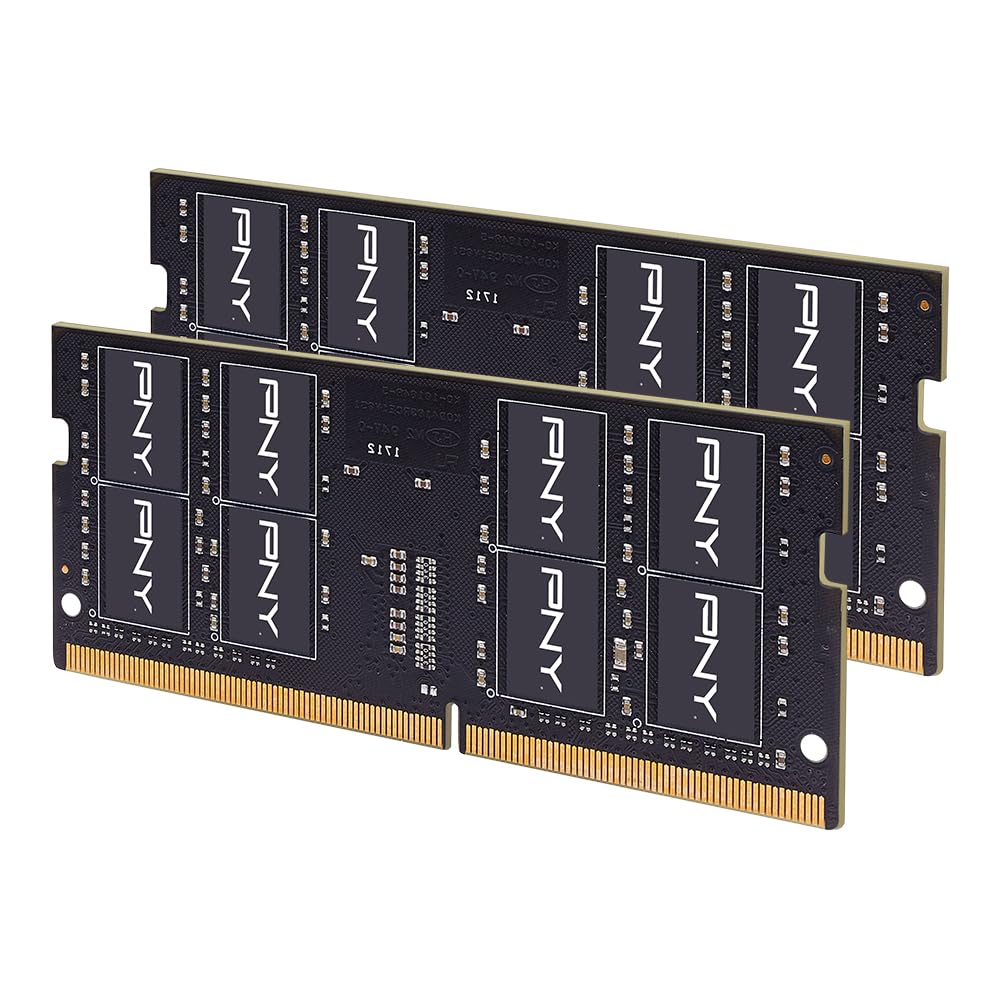
The fast DDR4 kit at 3200MHz that’s backwards compatible with 2666MHz and 2400MHz laptops, keeping old machines zippy.
This PNY kit is the speed king of the DDR4 side, running at 3200MHz at CL22 in a 260-pin SODIMM. Better still, it is designed to work on slower systems too, running at 2666MHz, 2400MHz, or 2133MHz when your laptop cannot handle the full speed. Customers note it works flawlessly in an MSI gaming laptop with faster boot times and good thermals.
Memory capacity is the most-praised trait, with one owner noting it was perfect for upgrading a Dell 7700 AIO. On the performance front, reviewers point out everything runs faster after doubling to 64GB, and the install is a simple 10-20 minute screwdriver job. The one honest gap is that the reliability track record is thinner than the bigger brands — a couple of units have needed exchange, though the replacements worked quickly.
standard upgrade: you want the fastest DDR4 speed available for your older laptop and appreciate the safety net of backwards compatibility.
high-end: you want the deepest reliability track record — this kit has fewer owner reviews behind it than the giants.
9. OWC 64GB (2x32GB) DDR4 2666MHz

Upgrade low-maintenance with this DDR4 kit at 2666MHz, backed by a warranty and a consumer-friendly advanced replacement program.
OWC stands apart on support, not raw speed. This kit runs at 2666MHz at CL19 on a 260-pin SODIMM, which is the conservative side of DDR4, but it is fully JEDEC compliant and designed to meet or exceed all manufacturer OEM specs. The real draw is the Limited Lifetime Warranty with an advanced replacement program and free tech support.
Value is what shoppers say: “I couldn’t find this exact product for a lower price anywhere,” one owner wrote. Another praised the great customer service and accurate description. The 2Rx8 dual-rank configuration keeps data flow efficient at this speed tier.
office work: maximum confidence on an older DDR4 machine — the lifetime warranty and premium tech support are the real value.
gaming: at 2666MHz, it runs slower than 3200MHz DDR4 kits, so speed-focused buyers may want more.
Understanding the Specs
DDR4 vs DDR5 Generation
This is the single most important spec. DDR4 uses a 260-pin connector, while DDR5 uses 262 pins — they will not physically fit each other’s slots. Your laptop’s generation dictates which one you need: 12th Gen Intel Core and AMD Ryzen 7000 Series usually demand DDR5, while everything older wants DDR4. Check your laptop model’s spec sheet before ordering anything.
CL Latency Explained
CL (Column Address Strobe Latency) measures how many clock cycles it takes the RAM to respond to a request. Lower is faster. A CL22 kit at 3200MHz and a CL46 kit at 5600MHz can feel similar in real-world use because the faster clock compensates for the higher latency. Unless you are chasing benchmark scores, do not obsess over this number — capacity matters more.
FAQ
How do I know if my laptop needs DDR4 or DDR5 memory?
Will 64GB work if my laptop is officially capped at 32GB?
What does CL40 or CL46 mean and does it matter?
Is 5600MHz actually faster than 4800MHz in daily use?
What is On-Die ECC and why should I care?
Do I need to enable XMP or EXPO after installing the RAM?
Can I mix a 64GB kit with the RAM that came in my laptop?
How long does laptop RAM installation take?
Is a 64GB upgrade worth it over 32GB?
Final Thoughts: The Verdict
For most people, the 64gb laptop memory winner is the Crucial 64GB DDR5 kit because it pairs 4800MHz speed with the most-proven reliability in the market — a crowd favorite with thousands of happy owners. If you want DDR5 speed and do not mind enabling XMP, the G.SKILL Ripjaws is the enthusiast pick. And for DDR4 laptops, the TEAMGROUP Elite DDR4 kit is the highest-rated value upgrade you can buy, giving an older machine a serious second wind.
How We Picked
We do not accept paid placement. Every pick is matched to a real buyer and a real use-case; we do not hands-on test units.
Sources & Methodology
Specifications: manufacturer listings and product documentation. Review insights: verified customer reviews, as of August 2026. Pricing: not shown on this page (it changes often); check the current price via the retailer link.
As an Amazon Associate, Gadgets Feed earns from qualifying purchases. This does not affect which products we feature.