
Our readers keep the lights on and my morning glass full of iced black tea. As an Amazon Associate, I earn from qualifying purchases.
Specs are compiled from manufacturer listings and verified buyer reviews and can change over time — please confirm the key details on the product page before buying.
Finding a laptop in this price range means juggling screen size, processor muscle, and battery life — and most listings make all three sound great. Your ideal choice hinges on if you need a desk-bound workhorse or a portable study companion.
I’m Min — the founder and writer behind Gadgets Feed. This guide is built by comparing the manufacturers’ published specifications and the patterns across verified customer reviews, so you get each pick’s real strengths and trade-offs instead of marketing spin.
Shoppers after a smart mid-range machine should weigh battery longevity against a large display, and this $700 laptop roundup separates the true daily drivers from the ones that fall short on real-world use.
Our Picks at a Glance


How To Choose The Best $700 Laptop
At $700, prioritize a balanced machine that handles daily tasks smoothly. Focus on the processor, memory, storage, and display—these determine your daily experience.
Match the Processor to Your Workload
The CPU dictates how fast your laptop responds to every command. For office work, browsing, and streaming, a six-core or eight-core Intel or AMD chip suffices. For light video editing or coding, seek a higher boost speed (measured in gigahertz) for faster processing under load.
Prioritize Memory and Storage
Aim for 16GB of RAM to keep multiple tabs and apps running without lag. Choose an SSD for near-instant boot times and app launches. A 512GB drive is the standard starting point, leaving room for your files and software.
Decide on Screen Size and Battery Trade-offs
For portability, a 15.6-inch display hits the balance, while a 17.3-inch screen gives you more workspace but adds weight and uses more power. If you need all-day battery life, choose a smaller screen with an efficient processor. If you mostly work plugged in at a desk, the larger panel is a joy.
Quick Comparison
| Model | Best For | Screen Size | CPU Boost Speed | Battery Life | Amazon |
|---|---|---|---|---|---|
| HP 17.3″ i5-1334U★ Best Overall | Big-screen desk work | 17.3 inch | 4.7 GHz | 8 hours | Amazon |
| NIMO 15.6″ R5-6600HBest Value | Value performance | 15.6 inch | 4.5 GHz | 9 hours | Amazon |
| Acer Aspire 3 15.6″Top Performer | Everyday productivity | 15.6 inch | 4.3 GHz | 8 hours | Amazon |
| Dell 15.6″ R5-7520U | Budget-conscious buyers | 15.6 inch | 4.3 GHz | — | Amazon |
| HP 17.3″ R5-7520U | Students on a budget | 17.3 inch | 4.3 GHz | 7.15 hours | Amazon |
| BIRDPLAY 17.3″ i7 | Large-screen multitasking | 17.3 inch | 4.5 GHz | — | Amazon |
| KAIGERR 15.6″ i5-12600H | Heavy multitasking | 15.6 inch | 4.5 GHz | 8 hours | Amazon |
| Acer Aspire Go 15 | AI-ready productivity | 15.6 inch | 4.5 GHz | — | Amazon |
| KAIGERR 1TB R7-5825U | Storage-heavy users | 15.6 inch | 4.5 GHz | 8 hours | Amazon |
| Lenovo V15 i5-13420H | Business & security | 15.6 inch | 4.6 GHz | — | Amazon |
| Lenovo V15 R5-5500U | Durable college work | 15.6 inch | 4 GHz | — | Amazon |
In‑Depth Reviews
1. HP 17.3 inch Laptop, FHD Display, Intel Core i5-1334U
Our pick — over 4★ from 500+ verified ratings; the strongest balance of quality and price.
The big-screen desk companion that leaves room for a real numeric pad and a massive viewing area.
This HP is the one to beat if your laptop mostly lives on a desk. The 17.3-inch FHD IPS display with 178-degree wide-viewing angles means you can look at it from almost any position without colors washing out, which is great for movie nights and photo edits. Owners consistently call it light for a 17-inch machine, so it is not a total burden to move between rooms.
Under the hood, the 13th Generation Intel Core i5-1334U runs up to 4.7 GHz, which is the highest boost speed in this lineup and noticeably faster than the NIMO’s 4.5 GHz ceiling. That headroom keeps your day snappy when you have a dozen browser tabs, a music stream, and a document open at once. The 512 GB PCIe NVMe M.2 SSD loads programs in seconds, and the 16 GB DDR4 RAM keeps everything running smoothly without upgrades.
The honest trade-off here is the battery. You get an 8-hour rated battery, but the large 17.3-inch panel pushes it hard; a few buyers report around 2.5 hours of real-world use on a charge, with the screen size the likely culprit. Buyers also note there is no backlit keyboard, which matters if you type in the dark. Still, the build quality and reliability are the most-praised traits of this machine, making it a confident pick for anyone who prioritizes screen space and everyday power.
What wins people over
- Huge 17.3-inch FHD display with wide viewing angles for rich work and media
- Fast 13th Gen Intel Core i5 processor with a 4.7 GHz boost for demanding multitasking
- Physical webcam shutter for quick privacy
What to weigh first
- Big screen can drain the 8-hour rated battery faster in real use
- No backlit keyboard for dark-room typing
Reach for it if: you want a massive, clear display and top-tier processing speed for a desk-centric setup.
Look elsewhere if: you need all-day portability on a single charge or backlit keys for night work.
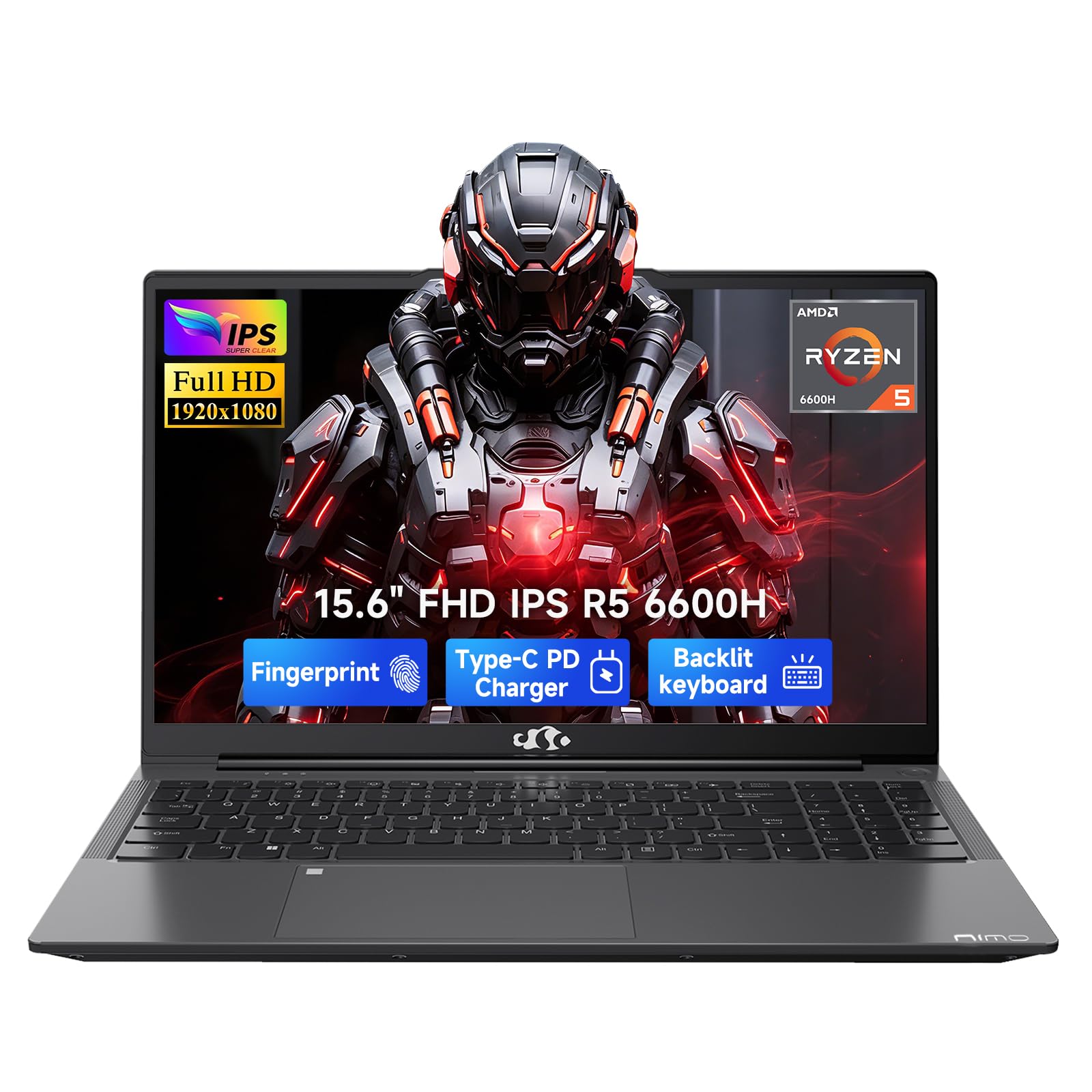
2. NIMO 15.6″ AI-Creator-Laptop, 6-Core AMD R5-6600H
The performance-per-dollar king that outruns its price tag on pure specs and battery stamina.
If raw performance for the money is your priority, the NIMO stands out. Its 6-core AMD Ryzen 5 6600H processor boosts up to 4.5 GHz, and the Radeon 660M integrated graphics (built on RDNA 2 architecture) handle light gaming like League of Legends at 1080p settings without the heat of a dedicated GPU. Owners mention running Baldur’s Gate 3 on max settings with no CPU bottleneck and only warm, not hot, temperatures.
Where this laptop really shines is battery life. It hits a rated 9 hours, which beats the HP 17.3’s 8 hours — about a 12% gap in your favor for a full day of campus or coffee-shop work. When you do need to refill, the 100W PD fast charger and 53.58Wh smart battery get you back to work quickly. You also get a backlit keyboard, a fingerprint reader in the touchpad, and dual SO-DIMM slots so you can upgrade to 64GB RAM later.
The build is where the corners get cut. Owners describe the body as cheaply made and the trackpad as slow, which is the price you pay for the component list. The 15.6-inch FHD display is also shorter than some, but the multitasking fluidity and accurate battery claims keep this the value pick for students and remote workers who want speed without a premium cost.
Why it earns the value crown: a 9-hour rated battery, upgradeable DDR5 RAM, and credible light-gaming capability at a budget-friendly price.
The catch: the plastic body and trackpad feel decidedly entry-level, so handle it with care.
3. acer Aspire 3 15.6″ Notebook FHD AMD Ryzen 7 5700U
An eight-core workhorse that stays cool on your lap and sips power through the day.
This Acer is built around the AMD Ryzen 7 5700U octa-core processor, which delivers 8 cores and a 4.3 GHz boost for smooth everyday productivity. The 15.6-inch FHD display is bright enough for most rooms, and owners specifically note the laptop stays cool while sitting on their lap, making it comfortable for couch work. The battery is rated at 8 hours, and multiple owners call the battery life fantastic for the price.
Connectivity is well covered with HDMI output that shows off the capable integrated graphics, plus USB, USB-C, and Bluetooth for external displays, storage devices, and printers. The 16GB RAM and 512GB SSD give you room to multitask with browser tabs and office apps open simultaneously, and the machine stays responsive. Owners moving from older Acers describe it as surprisingly fast and capable.
The main caveat is features that some expect but do not get. Several owners note the advertised fingerprint scanner and backlit keyboard are missing, so check the exact listing before you buy if those matter to you. The fan also gets loud under heavy CPU load, and while the second M.2 SSD slot means you can expand storage later, the modular RAM slots are a welcome bonus for future upgrades.
Owner-approved strengths
- 8-core Ryzen 7 processor handles heavy multitasking with ease
- Stays cool on the lap during long sessions
- Rated 8-hour battery life with lots of real-world praise
Packaging catch
- Fingerprint scanner and backlit keyboard may not be included despite descriptions
- Fan becomes audible under heavy CPU loads
Grab this for: a cool-running, eight-core daily driver that handles school or office work without overheating.
Think twice if: backlit keys and a fingerprint reader are must-haves for your routine.
4. Dell 15.6 Laptop, AMD Ryzen 5 7520U with Radeon 610M

The sleek black budget pick with a 120Hz screen that feels faster than its price.
Dell brings style and a smooth display to the budget end of this range. The 15.6-inch FHD IPS panel runs at a 120Hz refresh rate, which means motion on screen — scrolling, video, casual games — looks noticeably smoother than a standard 60Hz laptop. Owners call it lightweight and elegant in black, and the lifted hinges raise the keyboard to an ergonomic typing angle that reduces wrist strain.
Performance comes from the AMD Ryzen 5 7520U with Radeon 610M graphics, hitting a 4.3 GHz boost for everyday tasks. It is best suited for home or light business use rather than heavy creation, and buyers describe the speed as balanced — not blistering, but never frustratingly slow. The 512GB SSD and LPDDR5 memory keep startup quick, and the 1-Year Onsite Service means Dell will come to you if a hardware issue can’t be fixed remotely.
The important catch is that the memory is soldered, so you cannot upgrade it later — 16GB is what you get. Buyers also recommend a cooling pad for more demanding sessions. If you want the smoothest-feeling display in this price tier and value a trusted brand name, this Dell is a smart, straightforward choice.
Why the 120Hz matters: every scroll, swipe, and video feels fluid on this panel, a rare treat at this price.
Know before you buy: soldered RAM means no future memory upgrades, so choose the 16GB config knowing it is final.
5. HP 17.3 inch Laptop, HD+ Display, AMD Ryzen 5 7520U

A student-friendly 17.3-inch screen with anti-glare coating for bright-room and outdoor work.
If you study or work in bright spaces, this HP’s anti-glare HD+ display is a genuine relief. The low-gloss, non-reflective panel cuts down on the glare you get outdoors or near a window, and the 17.3-inch size gives you a big canvas for reading and office tasks. Owners consistently praise the screen size and find it perfect for browsing, office work, and streaming alike.
Inside, the AMD Ryzen 5 7520U with Radeon graphics delivers a 4.3 GHz boost and a rated 7.15 hours of battery life. The 16GB LPDDR5 RAM is power-efficient and fast, and the 512GB PCIe NVMe M.2 SSD boots quickly. A dedicated Copilot key on the keyboard gives you one-touch access to Microsoft’s AI assistant, and AI noise reduction filters background sound so your video calls sound clearer. The lift-hinge design also angles the keyboard for more natural typing.
The trade-offs are the plastic casing, which some owners feel is less premium and slightly fragile, and a battery that lands around 5.5 hours under heavy use rather than the rated figure. The crowd favorite status here is earned on value — you get a huge screen and solid daily performance for a budget-friendly price, making it a top choice for students who want space without spending up.
Standout traits
- Anti-glare 17.3-inch display that stays readable in bright rooms
- AI noise reduction for clearer conference calls
- One-touch Copilot key for AI-assisted productivity
Things to note
- Plastic build feels less premium and somewhat fragile
- Real-world battery runs closer to 5.5 hours under heavy load
Best for: students and home users who want a large, glare-free screen and dependable daily performance on a budget.
Pass if: you expect a premium metal feel or need full-day battery under heavy multitasking.
6. BIRDPLAY 17.3 Inch Laptop, Core i7 CPU
The all-rounder big screen with a numeric keypad and a 10,000 mAh battery for long sessions.
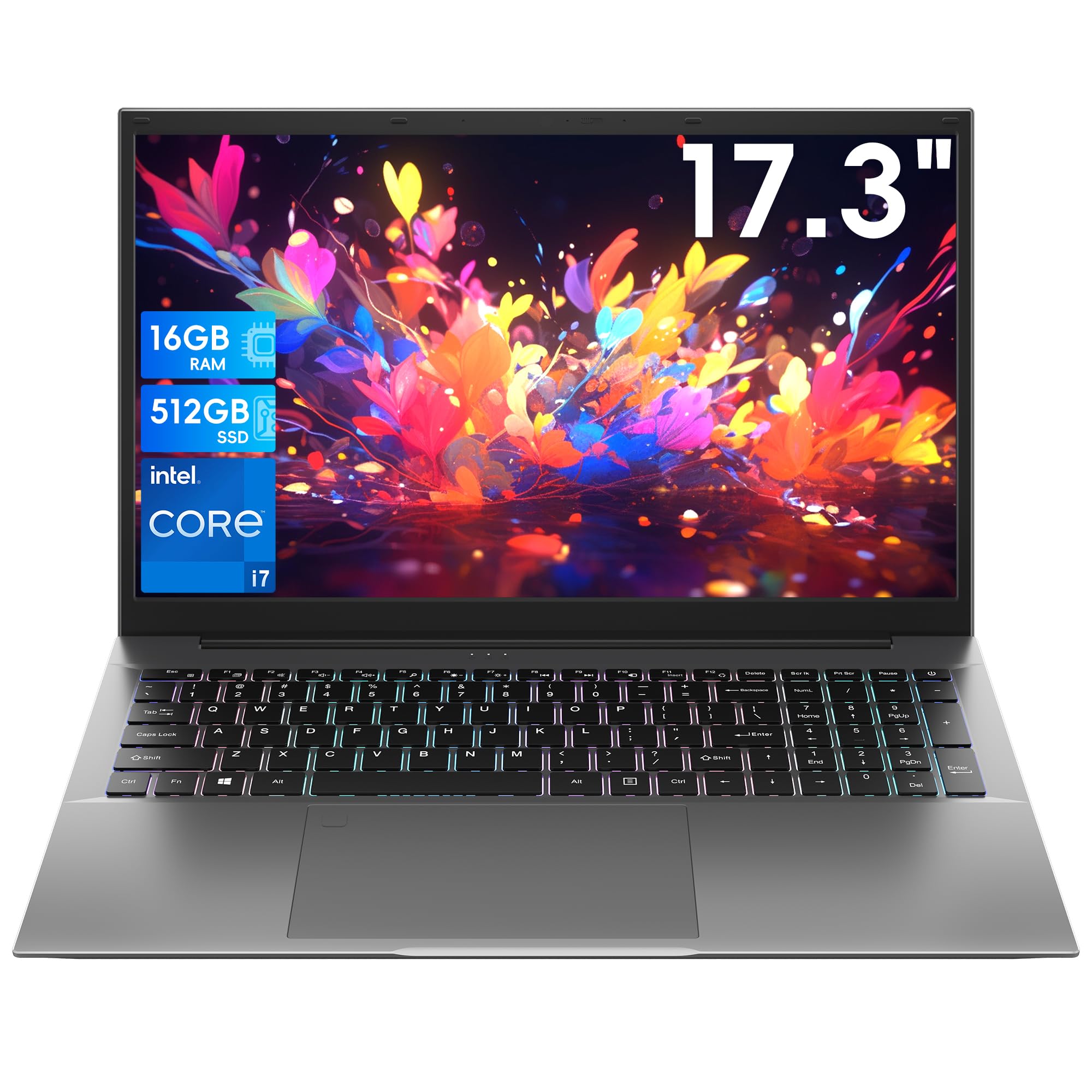
This BIRDPLAY is aimed at desk-bound professionals and students who want a massive screen without giving up thoughtful extras. The 17.3-inch 1080p FHD display supports a 180-degree opening, so you can lay it flat for easy content sharing in meetings or study groups. The Core i7-9750H processor runs up to 4.5 GHz with 6 cores and 12 threads, delivering smooth multitasking for heavy office work and daily entertainment.
The full-size keyboard includes an independent numeric keypad and adjustable backlighting, so spreadsheet entry and late-night typing both feel comfortable. A fingerprint reader built into the trackpad keeps your data secure with a quick touch. For connectivity, you get 3 USB 3.0 ports, a Type-C port with DP and PD support, and WiFi 6, which owners say provides reliable, lag-free performance. The built-in 10,000 mAh battery offers solid endurance, though customers note it sits around 4 to 7 hours depending on use.
Owner feedback is uniformly positive on the screen and performance, calling it great for everyday work, school, and coding. The honest downsides are its weight — it is heavy, so it is not ideal for constant travel — and integrated graphics only, meaning it is not a gaming machine. For a desk or office setup where you want a huge, crisp display and strong multitasking, this is a confident value pick.
Why owners love it: the large 17.3-inch display is crisp, and the i7 processor with 16GB RAM keeps everything running smoothly.
The honest limits: integrated graphics only and a heavier chassis make it a desk companion, not a travel laptop.
7. KAIGERR 2026 Laptop, 24GB DDR5 512GB SSD Intel Core i5
A lightweight 1.65kg machine with a rare 24GB of RAM for serious multitaskers.
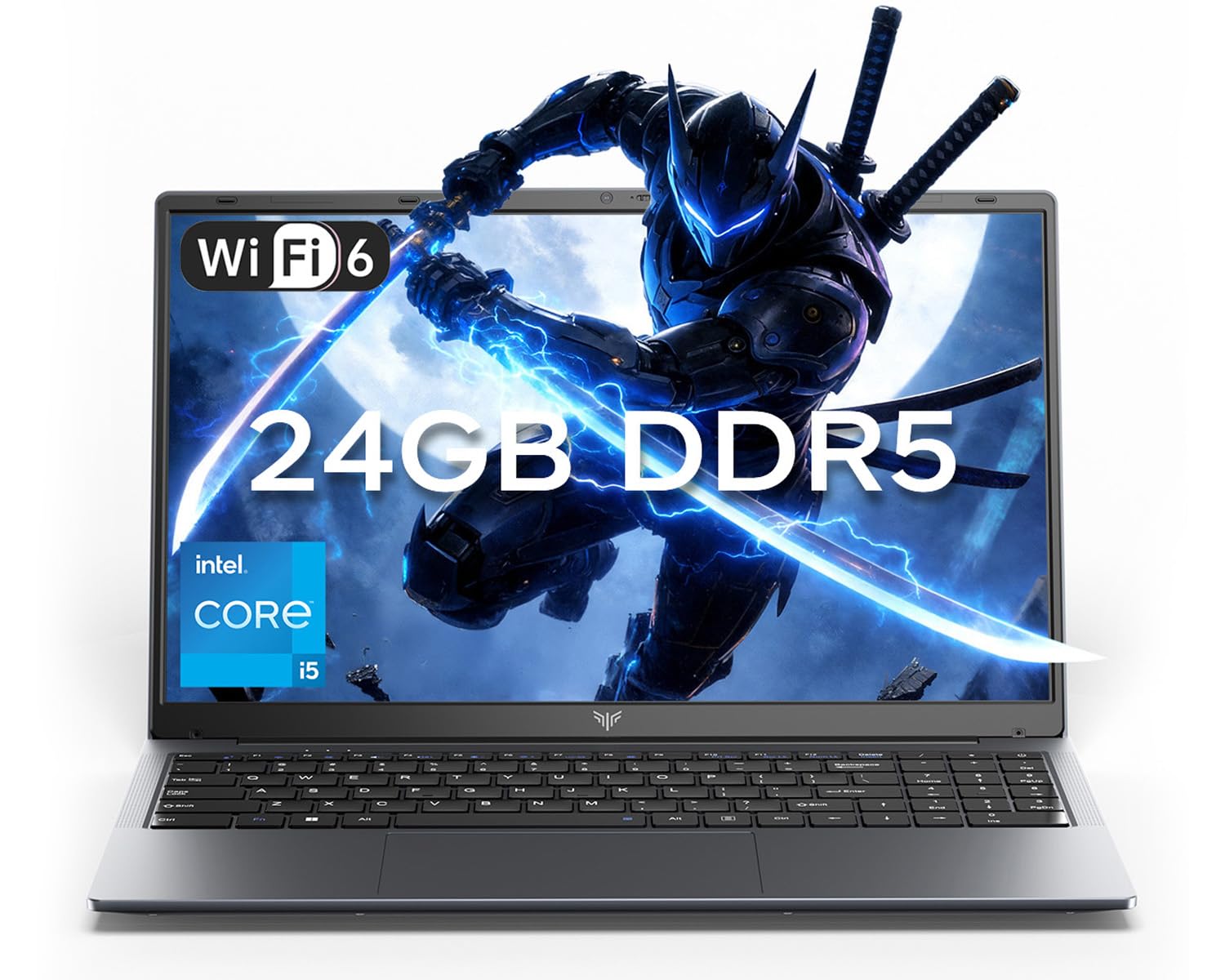
Here is a laptop that stands out on memory alone. The KAIGERR packs 24GB of LPDDR5 RAM in dual-channel configuration, which is more than most laptops in this price range and means you can run dozens of browser tabs, video calls, and documents without a stutter. The Intel Core i5-12600H processor brings 12 cores and 16 threads with an 18MB L3 cache, boosting up to 4.5 GHz for light gaming and demanding applications.
At just 1.65kg, it is genuinely portable for a 15.6-inch machine, making it easy for commutes and campus days. The 15.6-inch FHD display with a 180-degree hinge lets you share your screen easily with colleagues, and the 54.72Wh lithium-polymer battery is rated for 8 hours of mixed use. WiFi 6 and Bluetooth 5.2 keep your connection stable, while a 1MP webcam with a physical privacy switch protects you after calls.
Owners describe it as lightweight, quick to load, and built to not look cheap. The dual M.2 slots support up to 4TB total storage, so you can expand well beyond the included 512GB SSD. The occasional screen issue has been reported, but support responds within 12 hours to help. For anyone who juggles heavy multitasking and wants more RAM than the typical 16GB, this is a smart, future-proofed pick.
Why it stands apart
- 24GB LPDDR5 RAM handles extreme multitasking without slowdown
- Ultra-portable 1.65kg body for easy commuting
- Dual M.2 slots with support for up to 4TB storage
Consider this first
- Occasional screen issues reported, though support replies quickly
- Integrated graphics limit heavy gaming potential
Choose this when: your workflow demands more than 16GB of RAM and you want a light, expandable daily driver.
Skip if: you plan to play modern AAA games, since there is no dedicated graphics card.
8. Acer Aspire Go 15 AI Ready Laptop

The AI-ready performer with a dedicated Copilot key and solid Ryzen 7 muscle for daily loads.
This Acer is tuned for productivity in the age of AI helpers. It runs on the AMD Ryzen 7 7730U processor, boosting up to 4.5 GHz, with 16GB DDR4 memory and a 512GB PCIe Gen4 SSD for quick boot times. The dedicated Copilot Key on the keyboard gives you one-touch access to Microsoft’s generative AI assistant, letting you draft, summarize, and automate across apps more quickly.
The 15.6-inch FHD IPS display with a narrow bezel is sharp and detailed, and Acer’s BluelightShield lets you lower blue light to reduce eye strain during long sessions. A full-function USB Type-C port handles both charging and data, while WiFi 6 and HDMI 2.1 keep your connection fast and your external display crisp. Owners praise the smooth performance for music, video, multitasking, and even running games like Sims 4, Cities Skylines, and Roblox without disconnecting from WiFi.
The recurring complaint surfaces around audio — reviewers point out the sound is almost inaudible even at full volume, so a headset or external speaker is practically necessary. The keyboard backlight also shuts off after 30 seconds of inactivity, which some find annoying. If you can accept a quiet speaker and enjoy the idea of a built-in AI assistant, this Acer delivers polished performance and great value.
The core appeal: fast Ryzen 7 performance, a sharp FHD IPS screen, and one-touch Copilot access for AI-assisted work.
The real-world flaw: speakers are weak, so plan on headphones for anything louder than quiet background sound.
9. KAIGERR Gaming Laptop, 1TB NVMe SSD 16GB RAM
Double the storage of most rivals, paired with a capable Ryzen 7 for creators who hoard files.
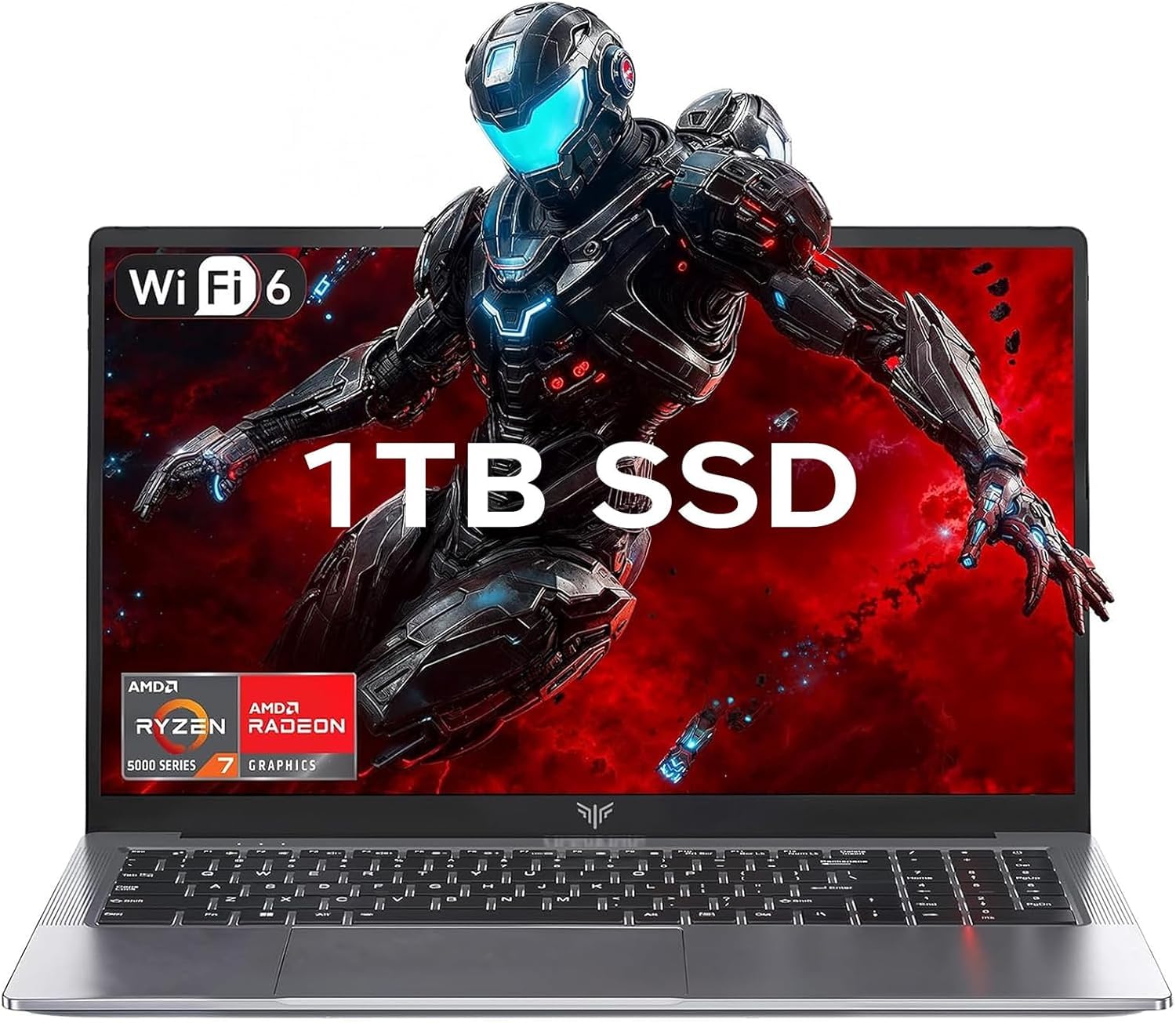
Storage is the headline here. The KAIGERR comes with a 1TB M.2 NVMe SSD, which is double what most laptops in this range offer and means you can keep your entire media library, projects, and applications installed without juggling an external drive. The AMD Ryzen 7 5825U processor with 8 cores and 16 threads boosts up to 4.5 GHz, delivering smooth browsing, fast load times, and high-quality visuals for creative work.
The 15.6-inch FHD IPS display offers a wide color gamut and high refresh rate for smoother motion and sharper detail than a standard panel. Owners describe the machine as looking slick, booting in a couple of seconds, and lasting almost a day on battery. The build features metal top and bottom plates, giving it a more premium feel than the plastic bodies found elsewhere at this price, and the bloat-free Windows 11 setup is a welcome change.
You should know there is no dedicated GPU, so this is not for serious gaming or CAD work — shoppers say it struggles with graphics-heavy tasks. Battery claims of 10 hours are optimistic; real-world use lands around 5 hours of medium use. Still, with 1TB of storage, a crisp FHD screen, and strong Ryzen 7 performance, this is a fantastic pick for creators and business users who want space and speed.
Biggest selling points
- 1TB NVMe SSD for massive storage from the start
- Metal build feels more premium than plastic rivals
- 8-core Ryzen 7 handles multitasking and light photo editing
Know the limits
- No dedicated GPU, so it struggles with CAD and demanding games
- Real-world battery is closer to 5 hours than the claimed 10
Reach for this if: you store lots of files and want a solid, metal-built Ryzen 7 machine for creative and business work.
Look elsewhere if: gaming or graphics-heavy software is a core part of your workflow.
10. Lenovo V15 Gen 4 Business Laptop, Intel Core i5-13420H

The business-minded pick with Windows 11 Pro and a wired Ethernet port for stable networks.
For work environments that demand security and stable connectivity, this Lenovo V15 ticks the professional boxes. It runs Windows 11 Pro, which adds business features like Group Policy, mobile device management, and kiosk mode on top of the standard Home experience. The Intel Core i5-13420H processor boosts up to 4.6 GHz with 8 cores and 12 threads, and the listing pitches it as a step above the i7-1355U for daily workloads.
The 15.6-inch FHD display is supported by a practical port selection: HDMI for external monitors, RJ45 for a wired Ethernet connection when WiFi is unreliable, and a numeric keypad for fast data entry. Owners call it fast, reliable, and well worth the money, with one noting it feels built to survive a “throw it in the bag and run” lifestyle. The webcam and dual USB-A ports round out a setup that handles office peripherals with ease.
The honest caveat is construction — the plastic material feels cheap to the touch, and performance feels a touch slower than a premium ThinkPad with similar specs. But for a business laptop at this price, the Windows 11 Pro license and wired networking options make it a compelling value for anyone who needs professional-grade software features on a budget.
Why it leads for business: Windows 11 Pro brings enterprise security features, and RJ45 ensures a stable wired connection.
The trade-off: the plastic chassis feels less premium than its ThinkPad siblings.
11. Lenovo V15 Laptop, AMD Ryzen 5 5500U

A sturdy, no-nonsense college laptop with a hexa-core chip and professional Windows 11 Pro.
This Lenovo V15 is a dependable choice for college work and light gaming. The AMD Ryzen 5 5500U hexa-core processor runs up to 4.0 GHz with 6 cores and 12 threads, which owners find very solid for coursework, Chrome browsing, and even running games like Fortnite and Rocket League with a controller. The 16GB RAM and 512GB PCIe NVMe SSD (a fast solid-state drive) keep startup fast and multitasking smooth.
As a business model, it ships with Windows 11 Pro, giving you extra management and security features not found on standard Home laptops. The durable textured plastic build earns praise for sturdiness, and the numeric keypad helps with data entry and spreadsheets. Owners describe it as a “quality laptop” that performs very well for the low price point, striking a strong balance of price and performance.
The weak points are the display and battery. Owners describe the screen quality as mediocre to poor, with some using night mode to fix a red hue, and battery life ranges widely — from about 45 minutes on heavy use to a couple of hours in power-save mode. The touchpad is also placed far left, causing occasional misclicks. For students who value durability, a great keyboard, and Windows 11 Pro on a budget, this remains a solid, honest pick.
What makes it a value
- Rugged textured build designed to survive daily campus life
- Windows 11 Pro included for extra security and management
- Handles light gaming like Fortnite and Rocket League
What holds it back
- Mediocre screen quality that some find disappointing
- Battery drains fast, especially under heavy use
Best for: college students who want a durable, dependable machine for coursework and light gaming on a budget.
Pass if: display quality and all-day battery are deal-breakers for you.
Understanding the Specs
Processor Boost Speed
This number, measured in gigahertz, tells you the maximum speed your CPU can reach under load. A higher boost speed, like 4.7 GHz versus 4 GHz, means faster handling of demanding tasks like video editing or heavy multitasking. For everyday browsing and office work, anything above 4 GHz is plenty.
Battery Life Rating
Manufacturer battery ratings, shown in hours, are measured under light, controlled conditions. Real-world use with a bright screen and multiple apps drains faster. A rated 8-hour battery often means 5 to 6 hours of actual mixed use, so treat these numbers as a ceiling, not a promise.
FAQ
Is a 17.3-inch screen worth the battery trade-off?
How much RAM do I really need in this price range?
Can these laptops handle gaming?
What is the difference between Windows 11 Home and Pro?
Should I worry about the battery life ratings being different?
Is an SSD worth it over a traditional hard drive?
Why do some laptops lack a backlit keyboard?
Can I upgrade the RAM or storage later?
What does a higher CPU boost speed actually mean for me?
Is a 120Hz display worth seeking out?
Final Thoughts: The Verdict
Across the board, the $700 laptop winner is the HP 17.3-inch because it delivers the biggest screen and the fastest 4.7 GHz boost speed in this group, making it the best all-around daily driver. If you want a full 9 hours of battery life and upgradeable RAM, grab the NIMO 15.6-inch. And for college students who value a huge anti-glare display on a budget, the HP 17.3-inch AMD is the one to reach for.
How We Picked
We do not accept paid placement. Every pick is matched to a real buyer and a real use-case; we do not hands-on test units.
Sources & Methodology
Specifications: manufacturer listings and product documentation. Review insights: verified customer reviews, as of August 2026. Pricing: not shown on this page (it changes often); check the current price via the retailer link.
As an Amazon Associate, Gadgets Feed earns from qualifying purchases. This does not affect which products we feature.