
Our readers keep the lights on and my morning glass full of iced black tea. As an Amazon Associate, I earn from qualifying purchases.
Specs are compiled from manufacturer listings and verified buyer reviews and can change over time — please confirm the key details on the product page before buying.
You want a PC that can run modern games and handle serious creative work, but you don’t want that big, noisy tower sitting under your desk. The solution is a new class of compact computer that squeezes an AMD Radeon 780M graphics chip into a tiny box, often smaller than a hardcover book. This integrated graphics processor, built on the RDNA 3 architecture, delivers performance that rivals many dedicated graphics cards, letting you play demanding titles at 1080p and edit 4K video from a near-silent, space-saving device.
I’m Min — the founder and writer behind Gadgets Feed. This guide is built by comparing the manufacturers’ published specifications and the patterns across verified customer reviews, so you get each pick’s real strengths and trade-offs instead of marketing spin.
The best 780m mini pc for you balances connectivity, memory speed, and cooling against your specific budget to deliver a desktop experience that finally outperforms its size.
Our Picks at a Glance
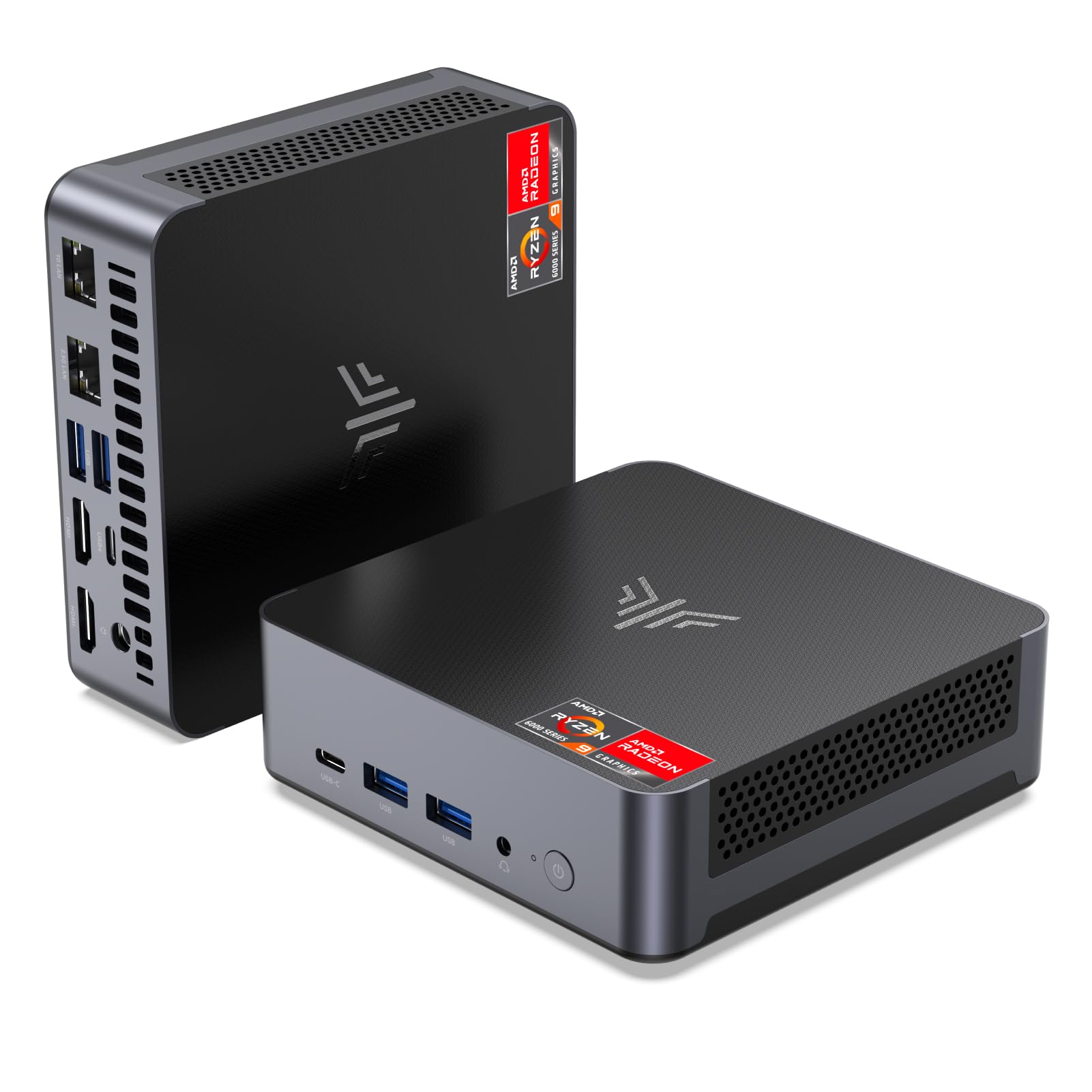

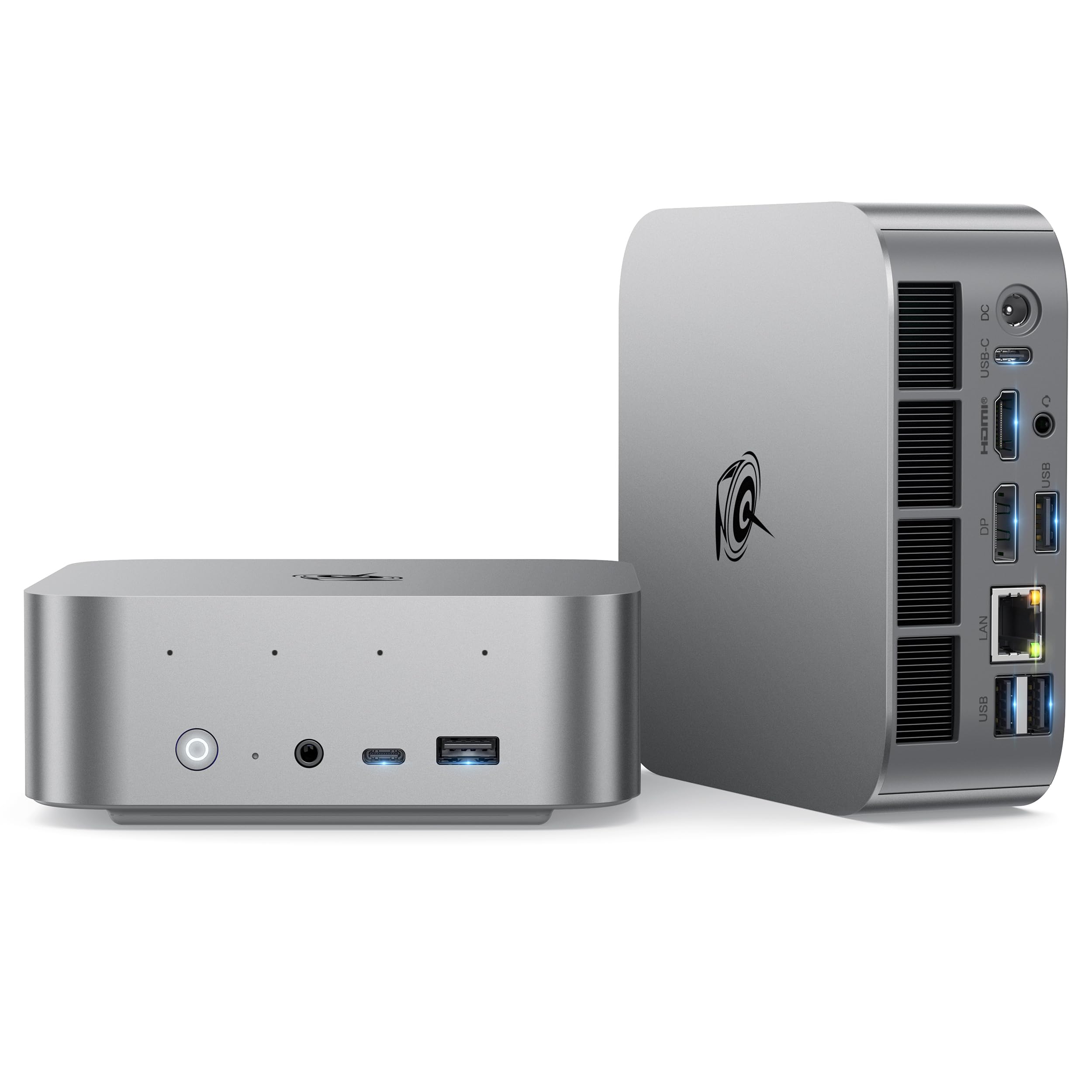
How To Choose The Best 780M Mini PC
A 780M Mini PC replaces your bulky desktop tower, but the raw power of the Radeon 780M graphics depends heavily on the parts surrounding it. You need to look at three things: the processor feeding it data, the speed of the memory it uses, and the ports it offers for screens and expansions.
The Processor and RAM Partnership
The Radeon 780M is an integrated GPU, meaning it shares your system memory. A processor like a Ryzen 7 8845HS or 7940HS paired with fast DDR5 RAM (5600MHz or higher) gives the graphics chip much better performance than a slower processor with slower memory. The 780M loves quick data; faster RAM directly means more frames in games.
Connectivity Shapes Your Setup
Look for a USB4 port, as it handles both high-speed data transfers (40Gbps) and video output. For serious gamers who want to add a desktop graphics card later, a machine with an OCuLink port is a big advantage — it offers a faster external connection than USB4 or Thunderbolt. Dual 2.5G LAN ports are a bonus if you plan to use the PC as a network server or video editor moving big files.
Quick Comparison
| Model | Best For | Processor / Speed | RAM | Display Output | Amazon |
|---|---|---|---|---|---|
| KAMRUI AM21★ Best Overall | Highest Native Resolution | Ryzen 7 8745HS / up to 4.9 GHz | 32GB DDR5 | 5120 x 2880 via USB4 | Amazon |
| MINISFORUM UM870 SlimAlso Great | Compact 8K Power | Ryzen 7 8745H / up to 5.0 GHz | 32GB DDR5 | 8K@60Hz via USB4 & HDMI | Amazon |
| Beelink SER9 ProSilent Powerhouse | Ultra-Silent AI Work | Ryzen 7 H255 / up to 4.9 GHz | 24GB LPDDR5X | 4K@240Hz via USB4 | Amazon |
| GMKtec K8 Plus | High-Capacity Storage | Ryzen 7 8845HS / up to 5.1 GHz | 32GB DDR5 | 8K via HDMI 2.1 | Amazon |
| MINISFORUM UM880 Plus | External GPU Expansion | Ryzen 7 8845HS / up to 5.1 GHz | 32GB DDR5 | 8K@60Hz via USB4 & HDMI | Amazon |
| GMKtec K12 | Triple Storage Expansion | Ryzen 7 H 255 / up to 4.9 GHz | 32GB DDR5 | 8K via HDMI 2.1 | Amazon |
| BOSGAME M4 Neo | eGPU-Ready Gaming | Ryzen 7 7840HS / up to 5.1 GHz | 32GB DDR5 | 5120 x 2880 via USB4 | Amazon |
| ACEMAGIC Retro X3 | Stylish Retro Gaming | Ryzen 7 H 255 / up to 4.9 GHz | 16GB LPDDR5 | 8K via DP2.0 & HDMI | Amazon |
| GEEKOM A7 MAX | Best Processor Speed | Ryzen 9 7940HS / up to 5.2 GHz | 16GB DDR5 | 4K via USB4 & HDMI | Amazon |
| GEEKOM AX8 Max | Silent Operation & Speed | Ryzen 7 8745HS / up to 4.9 GHz | 16GB DDR5 | 8K via USB4 & HDMI | Amazon |
| Getorli 8745HS | Budget Quad-Display Work | Ryzen 7 8745HS / up to 4.9 GHz | 16GB DDR5 | 3840×2160 via USB4 | Amazon |
In‑Depth Reviews
1. KAMRUI AM21
Our pick — over 4★ from 2,000+ verified ratings; the strongest balance of quality and price.
Pushes more pixels than any other, supporting a native resolution of 5120 x 2880.
The AM21 is powered by a Ryzen 7 8745HS processor (up to 4.9 GHz) and comes with a generous 32GB of DDR5 5600MHz RAM plus a 1TB PCIe 4.0 SSD. Its max display resolution of 5120 x 2880 beats the Getorli model’s 3840×2160 by a 33% pixel gap, making it ideal for users with ultra-wide 5K monitors. The RAM speed at 5600 MHz is also 17% faster than the Getorli’s 4800 MHz memory, giving the 780M more bandwidth to work with.
The USB4 port supports up to 40Gbps data transfer and can deliver 100W of power delivery (PD) to a laptop. You also get dual Gigabit Ethernet ports (1Gbps each) and Bluetooth 5.2, which is slightly older than the Bluetooth 5.3 found on the Getorli. KAMRUI offers round-the-clock dedicated technical support for this machine. One trade-off is that it does not support SATA SSDs, so all expansions must use the M.2 NVMe slots.
For the pixel enthusiast: Choose the AM21 if you have a 5K monitor and want the best resolution support, but the Bluetooth 5.2 and single-speed Ethernet ports mean it is less future-proof for networking than some rivals.
2. MINISFORUM UM870 Slim
A sliver of metal that delivers desktop-grade 8K visuals without the fan noise.
This mini PC uses an AMD Ryzen 7 8745H processor that can boost up to 5.0 GHz, paired with 32GB of DDR5 RAM. For your screens, it supports a resolution of 7680×4320 (that is 8K) through both its HDMI 2.1 and USB4 ports, so you are ready for the sharpest monitors without any fuss.
The active cooling system uses phase-change material to handle heat, and the manufacturer says it keeps noise below 35dB even under load. Buyers report that this slim unit stays impressively cool during long work sessions. Unlike the GMKtec K12 which comes with 512GB, the UM870 Slim includes a 512GB PCIe 4.0 SSD, but it has two SSD slots that support up to 4TB total if you need more space.
Decision pick: The MINISFORUM UM870 Slim is the complete package for anyone wanting a near-silent, 8K-capable mini PC with a great out-of-box memory setup and top-tier build quality.
3. Beelink SER9 Pro
A near-silent AI PC that packs a microphone and speakers right inside its case.
This machine runs on the latest AMD Ryzen 7 H255 processor (up to 4.9 GHz) and features 24GB of LPDDR5X RAM clocked at a very fast 6400MT/s. That faster memory gives the Radeon 780M a noticeable boost in gaming, letting you run titles like Forza Horizon 5 at higher settings. It supports triple displays with one capable of a smooth 4K@240Hz refresh rate through its USB4 port.
The MSC2.0 cooling system keeps the noise at just 32dB (quieter than a library) while maintaining a full 65W TDP (the power the processor can pull). A standout feature is the built-in microphone with AI noise reduction and dual speakers, so you can take Zoom calls without plugging in any extra gear. Beelink also backs this with a 3-year warranty, which is longer than most rivals offer.
Silent workhorse: Reach for the Beelink SER9 Pro if you need a whisper-quiet, AI-ready PC for video calls and creative work, but note its 24GB RAM is not user-upgradeable since it is soldered LPDDR5X.
4. GMKtec K8 Plus
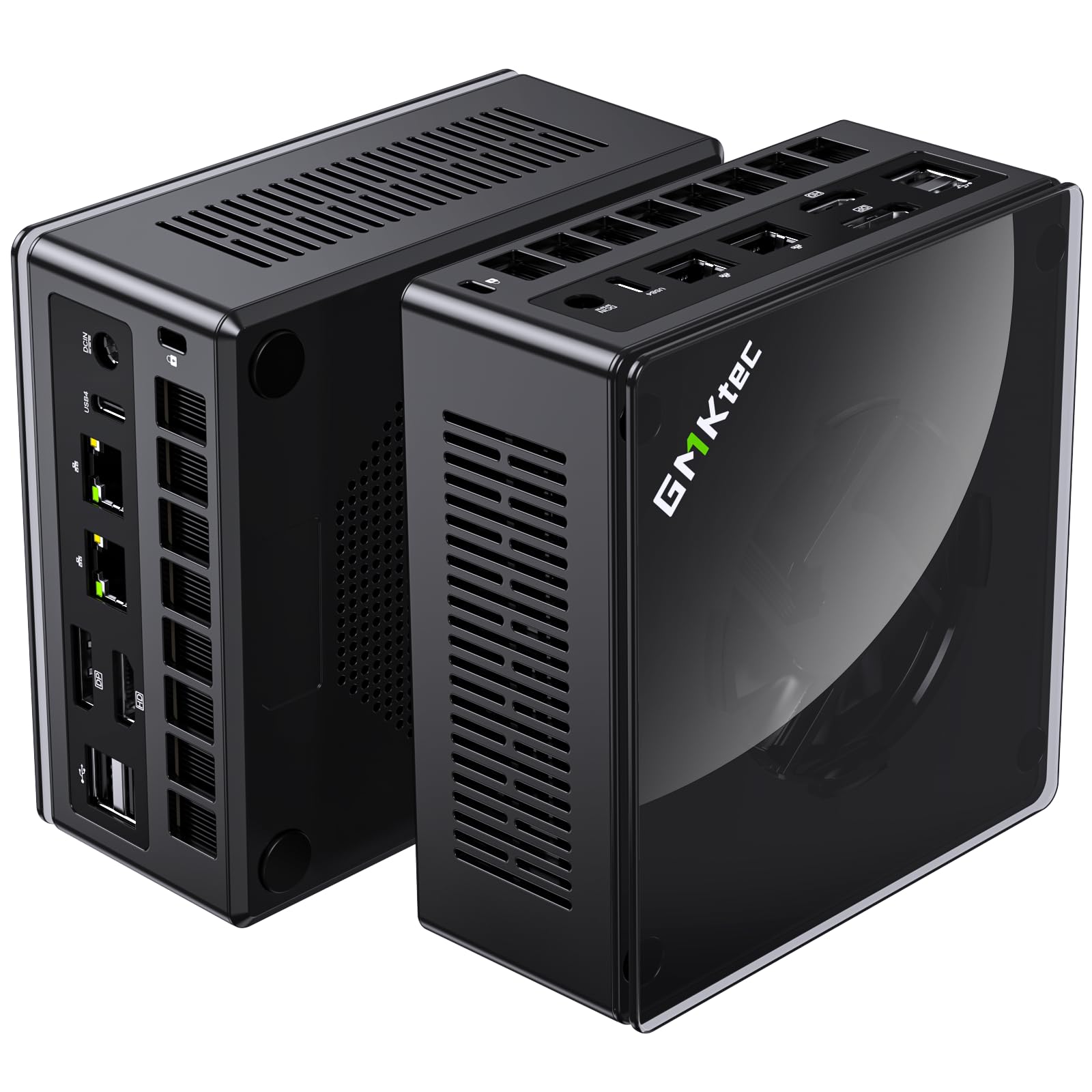
A gaming beast that comes with a full 2TB SSD right from the start.
The K8 Plus uses an AMD Ryzen 7 8845HS processor that boosts to 5.1 GHz and comes fitted with 32GB of DDR5 RAM (5600MHz) plus a 2TB PCIe 4.0 SSD. This massive storage means you can install a huge library of games without needing an upgrade immediately. The Radeon 780M here runs at up to 2700MHz, making titles like Cyberpunk 2077 playable at minimum settings and games like FIFA 23 smooth at 1080p.
You get three performance modes: Silent at 35W, Balanced at 54W, and Performance at a peak 70W. The dual-fan system with VC heat pipes keeps temperatures stable during long sessions. It also includes an OCuLink port for connecting an external GPU later, a feature that puts it ahead of the KAMRUI AM21 which lacks this port. GMKtec offers a 1-year limited warranty on this model.
What stands out
- 2TB SSD storage is double what most rivals offer at this level
- OCuLink port for future external GPU upgrades
- Three adjustable performance modes for balancing noise and power
One thing to check
- Gen1 model has a glossy top cover that shows fingerprints easily
5. MINISFORUM UM880 Plus

The mini PC built for those who want to add a real graphics card later.
This model runs the newer Ryzen 7 8845HS processor (up to 5.1 GHz) and comes with 32GB of DDR5 RAM and a 1TB PCIe 4.0 SSD. The Radeon 780M here clocks up to 2.7GHz. Its key advantage is the OCuLink port, which gives you a PCIe 4.0 x4 connection for an external GPU. The maker says this is faster than Thunderbolt 4 or USB4 for adding a graphics card, so you can double your gaming power down the road.
For displays, you get triple output via HDMI 2.1 (8K@60Hz), USB4 (8K@60Hz), and DisplayPort 1.4 (4K@120Hz). The UM880 Plus beats the GEEKOM A7 Max on RAM capacity from the start — 32GB versus 16GB — making it a better choice for heavy multitasking. An OCuLink adapter is included in the box.
Future-proof pick: Grab the UM880 Plus if you plan to drop in a powerful external GPU in a year or two, but remember using the OCuLink port disables one of the M.2 SSD slots.
6. GMKtec K12

A storage monster with three SSD slots and glowing RGB lights inside.
The GMKtec K12 features the upgraded Ryzen 7 H 255 processor (up to 4.9 GHz) and 32GB of DDR5 5600MHz RAM. Its real a neat extra is three M.2 2280 slots, each supporting up to 8TB, for a total potential storage of 24TB. This makes it a great choice for a media server or a massive game library. The Radeon 780M here runs up to 2600 MHz and supports 8K output via HDMI 2.1.
You get an OCuLink port and dual 2.5GbE LAN ports. The dual-fan cooling system includes 13 RGB lighting modes, which you can turn off if you prefer a stealth look. Owners mention that the quiet mode runs at just 35dB.
For the data hoarder: The K12 is your best bet if you need massive internal storage (up to 24TB), but the included 512GB drive means you will likely need a second purchase right away.
7. BOSGAME M4 Neo

A navy-blue box that connects to eGPUs and runs CS:GO at 120+ FPS.
The M4 Neo uses a Ryzen 7 7840HS processor (up to 5.1 GHz) and ships with 32GB of DDR5 RAM plus a 1TB PCIe 4.0 SSD. Its Radeon 780M is paired with Intel’s AX210 WiFi 6E chip for the fastest wireless standard. It includes both a USB4 port (40Gbps) and an OCuLink port, giving you two paths to connect an external graphics card. The maker says it runs CS:GO at 120+ FPS and handles titles like GTA V and League of Legends easily.
The cooling uses copper tubes and high-spec silicone grease, which customers note keeps the CPU from throttling under load. It supports triple display output and offers two slots for RAM expansion up to 64GB. BOSGAME includes a lifetime after-sales service promise, plus a 1-year warranty on the whole machine and a 3-year warranty on parts.
The budget eGPU path: If you want a capable mini PC with dual eGPU connection options and strong Wi-Fi, the M4 Neo delivers, though you will need to add your own external GPU if you want to play AAA titles at maximum settings.
8. ACEMAGIC Retro X3
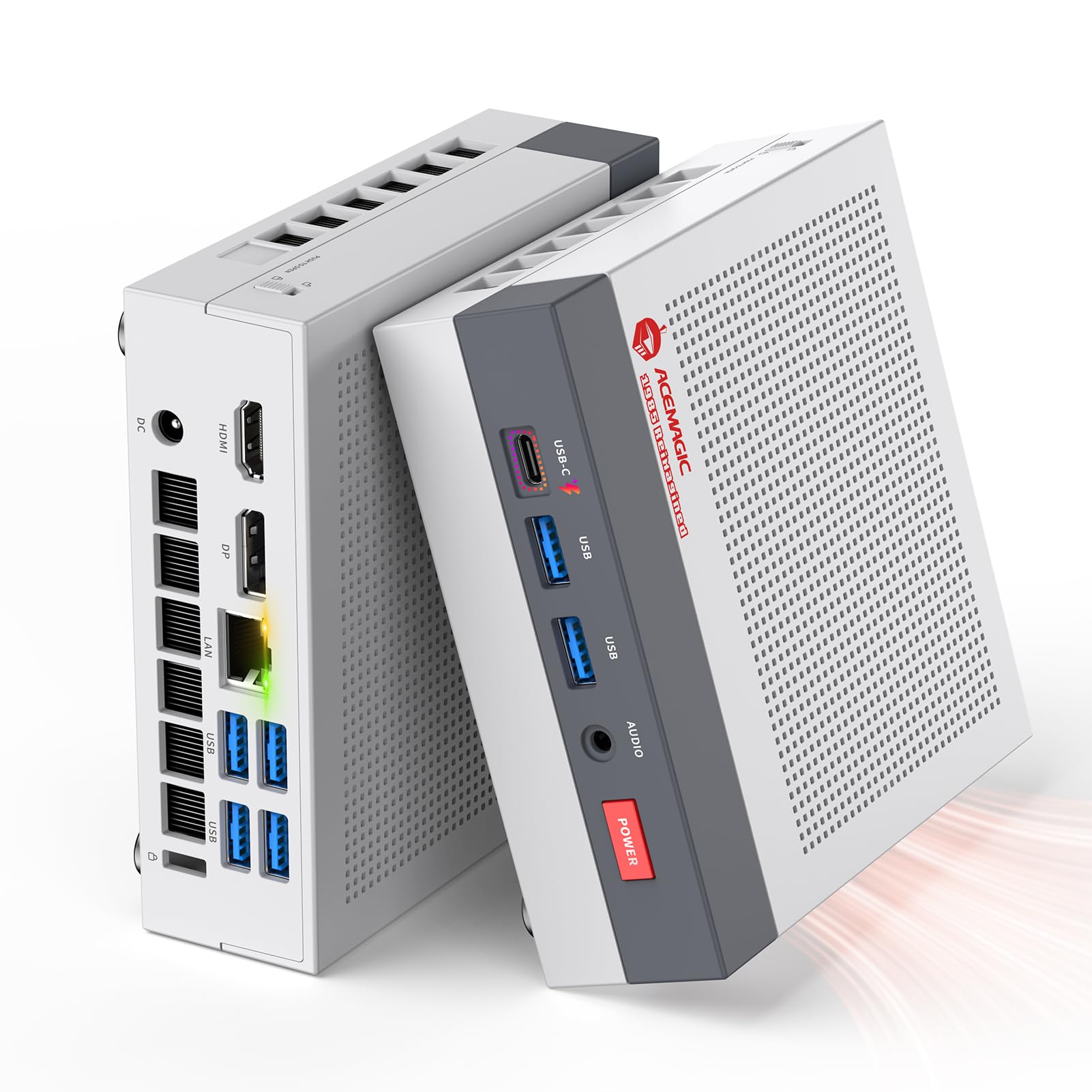
A gray box that looks like a classic game console but runs modern 8K displays.
The Retro X3 uses a Ryzen 7 H 255 processor (up to 4.9 GHz) set to a full 54W TDP for sustained performance. It features 16GB of LPDDR5 RAM (soldered to the board, so not upgradeable) and a 1TB NVMe SSD. The Radeon 780M runs its 12 compute units at 2600MHz. ACEMAGIC claims the 780M delivers about 8 times the frame rate of older Vega 2 graphics and scores around 55% higher than Intel Iris Xe in benchmarks.
This is the only model in this list with a DisplayPort 2.0 output. It also has 6 USB-A 3.2 ports, a USB4 Type-C port, and a 2.5Gbps Ethernet jack. The dual-fan cooling system uses a full copper fin module for heat dissipation. ACEMAGIC backs this with a 2-year warranty, better than most 1-year policies. The RAM is not upgradeable, so choose this only if 16GB meets your needs now.
Style plus substance: The Retro X3 stands out on any desk and delivers strong 1080p gaming, but its soldered 16GB RAM means you cannot upgrade memory later.
9. GEEKOM A7 MAX
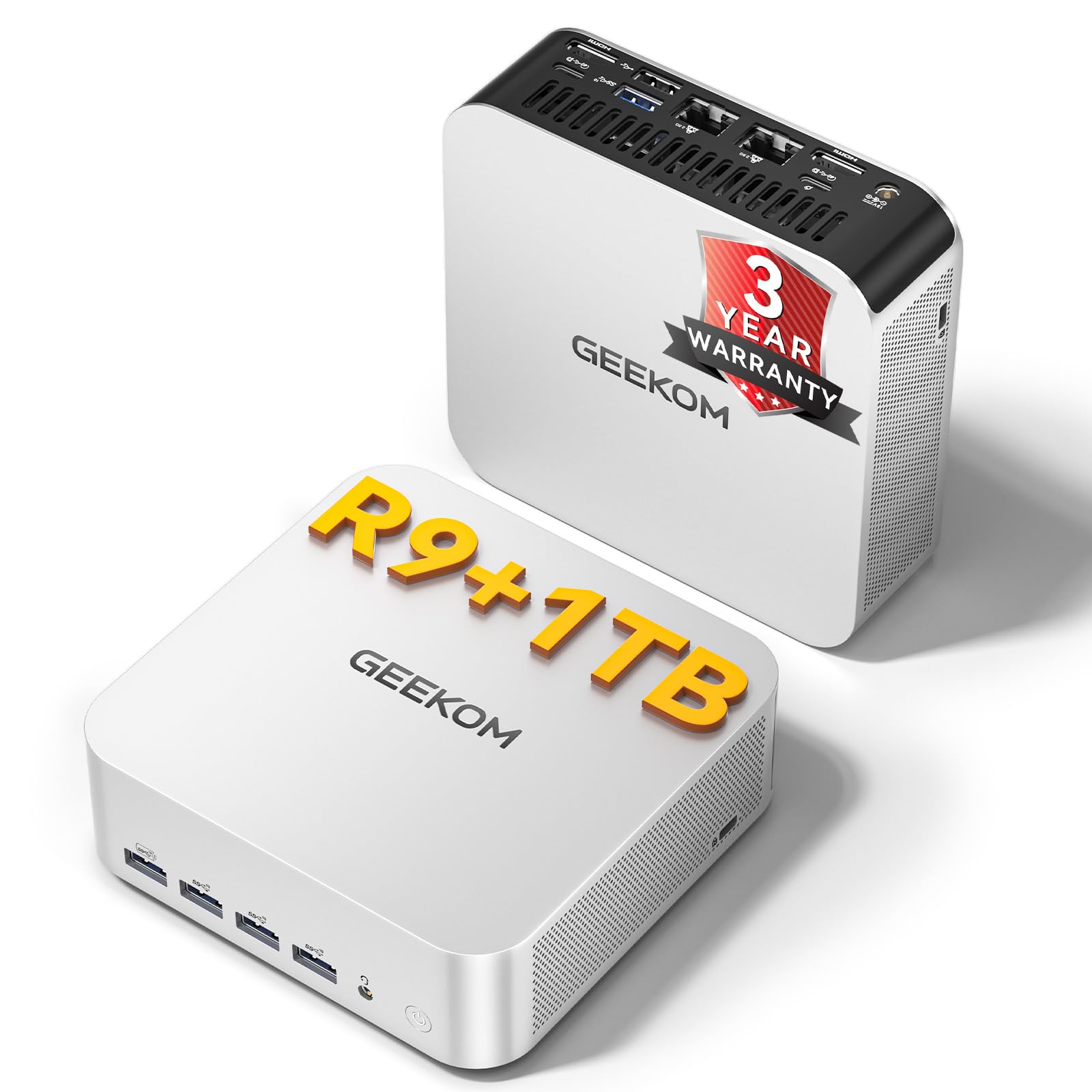
The only mini PC here with a Ryzen 9 chip, pushing past 5 GHz.
The A7 MAX uses an AMD Ryzen 9 7940HS processor with a maximum boost clock of 5.2 GHz, making it 6% faster in peak speed than the Ryzen 7 8745HS models. It comes with 16GB of DDR5 RAM (one slot used, one free) and a 1TB M.2 NVMe Gen4x4 SSD. The Radeon 780M here includes ray tracing support for smooth 1080p AAA gaming, plus Ryzen AI acceleration for video editing in DaVinci Resolve.
GEEKOM’s IceBlast 2.0 cooling system uses dual copper heat pipes and a fan running under 36dB. The company claims it delivers 210% better thermal conductivity than standard coolers. The all-aluminum chassis has dual 40Gbps USB4 ports, dual HDMI 2.0 ports, and a UHS-II SD card slot. This PC also comes with a 3-year coverage policy, which is industry-leading. Reviewers point out that the RAM configuration means you only get single-channel memory from the start, which can limit the 780M’s performance slightly until you add a second stick.
Top features
- Fastest processor in this list at 5.2 GHz boost
- Ryzen AI for accelerated video editing
- 3-year warranty and coverage
Consider this
- Comes with only 16GB in single-channel mode; you will want to add a second stick for full gaming performance
10. GEEKOM AX8 Max
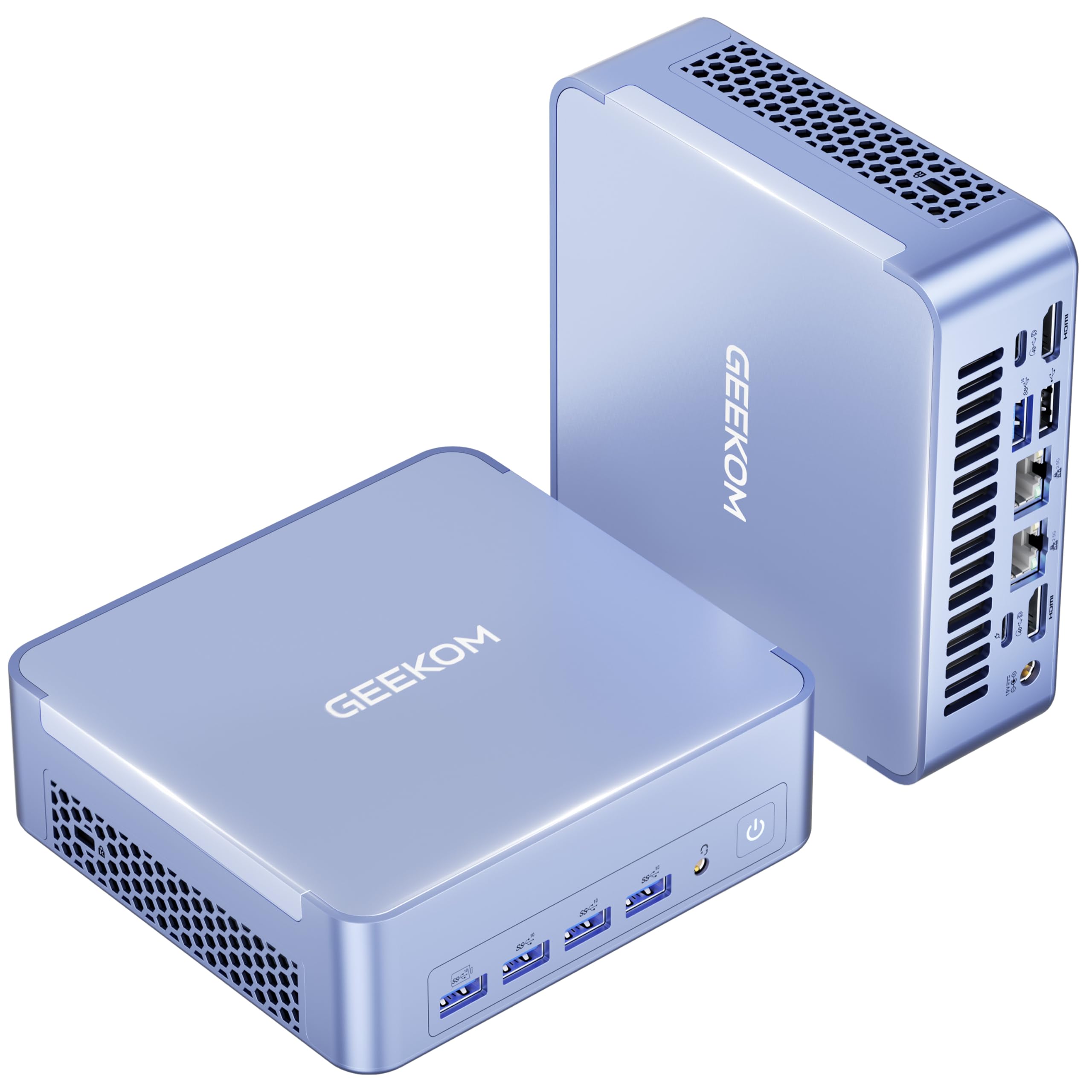
An aircraft-grade aluminum chassis that stays quiet while running AAA games.
The AX8 Max is an Amazon’s Choice pick for mini PCs. It uses a Ryzen 7 8745HS processor (up to 4.9 GHz) with 16GB of DDR5 RAM and a 1TB SSD. GEEKOM’s IceBlast 2.0 cooling system targets silent operation, claiming 50% less noise than traditional mini PCs even under heavy loads. This is important for a home server or a bedroom gaming setup. It can drive up to four 8K displays via its two USB4 ports and HDMI.
The frame is precision CNC-machined from aircraft-grade aluminum for both strength and heat dissipation. It offers three performance modes: Quiet, Normal, and Performance. The dual 2.5GbE LAN ports allow for link aggregation or building a lightweight NAS. The power supply is included in the box. Shoppers say that the 16GB RAM is fine for most tasks but you may want to upgrade if you plan heavy video editing or virtual machines.
Quiet and classy: The AX8 Max is the best choice for noise-sensitive environments and looks premium doing it, though power users will want to upgrade the 16GB RAM pool.
11. Getorli 8745HS
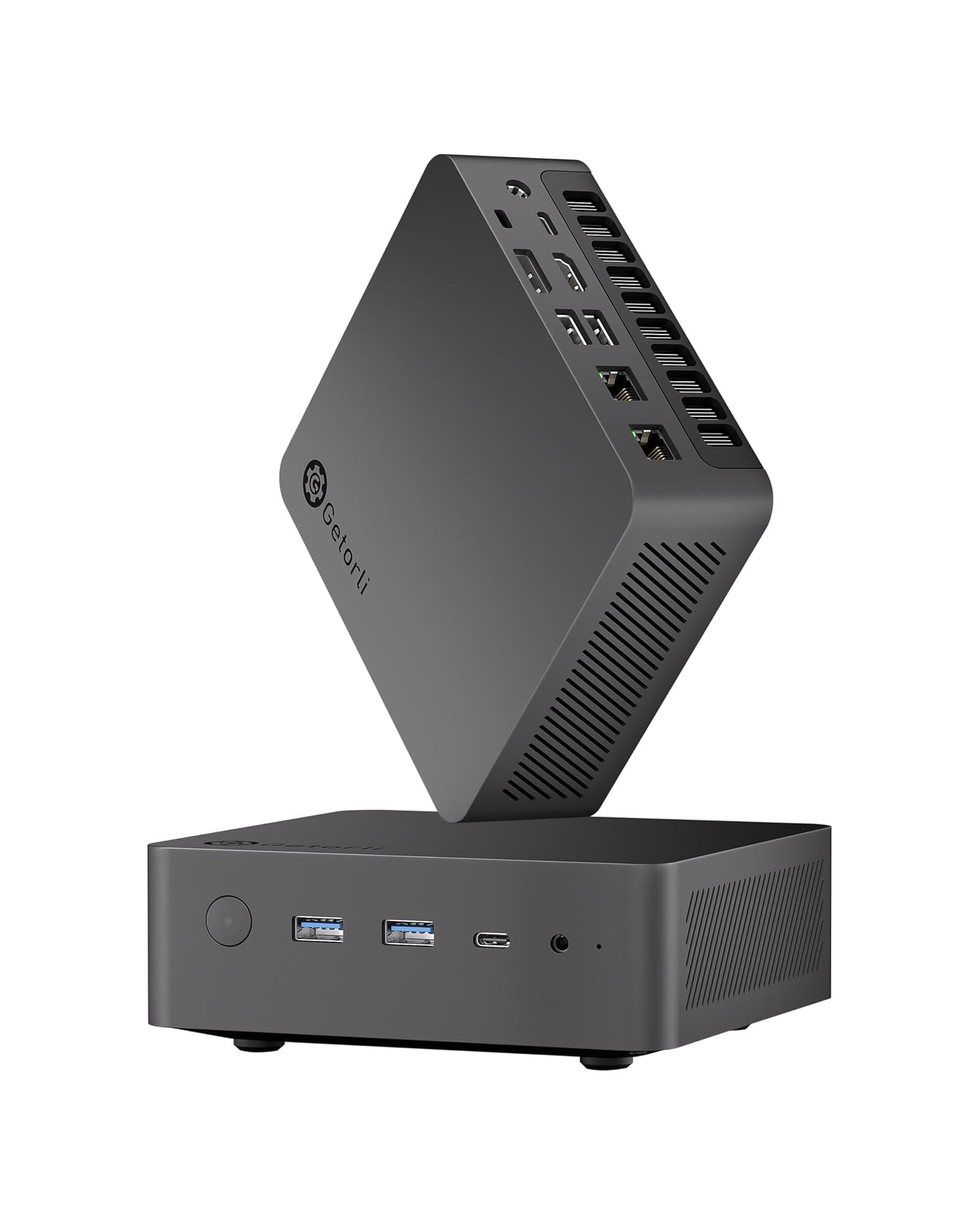
An entry-level 780M machine that supports four 4K monitors at once.
This computer runs on the Ryzen 7 8745HS processor with 16GB of DDR5 RAM (4800MHz) and a 1TB PCIe 4.0 SSD. While the 16GB RAM is a 50% reduction compared to the MINISFORUM UM870 Slim’s 32GB, it still lets you run office tasks and light gaming. The Radeon 780M here supports a maximum resolution of 3840×2160 across four displays via dual USB4, HDMI 2.1, and DP 1.4 ports. This makes it a good fit for a trading desk or complex data analysis setup.
It features Bluetooth 5.3, which is the latest standard and a 2% generation ahead of the Bluetooth 5.2 found on the KAMRUI AM21. The cooling uses dual copper heat pipes and a low-noise fan to keep things quiet. Getorli includes a 1-year warranty and VESA mount in the box. The system supports dual-channel memory expansion up to 256GB if you want to upgrade later.
Budget workspace: Perfect for running multiple spreadsheets or monitoring dashboards on four screens, but the slower 4800MHz RAM and 16GB capacity mean it is less suited for heavy gaming or video editing.
Understanding the Specs
RAM Speed & Capacity
The Radeon 780M is an integrated GPU, so it uses your system’s RAM as video memory. Faster RAM speeds (like DDR5 5600MHz or LPDDR5X 6400MT/s) feed data to the graphics chip quicker, which directly increases game frame rates. Higher capacity (32GB vs 16GB) lets you run more demanding applications and keep many browser tabs open without slowdown. A machine with 32GB of 5600MHz RAM will game significantly better than one with 16GB of 4800MHz RAM, even if both use the same 780M graphics.
OCuLink vs USB4
Both ports let you connect external devices like a desktop graphics card. OCuLink is a direct PCIe 4.0 x4 connection, which offers lower latency and higher bandwidth than USB4 (which is limited by Thunderbolt 3 compatibility). For gaming on an external GPU, OCuLink gives you about 10-15% more performance compared to USB4. However, OCuLink ports usually are not hot-swappable — you should power down the PC before plugging or unplugging a device. USB4 is more versatile for docks, monitors, and data transfers.
Display Support
Look at the maximum resolution and port types a mini PC supports. HDMI 2.1 can handle 8K@60Hz, while DisplayPort 2.0 (found on the ACEMAGIC Retro X3) supports even higher refresh rates at 8K. USB4 can also drive 8K displays. If you plan to run a single high-resolution monitor (like 5K or 8K), check the product’s max resolution. If you want multi-monitor setups (trading, editing), make sure the PC can drive the number of displays you need, often listed as quad display.
Cooling Solutions
Mini PCs pack a lot of power into a small space, so heat management is critical. A good cooling system lets the processor and 780M maintain high clock speeds without slowing down (throttling). Look for models with dual copper heat pipes, phase-change materials, or larger heat sinks. Noise levels are often given in decibels (dB) — a system running under 36dB is very quiet, while 35-40dB is typical. Some units offer multiple fan modes to prioritize silence or performance.
FAQ
Can the Radeon 780M play AAA games like Cyberpunk 2077?
What is the difference between OCuLink and USB4 for connecting an external GPU?
How much RAM do I need in a 780M Mini PC for gaming?
Will a 780M Mini PC work with my 4K monitor?
Can I upgrade the RAM and storage in a 780M Mini PC?
Is a 780M Mini PC good for video editing?
What does the “MSC2.0” cooling system mean on the Beelink SER9 Pro?
Does a 780M Mini PC have built-in Wi-Fi and Bluetooth?
How does the Radeon 780M compare to older integrated graphics like the Radeon 680M?
Can I use a 780M Mini PC as a home server or NAS?
Final Thoughts: The Verdict
For most people, the best 780m mini pc winner is the MINISFORUM UM870 Slim because it delivers a strong balance of 8K display support, quiet cooling, and 32GB of fast RAM from the start. If you want the absolute fastest processor with AI features for video editing, grab the GEEKOM A7 MAX. And for the user planning to add an external GPU later or needing massive storage expansion, the standout is the MINISFORUM UM880 Plus or the GMKtec K12.
How We Picked
We do not accept paid placement. Every pick is matched to a real buyer and a real use-case; we do not hands-on test units.
Sources & Methodology
Specifications: manufacturer listings and product documentation. Review insights: verified customer reviews, as of July 2026. Pricing: not shown on this page (it changes often); check the current price via the retailer link.
As an Amazon Associate, Gadgets Feed earns from qualifying purchases. This does not affect which products we feature.